
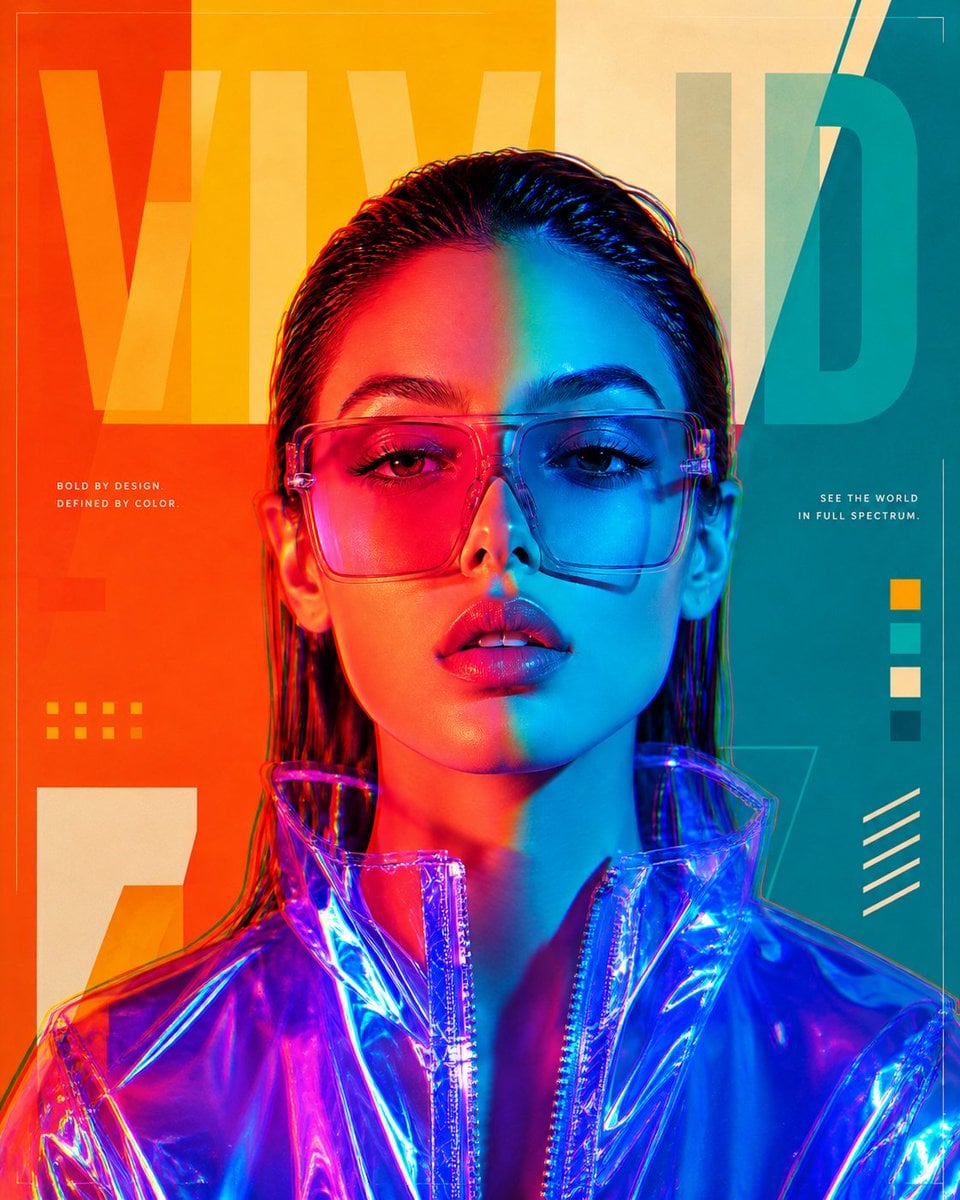
Futuristic Split-Lighting Editorial Poster
A collection of prompts for digital art posters featuring holographic fashion, dramatic dual-tone lighting, and geometric asymmetric backgrounds.
- Prompt included
- Model and format preset
- Free template
The prompt behind this image
Copy the exact prompt behind Futuristic Split-Lighting Editorial Poster, or open it in the studio and make it yours.
Wide digital art poster composition, {argument name="subject" default="woman in blue holographic jacket with pink sunglasses"}, dramatic warm-cool split face lighting, geometric asymmetric color-block background in orange, yellow, teal and cream, large bold semi-transparent typography spanning the background panels, subtle glitch/chromatic aberration accent, clean negative space for caption or logo, futuristic editorial poster design, vertical 4:5 composition --ar 4:5 --v 6 Same split color-gel editorial portrait concept with alternate color palette, left half of face in electric lime-green warm light, right half in deep violet-purple cool light, geometric background panels in matching green, purple, black and white, pink sunglasses replaced with clear iridescent frames, blue holographic jacket replaced with silver metallic collar, same RGB chromatic aberration detail, same sleek wet hair and direct eye contact, futuristic editorial art poster, vertical 4:5 --ar 4:5 --v 6 High-fashion digital art portrait, young woman with sleek wet-slicked back dark hair, sharp direct eye contact with camera, soft parted lips, wearing large transparent pink square sunglasses blending both warm and cool light tones, blue holographic PVC jacket collar visible at bottom, face dramatically split into two color temperatures using overlapping color gel lighting, left half of face bathed in deep magenta-red-orange warm light, right half in electric cyan-blue cool light, geometric color-block background panels in bold orange, golden yellow, teal, and cream arranged asymmetrically behind subject, subtle chromatic aberration RGB split effect on face edges, large bold semi-transparent white typographic word "VIVID" in upper left yellow panel area, clean graphic poster aesthetic, ultra high detail on skin and sunglasses texture, vertical 4:5 composition, futuristic editorial art poster --ar 4:5 --v 6
How to use Futuristic Split-Lighting Editorial Poster in 3 steps
- 1
Open
The prompt is already in the box next to the preview, with the template's model and format selected.
- 2…a portrait of your subject in softgolden-hour light, 85mm…
Personalize
Edit the subject and creative details for your destination.
- 3Generate
Generate
Press Generate — your image is created in PicX Studio, so you can compare it with the original and refine one variable at a time.
More like this
Templates with the same subject, style or setup. Open one to see its prompt.
Urban Fashion Editorial Collage Poster
Typography Mask Editorial Fashion Poster
Futuristic Chrome Helmet Fashion Portrait
Futuristic Chrome Helmet Fashion Portrait
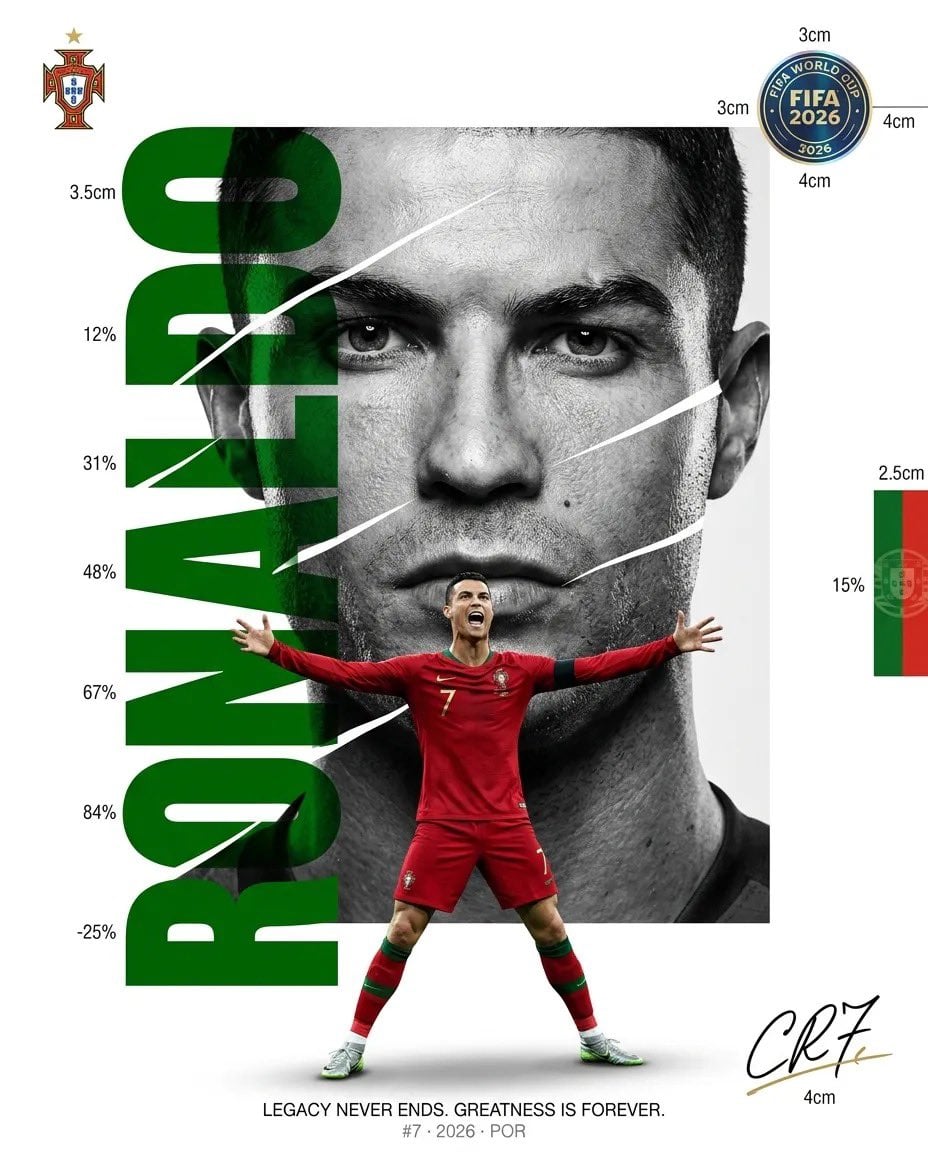
Luxury Sliced Wordmark Player Poster
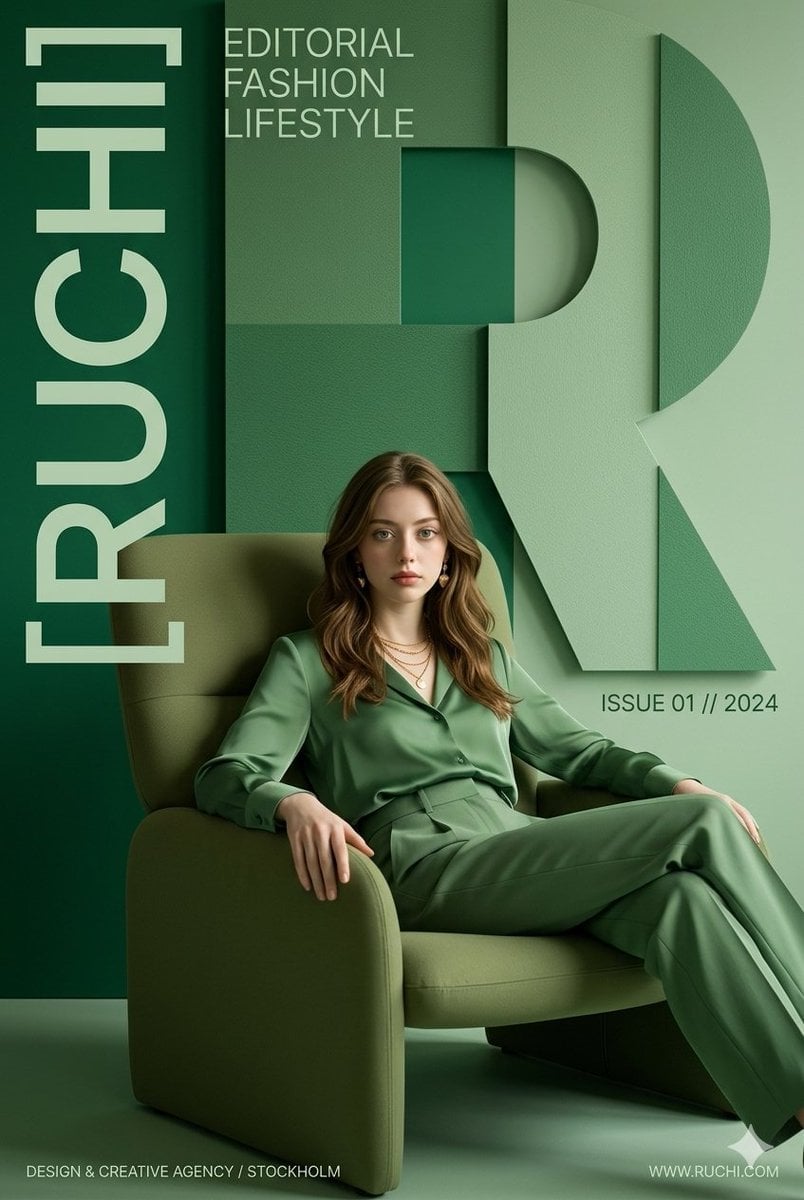
Premium Editorial Branding Poster Charcoal Green
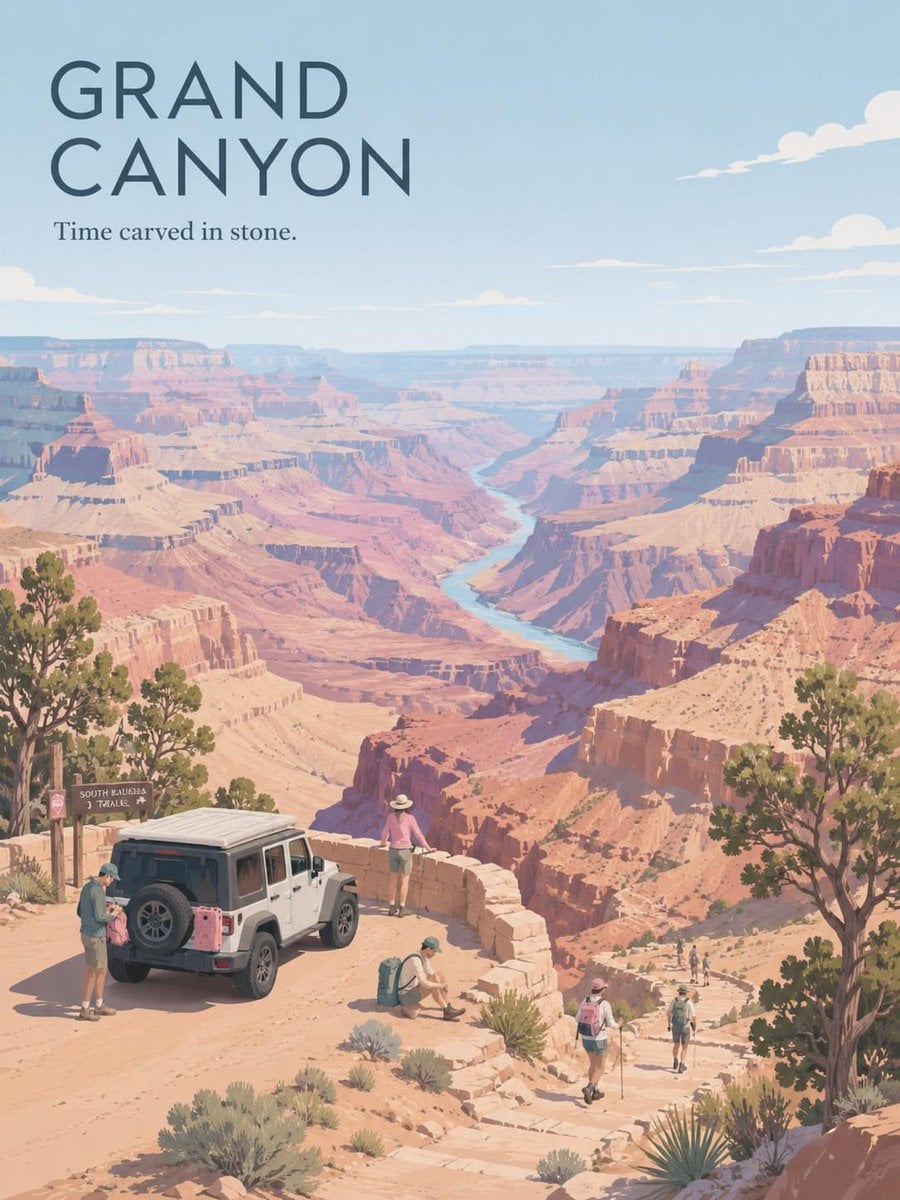
Premium Vintage Travel Poster Landscape
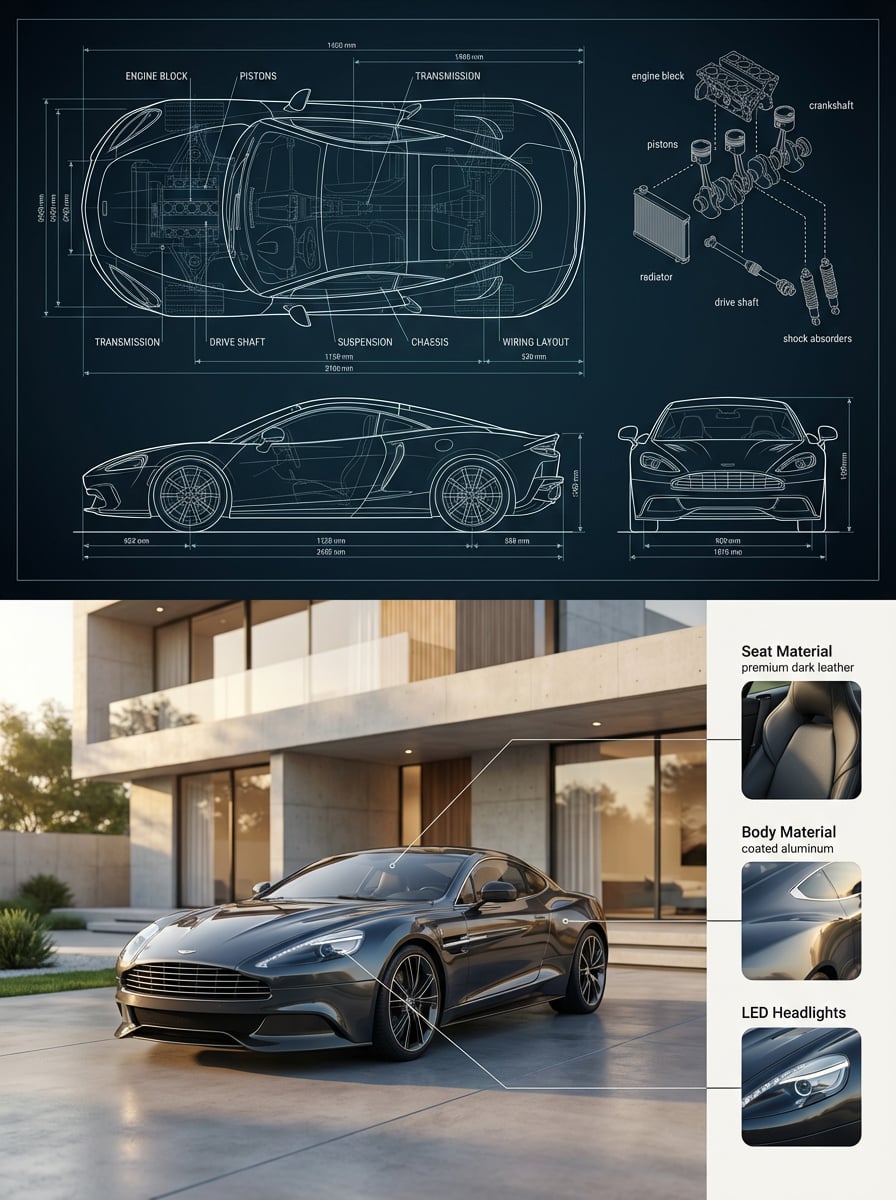
Automotive Blueprint Split Composition
Premium Vintage Travel Poster Landscape
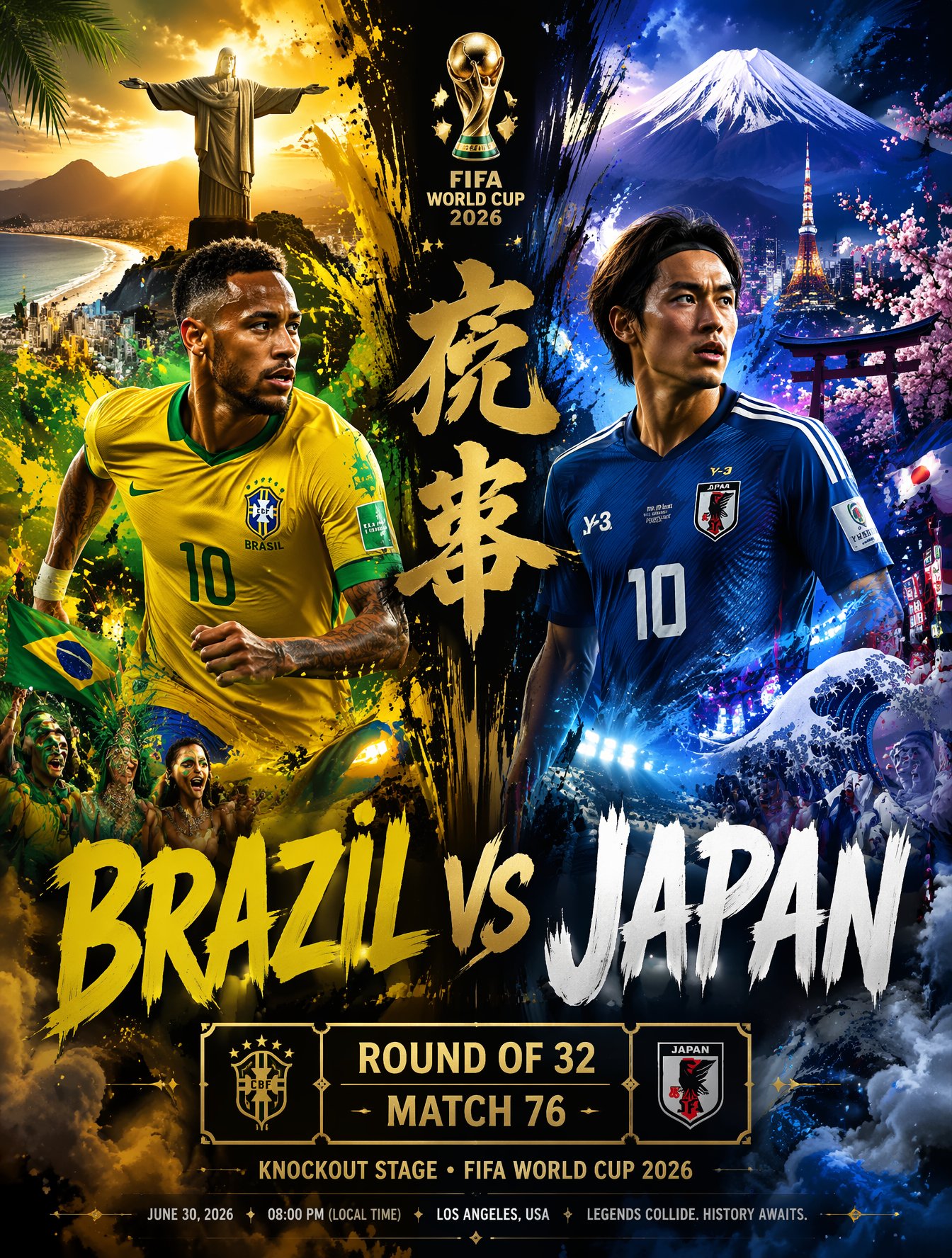
Brazil Versus Japan Knockout Split Rivalry Poster
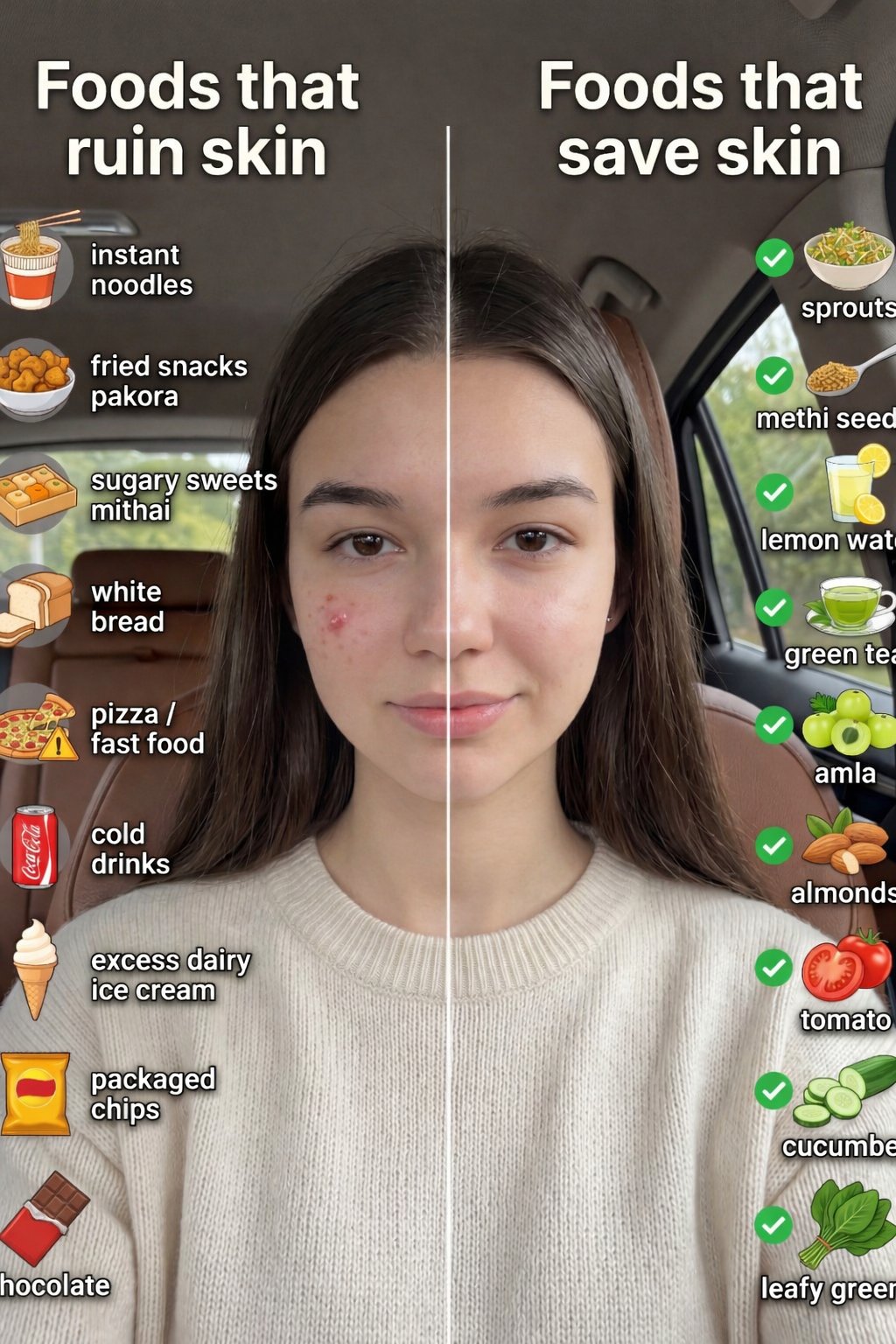
01 Skincare Split Portrait — Nano Banana 2
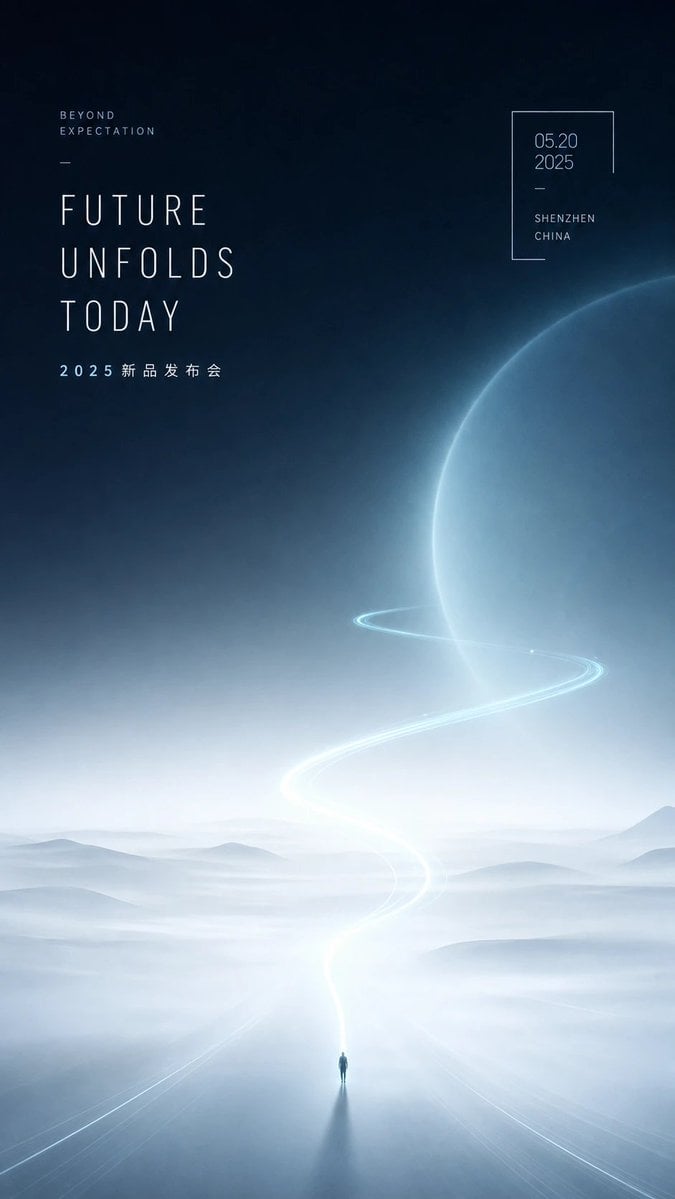
Futuristic Product Launch Poster
Make it yours
Futuristic Split-Lighting Editorial Poster works as-is. These are the safest ways to change it without losing the look.
Change one field
Copy a single group, rewrite it, and generate again so you can see what that field is doing.
Keep the frame, change the subject
Hold the composition and light of Futuristic Split-Lighting Editorial Poster, then swap wardrobe, props or the person for a new take.
| If the result… | Why | Fix |
|---|---|---|
| The result drifts from the preview | Too many fields changed at once. | Reuse Futuristic Split-Lighting Editorial Poster as-is first, then change one group — subject, light, or setting. |
| The model over-stylizes the scene | The prose prompt leaves finish and camera underspecified. | Add one camera or lighting sentence and stay on GPT Image 2. |
More GPT Image 2 templates
Other prompts made for GPT Image 2.

Six VTuber Japanese Logo Sheet

Realistic Portrait of Woman and Deer

The Vista Modular Condo Poster

AI Model Routing Comparison Infographic

2.5D Anime Art Board

Isometric Productivity Desk Scene

New York Double Exposure Poster

Four-Panel AI Landscape Comparison

Japanese Tatami Lifestyle Magazine Cover

NESCAFÉ Coffee Map Poster
More image prompts
Fresh picks from across the catalog.
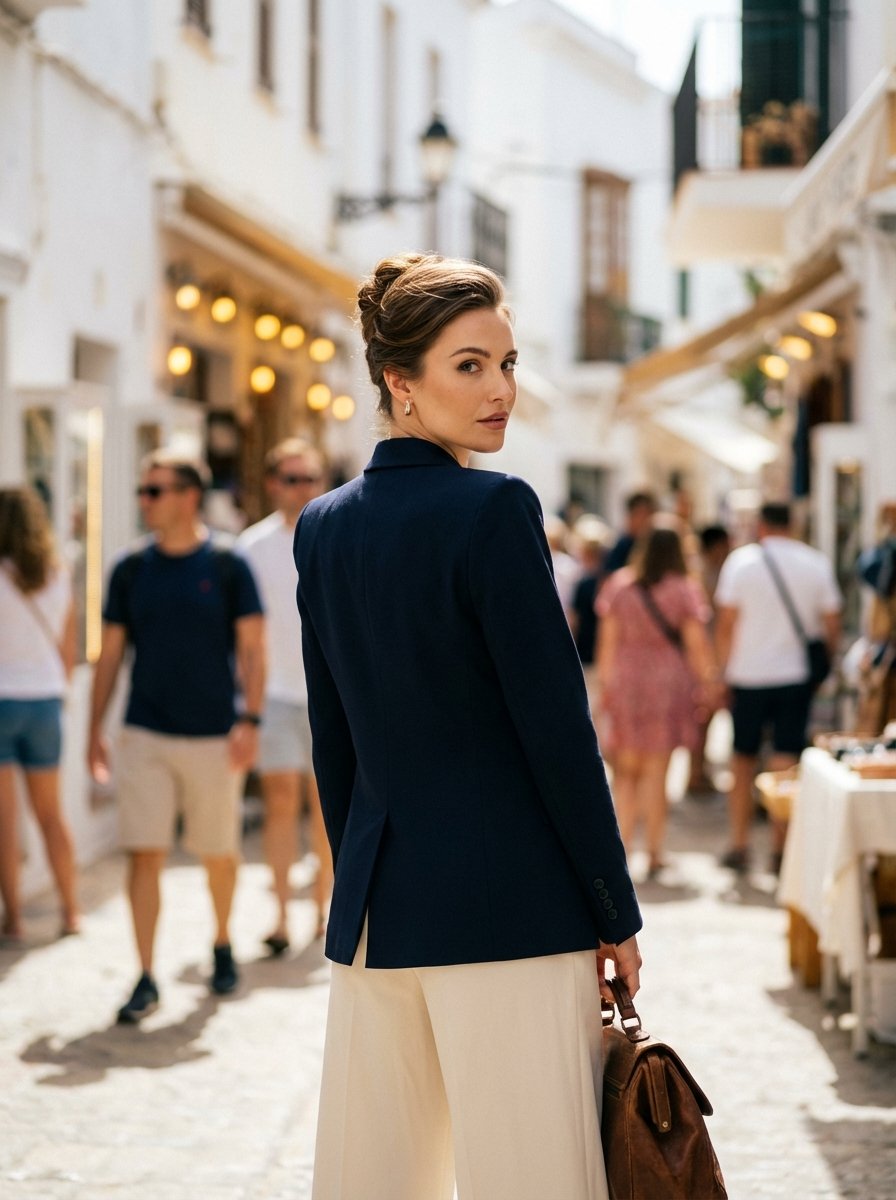
High Fashion Mediterranean Street Portrait Prompt
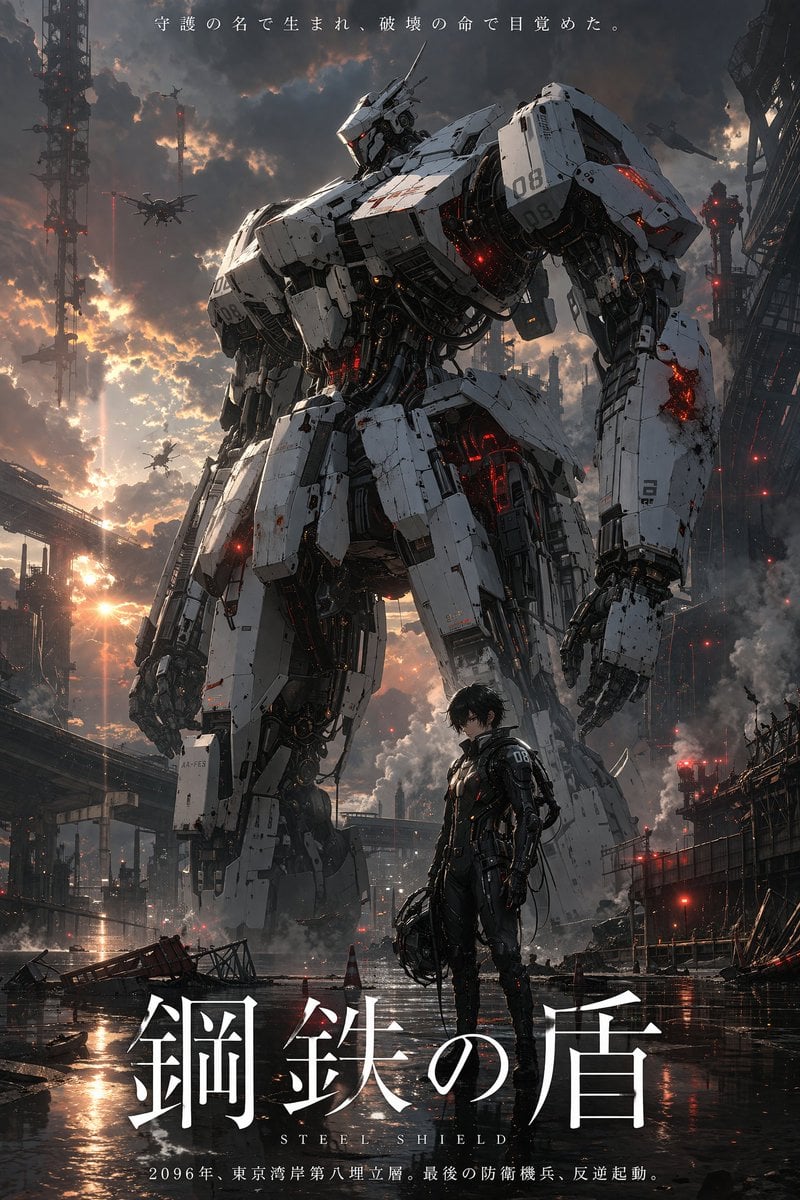
Robot Mecha Movie Key Visual Prompt
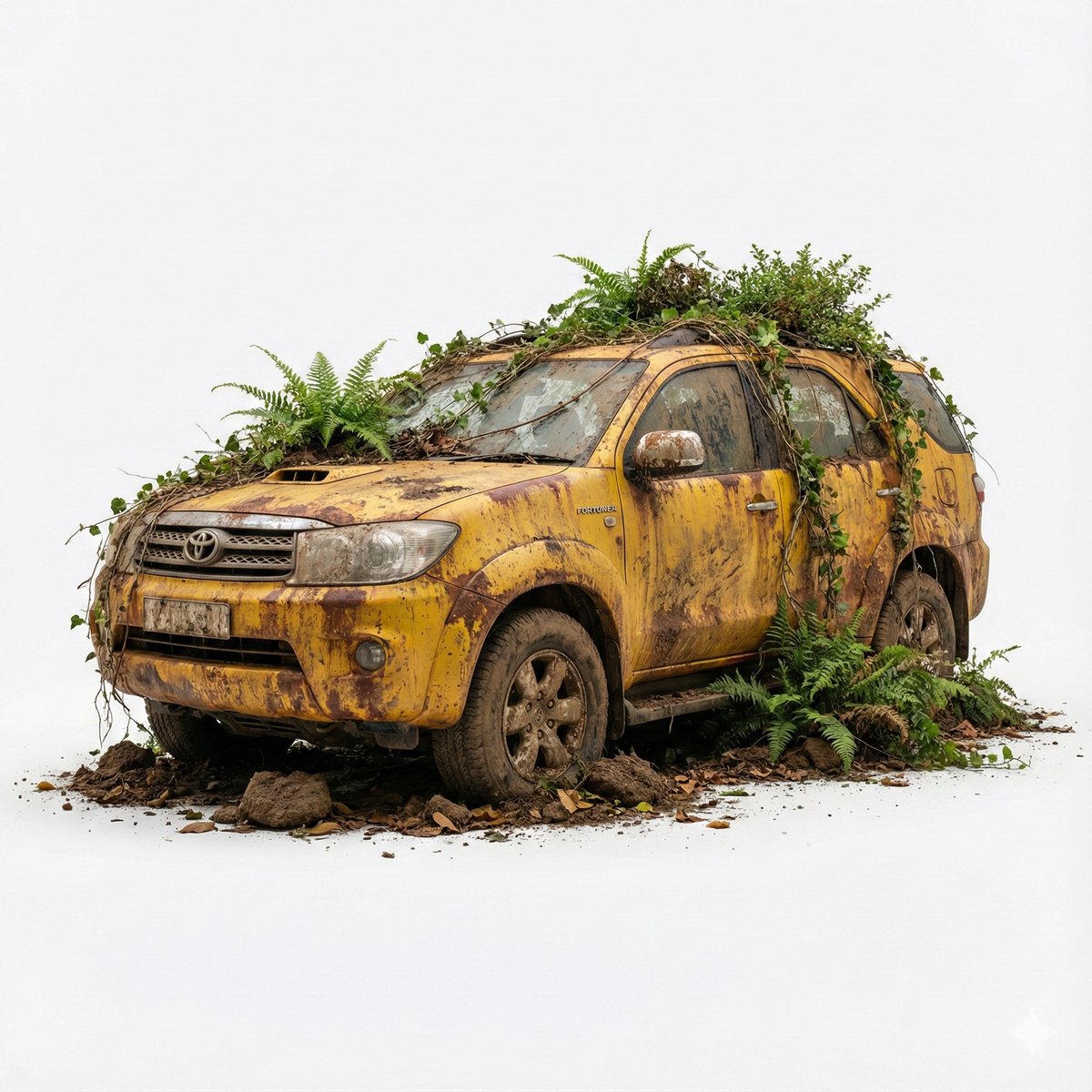
Abandoned Object Photorealistic Image Generator

Anime Lo-Fi Now Playing Schoolboys
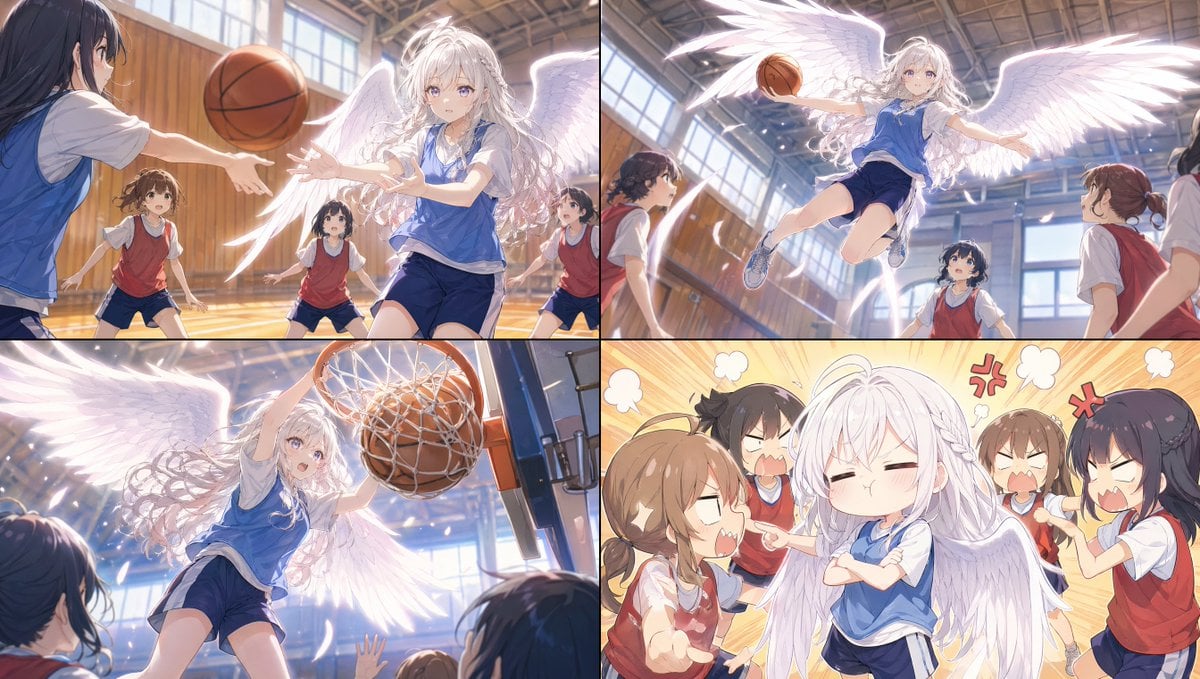
Angel Girl Basketball Storyboard
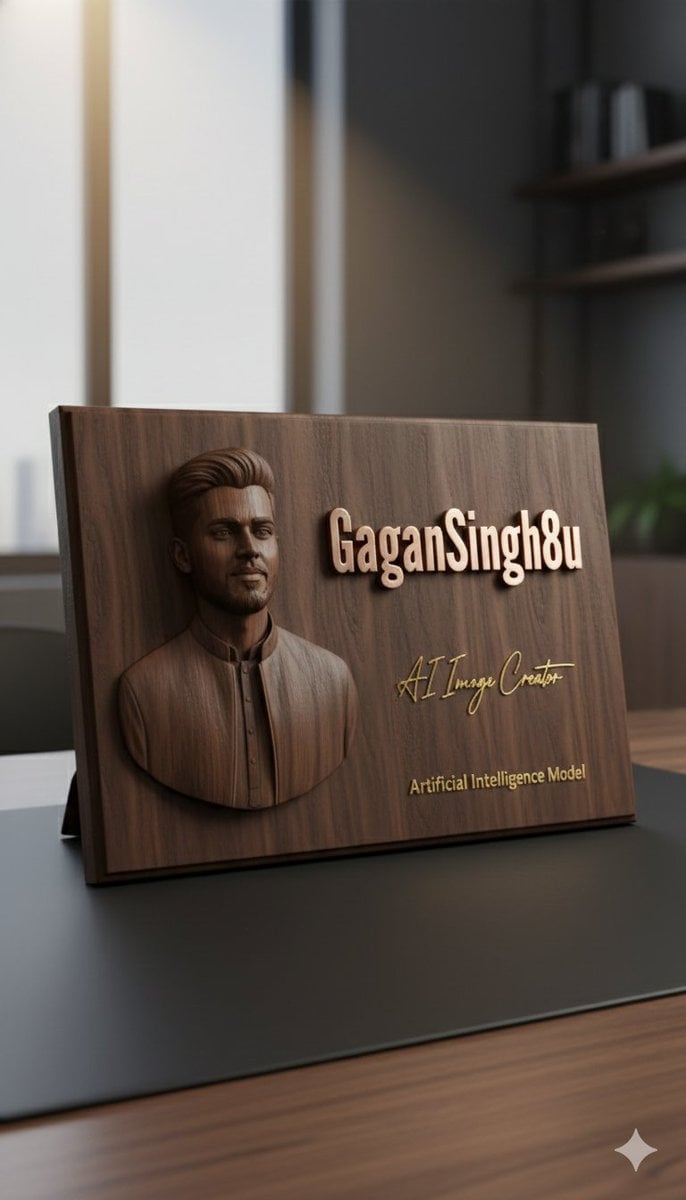
3D Embossed Executive Plaque Mockup from Reference Image
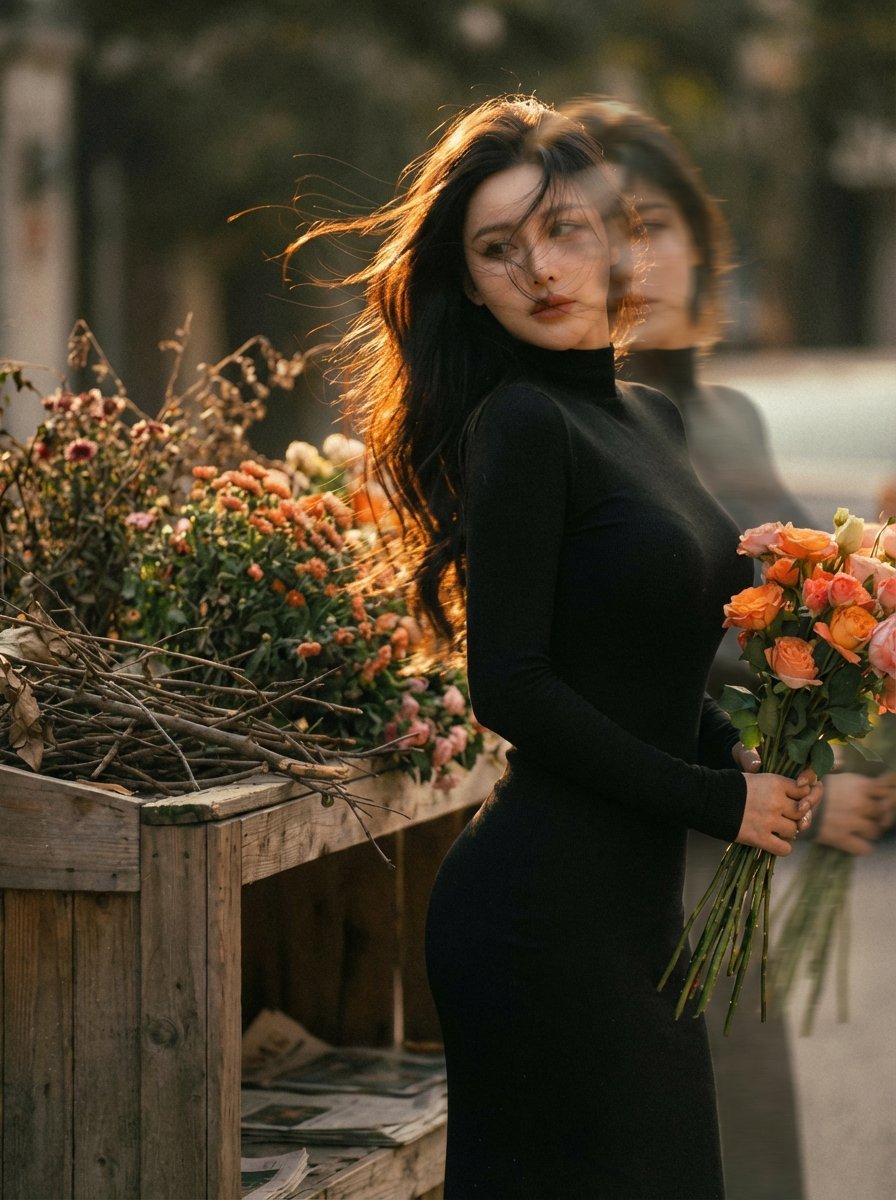
Dreamy Double Exposure Portrait with Sunset Light

3D Cartoon Caricature with Identity Preservation
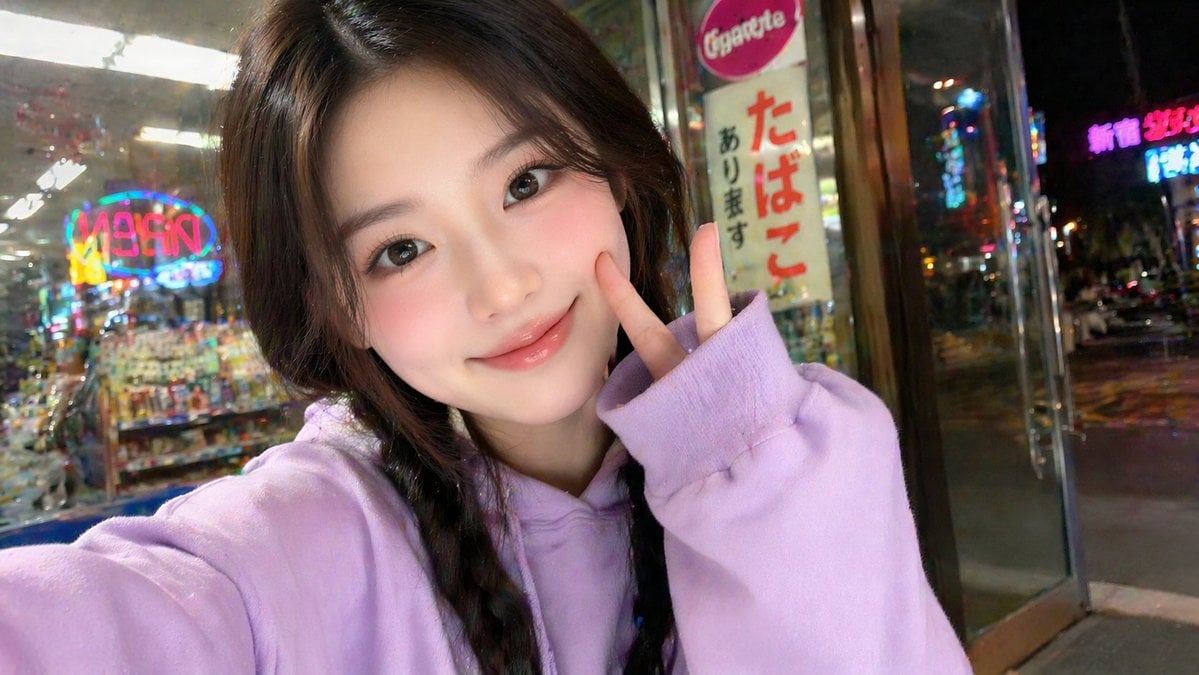
East Asian Girl Influencer Portrait
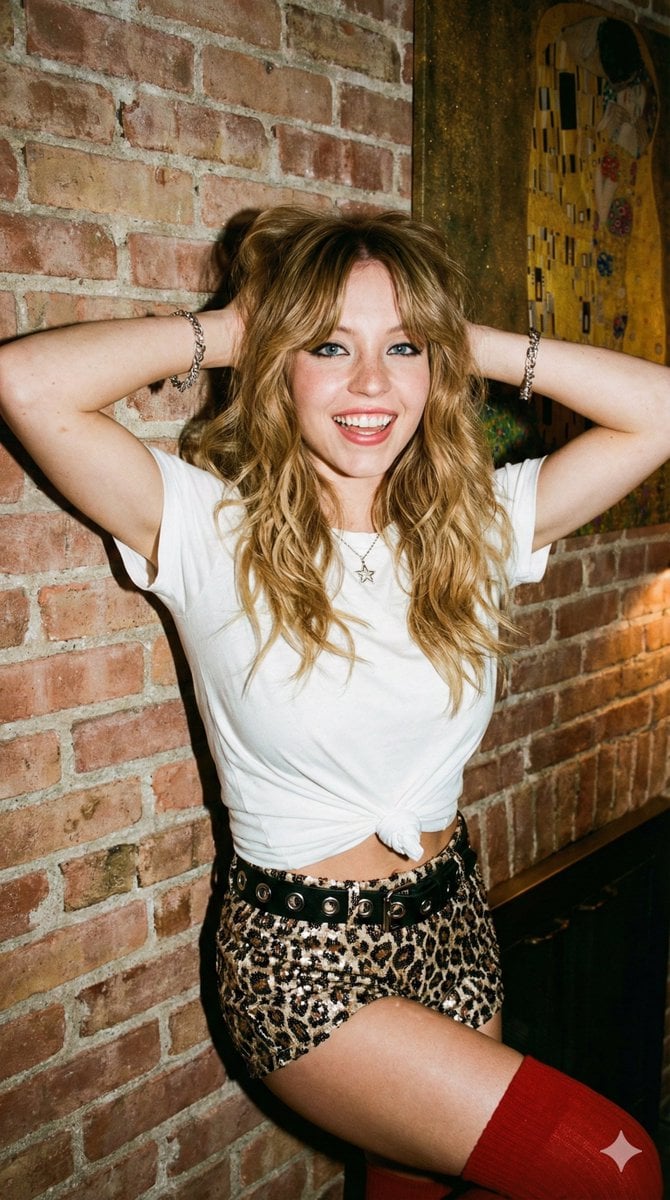
Flash Photography Portrait with Brick Wall
Browse template categories
Futuristic Split-Lighting Editorial Poster questions
How do I use the Futuristic Split-Lighting Editorial Poster template?
Add your photo if the template asks for one, edit the prompt if you like — the template's model and format are already selected — and press Generate. Your version opens in PicX Studio.
Can I customize the Futuristic Split-Lighting Editorial Poster template?
Yes. You can change the subject, setting, lighting, mood, format, and available model controls before creating your image.
Is the Futuristic Split-Lighting Editorial Poster template free?
Opening and editing this template is free. Generating uses credits, shown on the Generate button when you are signed in.
Which AI model should I use?
Start with GPT Image 2, which is the model associated with this template. You can compare another compatible model for a different finish.
Looking for something else? Browse all templates.

Your photo, any look
Thousands of ready templates for every top image and video model, from one credit balance.