
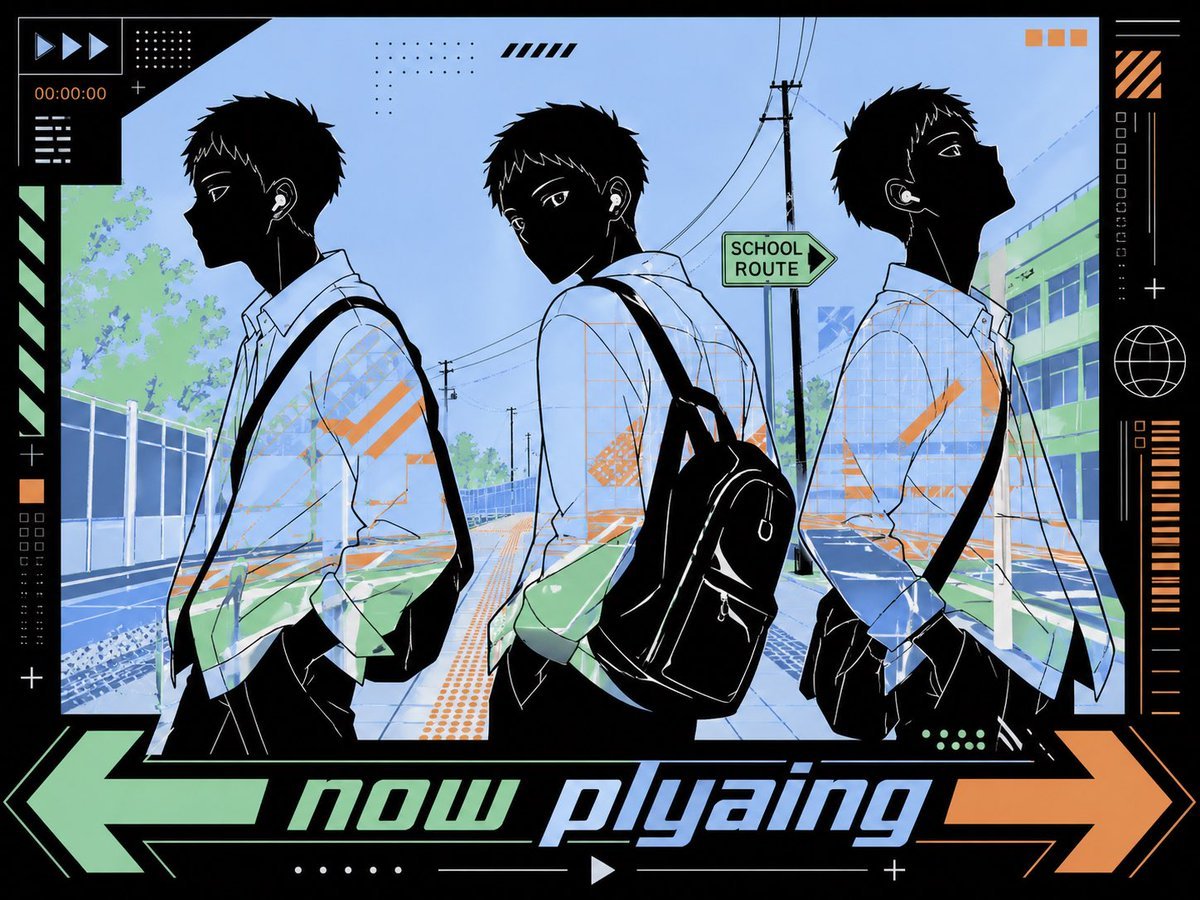
Anime Lo-Fi Now Playing Schoolboys
This prompt generates a stylish anime-inspired lo-fi now-playing graphic with three silhouetted schoolboys on a Japanese street, ideal for music posts, playlist art, or social media visuals.

- Prompt included
- Model and format preset
- Free template
The prompt behind this image
Copy the exact prompt behind Anime Lo-Fi Now Playing Schoolboys, or open it in the studio and make it yours.
A stylish anime-inspired lo-fi music visual showing 3 teenage schoolboys walking outdoors on a quiet suburban Japanese street in late afternoon, arranged side by side across the frame with slight pose variation. Each boy has messy short black hair, a faceless dark silhouette treatment with a soft rectangular blur over the face area, white wired earphones, a white long-sleeve school shirt, black trousers, and a black backpack with visible shoulder straps. The left boy faces left in side profile, the center boy faces slightly left with his torso angled forward, and the right boy faces right in side profile, creating a mirrored triptych composition. Place a bold futuristic black UI banner across the center foreground with glowing edge accents and the text {argument name="headline text" default="now p|yaing"} in lowercase white techno typography, intentionally misspelled. Set the scene on a Japanese residential road with utility poles, dense overhead power lines, sidewalk railings, low buildings, trees, and a vertical school-zone style sign on the left that reads 下校中. Use a flat graphic cel-shaded aesthetic with strong black silhouettes, pale sky blue, muted teal, cream, and warm orange accents, including an orange sun in the upper left. Add small decorative graphic elements for a music-player poster feel: dotted grids in 3 places, tiny square markers, short horizontal bars, angular scribble strokes, and minimal HUD-like corner accents. The mood is cool, urban, reflective, and trendy, like cover art for a lo-fi playlist or now-playing social media post.
How to use Anime Lo-Fi Now Playing Schoolboys in 3 steps
- 1Upload ImagePNG, JPG or paste
Add your photo
Upload the photo the template builds on. The prompt, model and format are already set.
- 2…a portrait of your subject in softgolden-hour light, 85mm…
Personalize
Edit the subject and creative details for your destination.
- 3Generate
Generate
Press Generate — your image is created in PicX Studio, so you can compare it with the original and refine one variable at a time.
More like this
Templates with the same subject, style or setup. Open one to see its prompt.
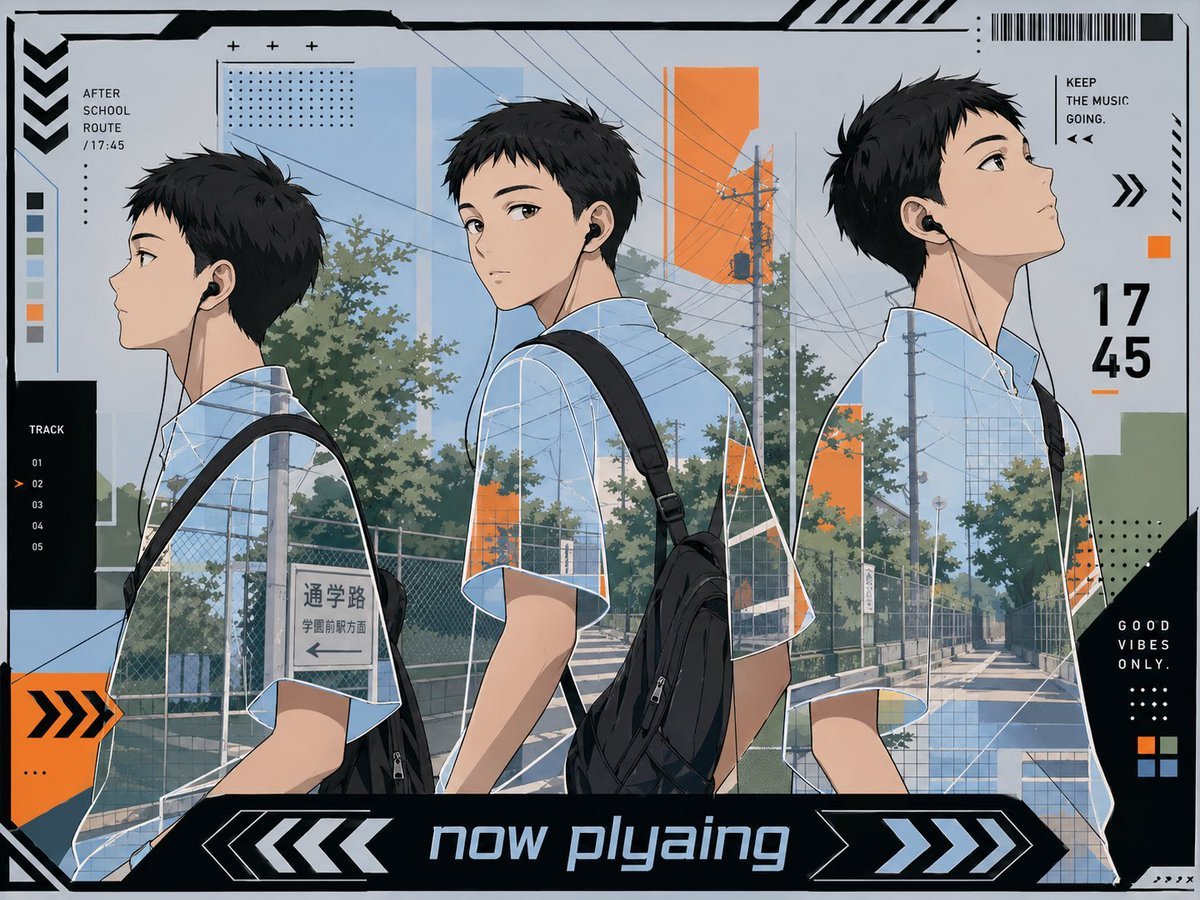










Make it yours
Anime Lo-Fi Now Playing Schoolboys works as-is. These are the safest ways to change it without losing the look.
Change one field
Copy a single group, rewrite it, and generate again so you can see what that field is doing.
Keep the frame, change the subject
Hold the composition and light of Anime Lo-Fi Now Playing Schoolboys, then swap wardrobe, props or the person for a new take.
| If the result… | Why | Fix |
|---|---|---|
| The result drifts from the preview | Too many fields changed at once. | Reuse Anime Lo-Fi Now Playing Schoolboys as-is first, then change one group — subject, light, or setting. |
| The model over-stylizes the scene | The prose prompt leaves finish and camera underspecified. | Add one camera or lighting sentence and stay on GPT Image 2. |
More GPT Image 2 templates
Other prompts made for GPT Image 2.

Six VTuber Japanese Logo Sheet

Realistic Portrait of Woman and Deer

The Vista Modular Condo Poster

AI Model Routing Comparison Infographic

2.5D Anime Art Board

Isometric Productivity Desk Scene

New York Double Exposure Poster

Four-Panel AI Landscape Comparison

Japanese Tatami Lifestyle Magazine Cover

NESCAFÉ Coffee Map Poster
More image prompts
Fresh picks from across the catalog.
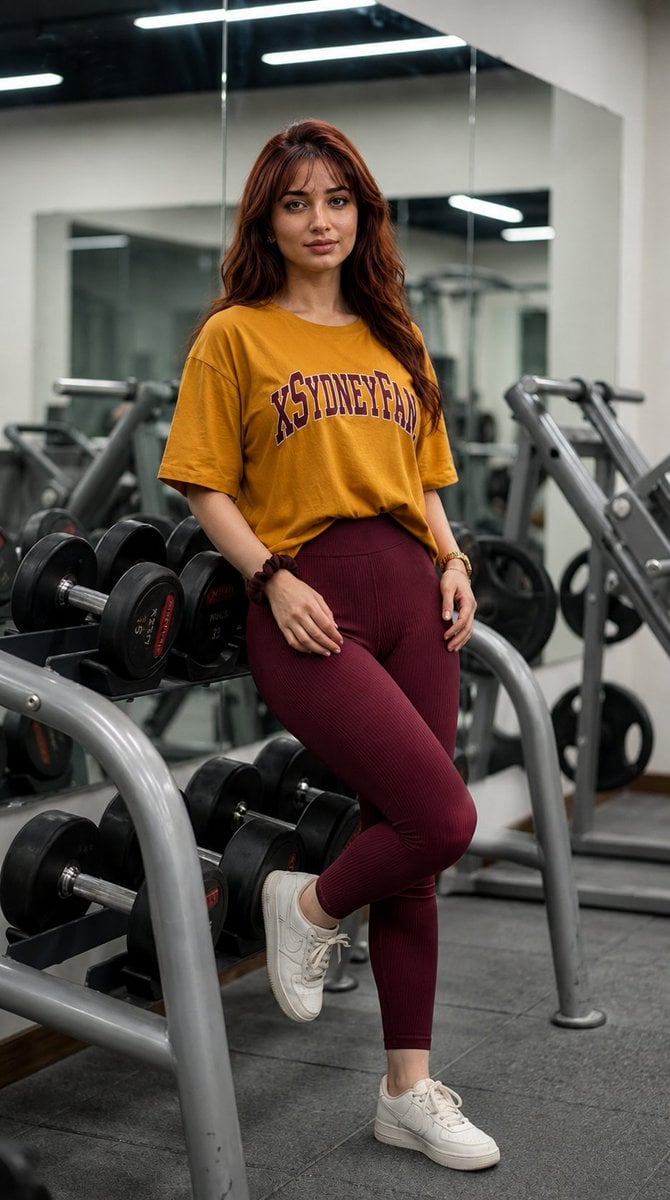
Gym Mirror Selfie Portrait
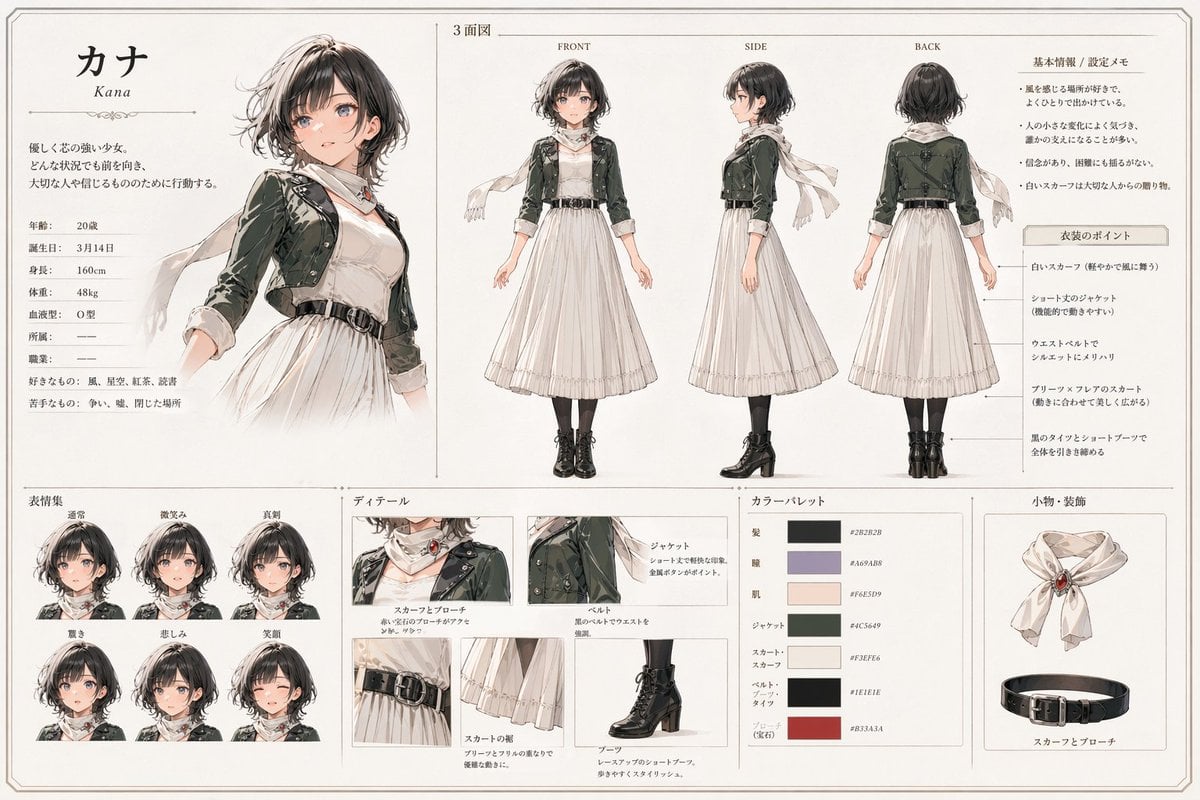
Kana Anime Character Reference Sheet
Epic Fantasy Double Exposure Silhouette
Neo-Skeuomorphism Crowd Scene Prompt
Gestural Ink Fashion Illustration
Chibi Style Mixed-Media Portrait

LLM Architecture Chat Screenshot
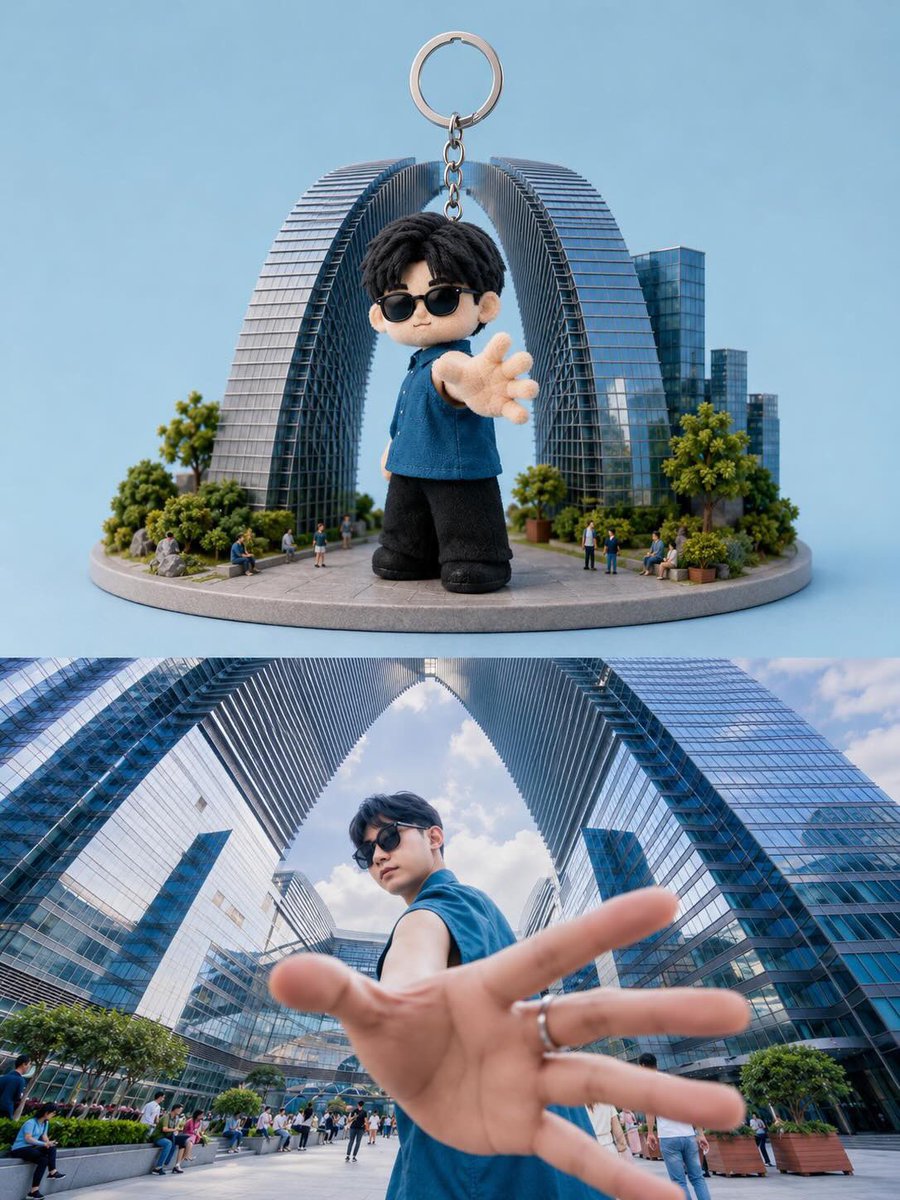
Toy Keychain vs Real Life Comparison

European Luxury Vineyard Portrait
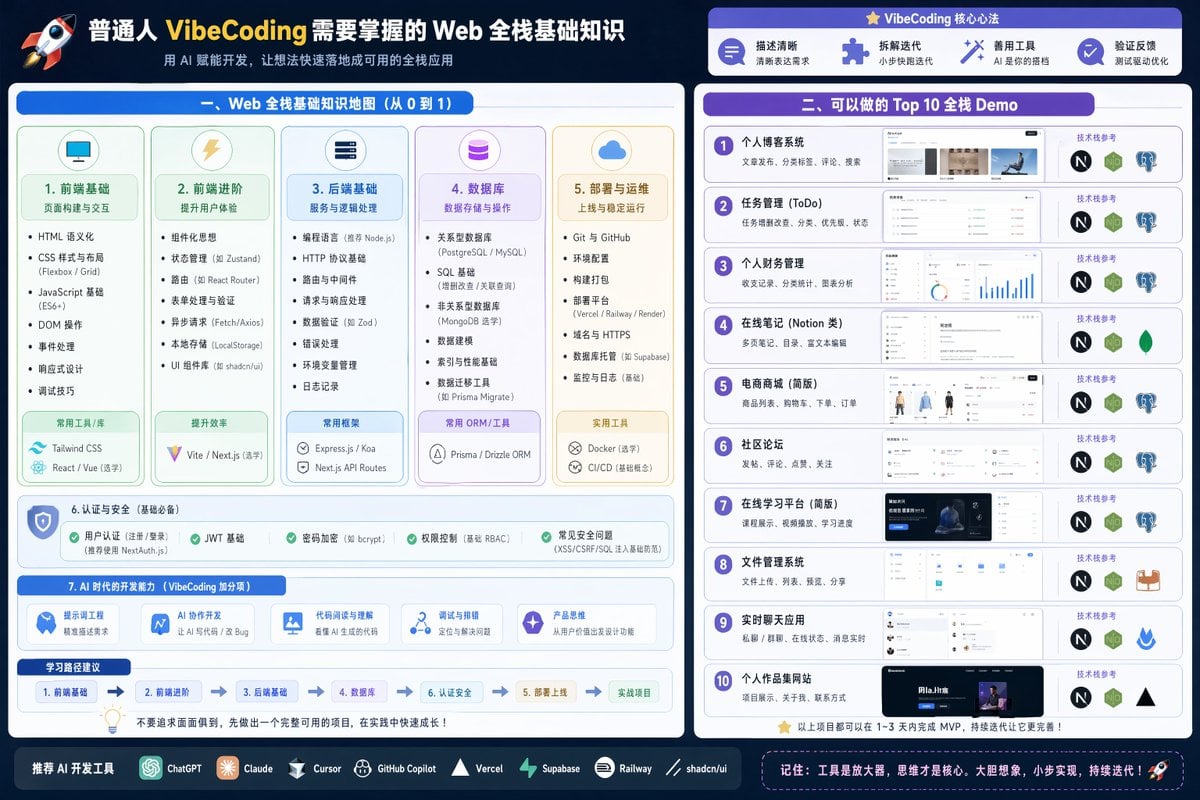
Full Stack Knowledge Visualization
Browse template categories
Anime Lo-Fi Now Playing Schoolboys questions
How do I use the Anime Lo-Fi Now Playing Schoolboys template?
Add your photo if the template asks for one, edit the prompt if you like — the template's model and format are already selected — and press Generate. Your version opens in PicX Studio.
Can I customize the Anime Lo-Fi Now Playing Schoolboys template?
Yes. You can change the subject, setting, lighting, mood, format, and available model controls before creating your image.
Is the Anime Lo-Fi Now Playing Schoolboys template free?
Opening and editing this template is free. Generating uses credits, shown on the Generate button when you are signed in.
Which AI model should I use?
Start with GPT Image 2, which is the model associated with this template. You can compare another compatible model for a different finish.
Looking for something else? Browse all templates.

Your photo, any look
Thousands of ready templates for every top image and video model, from one credit balance.