
Epic Fantasy Double Exposure Silhouette
A complex double-exposure illustration forming a man's profile filled with fantasy characters, creatures, and castles.
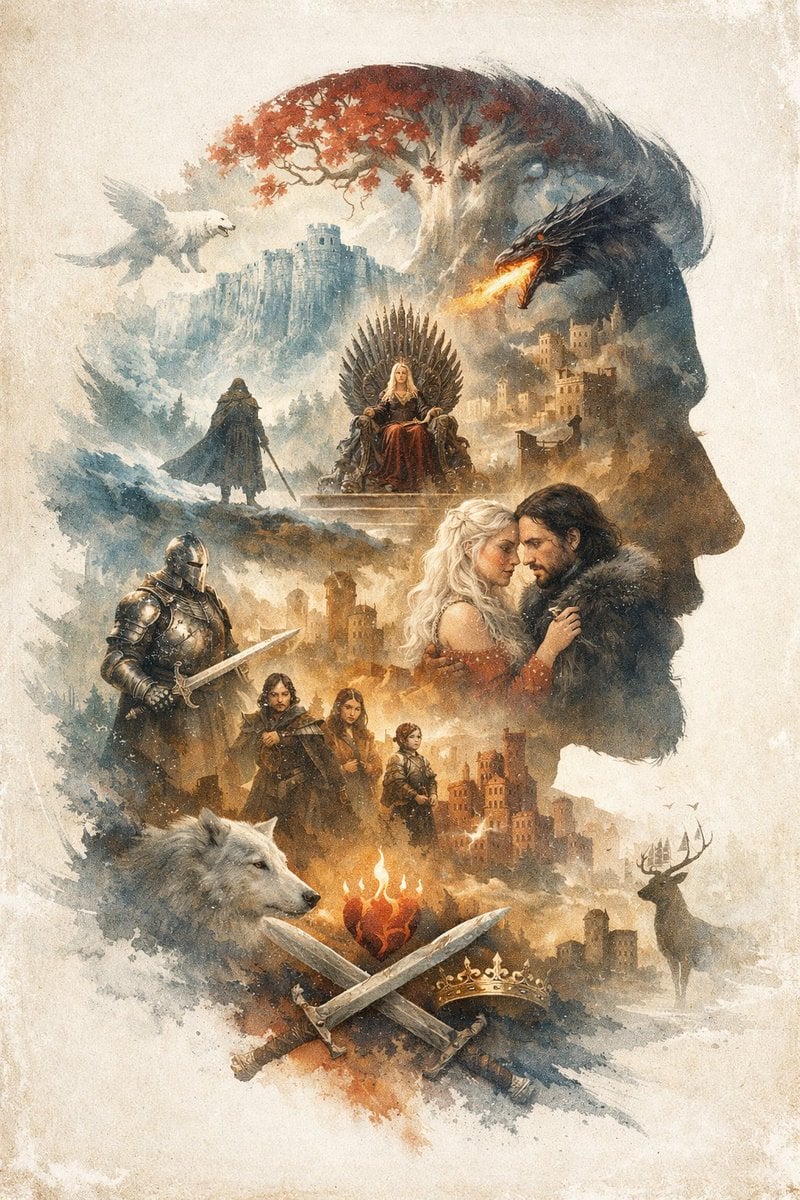
- Prompt included
- Model and format preset
- Free template
The prompt behind this image
Copy the exact prompt behind Epic Fantasy Double Exposure Silhouette, or open it in the studio and make it yours.
An {argument name="overall theme" default="epic fantasy"} illustration utilizing a {argument name="art style" default="watercolor and ink wash double exposure"} technique on a vintage parchment background. The overall composition forms the {argument name="main silhouette subject" default="right-facing profile of a man's head"}. Inside this silhouette is a complex montage of scenes and characters. At the top, a white tree with red leaves stands near a cliffside castle, with a white winged creature flying on the left and a black dragon breathing fire on the right. Below this, a blonde woman sits on a throne made of swords, while a cloaked figure stands on a hill nearby. In the center right, a romantic couple consisting of a blonde woman and a dark-haired man in a fur collar gaze at each other. To their left stands a knight in full plate armor holding a sword. Below them is a group of 3 figures: a man, a young woman, and a child. At the bottom, a large white wolf head is on the left, and a stag stands near a castle on the right. In the bottom center, a flaming heart hovers above 2 crossed swords and 1 golden crown. The {argument name="dominant color palette" default="muted earthy tones with splashes of red and orange"} creates a dramatic, legendary atmosphere.
How to use Epic Fantasy Double Exposure Silhouette in 3 steps
- 1Upload ImagePNG, JPG or paste
Add your photo
Upload the photo the template builds on. The prompt, model and format are already set.
- 2…a portrait of your subject in softgolden-hour light, 85mm…
Personalize
Edit the subject and creative details for your destination.
- 3Generate
Generate
Press Generate — your image is created in PicX Studio, so you can compare it with the original and refine one variable at a time.
More like this
Templates with the same subject, style or setup. Open one to see its prompt.
Watercolor Double-Exposure Fantasy Silhouette
Epic Fantasy Double-Exposure Poster
Double Exposure Urban Silhouette
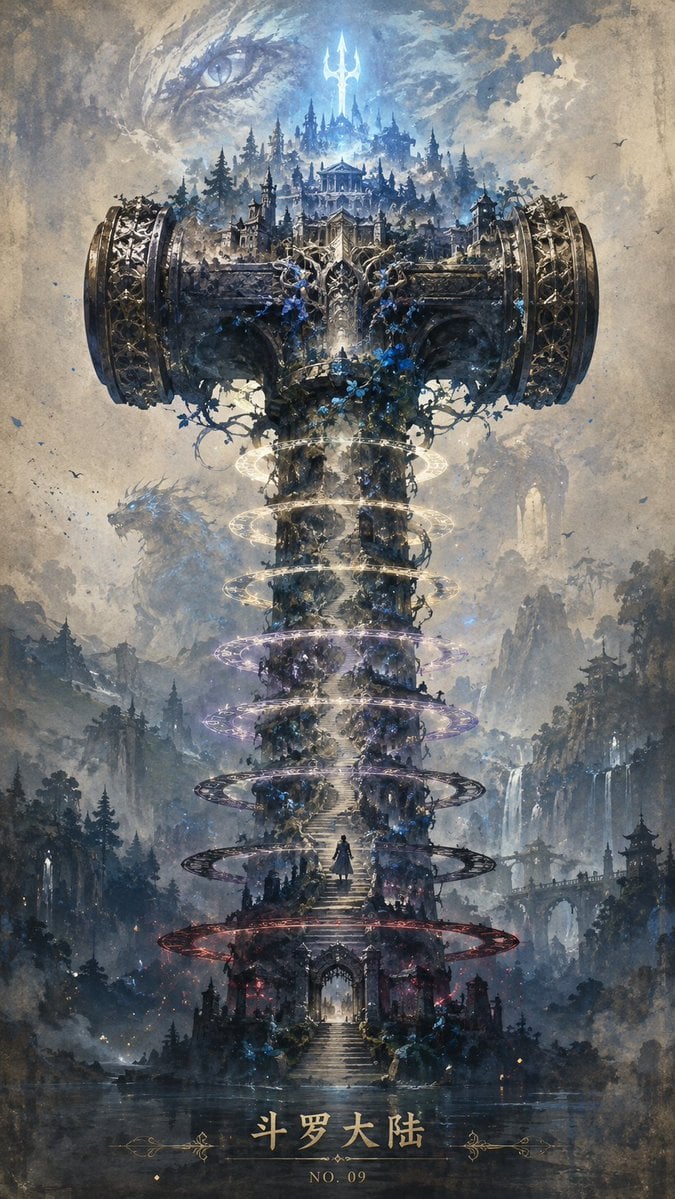
Epic Douluo Fantasy Tower Poster
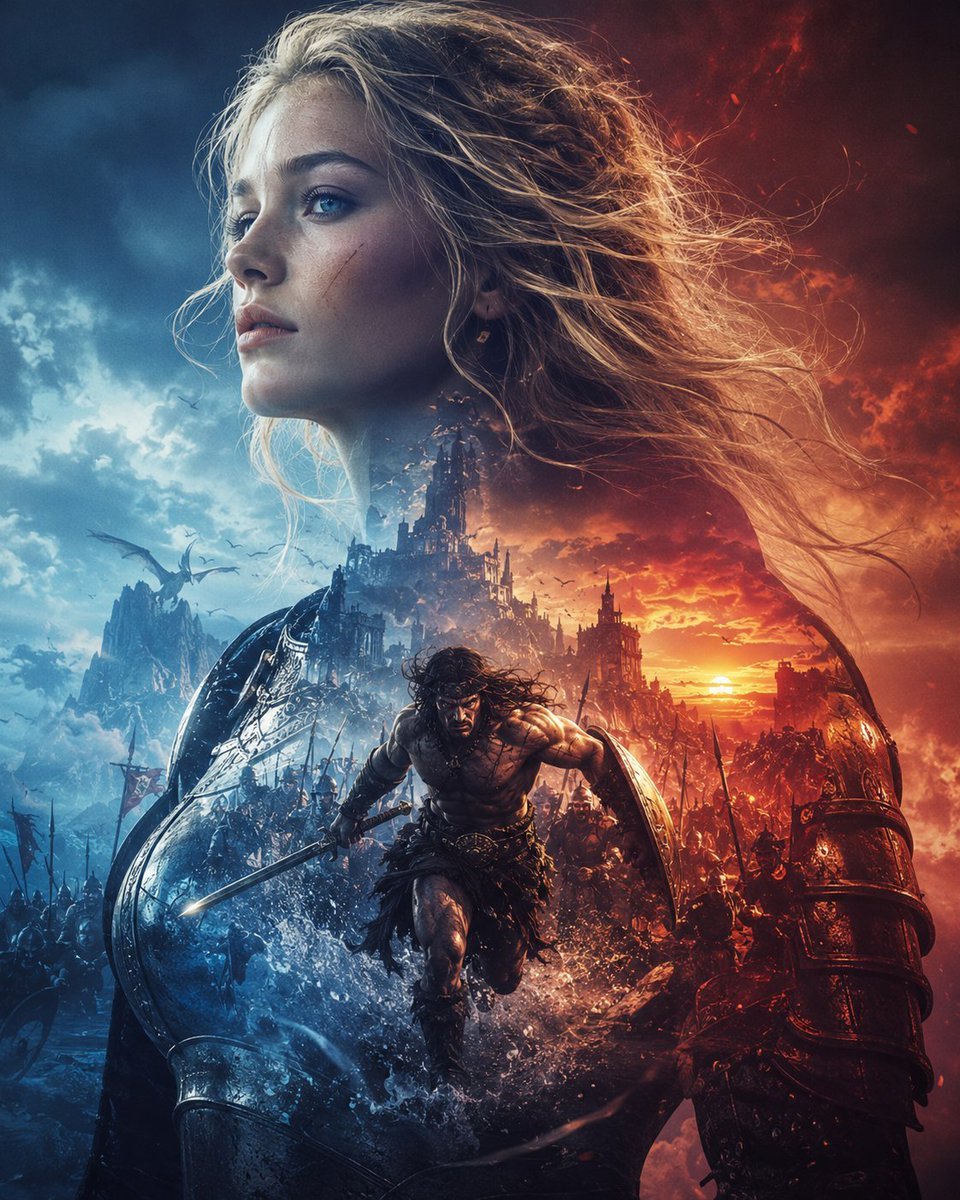
Epic Fantasy Battle Memory Poster
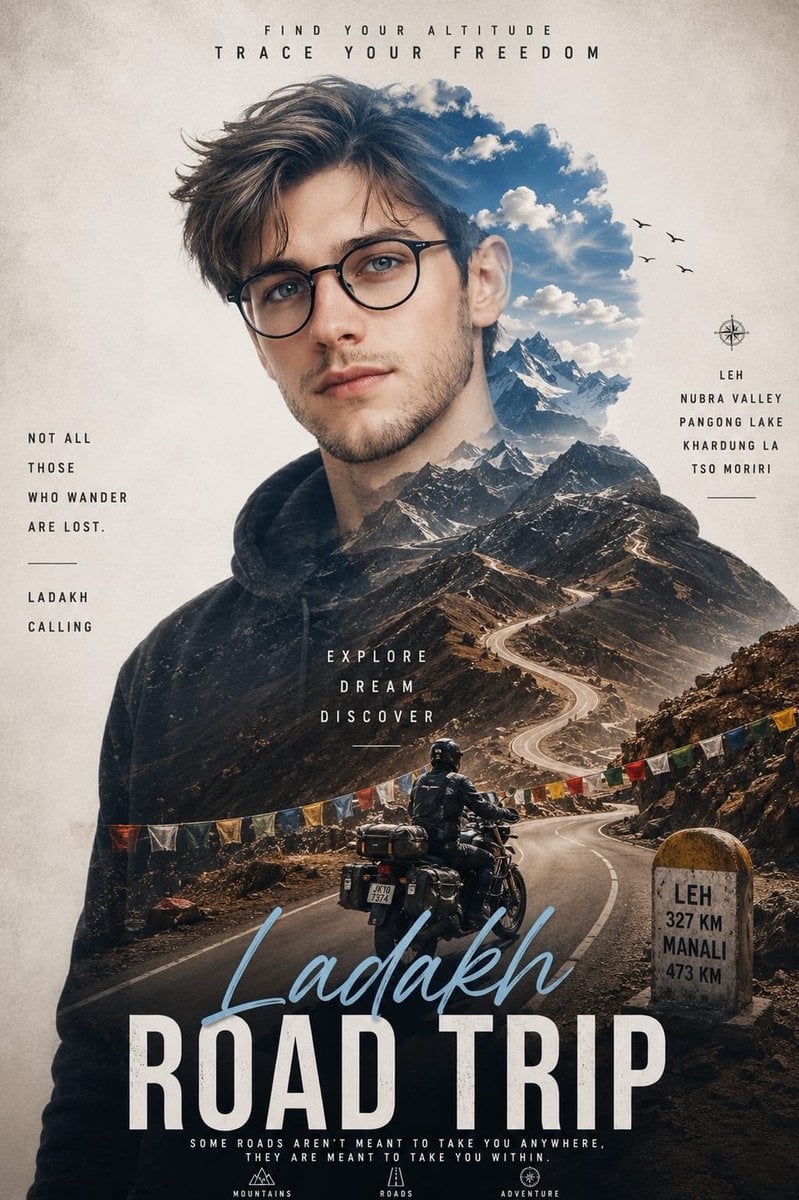
Double Exposure Ladakh Road Trip Poster

New York Double Exposure Poster
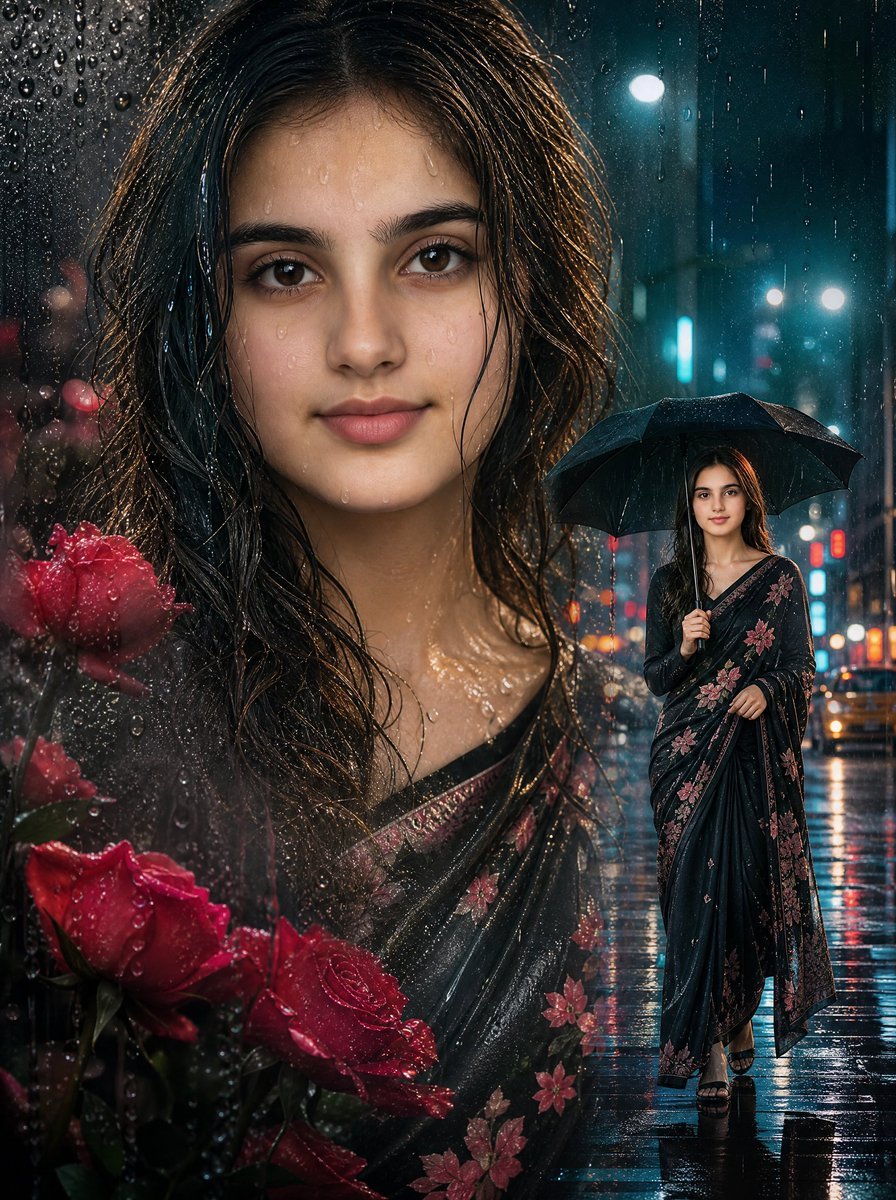
Rainy Double Exposure Movie Poster
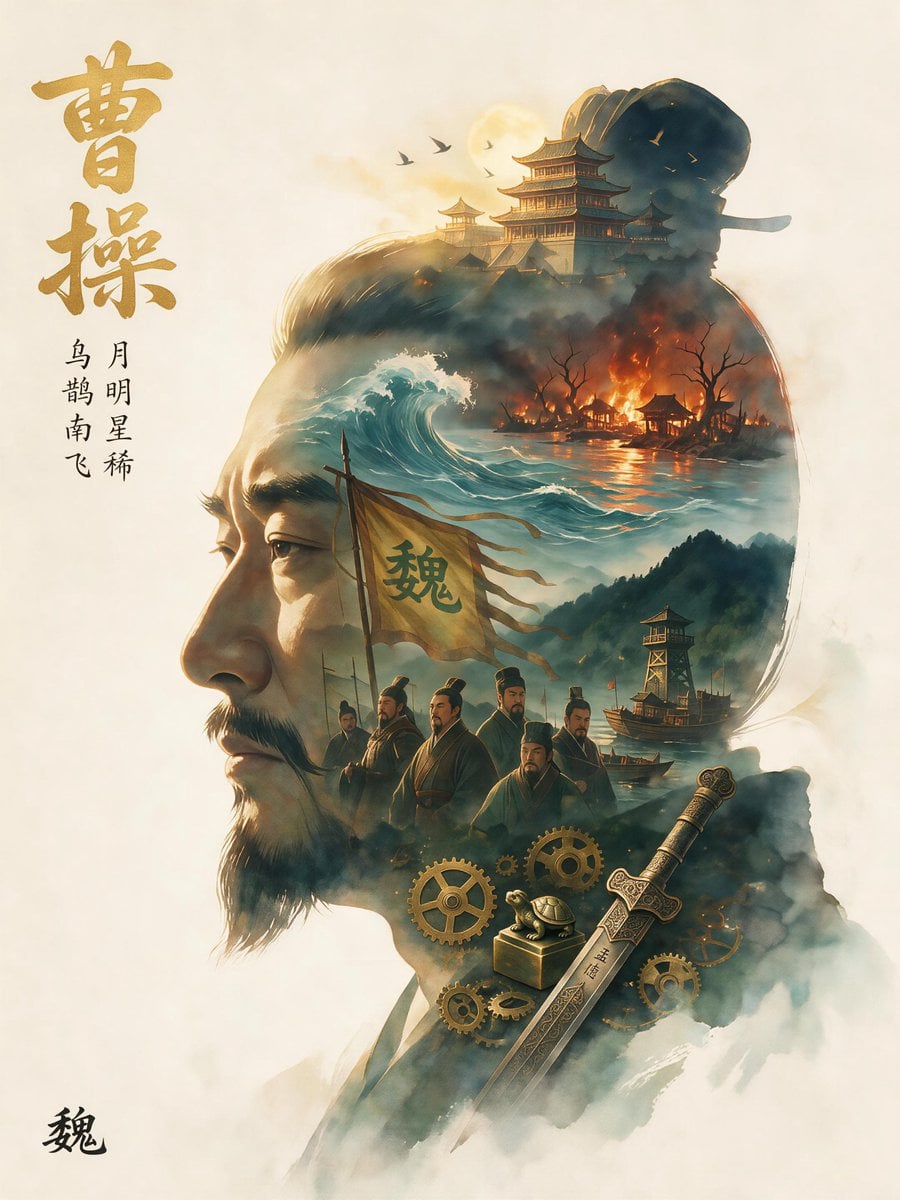
Epic Cao Cao Silhouette Poster
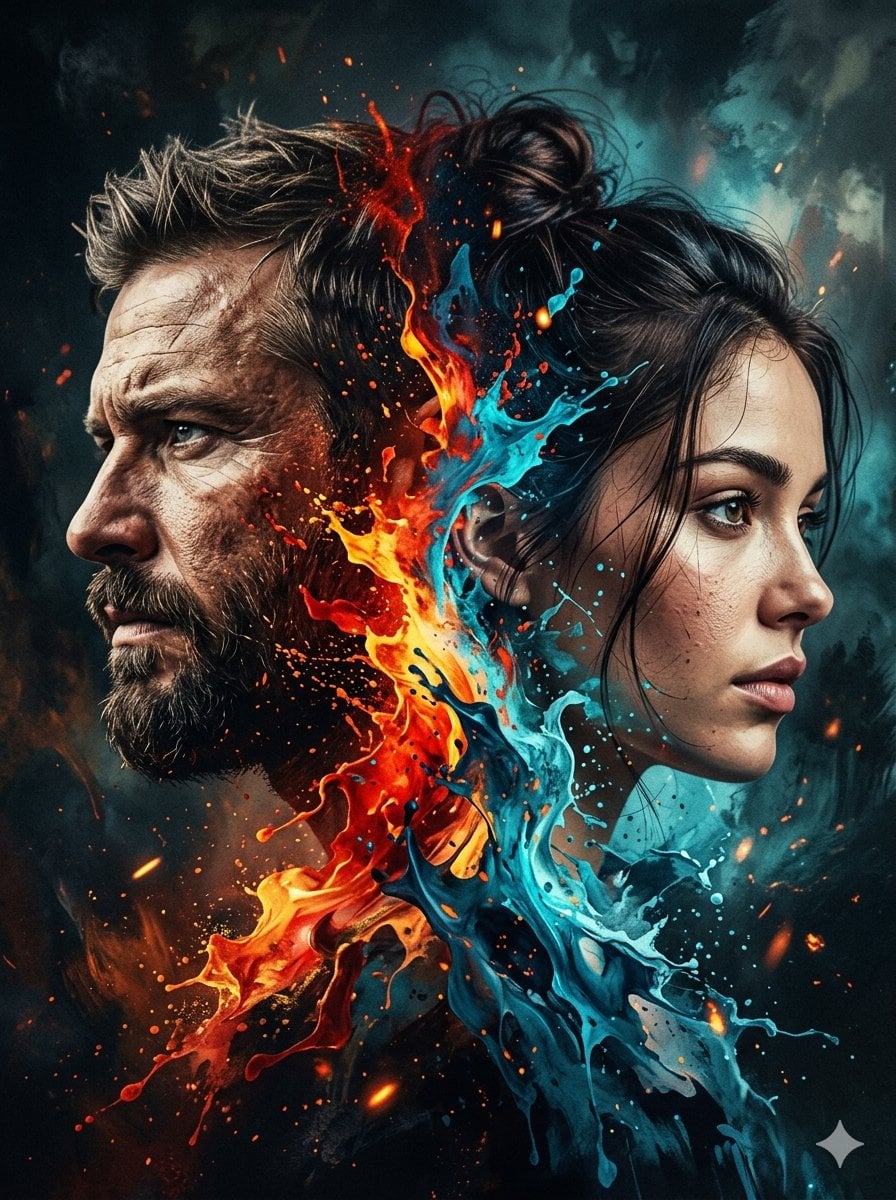
Dynamic Double-Exposure Artistic Portrait
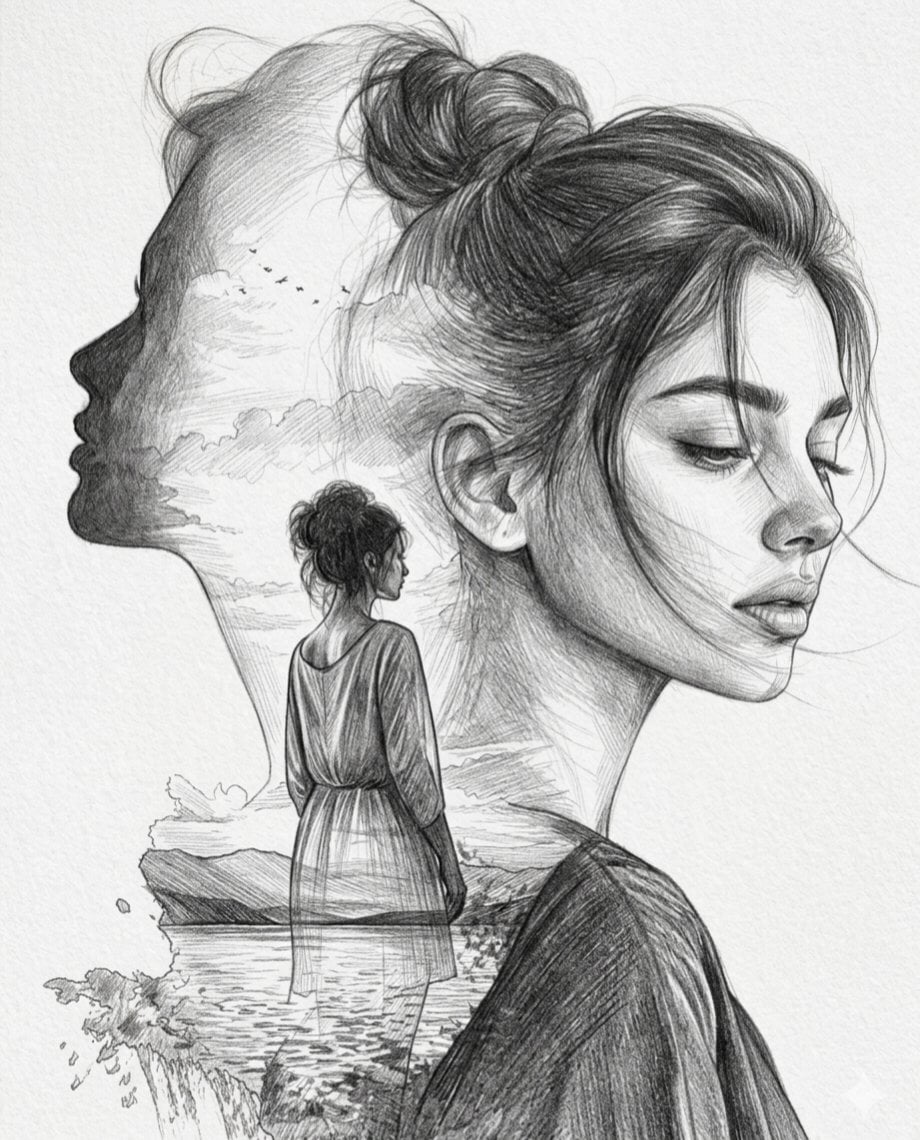
Double Exposure Pencil Sketch Portrait
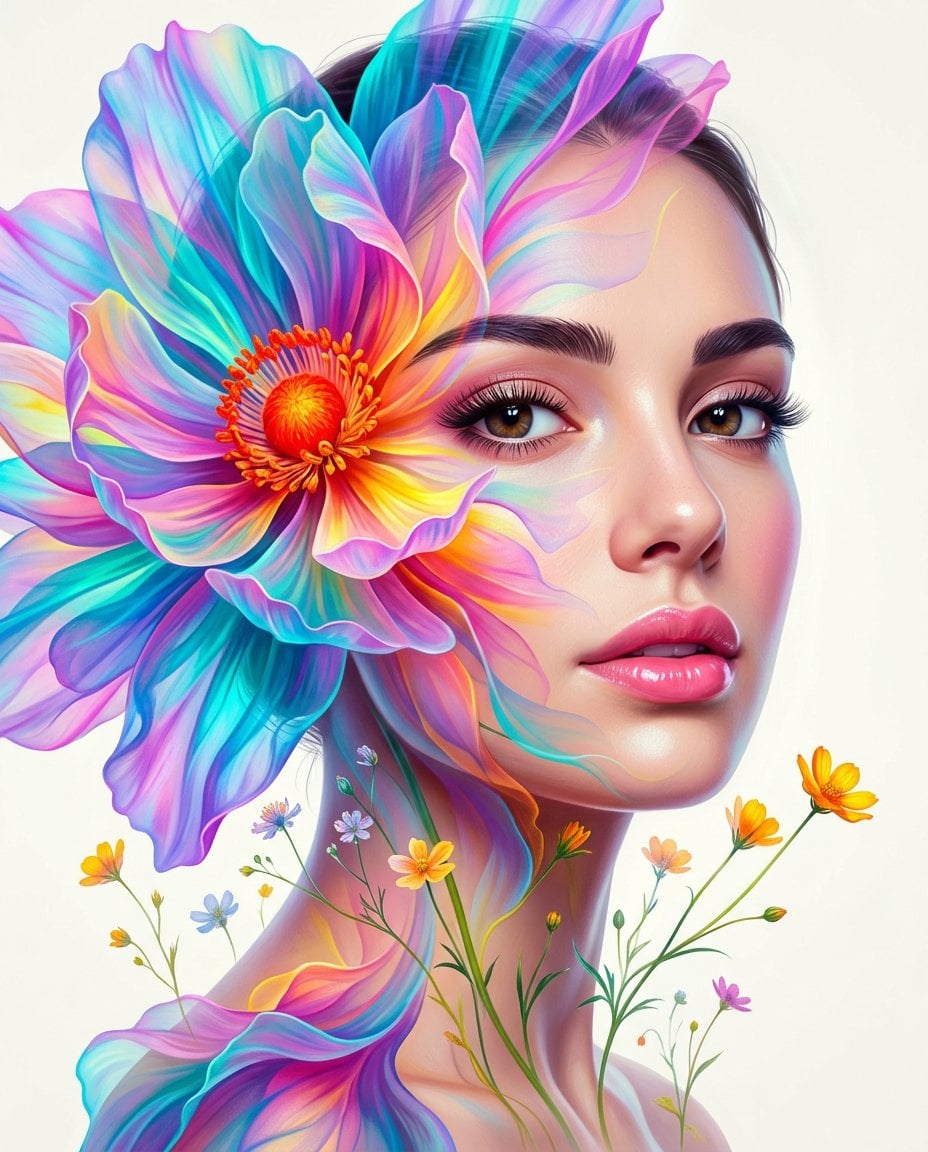
Surreal Double-Exposure Floral Portrait
Make it yours
Epic Fantasy Double Exposure Silhouette works as-is. These are the safest ways to change it without losing the look.
Change one field
Copy a single group, rewrite it, and generate again so you can see what that field is doing.
Keep the frame, change the subject
Hold the composition and light of Epic Fantasy Double Exposure Silhouette, then swap wardrobe, props or the person for a new take.
| If the result… | Why | Fix |
|---|---|---|
| The result drifts from the preview | Too many fields changed at once. | Reuse Epic Fantasy Double Exposure Silhouette as-is first, then change one group — subject, light, or setting. |
| The model over-stylizes the scene | The prose prompt leaves finish and camera underspecified. | Add one camera or lighting sentence and stay on GPT Image 2. |
More GPT Image 2 templates
Other prompts made for GPT Image 2.

Six VTuber Japanese Logo Sheet

Realistic Portrait of Woman and Deer

The Vista Modular Condo Poster

AI Model Routing Comparison Infographic

2.5D Anime Art Board

Isometric Productivity Desk Scene

Four-Panel AI Landscape Comparison

Japanese Tatami Lifestyle Magazine Cover

NESCAFÉ Coffee Map Poster

Brutalist Cogito Chinese Typography Poster
More image prompts
Fresh picks from across the catalog.

Advertising Visual Prompt: High-End Headphone Product Shot
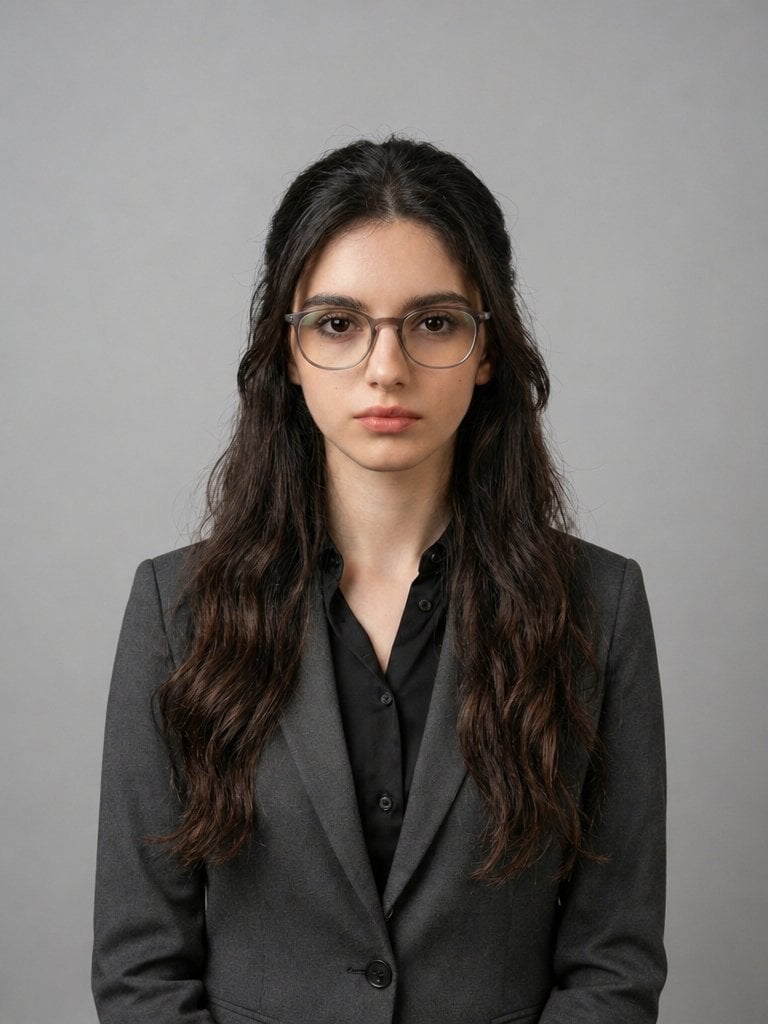
X Iqrasaifiii Pov Du Hast Gerade Erkannt Dass Du Professionelle Corporate Fotos Ganz Bequem
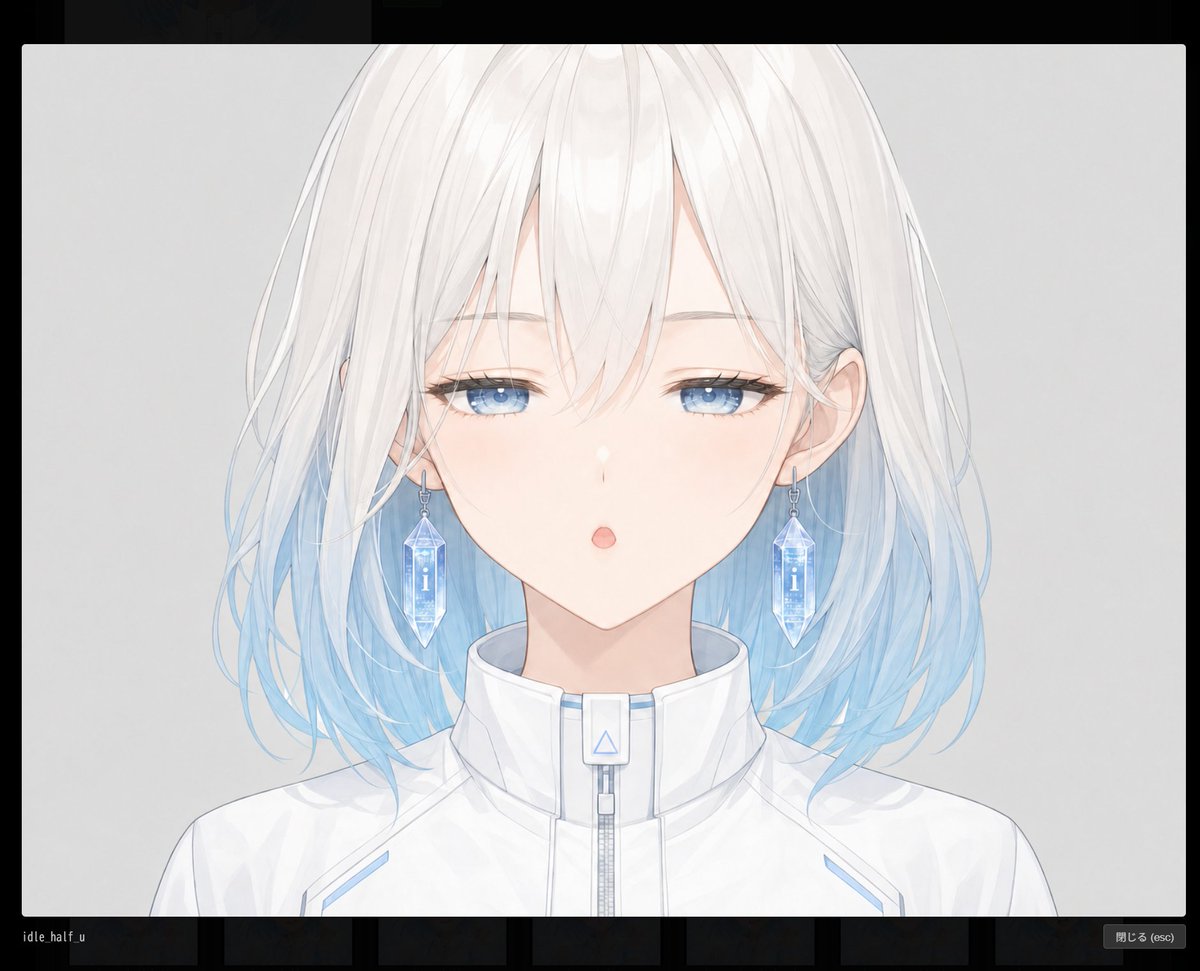
Blank Face Anime Portrait Base

Eid Mubarak Cinematic Fashion Portrait
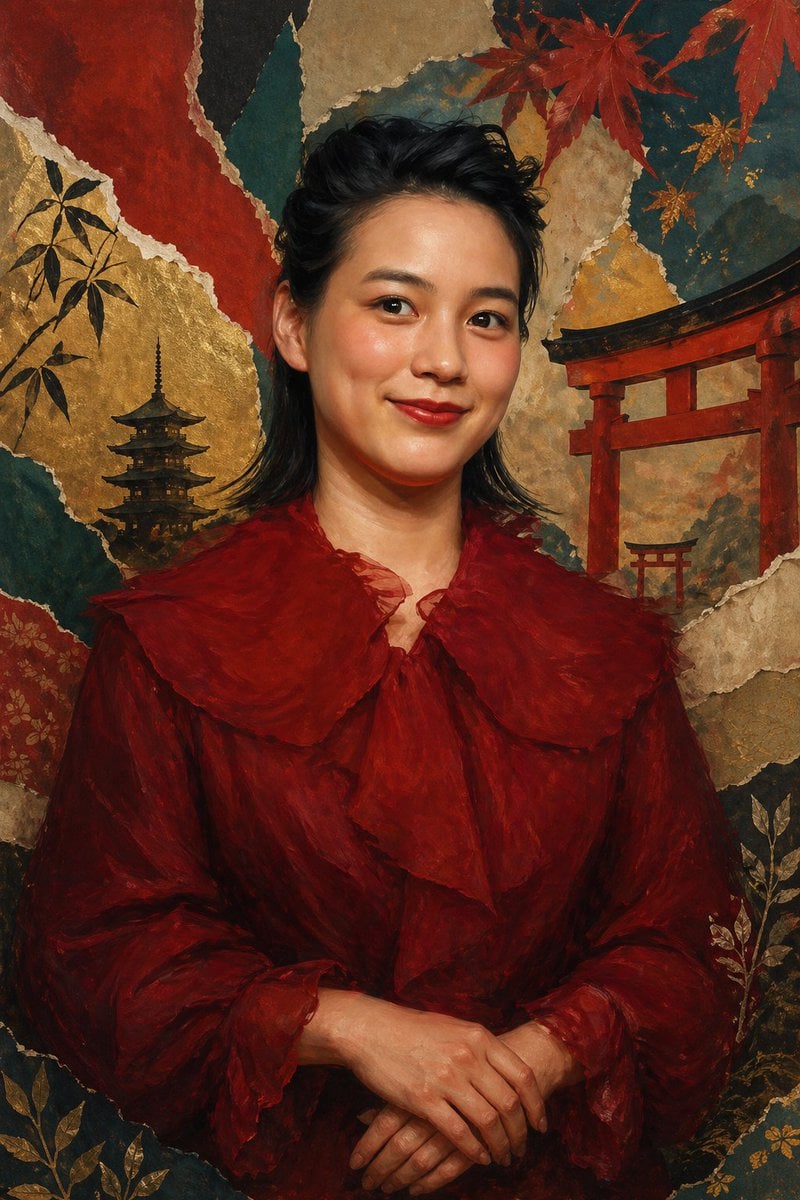
Japanese Collage Portrait in Crimson
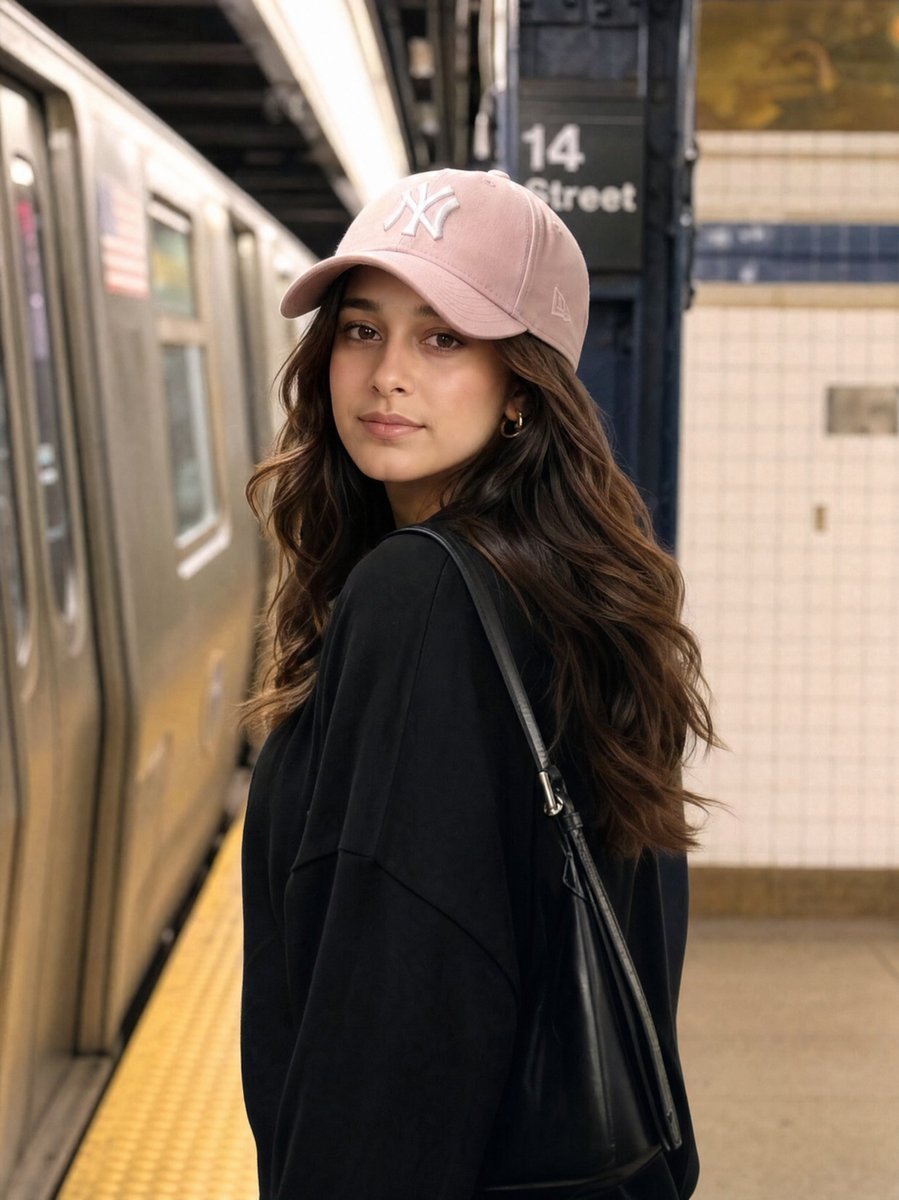
Identity Preservation Subway Portrait
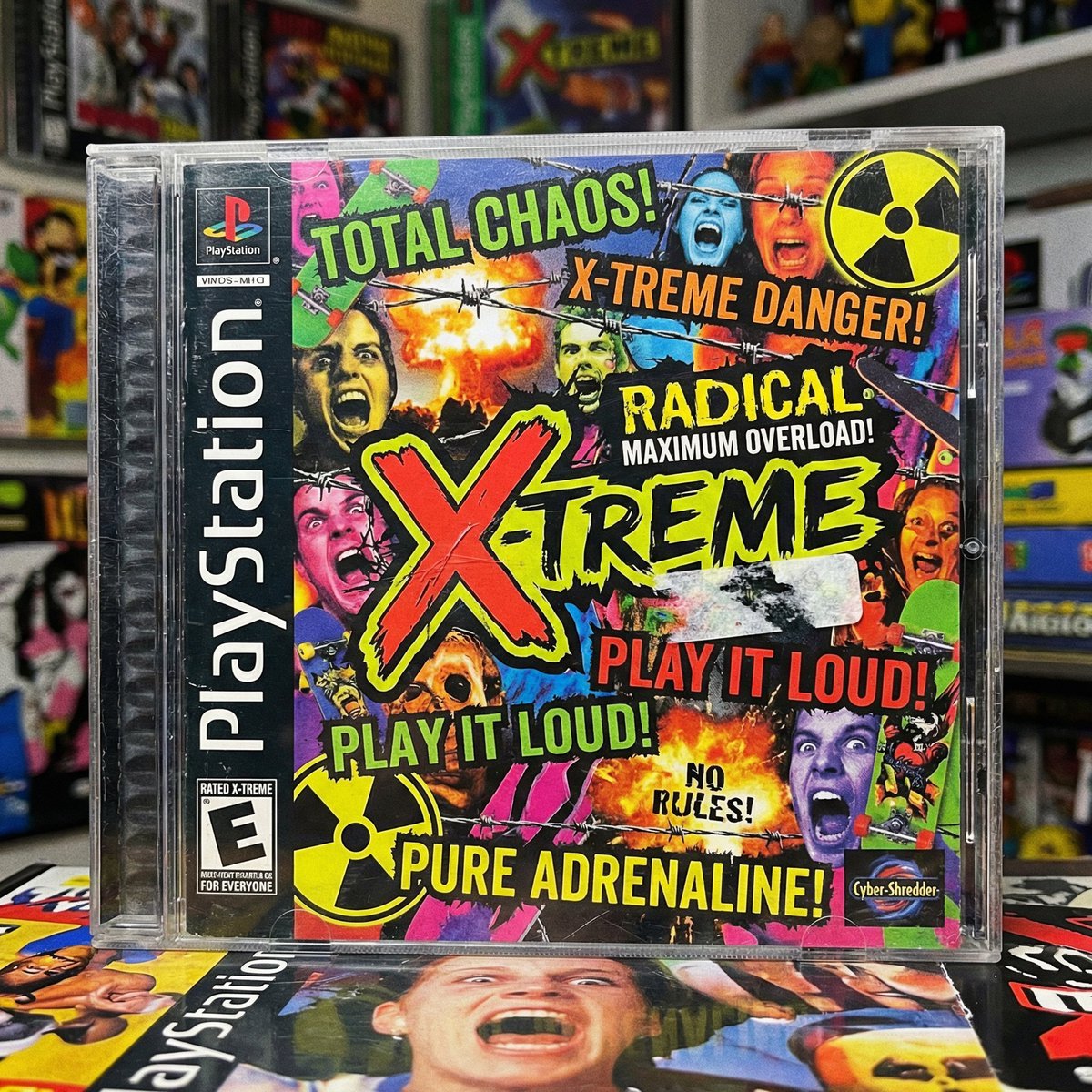
X-Treme 90s PlayStation Game Case
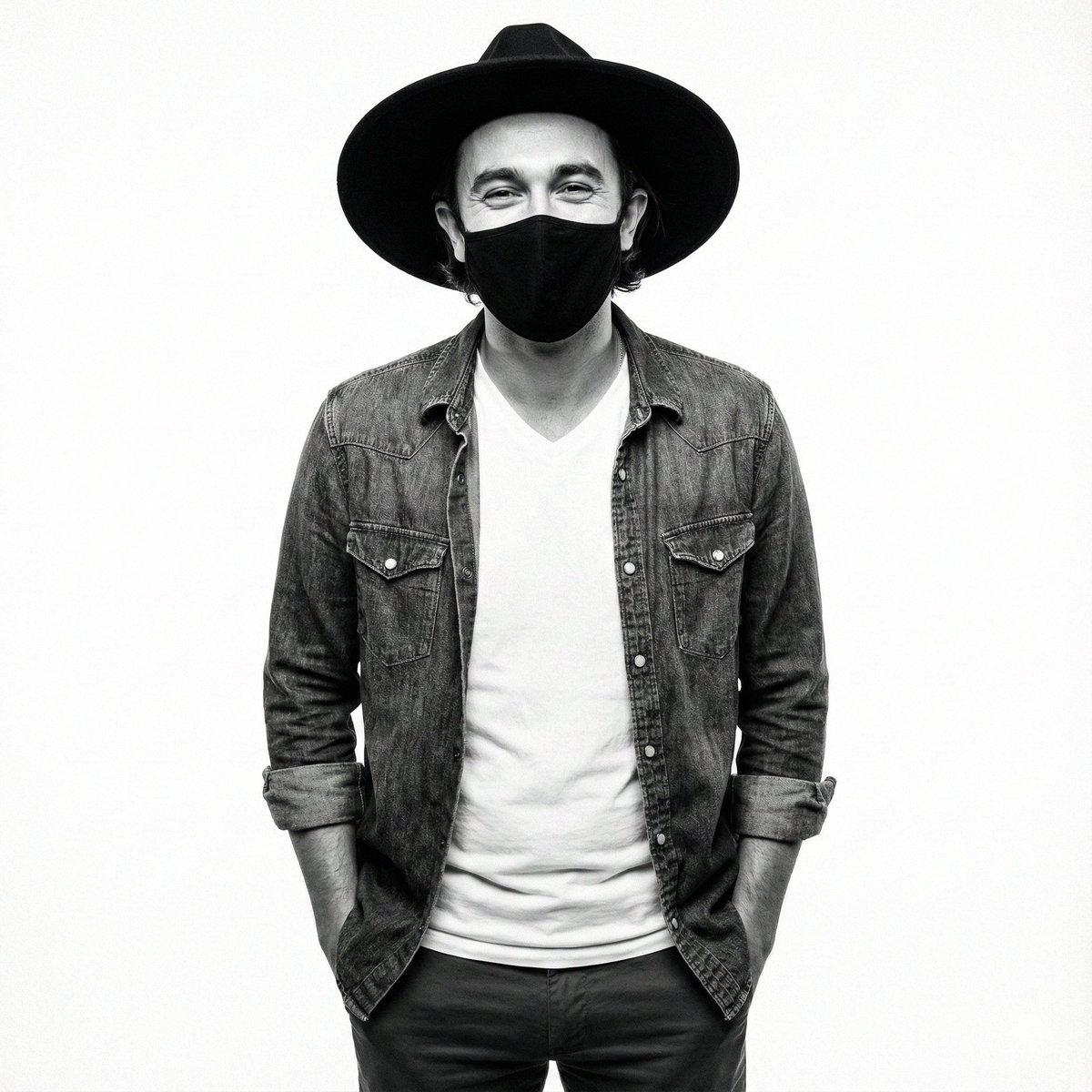
High-Contrast Monochrome Studio Portrait Prompt
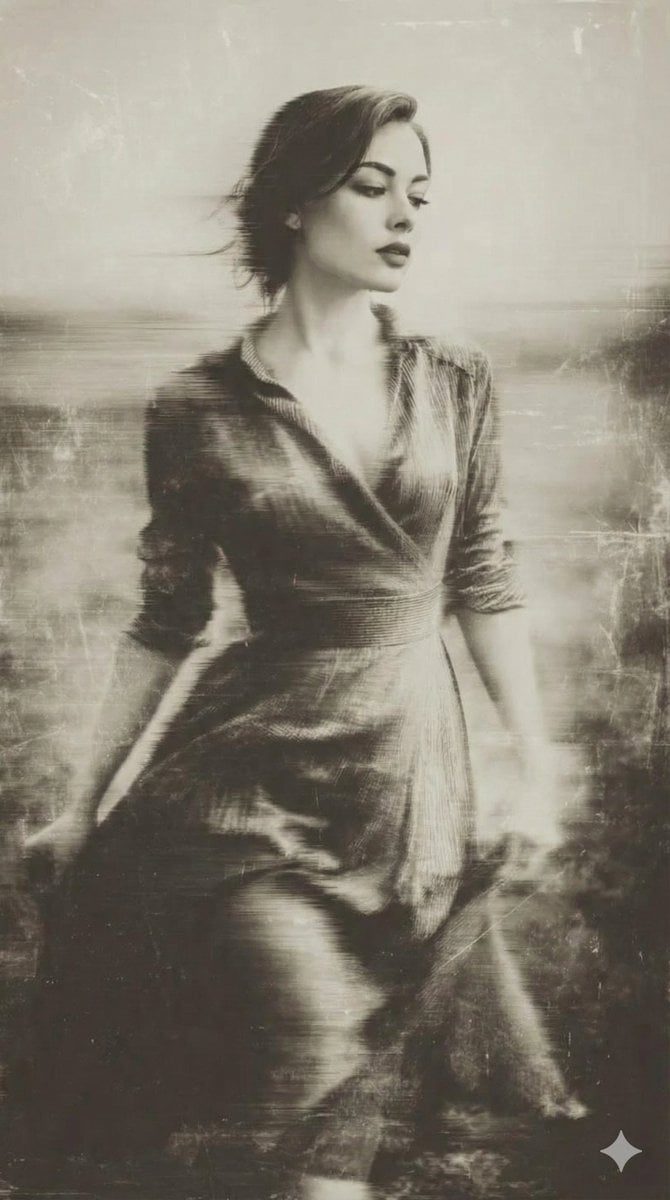
Vintage Wet-Plate Photograph Portrait
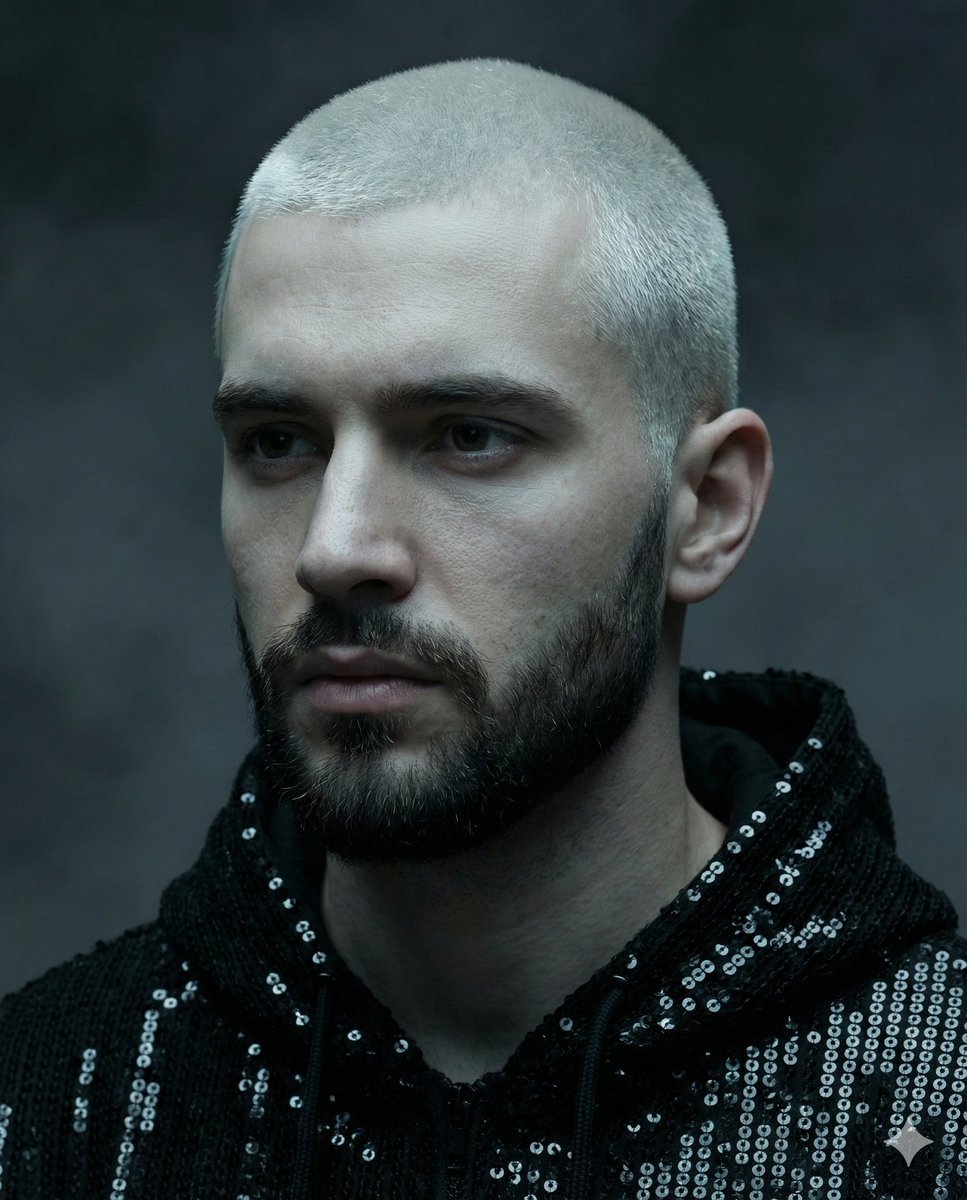
Hyper-realistic portrait of a young man with platinum buzz cut
Browse template categories
Epic Fantasy Double Exposure Silhouette questions
How do I use the Epic Fantasy Double Exposure Silhouette template?
Add your photo if the template asks for one, edit the prompt if you like — the template's model and format are already selected — and press Generate. Your version opens in PicX Studio.
Can I customize the Epic Fantasy Double Exposure Silhouette template?
Yes. You can change the subject, setting, lighting, mood, format, and available model controls before creating your image.
Is the Epic Fantasy Double Exposure Silhouette template free?
Opening and editing this template is free. Generating uses credits, shown on the Generate button when you are signed in.
Which AI model should I use?
Start with GPT Image 2, which is the model associated with this template. You can compare another compatible model for a different finish.
Looking for something else? Browse all templates.

Your photo, any look
Thousands of ready templates for every top image and video model, from one credit balance.