
Japanese Collage Portrait in Crimson
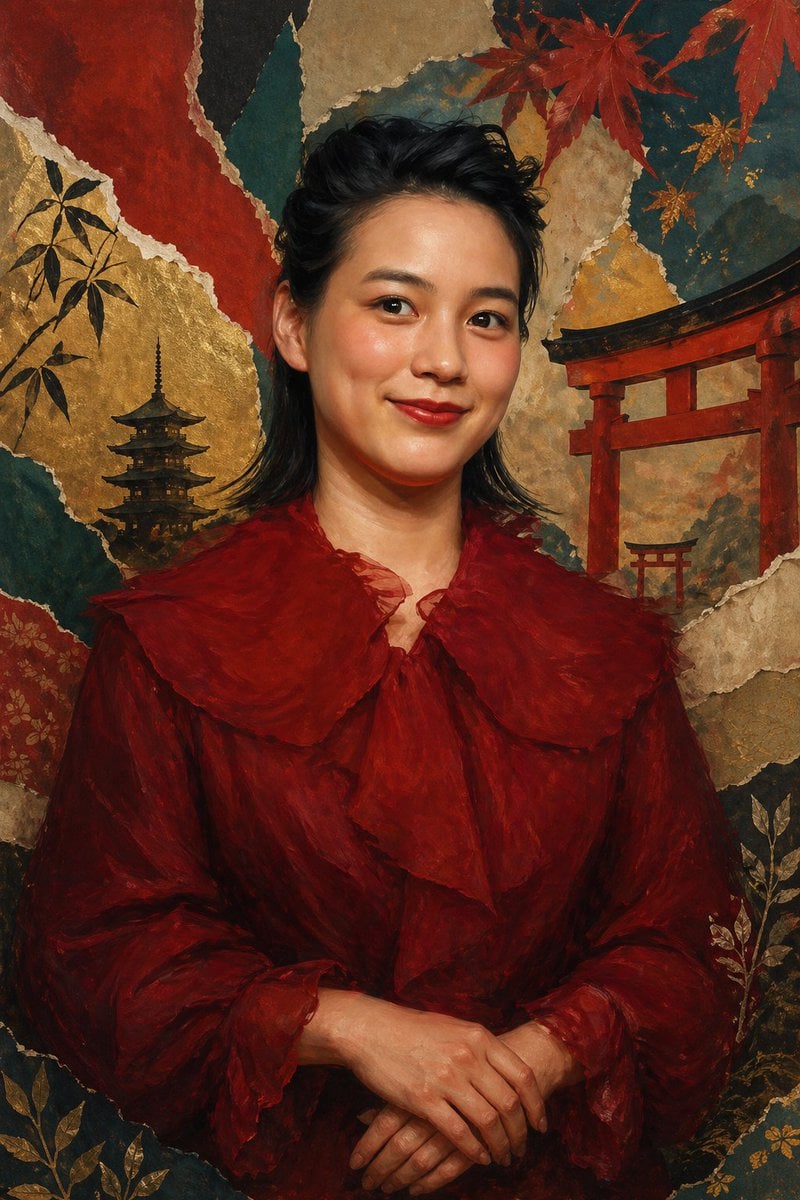
This prompt generates an elegant anonymized fine-art portrait with a crimson ruffled outfit against a richly textured Japanese-inspired gold-leaf collage background, suitable for editorial art or poster design.
- Prompt included
- Model and format preset
- Free template
The prompt behind this image
Copy the exact prompt behind Japanese Collage Portrait in Crimson, or open it in the studio and make it yours.
A refined vertical fine-art portrait of {argument name="subject" default="a Japanese actress and singer"} shown from about the waist up, centered and facing forward, with dark black wavy mullet-length hair brushed back from the forehead and softly framing the ears and neck, wearing a dramatic deep crimson chiffon blouse or dress with oversized translucent ruffles at the collar, chest, and sleeve cuffs. Her hands are gently folded at the lower center of the frame in a calm formal pose. The face area is deliberately obscured by a flat rectangular skin-toned block with no facial features visible, creating an anonymized editorial-art effect. The background is an elaborate Japanese-inspired collage made of torn washi-paper textures and gilded surfaces, with exactly 2 red torii gates on the right side at different scales, exactly 1 dark five-story pagoda on the left side, red maple leaves across the upper right, bamboo silhouettes on the upper left, and delicate gold botanical motifs in the lower corners. Use a rich palette of burgundy, vermilion, burnt umber, black, teal, parchment, and gold leaf, with painterly brushwork, softly blended shadows, antique screen painting aesthetics, and luxurious museum-quality lighting. The composition should feel elegant, moody, and ceremonial, mixing contemporary portrait photography with traditional Japanese byobu and nihonga influences.
How to use Japanese Collage Portrait in Crimson in 3 steps
- 1Upload ImagePNG, JPG or paste
Add your photo
Upload the photo the template builds on. The prompt, model and format are already set.
- 2…a portrait of your subject in softgolden-hour light, 85mm…
Personalize
Edit the subject and creative details for your destination.
- 3Generate
Generate
Press Generate — your image is created in PicX Studio, so you can compare it with the original and refine one variable at a time.
More like this
Templates with the same subject, style or setup. Open one to see its prompt.

Found Photograph: Us, 1970

80s Couple Studio Portrait

80s Bollywood Star

80s Golden Hour Cinema

Me in 1985

1985 Studio Portrait

Hyper-Realistic Minecraft POV Portrait

Minecraft Japanese Research Lab Exploration
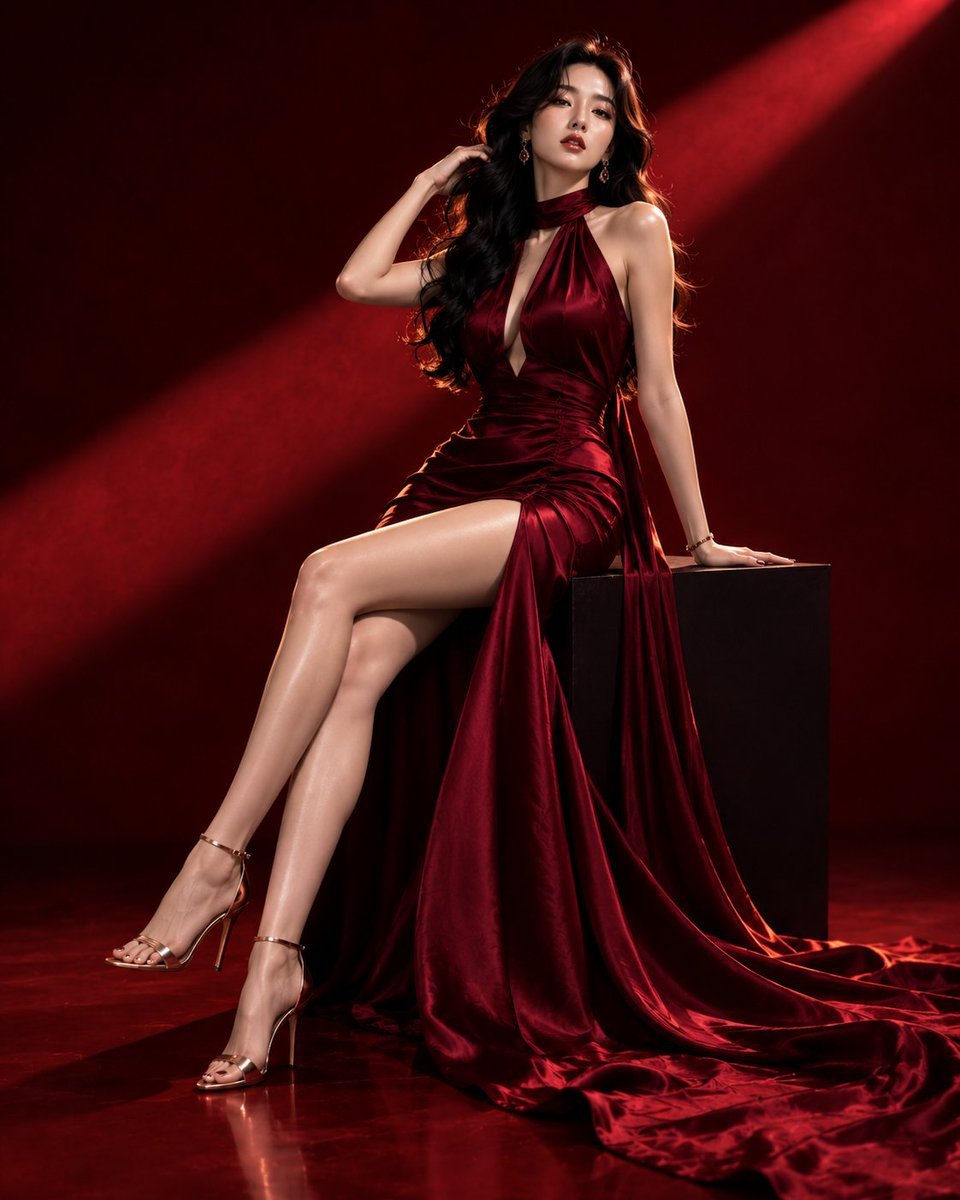
Luxury Crimson Fashion Editorial Portrait
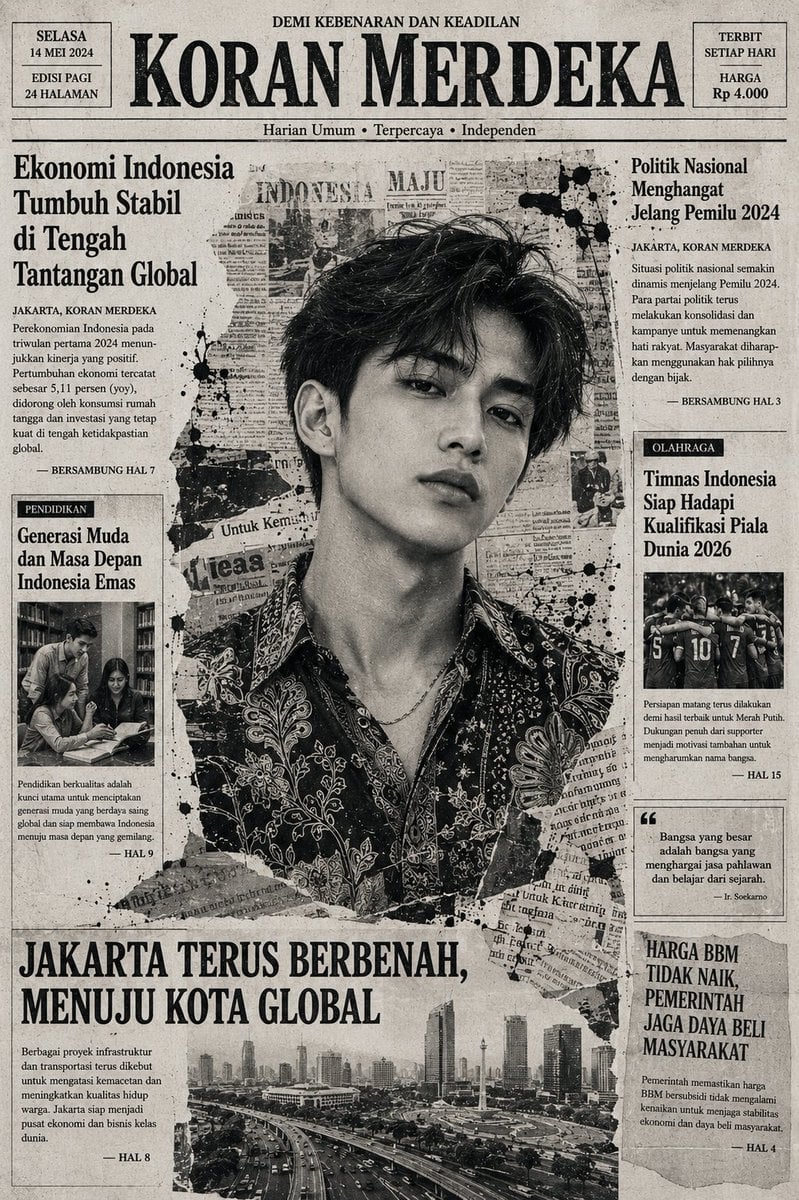
Indonesian Woman Newspaper Collage Portrait

Royal Sherwani Portrait Collage Prompt

Six-Panel Retro Japanese Poster Collage
Make it yours
Japanese Collage Portrait in Crimson works as-is. These are the safest ways to change it without losing the look.
Change one field
Copy a single group, rewrite it, and generate again so you can see what that field is doing.
Keep the frame, change the subject
Hold the composition and light of Japanese Collage Portrait in Crimson, then swap wardrobe, props or the person for a new take.
| If the result… | Why | Fix |
|---|---|---|
| The result drifts from the preview | Too many fields changed at once. | Reuse Japanese Collage Portrait in Crimson as-is first, then change one group — subject, light, or setting. |
| The model over-stylizes the scene | The prose prompt leaves finish and camera underspecified. | Add one camera or lighting sentence and stay on GPT Image 2. |
More GPT Image 2 templates
Other prompts made for GPT Image 2.

Six VTuber Japanese Logo Sheet

Realistic Portrait of Woman and Deer

The Vista Modular Condo Poster

AI Model Routing Comparison Infographic

2.5D Anime Art Board

Isometric Productivity Desk Scene

New York Double Exposure Poster

Four-Panel AI Landscape Comparison

Japanese Tatami Lifestyle Magazine Cover

NESCAFÉ Coffee Map Poster
More image prompts
Fresh picks from across the catalog.
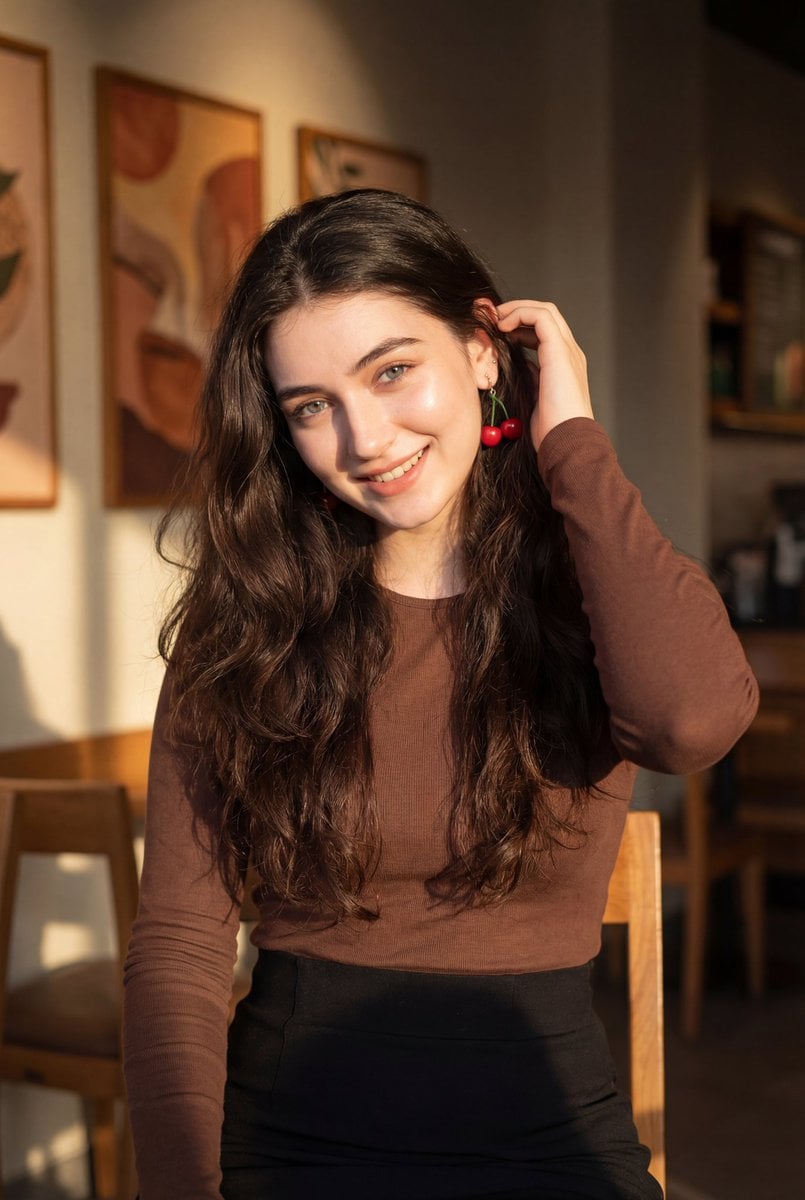
Golden Hour Portrait of a Smiling Young Woman
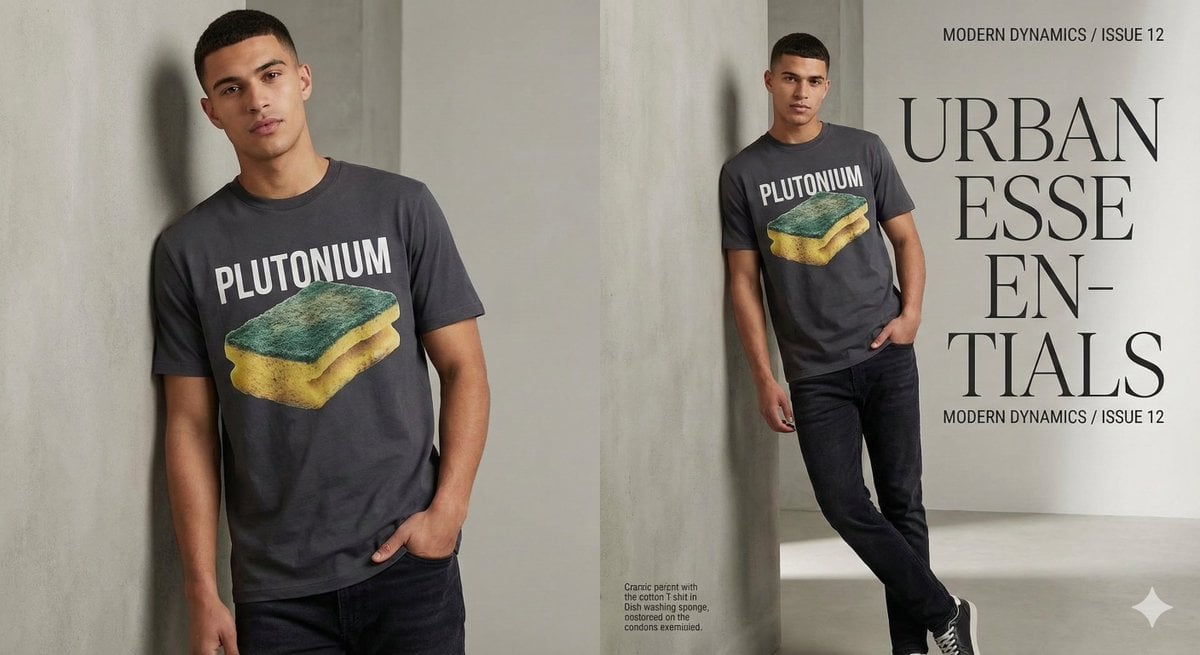
Fashion Magazine Style Sponge T-shirt with 'Error'
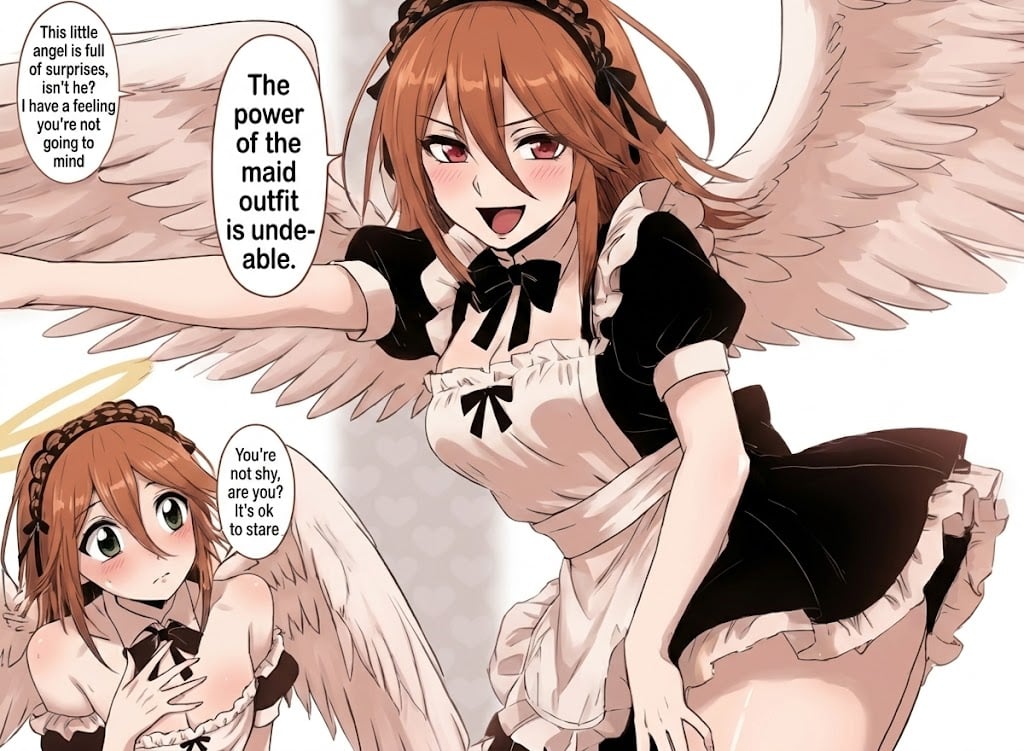
Sharpening and Text Insertion Prompt

Ultra-Realistic Nighttime Winter Portrait in JSON Format
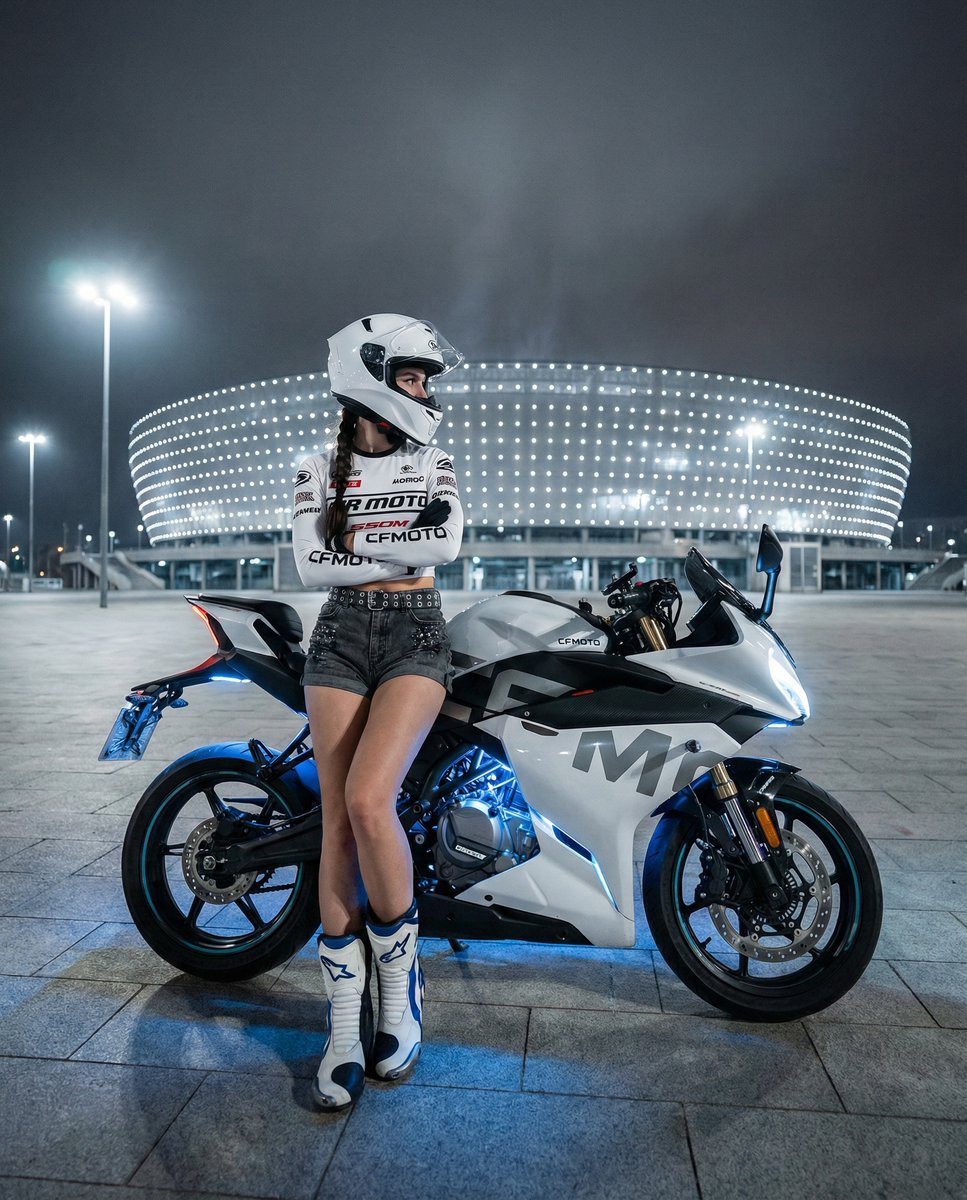
Nighttime Sportbike Rider Portrait
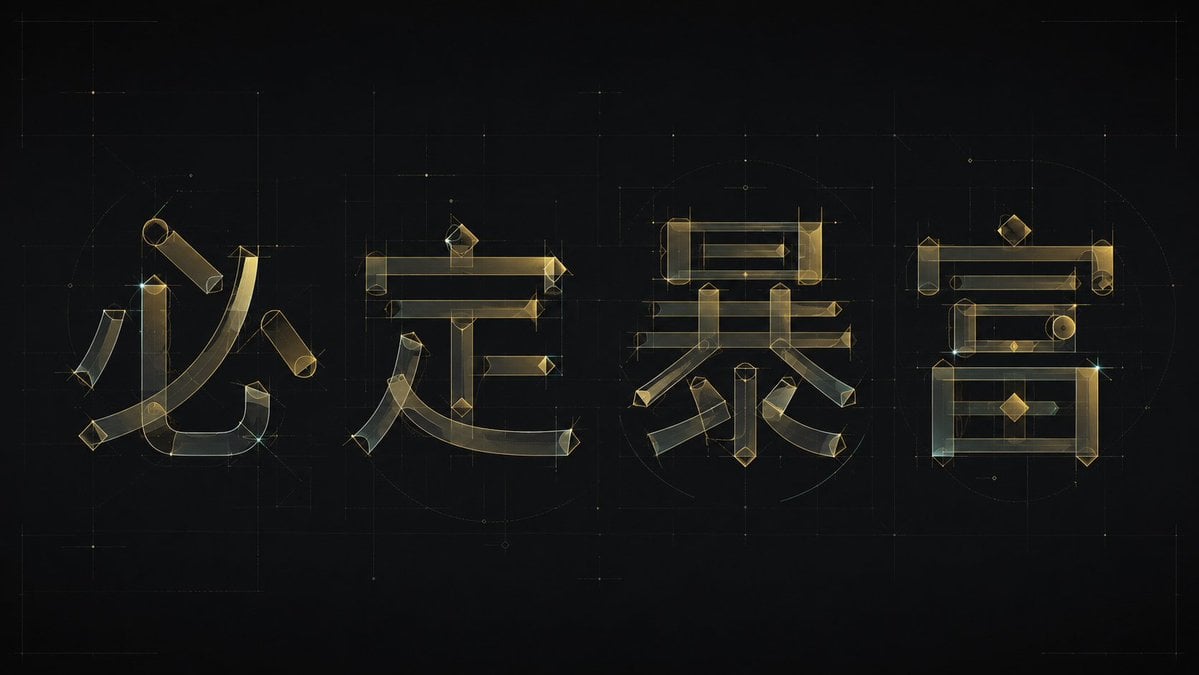
Experimental Chinese Typography Design
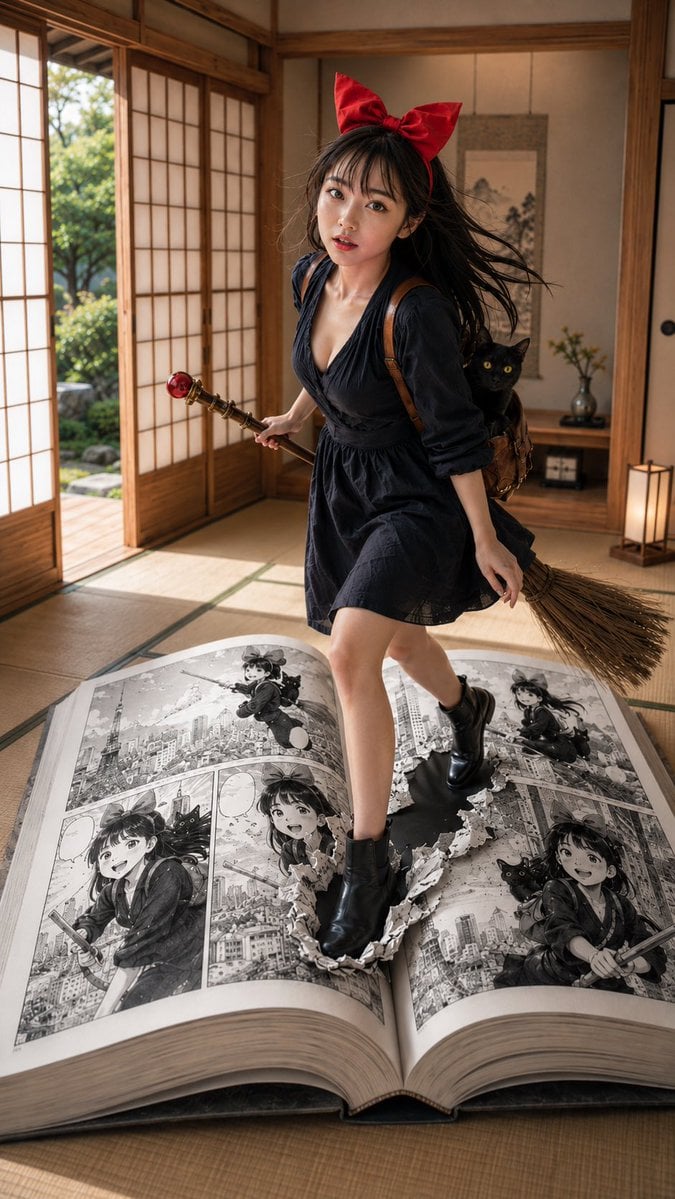
Witch in Japanese Washitsu Portal
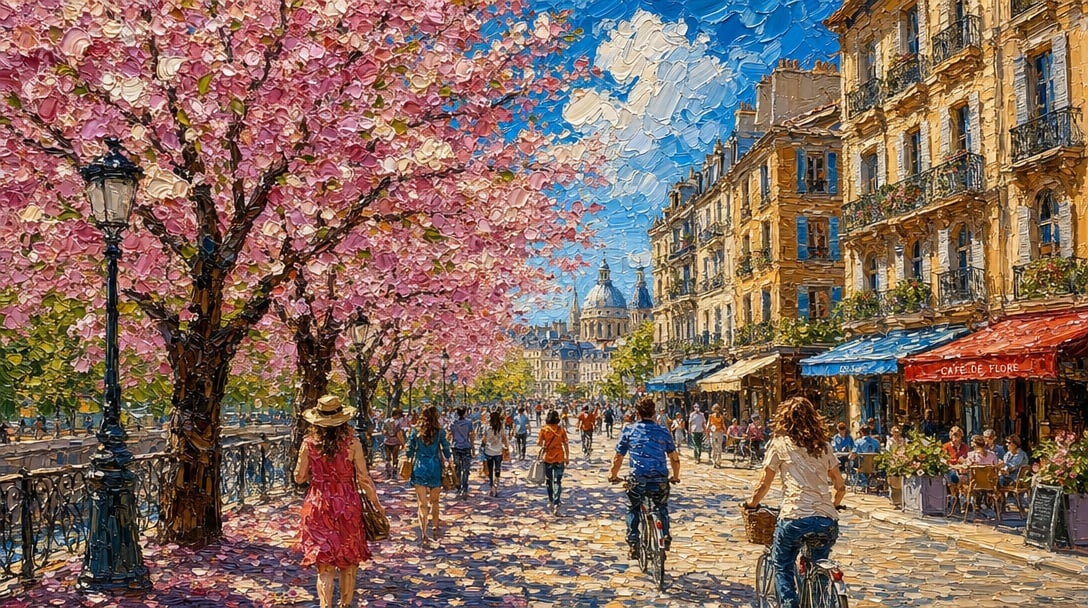
Impasto Spring Paris Boulevard
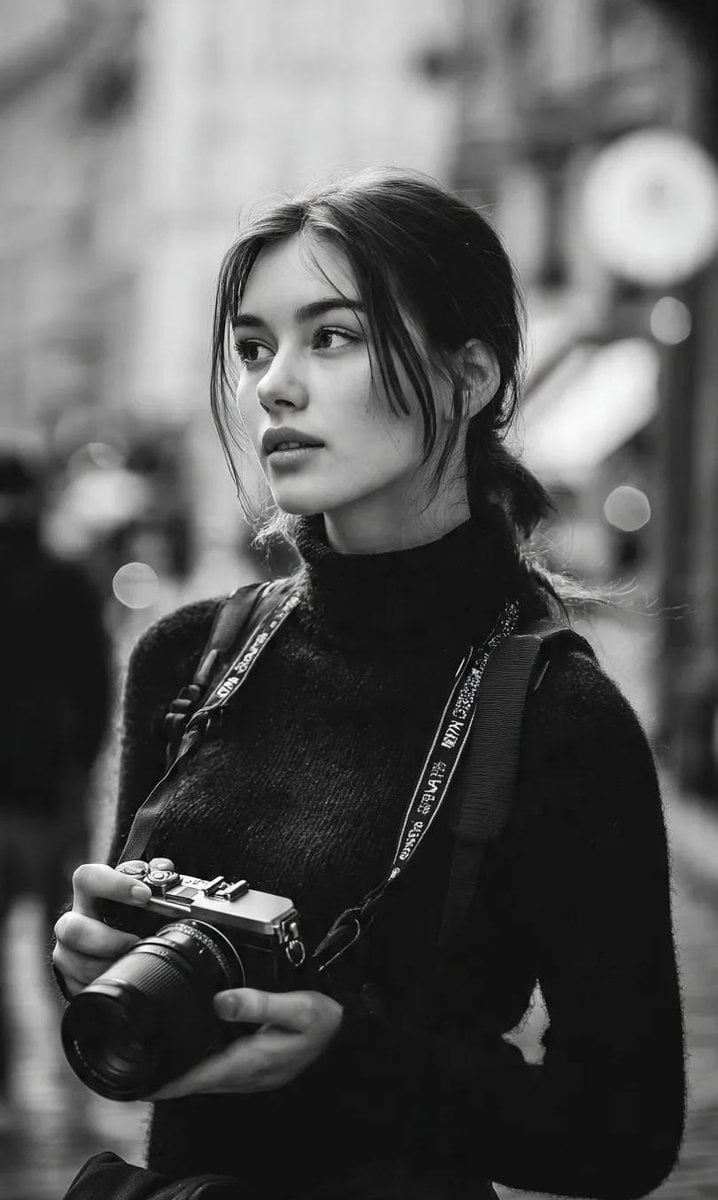
Monochrome Street Photographer Portrait
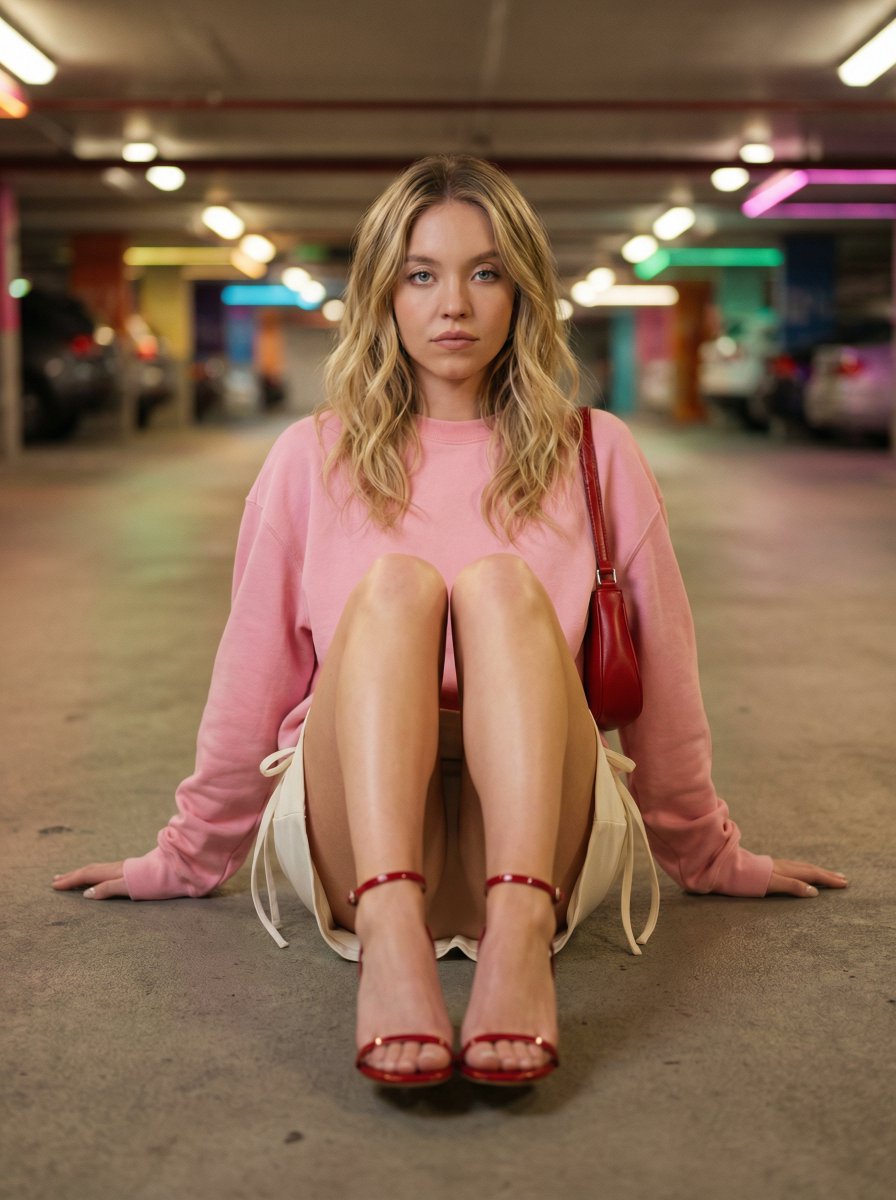
Cinematic Fashion Portrait in Underground Parking
Browse template categories
Japanese Collage Portrait in Crimson questions
How do I use the Japanese Collage Portrait in Crimson template?
Add your photo if the template asks for one, edit the prompt if you like — the template's model and format are already selected — and press Generate. Your version opens in PicX Studio.
Can I customize the Japanese Collage Portrait in Crimson template?
Yes. You can change the subject, setting, lighting, mood, format, and available model controls before creating your image.
Is the Japanese Collage Portrait in Crimson template free?
Opening and editing this template is free. Generating uses credits, shown on the Generate button when you are signed in.
Which AI model should I use?
Start with GPT Image 2, which is the model associated with this template. You can compare another compatible model for a different finish.
Looking for something else? Browse all templates.

Your photo, any look
Thousands of ready templates for every top image and video model, from one credit balance.