
Witch in Japanese Washitsu Portal
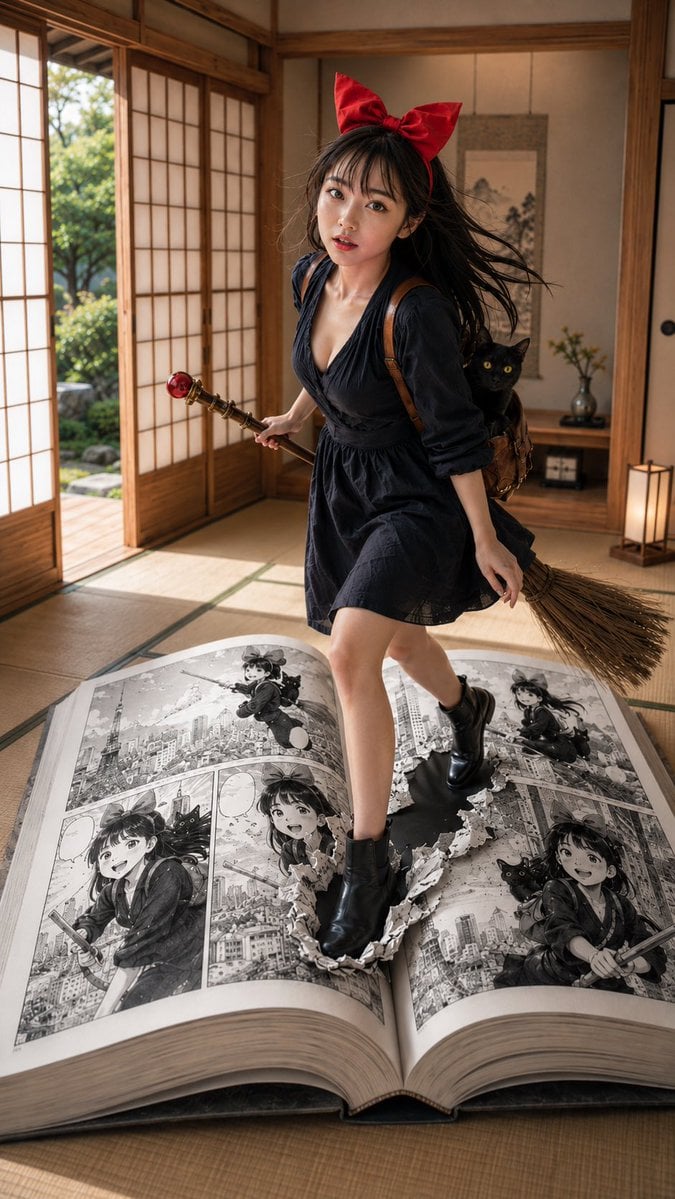
A surreal fantasy prompt combining a traditional Japanese tatami room with a giant manga book serving as a portal for a young witch and her cat.
- Prompt included
- Model and format preset
- Free template
The prompt behind this image
Copy the exact prompt behind Witch in Japanese Washitsu Portal, or open it in the studio and make it yours.
Theme: {argument name="theme" default="A witch girl standing at the boundary between a Japanese room and a manga page"} / manga fantasy portrait Subject & Expression: {argument name="subject" default="a woman in her 20s, long dark brown hair, a large red ribbon"}, translucent skin, natural makeup, a natural healthy color, a slightly open mouth with a light look of surprise, a gentle gaze toward the camera Clothing & Pose: {argument name="clothing" default="a deep navy dress, black short boots, a small brown bag on her back"}, a black cat peeking out from the bag, a broom with a red ball ornament in one hand, stepping forward with one foot, in a pose where her front leg is half-sunk into a torn hole in a giant manga page Background & Light: an elegant tatami-floored Japanese room, soft natural light streaming in through the shoji screens, wooden pillars and a tokonoma alcove, a hanging scroll and a single-flower vase, a green garden visible outside, a quiet, warm Japanese-style space Composition & Camera: vertical 9:16, full-body portrait, a slightly low angle, a huge open manga book placed large in the foreground, the subject centered, a composition that makes clear the boundary between manga and reality, 35mm lens, shallow depth of field, dynamic cinematic framing Texture & Style: high detail, 4K quality, realistic AI portrait, natural skin texture, delicate hair flow, cinematic lighting, a fantasy expression fusing live-action and manga. The content of the manga page should consist of black-and-white manga panels showing the same red-ribboned woman and black cat flying over Tokyo on the broom, including an aerial-view scene with Tokyo Tower in the background, a close-up smiling shot, and a flying scene. Emphasize the torn hole and scraps of the page, clearly conveying the sense that her leg is stepping from reality into the manga world Negative: low quality, unnatural hands, distorted face, extra fingers, warped body, unnatural feet, broken manga panels, excessive processing, garbled text, logos, watermarks, excessive exposure
How to use Witch in Japanese Washitsu Portal in 3 steps
- 1
Open
The prompt is already in the box next to the preview, with the template's model and format selected.
- 2…a portrait of your subject in softgolden-hour light, 85mm…
Personalize
Edit the subject and creative details for your destination.
- 3Generate
Generate
Press Generate — your image is created in PicX Studio, so you can compare it with the original and refine one variable at a time.
More like this
Templates with the same subject, style or setup. Open one to see its prompt.

Minecraft Japanese Research Lab Exploration

Japanese Architectural Concrete Studio Fashion Campaign

Japanese Minimalist Concrete Studio Fashion Editorial

Blue Backdrop Luxury Fashion Portrait Campaign
Minimalist Japanese Washitsu Indoor Portrait

Japanese Film Reflection Idol

Kappa Girl and Scarecrow Witch
Fantasy Desert Portal Scene
Silver Haired Witch Moonlight
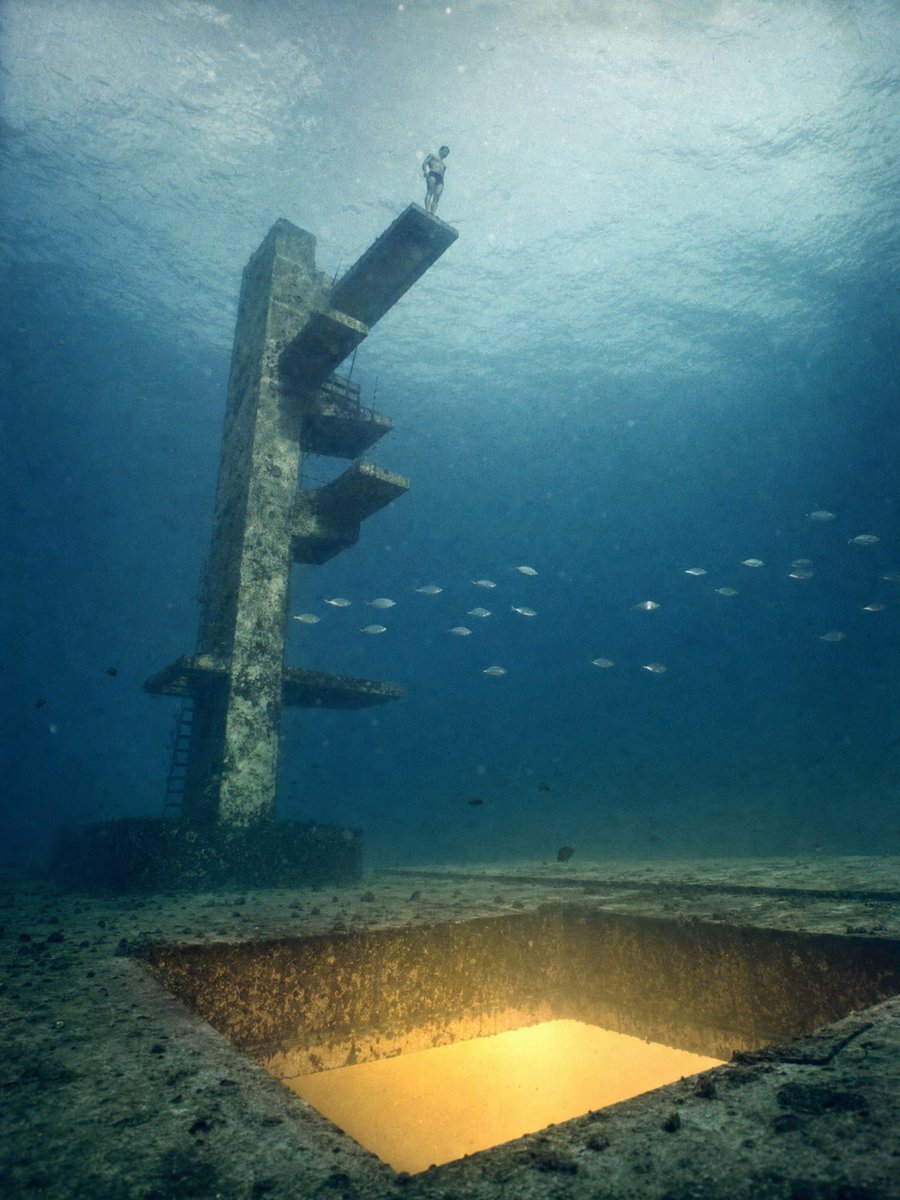
Underwater Diving Tower Portal
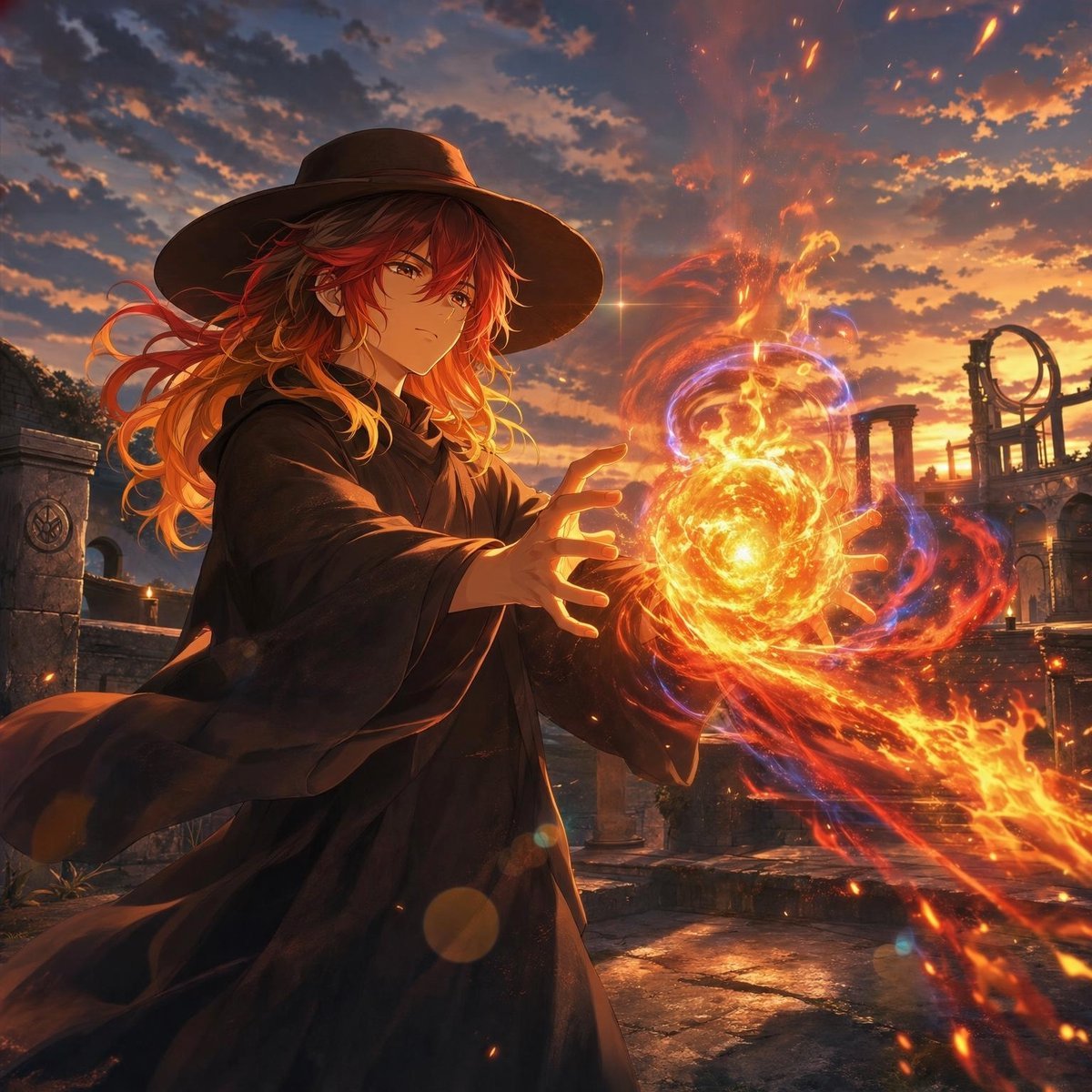
Anime Witch Casting Fire Spell
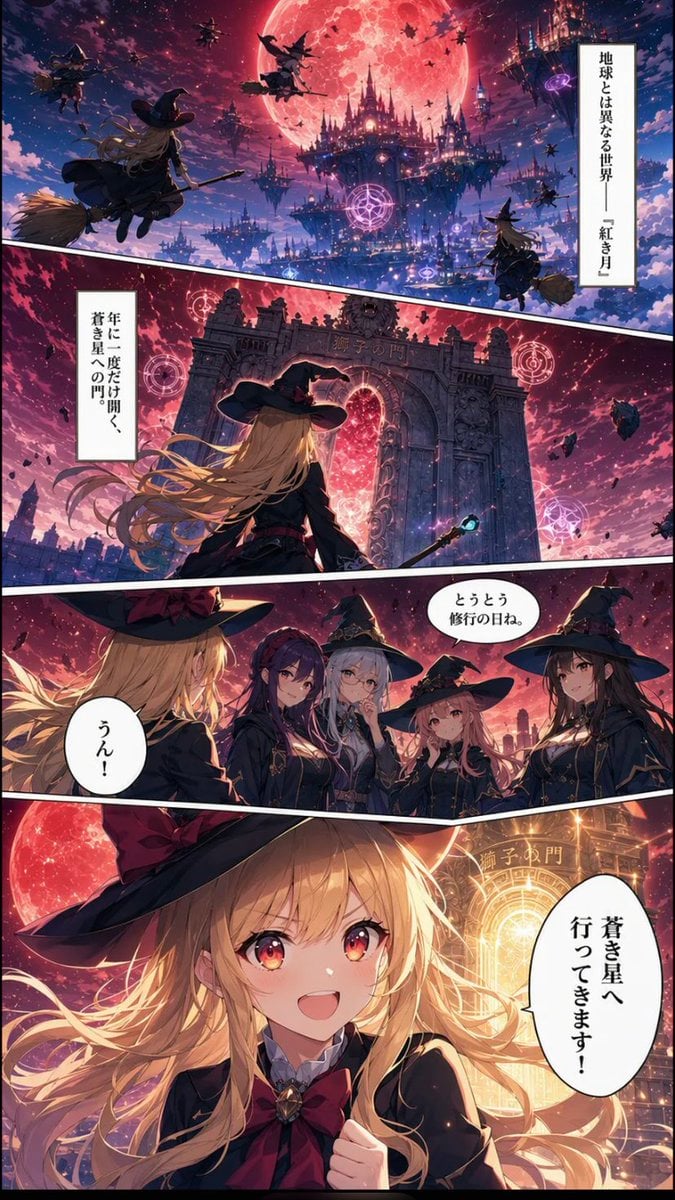
Crimson Moon Witch Manga Page
Make it yours
Witch in Japanese Washitsu Portal works as-is. These are the safest ways to change it without losing the look.
Change one field
Copy a single group, rewrite it, and generate again so you can see what that field is doing.
Keep the frame, change the subject
Hold the composition and light of Witch in Japanese Washitsu Portal, then swap wardrobe, props or the person for a new take.
| If the result… | Why | Fix |
|---|---|---|
| The result drifts from the preview | Too many fields changed at once. | Reuse Witch in Japanese Washitsu Portal as-is first, then change one group — subject, light, or setting. |
| The model over-stylizes the scene | The prose prompt leaves finish and camera underspecified. | Add one camera or lighting sentence and stay on GPT Image 2. |
More GPT Image 2 templates
Other prompts made for GPT Image 2.

Realistic Portrait of Woman and Deer

The Vista Modular Condo Poster

AI Model Routing Comparison Infographic

2.5D Anime Art Board

Isometric Productivity Desk Scene

New York Double Exposure Poster

Four-Panel AI Landscape Comparison

Japanese Tatami Lifestyle Magazine Cover

NESCAFÉ Coffee Map Poster

Brutalist Cogito Chinese Typography Poster
More image prompts
Fresh picks from across the catalog.
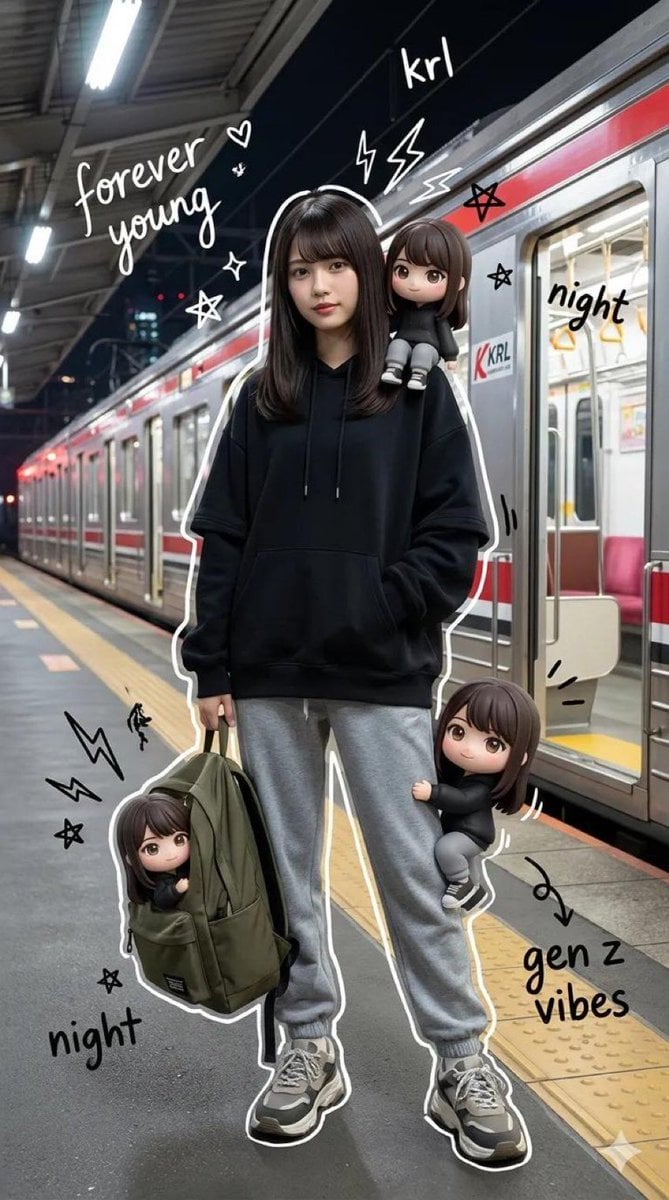
Mixed-Media Portrait of Gen Z Teenager with Chibi Clones

Moonlit Barn Fashion Portrait
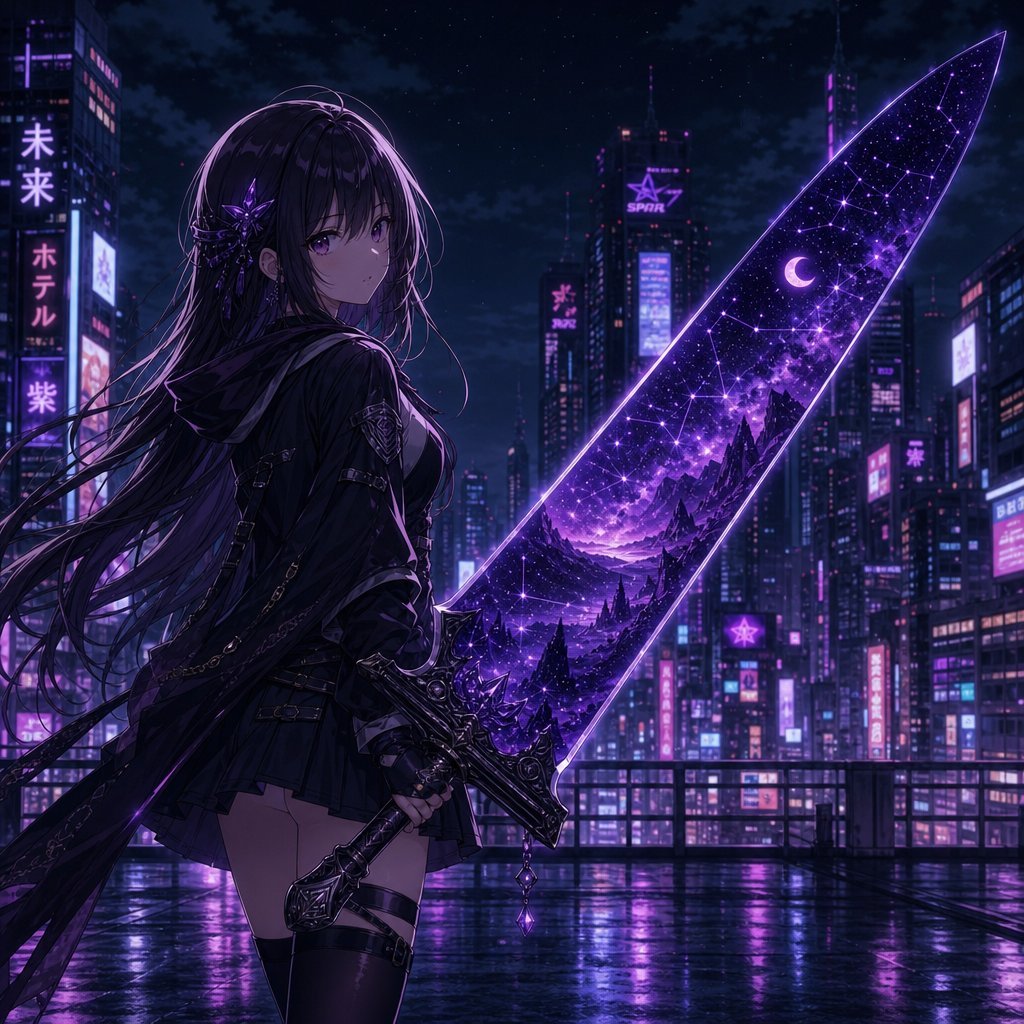
Anime Girl Double Exposure Greatsword
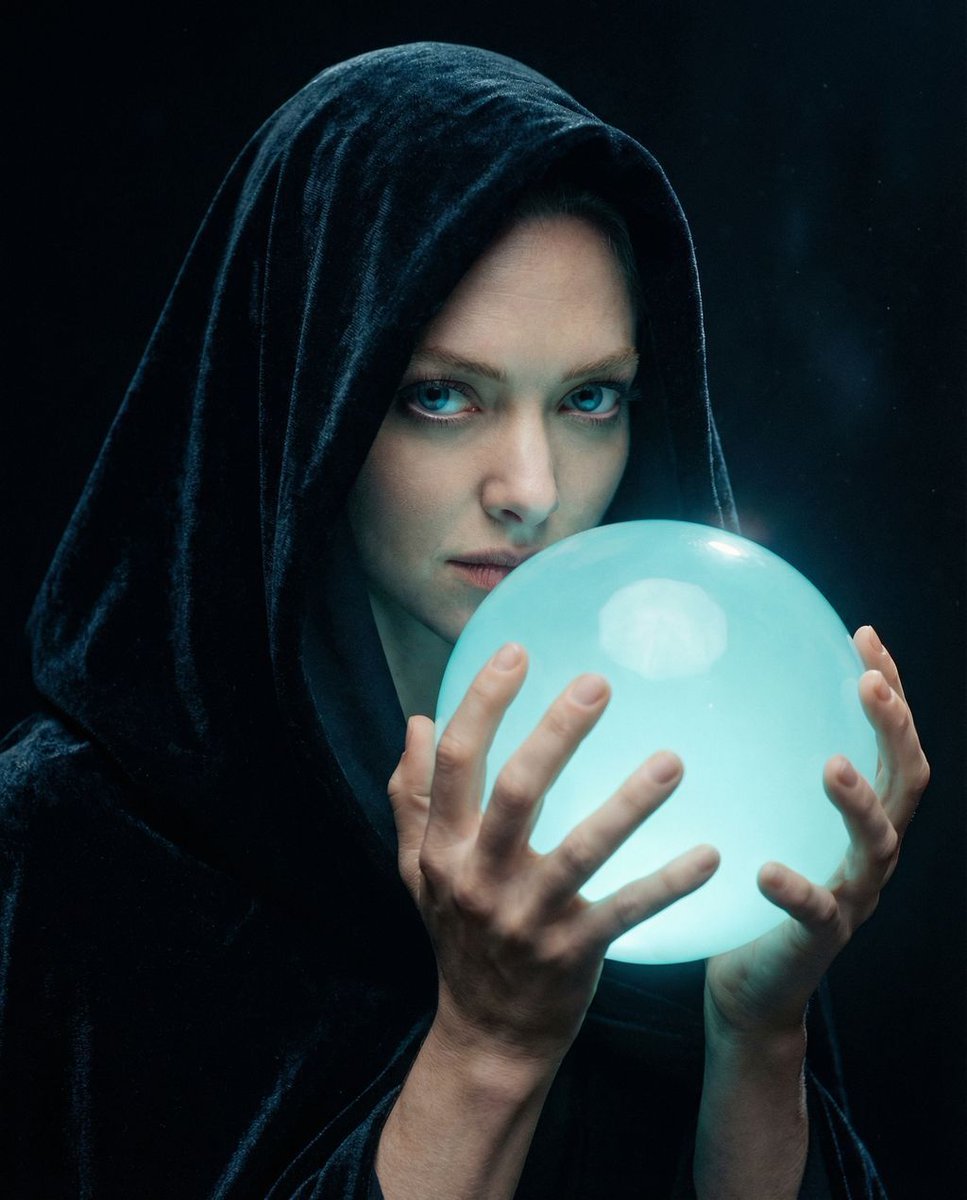
Cinematic Mystery Portrait: Prophecy Reflection
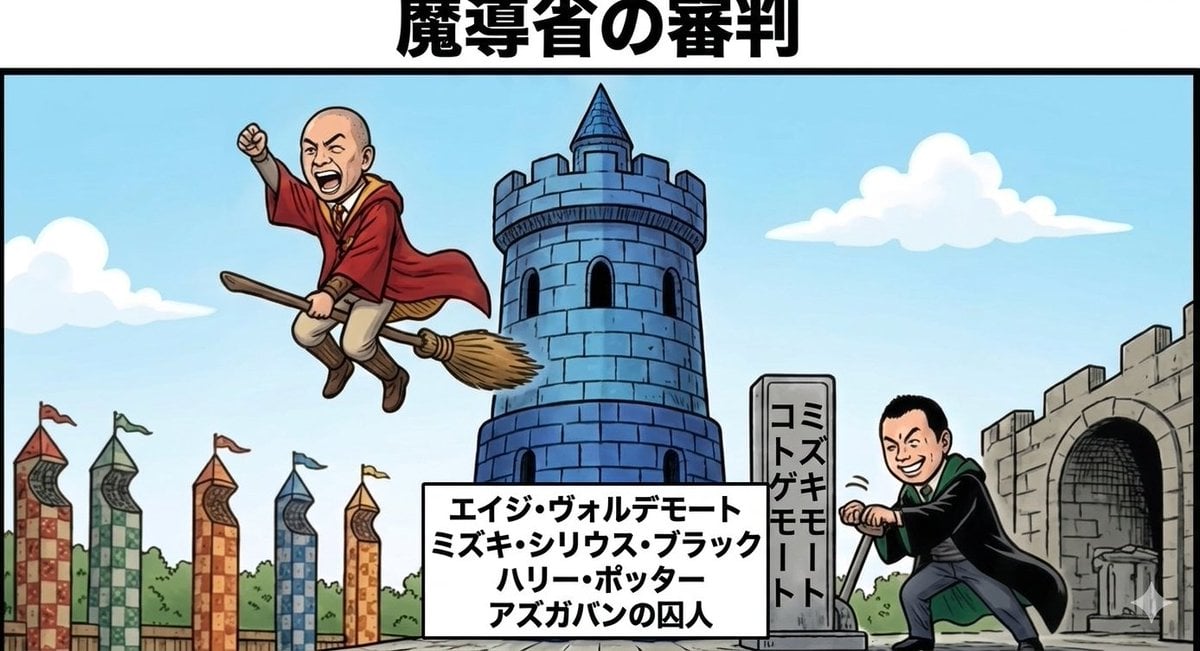
Harry Potter/Viking Crossover Prompt

Intimate Studio Portrait with Fairy Lights Prompt

Hyper-Realistic Product Photography with Liquid Splash
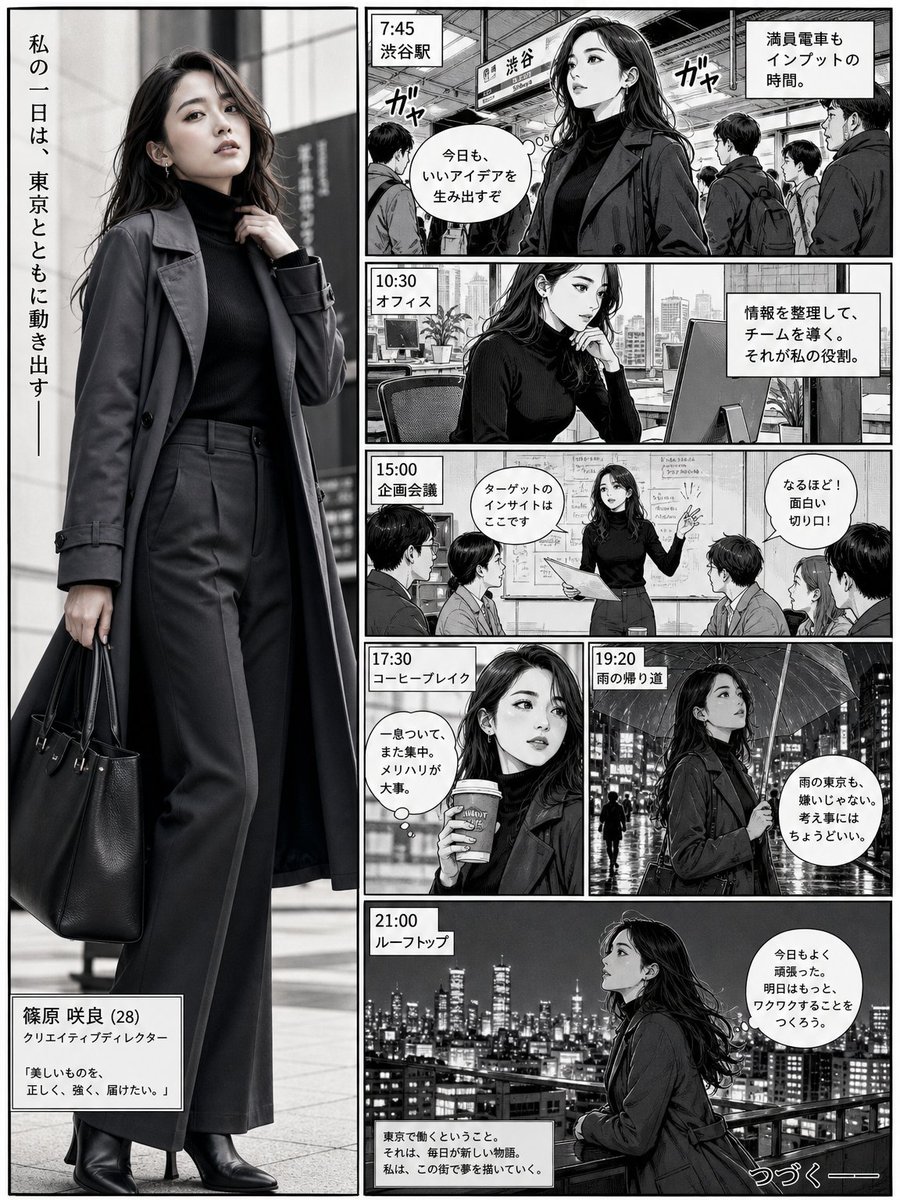
Realistic Professional Woman in Manga Page Layout
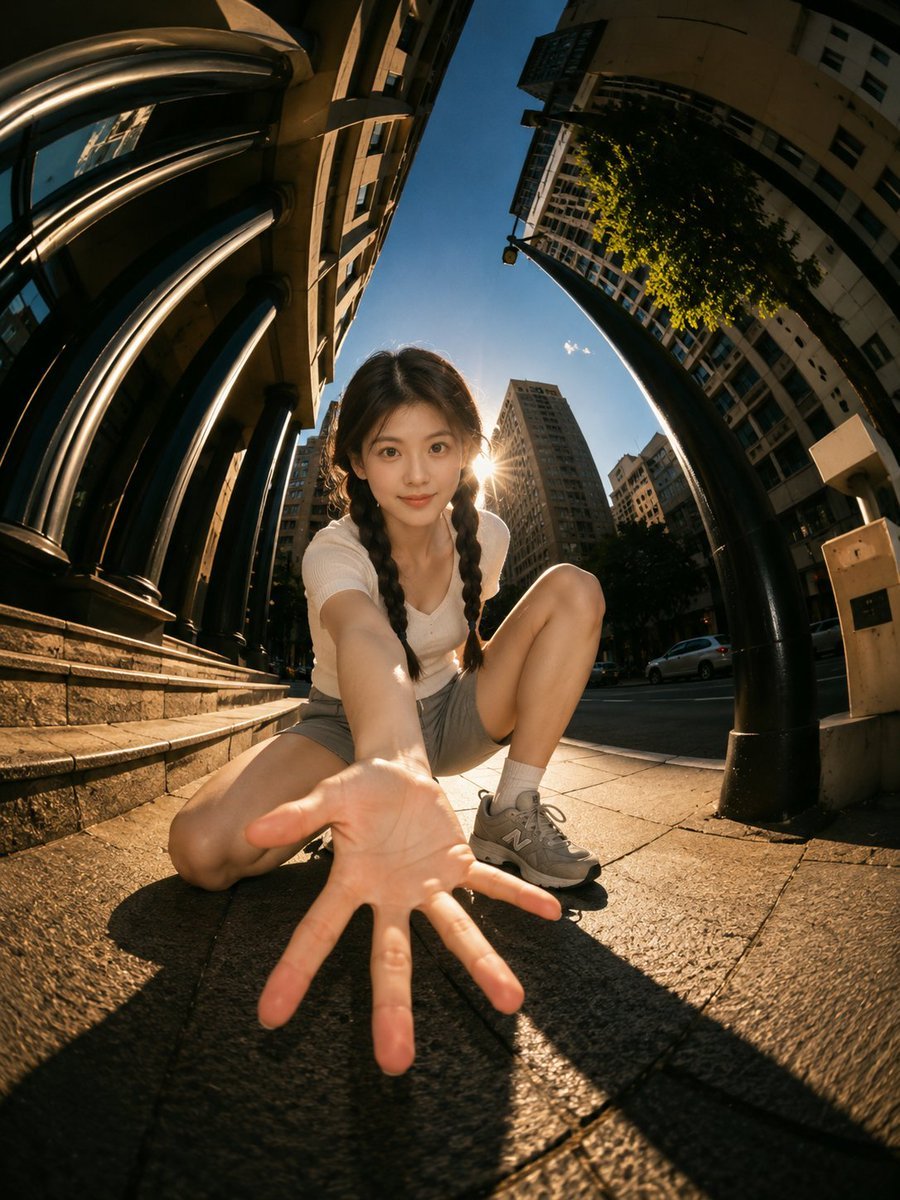
Cinematic Fisheye Urban Portrait

Slide Document Generation Feature
Browse template categories
Witch in Japanese Washitsu Portal questions
How do I use the Witch in Japanese Washitsu Portal template?
Add your photo if the template asks for one, edit the prompt if you like — the template's model and format are already selected — and press Generate. Your version opens in PicX Studio.
Can I customize the Witch in Japanese Washitsu Portal template?
Yes. You can change the subject, setting, lighting, mood, format, and available model controls before creating your image.
Is the Witch in Japanese Washitsu Portal template free?
Opening and editing this template is free. Generating uses credits, shown on the Generate button when you are signed in.
Which AI model should I use?
Start with GPT Image 2, which is the model associated with this template. You can compare another compatible model for a different finish.
Looking for something else? Browse all templates.

Your photo, any look
Thousands of ready templates for every top image and video model, from one credit balance.