
Realistic Professional Woman in Manga Page Layout
This prompt creates a sophisticated Japanese manga page layout that seamlessly integrates a highly realistic, full-body portrait of a character with stylized black-and-white narrative panels.
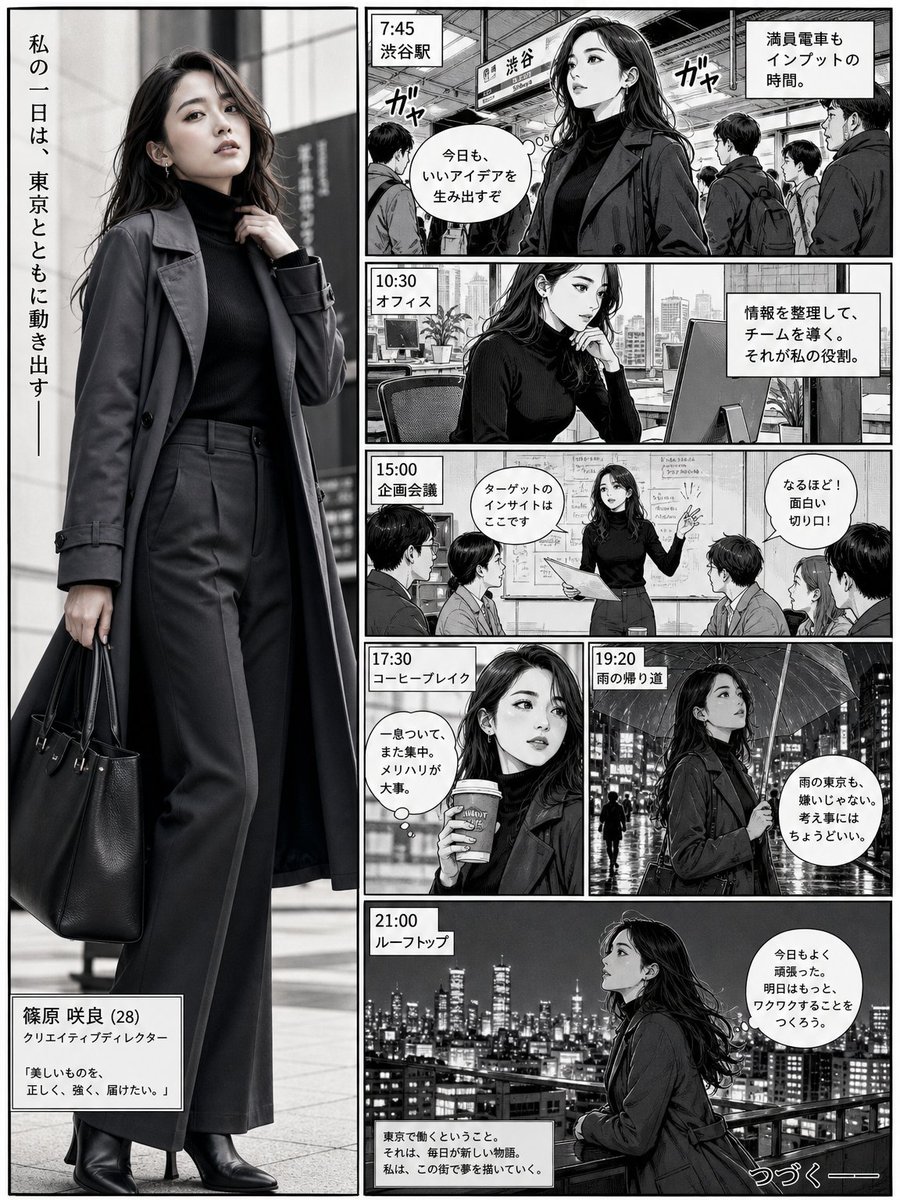
- Prompt included
- Model and format preset
- Free template
The prompt behind this image
Copy the exact prompt behind Realistic Professional Woman in Manga Page Layout, or open it in the studio and make it yours.
Ultra-realistic full-body portrait of a {argument name="character description" default="confident young professional woman"} integrated directly into a {argument name="comic style" default="Japanese manga"} page layout. She appears inside a tall vertical hero panel on the left, spanning almost the full page height, and feels visually connected to the surrounding story panels. She wears a {argument name="outfit" default="sleek charcoal trench coat layered over a fitted black turtleneck and tailored wide-leg trousers, with leather ankle boots and a structured work bag"}. Her pose is stylish and confident, one hand lightly adjusting her coat collar, the other holding the bag, body slightly turned with one leg forward.\n\nOn the right side, create smaller black-and-white manga panels showing a day in her life in Tokyo: train station, office desk, creative meeting, coffee break, rainy street, and rooftop skyline. Make the woman feel like the main character of the page, as if the realistic figure exists inside the manga story, not outside it. Use strong ink lines, screentones, speech bubbles, motion lines, and cinematic panel storytelling. Blend the realistic subject naturally into the comic narrative while keeping her more detailed and visually dominant.
How to use Realistic Professional Woman in Manga Page Layout in 3 steps
- 1Upload ImagePNG, JPG or paste
Add your photo
Upload the photo the template builds on. The prompt, model and format are already set.
- 2…a portrait of your subject in softgolden-hour light, 85mm…
Personalize
Edit the subject and creative details for your destination.
- 3Generate
Generate
Press Generate — your image is created in PicX Studio, so you can compare it with the original and refine one variable at a time.
More like this
Templates with the same subject, style or setup. Open one to see its prompt.
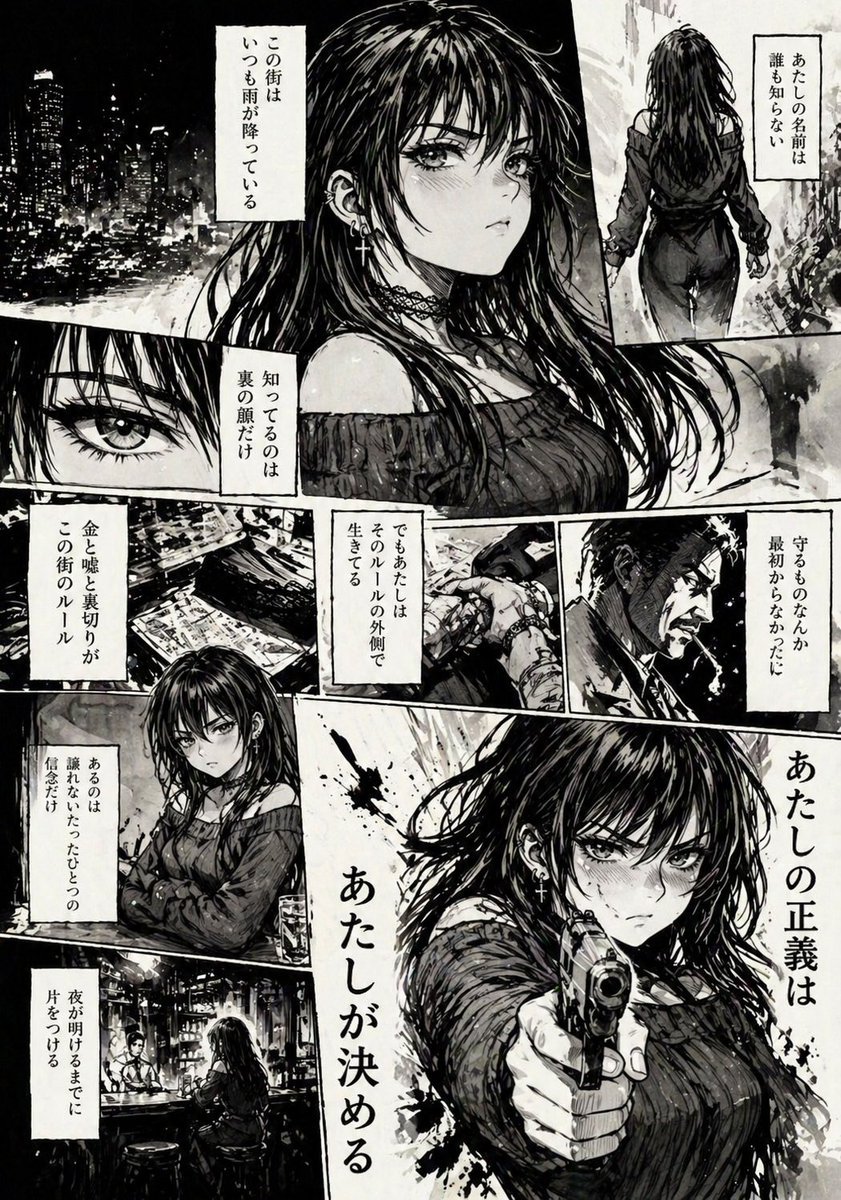
Hard-Boiled Noir Manga Woman Page

Quiet Hamster Manga Page

Late-Night Hamster Manga Page

Surreal Noir Hamster Manga Page

Shojo Horror Manga Corridor Page

Cute AI Manga Lesson Comic Page

Hamster Summons Sol Manga Page

Lazy Day Chibi Manga Page

Overwhelmed Coding Manga Page

Fantasy Wagashi Manga Cooking Page

Sunny Seaside Anime Manga Page

Professional South Asian Woman Portrait
Make it yours
Realistic Professional Woman in Manga Page Layout works as-is. These are the safest ways to change it without losing the look.
Change one field
Copy a single group, rewrite it, and generate again so you can see what that field is doing.
Keep the frame, change the subject
Hold the composition and light of Realistic Professional Woman in Manga Page Layout, then swap wardrobe, props or the person for a new take.
| If the result… | Why | Fix |
|---|---|---|
| The result drifts from the preview | Too many fields changed at once. | Reuse Realistic Professional Woman in Manga Page Layout as-is first, then change one group — subject, light, or setting. |
| The model over-stylizes the scene | The prose prompt leaves finish and camera underspecified. | Add one camera or lighting sentence and stay on GPT Image 2. |
More GPT Image 2 templates
Other prompts made for GPT Image 2.

Six VTuber Japanese Logo Sheet

Realistic Portrait of Woman and Deer

The Vista Modular Condo Poster

AI Model Routing Comparison Infographic

2.5D Anime Art Board

Isometric Productivity Desk Scene

New York Double Exposure Poster

Four-Panel AI Landscape Comparison

Japanese Tatami Lifestyle Magazine Cover

NESCAFÉ Coffee Map Poster
More image prompts
Fresh picks from across the catalog.
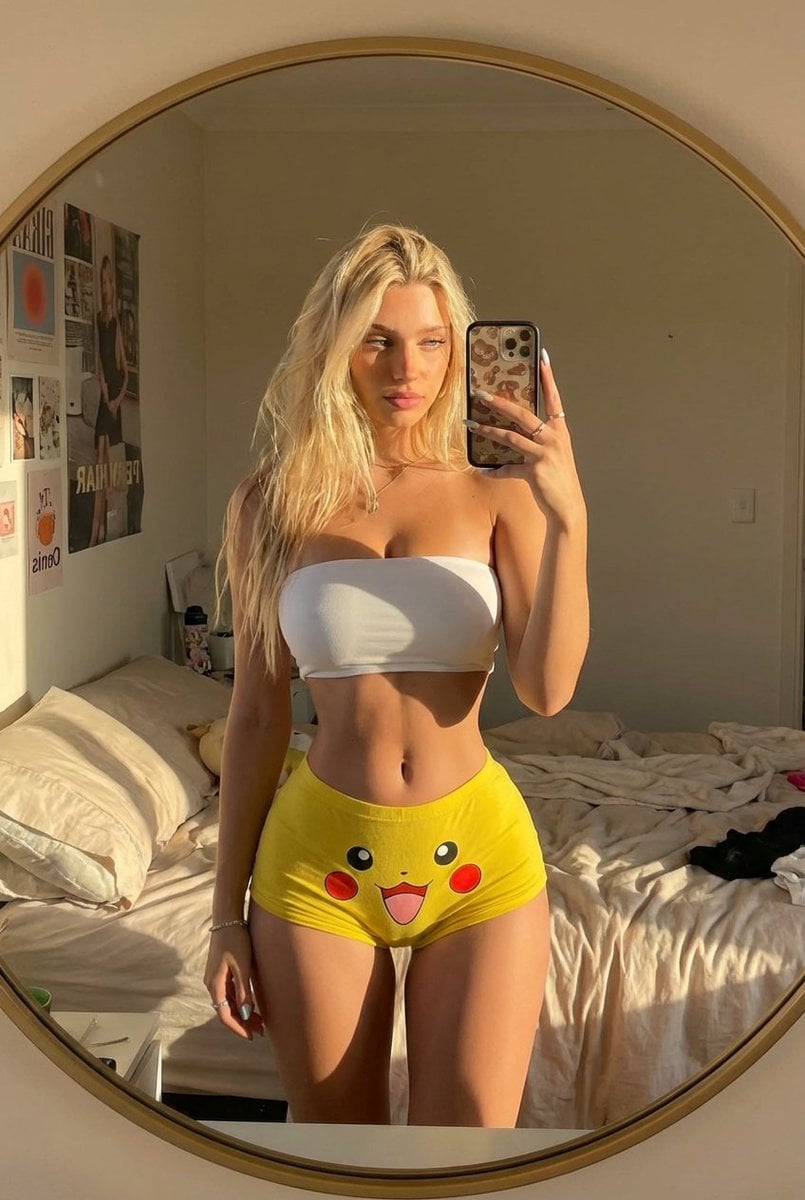
Pikachu Mirror Selfie
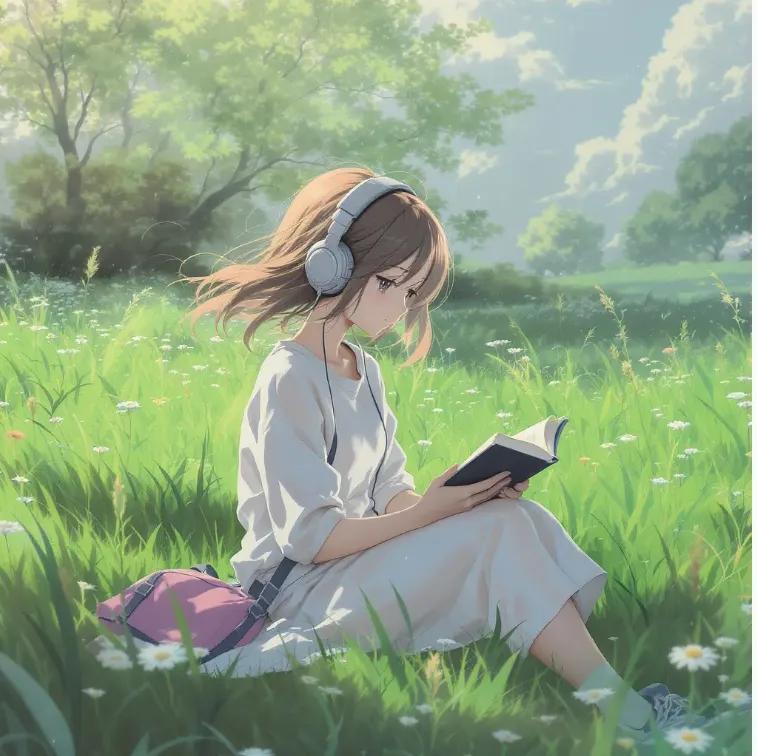
Anime Girl Meadow Reading
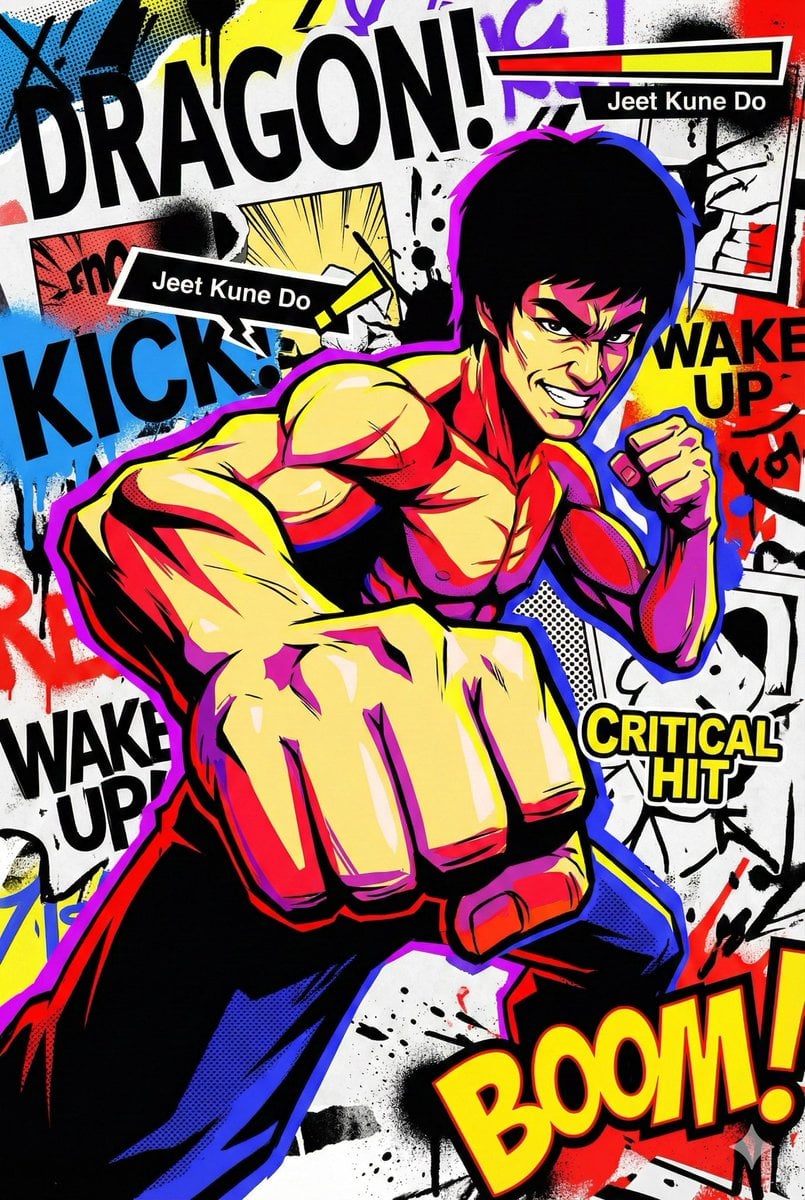
Persona 5-inspired pop-art anime poster for a custom chuunibyou character
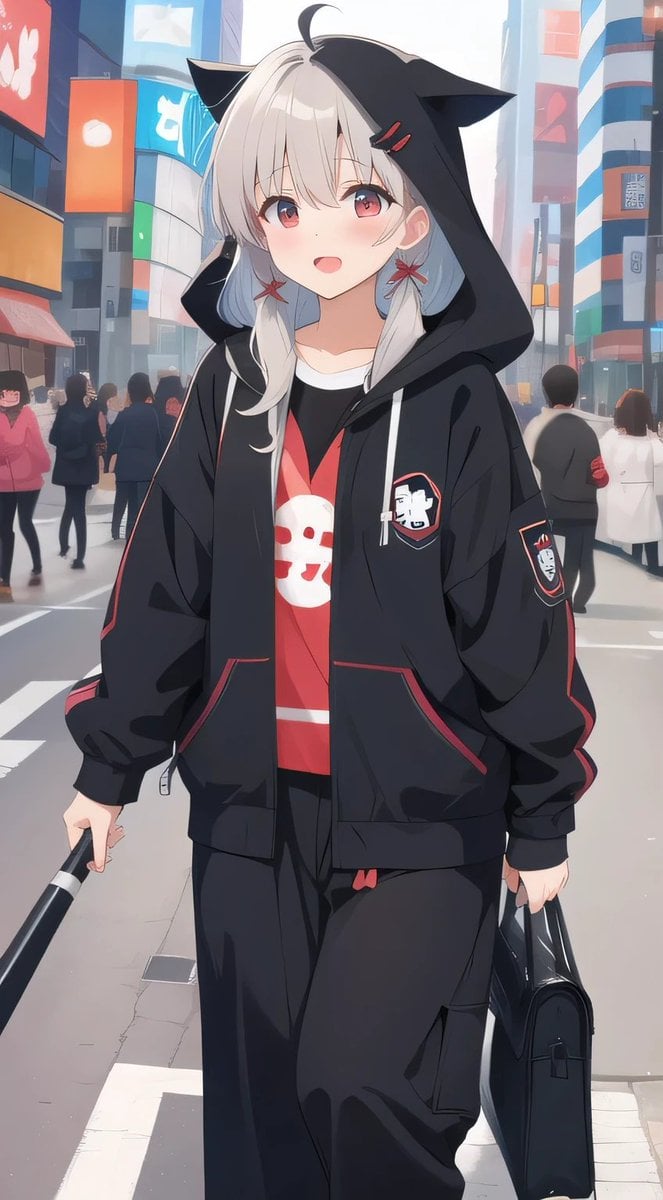
Cat-Ear Hoodie Anime City Portrait
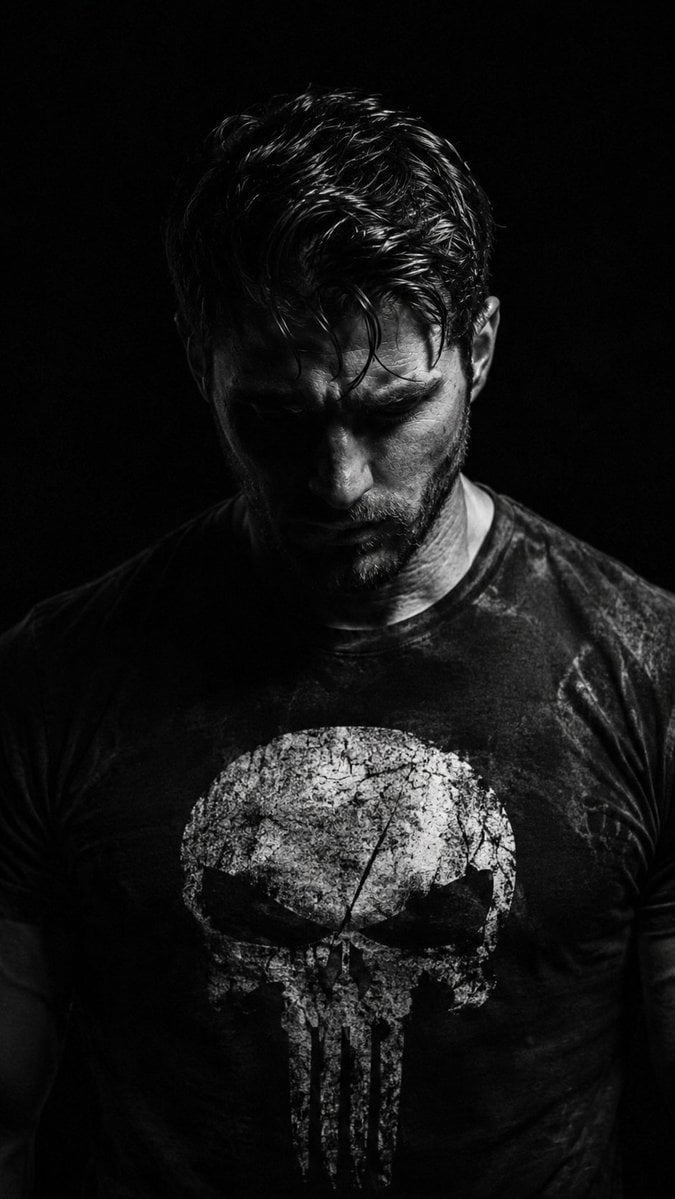
Gritty Chiaroscuro Noir Portrait
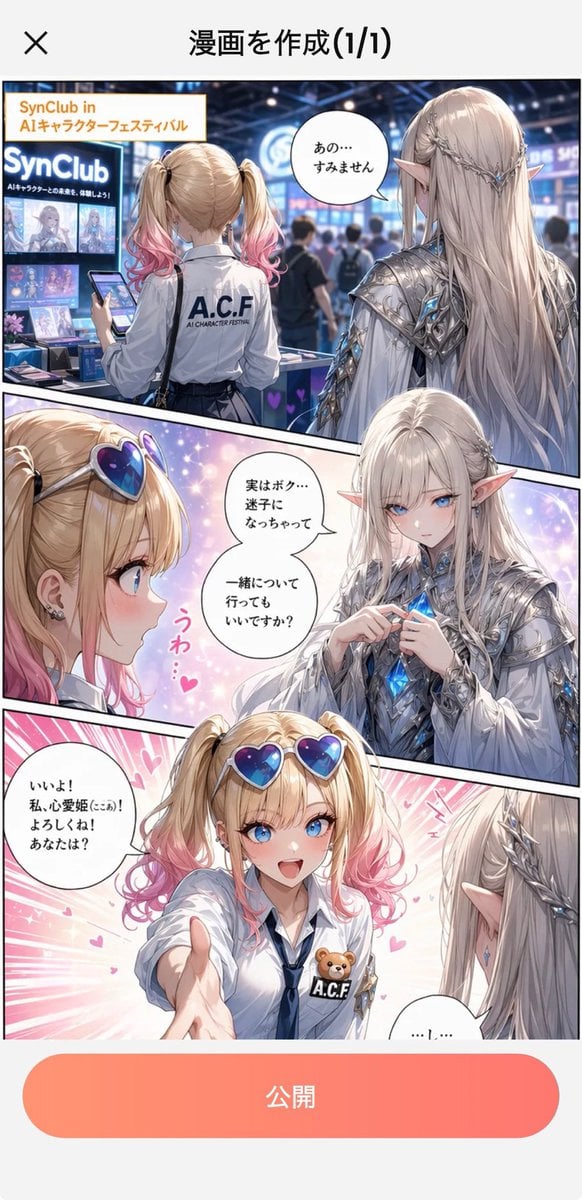
Japanese Manga Creation App Screenshot
Cinematic Desert Rest Stop Portrait at Golden Hour
Cute Bird Emerald Mine Adventure
Sunlit Butterfly Mirror Portrait
Blonde Woman Backless Dress Portrait Prompt
Browse template categories
Realistic Professional Woman in Manga Page Layout questions
How do I use the Realistic Professional Woman in Manga Page Layout template?
Add your photo if the template asks for one, edit the prompt if you like — the template's model and format are already selected — and press Generate. Your version opens in PicX Studio.
Can I customize the Realistic Professional Woman in Manga Page Layout template?
Yes. You can change the subject, setting, lighting, mood, format, and available model controls before creating your image.
Is the Realistic Professional Woman in Manga Page Layout template free?
Opening and editing this template is free. Generating uses credits, shown on the Generate button when you are signed in.
Which AI model should I use?
Start with GPT Image 2, which is the model associated with this template. You can compare another compatible model for a different finish.
Looking for something else? Browse all templates.

Your photo, any look
Thousands of ready templates for every top image and video model, from one credit balance.