
Cinematic Desert Rest Stop Portrait at Golden Hour
A detailed cinematic prompt for Nano Banana Pro describing an ultra-realistic portrait of an ethnically ambiguous person lounging on a vintage car hood in the desert at golden hour.
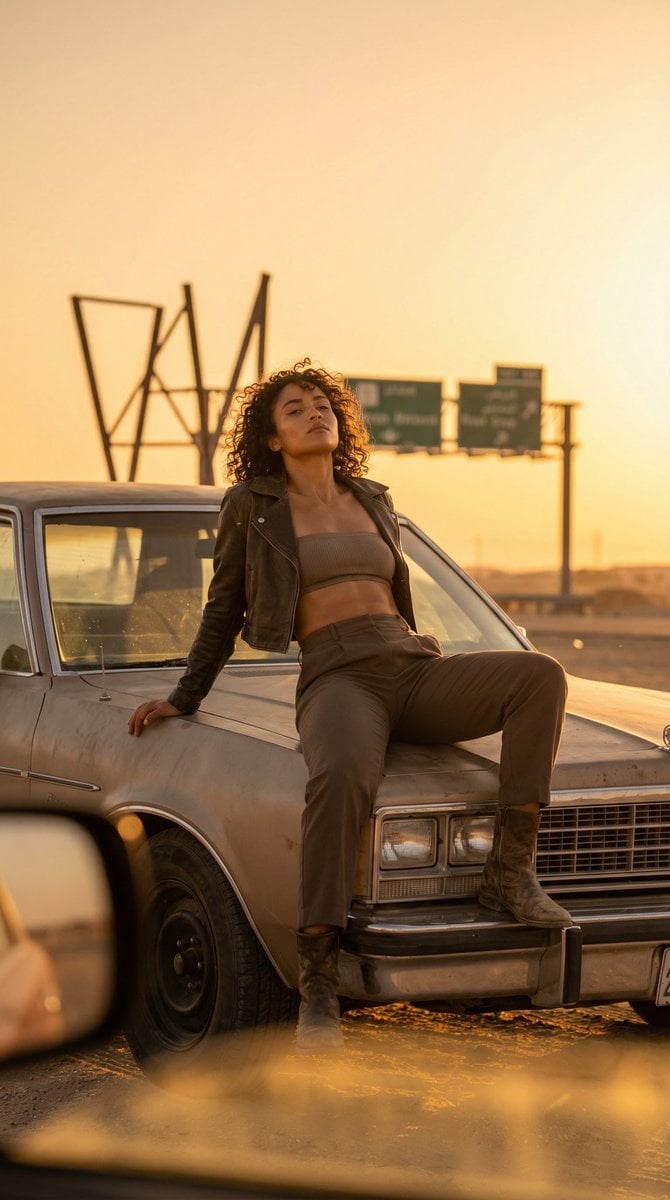
- Prompt included
- Model and format preset
- Free template
The prompt behind this image
Copy the exact prompt behind Cinematic Desert Rest Stop Portrait at Golden Hour, or open it in the studio and make it yours.
An adult 21+ ethnically ambiguous person in their late-20s with a sun-kissed complexion, curly hair, and a fit athletic build is the hero, lounging on the hood of a vintage-looking but unbranded car in a desert rest stop at golden hour, one leg bent and boot planted, chin lifted with fearless swagger, wearing a cropped leather jacket over a ribbed bandeau and high-rise trousers, more skin shown yet fully tasteful, surrounded by non-legible road forms and abstract signage-free silhouettes; a low warm key from the setting sun hits from camera-right with hard-edged glow, fill is a soft bounce from sand to open shadows, negative fill from a black flag deepens the jacket contours, and a crisp rim from sun wrap outlines hair, with highlights carefully rolled to avoid clipping and speculars on leather controlled; shot on a 135mm lens at f/2.4, ISO 100, 1/1000s for strong compression, subject centered with vast negative space sky, foreground heat-haze shimmer and slight occlusion from a side mirror adding depth; skin pores, dust microtexture, and natural tonal gradients visible, curls separated strand by strand, leather grain and stitching tactile, sand and metal patina believable; graded warm with restrained saturation, deep shadows retaining detail, subtle grain, texture-preserving retouch, and in summary a sun-baked roadside couture attitude piece with hard golden key, sculpted contrast, and telephoto cinematic compression.
How to use Cinematic Desert Rest Stop Portrait at Golden Hour in 3 steps
- 1
Open
The prompt is already in the box next to the preview, with the template's model and format selected.
- 2…a portrait of your subject in softgolden-hour light, 85mm…
Personalize
Edit the subject and creative details for your destination.
- 3Generate
Generate
Press Generate — your image is created in PicX Studio, so you can compare it with the original and refine one variable at a time.
More like this
Templates with the same subject, style or setup. Open one to see its prompt.

80s Golden Hour Cinema

Rooftop Fisheye — Cat-Ear Balaclava at Golden Hour

Poetic Rain Forest Portrait During Golden Hour
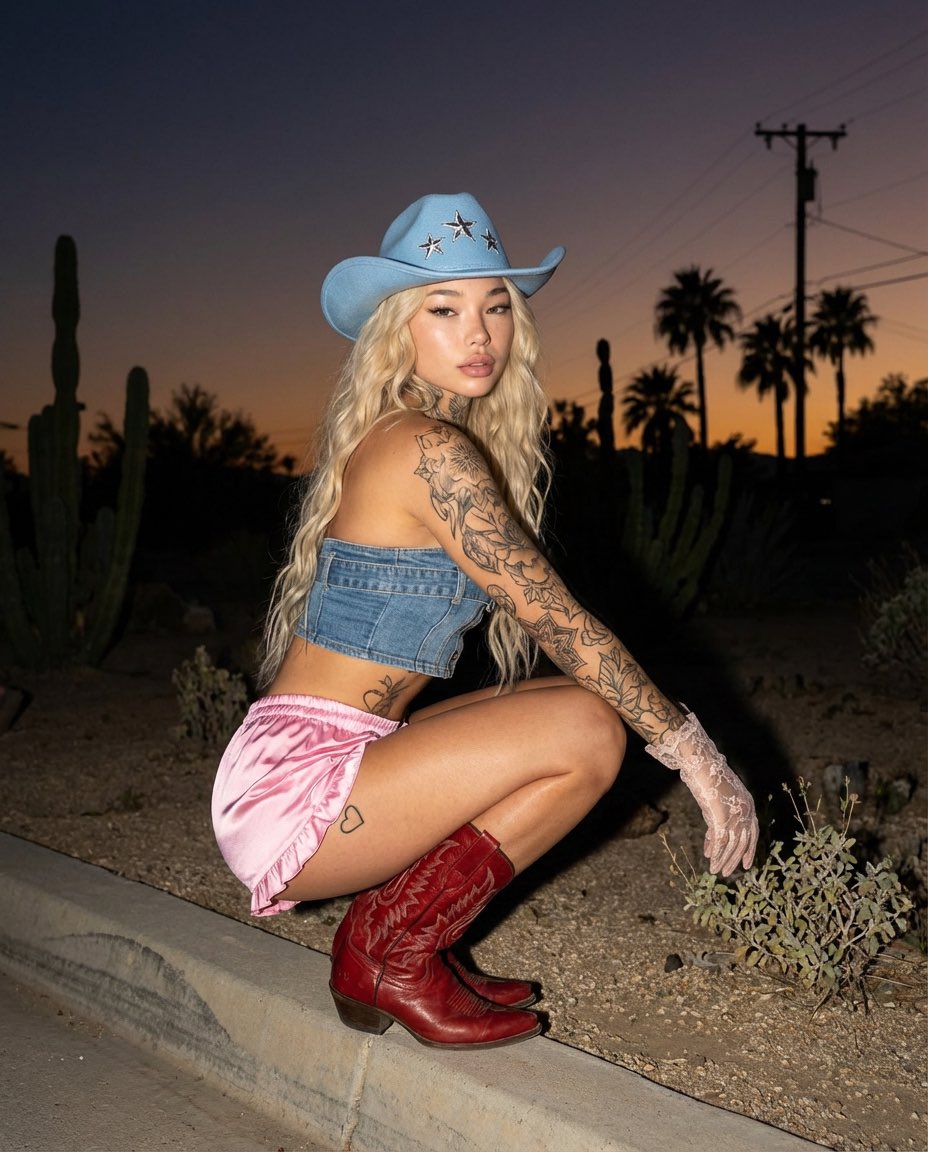
Desert Doll Golden Hour Portrait with Flash

Cinematic Golden Hour Garden Portrait

Cinematic Golden Hour Urban Portrait

Golden Hour Redhead Portrait

Golden Hour Cinematic Boss Energy Portrait

Golden Hour Cinematic Portrait
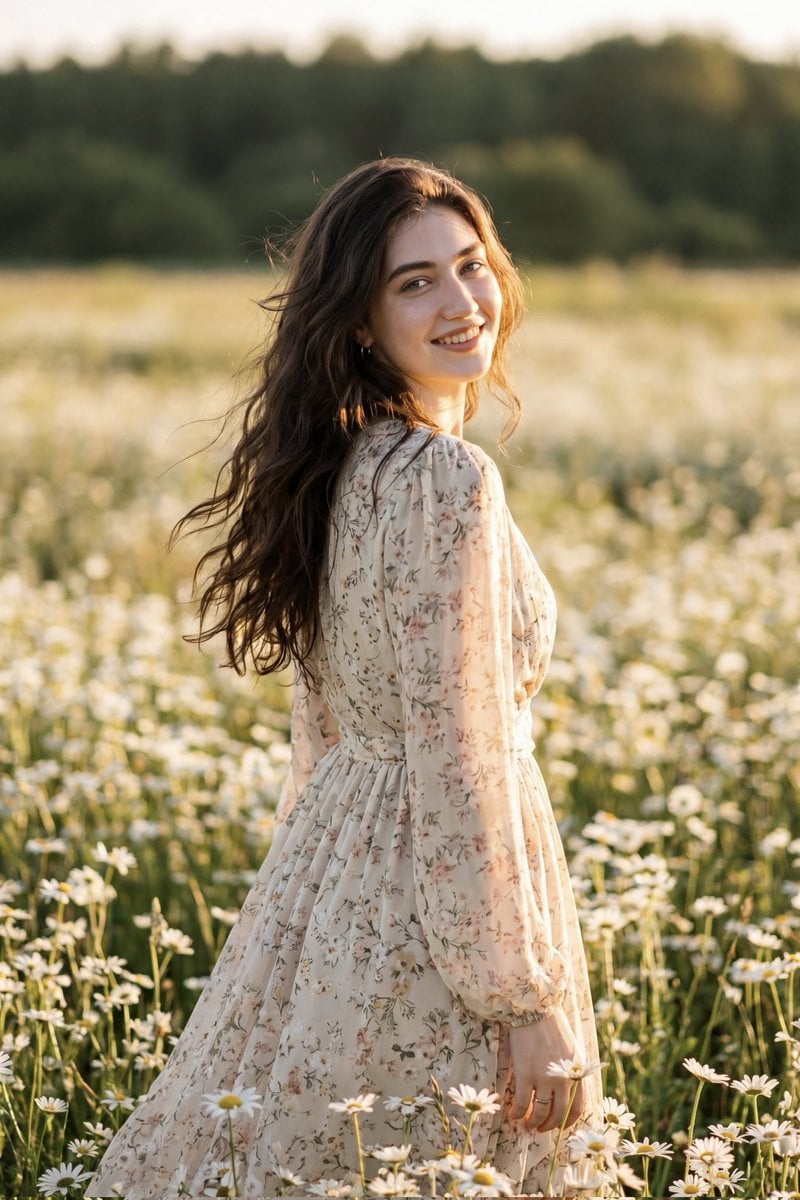
Golden Hour Daisy Field Portrait
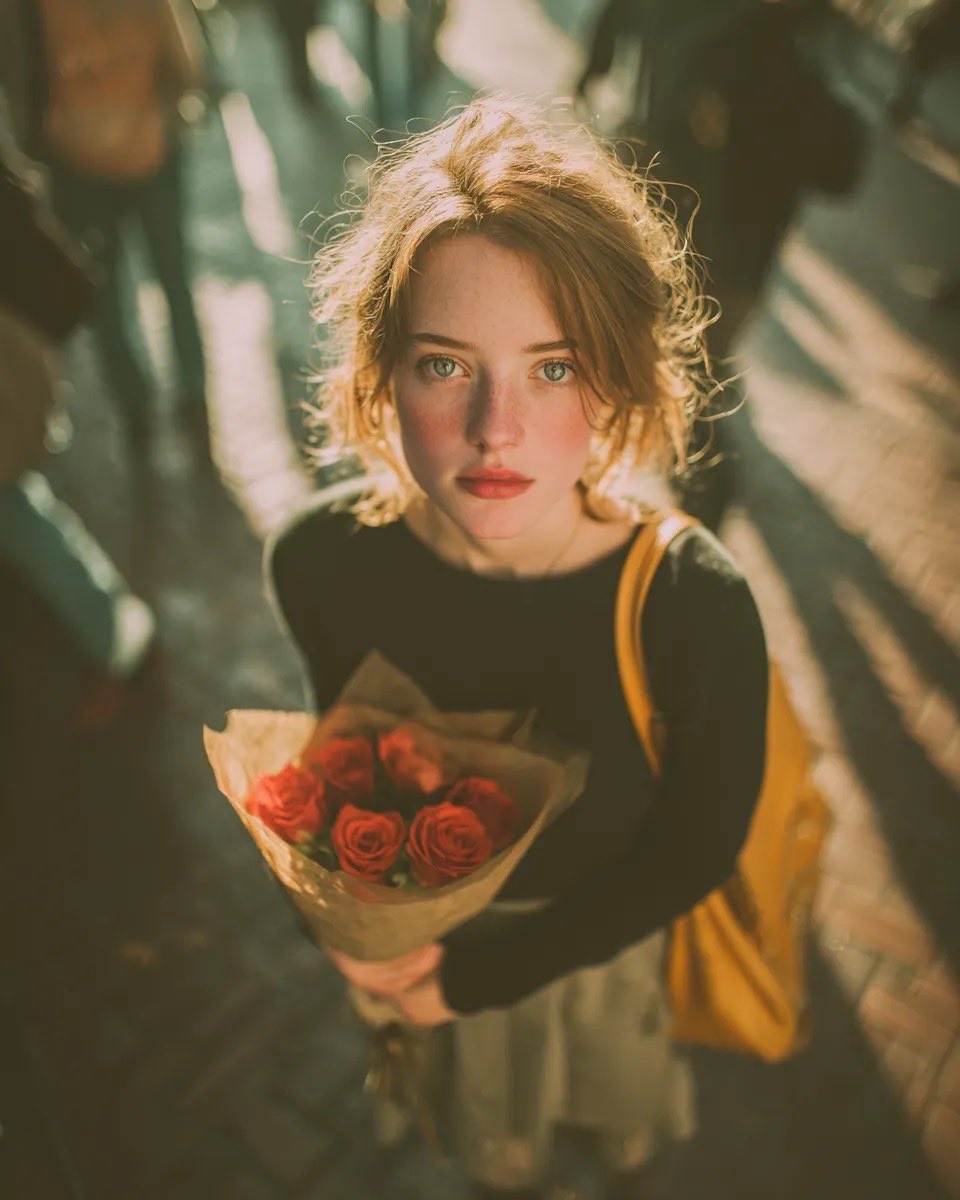
Golden Hour Rose Portrait

Golden Hour Korean Classroom Portrait
Make it yours
Cinematic Desert Rest Stop Portrait at Golden Hour works as-is. These are the safest ways to change it without losing the look.
Change one field
Copy a single group, rewrite it, and generate again so you can see what that field is doing.
Keep the frame, change the subject
Hold the composition and light of Cinematic Desert Rest Stop Portrait at Golden Hour, then swap wardrobe, props or the person for a new take.
| If the result… | Why | Fix |
|---|---|---|
| The result drifts from the preview | Too many fields changed at once. | Reuse Cinematic Desert Rest Stop Portrait at Golden Hour as-is first, then change one group — subject, light, or setting. |
| The model over-stylizes the scene | The prose prompt leaves finish and camera underspecified. | Add one camera or lighting sentence and stay on Nano Banana 2. |
More Nano Banana 2 templates
Other prompts made for Nano Banana 2.

Photorealistic Leaf Shaped Like a Dragon

K-Pop Idol Portrait Grid for Rapid Selection

Urban Street Portrait with Cartoon Inner Self Duo

Candid Nighttime Photo with Cat Prompt

High-Concept 3D Diorama Generation Prompt

Cinematic Futuristic Studio Portrait Template

Skincare Editorial Photography Collage Prompt

Hyper-Realistic Commercial Product Photography (Splash Effect)

Hyper-Realistic Nightclub Portrait Prompt

Cinematic Urban Rain Scene Prompt (Neo-Noir)
More image prompts
Fresh picks from across the catalog.
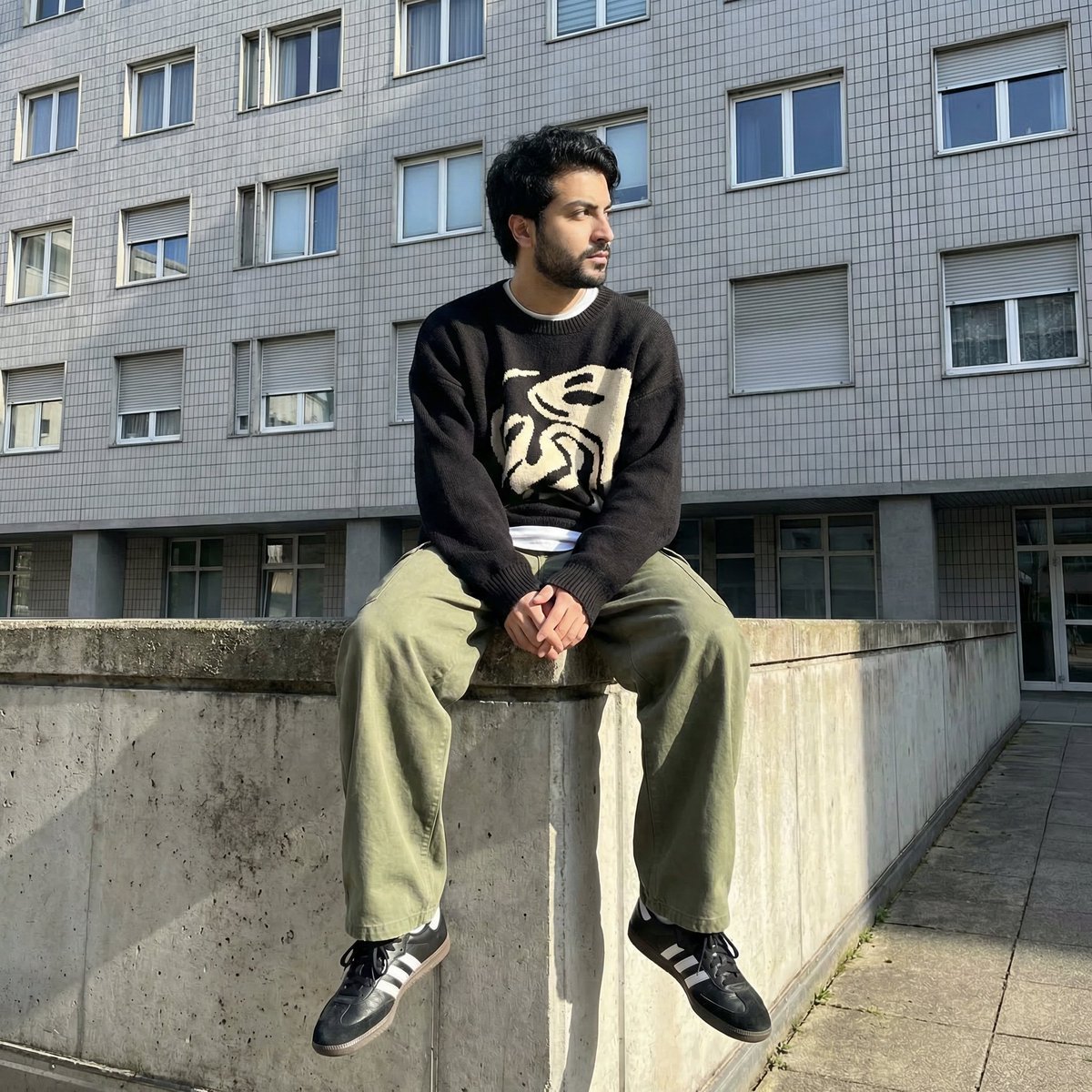
Photorealistic Urban Portrait from Reference Image
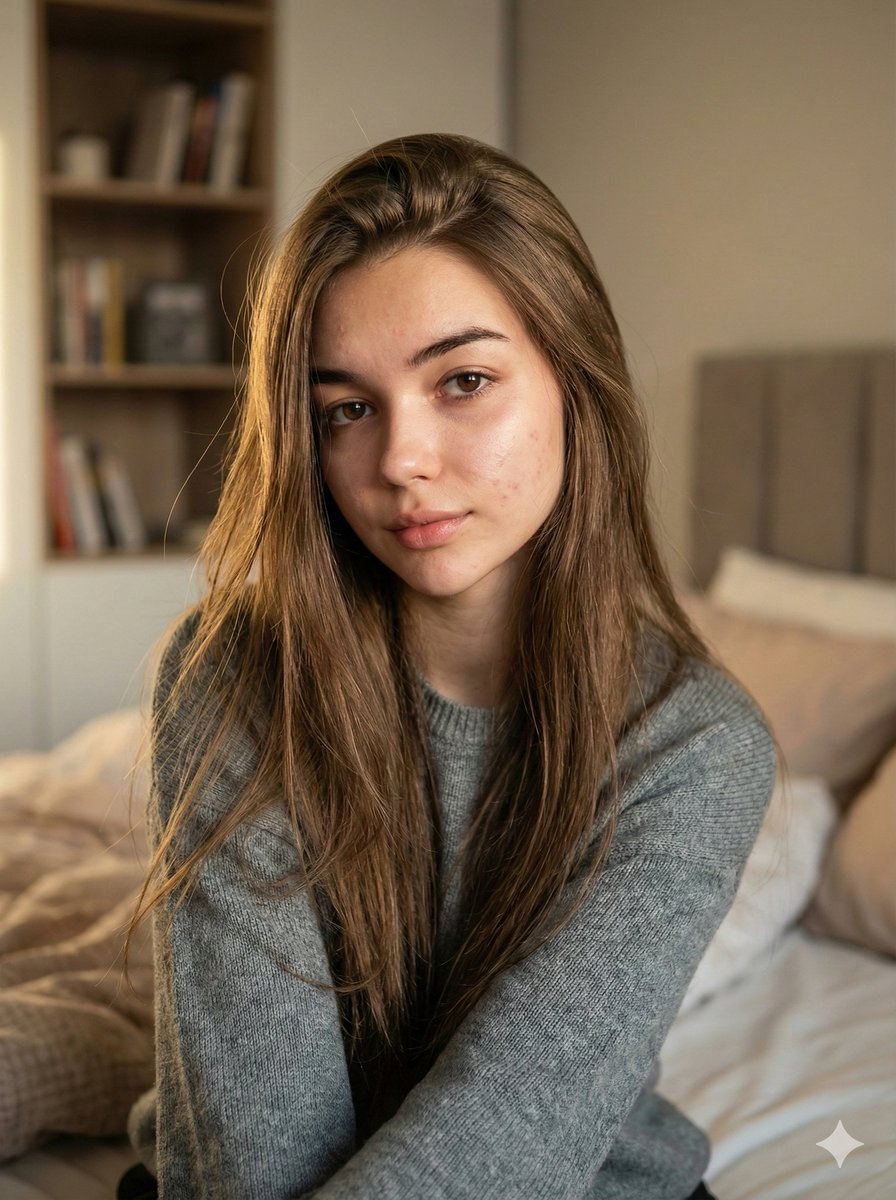
Nano Banana Pro Ultra Realistic Indoor Portrait Prompt
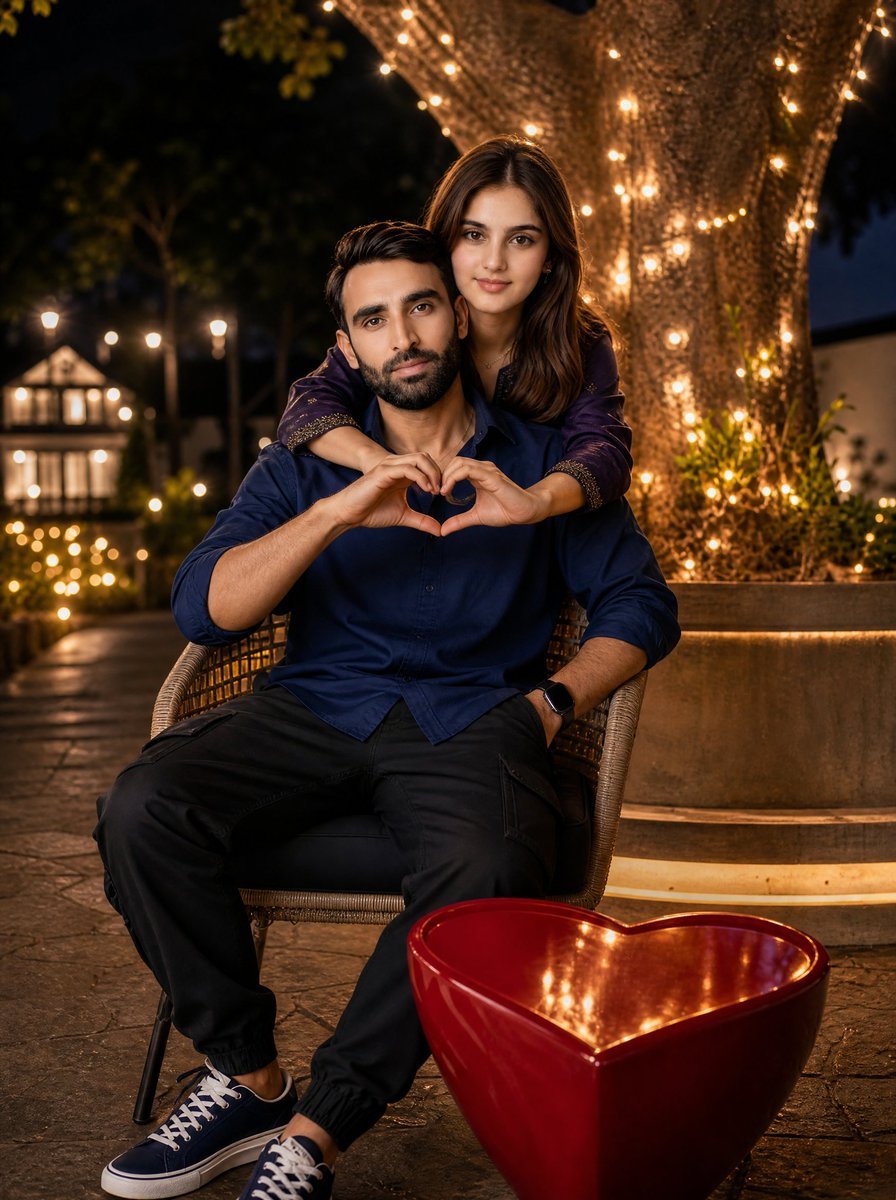
Romantic Night Park Couple Portrait
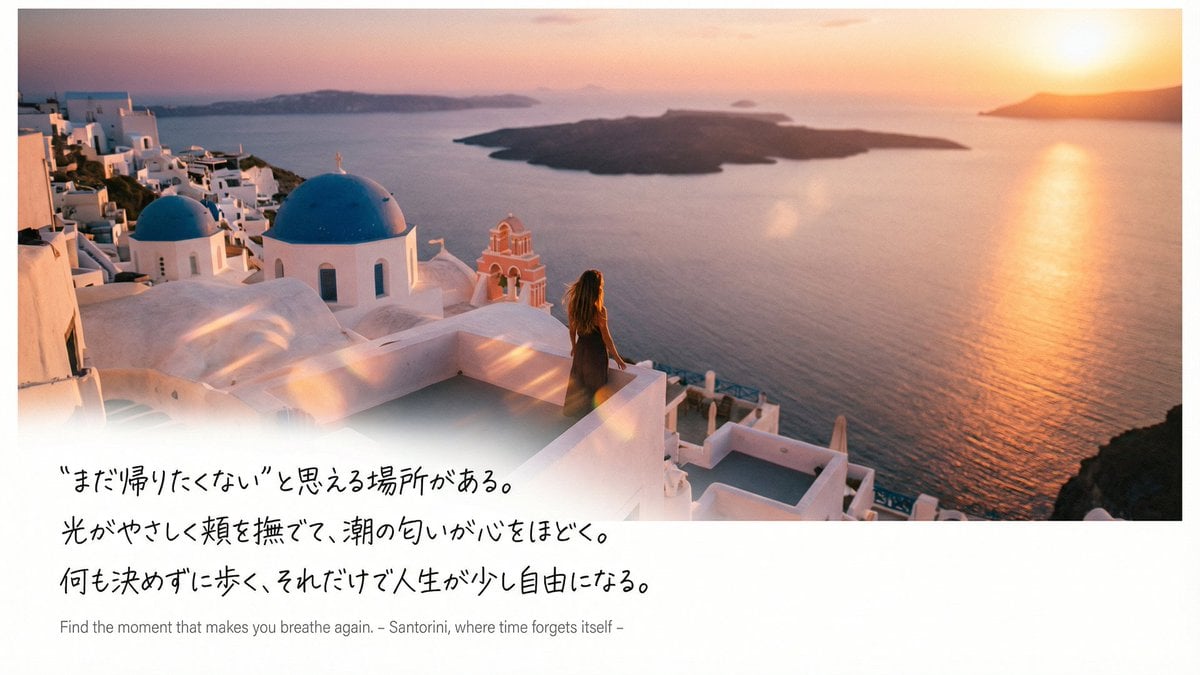
Emotional Sea Journey Thumbnail Design Prompt (Santorini)
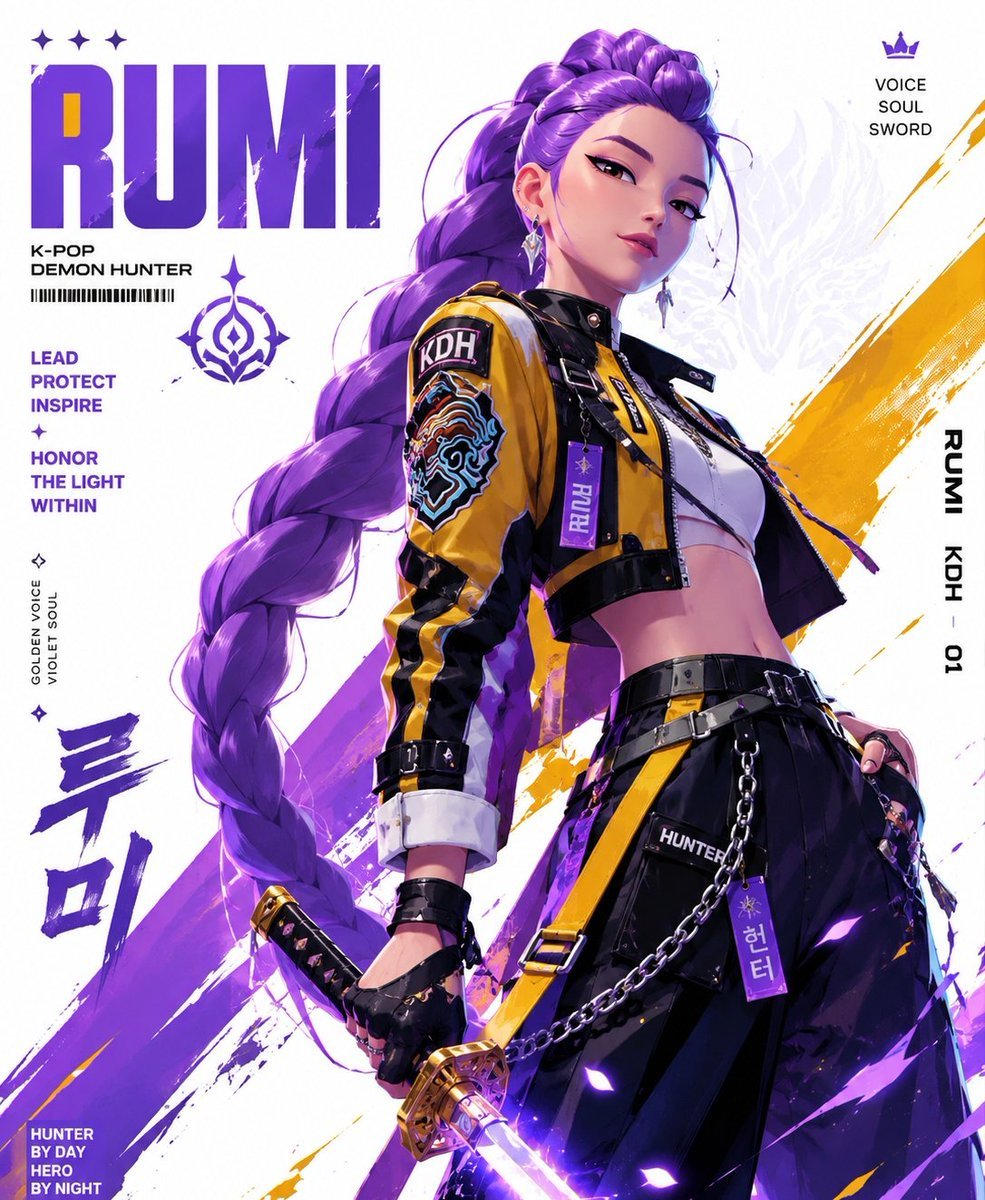
Anime Streetwear Techwear Redesign

Synthwave Neon Digital Portrait Prompt
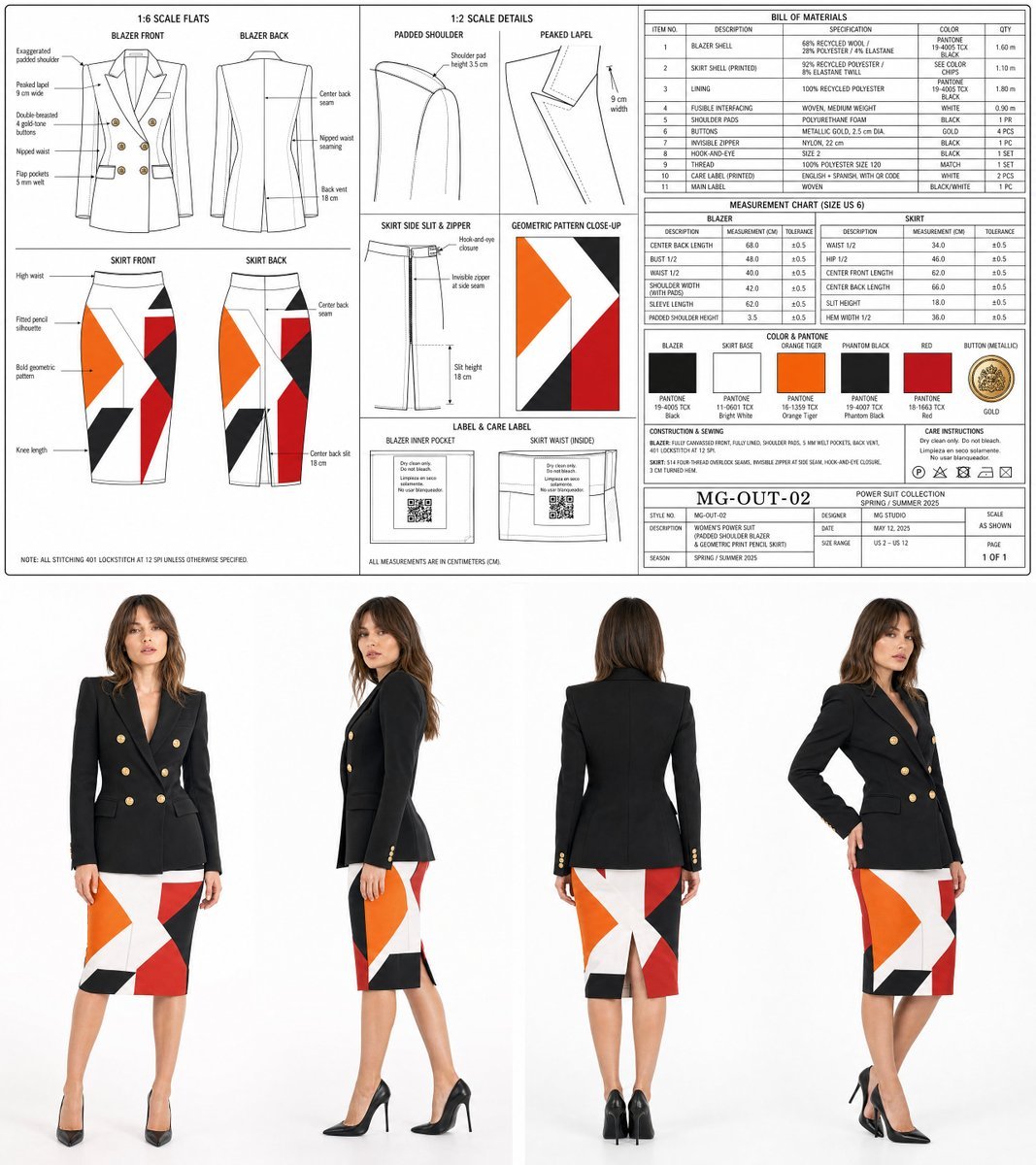
Women's Power Suit Tech Pack

Cinematic Editorial Portrait of a Young Man in a Tuxedo

Epic Fantasy Double-Exposure Poster
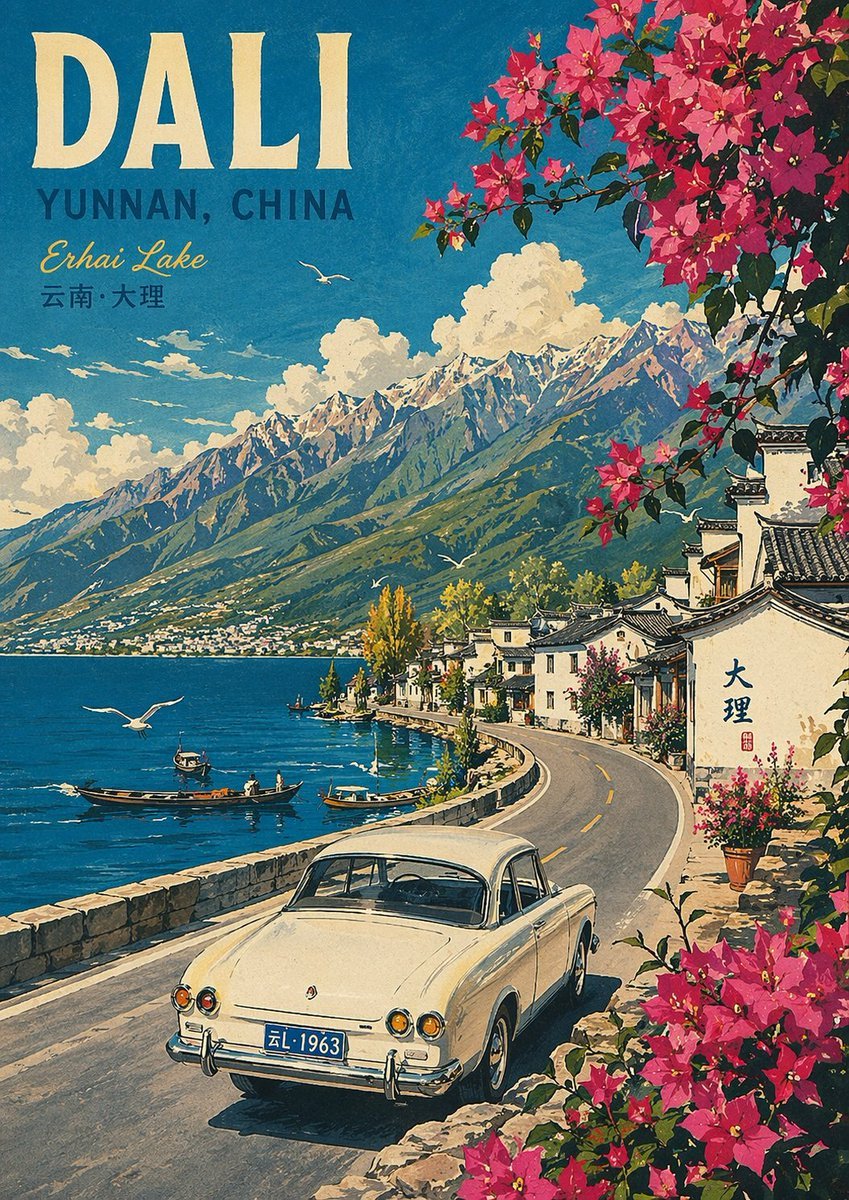
Vintage Travel Poster Illustration
Browse template categories
Cinematic Desert Rest Stop Portrait at Golden Hour questions
How do I use the Cinematic Desert Rest Stop Portrait at Golden Hour template?
Add your photo if the template asks for one, edit the prompt if you like — the template's model and format are already selected — and press Generate. Your version opens in PicX Studio.
Can I customize the Cinematic Desert Rest Stop Portrait at Golden Hour template?
Yes. You can change the subject, setting, lighting, mood, format, and available model controls before creating your image.
Is the Cinematic Desert Rest Stop Portrait at Golden Hour template free?
Opening and editing this template is free. Generating uses credits, shown on the Generate button when you are signed in.
Which AI model should I use?
Start with Nano Banana 2, which is the model associated with this template. You can compare another compatible model for a different finish.
Looking for something else? Browse all templates.

Your photo, any look
Thousands of ready templates for every top image and video model, from one credit balance.