
Vintage Travel Poster Illustration
Generates a retro-style travel poster featuring a scenic coastal road, a vintage car, and customizable typography.
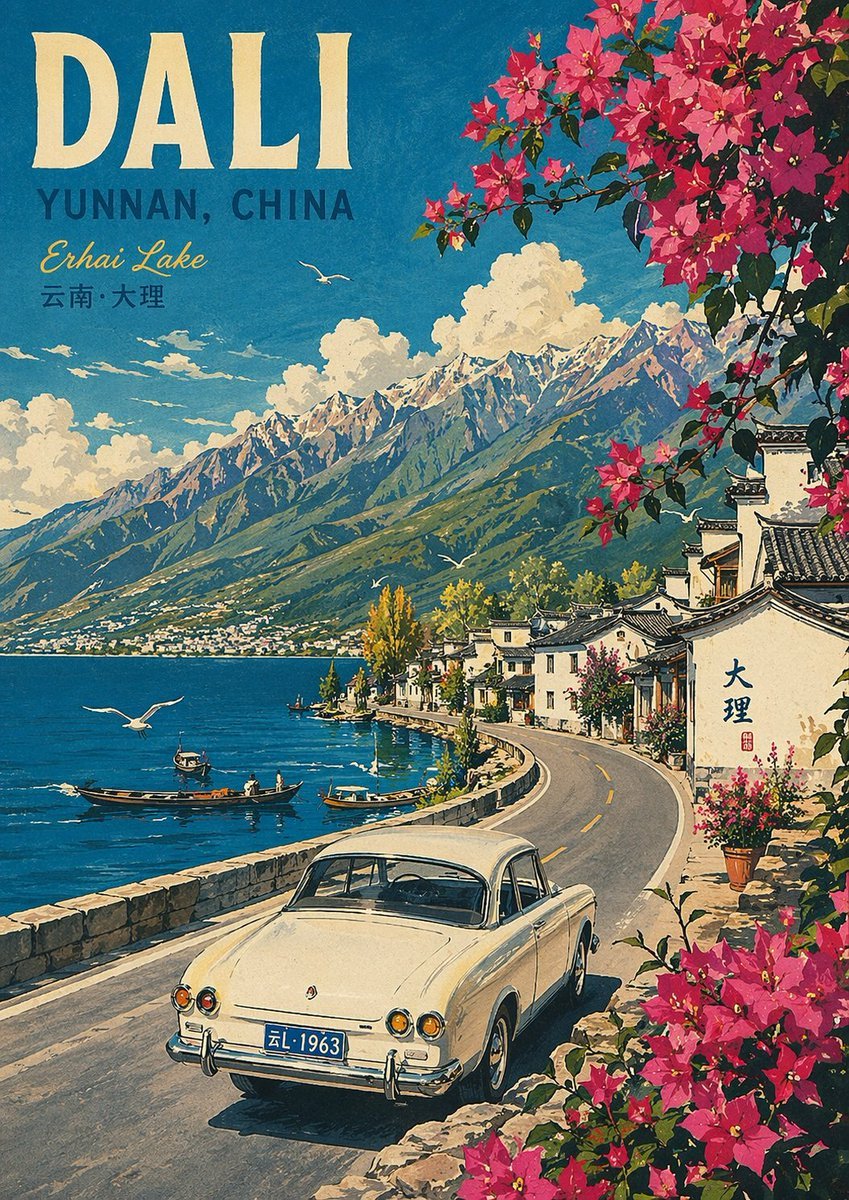
- Prompt included
- Model and format preset
- Premium template
The prompt behind this image
Copy the exact prompt behind Vintage Travel Poster Illustration, or open it in the studio and make it yours.
A vintage travel poster illustration of {argument name="location setting" default="Erhai Lake and Cangshan mountains"} in a vibrant, mid-century lithograph style. In the foreground, one classic cream-colored vintage car drives away along a winding paved coastal road, framed by bright pink bougainvillea flowers in the top right and bottom right corners. To the right of the road, traditional Chinese buildings with white walls and dark tiled roofs nestle against the hillside, one bearing the Chinese characters "大理" and a red seal. To the left, a deep blue lake features three small wooden boats and three flying seagulls, bordered by a low stone wall. In the background, majestic towering mountains rise under a bright blue sky dotted with fluffy white clouds. In the top left corner, retro typography reads "{argument name="main headline" default="DALI"}" in large bold cream serif letters, followed by "{argument name="subheading 1" default="YUNNAN, CHINA"}" in teal sans-serif, "{argument name="subheading 2" default="Erhai Lake"}" in yellow cursive script, and "{argument name="chinese text" default="云南·大理"}" in small teal Chinese characters.
How to use Vintage Travel Poster Illustration in 3 steps
- 1Upload ImagePNG, JPG or paste
Add your photo
Upload the photo the template builds on. The prompt, model and format are already set.
- 2…a portrait of your subject in softgolden-hour light, 85mm…
Personalize
Edit the subject and creative details for your destination.
- 3Generate
Generate
Press Generate — your image is created in PicX Studio, so you can compare it with the original and refine one variable at a time.
More like this
Templates with the same subject, style or setup. Open one to see its prompt.

Japan Travel Brochure Poster

City Posters by Nano Banana Pro

Premium Vintage Travel Poster Landscape

Kids Crayon Travel Journal Illustration
Vintage Patagonia Travel Poster

Paper Cut Vintage Travel Poster

Master Paper Cut Illustration — Saudi Arabia Travel Poster in Layered Paper Art
Vintage Alexandria Travel Poster
Vintage Mumbai Travel Poster
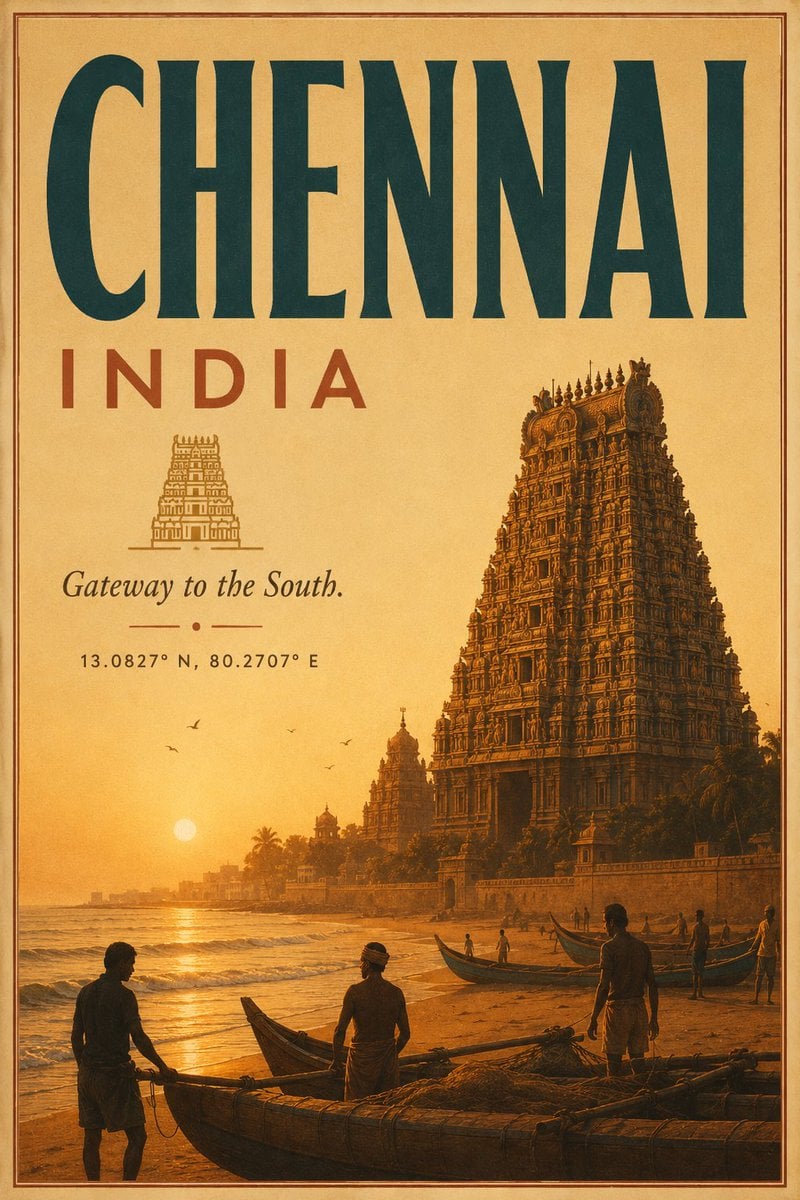
Vintage Chennai Travel Poster
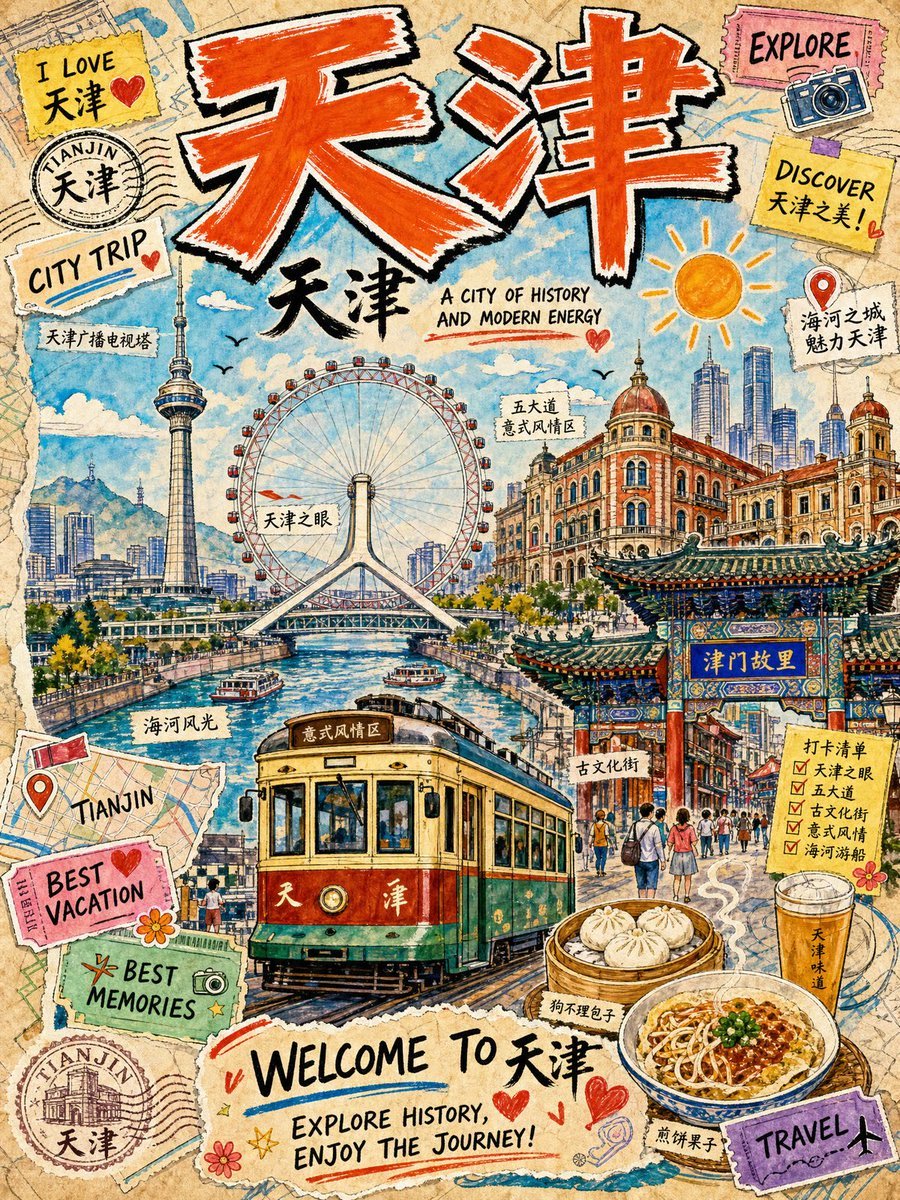
Vintage Tianjin Travel Poster

Sunday Afternoon, 1988
Make it yours
Vintage Travel Poster Illustration works as-is. These are the safest ways to change it without losing the look.
Change one field
Copy a single group, rewrite it, and generate again so you can see what that field is doing.
Keep the frame, change the subject
Hold the composition and light of Vintage Travel Poster Illustration, then swap wardrobe, props or the person for a new take.
| If the result… | Why | Fix |
|---|---|---|
| The result drifts from the preview | Too many fields changed at once. | Reuse Vintage Travel Poster Illustration as-is first, then change one group — subject, light, or setting. |
| The model over-stylizes the scene | The prose prompt leaves finish and camera underspecified. | Add one camera or lighting sentence and stay on GPT Image 2. |
More GPT Image 2 templates
Other prompts made for GPT Image 2.

Six VTuber Japanese Logo Sheet

Realistic Portrait of Woman and Deer

The Vista Modular Condo Poster

AI Model Routing Comparison Infographic

2.5D Anime Art Board

Isometric Productivity Desk Scene

New York Double Exposure Poster

Four-Panel AI Landscape Comparison

Japanese Tatami Lifestyle Magazine Cover

NESCAFÉ Coffee Map Poster
More image prompts
Fresh picks from across the catalog.
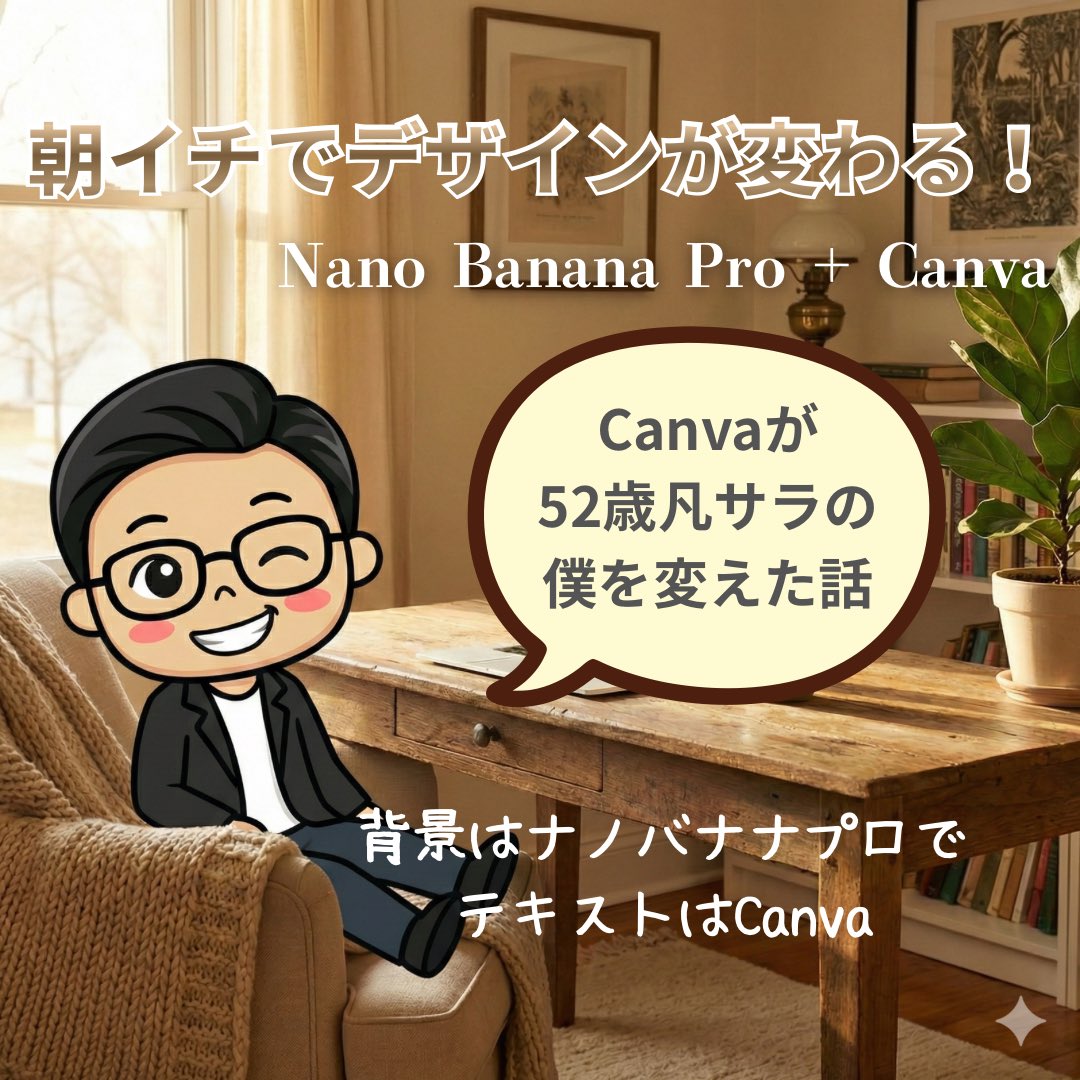
High-Quality Background for Social Media Posts (Thought Mode Pro)
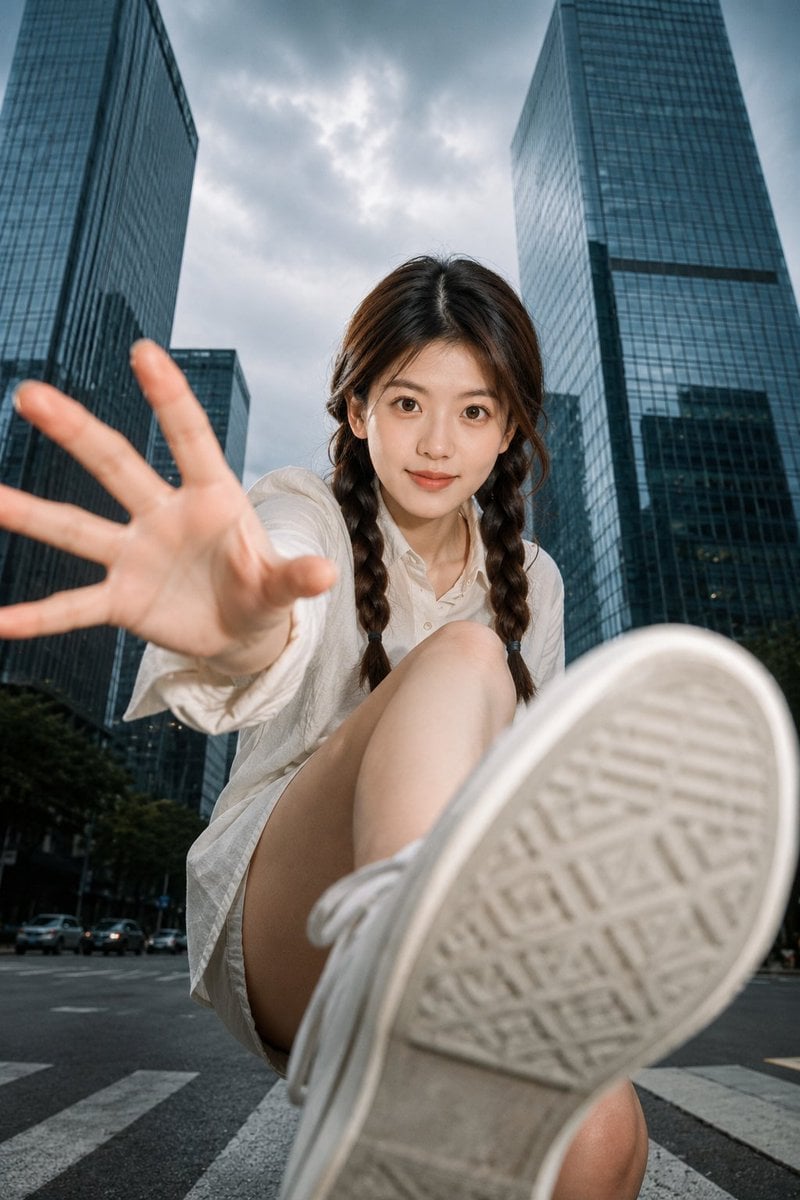
Ultra-Wide Urban Sneaker Portrait
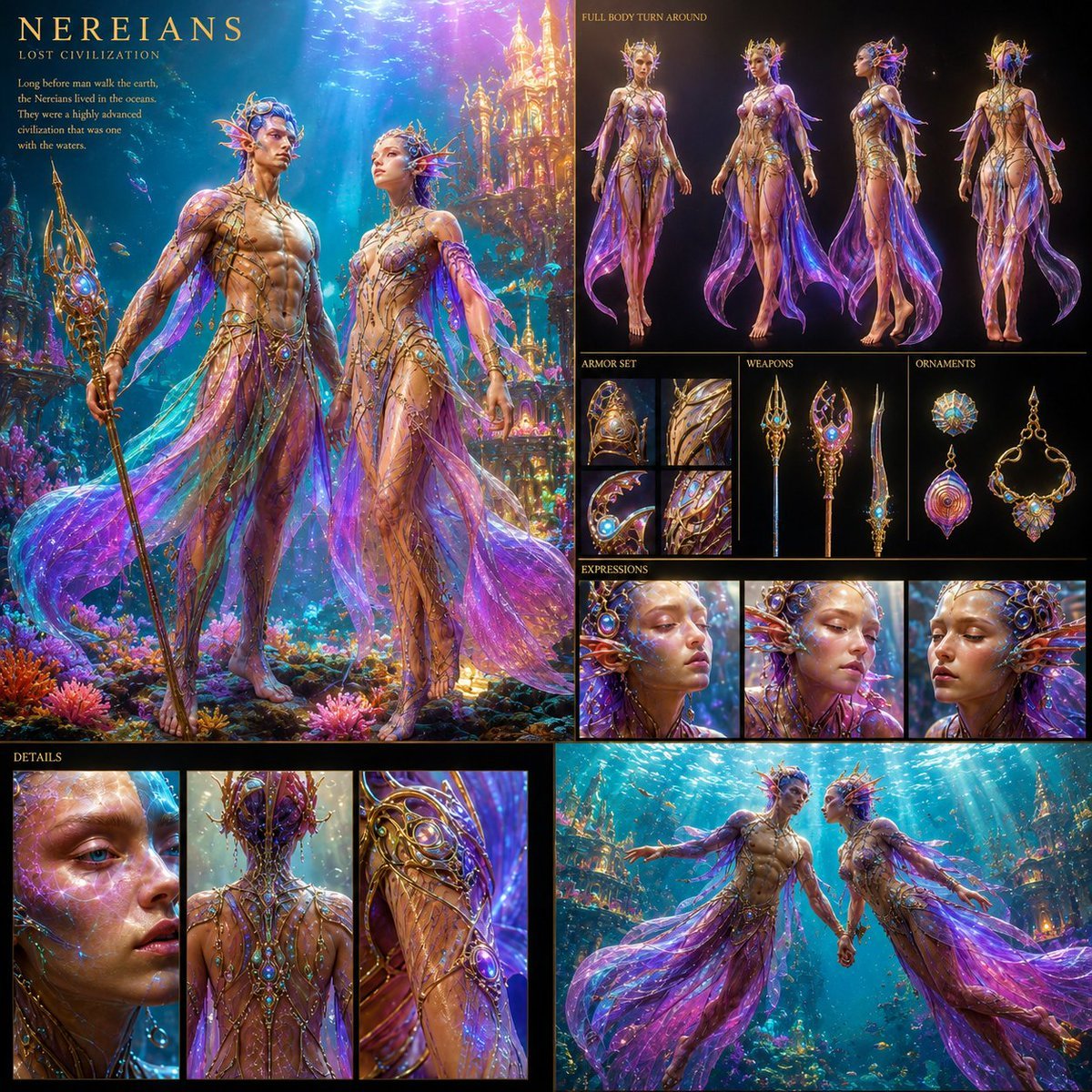
Underwater Civilization Character Board

Golden Hour Product Photography on Rugged Rock

Cinematic Camera Instructions for Nano Banana Pro

AI Music Program Promotional Infographic
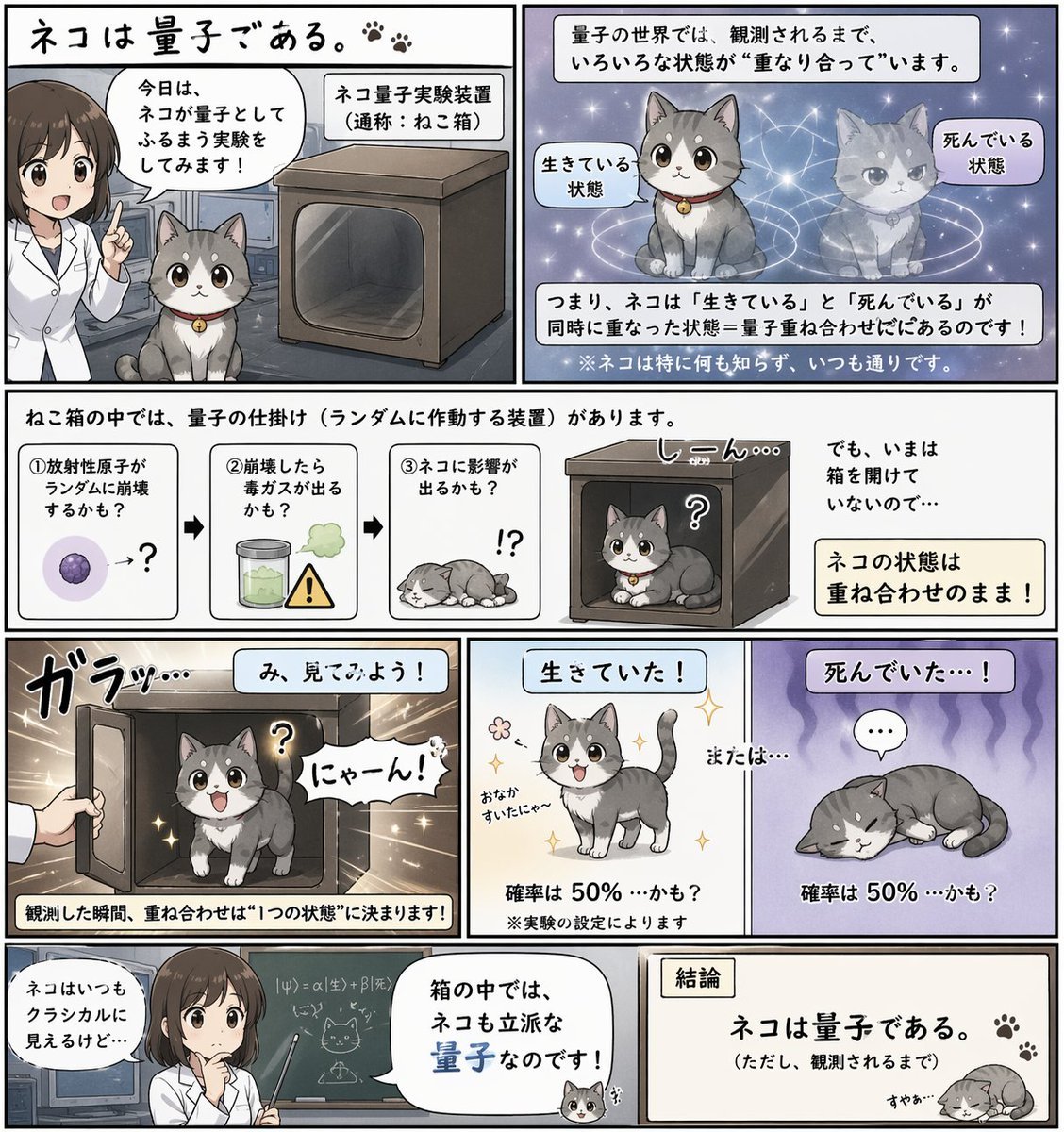
Quantum Cat Manga

Transformative Style Prompt for Dramatic Cinematic Characters
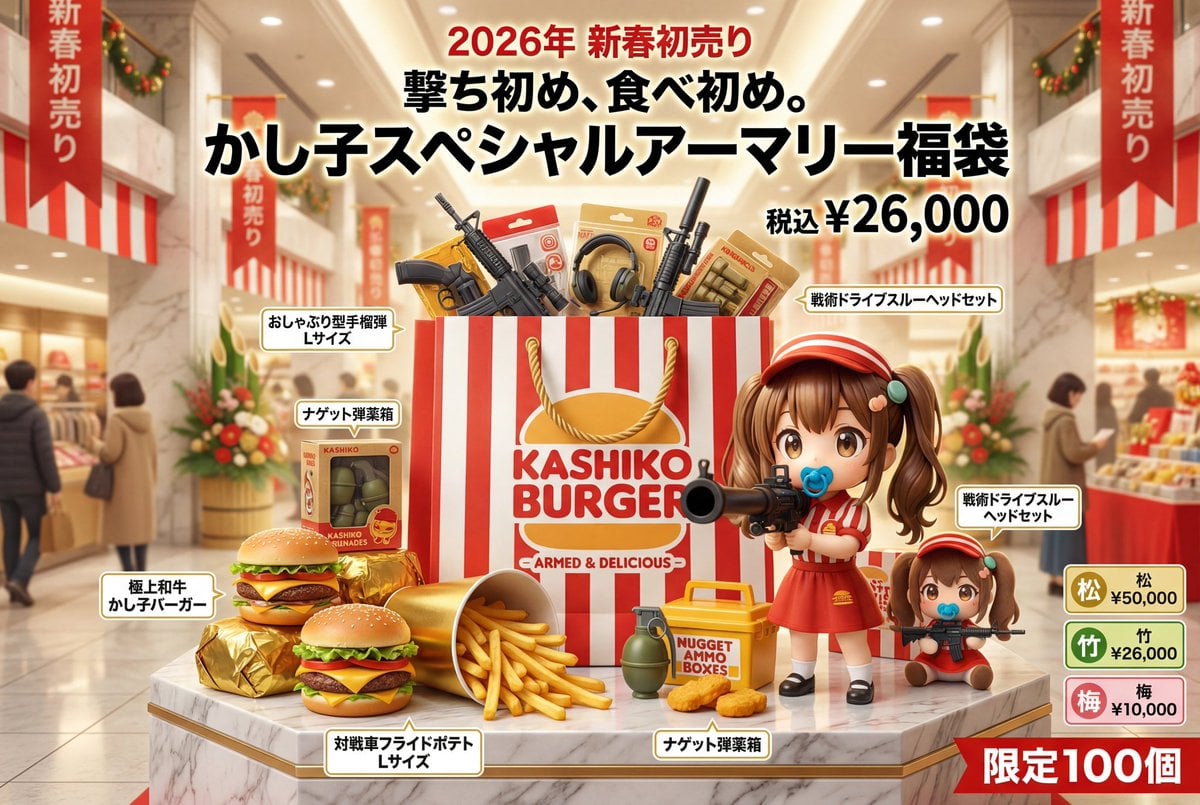
Luxury Fukubukuro (Lucky Bag) Advertisement Key Visual Prompt

Hyperrealistic Portrait of Man Lighting Cigarette
Browse template categories
Vintage Travel Poster Illustration questions
How do I use the Vintage Travel Poster Illustration template?
Add your photo if the template asks for one, edit the prompt if you like — the template's model and format are already selected — and press Generate. Your version opens in PicX Studio.
Can I customize the Vintage Travel Poster Illustration template?
Yes. You can change the subject, setting, lighting, mood, format, and available model controls before creating your image.
Is the Vintage Travel Poster Illustration template free?
Opening and editing this template is free. Generating uses credits, shown on the Generate button when you are signed in.
Which AI model should I use?
Start with GPT Image 2, which is the model associated with this template. You can compare another compatible model for a different finish.
Looking for something else? Browse all templates.

Your photo, any look
Thousands of ready templates for every top image and video model, from one credit balance.