
AI Music Program Promotional Infographic
Generates a highly structured, neon cyberpunk-themed promotional poster featuring a header illustration, a 4-card feature grid, partner logos, and a QR code call-to-action.

- Prompt included
- Model and format preset
- Free template
The prompt behind this image
Copy the exact prompt behind AI Music Program Promotional Infographic, or open it in the studio and make it yours.
- Type
- promotional infographic poster
- Style
- {argument name="color theme" default="neon cyberpunk dark blue and purple"}, futuristic tech vibe, glowing UI elements
- Header › Main Title
- {argument name="main title" default="洞石 AI 音乐人计划"}
- Header › Subtitle
- {argument name="subtitle" default="助力 AI 创作者实现 发行、签约与商业化"}
- Header › Illustration
- Back view of a person wearing headphones sitting at a desk with a computer showing a digital audio workstation (DAW) and a MIDI keyboard, facing a glowing concert crowd. The text 'AI MUSIC' is on the back of their jacket.
- Layout › Sections › 0 › Title
- {argument name="support section title" default="洞石为 AI 音乐人提供完整成长支持"}
- Layout › Sections › 0 › Type
- 2x2 grid of support cards
- Layout › Sections › 0 › Count
- 4
- Layout › Sections › 0 › Cards › 0 › Number
- 01
- Layout › Sections › 0 › Cards › 0 › Icon
- glowing 3D music note on a pedestal
- Layout › Sections › 0 › Cards › 0 › Title
- 高倍口发行支持
- Layout › Sections › 0 › Cards › 0 › Description
- 上线全球 100+ 音乐平台 享受优质收益结算通道
- Layout › Sections › 0 › Cards › 1 › Number
- 02
- Layout › Sections › 0 › Cards › 1 › Icon
- glowing 3D megaphone
- Layout › Sections › 0 › Cards › 1 › Title
- 百万推广资源扶持
- Layout › Sections › 0 › Cards › 1 › Description
- 100W+ 专项推广预算 让优秀作品被更多人听见
- Layout › Sections › 0 › Cards › 2 › Number
- 03
- Layout › Sections › 0 › Cards › 2 › Icon
- glowing 3D document with copyright symbol
- Layout › Sections › 0 › Cards › 2 › Title
- 商业合作与版权支持
- Layout › Sections › 0 › Cards › 2 › Description
- 正规版权采样 / 翻唱授权 专业团队助力作品商业化运营
- Layout › Sections › 0 › Cards › 3 › Number
- 04
- Layout › Sections › 0 › Cards › 3 › Icon
- glowing 3D microphone and star
- Layout › Sections › 0 › Cards › 3 › Title
- 签约孵化通道
- Layout › Sections › 0 › Cards › 3 › Description
- 进入长期培养与签约体系 享受专项签约资金支持
Raw JSON
{
  "type": "promotional infographic poster",
  "style": "{argument name=\"color theme\" default=\"neon cyberpunk dark blue and purple\"}, futuristic tech vibe, glowing UI elements",
  "header": {
    "main_title": "{argument name=\"main title\" default=\"洞石 AI 音乐人计划\"}",
    "subtitle": "{argument name=\"subtitle\" default=\"助力 AI 创作者实现 发行、签约与商业化\"}",
    "illustration": "Back view of a person wearing headphones sitting at a desk with a computer showing a digital audio workstation (DAW) and a MIDI keyboard, facing a glowing concert crowd. The text 'AI MUSIC' is on the back of their jacket."
  },
  "layout": {
    "sections": [
      {
        "title": "{argument name=\"support section title\" default=\"洞石为 AI 音乐人提供完整成长支持\"}",
        "type": "2x2 grid of support cards",
        "count": 4,
        "cards": [
          { "number": "01", "icon": "glowing 3D music note on a pedestal", "title": "高倍口发行支持", "description": "上线全球 100+ 音乐平台 享受优质收益结算通道" },
          { "number": "02", "icon": "glowing 3D megaphone", "title": "百万推广资源扶持", "description": "100W+ 专项推广预算 让优秀作品被更多人听见" },
          { "number": "03", "icon": "glowing 3D document with copyright symbol", "title": "商业合作与版权支持", "description": "正规版权采样 / 翻唱授权 专业团队助力作品商业化运营" },
          { "number": "04", "icon": "glowing 3D microphone and star", "title": "签约孵化通道", "description": "进入长期培养与签约体系 享受专项签约资金支持" }
        ]
      },
      {
        "title": "洞石音乐联合发起",
        "type": "partner logos box",
        "count": 3,
        "partners": [
          { "logo": "purple play button triangle", "name": "谱乐 AI" },
          { "logo": "orange swirl flower", "name": "海葵音乐" },
          { "logo": "pink star", "name": "海星音乐" }
        ],
        "subtext": "国内领先 AI 音乐平台 X 国内最大的版权发行资源 打造 AI 音乐时代的新型音乐厂牌"
      },
      {
        "title": "三大参与通道",
        "type": "horizontal row of pill buttons",
        "count": 3,
        "buttons": [
          { "color": "purple", "icon": "music note", "label": "原创出道季" },
          { "color": "blue", "icon": "soundwave", "label": "爆款改编季" },
          { "color": "pink", "icon": "star", "label": "精英直签" }
        ]
      },
      {
        "type": "footer call to action",
        "elements": [
          { "type": "QR code", "position": "left", "details": "white square QR code with a purple play button in the center" },
          { "type": "text", "position": "center", "content": "{argument name=\"call to action text\" default=\"扫码加入 洞石 AI 音乐人计划\"}", "subtext": "开启你的 AI 音乐职业发展之路" },
          { "type": "graphic", "position": "right", "details": "glowing pink soundwave over a vinyl record" }
        ]
      }
    ]
  }
}How to use AI Music Program Promotional Infographic in 3 steps
- 1Upload ImagePNG, JPG or paste
Add your photo
Upload the photo the template builds on. The prompt, model and format are already set.
- 2…a portrait of your subject in softgolden-hour light, 85mm…
Personalize
Edit the subject and creative details for your destination.
- 3Generate
Generate
Press Generate — your image is created in PicX Studio, so you can compare it with the original and refine one variable at a time.
More like this
Templates with the same subject, style or setup. Open one to see its prompt.

Our Song was on a Cassette

Japan Travel Brochure Poster
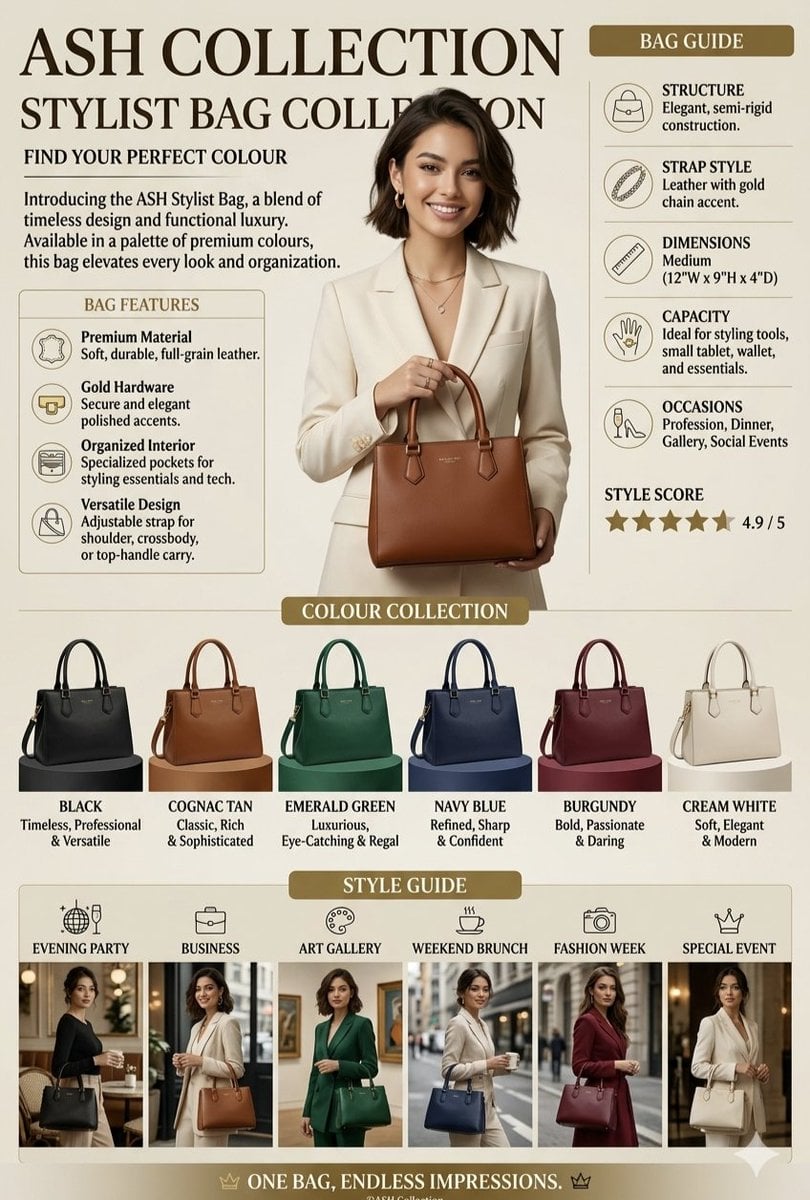
Luxury Handbag Promotional Infographic

Cartoon TV Show Poster Pack

Isometric Process Educational Diorama

Isometric Vehicle Teardown Infographic Template
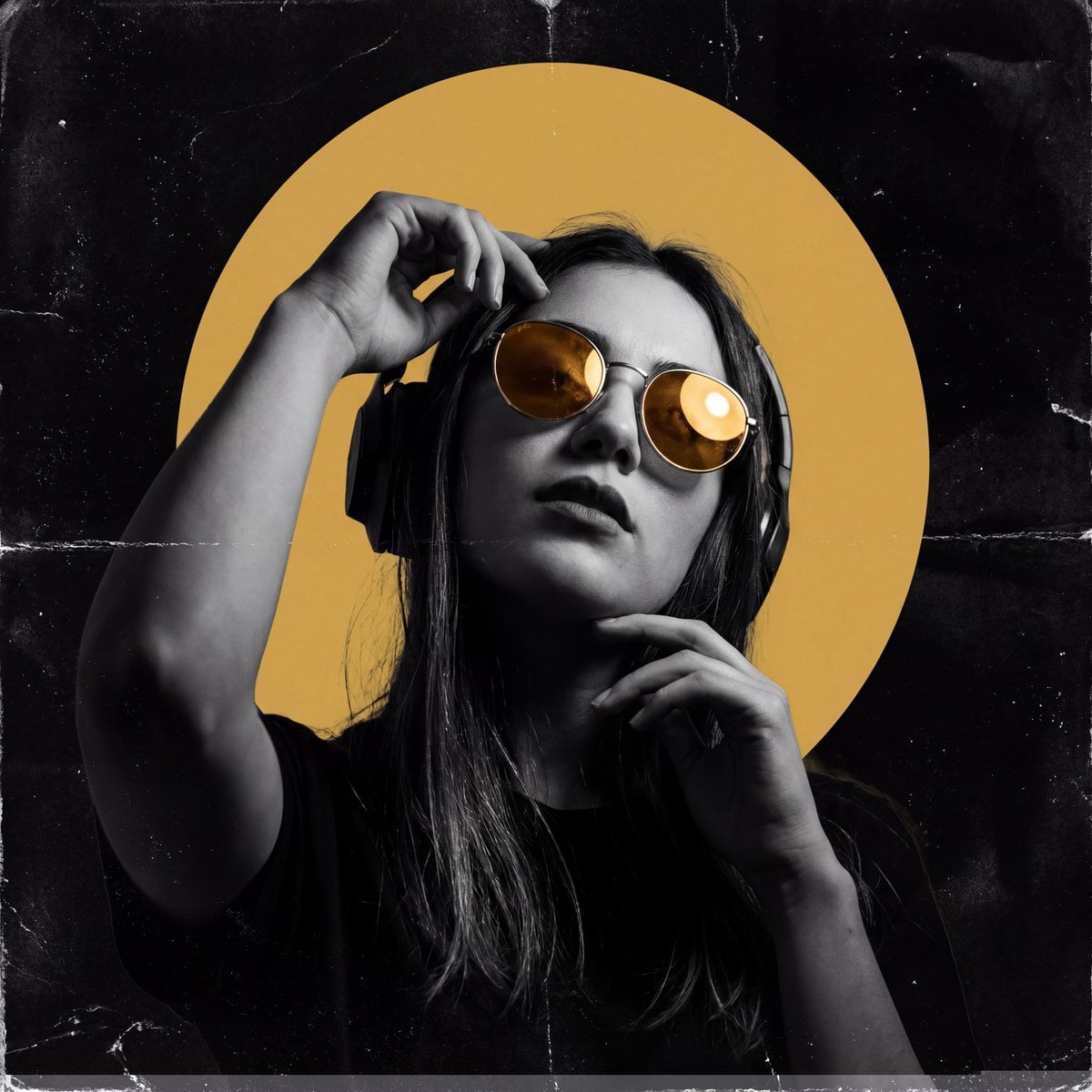
Underground Club Music Poster Portrait
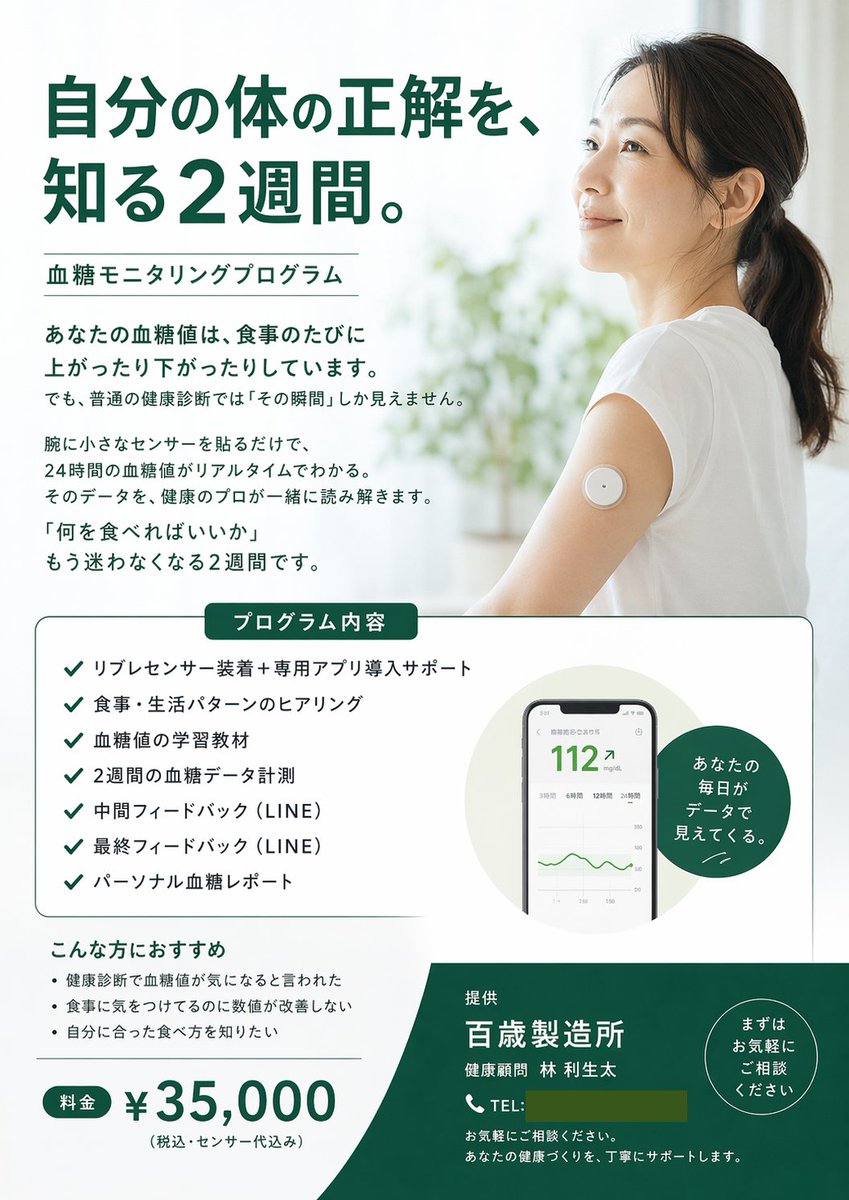
Medical Program Promotional Flyer
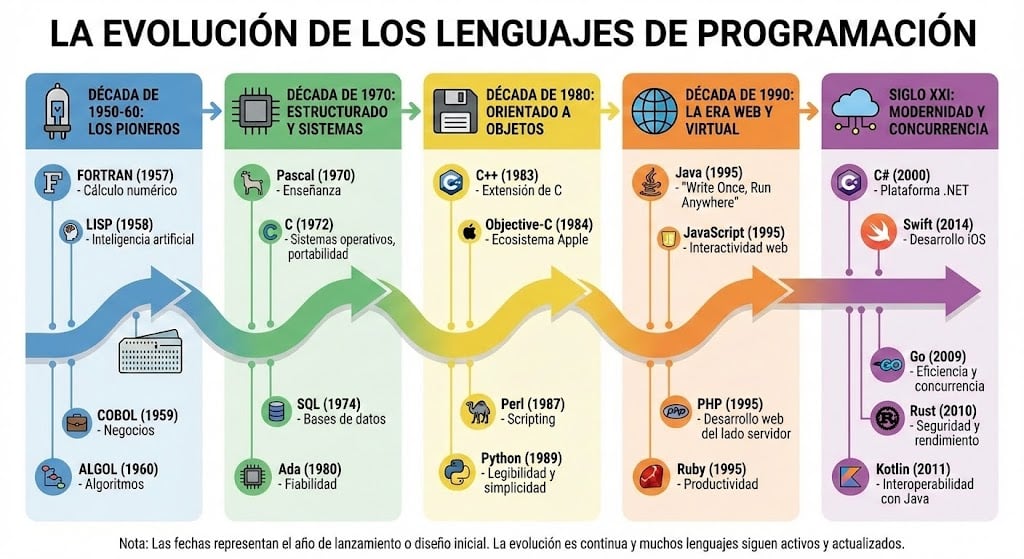
Infographic of programming language evolution

Gpt2 E Commerce Main Image Earbuds E Commerce Infographic

Gpt2 Infographic Edu Visual Alishan One Day Travel Poster

Gpt2 Infographic Edu Visual Ethnographic Plate for Tibetan Ceremonial Hat
Make it yours
AI Music Program Promotional Infographic works as-is. These are the safest ways to change it without losing the look.
Change one field
Copy a single group, rewrite it, and generate again so you can see what that field is doing.
Keep the frame, change the subject
Hold the composition and light of AI Music Program Promotional Infographic, then swap wardrobe, props or the person for a new take.
| If the result… | Why | Fix |
|---|---|---|
| The result drifts from the preview | Too many fields changed at once. | Reuse AI Music Program Promotional Infographic as-is first, then change one group — subject, light, or setting. |
| GPT Image 2 ignores part of the JSON | Some models flatten or skip nested keys. | Keep the same values and paste them as a short paragraph instead. |
More GPT Image 2 templates
Other prompts made for GPT Image 2.

Six VTuber Japanese Logo Sheet

Realistic Portrait of Woman and Deer

The Vista Modular Condo Poster

AI Model Routing Comparison Infographic

2.5D Anime Art Board

Isometric Productivity Desk Scene

New York Double Exposure Poster

Four-Panel AI Landscape Comparison

Japanese Tatami Lifestyle Magazine Cover

NESCAFÉ Coffee Map Poster
More image prompts
Fresh picks from across the catalog.
Commercial Food Photography Poster

Urban Tank Top Street Portrait
Samurai vs Oviraptors

Cottagecore Picnic Portrait Prompt
Sienna Brooks at the Museum Fashion Editorial
Nighttime Flash Portrait in Car Backseat (iPhone Style)
Rose Garden Anime Fashion Duo
Athletic Mirror Selfie with Defined Physique
Creative Doodled Image Overlay
Pachinko Auntie LINE Sticker Sheet
Browse template categories
AI Music Program Promotional Infographic questions
How do I use the AI Music Program Promotional Infographic template?
Add your photo if the template asks for one, edit the prompt if you like — the template's model and format are already selected — and press Generate. Your version opens in PicX Studio.
Can I customize the AI Music Program Promotional Infographic template?
Yes. You can change the subject, setting, lighting, mood, format, and available model controls before creating your image.
Is the AI Music Program Promotional Infographic template free?
Opening and editing this template is free. Generating uses credits, shown on the Generate button when you are signed in.
Which AI model should I use?
Start with GPT Image 2, which is the model associated with this template. You can compare another compatible model for a different finish.
Looking for something else? Browse all templates.

Your photo, any look
Thousands of ready templates for every top image and video model, from one credit balance.