
Medical Program Promotional Flyer
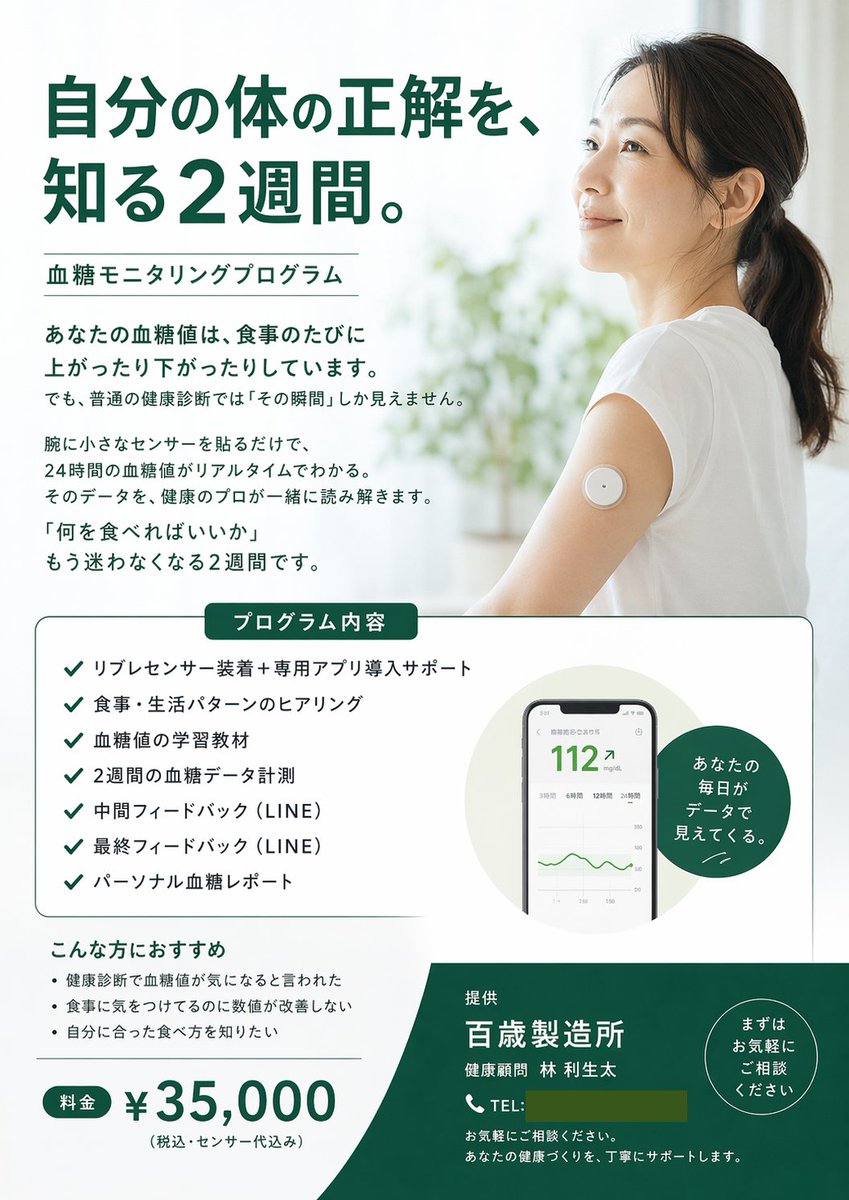
Generates a structured promotional flyer for a health program, featuring a hero image, checklists, UI mockups, and pricing details.
- Prompt included
- Model and format preset
- Free template
The prompt behind this image
Copy the exact prompt behind Medical Program Promotional Flyer, or open it in the studio and make it yours.
- Type
- promotional flyer
- Style
- clean, medical, professional, airy
- Color Palette
- white, dark green, black
- Layout › Hero › Headline
- {argument name="main headline" default="自分の体の正解を、知る2週間。"}
- Layout › Hero › Subheadline
- {argument name="program name" default="血糖モニタリングプログラム"}
- Layout › Hero › Image
- {argument name="hero image subject" default="Smiling Asian woman in a white t-shirt, looking up and to the right, wearing a round white continuous glucose monitor sensor on her upper arm. Bright, airy background with blurred plants."}
- Layout › Hero › Intro Text Paragraphs
- 4
- Layout › Middle Section › Box Title
- プログラム内容
- Layout › Middle Section › Checklist Count
- 7
- Layout › Middle Section › Checklist Items
- リブレセンサー装着+専用アプリ導入サポート, 食事・生活パターンのヒアリング, 血糖値の学習教材, 2週間の血糖データ計測, 中間フィードバック (LINE), 最終フィードバック (LINE), パーソナル血糖レポート
- Layout › Middle Section › Visuals
- smartphone UI mockup showing blood sugar reading '112' and a green line graph, dark green circular badge with text 'あなたの毎日がデータで見えてくる。'
- Layout › Bottom Section › Recommendations Title
- こんな方におすすめ
- Layout › Bottom Section › Recommendations Count
- 3
- Layout › Bottom Section › Recommendations Items
- 健康診断で血糖値が気になると言われた, 食事に気をつけてるのに数値が改善しない, 自分に合った食べ方を知りたい
- Layout › Bottom Section › Pricing › Label
- 料金
- Layout › Bottom Section › Pricing › Amount
- {argument name="price" default="¥35,000"}
- Layout › Bottom Section › Pricing › Note
- (税込・センサー代込み)
- Layout › Footer › Background Color
- dark green
- Layout › Footer › Provider
- {argument name="company name" default="百歳製造所"}
- Layout › Footer › Representative
- 健康顧問 林 利生太
- Layout › Footer › Contact Info
- TEL placeholder and support text
- Layout › Footer › Badge
- circular badge with text 'まずはお気軽にご相談ください'
Raw JSON
{
  "type": "promotional flyer",
  "style": "clean, medical, professional, airy",
  "color_palette": ["white", "dark green", "black"],
  "layout": {
    "hero": {
      "headline": "{argument name=\"main headline\" default=\"自分の体の正解を、知る2週間。\"}",
      "subheadline": "{argument name=\"program name\" default=\"血糖モニタリングプログラム\"}",
      "image": "{argument name=\"hero image subject\" default=\"Smiling Asian woman in a white t-shirt, looking up and to the right, wearing a round white continuous glucose monitor sensor on her upper arm. Bright, airy background with blurred plants.\"}",
      "intro_text_paragraphs": 4
    },
    "middle_section": {
      "box_title": "プログラム内容",
      "checklist_count": 7,
      "checklist_items": [
        "リブレセンサー装着+専用アプリ導入サポート",
        "食事・生活パターンのヒアリング",
        "血糖値の学習教材",
        "2週間の血糖データ計測",
        "中間フィードバック (LINE)",
        "最終フィードバック (LINE)",
        "パーソナル血糖レポート"
      ],
      "visuals": [
        "smartphone UI mockup showing blood sugar reading '112' and a green line graph",
        "dark green circular badge with text 'あなたの毎日がデータで見えてくる。'"
      ]
    },
    "bottom_section": {
      "recommendations_title": "こんな方におすすめ",
      "recommendations_count": 3,
      "recommendations_items": [
        "健康診断で血糖値が気になると言われた",
        "食事に気をつけてるのに数値が改善しない",
        "自分に合った食べ方を知りたい"
      ],
      "pricing": {
        "label": "料金",
        "amount": "{argument name=\"price\" default=\"¥35,000\"}",
        "note": "(税込・センサー代込み)"
      }
    },
    "footer": {
      "background_color": "dark green",
      "provider": "{argument name=\"company name\" default=\"百歳製造所\"}",
      "representative": "健康顧問 林 利生太",
      "contact_info": "TEL placeholder and support text",
      "badge": "circular badge with text 'まずはお気軽にご相談ください'"
    }
  }
}How to use Medical Program Promotional Flyer in 3 steps
- 1Upload ImagePNG, JPG or paste
Add your photo
Upload the photo the template builds on. The prompt, model and format are already set.
- 2…a portrait of your subject in softgolden-hour light, 85mm…
Personalize
Edit the subject and creative details for your destination.
- 3Generate
Generate
Press Generate — your image is created in PicX Studio, so you can compare it with the original and refine one variable at a time.
More like this
Templates with the same subject, style or setup. Open one to see its prompt.
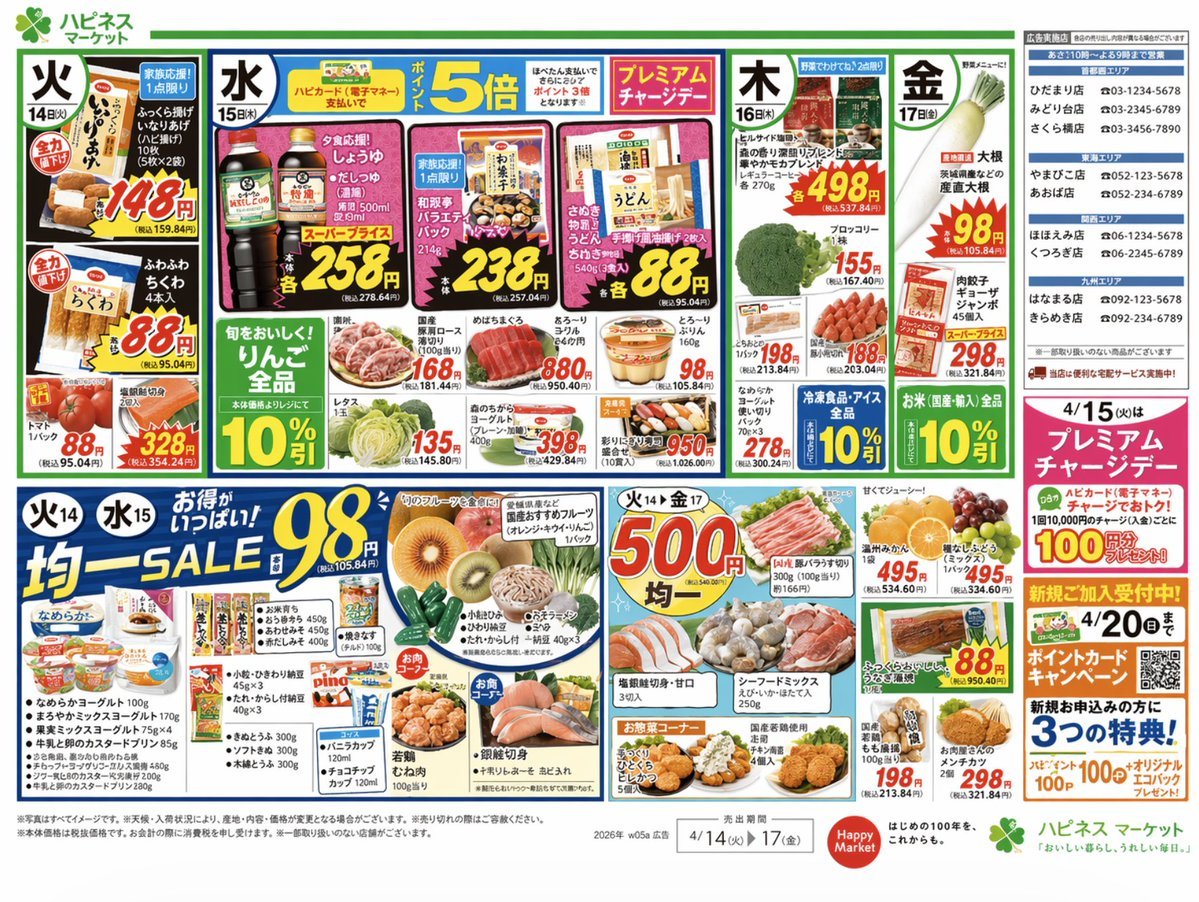
Japanese Supermarket Promotional Flyer

Cartoon TV Show Poster Pack

AI Music Program Promotional Infographic
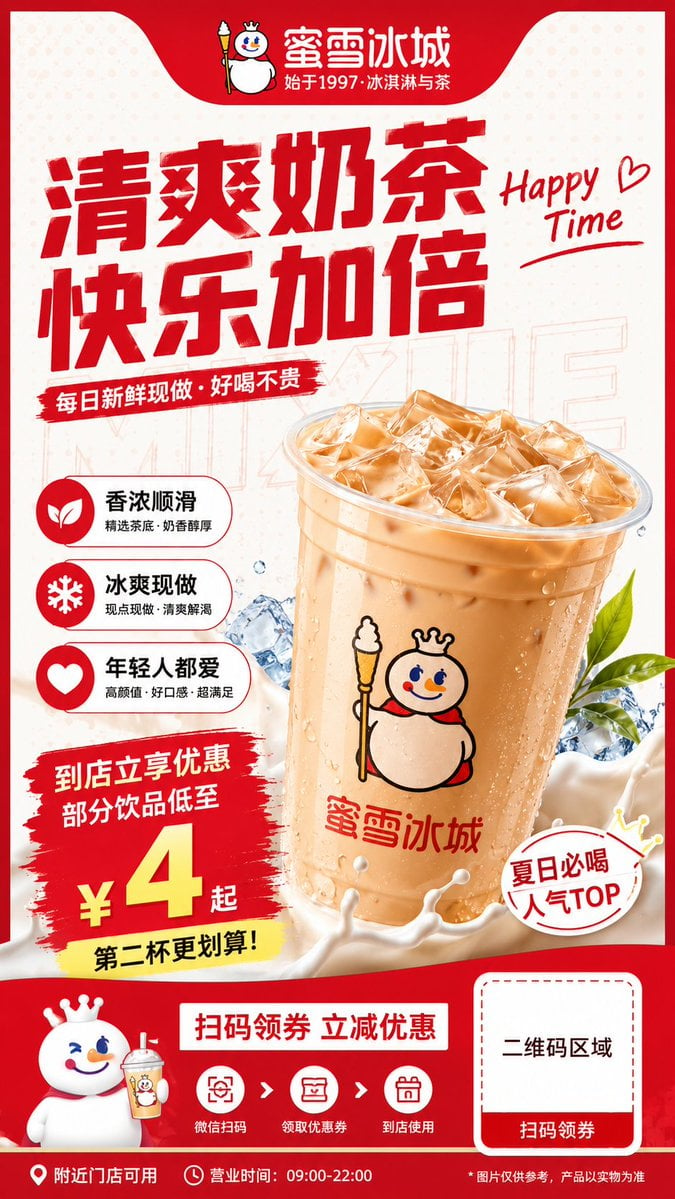
Modern Milk Tea Promotional Flyer
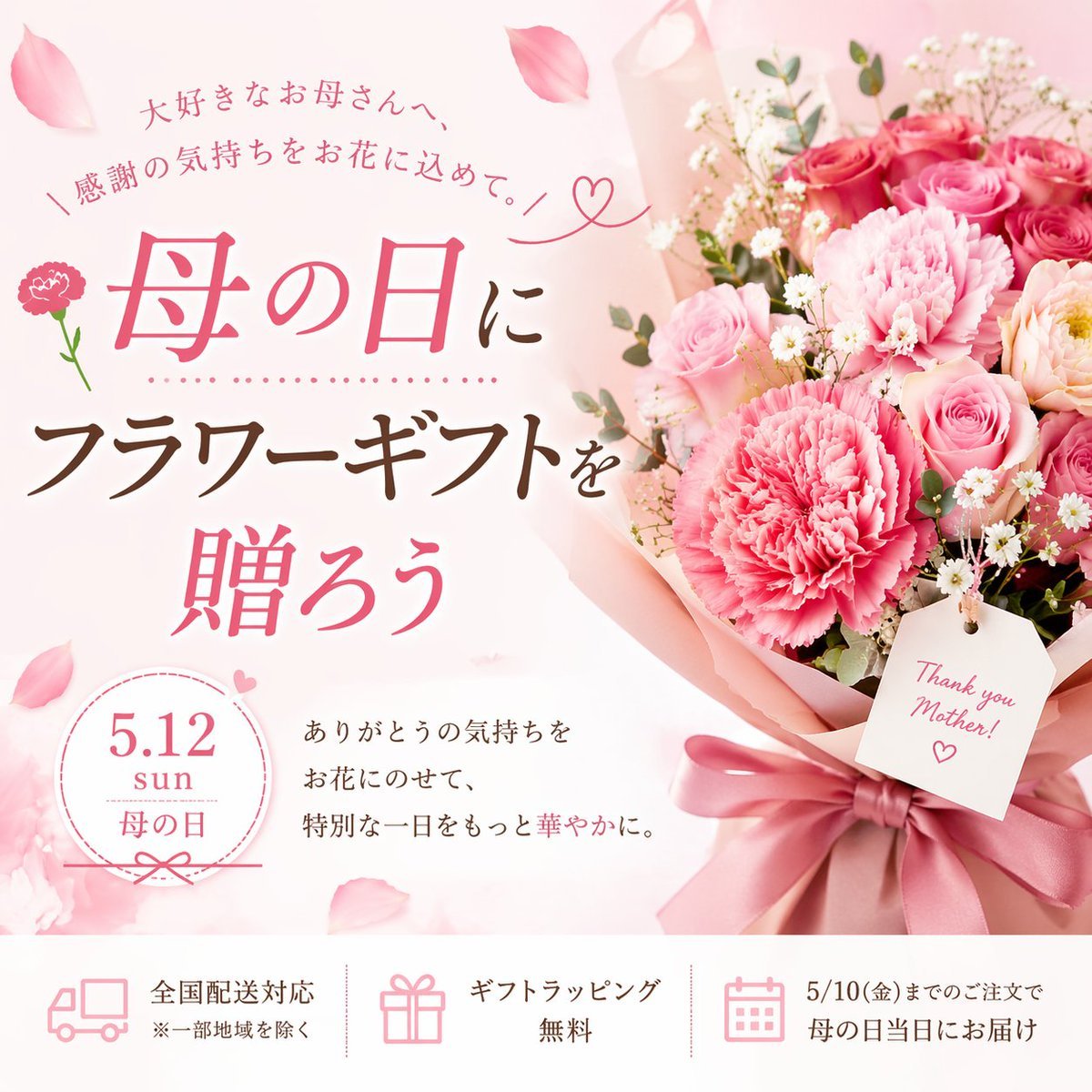
Mother's Day Flower Gift Promotional Banner

Web Design Course Promotional Banner
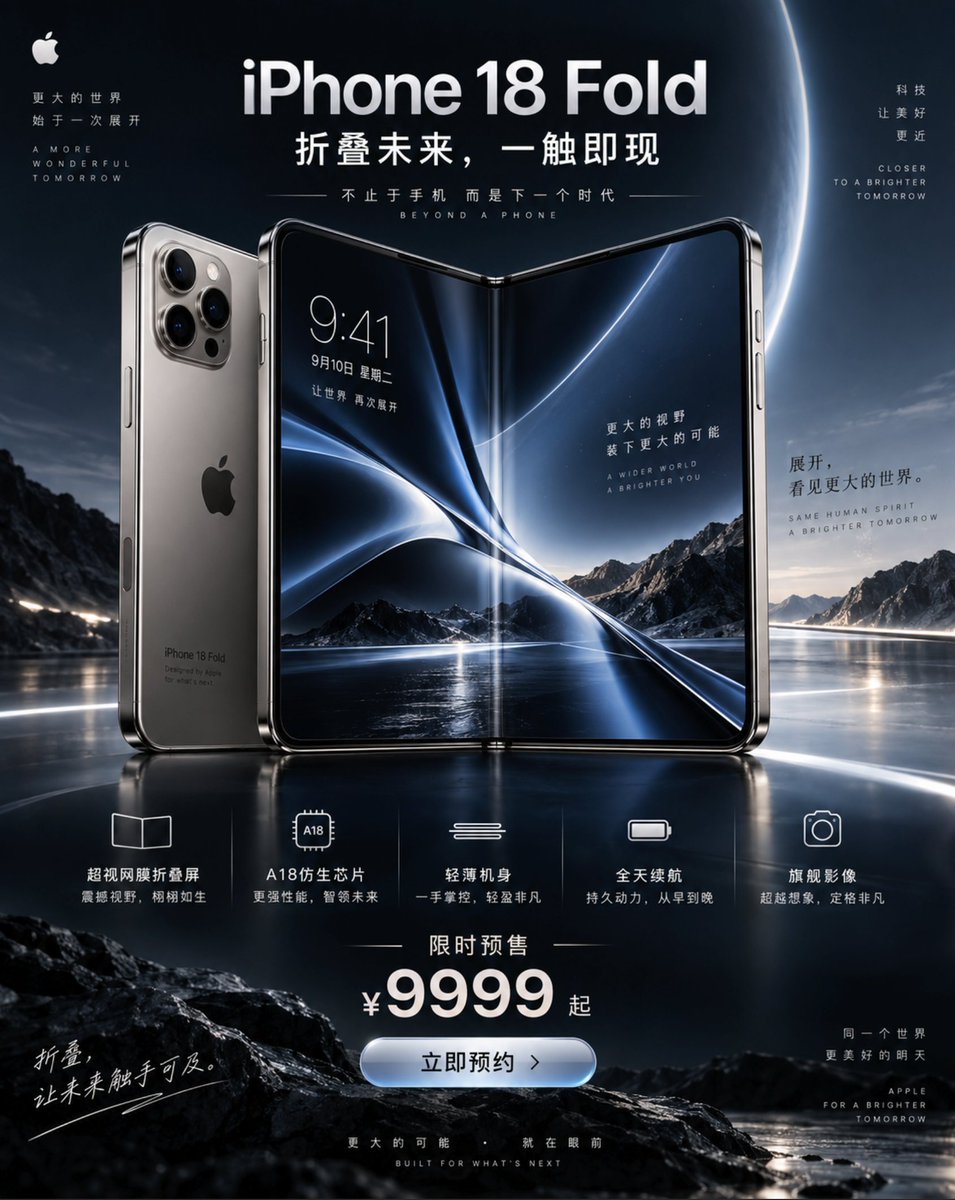
iPhone 18 Promotional Poster
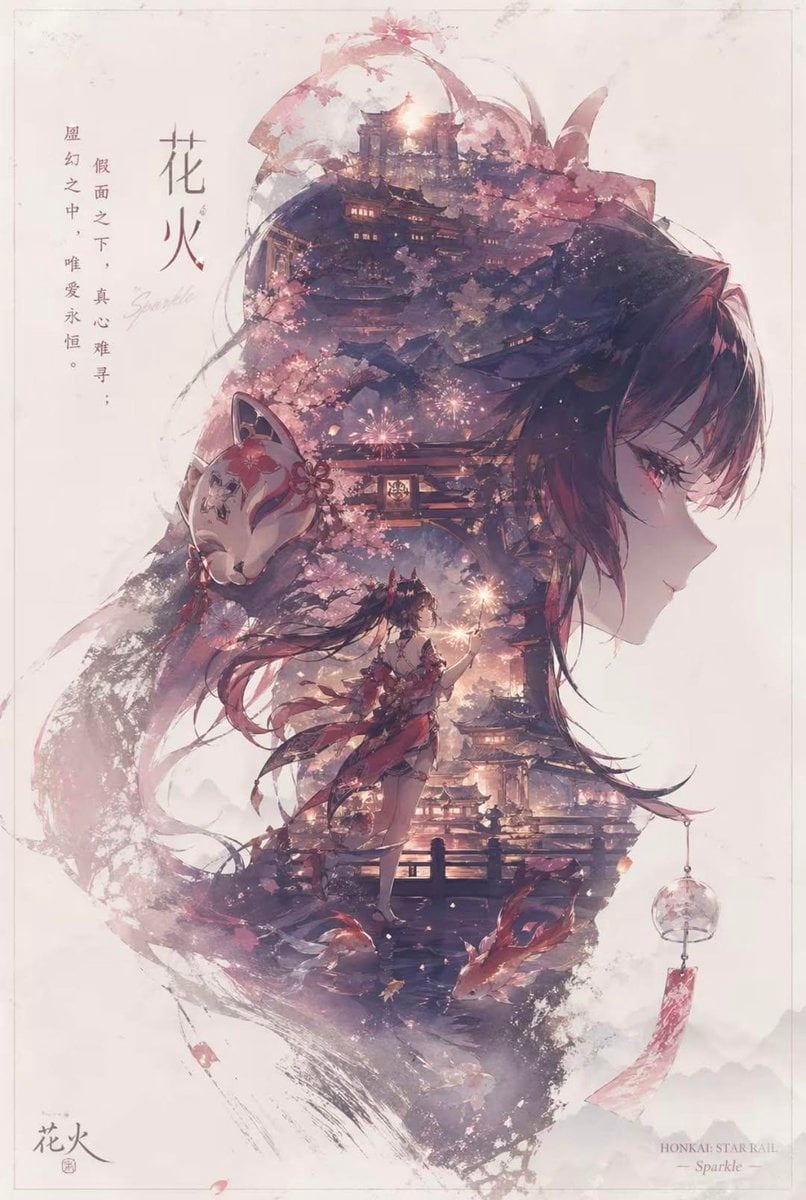
Character promotional poster using a unified vertical portrait key
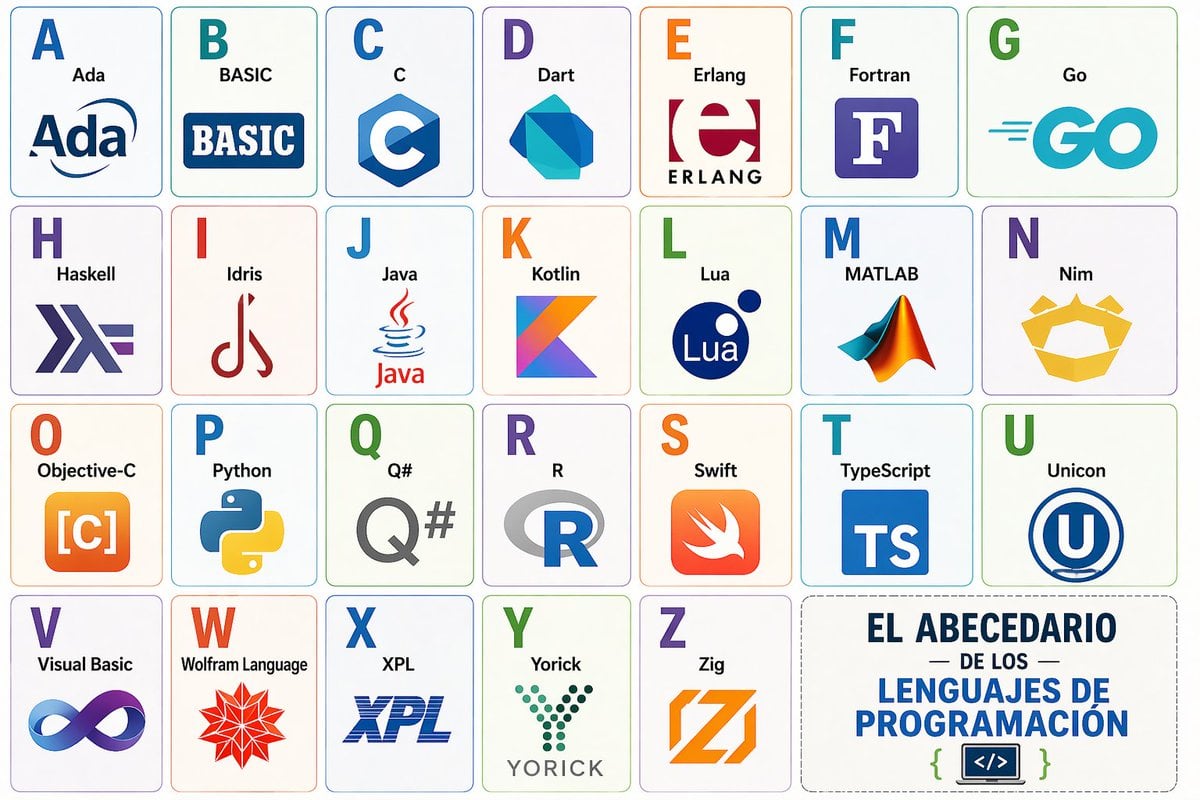
Programming Language Alphabet Prompt
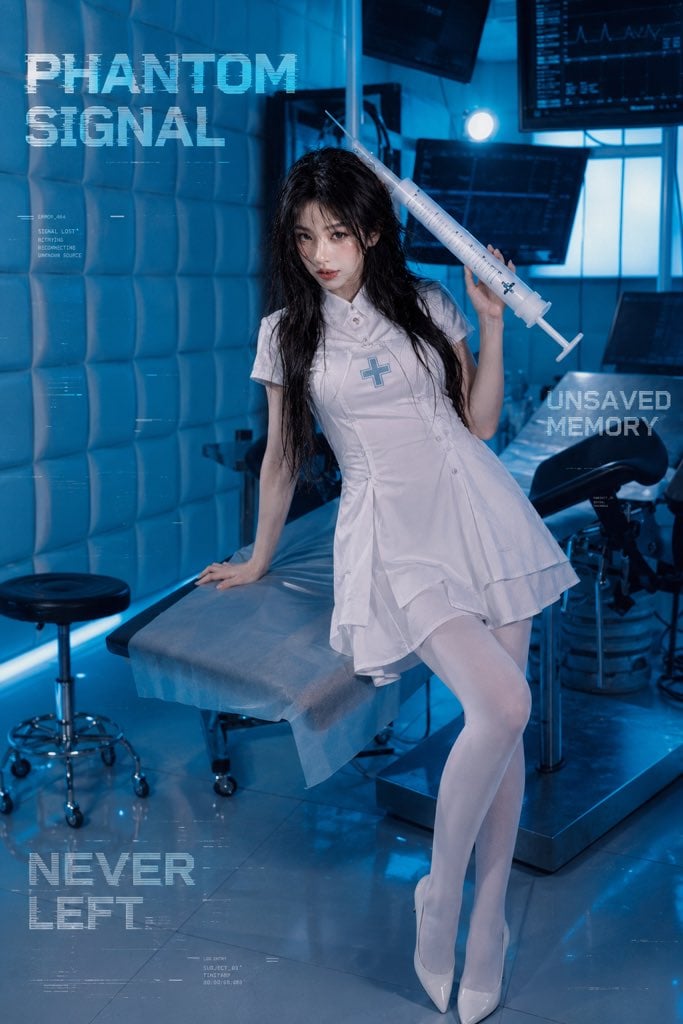
Future Medical Lab Scene
Cinematic Nurse in Medical Storage Room

Airline Crew Promotional Poster
Make it yours
Medical Program Promotional Flyer works as-is. These are the safest ways to change it without losing the look.
Swap the setting
Keep the rest of the prompt and replace the location block. The current setting is “dark green”.
Change one field
Copy a single group, rewrite it, and generate again so you can see what that field is doing.
Keep the frame, change the subject
Hold the composition and light of Medical Program Promotional Flyer, then swap wardrobe, props or the person for a new take.
| If the result… | Why | Fix |
|---|---|---|
| The result drifts from the preview | Too many fields changed at once. | Reuse Medical Program Promotional Flyer as-is first, then change one group — subject, light, or setting. |
| GPT Image 2 ignores part of the JSON | Some models flatten or skip nested keys. | Keep the same values and paste them as a short paragraph instead. |
More GPT Image 2 templates
Other prompts made for GPT Image 2.

Six VTuber Japanese Logo Sheet

Realistic Portrait of Woman and Deer

The Vista Modular Condo Poster

AI Model Routing Comparison Infographic

2.5D Anime Art Board

Isometric Productivity Desk Scene

New York Double Exposure Poster

Four-Panel AI Landscape Comparison

Japanese Tatami Lifestyle Magazine Cover

NESCAFÉ Coffee Map Poster
More image prompts
Fresh picks from across the catalog.
Photorealistic Gym Selfie Portrait with Specific Composition and Color Palette
Miniature Girl Sitting on Coffee Cups

Muscular Party Man with Maracas
Cyberpunk Manga Page of a Giant Robot Cat
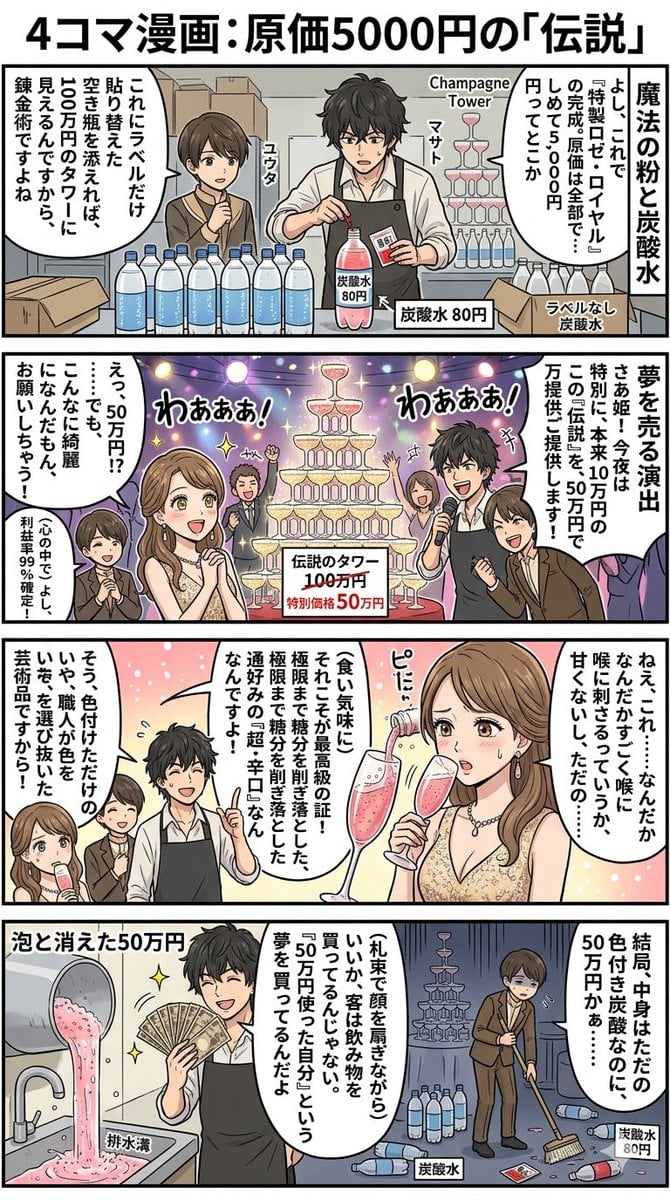
Four-Panel Manga: The Legend of the 5000 Yen Cost
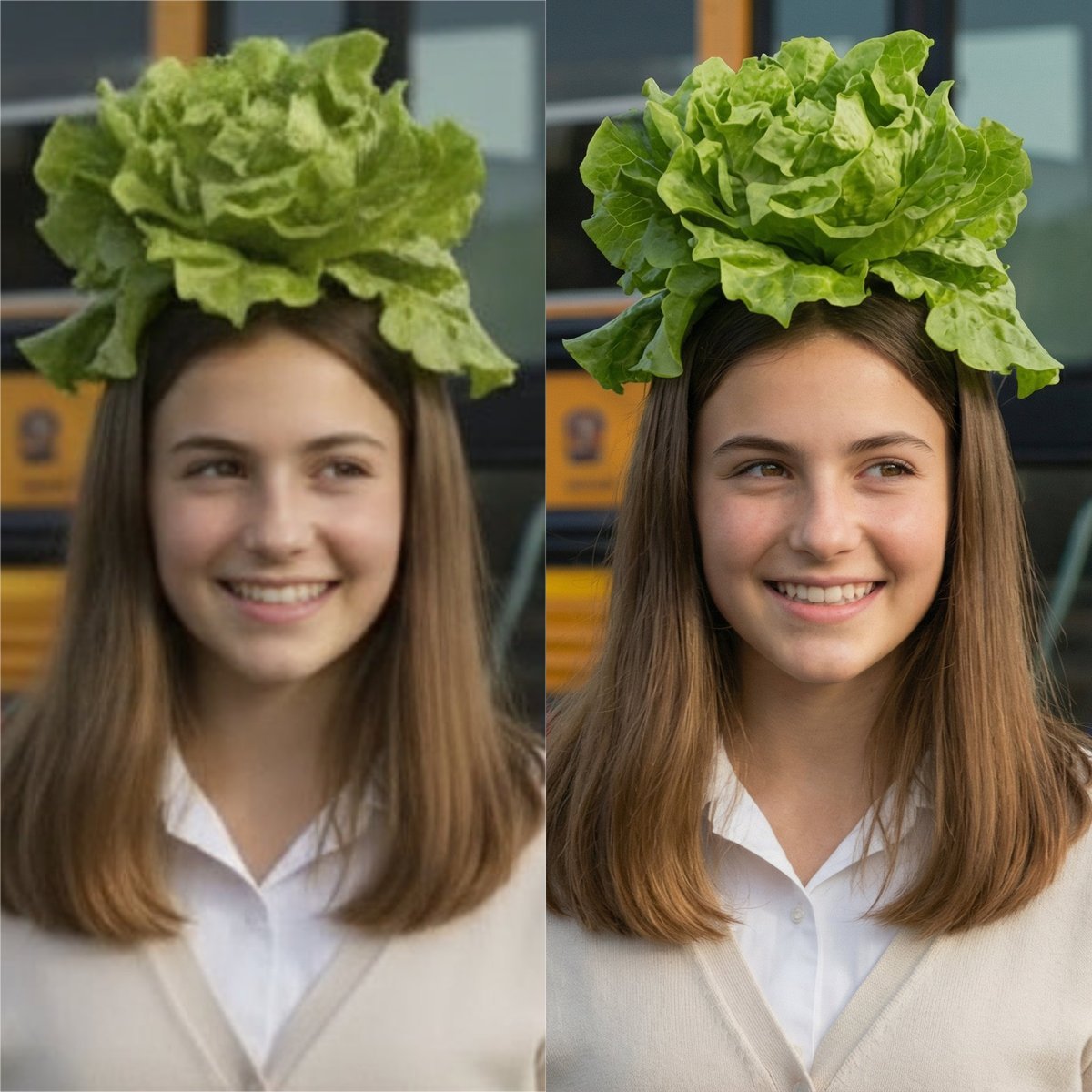
Nano Banana Pro Image Upscaler Prompt
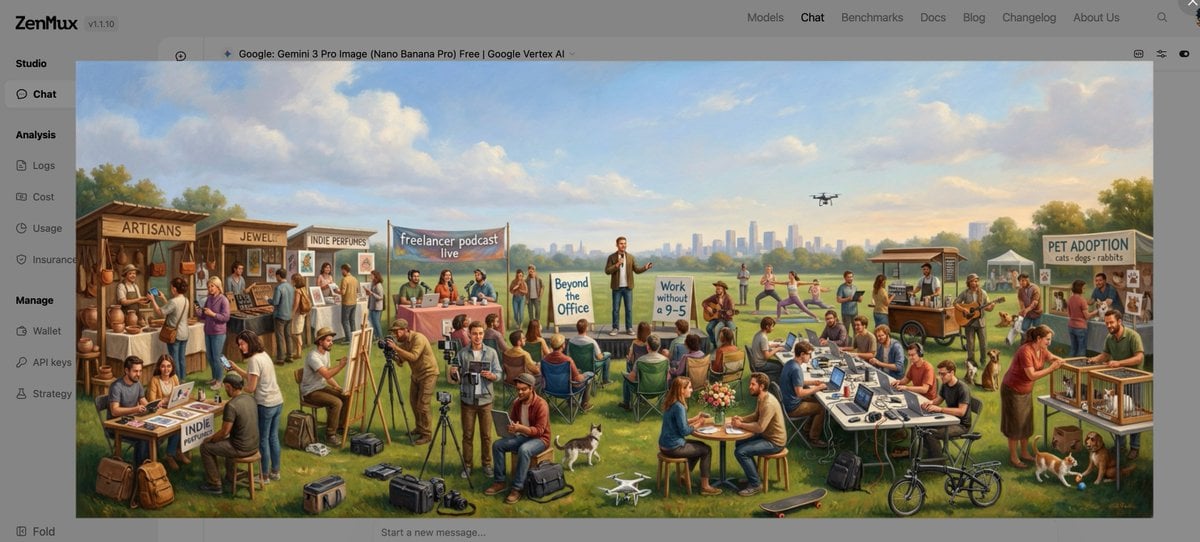
Baroque genre painting of a merry company in a park

Divine Artwork of Lord Shiva and Goddess Parvati

Cinematic Street Photography Portrait with Roses

Ultra-realistic Indian Couple Cooking Portrait
Browse template categories
Medical Program Promotional Flyer questions
How do I use the Medical Program Promotional Flyer template?
Add your photo if the template asks for one, edit the prompt if you like — the template's model and format are already selected — and press Generate. Your version opens in PicX Studio.
Can I customize the Medical Program Promotional Flyer template?
Yes. You can change the subject, setting, lighting, mood, format, and available model controls before creating your image.
Is the Medical Program Promotional Flyer template free?
Opening and editing this template is free. Generating uses credits, shown on the Generate button when you are signed in.
Which AI model should I use?
Start with GPT Image 2, which is the model associated with this template. You can compare another compatible model for a different finish.
Looking for something else? Browse all templates.

Your photo, any look
Thousands of ready templates for every top image and video model, from one credit balance.