
Mother's Day Flower Gift Promotional Banner
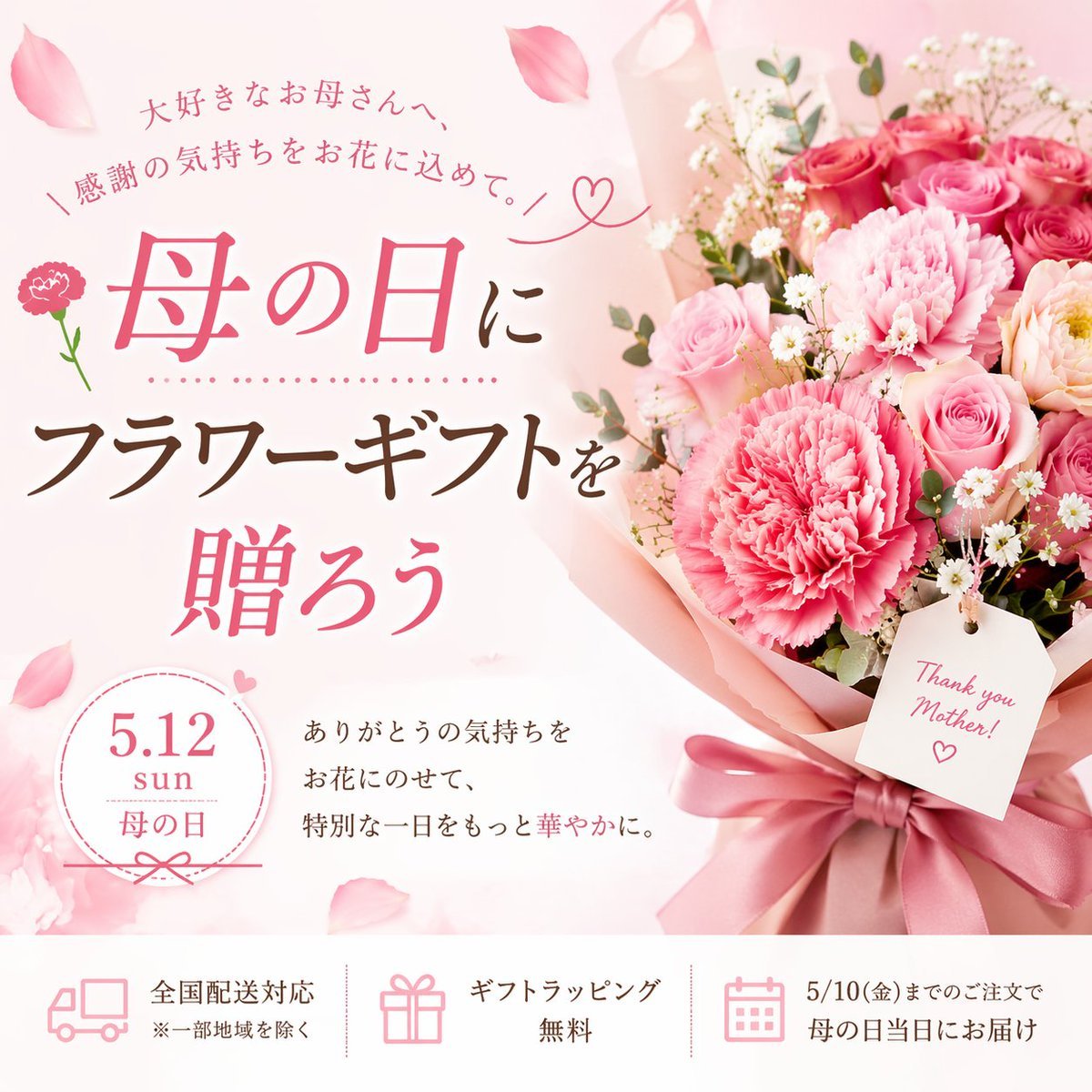
Generates a Japanese promotional banner for a Mother's Day flower gift, featuring a bouquet, elegant typography, and a 3-item informational footer.
- Prompt included
- Model and format preset
- Free template
The prompt behind this image
Copy the exact prompt behind Mother's Day Flower Gift Promotional Banner, or open it in the studio and make it yours.
- Type
- promotional banner advertisement
- Theme
- Mother's Day flower gift
- Visual Style
- soft, elegant, feminine, pastel colors, scattered pink petals in the background
- Imagery › Bouquet
- large arrangement of {argument name="color theme" default="pink"} carnations and roses, wrapped in pink paper with a satin ribbon, placed on the right side
- Imagery › Tag
- white rectangular tag hanging from the bouquet reading '{argument name="tag text" default="Thank you Mother!"}' with a drawn heart
- Layout › Main Typography › Position
- top left to mid left
- Layout › Main Typography › Top Arch
- 大好きなお母さんへ、
- Layout › Main Typography › Sub Arch
- \ 感謝の気持ちをお花に込めて。 /
- Layout › Main Typography › Headline 1
- {argument name="main event" default="母の日"}に
- Layout › Main Typography › Headline 2
- {argument name="product name" default="フラワーギフト"}を
- Layout › Main Typography › Headline 3
- 贈ろう
- Layout › Details Section › Position
- bottom left above footer
- Layout › Details Section › Badge
- circular badge with text '{argument name="event date" default="5.12"} sun 母の日'
- Layout › Details Section › Description Text
- ありがとうの気持ちを お花にのせて、 特別な一日をもっと華やかに。
- Layout › Footer › Position
- bottom edge
- Layout › Footer › Style
- white horizontal bar
- Layout › Footer › Count
- 3
- Layout › Footer › Items › 0 › Icon
- delivery truck
- Layout › Footer › Items › 0 › Text
- 全国配送対応
- Layout › Footer › Items › 0 › Subtext
- ※一部地域を除く
- Layout › Footer › Items › 1 › Icon
- gift box
- Layout › Footer › Items › 1 › Text
- ギフトラッピング無料
- Layout › Footer › Items › 2 › Icon
- calendar
- Layout › Footer › Items › 2 › Text
- 5/10(金)までのご注文で 母の日当日にお届け
Raw JSON
{
  "type": "promotional banner advertisement",
  "theme": "Mother's Day flower gift",
  "visual_style": "soft, elegant, feminine, pastel colors, scattered pink petals in the background",
  "imagery": {
    "bouquet": "large arrangement of {argument name=\"color theme\" default=\"pink\"} carnations and roses, wrapped in pink paper with a satin ribbon, placed on the right side",
    "tag": "white rectangular tag hanging from the bouquet reading '{argument name=\"tag text\" default=\"Thank you Mother!\"}' with a drawn heart"
  },
  "layout": {
    "main_typography": {
      "position": "top left to mid left",
      "top_arch": "大好きなお母さんへ、",
      "sub_arch": "\\ 感謝の気持ちをお花に込めて。 /",
      "headline_1": "{argument name=\"main event\" default=\"母の日\"}に",
      "headline_2": "{argument name=\"product name\" default=\"フラワーギフト\"}を",
      "headline_3": "贈ろう"
    },
    "details_section": {
      "position": "bottom left above footer",
      "badge": "circular badge with text '{argument name=\"event date\" default=\"5.12\"} sun 母の日'",
      "description_text": "ありがとうの気持ちを お花にのせて、 特別な一日をもっと華やかに。"
    },
    "footer": {
      "position": "bottom edge",
      "style": "white horizontal bar",
      "count": 3,
      "items": [
        { "icon": "delivery truck", "text": "全国配送対応", "subtext": "※一部地域を除く" },
        { "icon": "gift box", "text": "ギフトラッピング無料" },
        { "icon": "calendar", "text": "5/10(金)までのご注文で 母の日当日にお届け" }
      ]
    }
  }
}How to use Mother's Day Flower Gift Promotional Banner in 3 steps
- 1Upload ImagePNG, JPG or paste
Add your photo
Upload the photo the template builds on. The prompt, model and format are already set.
- 2…a portrait of your subject in softgolden-hour light, 85mm…
Personalize
Edit the subject and creative details for your destination.
- 3Generate
Generate
Press Generate — your image is created in PicX Studio, so you can compare it with the original and refine one variable at a time.
More like this
Templates with the same subject, style or setup. Open one to see its prompt.

Web Design Course Promotional Banner

Cartoon TV Show Poster Pack
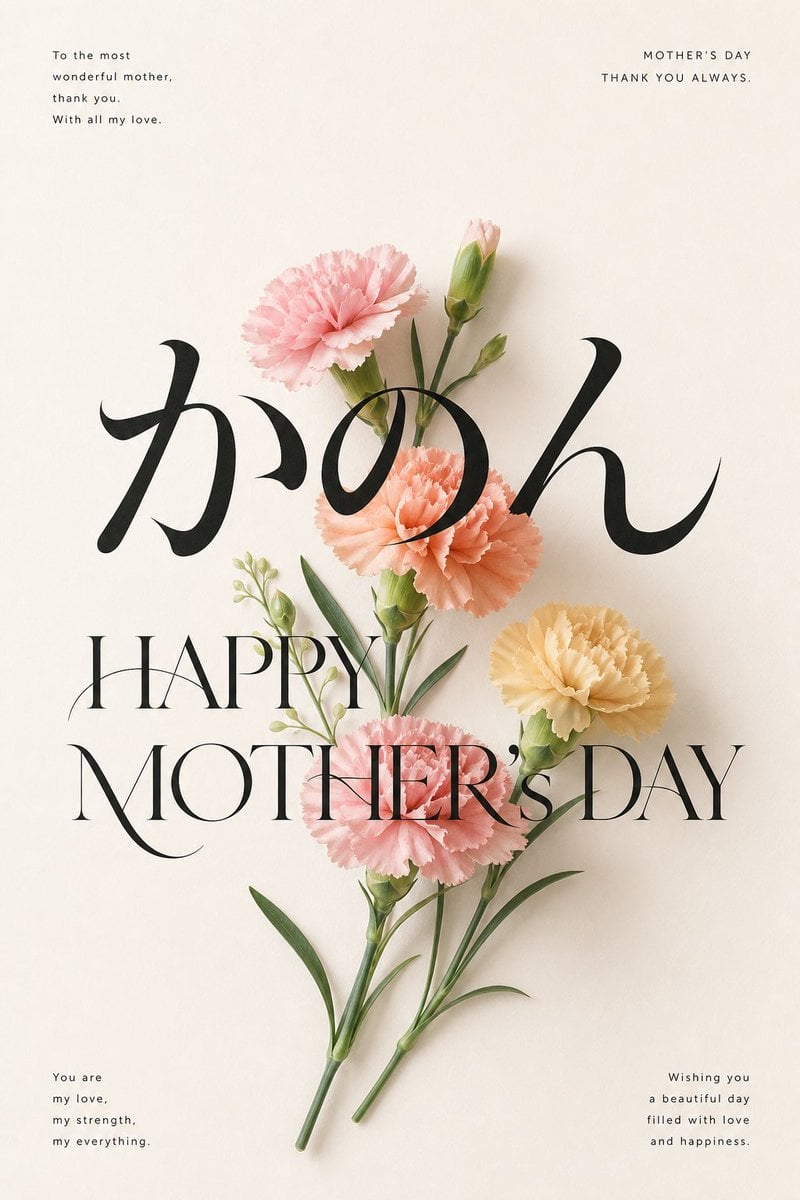
Elegant Carnation Mother's Day Wallpaper
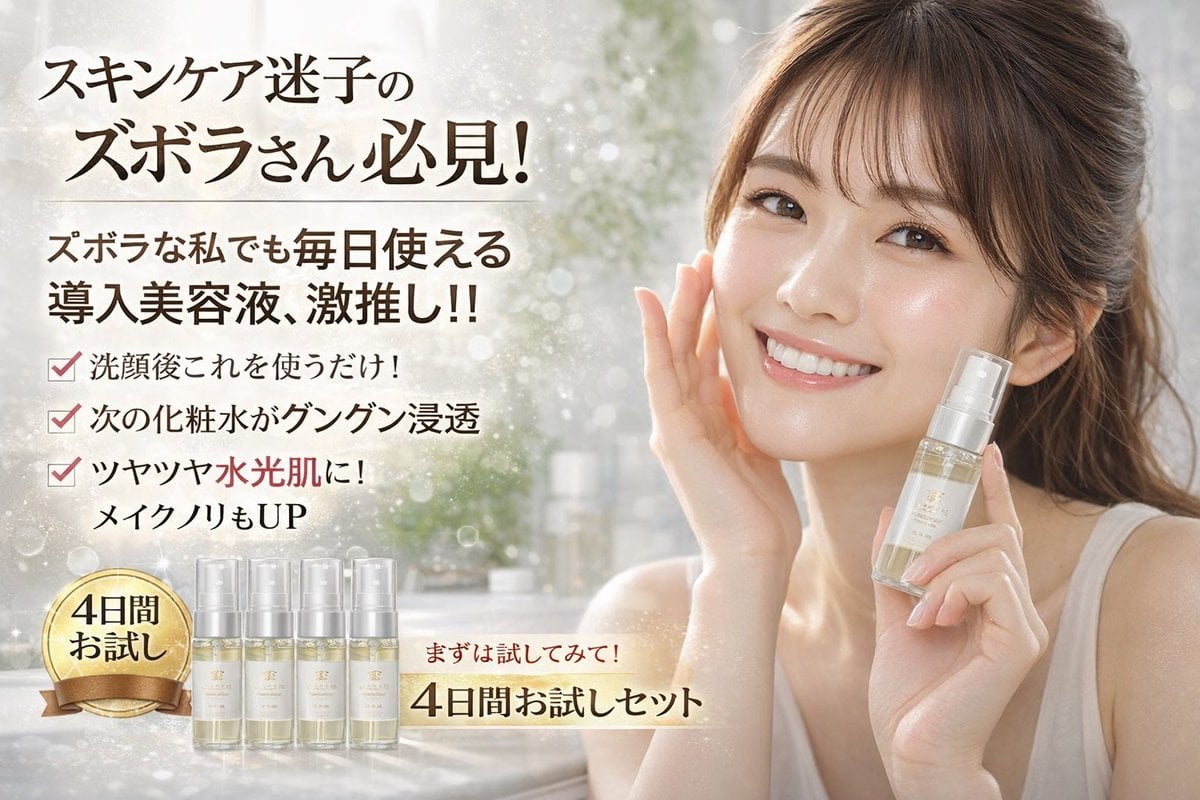
Cosmetics Promotional Web Banner
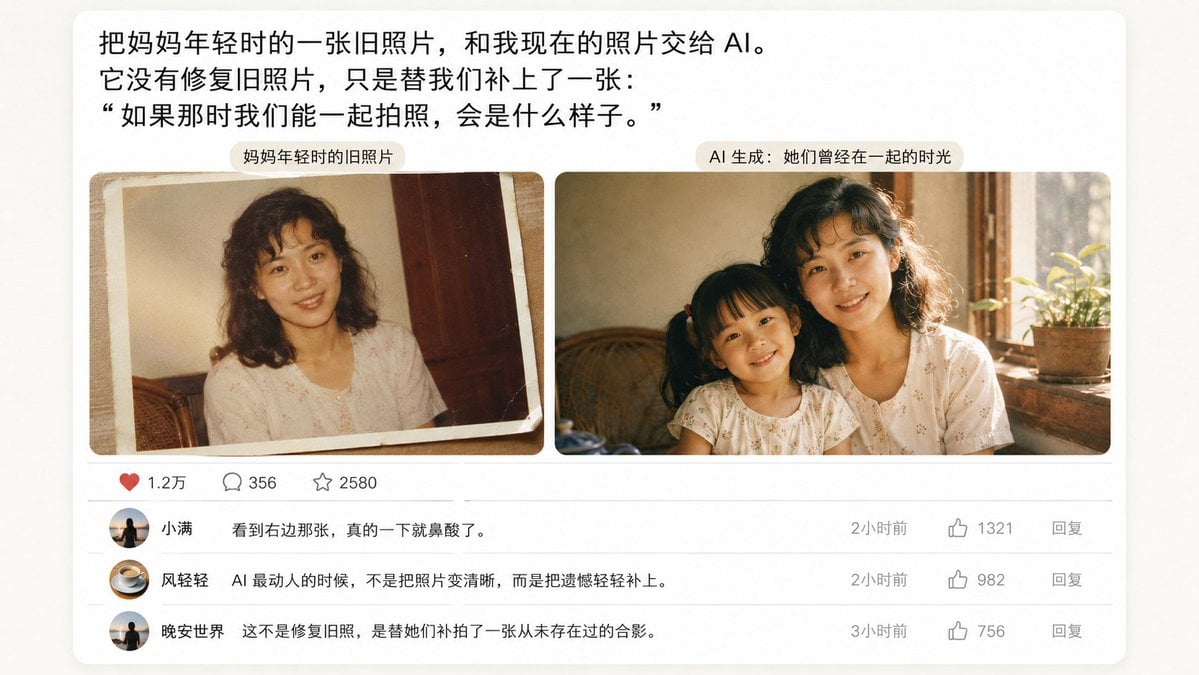
Emotional Mother's Day Comparison Prompt
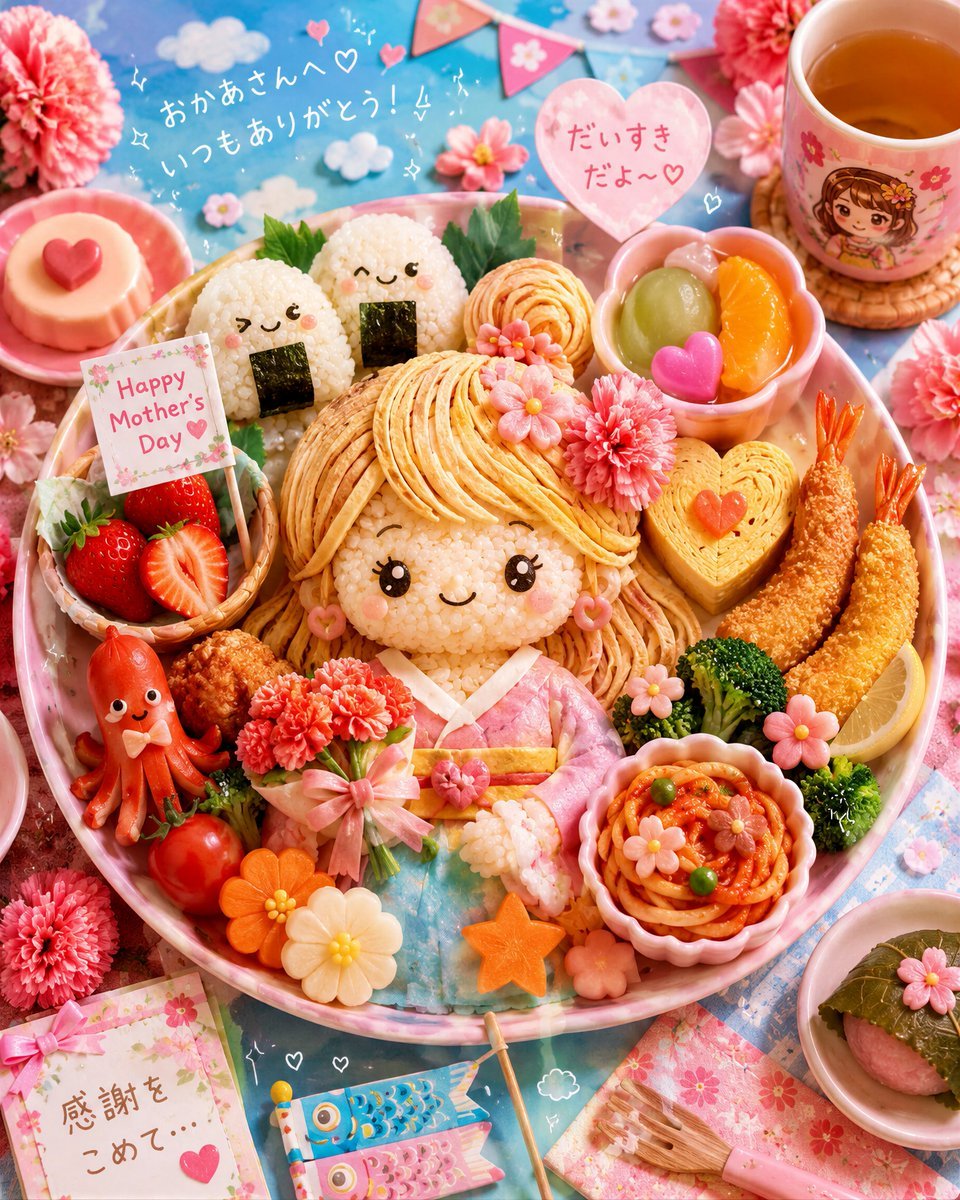
Kawaii Mother's Day Bento Food Art

Modern Webinar Promotional Banner

Glass Skin Beauty Portrait — Soft Pastel Nano Banana

Coffee Boba Product Poster
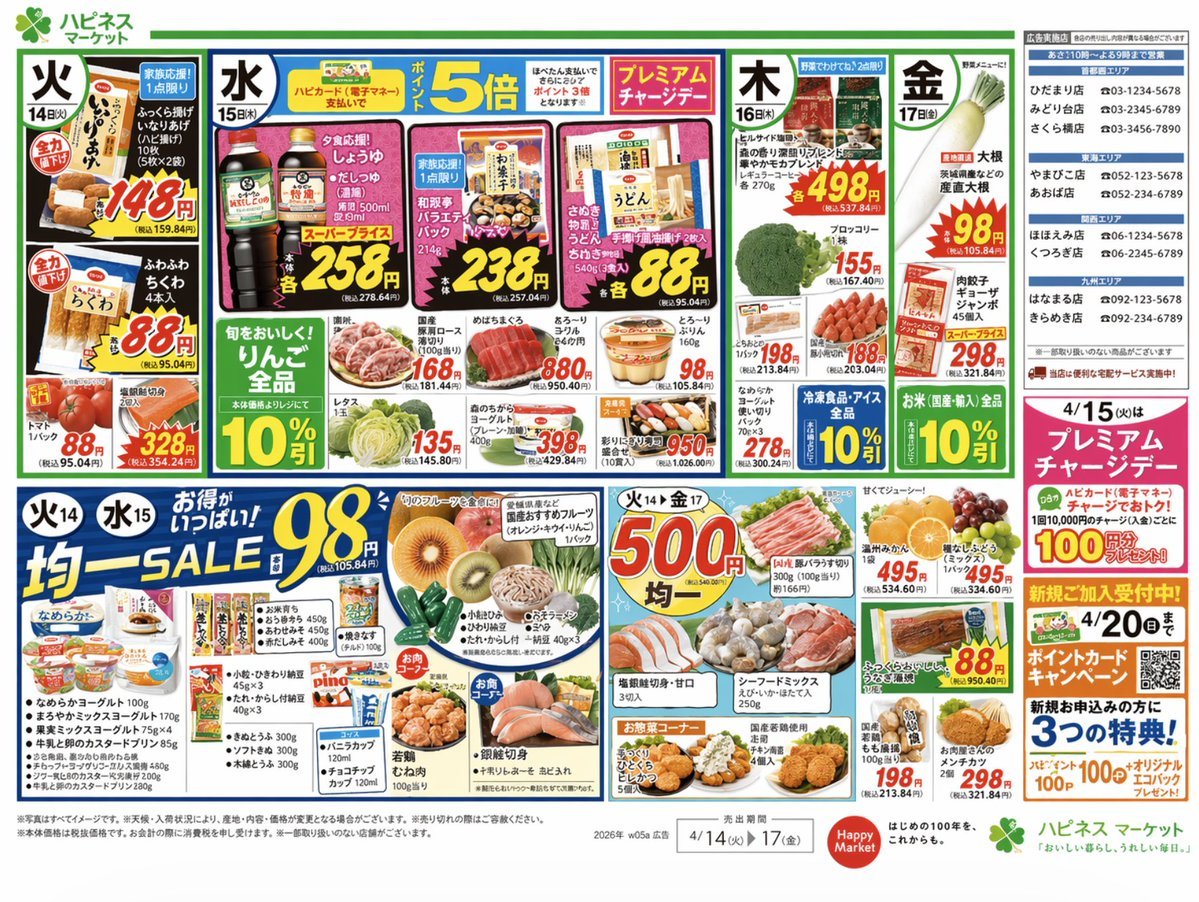
Japanese Supermarket Promotional Flyer
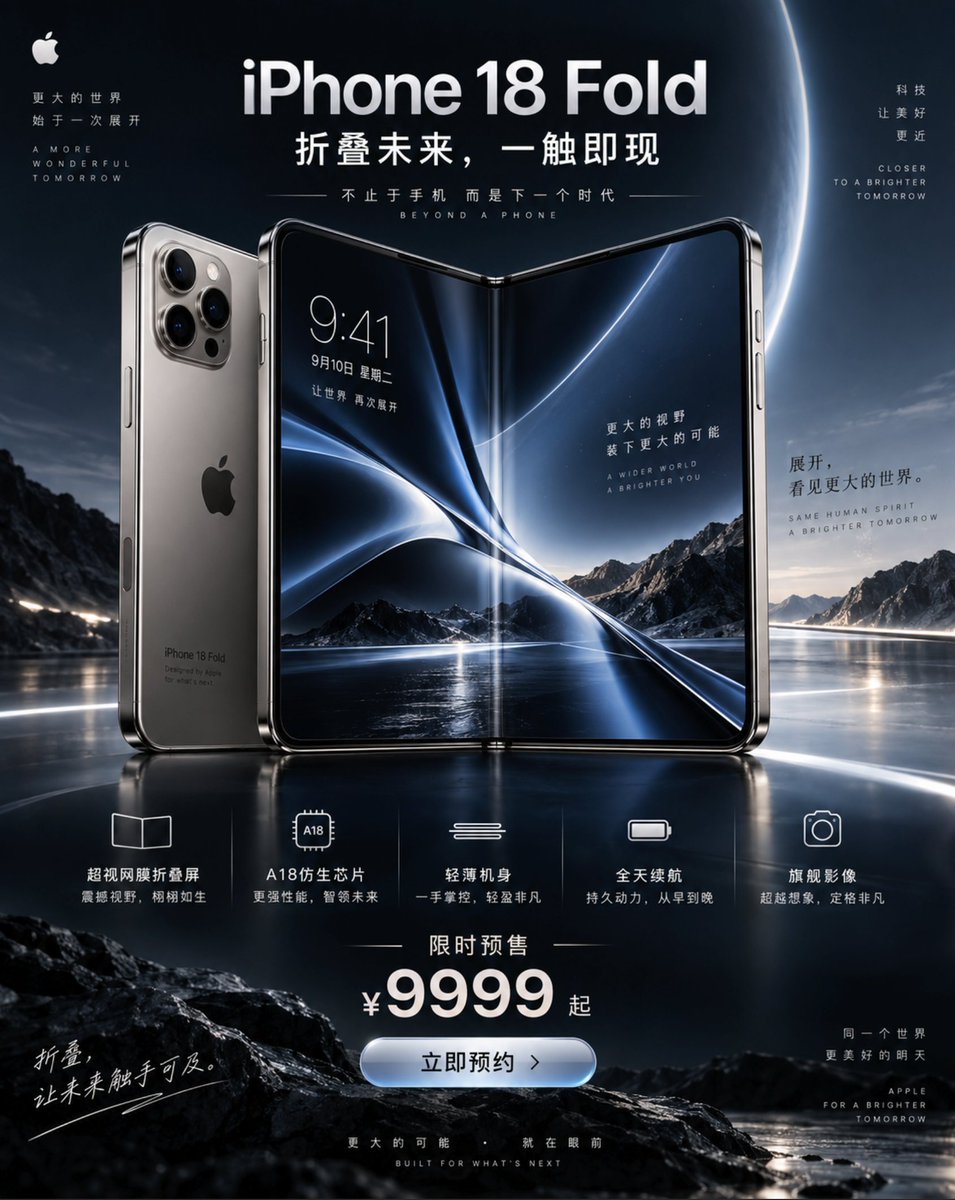
iPhone 18 Promotional Poster

Flower Bouquet and Bicep Flex
Make it yours
Mother's Day Flower Gift Promotional Banner works as-is. These are the safest ways to change it without losing the look.
Change one field
Copy a single group, rewrite it, and generate again so you can see what that field is doing.
Keep the frame, change the subject
Hold the composition and light of Mother's Day Flower Gift Promotional Banner, then swap wardrobe, props or the person for a new take.
| If the result… | Why | Fix |
|---|---|---|
| The result drifts from the preview | Too many fields changed at once. | Reuse Mother's Day Flower Gift Promotional Banner as-is first, then change one group — subject, light, or setting. |
| GPT Image 2 ignores part of the JSON | Some models flatten or skip nested keys. | Keep the same values and paste them as a short paragraph instead. |
More GPT Image 2 templates
Other prompts made for GPT Image 2.

Six VTuber Japanese Logo Sheet

Realistic Portrait of Woman and Deer

The Vista Modular Condo Poster

AI Model Routing Comparison Infographic

2.5D Anime Art Board

Isometric Productivity Desk Scene

New York Double Exposure Poster

Four-Panel AI Landscape Comparison

Japanese Tatami Lifestyle Magazine Cover

NESCAFÉ Coffee Map Poster
More image prompts
Fresh picks from across the catalog.

Photorealistic Concert Embrace Scene
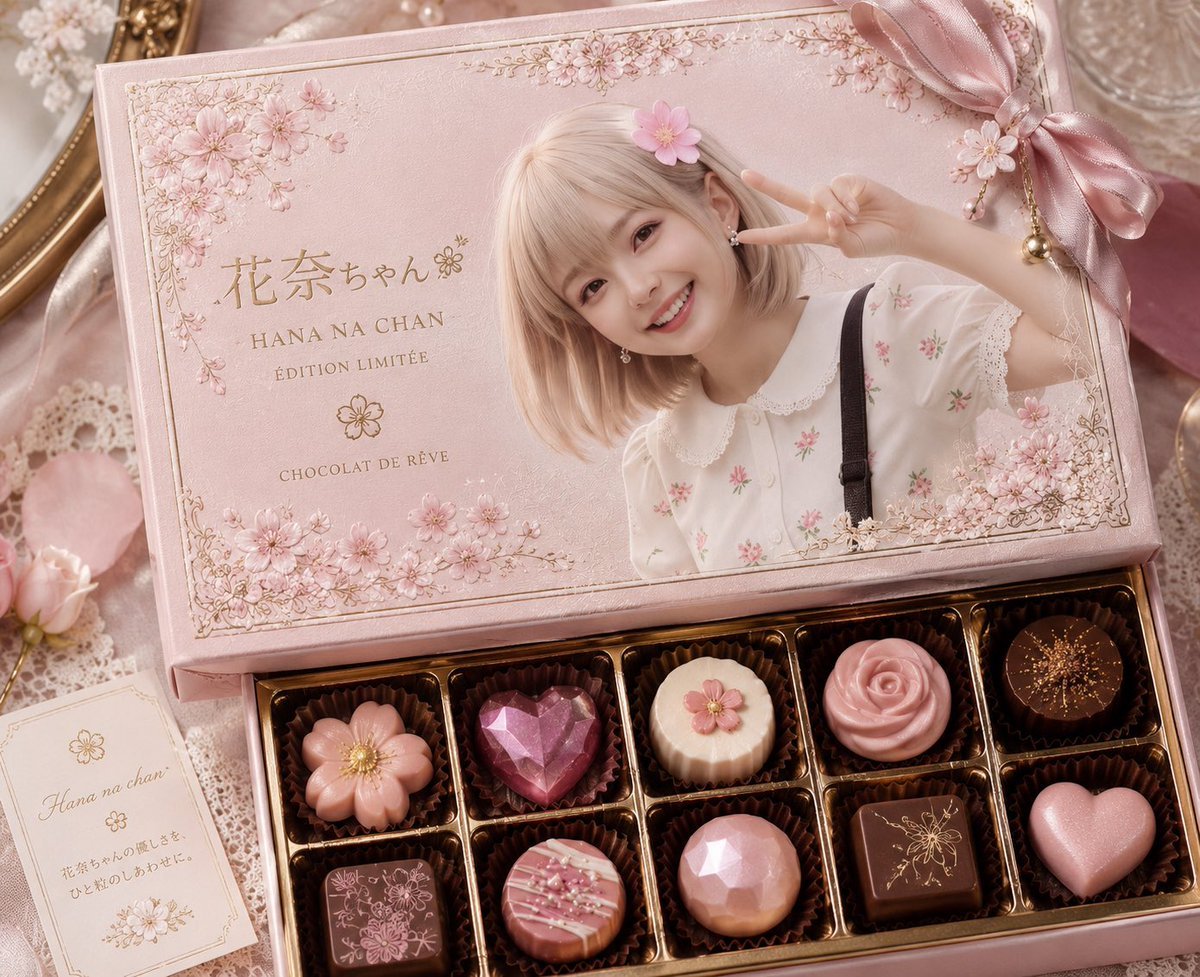
Luxury Pink Chocolatier Gift Box
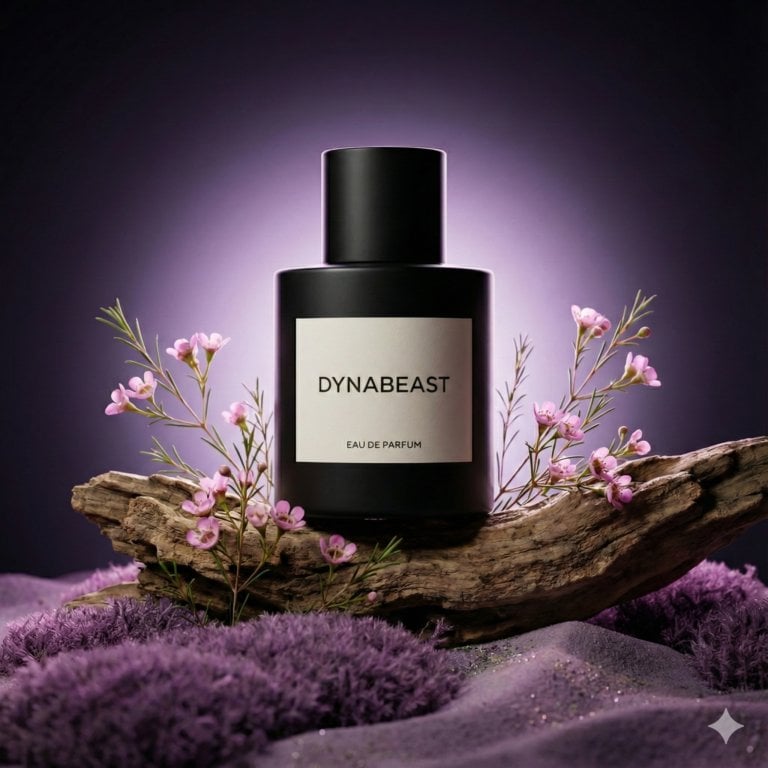
Botanical Luxury Product Design Prompt
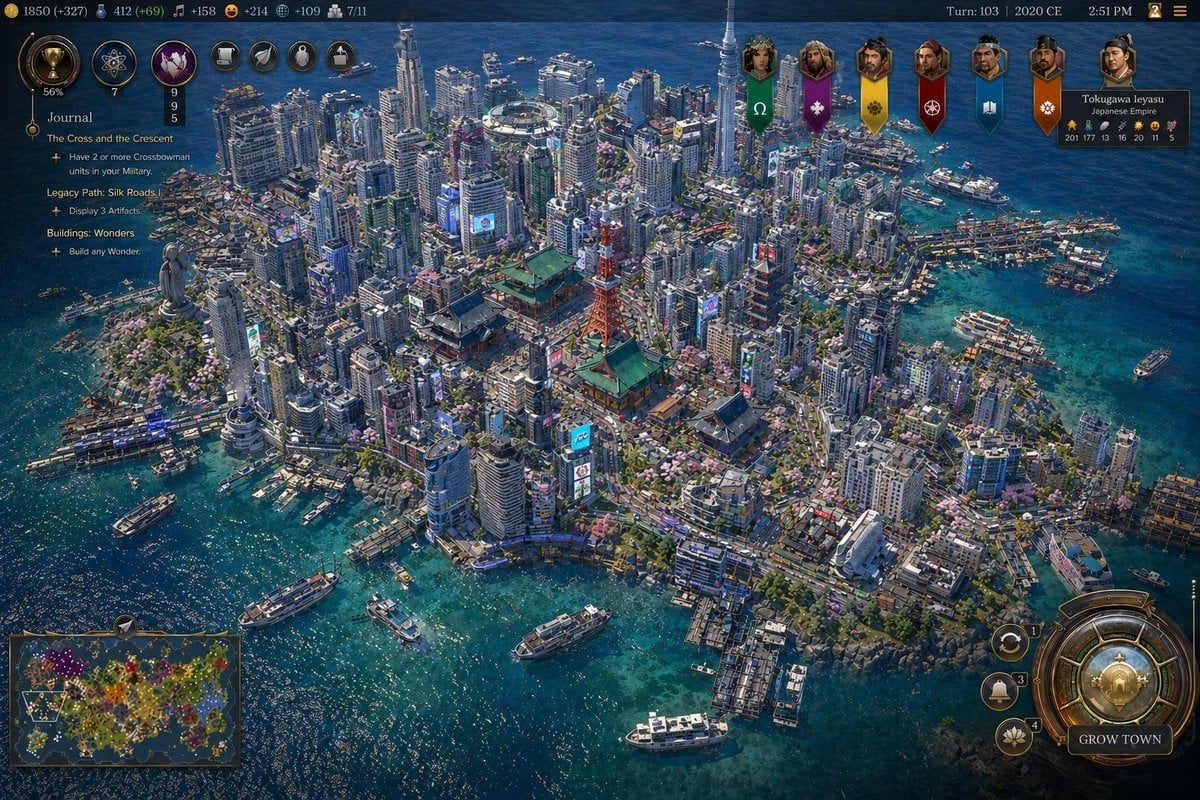
Civ-Style Tokyo Island Megacity Screenshot
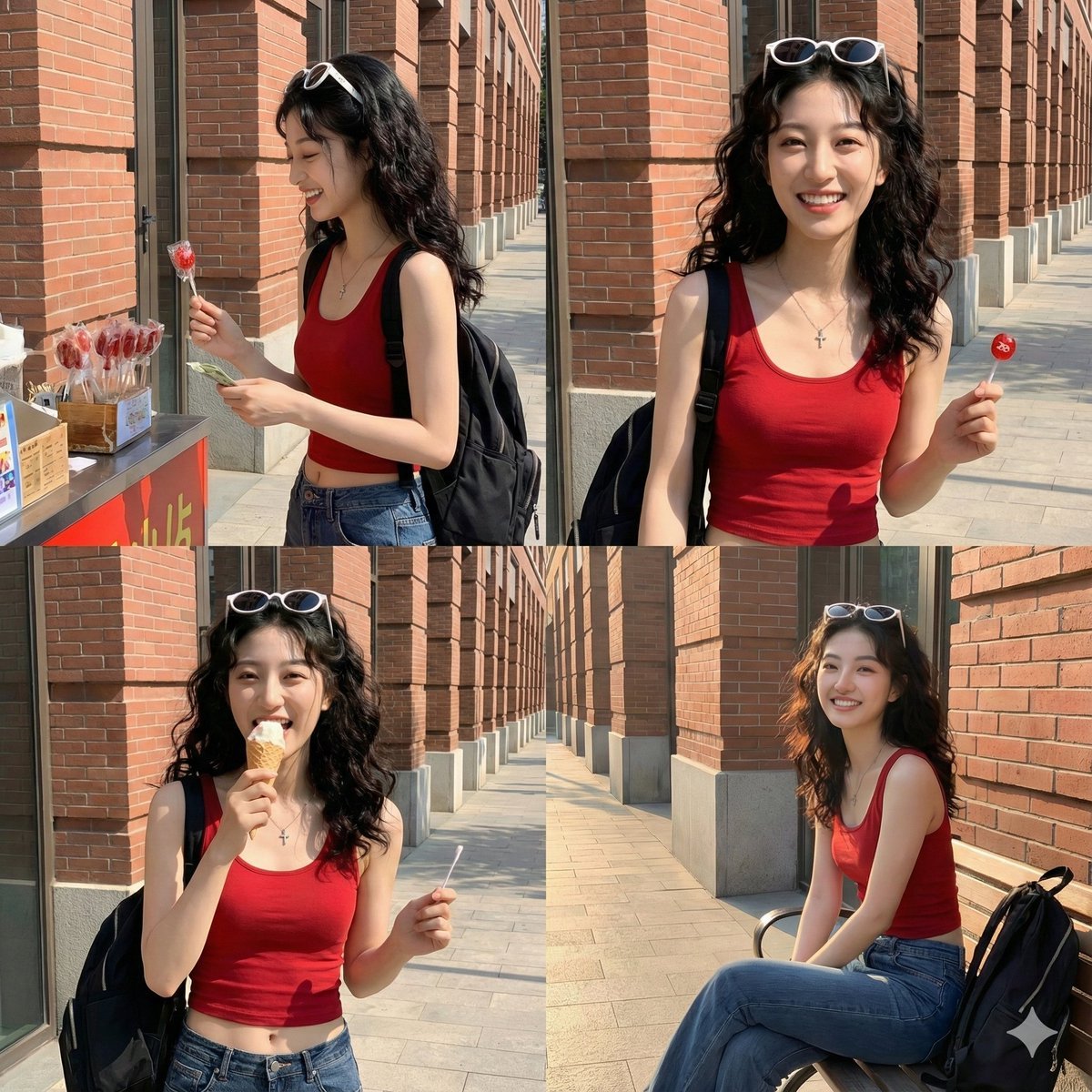
Time Progression Image Generation Prompt

Cute Winking Schoolgirl Peace Sign
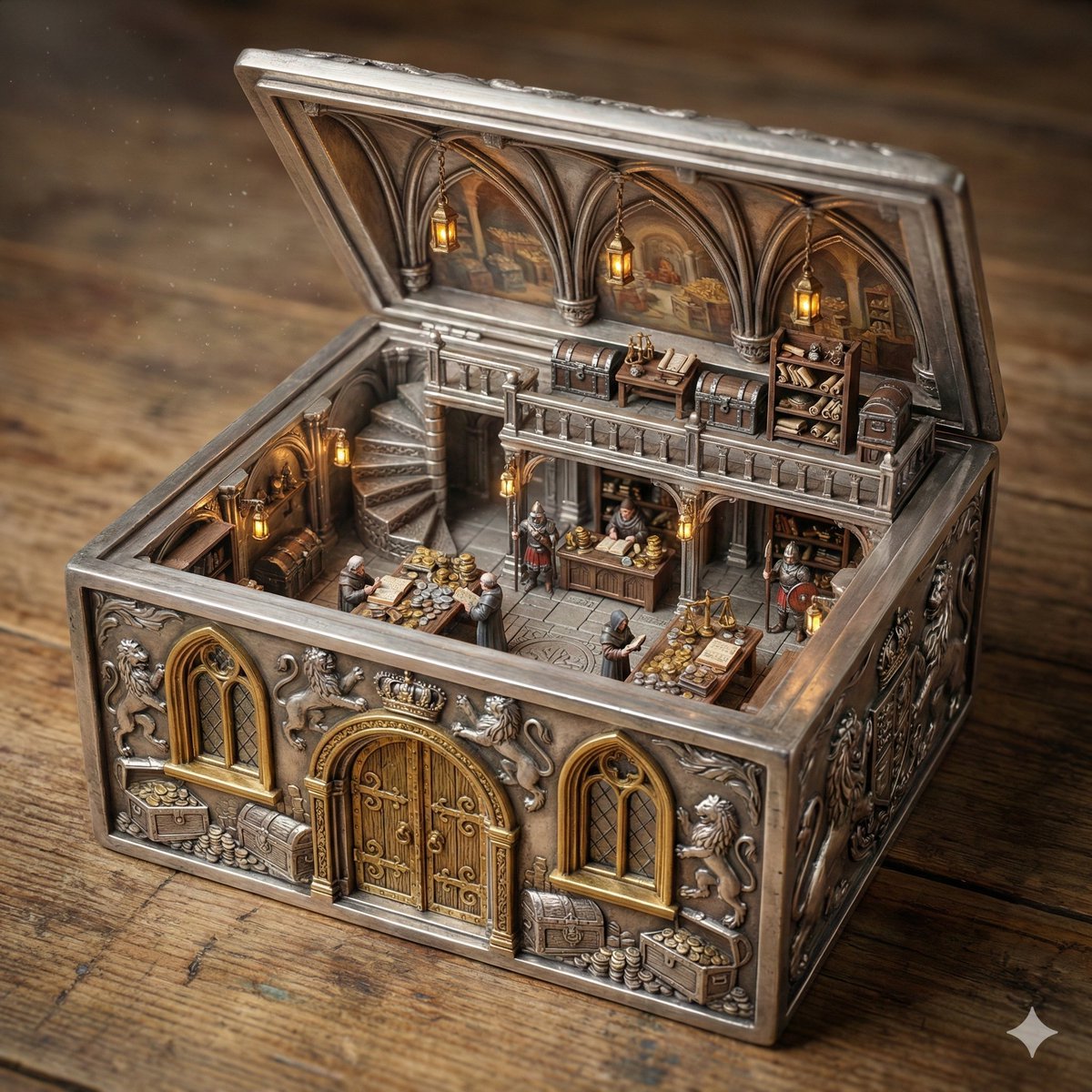
Ornate Box Diorama of a Royal Treasury Counting Room

Social Post to Professional Graphic Transformation
Explosive Dragon Fruit Juice Photography

Long Exposure Motion Blur Photography
Browse template categories
Mother's Day Flower Gift Promotional Banner questions
How do I use the Mother's Day Flower Gift Promotional Banner template?
Add your photo if the template asks for one, edit the prompt if you like — the template's model and format are already selected — and press Generate. Your version opens in PicX Studio.
Can I customize the Mother's Day Flower Gift Promotional Banner template?
Yes. You can change the subject, setting, lighting, mood, format, and available model controls before creating your image.
Is the Mother's Day Flower Gift Promotional Banner template free?
Opening and editing this template is free. Generating uses credits, shown on the Generate button when you are signed in.
Which AI model should I use?
Start with GPT Image 2, which is the model associated with this template. You can compare another compatible model for a different finish.
Looking for something else? Browse all templates.

Your photo, any look
Thousands of ready templates for every top image and video model, from one credit balance.