
Kawaii Mother's Day Bento Food Art
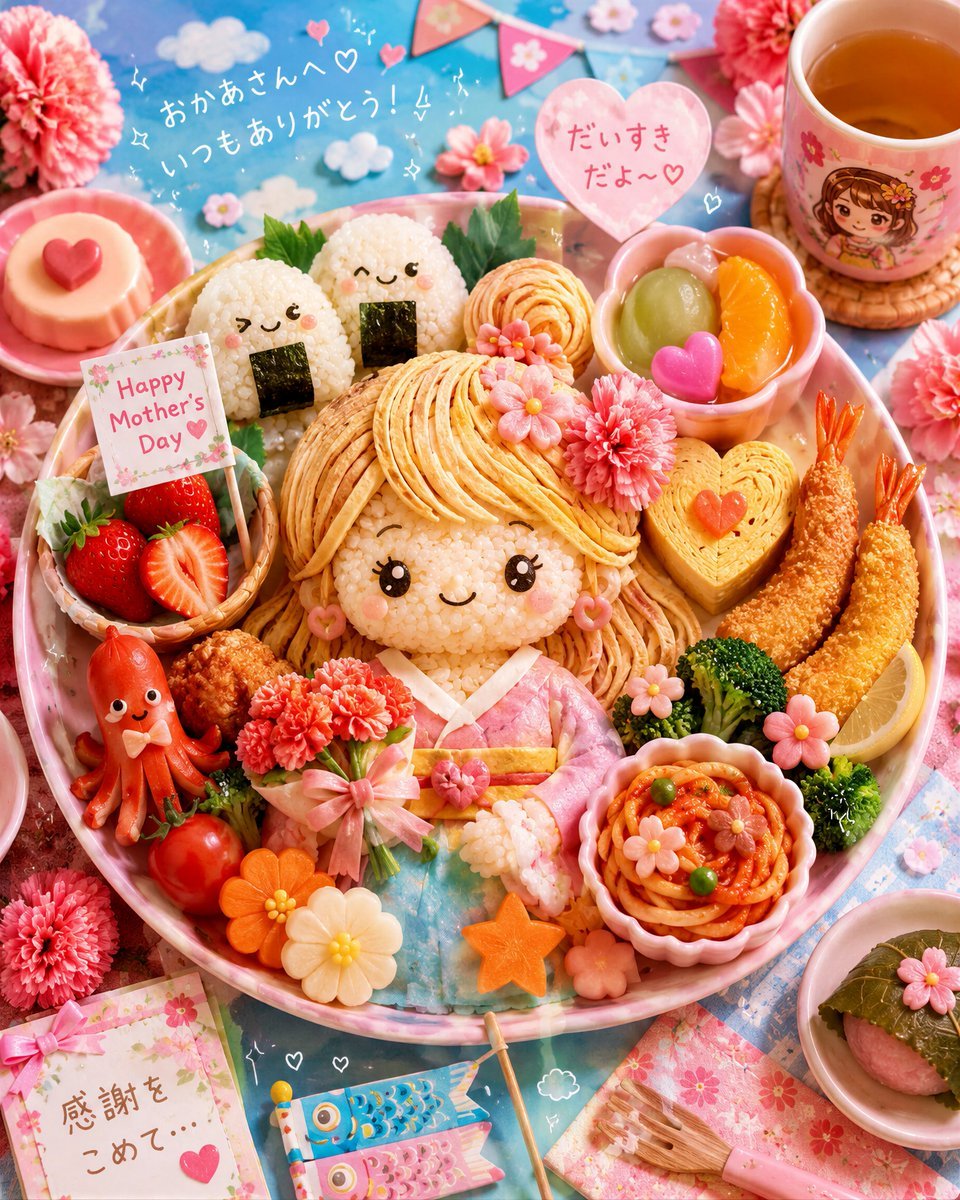
A detailed prompt for generating a pastel Japanese Mother's Day bento scene with an edible character centerpiece and many cute handcrafted food decorations.
- Prompt included
- Model and format preset
- Free template
The prompt behind this image
Copy the exact prompt behind Kawaii Mother's Day Bento Food Art, or open it in the studio and make it yours.
Goal: Create an ultra-detailed handcrafted edible art world celebrating {argument name="celebration" default="Mother's Day"} in a kawaii Japanese spring bento style, transforming a full meal into a cute character centerpiece made entirely from real foods. Canvas: Square 1:1 overhead food photography composition, bright pastel color palette, soft natural light, shallow depth but all main foods readable, festive blue tablecloth background covered with cherry blossoms, pink carnations, doodled hearts, clouds, sparkles, and tiny celebration decorations. Main centerpiece: In the center of a large round pink bento plate, make one large edible girl character: rice face with shiny black eyes, lashes, rosy cheeks, smiling mouth, long blonde hair made from thin omelet/noodle strands, pink flower hair decoration, pink heart earrings, kimono-like outfit made from pink ham and blue rice/crepe layers, holding a bouquet of pink carnation flowers tied with a bow. The character should feel like a lovingly made Mother’s Day food-art doll. Food elements to include, exactly 15 visible edible feature groups: 1) central girl character, 2) two smiling rice-ball onigiri behind her with nori rectangles and green shiso leaves, 3) small basket of strawberries with one halved strawberry, 4) heart-topped custard pudding on a pink saucer, 5) red sausage octopus with a face and bow tie, 6) cluster of cherry tomatoes and vegetable flowers, 7) pink carnation bouquet in the character’s hands, 8) rolled omelet/noodle roses near the top center, 9) pink bowl of fruit containing green grape, orange segments, and a pink heart sweet, 10) heart-shaped tamagoyaki block with two small red hearts, 11) two breaded fried shrimp with orange tails, 12) broccoli and lemon wedge garnish, 13) pink fluted cup of spaghetti napolitan with peas and flower-shaped toppings, 14) small rice or dumpling hand beside the pasta, 15) separate small plate at bottom right with sakura mochi wrapped in a leaf and topped with a pink flower. Non-food props and decorations to include, exactly 8 visible groups: 1) teacup at upper right with warm tea and a cute anime girl illustration plus floral print, 2) woven coaster under the cup, 3) triangular pink bunting flags across the upper background, 4) two small fluffy white cloud cutouts near the Japanese writing, 5) floral greeting card sign in the strawberry basket, 6) floral apology/thanks card at bottom left tied with a pink ribbon, 7) two carp-streamer decorations at bottom center, 8) pink-handled small brush on floral paper at bottom right. Text content: Add handwritten Japanese text in the sky area reading {argument name="background Japanese message" default="おかあさんへ いつもありがとう!!"}. Add a pink heart speech bubble near the top right reading {argument name="heart speech bubble" default="だいすき だよ〜♡"}. Add a small floral card in the strawberry basket reading {argument name="card text" default="Happy Mother's Day"}. Add a bottom-left floral card reading {argument name="bottom card Japanese text" default="感謝をこめて…"}. Keep text hand-drawn, cute, slightly imperfect, and integrated naturally into the scene. Visual style: Hyper-detailed kawaii edible miniature art, Japanese bento craftsmanship, pastel pink and sky blue, glossy rice grains, crisp fried textures, soft omelet strands, realistic fruit and tea, abundant sakura and carnation motifs, whimsical hearts and sparkles. Make everything look handmade from food, cheerful, warm, and celebratory. Constraints: Use an overhead flat-lay angle, no humans, no utensils except the small decorative brush, no watermark, no extra text beyond the specified messages, keep all counted food and prop groups clearly visible.
How to use Kawaii Mother's Day Bento Food Art in 3 steps
- 1Upload ImagePNG, JPG or paste
Add your photo
Upload the photo the template builds on. The prompt, model and format are already set.
- 2…a portrait of your subject in softgolden-hour light, 85mm…
Personalize
Edit the subject and creative details for your destination.
- 3Generate
Generate
Press Generate — your image is created in PicX Studio, so you can compare it with the original and refine one variable at a time.
More like this
Templates with the same subject, style or setup. Open one to see its prompt.
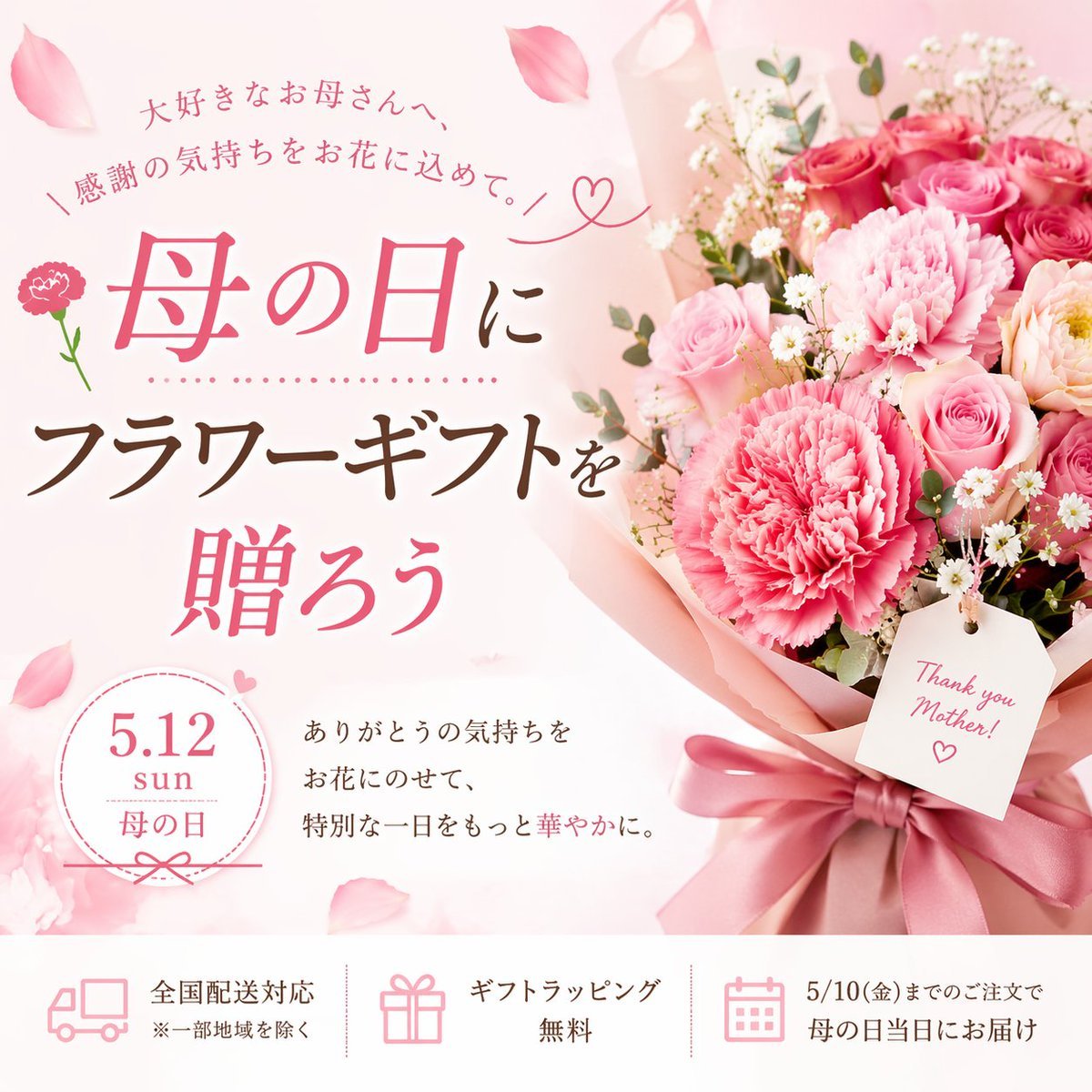
Mother's Day Flower Gift Promotional Banner
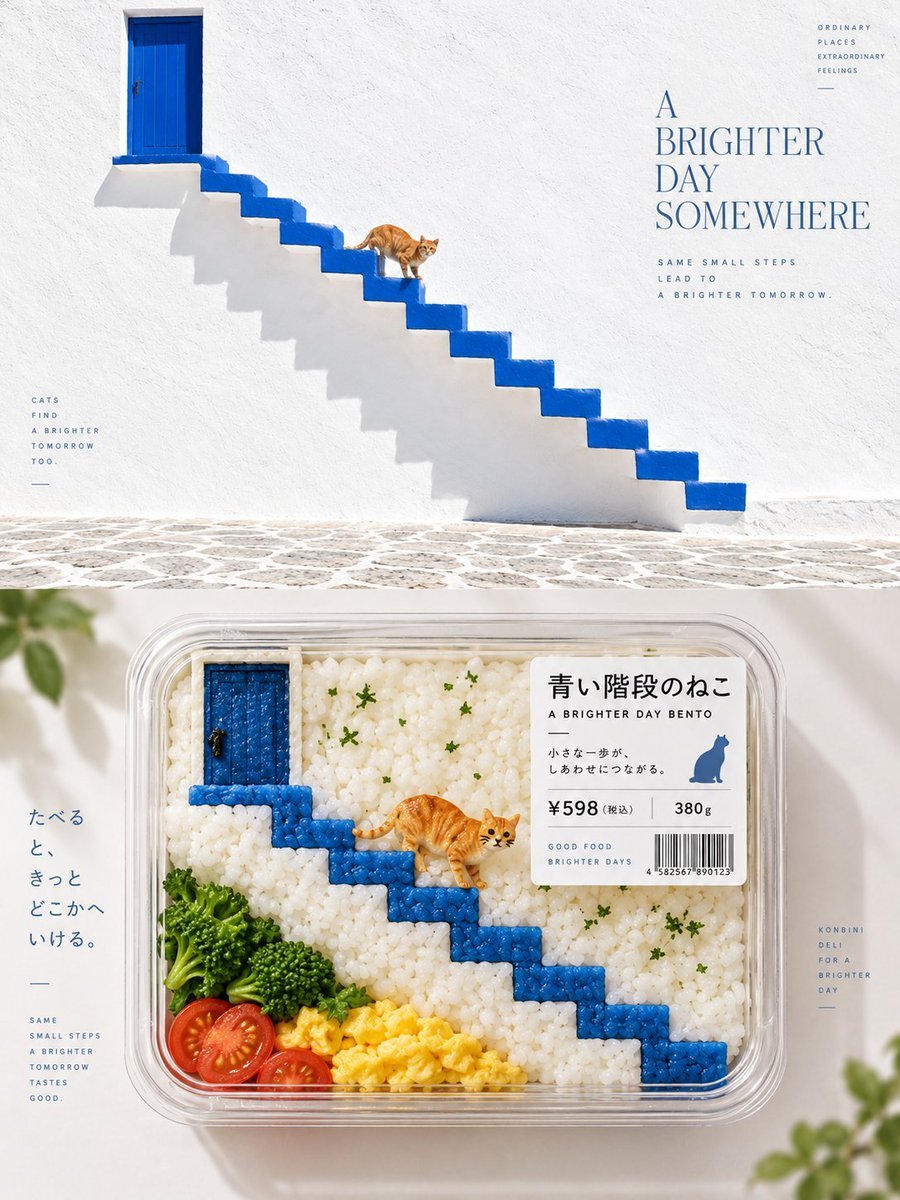
Bento-Style Food Packaging Transformation

Cute Layered Paper Cut Chibi Girl

Cozy Food Flat Lay Doodle Labels
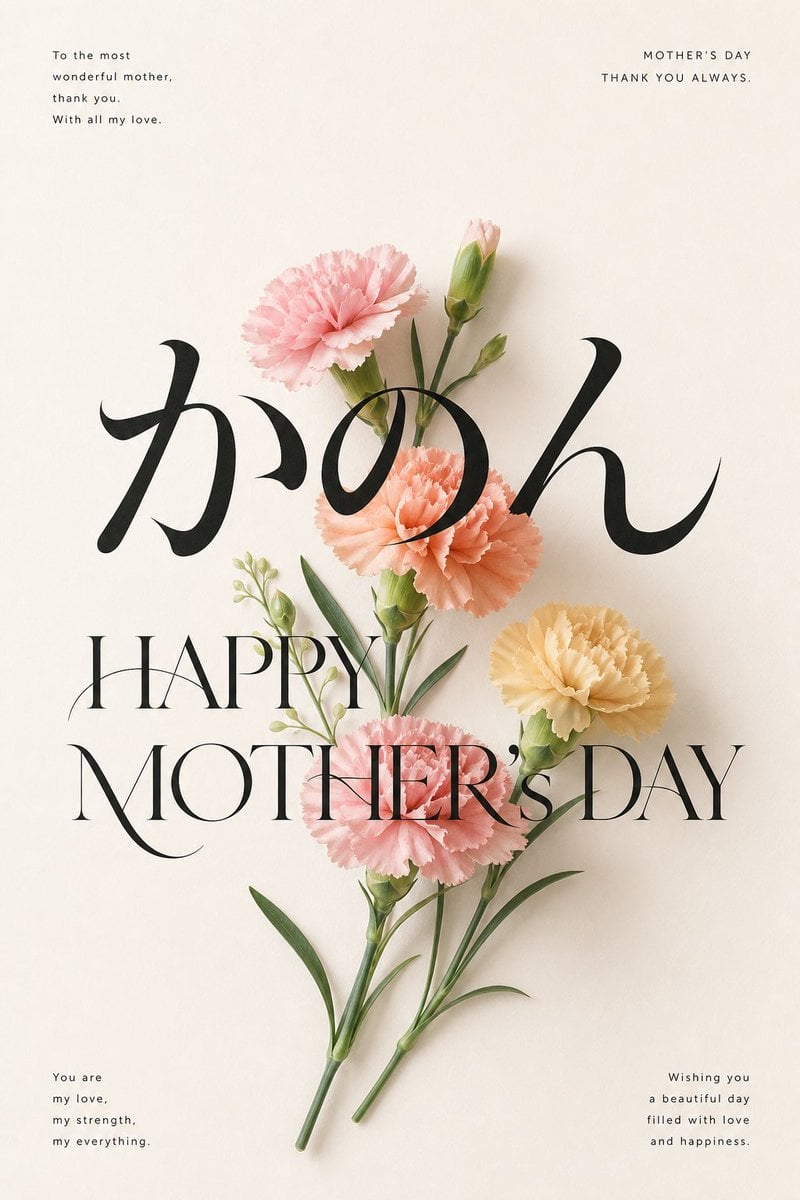
Elegant Carnation Mother's Day Wallpaper
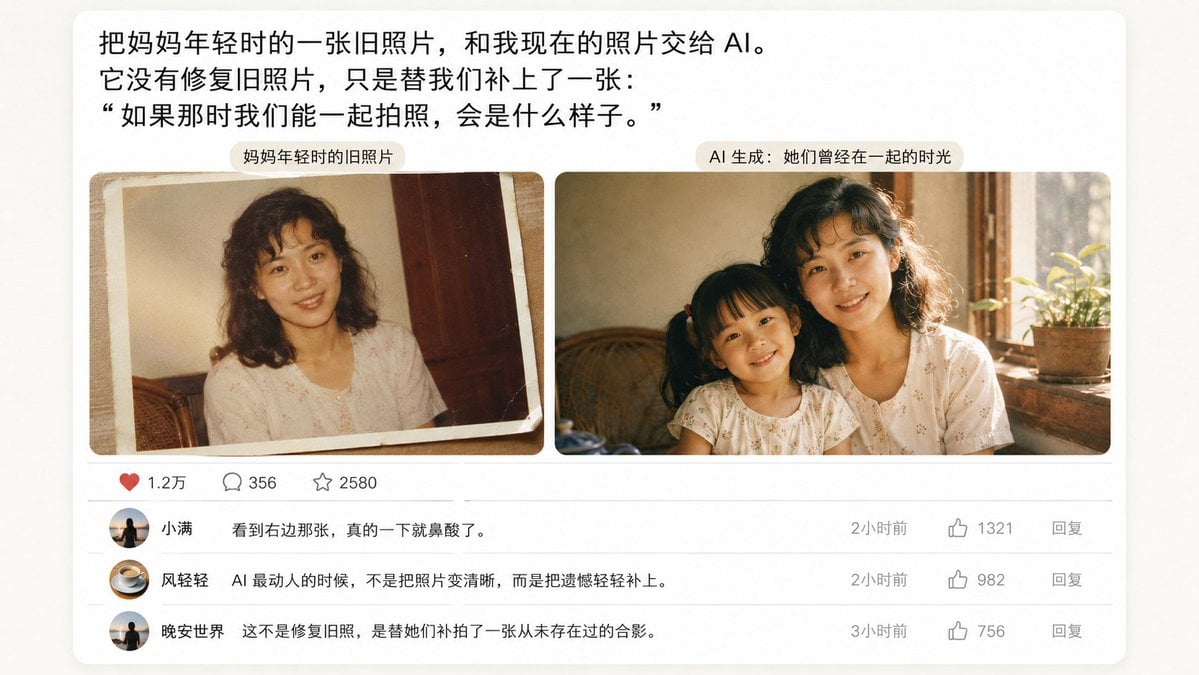
Emotional Mother's Day Comparison Prompt
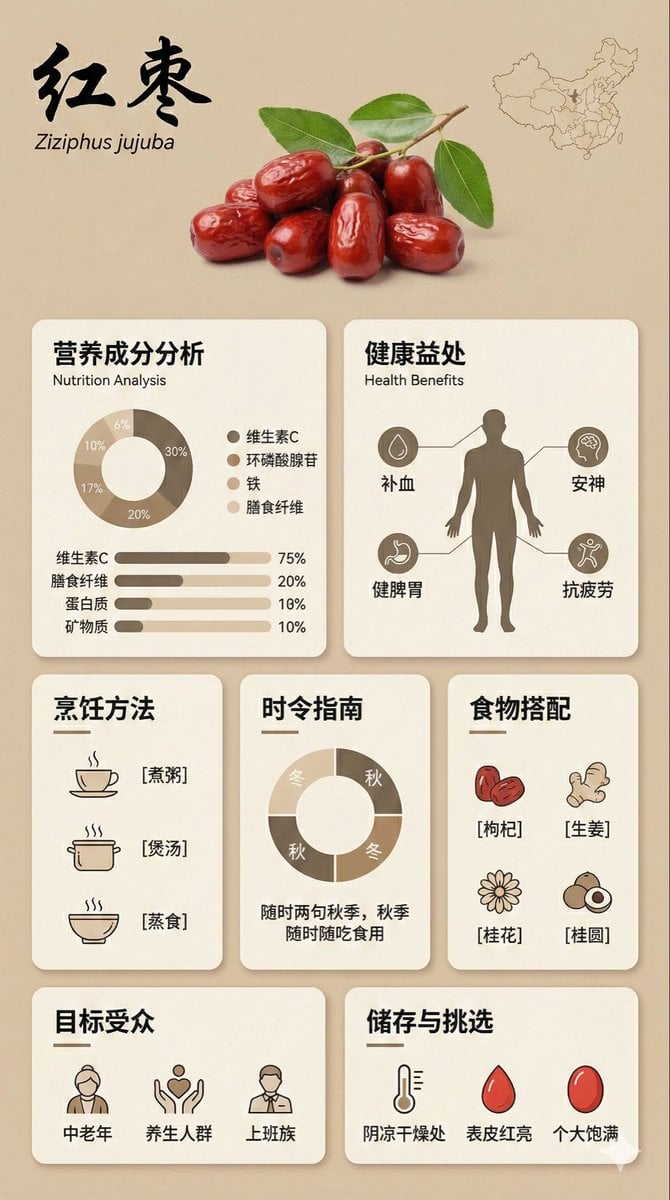
Bento Grid Infographic Prompt for Food Science
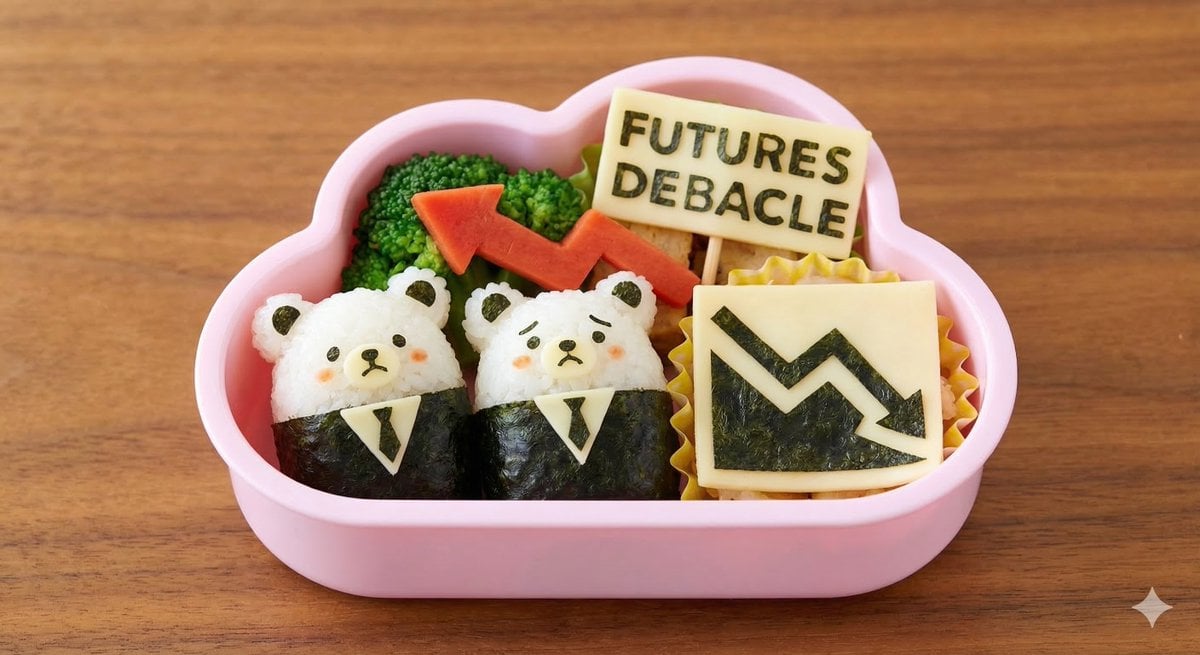
Kawaii Bento Inspired by Futures Trading Debacle
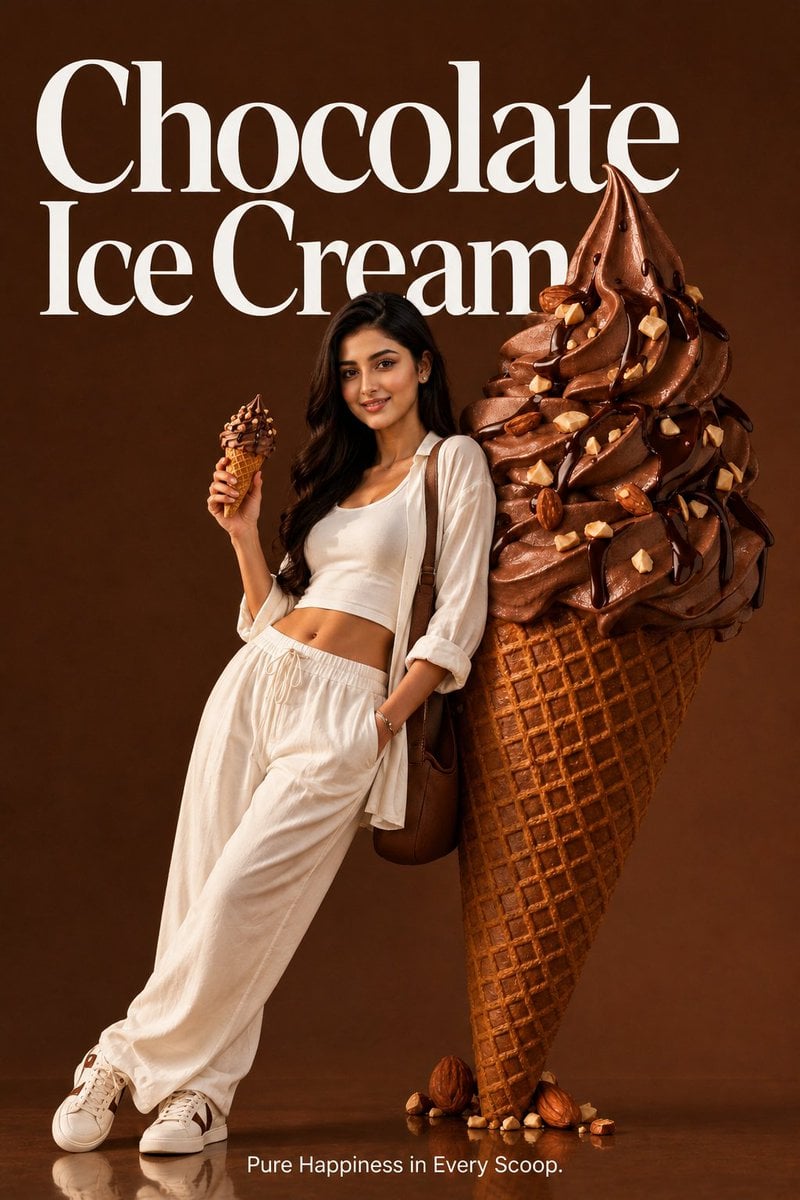
Premium Food Advertising Campaign Scenes

Miniature Sick Day Diorama
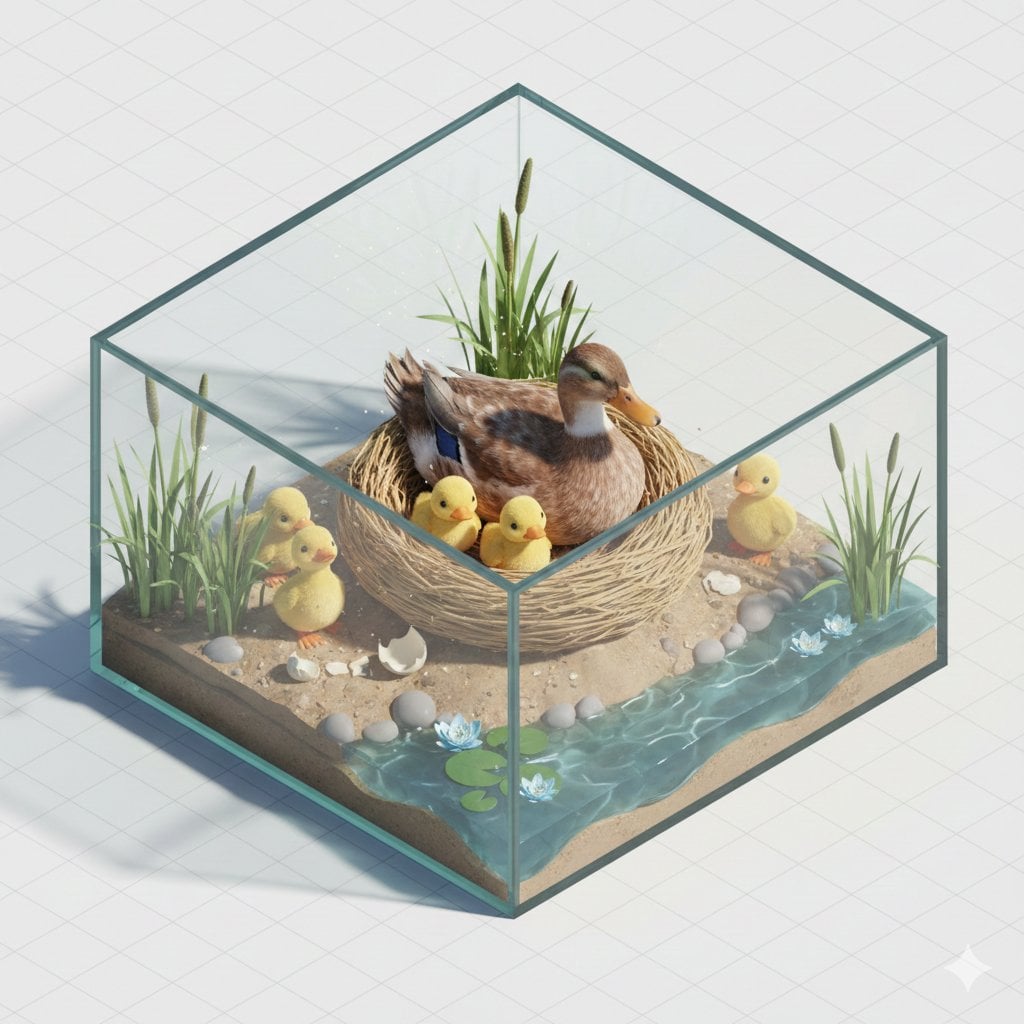
Isometric miniature nature diorama showing a mother feeding newborn
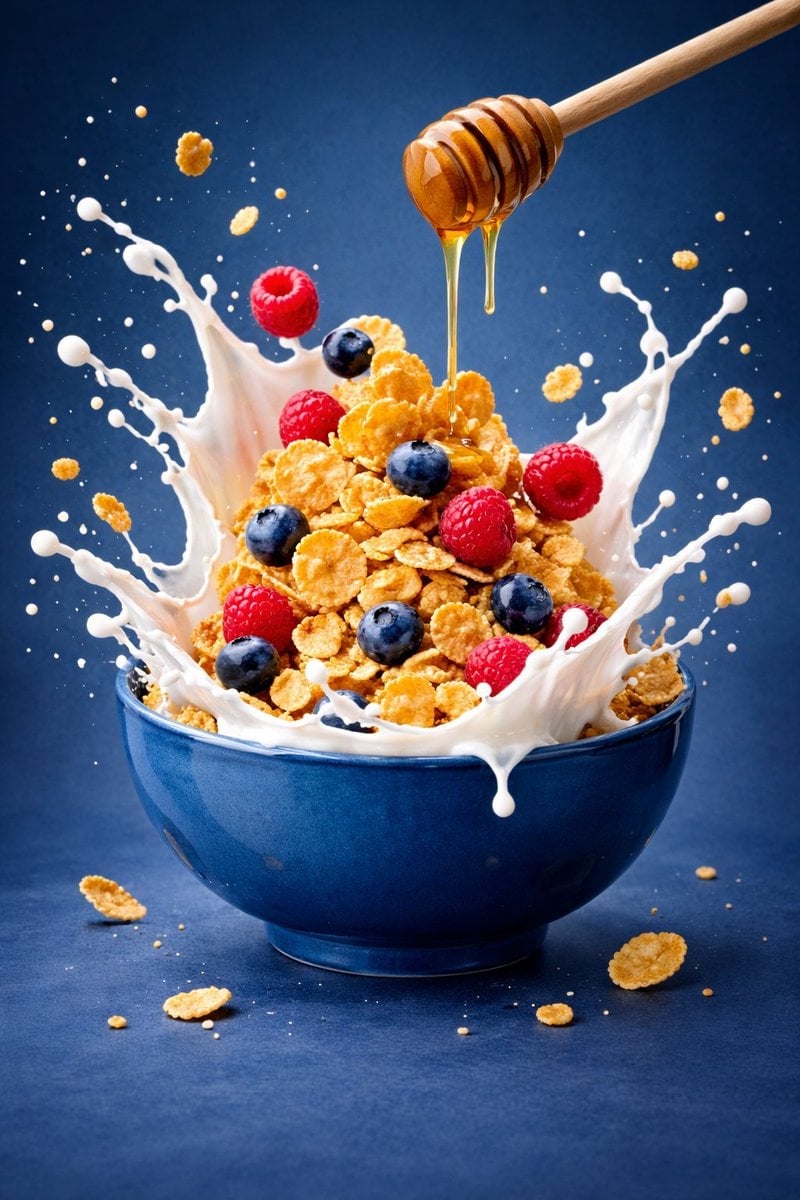
Ultra-premium cinematic food photography, 8K UHD, 3 4 aspect ratio
Make it yours
Kawaii Mother's Day Bento Food Art works as-is. These are the safest ways to change it without losing the look.
Change one field
Copy a single group, rewrite it, and generate again so you can see what that field is doing.
Keep the frame, change the subject
Hold the composition and light of Kawaii Mother's Day Bento Food Art, then swap wardrobe, props or the person for a new take.
| If the result… | Why | Fix |
|---|---|---|
| The result drifts from the preview | Too many fields changed at once. | Reuse Kawaii Mother's Day Bento Food Art as-is first, then change one group — subject, light, or setting. |
| The model over-stylizes the scene | The prose prompt leaves finish and camera underspecified. | Add one camera or lighting sentence and stay on GPT Image 2. |
More GPT Image 2 templates
Other prompts made for GPT Image 2.

Six VTuber Japanese Logo Sheet

Realistic Portrait of Woman and Deer

The Vista Modular Condo Poster

AI Model Routing Comparison Infographic

2.5D Anime Art Board

Isometric Productivity Desk Scene

New York Double Exposure Poster

Four-Panel AI Landscape Comparison

Japanese Tatami Lifestyle Magazine Cover

NESCAFÉ Coffee Map Poster
More image prompts
Fresh picks from across the catalog.
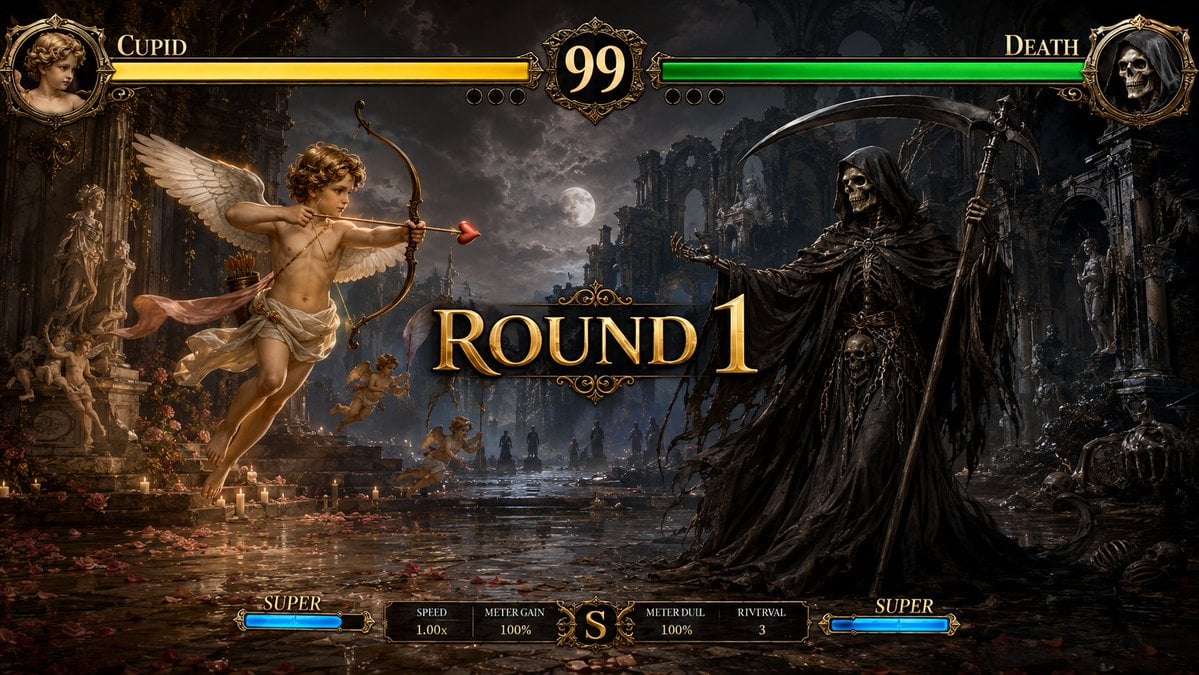
Mythological Fighting Game Versus Screen
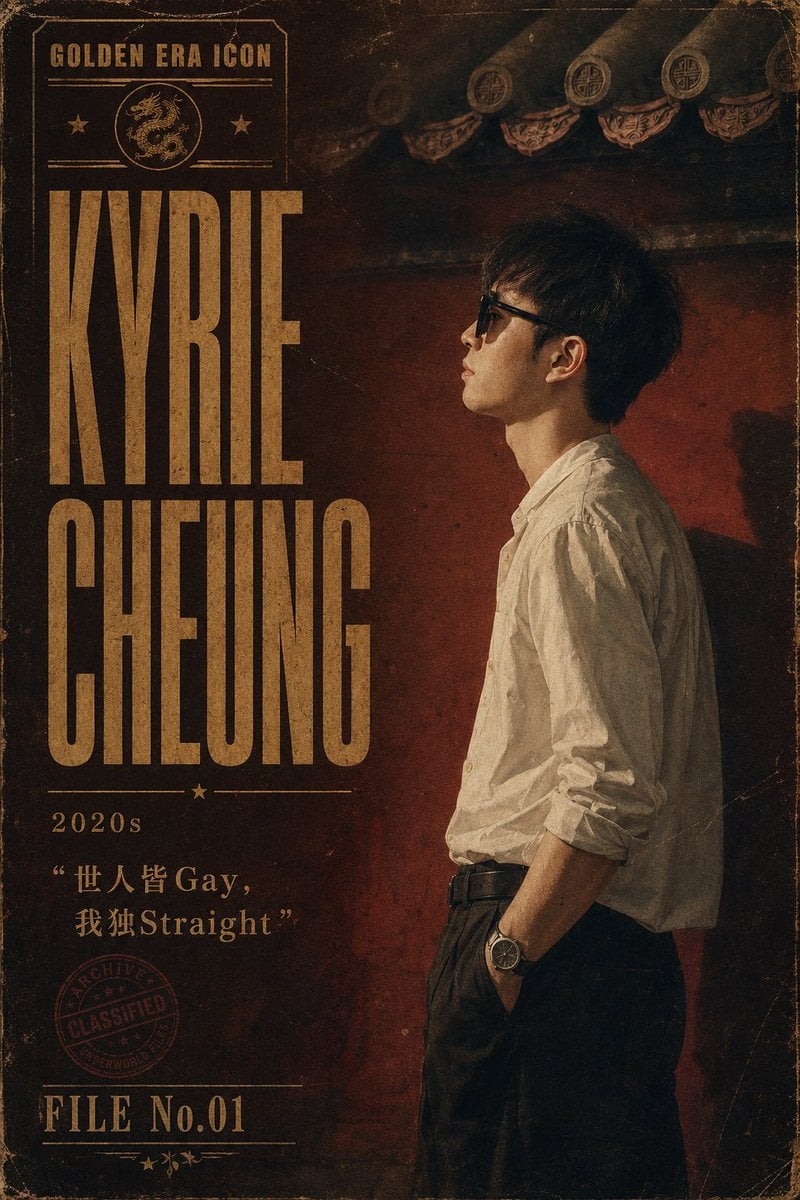
Retro Hong Kong Gangster Poster
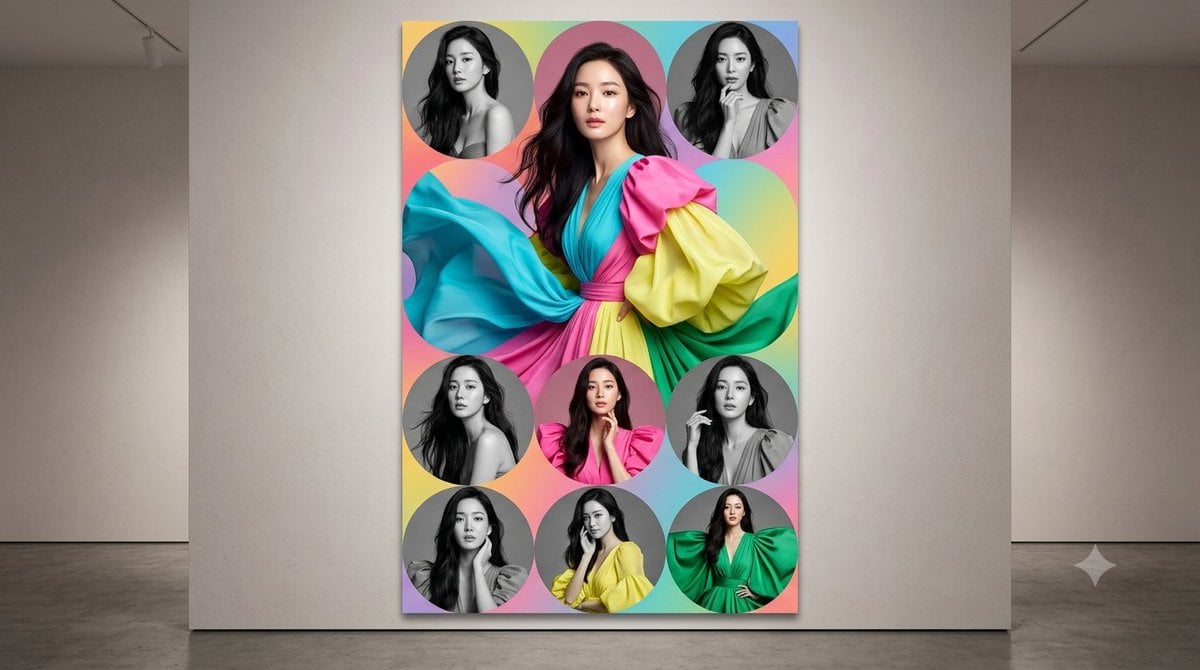
Anonymized Fashion Collage Poster
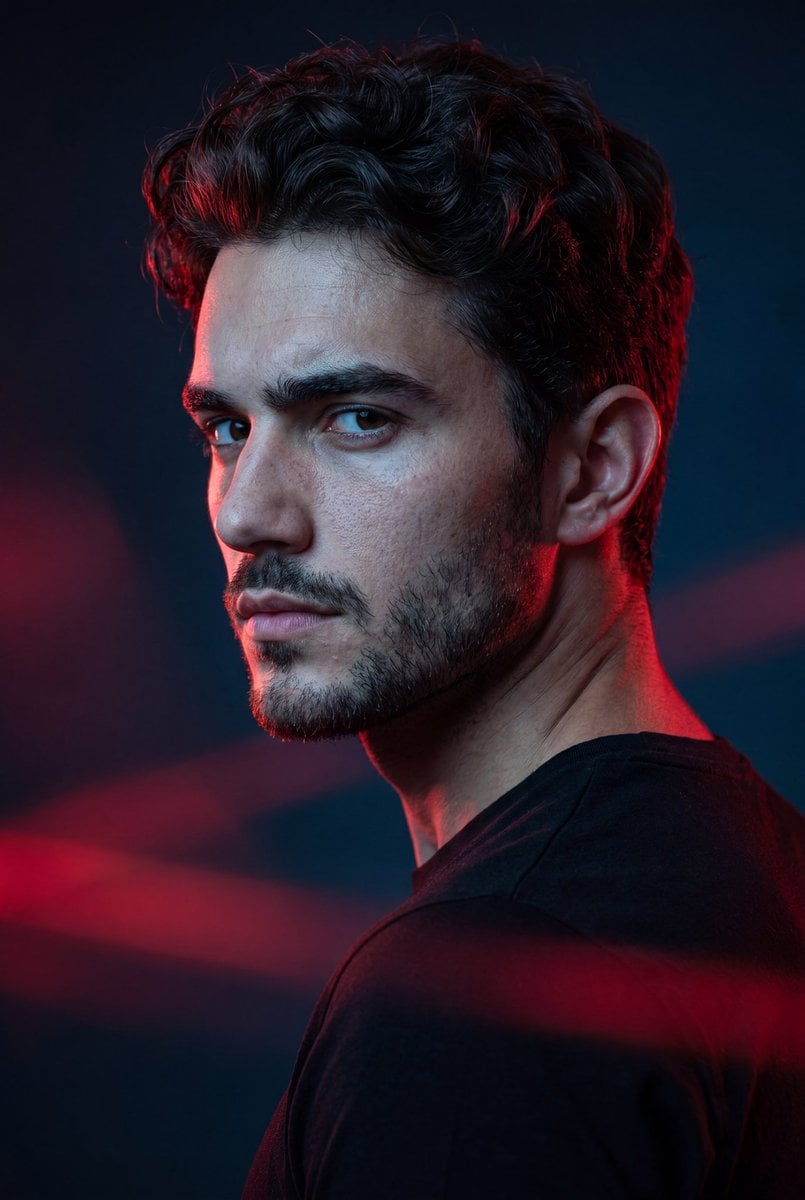
Cinematic Portrait with Dramatic Rim Lighting
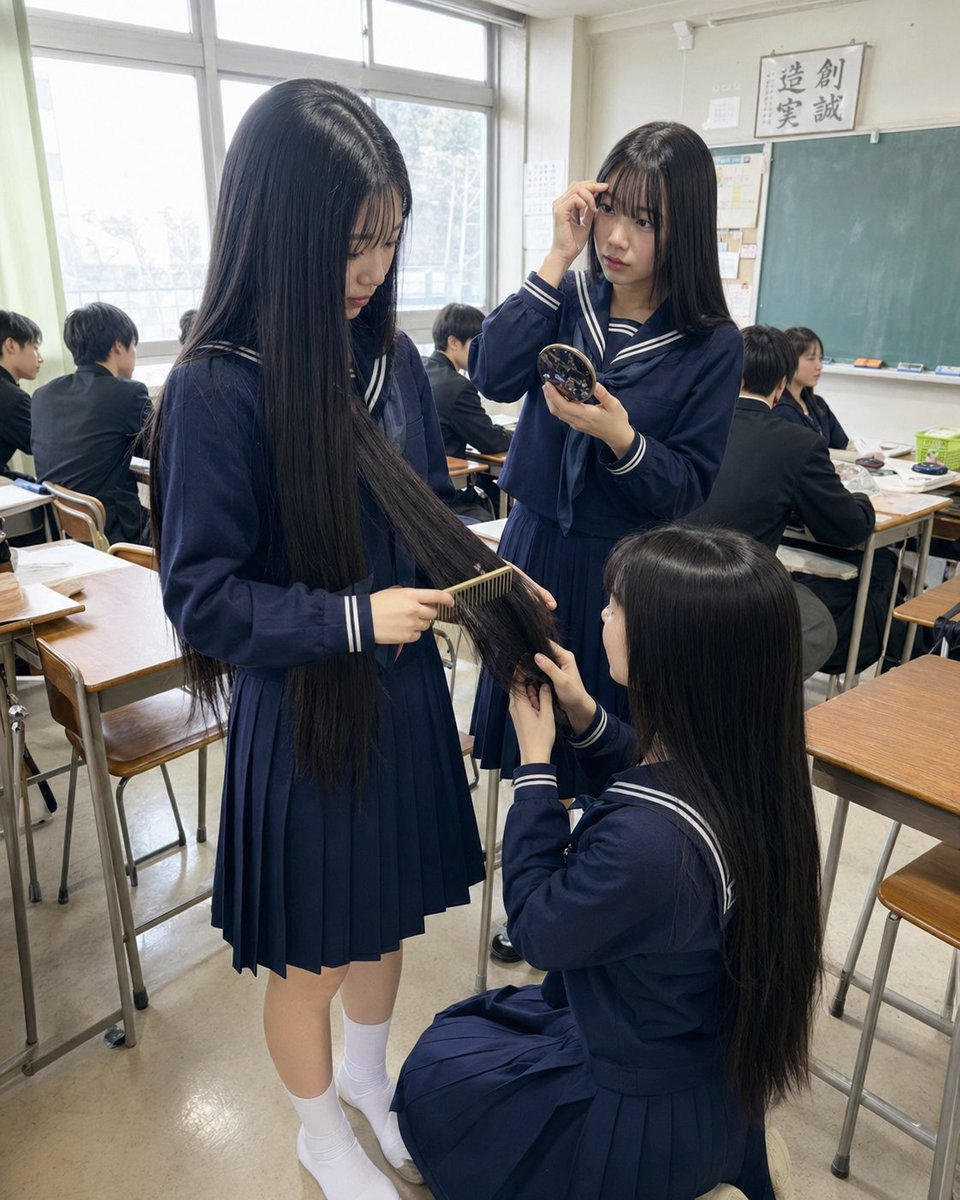
Japanese Classroom Long Hair Snapshot
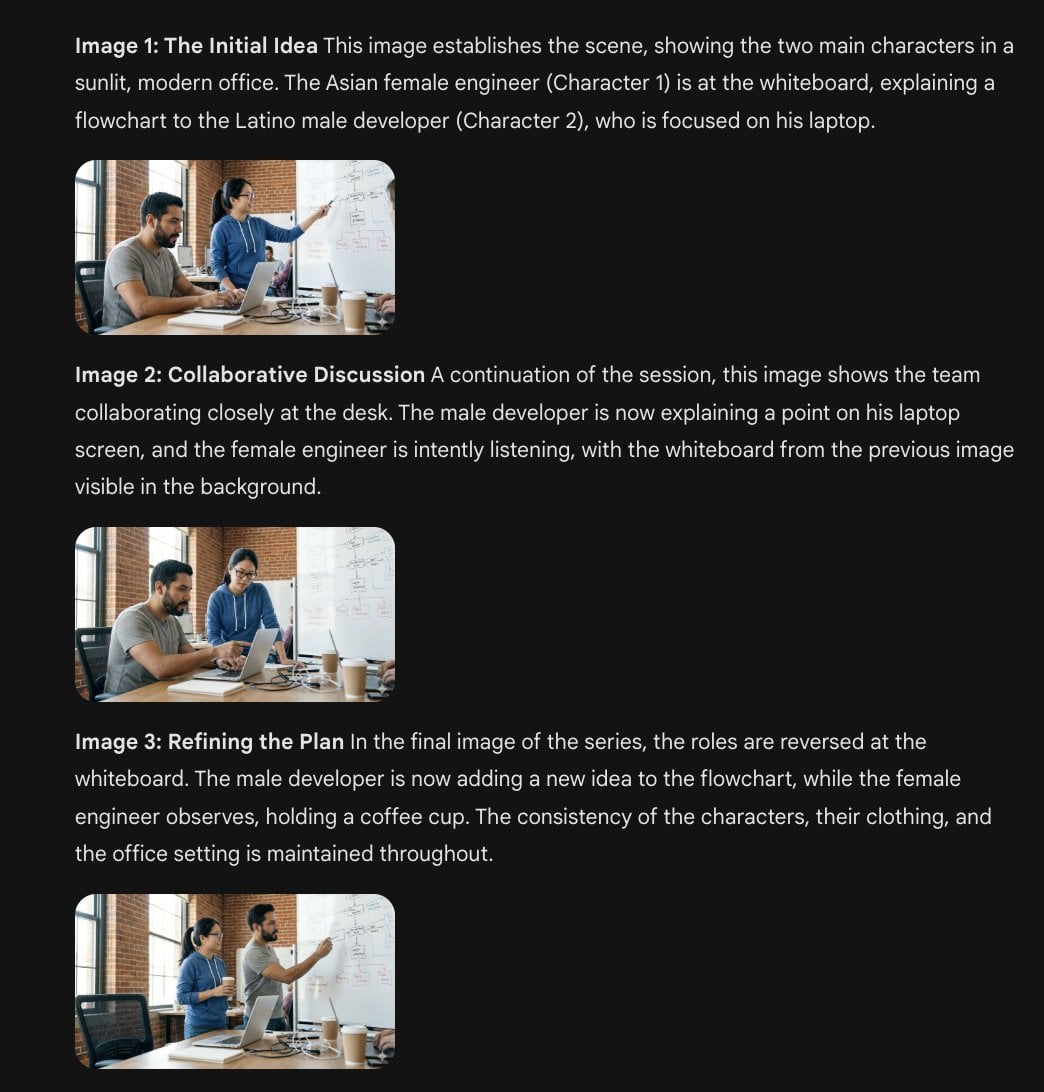
Character Consistency Template and Example Prompt
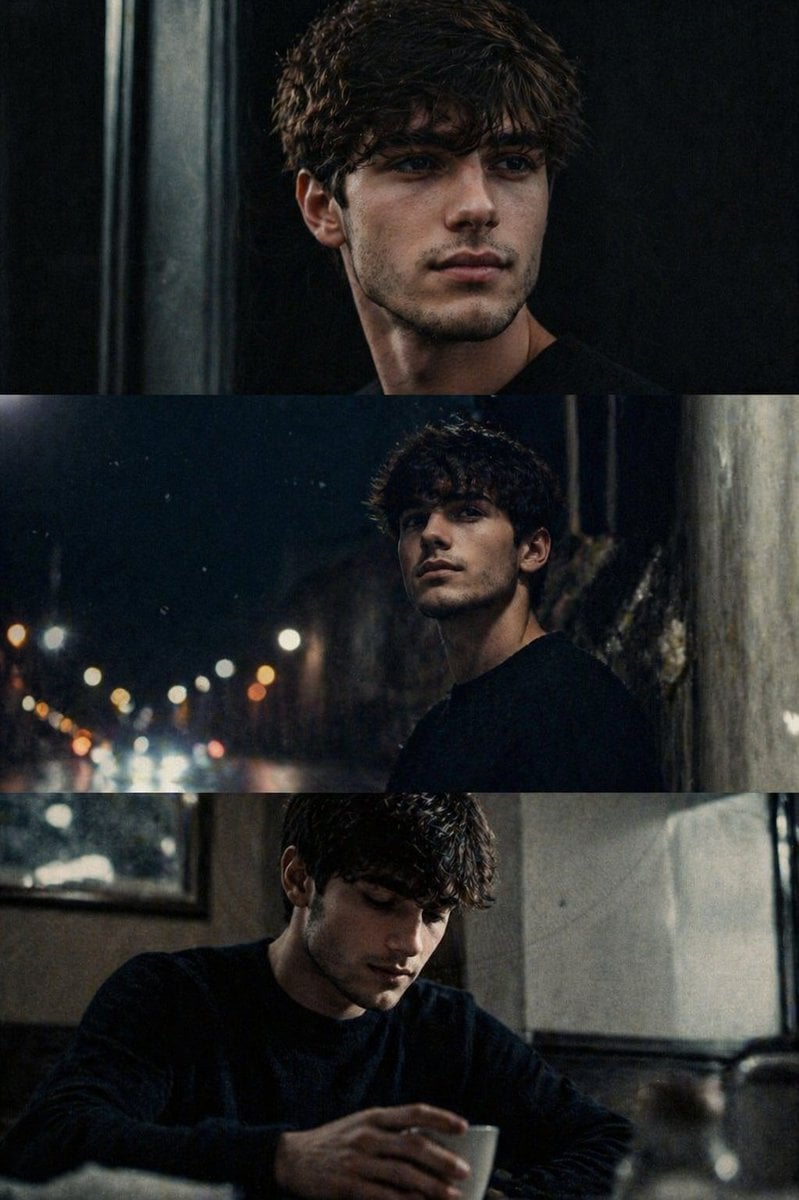
Cinematic film stills transformation prompt

Avant-Garde Eyewear Fashion Ad
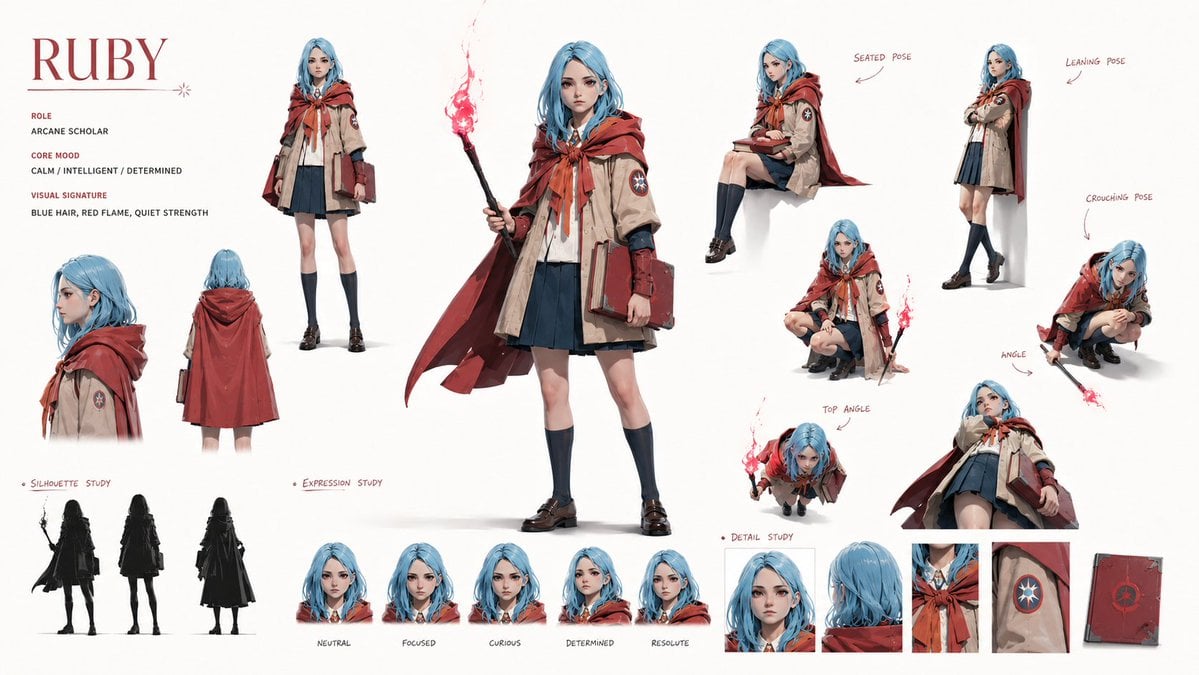
Character Identity Board
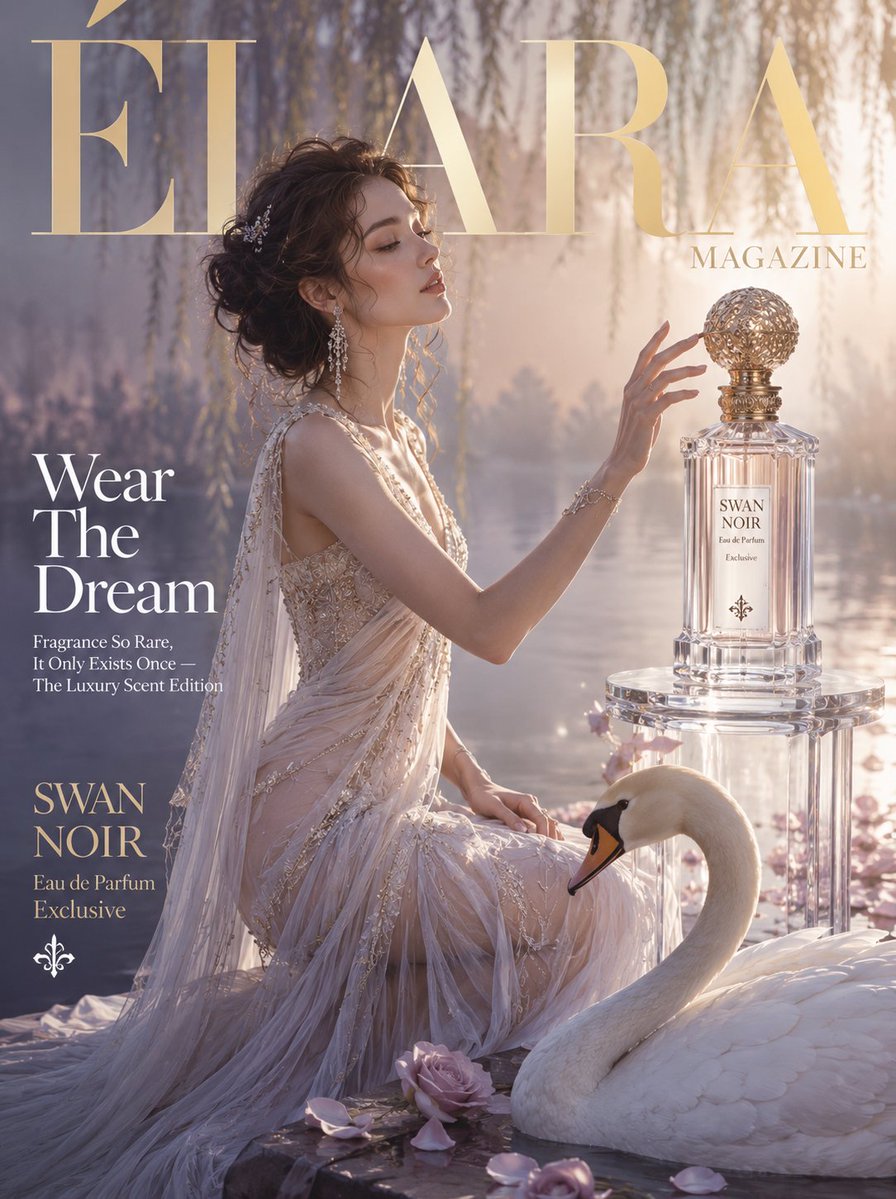
Élara Magazine Luxury Fragrance Cover
Browse template categories
Kawaii Mother's Day Bento Food Art questions
How do I use the Kawaii Mother's Day Bento Food Art template?
Add your photo if the template asks for one, edit the prompt if you like — the template's model and format are already selected — and press Generate. Your version opens in PicX Studio.
Can I customize the Kawaii Mother's Day Bento Food Art template?
Yes. You can change the subject, setting, lighting, mood, format, and available model controls before creating your image.
Is the Kawaii Mother's Day Bento Food Art template free?
Opening and editing this template is free. Generating uses credits, shown on the Generate button when you are signed in.
Which AI model should I use?
Start with GPT Image 2, which is the model associated with this template. You can compare another compatible model for a different finish.
Looking for something else? Browse all templates.

Your photo, any look
Thousands of ready templates for every top image and video model, from one credit balance.