
Anonymized Fashion Collage Poster
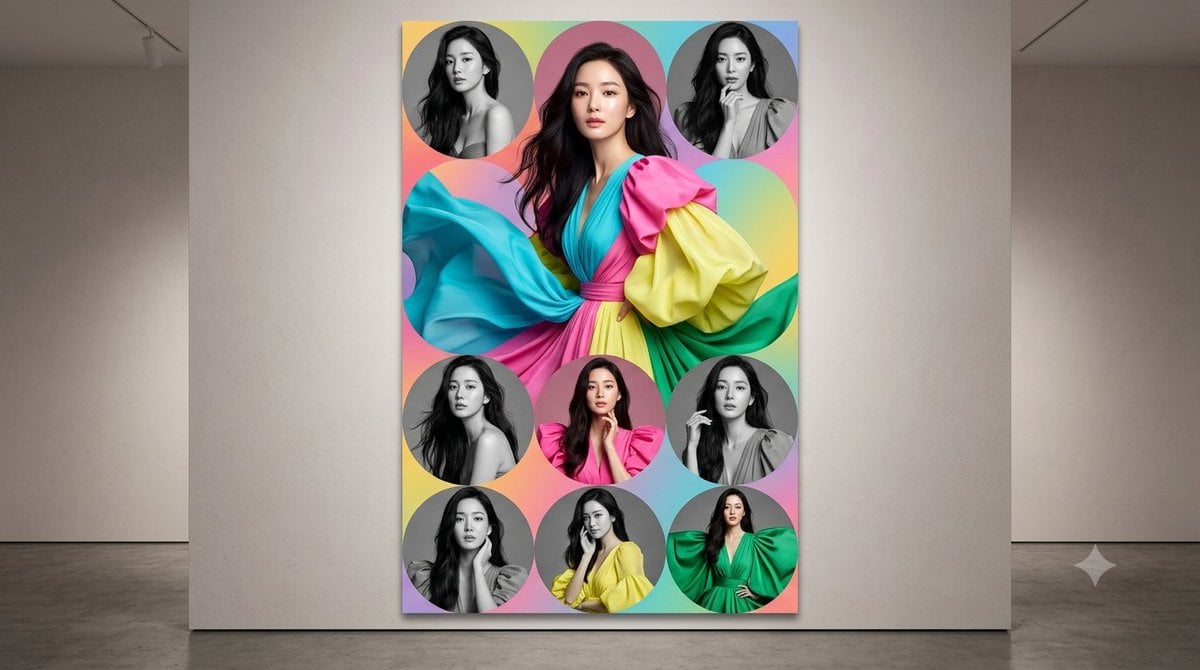
Generates a museum-wall mockup of a colorful couture fashion collage poster with one central portrait and eight circular supporting portraits.
- Prompt included
- Model and format preset
- Free template
The prompt behind this image
Copy the exact prompt behind Anonymized Fashion Collage Poster, or open it in the studio and make it yours.
Create a photorealistic gallery scene showing a large vertical fashion portrait collage poster hanging on a smooth beige museum wall, viewed straight-on with a polished concrete floor and soft overhead gallery lighting. The poster is a tall 2:3 rectangle with a vivid pastel rainbow gradient background blending coral pink, cyan, turquoise, yellow, lavender, and mint, overlaid with circular portrait cutouts. Center the main subject: a glamorous adult woman with {argument name="hair color" default="long dark wavy hair"}, wearing an extravagant flowing couture dress in {argument name="dress colors" default="bright turquoise, hot pink, lemon yellow, and emerald green"}; the dress has huge sculptural billowing sleeves, a wrapped V-neck bodice, and a cinched pink waist, with fabric sweeping dramatically across the poster. Her face should be intentionally anonymized by a smooth vertical blurred rectangular mask. Surround her with exactly 8 smaller circular portraits: 3 circles along the top, 3 circles across the middle-lower row, and 2 circles along the bottom, each showing the same woman in different fashion poses; exactly 5 of the small portraits are black-and-white and exactly 3 are full-color. The small portraits include: top-left black-and-white bare-shoulder pose, top-center color close-up with dark hair, top-right black-and-white ruffled high-neck pose, middle-left black-and-white windblown hair pose, middle-center color hot-pink outfit with hands near chin, middle-right black-and-white draped garment pose with hand near face, bottom-left black-and-white seated hand-near-face pose, bottom-center color yellow outfit with hands near face, and bottom-right color emerald-green puff-sleeve outfit with hand on hip. Apply the same anonymizing rectangular blur over every visible face. Make the poster crisp and glossy with a subtle drop shadow on the wall. Keep the surrounding gallery minimal, neutral, and spacious; no typography, no logos, no captions, no extra people.
How to use Anonymized Fashion Collage Poster in 3 steps
- 1Upload ImagePNG, JPG or paste
Add your photo
Upload the photo the template builds on. The prompt, model and format are already set.
- 2…a portrait of your subject in softgolden-hour light, 85mm…
Personalize
Edit the subject and creative details for your destination.
- 3Generate
Generate
Press Generate — your image is created in PicX Studio, so you can compare it with the original and refine one variable at a time.
More like this
Templates with the same subject, style or setup. Open one to see its prompt.

Miniature Self Portrait Collage

80s College Gate

1988 Mall Style

80s Polka Dot Saree

Japan Travel Brochure Poster
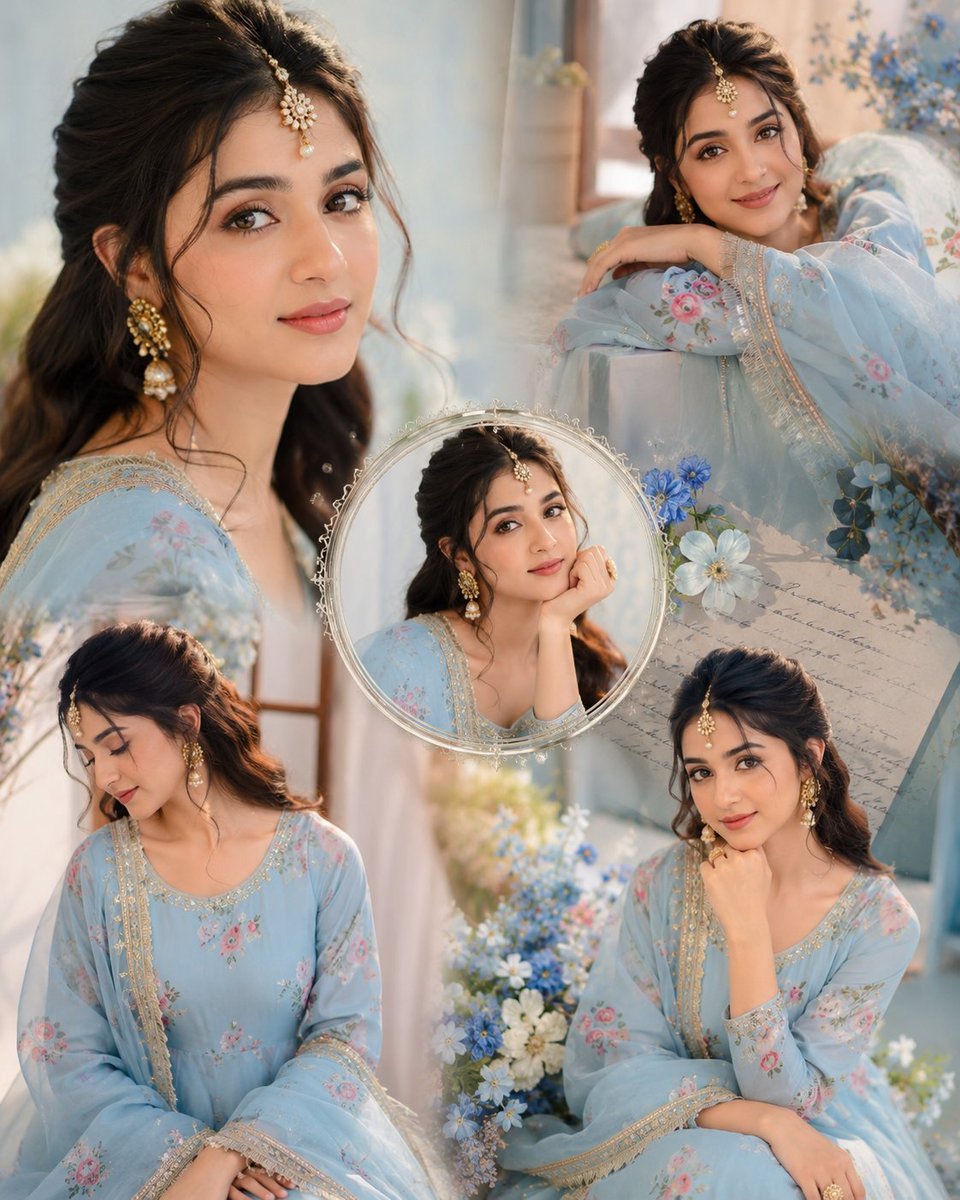
Indian Anarkali Fashion Collage

Rainy Monsoon Fashion Collage
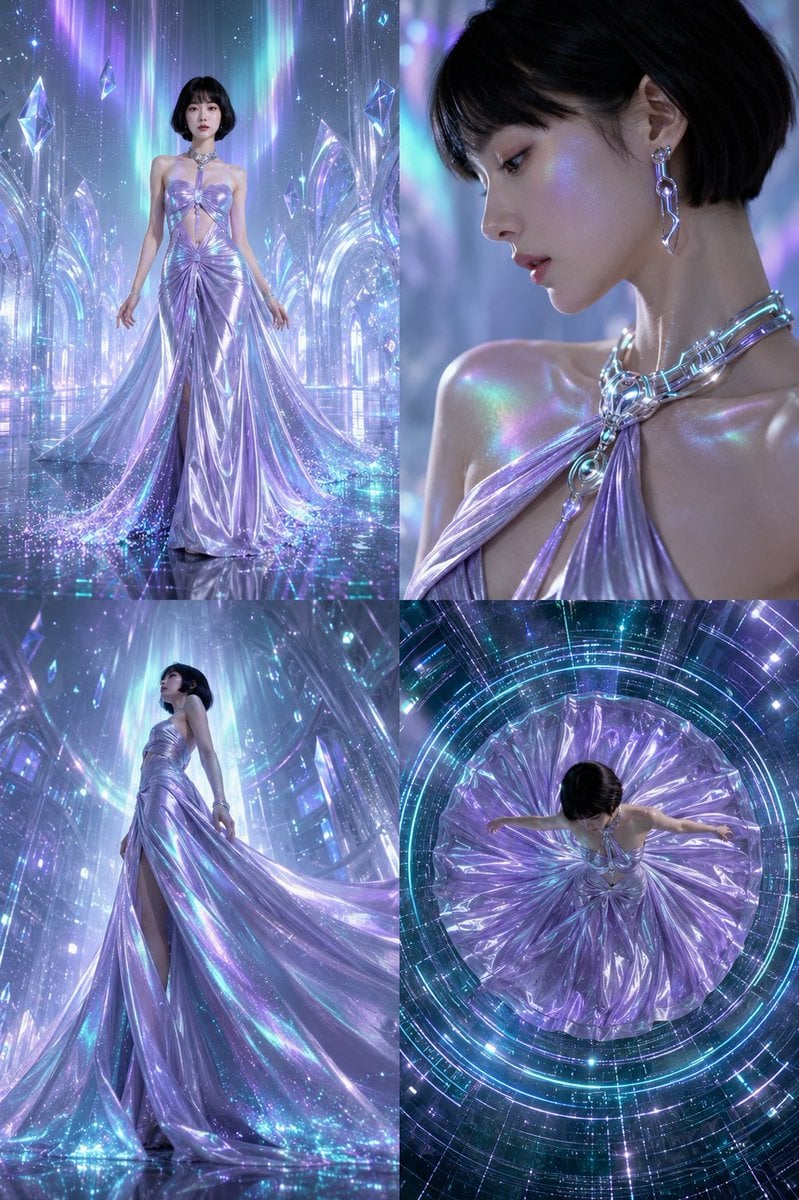
Futuristic Ice Palace Fashion Collage

Six-Panel Retro Japanese Poster Collage

Paper Cut Finale Fireworks

Paper Cut Garden Maze

Paper Cut Rooftop Concert
Make it yours
Anonymized Fashion Collage Poster works as-is. These are the safest ways to change it without losing the look.
Change one field
Copy a single group, rewrite it, and generate again so you can see what that field is doing.
Keep the frame, change the subject
Hold the composition and light of Anonymized Fashion Collage Poster, then swap wardrobe, props or the person for a new take.
| If the result… | Why | Fix |
|---|---|---|
| The result drifts from the preview | Too many fields changed at once. | Reuse Anonymized Fashion Collage Poster as-is first, then change one group — subject, light, or setting. |
| The model over-stylizes the scene | The prose prompt leaves finish and camera underspecified. | Add one camera or lighting sentence and stay on GPT Image 2. |
More GPT Image 2 templates
Other prompts made for GPT Image 2.

Six VTuber Japanese Logo Sheet

Realistic Portrait of Woman and Deer

The Vista Modular Condo Poster

AI Model Routing Comparison Infographic

2.5D Anime Art Board

Isometric Productivity Desk Scene

New York Double Exposure Poster

Four-Panel AI Landscape Comparison

Japanese Tatami Lifestyle Magazine Cover

NESCAFÉ Coffee Map Poster
More image prompts
Fresh picks from across the catalog.
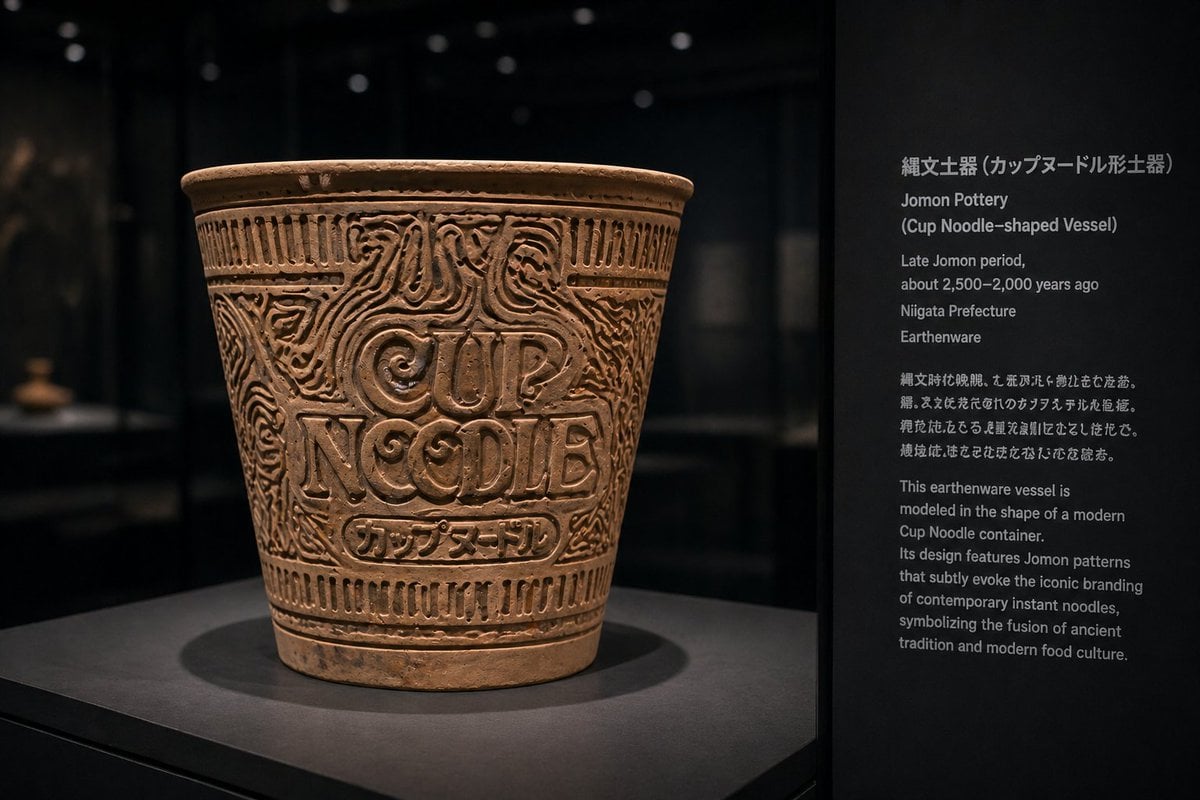
Jomon Pottery Museum Exhibit Mashup
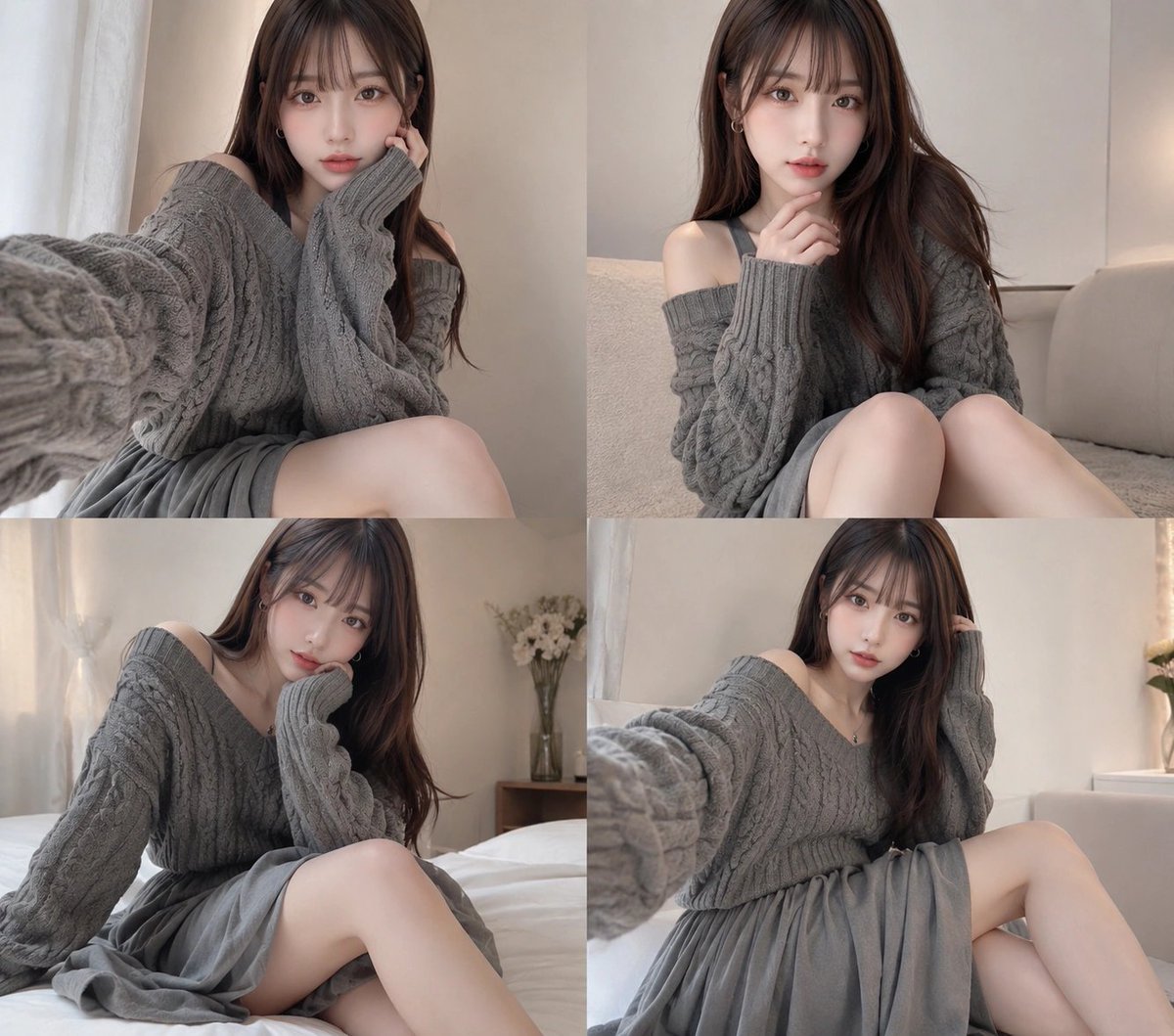
Four-Panel Cozy Gray Sweater Selfie Collage
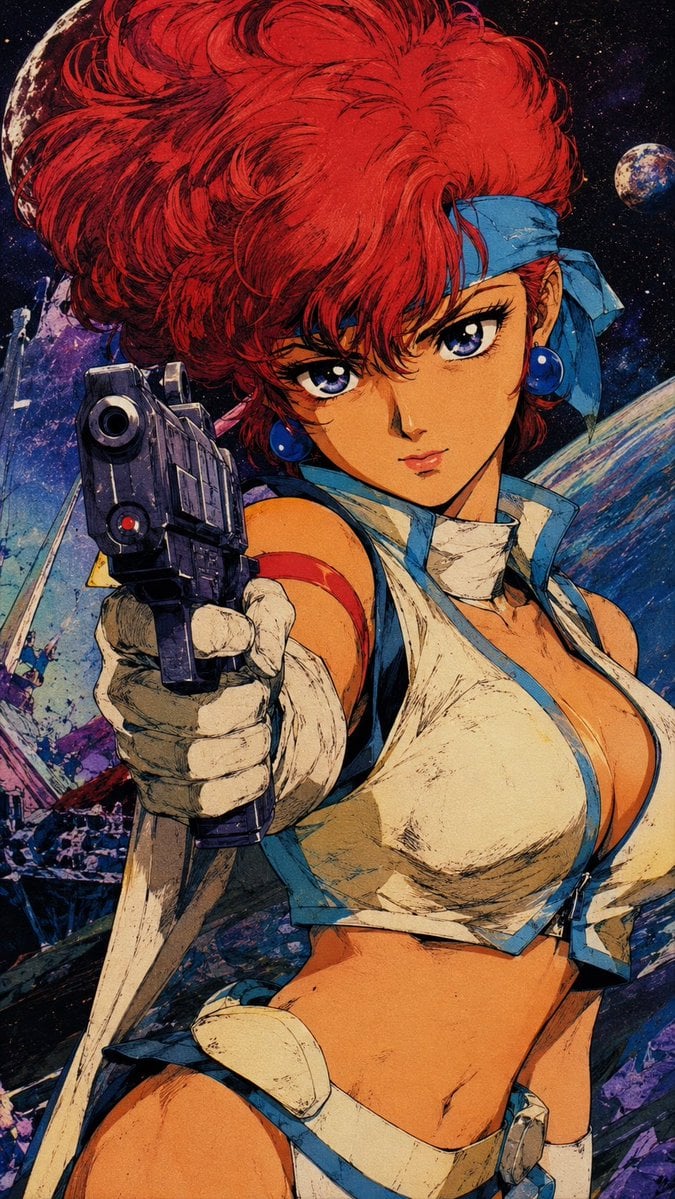
Retro Japanese Anime Wallpaper
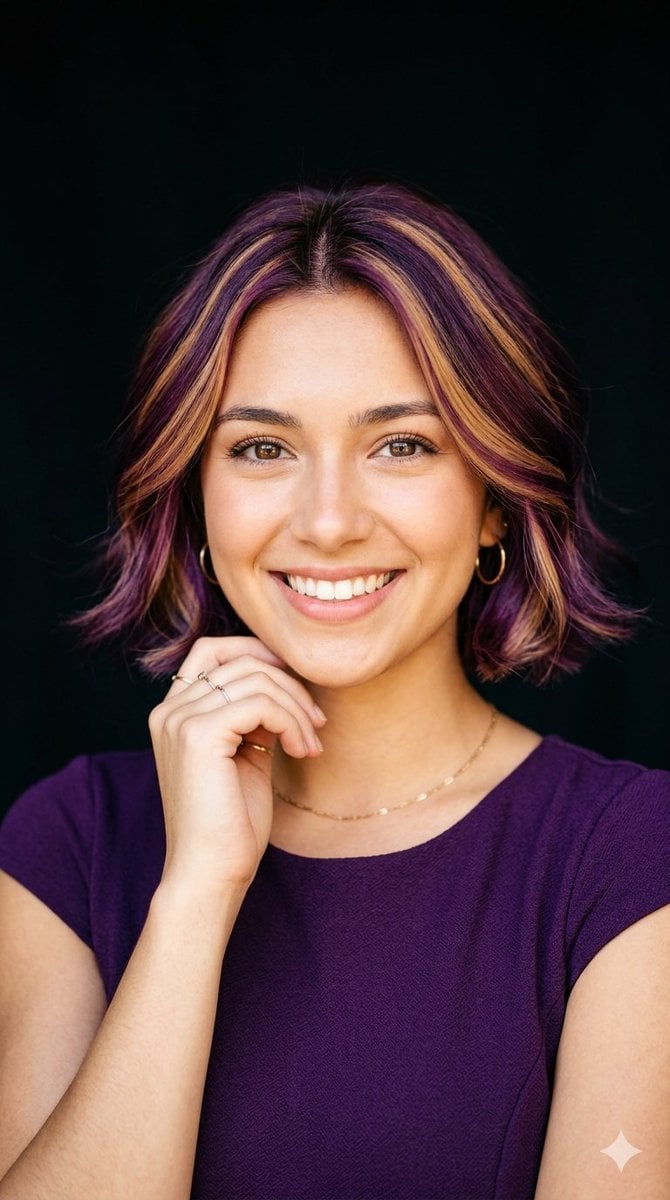
Radiant Purple Bob Portrait
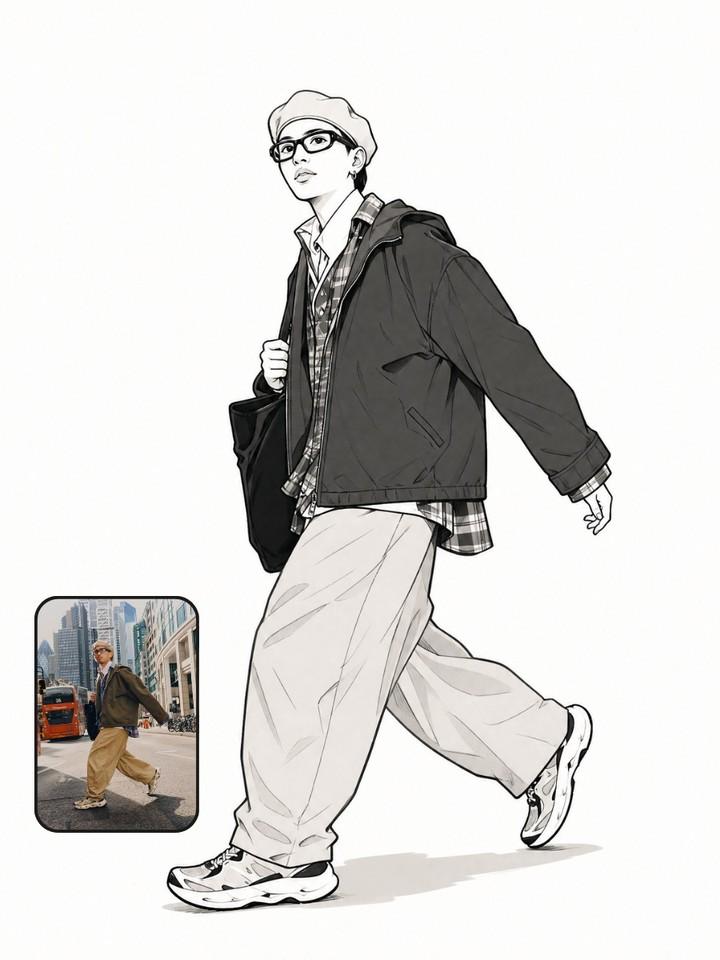
Photo to Manga Art Transformation
Cinematic Beachwear Model Portrait
Nighttime Winter Scene with Strict Face Identity Lock
Hyper-realistic portrait of a young woman in street style at night
Studio Portrait with Digital UI Overlay
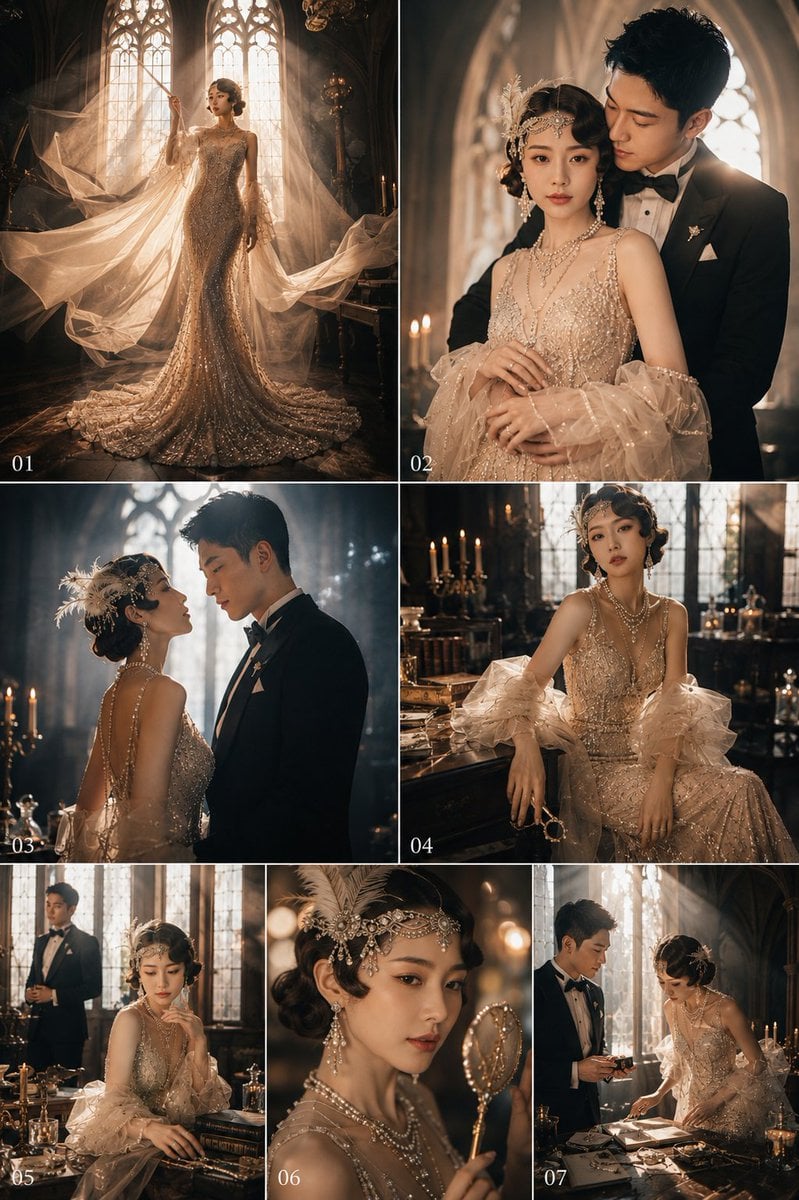
Gatsby Style Art Deco Wedding Photos
Browse template categories
Anonymized Fashion Collage Poster questions
How do I use the Anonymized Fashion Collage Poster template?
Add your photo if the template asks for one, edit the prompt if you like — the template's model and format are already selected — and press Generate. Your version opens in PicX Studio.
Can I customize the Anonymized Fashion Collage Poster template?
Yes. You can change the subject, setting, lighting, mood, format, and available model controls before creating your image.
Is the Anonymized Fashion Collage Poster template free?
Opening and editing this template is free. Generating uses credits, shown on the Generate button when you are signed in.
Which AI model should I use?
Start with GPT Image 2, which is the model associated with this template. You can compare another compatible model for a different finish.
Looking for something else? Browse all templates.

Your photo, any look
Thousands of ready templates for every top image and video model, from one credit balance.