How do I use the Radiant Purple Bob Portrait template?
Choose the primary action to open PicX Studio with the available template settings. Review the model and format, personalize the creative direction, and generate when ready.
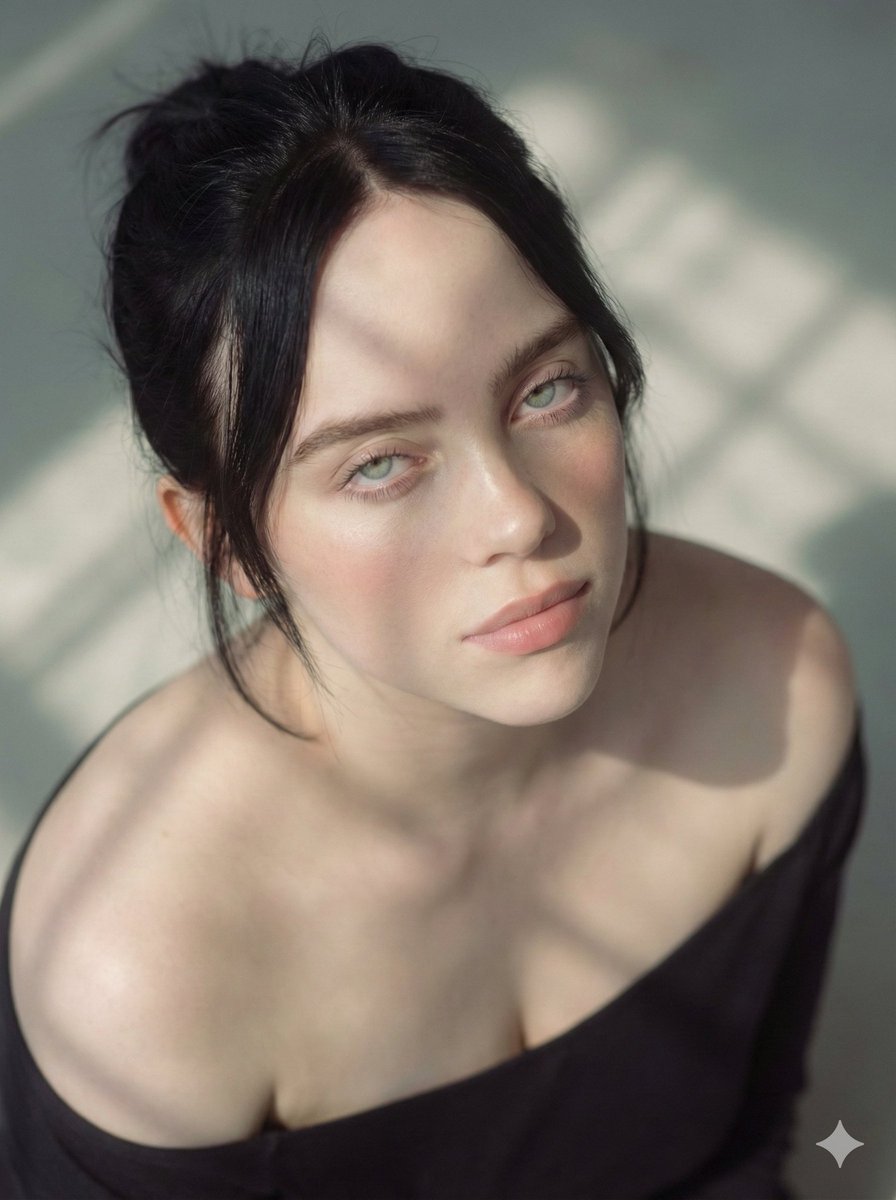
A close-up portrait prompt focusing on vibrant hair colors and cinematic lighting against a dark background. Change the subject, setting, or lighting one variable at a time.

A high-resolution, vertical close-up portrait of a radiant young woman with a warm, friendly smile. Hair & Style: She features a chic, textured bob cut. Her hair is a striking blend of {argument name="hair color" default="deep Royal Purple and bright Golden-blonde"} highlights that frame her face. Fashion: She is wearing a {argument name="outfit" default="simple, elegant dark purple dress"} with a textured fabric. Minimalist gold jewelry, including {argument name="accessories" default="small hoop earrings and a delicate gold chain necklace"}, complements her hair highlights. Composition & Lighting: Soft, cinematic lighting that highlights her facial features and the vibrant colors of her hair. The shot is a tight "bust-up" portrait with a clean, solid matte black background to create a dramatic contrast.
Choose the primary action to open PicX Studio with the available template settings. Review the model and format, personalize the creative direction, and generate when ready.
Yes. You can change the subject, setting, lighting, mood, format, and available model controls before creating your image.
This template is free to open and customize. Generation usage is shown in PicX Studio before you create.
Start with Nano Banana 2, which is the model associated with this template. You can compare another compatible model for a different finish.
© 2026 PicX Studio. All rights reserved.

Follow a topic to a crawlable collection of related PicX Studio templates.
43,474 public templates available. Verified via the PicX Studio public templates API; refreshed hourly.










![118-google-nano-banana-pro-skincare-product- — A professional skincare shot of a [product container] with [cap/lid], labeled [brand, product, descriptor, volume](/_next/image?url=https%3A%2F%2Fcdn.picxstudio.com%2Fuploads%2Fpost118_img0_332898b8-29ea-42a9-87ab-9ed746a3f944.jpg&w=828&q=100)




![69-untitled — FORMAT: 15s / 145 BPM / 14 SHOTS
SUBJECT: @[image1]
WARDROBE: Clean modern outfit
ENVIRONMENT: Street / indoor transitions
MOOD: Discovery → contr](/_next/image?url=https%3A%2F%2Fcdn.picxstudio.com%2Fuploads%2Fpost69_img0_d45faecf-38c3-4bcb-81a4-f6eb1cf42bb2.jpg&w=828&q=100)





![Naive doodle-style subject illustration — A doodle-style {argument name="subject" default="[subject]"}, naive lines, humorous shape exaggeration](https://pbs.twimg.com/media/G6Wl2YxbsAARB2b.jpg)












![Cute Amigurumi Wizard Plush — {argument name="animal" default="[animal]"} {argument name="color" default="[color]"} very cute amig…](https://pbs.twimg.com/media/HE_oVh6WEAAxjwc.jpg)