
Studio Fashion Portrait Moody Purple Gradient
Studio Fashion Portrait Moody Purple Gradient
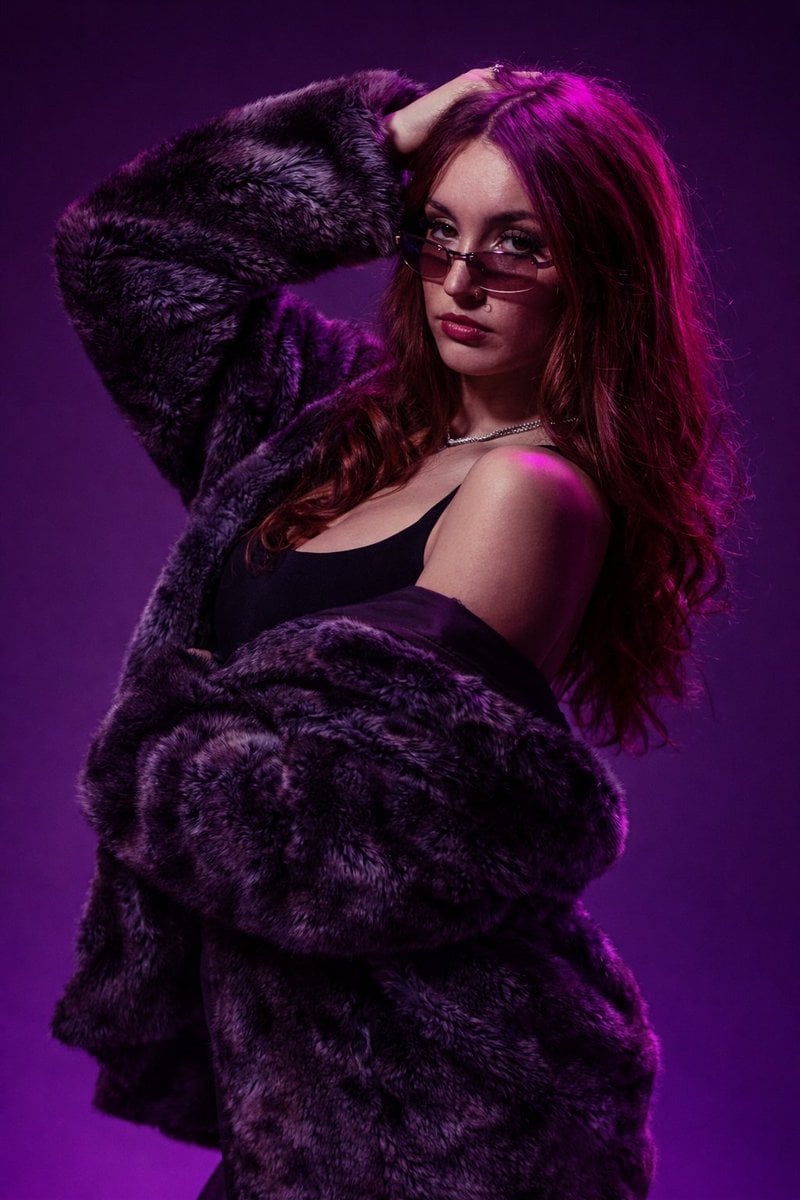
- Prompt included
- Model and format preset
- Free template
The prompt behind this image
Copy the exact prompt behind Studio Fashion Portrait Moody Purple Gradient, or open it in the studio and make it yours.
Studio fashion portrait photography, 8K ultra high definition, vertical portrait. Medium portrait framing: head to mid-torso, subject slightly right of center, eye-level camera angle. Female young adult with light to medium skin tone, neutral to mildly serious expression, direct gaze, confident composed emotion. Oval face, smooth even complexion, moderate polished makeup, defined eyeliner and mascara, deep muted red or berry tone lipstick, small nose ring on left nostril. Medium brown hair with strong magenta/purple lighting highlights, long loose softly wavy, center part. Dark gray to black oversized faux fur coat draped loosely off shoulders over black sleeveless top. Thin chain necklace at collarbone. Soft but directional front-left key light, magenta/purple accent light from above and behind on hair and shoulders, medium-high contrast, soft shadows with smooth falloff. Deep purple gradient seamless studio backdrop. Sharp, very high detail, minimal noise, wide dynamic range. Fashion editorial mood: moody, stylish, confident, modern.
How to use Studio Fashion Portrait Moody Purple Gradient in 3 steps
- 1
Open
The prompt is already in the box next to the preview, with the template's model and format selected.
- 2…a portrait of your subject in softgolden-hour light, 85mm…
Personalize
Edit the subject and creative details for your destination.
- 3Generate
Generate
Press Generate — your image is created in PicX Studio, so you can compare it with the original and refine one variable at a time.
More like this
Templates with the same subject, style or setup. Open one to see its prompt.

Caution Tape Fashion — Industrial Editorial

Nano Banana 2 High Fashion Sports Campai

Couture Fashion Editorial Woman and Drag

Nano Banana 2 Editorial Fashion Portrait
High Fashion Editorial Studio Portrait
Ultra-high fashion editorial portrait in faux-fur coat
High-Fashion Editorial Portrait with Monochrome Purple Aesthetic

80s Couple Studio Portrait

1985 Studio Portrait
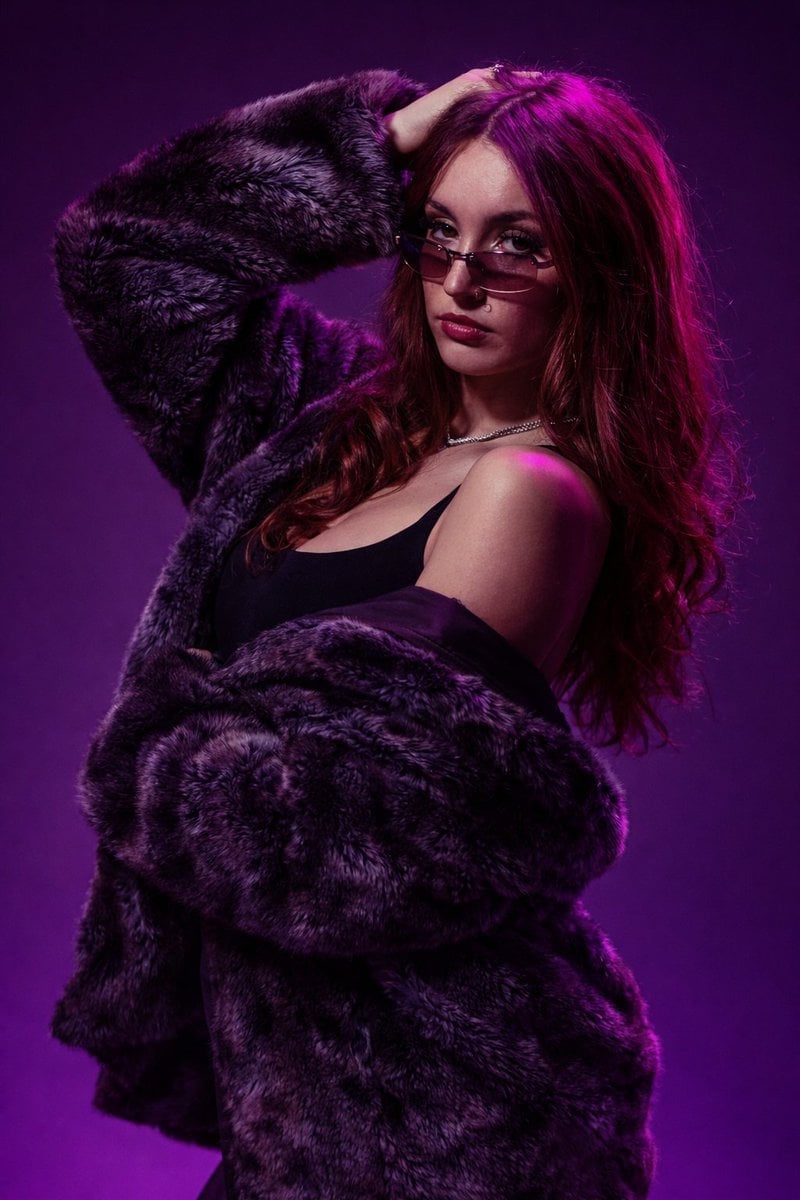
Fur Coat Fashion Portrait Purple Lighting

untitled

Ive Yujin Fashion Portrait in Blue
Make it yours
Studio Fashion Portrait Moody Purple Gradient works as-is. These are the safest ways to change it without losing the look.
Change one field
Copy a single group, rewrite it, and generate again so you can see what that field is doing.
Keep the frame, change the subject
Hold the composition and light of Studio Fashion Portrait Moody Purple Gradient, then swap wardrobe, props or the person for a new take.
| If the result… | Why | Fix |
|---|---|---|
| The result drifts from the preview | Too many fields changed at once. | Reuse Studio Fashion Portrait Moody Purple Gradient as-is first, then change one group — subject, light, or setting. |
| The model over-stylizes the scene | The prose prompt leaves finish and camera underspecified. | Add one camera or lighting sentence and stay on PicX Studio. |
More image prompts
Fresh picks from across the catalog.
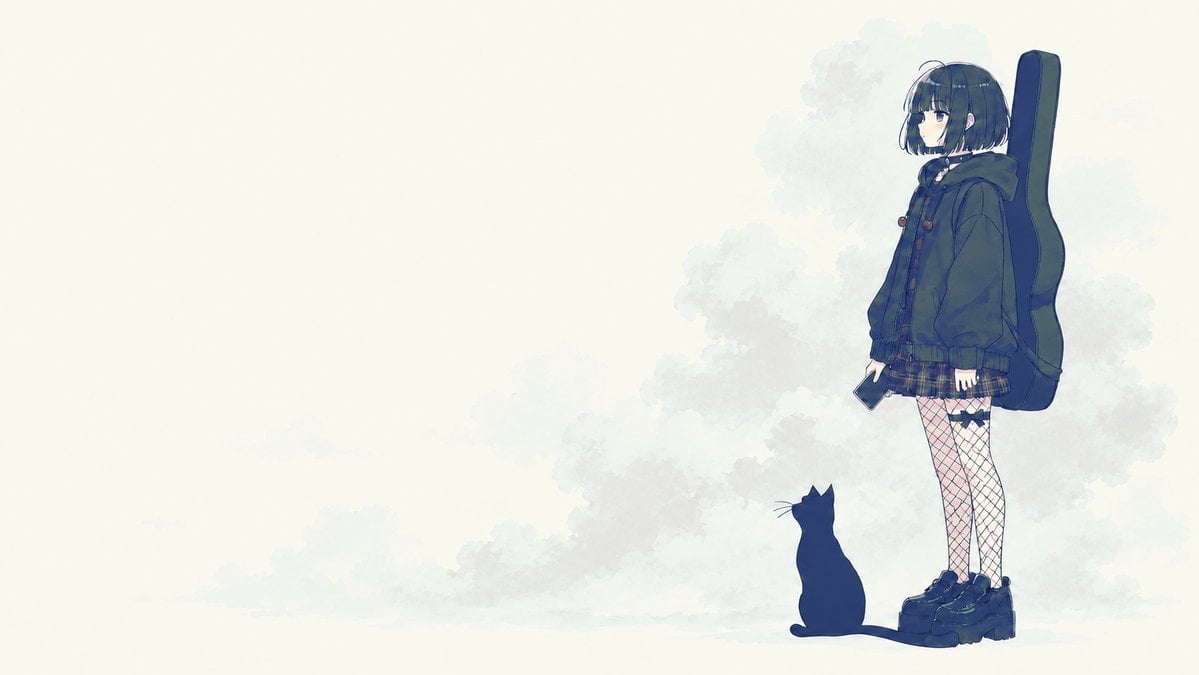
Melancholic Guitar Girl and Cat
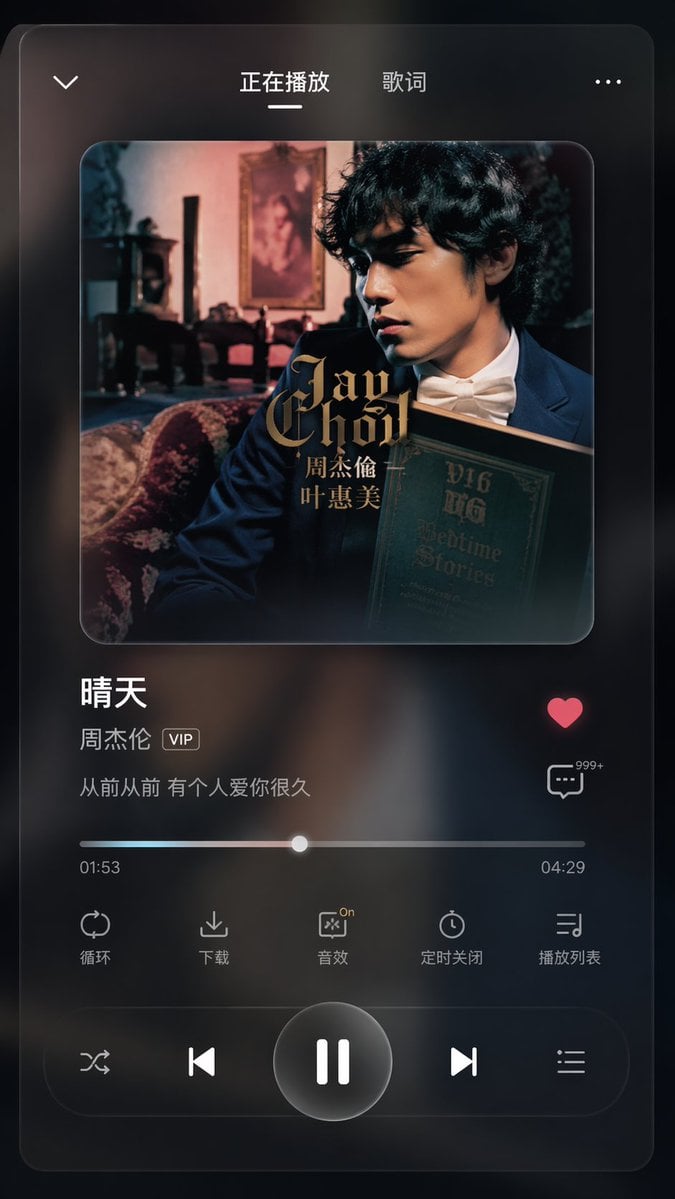
App UI Design - Music & Fitness
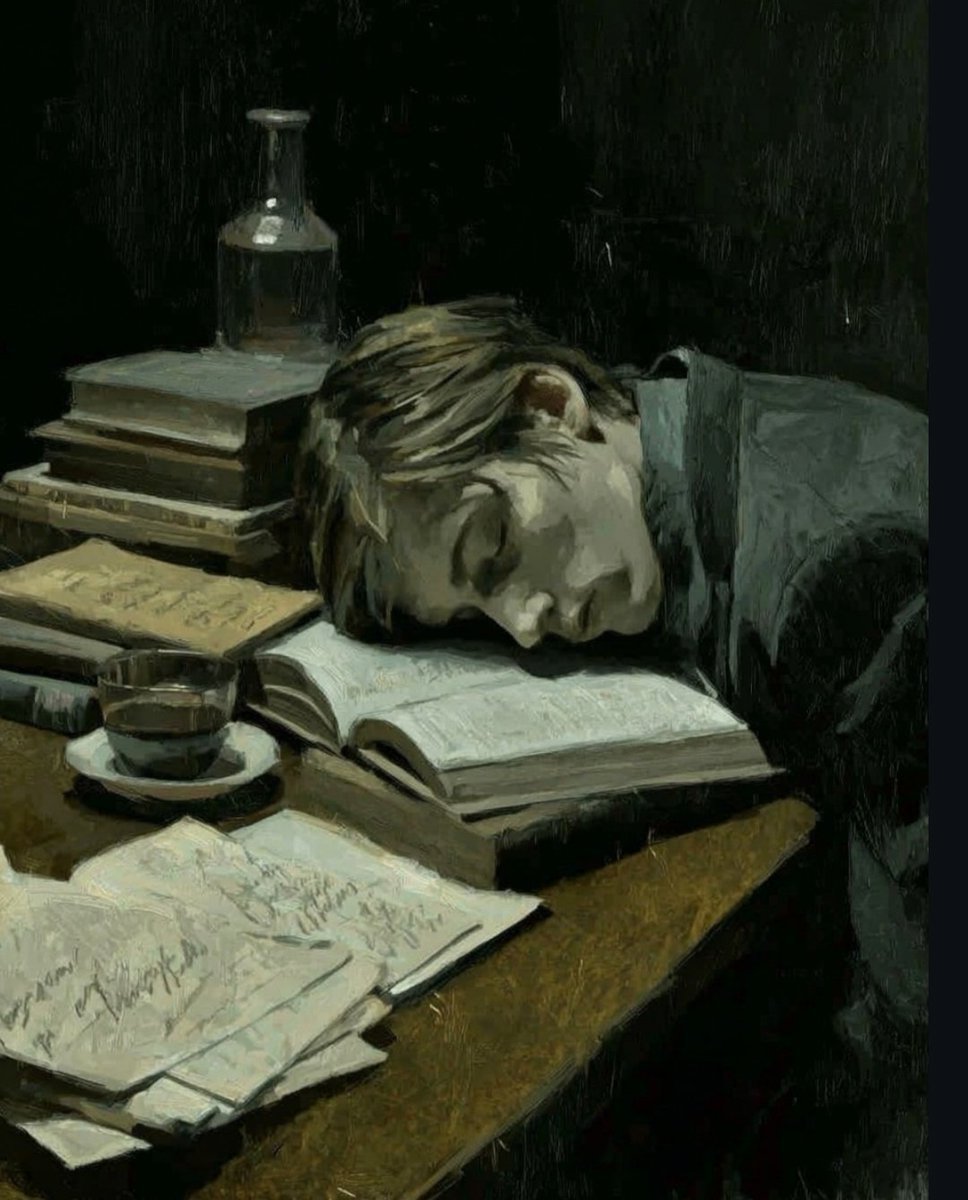
Dark Academia Oil Painting of Sleeping Man
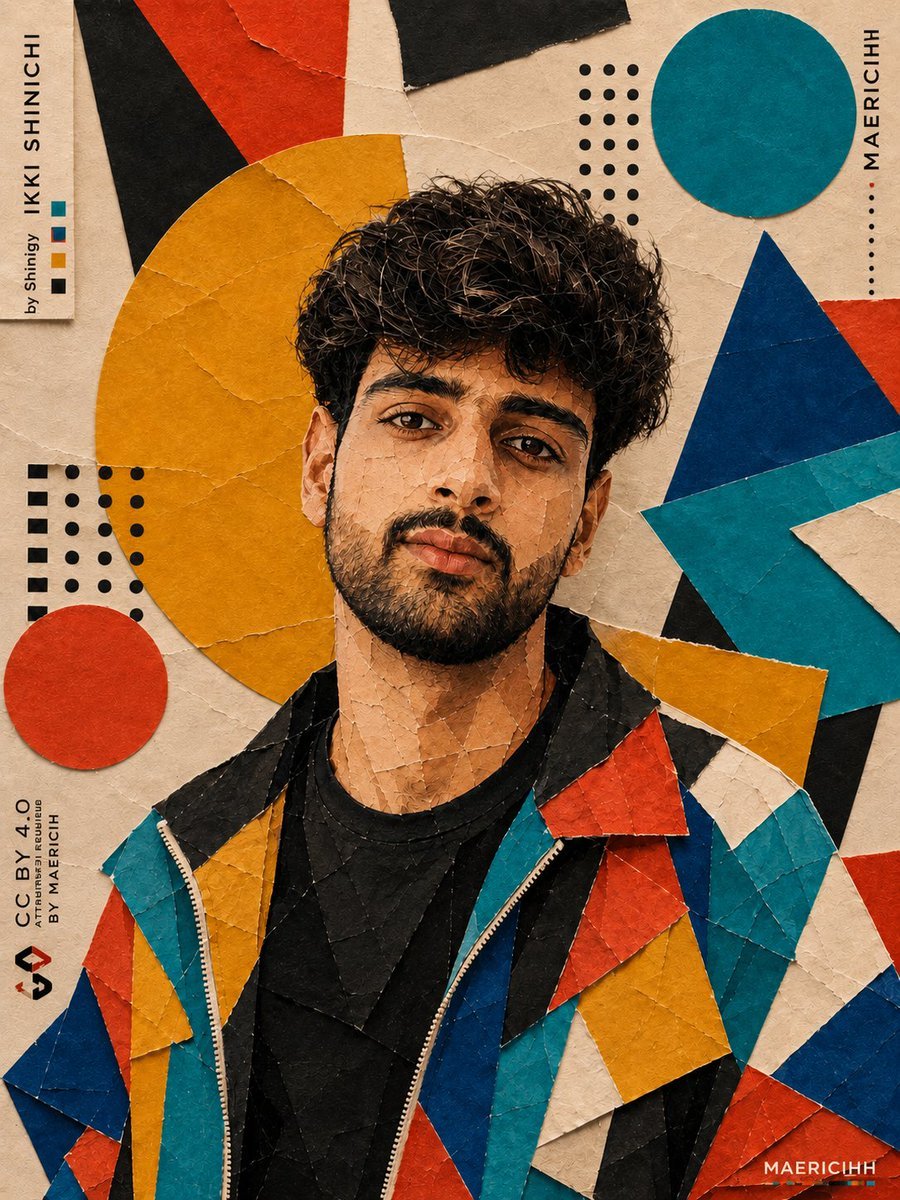
Bauhaus Artistic Fashion Portrait
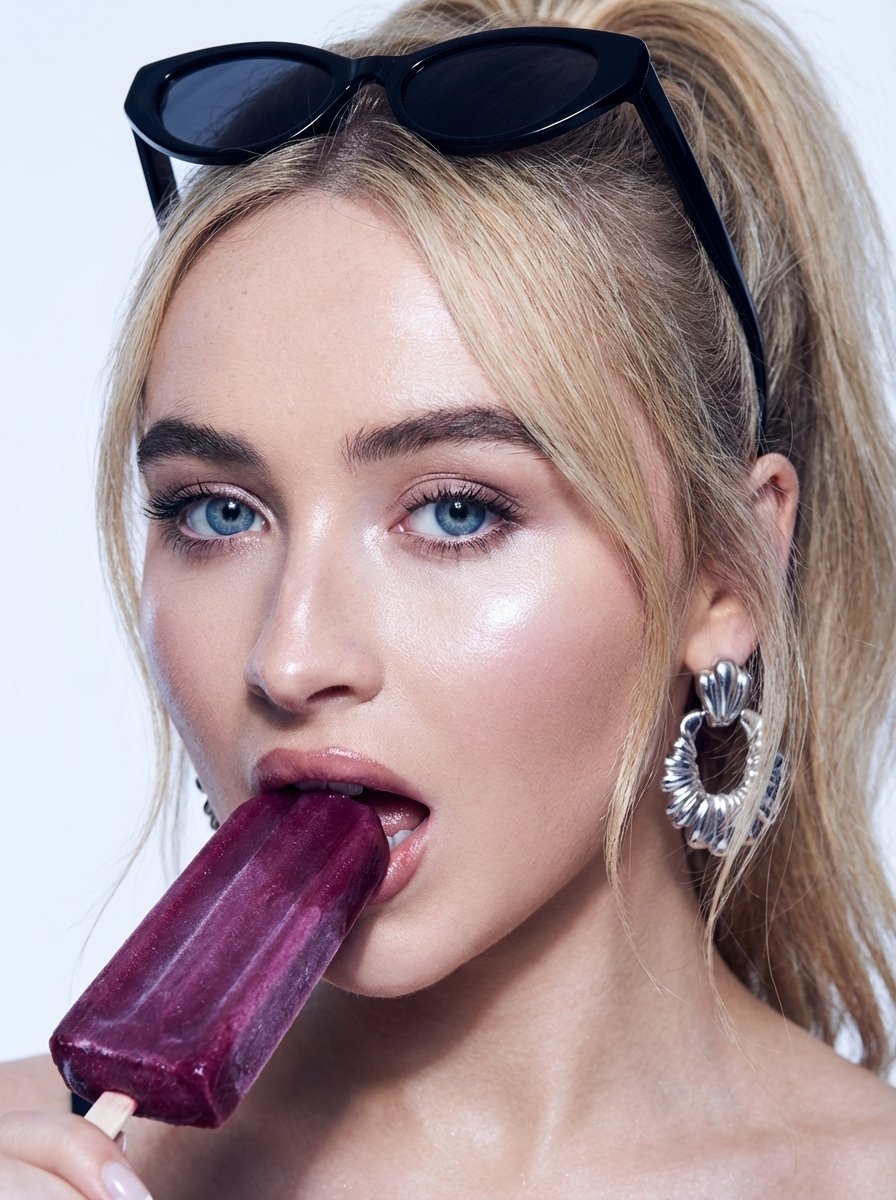
High-Fashion Beauty Close-Up Portrait Prompt for Nano Banana Pro
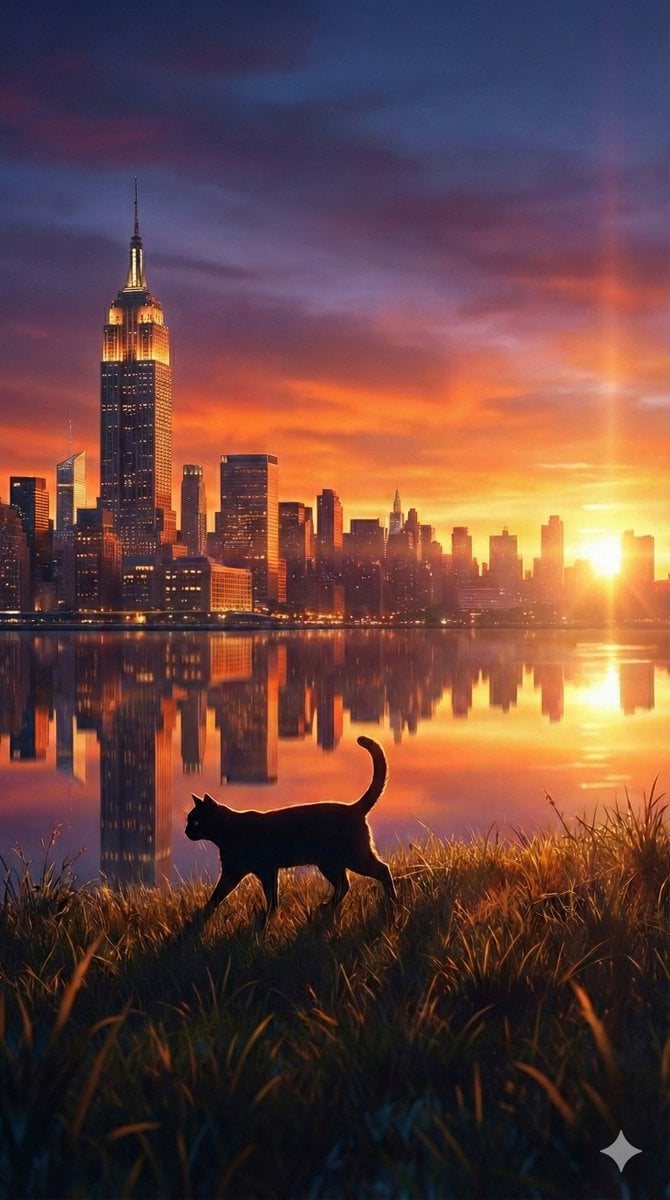
Fantasy Sunset Landscape with Black Cat Silhouette and City Reflection
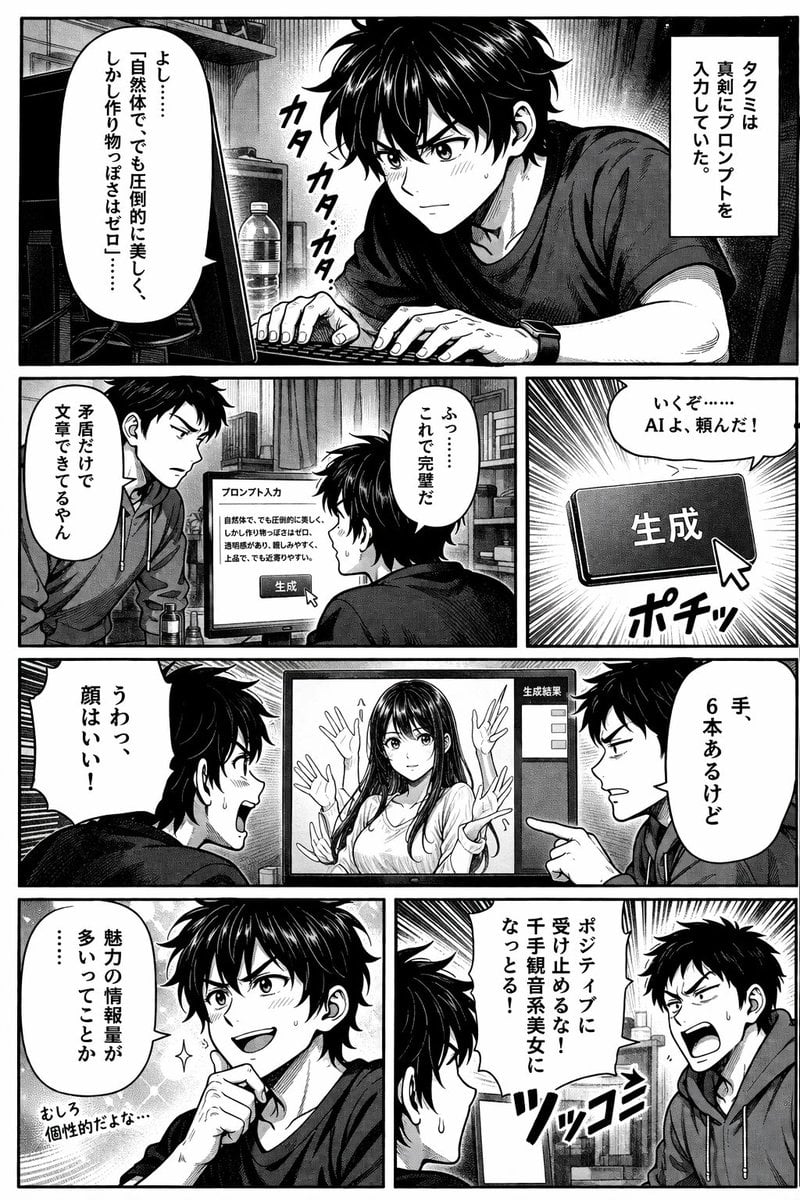
AI Image Generation Manga Page
Distorted hip-hop fashion model prompt
Two Men Celebrating at a Restaurant
Clean Minimal Studio Portrait with Playful Wink
Browse template categories
Studio Fashion Portrait Moody Purple Gradient questions
How do I use the Studio Fashion Portrait Moody Purple Gradient template?
Add your photo if the template asks for one, edit the prompt if you like — the template's model and format are already selected — and press Generate. Your version opens in PicX Studio.
Can I customize the Studio Fashion Portrait Moody Purple Gradient template?
Yes. You can change the subject, setting, lighting, mood, format, and available model controls before creating your image.
Is the Studio Fashion Portrait Moody Purple Gradient template free?
Opening and editing this template is free. Generating uses credits, shown on the Generate button when you are signed in.
Which AI model should I use?
Choose a compatible model in PicX Studio based on the style, speed, and output controls your project needs.
Looking for something else? Browse all templates.

Your photo, any look
Thousands of ready templates for every top image and video model, from one credit balance.