How do I use the Fur Coat Fashion Portrait Purple Lighting template?
Edit the prompt in the box under the preview — the template's model and format are already selected — and press Generate. Your version appears right on this page.
Curated from MeiGen gallery (ID: 2003650158064730620) by ShaHid WaNii.

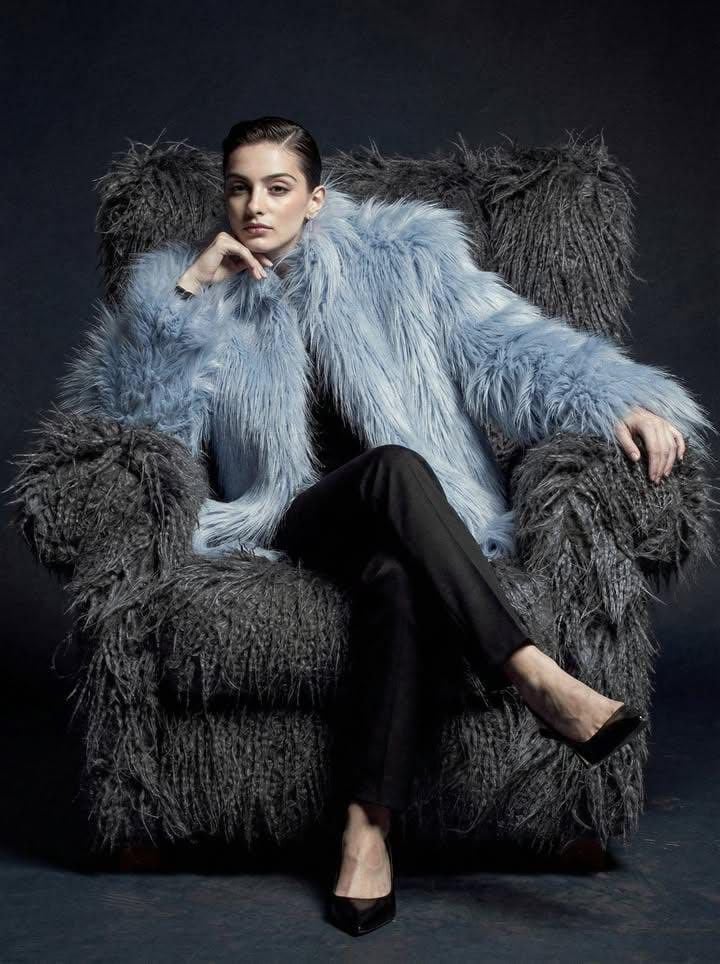
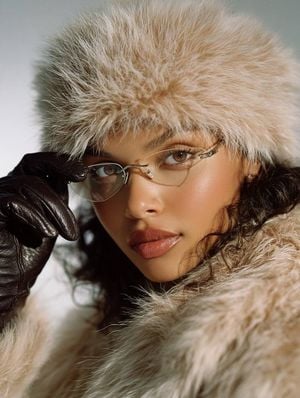
{ "image_type": "studio fashion portrait photography", "resolution_target": "8K ultra high definition", "aspect_ratio": "portrait (vertical)", "composition": { "framing": "medium portrait", "crop": "head to mid-torso", "subject_position": "slightly right of center", "camera_angle": "eye-level", "pose": { "body_orientation": "three-quarter turn to the left", "head_orientation": "turned toward camera", "arm_position": "one arm raised with hand placed behind or on top of head, other arm lowered and relaxed" } }, "subject": { "gender_presentation": "female", "age_range": "young adult", "skin_tone": "light to medium", "facial_expression": { "expression": "neutral to mildly serious", "gaze_direction": "directly at camera", "emotion": "confident, composed" }, "face_details": { "face_shape": "oval", "complexion": "smooth, even", "makeup": { "eyes": "defined eyeliner and mascara", "lips": "deep muted red or berry tone lipstick", "overall": "moderate, polished makeup" }, "piercings": [ "small nose ring on left nostril" ] }, "eyes": { "visibility": "partially visible through tinted glasses", "eyewear": { "type": "narrow rectangular sunglasses", "lens_color": "dark tinted", "frame": "thin metal frame", "position": "worn low on the bridge of the nose" } }, "hair": { "color": "medium brown with strong magenta/purple lighting highlights", "length": "long", "style": "loose, softly wavy", "parting": "center part" } }, "clothing_and_accessories": { "outerwear": { "type": "faux fur coat", "color": "dark gray to black", "texture": "thick, plush, high-volume fur", "fit": "oversized", "wearing_style": "draped loosely off the shoulders" }, "inner_clothing": { "type": "sleeveless top", "color": "black", "neckline": "straight or slightly scooped" }, "jewelry": { "necklace": { "type": "thin chain necklace", "material": "metallic", "visibility": "clearly visible at collarbone" } } }, "lighting": { "style": "studio lighting", "primary_light": { "direction": "front-left", "quality": "soft but directional" }, "accent_lighting": { "color": "magenta/purple", "placement": "from above and behind, especially on hair and shoulders" }, "contrast": "medium to high", "shadow_detail": "soft shadows with smooth falloff" }, "background": { "type": "studio backdrop", "color": "deep purple gradient", "texture": "smooth, seamless", "depth": "no visible background objects" }, "color_palette": { "dominant_colors": [ "purple", "magenta", "black", "dark gray" ], "accent_colors": [ "skin tones", "metallic silver" ] }, "image_quality": { "sharpness": "high", "detail_level": "very high", "noise": "minimal to none", "dynamic_range": "wide" }, "overall_style": { "aesthetic": "fashion editorial", "mood": "moody, stylish, confident", "era_influence": "modern" } }
Edit the prompt in the box under the preview — the template's model and format are already selected — and press Generate. Your version appears right on this page.
Yes. You can change the subject, setting, lighting, mood, format, and available model controls before creating your image.
Opening and editing this template is free. Generating uses credits, shown on the Generate button when you are signed in.
Choose a compatible model in PicX Studio based on the style, speed, and output controls your project needs.
Follow a topic to a crawlable collection of related PicX Studio templates.