
Ultra-High-End Skincare Product Photography Prompt
A highly detailed prompt for generating photorealistic commercial photography of a matte white skincare pump bottle.
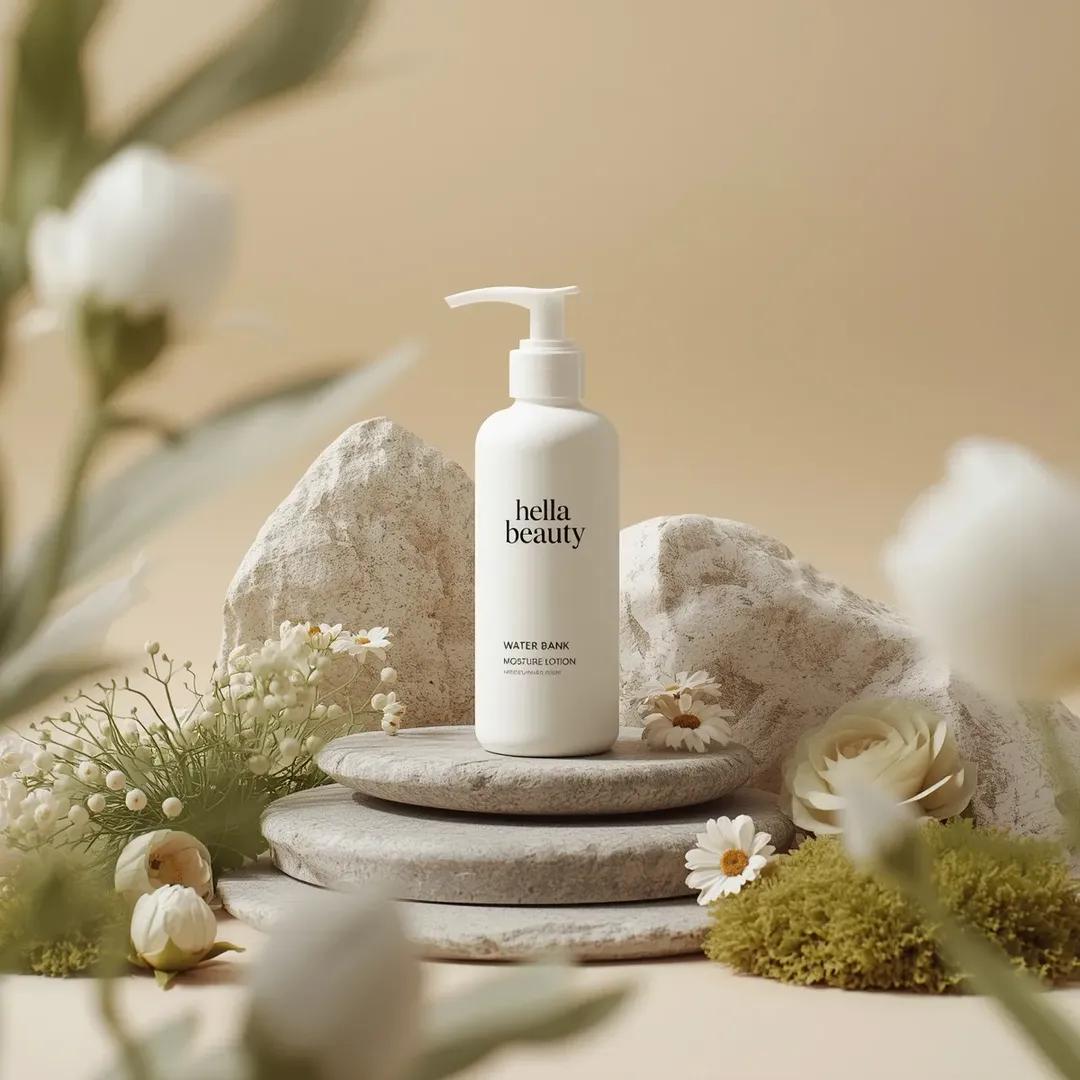
- Prompt included
- Model and format preset
- Free template
The prompt behind this image
Copy the exact prompt behind Ultra-High-End Skincare Product Photography Prompt, or open it in the studio and make it yours.
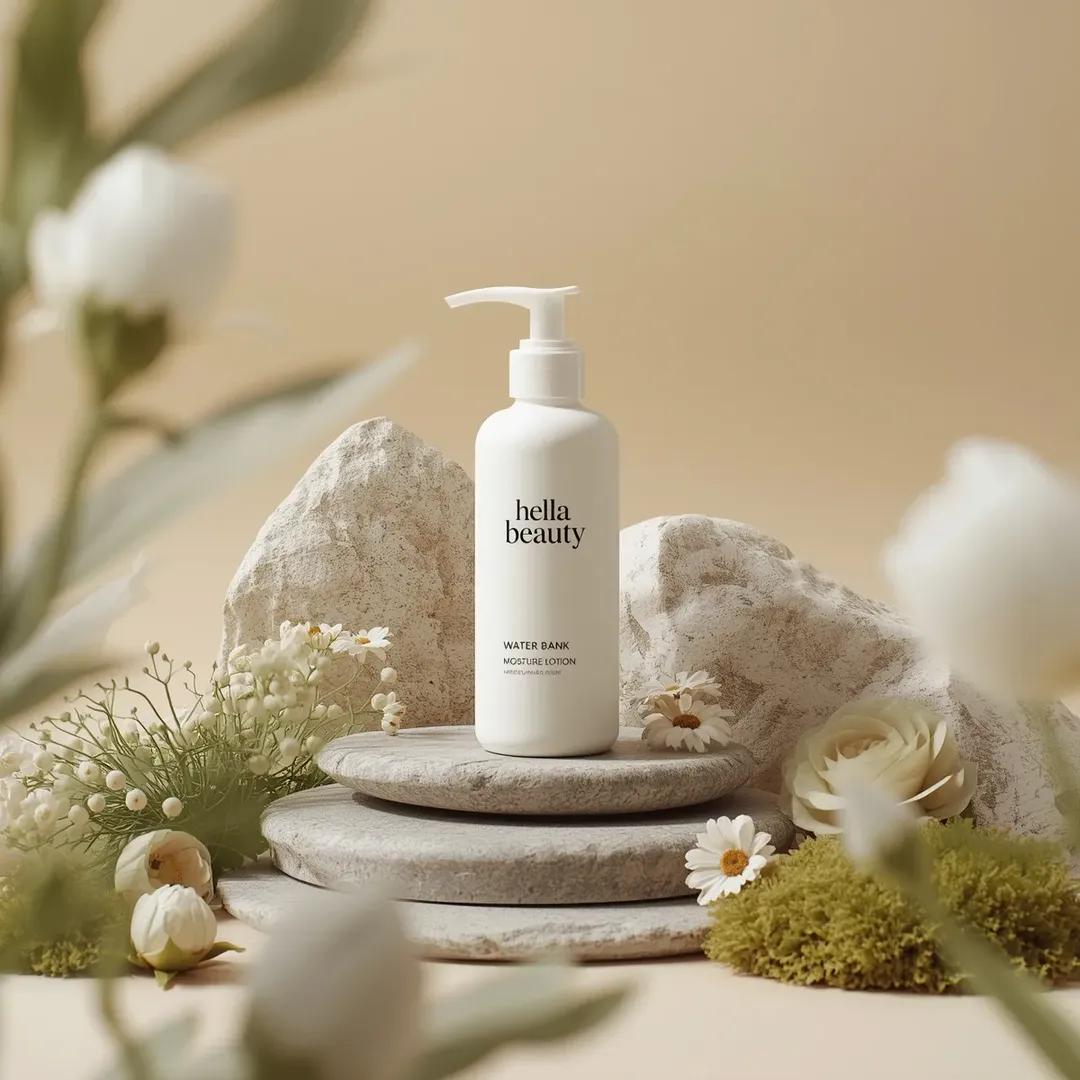
Ultra-high-end photorealistic commercial skincare product photography featuring a matte white plastic pump bottle centered and upright, labeled “hella beauty” in clean black minimalist typography with smaller text reading “water bank moisture lotion” and subtle product details beneath, the bottle placed on a layered natural stone surface surrounded by carefully arranged organic props including smooth gray river stones, pale beige textured rock formations, soft green moss clusters,delicate white pom-pom flowers, cream-colored daisy-like blossoms, light green fern leaves, and a muted sage rose, all arranged in a balanced symmetrical composition, background a soft warm beige studio backdrop with gentle gradient and no visible edges, foreground partially framed by softly blurred out-of-focus white flowers creating depth, lighting soft diffused daylight-style studio lighting from upper left producing gentle shadows, natural highlights on the bottle and petals, and a calm airymood, color palette dominated by warm neutrals, soft whites, sage greens, and muted earth tones, textures highly detailed including matte plastic, porous stone, velvety petals, and moist moss, shallow depth of field with sharp focus on the product label and midground elements and smooth bokeh in foreground and background, premium botanical skincare advertising aesthetic, clean minimal luxury composition, cinematic realism, ultra-detailed 8K, studio-grade hyperrealism, no extra text, no borders, no stylization beyond natural photorealism.
How to use Ultra-High-End Skincare Product Photography Prompt in 3 steps
- 1
Open
The prompt is already in the box next to the preview, with the template's model and format selected.
- 2…a portrait of your subject in softgolden-hour light, 85mm…
Personalize
Edit the subject and creative details for your destination.
- 3Generate
Generate
Press Generate — your image is created in PicX Studio, so you can compare it with the original and refine one variable at a time.
More like this
Templates with the same subject, style or setup. Open one to see its prompt.
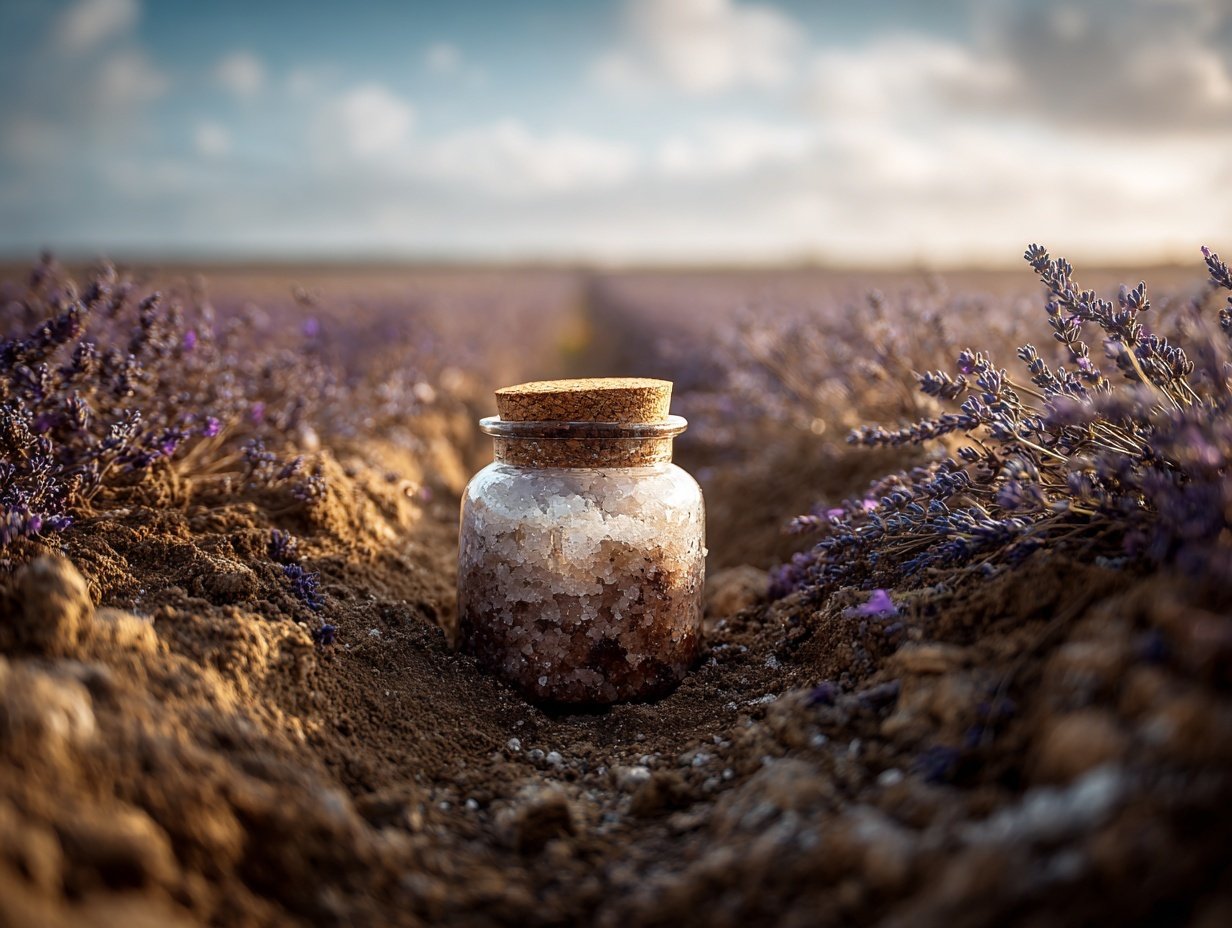
Product Elemental Lifestyle - Midjourney v7/v8
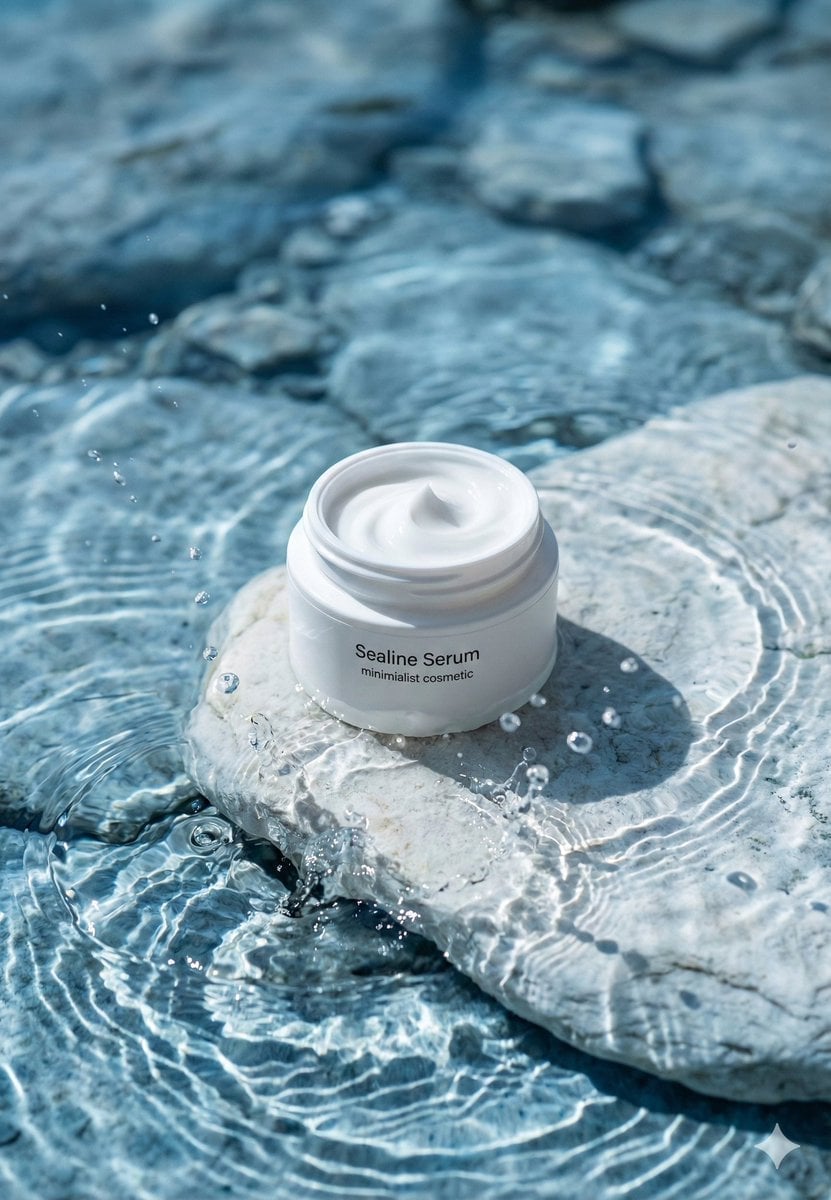
Minimalist Skincare Product Water Stone Still
High-End Skincare Product Macro Photography Ad
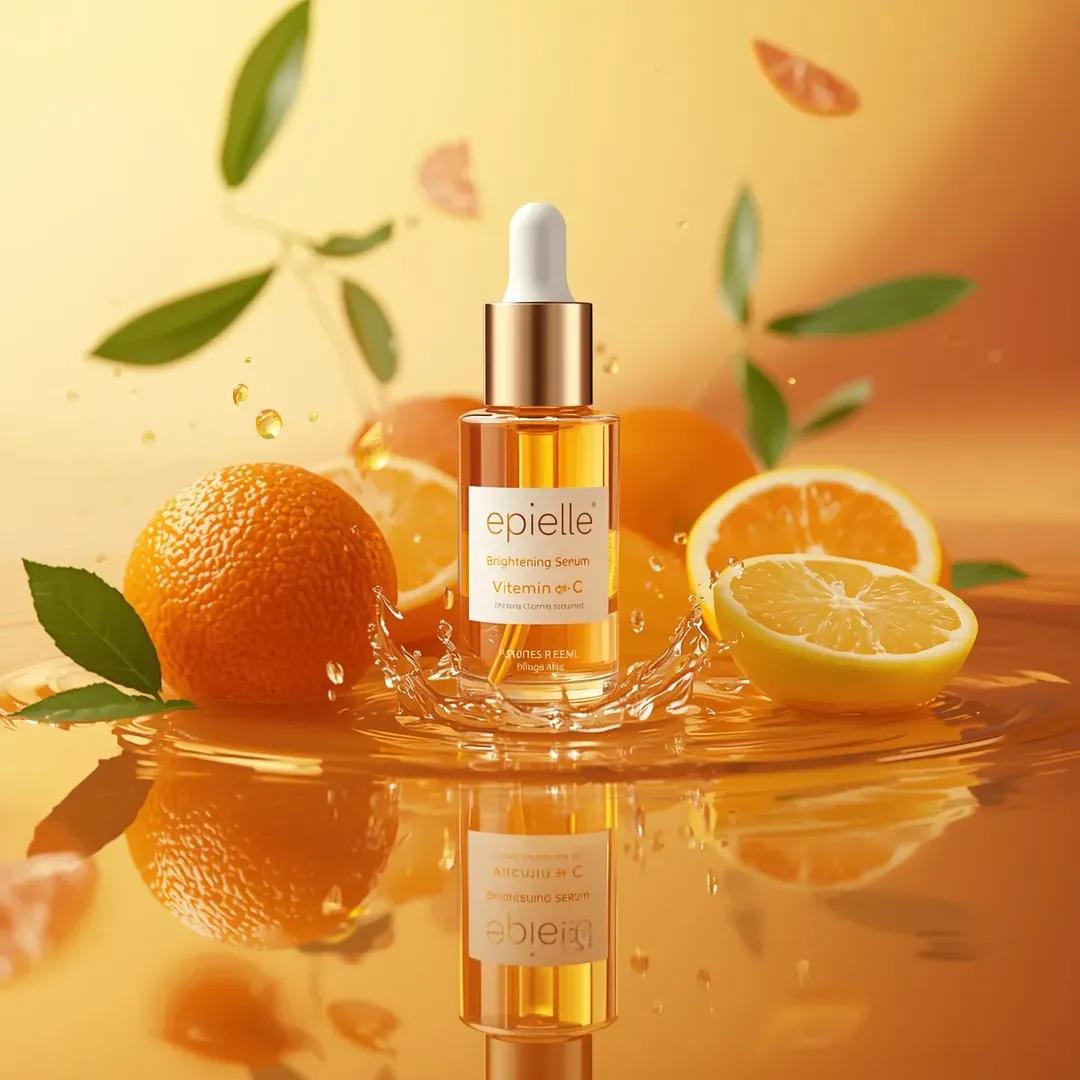
Ultra-High-End Skincare Product Photography Prompt
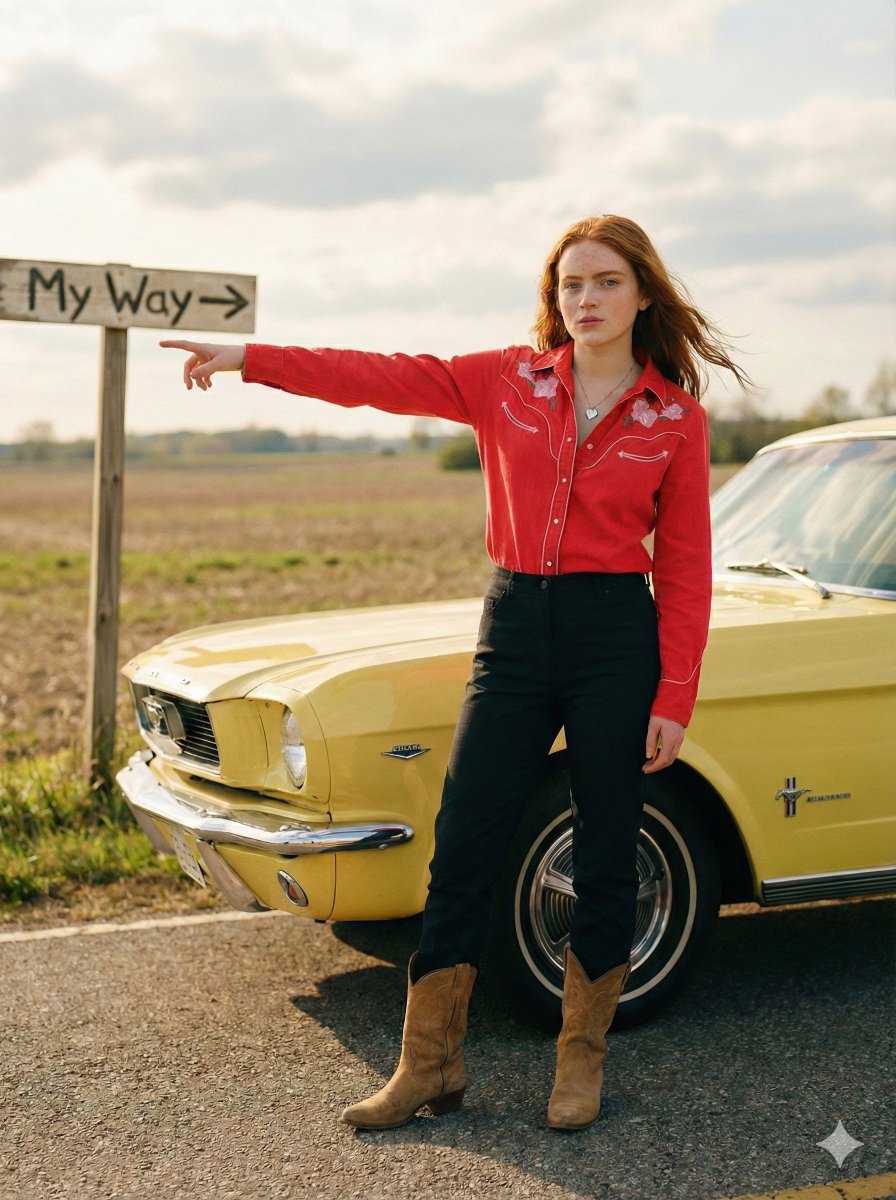
Standing beside the car, torso slightly angled, arm extended
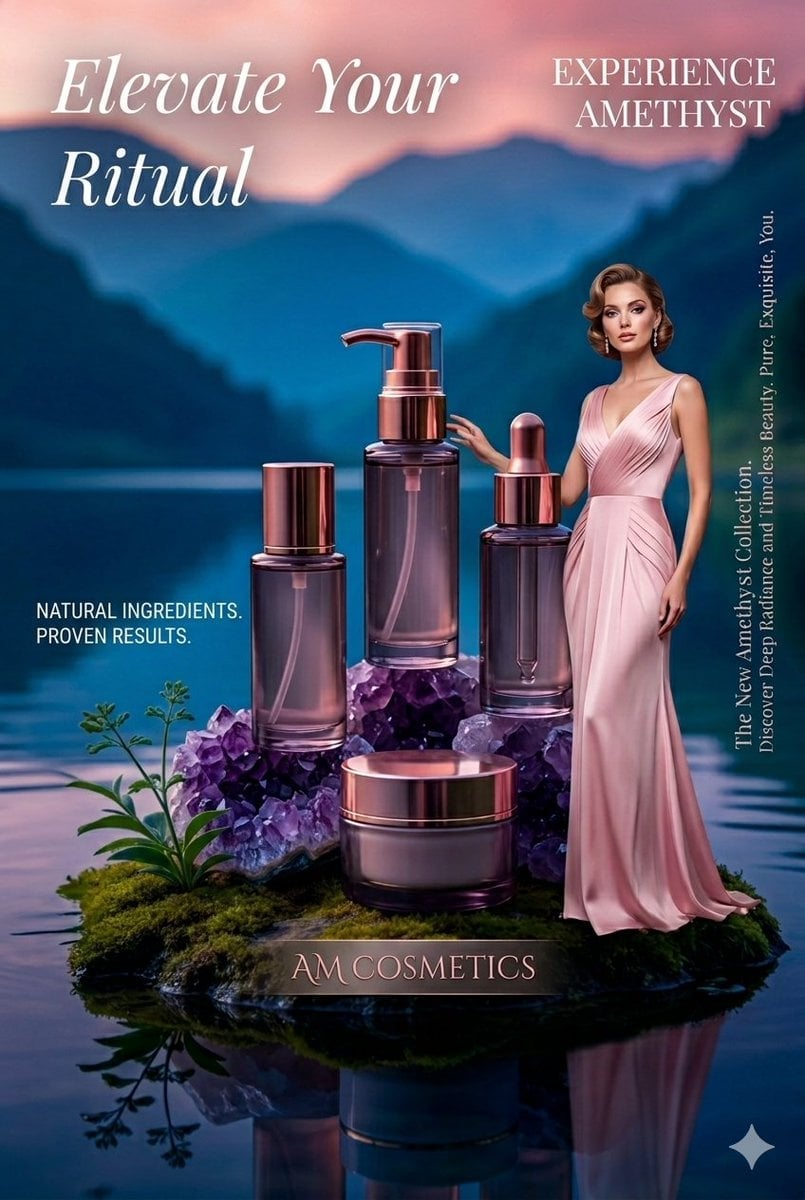
Luxury Skincare Product Photography
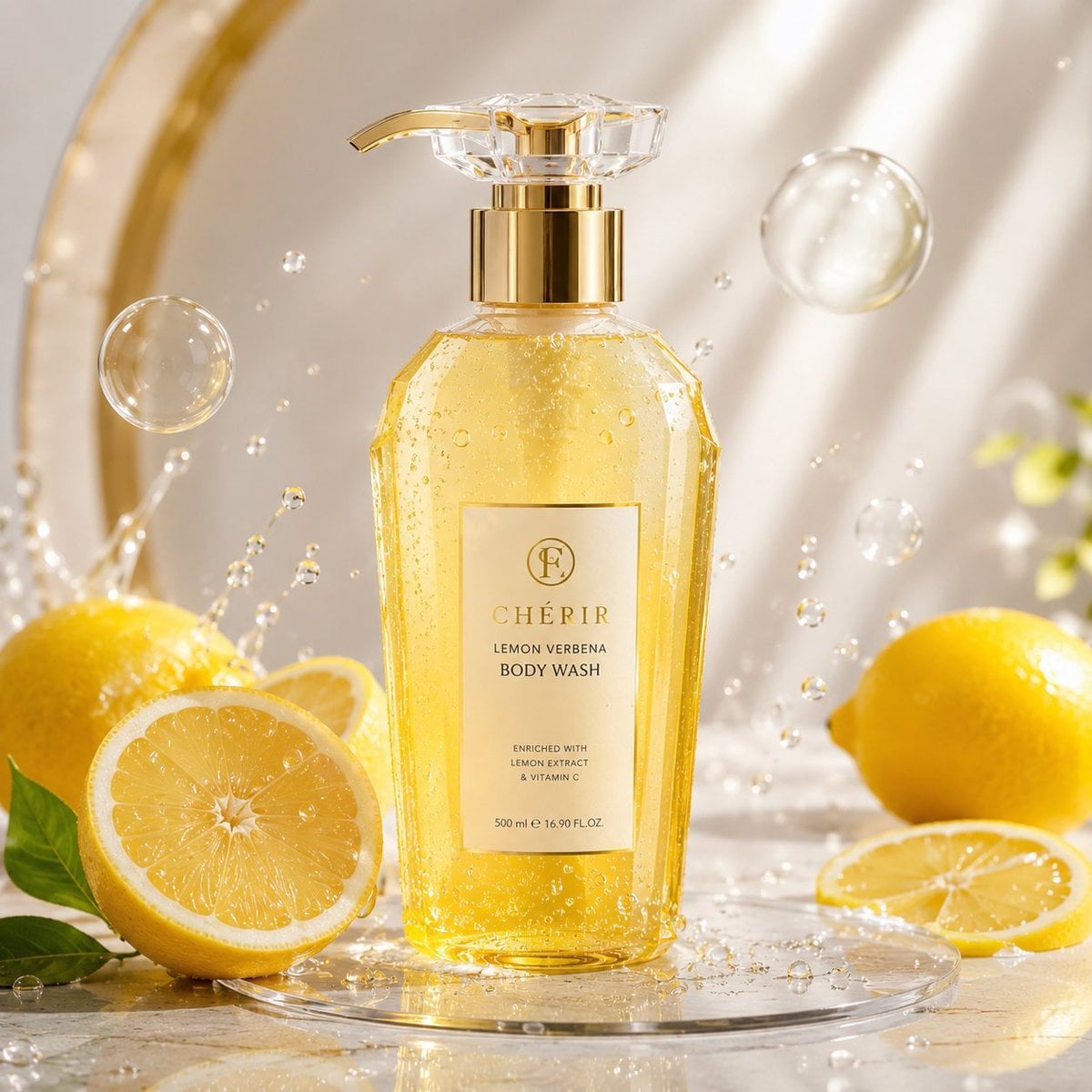
Luxury Lemon Skincare Product Photography

Trendy Cafe Drink Promo Poster
Minimalist Skincare Product Water Stone Still
Botanical Skincare Minimal Product Advertising
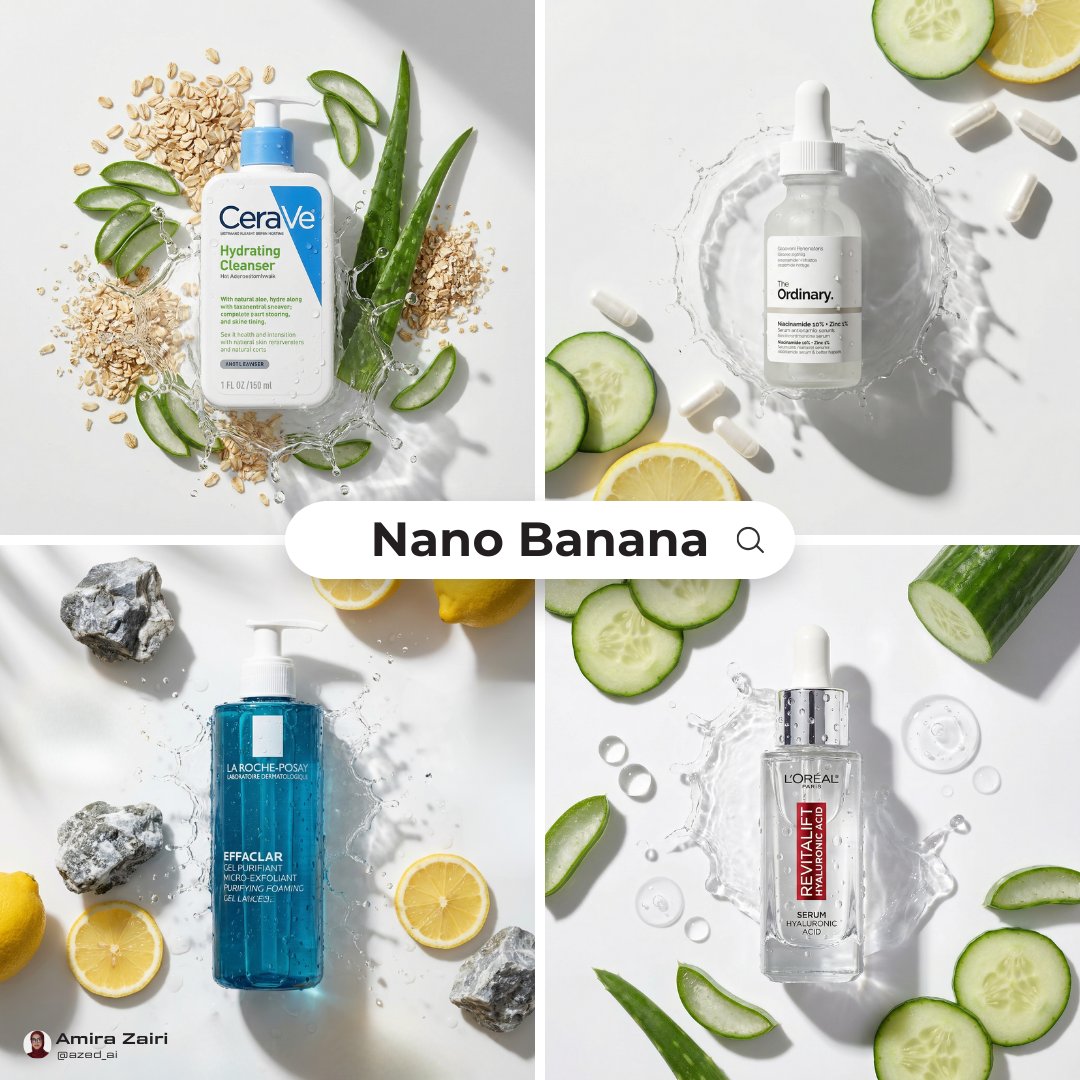
Skincare Product Flat Lay Photography
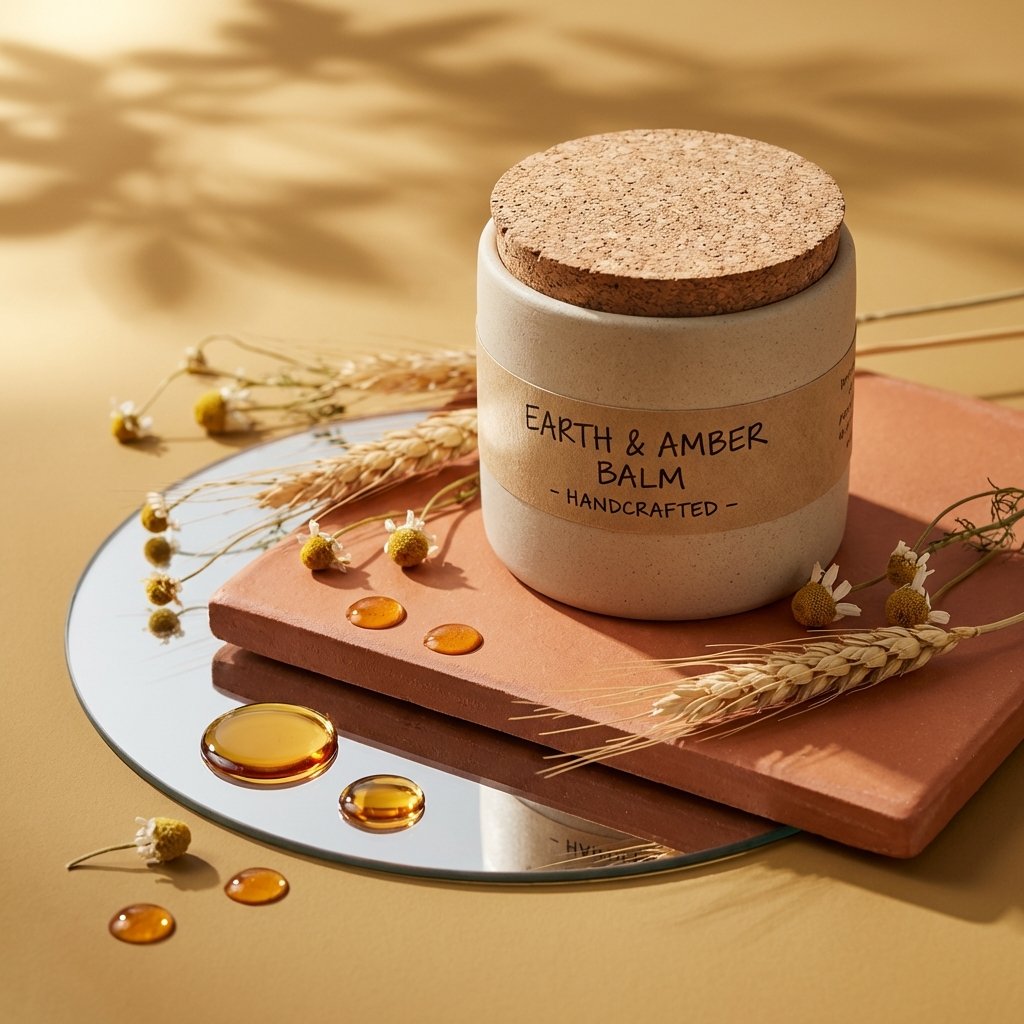
Luxury Skincare Product Photography
Make it yours
Ultra-High-End Skincare Product Photography Prompt works as-is. These are the safest ways to change it without losing the look.
Change one field
Copy a single group, rewrite it, and generate again so you can see what that field is doing.
Keep the frame, change the subject
Hold the composition and light of Ultra-High-End Skincare Product Photography Prompt, then swap wardrobe, props or the person for a new take.
| If the result… | Why | Fix |
|---|---|---|
| The result drifts from the preview | Too many fields changed at once. | Reuse Ultra-High-End Skincare Product Photography Prompt as-is first, then change one group — subject, light, or setting. |
| The model over-stylizes the scene | The prose prompt leaves finish and camera underspecified. | Add one camera or lighting sentence and stay on Nano Banana 2. |
More Nano Banana 2 templates
Other prompts made for Nano Banana 2.

Photorealistic Leaf Shaped Like a Dragon

K-Pop Idol Portrait Grid for Rapid Selection

Poetic Rain Forest Portrait During Golden Hour

Urban Street Portrait with Cartoon Inner Self Duo

Candid Nighttime Photo with Cat Prompt

High-Concept 3D Diorama Generation Prompt

Cinematic Futuristic Studio Portrait Template

Skincare Editorial Photography Collage Prompt

Hyper-Realistic Commercial Product Photography (Splash Effect)

Hyper-Realistic Nightclub Portrait Prompt
More image prompts
Fresh picks from across the catalog.

Conceptual brand storytelling visual prompt
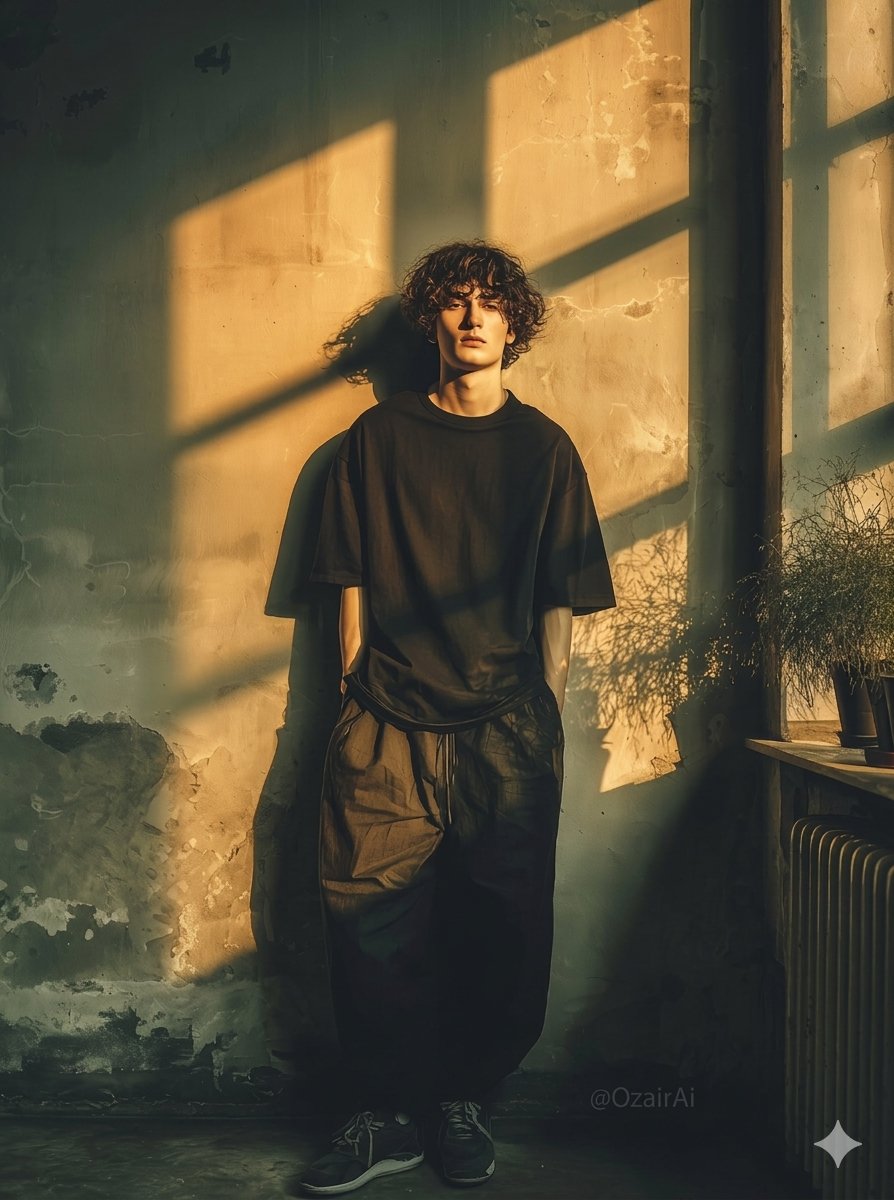
Dramatic Interior Fashion Portrait
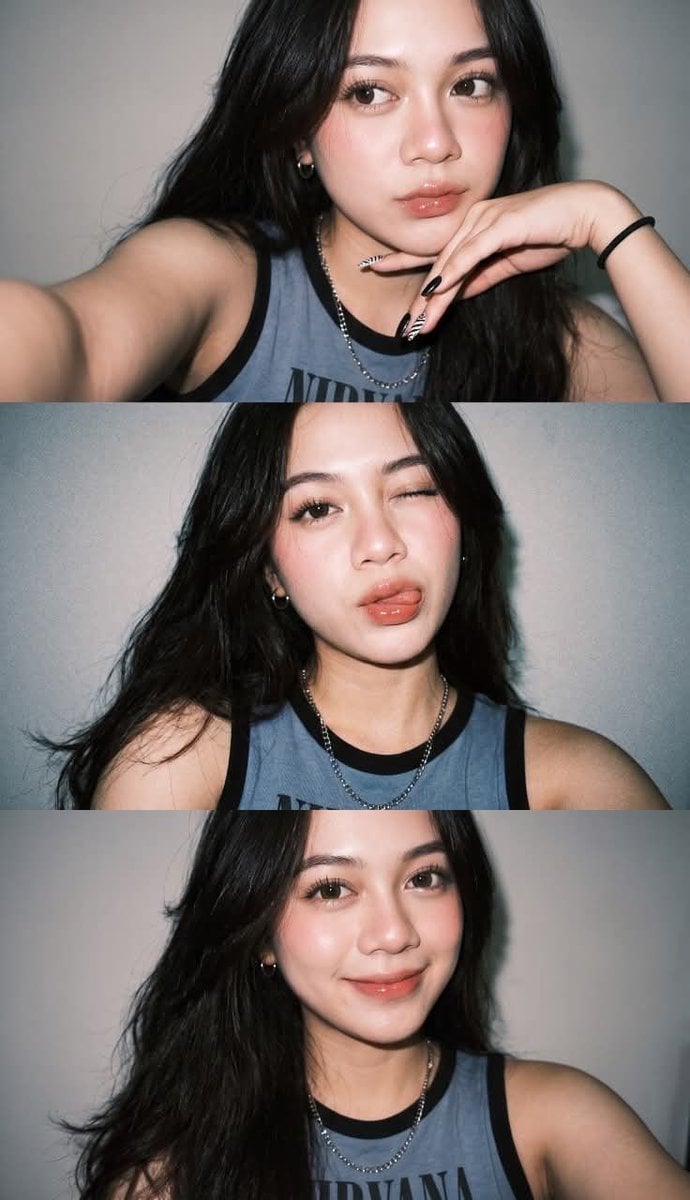
Gen Z Selfie Photo Collage
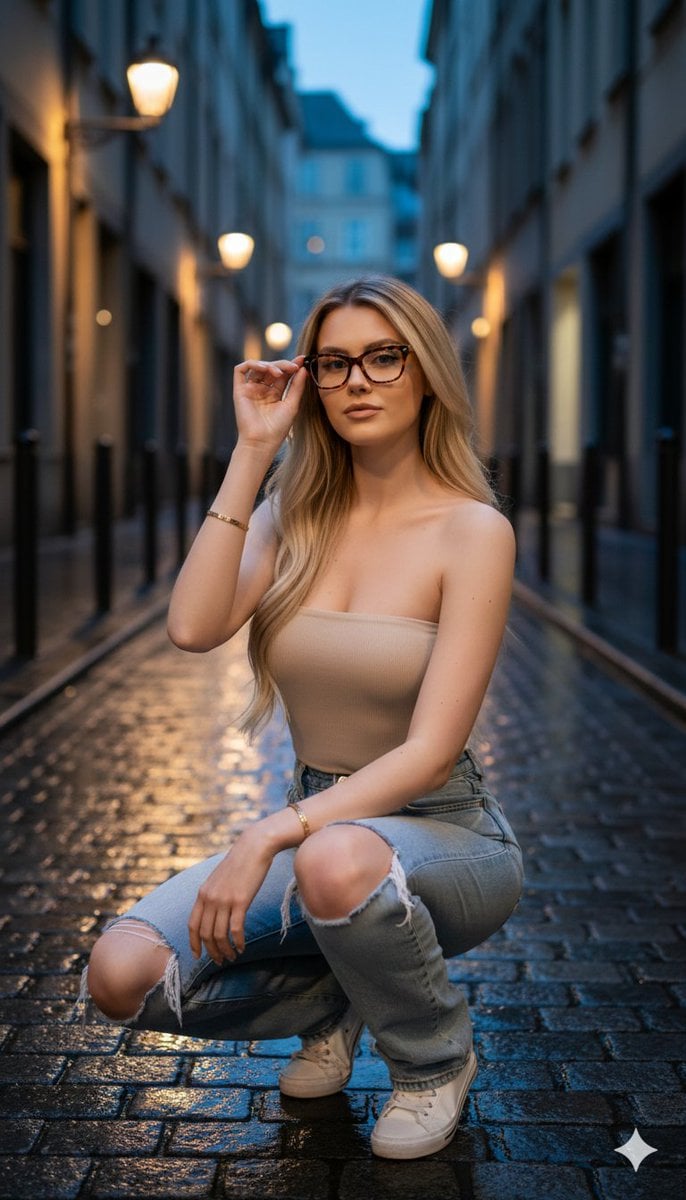
Hyper-realistic twilight portrait in a European alleyway
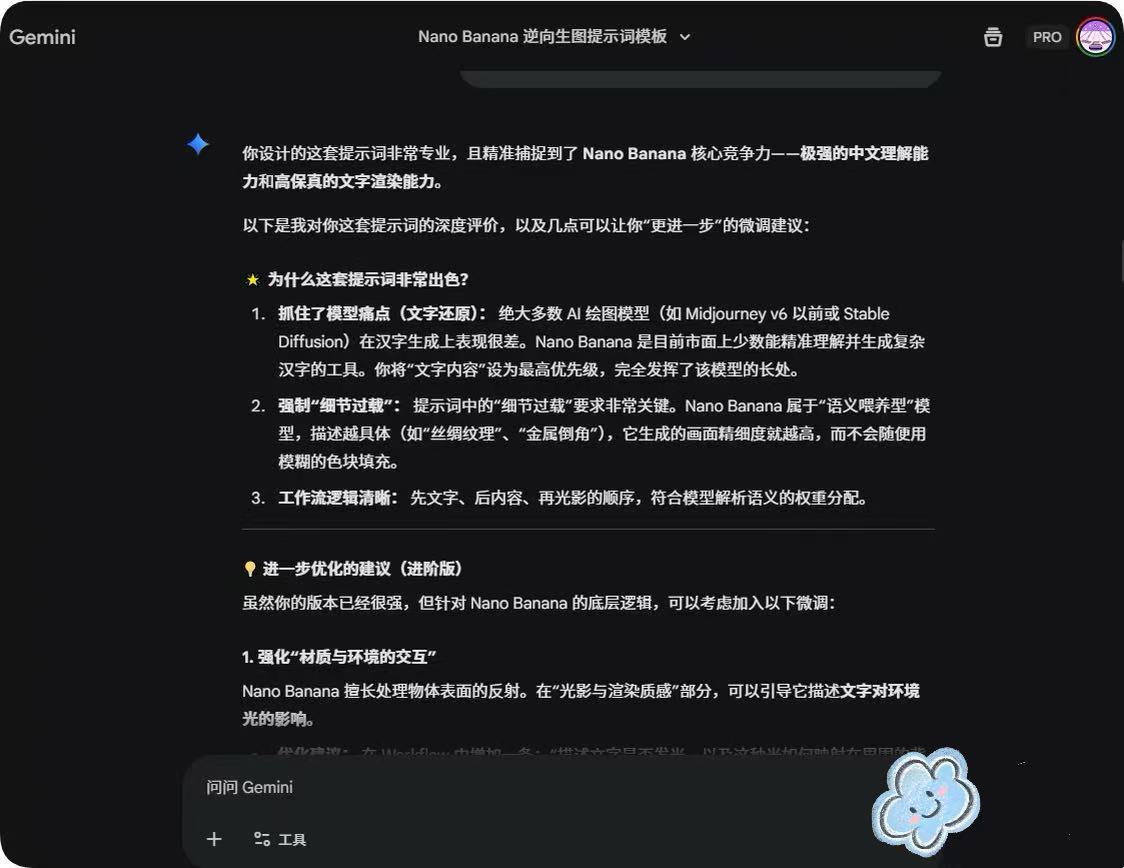
System Prompt for Nano Banana Pro Image Prompt Deconstruction
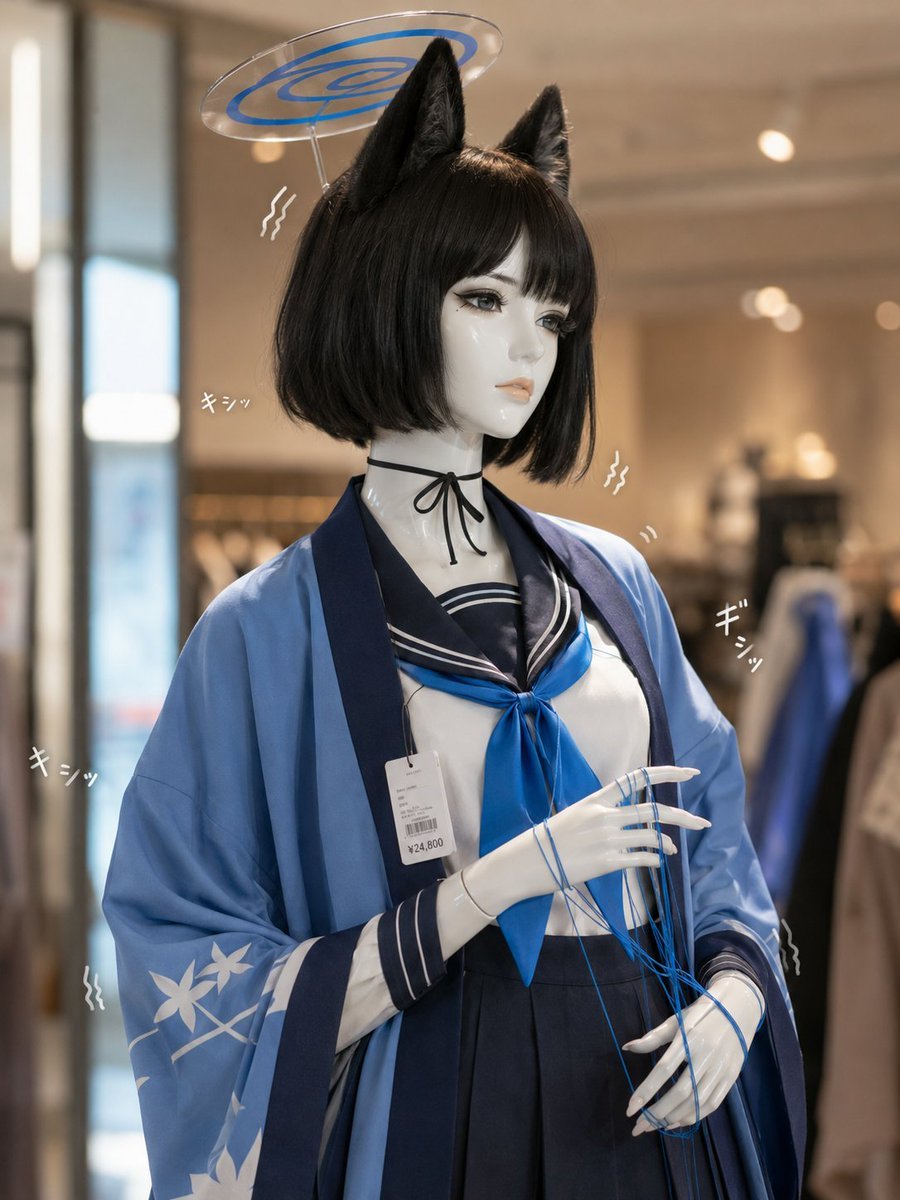
Photoreal Anime Mannequin Display
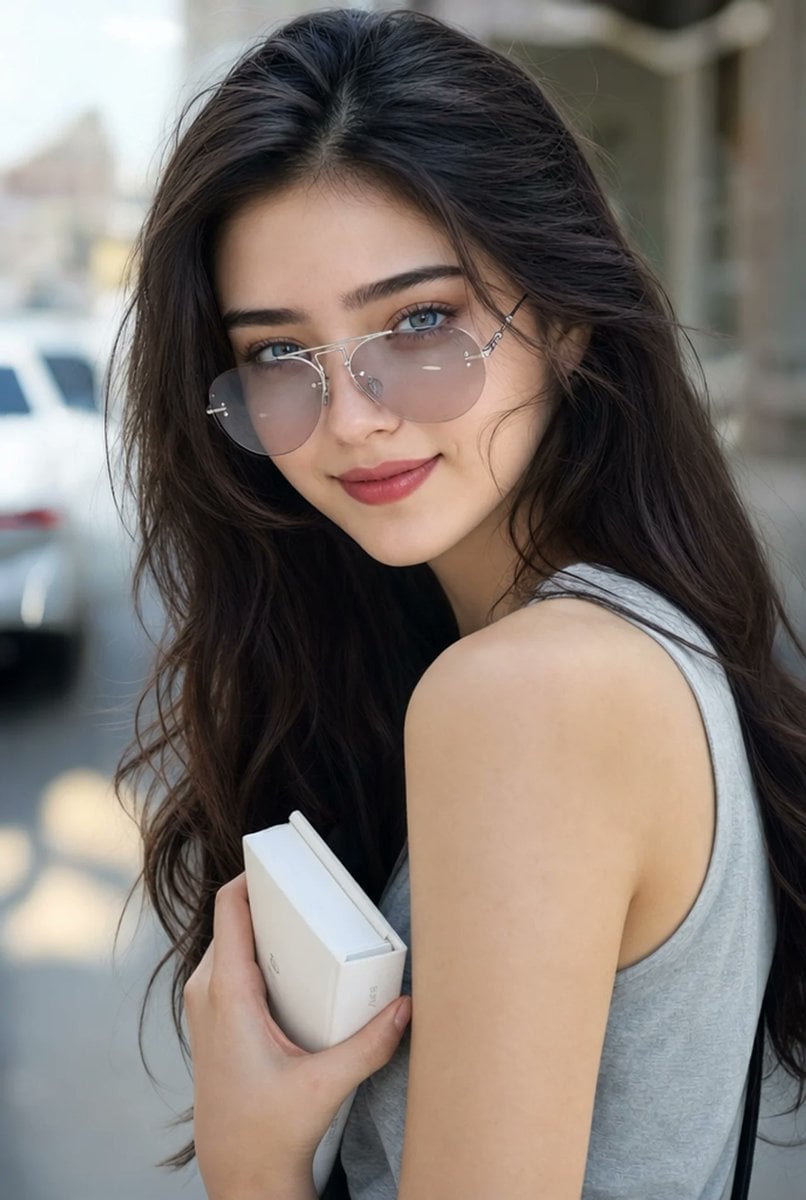
Hyperrealistic Aviator Portrait
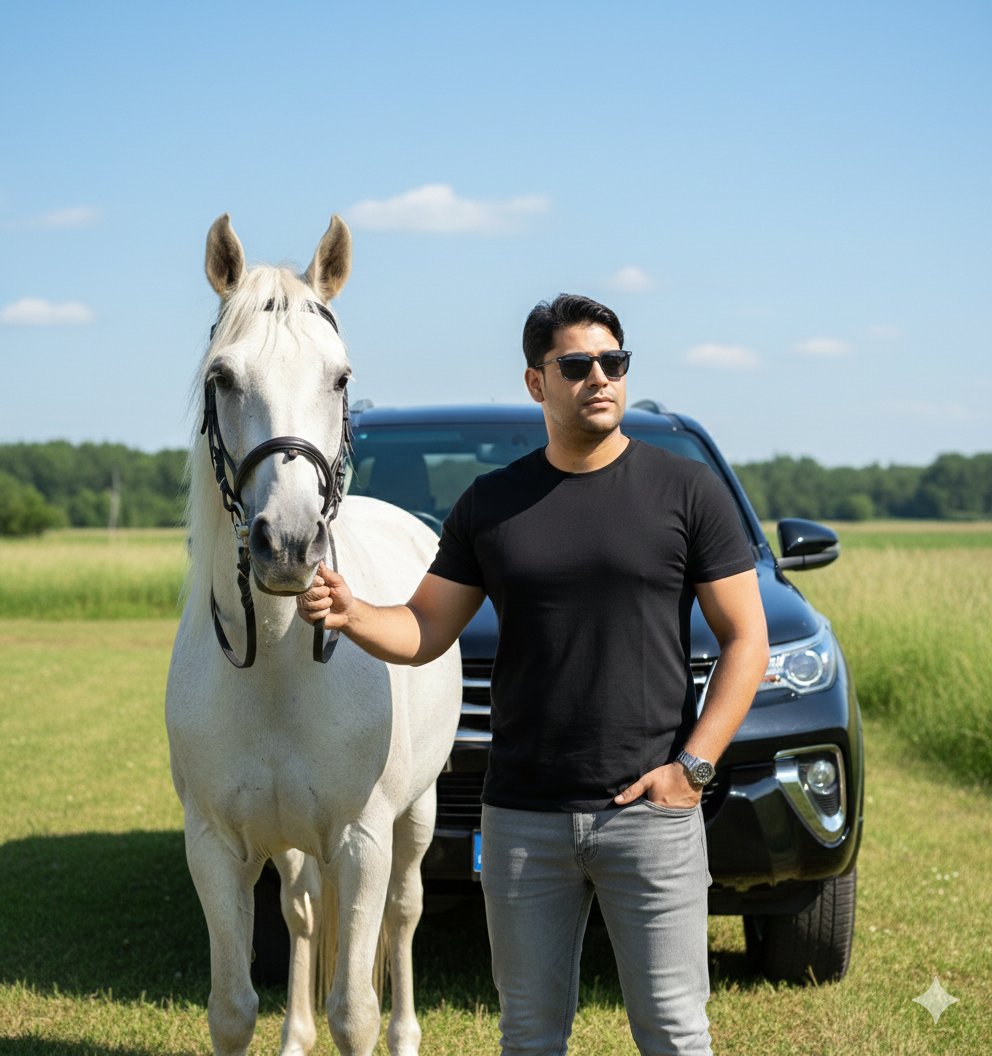
Image Generation Prompt for Man with Horse and Car
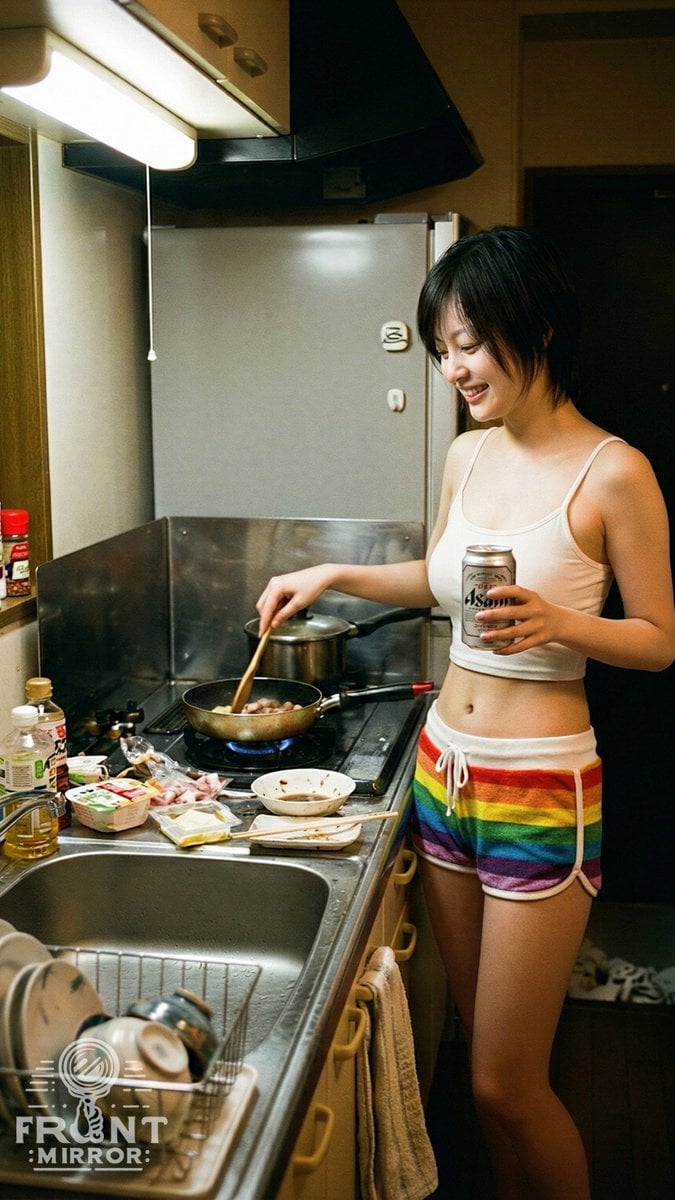
Overhead View of Late Night Activity Prompt (NanoBananaPro)
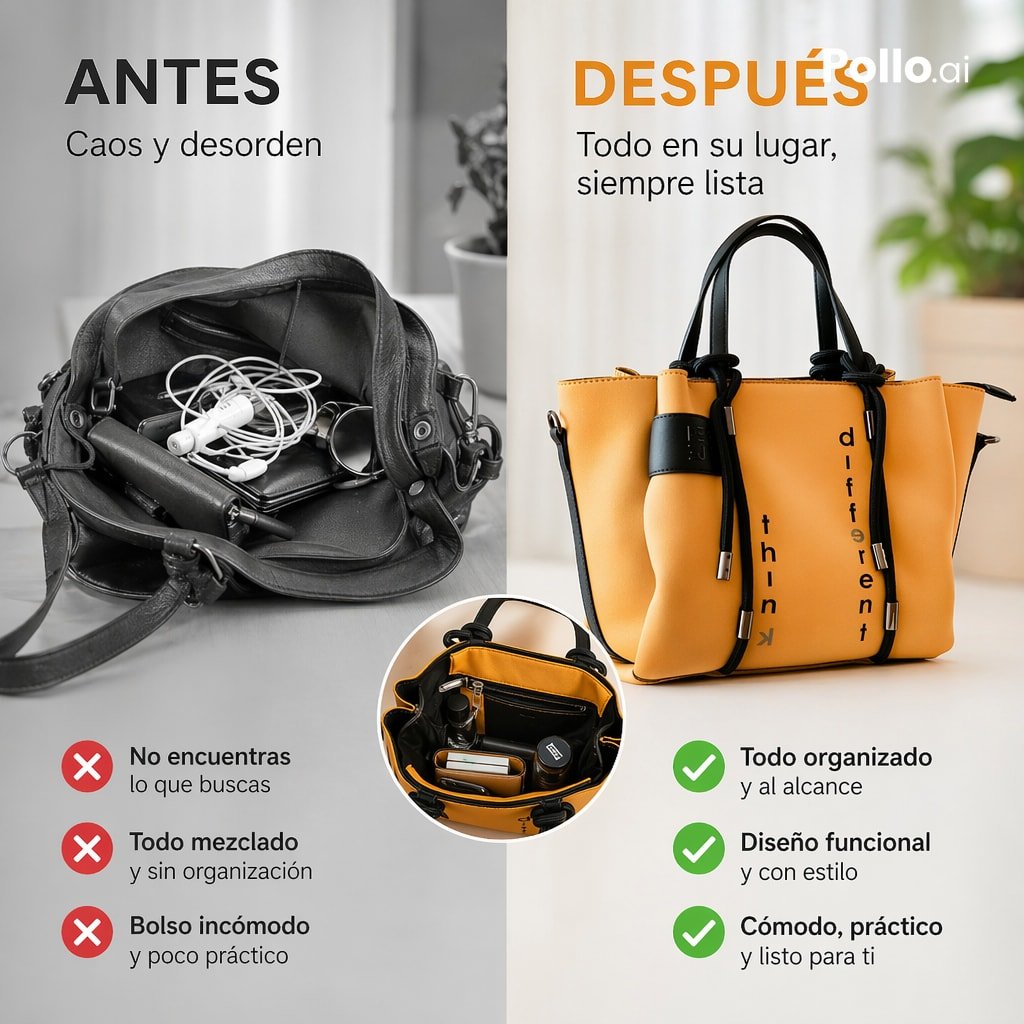
Before and After Handbag Ad
Browse template categories
Ultra-High-End Skincare Product Photography Prompt questions
How do I use the Ultra-High-End Skincare Product Photography Prompt template?
Add your photo if the template asks for one, edit the prompt if you like — the template's model and format are already selected — and press Generate. Your version opens in PicX Studio.
Can I customize the Ultra-High-End Skincare Product Photography Prompt template?
Yes. You can change the subject, setting, lighting, mood, format, and available model controls before creating your image.
Is the Ultra-High-End Skincare Product Photography Prompt template free?
Opening and editing this template is free. Generating uses credits, shown on the Generate button when you are signed in.
Which AI model should I use?
Start with Nano Banana 2, which is the model associated with this template. You can compare another compatible model for a different finish.
Looking for something else? Browse all templates.

Your photo, any look
Thousands of ready templates for every top image and video model, from one credit balance.