
Before and After Handbag Ad
A split-screen Spanish ecommerce ad comparing a messy handbag before and an organized stylish tote after, ideal for product marketing and online store promotions.
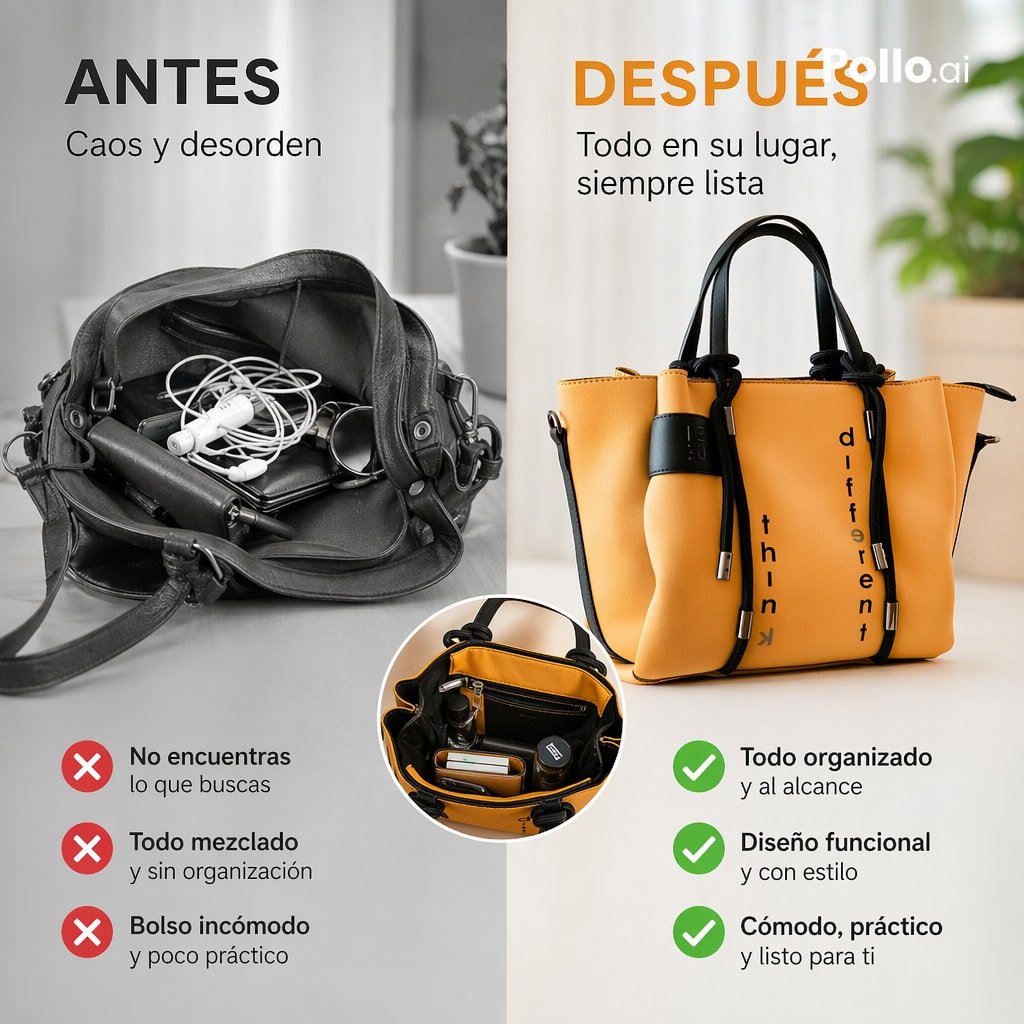
- Prompt included
- Model and format preset
- Free template
The prompt behind this image
Copy the exact prompt behind Before and After Handbag Ad, or open it in the studio and make it yours.
- Type
- split-screen ecommerce advertisement poster
- Style
- clean modern product ad, minimalist studio photography, social-media square format
- Language
- Spanish
- Format
- 1:1 vertical split composition
- Background › Left
- soft gray monochrome interior with sheer curtains and muted tabletop
- Background › Right
- bright warm neutral interior with soft natural light, blurred plant in background, light tabletop
- Layout › Sections › 0 › Title
- ANTES
- Layout › Sections › 0 › Position
- top-left
- Layout › Sections › 0 › Count
- 3
- Layout › Sections › 0 › Labels
- No encuentras lo que buscas, Todo mezclado, Bolso incómodo
- Layout › Sections › 1 › Title
- DESPUÉS
- Layout › Sections › 1 › Position
- top-right
- Layout › Sections › 1 › Count
- 3
- Layout › Sections › 1 › Labels
- Todo organizado y al alcance, Diseño funcional, Cómodo, práctico y listo para ti
- Layout › Center Divider
- vertical split down the middle
- Layout › Inset Count
- 1
- Branding › Watermark
- Pollo.ai
- Branding › Position
- top-right corner
- Branding › Color
- white
- Left Panel › Headline
- ANTES
- Left Panel › Headline Color
- black
- Left Panel › Subheadline
- Caos y desorden
- Left Panel › Image
- open dark gray leather handbag shown from above on a table, messy interior with tangled white earphones, a phone, cosmetic tube, glasses case, and small personal items spilling together, desaturated grayscale look
- Left Panel › Icon List Style
- three red circular icons with white X marks next to each complaint
Raw JSON
{"type":"split-screen ecommerce advertisement poster","style":"clean modern product ad, minimalist studio photography, social-media square format","language":"Spanish","format":"1:1 vertical split composition","background":{"left":"soft gray monochrome interior with sheer curtains and muted tabletop","right":"bright warm neutral interior with soft natural light, blurred plant in background, light tabletop"},"layout":{"sections":[{"title":"ANTES","position":"top-left","count":3,"labels":["No encuentras lo que buscas","Todo mezclado","Bolso incómodo"]},{"title":"DESPUÉS","position":"top-right","count":3,"labels":["Todo organizado y al alcance","Diseño funcional","Cómodo, práctico y listo para ti"]}],"center_divider":"vertical split down the middle","inset_count":1},"branding":{"watermark":"Pollo.ai","position":"top-right corner","color":"white"},"left_panel":{"headline":"ANTES","headline_color":"black","subheadline":"Caos y desorden","image":"open dark gray leather handbag shown from above on a table, messy interior with tangled white earphones, a phone, cosmetic tube, glasses case, and small personal items spilling together, desaturated grayscale look","icon_list_style":"three red circular icons with white X marks next to each complaint","mood":"cluttered, inconvenient, disorganized"},"right_panel":{"headline":"DESPUÉS","headline_color":"{argument name=\"accent color\" default=\"orange\"}","subheadline":"Todo en su lugar, siempre lista","image":"structured tote bag in {argument name=\"bag color\" default=\"mustard yellow\"} with black handles, black trim, and black drawstring-like front details, photographed upright in a polished studio lifestyle setting, neat and premium appearance","bag_details":"the front of the bag has vertical black text reading 'think' on one side and 'different' on the other side","icon_list_style":"three green circular icons with white check marks next to each benefit","mood":"organized, stylish, practical"},"inset":{"position":"bottom center overlapping both panels","shape":"circular cutout","image":"top-down view inside the organized yellow tote, showing tidy compartments with wallet, lipstick, keys, small bottle, and accessories neatly separated"},"text":{"left_bullets":[{"icon":"red X","title":"No encuentras lo que buscas","subtitle":"lo que buscas"},{"icon":"red X","title":"Todo mezclado","subtitle":"y sin organización"},{"icon":"red X","title":"Bolso incómodo","subtitle":"y poco práctico"}],"right_bullets":[{"icon":"green check","title":"Todo organizado","subtitle":"y al alcance"},{"icon":"green check","title":"Diseño funcional","subtitle":"y con estilo"},{"icon":"green check","title":"Cómodo, práctico","subtitle":"y listo para ti"}]},"product":{"category":"women's organizer tote handbag","target_use":"ecommerce ad for product benefits comparison","materials":"smooth leather or faux leather exterior, structured body, soft matte finish","lighting":"soft diffused natural studio lighting, higher contrast on product, subtle shadows","quality":"high-end commercial photography, crisp details, realistic textures"}}How to use Before and After Handbag Ad in 3 steps
- 1Upload ImagePNG, JPG or paste
Add your photo
Upload the photo the template builds on. The prompt, model and format are already set.
- 2…a portrait of your subject in softgolden-hour light, 85mm…
Personalize
Edit the subject and creative details for your destination.
- 3Generate
Generate
Press Generate — your image is created in PicX Studio, so you can compare it with the original and refine one variable at a time.
More like this
Templates with the same subject, style or setup. Open one to see its prompt.

Surreal Luxury Handbag Editorial
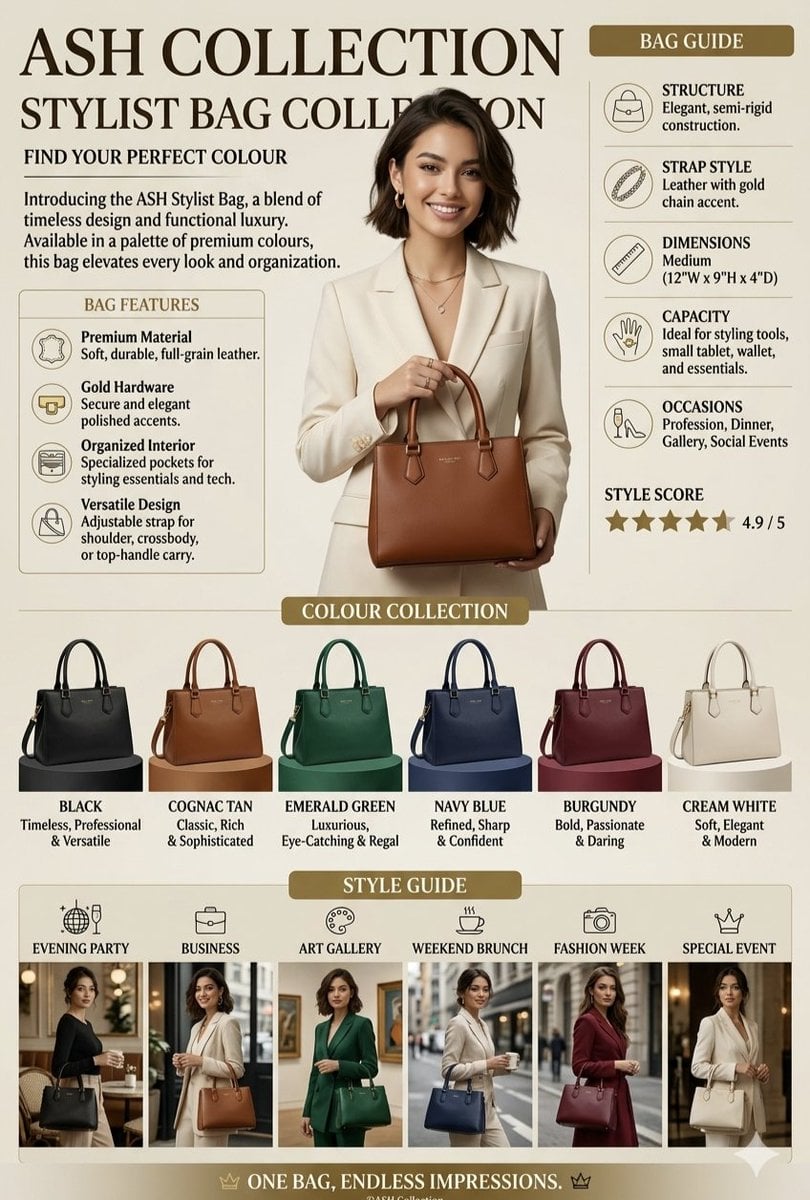
Luxury Handbag Promotional Infographic
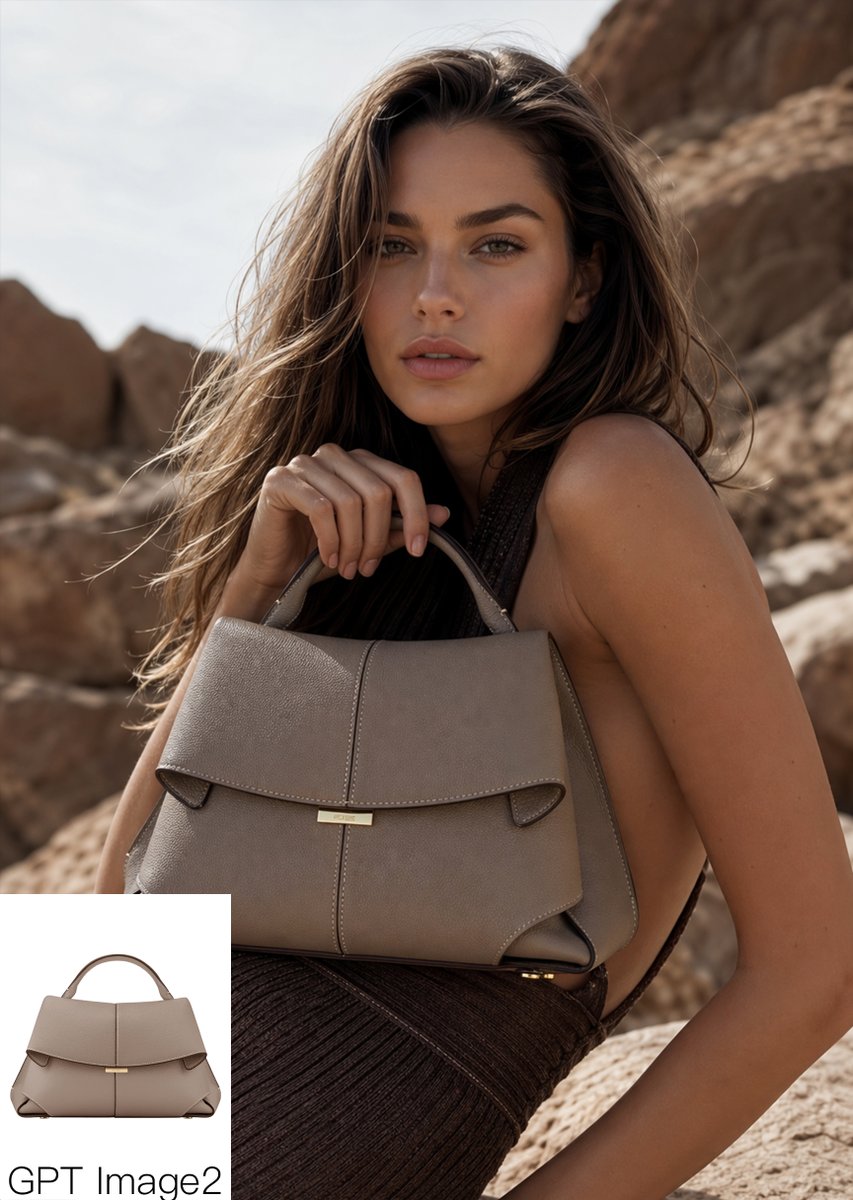
Luxury Desert Handbag Campaign
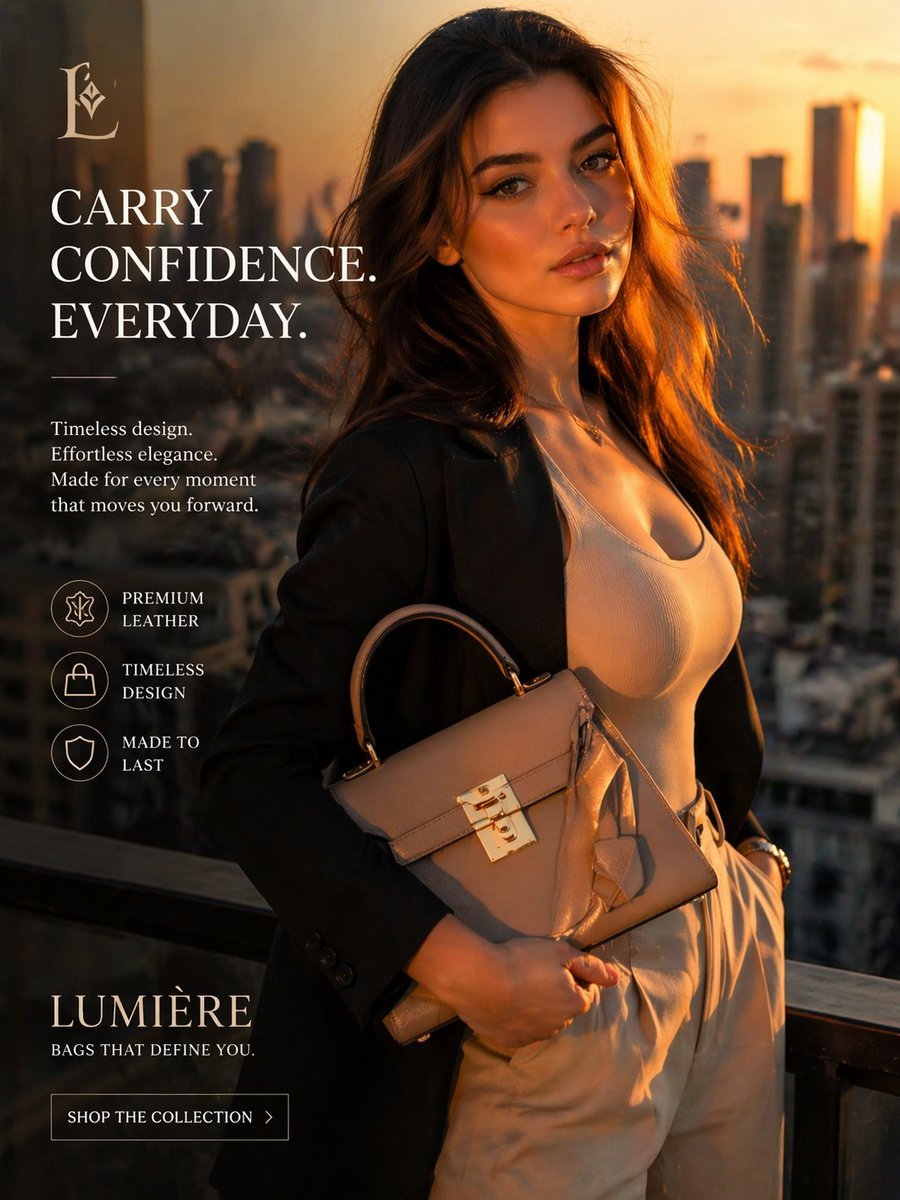
Luxury Handbag Sunset Ad
Rustic Luxury Fashion Shot with YSL Handbag
Luxury Handbag Exploded View Animation Prompt
Photography Prompt #982
European Cafe Lifestyle Photography
Tokyo Night Crosswalk Fashion Portrait
Monochrome Green Fashion Editorial
Parisian Bicycle Fashion Portrait
Modern Urban Streetwear Portrait
Make it yours
Before and After Handbag Ad works as-is. These are the safest ways to change it without losing the look.
Swap the setting
Keep the rest of the prompt and replace the location block. The current setting is “soft gray monochrome interior with sheer curtains and muted tabletop”.
Swap the light
One lighting change is enough to compare takes. Current light: “soft diffused natural studio lighting, higher contrast on product, subtle shadow”.
Change one field
Copy a single group, rewrite it, and generate again so you can see what that field is doing.
| If the result… | Why | Fix |
|---|---|---|
| The result drifts from the preview | Too many fields changed at once. | Reuse Before and After Handbag Ad as-is first, then change one group — subject, light, or setting. |
| GPT Image 2 ignores part of the JSON | Some models flatten or skip nested keys. | Keep the same values and paste them as a short paragraph instead. |
More GPT Image 2 templates
Other prompts made for GPT Image 2.

Six VTuber Japanese Logo Sheet

Realistic Portrait of Woman and Deer

The Vista Modular Condo Poster

AI Model Routing Comparison Infographic

2.5D Anime Art Board

Isometric Productivity Desk Scene

New York Double Exposure Poster

Four-Panel AI Landscape Comparison

Japanese Tatami Lifestyle Magazine Cover

NESCAFÉ Coffee Map Poster
More image prompts
Fresh picks from across the catalog.
Rustic Tortilla de Patatas Poster

Female Android in Spaceship
Woman in Backless Saree Leaning on Wooden Railing

Woman in Sunflower Field Fashion Photo

Cinematic Lakeside Portrait
Mixed-Media Portrait with CGI Mascot in Candy Store
Panel Manga Dialogue Prompt
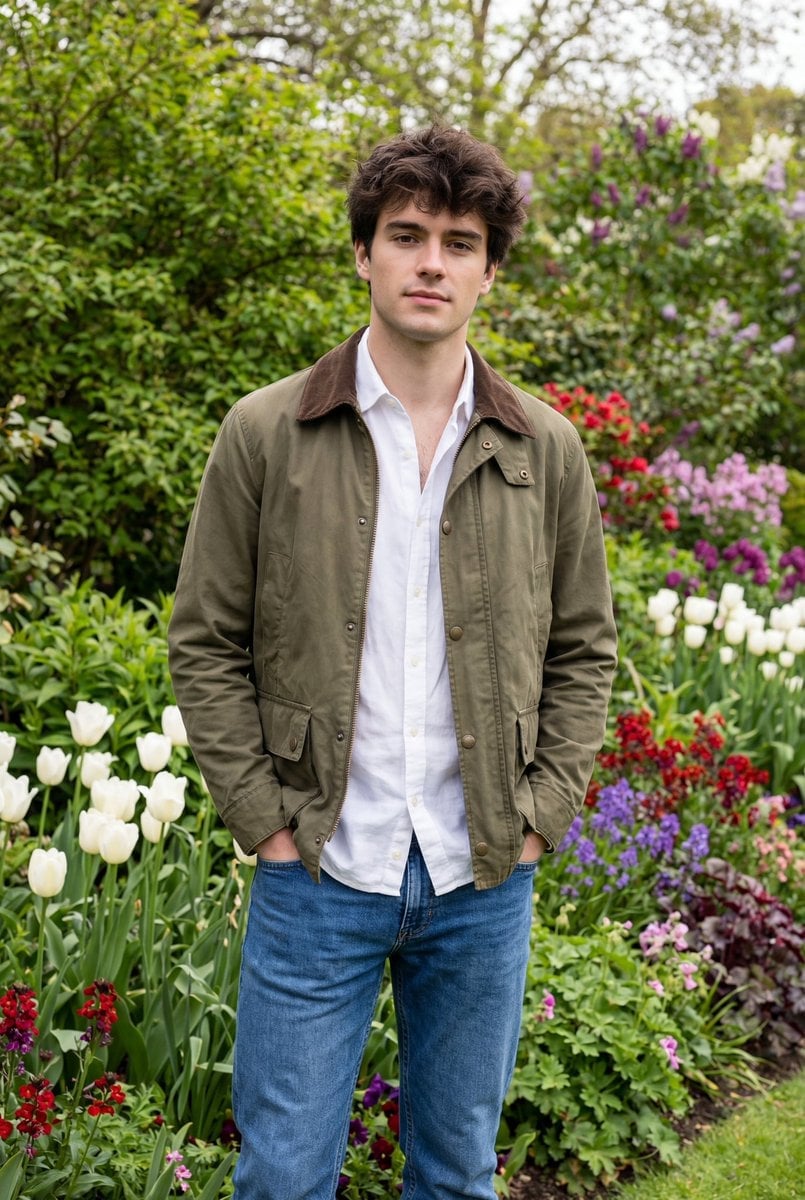
Natural Editorial Portrait of a Man in a Garden

Pop-Up Book Diorama Generator Prompt
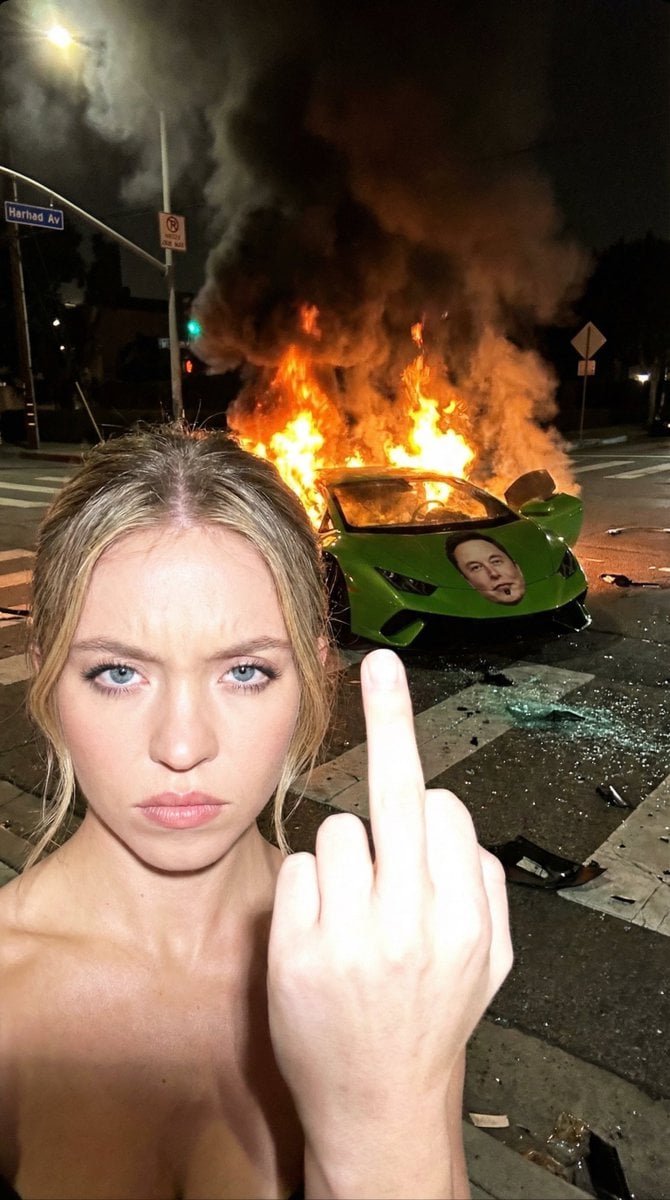
The Crash & The Gesture: Aggressive Street Photography
Browse template categories
Before and After Handbag Ad questions
How do I use the Before and After Handbag Ad template?
Add your photo if the template asks for one, edit the prompt if you like — the template's model and format are already selected — and press Generate. Your version opens in PicX Studio.
Can I customize the Before and After Handbag Ad template?
Yes. You can change the subject, setting, lighting, mood, format, and available model controls before creating your image.
Is the Before and After Handbag Ad template free?
Opening and editing this template is free. Generating uses credits, shown on the Generate button when you are signed in.
Which AI model should I use?
Start with GPT Image 2, which is the model associated with this template. You can compare another compatible model for a different finish.
Looking for something else? Browse all templates.

Your photo, any look
Thousands of ready templates for every top image and video model, from one credit balance.