
Woman in Sunflower Field Fashion Photo
Generates a warm golden-hour fashion portrait of a stylish woman in a sunflower field, suitable for lifestyle, outfit, or social media visuals.
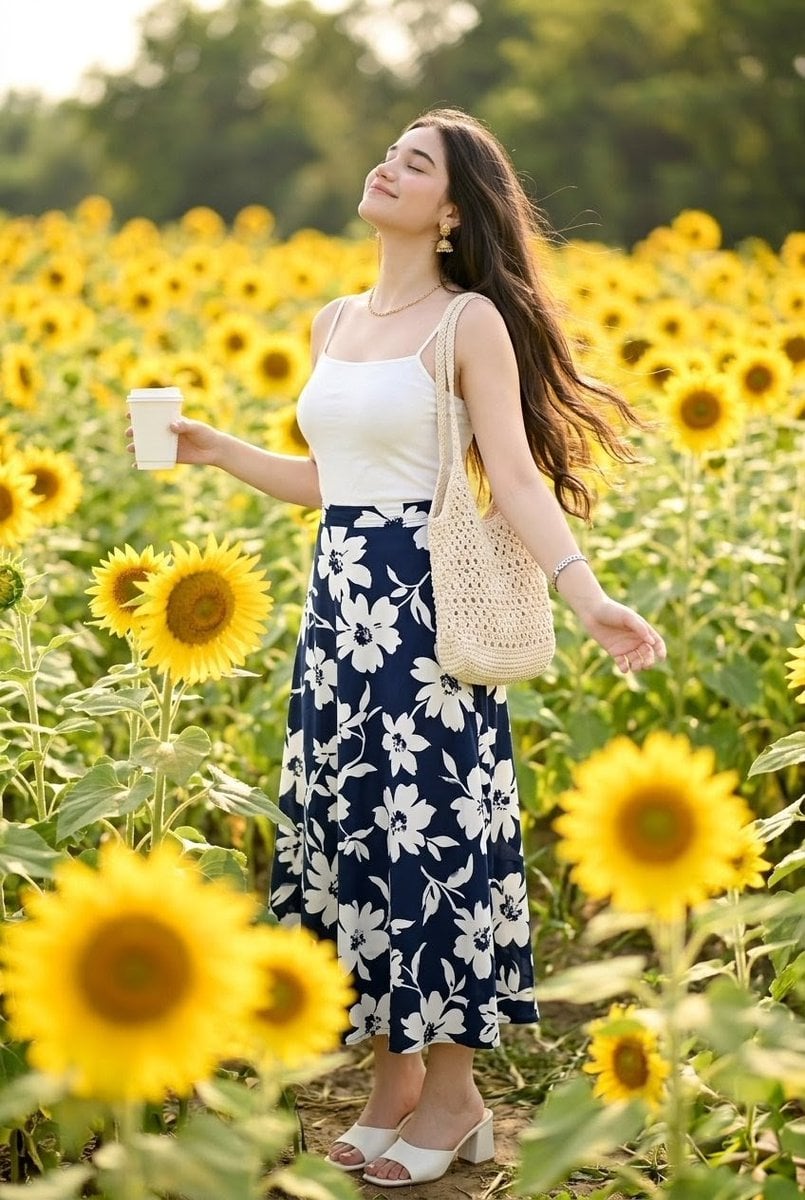
- Prompt included
- Model and format preset
- Free template
The prompt behind this image
Copy the exact prompt behind Woman in Sunflower Field Fashion Photo, or open it in the studio and make it yours.
Create a vertical full-body lifestyle fashion photograph of a stylish young Indian woman with {argument name="skin tone" default="fair warm skin tone"} standing in a bright sunflower field during golden hour. She has {argument name="hair style" default="long dark black hair worn loose and flowing in the breeze"}, with her face intentionally anonymized by a soft square skin-toned blur covering the entire facial area. She is posed casually on a narrow dirt path among tall sunflowers, body angled slightly to the side, one arm extended gently outward and the other hand holding a plain white takeaway coffee cup. Her outfit has exactly 7 visible fashion/accessory elements: a fitted white spaghetti-strap cami top, a high-waisted {argument name="skirt pattern" default="navy blue midi skirt with large white floral print"}, white open-toe block-heel mule sandals, a beige crocheted shoulder tote bag, gold jhumka-style earrings, a delicate gold necklace, and a small bracelet. The field should be dense with many yellow sunflowers at different depths, including large blurred sunflowers in the foreground, sharper midground flowers around her, and soft green trees in the distant background. Use warm natural sunlight from behind and the side, soft bokeh, shallow depth of field, realistic skin and fabric textures, airy summer mood, elegant candid editorial style, 2:3 vertical composition, no text, no watermark.
How to use Woman in Sunflower Field Fashion Photo in 3 steps
- 1Upload ImagePNG, JPG or paste
Add your photo
Upload the photo the template builds on. The prompt, model and format are already set.
- 2…a portrait of your subject in softgolden-hour light, 85mm…
Personalize
Edit the subject and creative details for your destination.
- 3Generate
Generate
Press Generate — your image is created in PicX Studio, so you can compare it with the original and refine one variable at a time.
More like this
Templates with the same subject, style or setup. Open one to see its prompt.
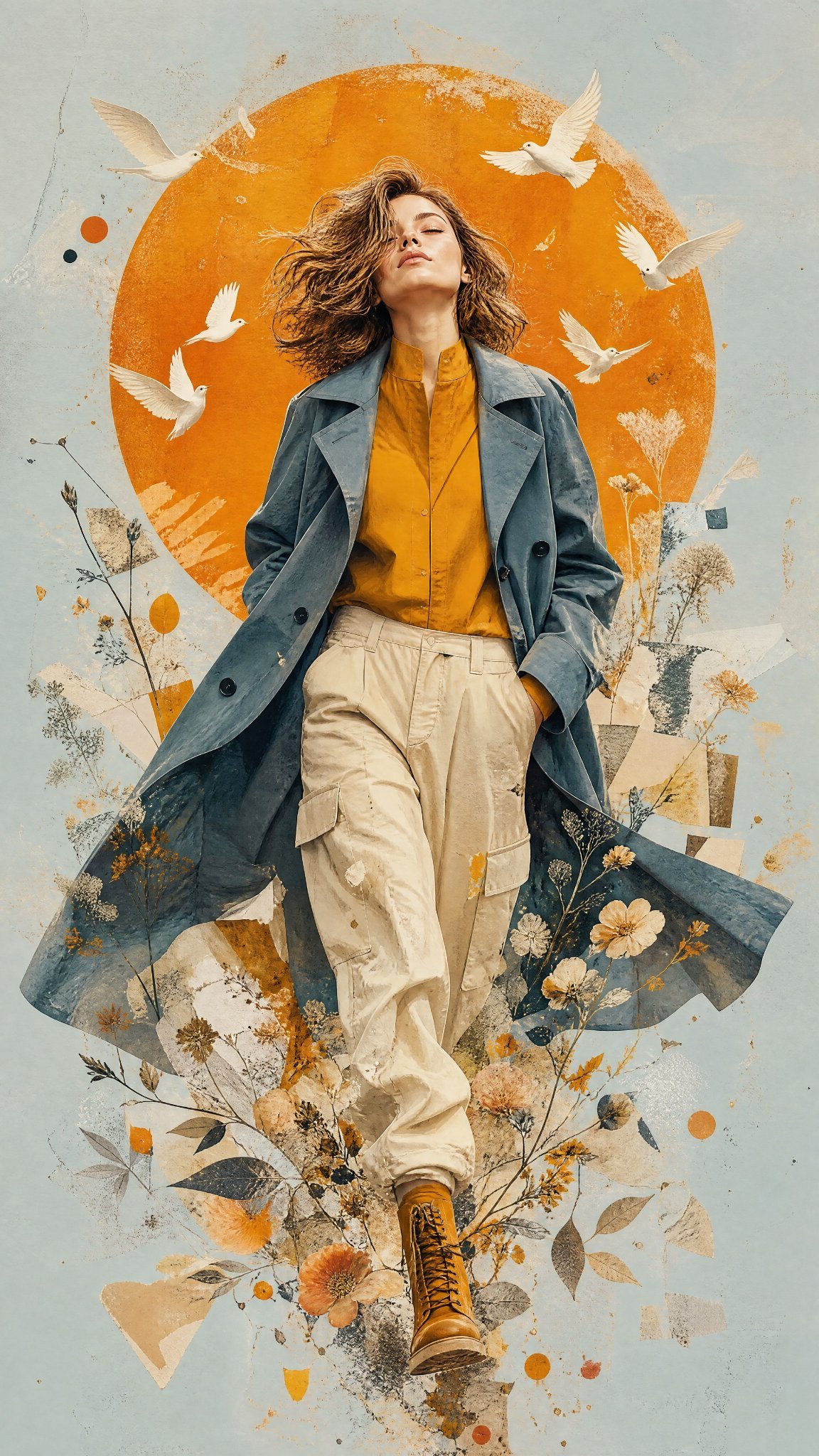
Mixed Media Editorial Woman Illustration

Couture Fashion Editorial Woman and Drag

80s College Gate

1988 Mall Style

80s Polka Dot Saree
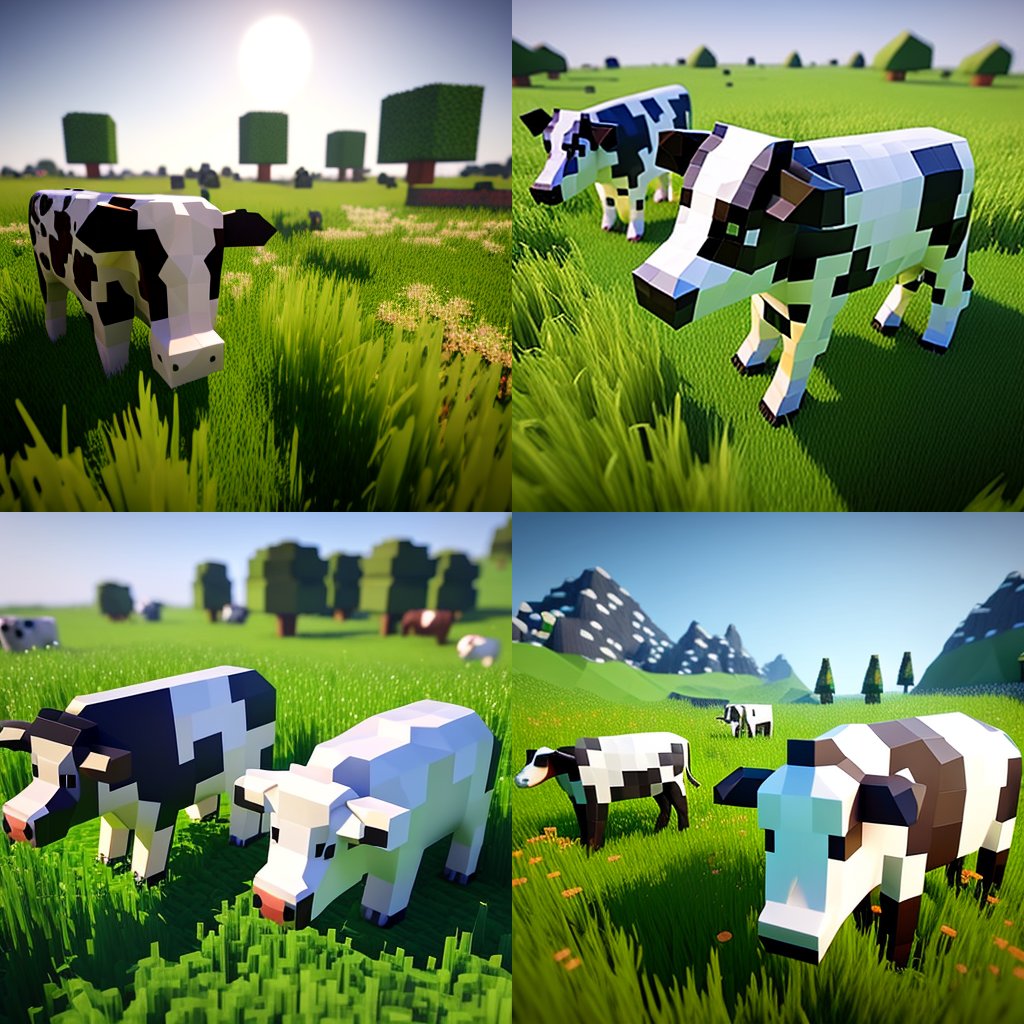
Hyper-Realistic Minecraft Cows Grazing
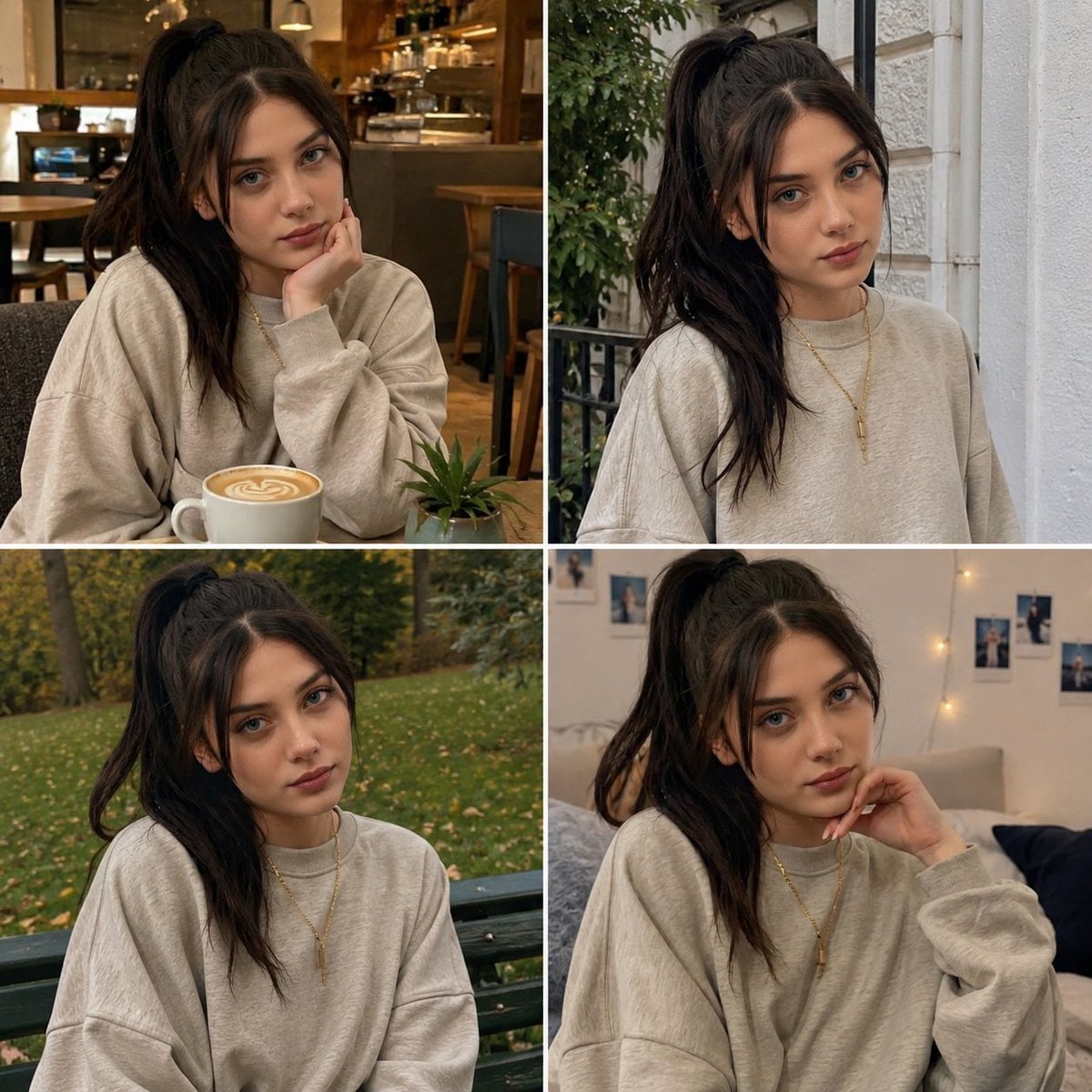
Candid Woman with Sunflower Portrait
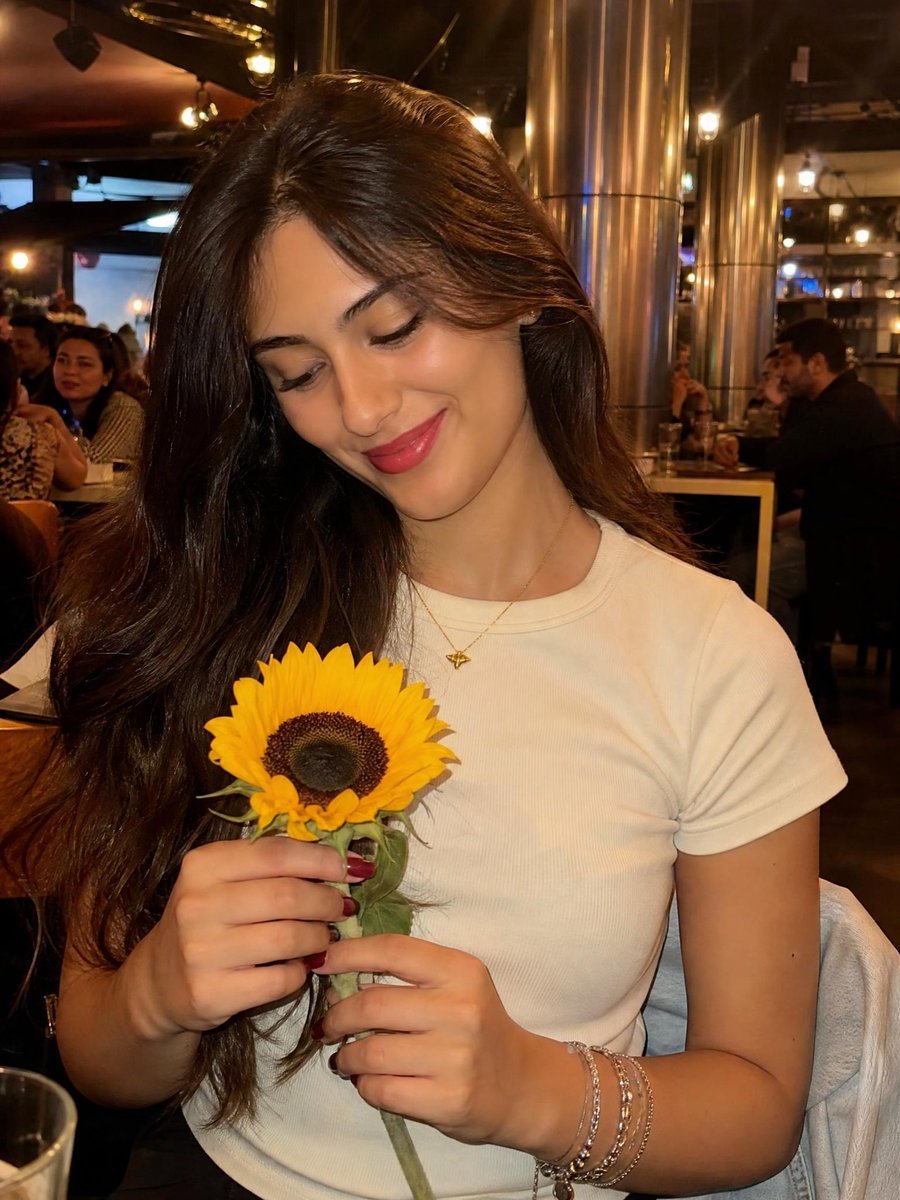
Woman with Sunflower in Warm Restaurant Setting

Anime Girl in Sunflower Field

Sunflower Field Frame Portrait
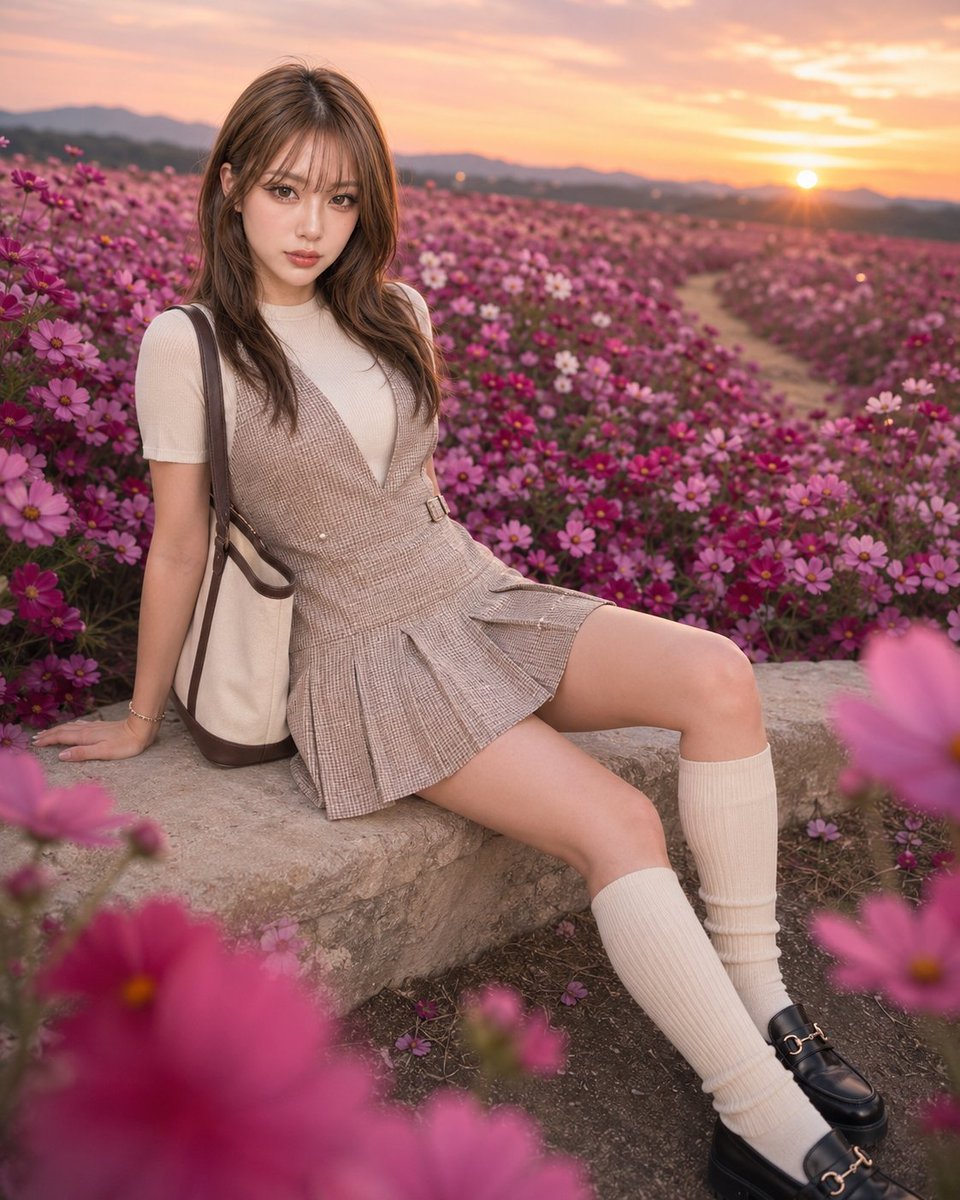
Fashion Portrait in Rose Cosmos Field
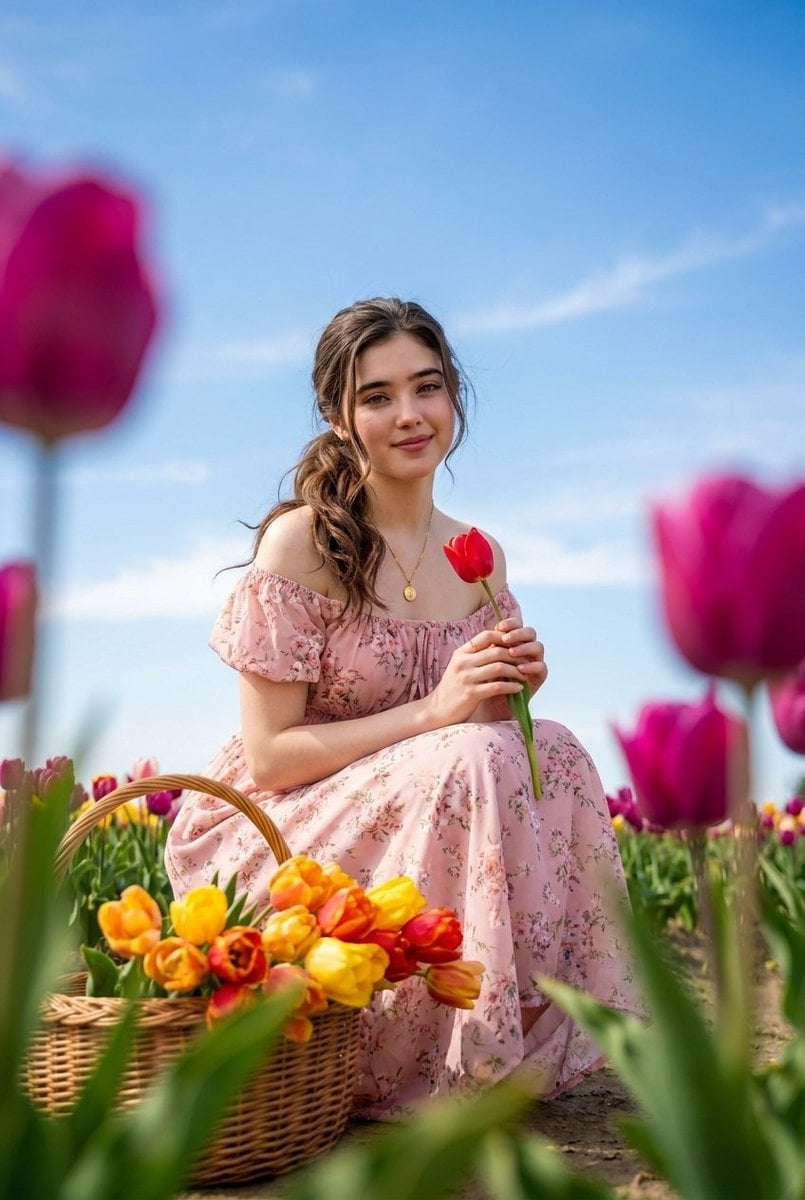
Brunette Woman in Tulip Field Portrait
Make it yours
Woman in Sunflower Field Fashion Photo works as-is. These are the safest ways to change it without losing the look.
Change one field
Copy a single group, rewrite it, and generate again so you can see what that field is doing.
Keep the frame, change the subject
Hold the composition and light of Woman in Sunflower Field Fashion Photo, then swap wardrobe, props or the person for a new take.
| If the result… | Why | Fix |
|---|---|---|
| The result drifts from the preview | Too many fields changed at once. | Reuse Woman in Sunflower Field Fashion Photo as-is first, then change one group — subject, light, or setting. |
| The model over-stylizes the scene | The prose prompt leaves finish and camera underspecified. | Add one camera or lighting sentence and stay on GPT Image 2. |
More GPT Image 2 templates
Other prompts made for GPT Image 2.

Six VTuber Japanese Logo Sheet

Realistic Portrait of Woman and Deer

The Vista Modular Condo Poster

AI Model Routing Comparison Infographic

2.5D Anime Art Board

Isometric Productivity Desk Scene

New York Double Exposure Poster

Four-Panel AI Landscape Comparison

Japanese Tatami Lifestyle Magazine Cover

NESCAFÉ Coffee Map Poster
More image prompts
Fresh picks from across the catalog.

National Identity Mobile Wallpaper

Prompt: Transform the reference photo into an auth
Google Gemini Nano Banana 2 Chatgpt Grok
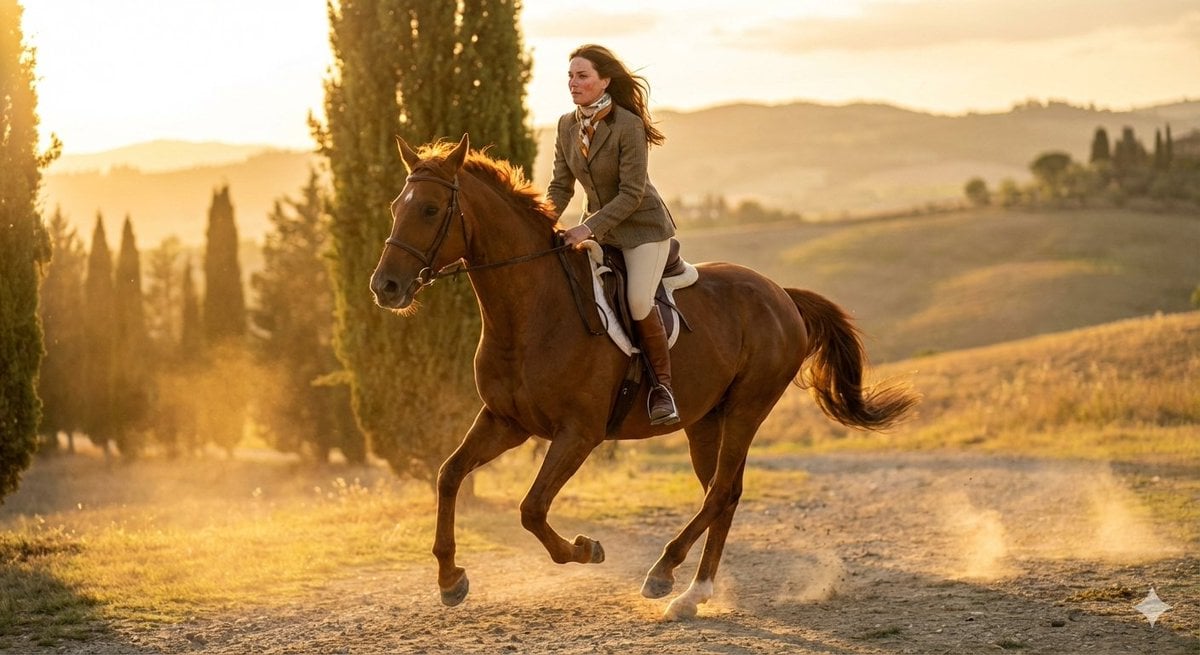
Dynamic Equestrian Model in Tuscan Fields at Golden Hour
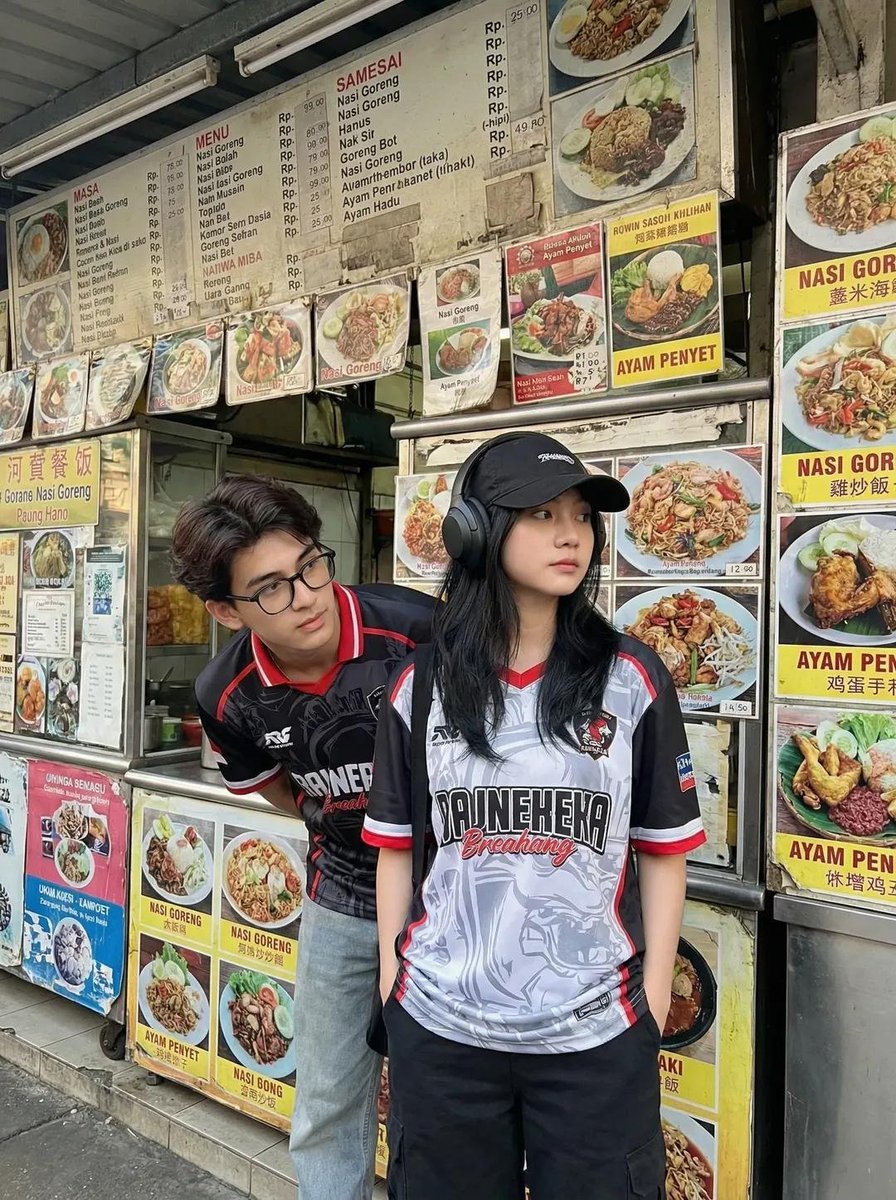
Candid Street Photography of Young Adults at a Southeast Asian Food Stall
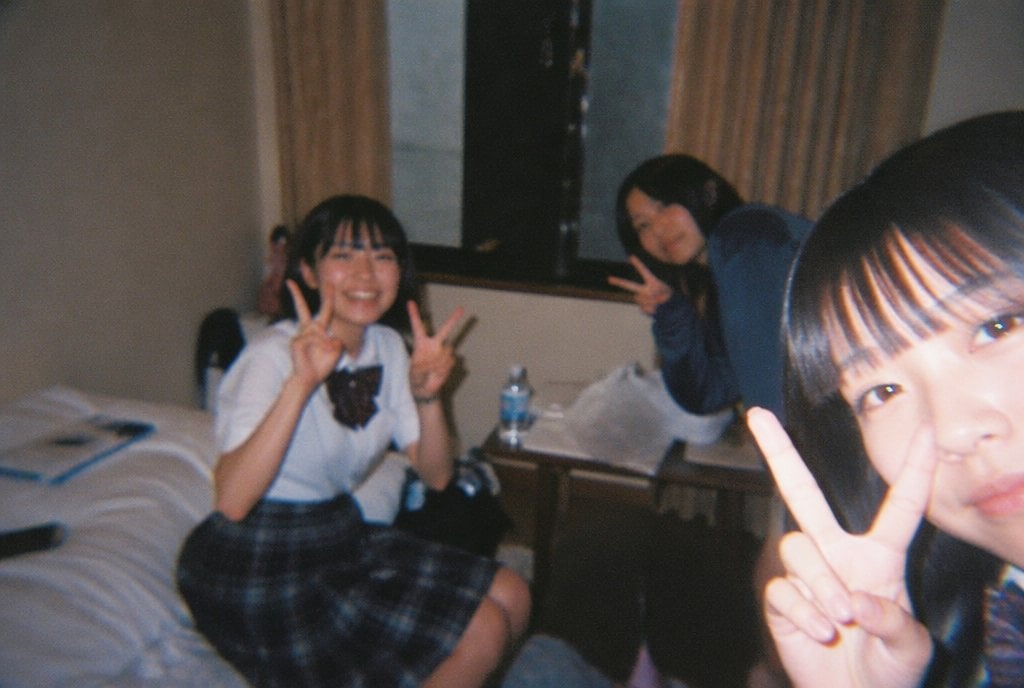
Nostalgic Disposable Camera Snap Prompt
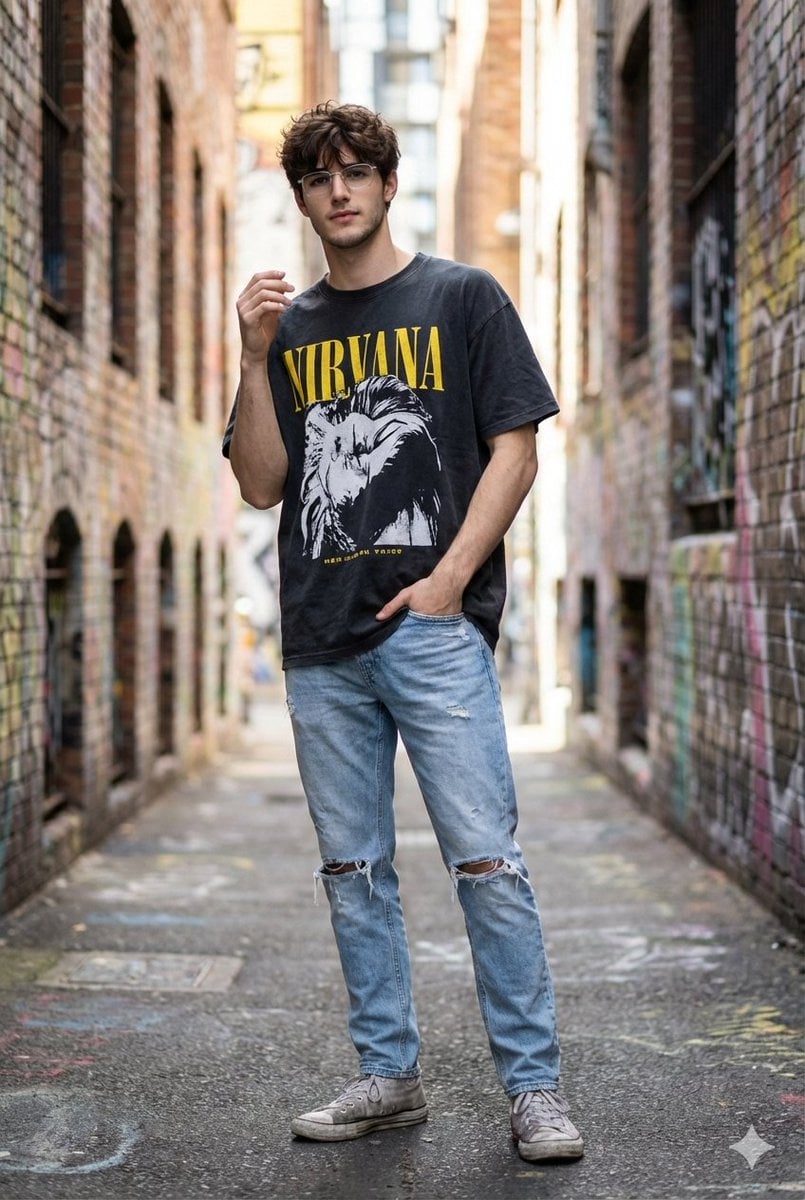
Hyper-Realistic Street Style Portrait Prompt
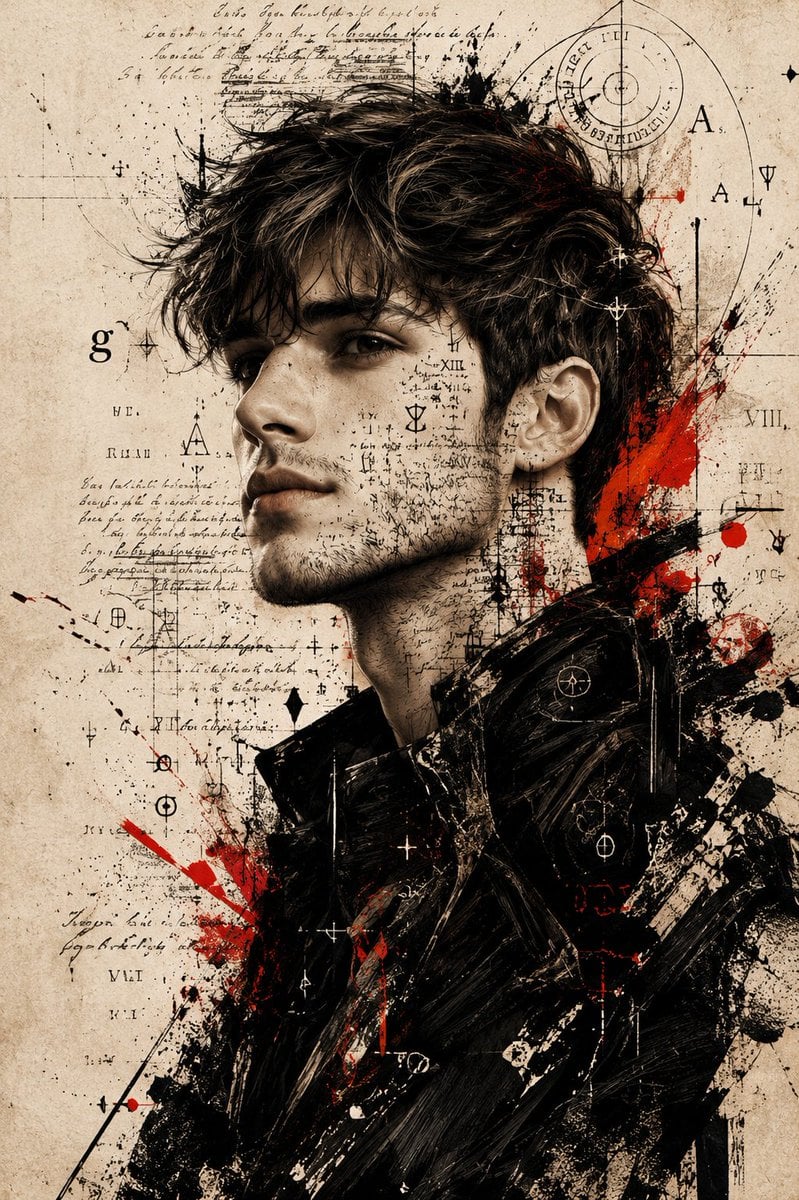
Expressive Mixed-Media Ink Portrait
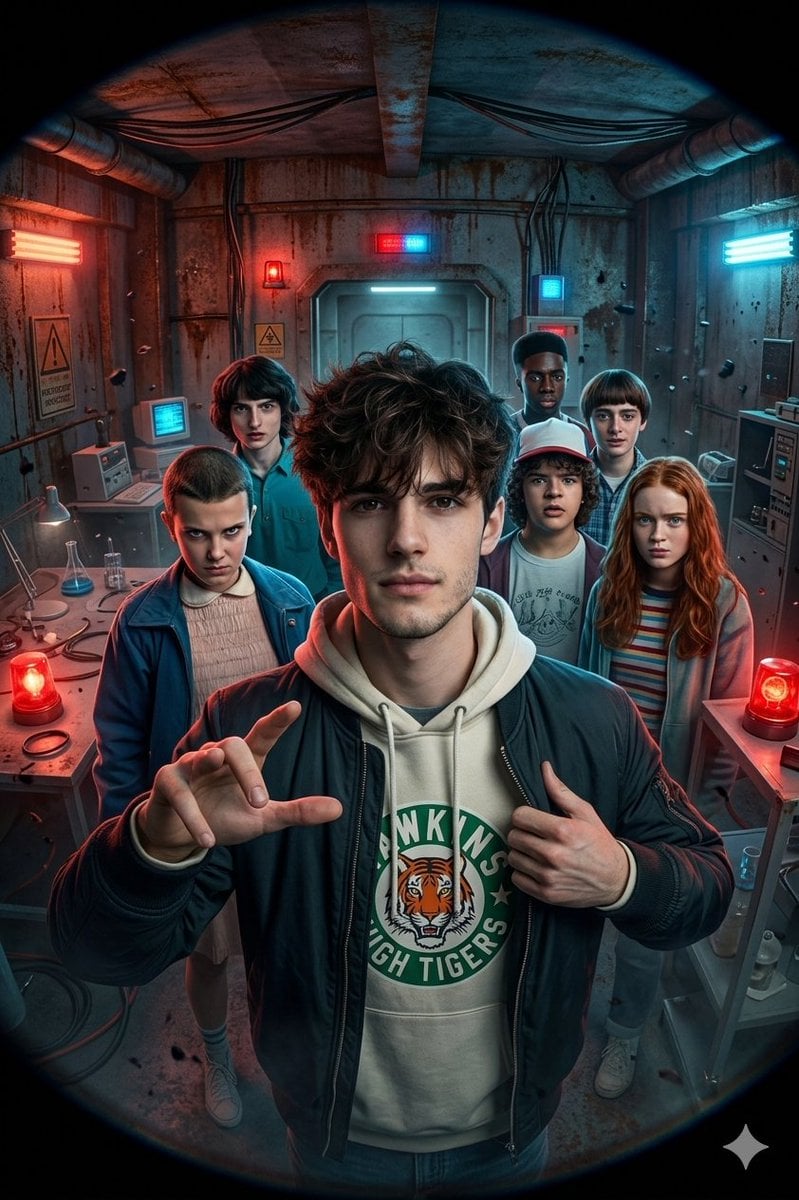
Stranger Things Action Selfie with Fish-Eye Distortion
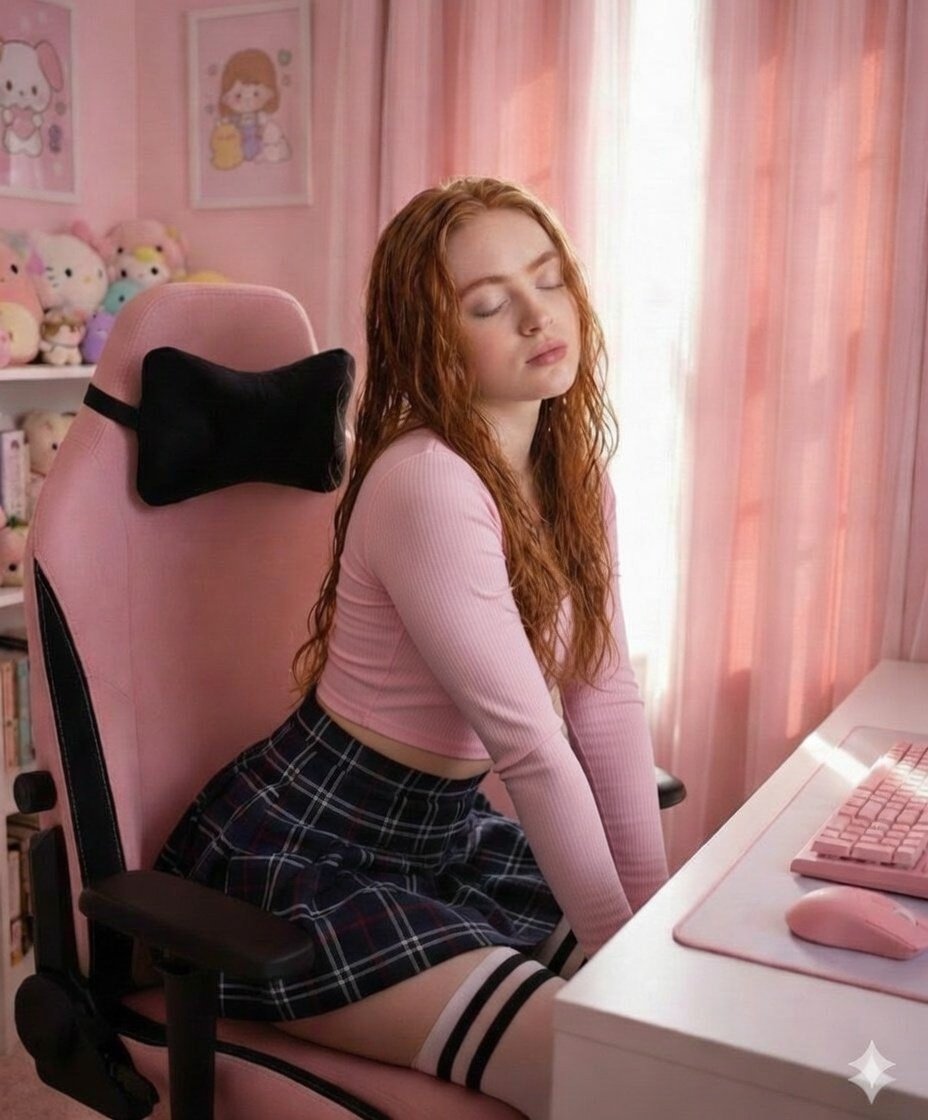
Soft Pink Aesthetic Study Room Vibe
Browse template categories
Woman in Sunflower Field Fashion Photo questions
How do I use the Woman in Sunflower Field Fashion Photo template?
Add your photo if the template asks for one, edit the prompt if you like — the template's model and format are already selected — and press Generate. Your version opens in PicX Studio.
Can I customize the Woman in Sunflower Field Fashion Photo template?
Yes. You can change the subject, setting, lighting, mood, format, and available model controls before creating your image.
Is the Woman in Sunflower Field Fashion Photo template free?
Opening and editing this template is free. Generating uses credits, shown on the Generate button when you are signed in.
Which AI model should I use?
Start with GPT Image 2, which is the model associated with this template. You can compare another compatible model for a different finish.
Looking for something else? Browse all templates.

Your photo, any look
Thousands of ready templates for every top image and video model, from one credit balance.