
Sunflower Field Frame Portrait
A dreamy, soft-focus prompt for a subject framed by a wooden picture frame within a dense sunflower field, featuring warm sunlight and haze.

- Prompt included
- Model and format preset
- Premium template
The prompt behind this image
Copy the exact prompt behind Sunflower Field Frame Portrait, or open it in the studio and make it yours.
A very tight vertical frame with strong crop pressure, the subject positioned inside a dense {argument name="flower type" default="sunflower"} and orange flower field while partially framed by a large tilted wooden picture frame near the center of the image. Large blurred sunflower blooms dominate the upper-right foreground and left foreground edges, partially blocking the frame and subject. The wooden frame leans diagonally from lower-left toward upper-right, surrounding the face and upper torso area while several edges are cropped by foreground flowers and frame borders. Pale blue sky with soft white clouds occupies the upper-left background, with dense green foliage and orange flowers filling the lower and middle background. Preserve the exact asymmetrical placement and tight crop without revealing more body or environment. The face appears near the upper-center area inside the wooden frame, tilted slightly downward toward viewer’s left, eyes open wide directed toward the camera axis, pupils centered, lips softly closed with a slight pout shape and faint glossy pink color. Makeup is soft and bright with pale pink blush, peach-pink eyeshadow, subtle eyeliner, glossy pink lips, smooth bright skin with warm highlights. Small flower stickers remain visible on the cheek. Dark medium-length hair falls around both sides of the face and shoulder area with loose strands near the forehead and cheek, a yellow flower accessory tucked into the hair near the viewer’s left side of the head. One hand grips the lower-left side of the wooden frame while the other arm remains lower and partly hidden by flowers and leaves. Clothing must remain unchanged: a vivid {argument name="top color" default="cobalt-blue"} short-sleeve knit top, close-fitting over the upper torso, with a simple round crew neckline sitting close to the base of the neck, smooth fine-knit fabric texture, short sleeves ending around the upper arm, sleeve edges slightly curved around the arms, fabric softly stretched across the chest and shoulder area with mild natural folds and highlights, no visible logo or pattern. Dense sunflower leaves and stems overlap the lower foreground and right side with several leaves and flowers heavily blurred and cropped by the frame edges. Bright warm sunlight creates strong dreamy haze, pale overexposed highlights, and soft translucent lens flare artifacts near the upper-left and lower-left areas. Dreamy soft-focus image quality, reduced edge sharpness, shallow depth of field, blurred foreground flowers, and soft yellow-green background separation.
How to use Sunflower Field Frame Portrait in 3 steps
- 1
Open
The prompt is already in the box next to the preview, with the template's model and format selected.
- 2…a portrait of your subject in softgolden-hour light, 85mm…
Personalize
Edit the subject and creative details for your destination.
- 3Generate
Generate
Press Generate — your image is created in PicX Studio, so you can compare it with the original and refine one variable at a time.
More like this
Templates with the same subject, style or setup. Open one to see its prompt.
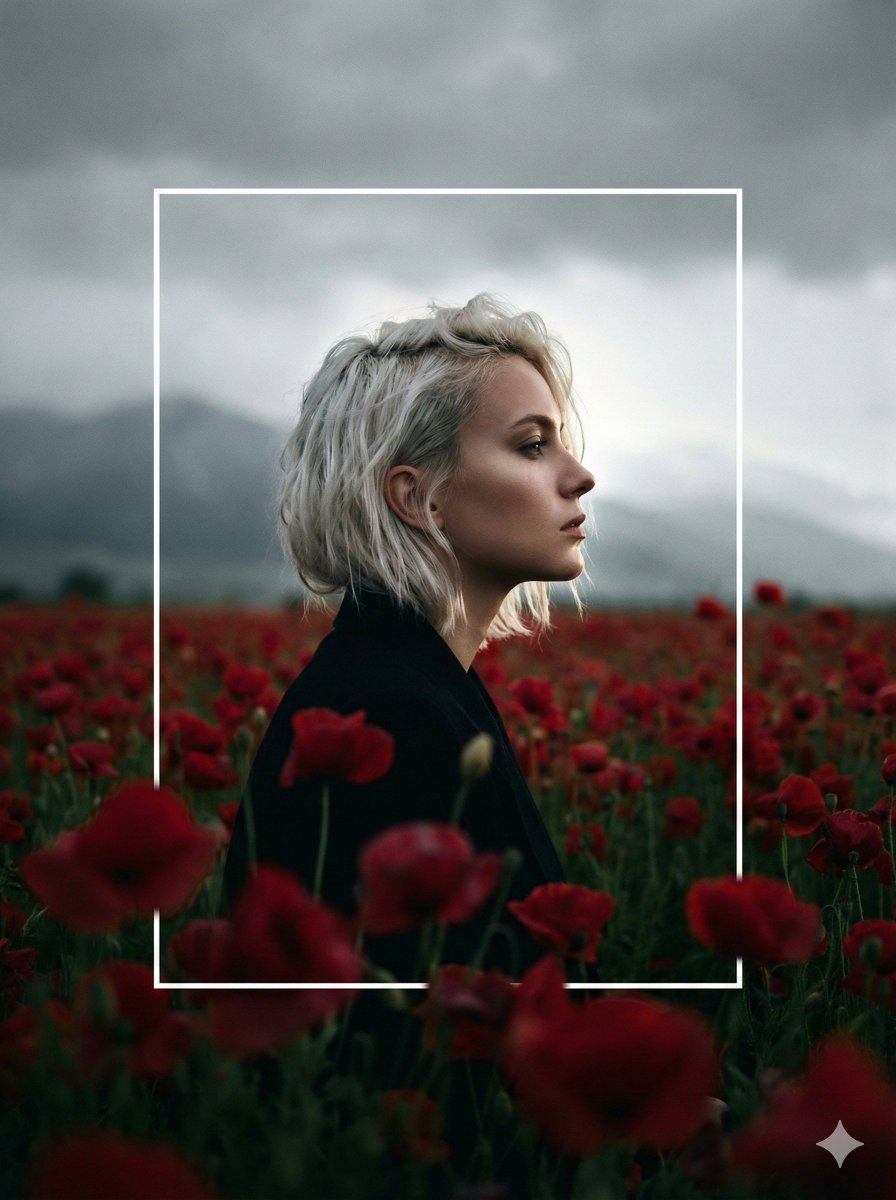
Cinematic Profile Portrait in Crimson Field with Frame Overlay
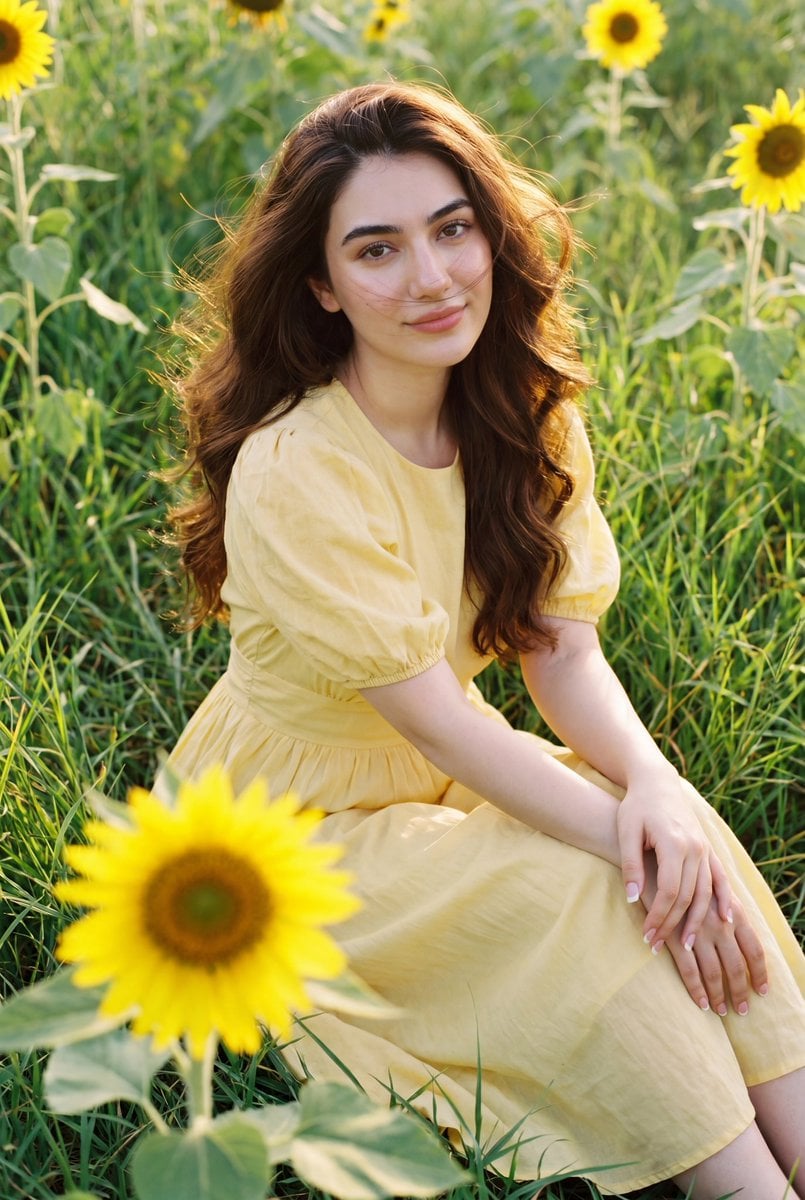
Romantic Sunflower Field Portrait

Found Photograph: Us, 1970

80s Couple Studio Portrait

80s Bollywood Star

80s Golden Hour Cinema

Me in 1985

1985 Studio Portrait
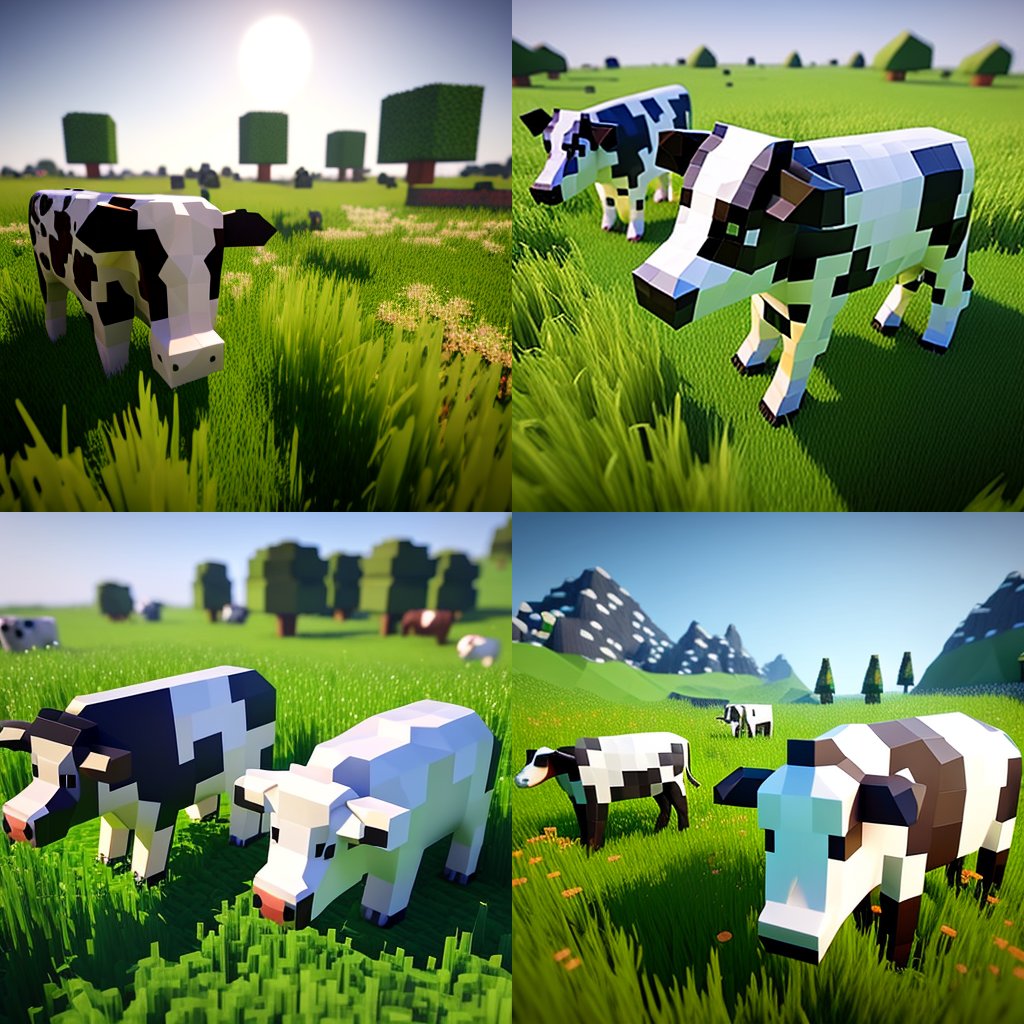
Hyper-Realistic Minecraft Cows Grazing

Hyper-Realistic Minecraft POV Portrait

Anime Girl in Sunflower Field

Rooftop Fisheye — Cat-Ear Balaclava at Golden Hour
Make it yours
Sunflower Field Frame Portrait works as-is. These are the safest ways to change it without losing the look.
Change one field
Copy a single group, rewrite it, and generate again so you can see what that field is doing.
Keep the frame, change the subject
Hold the composition and light of Sunflower Field Frame Portrait, then swap wardrobe, props or the person for a new take.
| If the result… | Why | Fix |
|---|---|---|
| The result drifts from the preview | Too many fields changed at once. | Reuse Sunflower Field Frame Portrait as-is first, then change one group — subject, light, or setting. |
| The model over-stylizes the scene | The prose prompt leaves finish and camera underspecified. | Add one camera or lighting sentence and stay on GPT Image 2. |
More GPT Image 2 templates
Other prompts made for GPT Image 2.

Six VTuber Japanese Logo Sheet

Realistic Portrait of Woman and Deer

The Vista Modular Condo Poster

AI Model Routing Comparison Infographic

2.5D Anime Art Board

Isometric Productivity Desk Scene

New York Double Exposure Poster

Four-Panel AI Landscape Comparison

Japanese Tatami Lifestyle Magazine Cover

NESCAFÉ Coffee Map Poster
More image prompts
Fresh picks from across the catalog.
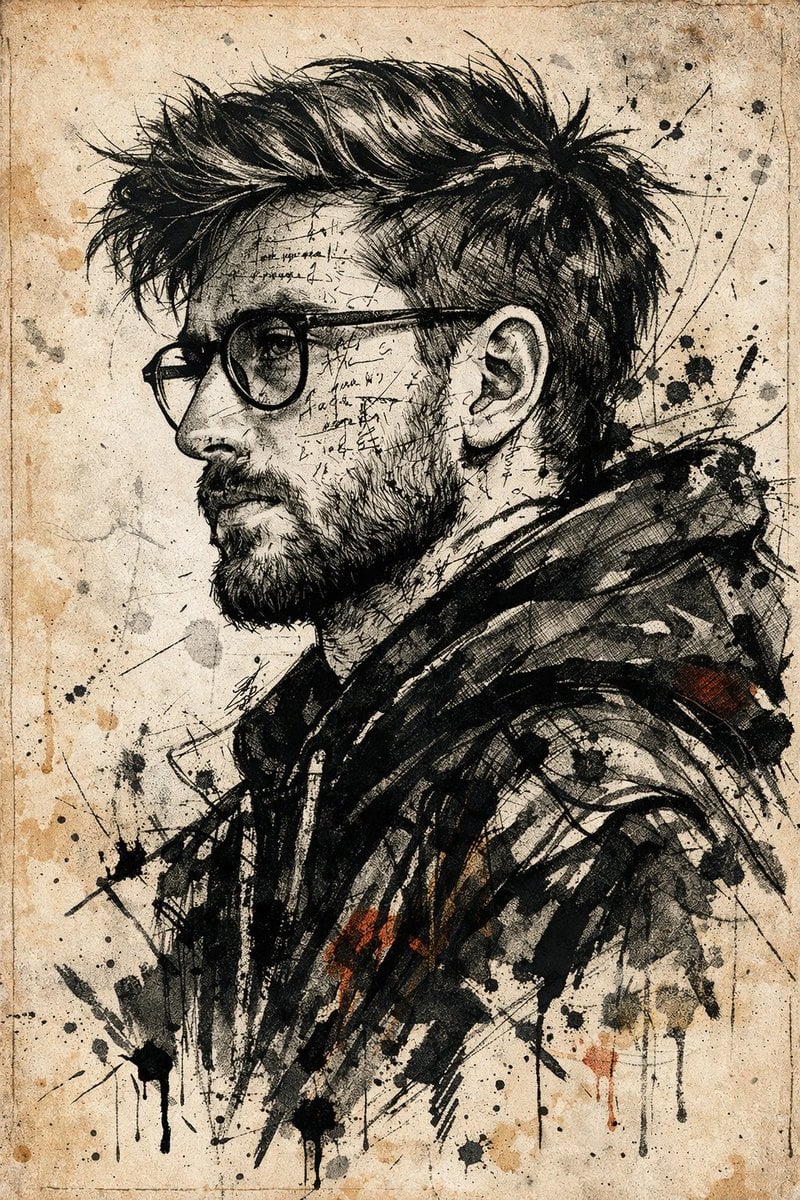
Expressive Ink Manuscript Portrait
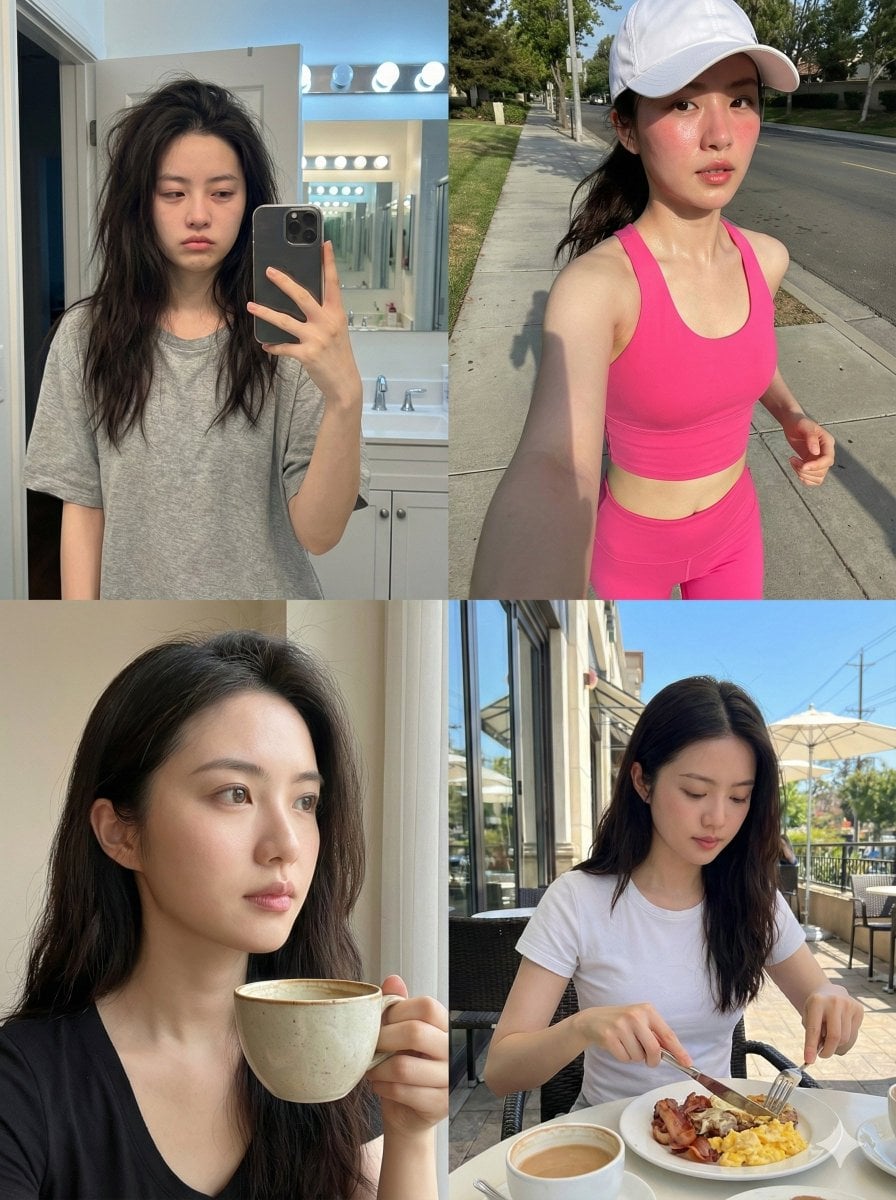
Consistent Identity Daily Routine Log Prompt (4-Quadrant)
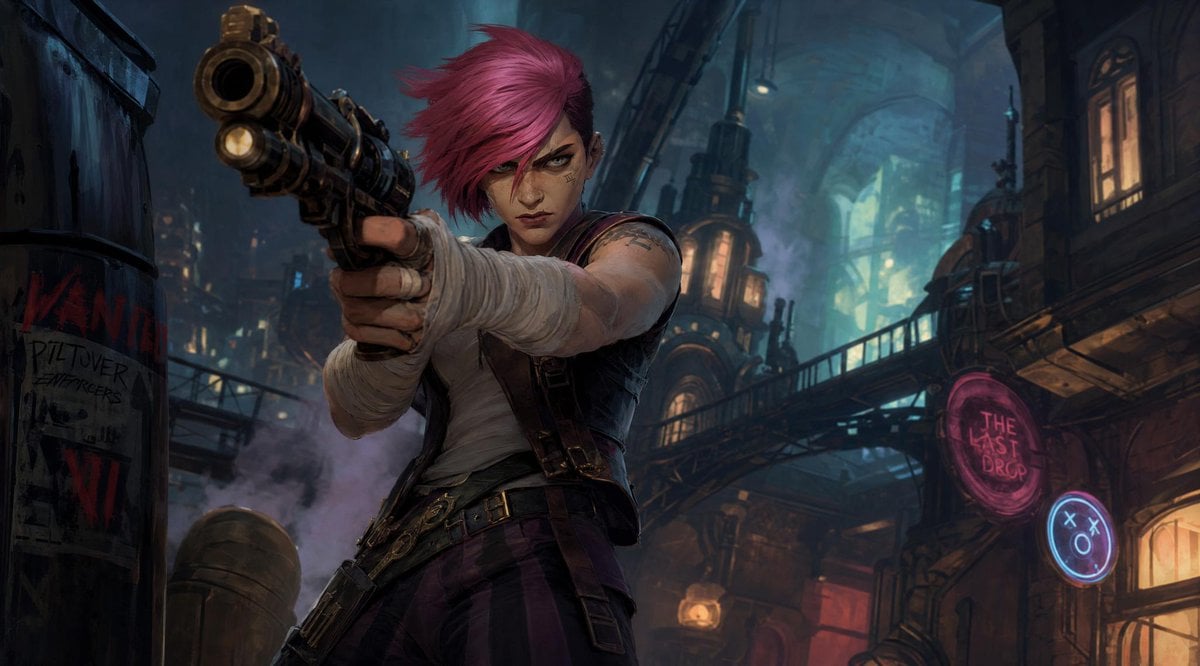
Punk Gunslinger in Steampunk Undercity
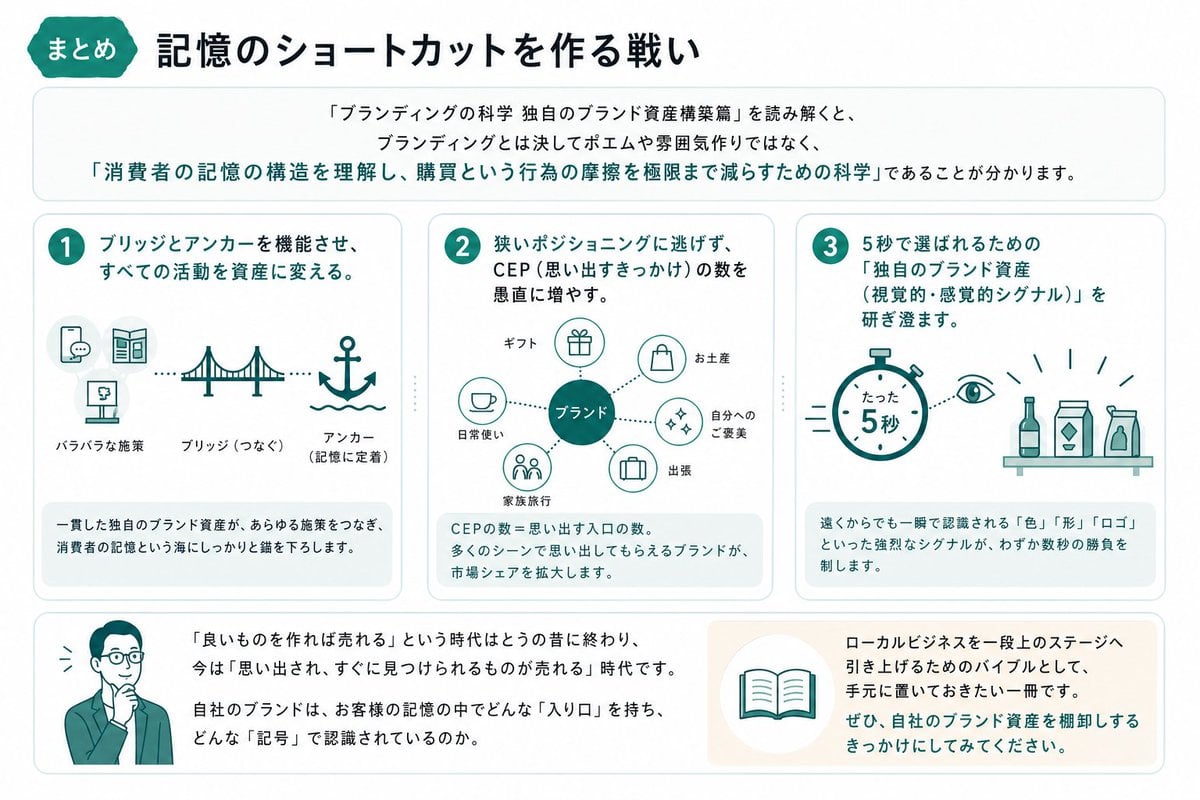
Japanese Branding Strategy Infographic
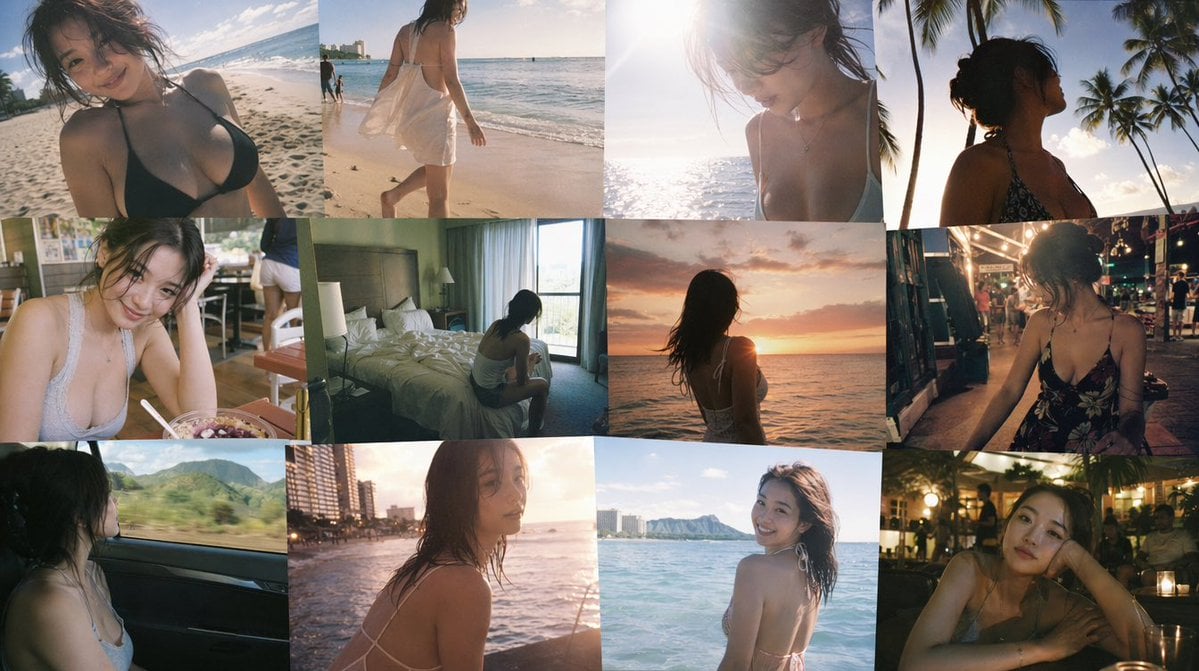
Emotional Hawaii Solo Travel Collage
Cinematic Rainy Night Café Scene Prompt
Psychedelic Cosmic Drift Concert Poster
Urban Fashion Lookbook Collage

博物馆图鉴式汉服拆解图 — GPT-image-2

Header image with uploaded person introducing Nano Banana Pro
Browse template categories
Sunflower Field Frame Portrait questions
How do I use the Sunflower Field Frame Portrait template?
Add your photo if the template asks for one, edit the prompt if you like — the template's model and format are already selected — and press Generate. Your version opens in PicX Studio.
Can I customize the Sunflower Field Frame Portrait template?
Yes. You can change the subject, setting, lighting, mood, format, and available model controls before creating your image.
Is the Sunflower Field Frame Portrait template free?
Opening and editing this template is free. Generating uses credits, shown on the Generate button when you are signed in.
Which AI model should I use?
Start with GPT Image 2, which is the model associated with this template. You can compare another compatible model for a different finish.
Looking for something else? Browse all templates.

Your photo, any look
Thousands of ready templates for every top image and video model, from one credit balance.