
Cinematic Rainy Night Café Scene Prompt
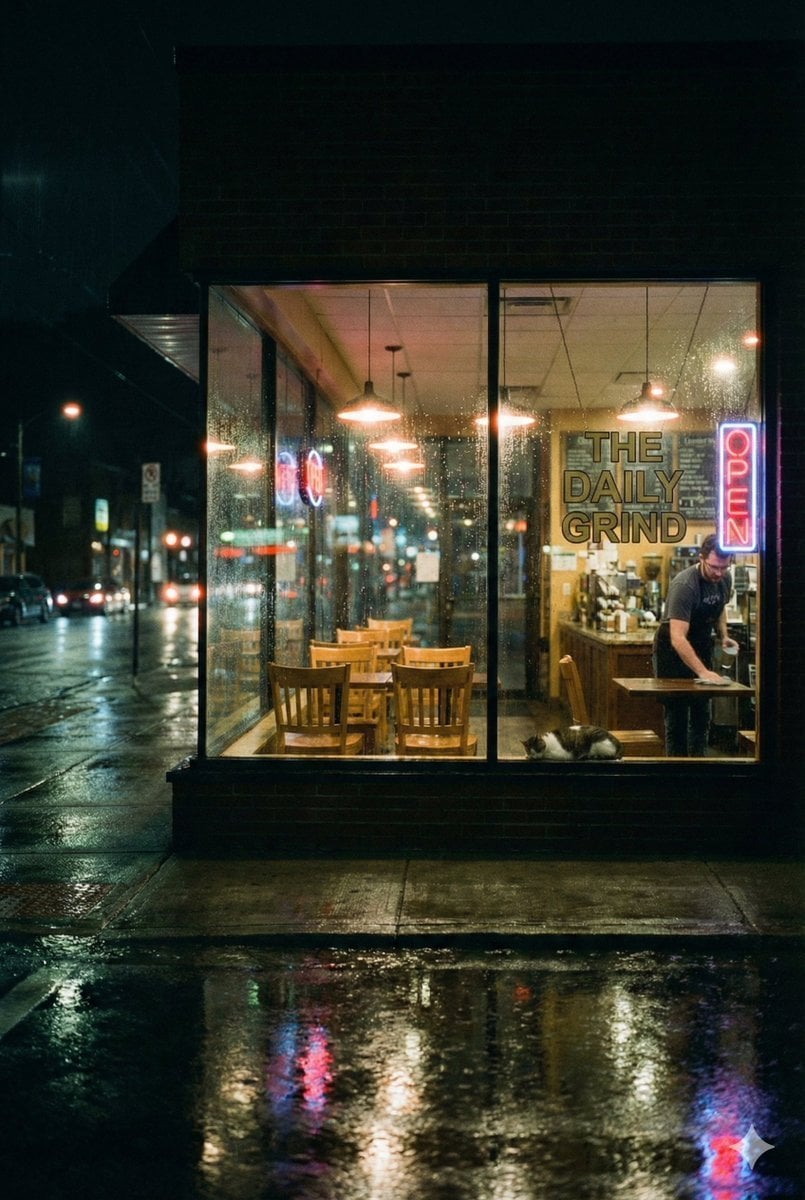
A prompt for generating a moody, cinematic image of a lone café worker wiping a table after closing hours, viewed from outside through a rain-streaked window.
- Prompt included
- Model and format preset
- Premium template
The prompt behind this image
Copy the exact prompt behind Cinematic Rainy Night Café Scene Prompt, or open it in the studio and make it yours.
- Model
- Nano Banana Pro
- Scene
- Late-night street café viewed from outside through a glass window on a rainy night
- Subject › Primary
- A lone café worker wiping a table after closing hours
- Subject › Secondary
- A cat resting calmly near the counter
- Environment › Location
- Small urban café
- Environment › Time
- Night
- Environment › Weather
- Rainy, wet streets reflecting city lights
- Environment › Lighting
- Warm interior lights contrasted with cold neon street glow
- Details › Interior
- Empty wooden chairs and tables, coffee equipment in background
- Details › Exterior
- Blurred cars and streetlights, rain droplets on glass window
- Details › Signage
- Neon OPEN sign and text reading 'THE DAILY GRIND'
- Mood
- Quiet, introspective, cinematic loneliness, calm after chaos
- Style › Aesthetic
- Cinematic realism
- Style › Color Grading
- Moody teal and warm amber contrast
- Style › Camera
- Wide-angle shot from street level, shallow depth of field
- Style › Texture
- Subtle film grain, realistic reflections
- Emotion
- Solitude, dedication, late-night perseverance
- Quality
- Ultra-detailed, photorealistic, high dynamic range
Raw JSON
{
  "model": "Nano Banana Pro",
  "scene": "Late-night street café viewed from outside through a glass window on a rainy night",
  "subject": {
    "primary": "A lone café worker wiping a table after closing hours",
    "secondary": "A cat resting calmly near the counter"
  },
  "environment": {
    "location": "Small urban café",
    "time": "Night",
    "weather": "Rainy, wet streets reflecting city lights",
    "lighting": "Warm interior lights contrasted with cold neon street glow"
  },
  "details": {
    "interior": "Empty wooden chairs and tables, coffee equipment in background",
    "exterior": "Blurred cars and streetlights, rain droplets on glass window",
    "signage": "Neon OPEN sign and text reading 'THE DAILY GRIND'"
  },
  "mood": "Quiet, introspective, cinematic loneliness, calm after chaos",
  "style": {
    "aesthetic": "Cinematic realism",
    "color_grading": "Moody teal and warm amber contrast",
    "camera": "Wide-angle shot from street level, shallow depth of field",
    "texture": "Subtle film grain, realistic reflections"
  },
  "emotion": "Solitude, dedication, late-night perseverance",
  "quality": "Ultra-detailed, photorealistic, high dynamic range"
}How to use Cinematic Rainy Night Café Scene Prompt in 3 steps
- 1
Open
The prompt is already in the box next to the preview, with the template's model and format selected.
- 2…a portrait of your subject in softgolden-hour light, 85mm…
Personalize
Edit the subject and creative details for your destination.
- 3Generate
Generate
Press Generate — your image is created in PicX Studio, so you can compare it with the original and refine one variable at a time.
More like this
Templates with the same subject, style or setup. Open one to see its prompt.

Nano Banana - Cozy Cafe Night

Rainy Café Window Moody Portrait

Subway Platform Quiet Introspective Portrait
Subway Platform Quiet Introspective Portrait

Spider-Man Night Swing New York Cinematic

Floating Woman Above Cityscape with Notifications

Night Sports Car Portrait — Cinematic Moody
Nano Banana - Dancing Carefree Paris

Nano Banana - Paris Night Party Dancing
Nano Banana - Bathtub Eiffel Night
Nano Banana - Rooftop Dinner Night
Nano Banana - Yacht Eiffel Night
Make it yours
Cinematic Rainy Night Café Scene Prompt works as-is. These are the safest ways to change it without losing the look.
Swap the setting
Keep the rest of the prompt and replace the location block. The current setting is “Small urban café”.
Swap the light
One lighting change is enough to compare takes. Current light: “Warm interior lights contrasted with cold neon street glow”.
Change one field
Copy a single group, rewrite it, and generate again so you can see what that field is doing.
| If the result… | Why | Fix |
|---|---|---|
| The result drifts from the preview | Too many fields changed at once. | Reuse Cinematic Rainy Night Café Scene Prompt as-is first, then change one group — subject, light, or setting. |
| Nano Banana 2 ignores part of the JSON | Some models flatten or skip nested keys. | Keep the same values and paste them as a short paragraph instead. |
More Nano Banana 2 templates
Other prompts made for Nano Banana 2.

Photorealistic Leaf Shaped Like a Dragon

K-Pop Idol Portrait Grid for Rapid Selection

Poetic Rain Forest Portrait During Golden Hour

Urban Street Portrait with Cartoon Inner Self Duo

Candid Nighttime Photo with Cat Prompt

High-Concept 3D Diorama Generation Prompt

Cinematic Futuristic Studio Portrait Template

Skincare Editorial Photography Collage Prompt

Hyper-Realistic Commercial Product Photography (Splash Effect)

Hyper-Realistic Nightclub Portrait Prompt
More image prompts
Fresh picks from across the catalog.
Website Homepage Screenshot Generation
Biological Life Cycle Diagram
Prompt for Bollywood Poster Style Indian Actress in Blue Saree
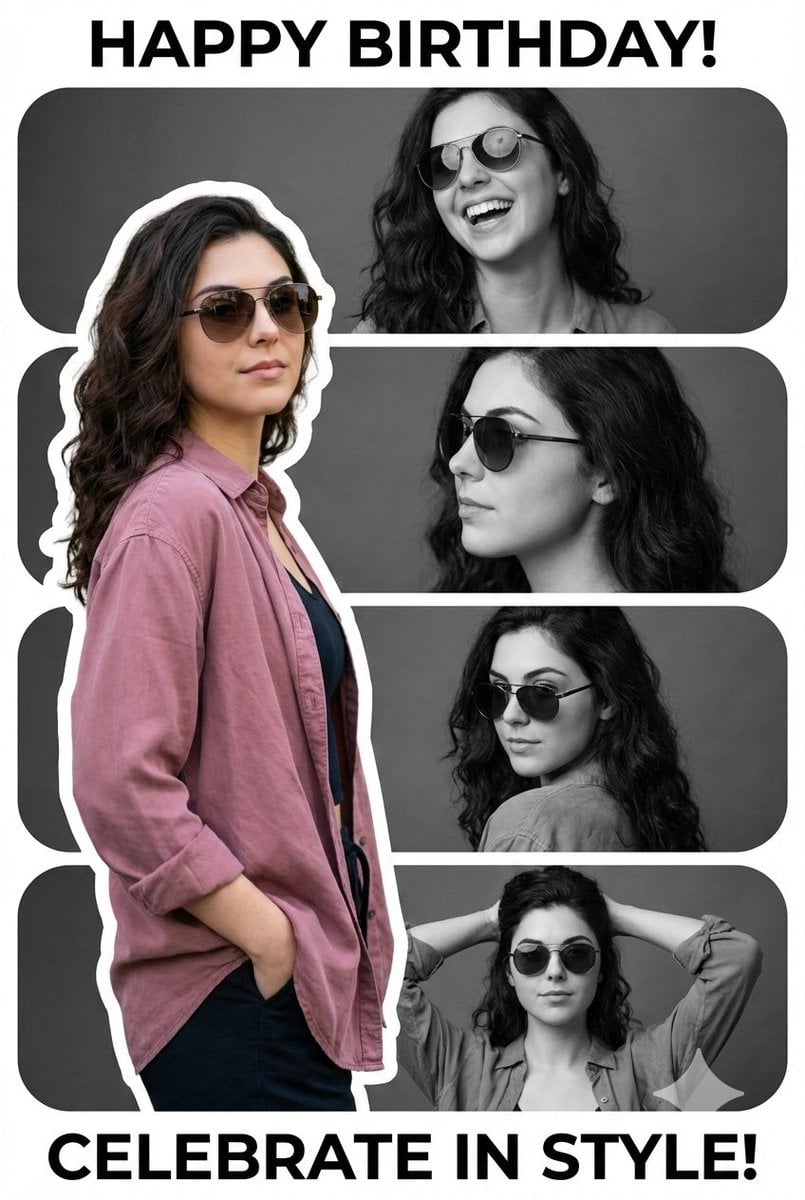
Vertical Birthday Poster Collage with Cinematic Monochrome Photos
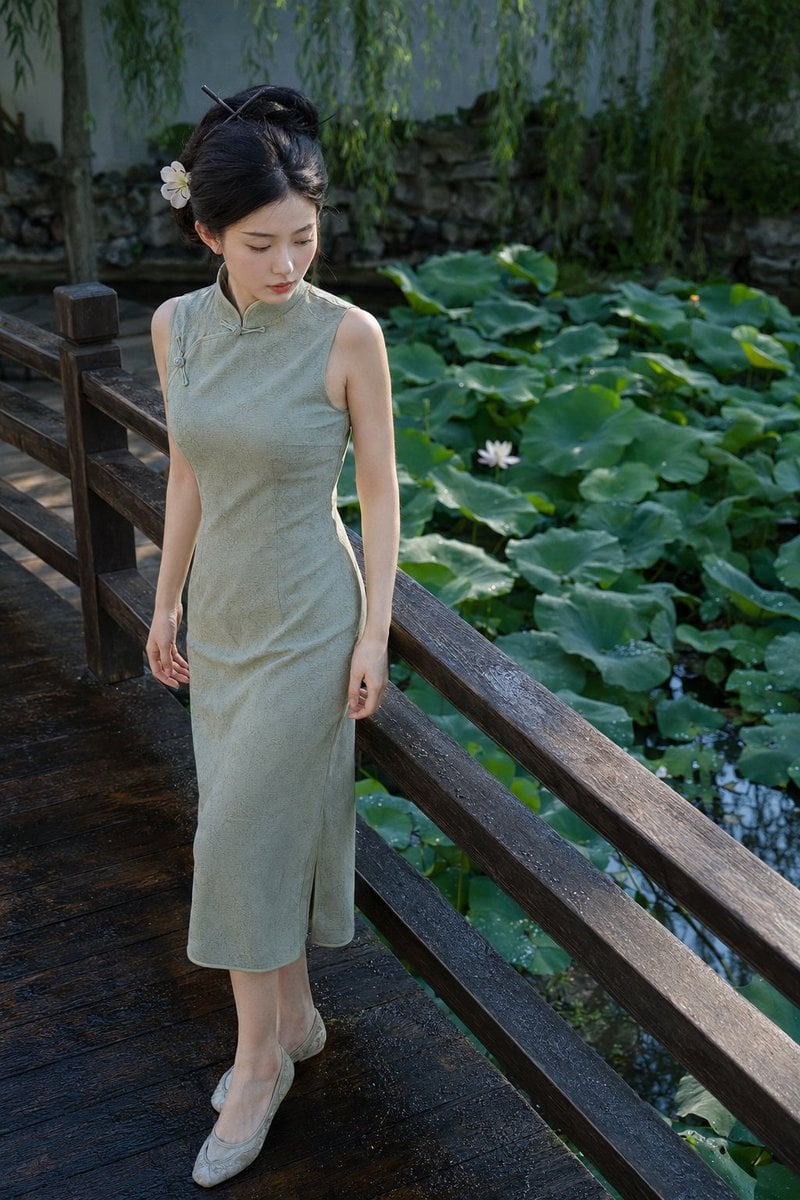
Suzhou Garden Qipao Portrait

Structured JSON Prompt for Controlling Aesthetic Elements in Nano Banana Pro
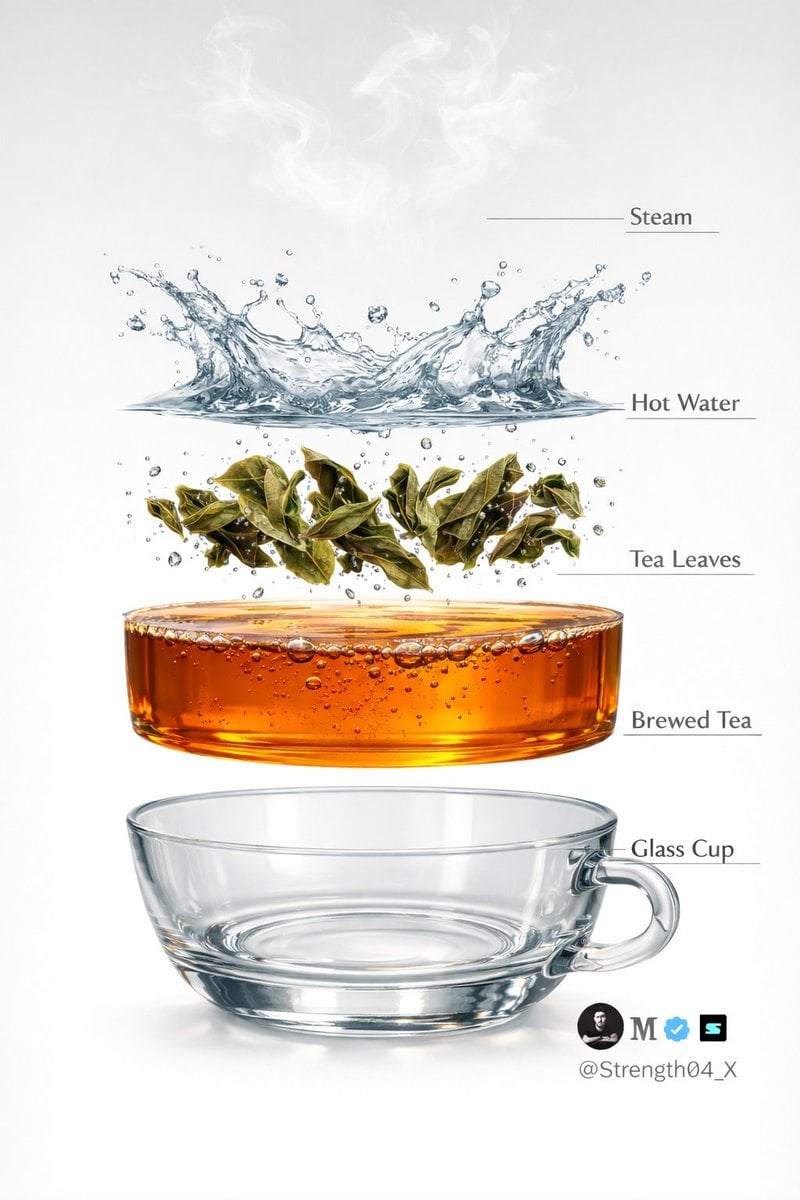
Hyper-realistic Tea Photography Prompts (Still Life and Exploded View)
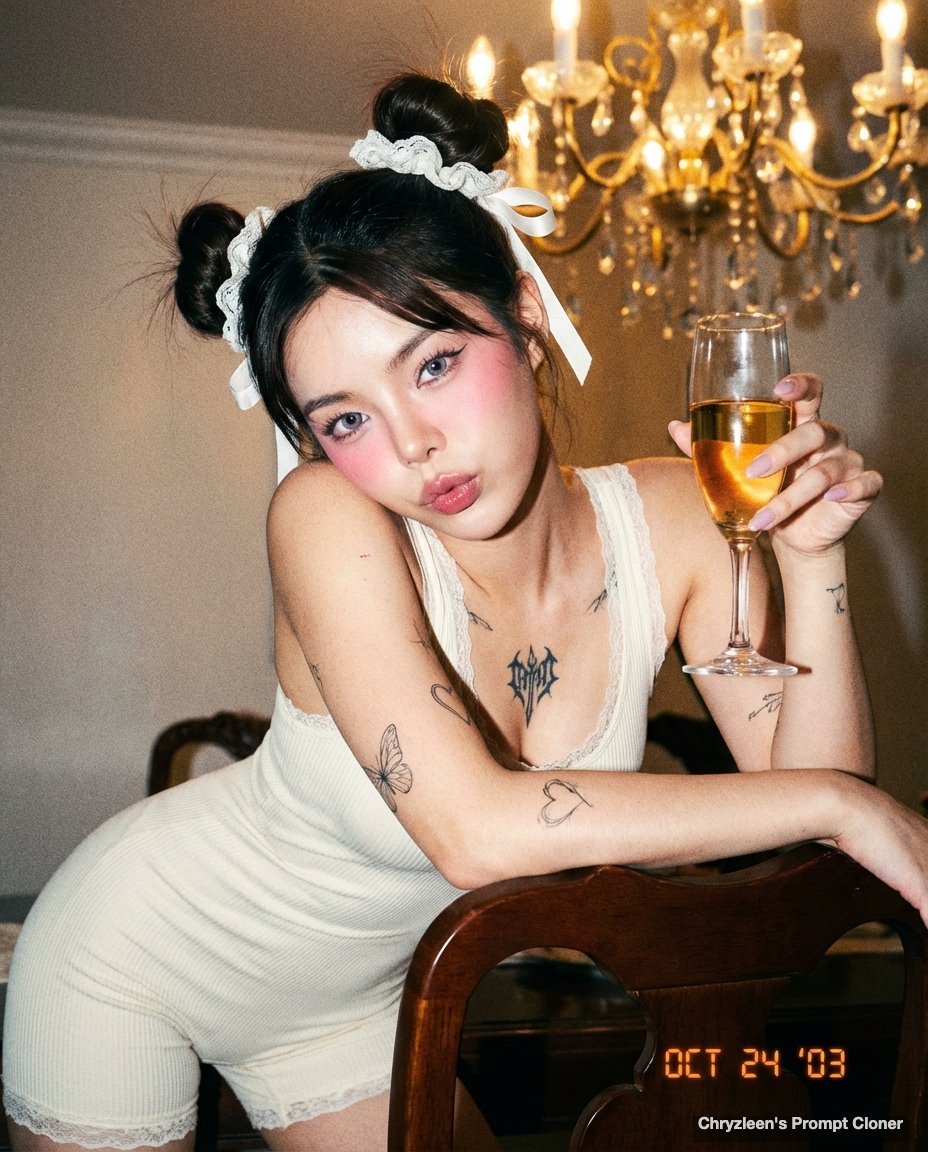
Microscopic Y2K Candid Portrait with PersonaFusion

Cinematic Portrait with Dynamic Wind Motion

Gpt2 Youtube Thumbnail Anime Fantasy Travel Movie Poster
Browse template categories
Cinematic Rainy Night Café Scene Prompt questions
How do I use the Cinematic Rainy Night Café Scene Prompt template?
Add your photo if the template asks for one, edit the prompt if you like — the template's model and format are already selected — and press Generate. Your version opens in PicX Studio.
Can I customize the Cinematic Rainy Night Café Scene Prompt template?
Yes. You can change the subject, setting, lighting, mood, format, and available model controls before creating your image.
Is the Cinematic Rainy Night Café Scene Prompt template free?
Opening and editing this template is free. Generating uses credits, shown on the Generate button when you are signed in.
Which AI model should I use?
Start with Nano Banana 2, which is the model associated with this template. You can compare another compatible model for a different finish.
Looking for something else? Browse all templates.

Your photo, any look
Thousands of ready templates for every top image and video model, from one credit balance.