
Punk Gunslinger in Steampunk Undercity
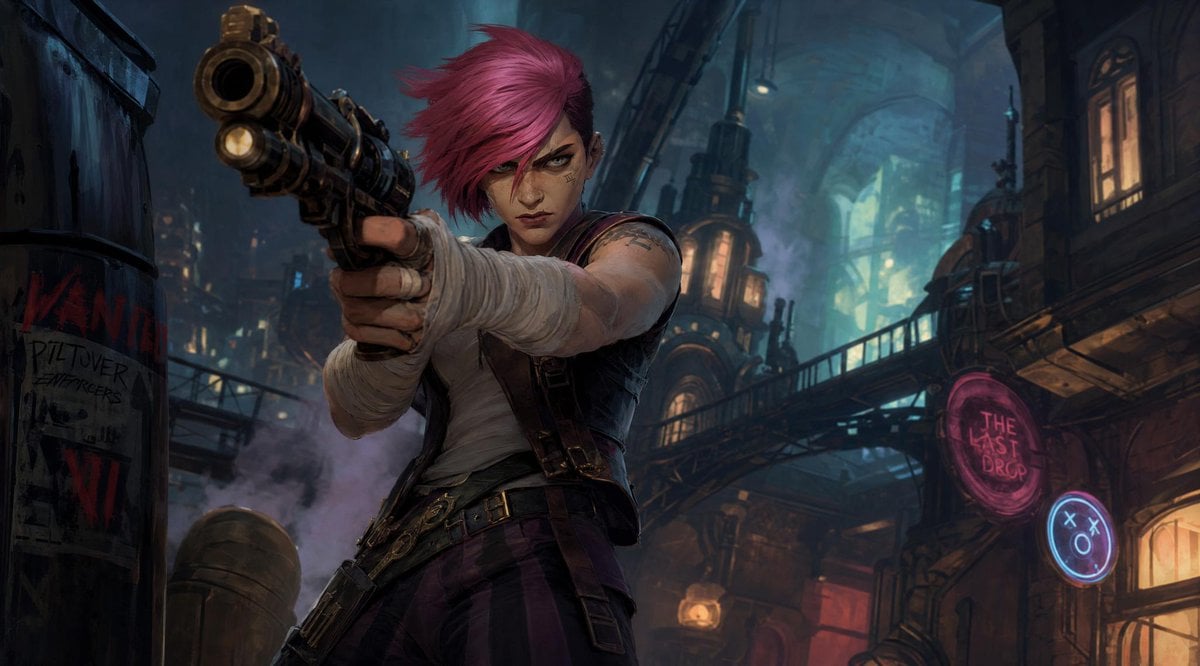
A cinematic concept-art prompt for generating a magenta-haired punk gunslinger aiming a weapon in a neon industrial undercity.
- Prompt included
- Model and format preset
- Free template
The prompt behind this image
Copy the exact prompt behind Punk Gunslinger in Steampunk Undercity, or open it in the studio and make it yours.
Create a cinematic dark fantasy steampunk alley scene in a gritty undercity at night, in the style of high-end animated game concept art. A punk young woman with {argument name="hair color" default="bright magenta-pink"} short spiky hair stands in the foreground from a dramatic low angle, aiming an oversized brass-and-black revolver directly toward the viewer so the gun barrel dominates the upper left foreground with strong foreshortening. Her face is deliberately obscured by a flat opaque square censor block in muted reddish-brown, centered over the face. She wears a sleeveless off-white shirt, dark cropped vest, fingerless bandage wraps around both hands and forearms, belts and holsters at the waist, dark purple striped trousers, and visible arm tattoos; her posture is tense, aggressive, and confrontational. The background is a dense industrial undercity street with towering arched architecture, pipes, catwalks, hanging lamps, smoke, warm window lights, teal-blue atmospheric glow, and neon signs. Include exactly three readable/sign-like elements: one torn poster on a barrel at far left reading “WANTED” with smaller rough text “PILTOVER ENFORCERS” and “VI”, one pink circular neon sign on the right reading {argument name="neon bar sign" default="THE LAST DROP"}, and one small blue circular neon face icon with X eyes and an O mouth. Use moody blue-green and amber lighting, volumetric haze, painterly detail, dynamic perspective, sharp focus on the weapon and character, wide cinematic 16:9 composition, no extra characters, no watermark.
How to use Punk Gunslinger in Steampunk Undercity in 3 steps
- 1Upload ImagePNG, JPG or paste
Add your photo
Upload the photo the template builds on. The prompt, model and format are already set.
- 2…a portrait of your subject in softgolden-hour light, 85mm…
Personalize
Edit the subject and creative details for your destination.
- 3Generate
Generate
Press Generate — your image is created in PicX Studio, so you can compare it with the original and refine one variable at a time.
More like this
Templates with the same subject, style or setup. Open one to see its prompt.
Steampunk Gunslinger Character Art

Steampunk Clockwork Princess
Steampunk Plague Alchemist Character
Paper Cut Steampunk Mechanism
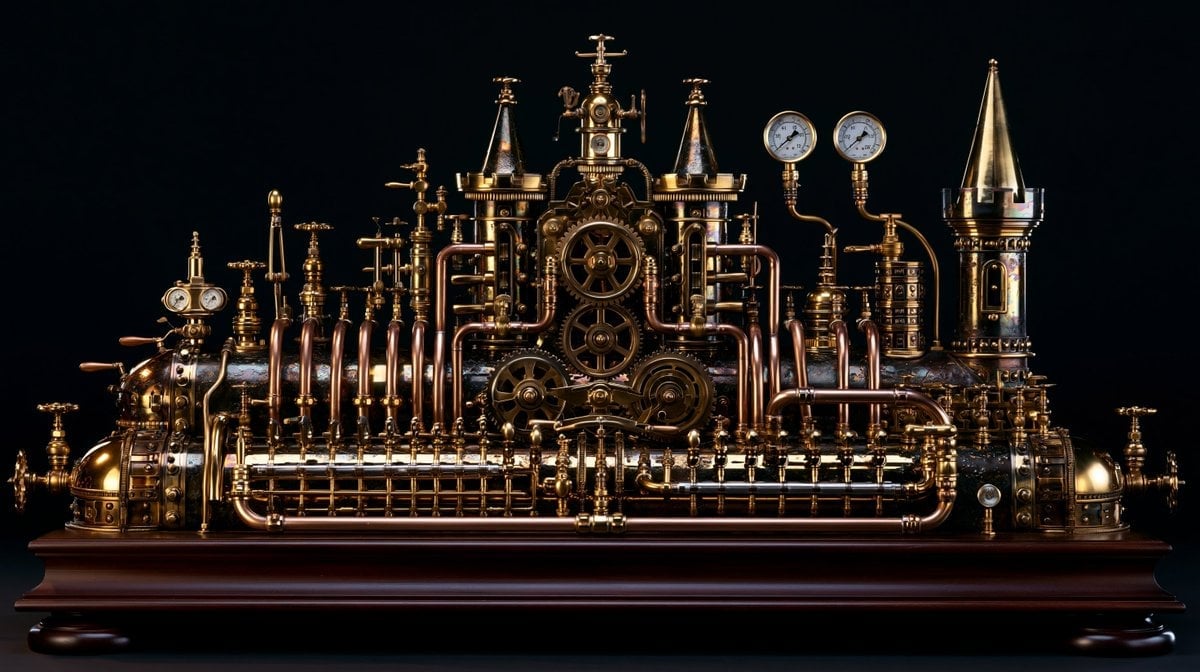
Intricate Steampunk Mechanical Sculpture
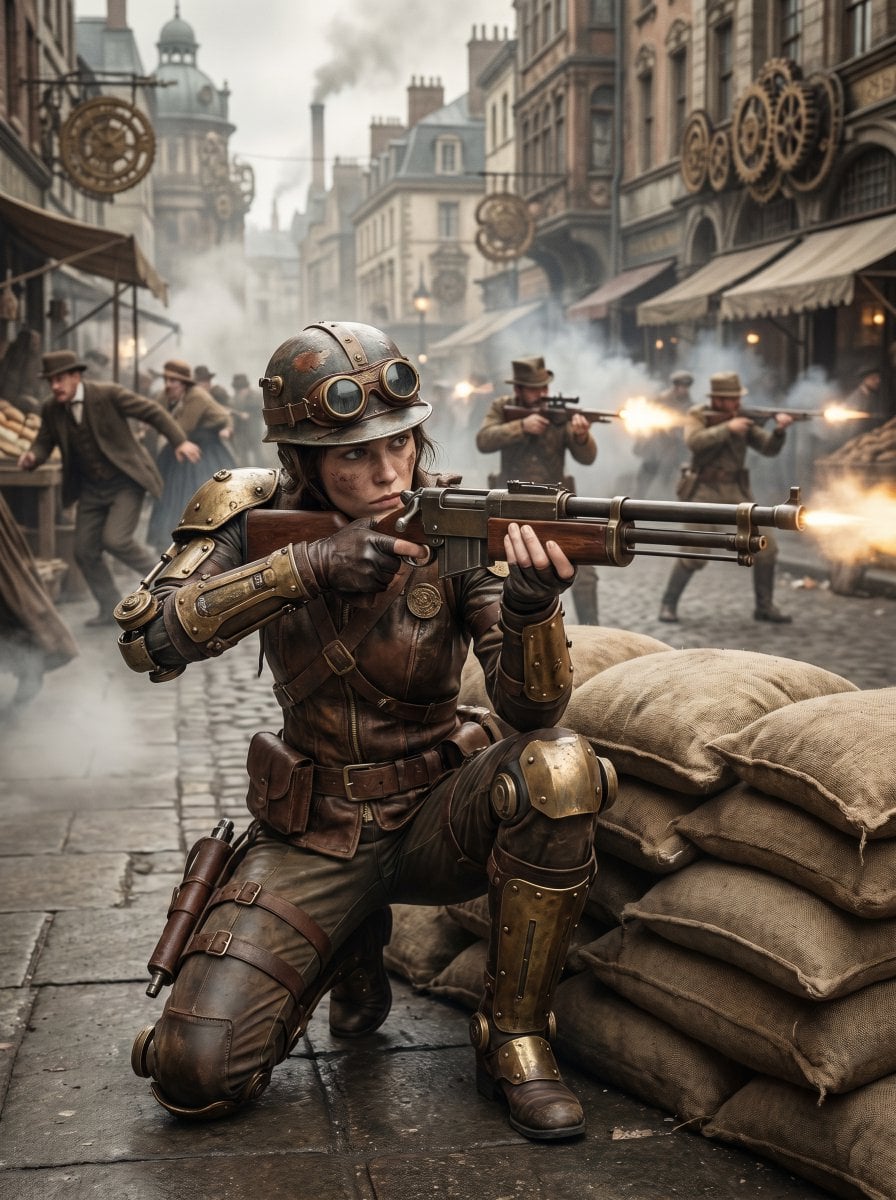
Steampunk Commando Woman Portrait
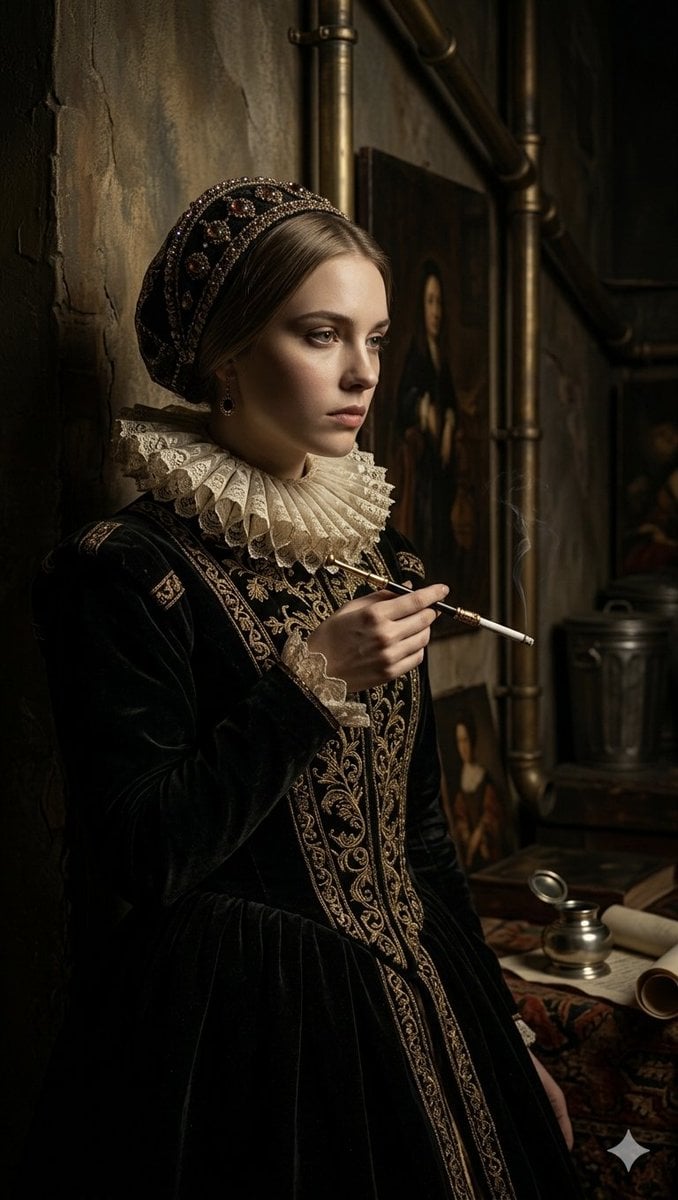
Steampunk Renaissance Noblewoman Portrait
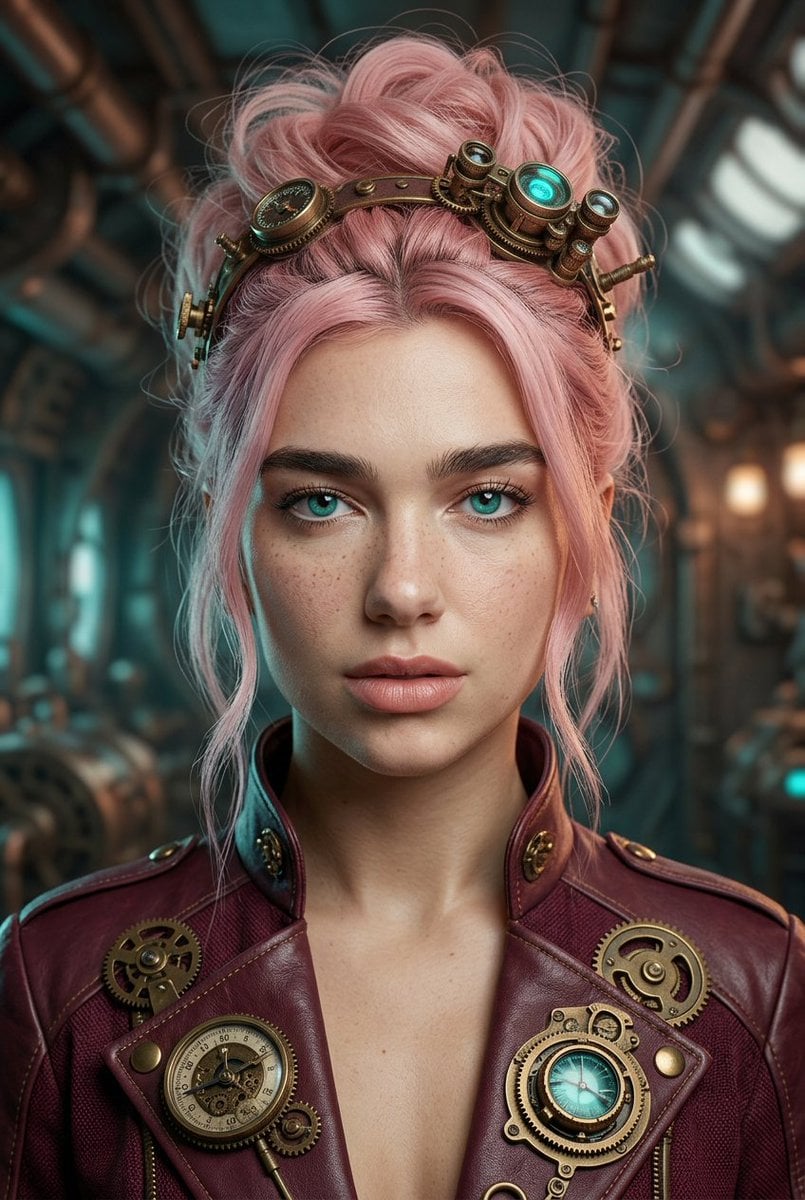
Steampunk Pastel Pink Portrait
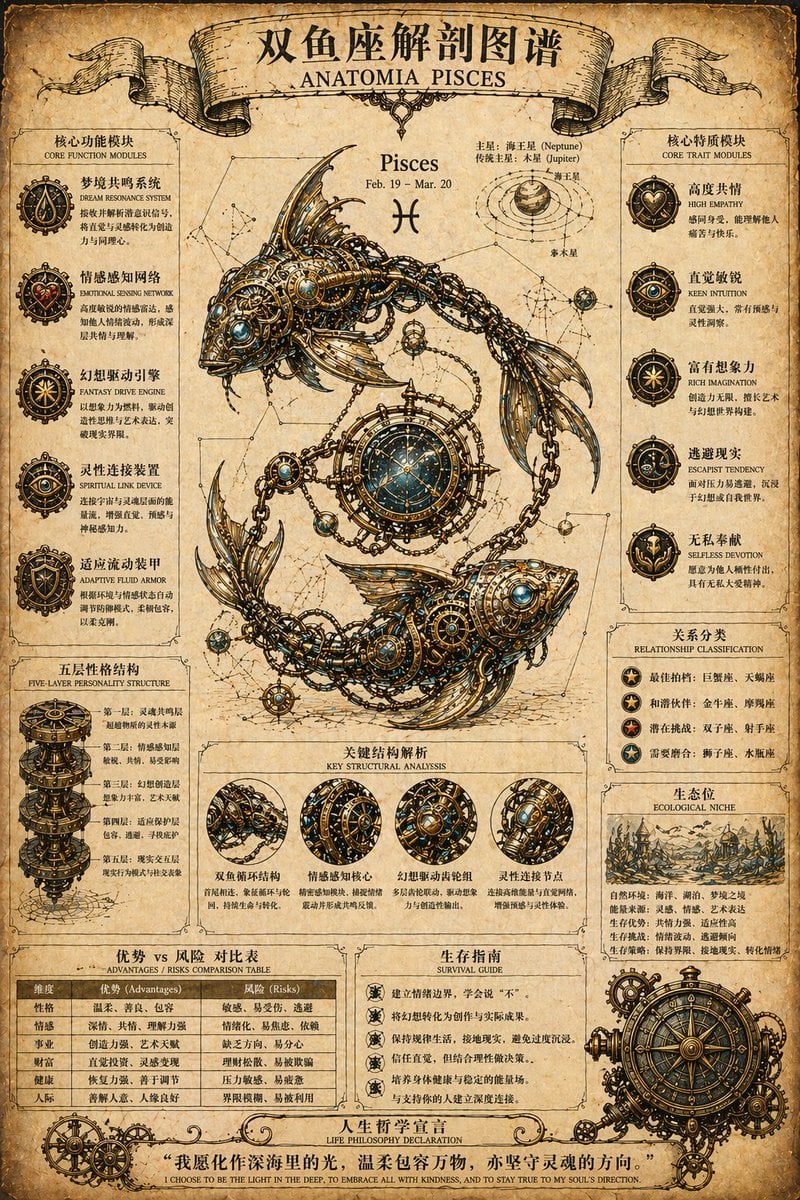
Steampunk Zodiac Anatomy Poster
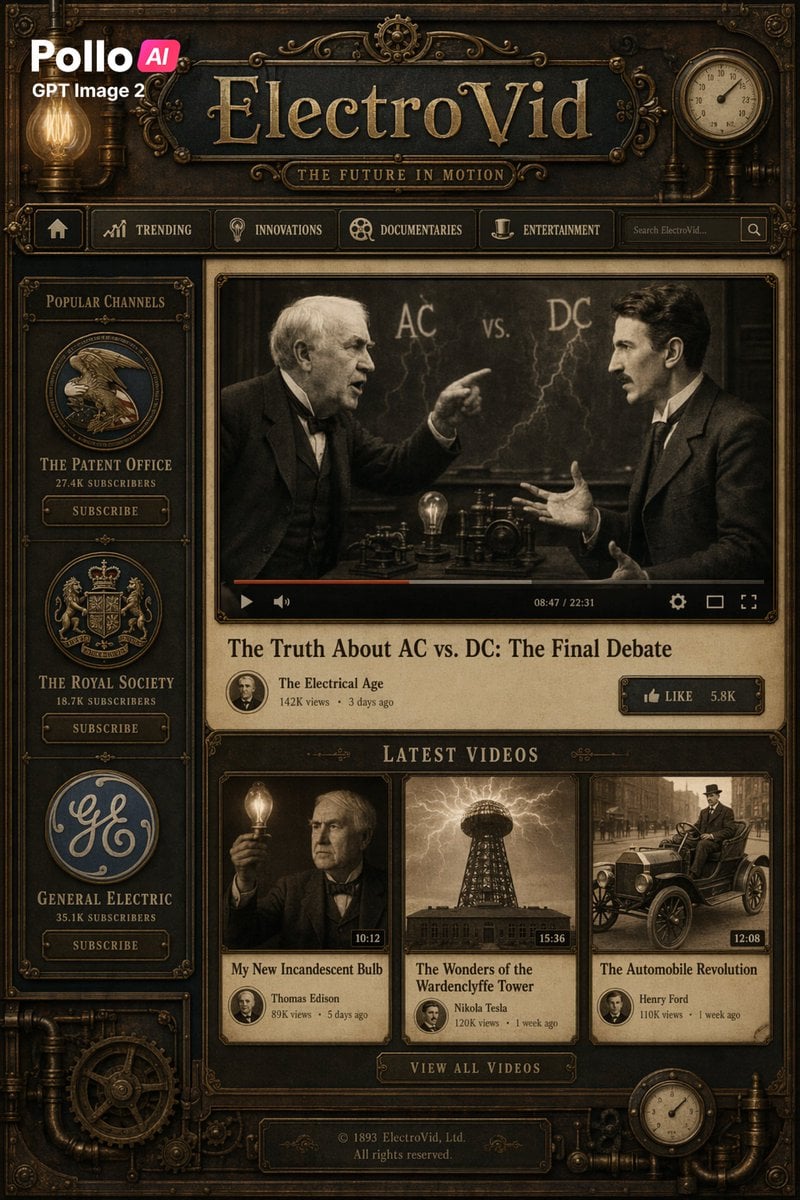
Steampunk ElectroVid Video Platform UI
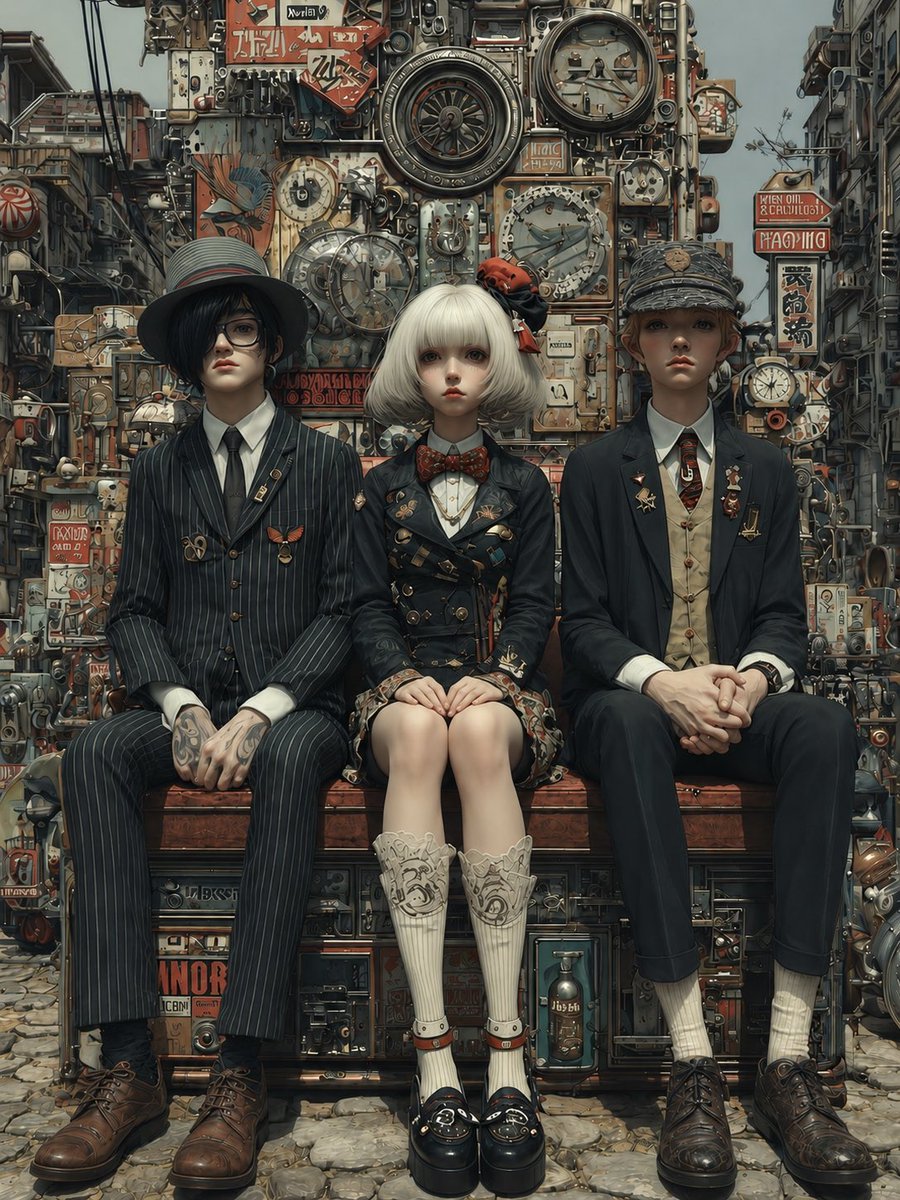
Steampunk Trio Portrait
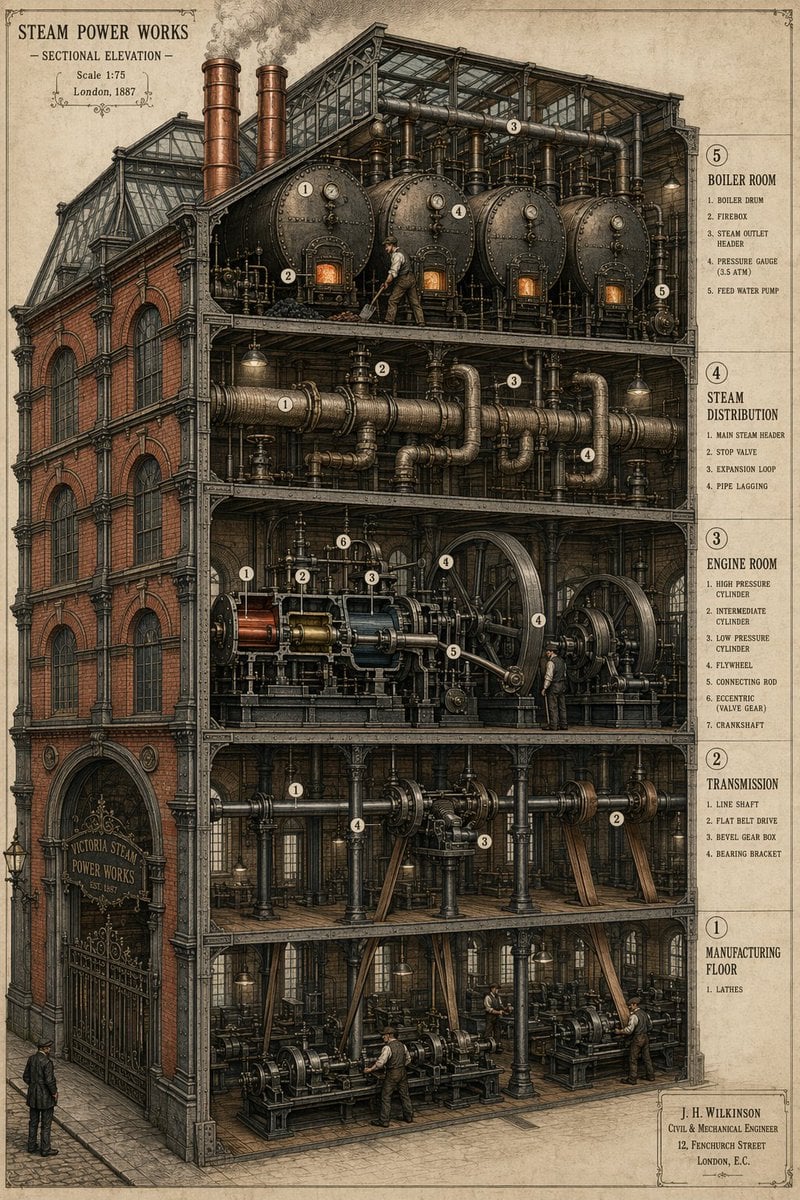
Victorian Steampunk Engineering Diagram
Make it yours
Punk Gunslinger in Steampunk Undercity works as-is. These are the safest ways to change it without losing the look.
Change one field
Copy a single group, rewrite it, and generate again so you can see what that field is doing.
Keep the frame, change the subject
Hold the composition and light of Punk Gunslinger in Steampunk Undercity, then swap wardrobe, props or the person for a new take.
| If the result… | Why | Fix |
|---|---|---|
| The result drifts from the preview | Too many fields changed at once. | Reuse Punk Gunslinger in Steampunk Undercity as-is first, then change one group — subject, light, or setting. |
| The model over-stylizes the scene | The prose prompt leaves finish and camera underspecified. | Add one camera or lighting sentence and stay on GPT Image 2. |
More GPT Image 2 templates
Other prompts made for GPT Image 2.

Six VTuber Japanese Logo Sheet

Realistic Portrait of Woman and Deer

The Vista Modular Condo Poster

AI Model Routing Comparison Infographic

2.5D Anime Art Board

Isometric Productivity Desk Scene

New York Double Exposure Poster

Four-Panel AI Landscape Comparison

Japanese Tatami Lifestyle Magazine Cover

NESCAFÉ Coffee Map Poster
More image prompts
Fresh picks from across the catalog.

Anonymized Swimmer in Teal Pool
Barbie Style Tropical Night Portrait Prompt
Anime Love Stamp Sheet
Owl-Shaped Nebula in Deep Space
Realistic Handwritten Study Notes
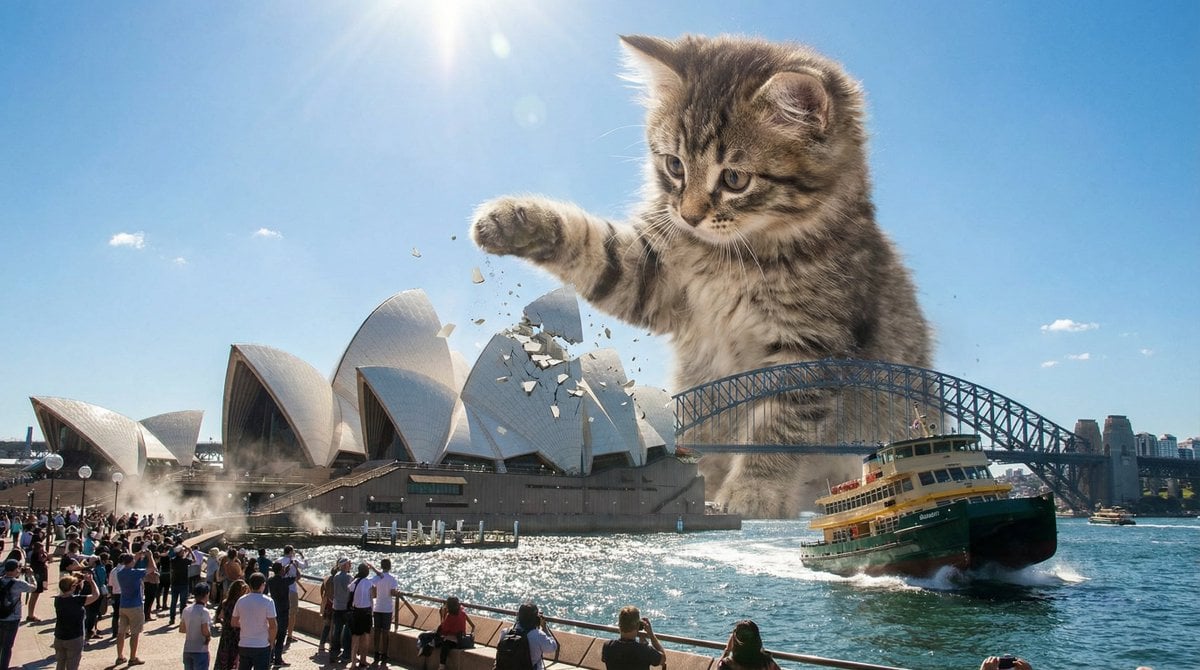
Kaiju Kitten Destroying Sydney Waterfront
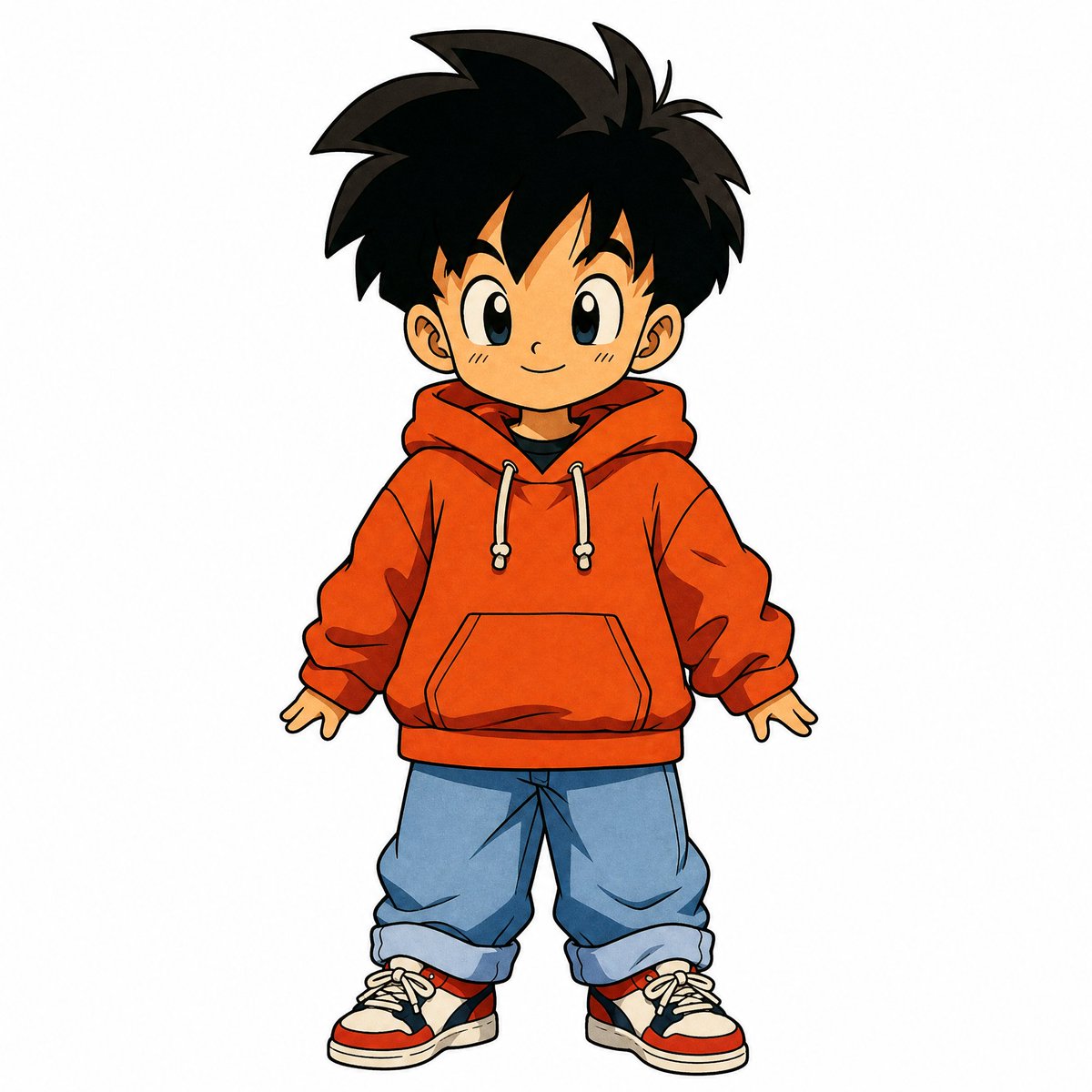
90s Japanese Retro Anime Style

DIY Baby Toy Concept Sheets
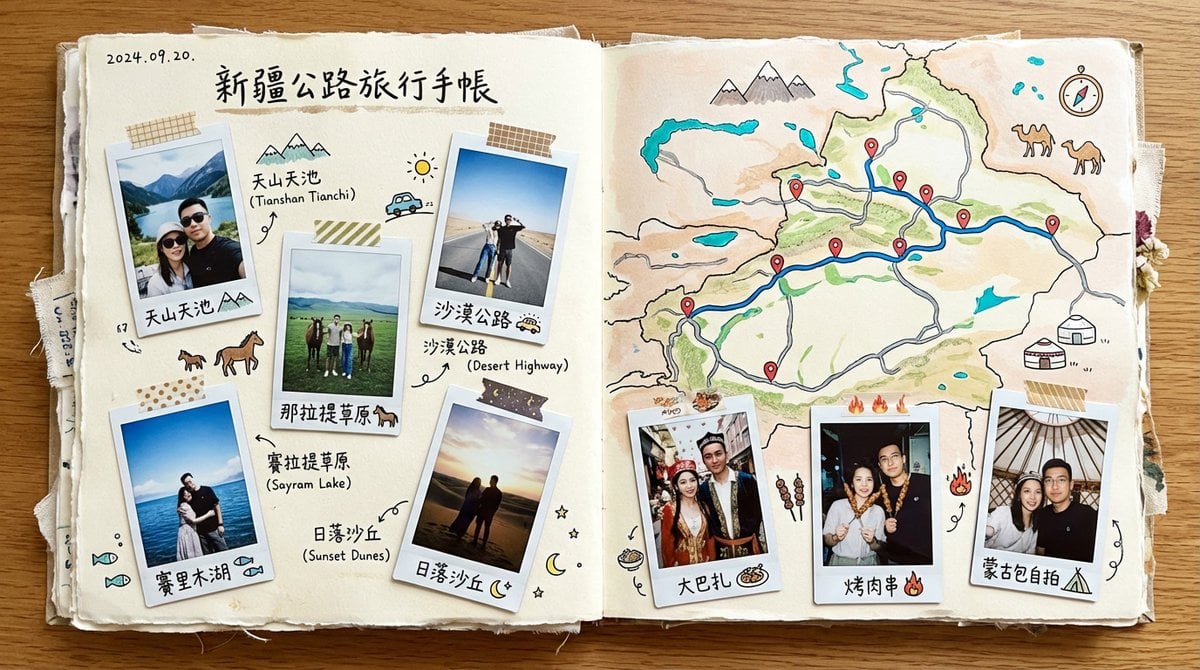
Xinjiang Road Trip Scrapbook Spread
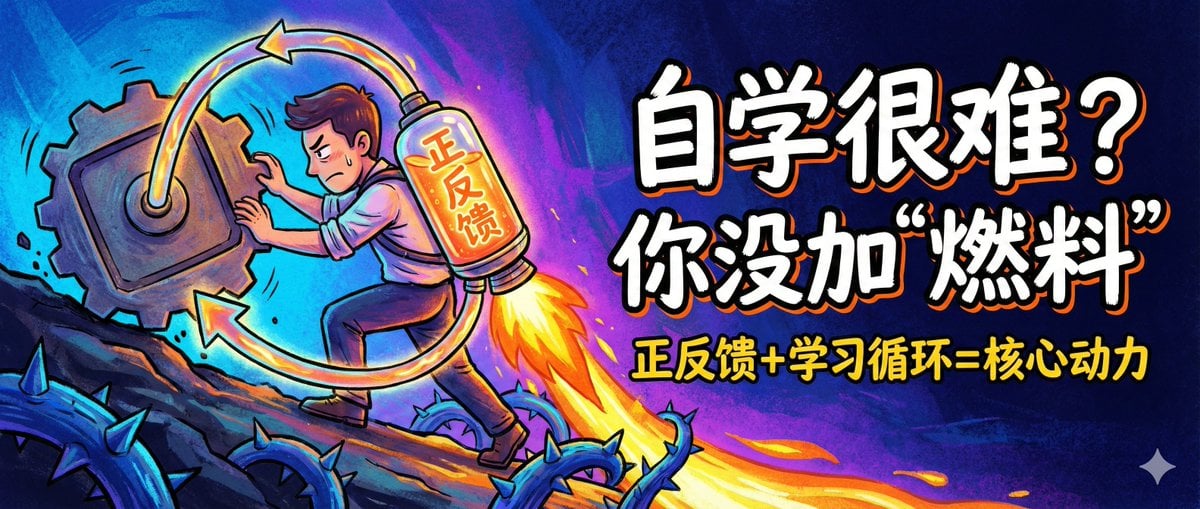
WeChat Official Account Cover Image Generator
Browse template categories
Punk Gunslinger in Steampunk Undercity questions
How do I use the Punk Gunslinger in Steampunk Undercity template?
Add your photo if the template asks for one, edit the prompt if you like — the template's model and format are already selected — and press Generate. Your version opens in PicX Studio.
Can I customize the Punk Gunslinger in Steampunk Undercity template?
Yes. You can change the subject, setting, lighting, mood, format, and available model controls before creating your image.
Is the Punk Gunslinger in Steampunk Undercity template free?
Opening and editing this template is free. Generating uses credits, shown on the Generate button when you are signed in.
Which AI model should I use?
Start with GPT Image 2, which is the model associated with this template. You can compare another compatible model for a different finish.
Looking for something else? Browse all templates.

Your photo, any look
Thousands of ready templates for every top image and video model, from one credit balance.