
Steampunk Gunslinger Character Art
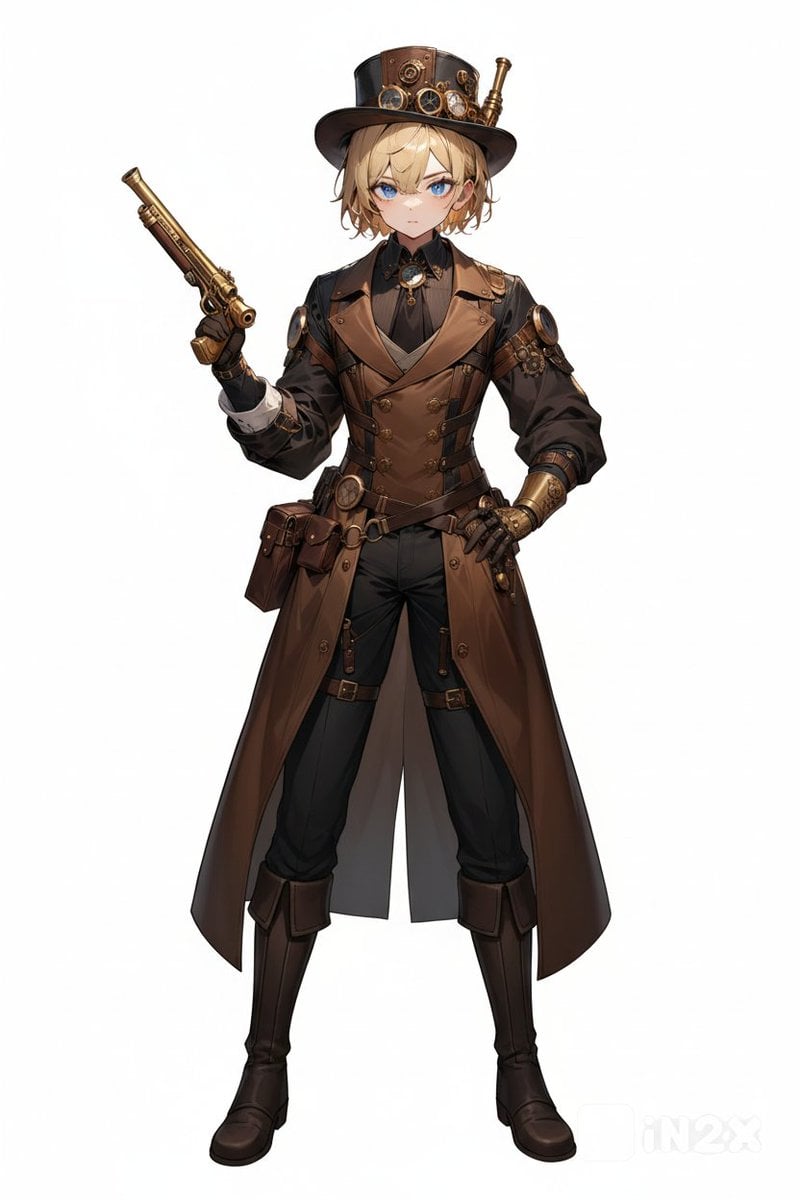
A full-body anime-style steampunk adventurer concept illustration for character design or roleplay persona visuals.
- Prompt included
- Model and format preset
- Free template
The prompt behind this image
Copy the exact prompt behind Steampunk Gunslinger Character Art, or open it in the studio and make it yours.
Create a full-body character concept art illustration of a steampunk adventurer gunslinger standing upright on a plain white background, centered and facing forward. The character is an androgynous young adult with {argument name="hair color" default="light blond"} medium-length tousled hair peeking from under a tall black-and-brown top hat decorated with brass goggles, gears, rivets, leather panels, and a small brass telescope attachment. The face should be intentionally obscured by a smooth featureless beige blur/blank oval with no eyes, nose, or mouth. Outfit: a Victorian steampunk ensemble in dark brown, black, and antique brass, including a long split leather trench coat, fitted double-breasted waistcoat, black high-collar shirt, cravat with a blue gem brooch, layered belts and holsters, pouches at the hip, brass buttons, shoulder armor plates, one mechanical brass gauntlet/prosthetic forearm, black gloves, fitted black trousers with straps, and tall dark leather boots. Pose: confident stance with legs apart, left hand resting on the hip, right arm raised holding one ornate brass flintlock pistol angled upward. Count exactly one visible weapon: the brass pistol. Use polished anime-inspired fantasy character-sheet rendering with crisp linework, detailed leather texture, metallic highlights, symmetrical front-view presentation, soft studio lighting, minimal shadows, no scenery, no text, no watermark.
How to use Steampunk Gunslinger Character Art in 3 steps
- 1Upload ImagePNG, JPG or paste
Add your photo
Upload the photo the template builds on. The prompt, model and format are already set.
- 2…a portrait of your subject in softgolden-hour light, 85mm…
Personalize
Edit the subject and creative details for your destination.
- 3Generate
Generate
Press Generate — your image is created in PicX Studio, so you can compare it with the original and refine one variable at a time.
More like this
Templates with the same subject, style or setup. Open one to see its prompt.
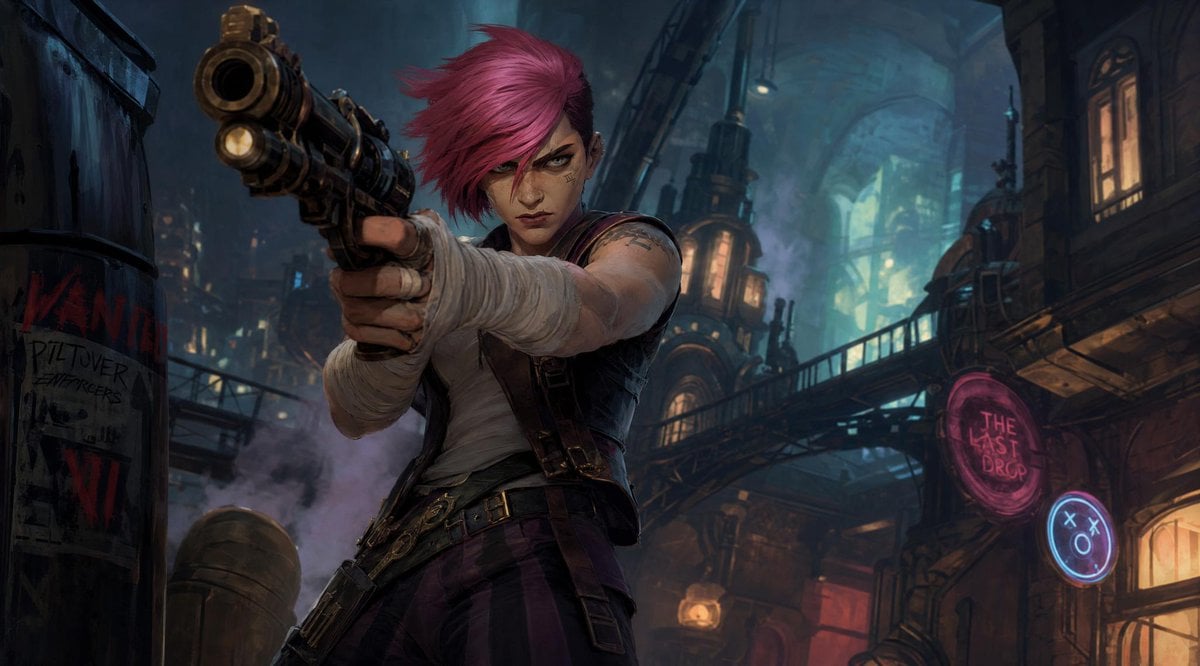
Punk Gunslinger in Steampunk Undercity
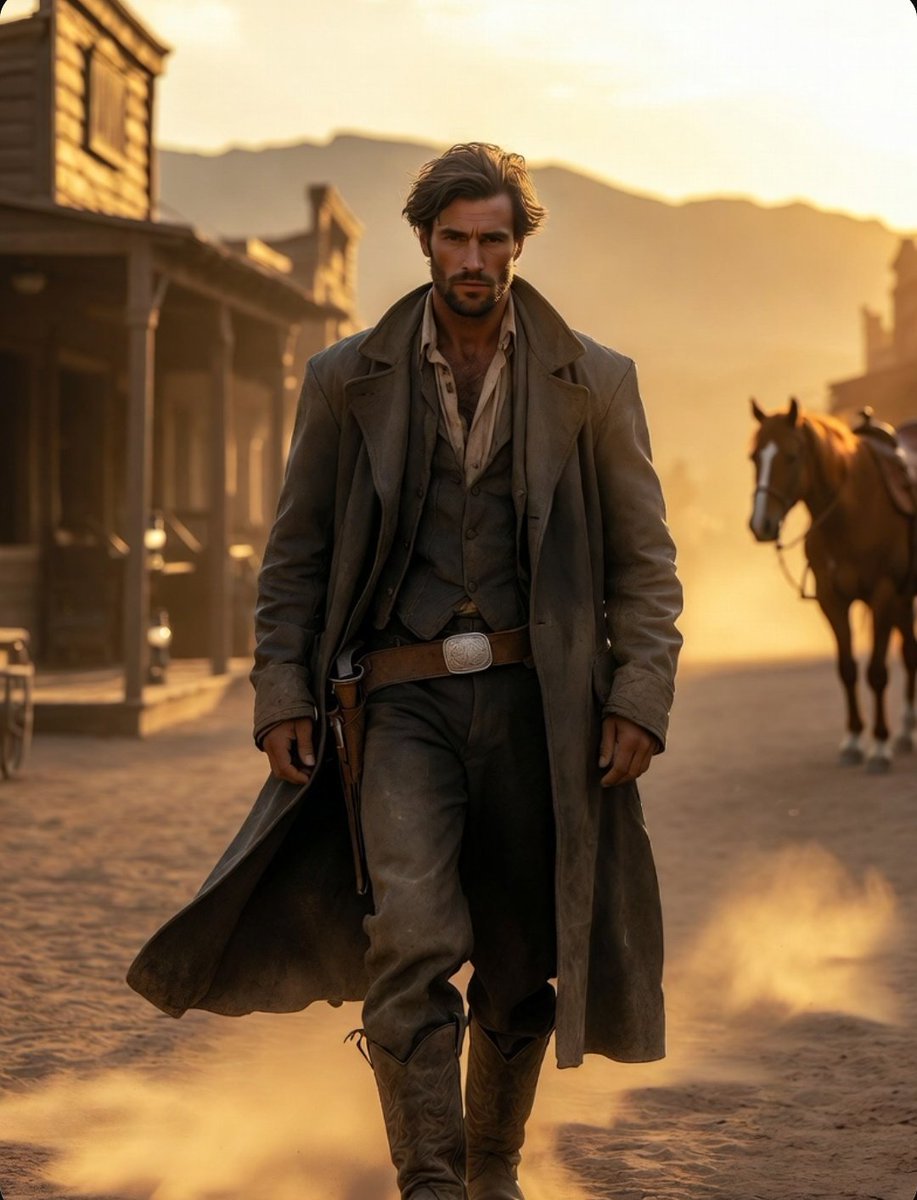
Cinematic Wild West Gunslinger
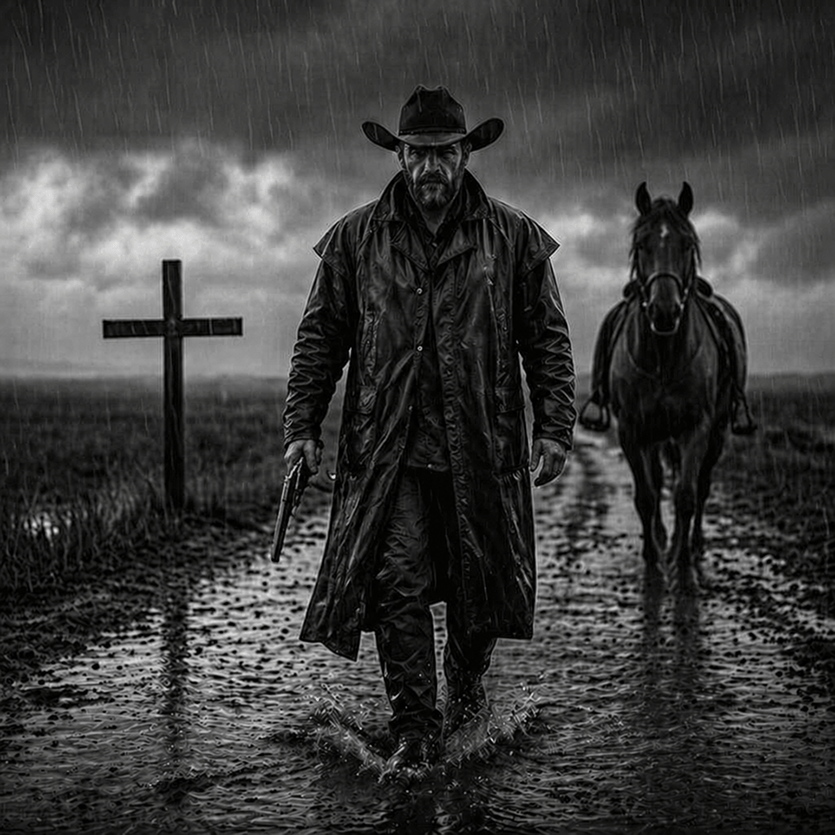
Rain-Soaked Dark Western Gunslinger
Blood-Red Western Gunslinger Poster
Blood Red Western Gunslinger
Gritty Western Gunslinger Scene Prompt

Steampunk Clockwork Princess
Steampunk Plague Alchemist Character
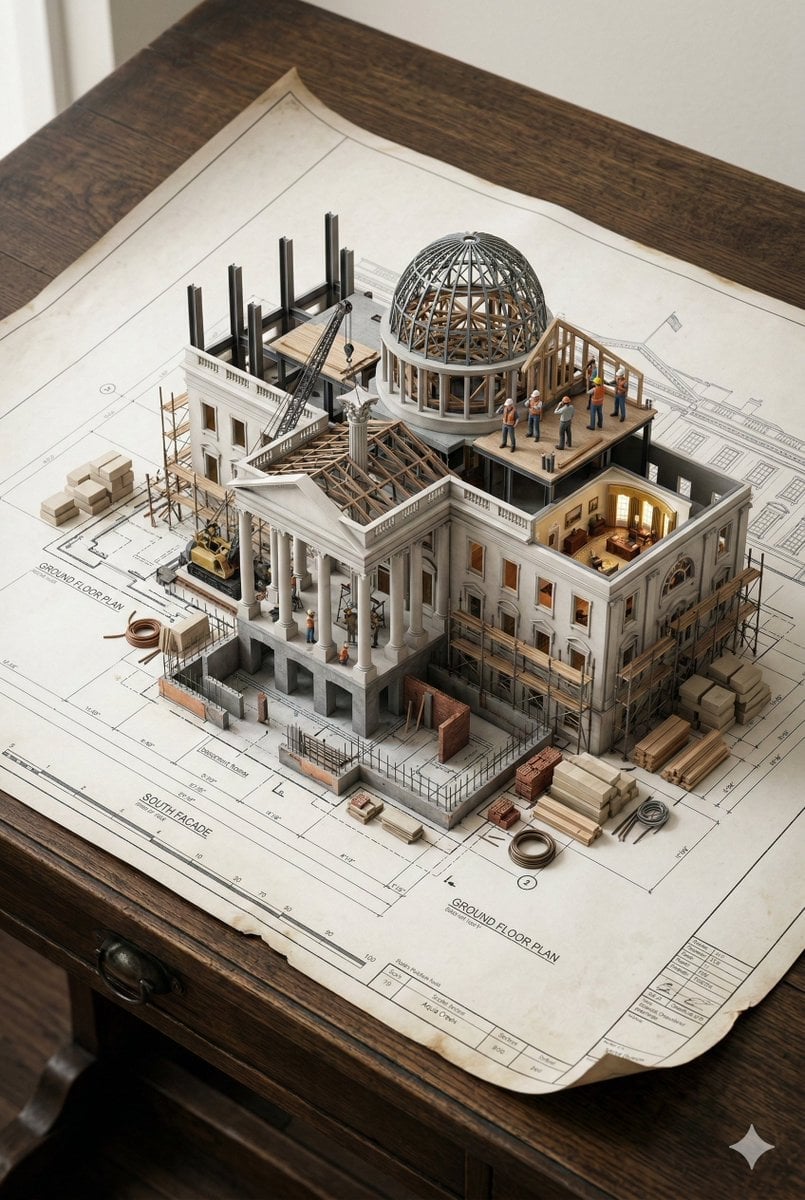
Paper Cut Steampunk Mechanism
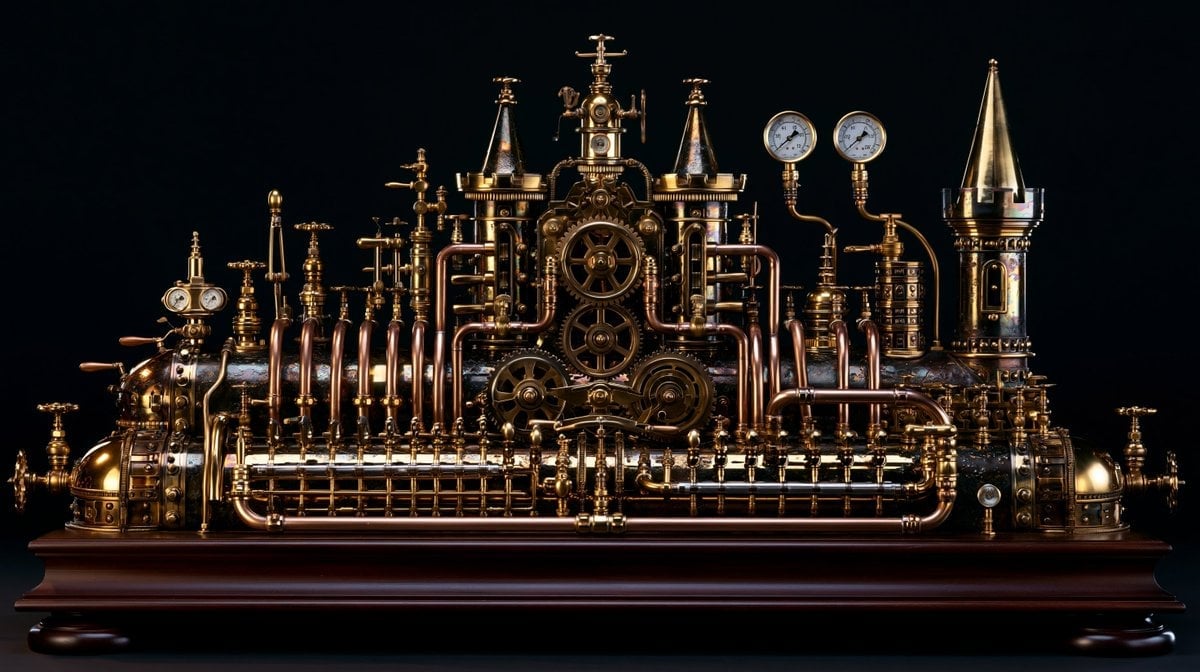
Intricate Steampunk Mechanical Sculpture
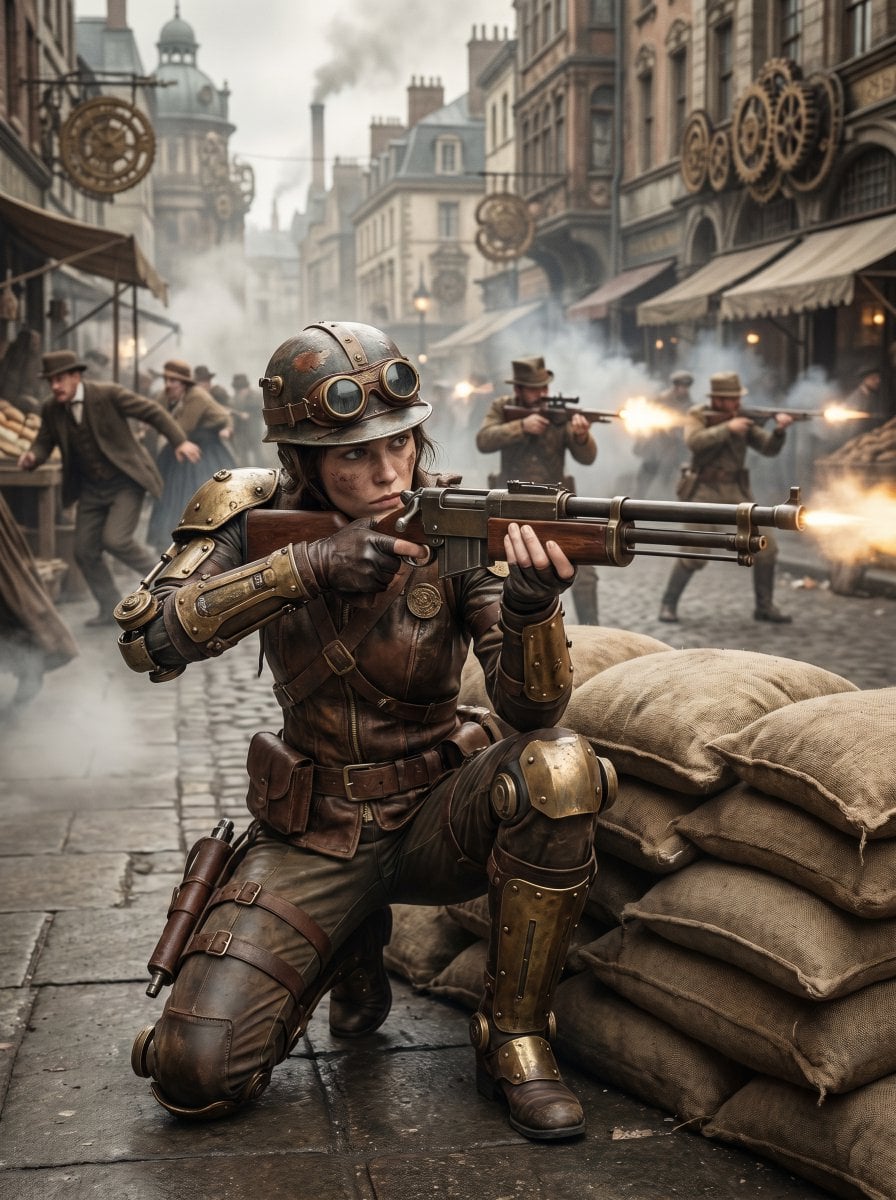
Steampunk Commando Woman Portrait
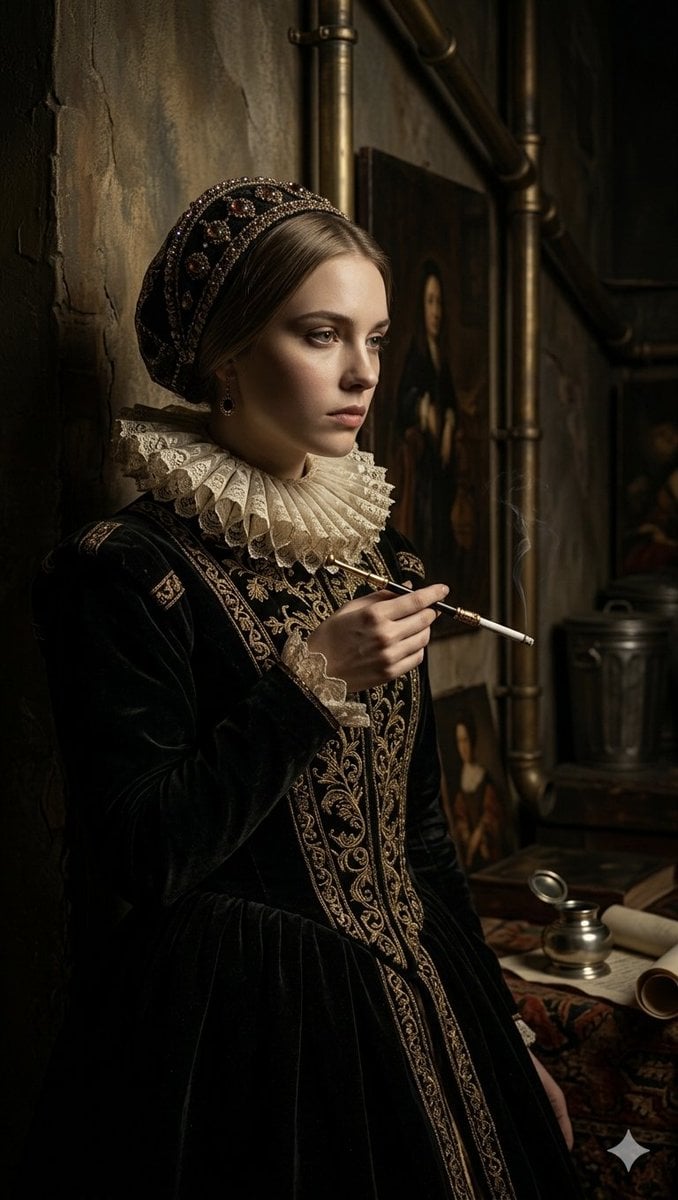
Steampunk Renaissance Noblewoman Portrait
Make it yours
Steampunk Gunslinger Character Art works as-is. These are the safest ways to change it without losing the look.
Change one field
Copy a single group, rewrite it, and generate again so you can see what that field is doing.
Keep the frame, change the subject
Hold the composition and light of Steampunk Gunslinger Character Art, then swap wardrobe, props or the person for a new take.
| If the result… | Why | Fix |
|---|---|---|
| The result drifts from the preview | Too many fields changed at once. | Reuse Steampunk Gunslinger Character Art as-is first, then change one group — subject, light, or setting. |
| The model over-stylizes the scene | The prose prompt leaves finish and camera underspecified. | Add one camera or lighting sentence and stay on GPT Image 2. |
More GPT Image 2 templates
Other prompts made for GPT Image 2.

Six VTuber Japanese Logo Sheet

Realistic Portrait of Woman and Deer

The Vista Modular Condo Poster

AI Model Routing Comparison Infographic

2.5D Anime Art Board

Isometric Productivity Desk Scene

New York Double Exposure Poster

Four-Panel AI Landscape Comparison

Japanese Tatami Lifestyle Magazine Cover

NESCAFÉ Coffee Map Poster
More image prompts
Fresh picks from across the catalog.
Moody Luxury Lifestyle Portrait of a Man in a Navy Suit
Candid Bathroom Mirror Selfie Portrait
Indian Ethnic Wear Portrait
Moonlit Barn Fashion Portrait
Before and After Handbag Ad
Streetwear BASS Headphones Poster
Editorial Lifestyle Portrait Prompt for Upscale Bar Scene
Fantasy Movie Poster Style Conversion
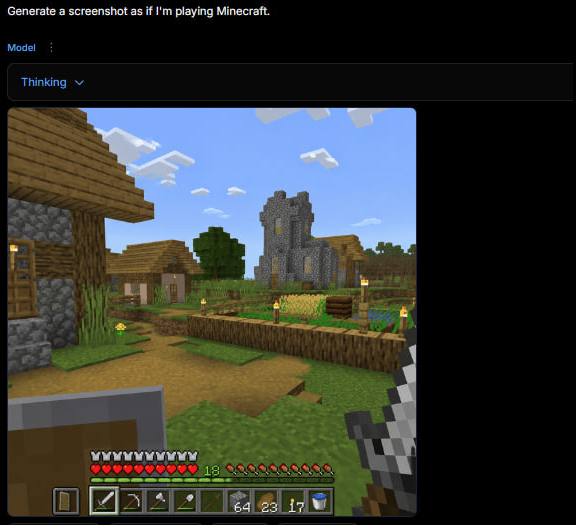
Minecraft Gameplay in AI Generator UI
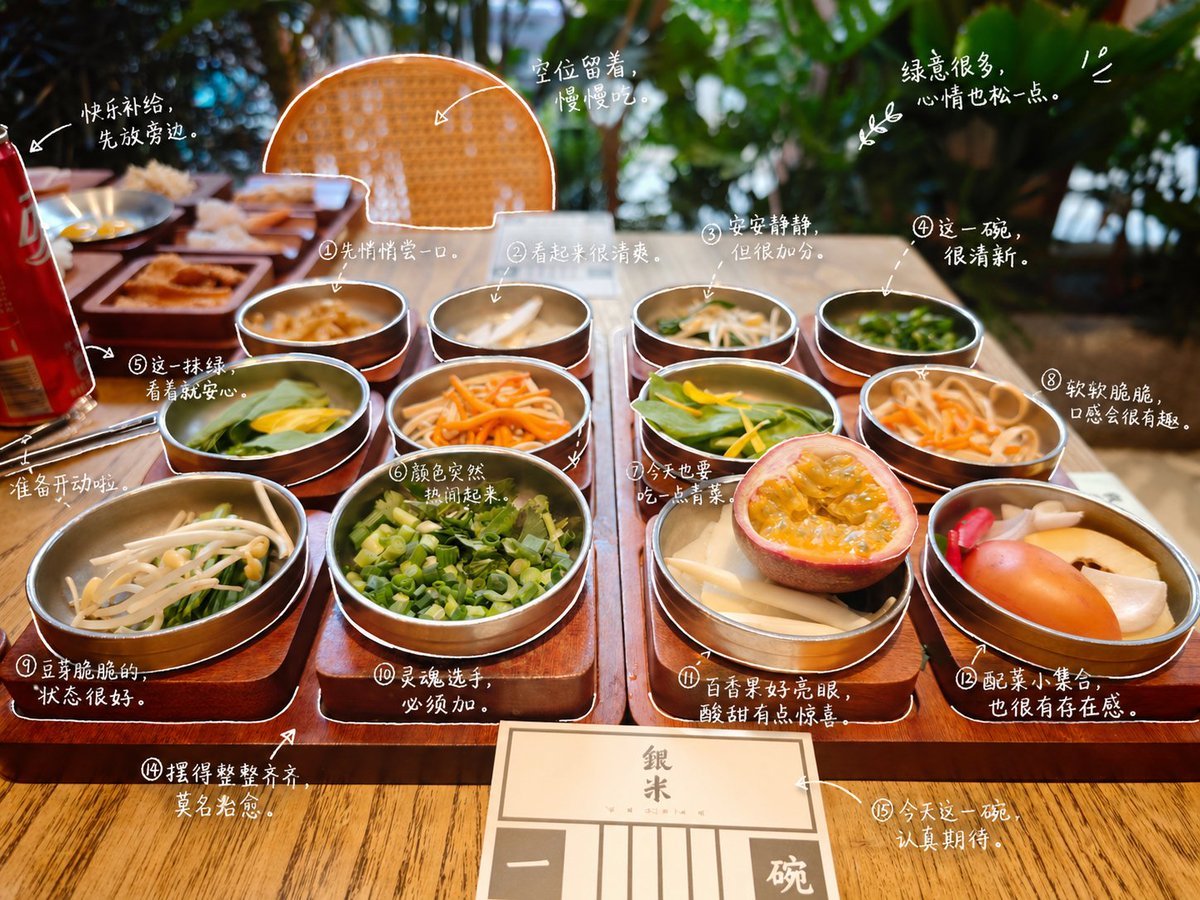
Hand-Drawn Style Photo Annotation
Browse template categories
Steampunk Gunslinger Character Art questions
How do I use the Steampunk Gunslinger Character Art template?
Add your photo if the template asks for one, edit the prompt if you like — the template's model and format are already selected — and press Generate. Your version opens in PicX Studio.
Can I customize the Steampunk Gunslinger Character Art template?
Yes. You can change the subject, setting, lighting, mood, format, and available model controls before creating your image.
Is the Steampunk Gunslinger Character Art template free?
Opening and editing this template is free. Generating uses credits, shown on the Generate button when you are signed in.
Which AI model should I use?
Start with GPT Image 2, which is the model associated with this template. You can compare another compatible model for a different finish.
Looking for something else? Browse all templates.

Your photo, any look
Thousands of ready templates for every top image and video model, from one credit balance.