
Cinematic Wild West Gunslinger
A cinematic prompt for an Old West gunslinger portrait, focusing on authentic 19th-century textures and dramatic sunset lighting.
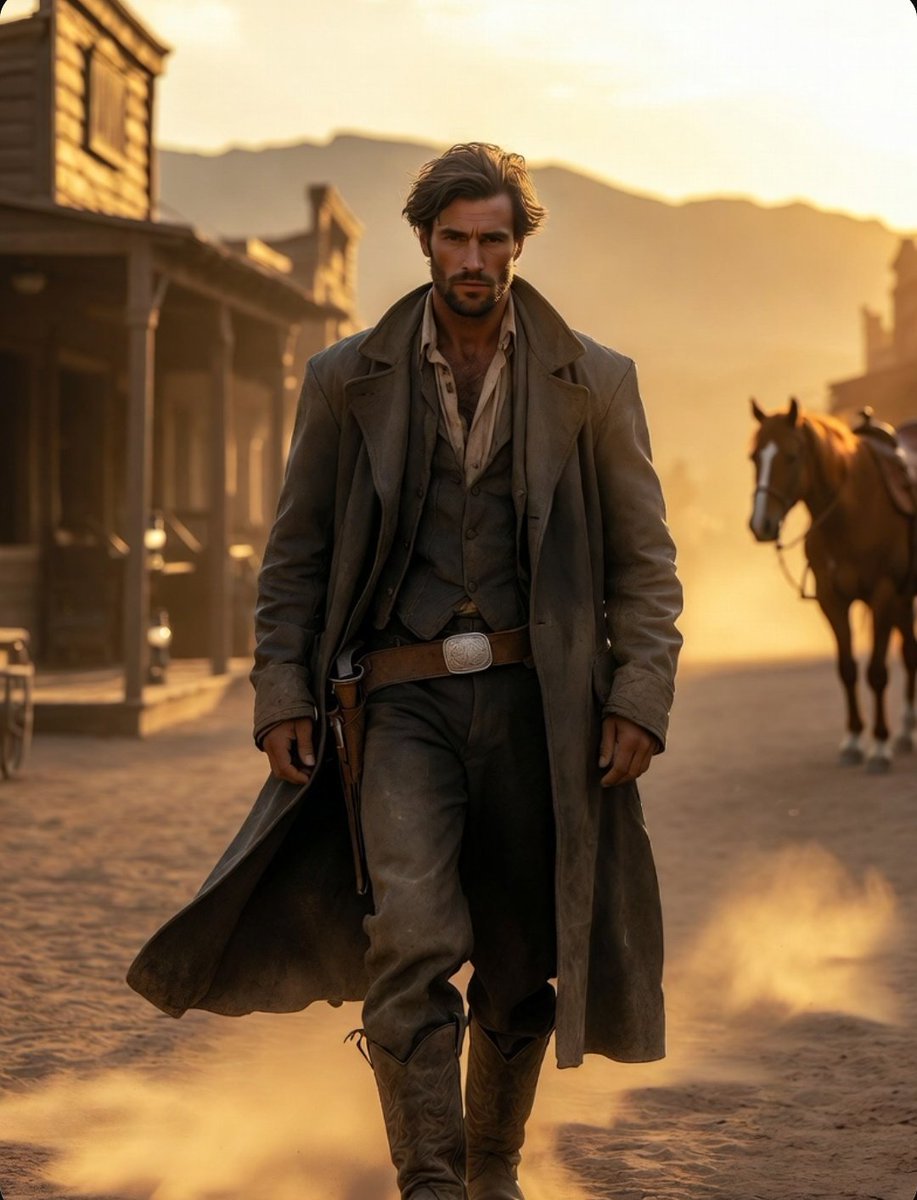
- Prompt included
- Model and format preset
- Premium template
The prompt behind this image
Copy the exact prompt behind Cinematic Wild West Gunslinger, or open it in the studio and make it yours.
(Face will be provided by uploaded reference image): A breathtaking cinematic portrait of a {argument name="character" default="rugged Old West gunslinger"}, using the exact facial features, identity, hairstyle, skin tone, and facial structure from the uploaded reference image, standing alone on a dusty frontier street in the fading glow of sunset. His weathered dark-brown leather duster coat flows gently in the desert wind, layered over a finely detailed frontier vest, faded linen shirt, antique gun belt, engraved silver buckle, and worn cowboy boots covered in trail dust. His expression is calm, confident, and legendary, carrying the presence of a man whose name is whispered across frontier towns. Behind him stretches an authentic 1880s western settlement, lined with wooden saloons, horse stables, trading posts, hitching rails, oil lanterns, wagons, and weather-beaten storefronts. Golden sunlight pours through the street, creating dramatic long shadows across the dusty ground while dust particles drift through the air, illuminated by warm cinematic light. A magnificent chestnut horse waits nearby, saddle decorated with intricate leather craftsmanship and aged brass details. The scene feels like a frame from an epic western masterpiece, combining the grandeur of classic frontier cinema with luxury editorial photography. Every detail is rendered with extraordinary realism: authentic leather textures, realistic fabric folds, weathered wood grain, subtle skin texture, visible pores, lifelike eyes, natural facial shadows, and perfectly balanced cinematic color grading. The atmosphere evokes freedom, adventure, mystery, and timeless frontier legend. Ultra-realistic photography, medium-format camera, Hasselblad quality, cinematic western masterpiece, Sergio Leone-inspired composition, dramatic sunset lighting, volumetric sunlight, atmospheric dust, shallow depth of field, ultra-detailed textures, authentic 19th-century frontier styling, rugged masculine elegance, photorealistic skin rendering, award-winning photography, luxury fashion editorial meets Wild West cinema, epic environmental storytelling, masterpiece composition, HDR, global illumination, natural color palette, 8K ultra-detailed, visually stunning, legendary western hero aesthetic.
How to use Cinematic Wild West Gunslinger in 3 steps
- 1Upload ImagePNG, JPG or paste
Add your photo
Upload the photo the template builds on. The prompt, model and format are already set.
- 2…a portrait of your subject in softgolden-hour light, 85mm…
Personalize
Edit the subject and creative details for your destination.
- 3Generate
Generate
Press Generate — your image is created in PicX Studio, so you can compare it with the original and refine one variable at a time.
More like this
Templates with the same subject, style or setup. Open one to see its prompt.
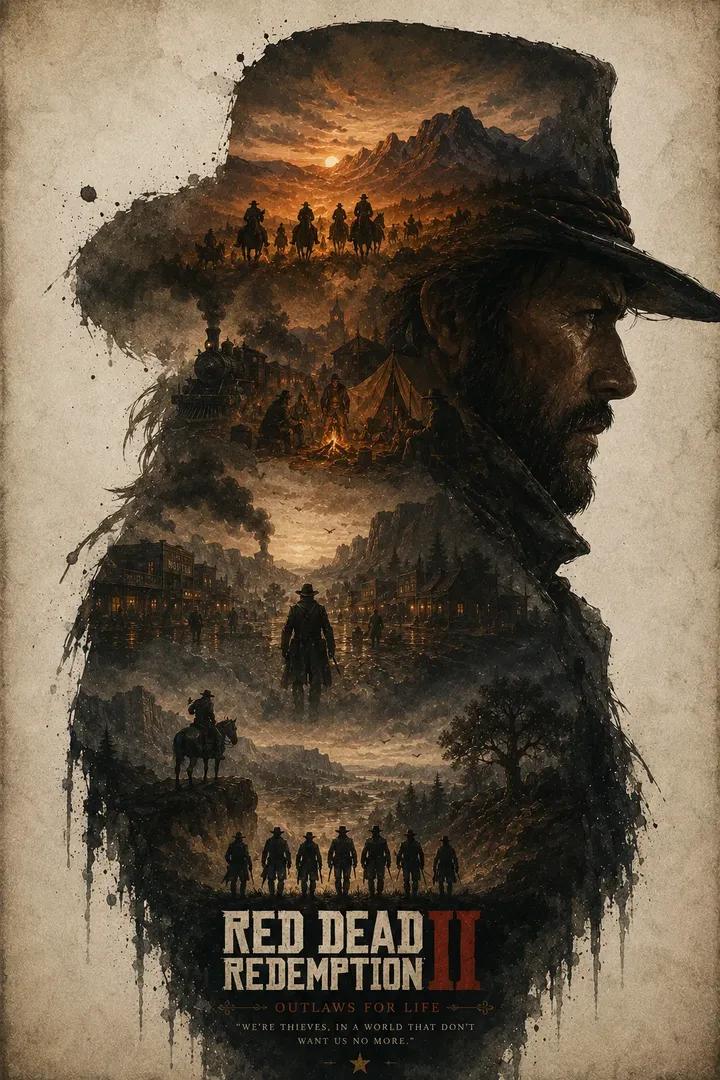
Wild West Double Exposure Poster
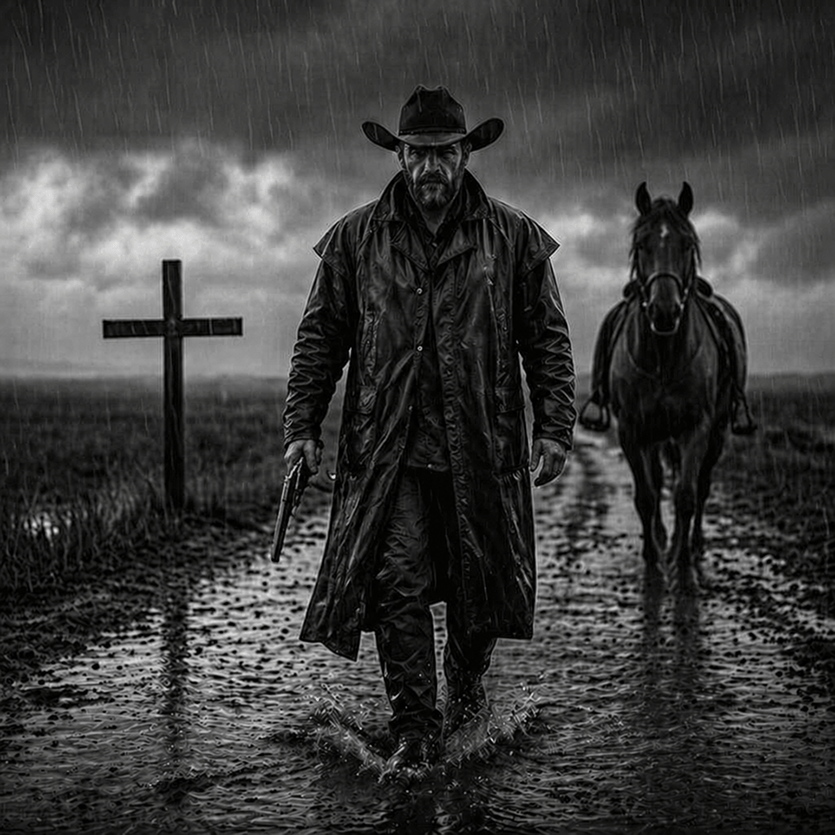
Rain-Soaked Dark Western Gunslinger
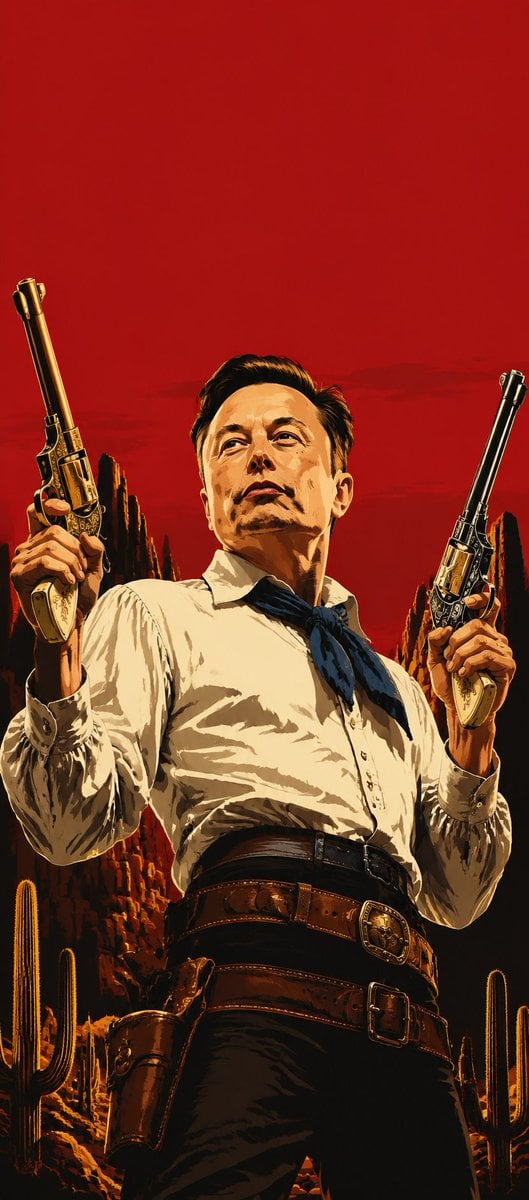
Blood-Red Western Gunslinger Poster
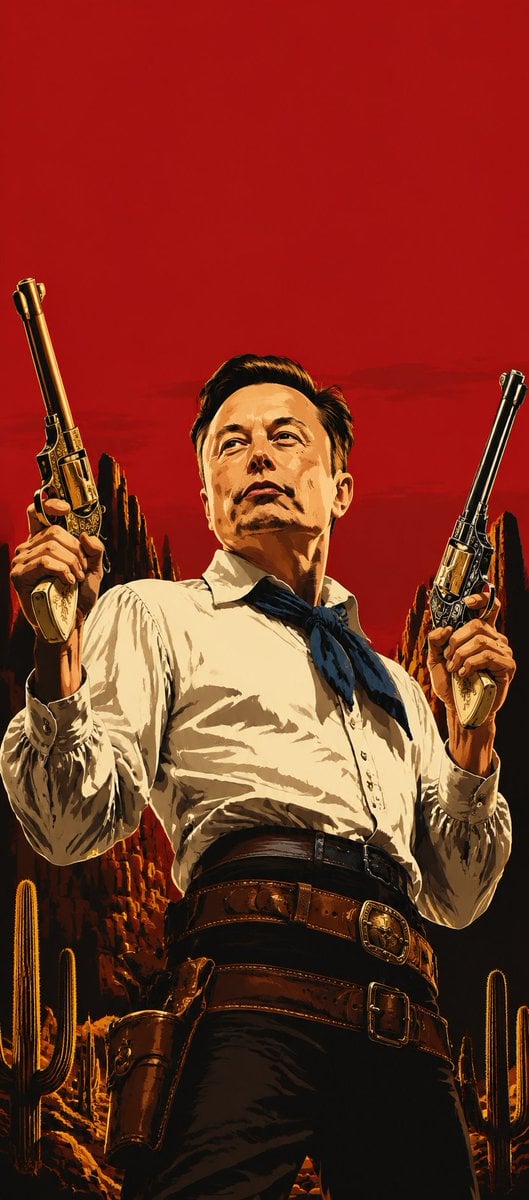
Blood Red Western Gunslinger
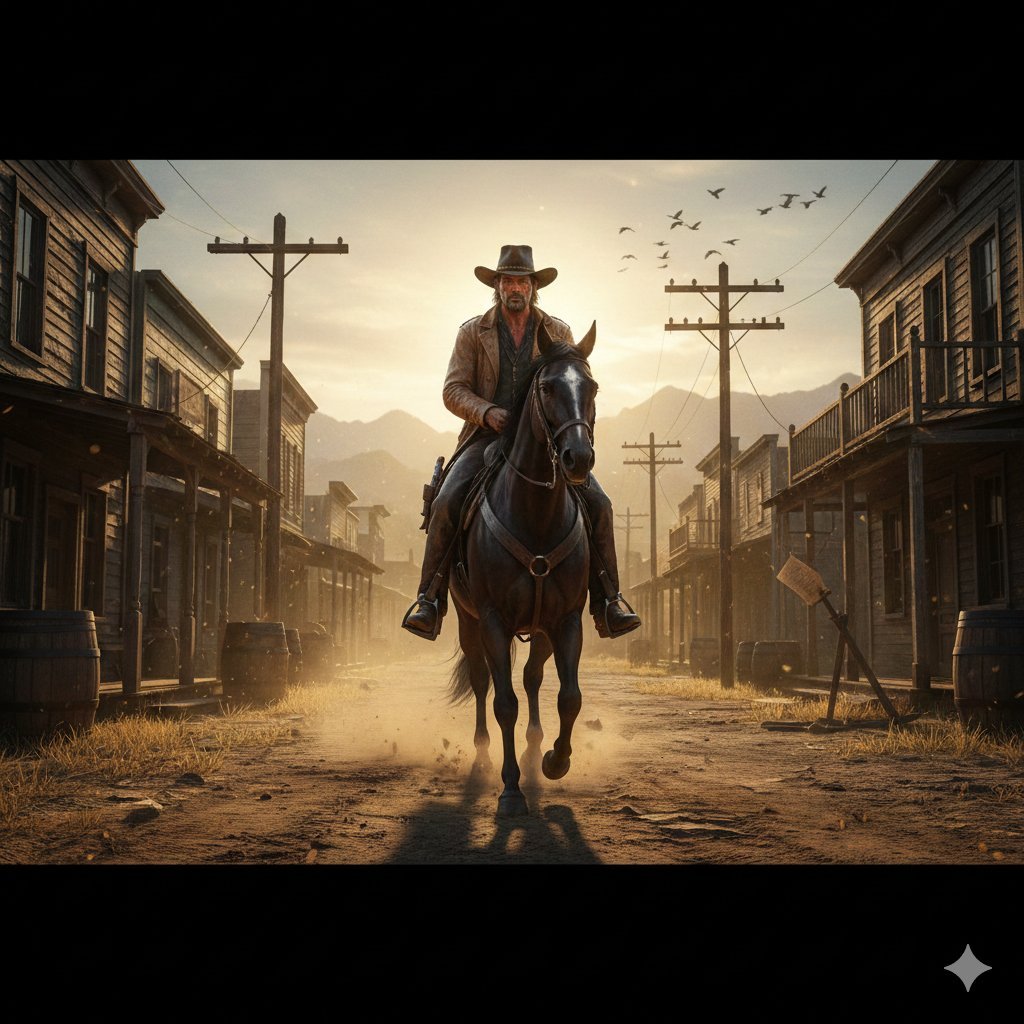
Gritty Western Gunslinger Scene Prompt
Tropical Rainforest Wildlife Ecosystem
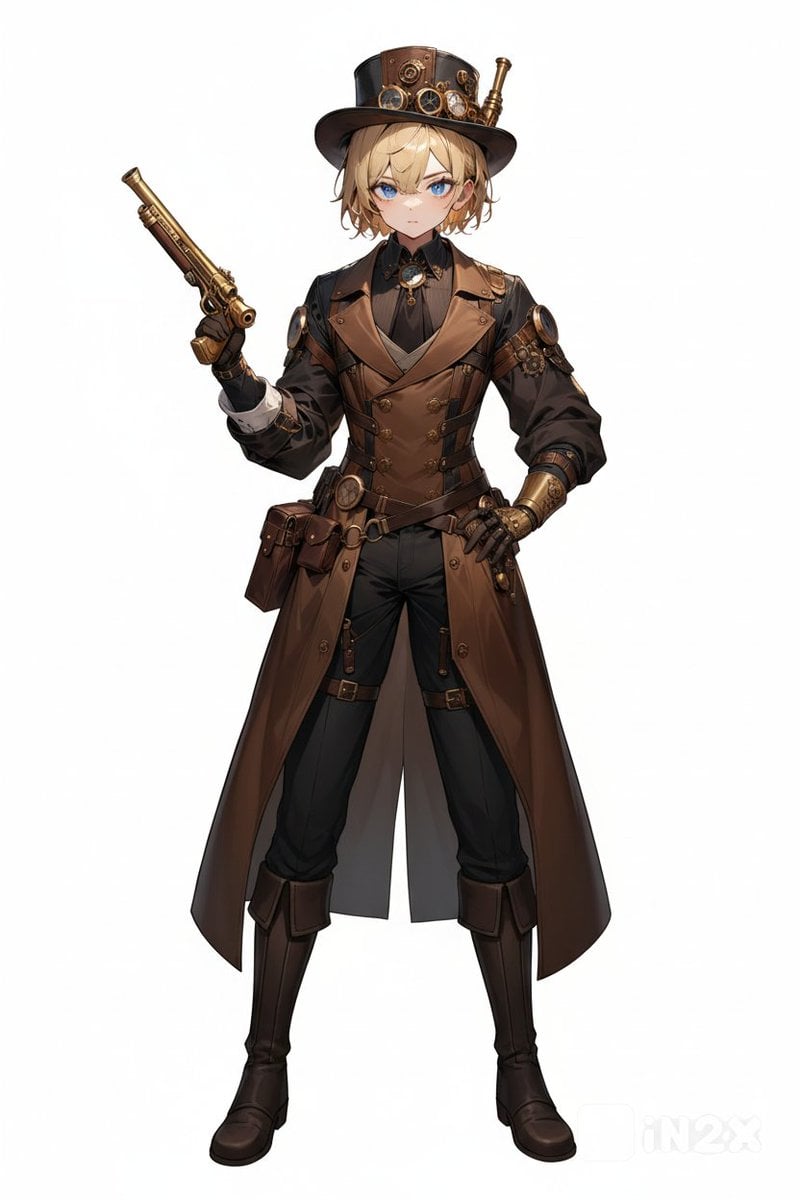
Steampunk Gunslinger Character Art
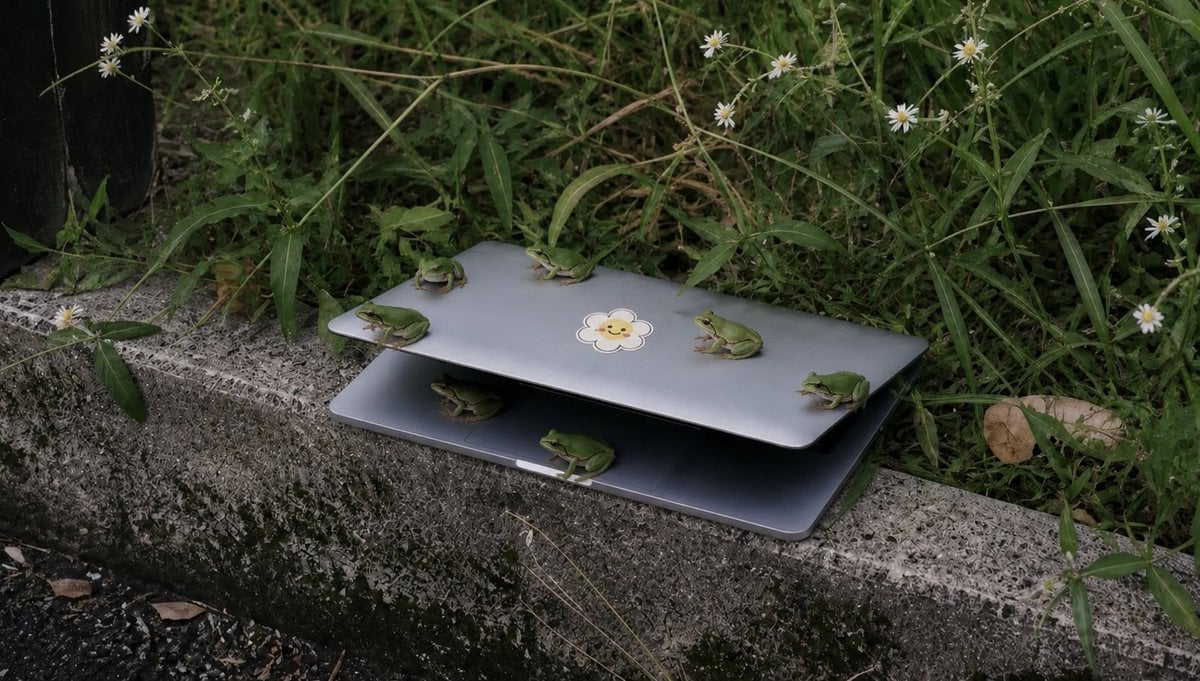
Frogs on a Laptop in Wild Grass
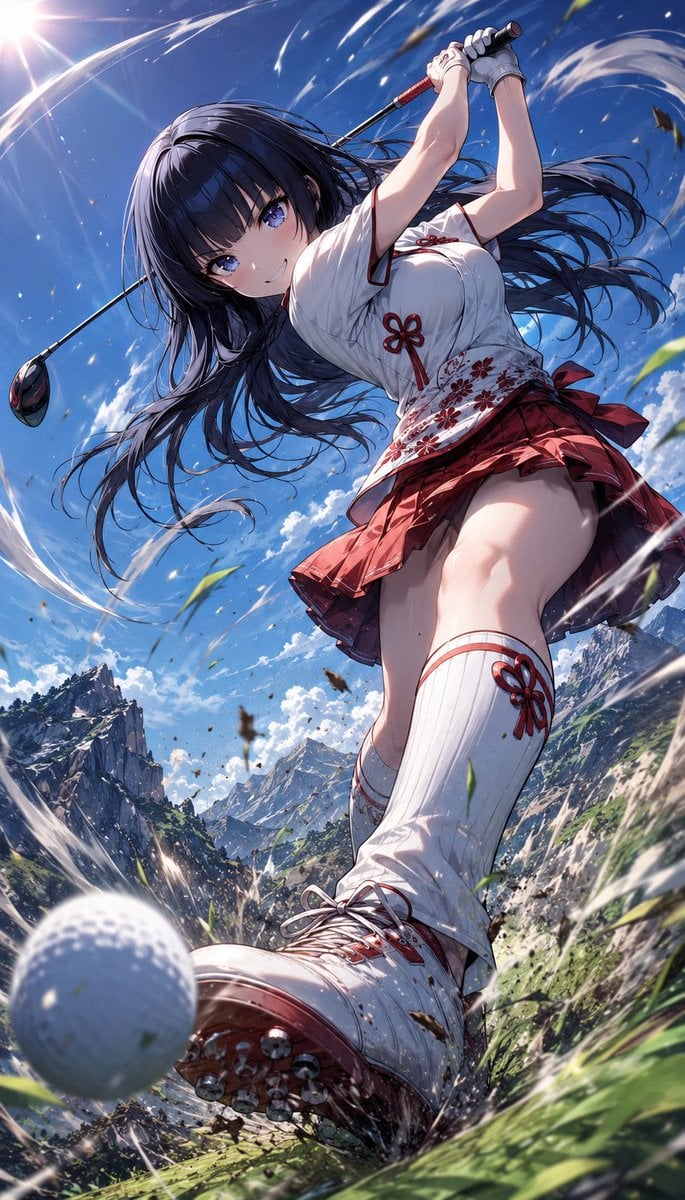
Manga Style Wild Genius Golfer
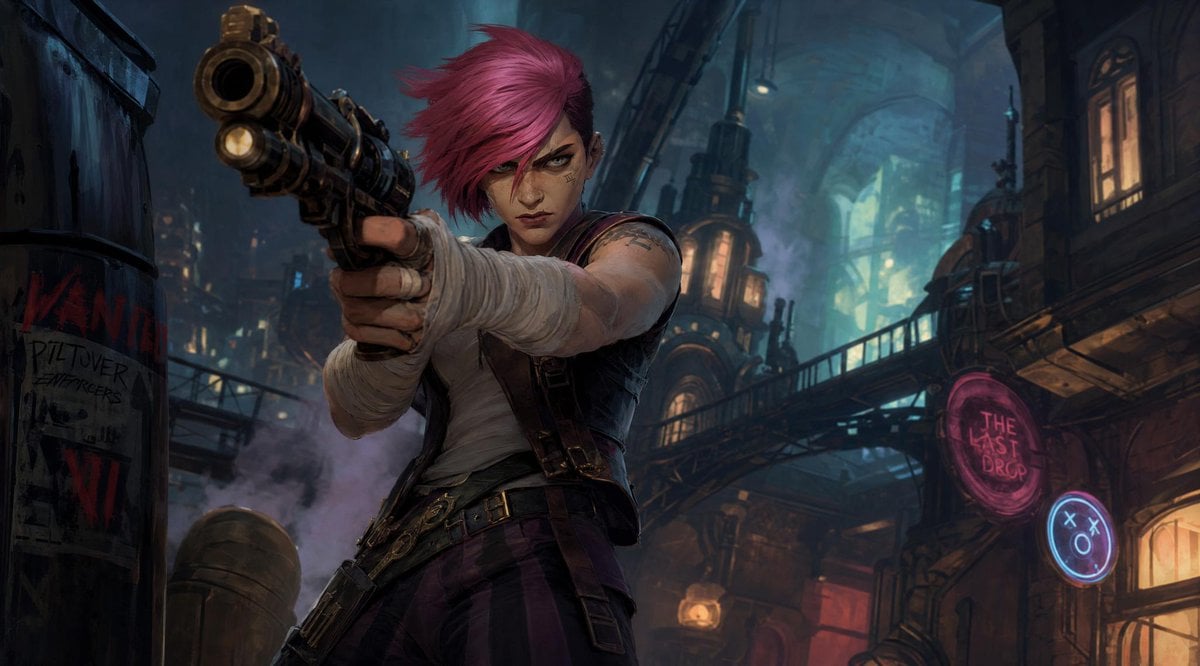
Punk Gunslinger in Steampunk Undercity
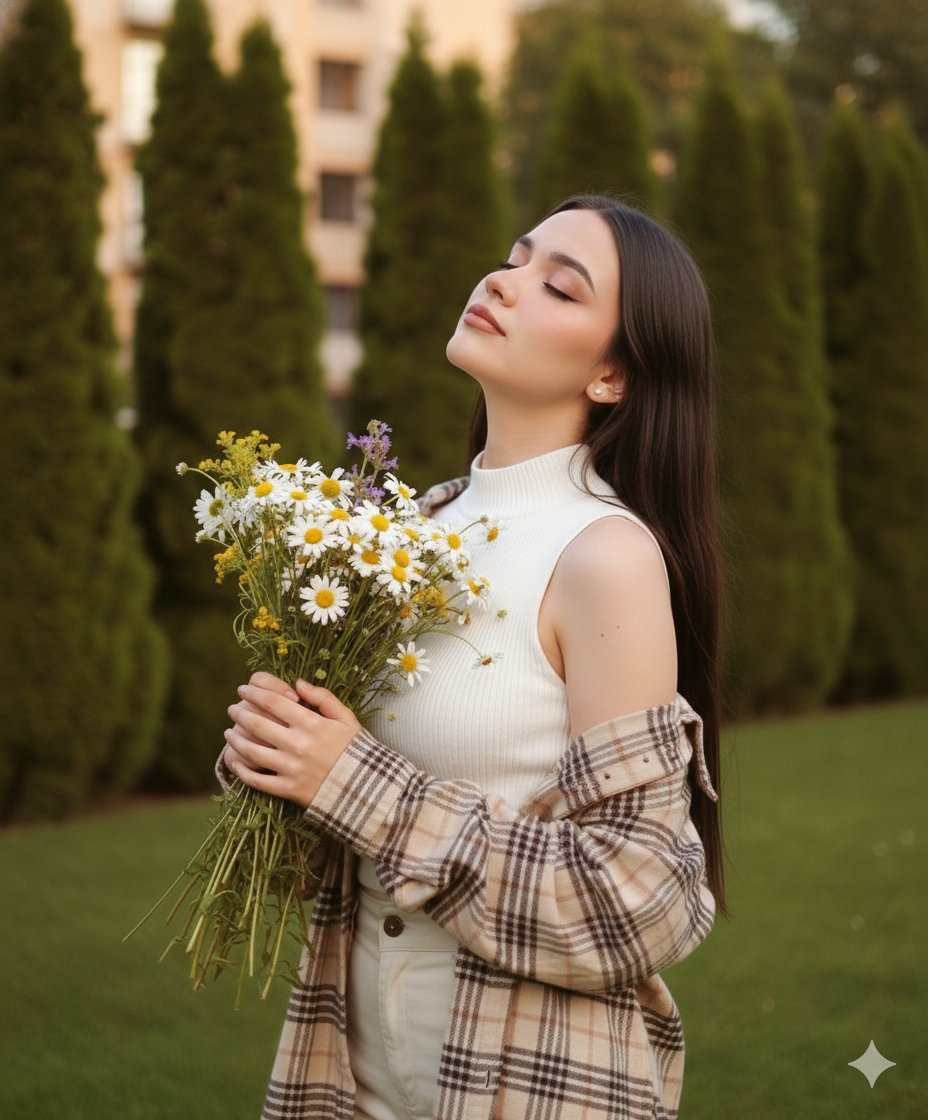
Dreamy Cinematic Portrait with Wild Bouquet in Golden Hour
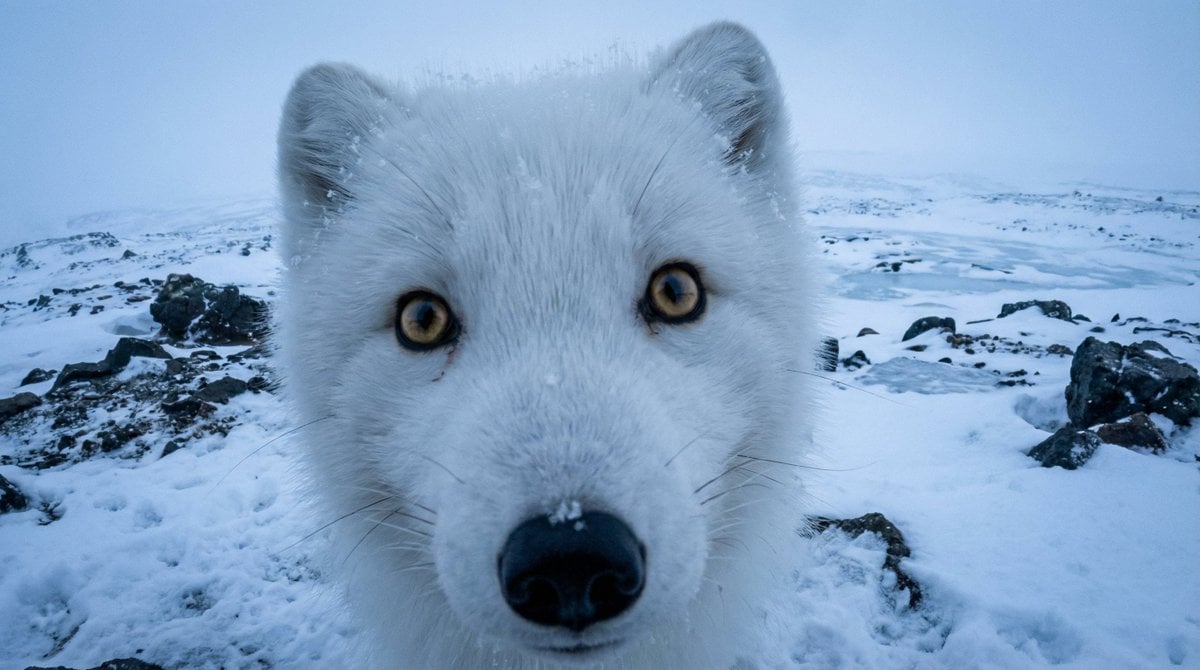
Variable Fisheye POV Wildlife Prompt
Make it yours
Cinematic Wild West Gunslinger works as-is. These are the safest ways to change it without losing the look.
Change one field
Copy a single group, rewrite it, and generate again so you can see what that field is doing.
Keep the frame, change the subject
Hold the composition and light of Cinematic Wild West Gunslinger, then swap wardrobe, props or the person for a new take.
| If the result… | Why | Fix |
|---|---|---|
| The result drifts from the preview | Too many fields changed at once. | Reuse Cinematic Wild West Gunslinger as-is first, then change one group — subject, light, or setting. |
| The model over-stylizes the scene | The prose prompt leaves finish and camera underspecified. | Add one camera or lighting sentence and stay on Nano Banana 2. |
More Nano Banana 2 templates
Other prompts made for Nano Banana 2.

Photorealistic Leaf Shaped Like a Dragon

K-Pop Idol Portrait Grid for Rapid Selection

Poetic Rain Forest Portrait During Golden Hour

Urban Street Portrait with Cartoon Inner Self Duo

Candid Nighttime Photo with Cat Prompt

High-Concept 3D Diorama Generation Prompt

Cinematic Futuristic Studio Portrait Template

Skincare Editorial Photography Collage Prompt

Hyper-Realistic Commercial Product Photography (Splash Effect)

Hyper-Realistic Nightclub Portrait Prompt
More image prompts
Fresh picks from across the catalog.
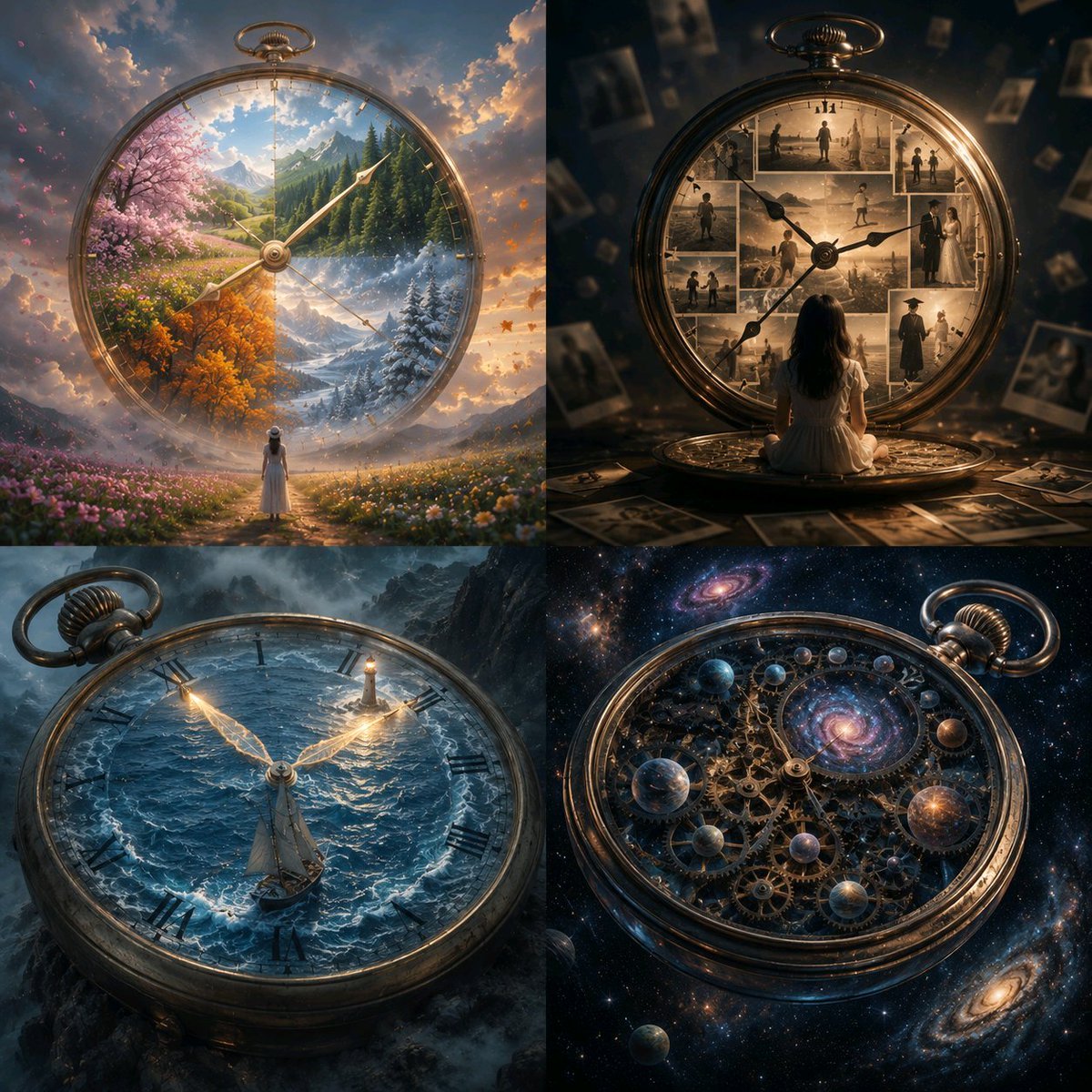
Universal Creative Advertising Template
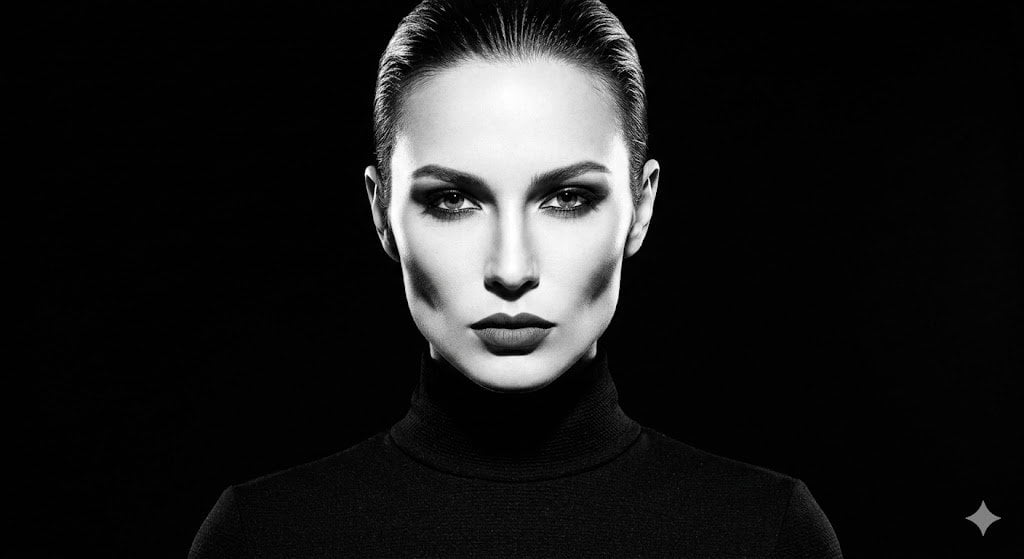
High-Contrast Fashion Studio Portrait
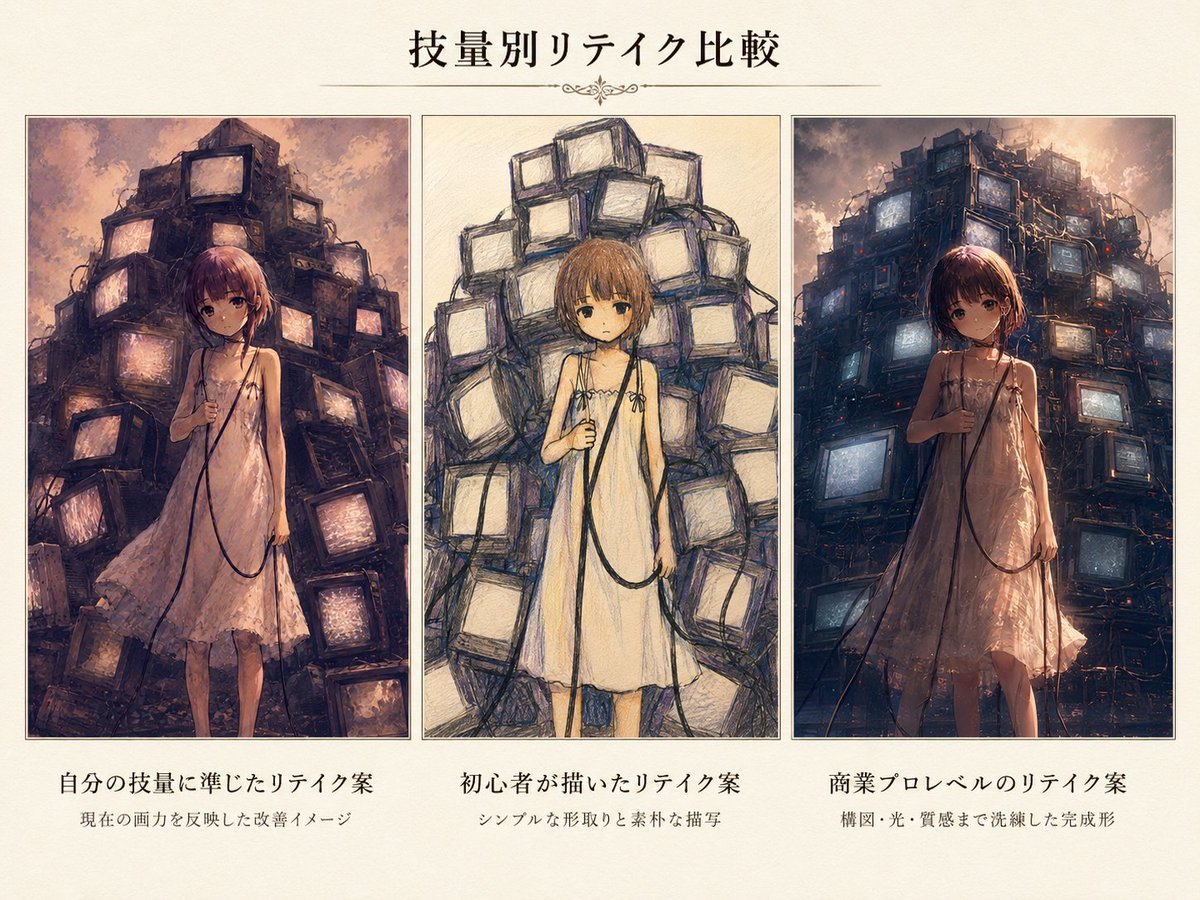
Three-Level Illustration Retake Comparison
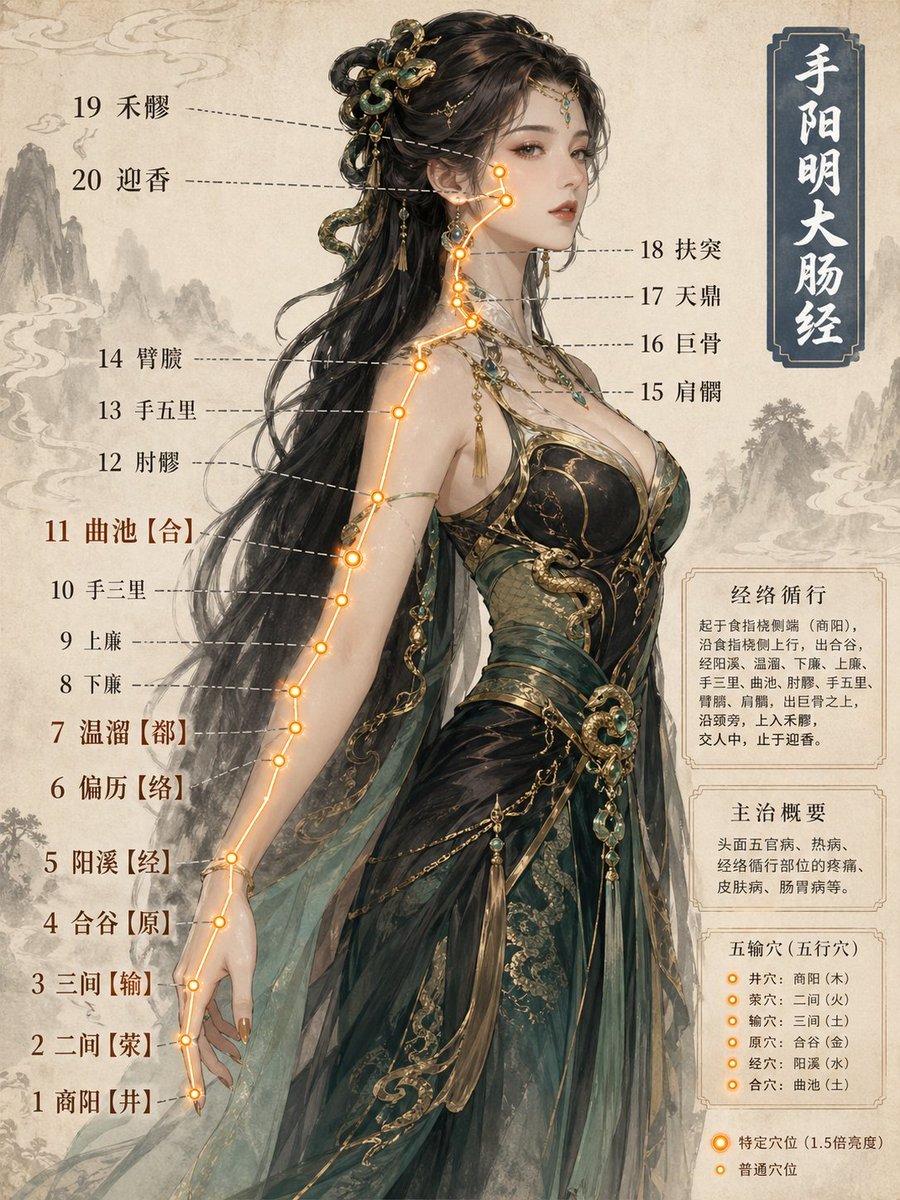
Chinese Medicine Meridian Infographic
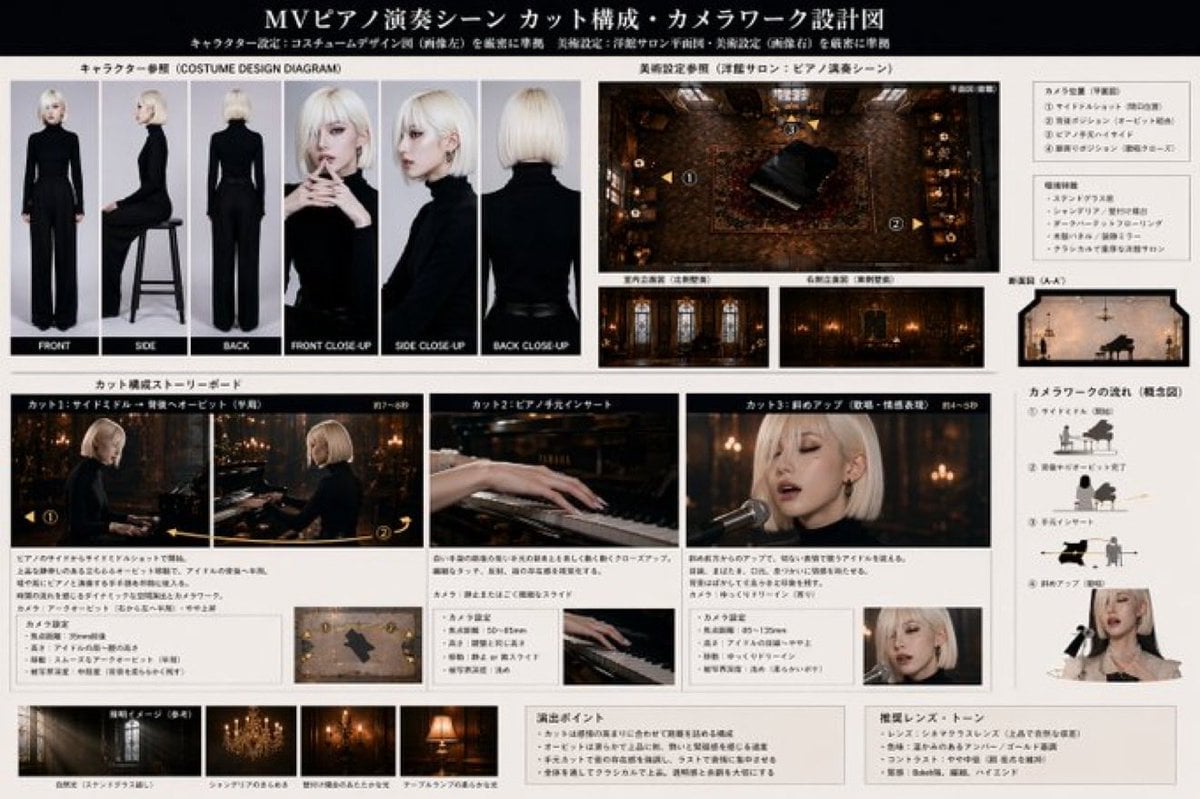
MV Pre-visualization Blueprint
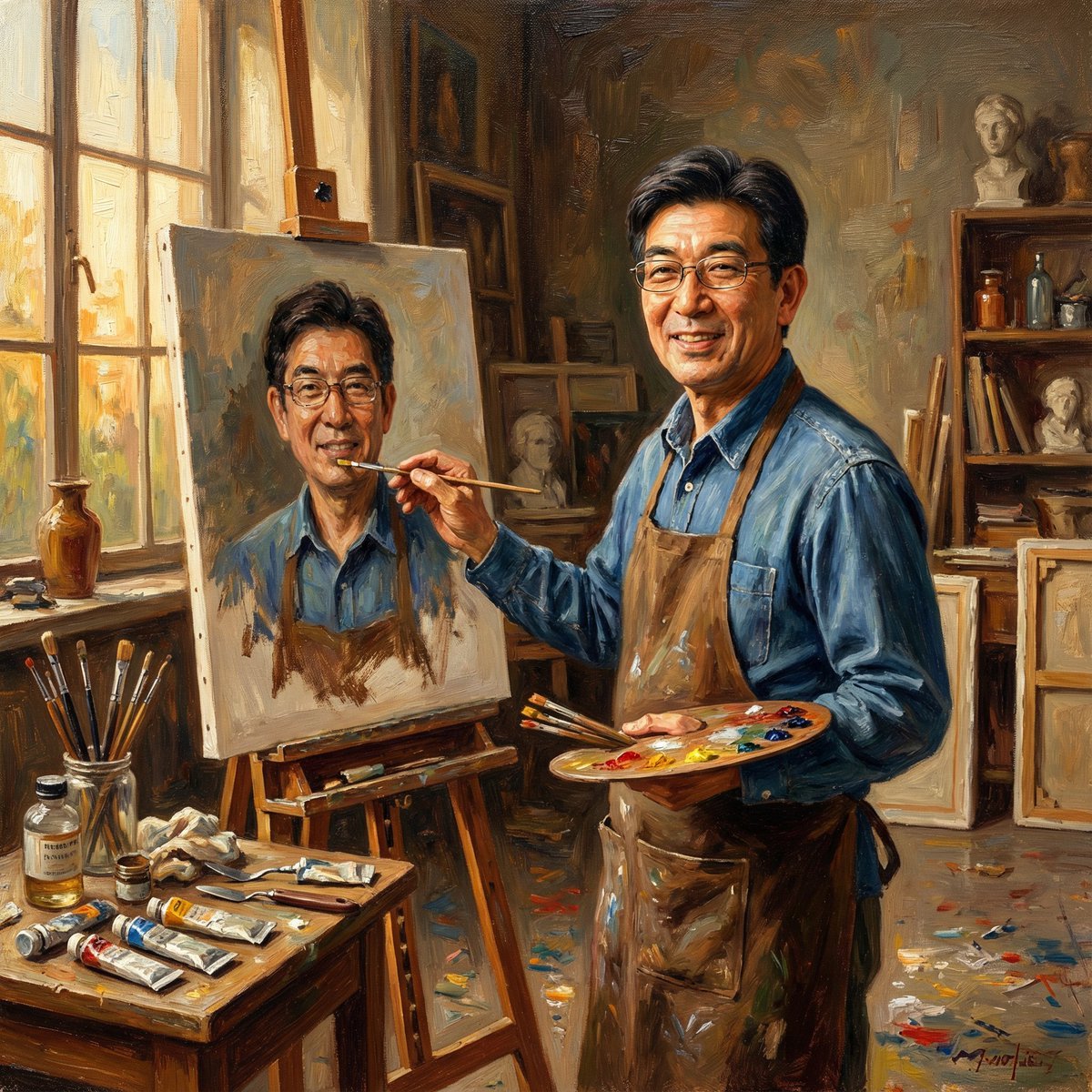
Nano Banana Pro: Artist and Neon Styles
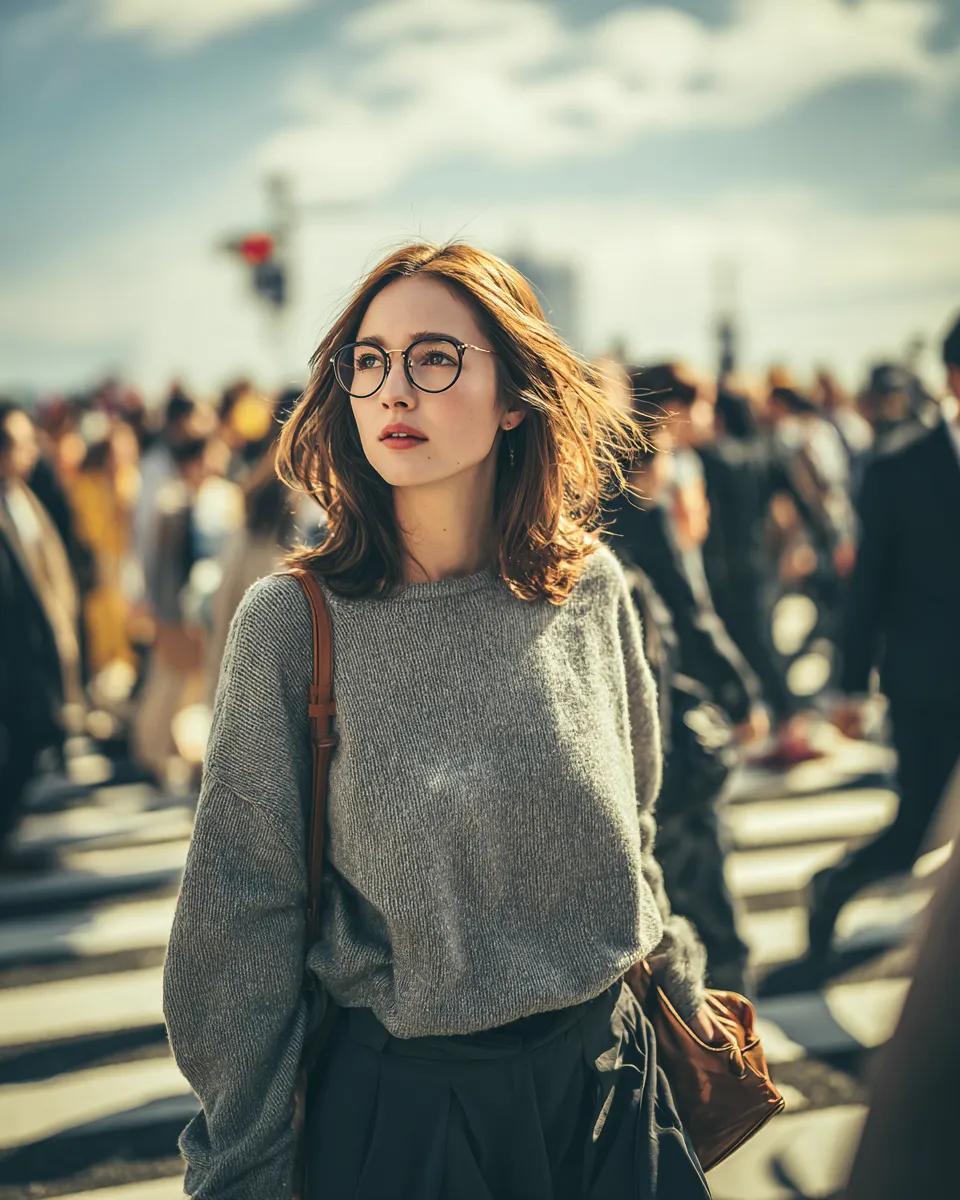
Cinematic Golden Hour Portrait in a City Crosswalk
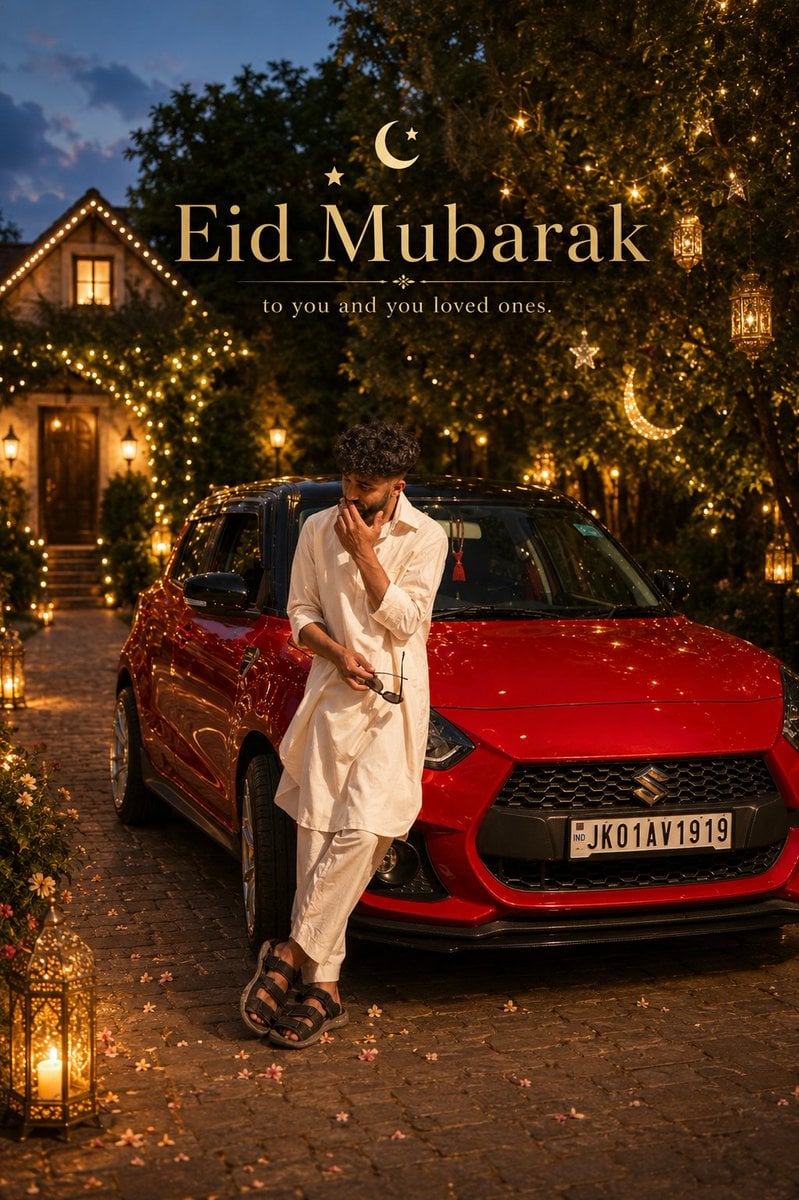
Cinematic Eid Portrait Transformation
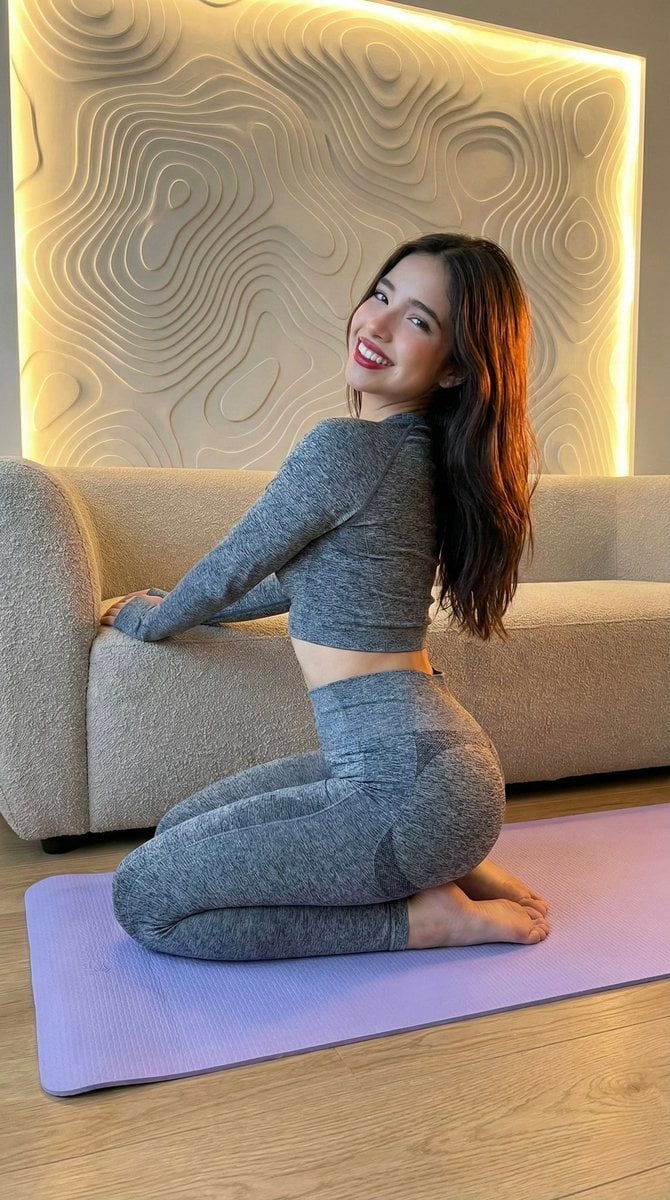
High-Fidelity Fitness Portrait Prompt (Identity Locking)
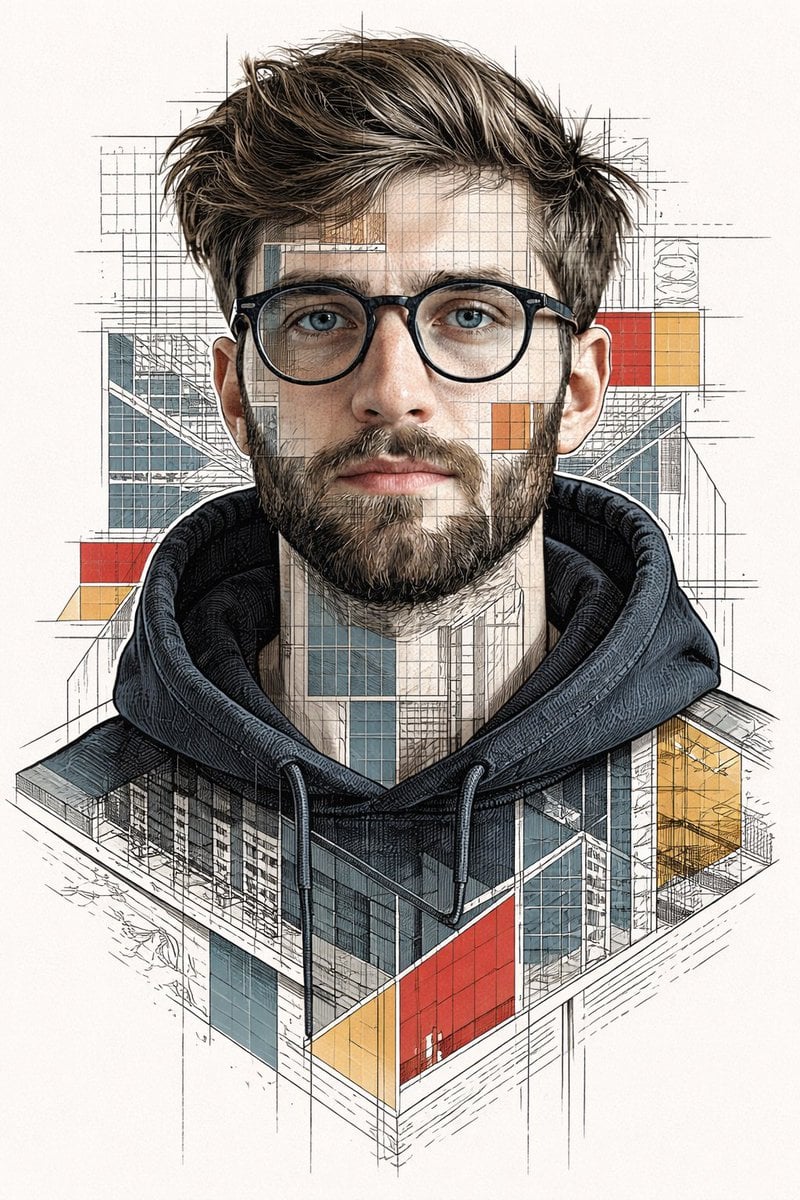
Architectural Blueprint Face Portrait
Browse template categories
Cinematic Wild West Gunslinger questions
How do I use the Cinematic Wild West Gunslinger template?
Add your photo if the template asks for one, edit the prompt if you like — the template's model and format are already selected — and press Generate. Your version opens in PicX Studio.
Can I customize the Cinematic Wild West Gunslinger template?
Yes. You can change the subject, setting, lighting, mood, format, and available model controls before creating your image.
Is the Cinematic Wild West Gunslinger template free?
Opening and editing this template is free. Generating uses credits, shown on the Generate button when you are signed in.
Which AI model should I use?
Start with Nano Banana 2, which is the model associated with this template. You can compare another compatible model for a different finish.
Looking for something else? Browse all templates.

Your photo, any look
Thousands of ready templates for every top image and video model, from one credit balance.