How do I use the Architectural Blueprint Face Portrait template?
Choose the primary action to open PicX Studio with the available template settings. Review the model and format, personalize the creative direction, and generate when ready.
A modernist illustration style portrait that blends a human face with architectural blueprints and technical diagrams.
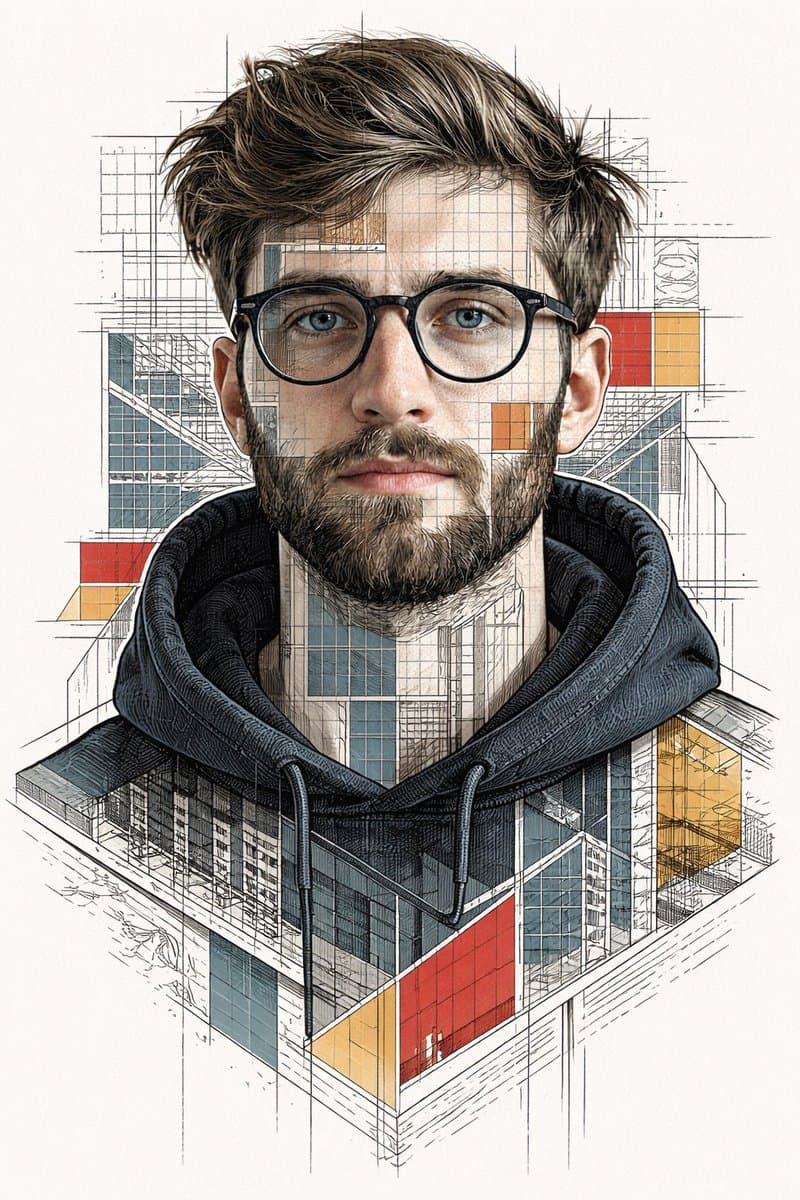
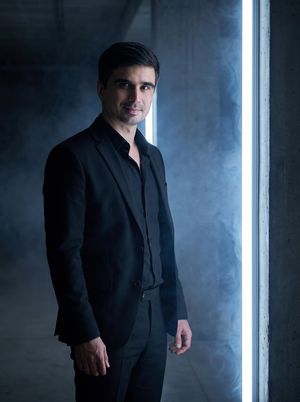
Ultra-detailed stylized portrait using my face as reference. Intellectual, modernist illustration style inspired by architectural blueprints and editorial line art. Face split into layered geometric sections with visible technical diagrams, city interiors, structural grids, and abstract architectural elements embedded within the facial planes. Fine ink linework, cross-hatching, and engraving-style shading. Clean white background with dense black line drawings. Bold accent colors only in selected regions: deep red, muted blue, and warm yellow, applied as flat graphic blocks and translucent overlays. Sharp, thoughtful eyes with realistic highlights, wearing thin round glasses. Minimalist yet complex composition, high contrast, crisp edges, poster-grade clarity. Editorial illustration aesthetic, conceptual portrait, futuristic intellect vibe, data visualization meets human identity. Extremely sharp, ultra-high resolution, professional magazine cover quality, no blur, no distortion, balanced symmetry.
Choose the primary action to open PicX Studio with the available template settings. Review the model and format, personalize the creative direction, and generate when ready.
Yes. You can change the subject, setting, lighting, mood, format, and available model controls before creating your image.
This template is free to open and customize. Generation usage is shown in PicX Studio before you create.
Start with GPT Image 2, which is the model associated with this template. You can compare another compatible model for a different finish.
© 2026 PicX Studio. All rights reserved.

Follow a topic to a crawlable collection of related PicX Studio templates.