
Realistic portrait 100 identical face, no editing allowed
Create a realistic portrait (100% identical face, no editing allowed).

- Prompt included
- Model and format preset
- Premium template
The prompt behind this image
Copy the exact prompt behind Realistic portrait 100 identical face, no editing allowed, or open it in the studio and make it yours.
Create a realistic portrait (100% identical face, no editing allowed). A hyper-realistic black-and-white portrait of a young beautiful woman with a calm, serious, and introspective expression, sitting casually on a stack of rustic wooden crates in a minimalist studio setting. She faces the camera directly with a relaxed yet confident posture, her legs slightly apart, one hand resting naturally between her knees and the other loosely stretched across her thigh, creating a powerful editorial fashion pose. She has straight, dark, shoulder-length hair with a natural center parting, slightly tousled, gently framing her face. Her facial features are delicate and symmetrical, with a naturally smooth skin texture, subtle shadows under her eyes, soft, slightly parted lips, and deep, expressive eyes staring directly into the lens, conveying a calm confidence and emotional depth. The lack of heavy makeup emphasizes the natural editorial aesthetic. Clothing & Style: She wears a fitted black blazer with structured shoulders over a simple white crew-neck T-shirt, paired with cropped black striped trousers. On her feet are modern, chunky white sneakers, paired with white calf-length socks with bold black horizontal stripes, adding a casual street-style contrast to the formal blazer. Minimal accessories, no visible jewelry. Her nails are painted black. Lighting & Ambiance: High-contrast cinematic lighting with strong, directional natural light coming in from the side, creating dramatic diagonal streaks of light and shadow on the plain studio walls and partly on her body. The lighting creates depth, texture, and a moody editorial atmosphere reminiscent of a high-end fashion magazine. Soft shadows preserve facial details while maintaining strong contrast. Camera & Composition: Medium-full-length shot, eye-level perspective, centered composition. Shot with a professional DSLR or medium format camera, using a prime lens (50mm–85mm). Shallow depth of field with sharp focus on the subject, subtle background blur. Sharp details, subtle texture of fabric, visible skin pores, realistic falloff. Style & Quality: Editorial fashion photography, minimalist, cinematic, monochrome aesthetic, Vogue-style portraiture, ultra-high resolution, sharp focus, film-like contrast, timeless and modern atmosphere.
How to use Realistic portrait 100 identical face, no editing allowed in 3 steps
- 1
Open
The prompt is already in the box next to the preview, with the template's model and format selected.
- 2…a portrait of your subject in softgolden-hour light, 85mm…
Personalize
Edit the subject and creative details for your destination.
- 3Generate
Generate
Press Generate — your image is created in PicX Studio, so you can compare it with the original and refine one variable at a time.
More like this
Templates with the same subject, style or setup. Open one to see its prompt.

A high-quality photo collage featuring the same person with identical
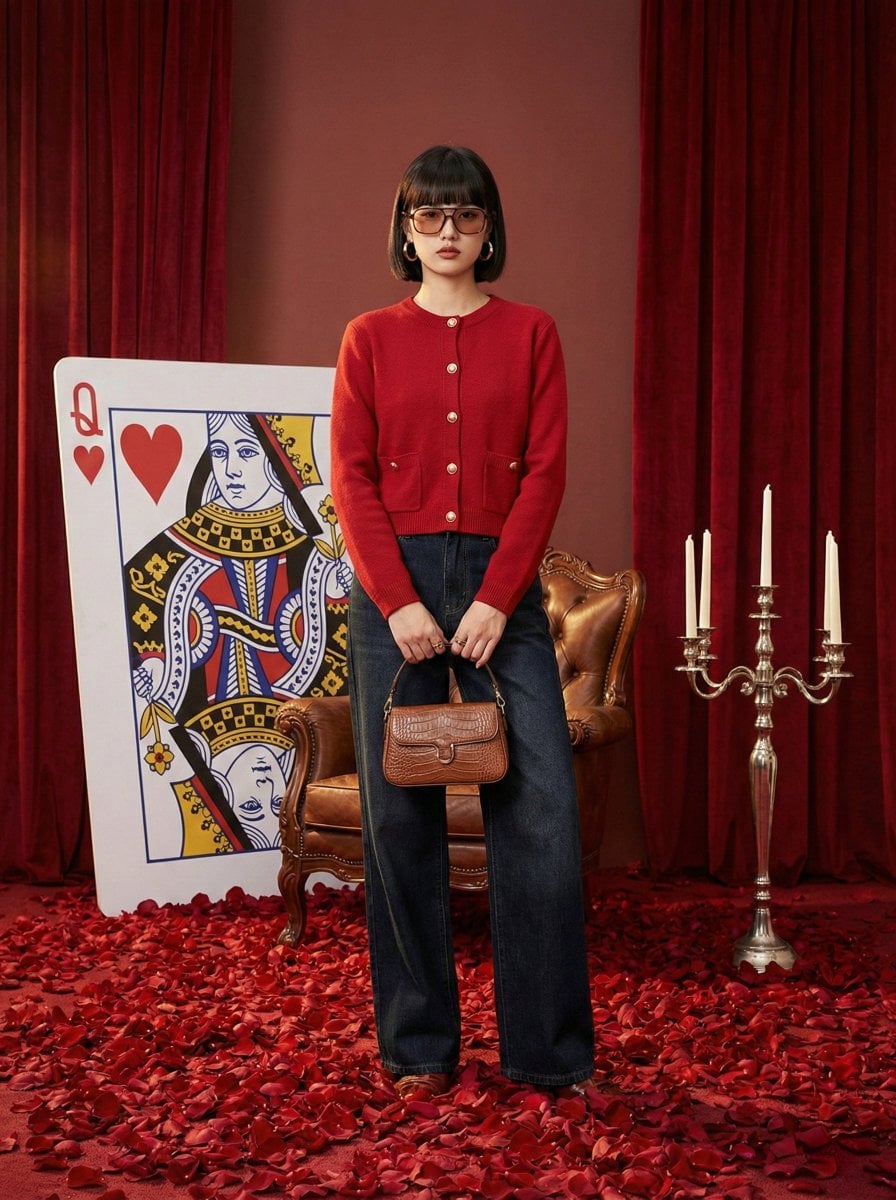
Photography Prompt #982
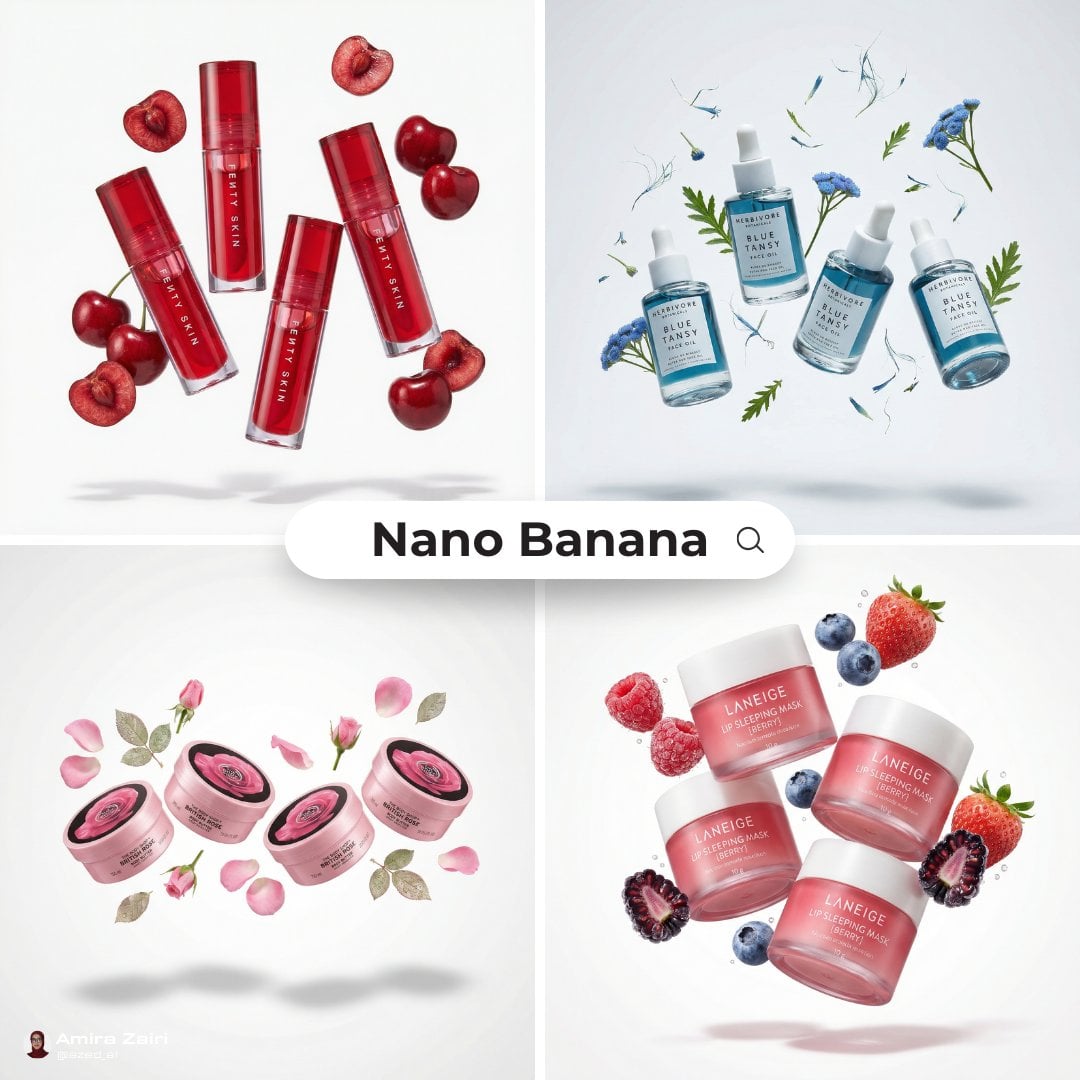
3 4 identical units of the product floating in mid-air, surrounded
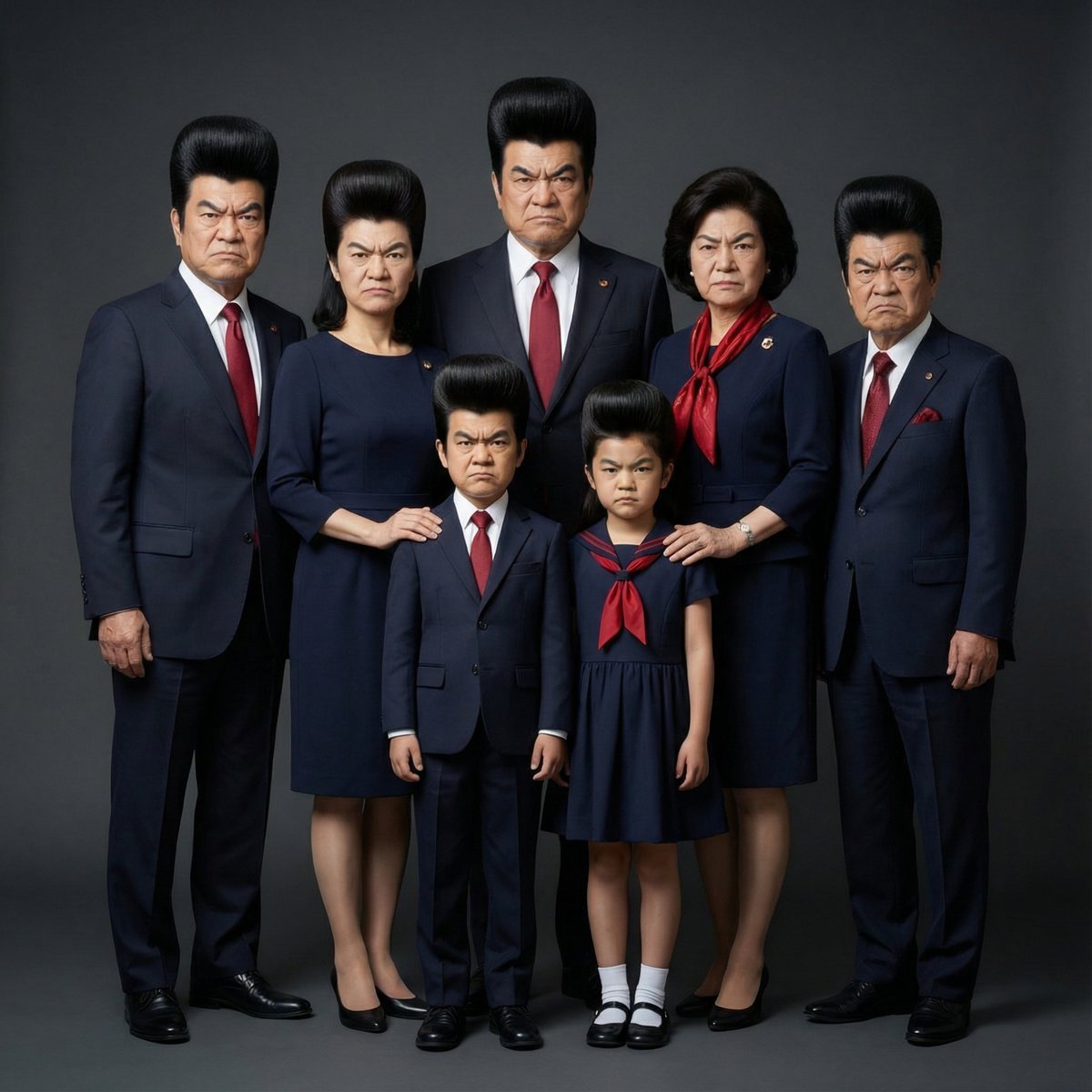
Hyper-Realistic Family Portrait with Identical Faces

2025 Aesthetic Photography

Found Photograph: Us, 1970

80s Couple Studio Portrait

80s Bollywood Star

80s Golden Hour Cinema

Me in 1985

1985 Studio Portrait

Underwater Macro Face Portrait
Make it yours
Realistic portrait 100 identical face, no editing allowed works as-is. These are the safest ways to change it without losing the look.
Change one field
Copy a single group, rewrite it, and generate again so you can see what that field is doing.
Keep the frame, change the subject
Hold the composition and light of Realistic portrait 100 identical face, no editing allowed, then swap wardrobe, props or the person for a new take.
| If the result… | Why | Fix |
|---|---|---|
| The result drifts from the preview | Too many fields changed at once. | Reuse Realistic portrait 100 identical face, no editing allowed as-is first, then change one group — subject, light, or setting. |
| The model over-stylizes the scene | The prose prompt leaves finish and camera underspecified. | Add one camera or lighting sentence and stay on Nano Banana 2. |
More Nano Banana 2 templates
Other prompts made for Nano Banana 2.

Photorealistic Leaf Shaped Like a Dragon

K-Pop Idol Portrait Grid for Rapid Selection

Poetic Rain Forest Portrait During Golden Hour

Urban Street Portrait with Cartoon Inner Self Duo

Candid Nighttime Photo with Cat Prompt

High-Concept 3D Diorama Generation Prompt

Cinematic Futuristic Studio Portrait Template

Skincare Editorial Photography Collage Prompt

Hyper-Realistic Commercial Product Photography (Splash Effect)

Hyper-Realistic Nightclub Portrait Prompt
More image prompts
Fresh picks from across the catalog.
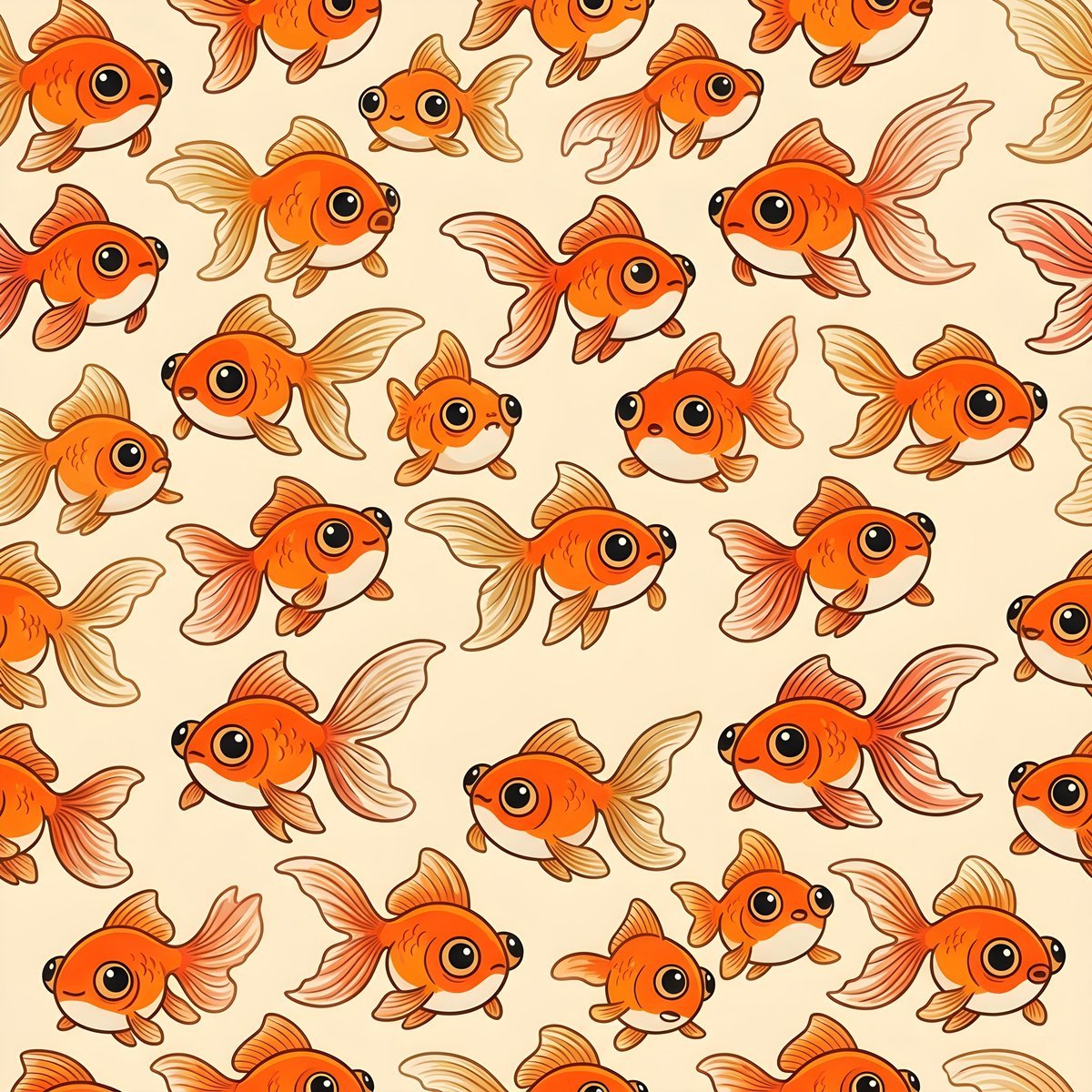
Seamless Pattern of Cartoonish Fancy Goldfish
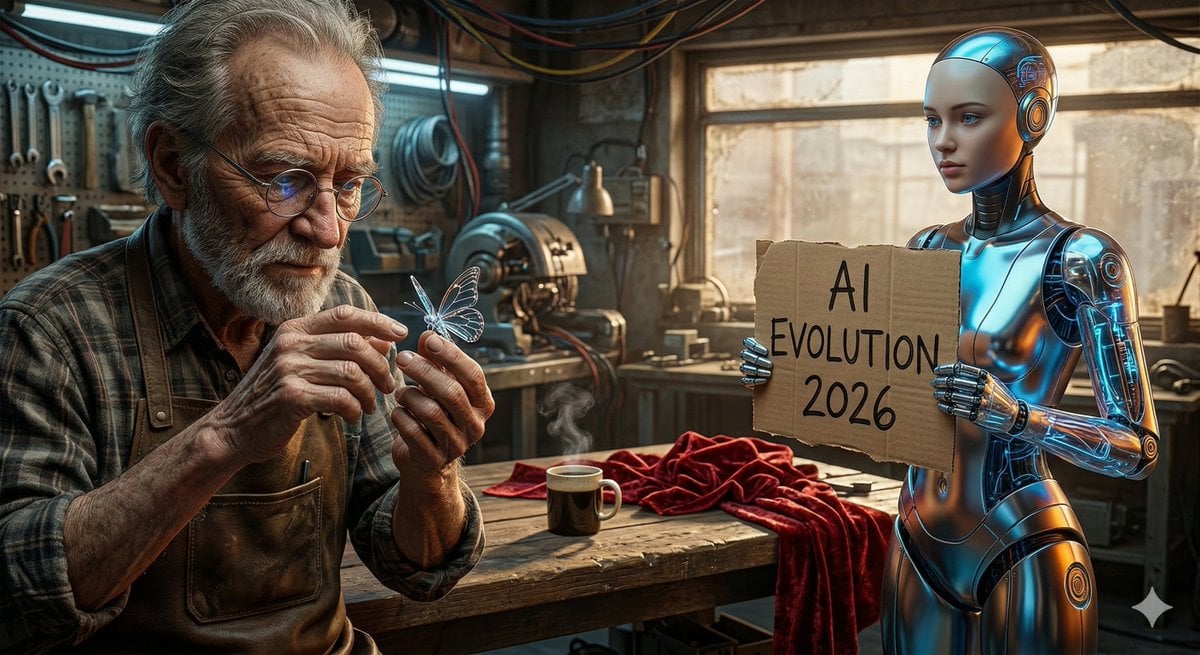
Benchmark Prompt for Nano Banana/Gemini Image Generation
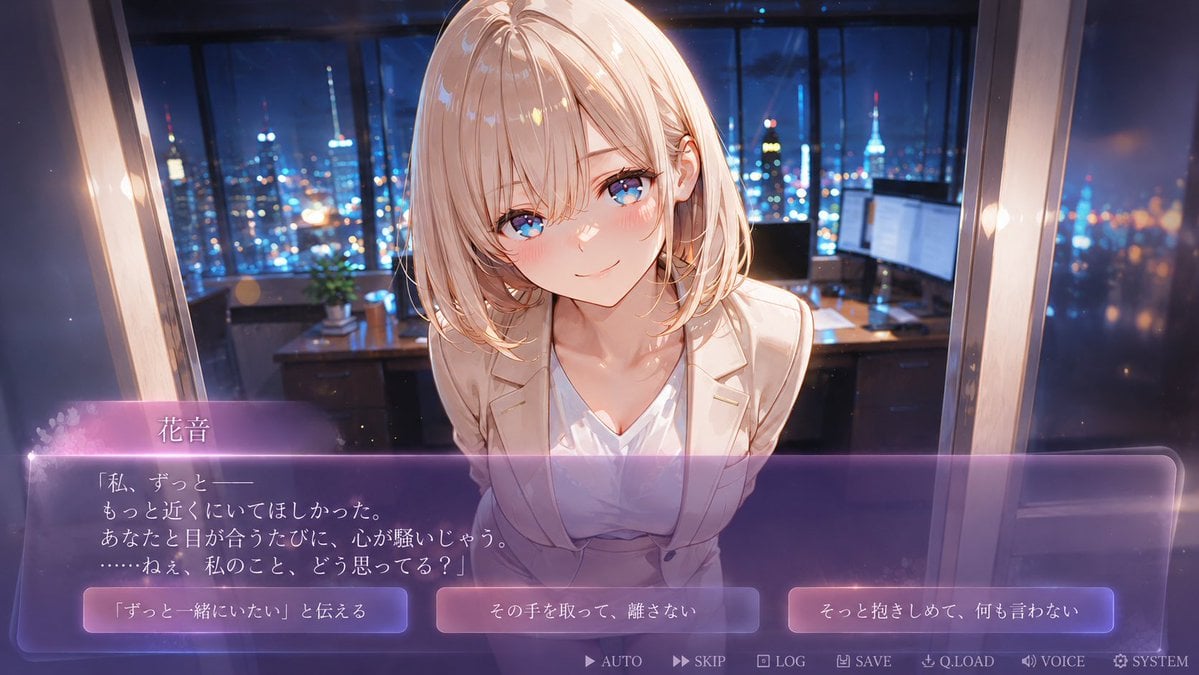
Faceless Romance Visual Novel CG
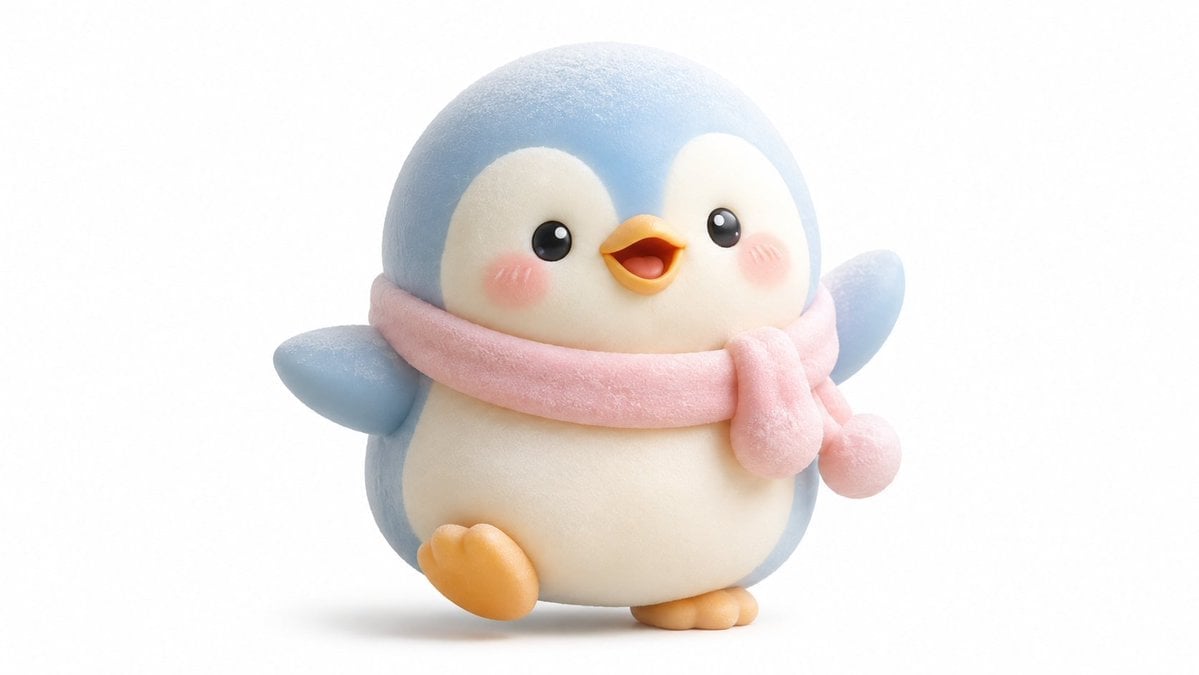
Kawaii Mochi 3D Toy Character
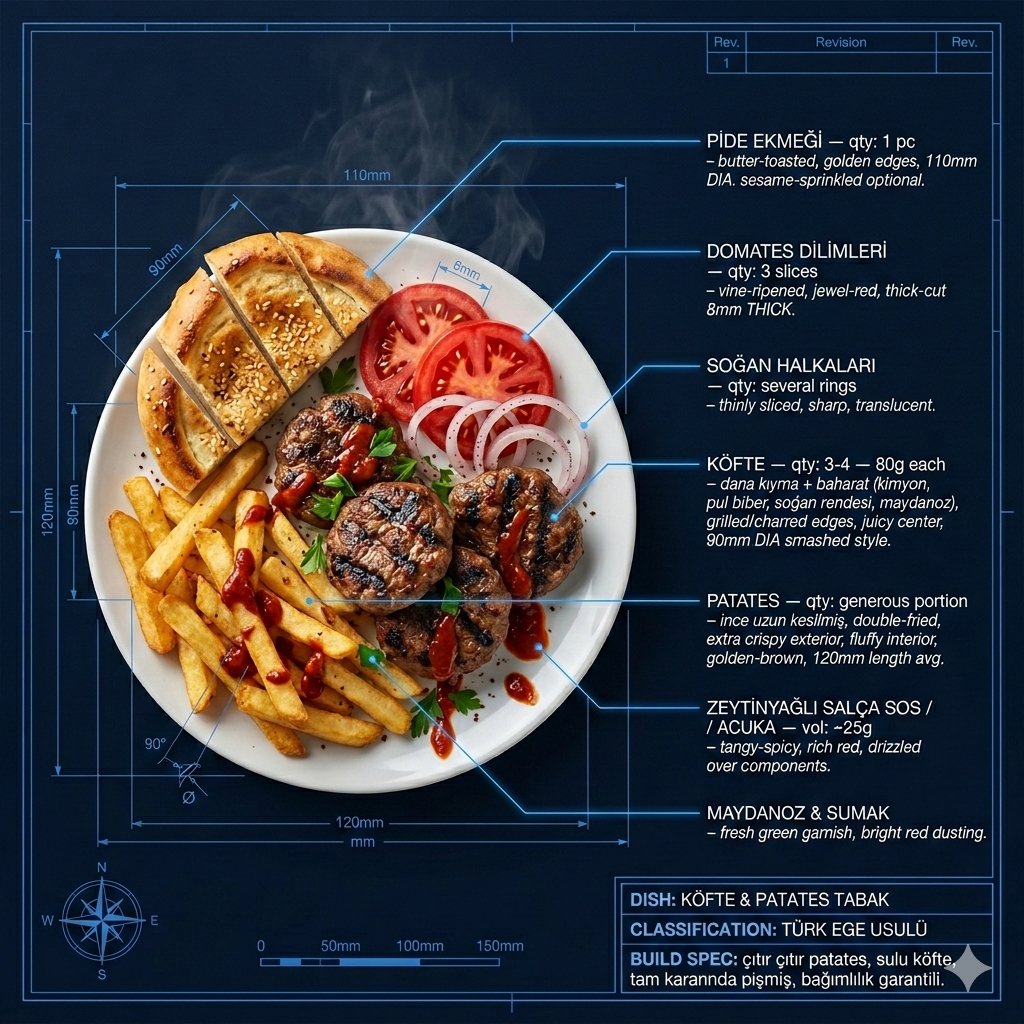
Technical Architectural Blueprint of KÖFTE & PATATES
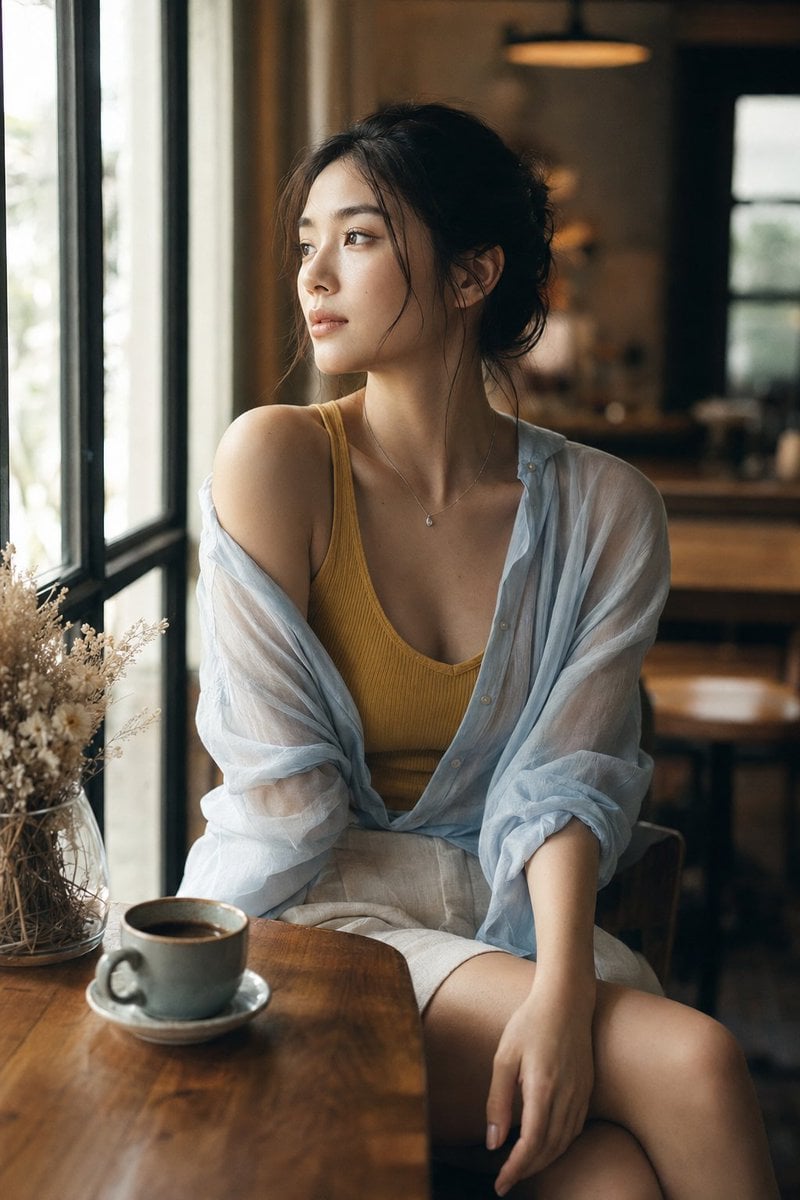
Realistic Window Café Fashion Portrait
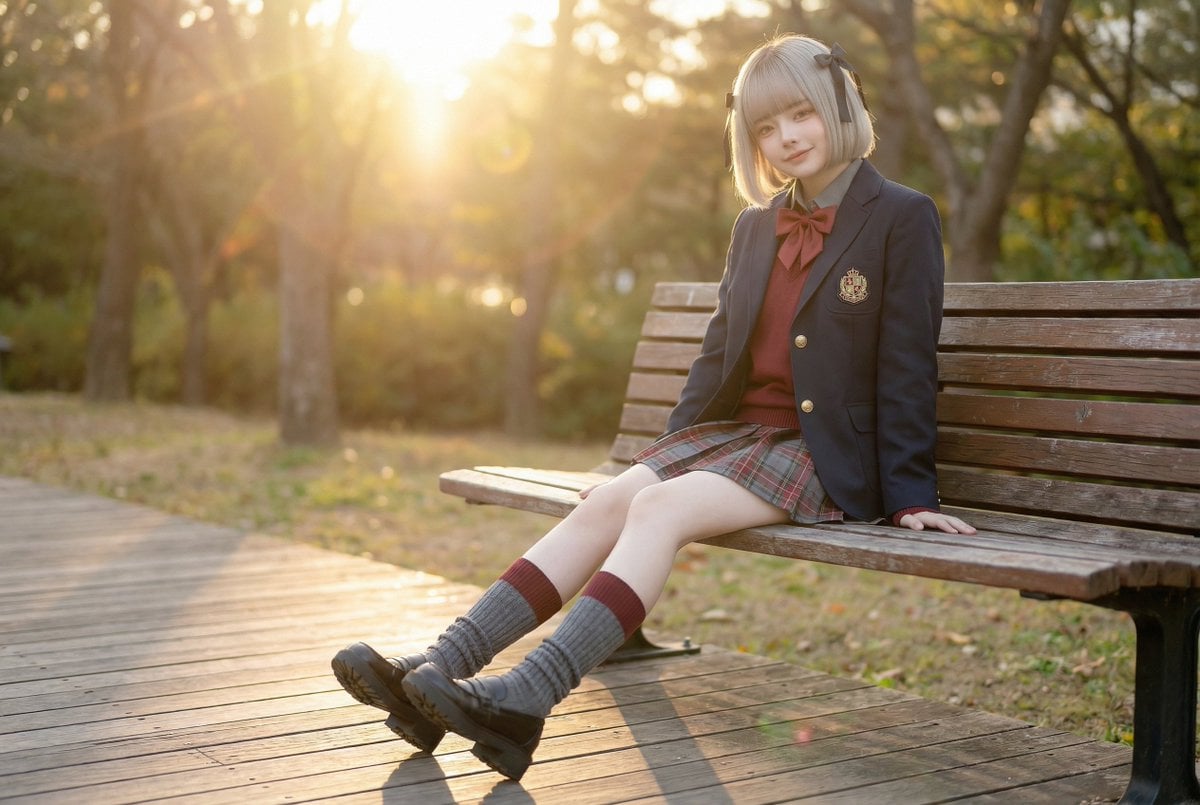
Cinematic Scene Prompt for High School Girl Walking by the Sea
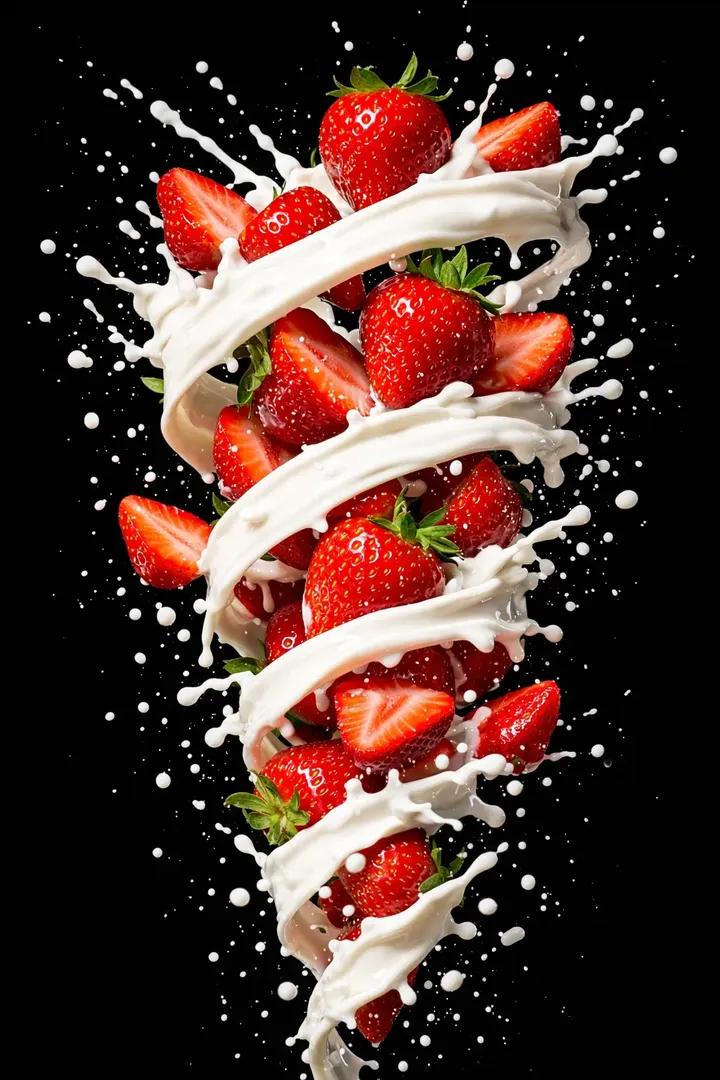
Hyper-realistic High-Speed Strawberry Milk Splash Photography
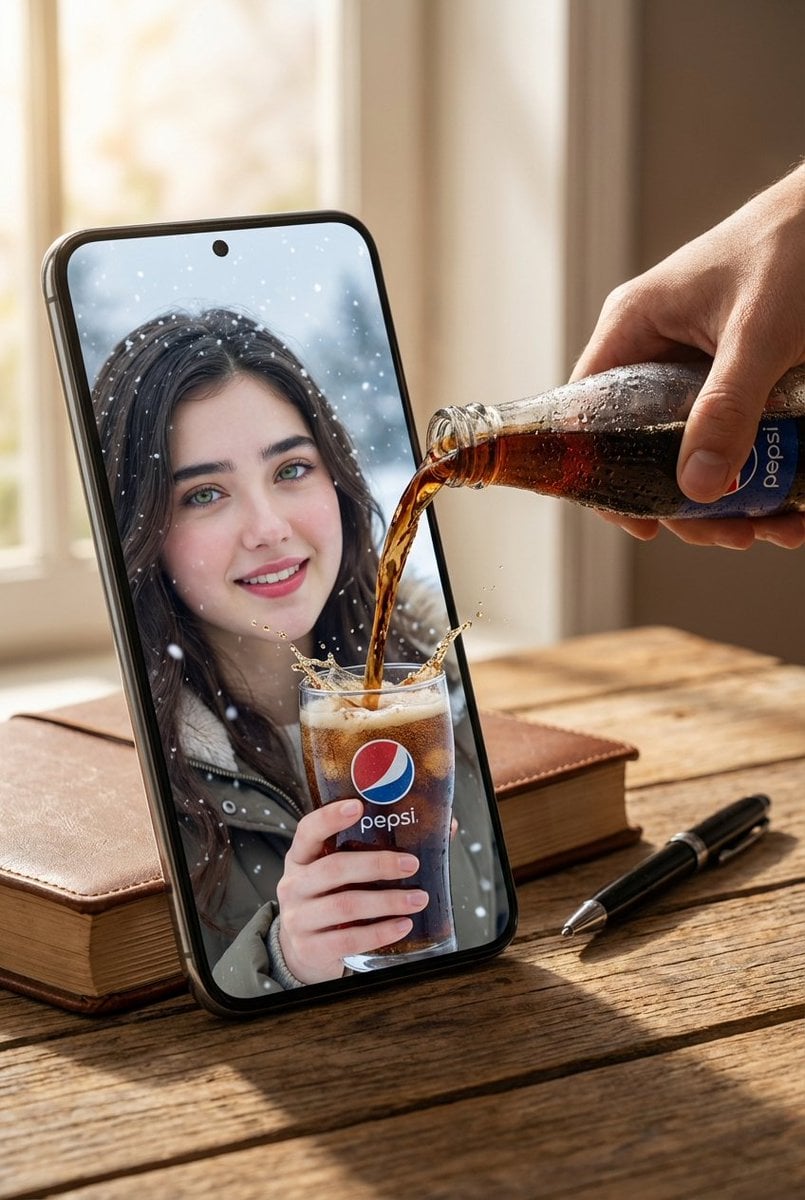
Surreal Pepsi Advertising Concept
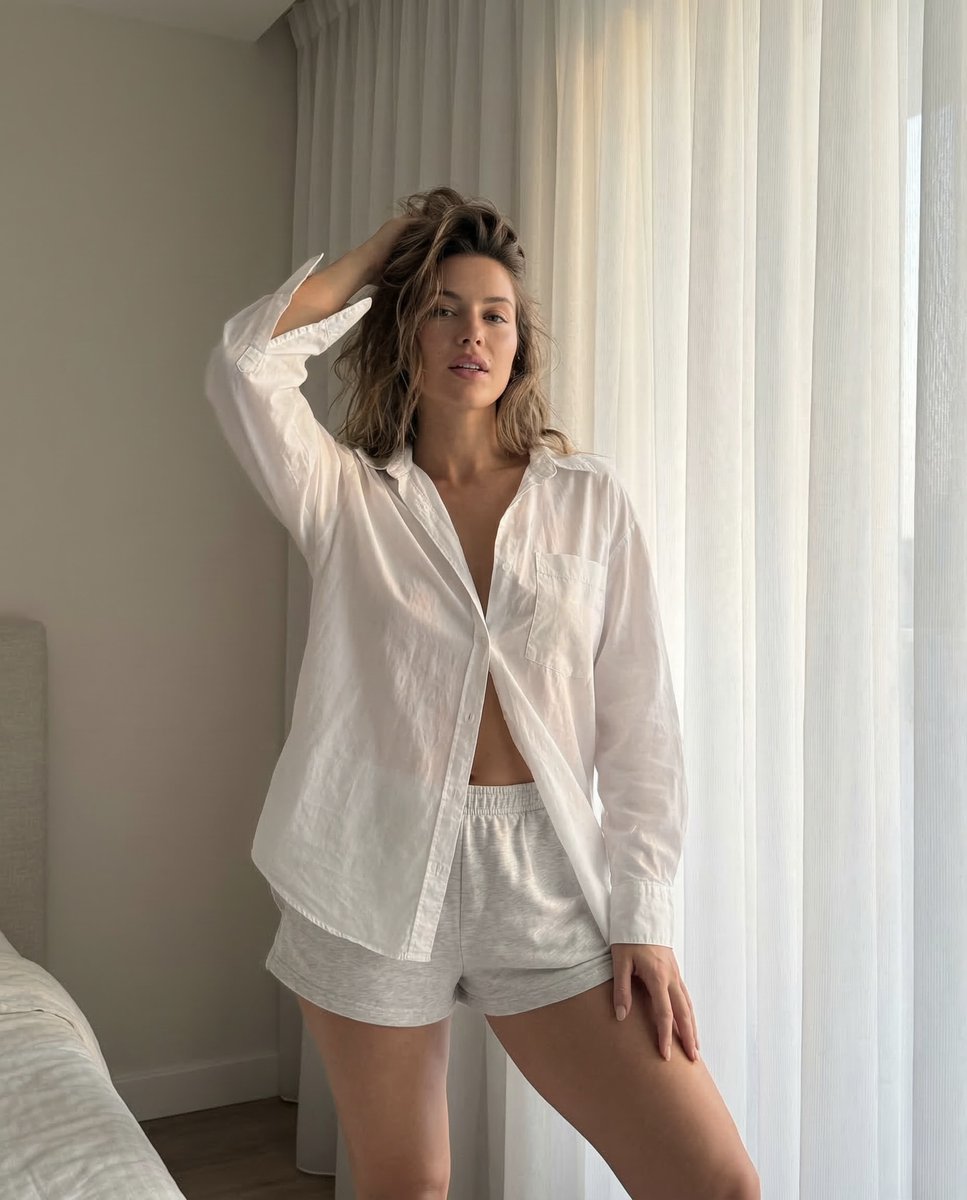
Morning Portrait in Minimal Bedroom
Browse template categories
Realistic portrait 100 identical face, no editing allowed questions
How do I use the Realistic portrait 100 identical face, no editing allowed template?
Add your photo if the template asks for one, edit the prompt if you like — the template's model and format are already selected — and press Generate. Your version opens in PicX Studio.
Can I customize the Realistic portrait 100 identical face, no editing allowed template?
Yes. You can change the subject, setting, lighting, mood, format, and available model controls before creating your image.
Is the Realistic portrait 100 identical face, no editing allowed template free?
Opening and editing this template is free. Generating uses credits, shown on the Generate button when you are signed in.
Which AI model should I use?
Start with Nano Banana 2, which is the model associated with this template. You can compare another compatible model for a different finish.
Looking for something else? Browse all templates.

Your photo, any look
Thousands of ready templates for every top image and video model, from one credit balance.