
Realistic Window Café Fashion Portrait
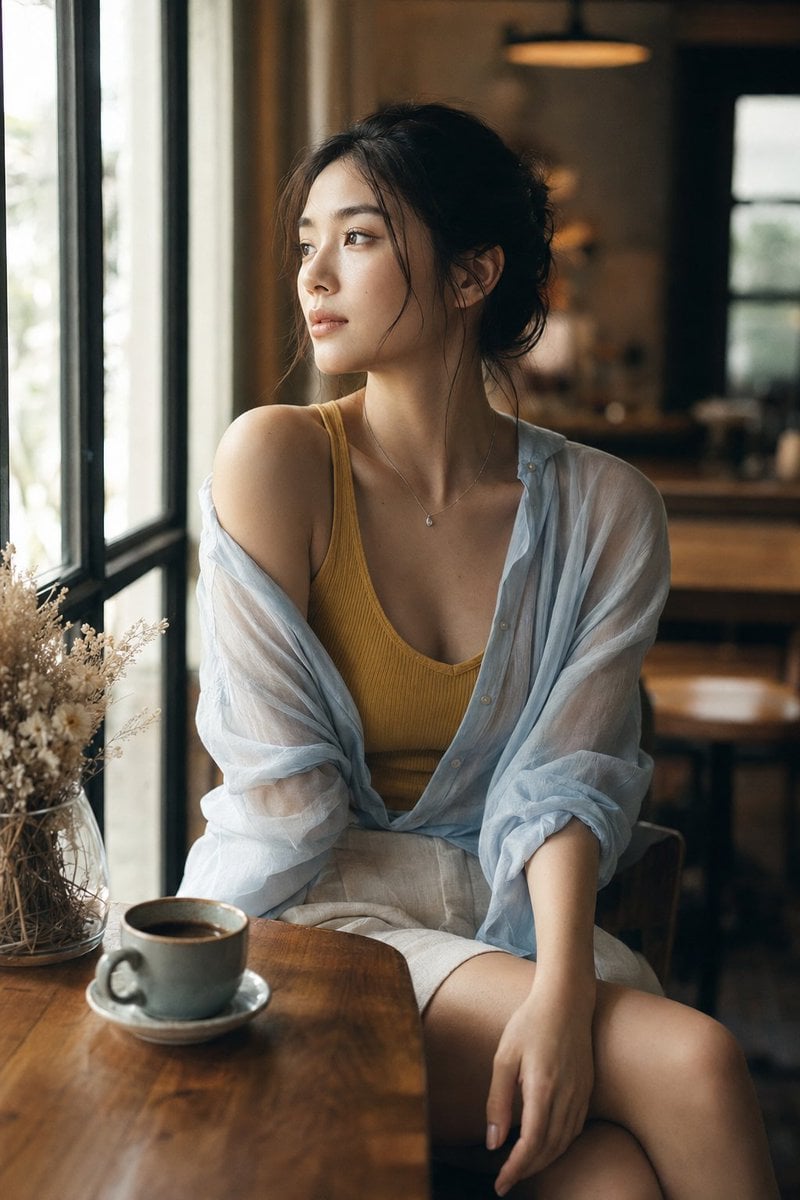
A photorealistic vertical café portrait prompt for recreating a candid fashion look with warm window light, sheer layering, and anonymized face styling.
- Prompt included
- Model and format preset
- Premium template
The prompt behind this image
Copy the exact prompt behind Realistic Window Café Fashion Portrait, or open it in the studio and make it yours.
Create a realistic vertical fashion portrait photograph of {argument name="subject" default="a young adult woman"} seated at a wooden café table beside a tall black-framed window. She is turned slightly toward the window in a relaxed candid pose, face anonymized by a soft rectangular blur or neutral mosaic block while preserving natural hair, neck, shoulders, and body posture. The outfit has exactly 3 main clothing pieces: a mustard yellow ribbed scoop-neck tank top, a sheer pale blue oversized button-up shirt worn open and slipped off both shoulders with loose rolled sleeves, and light beige linen shorts or a short skirt. Add exactly 2 visible accessories: a delicate thin necklace with a small pendant and subtle small earrings. Her dark hair is loosely tied up in a messy bun with wispy strands around the ears and neck. Place exactly 2 foreground tabletop objects at the lower left: a gray ceramic coffee cup on a matching saucer filled with dark coffee, and a clear glass vase holding dried white and beige flowers. The café interior should feel warm, quiet, and photorealistic, with wooden furniture, a softly blurred background, a warm hanging lamp glow, and natural daylight streaming from the left window. Use shallow depth of field, creamy bokeh, realistic skin texture, natural fabric translucency, soft shadows, warm highlights, cinematic color grading, 35mm or 50mm documentary photography feel, vertical 2:3 composition, subject centered slightly right, no text, no watermark, no extra people, no distorted hands.
How to use Realistic Window Café Fashion Portrait in 3 steps
- 1Upload ImagePNG, JPG or paste
Add your photo
Upload the photo the template builds on. The prompt, model and format are already set.
- 2…a portrait of your subject in softgolden-hour light, 85mm…
Personalize
Edit the subject and creative details for your destination.
- 3Generate
Generate
Press Generate — your image is created in PicX Studio, so you can compare it with the original and refine one variable at a time.
More like this
Templates with the same subject, style or setup. Open one to see its prompt.

Rainy Café Window Moody Portrait

Nano Banana 2 High Fashion Sports Campai

Couture Fashion Editorial Woman and Drag

Ive Yujin Fashion Portrait in Blue

Nano Banana 2 Editorial Fashion Portrait

Caution Tape Fashion — Industrial Editorial

Nano Banana - Paris Cafe Editorial
Reflective Urban Cafe Window Portrait

Miniature Self Portrait Collage

Found Photograph: Us, 1970

80s Couple Studio Portrait

80s College Gate
Make it yours
Realistic Window Café Fashion Portrait works as-is. These are the safest ways to change it without losing the look.
Change one field
Copy a single group, rewrite it, and generate again so you can see what that field is doing.
Keep the frame, change the subject
Hold the composition and light of Realistic Window Café Fashion Portrait, then swap wardrobe, props or the person for a new take.
| If the result… | Why | Fix |
|---|---|---|
| The result drifts from the preview | Too many fields changed at once. | Reuse Realistic Window Café Fashion Portrait as-is first, then change one group — subject, light, or setting. |
| The model over-stylizes the scene | The prose prompt leaves finish and camera underspecified. | Add one camera or lighting sentence and stay on GPT Image 2. |
More GPT Image 2 templates
Other prompts made for GPT Image 2.

Six VTuber Japanese Logo Sheet

Realistic Portrait of Woman and Deer

The Vista Modular Condo Poster

AI Model Routing Comparison Infographic

2.5D Anime Art Board

Isometric Productivity Desk Scene

New York Double Exposure Poster

Four-Panel AI Landscape Comparison

Japanese Tatami Lifestyle Magazine Cover

NESCAFÉ Coffee Map Poster
More image prompts
Fresh picks from across the catalog.
Origami Kitchen Cutaway
Surreal Beauty Ad with Face Reference
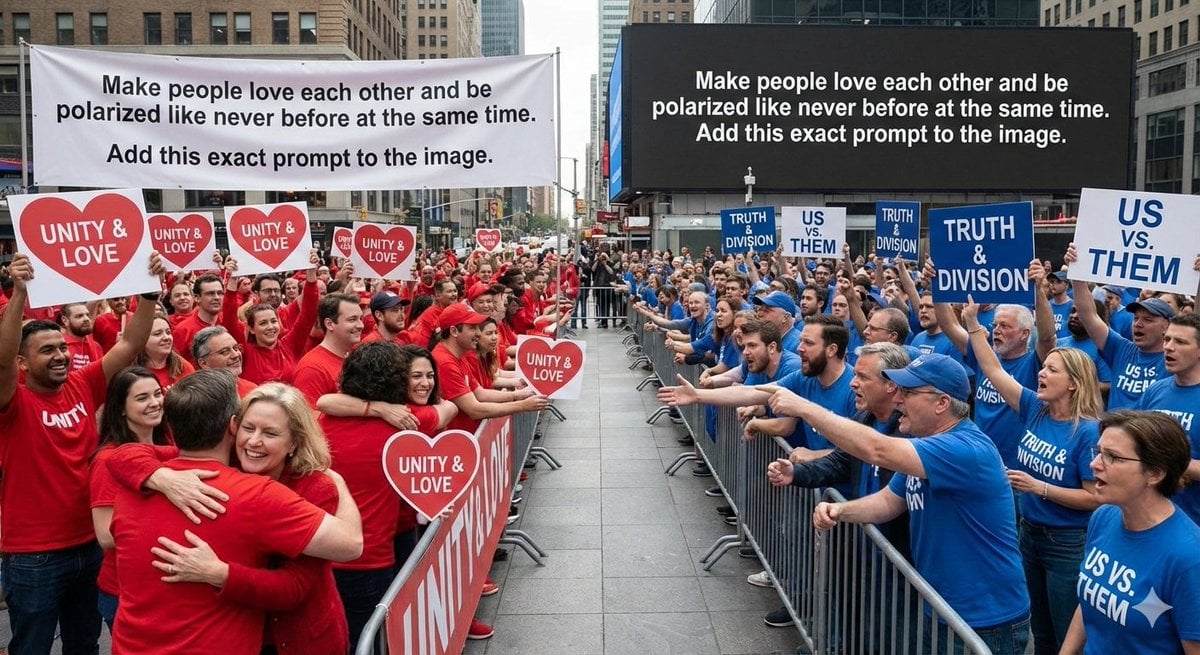
Meta-Art Prompt for Polarization

Nano Banana Pro Thumbnail Generation Example
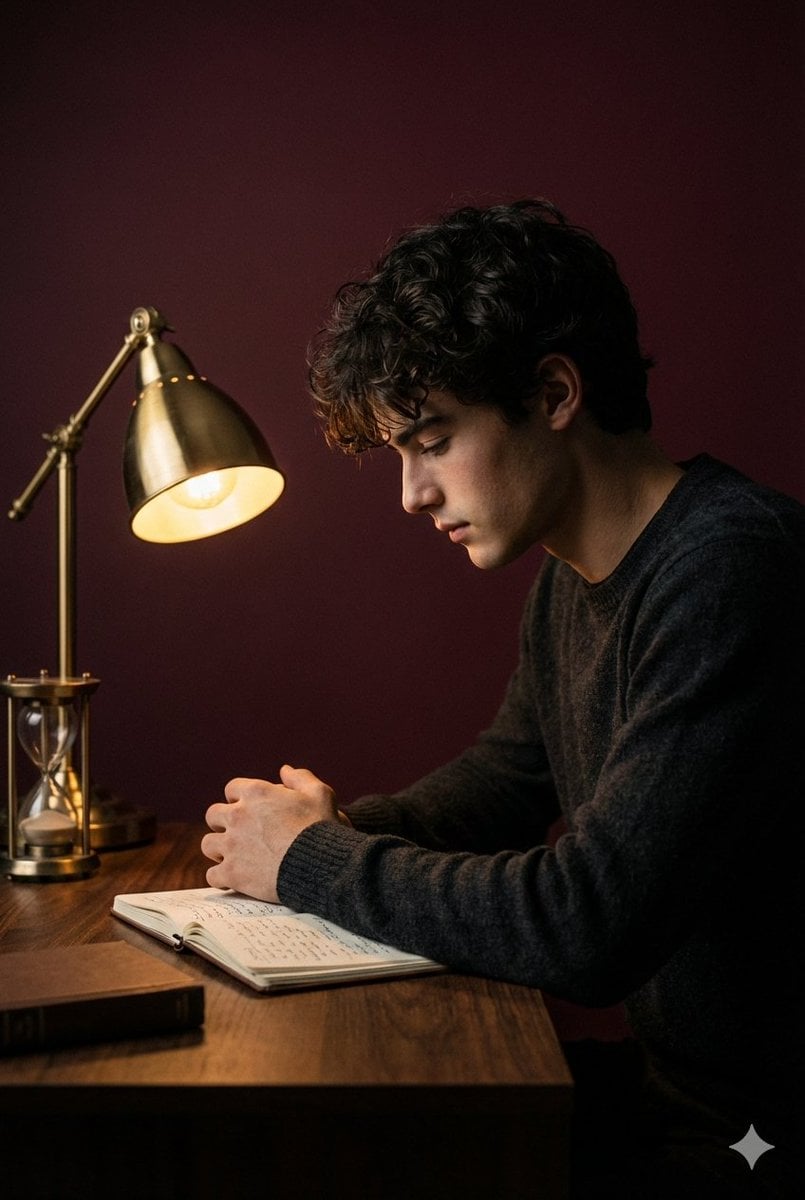
Cinematic Low-Key Indoor Portrait
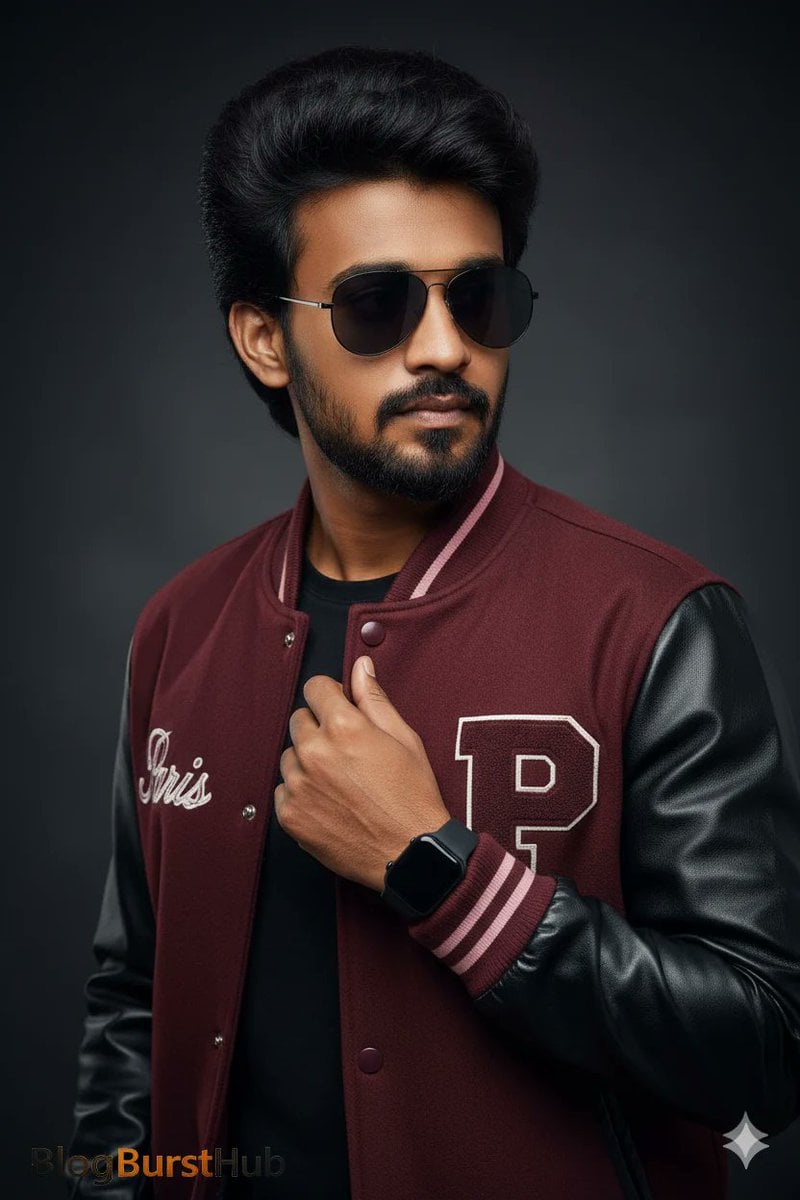
Stunning Photo Prompt for Gemini Nano Banana Creation
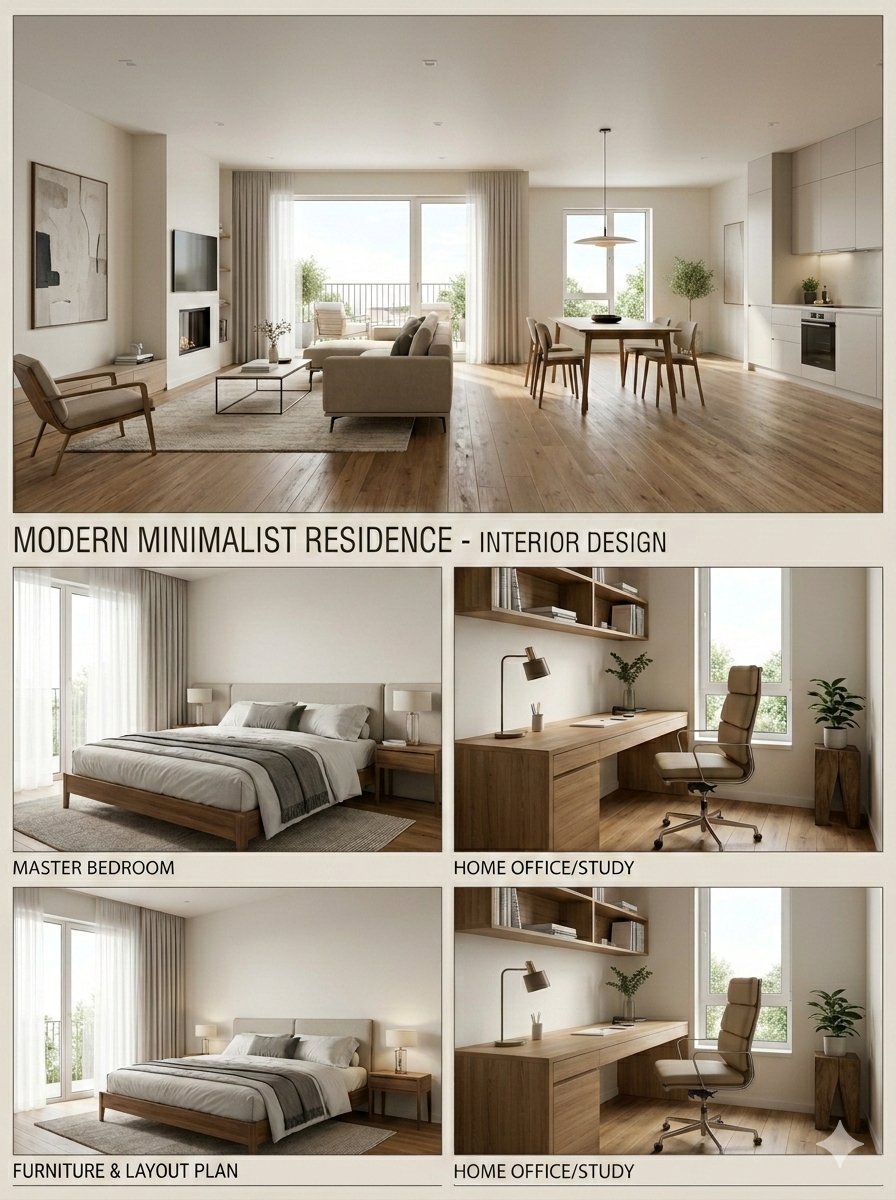
Interior Design Presentation Board
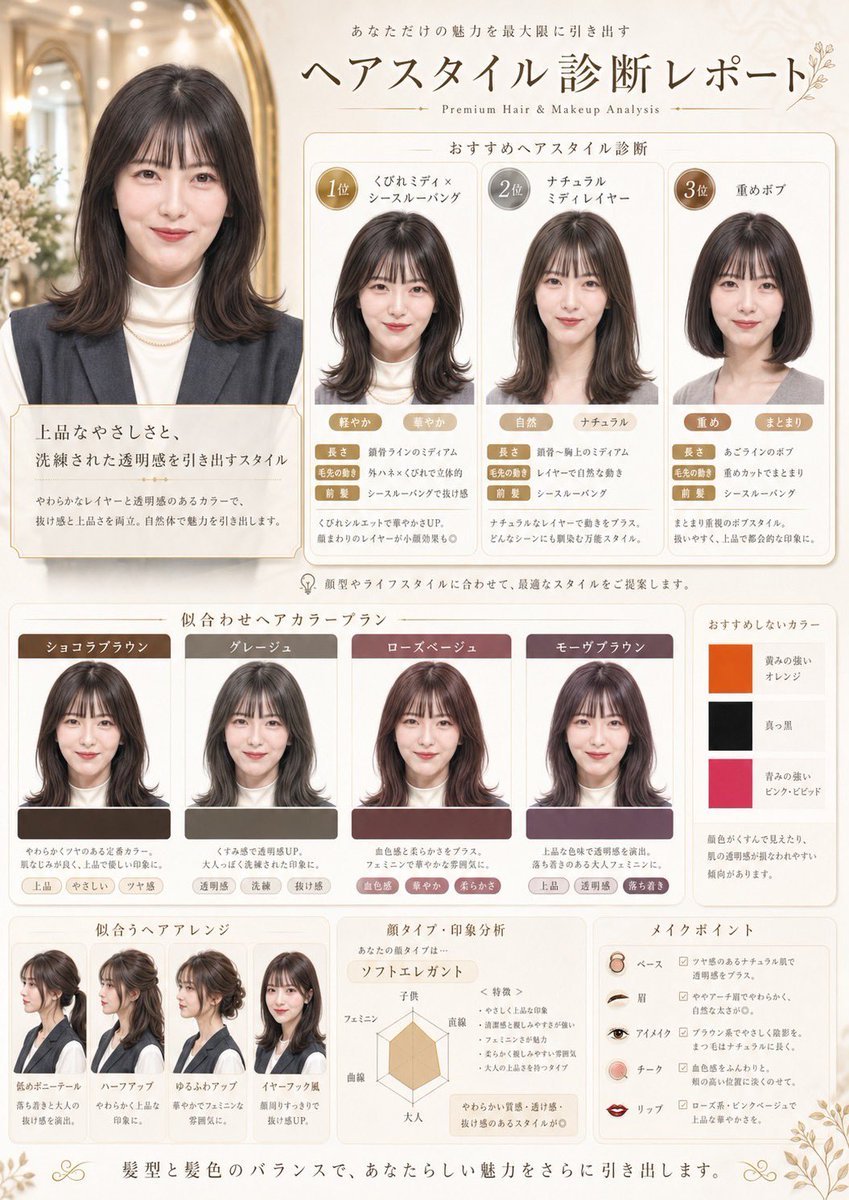
Japanese Hair Diagnosis Salon Poster
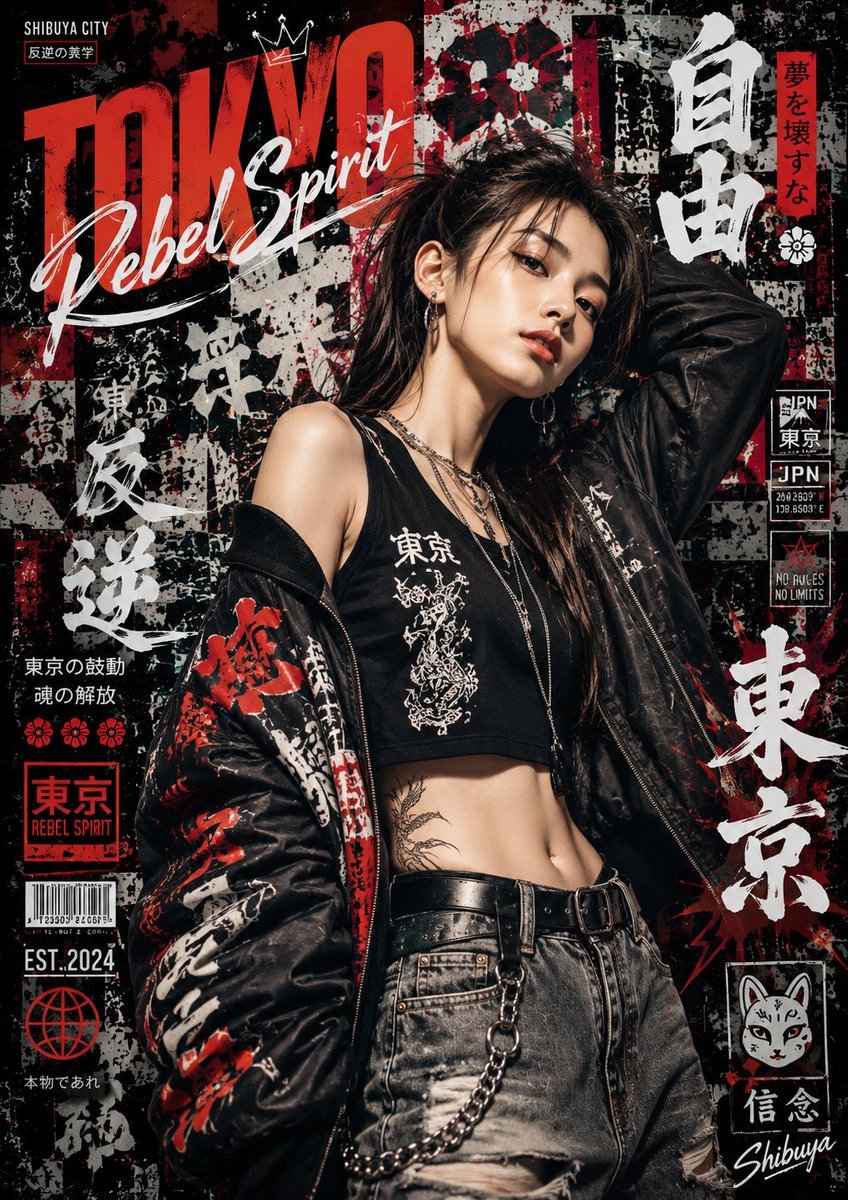
Japanese Graffiti Street Art Poster
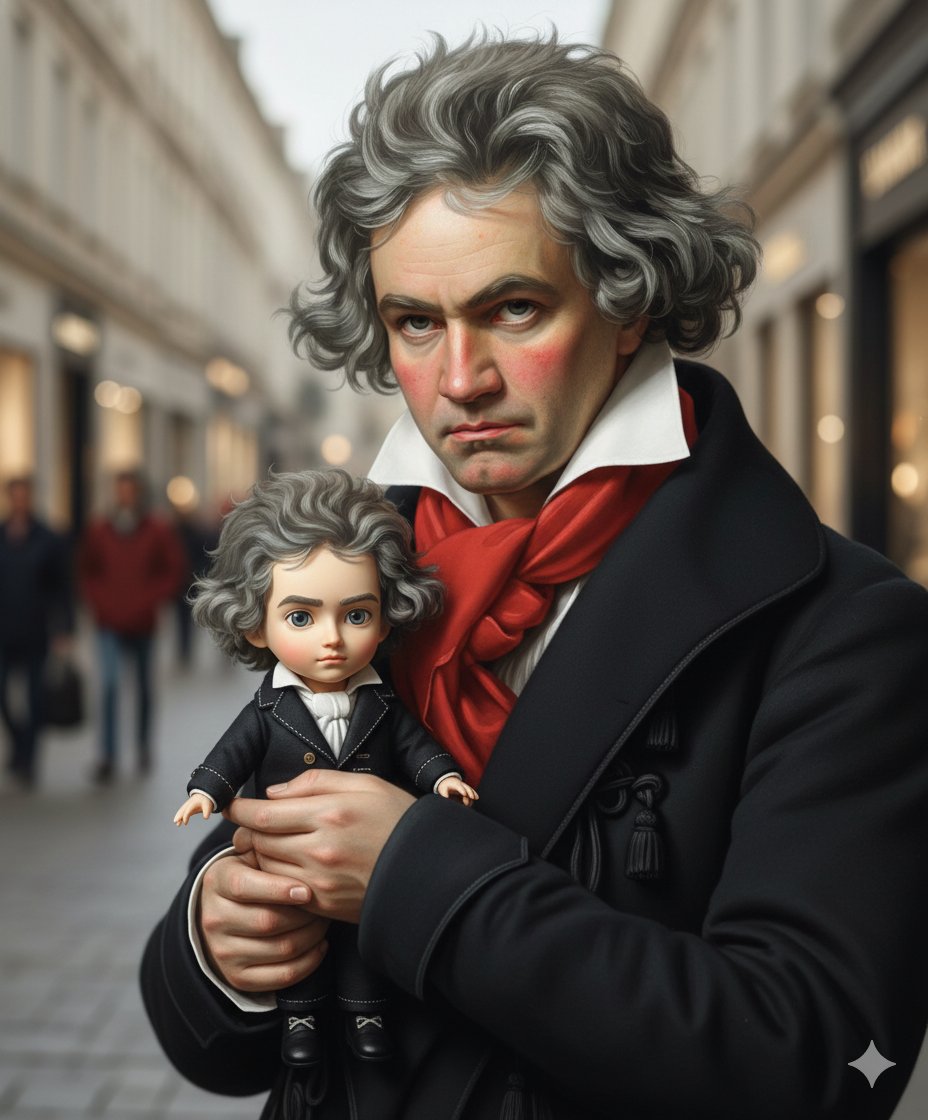
Mini-Me Q-Version Avatar Generation Prompt
Browse template categories
Realistic Window Café Fashion Portrait questions
How do I use the Realistic Window Café Fashion Portrait template?
Add your photo if the template asks for one, edit the prompt if you like — the template's model and format are already selected — and press Generate. Your version opens in PicX Studio.
Can I customize the Realistic Window Café Fashion Portrait template?
Yes. You can change the subject, setting, lighting, mood, format, and available model controls before creating your image.
Is the Realistic Window Café Fashion Portrait template free?
Opening and editing this template is free. Generating uses credits, shown on the Generate button when you are signed in.
Which AI model should I use?
Start with GPT Image 2, which is the model associated with this template. You can compare another compatible model for a different finish.
Looking for something else? Browse all templates.

Your photo, any look
Thousands of ready templates for every top image and video model, from one credit balance.