
Interior Design Presentation Board
Interior Design Presentation Board is a ready photo look for Nano Banana.
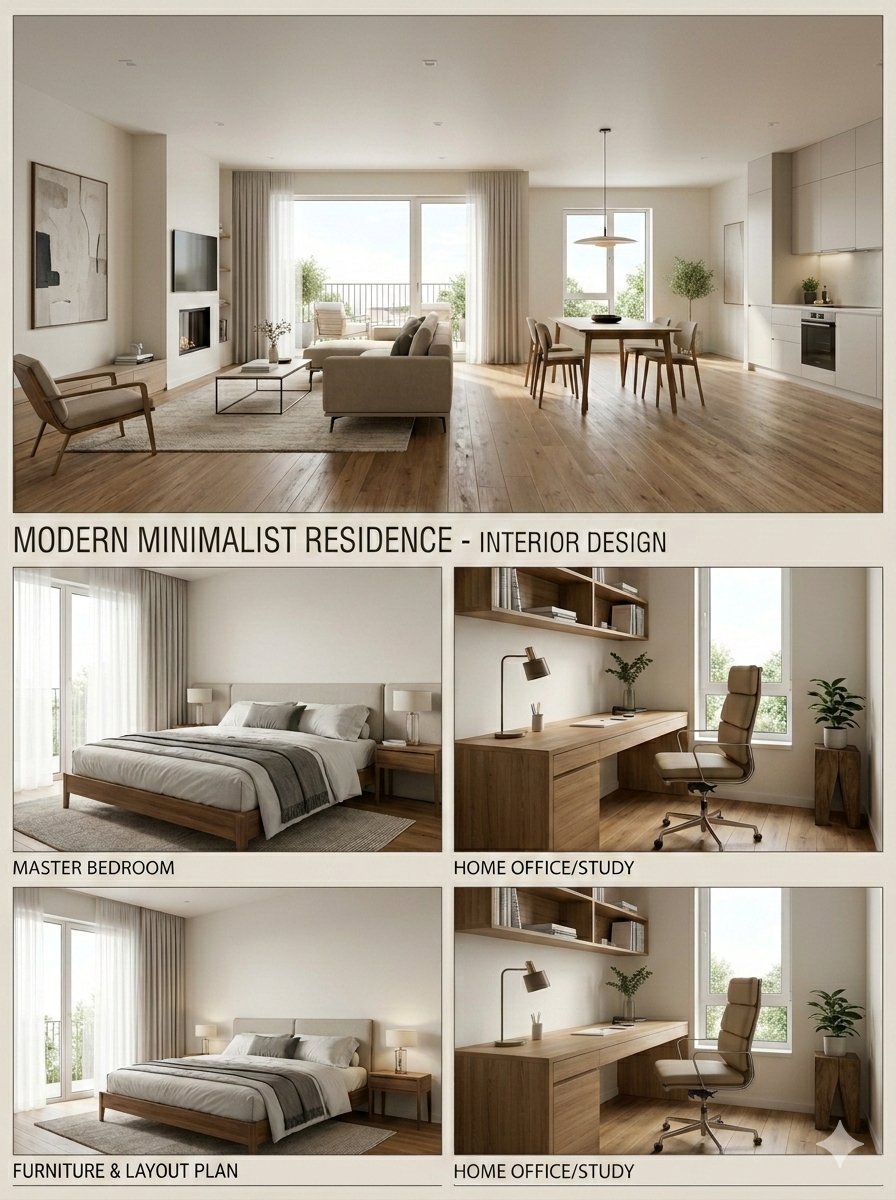
- Prompt included
- Model and format preset
- Free template
The prompt behind this image
Copy the exact prompt behind Interior Design Presentation Board, or open it in the studio and make it yours.
Based on the uploaded 2D floor plan, generate a professional interior design presentation board in a single image. Layout : The final image should be a collage with one large main image at the top, and several smaller images below it. Content of Each Panel : 1. Main Image (Top) : A wide-angle perspective view of the main living area , showing the connection between the living room and dining area. 2. Small Image (Bottom Left) : A view of the Master Bedroom , focusing on the bed and window. 3. Small Image (Bottom Middle) : A view of the Home Office / Study room . 4. Small Image (Bottom Right) : A 3D top-down floor plan view showing the furniture layout. Overall Style : Apply a consistent Modern Minimalist style with warm oak wood flooring and off-white walls across ALL images. Quality : Photorealistic rendering, soft natural lighting. Image Ratio 3:4
How to use Interior Design Presentation Board in 3 steps
- 1Upload ImagePNG, JPG or paste
Add your photo
Upload the photo the template builds on. The prompt, model and format are already set.
- 2…a portrait of your subject in softgolden-hour light, 85mm…
Personalize
Edit the subject and creative details for your destination.
- 3Generate
Generate
Press Generate — your image is created in PicX Studio, so you can compare it with the original and refine one variable at a time.
More like this
Templates with the same subject, style or setup. Open one to see its prompt.
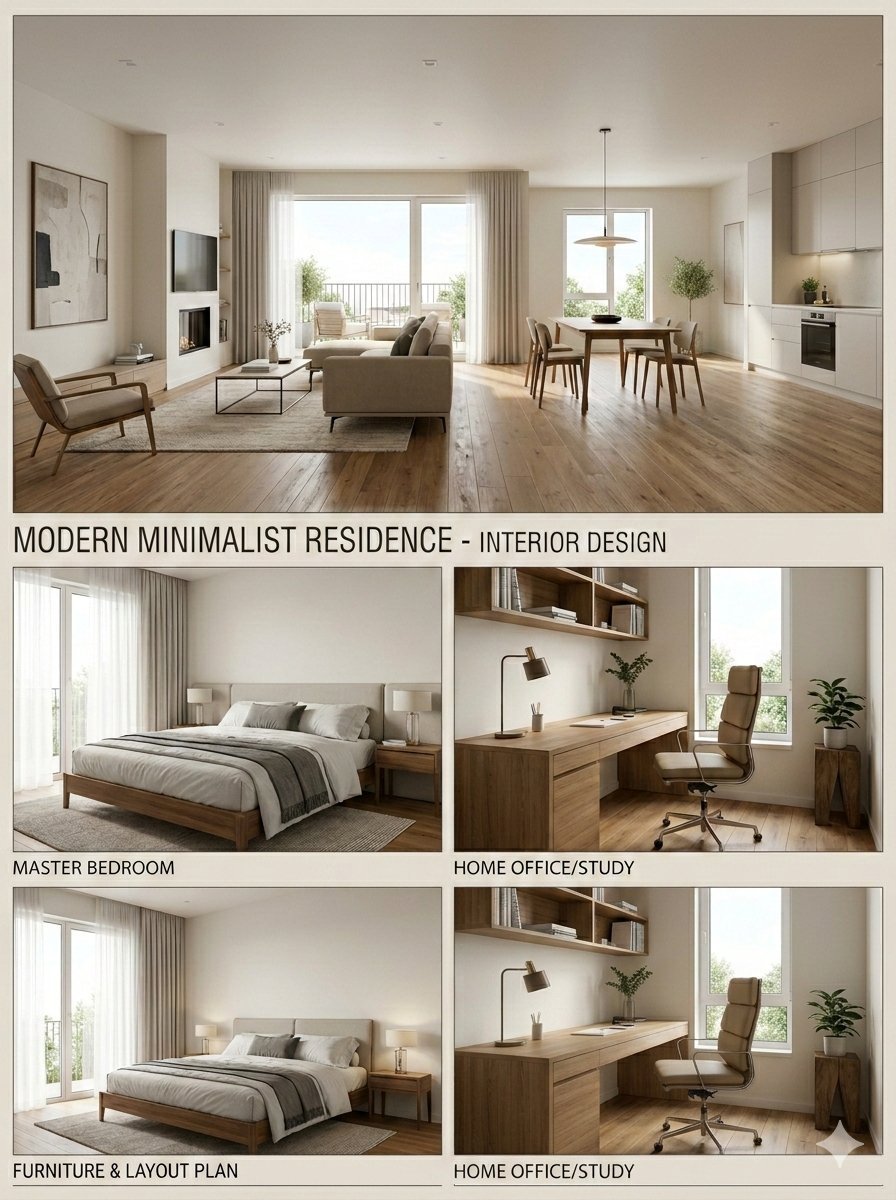
Modern Minimalist Interior Design Presentation Board

Found Photograph: Us, 1970

80s Couple Studio Portrait

80s Bollywood Star

80s Golden Hour Cinema

Me in 1985

1985 Studio Portrait

Rooftop Fisheye — Cat-Ear Balaclava at Golden Hour

untitled

2025 Aesthetic Photography

Nano Banana Is So Addictive

Transformation the Burger Seedance 2 0 a
Make it yours
Interior Design Presentation Board works as-is. These are the safest ways to change it without losing the look.
Change one field
Copy a single group, rewrite it, and generate again so you can see what that field is doing.
Keep the frame, change the subject
Hold the composition and light of 153-interior-design-presentation-board, then swap wardrobe, props or the person for a new take.
| If the result… | Why | Fix |
|---|---|---|
| The result drifts from the preview | Too many fields changed at once. | Reuse 153-interior-design-presentation-board as-is first, then change one group — subject, light, or setting. |
| The model over-stylizes the scene | The prose prompt leaves finish and camera underspecified. | Add one camera or lighting sentence and stay on Nano Banana. |
More Nano Banana templates
Other prompts made for Nano Banana.










More image prompts
Fresh picks from across the catalog.
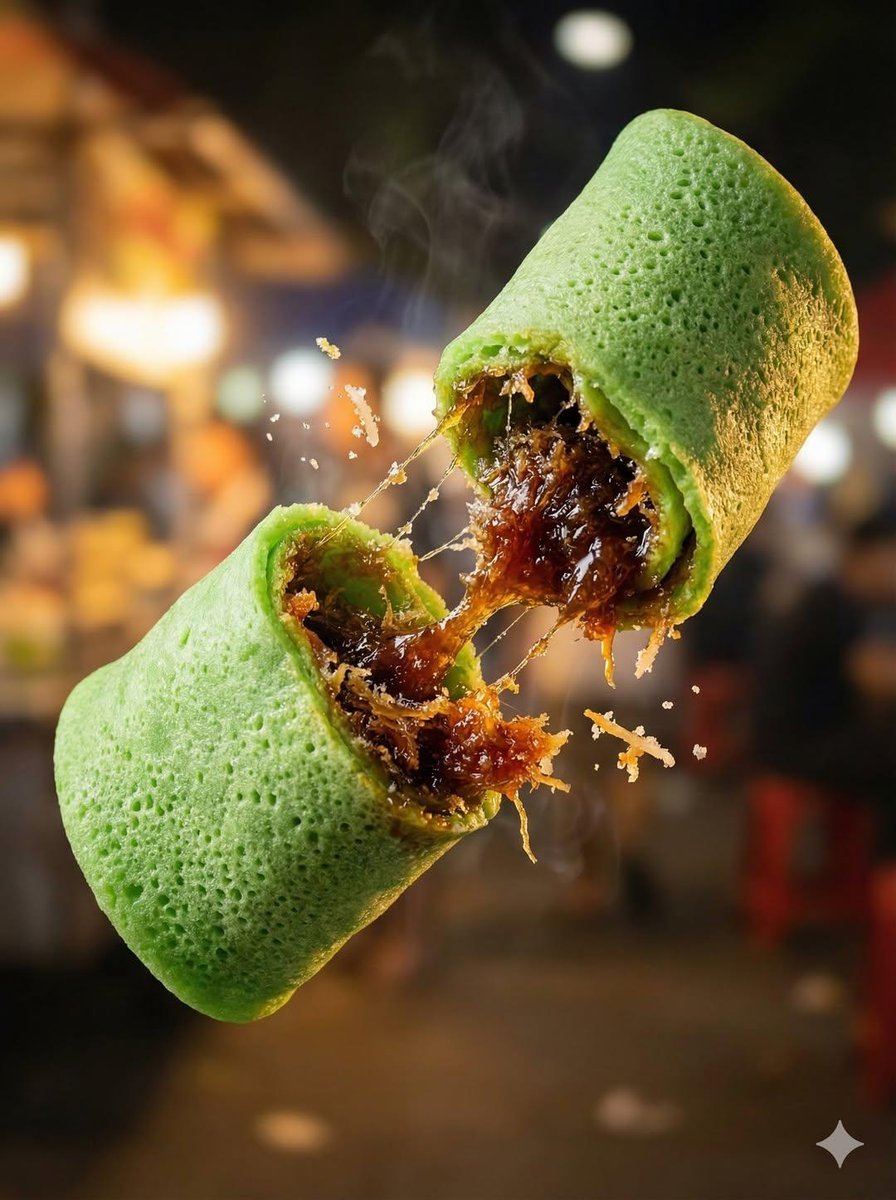
Macro Food Photography of Floating Street Food
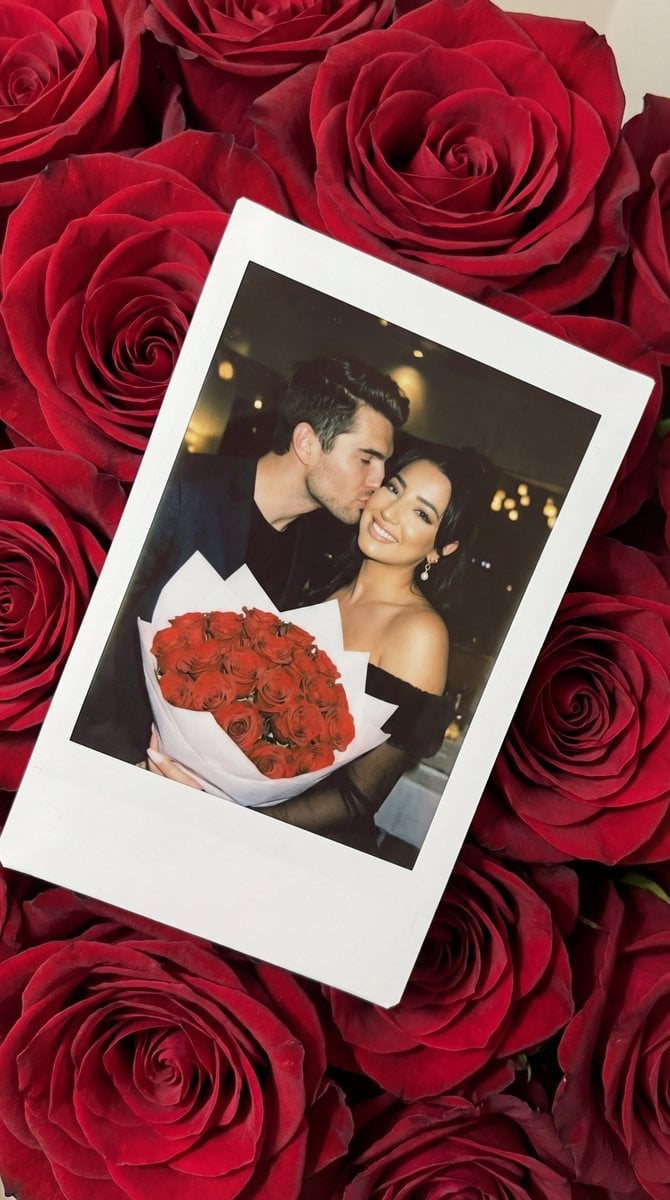
Photorealistic Polaroid Still Life on Red Roses Prompt

80s B-Movie Horror Poster Transformation Prompt
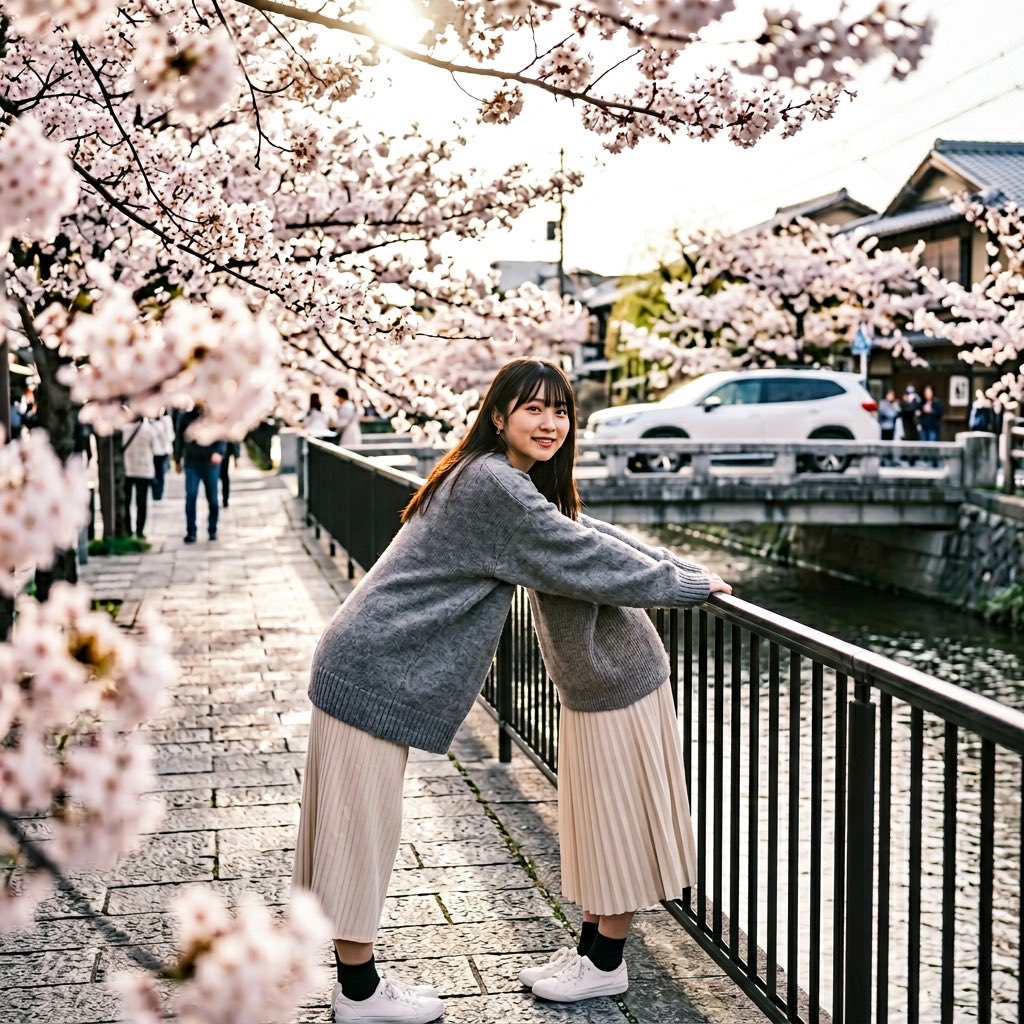
Anatomy Correction Prompt for Nano Banana 2

Realistic Japanese Character Show Photography
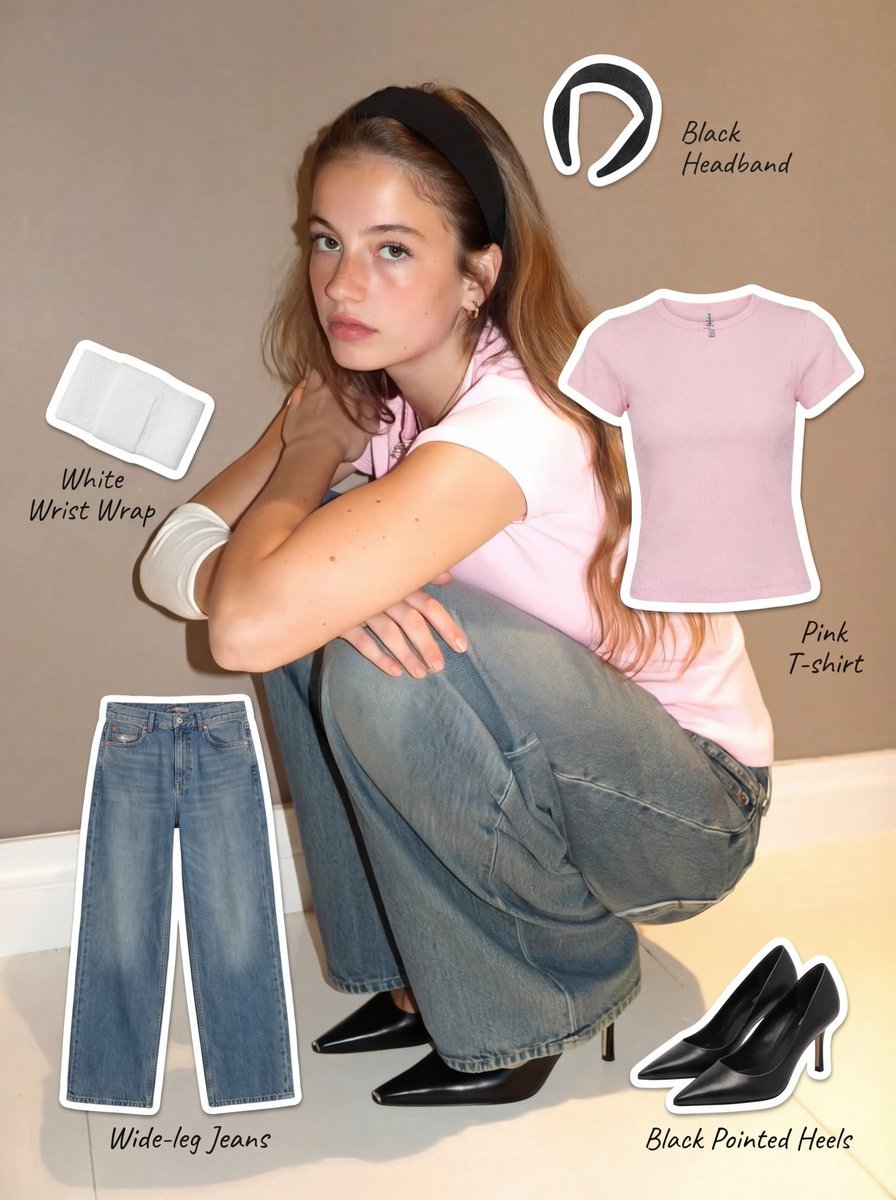
Clothing Item Cut-Out Sticker Prompt
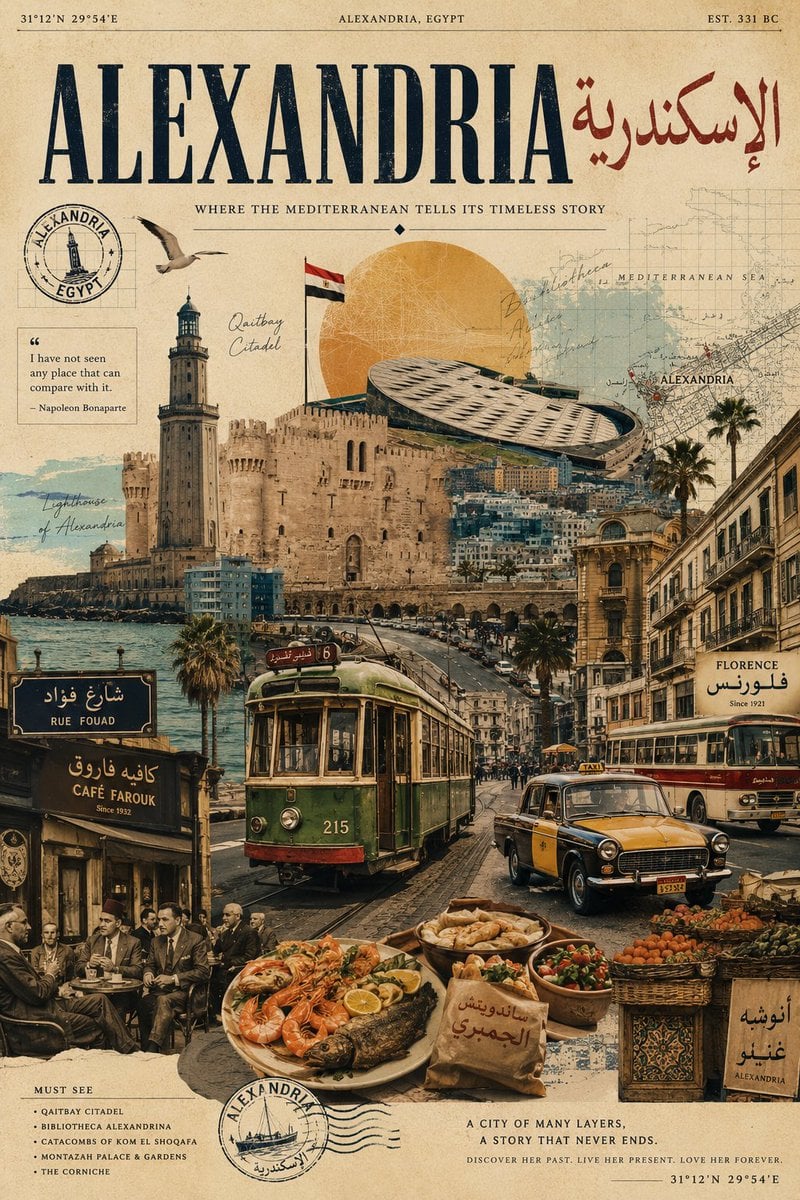
Vintage Alexandria Travel Poster
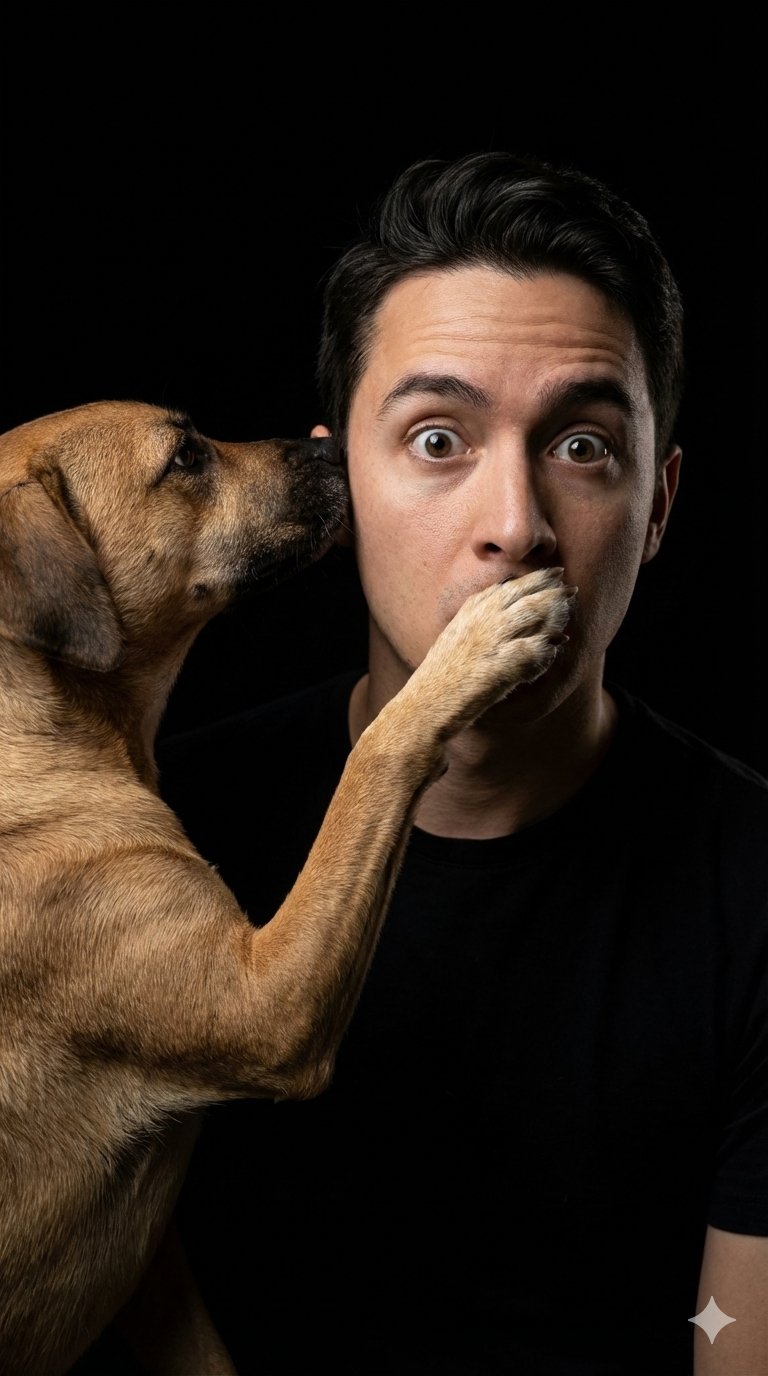
untitled
Fantasy Card Master Portrait
Cute Chibi Diorama Lamp Generator
Browse template categories
Interior Design Presentation Board questions
How do I use the 153-interior-design-presentation-board template?
Add your photo if the template asks for one, edit the prompt if you like — the template's model and format are already selected — and press Generate. Your version opens in PicX Studio.
Can I customize the 153-interior-design-presentation-board template?
Yes. You can change the subject, setting, lighting, mood, format, and available model controls before creating your image.
Is the 153-interior-design-presentation-board template free?
Opening and editing this template is free. Generating uses credits, shown on the Generate button when you are signed in.
Which AI model should I use?
Start with Nano Banana, which is the model associated with this template. You can compare another compatible model for a different finish.
Looking for something else? Browse all templates.

Your photo, any look
Thousands of ready templates for every top image and video model, from one credit balance.