
Realistic Japanese Character Show Photography
A sophisticated image-to-image prompt that recreates the look and feel of a live Japanese character stage show.
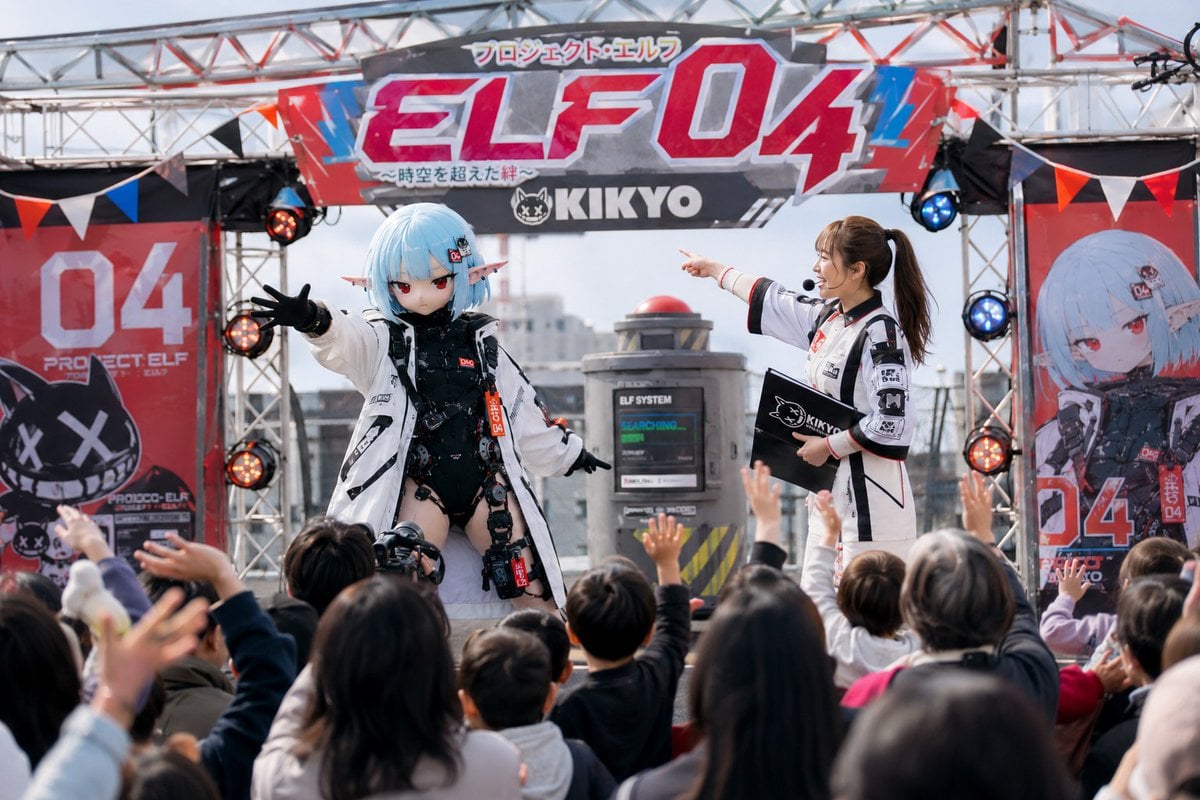
- Prompt included
- Model and format preset
- Free template
The prompt behind this image
Copy the exact prompt behind Realistic Japanese Character Show Photography, or open it in the studio and make it yours.
Use the provided first image as the reference standard for the costumed mascot character. With the character from the first reference image as the protagonist, depict "{argument name="show content" default="a fictional, wildly popular franchise"}'s character-show scene." If a second image is provided, use the character in the second reference image as the reference standard for the live-action host. If no second image exists, generate a live-action host who would naturally be present at the event. This is not a character design reference sheet. This is not a poster. This is not a key visual. This is a documentary photo of a character show event that was actually held. That franchise has been loved by many children for many years and is a nationally popular work with high popularity across TV anime, games, movies, and merchandise. What is being depicted now is a scene from one of the especially popular performances within a character-show tour held across the country. The character from the first reference image should be depicted as a high-quality costumed mascot made for an official character show. Not a plush toy. It should be human-sized. There should be a performer inside the costume. It should be a genuine costume made not for a TV program but for an actual event show. The head should be made up of a large sculpted mask. While keeping the facial features, hairstyle, ears, costume, color design, and personality traits from the reference image, reinterpret it naturally as a costumed mascot. Preserve the identity of the reference image. It should be a popular character that has been loved by children for many years. If a second image is provided, reinterpret the character in the second reference image naturally as a real human actor. While keeping the facial features, hairstyle, costume characteristics, color design, mood, and personality traits, depict them as the live-action host. If no second image exists, naturally generate a live-action host appropriate to the event's content. The host should be the emcee running the character show. The costumed character and the host should be a famous duo who have performed together for many years. An approachable relationship. Natural back-and-forth banter. A professional atmosphere that energizes the venue. The venue should be within Japan. {argument name="venue" default="a special stage set up on a department store rooftop"}. A housing-showcase event venue. The central plaza of a shopping mall. A local community event venue. A special stage at a theme park. An amusement-park event plaza — and so on, a venue that plausibly could actually be held in Japan. An audience should be present at the venue. Children. Parents/guardians. Families. Event staff. A natural viewing scene. A temporary stage should be set up at the venue. A large set expressing the franchise's world should exist as the stage background. The show's title or event name should naturally appear on the stage backdrop, an arch signboard, a large back panel, hanging banners, and so on. The text should exist as part of the stage decoration. It should not be a TV caption/telop. The design should look like an actual event venue. Colorful decorations. A balloon arch. Flags. Posters. Three-dimensional set objects. Confetti. Abundant props. Approachable stage direction. The costumed character and the host should be in the middle of a story. {argument name="scene content" default="mid-adventure"}. A quiz contest. A science-experiment show. A treasure-hunt event. A dance stage. A hero show. Solving a problem. The moment of a big discovery. An audience-participation corner, and so on — depict a situation where the events before and after can be imagined. The children in the audience should look like they're enjoying themselves. Waving their hands. Cheering. Clapping. The whole venue should have a sense of excitement. The lighting should be natural outdoor light or event lighting. It should feel warm. It should feel nostalgic. An atmosphere like an event photo from the Heisei era. A mood like a page from a family memory album. A naturalness as if it were an actual photo taken at a real event that was held. High-quality live-action photography. High-quality costumed-mascot craftsmanship. High-quality live-action portrayal of people. High-quality depiction of the event venue. Rich depiction of props. A composition with depth. A natural camera angle from an audience member's point of view. Prioritize making it so that, from a single still-image moment, one can sense the franchise's or event's long history and popularity.
How to use Realistic Japanese Character Show Photography in 3 steps
- 1Upload ImagePNG, JPG or paste
Add your photo
Upload the photo the template builds on. The prompt, model and format are already set.
- 2…a portrait of your subject in softgolden-hour light, 85mm…
Personalize
Edit the subject and creative details for your destination.
- 3Generate
Generate
Press Generate — your image is created in PicX Studio, so you can compare it with the original and refine one variable at a time.
More like this
Templates with the same subject, style or setup. Open one to see its prompt.
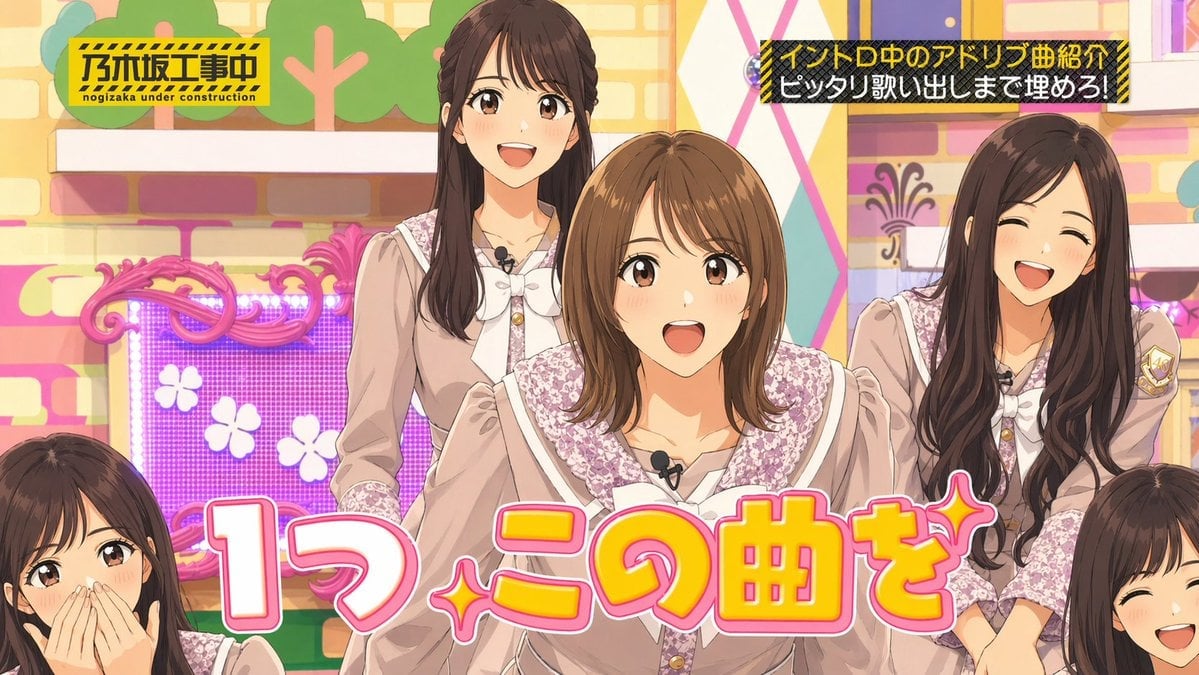
Japanese Idol TV Show Screenshot

Minecraft Japanese Research Lab Exploration

Mirror Selfie Chibi Characters Pixar Style

Flower Petal Sunglasses Couture Portrait

Fashion Portrait Colored Smoke Studio

Mountain Valley Lifestyle Portrait

青蛇小青写真大片,绿色紧身蛇鳞裙,湿发红唇,妖娆妩媚

A double exposure, long exposure editorial photograph of a man Use image

Portrait of a young woman in her early 20s walking calmly on a beautiful

Artistic portrait of an elegant Asian woman wearing a black silk

A high-quality photo collage featuring the same person with identical

LIGHTING each element still lit by its original source, windows casting
Make it yours
Realistic Japanese Character Show Photography works as-is. These are the safest ways to change it without losing the look.
Change one field
Copy a single group, rewrite it, and generate again so you can see what that field is doing.
Keep the frame, change the subject
Hold the composition and light of Realistic Japanese Character Show Photography, then swap wardrobe, props or the person for a new take.
| If the result… | Why | Fix |
|---|---|---|
| The result drifts from the preview | Too many fields changed at once. | Reuse Realistic Japanese Character Show Photography as-is first, then change one group — subject, light, or setting. |
| The model over-stylizes the scene | The prose prompt leaves finish and camera underspecified. | Add one camera or lighting sentence and stay on GPT Image 2. |
More GPT Image 2 templates
Other prompts made for GPT Image 2.

Six VTuber Japanese Logo Sheet

Realistic Portrait of Woman and Deer

The Vista Modular Condo Poster

AI Model Routing Comparison Infographic

2.5D Anime Art Board

Isometric Productivity Desk Scene

New York Double Exposure Poster

Four-Panel AI Landscape Comparison

Japanese Tatami Lifestyle Magazine Cover

NESCAFÉ Coffee Map Poster
More image prompts
Fresh picks from across the catalog.
X Ohmuyi 那就来个歪头杀吧
Cinematic Desert Highway Car Portrait
Retro Wrist Computer Playing Classic Platformer
Gothic Mourning Women on Cathedral Steps
Character Schedule UI Design
Hokusai Style Woodblock Print Generation
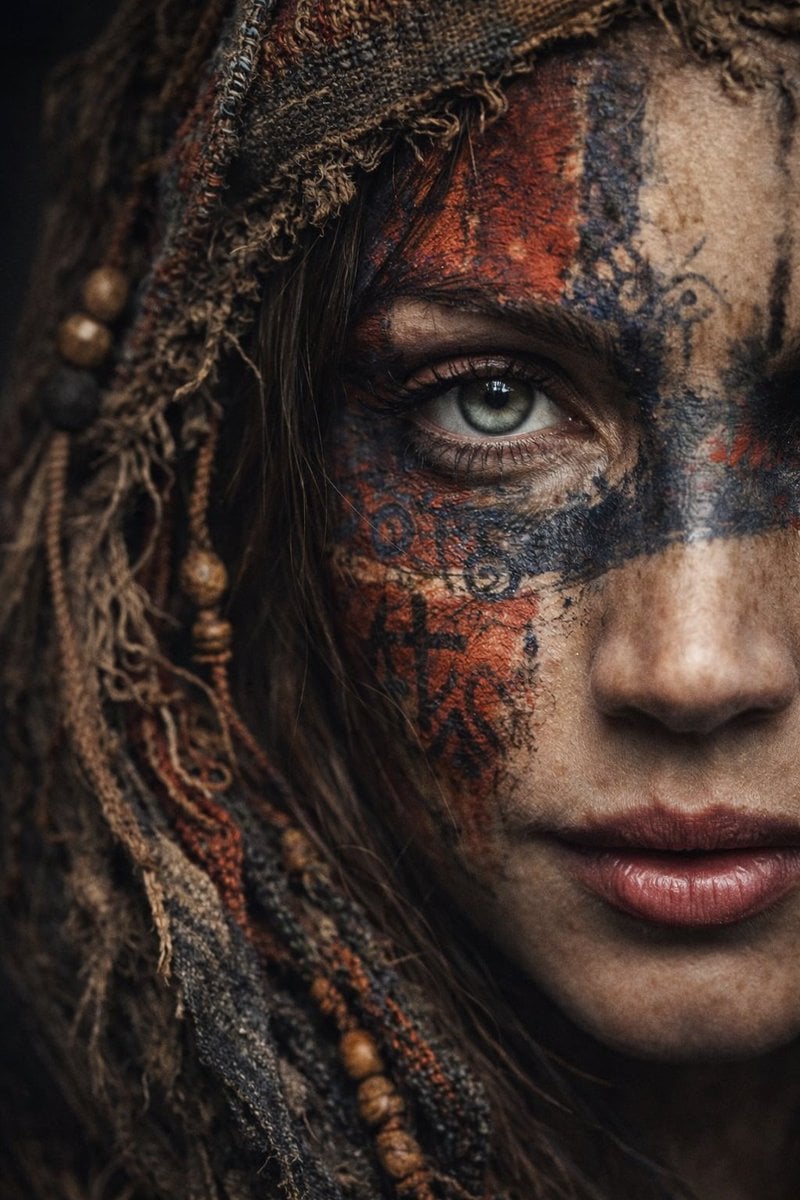
Ultra-Realistic Portrait with Tribal Markings and Painterly Realism
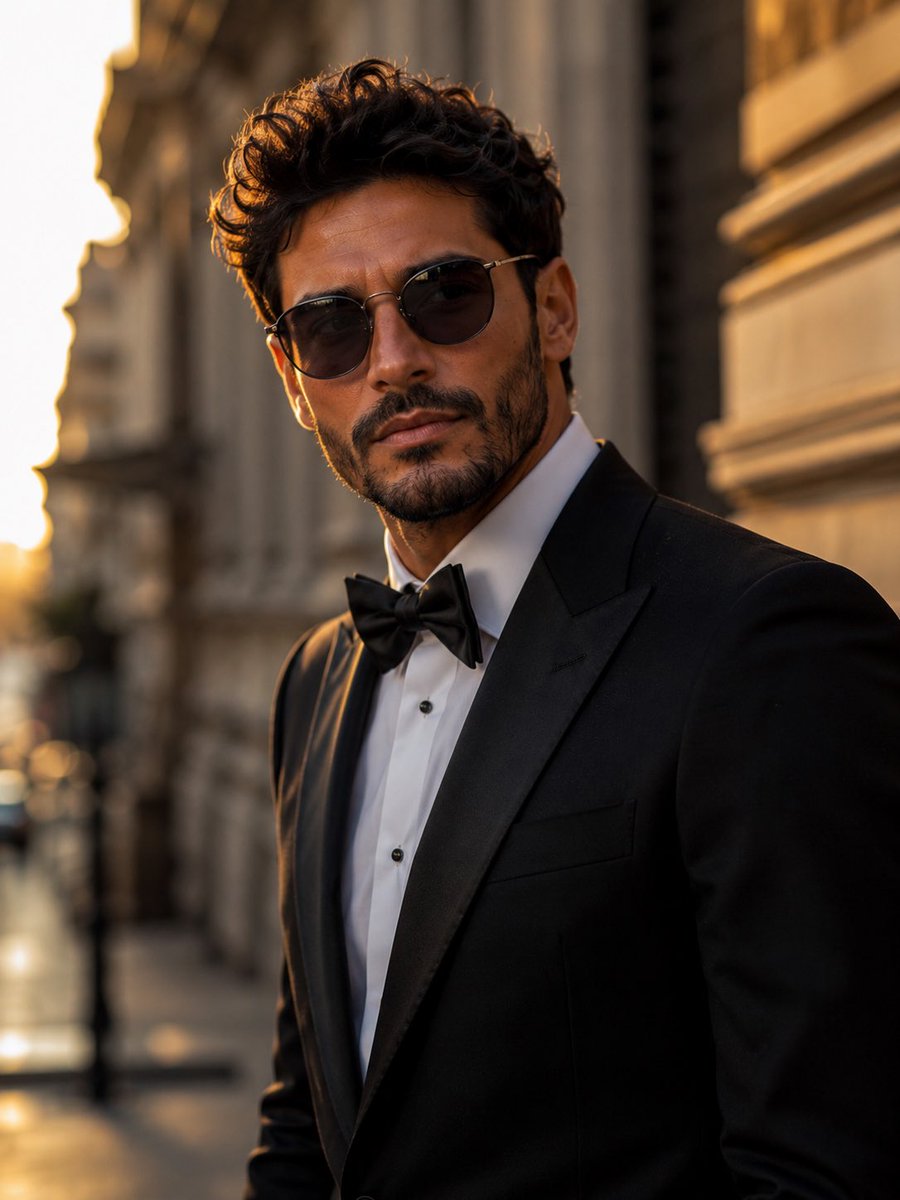
Tuxedo European Street Portrait
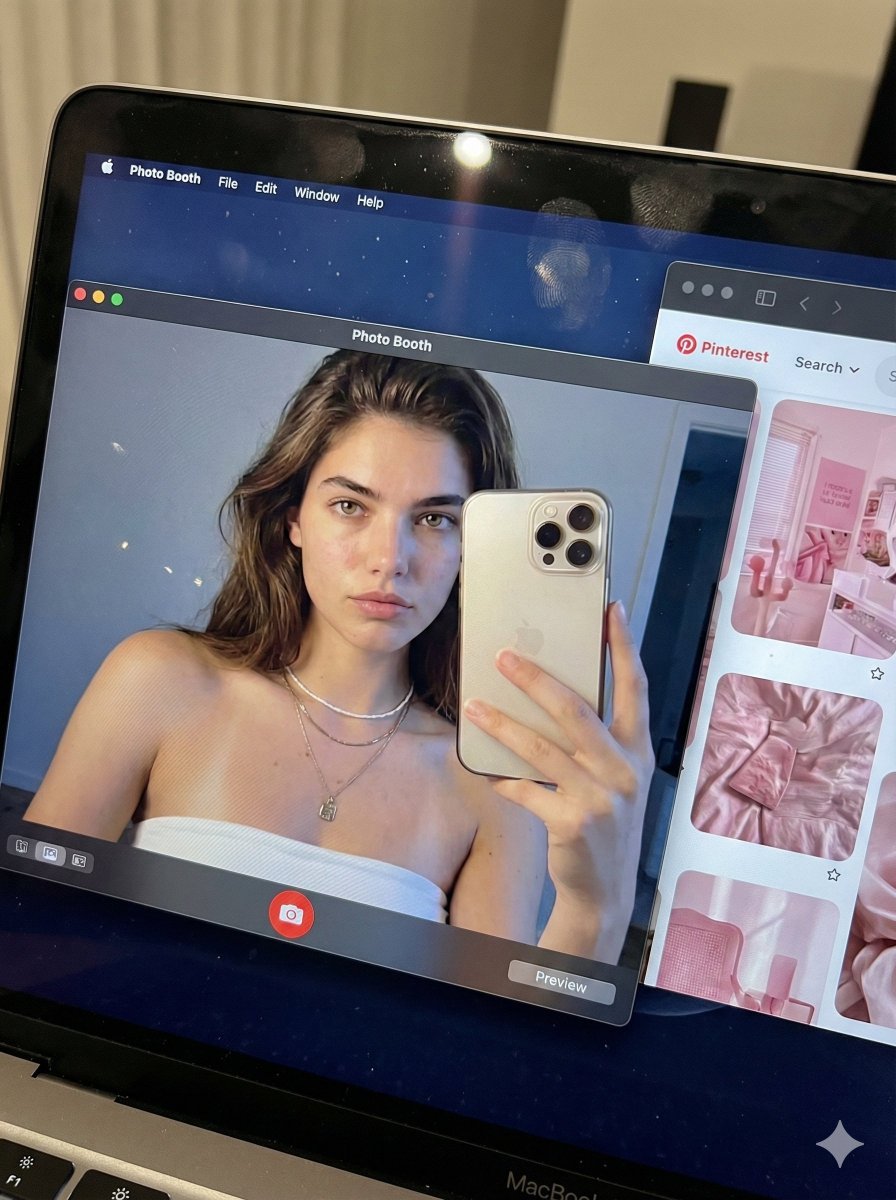
Hyper-realistic MacBook screen simulation prompt
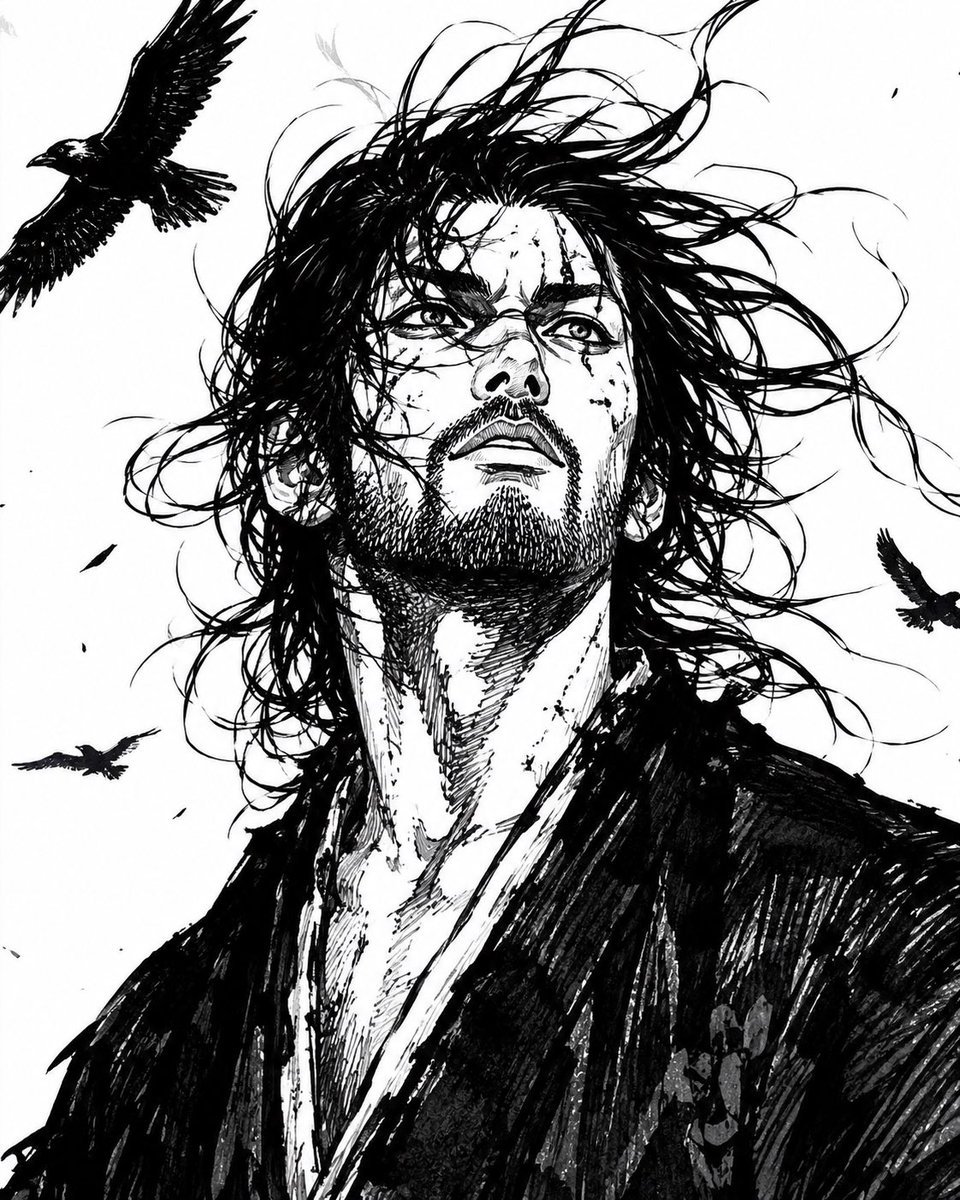
Windblown Ink Samurai Portrait
Browse template categories
Realistic Japanese Character Show Photography questions
How do I use the Realistic Japanese Character Show Photography template?
Add your photo if the template asks for one, edit the prompt if you like — the template's model and format are already selected — and press Generate. Your version opens in PicX Studio.
Can I customize the Realistic Japanese Character Show Photography template?
Yes. You can change the subject, setting, lighting, mood, format, and available model controls before creating your image.
Is the Realistic Japanese Character Show Photography template free?
Opening and editing this template is free. Generating uses credits, shown on the Generate button when you are signed in.
Which AI model should I use?
Start with GPT Image 2, which is the model associated with this template. You can compare another compatible model for a different finish.
Looking for something else? Browse all templates.

Your photo, any look
Thousands of ready templates for every top image and video model, from one credit balance.