How do I use the Mirror Selfie Chibi Characters Pixar Style template?
Edit the prompt in the box under the preview — the template's model and format are already selected — and press Generate. Your version appears right on this page.
AI mirror selfie prompt from curated collection - Topic: 10 Best AI Mirror Selfie Prompts for Viral Instagram Photos.

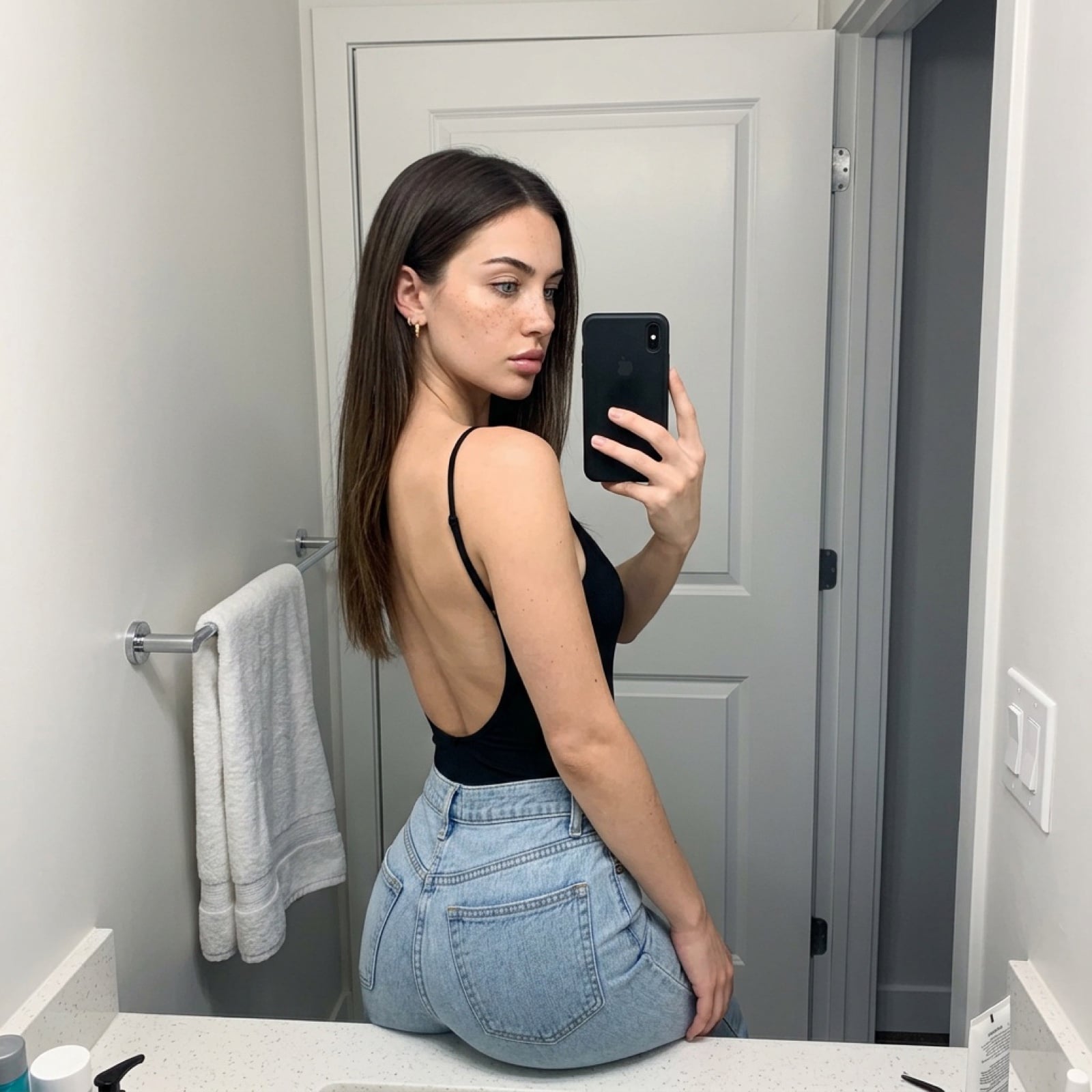
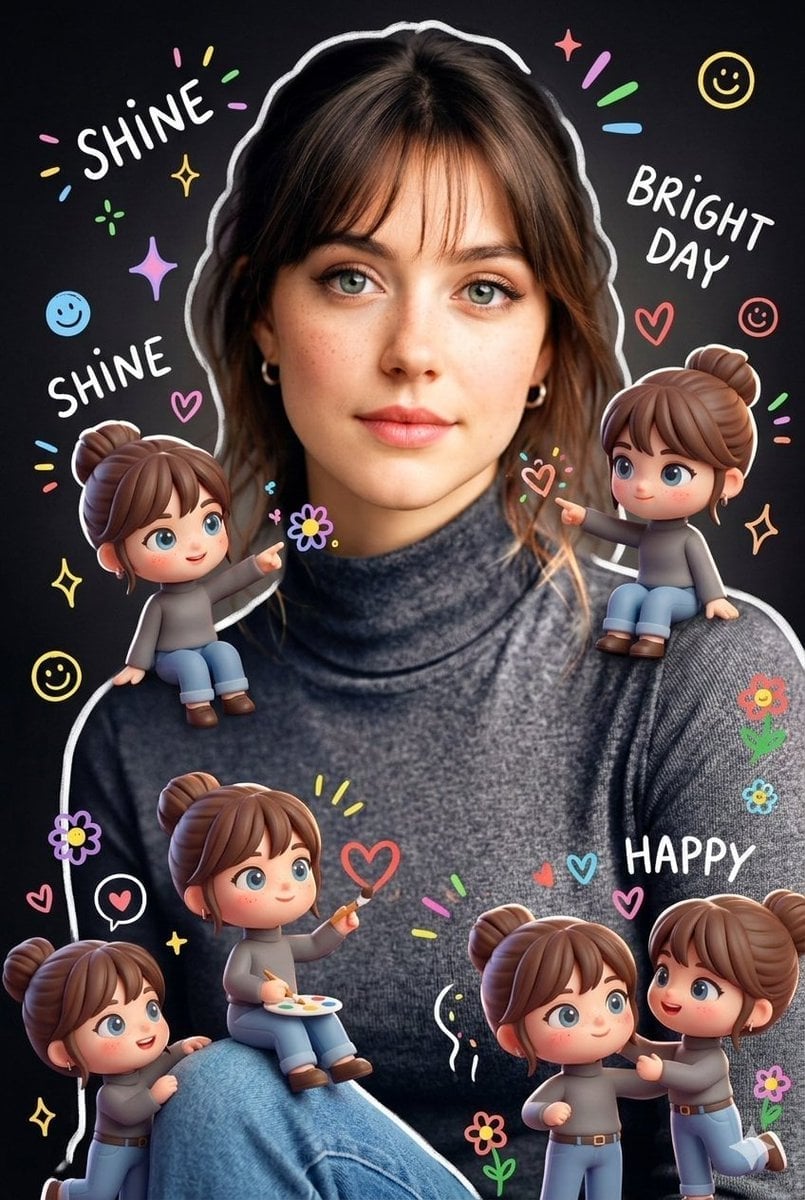
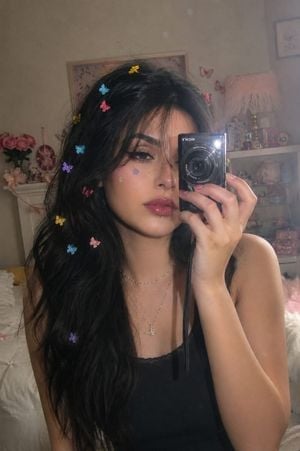
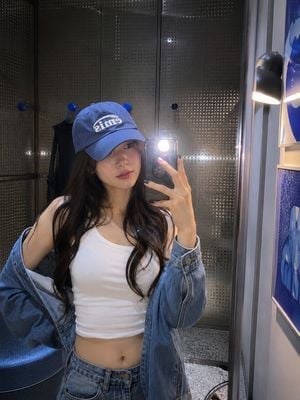
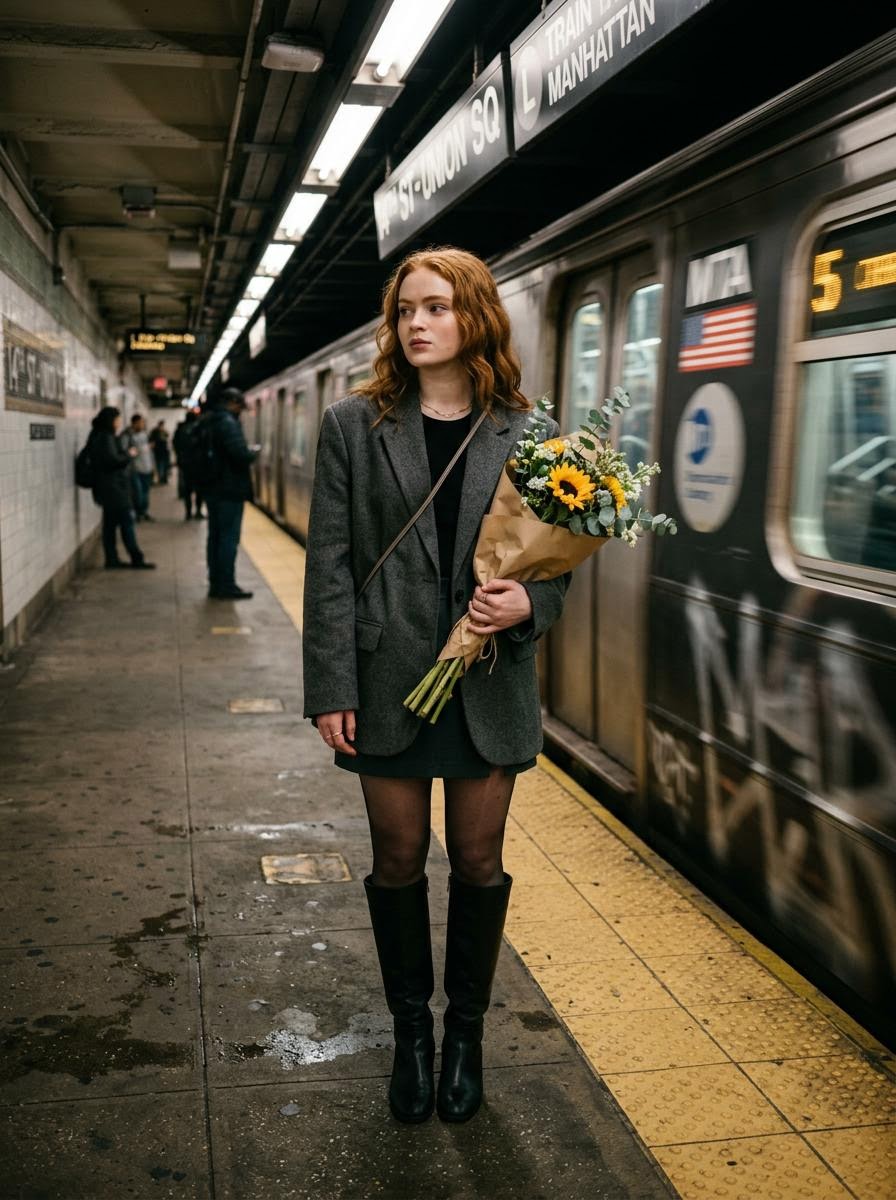
Keep the uploaded mirror selfie exactly the same and realistic - same face hiding pose, same lighting, same outfit, same mirror background. Add 4 cute chibi mini versions of the same girl sitting naturally around the mirror and floor in different poses like waving, sitting with knees hugged, holding stars, smiling and leaning on the mirror. Big shiny anime eyes. soft Pixar style, clean white doodles, tiny sparkles, soft pastel glow, Pinterest aesthetic, ultra detailed, balanced colours, not over edited, not too golden, realistic + cartoon blend.
Keep the uploaded mirror selfie exactly the same and realistic - same face hiding pose, same lighting, same outfit, same mirror background. Add 4 cute chibi mini versions of the same girl sitting naturally around the mirror and floor in different poses like waving, sitting with knees hugged, holding stars, smiling and leaning on the mirror. Big shiny anime eyes. soft Pixar style, clean white doodles, tiny sparkles, soft pastel glow, Pinterest aesthetic, ultra detailed, balanced colours, not over edited, not too golden, realistic + cartoon blend.
Edit the prompt in the box under the preview — the template's model and format are already selected — and press Generate. Your version appears right on this page.
Yes. You can change the subject, setting, lighting, mood, format, and available model controls before creating your image.
Opening and editing this template is free. Generating uses credits, shown on the Generate button when you are signed in.
Choose a compatible model in PicX Studio based on the style, speed, and output controls your project needs.
Follow a topic to a crawlable collection of related PicX Studio templates.