
Mirror Selfie
Mirror Selfie is a ready photo look.
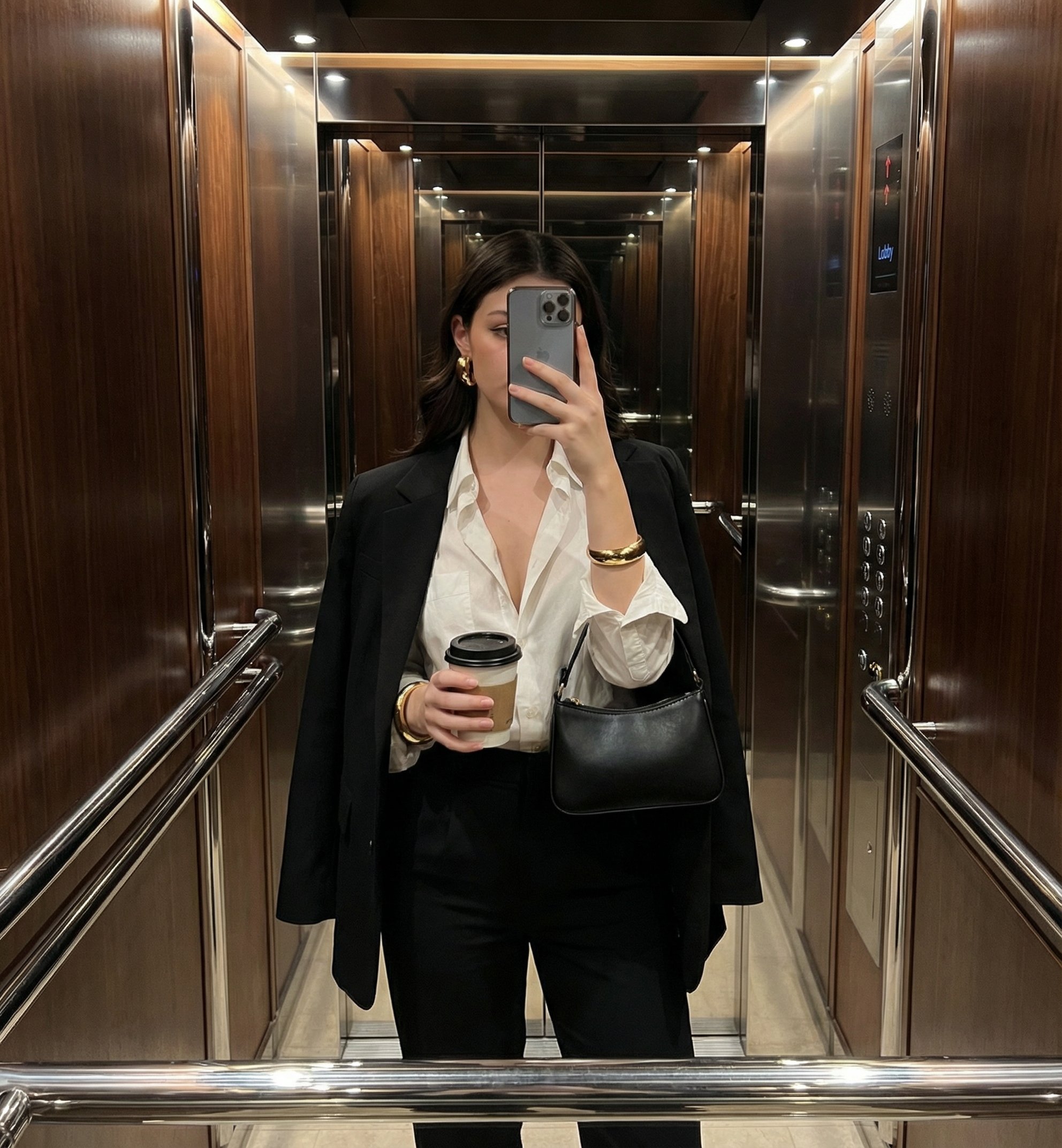
- Prompt included
- Model and format preset
- Premium template
The prompt behind this image
Copy the exact prompt behind Mirror Selfie, or open it in the studio and make it yours.
Ultra-realistic iPhone mirror selfie inside a luxury stainless-steel elevator. Woman standing naturally, face fully hidden by the phone while taking the shot. Composition: head-to-hips framing, slightly off-center, natural posture. Outfit: crisp white shirt (slightly unbuttoned, relaxed neckline), tailored black trousers, structured blazer casually draped over the shoulders. Accessories: elegant black designer handbag (no visible logos), takeaway coffee cup, minimal refined gold jewelry (thin chain, small rings). Hair: sleek, straight, naturally styled, realistic volume and flyaways. Environment: brushed stainless-steel elevator interior, subtle reflections, clean vertical lines, modern luxury feel. Lighting: soft natural ambient light, gentle highlights on metal surfaces, no harsh shadows. Camera feel: iPhone photo realism, natural perspective, sharp focus, realistic depth, no artificial blur. Mood & vibe: old money aesthetic, corporate elegance, effortless chic, understated confidence. Texture details: realistic skin texture, natural tones, no beauty filters, authentic smartphone look. Instagram-ready but true-to-life, documentary fashion feel. Watermark / Signature: Subtle two-line watermark at the bottom edge of the image: Top line — “By andrey.anatolievich” in elegant handwritten calligraphic script. Bottom line — very small, clean sans-serif, low opacity, unobtrusive. Negative Prompt low quality, low resolution, overprocessed, heavy beauty filter, plastic skin, porcelain skin, unrealistic smoothness, distorted anatomy, warped hands, extra fingers, missing fingers, asymmetry, face visible, eyes visible, logos, brand names, text overlays, harsh flash, blown highlights, deep shadows, color cast, HDR look, cartoonish style, CGI, 3D render, painterly effect, anime, exaggerated curves, unrealistic body proportions, cluttered background, messy reflections, watermark blocking subject
How to use Mirror Selfie in 3 steps
- 1
Open
The prompt is already in the box next to the preview, with the template's model and format selected.
- 2…a portrait of your subject in softgolden-hour light, 85mm…
Personalize
Edit the subject and creative details for your destination.
- 3Generate
Generate
Press Generate — your image is created in PicX Studio, so you can compare it with the original and refine one variable at a time.
More like this
Templates with the same subject, style or setup. Open one to see its prompt.

Mirror Selfie Chibi Characters Pixar Style

Rooftop Fisheye — Cat-Ear Balaclava at Golden Hour

Felt & Knit 3D Character — Photo-Exact Face, Pixar-Quality Plush Figurine

Surreal Cat Astronaut — Humanoid Face Freefall
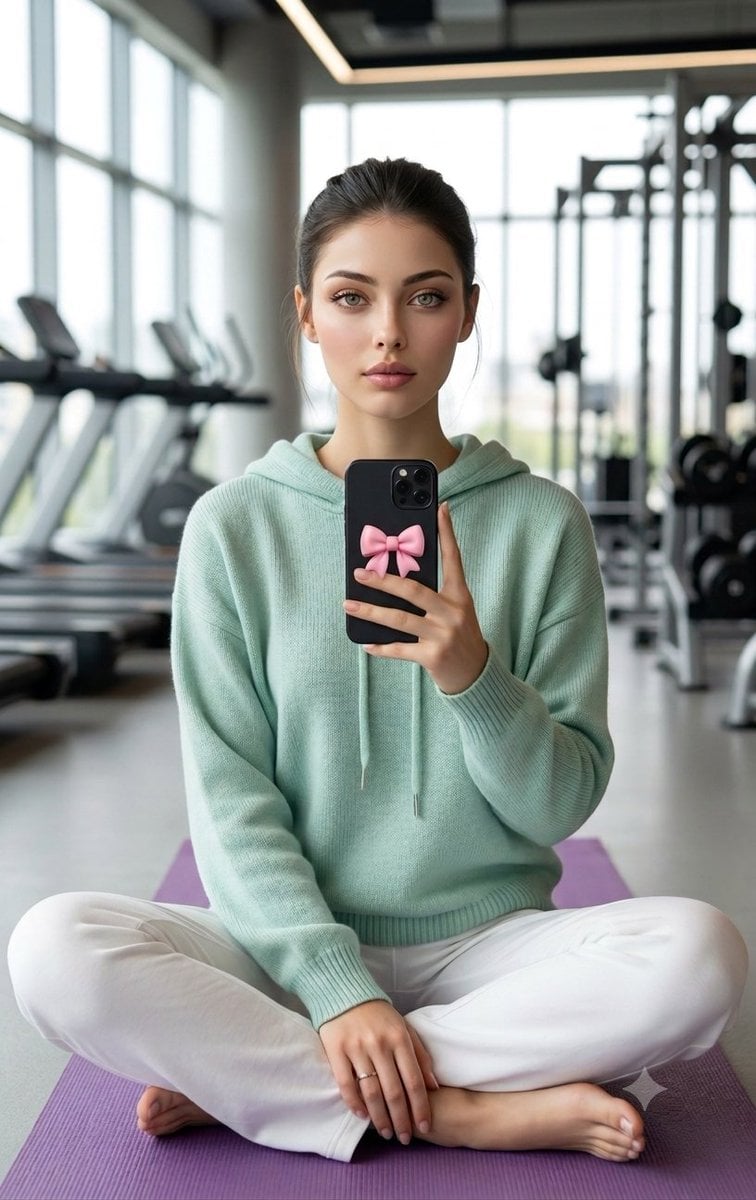
Professional Gym Mirror Selfie Portrait

Minimalist Golden Hour Selfie
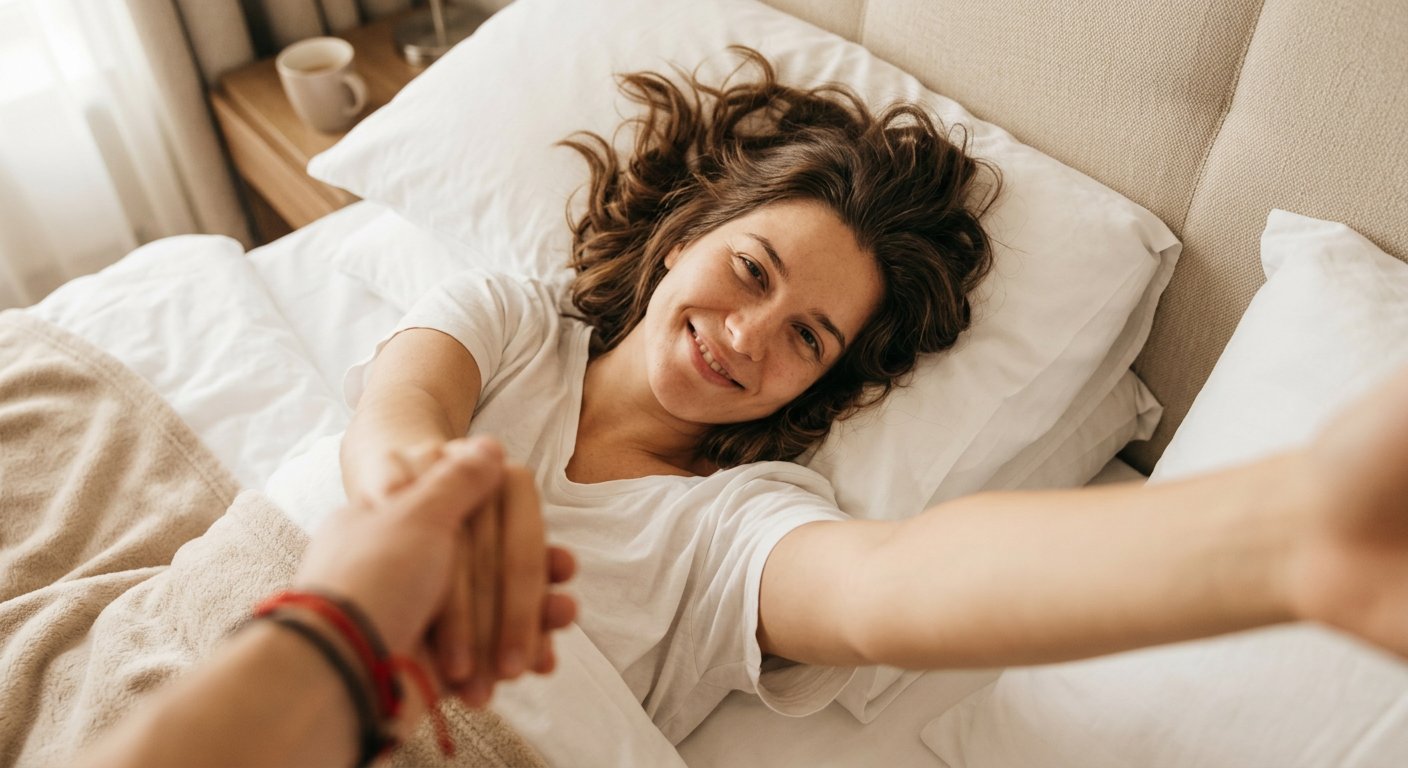
Candid Morning Bedside Selfie

Morning Mirror Selfie Candid

Panel Mirror Selfie Collage
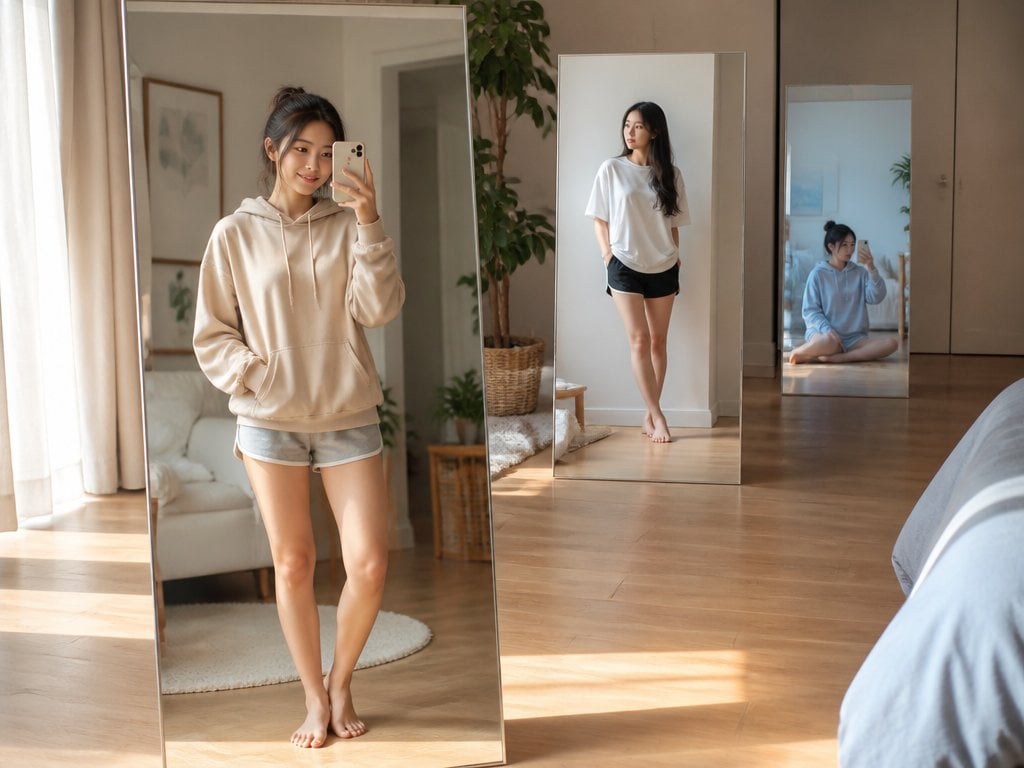
Floating Mirror Korean Apartment Lifestyle Photo

A k.pop idol on the stage with mic
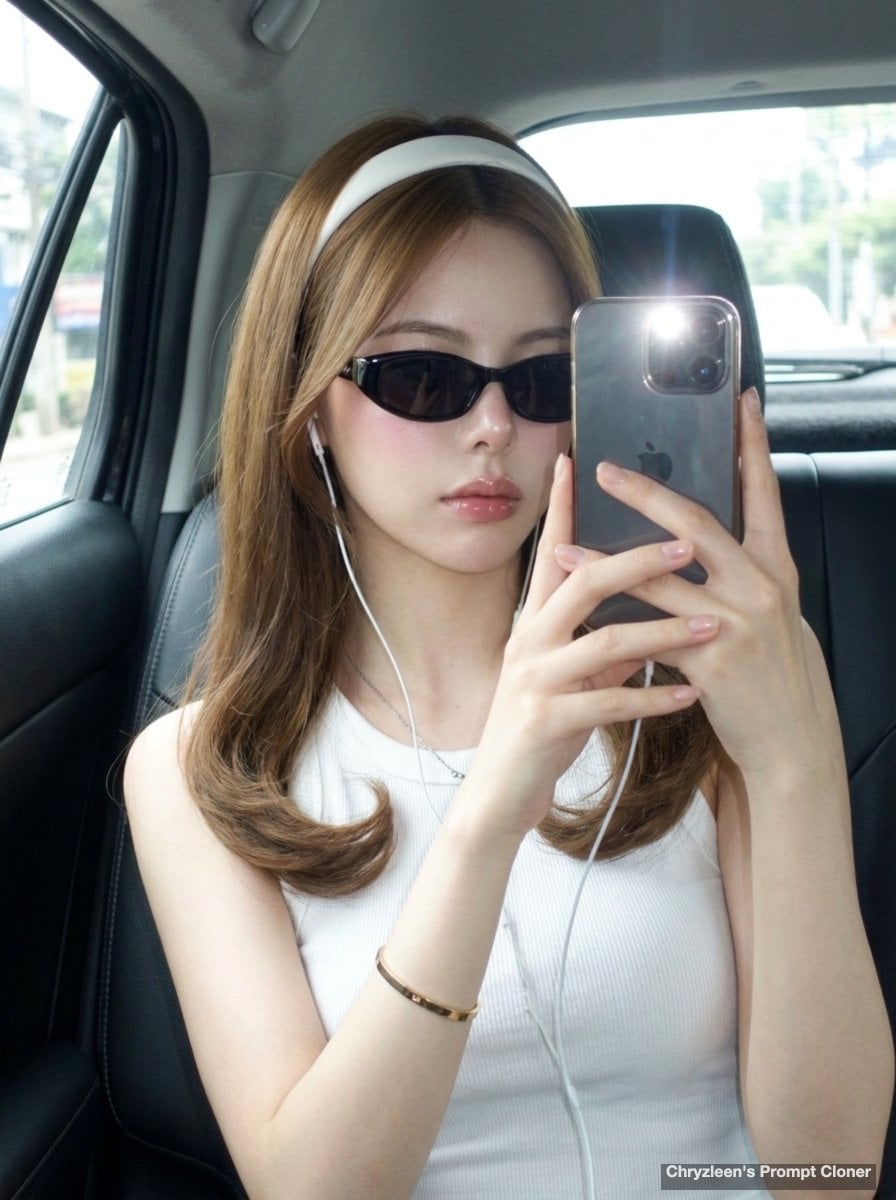
Backseat Mirror Selfie
Make it yours
Mirror Selfie works as-is. These are the safest ways to change it without losing the look.
Change one field
Copy a single group, rewrite it, and generate again so you can see what that field is doing.
Keep the frame, change the subject
Hold the composition and light of Mirror Selfie, then swap wardrobe, props or the person for a new take.
| If the result… | Why | Fix |
|---|---|---|
| The result drifts from the preview | Too many fields changed at once. | Reuse Mirror Selfie as-is first, then change one group — subject, light, or setting. |
| The model over-stylizes the scene | The prose prompt leaves finish and camera underspecified. | Add one camera or lighting sentence and stay on PicX Studio. |
More image prompts
Fresh picks from across the catalog.
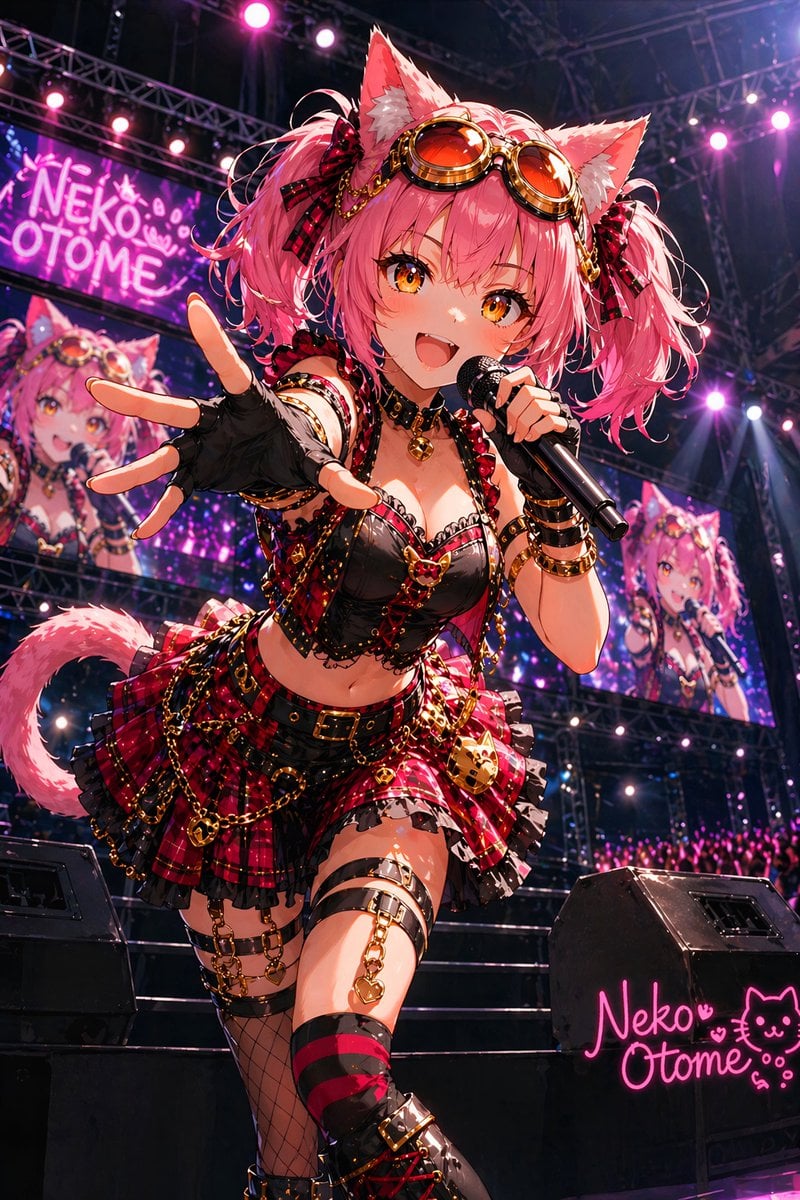
Catgirl Idol Concert Stage
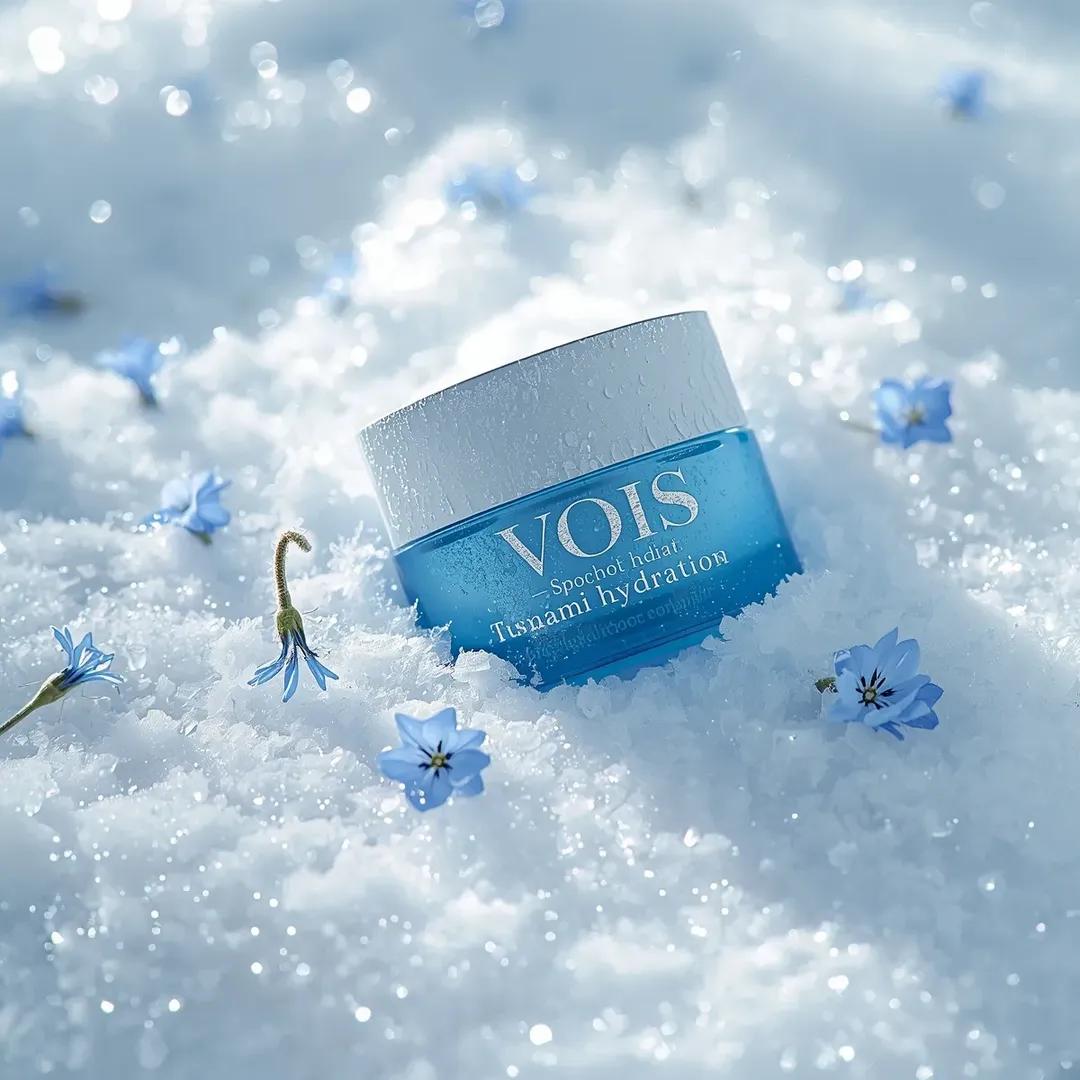
Photorealistic Skincare Product Photography Prompt for Nano Banana Pro
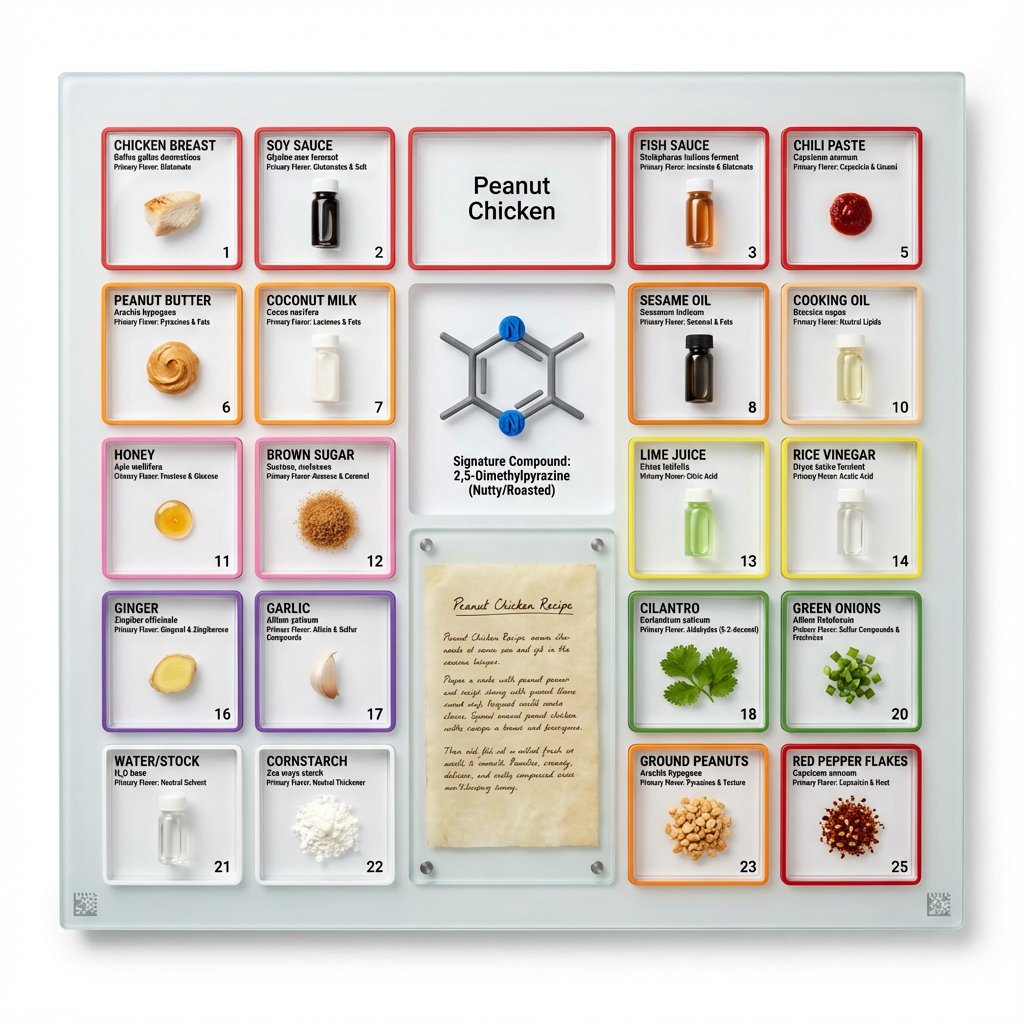
Culinary Periodic Table Display Board Generator
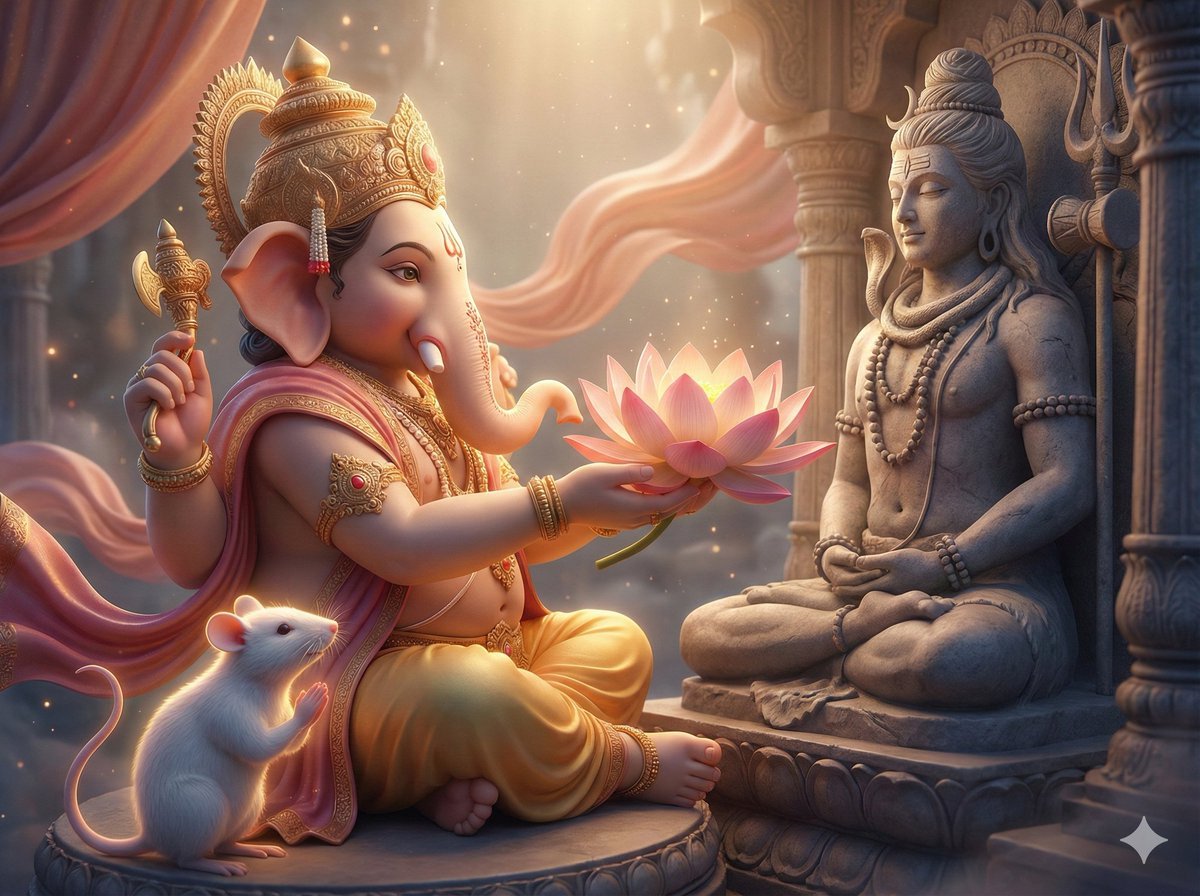
3D image generation prompt for God Ganesh worshipping God Mahadev
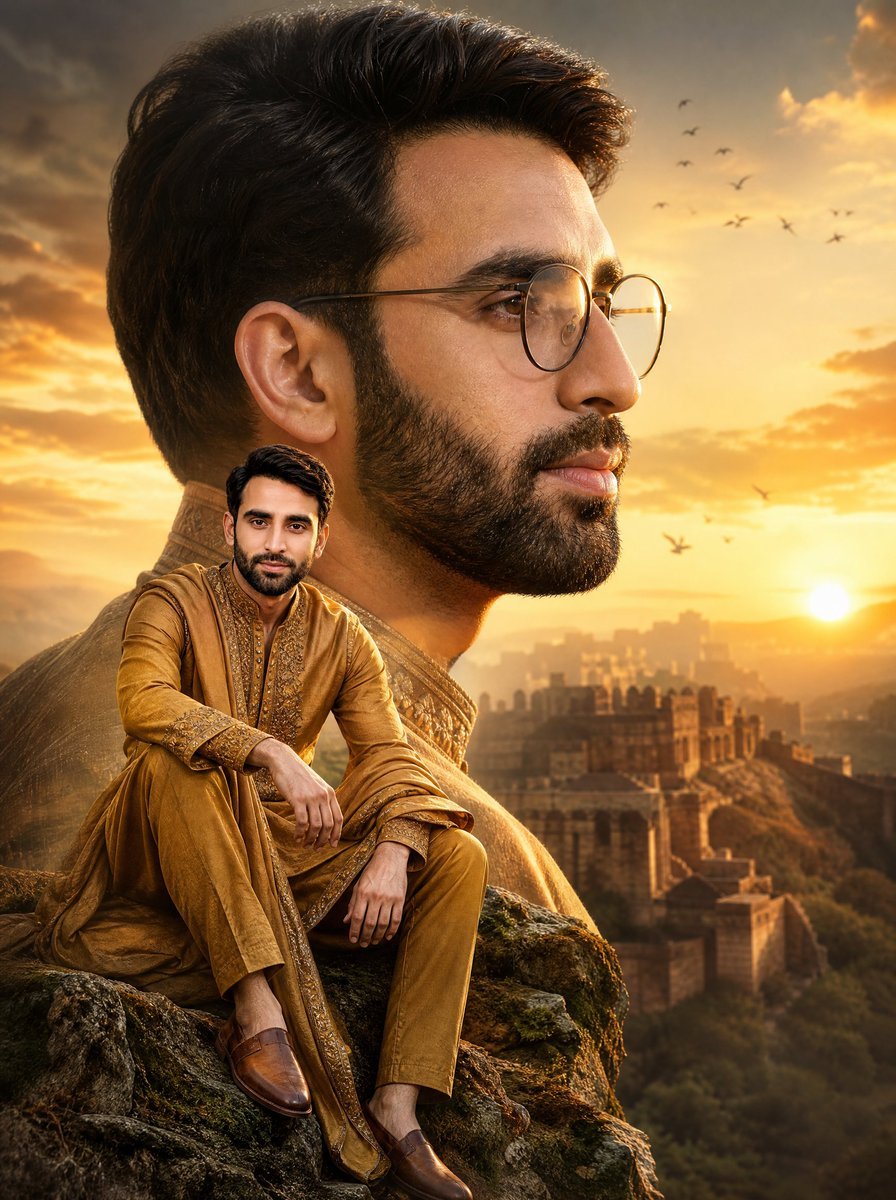
Cinematic Royal Double Exposure Portrait
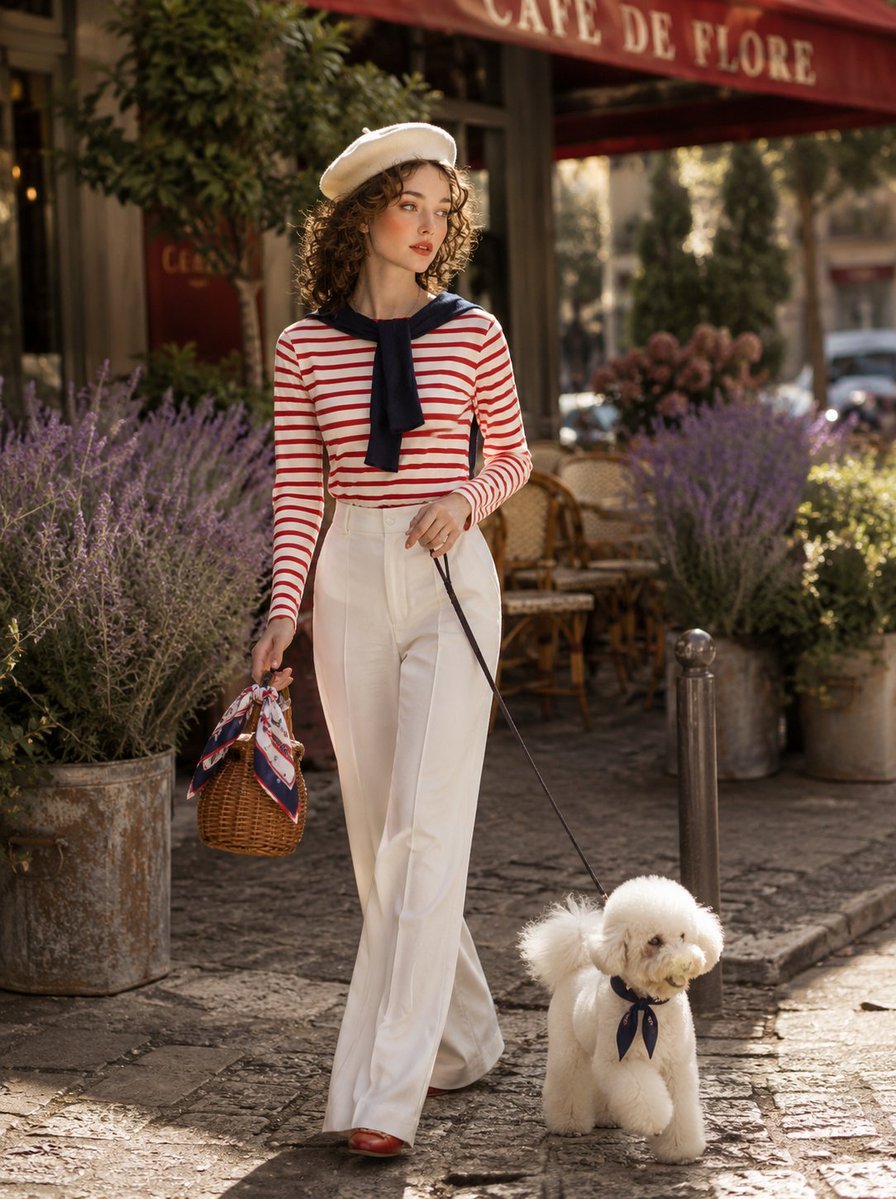
Parisian Café Lifestyle Photography
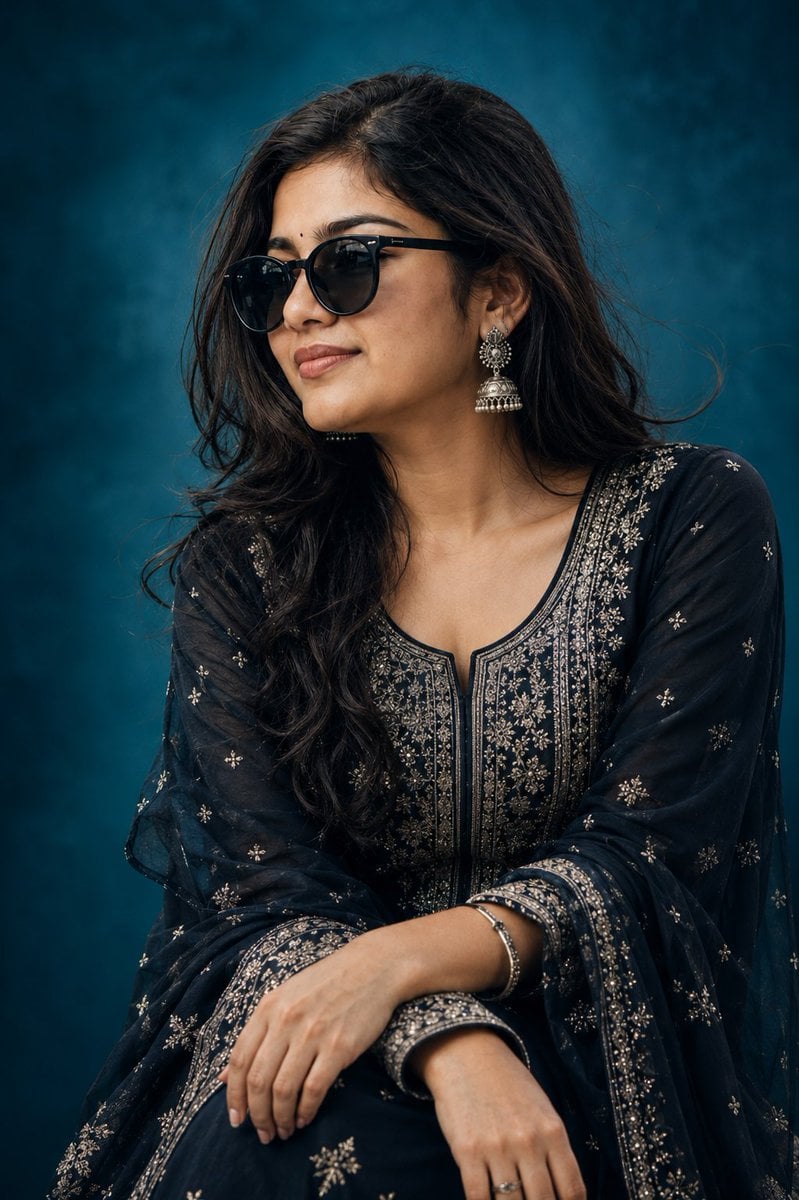
Elegant Indian Birthday Portrait
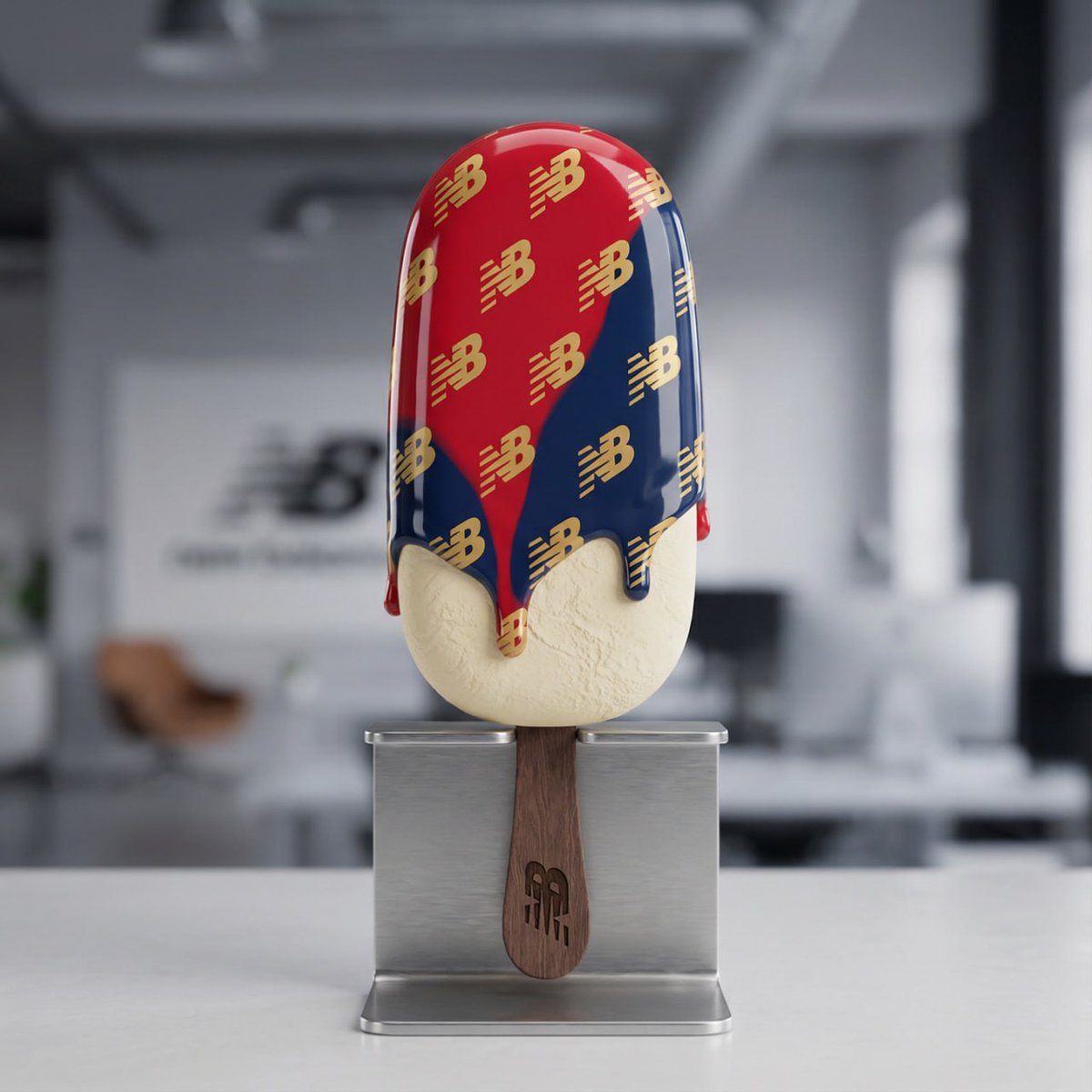
Nano Banana Pro Tutorial for Product Branding
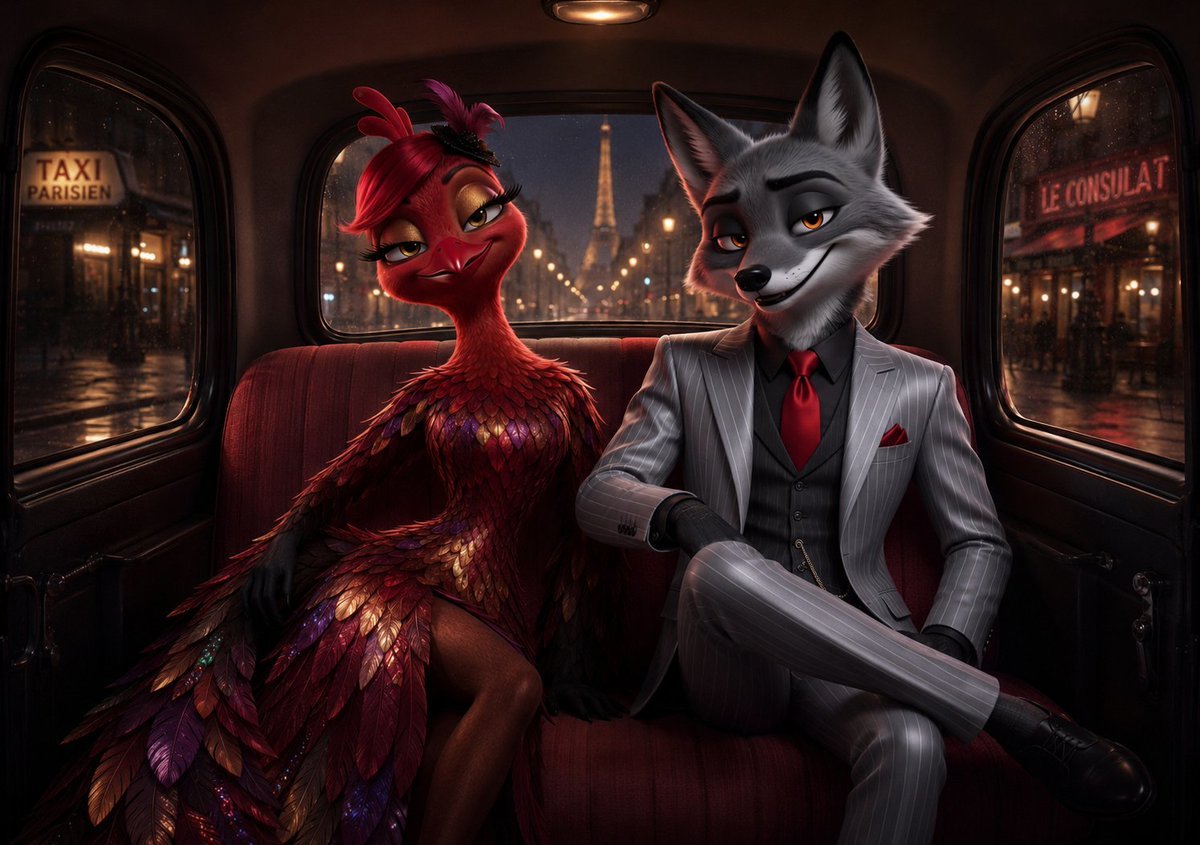
Noir Paris Taxi Anthro Couple

Miniature 3D City with Live Weather Prompt
Browse template categories
Mirror Selfie questions
How do I use the Mirror Selfie template?
Add your photo if the template asks for one, edit the prompt if you like — the template's model and format are already selected — and press Generate. Your version opens in PicX Studio.
Can I customize the Mirror Selfie template?
Yes. You can change the subject, setting, lighting, mood, format, and available model controls before creating your image.
Is the Mirror Selfie template free?
Opening and editing this template is free. Generating uses credits, shown on the Generate button when you are signed in.
Which AI model should I use?
Choose a compatible model in PicX Studio based on the style, speed, and output controls your project needs.
Looking for something else? Browse all templates.

Your photo, any look
Thousands of ready templates for every top image and video model, from one credit balance.