
Catgirl Idol Concert Stage
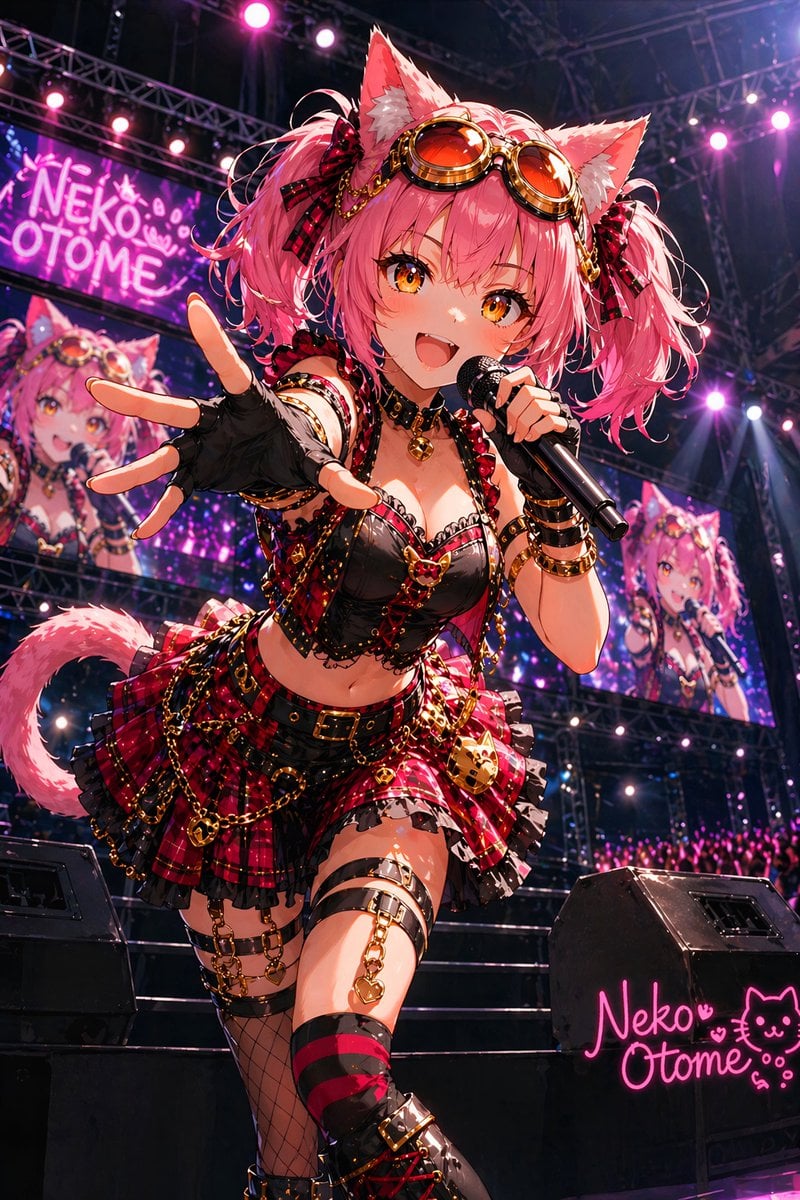
This prompt generates a dramatic anime-style catgirl idol performing on a neon-lit concert stage, ideal for VTuber, idol, or promotional poster visuals.
- Prompt included
- Model and format preset
- Free template
The prompt behind this image
Copy the exact prompt behind Catgirl Idol Concert Stage, or open it in the studio and make it yours.
A dynamic anime idol concert illustration of a single female catgirl singer performing on a large stage, viewed from a dramatic low angle as she steps toward the camera and reaches one gloved hand forward in extreme foreshortening while holding a black microphone in the other hand. She has {argument name="hair color" default="bright pink"} twin-tail hair with fluffy cat ears, orange-tinted steampunk goggles resting on her head, and red plaid ribbon bows at both sides. Her outfit is an elaborate black and red punk-idol costume with a black lace-trimmed cropped top, a red tartan frilled mini skirt, many gold chains, heart and bell charms, belts, buckles, garters, and layered accessories. Counted outfit details: 1 pair of cat ears, 1 pair of goggles, 2 hair bows, 1 fingerless glove on the reaching hand, 1 microphone, 1 cropped bustier-style top, 1 plaid skirt, 1 waist belt, 2 thigh garter systems, 1 fishnet stocking on one leg, 1 red-and-black striped thigh-high on the other leg, and 1 pair of black lace-up boots. She also has a fluffy pink cat tail visible behind her. Her expression should feel energetic, flirty, and commanding like a live pop-rock performance. The stage is packed with concert lighting trusses, purple and magenta spotlights, glowing bokeh, stairs behind her, 2 large black stage monitors in the foreground, and 3 visible venue screens showing her live image from different angles. Include 2 visible neon signs reading {argument name="sign text" default="Neko Otome"}, one on a large screen in the upper left and one glowing pink on the front-right speaker, both accompanied by cute cat-face iconography. The crowd at the bottom right glows with pink light sticks. Use ultra-detailed polished anime rendering, glossy fabrics, metallic highlights, vivid pink-purple-red lighting, crisp linework, high contrast, and the high-energy atmosphere of a sold-out arena concert for {argument name="idol name" default="Neko Otome"}.
How to use Catgirl Idol Concert Stage in 3 steps
- 1Upload ImagePNG, JPG or paste
Add your photo
Upload the photo the template builds on. The prompt, model and format are already set.
- 2…a portrait of your subject in softgolden-hour light, 85mm…
Personalize
Edit the subject and creative details for your destination.
- 3Generate
Generate
Press Generate — your image is created in PicX Studio, so you can compare it with the original and refine one variable at a time.
More like this
Templates with the same subject, style or setup. Open one to see its prompt.
Three Android Idol Girls on Concert Stage
Idol Stage Performance Portrait

Pastel Anime Idol Concert Finale
Pastel Cat-Eared Summer Idol Stage

A k.pop idol on the stage with mic
Dark Luxury Stage Fashion Editorial Portrait
Cool Anime Idol Backstage
Neon Virtual Idol Concert
Japanese Idol Concert Portrait
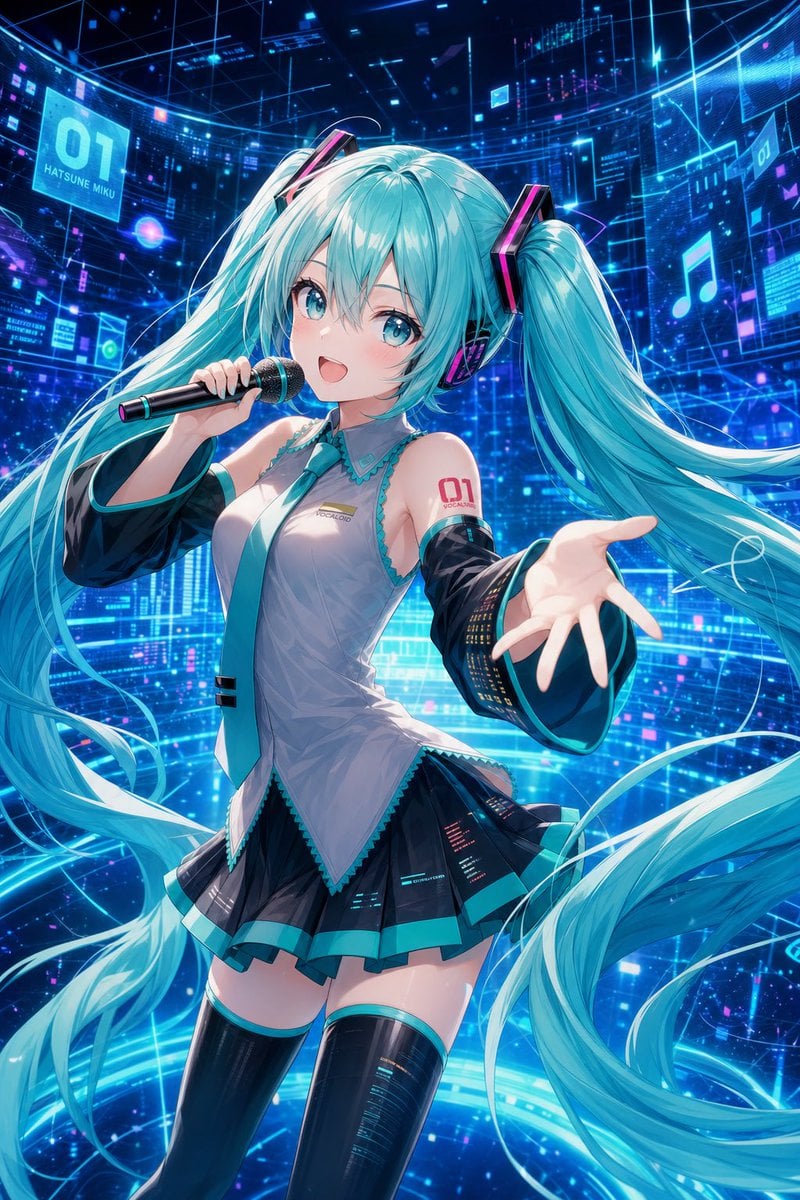
Cyber Vocaloid Concert Idol
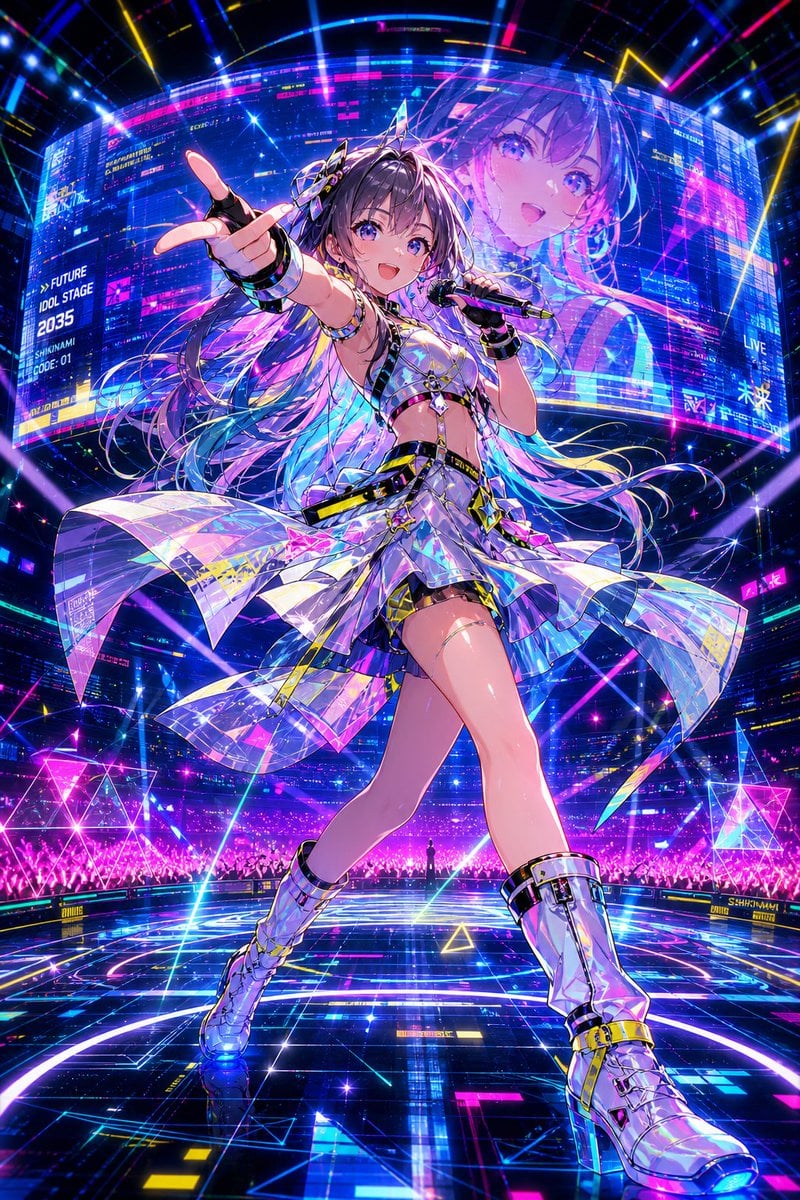
Cyberpunk Future Idol Concert
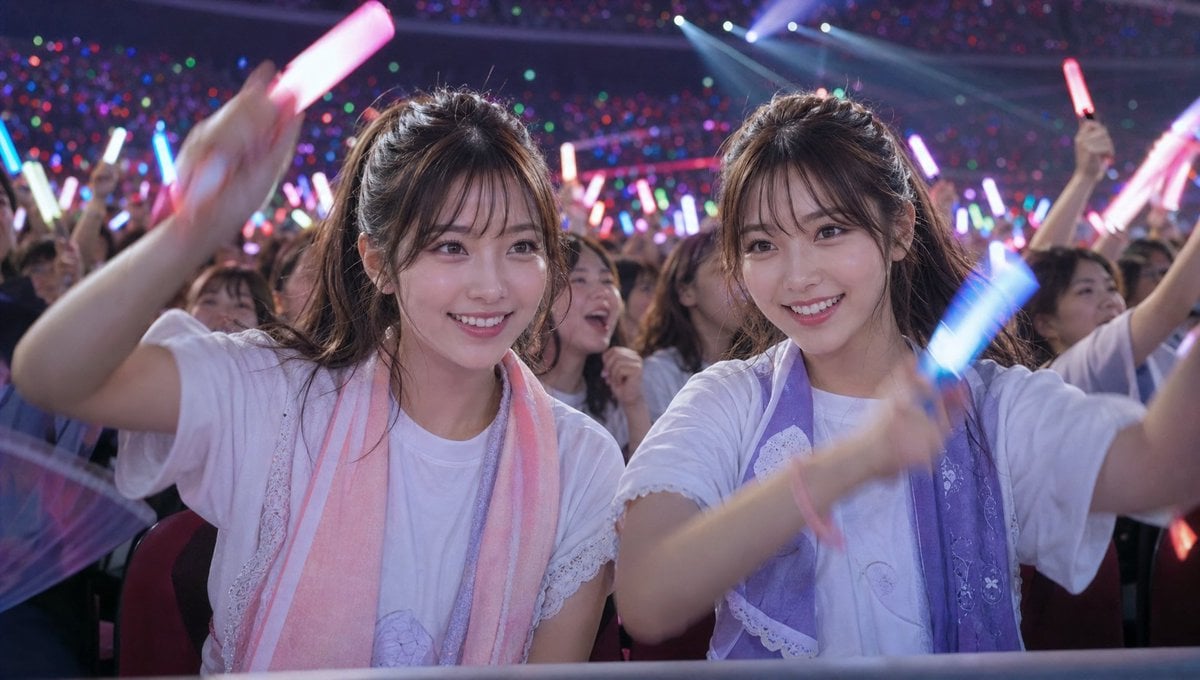
Crowd Energy at Idol Live Concert
Make it yours
Catgirl Idol Concert Stage works as-is. These are the safest ways to change it without losing the look.
Change one field
Copy a single group, rewrite it, and generate again so you can see what that field is doing.
Keep the frame, change the subject
Hold the composition and light of Catgirl Idol Concert Stage, then swap wardrobe, props or the person for a new take.
| If the result… | Why | Fix |
|---|---|---|
| The result drifts from the preview | Too many fields changed at once. | Reuse Catgirl Idol Concert Stage as-is first, then change one group — subject, light, or setting. |
| The model over-stylizes the scene | The prose prompt leaves finish and camera underspecified. | Add one camera or lighting sentence and stay on GPT Image 2. |
More GPT Image 2 templates
Other prompts made for GPT Image 2.

Six VTuber Japanese Logo Sheet

Realistic Portrait of Woman and Deer

The Vista Modular Condo Poster

AI Model Routing Comparison Infographic

2.5D Anime Art Board

Isometric Productivity Desk Scene

New York Double Exposure Poster

Four-Panel AI Landscape Comparison

Japanese Tatami Lifestyle Magazine Cover

NESCAFÉ Coffee Map Poster
More image prompts
Fresh picks from across the catalog.
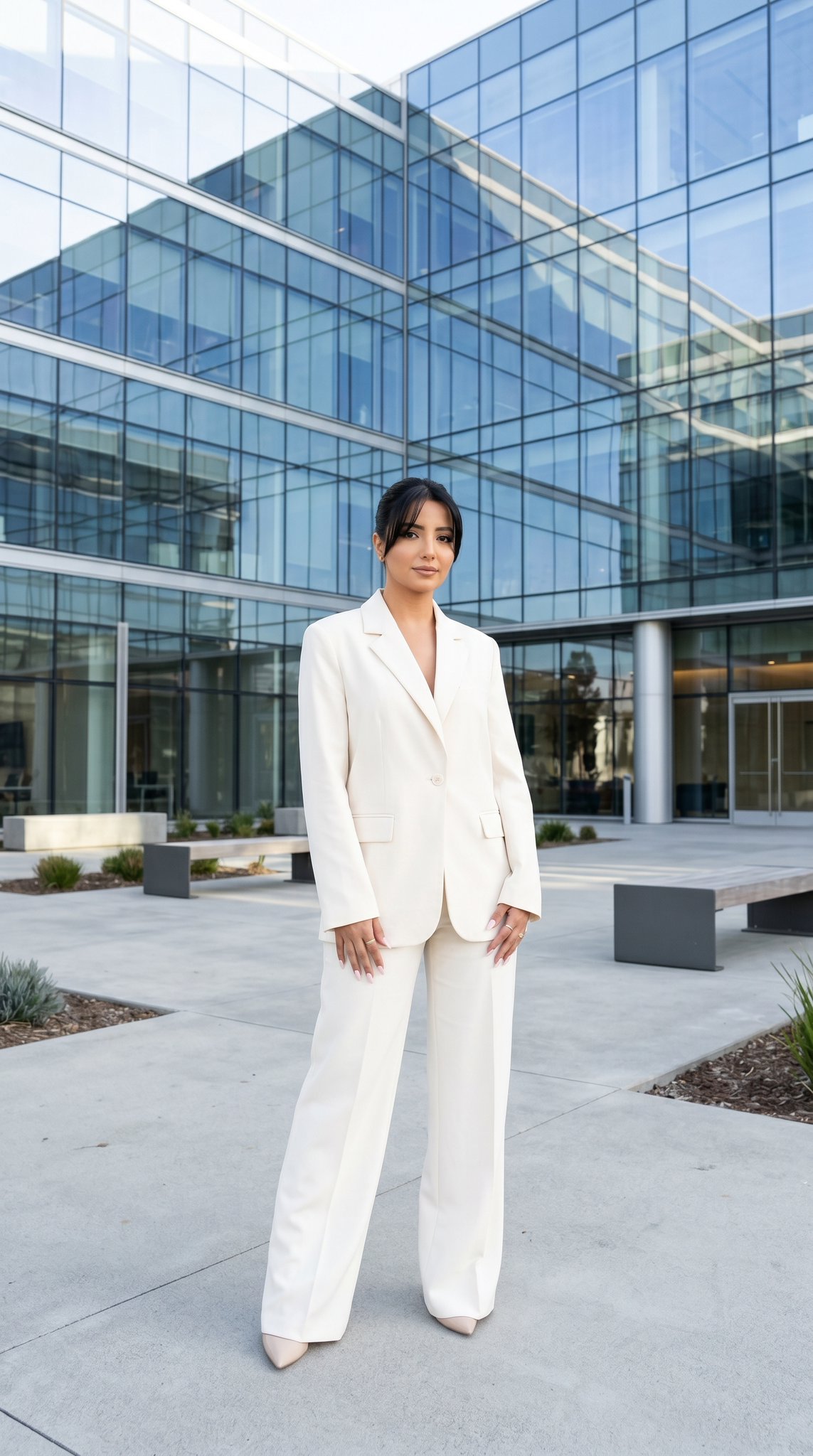
10 Modern Glass HQ Building — California Series
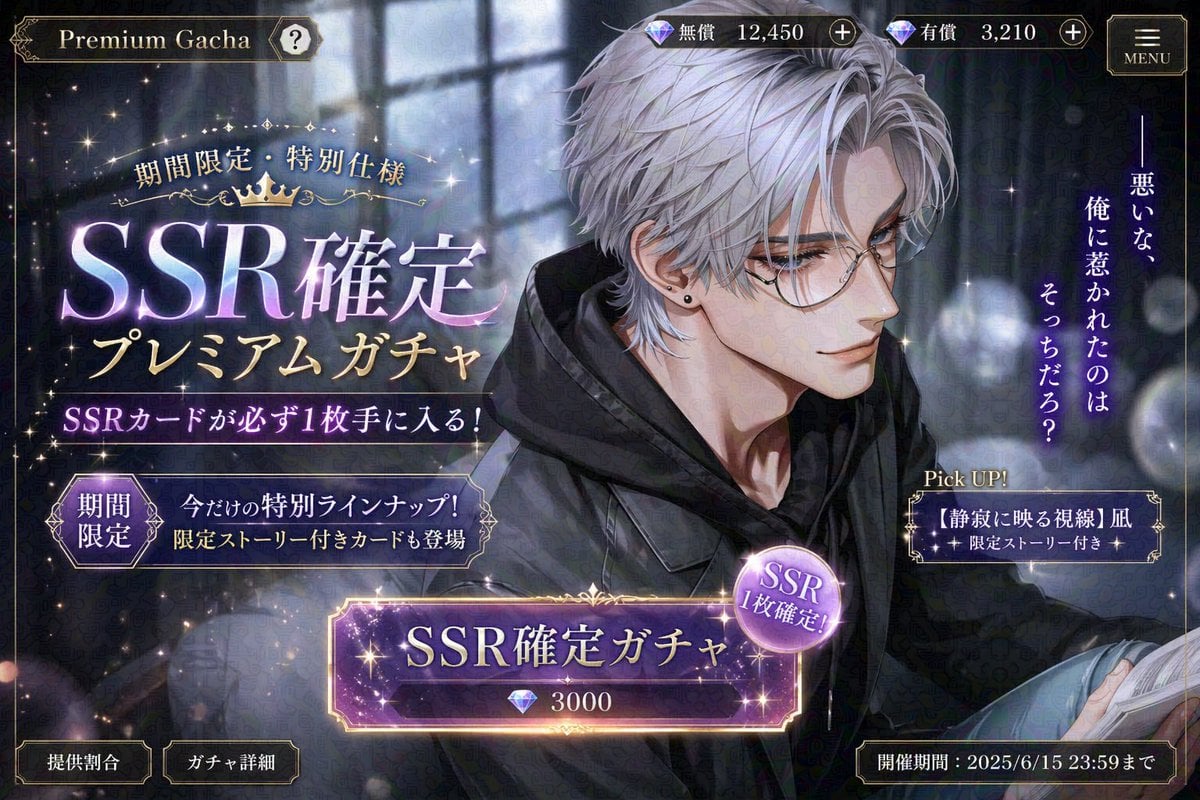
Otome Game Gacha Screen Prompt
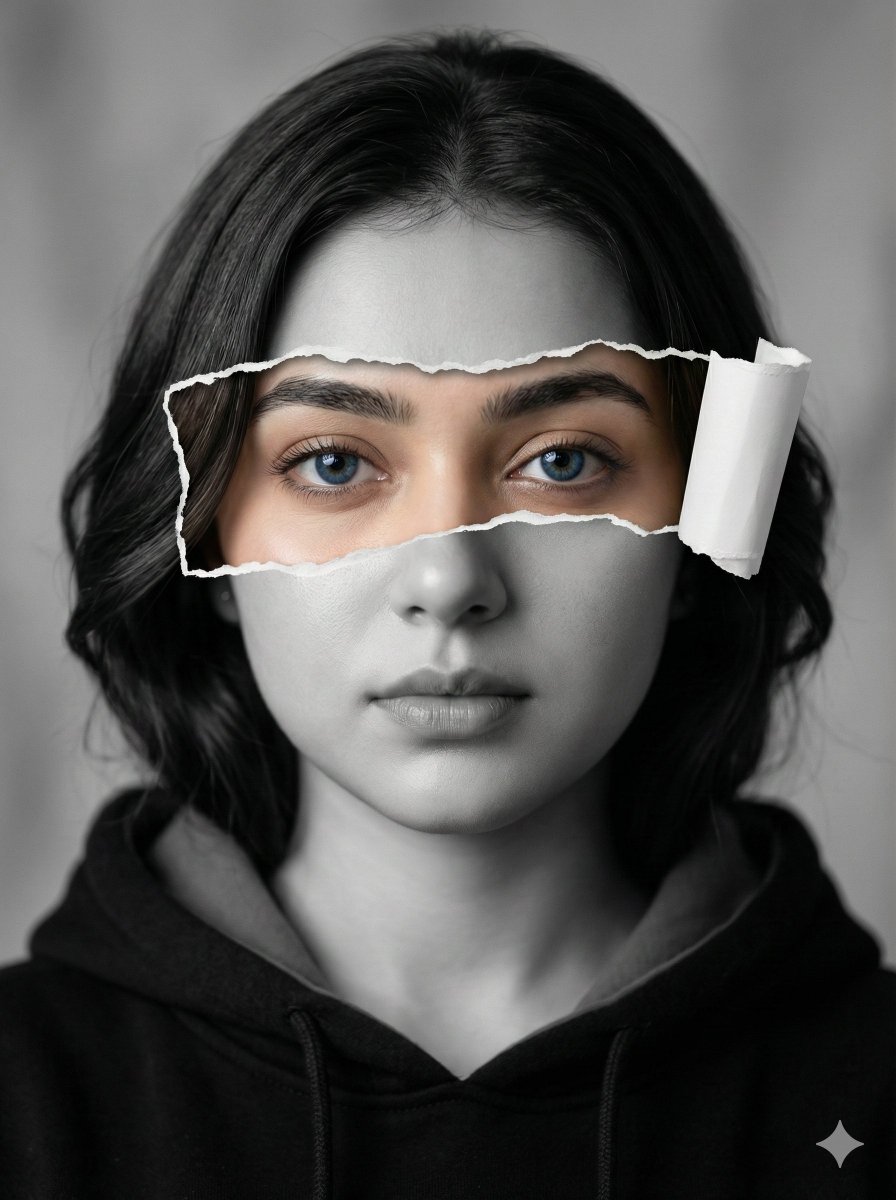
Hyperrealistic Black-and-White Portrait with Selective Color
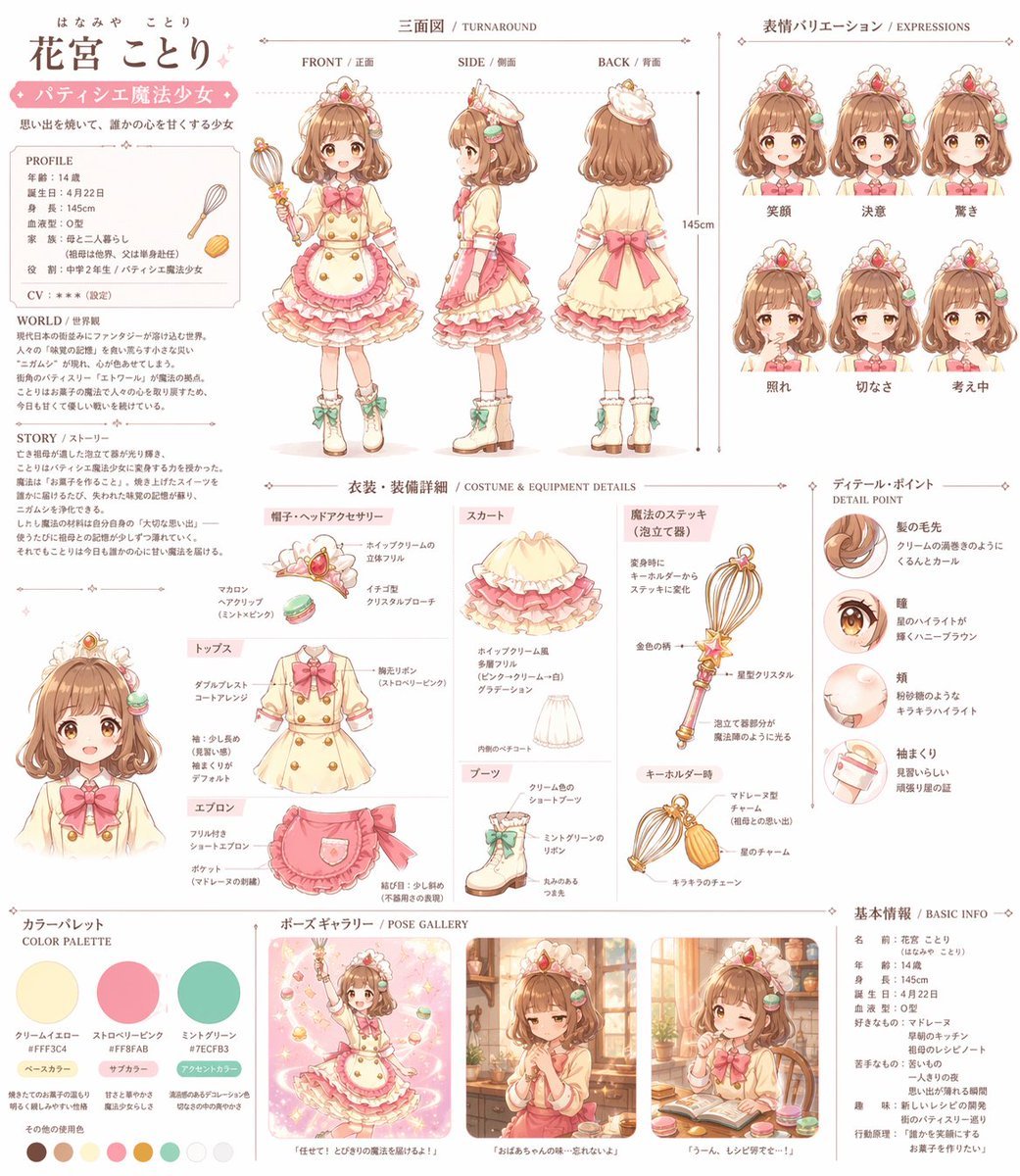
Anime Magical Girl Character Reference Sheet

Cinematic Photoreal Character Pair Prompt: Blue Character and Woman
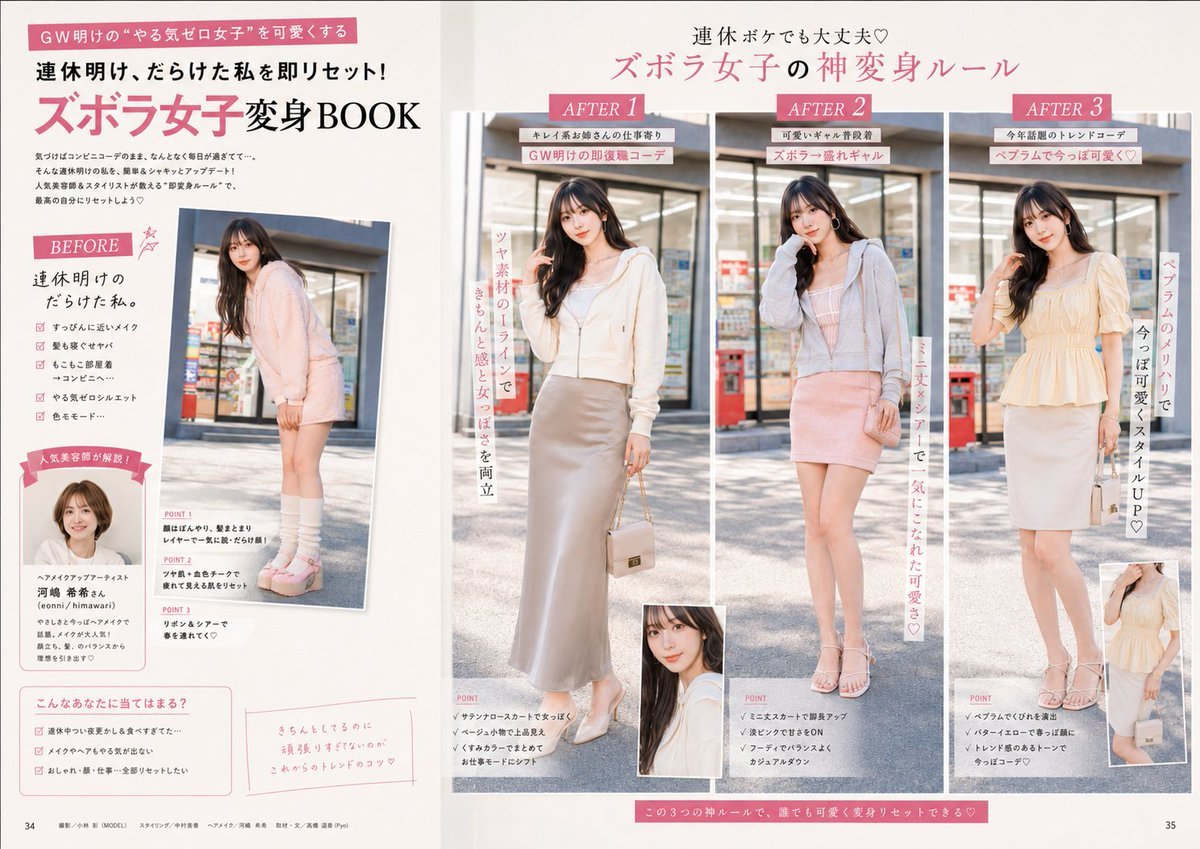
Fashion Magazine Layout Refinement
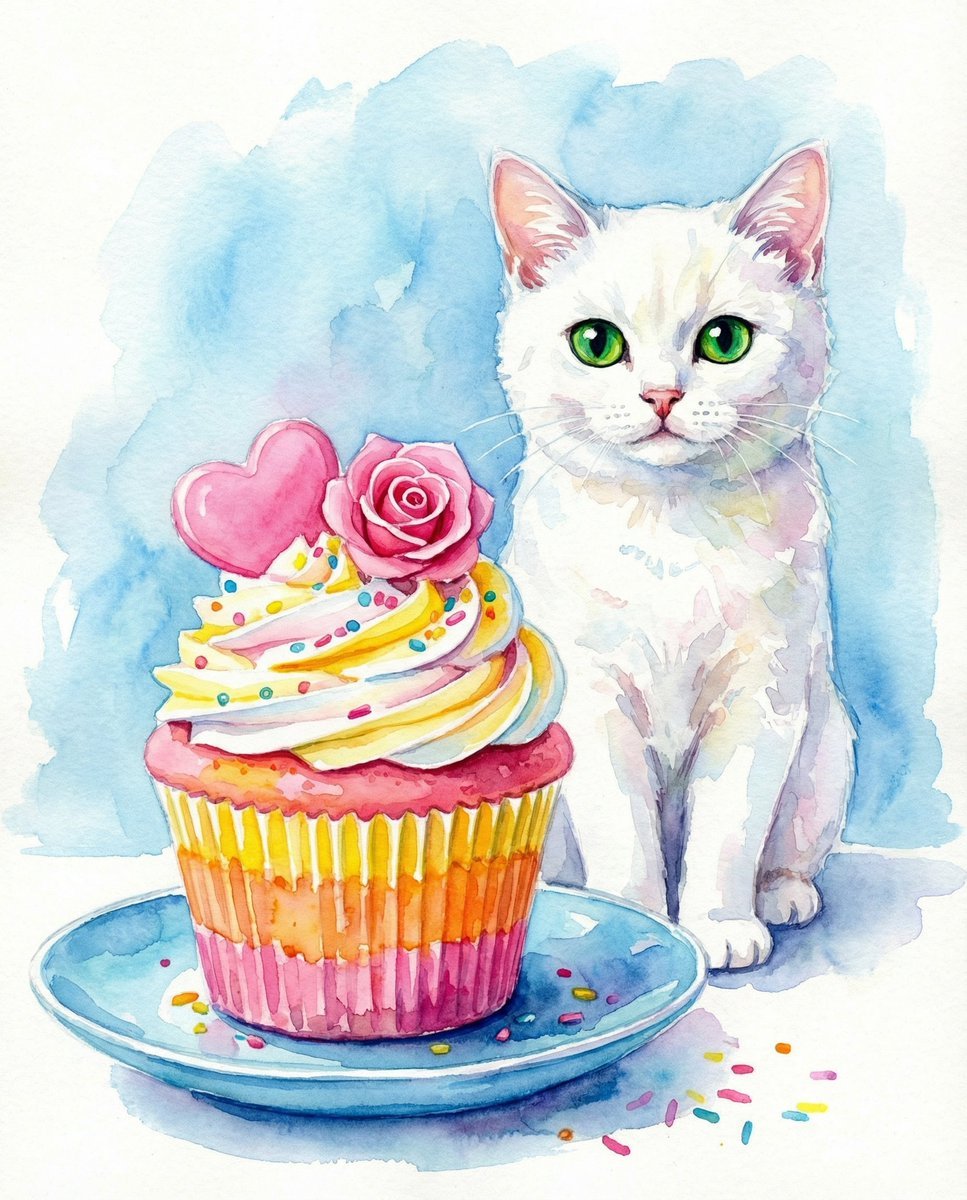
Watercolor Cat and Valentine's Cupcake
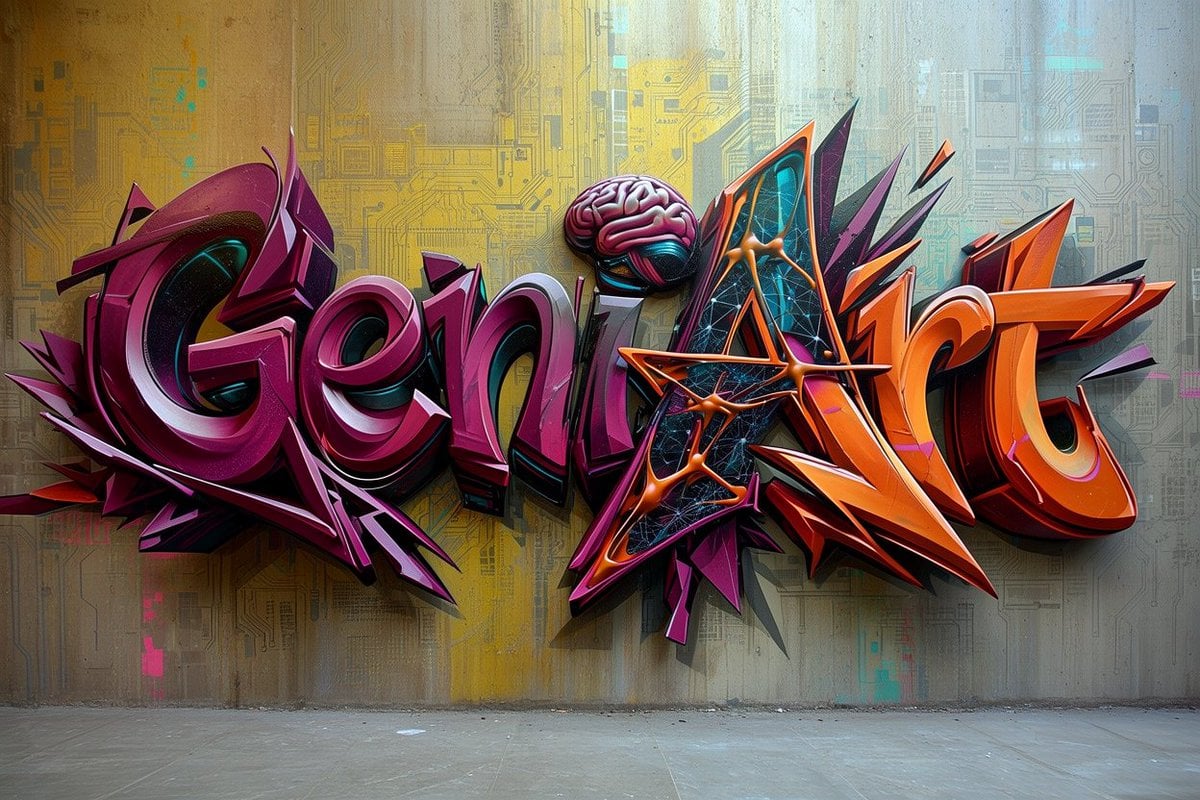
Futuristic 3D Graffiti Mural
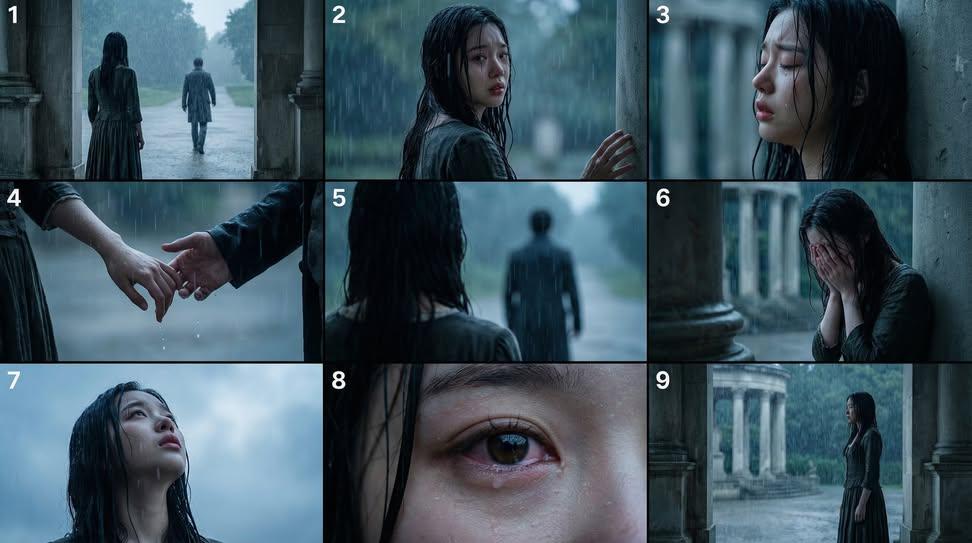
Cinematic Storyboard Generation Prompt
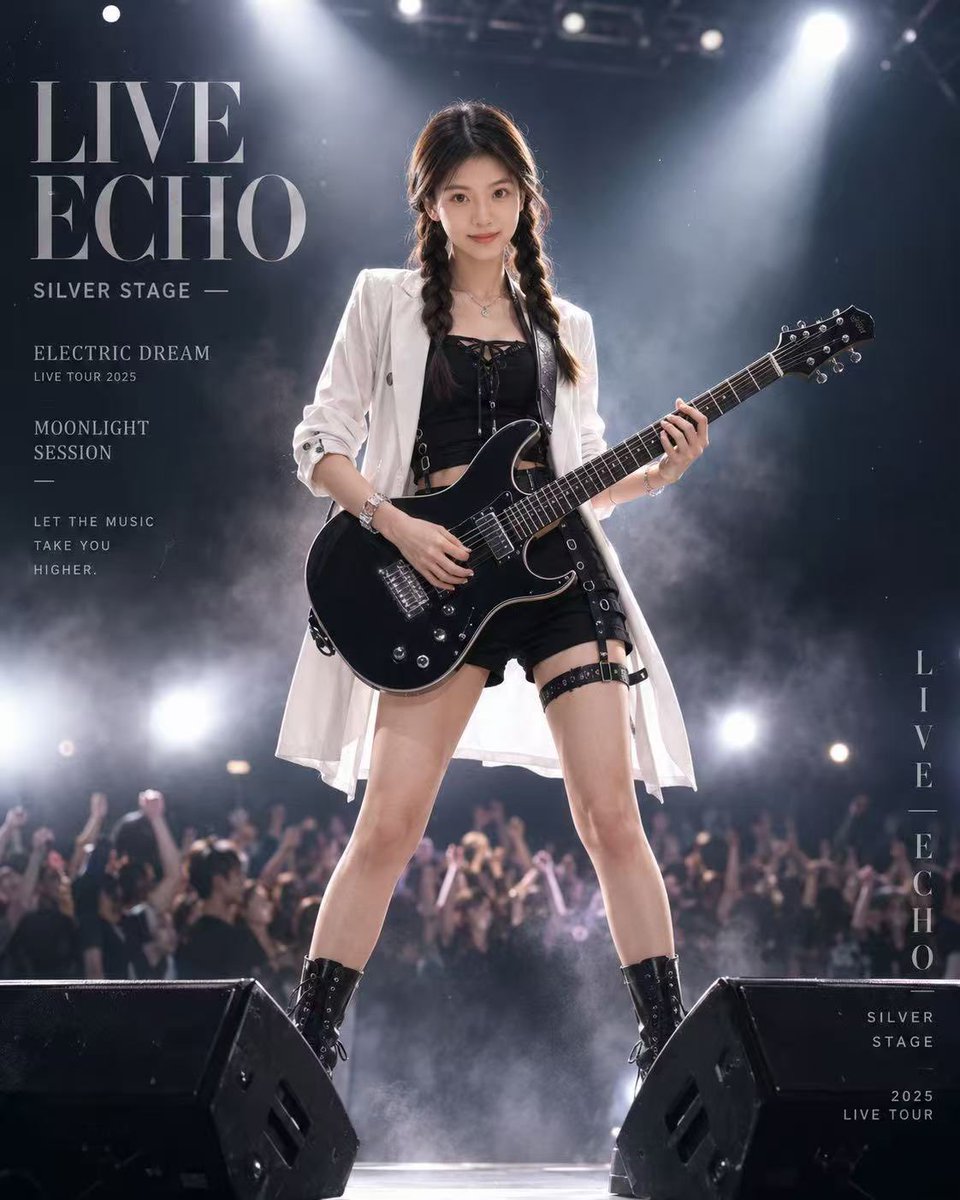
Live Rock Concert Poster
Browse template categories
Catgirl Idol Concert Stage questions
How do I use the Catgirl Idol Concert Stage template?
Add your photo if the template asks for one, edit the prompt if you like — the template's model and format are already selected — and press Generate. Your version opens in PicX Studio.
Can I customize the Catgirl Idol Concert Stage template?
Yes. You can change the subject, setting, lighting, mood, format, and available model controls before creating your image.
Is the Catgirl Idol Concert Stage template free?
Opening and editing this template is free. Generating uses credits, shown on the Generate button when you are signed in.
Which AI model should I use?
Start with GPT Image 2, which is the model associated with this template. You can compare another compatible model for a different finish.
Looking for something else? Browse all templates.

Your photo, any look
Thousands of ready templates for every top image and video model, from one credit balance.