
Cool Anime Idol Backstage
Generates a moody vertical anime illustration of a dark techwear idol character waiting in a backstage dressing room.
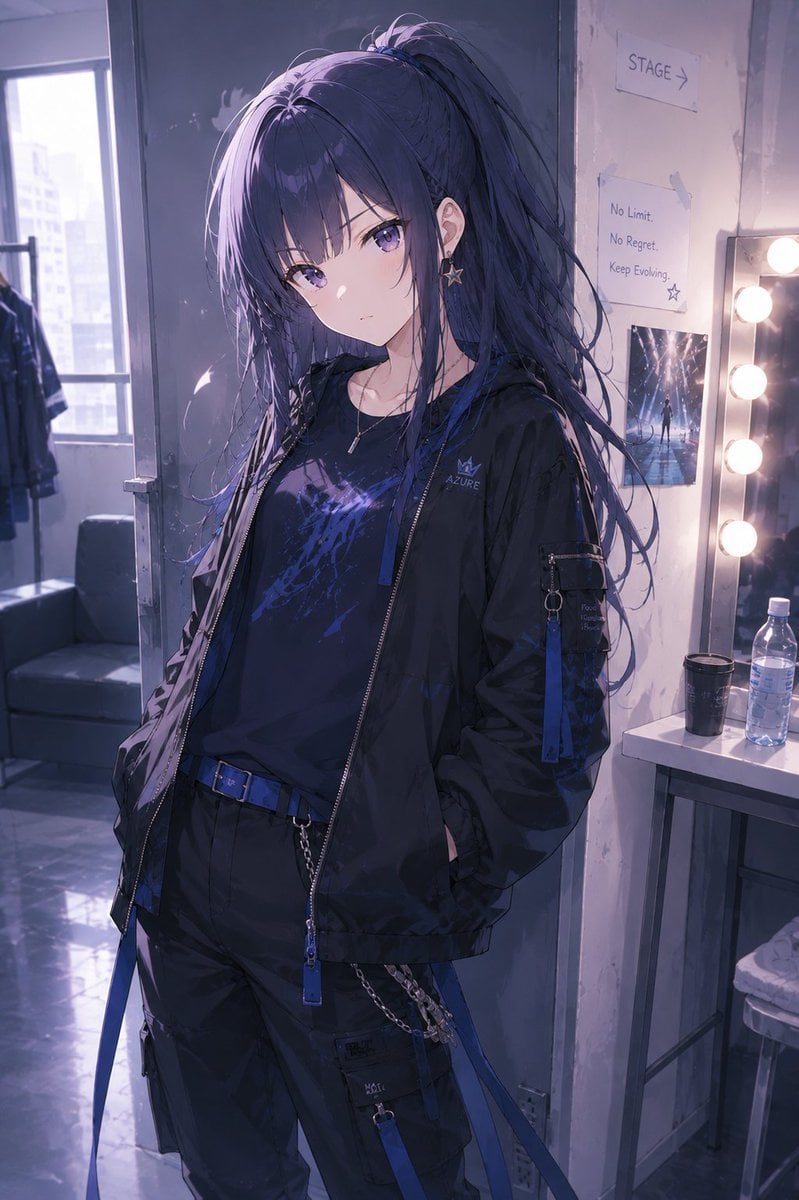
- Prompt included
- Model and format preset
- Premium template
The prompt behind this image
Copy the exact prompt behind Cool Anime Idol Backstage, or open it in the studio and make it yours.
Create a vertical anime-style illustration of a cool young female performer, {argument name="character name" default="Azure"}, standing in a backstage dressing room before going on stage. She has very long {argument name="hair color" default="dark navy blue"} hair tied in a high messy ponytail with loose strands and purple-blue highlights, a slim build, pale skin, and a composed, aloof attitude; her face is deliberately obscured by a soft square blur in the center of the image. Dress her in a black streetwear techwear outfit: oversized black zip-up jacket with blue zipper pulls and small crown logo reading “AZURE,” black graphic T-shirt with electric blue-purple abstract print, black cargo pants with blue straps, a blue belt, metal chain details, pockets, and dangling accessories. Add a small star earring, a thin necklace, and subtle metallic hardware. Pose her casually with hands in jacket pockets, body angled slightly, looking confident and detached. The setting is a dim backstage makeup room with a vanity mirror on the right lined with warm round bulbs, a plastic water bottle, a black cup, a stool, taped paper signs on the wall including “STAGE →” and a motivational note reading “No Limit. No Regret. Keep Evolving.”, plus a small concert-photo poster. On the left, show an open window with hazy daylight, distant city buildings, a clothing rack, and a dark sofa. Use cinematic cool violet-blue lighting mixed with warm vanity light, glossy reflective floor, soft depth of field, detailed fabric folds, realistic anime rendering, moody idol backstage atmosphere, highly polished digital illustration, portrait orientation, no extra characters.
How to use Cool Anime Idol Backstage in 3 steps
- 1Upload ImagePNG, JPG or paste
Add your photo
Upload the photo the template builds on. The prompt, model and format are already set.
- 2…a portrait of your subject in softgolden-hour light, 85mm…
Personalize
Edit the subject and creative details for your destination.
- 3Generate
Generate
Press Generate — your image is created in PicX Studio, so you can compare it with the original and refine one variable at a time.
More like this
Templates with the same subject, style or setup. Open one to see its prompt.












Make it yours
Cool Anime Idol Backstage works as-is. These are the safest ways to change it without losing the look.
Change one field
Copy a single group, rewrite it, and generate again so you can see what that field is doing.
Keep the frame, change the subject
Hold the composition and light of Cool Anime Idol Backstage, then swap wardrobe, props or the person for a new take.
| If the result… | Why | Fix |
|---|---|---|
| The result drifts from the preview | Too many fields changed at once. | Reuse Cool Anime Idol Backstage as-is first, then change one group — subject, light, or setting. |
| The model over-stylizes the scene | The prose prompt leaves finish and camera underspecified. | Add one camera or lighting sentence and stay on GPT Image 2. |
More GPT Image 2 templates
Other prompts made for GPT Image 2.

Six VTuber Japanese Logo Sheet

Realistic Portrait of Woman and Deer

The Vista Modular Condo Poster

AI Model Routing Comparison Infographic

2.5D Anime Art Board

Isometric Productivity Desk Scene

New York Double Exposure Poster

Four-Panel AI Landscape Comparison

Japanese Tatami Lifestyle Magazine Cover

NESCAFÉ Coffee Map Poster
More image prompts
Fresh picks from across the catalog.
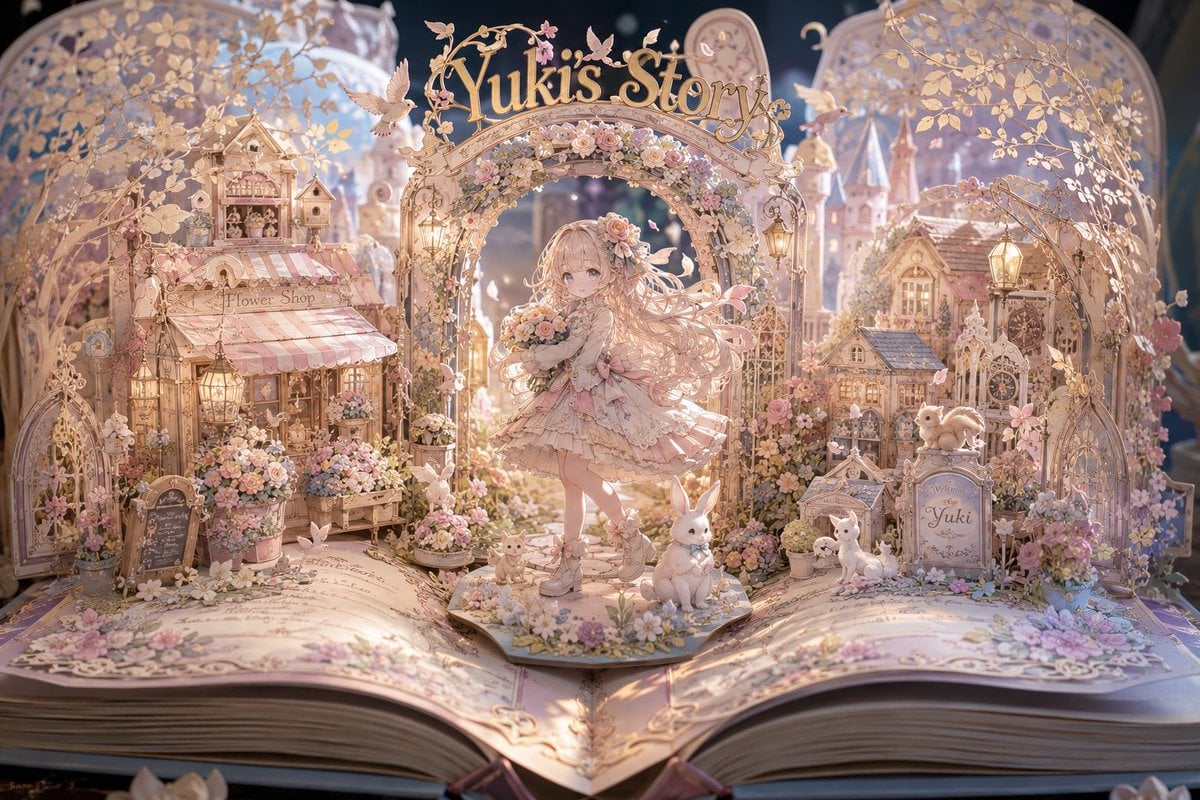
Yuki's Magical Pop-Up Storybook
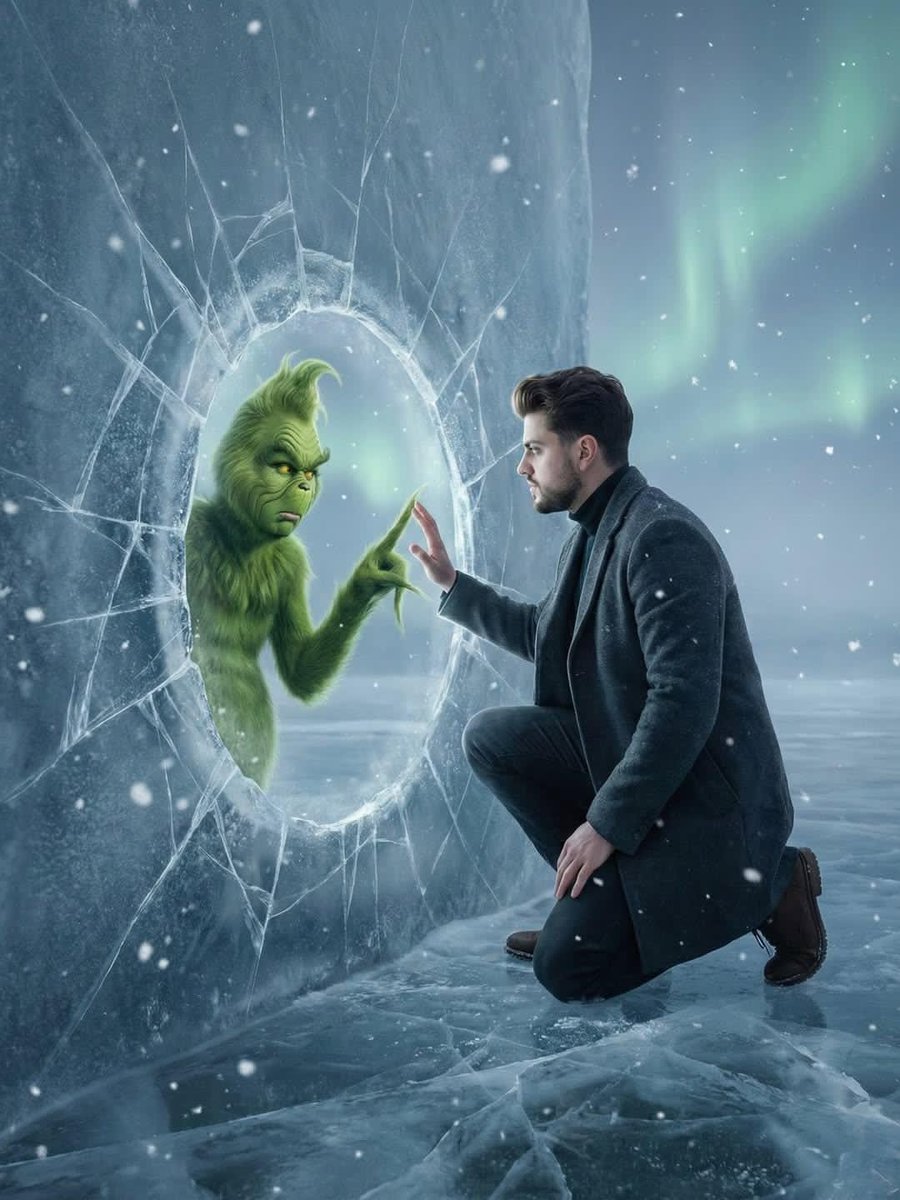
Fantasy Scene: Man and Grinch Reflection
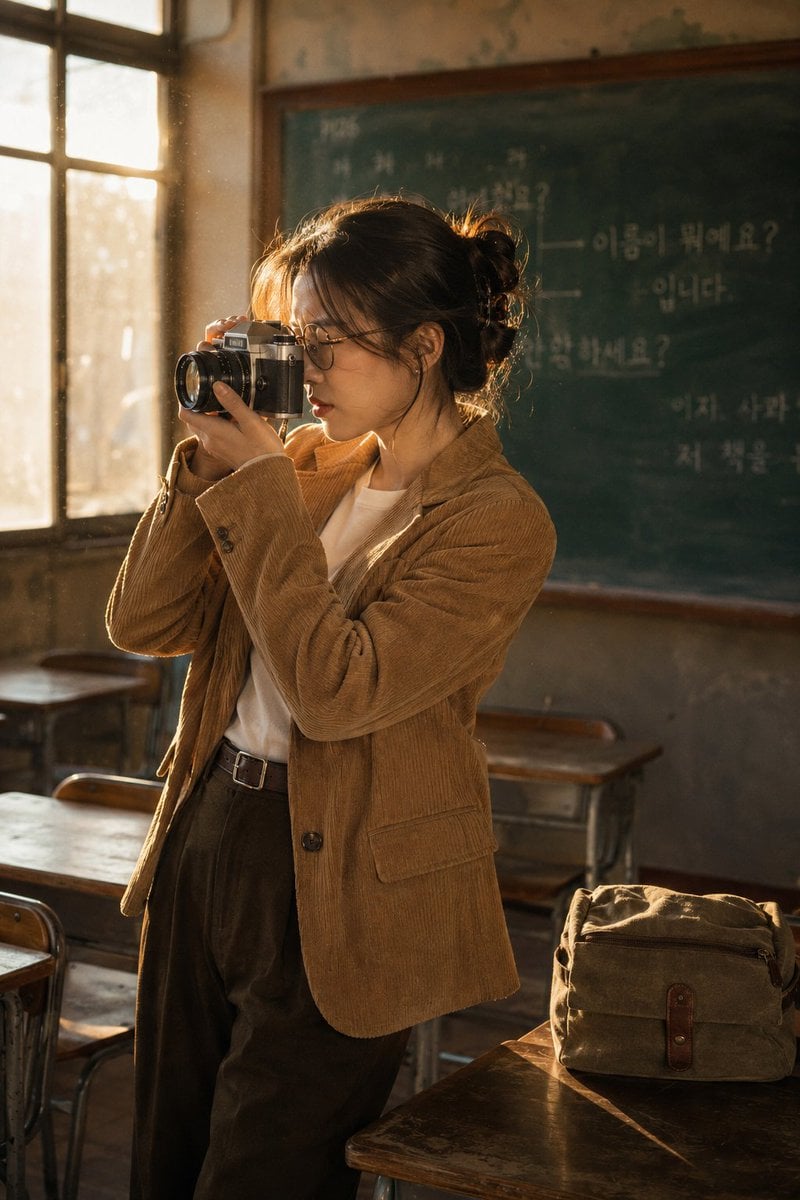
Vintage Film Camera Portrait
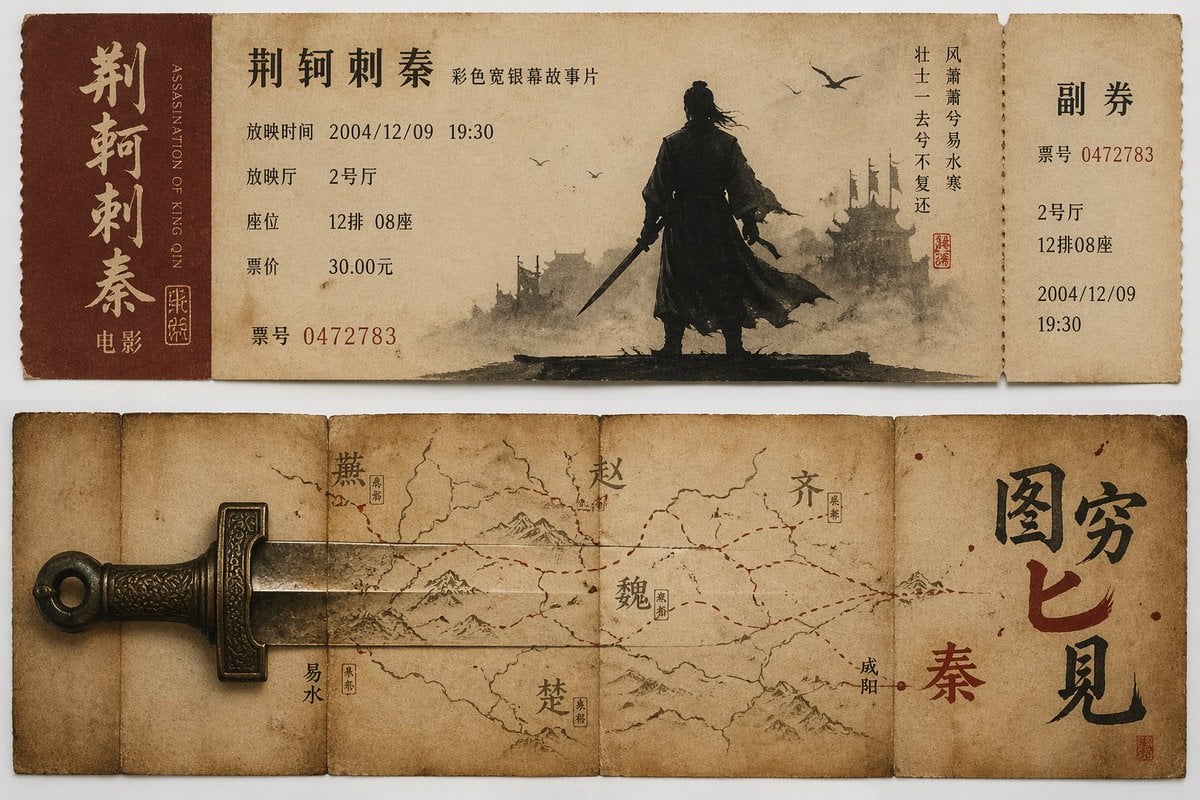
Nostalgic movie ticket stub prompt
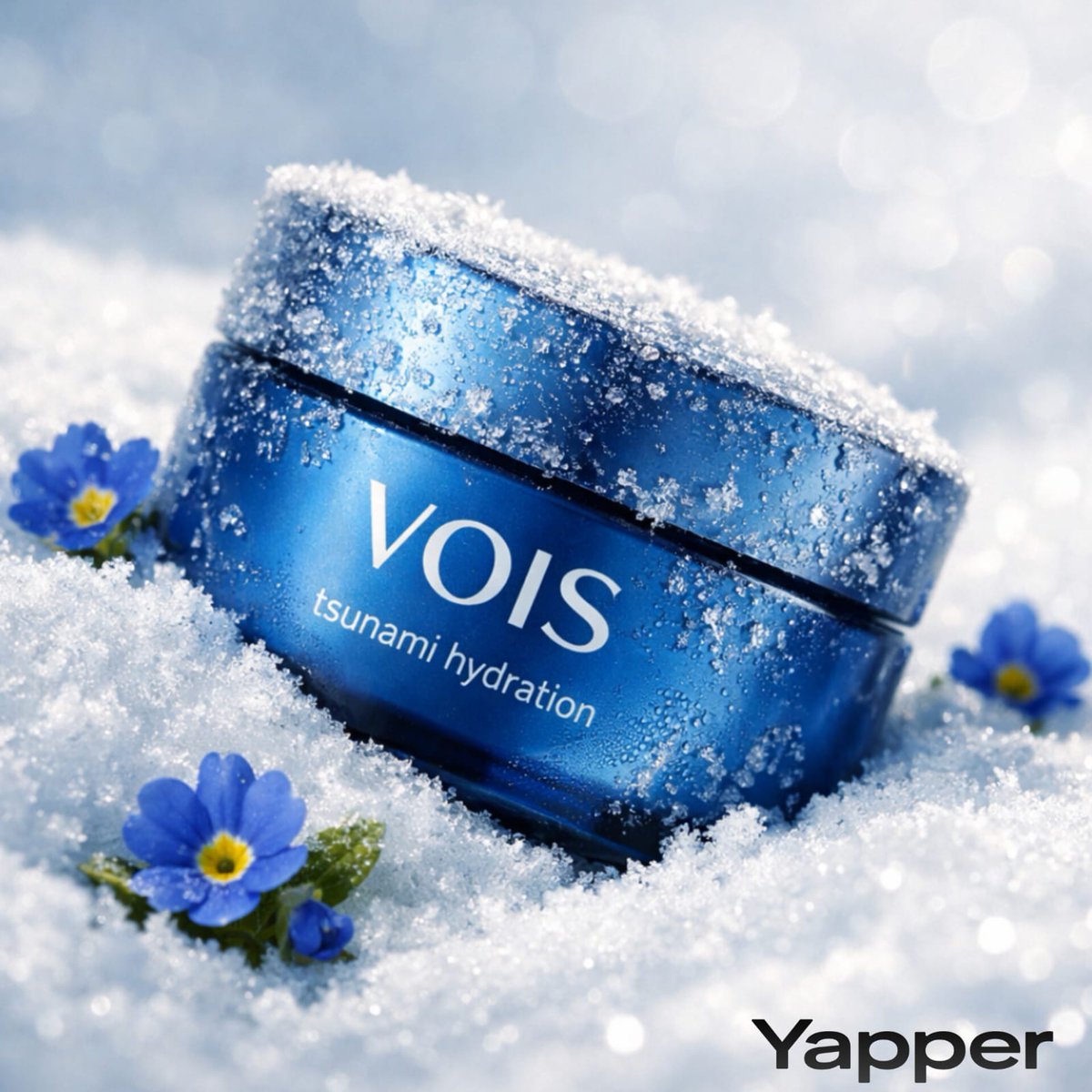
Photorealistic Skincare Product Photography in Snow
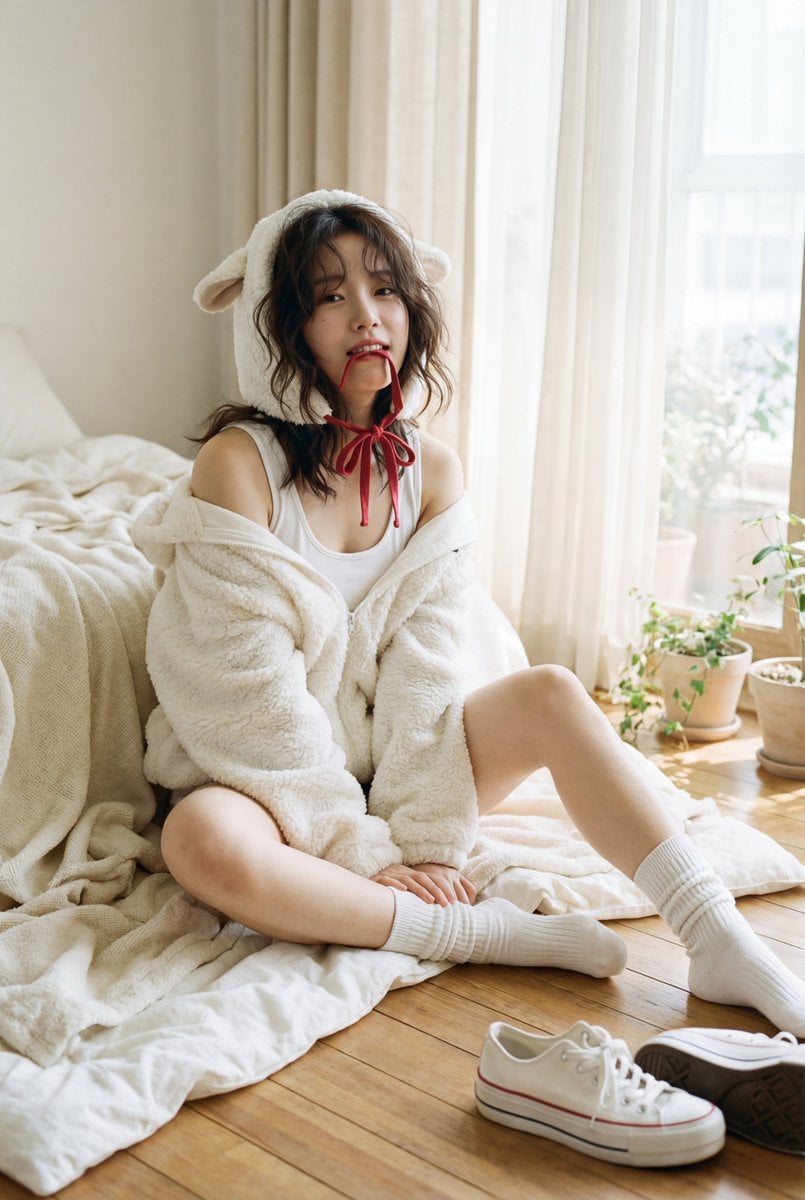
Nostalgic K-Pop Idol Portrait in Hideaki Hamada Style
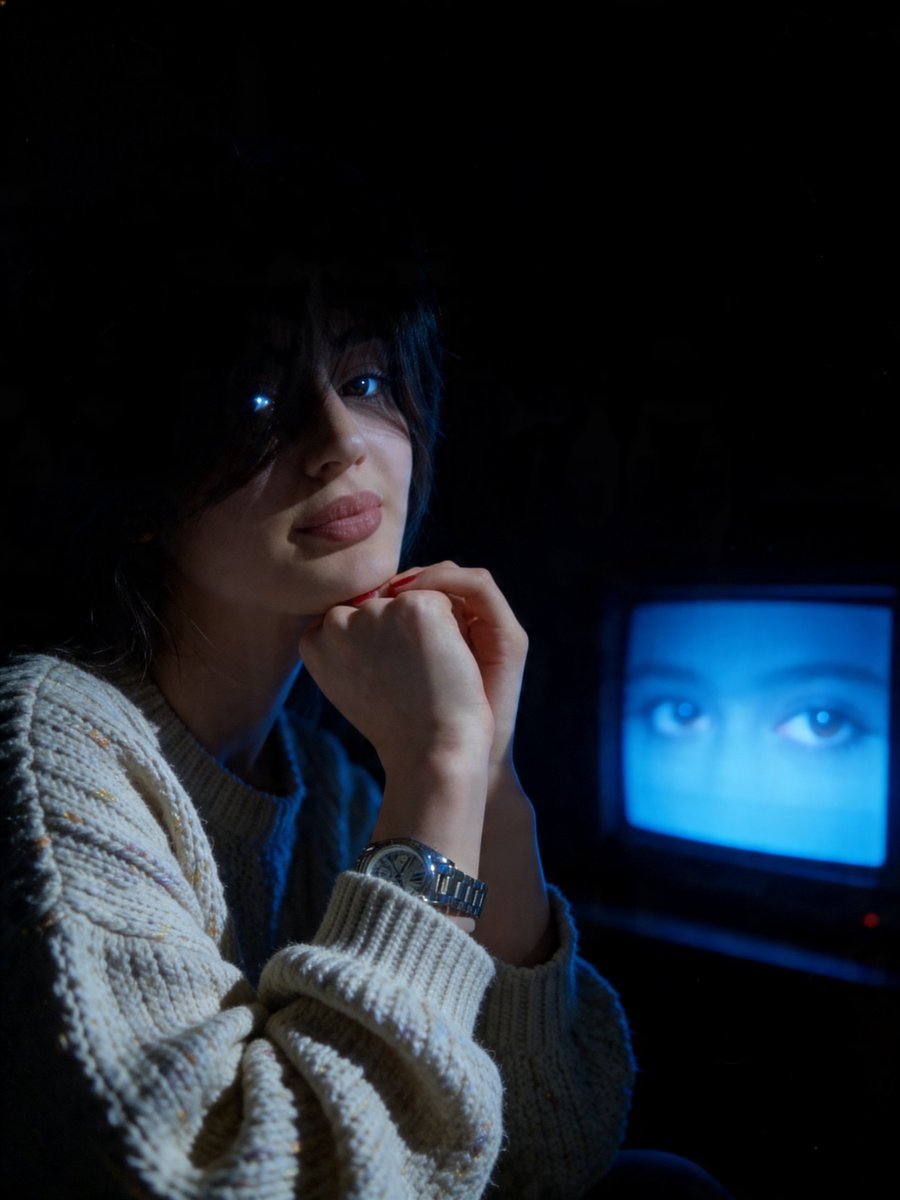
Cinematic Late-Night Portrait
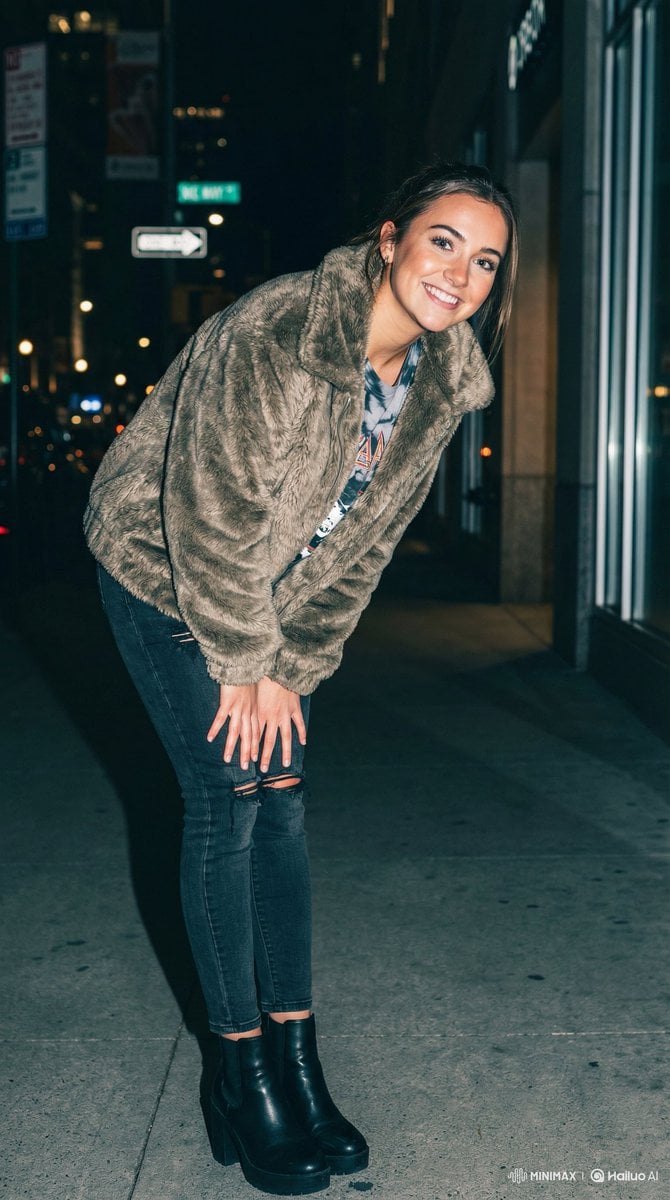
Off-Center Flash Street Snap Portrait Generator
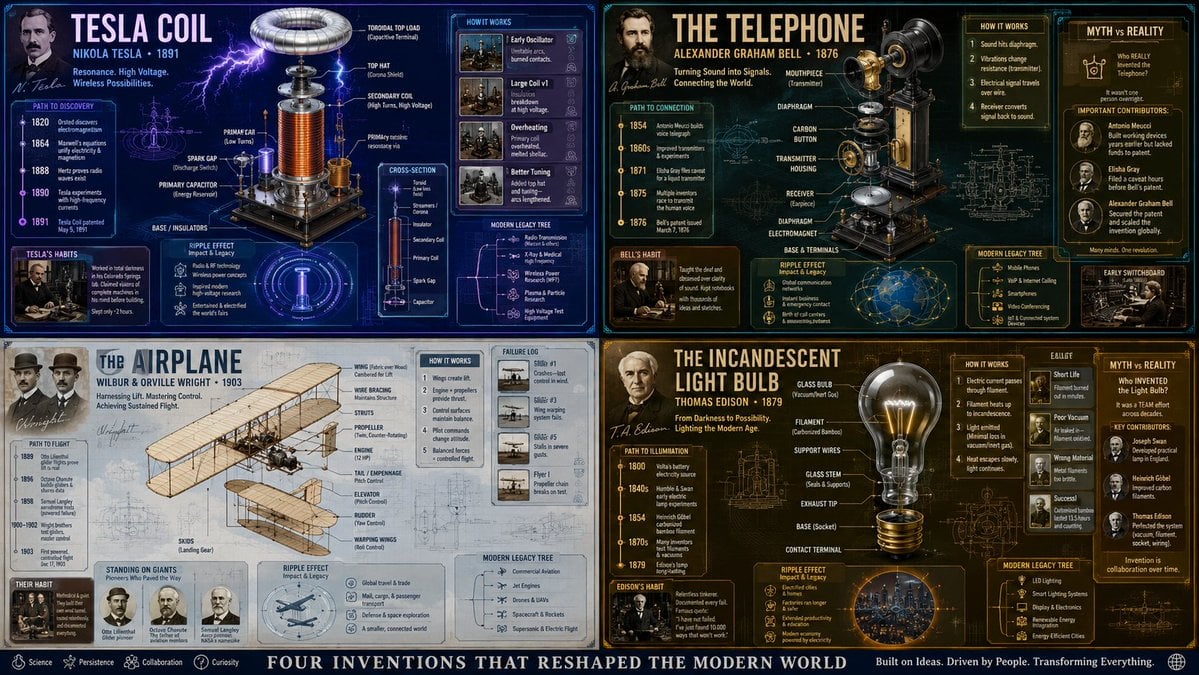
Exploded View Invention Infographic
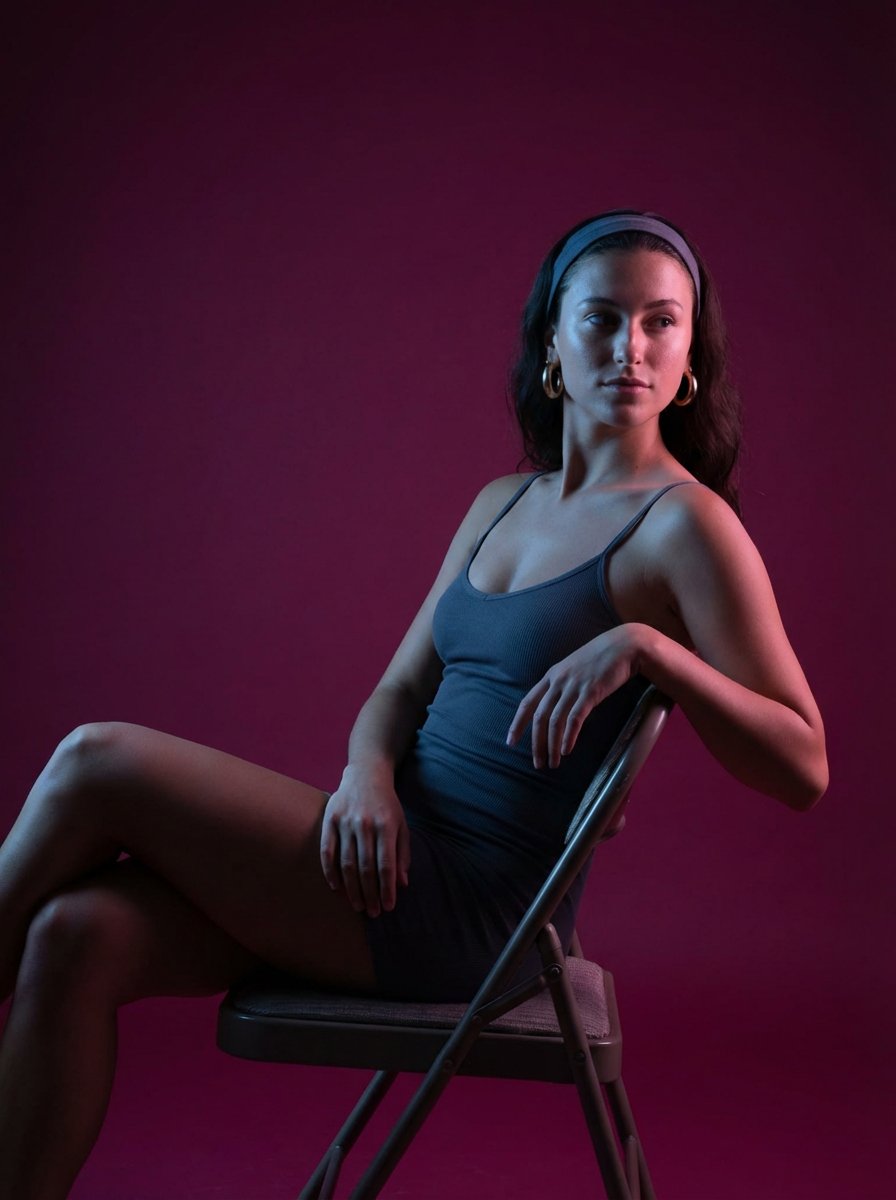
Looking Back Portrait
Browse template categories
Cool Anime Idol Backstage questions
How do I use the Cool Anime Idol Backstage template?
Add your photo if the template asks for one, edit the prompt if you like — the template's model and format are already selected — and press Generate. Your version opens in PicX Studio.
Can I customize the Cool Anime Idol Backstage template?
Yes. You can change the subject, setting, lighting, mood, format, and available model controls before creating your image.
Is the Cool Anime Idol Backstage template free?
Opening and editing this template is free. Generating uses credits, shown on the Generate button when you are signed in.
Which AI model should I use?
Start with GPT Image 2, which is the model associated with this template. You can compare another compatible model for a different finish.
Looking for something else? Browse all templates.

Your photo, any look
Thousands of ready templates for every top image and video model, from one credit balance.