
Off-Center Flash Street Snap Portrait Generator
A highly detailed JSON prompt for generating a high-fashion, candid street portrait at night using hard, direct on-camera flash.
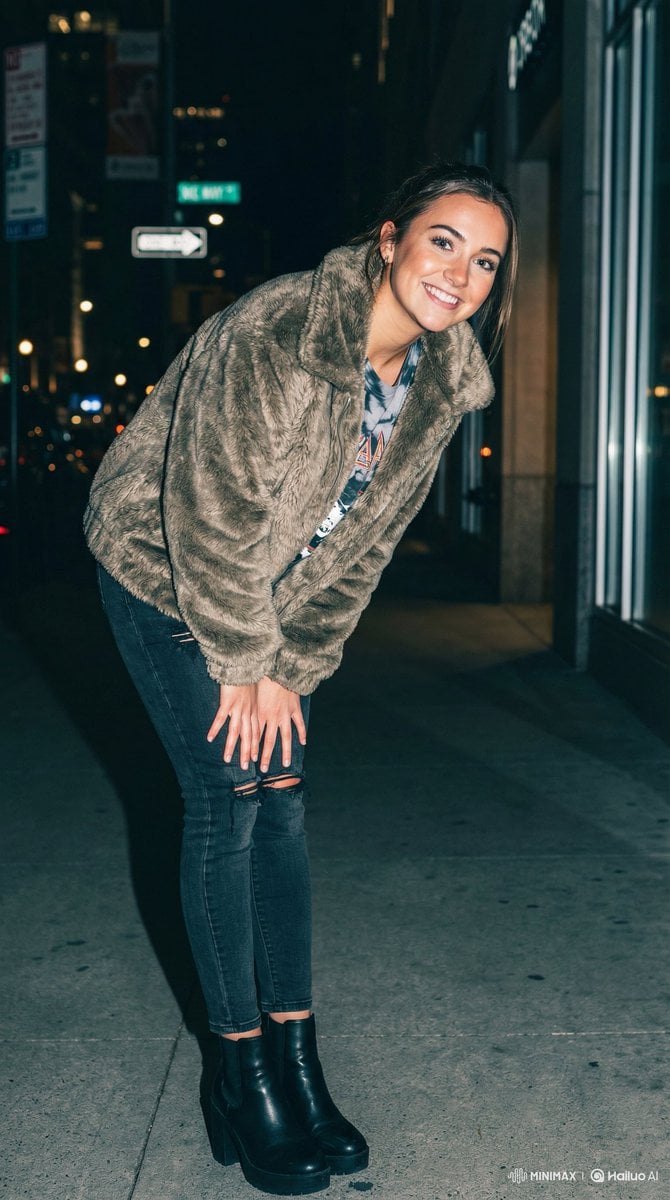
- Prompt included
- Model and format preset
- Premium template
The prompt behind this image
Copy the exact prompt behind Off-Center Flash Street Snap Portrait Generator, or open it in the studio and make it yours.
- Type
- portrait_generation_parameters
- Version
- 1.3
- Style Preset
- Off-Center Composition / Flash Street Snap
- Parameters › Subject Description › Base
- A cute and trendy young woman with a strong sense of lens awareness.
- Parameters › Subject Description › User Portrait Slot
- {User Portrait}
- Parameters › Subject Description › Facial Expression
- Playful smile with bright eyes looking directly at the camera.
- Parameters › Subject Description › Head Direction
- Head tilted and turned slightly towards the right.
- Parameters › Apparel And Outfit › Base
- High-fashion street style.
- Parameters › Apparel And Outfit › Outfit Slot
- {Apparel/Outfit}
- Parameters › Apparel And Outfit › Styling Notes
- The outfit should have movement and texture, suitable for a dynamic street snap.
- Parameters › Pose And Action › Leg Position
- Legs pressed tightly together, knees slightly buckled inward, one foot slightly forward.
- Parameters › Pose And Action › Body Orientation
- The body leaning forward and angled towards the right side of the frame.
- Parameters › Pose And Action › Hands
- Hands resting on the thighs to support the leaning posture.
- Parameters › Pose And Action › Overall Dynamic
- A cute, youthful standing pose that looks candid and energetic.
- Parameters › Composition › Framing
- Medium-full body shot.
- Parameters › Composition › Visual Balance
- Off-center composition. The subject is positioned in the **left third** of the frame (Rule of Thirds).
- Parameters › Composition › Directional Flow
- The subject's body and gaze are directed from the left side towards the right (into the negative space).
- Parameters › Composition › Camera Angle
- Eye-level or slightly low angle to accentuate the legs.
- Parameters › Lighting › Type
- Direct On-Camera Flash (Night).
- Parameters › Lighting › Characteristics
- Hard, direct flash illuminating the subject, creating sharp contrast against the darker street background.
- Parameters › Lighting › Shadows
- Hard drop shadows falling behind the subject.
- Parameters › Environment › Setting
- Urban night street. The empty space on the right side reveals blurred city lights and street details.
- Parameters › Environment › Atmosphere
- Casual, spontaneous, gritty but stylish.
- Parameters › Color Palette › Style
- Fujifilm Classic Negative (NC).
Raw JSON
{
  "type": "portrait_generation_parameters",
  "version": "1.3",
  "style_preset": "Off-Center Composition / Flash Street Snap",
  "parameters": {
    "subject_description": {
      "base": "A cute and trendy young woman with a strong sense of lens awareness.",
      "user_portrait_slot": "{User Portrait}",
      "facial_expression": "Playful smile with bright eyes looking directly at the camera.",
      "head_direction": "Head tilted and turned slightly towards the right."
    },
    "apparel_and_outfit": {
      "base": "High-fashion street style.",
      "outfit_slot": "{Apparel/Outfit}",
      "styling_notes": "The outfit should have movement and texture, suitable for a dynamic street snap."
    },
    "pose_and_action": {
      "leg_position": "Legs pressed tightly together, knees slightly buckled inward, one foot slightly forward.",
      "body_orientation": "The body leaning forward and angled towards the right side of the frame.",
      "hands": "Hands resting on the thighs to support the leaning posture.",
      "overall_dynamic": "A cute, youthful standing pose that looks candid and energetic."
    },
    "composition": {
      "framing": "Medium-full body shot.",
      "visual_balance": "Off-center composition. The subject is positioned in the **left third** of the frame (Rule of Thirds).",
      "directional_flow": "The subject's body and gaze are directed from the left side towards the right (into the negative space).",
      "camera_angle": "Eye-level or slightly low angle to accentuate the legs."
    },
    "lighting": {
      "type": "Direct On-Camera Flash (Night).",
      "characteristics": "Hard, direct flash illuminating the subject, creating sharp contrast against the darker street background.",
      "shadows": "Hard drop shadows falling behind the subject."
    },
    "environment": {
      "setting": "Urban night street. The empty space on the right side reveals blurred city lights and street details.",
      "atmosphere": "Casual, spontaneous, gritty but stylish."
    },
    "color_palette": {
      "style": "Fujifilm Classic Negative (NC).",
      "tones": "Moody cool tones in the background, warm flash tones on the skin. High contrast."
    },
    "negative_prompt": [
      "center frame",
      "centered subject",
      "legs apart",
      "wide stance",
      "straight legs",
      "looking left",
      "body facing left",
      "bad anatomy",
      "distorted hands",
      "missing fingers",
      "blurry face",
      "flat lighting"
    ]
  }
}How to use Off-Center Flash Street Snap Portrait Generator in 3 steps
- 1
Open
The prompt is already in the box next to the preview, with the template's model and format selected.
- 2…a portrait of your subject in softgolden-hour light, 85mm…
Personalize
Edit the subject and creative details for your destination.
- 3Generate
Generate
Press Generate — your image is created in PicX Studio, so you can compare it with the original and refine one variable at a time.
More like this
Templates with the same subject, style or setup. Open one to see its prompt.












Make it yours
Off-Center Flash Street Snap Portrait Generator works as-is. These are the safest ways to change it without losing the look.
Swap the setting
Keep the rest of the prompt and replace the location block. The current setting is “Urban night street. The empty space on the right side reveals blurred city light”.
Swap the light
One lighting change is enough to compare takes. Current light: “Direct On-Camera Flash (Night).”.
Change one field
Copy a single group, rewrite it, and generate again so you can see what that field is doing.
| If the result… | Why | Fix |
|---|---|---|
| The result drifts from the preview | Too many fields changed at once. | Reuse Off-Center Flash Street Snap Portrait Generator as-is first, then change one group — subject, light, or setting. |
| Nano Banana 2 ignores part of the JSON | Some models flatten or skip nested keys. | Keep the same values and paste them as a short paragraph instead. |
More Nano Banana 2 templates
Other prompts made for Nano Banana 2.

Photorealistic Leaf Shaped Like a Dragon

K-Pop Idol Portrait Grid for Rapid Selection

Poetic Rain Forest Portrait During Golden Hour

Urban Street Portrait with Cartoon Inner Self Duo

Candid Nighttime Photo with Cat Prompt

High-Concept 3D Diorama Generation Prompt

Cinematic Futuristic Studio Portrait Template

Skincare Editorial Photography Collage Prompt

Hyper-Realistic Commercial Product Photography (Splash Effect)

Hyper-Realistic Nightclub Portrait Prompt
More image prompts
Fresh picks from across the catalog.
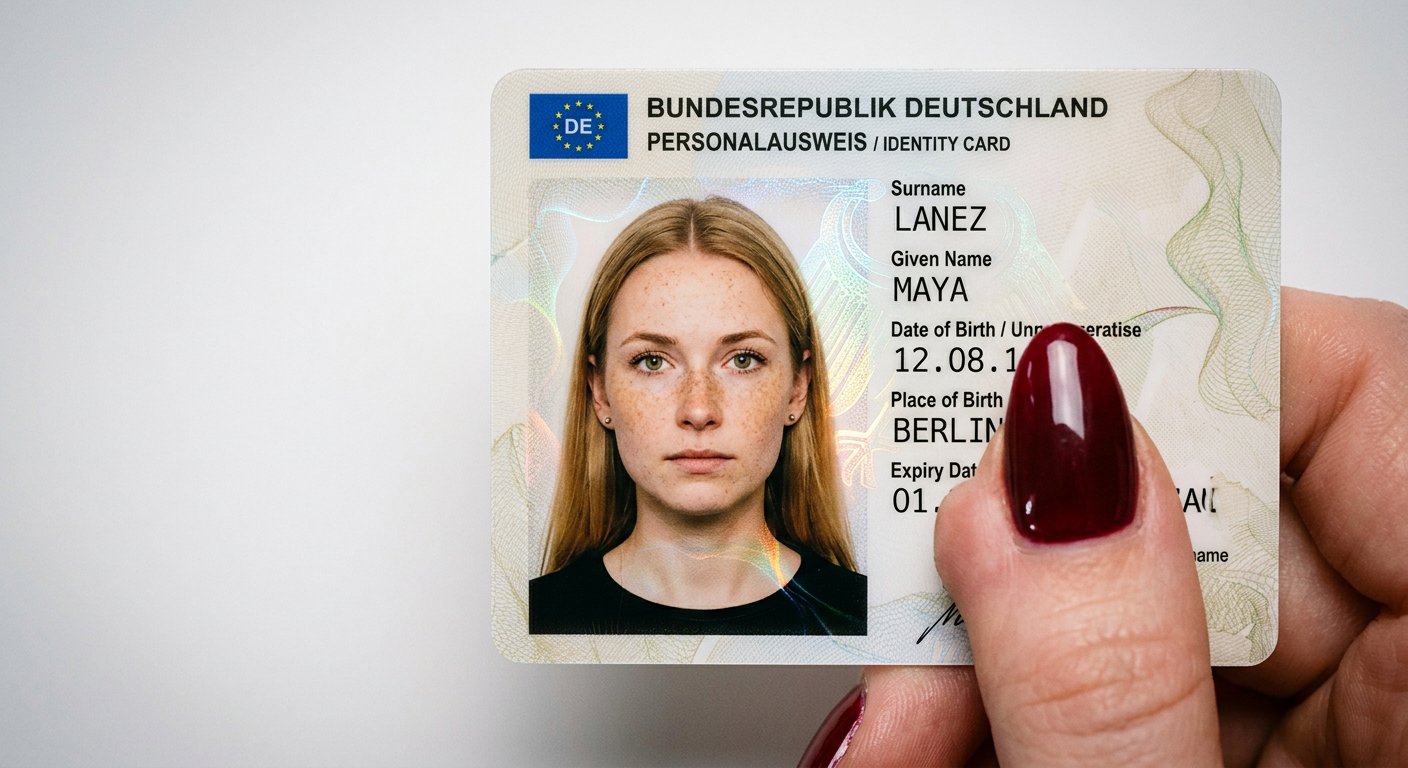
NanoBanana2
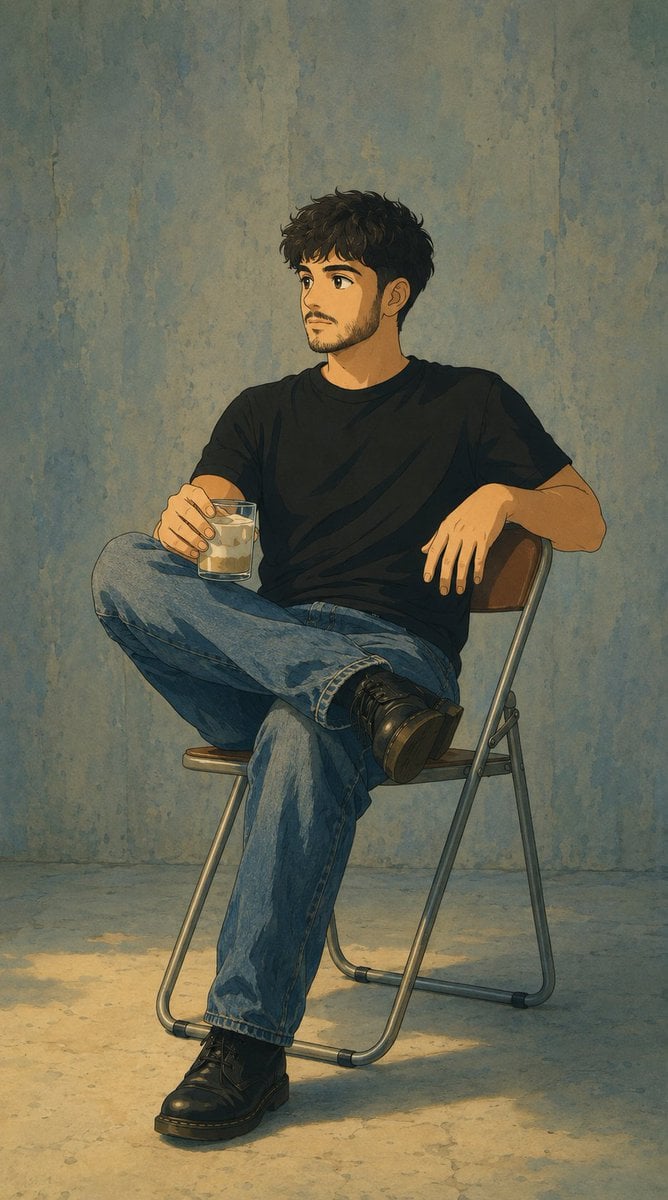
Studio Ghibli Photo Transformation
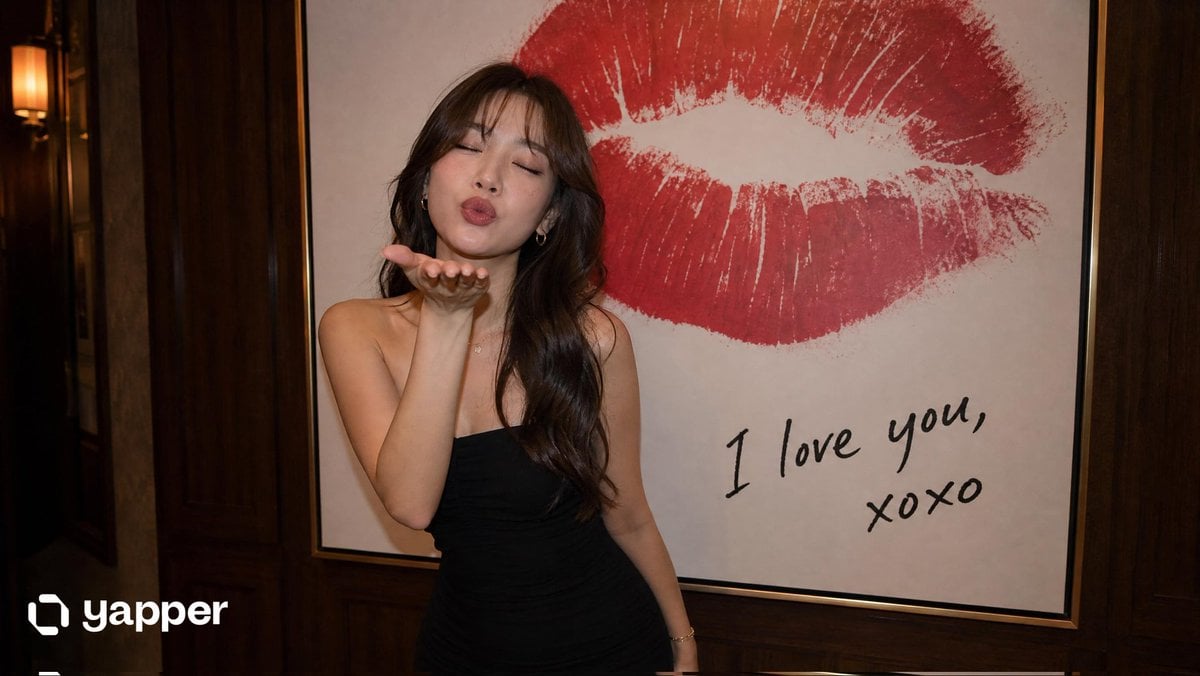
Elegant Woman Blowing a Kiss Portrait
Crayon Style Picture Book Illustration
Instagram Profile Grid Aesthetic
Nano Banana Pro Science Prompt Template
Gothic Anime Superhero Landing
Founder Rising-Star Poster
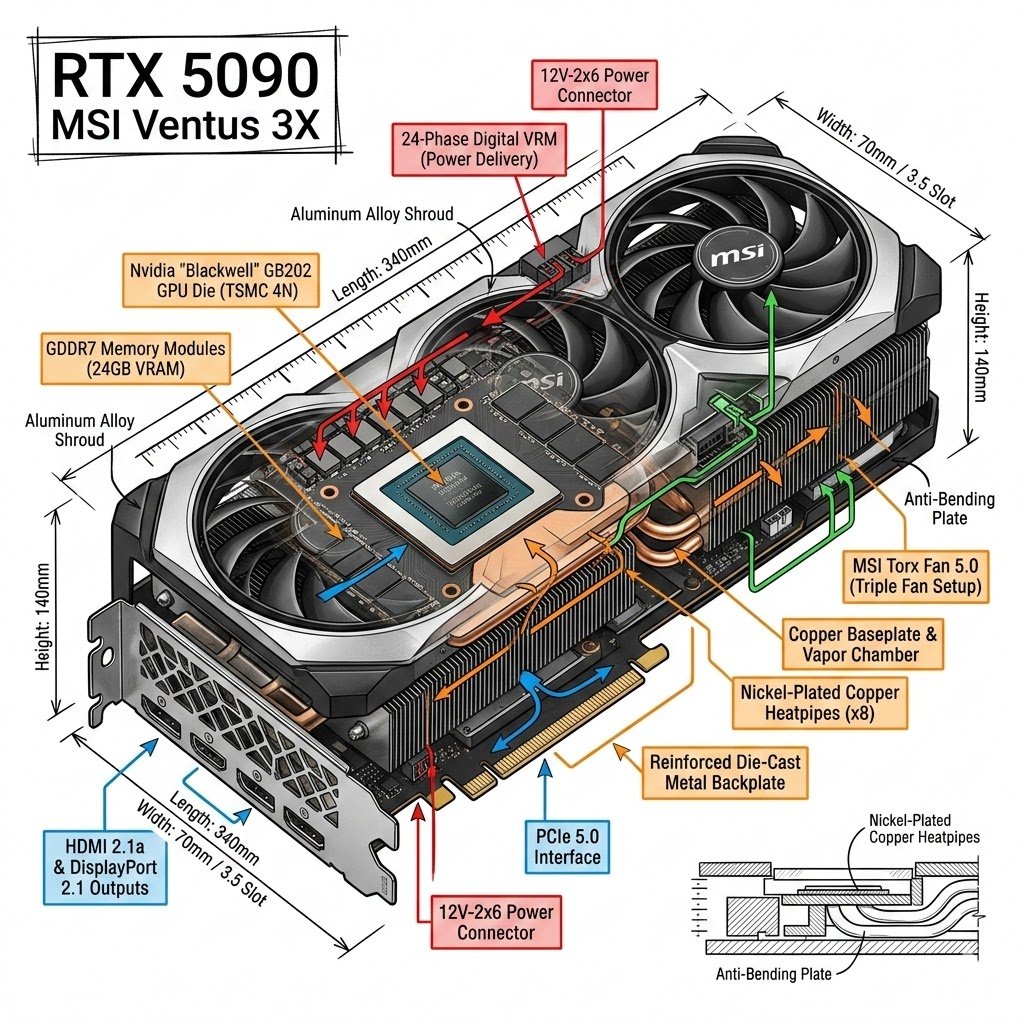
Infographic Style Image Generation Prompt for Nano Banana 2
Underwater Fantasy CG Illustration
Browse template categories
Off-Center Flash Street Snap Portrait Generator questions
How do I use the Off-Center Flash Street Snap Portrait Generator template?
Add your photo if the template asks for one, edit the prompt if you like — the template's model and format are already selected — and press Generate. Your version opens in PicX Studio.
Can I customize the Off-Center Flash Street Snap Portrait Generator template?
Yes. You can change the subject, setting, lighting, mood, format, and available model controls before creating your image.
Is the Off-Center Flash Street Snap Portrait Generator template free?
Opening and editing this template is free. Generating uses credits, shown on the Generate button when you are signed in.
Which AI model should I use?
Start with Nano Banana 2, which is the model associated with this template. You can compare another compatible model for a different finish.
Looking for something else? Browse all templates.

Your photo, any look
Thousands of ready templates for every top image and video model, from one credit balance.