
Nano Banana Pro Science Prompt Template
A highly structured, multi-phase prompt designed for Nano Banana Pro to visualize complex scientific or mathematical theories.
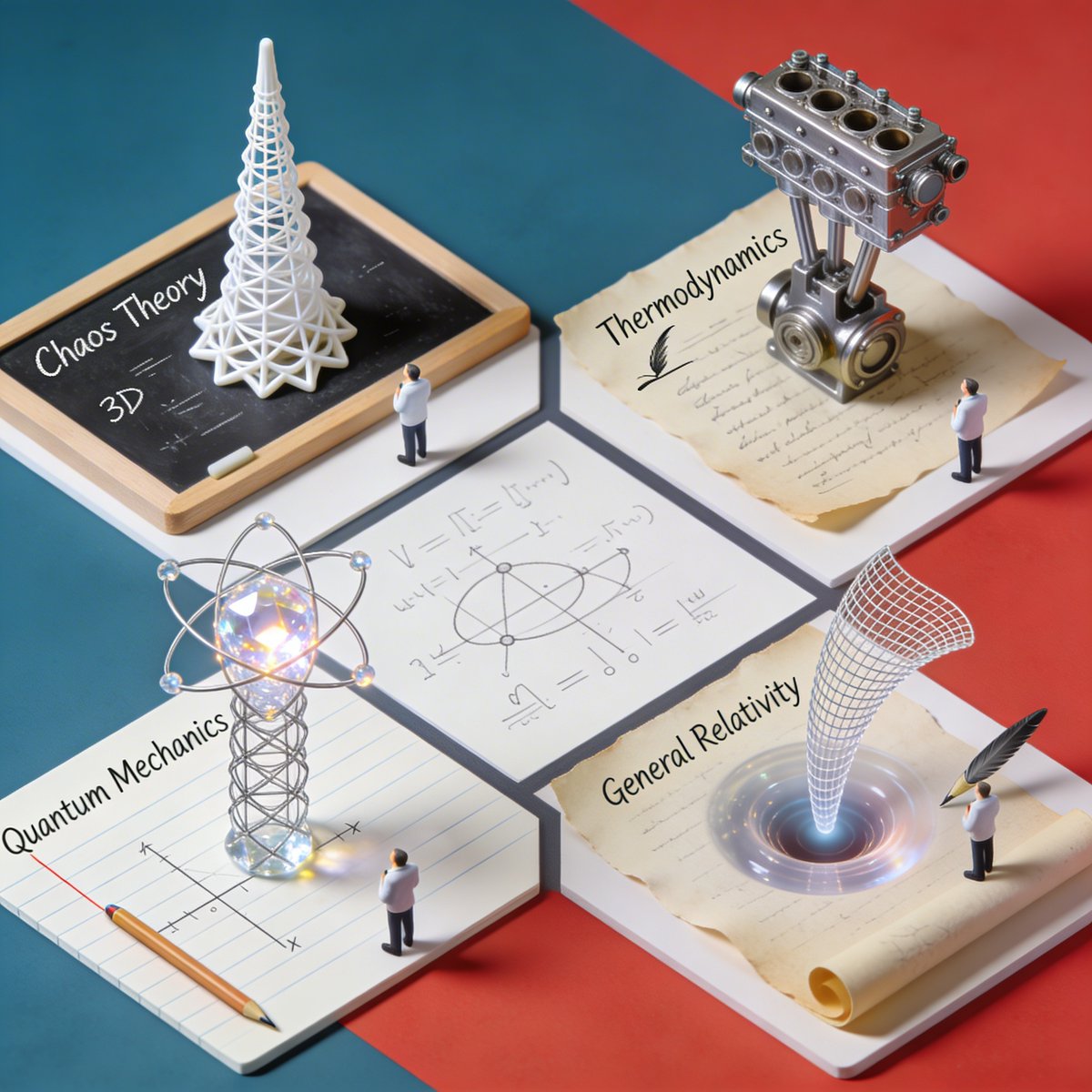
- Prompt included
- Model and format preset
- Free template
The prompt behind this image
Copy the exact prompt behind Nano Banana Pro Science Prompt Template, or open it in the studio and make it yours.
2x2 grid, do this for 4 famous PHD level science or math topics <instructions> Input Variable: {argument name="theorem or formula" default="Theorem / Formula"} Phase 1: Schematic Decomposition Analyze the Notation: Identify the primary visual language of the scientist (Chalk on blackboard? Ink on parchment? Pencil on graph paper?). Identify the "Structure": If this theory were a building, what would it look like? Logic: Chaos Theory -> Fractal Spire. Thermodynamics -> Engine Block. Phase 2: The Dimensional Transition The Base: A flat surface covered in the [Notation Medium] (e.g., a slate blackboard covered in chalk equations). The Extrusion: The chalk lines physically lift off the surface. They begin as white wireframes, then gain opacity, then gain texture. The Climax: At the top of the image, the wireframes have fully solidified into a photorealistic, impossible structure representing the theory. The Observer: A tiny, scale-model figure of the scientist stands on the flat "2D" section, looking up in awe at the massive "3D" structure they have summoned. Output: High-Angle Isometric, "3D mod designer toy" style, stark contrast between sketchy lines and solid mass. </instructions>
How to use Nano Banana Pro Science Prompt Template in 3 steps
- 1
Open
The prompt is already in the box next to the preview, with the template's model and format selected.
- 2…a portrait of your subject in softgolden-hour light, 85mm…
Personalize
Edit the subject and creative details for your destination.
- 3Generate
Generate
Press Generate — your image is created in PicX Studio, so you can compare it with the original and refine one variable at a time.
More like this
Templates with the same subject, style or setup. Open one to see its prompt.

Woman in Mall with Chanel Bag - Heart Gesture
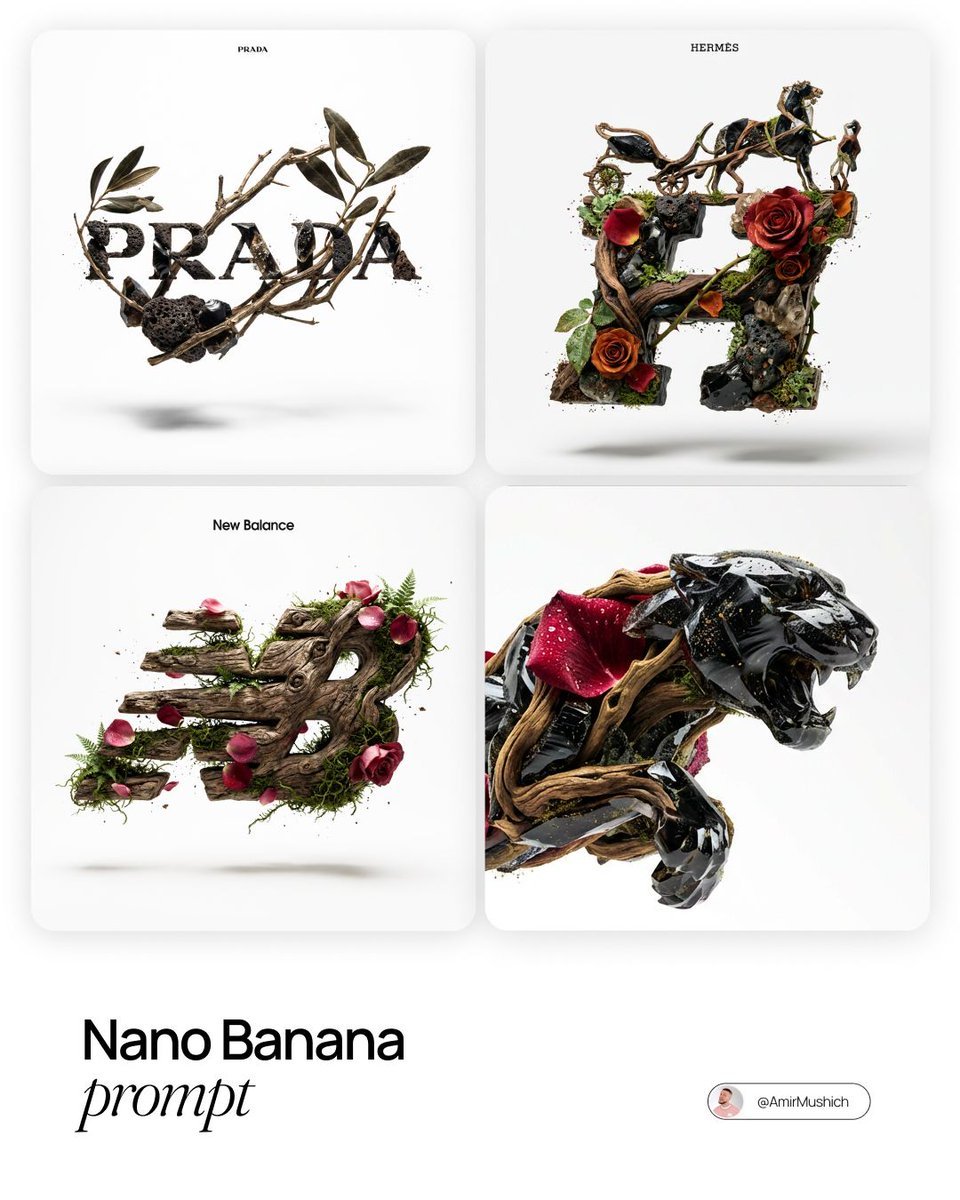
Act as a Master of Material Science and World-Class 3D Visualizer
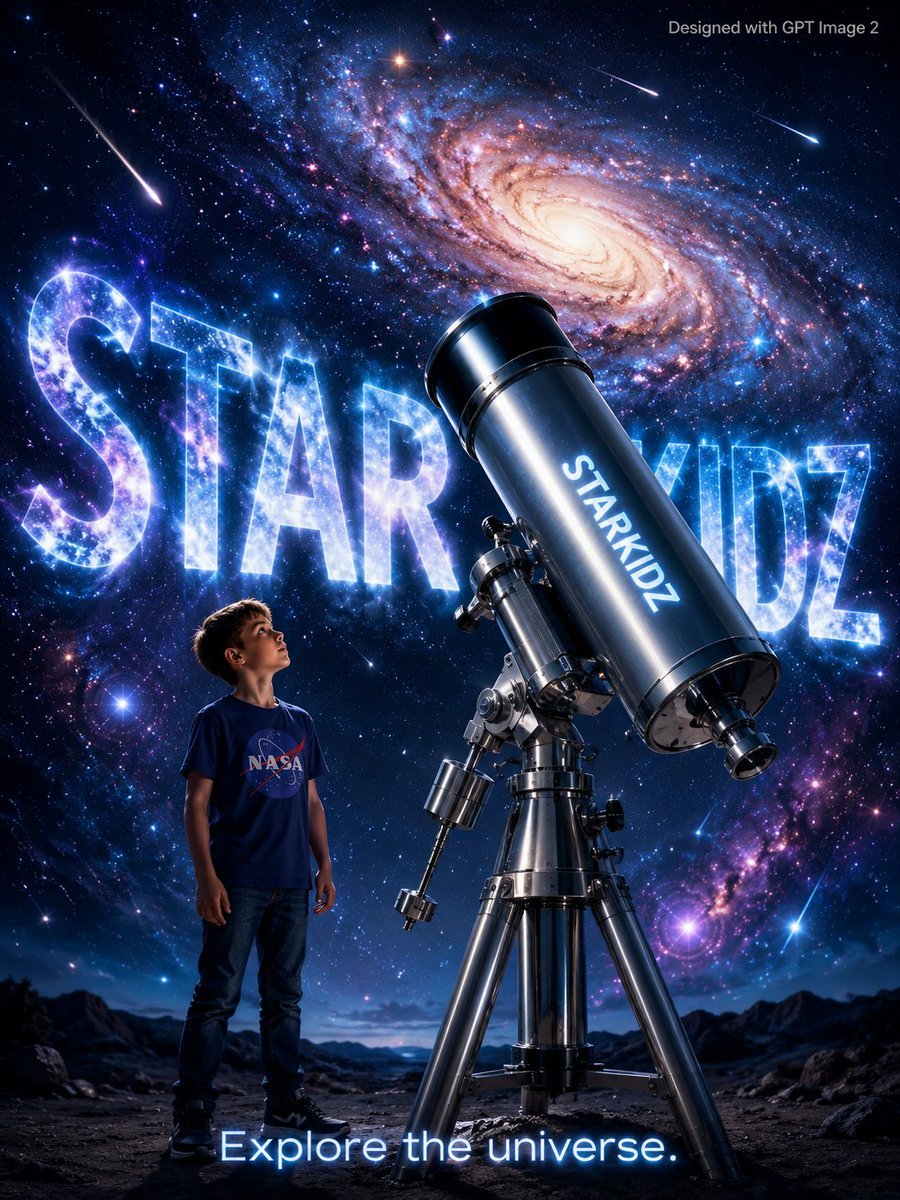
StarKidz Science Poster
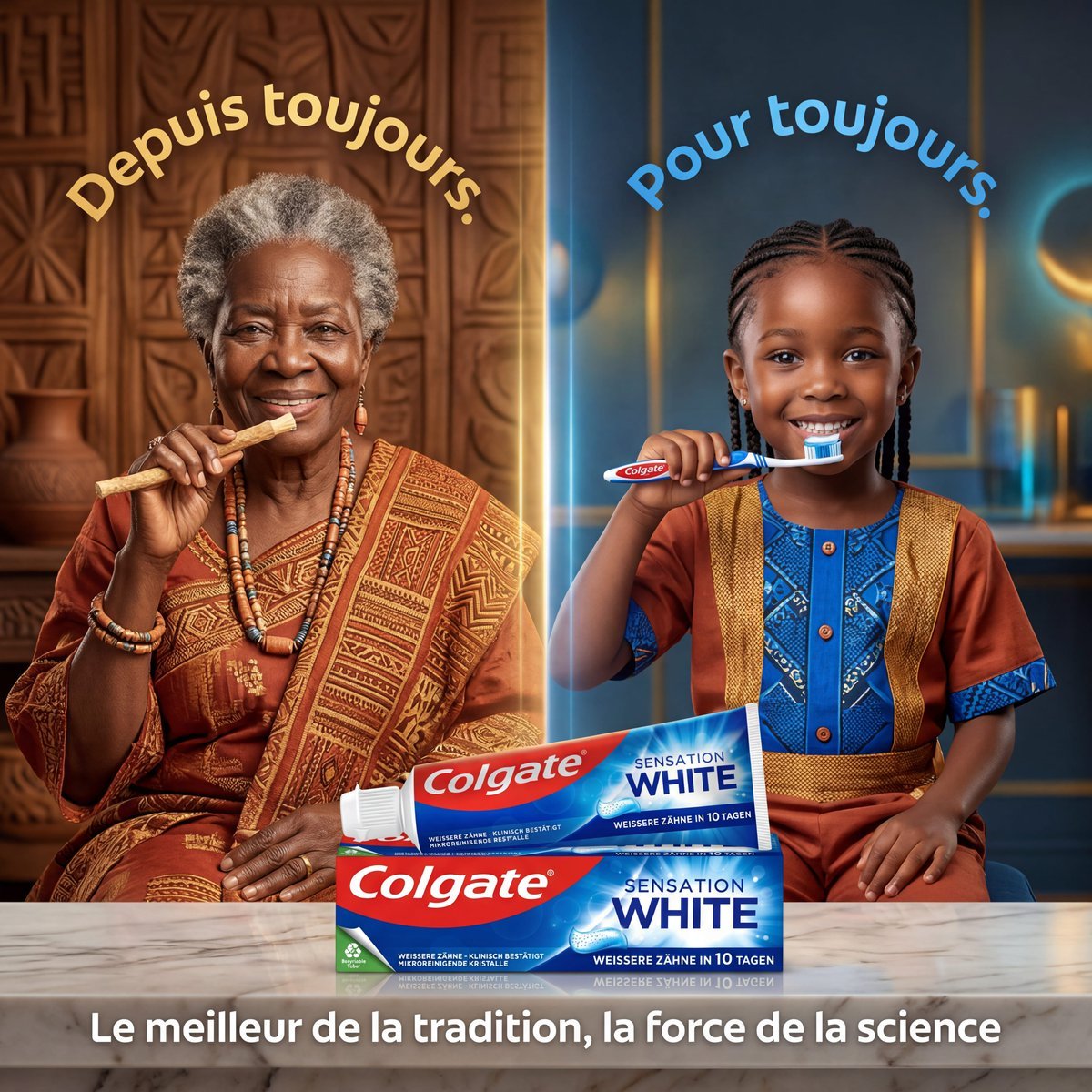
Tradition and Science Colgate Ad
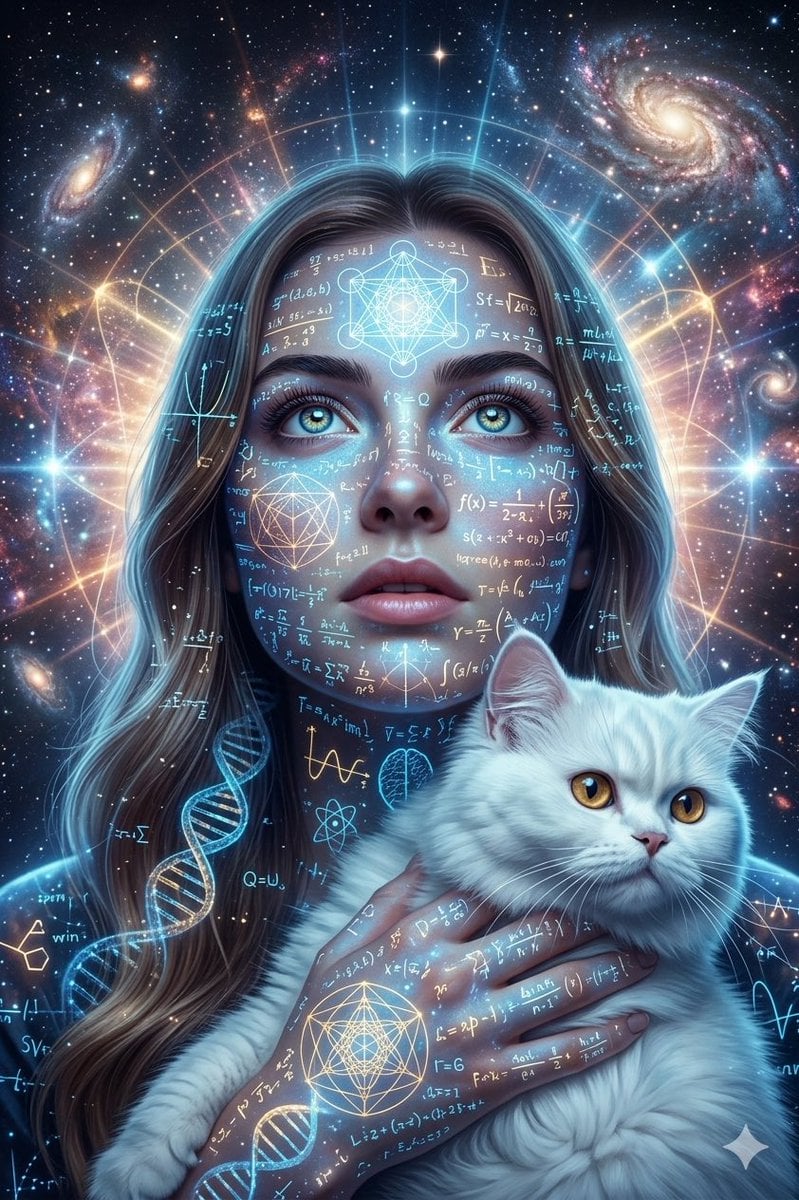
Cosmic Science Visualization Portrait
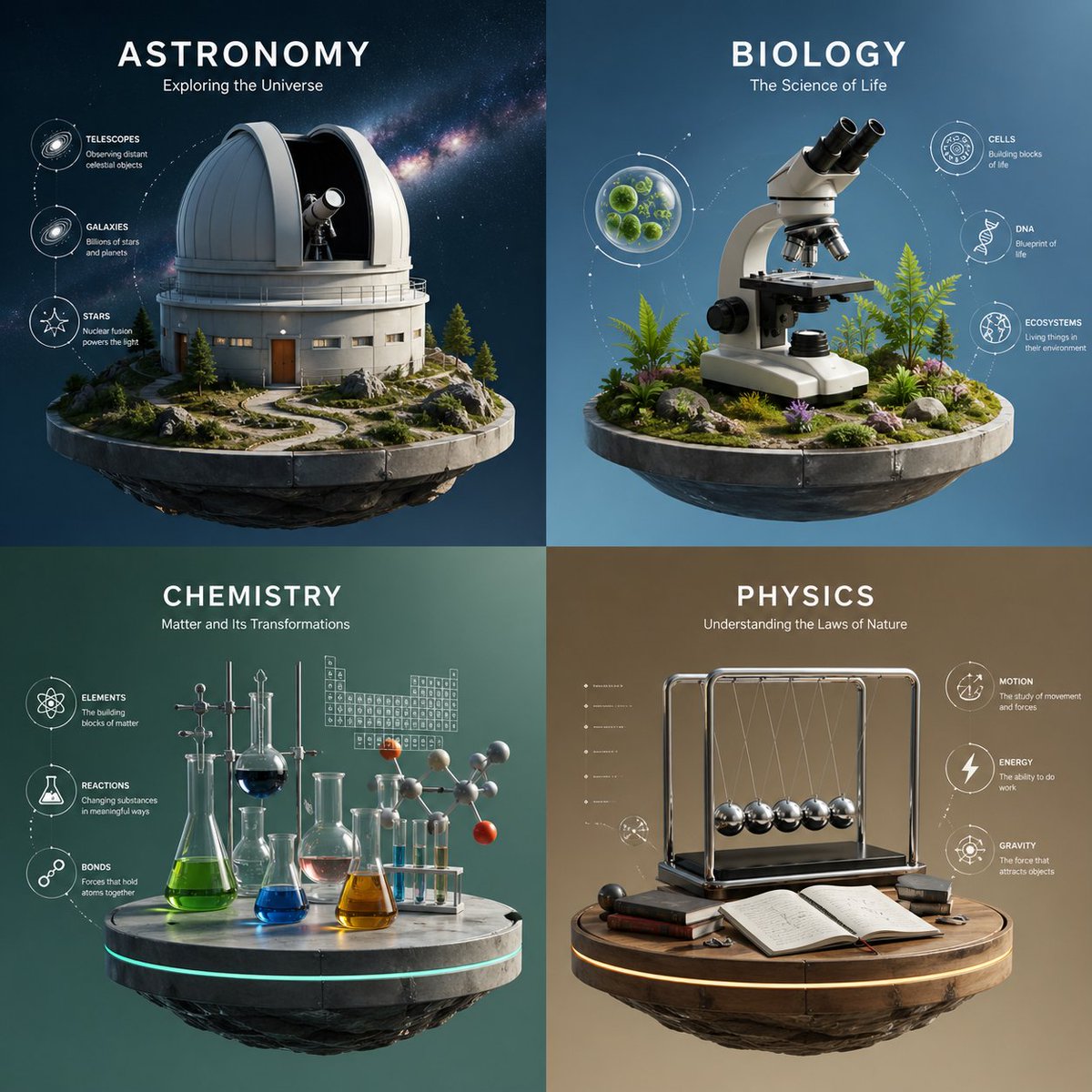
Four-Panel Science Concept Poster
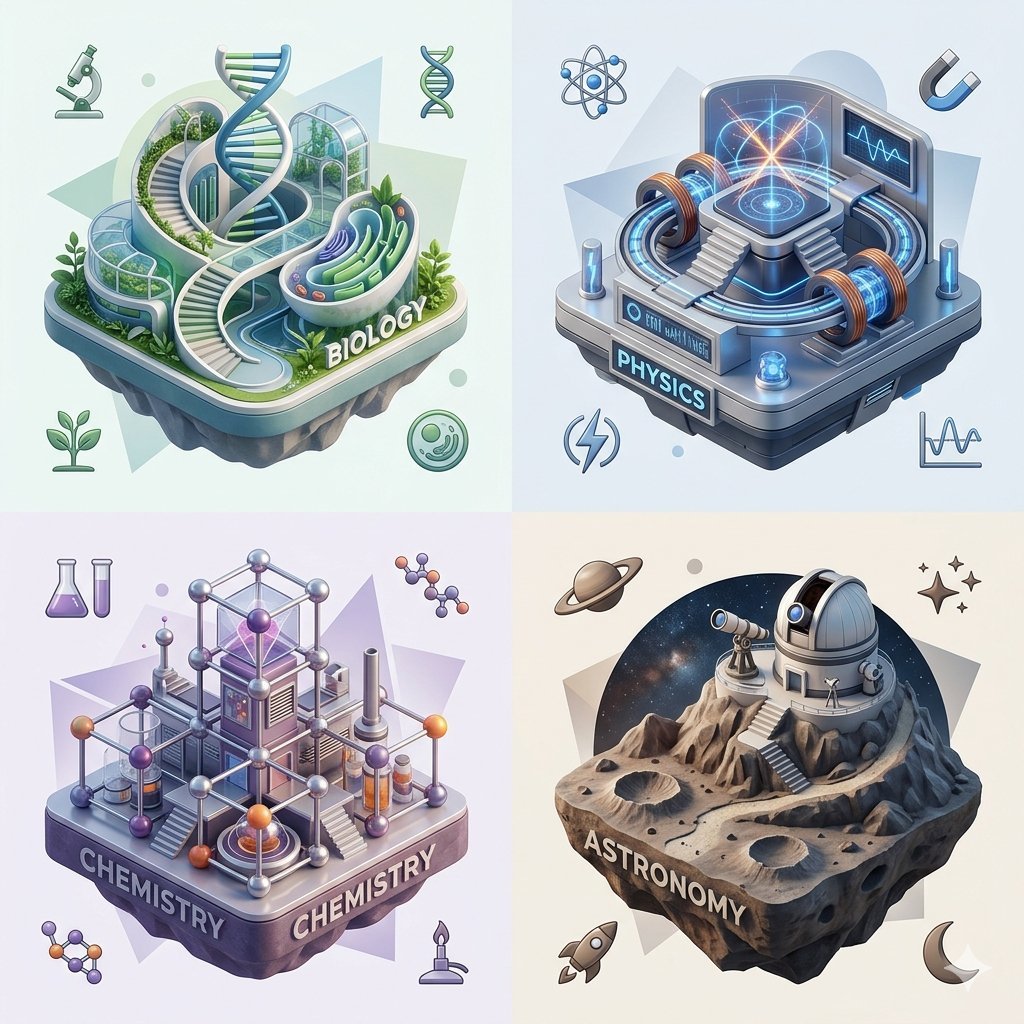
Isometric Science Concept Diorama Grid
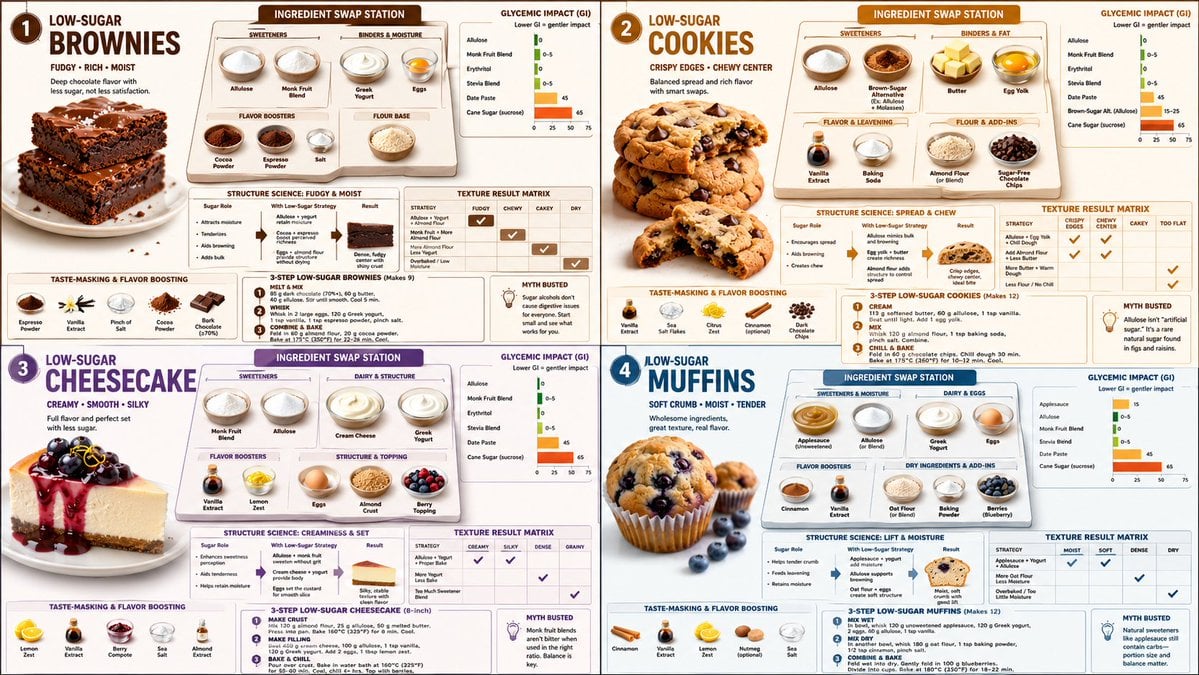
Low Sugar Dessert Science Infographic
Cyberpunk Science Portrait
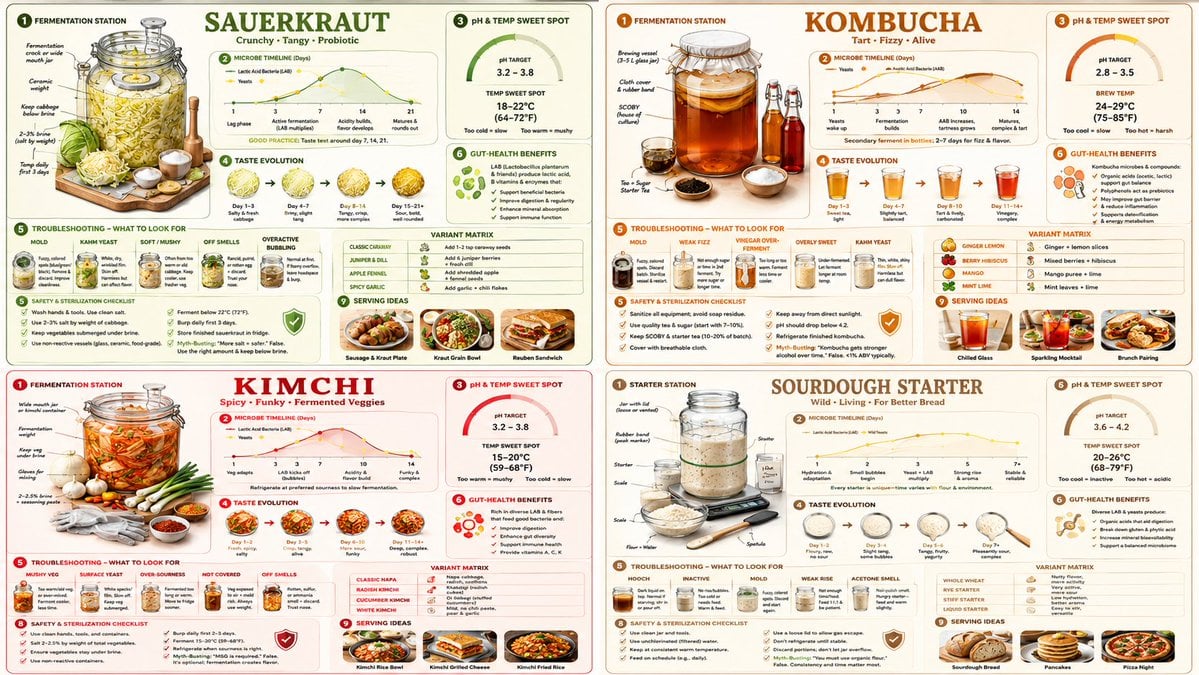
Fermentation Science Infographic Grid
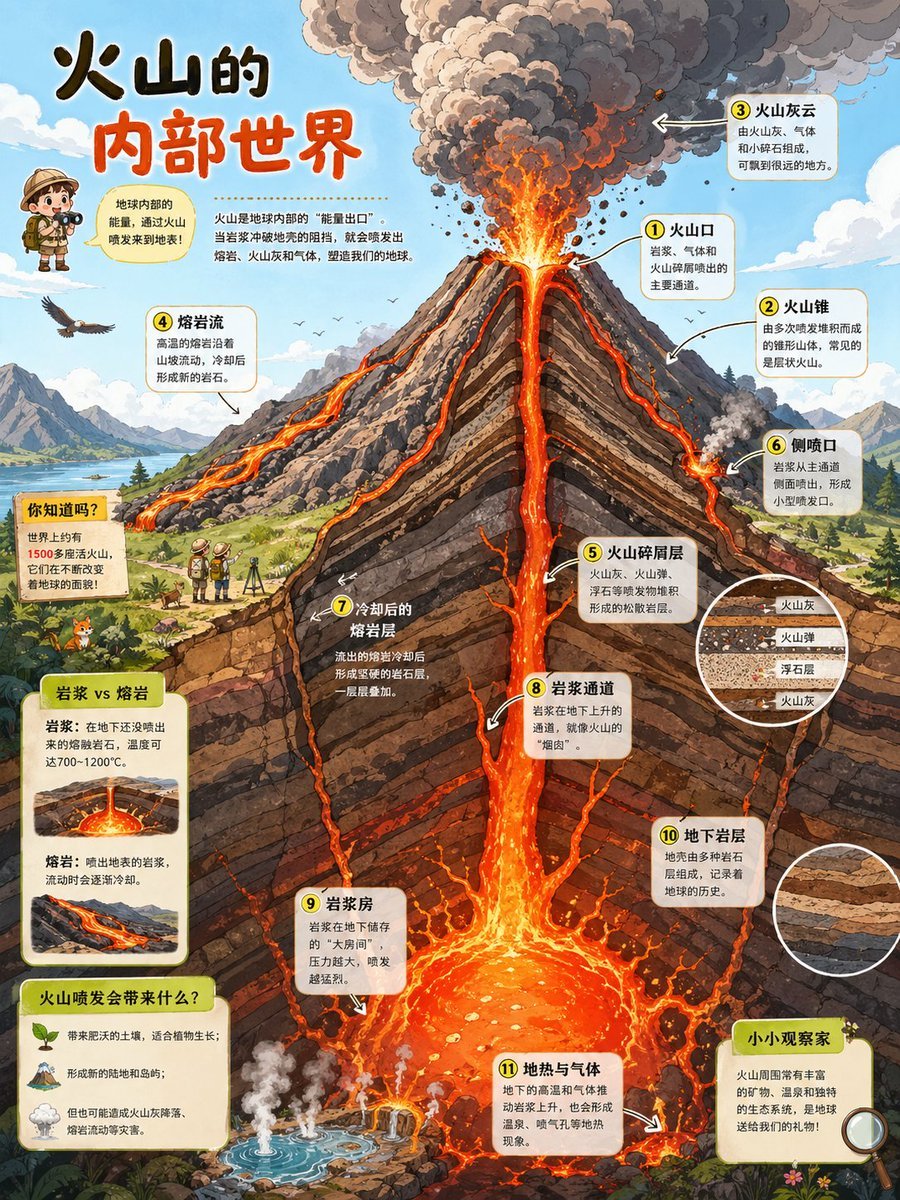
Volcano Cutaway Science Poster
Cinematic Cyberpunk Science Portrait
Make it yours
Nano Banana Pro Science Prompt Template works as-is. These are the safest ways to change it without losing the look.
Change one field
Copy a single group, rewrite it, and generate again so you can see what that field is doing.
Keep the frame, change the subject
Hold the composition and light of Nano Banana Pro Science Prompt Template, then swap wardrobe, props or the person for a new take.
| If the result… | Why | Fix |
|---|---|---|
| The result drifts from the preview | Too many fields changed at once. | Reuse Nano Banana Pro Science Prompt Template as-is first, then change one group — subject, light, or setting. |
| The model over-stylizes the scene | The prose prompt leaves finish and camera underspecified. | Add one camera or lighting sentence and stay on Nano Banana 2. |
More Nano Banana 2 templates
Other prompts made for Nano Banana 2.

Photorealistic Leaf Shaped Like a Dragon

K-Pop Idol Portrait Grid for Rapid Selection

Poetic Rain Forest Portrait During Golden Hour

Urban Street Portrait with Cartoon Inner Self Duo

Candid Nighttime Photo with Cat Prompt

High-Concept 3D Diorama Generation Prompt

Cinematic Futuristic Studio Portrait Template

Skincare Editorial Photography Collage Prompt

Hyper-Realistic Commercial Product Photography (Splash Effect)

Hyper-Realistic Nightclub Portrait Prompt
More image prompts
Fresh picks from across the catalog.
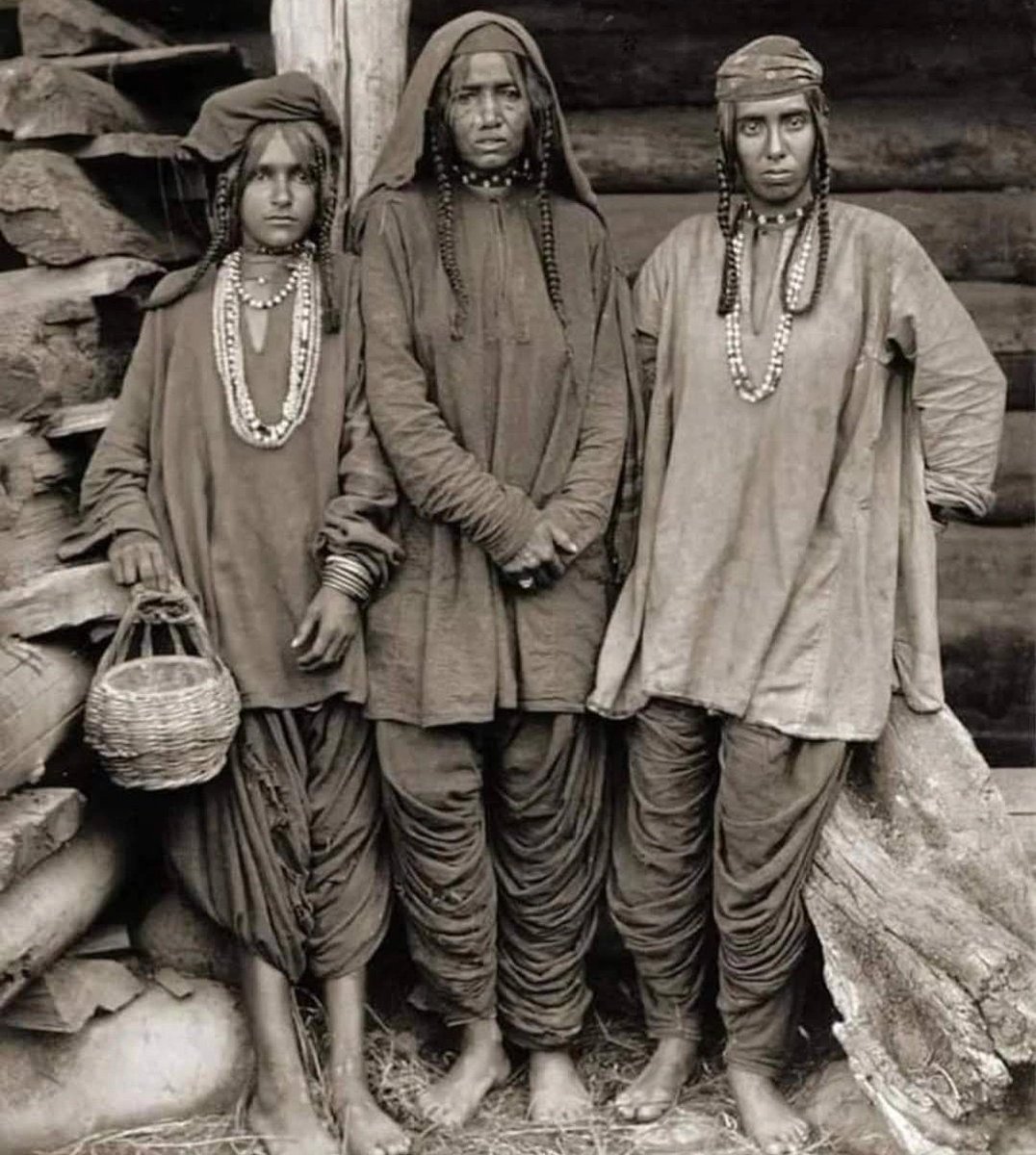
Old Photo Restoration and Enhancement

03 Beverly Hills Convertible — California Series
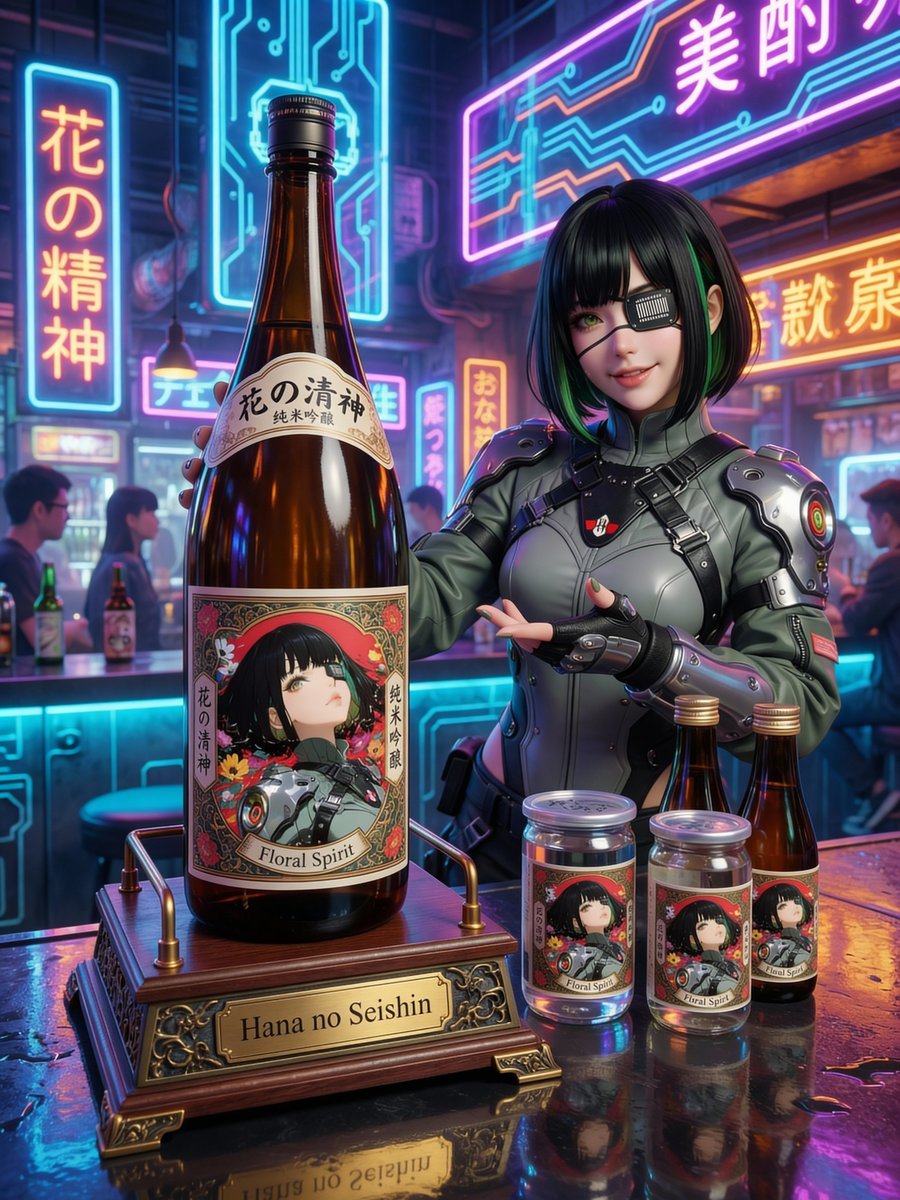
Fictional Sake Brand Bottle Design
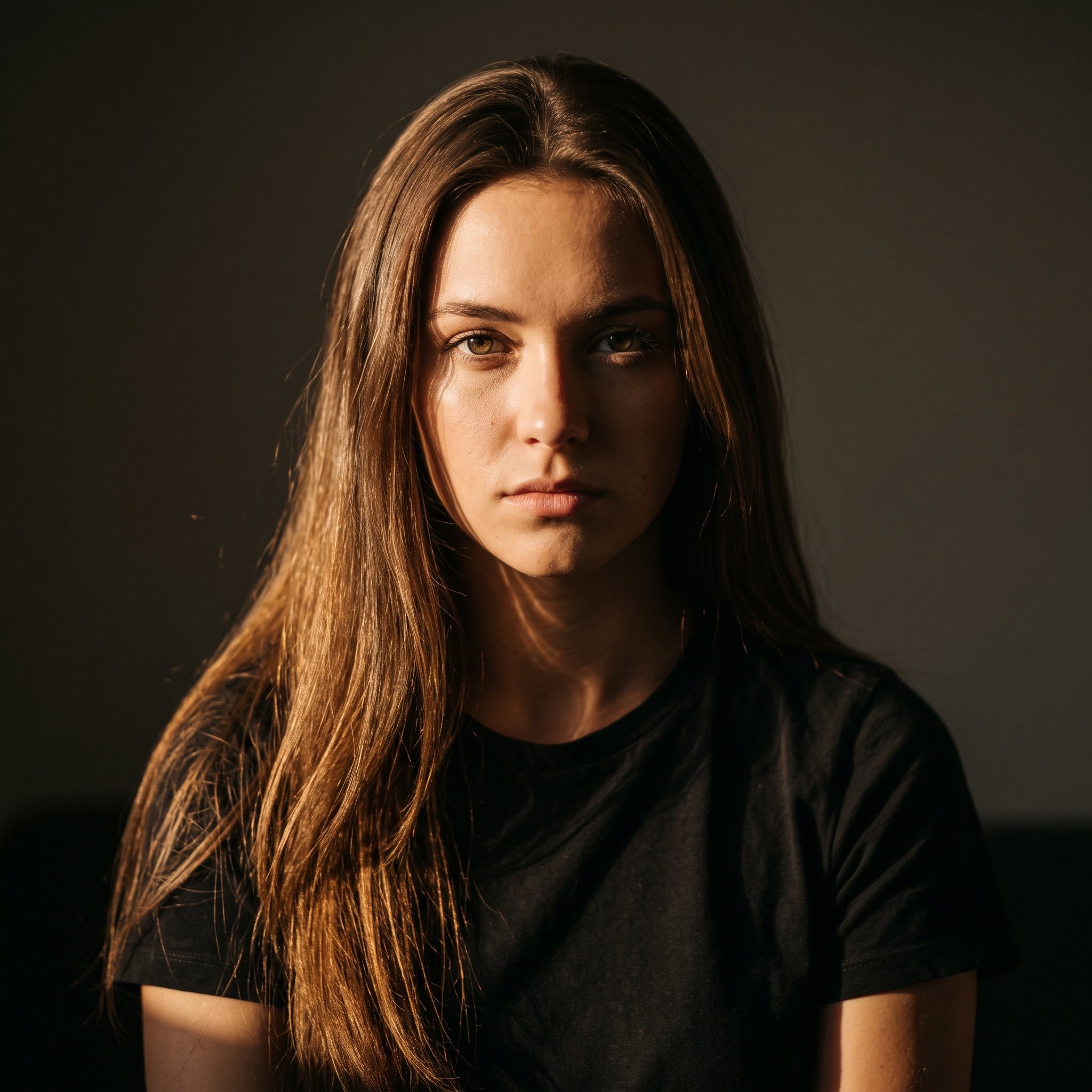
Chiaroscuro Golden Hour Portrait Prompt
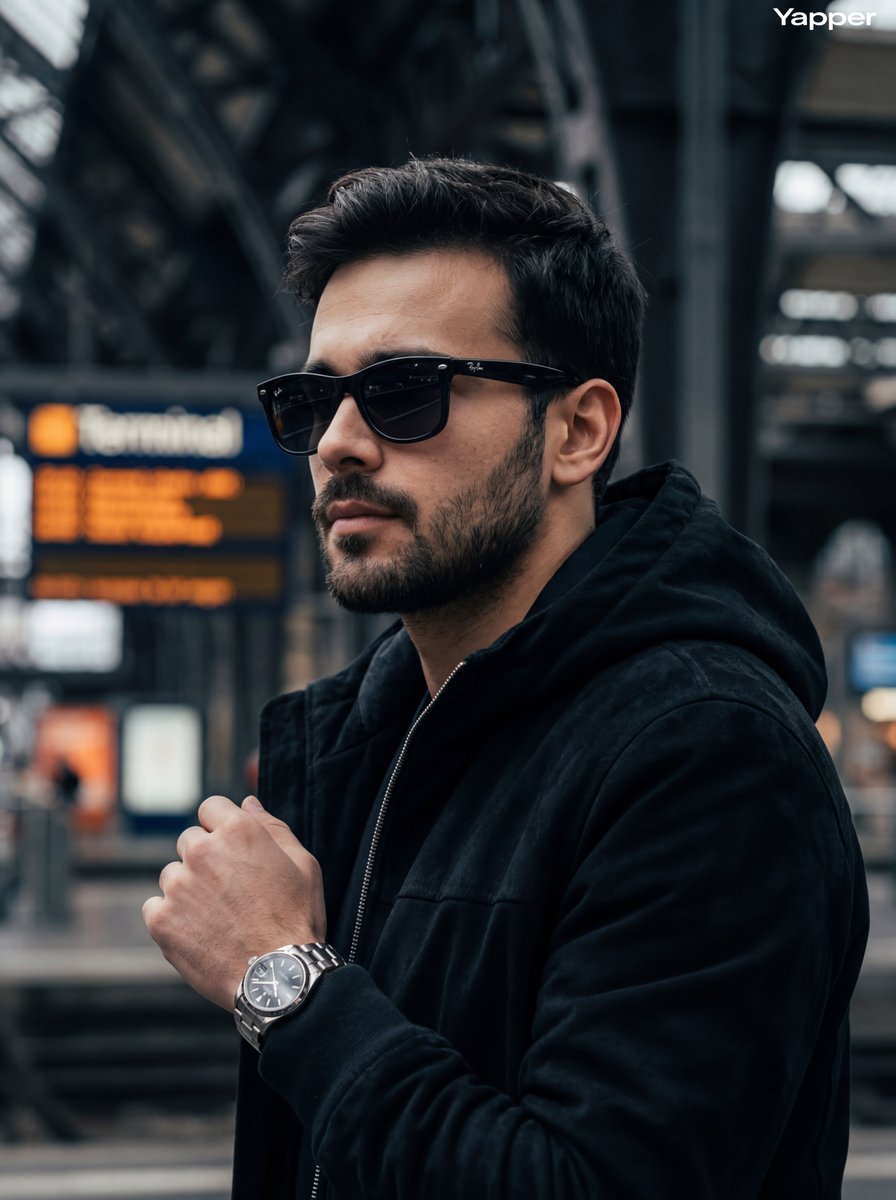
Cinematic Street Photography Portrait
Step 1: Professional Photography Enhancement
Hyper-Realistic Neon Times Square Portrait

Outdoor Cafe Portrait — White Ruched Top Nano Banana
Blonde Woman in Pink Satin Pajamas
Yuzu Sparkling Water Advertisement
Browse template categories
Nano Banana Pro Science Prompt Template questions
How do I use the Nano Banana Pro Science Prompt Template template?
Add your photo if the template asks for one, edit the prompt if you like — the template's model and format are already selected — and press Generate. Your version opens in PicX Studio.
Can I customize the Nano Banana Pro Science Prompt Template template?
Yes. You can change the subject, setting, lighting, mood, format, and available model controls before creating your image.
Is the Nano Banana Pro Science Prompt Template template free?
Opening and editing this template is free. Generating uses credits, shown on the Generate button when you are signed in.
Which AI model should I use?
Start with Nano Banana 2, which is the model associated with this template. You can compare another compatible model for a different finish.
Looking for something else? Browse all templates.

Your photo, any look
Thousands of ready templates for every top image and video model, from one credit balance.