
Yuzu Sparkling Water Advertisement
Generates a highly realistic commercial poster for a sparkling beverage, featuring a refreshed model, product shots, and structured promotional typography.
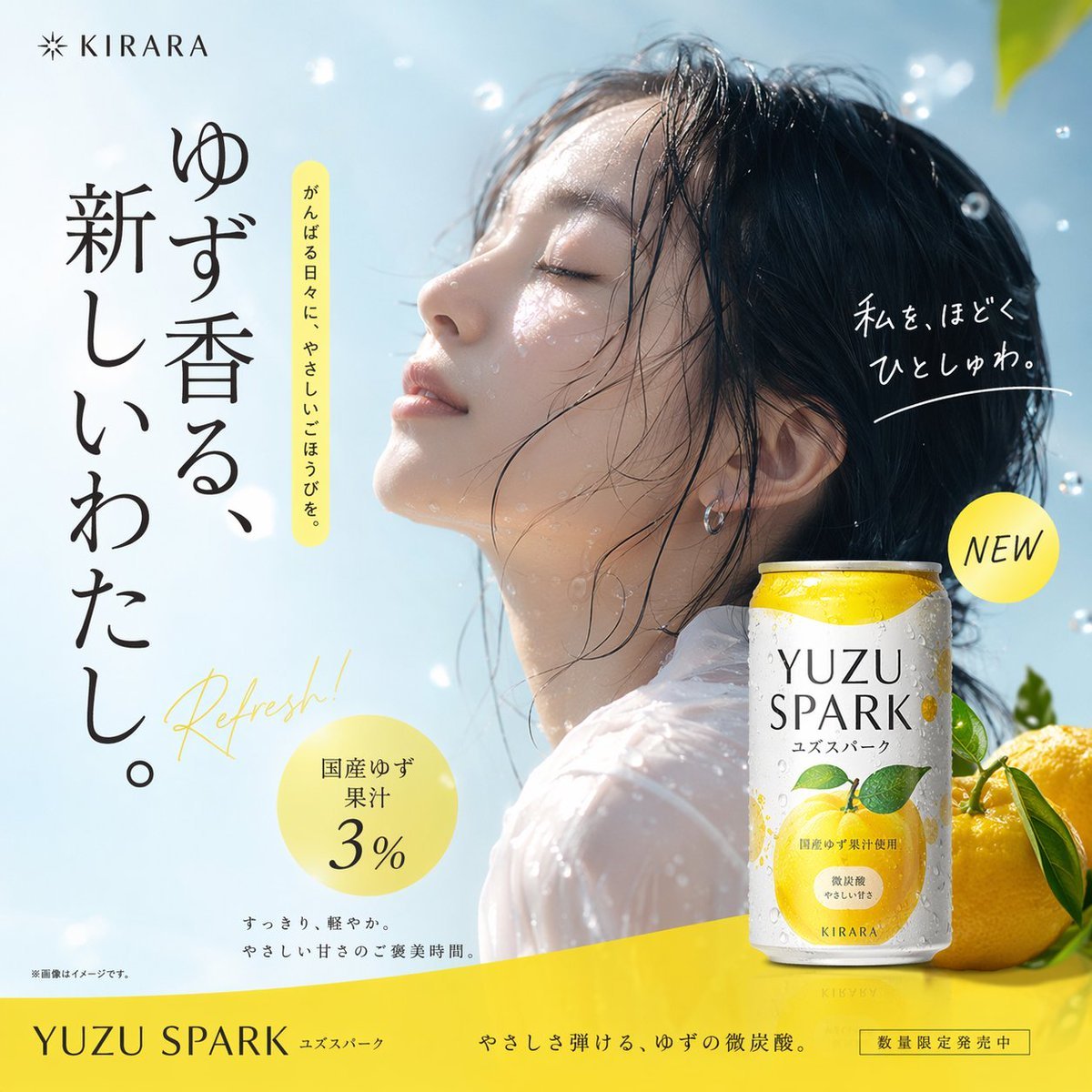
- Prompt included
- Model and format preset
- Premium template
The prompt behind this image
Copy the exact prompt behind Yuzu Sparkling Water Advertisement, or open it in the studio and make it yours.
- Type
- commercial beverage advertisement poster
- Visuals › Model
- young Asian woman, eyes closed, face tilted up, refreshed expression, wet hair, water droplets on skin, sheer white top
- Visuals › Product
- 1 white and yellow aluminum can with condensation, labeled '{argument name="product name" default="YUZU SPARK"}' and '{argument name="brand name" default="KIRARA"}', featuring a yuzu fruit illustration
- Visuals › Props
- 2 whole yellow yuzu fruits with green leaves, floating water droplets
- Visuals › Background
- clear blue sky, bright sunlight
- Layout › Top Left
- logo '{argument name="brand name" default="KIRARA"}' with sunburst icon
- Layout › Left Column
- large vertical text: '{argument name="main catchphrase" default="ゆず香る、新しいわたし。"}', vertical text with yellow highlight: 'がんばる日々に、やさしいごほうびを。', yellow cursive background text: 'Refresh!'
- Layout › Right Column
- white handwritten text: '{argument name="handwritten text" default="私を、ほどくひとしゅわ。"}', yellow circular badge: 'NEW'
- Layout › Bottom Left
- yellow circular badge: '{argument name="flavor profile" default="国産ゆず果汁3%"}', small text: 'すっきり、軽やか。やさしい甘さのご褒美時間。', tiny disclaimer: '※画像はイメージです。'
- Layout › Footer
- yellow banner with '{argument name="product name" default="YUZU SPARK"}', tagline 'やさしさ弾ける、ゆずの微炭酸。', and boxed text '数量限定発売中'
Raw JSON
{
  "type": "commercial beverage advertisement poster",
  "visuals": {
    "model": "young Asian woman, eyes closed, face tilted up, refreshed expression, wet hair, water droplets on skin, sheer white top",
    "product": "1 white and yellow aluminum can with condensation, labeled '{argument name=\"product name\" default=\"YUZU SPARK\"}' and '{argument name=\"brand name\" default=\"KIRARA\"}', featuring a yuzu fruit illustration",
    "props": "2 whole yellow yuzu fruits with green leaves, floating water droplets",
    "background": "clear blue sky, bright sunlight"
  },
  "layout": {
    "top_left": "logo '{argument name=\"brand name\" default=\"KIRARA\"}' with sunburst icon",
    "left_column": [
      "large vertical text: '{argument name=\"main catchphrase\" default=\"ゆず香る、新しいわたし。\"}'",
      "vertical text with yellow highlight: 'がんばる日々に、やさしいごほうびを。'",
      "yellow cursive background text: 'Refresh!'"
    ],
    "right_column": [
      "white handwritten text: '{argument name=\"handwritten text\" default=\"私を、ほどくひとしゅわ。\"}'",
      "yellow circular badge: 'NEW'"
    ],
    "bottom_left": [
      "yellow circular badge: '{argument name=\"flavor profile\" default=\"国産ゆず果汁3%\"}'",
      "small text: 'すっきり、軽やか。やさしい甘さのご褒美時間。'",
      "tiny disclaimer: '※画像はイメージです。'"
    ],
    "footer": "yellow banner with '{argument name=\"product name\" default=\"YUZU SPARK\"}', tagline 'やさしさ弾ける、ゆずの微炭酸。', and boxed text '数量限定発売中'"
  }
}How to use Yuzu Sparkling Water Advertisement in 3 steps
- 1Upload ImagePNG, JPG or paste
Add your photo
Upload the photo the template builds on. The prompt, model and format are already set.
- 2…a portrait of your subject in softgolden-hour light, 85mm…
Personalize
Edit the subject and creative details for your destination.
- 3Generate
Generate
Press Generate — your image is created in PicX Studio, so you can compare it with the original and refine one variable at a time.
More like this
Templates with the same subject, style or setup. Open one to see its prompt.

Luxury Citrus Sparkling Drink Advertisement

Minimalist Skincare Product Water Stone Still
Minimalist Skincare Product Water Stone Still
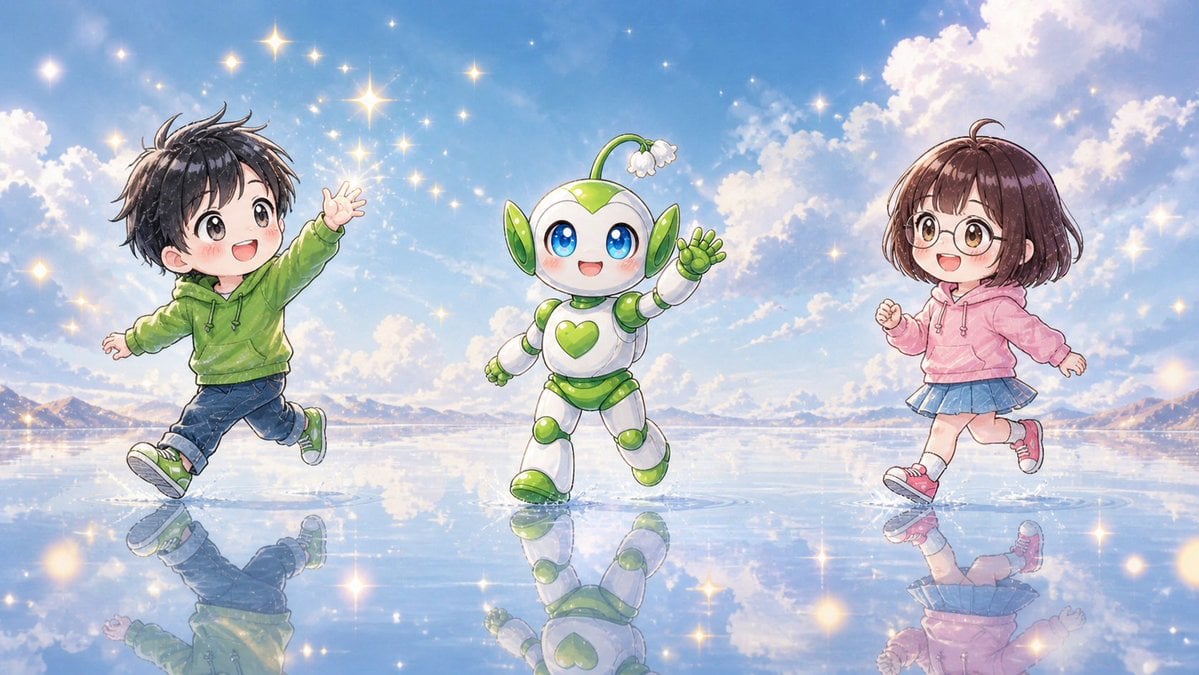
Chibi Friends on Sparkling Water
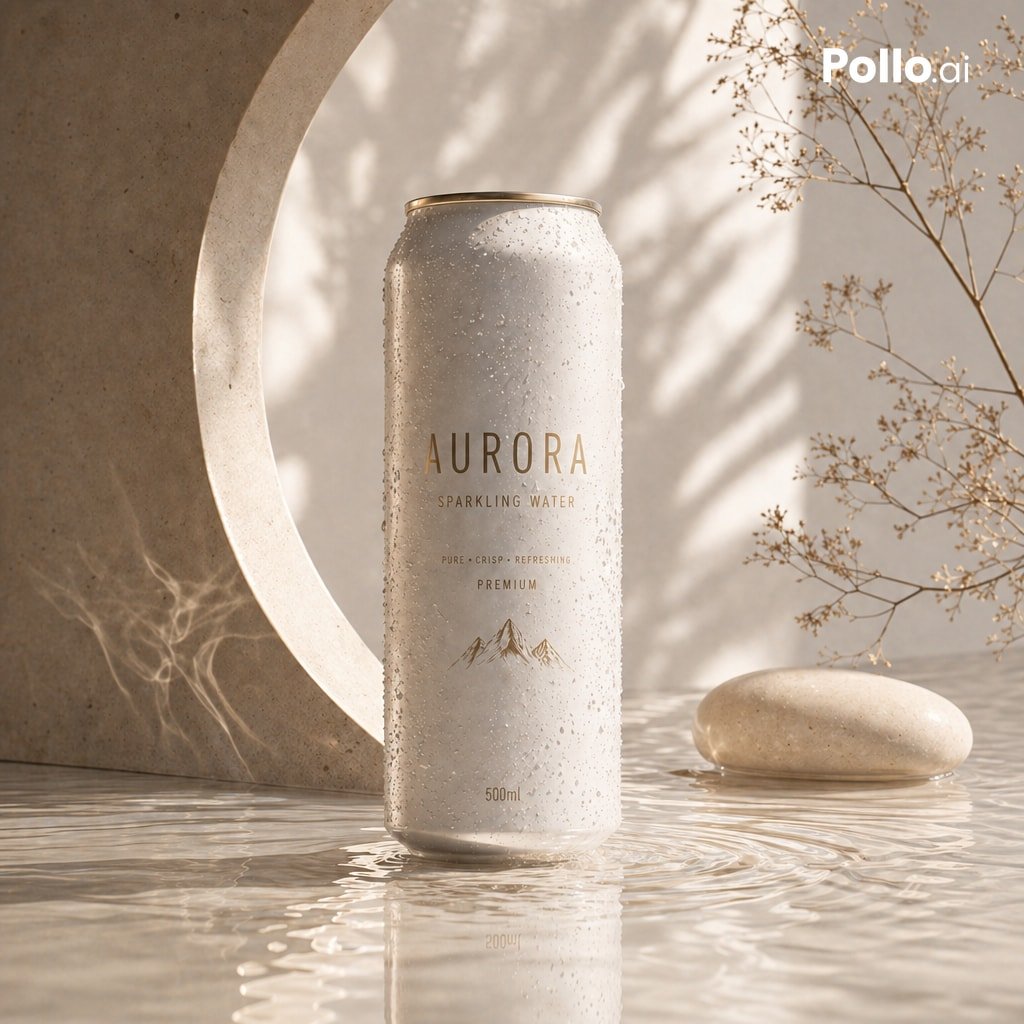
Luxury Sparkling Water Can Ad
Sparkling water product main image
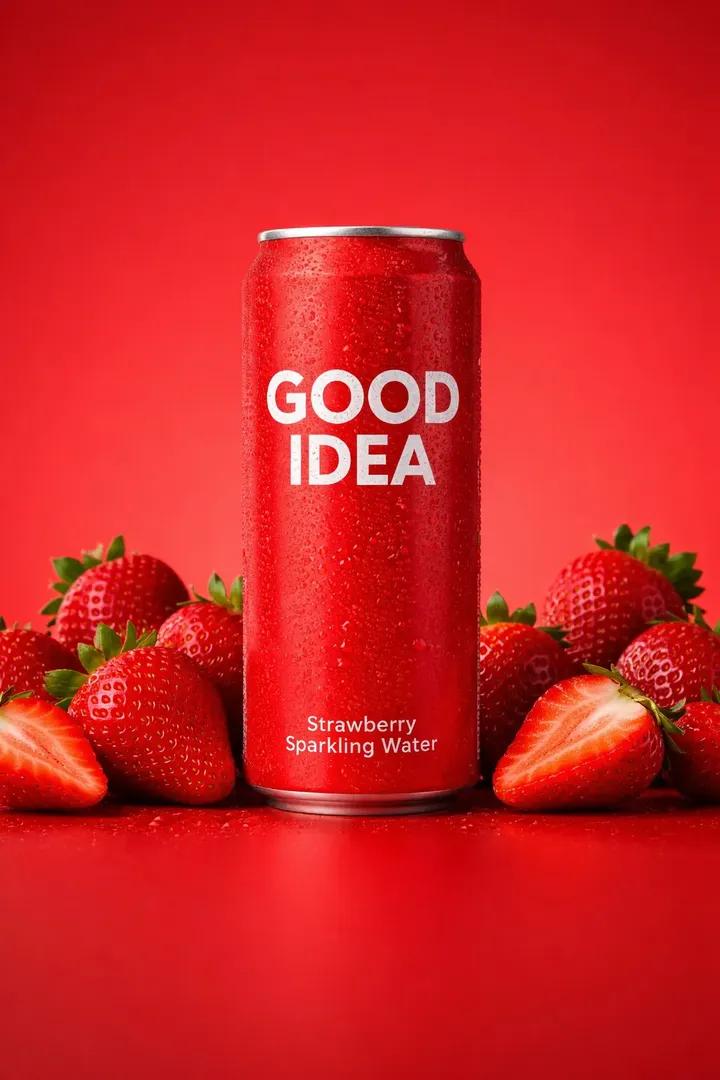
Premium Studio Product Photo of Sparkling Water Can
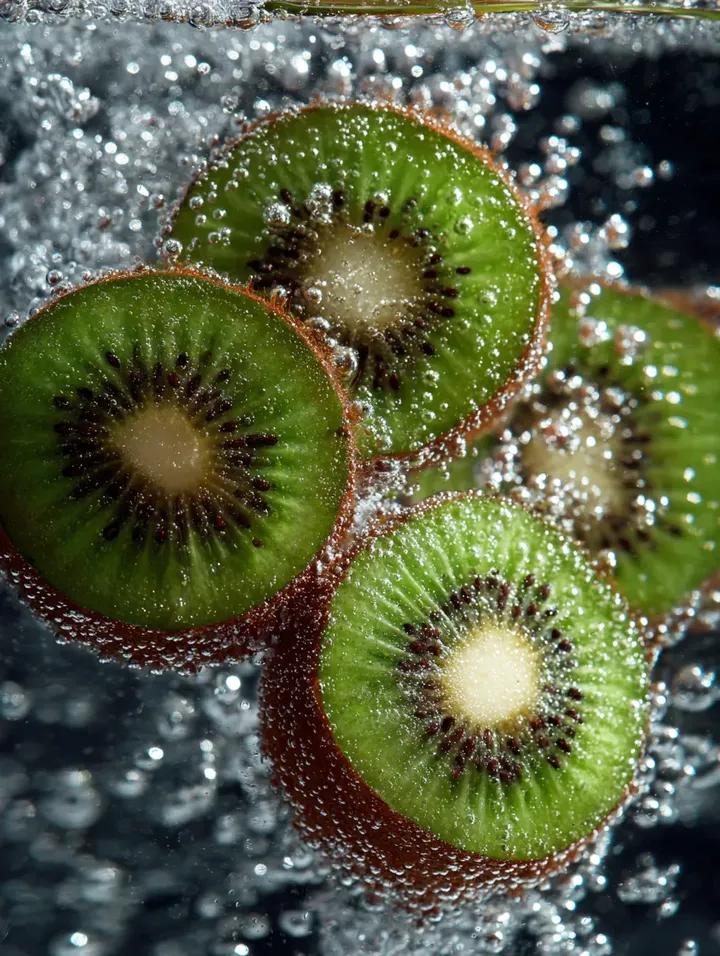
Kiwi Slices in Sparkling Water Macro Shot
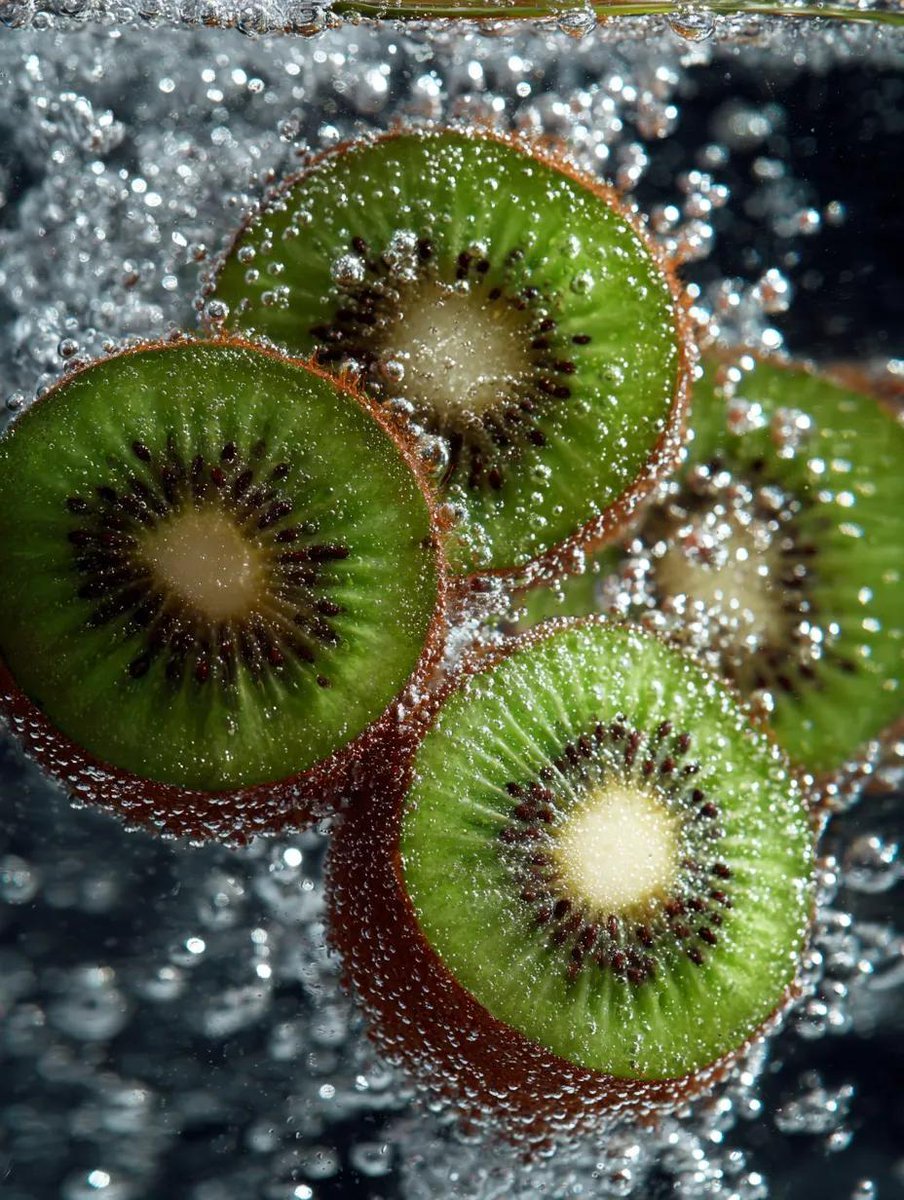
Macro Shot of Kiwi Slices in Sparkling Water

Nano Banana - Paris Night Party Dancing

Newspaper Advertisement Campaign Template

Newspaper Advertisement Template
Make it yours
Yuzu Sparkling Water Advertisement works as-is. These are the safest ways to change it without losing the look.
Swap the setting
Keep the rest of the prompt and replace the location block. The current setting is “clear blue sky, bright sunlight”.
Change one field
Copy a single group, rewrite it, and generate again so you can see what that field is doing.
Keep the frame, change the subject
Hold the composition and light of Yuzu Sparkling Water Advertisement, then swap wardrobe, props or the person for a new take.
| If the result… | Why | Fix |
|---|---|---|
| The result drifts from the preview | Too many fields changed at once. | Reuse Yuzu Sparkling Water Advertisement as-is first, then change one group — subject, light, or setting. |
| GPT Image 2 ignores part of the JSON | Some models flatten or skip nested keys. | Keep the same values and paste them as a short paragraph instead. |
More GPT Image 2 templates
Other prompts made for GPT Image 2.

Six VTuber Japanese Logo Sheet

Realistic Portrait of Woman and Deer

The Vista Modular Condo Poster

AI Model Routing Comparison Infographic

2.5D Anime Art Board

Isometric Productivity Desk Scene

New York Double Exposure Poster

Four-Panel AI Landscape Comparison

Japanese Tatami Lifestyle Magazine Cover

NESCAFÉ Coffee Map Poster
More image prompts
Fresh picks from across the catalog.
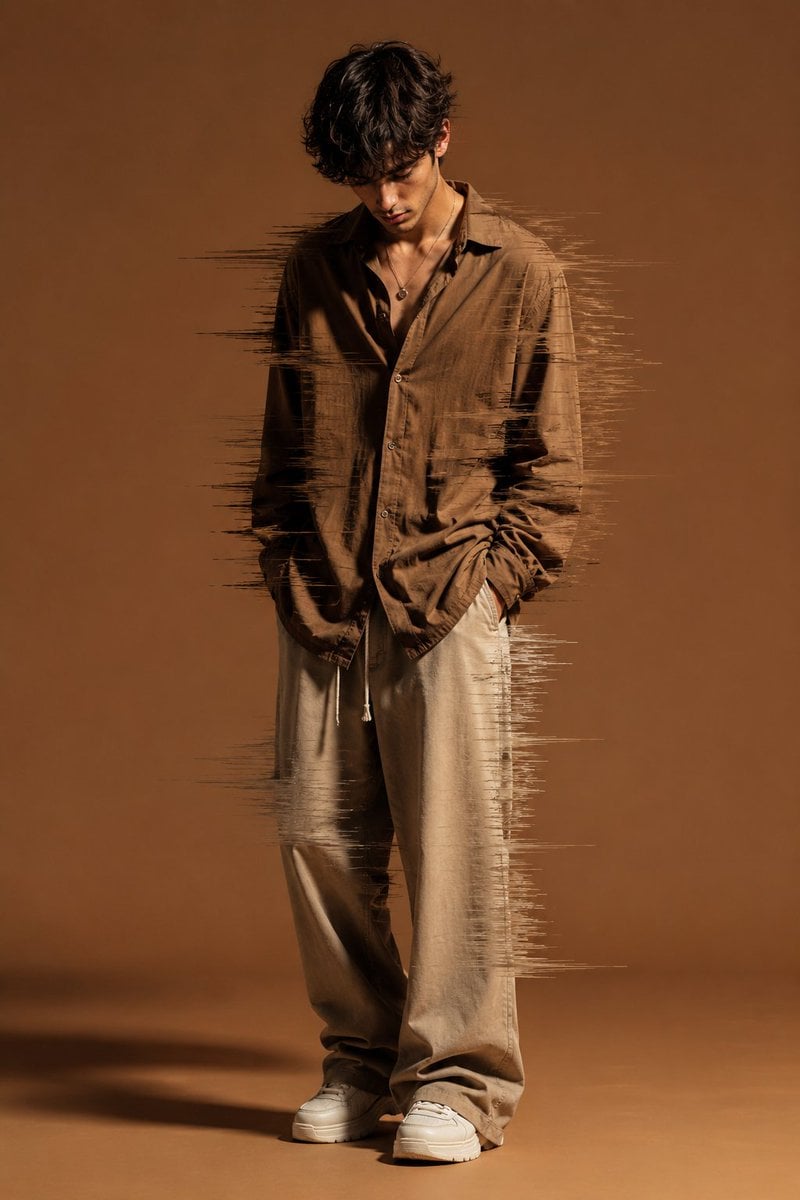
Editorial Fashion Glitch Portrait
Weekly Outfit Coordination Lookbook Generation

Censored Neon Noir Anime Portrait
Precise Pose and Composition Replication Prompt
Dominance portrait generation prompt (Gemini - Thinking mode)
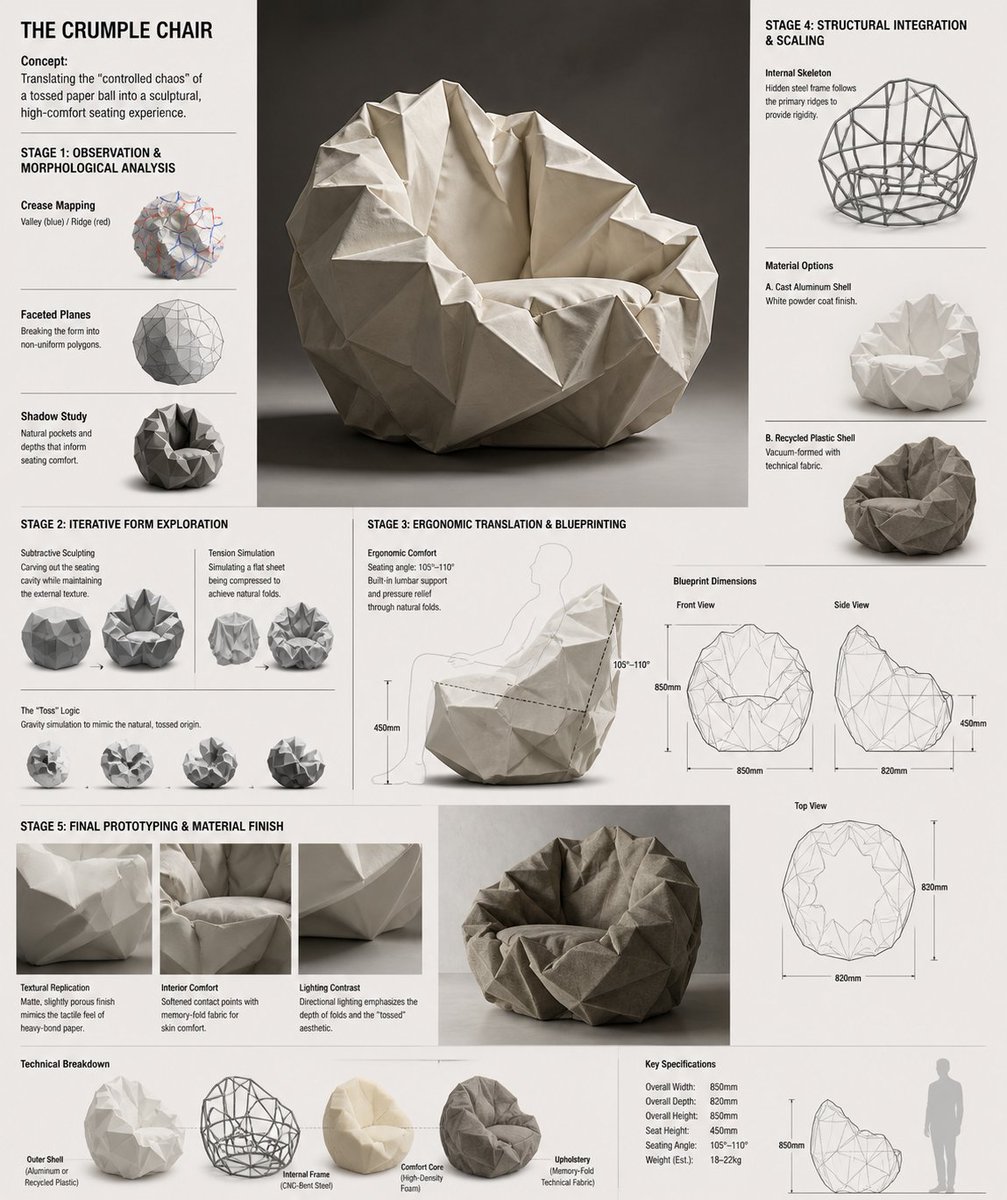
Crumple Paper Furniture Concept Design
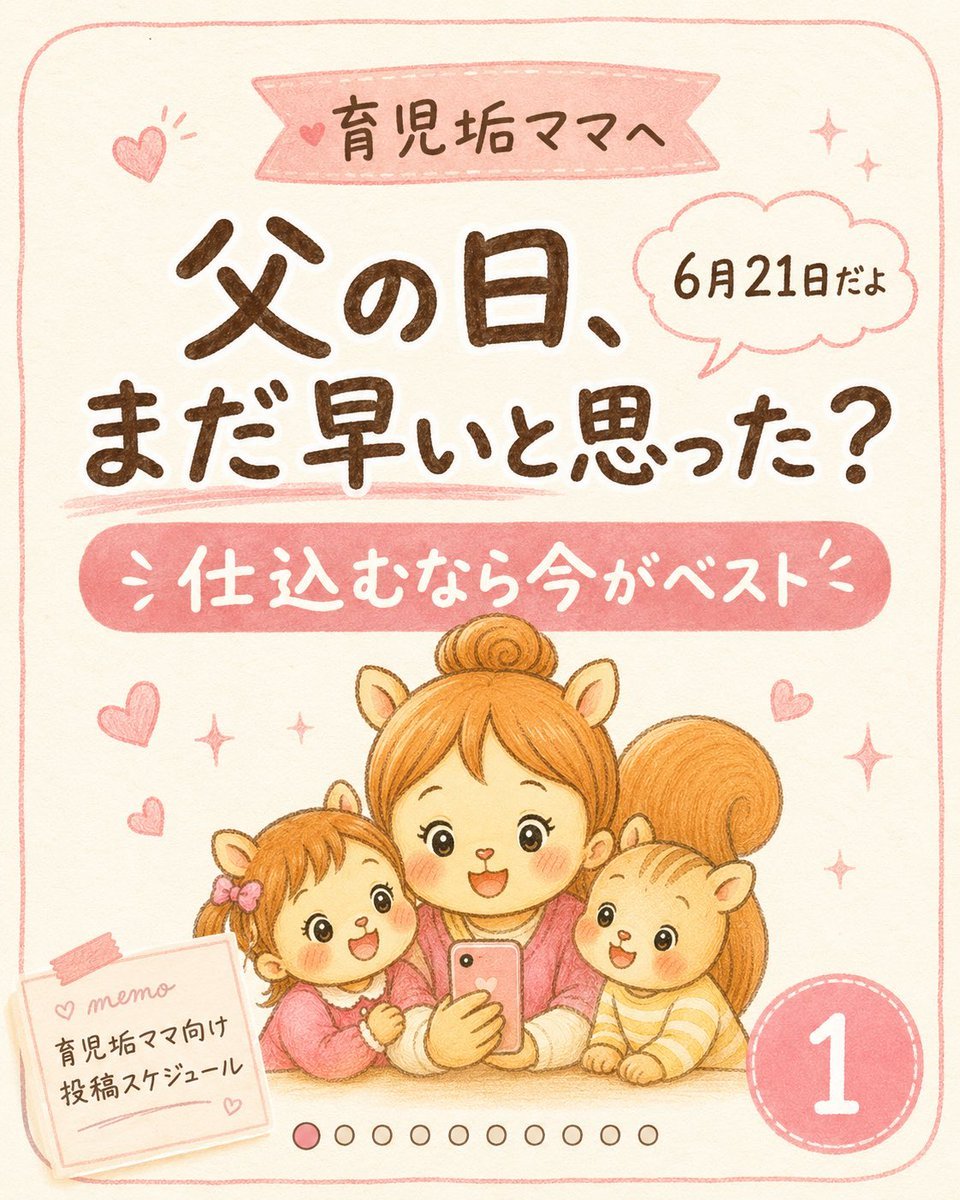
Cute Father’s Day Instagram Cover
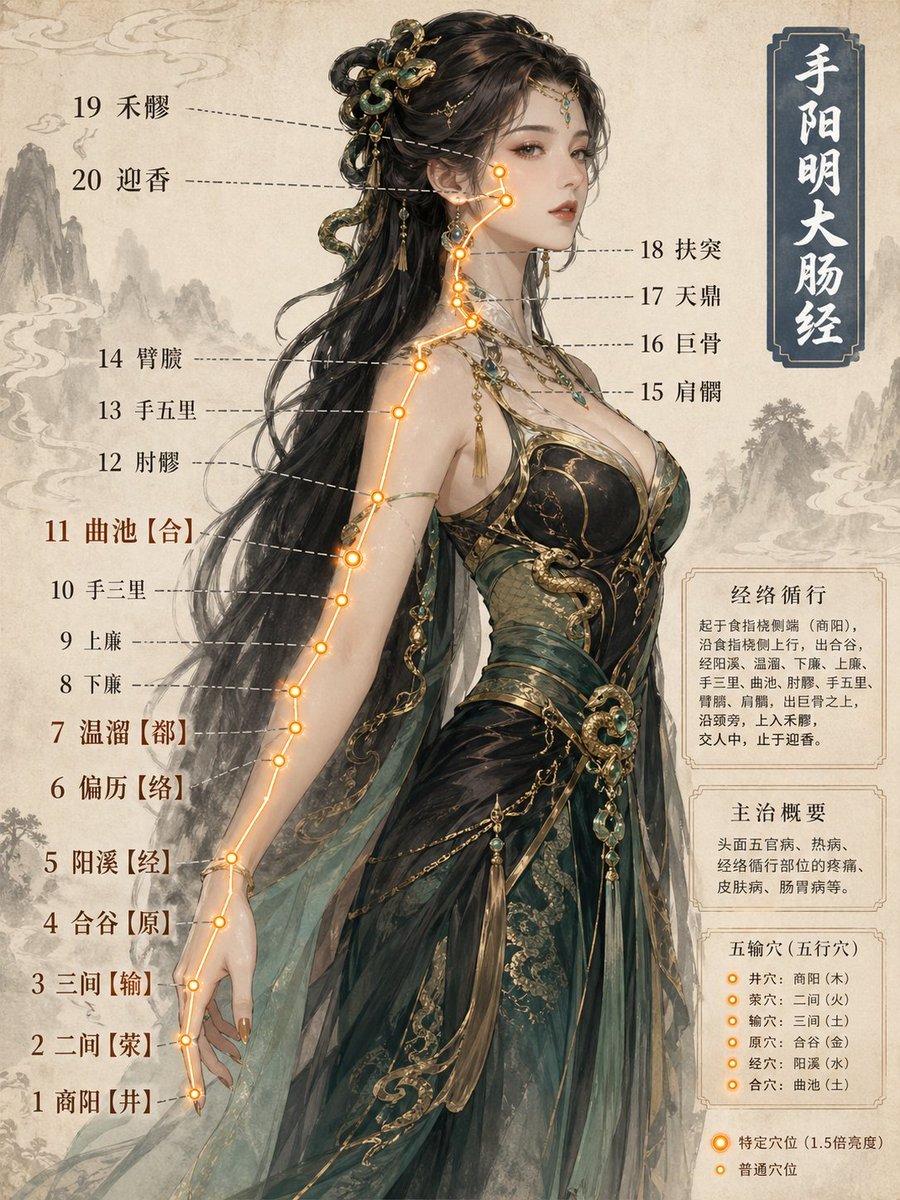
Chinese Medicine Meridian Infographic
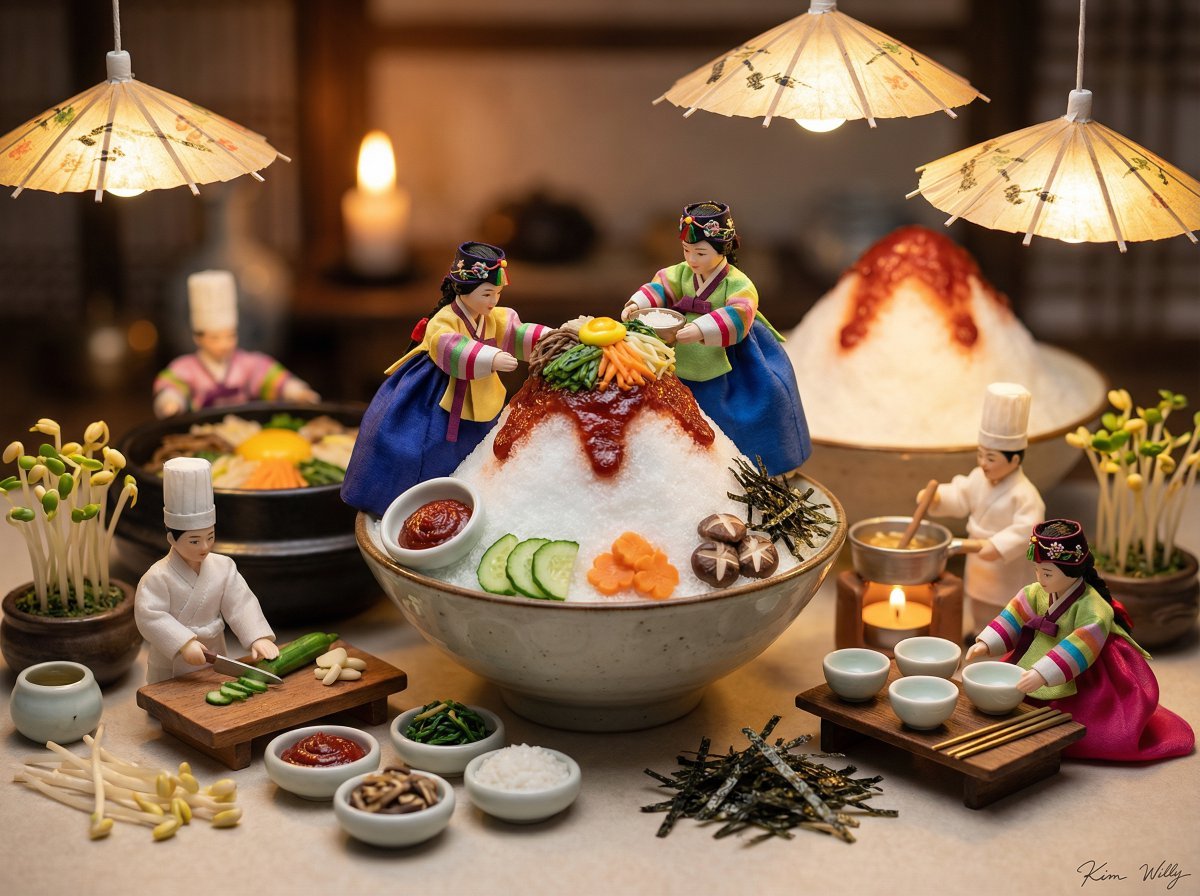
Micro Diorama of Joseon Dynasty Chefs Making Bibimbap
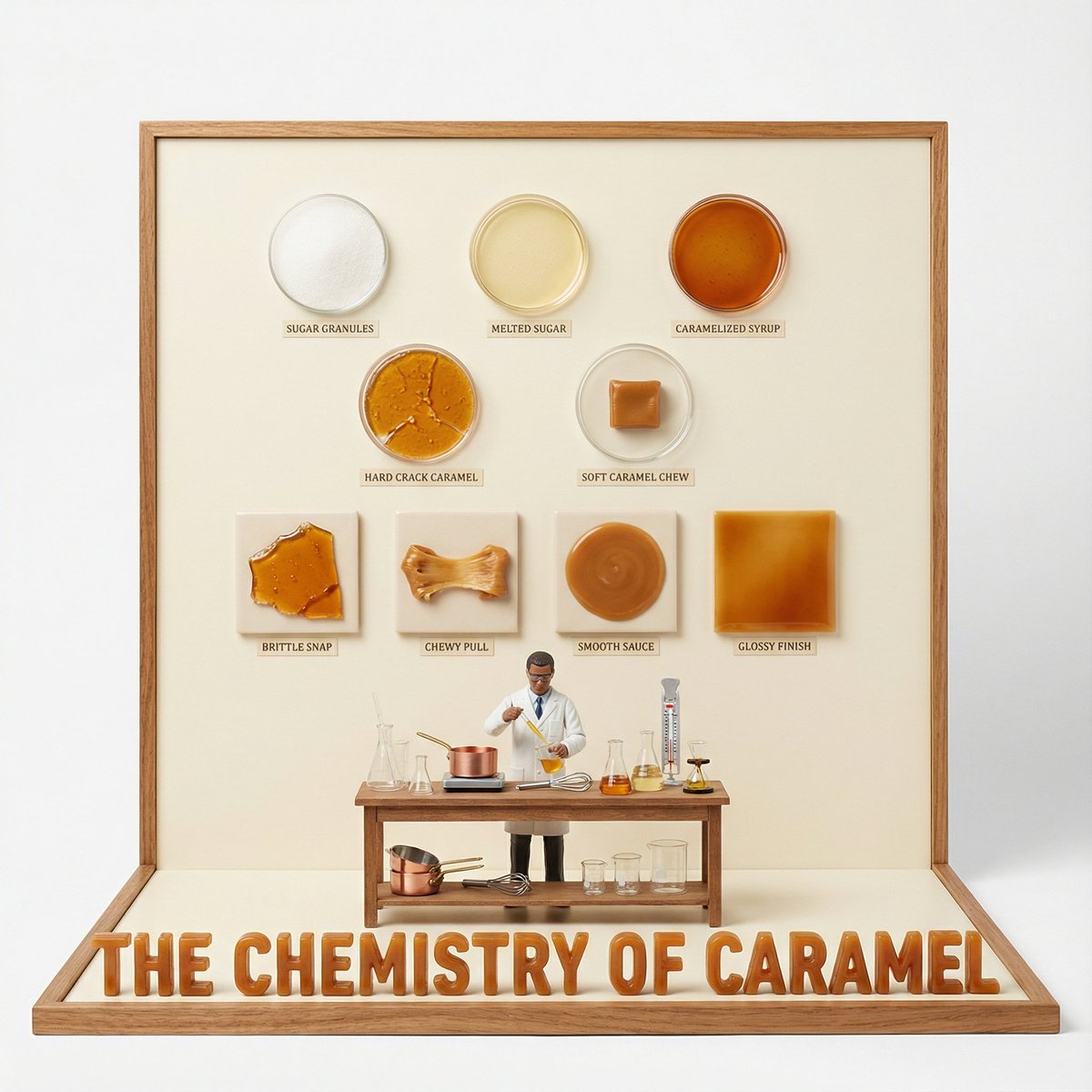
Culinary Science Diorama: The Chemistry of Chocolate
Browse template categories
Yuzu Sparkling Water Advertisement questions
How do I use the Yuzu Sparkling Water Advertisement template?
Add your photo if the template asks for one, edit the prompt if you like — the template's model and format are already selected — and press Generate. Your version opens in PicX Studio.
Can I customize the Yuzu Sparkling Water Advertisement template?
Yes. You can change the subject, setting, lighting, mood, format, and available model controls before creating your image.
Is the Yuzu Sparkling Water Advertisement template free?
Opening and editing this template is free. Generating uses credits, shown on the Generate button when you are signed in.
Which AI model should I use?
Start with GPT Image 2, which is the model associated with this template. You can compare another compatible model for a different finish.
Looking for something else? Browse all templates.

Your photo, any look
Thousands of ready templates for every top image and video model, from one credit balance.