
Micro Diorama of Joseon Dynasty Chefs Making Bibimbap
A detailed prompt for generating a hyper-realistic, whimsical miniature diorama photograph.
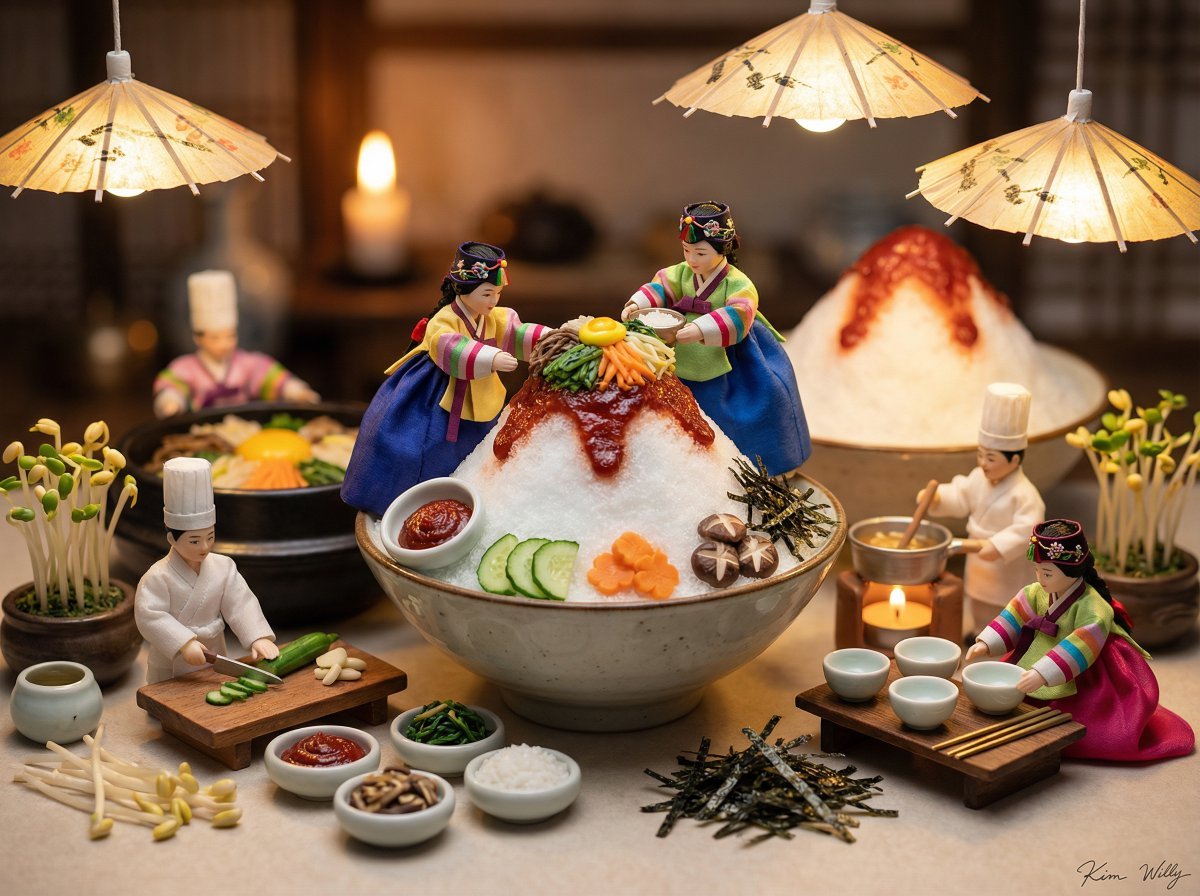
- Prompt included
- Model and format preset
- Free template
The prompt behind this image
Copy the exact prompt behind Micro Diorama of Joseon Dynasty Chefs Making Bibimbap, or open it in the studio and make it yours.
Micro diorama photography, miniature world concept: Tiny Joseon Dynasty chefs (Sanggung and Daeryeong) wearing elaborate historical Korean court hanboks - colorful dangui, jokduri headpieces, silk sashes, embroidered norigae accessories The characters are constructing a miniature Korean bibimbap dish on top of a large patbingsu shaved ice dessert, featuring: - Miniature ingredient bowls (namul, gochujang, rice) - Tiny sculpted vegetable garnishes (cucumber, carrot, mushroom) - Miniature trees from bean sprouts, shredded nori seaweed - Miniature hanji paper parasols with tiny brushstroke patterns suspended from the top, warm glow - Shaved ice peaks painted red with gochujang - Miniature porcelain bowls and tiny brass chopsticks Multiple chef characters in different poses - some chopping vegetables, some cooking miniature ingredients, some arranging the final bibimbap Background: dreamy Korean kitchen with soft candlelight, soft bokeh effect Lighting: Rembrandt lighting, warm light from miniature candles, magical traditional atmosphere, gentle rim lighting on characters Style: hyper-realistic miniature photography, tilt-shift effect, shallow depth of field, macro lens perspective, whimsical and heartwarming mood --ar 1:1. A stylish handwritten signature "Kim" is elegantly and small letters placed at the Bottom Right corner.. A stylish handwritten signature Willy is elegantly and small letters placed at the Bottom Right corner.
How to use Micro Diorama of Joseon Dynasty Chefs Making Bibimbap in 3 steps
- 1
Open
The prompt is already in the box next to the preview, with the template's model and format selected.
- 2…a portrait of your subject in softgolden-hour light, 85mm…
Personalize
Edit the subject and creative details for your destination.
- 3Generate
Generate
Press Generate — your image is created in PicX Studio, so you can compare it with the original and refine one variable at a time.
More like this
Templates with the same subject, style or setup. Open one to see its prompt.
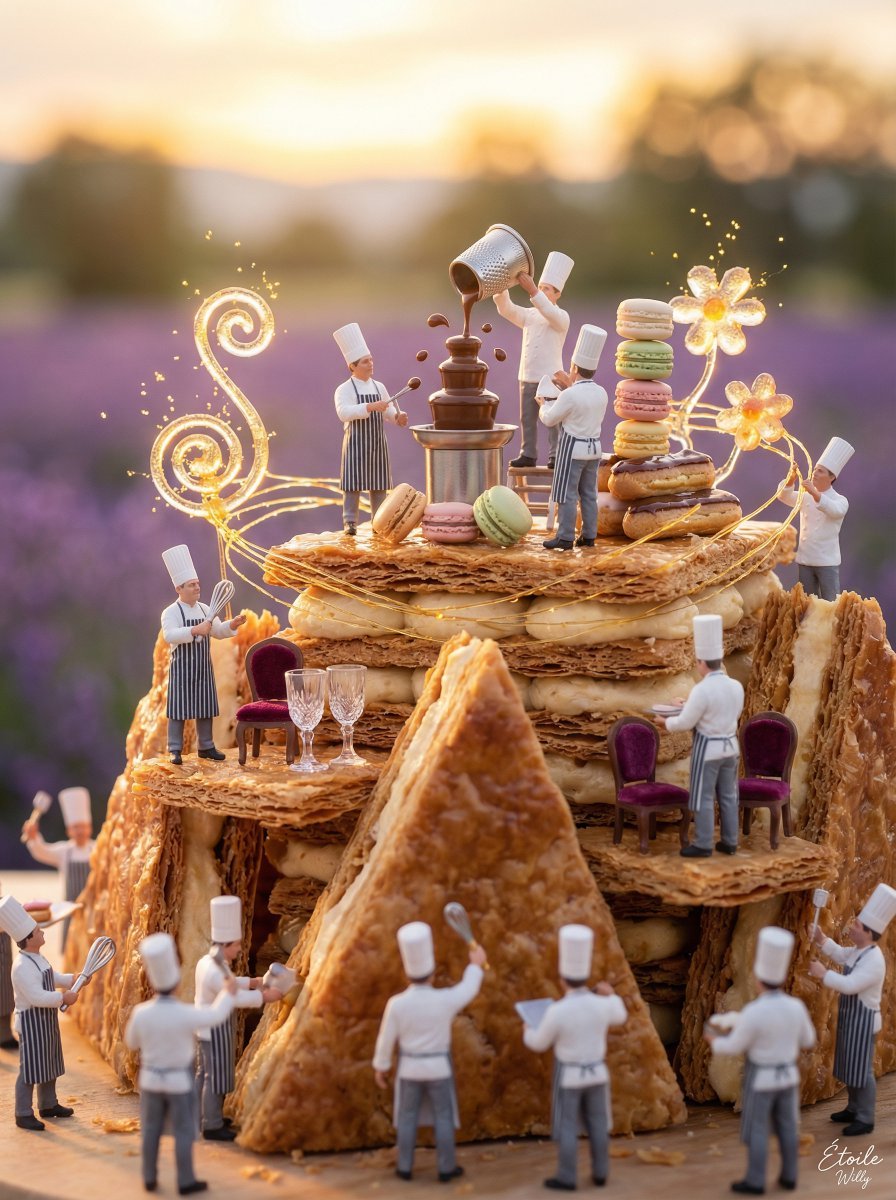
Micro Diorama of Chefs Building a French Patisserie
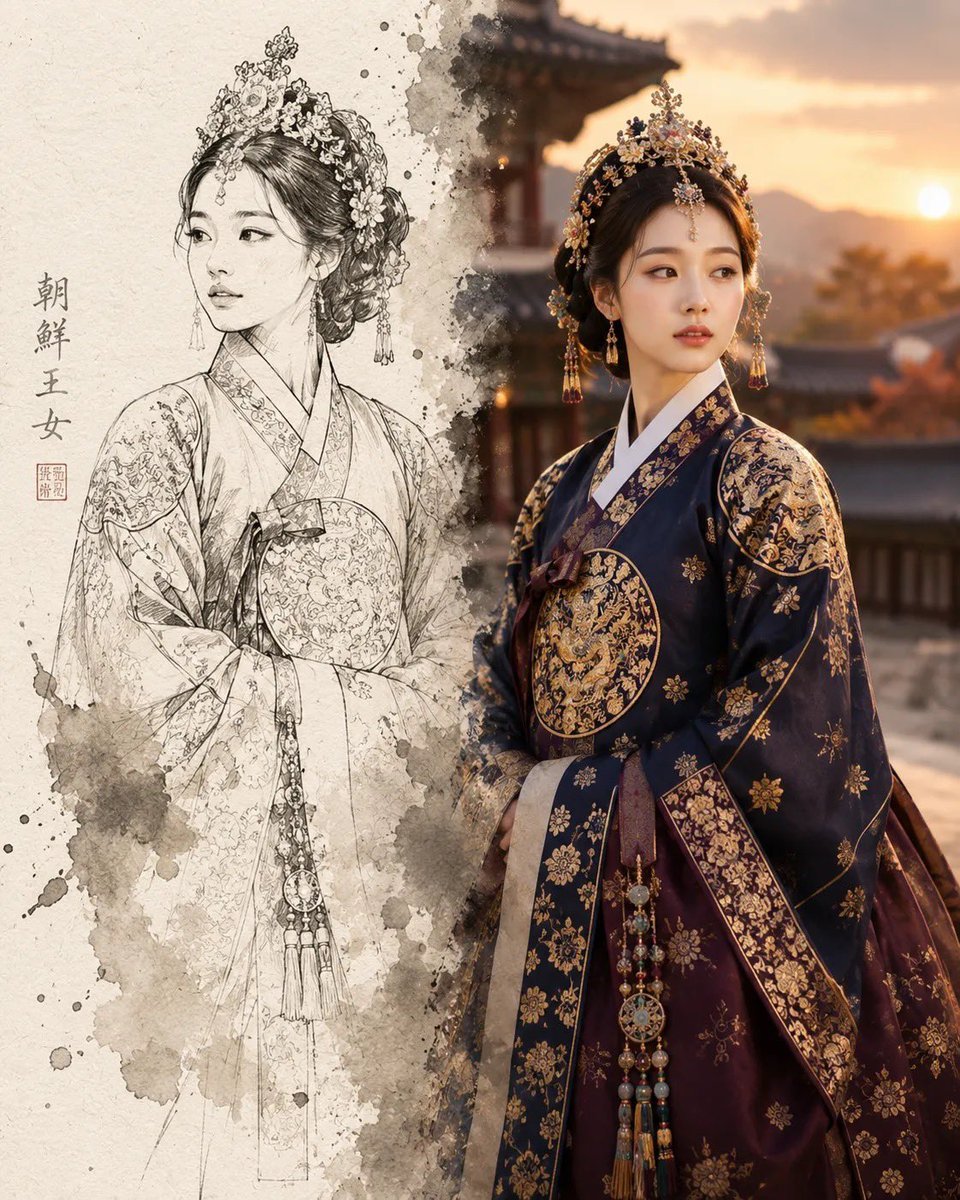
Joseon Dynasty Sketch Reality Split
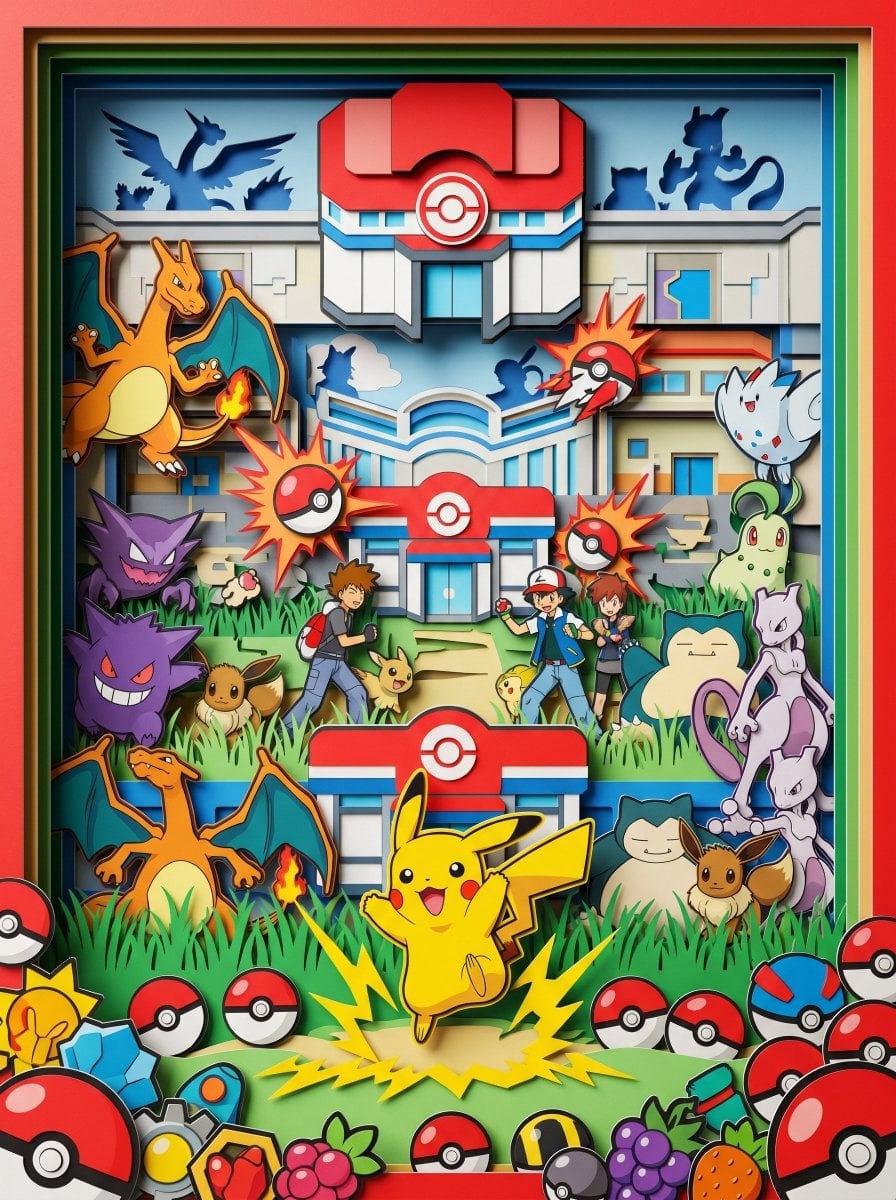
Layered Paper Cut Forest Diorama
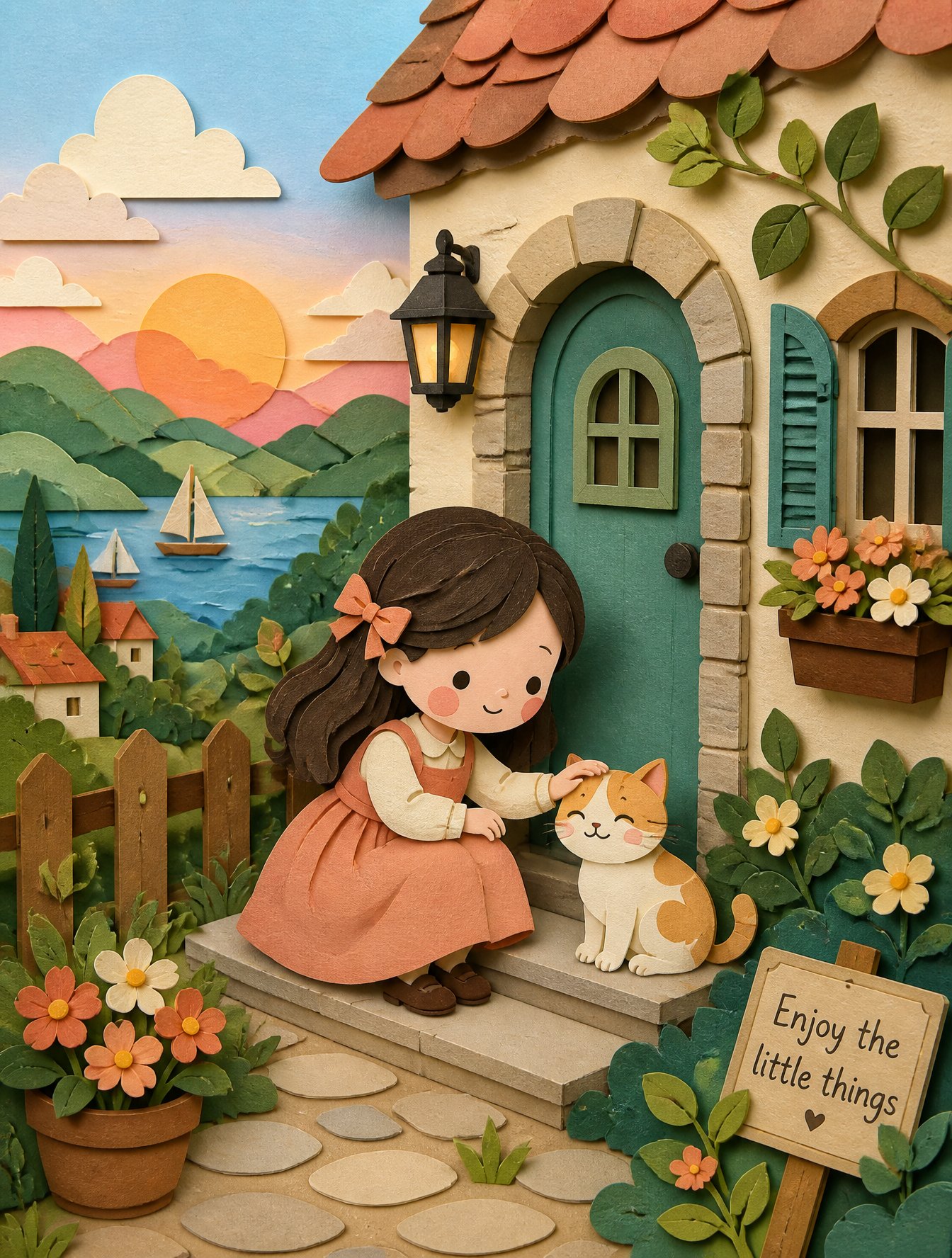
Soft Handcrafted Paper-Cut Layered Illustration
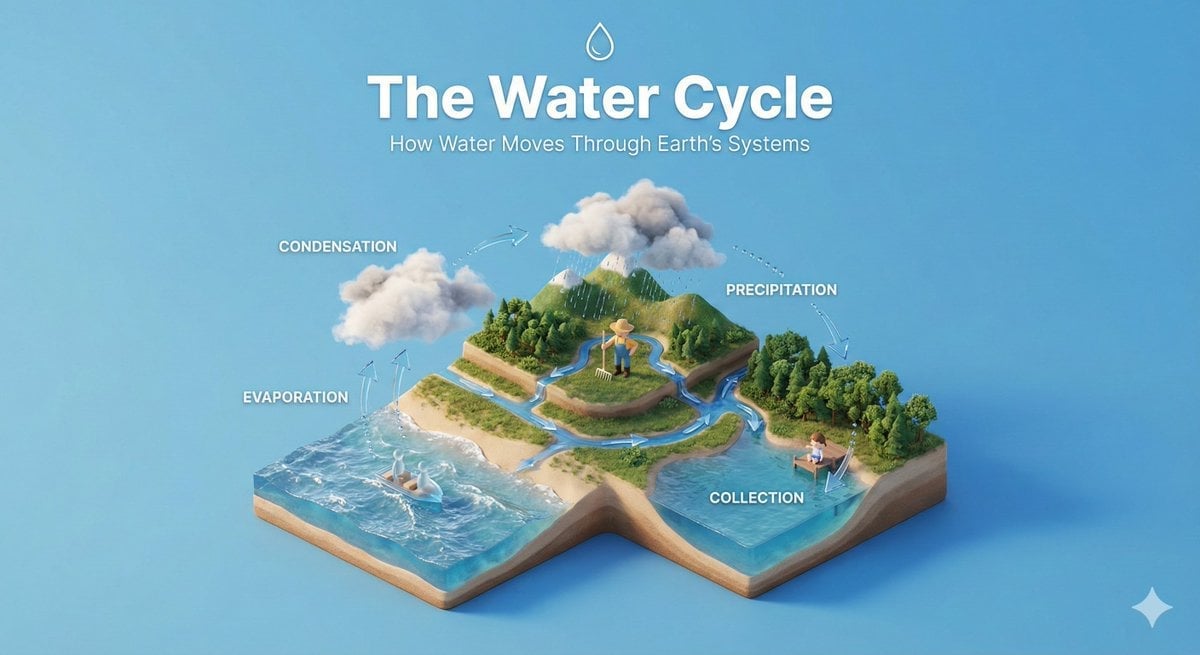
Isometric Process Educational Diorama
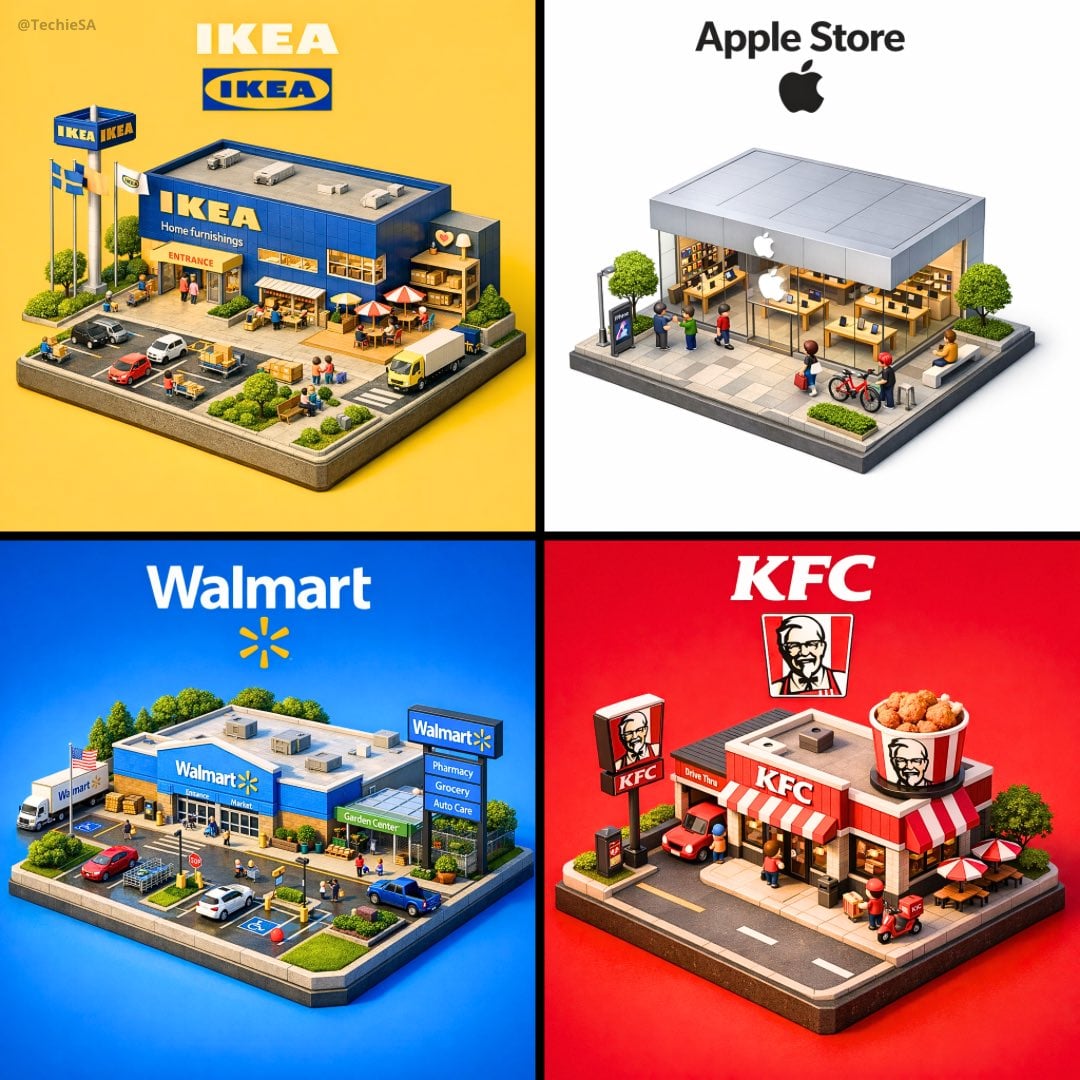
Isometric Brand Store Diorama
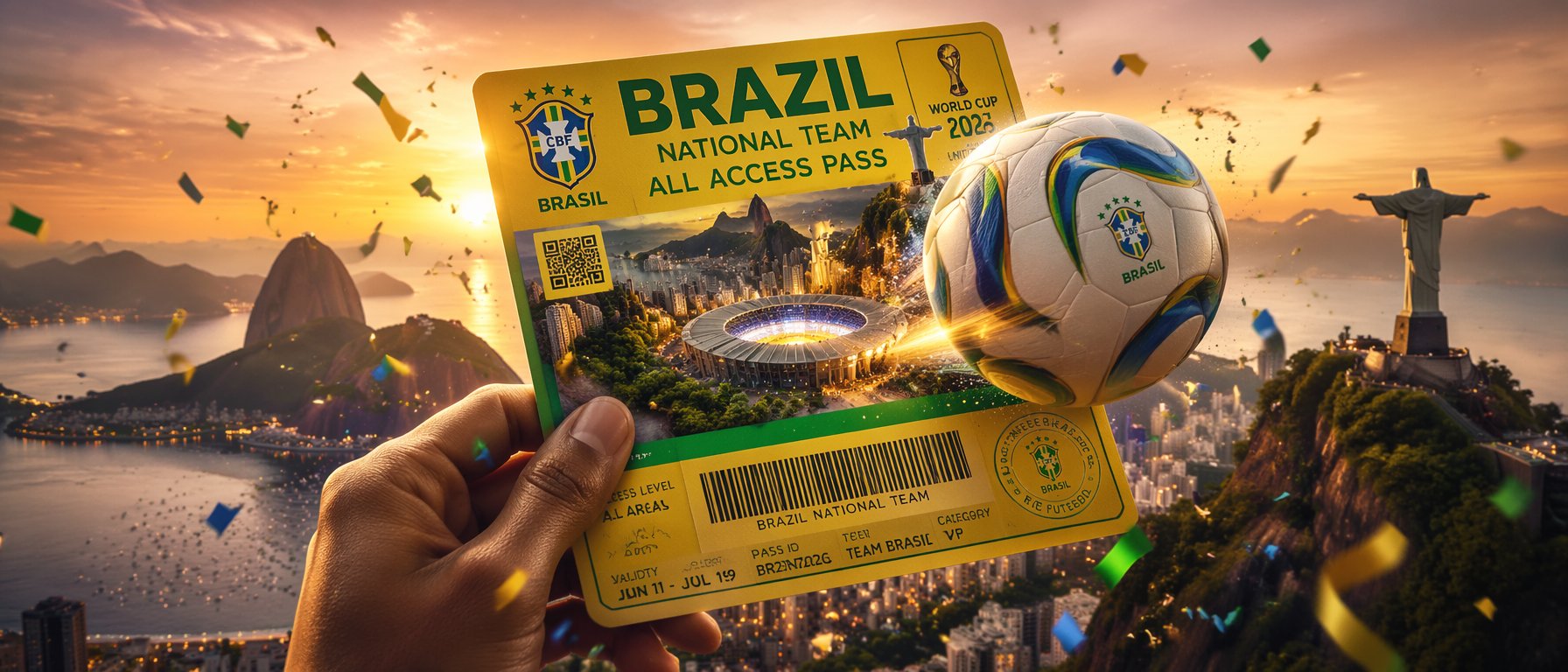
FIFA World Cup — Brazil National Pass Diorama
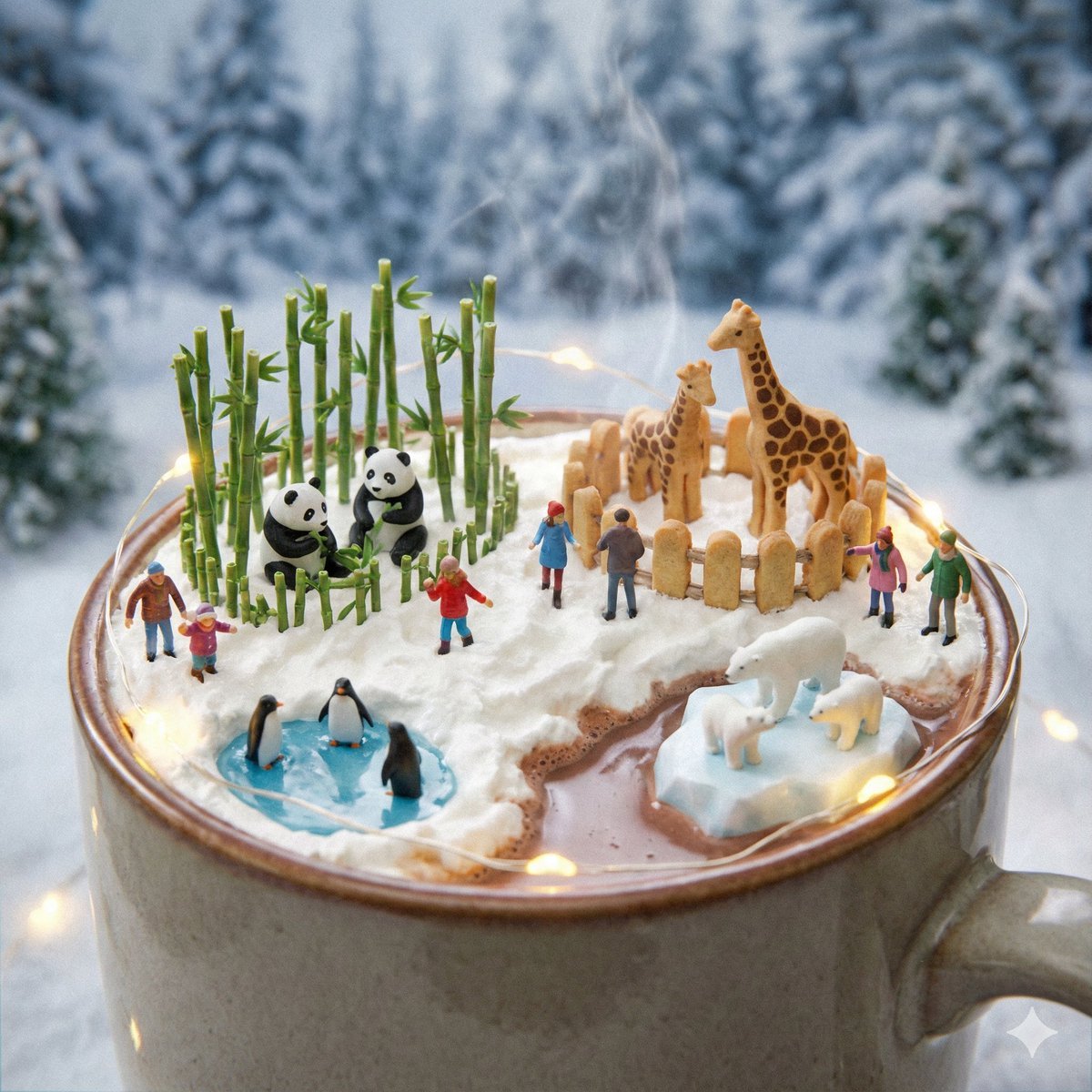
Micro Diorama Scene Generator
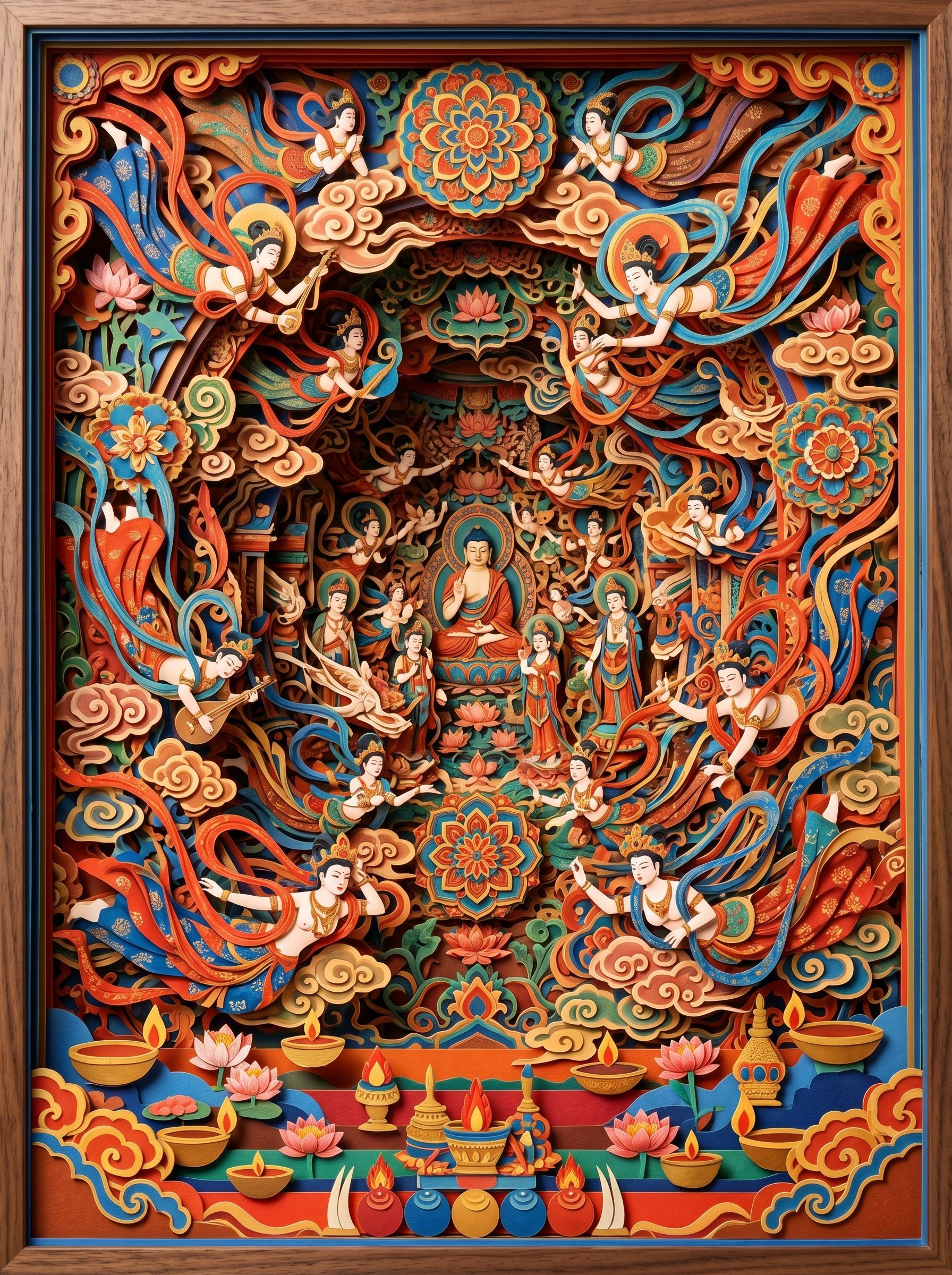
敦煌纸雕飞天 — 3D Layered Paper Cutout
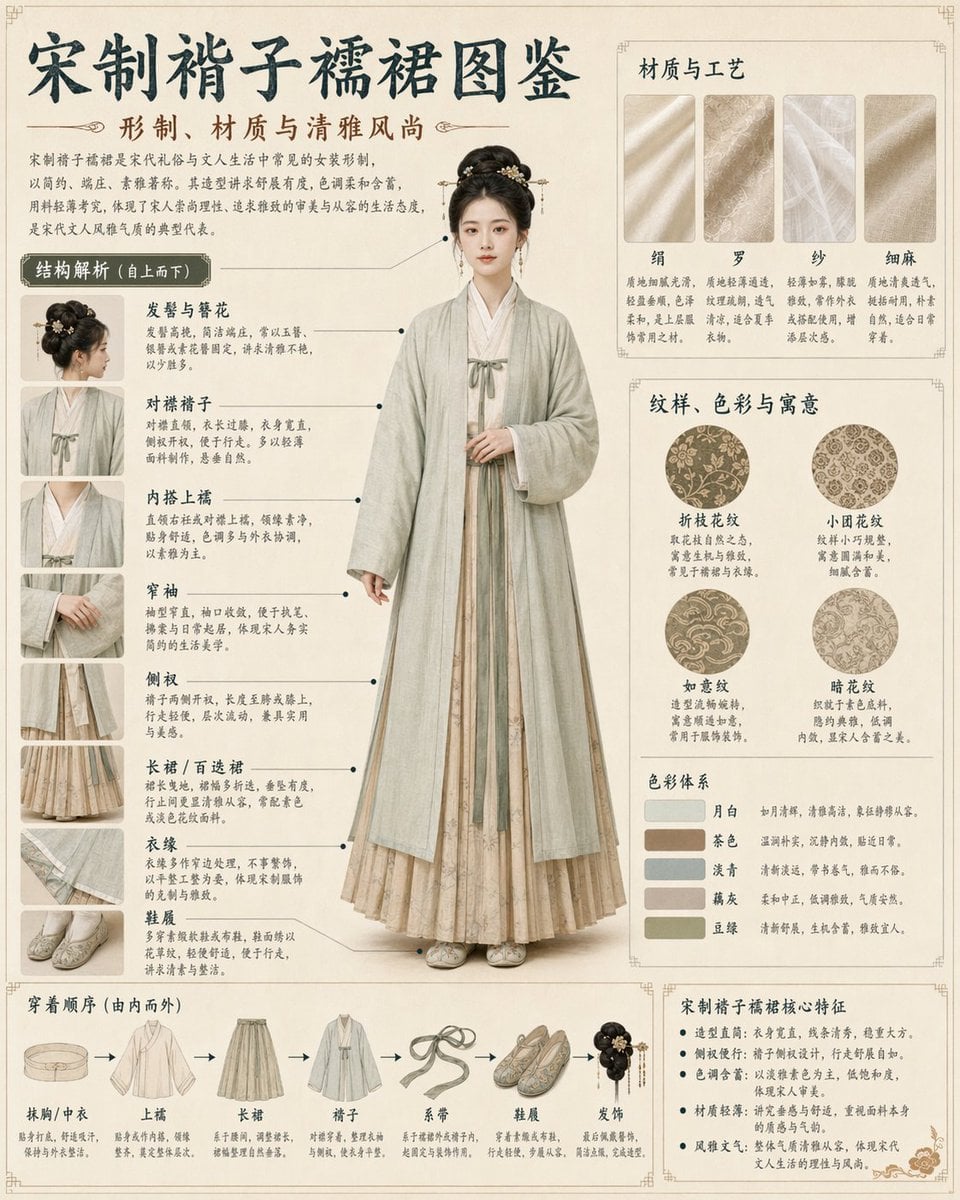
Song Dynasty Hanfu Infographic Guide

Song Dynasty Enamel Badges

Tang Dynasty Royal Banquet Cinematography
Make it yours
Micro Diorama of Joseon Dynasty Chefs Making Bibimbap works as-is. These are the safest ways to change it without losing the look.
Change one field
Copy a single group, rewrite it, and generate again so you can see what that field is doing.
Keep the frame, change the subject
Hold the composition and light of Micro Diorama of Joseon Dynasty Chefs Making Bibimbap, then swap wardrobe, props or the person for a new take.
| If the result… | Why | Fix |
|---|---|---|
| The result drifts from the preview | Too many fields changed at once. | Reuse Micro Diorama of Joseon Dynasty Chefs Making Bibimbap as-is first, then change one group — subject, light, or setting. |
| The model over-stylizes the scene | The prose prompt leaves finish and camera underspecified. | Add one camera or lighting sentence and stay on Nano Banana 2. |
More Nano Banana 2 templates
Other prompts made for Nano Banana 2.

Photorealistic Leaf Shaped Like a Dragon

K-Pop Idol Portrait Grid for Rapid Selection

Poetic Rain Forest Portrait During Golden Hour

Urban Street Portrait with Cartoon Inner Self Duo

Candid Nighttime Photo with Cat Prompt

High-Concept 3D Diorama Generation Prompt

Cinematic Futuristic Studio Portrait Template

Skincare Editorial Photography Collage Prompt

Hyper-Realistic Commercial Product Photography (Splash Effect)

Hyper-Realistic Nightclub Portrait Prompt
More image prompts
Fresh picks from across the catalog.
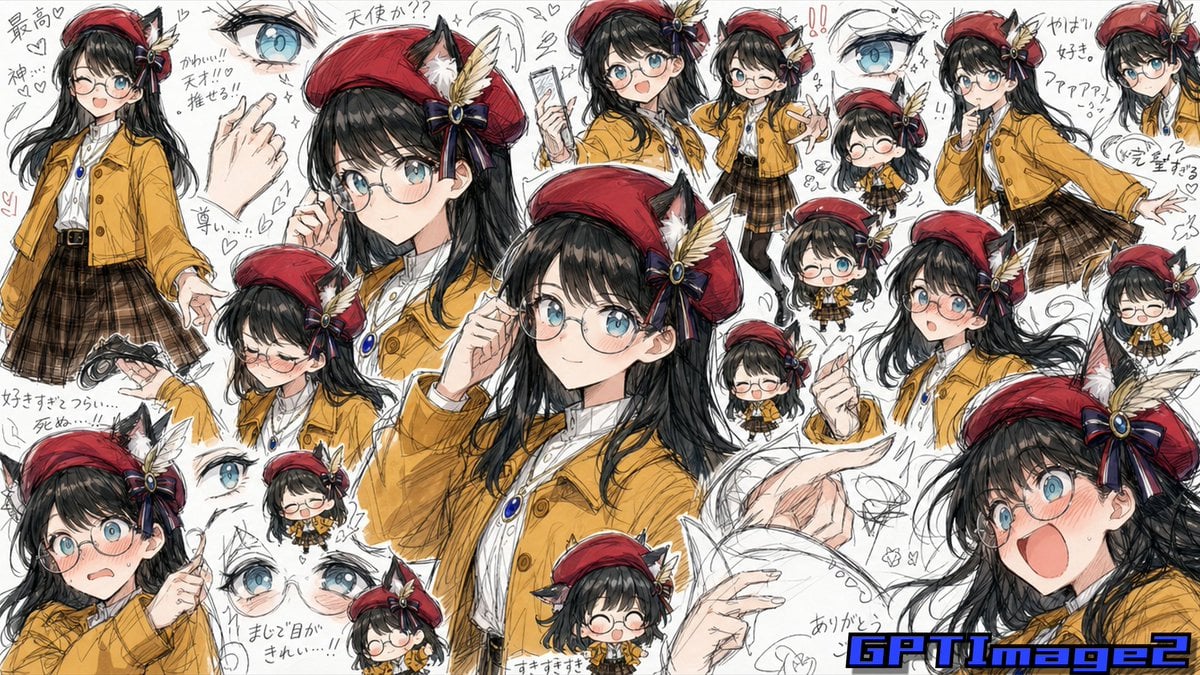
Fan Artist Sketchbook Collage
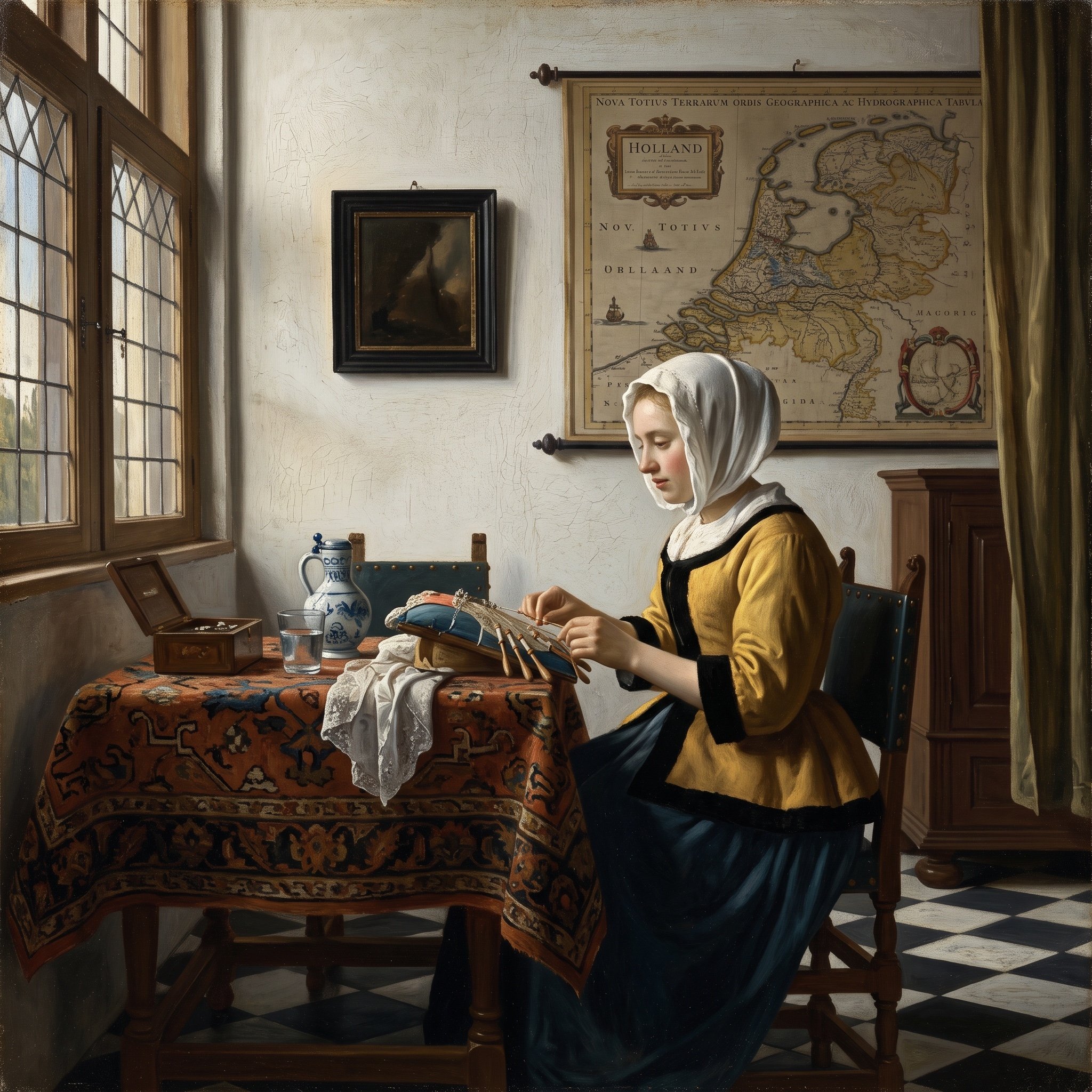
Vermeer Style Image Generation
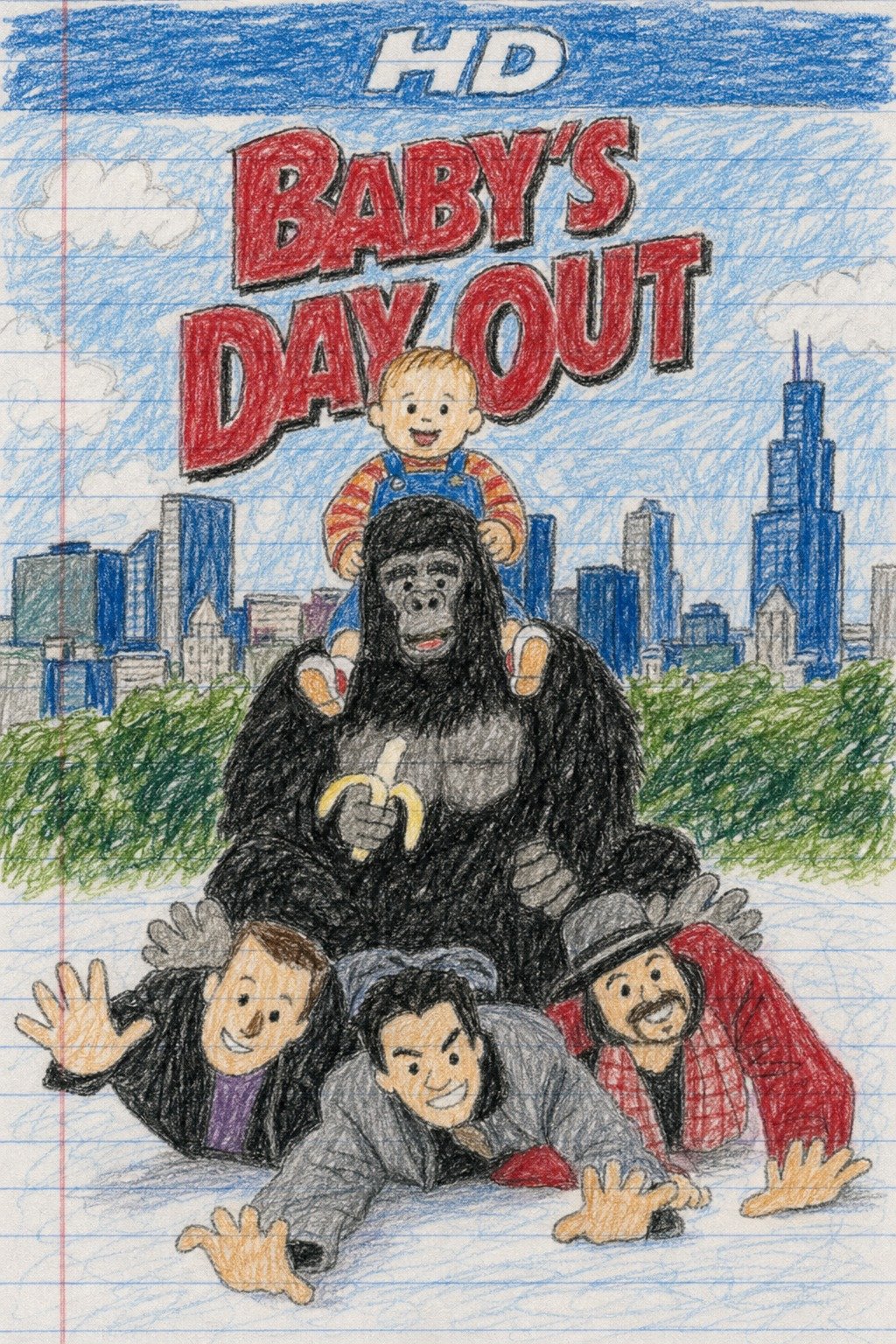
X Doctorwasif Made with Chatpgpt Image 2
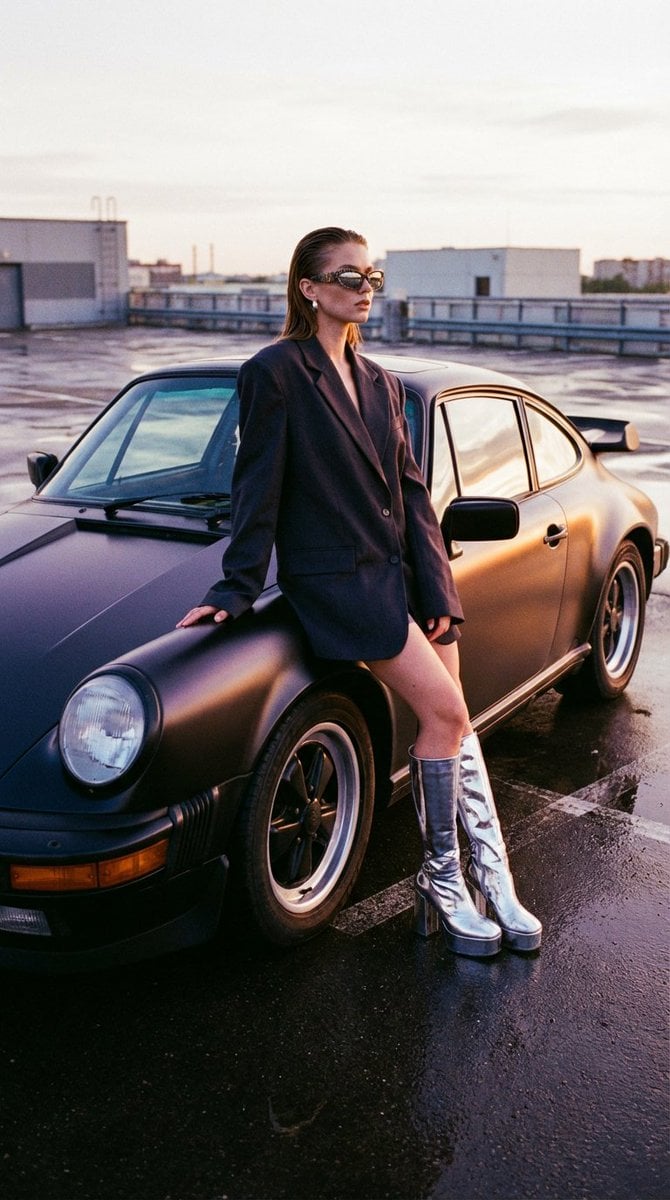
Avant-Garde Streetwear and Vintage Auto Prompt
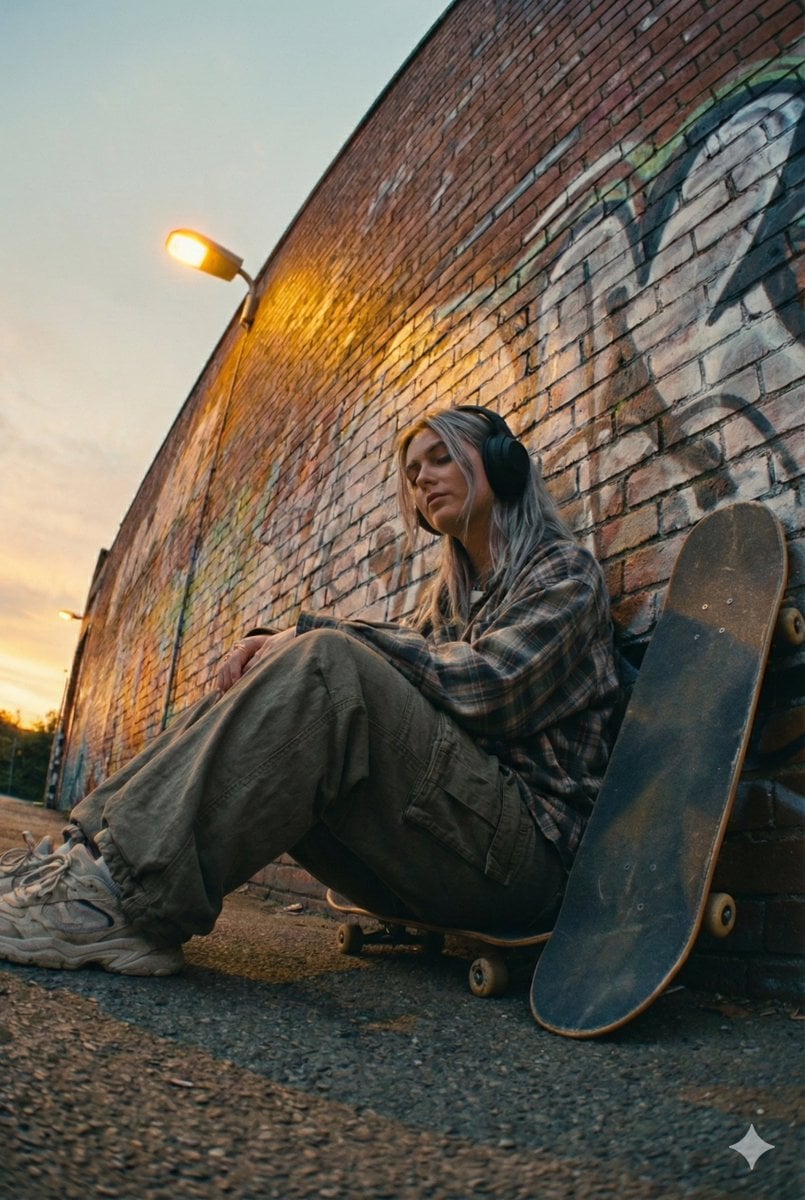
Cinematic Street Portrait of a Young Woman Listening to Music
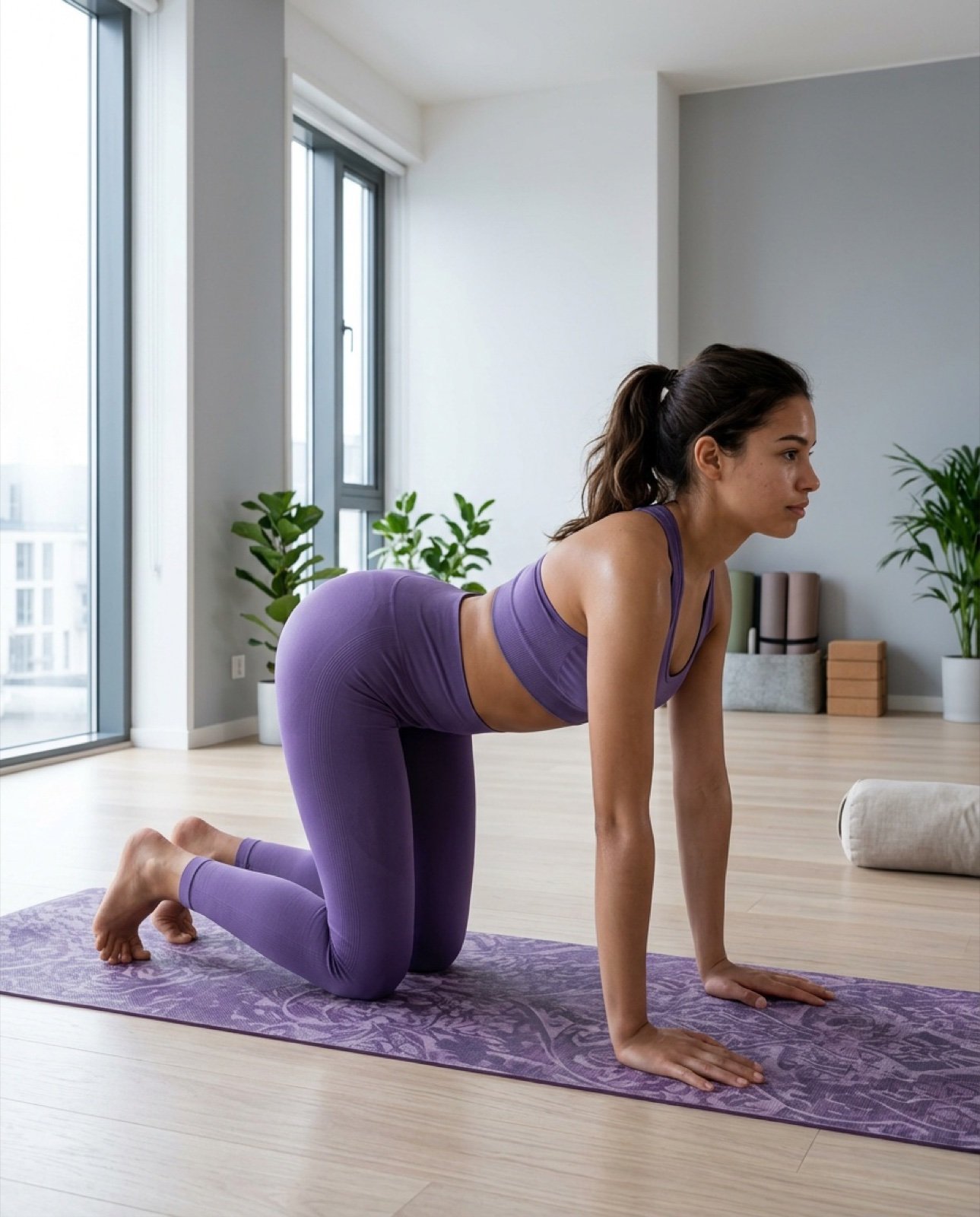
Ultra-Photorealistic Yoga Cow Pose Smartphone Selfie Prompt

Jirai-kei Girl with Claymore in Bamboo Forest
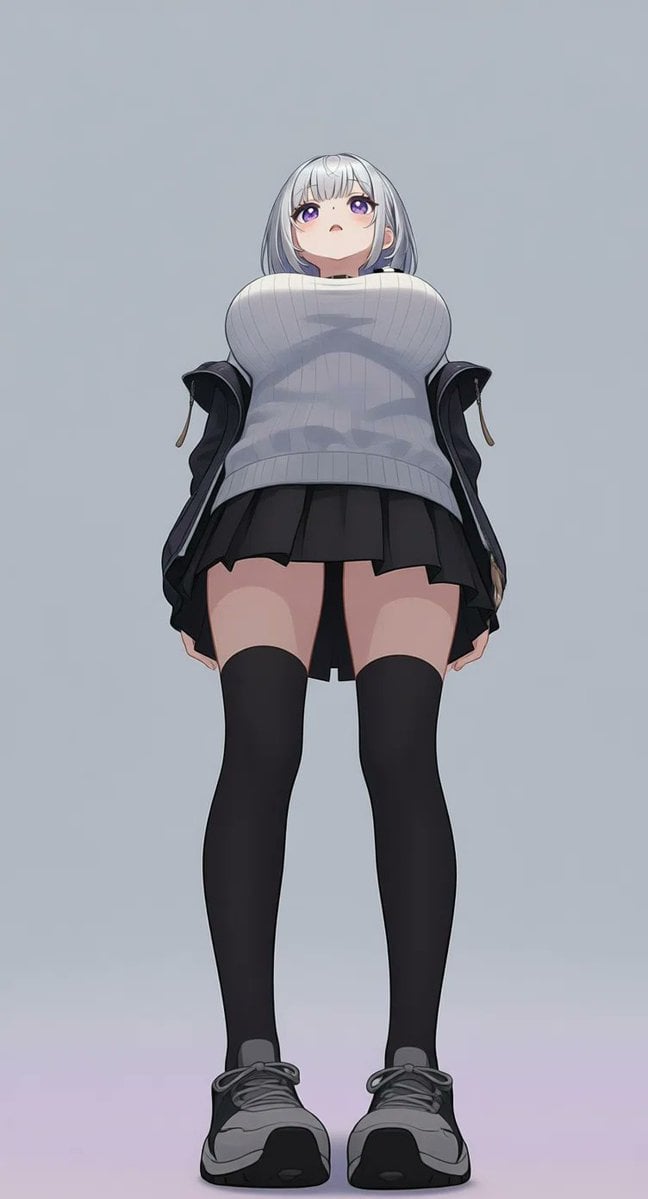
AI Image Generation Prompts for Multiple Angles
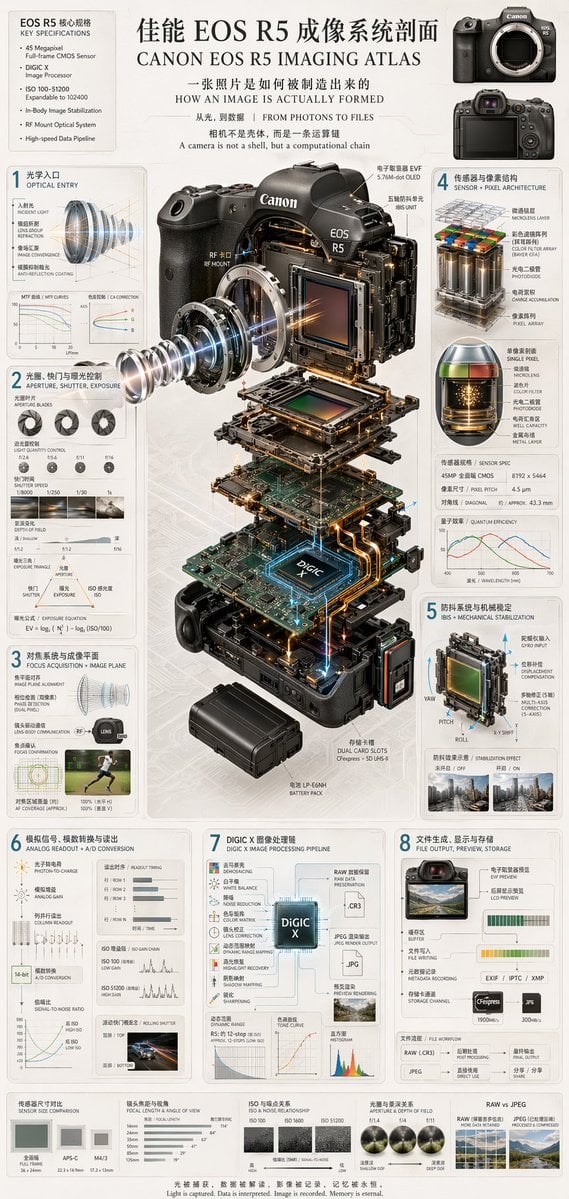
Camera Exploded View Infographic
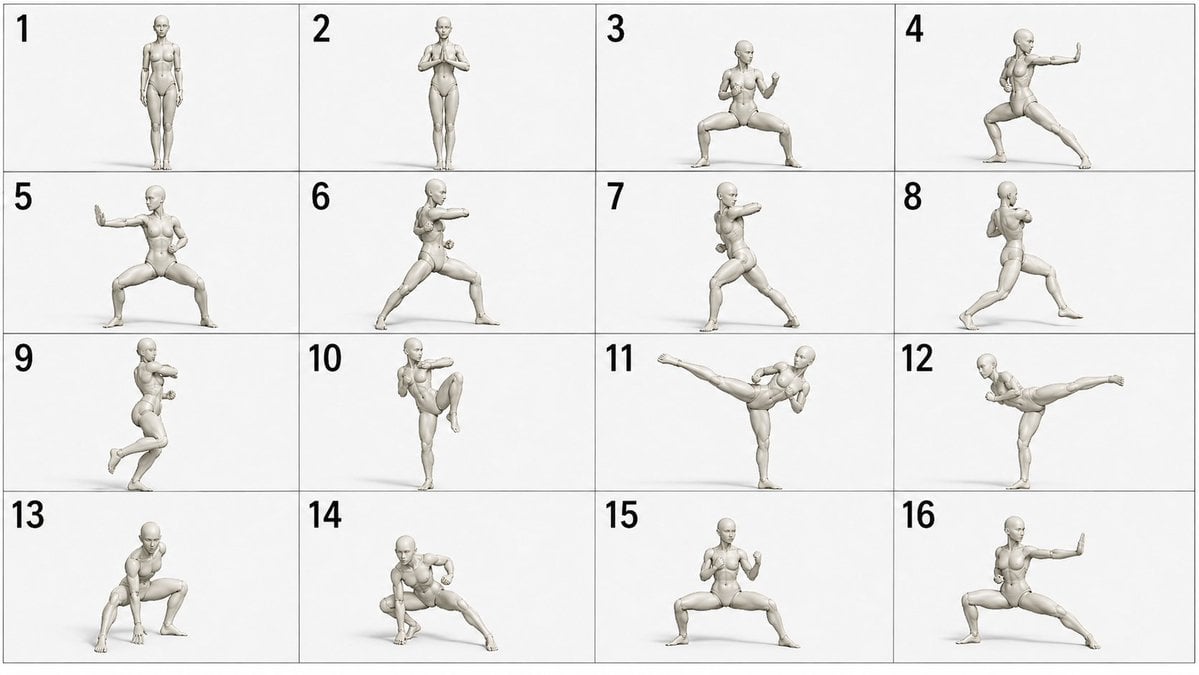
Martial Arts Grid Motion Prompt
Browse template categories
Micro Diorama of Joseon Dynasty Chefs Making Bibimbap questions
How do I use the Micro Diorama of Joseon Dynasty Chefs Making Bibimbap template?
Add your photo if the template asks for one, edit the prompt if you like — the template's model and format are already selected — and press Generate. Your version opens in PicX Studio.
Can I customize the Micro Diorama of Joseon Dynasty Chefs Making Bibimbap template?
Yes. You can change the subject, setting, lighting, mood, format, and available model controls before creating your image.
Is the Micro Diorama of Joseon Dynasty Chefs Making Bibimbap template free?
Opening and editing this template is free. Generating uses credits, shown on the Generate button when you are signed in.
Which AI model should I use?
Start with Nano Banana 2, which is the model associated with this template. You can compare another compatible model for a different finish.
Looking for something else? Browse all templates.

Your photo, any look
Thousands of ready templates for every top image and video model, from one credit balance.