
Martial Arts Grid Motion Prompt
A complex prompt for generating a 4x4 grid of images showing a sequence of martial arts movements with high anatomical consistency.
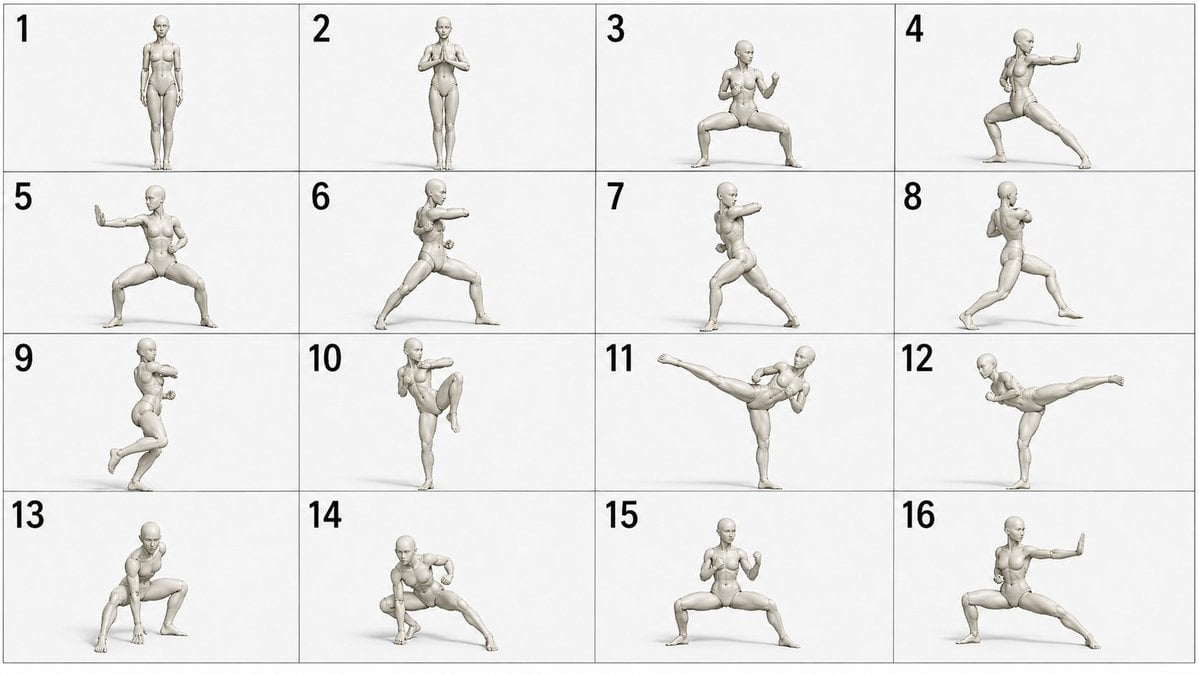
- Prompt included
- Model and format preset
- Free template
The prompt behind this image
Copy the exact prompt behind Martial Arts Grid Motion Prompt, or open it in the studio and make it yours.
4x4のグリッド画像(16:9 画像)で3Dデッサン人形({argument name="デッサン人形の種類" default="8頭身の女性"})が以下の{argument name="武術の種類" default="少林寺拳法"}の演舞をしている一連のシーンのカットを時系列順にナンバリングして4x4のグリッド状に並べて出力して。但し、人形の手足は絶対に欠損させず、人形の顔には鼻をつけてください。 \n\n<動きの詳細説明>\n{argument name="動きの詳細" default="直立姿勢から低い馬歩で構え、鋭い正拳突きから連続突きへつなぎ、外受けと掌底打ちを挟んで、弓歩の決めポーズで締める。"}
How to use Martial Arts Grid Motion Prompt in 3 steps
- 1
Open
The prompt is already in the box next to the preview, with the template's model and format selected.
- 2…a portrait of your subject in softgolden-hour light, 85mm…
Personalize
Edit the subject and creative details for your destination.
- 3Generate
Generate
Press Generate — your image is created in PicX Studio, so you can compare it with the original and refine one variable at a time.
More like this
Templates with the same subject, style or setup. Open one to see its prompt.
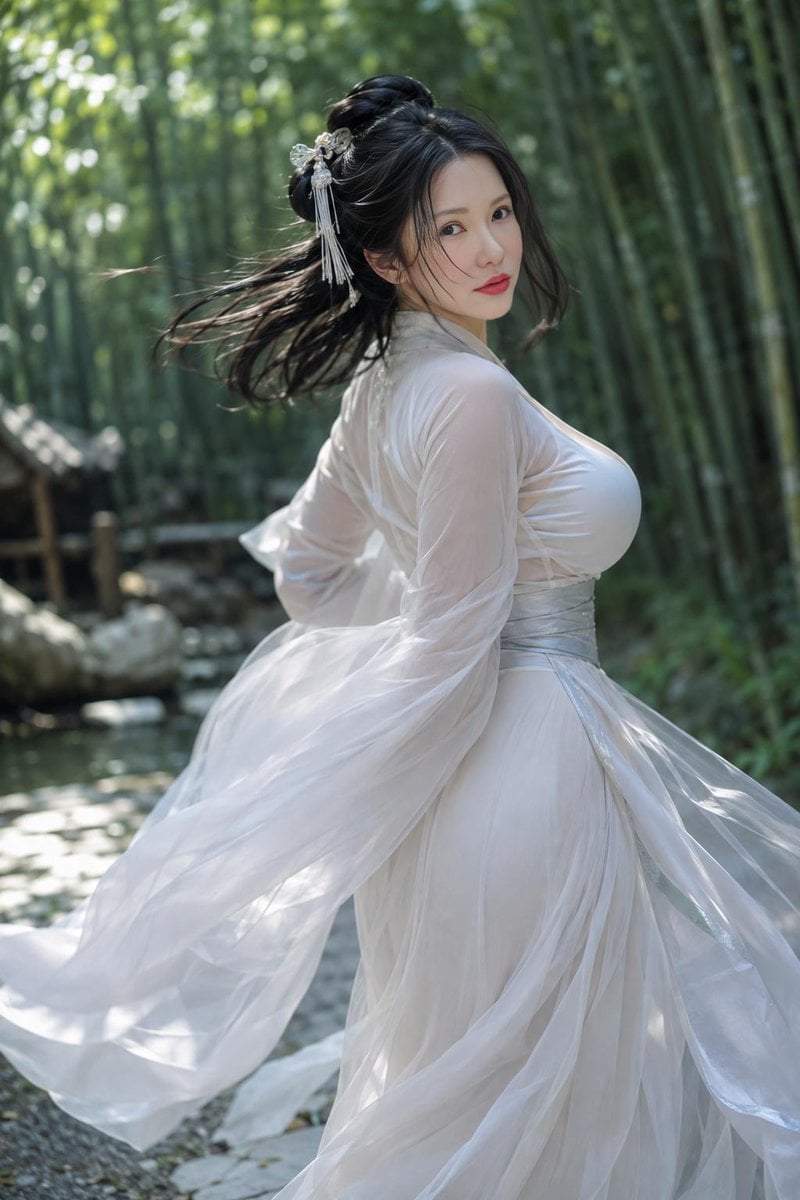
Chinese Martial Arts Beauty Portrait
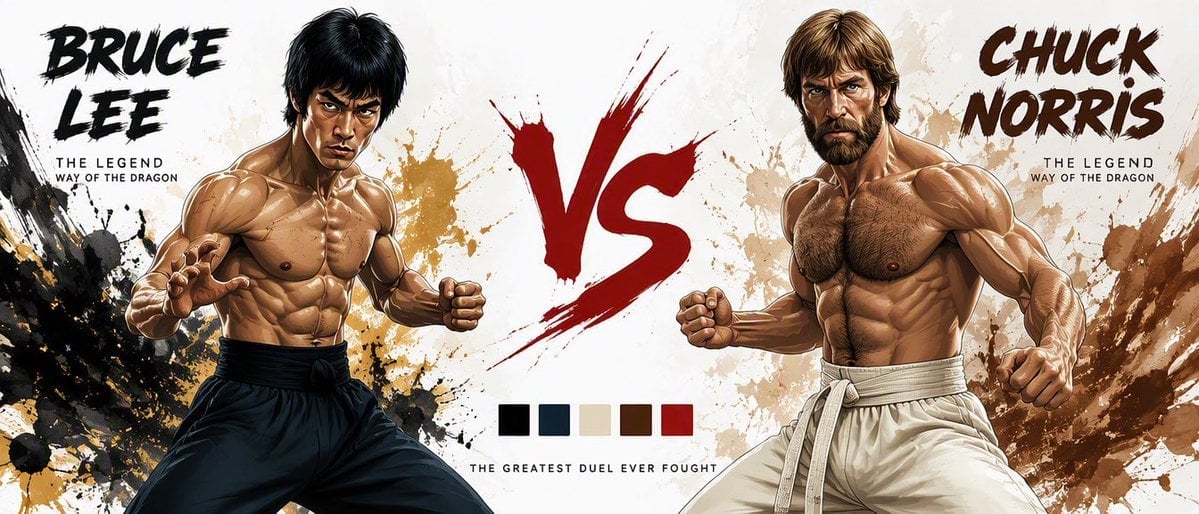
Martial Arts Legend Character Bible Sheet
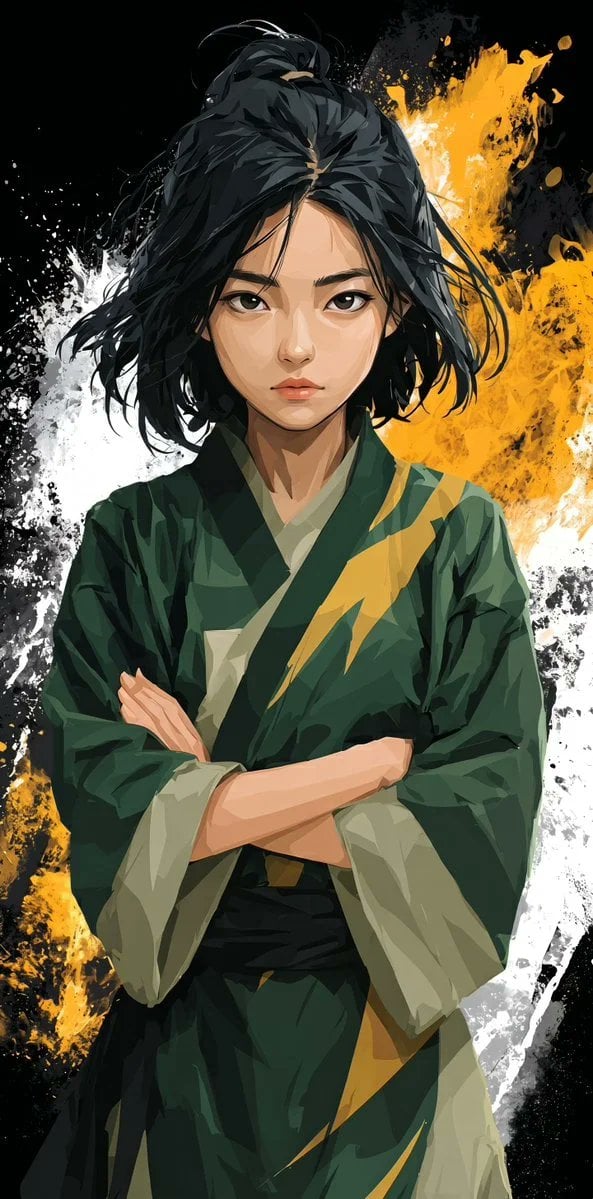
Stylized Martial Arts Anime Girl
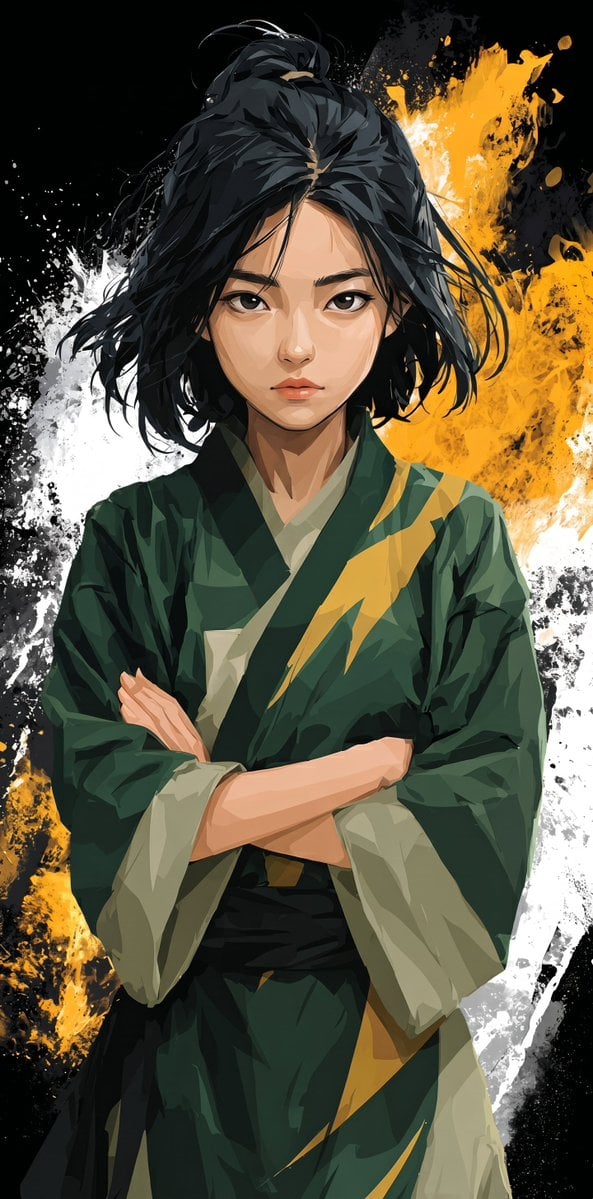
Anime Martial Arts Girl Illustration
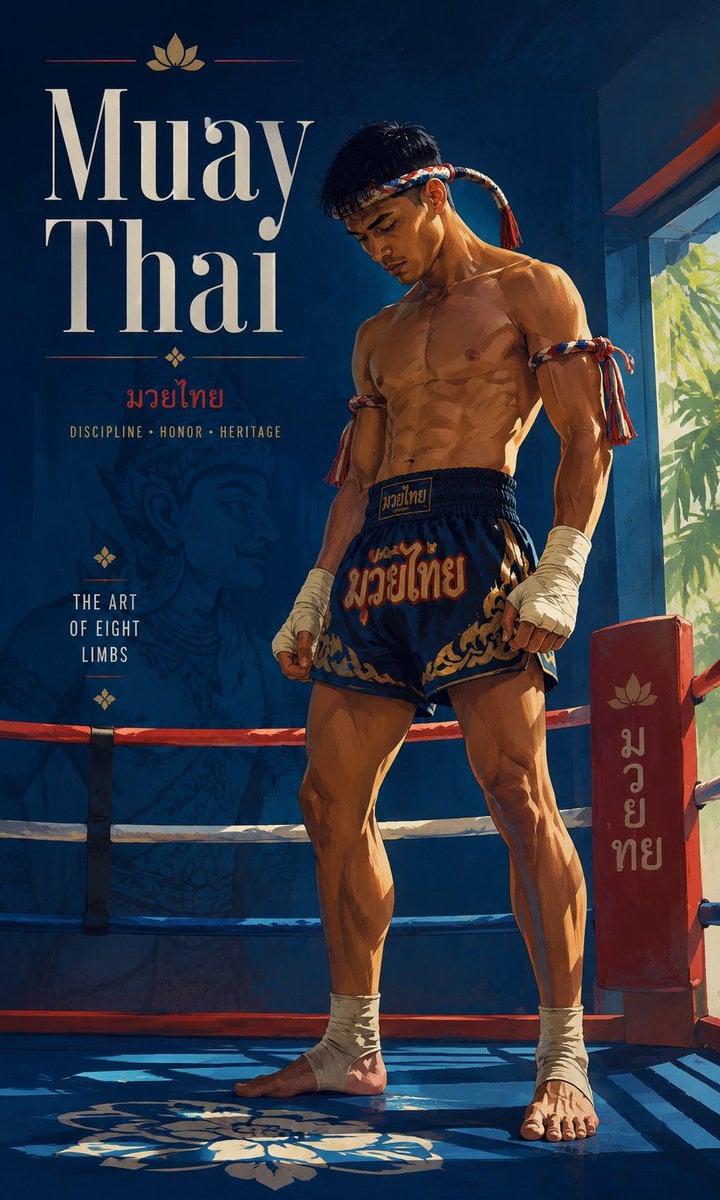
Cinematic Painterly Martial Arts Poster
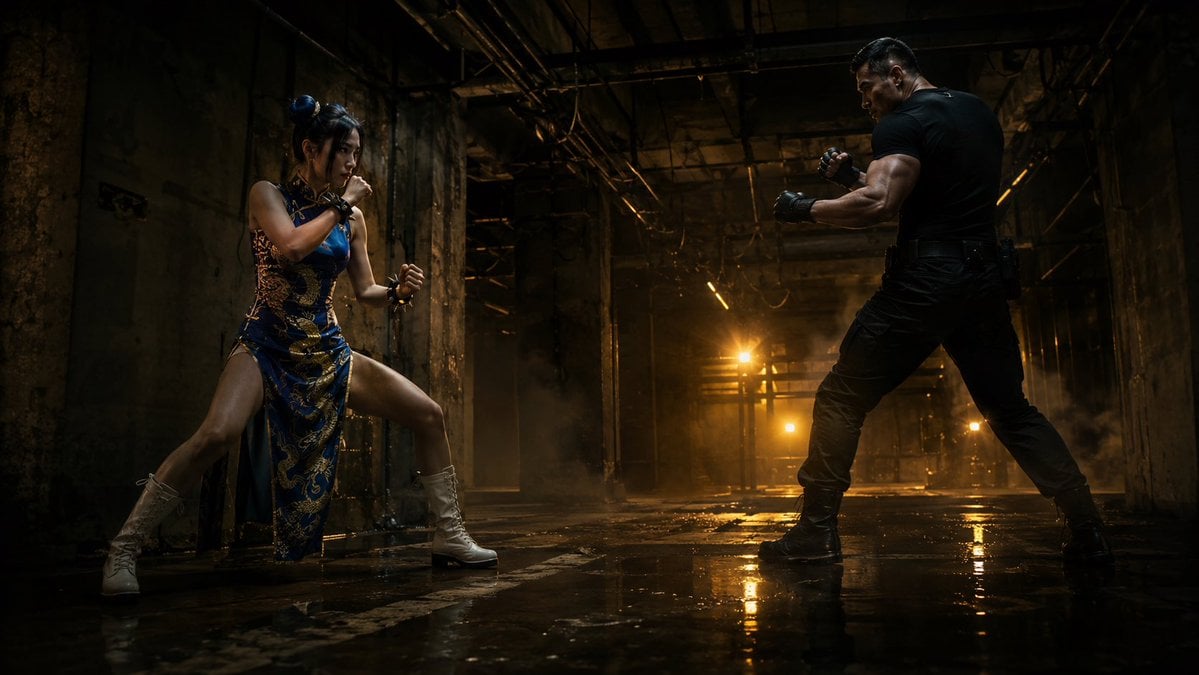
Warehouse Martial Arts Showdown

Monochrome Hypebeast Street Fashion Editorial Motion

Korean Luxury Fashion Editorial 2x2 Grid Series
Monochrome Hypebeast Street Fashion Editorial Motion

Minimalist Fashion Editorial Split Layout

Ultra-Realistic Vogue-Style Editorial Fashion Grid

Night City Bridge Triptych Portrait Session
Make it yours
Martial Arts Grid Motion Prompt works as-is. These are the safest ways to change it without losing the look.
Change one field
Copy a single group, rewrite it, and generate again so you can see what that field is doing.
Keep the frame, change the subject
Hold the composition and light of Martial Arts Grid Motion Prompt, then swap wardrobe, props or the person for a new take.
| If the result… | Why | Fix |
|---|---|---|
| The result drifts from the preview | Too many fields changed at once. | Reuse Martial Arts Grid Motion Prompt as-is first, then change one group — subject, light, or setting. |
| The model over-stylizes the scene | The prose prompt leaves finish and camera underspecified. | Add one camera or lighting sentence and stay on GPT Image 2. |
More GPT Image 2 templates
Other prompts made for GPT Image 2.

Six VTuber Japanese Logo Sheet

Realistic Portrait of Woman and Deer

The Vista Modular Condo Poster

AI Model Routing Comparison Infographic

2.5D Anime Art Board

Isometric Productivity Desk Scene

New York Double Exposure Poster

Four-Panel AI Landscape Comparison

Japanese Tatami Lifestyle Magazine Cover

NESCAFÉ Coffee Map Poster
More image prompts
Fresh picks from across the catalog.
Three Android Idol Girls on Concert Stage
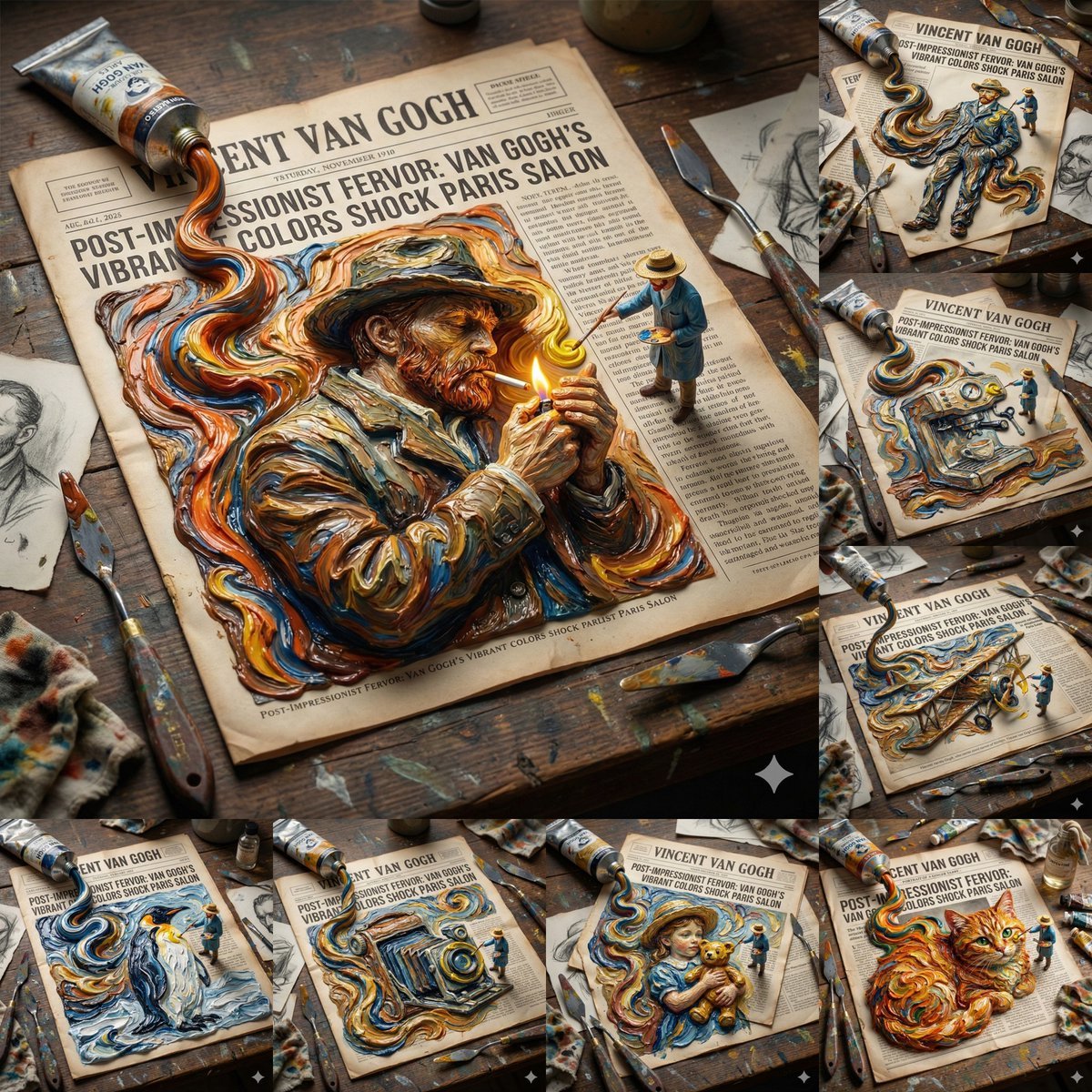
Van Gogh Style Transfer (JSON Template)
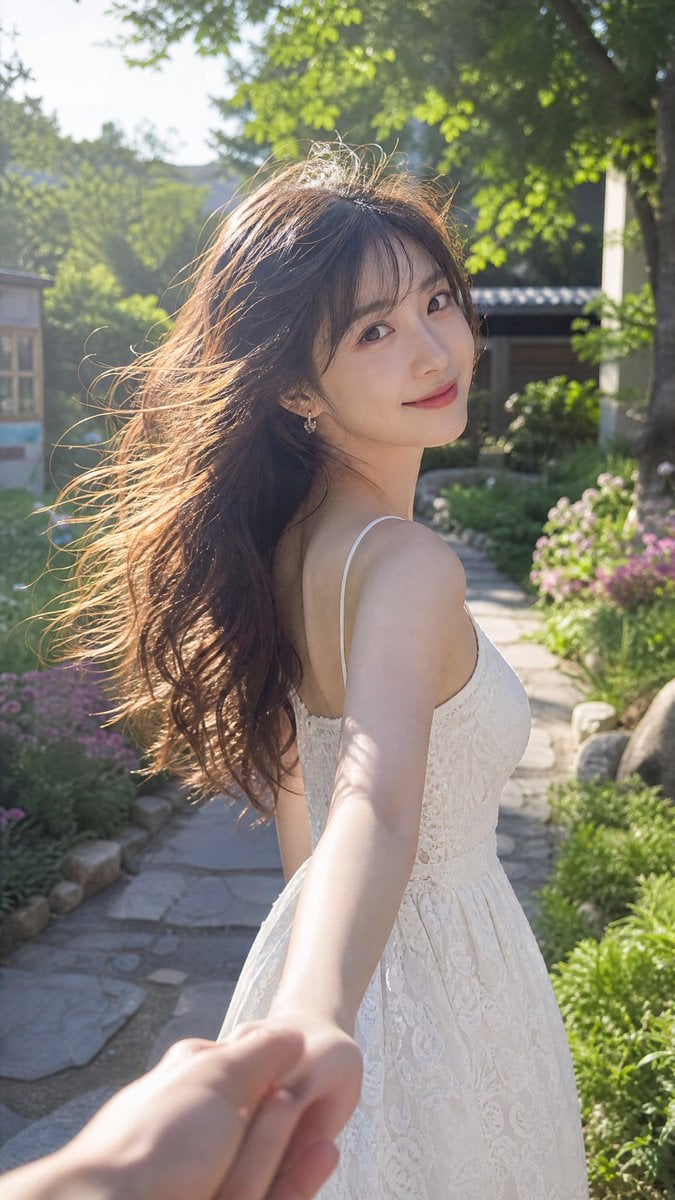
Cinematic Summer Portrait of an East Asian Woman
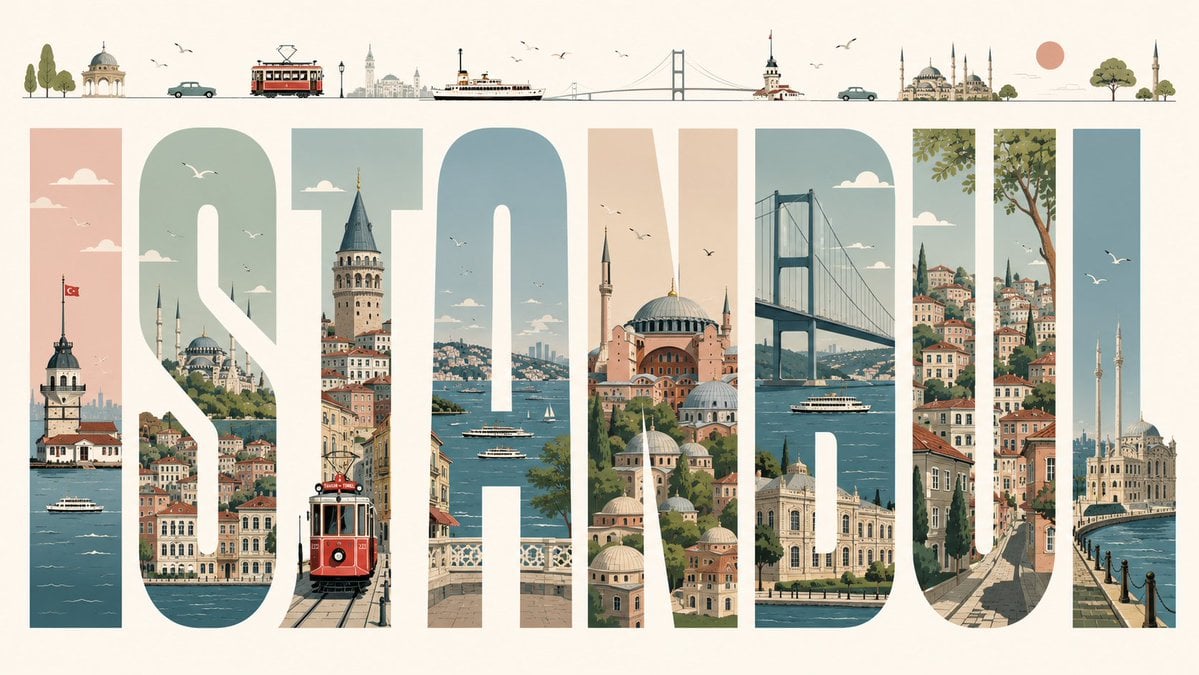
Istanbul Typographic Travel Poster
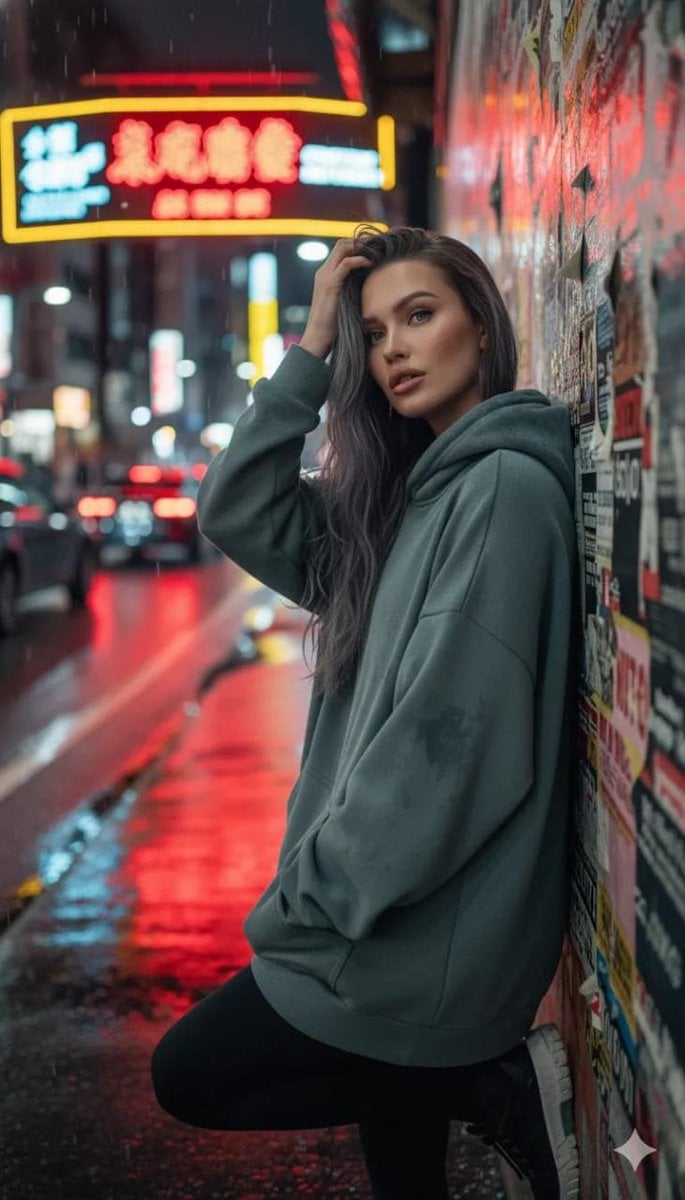
Cinematic Night Urban Portrait Prompt
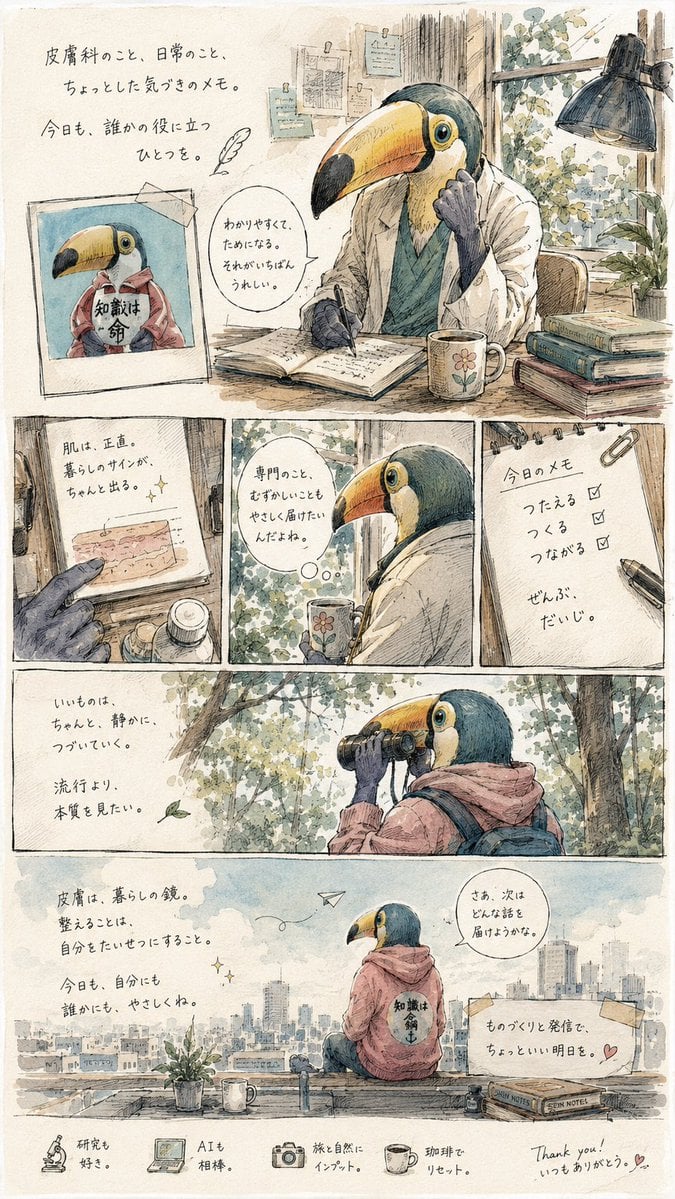
Toucan Dermatologist Diary Manga
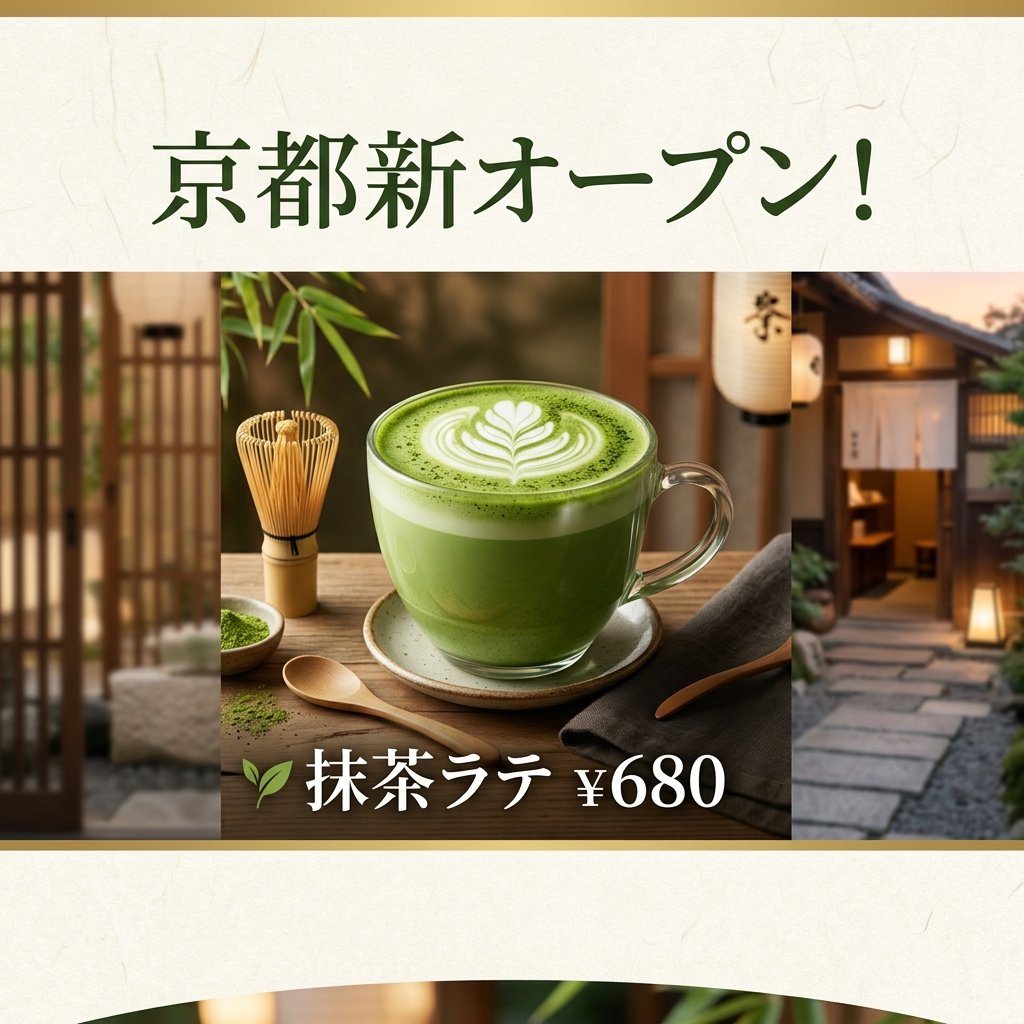
Matcha Latte Promotion Banner
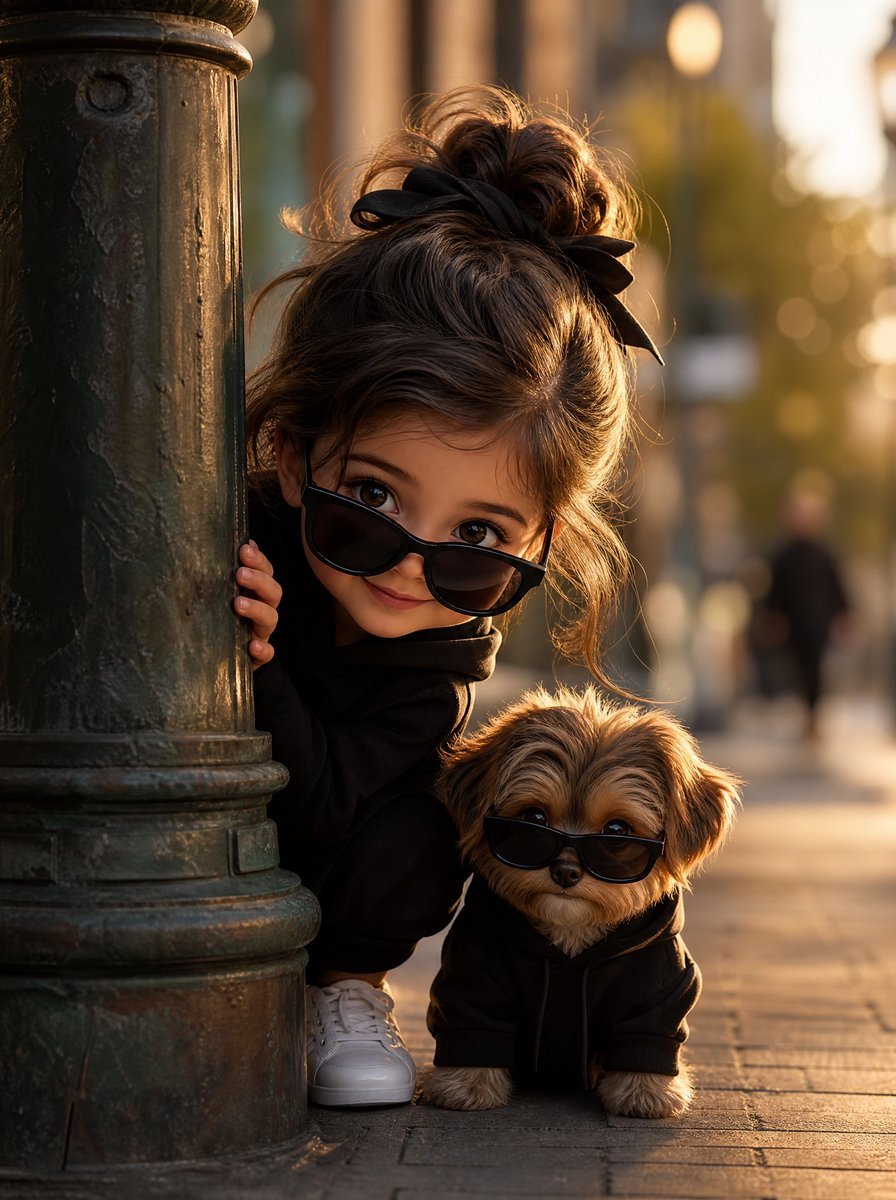
Girl and Puppy Behind Lamppost
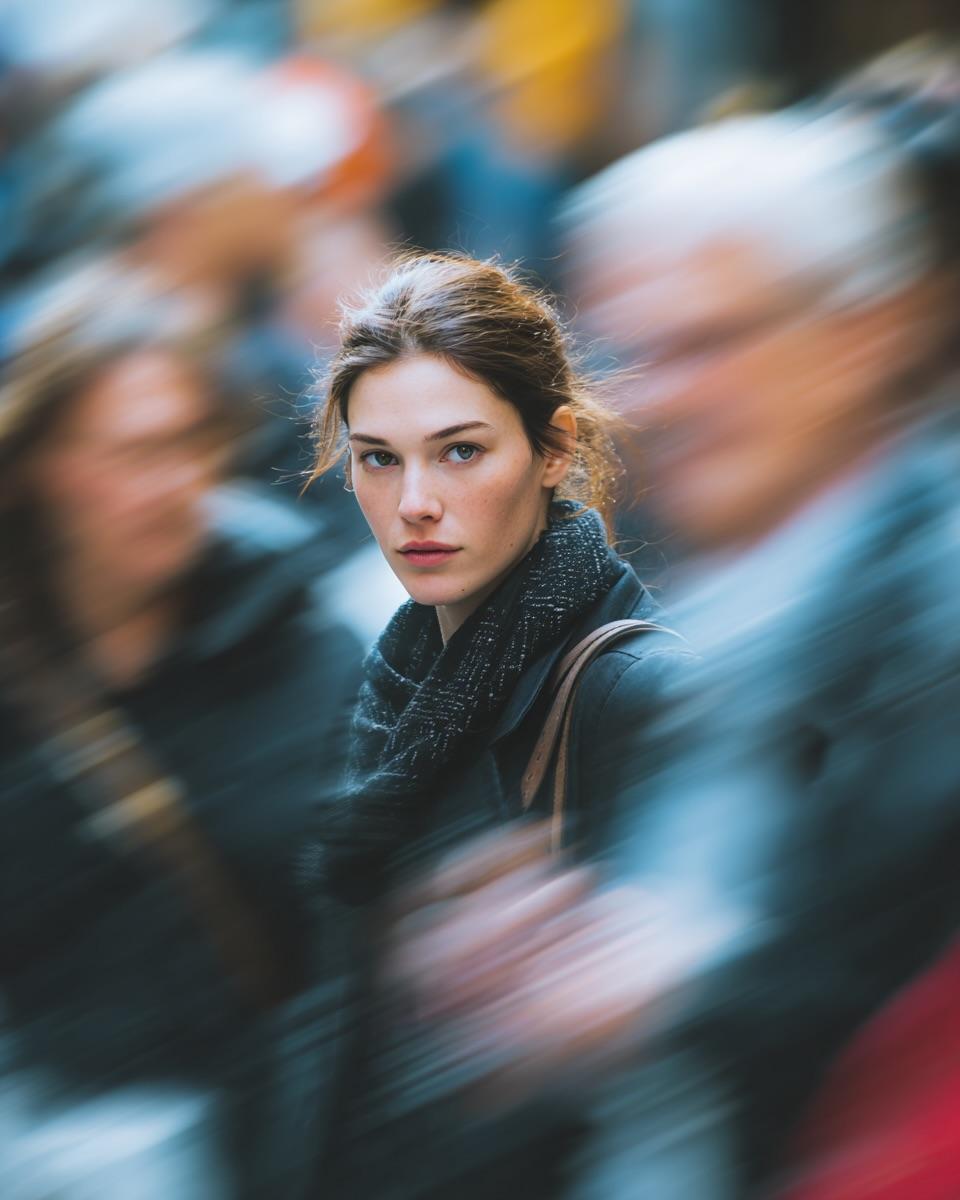
Cinematic Street Portrait with Motion Blur Effect
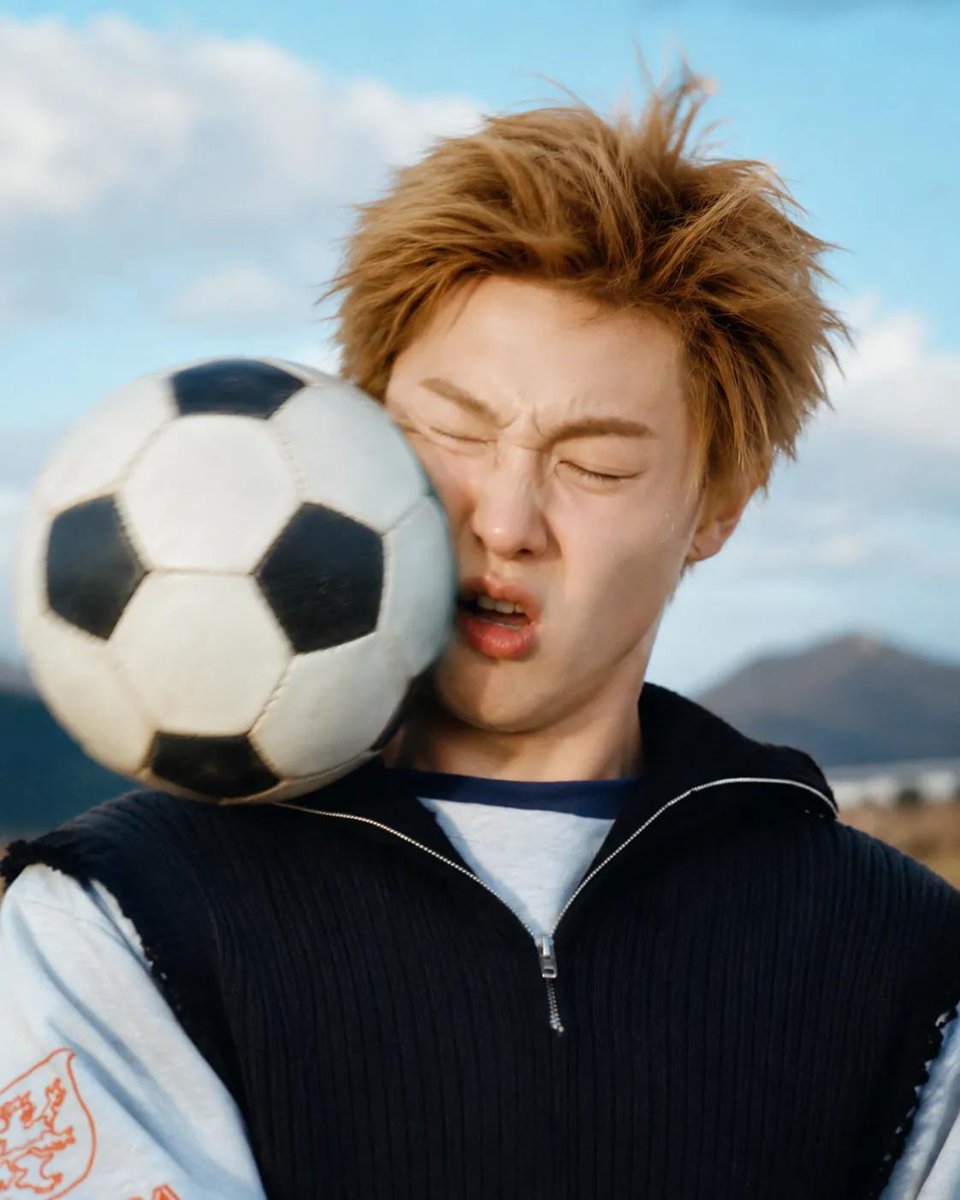
Soccer Ball Impact Action Shot
Browse template categories
Martial Arts Grid Motion Prompt questions
How do I use the Martial Arts Grid Motion Prompt template?
Add your photo if the template asks for one, edit the prompt if you like — the template's model and format are already selected — and press Generate. Your version opens in PicX Studio.
Can I customize the Martial Arts Grid Motion Prompt template?
Yes. You can change the subject, setting, lighting, mood, format, and available model controls before creating your image.
Is the Martial Arts Grid Motion Prompt template free?
Opening and editing this template is free. Generating uses credits, shown on the Generate button when you are signed in.
Which AI model should I use?
Start with GPT Image 2, which is the model associated with this template. You can compare another compatible model for a different finish.
Looking for something else? Browse all templates.

Your photo, any look
Thousands of ready templates for every top image and video model, from one credit balance.