
Girl and Puppy Behind Lamppost
A photorealistic whimsical golden-hour street portrait of a little girl and sunglass-wearing puppy peeking from behind an old lamppost.
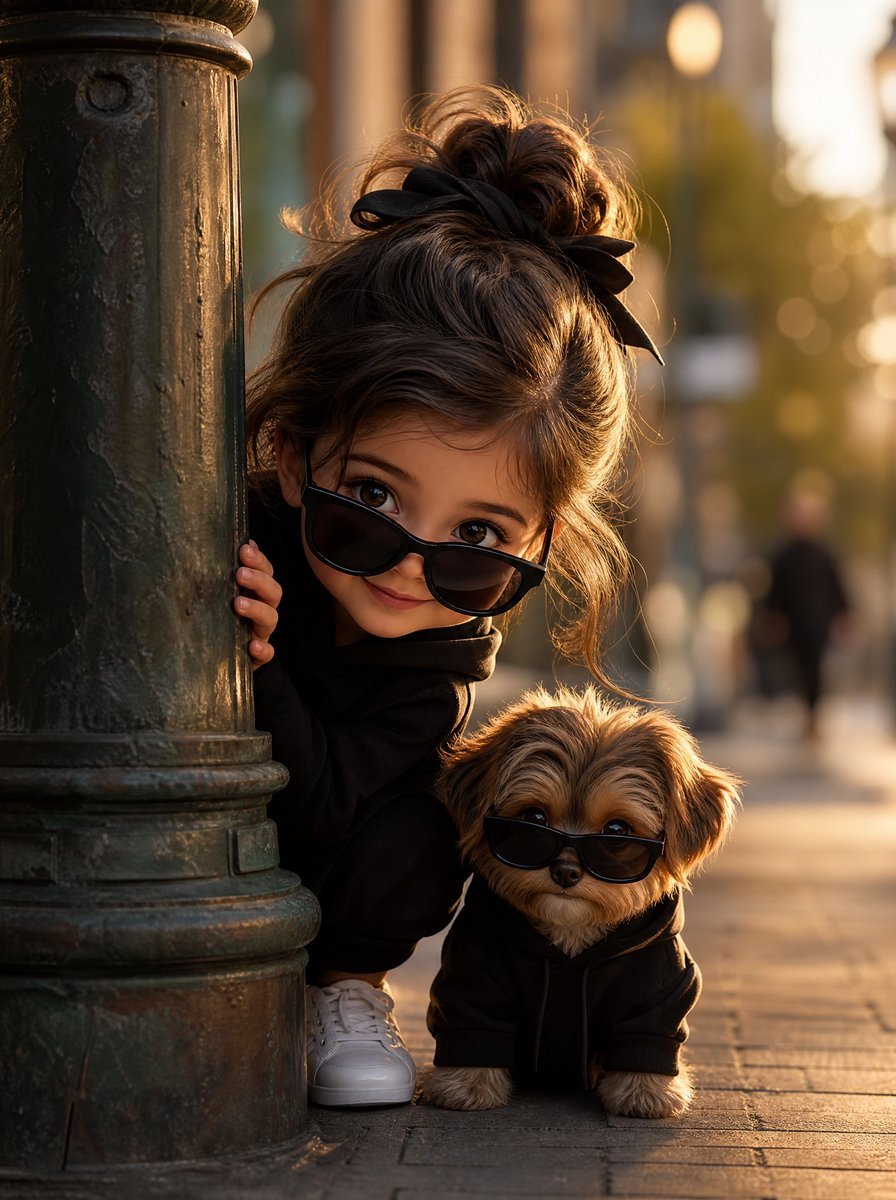
- Prompt included
- Model and format preset
- Free template
The prompt behind this image
Copy the exact prompt behind Girl and Puppy Behind Lamppost, or open it in the studio and make it yours.
Create a whimsical, cinematic street portrait of a curious little girl peeking out from behind an old urban lamppost, accompanied by a small fluffy pet dog. The girl is {argument name="character description" default="a young girl with warm brown wavy hair tied in a messy high bun with a black ribbon bow, wearing a cozy black hoodie, black sunglasses perched low on her nose, and white sneakers"}; her face should be partly hidden in a playful peekaboo pose, with one small hand gripping the lamppost. The pet is {argument name="pet description" default="a tiny tan-and-brown fluffy puppy with floppy ears"}, sitting beside her at ground level and wearing small black sunglasses plus a cozy black hoodie. Use an old dark green-black cast iron lamppost on the left foreground, textured with age, scratches, and worn paint. Set the scene on a city sidewalk during golden hour, with warm backlighting, long soft shadows, glowing bokeh, blurred pedestrians and urban buildings in the background. Compose vertically, close to ground level, with the lamppost taking the left third, the child crouched behind it in the middle, and the puppy fully visible near the lower right. Make it photorealistic but charming and slightly storybook-like, with shallow depth of field, realistic fur and fabric textures, warm amber sunlight, high detail, natural color grading, and an intimate candid feel. Keep exactly two main characters: one little girl and one puppy. No visible text, no extra animals, no cartoon style, no watermark.
How to use Girl and Puppy Behind Lamppost in 3 steps
- 1Upload ImagePNG, JPG or paste
Add your photo
Upload the photo the template builds on. The prompt, model and format are already set.
- 2…a portrait of your subject in softgolden-hour light, 85mm…
Personalize
Edit the subject and creative details for your destination.
- 3Generate
Generate
Press Generate — your image is created in PicX Studio, so you can compare it with the original and refine one variable at a time.
More like this
Templates with the same subject, style or setup. Open one to see its prompt.

Teen Girl Alpine Lake Mountain View
Girl and Puppy in Sandstone Gap
Girl and Puppy Over Stone Wall
Puppy and Robot Dog Cyber Portal
Retro Wuxia Behind-the-Scenes Still
One arm raised with hand placed behind or on top of head, other arm
Man and Puppy With Wall Sketch

Obscured Cyberpunk Girl Poster

Sunlit Orchard Girl With Apples

Puppy and Robot Dog Ice Cream Scene

Framed Quilling Anime Girl
Block Mosaic Stained Glass Girl
Make it yours
Girl and Puppy Behind Lamppost works as-is. These are the safest ways to change it without losing the look.
Change one field
Copy a single group, rewrite it, and generate again so you can see what that field is doing.
Keep the frame, change the subject
Hold the composition and light of Girl and Puppy Behind Lamppost, then swap wardrobe, props or the person for a new take.
| If the result… | Why | Fix |
|---|---|---|
| The result drifts from the preview | Too many fields changed at once. | Reuse Girl and Puppy Behind Lamppost as-is first, then change one group — subject, light, or setting. |
| The model over-stylizes the scene | The prose prompt leaves finish and camera underspecified. | Add one camera or lighting sentence and stay on GPT Image 2. |
More GPT Image 2 templates
Other prompts made for GPT Image 2.

Six VTuber Japanese Logo Sheet

Realistic Portrait of Woman and Deer

The Vista Modular Condo Poster

AI Model Routing Comparison Infographic

2.5D Anime Art Board

Isometric Productivity Desk Scene

New York Double Exposure Poster

Four-Panel AI Landscape Comparison

Japanese Tatami Lifestyle Magazine Cover

NESCAFÉ Coffee Map Poster
More image prompts
Fresh picks from across the catalog.
3D Pixar Style Bakery Infographic
Neumorphic Smart UI Kit

FIFA World Cup Poster Design
Split-View Mixed-Media Portrait (Photo and Illustration)
Hyper-Realistic Korean Beauty Editorial Collage

Ultra-Realistic Professional Headshot for Creator Economy
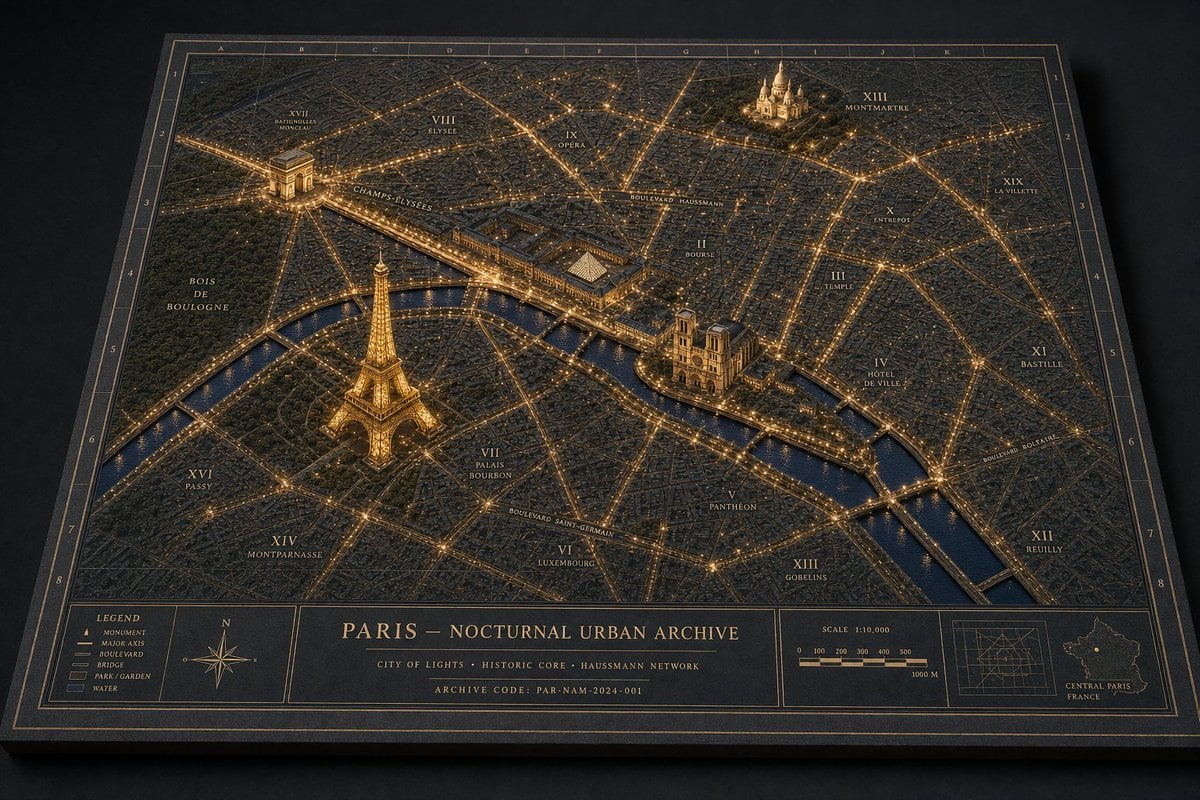
Paris Nocturnal Urban Archive Map

Blood Red Western Gunslinger
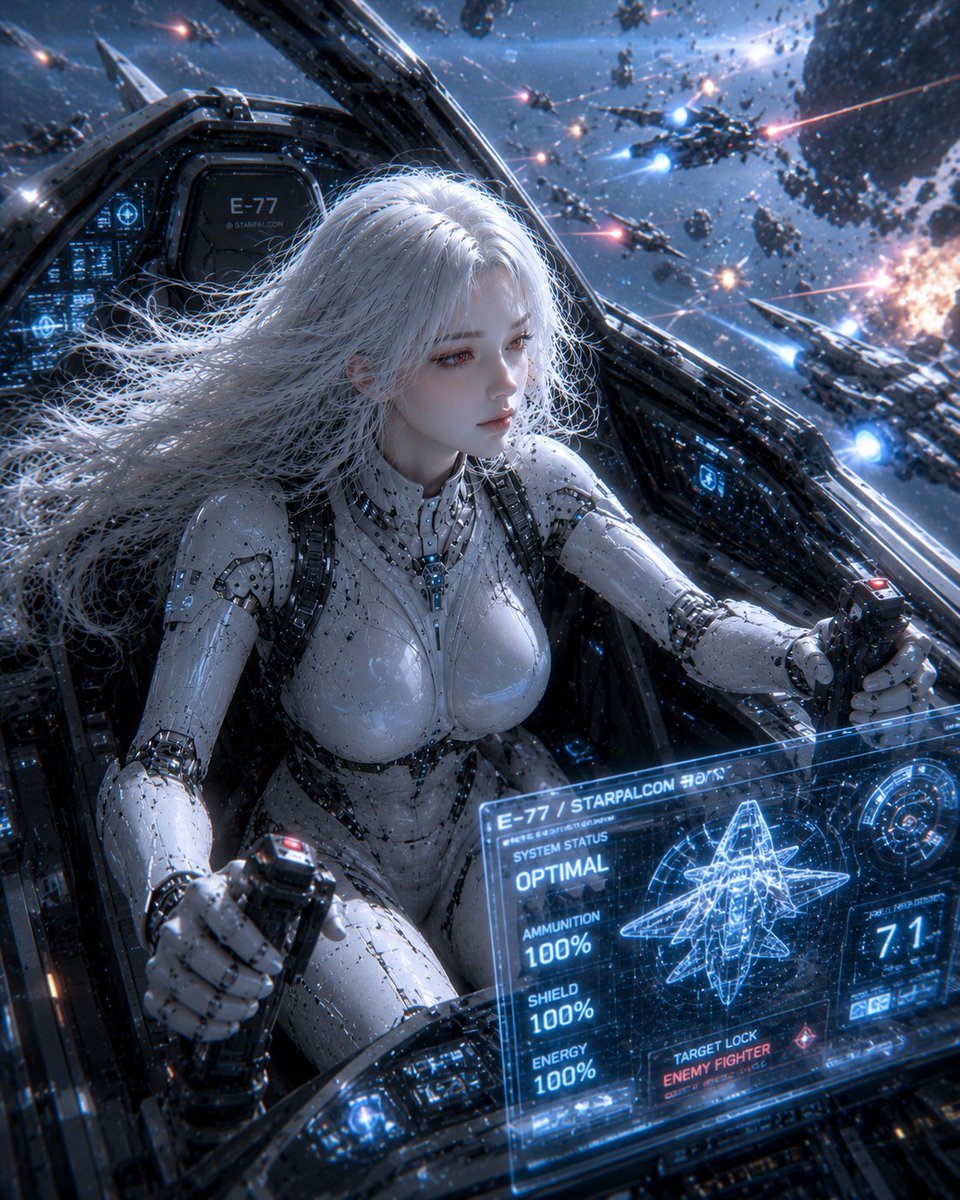
Female Android on a Spaceship
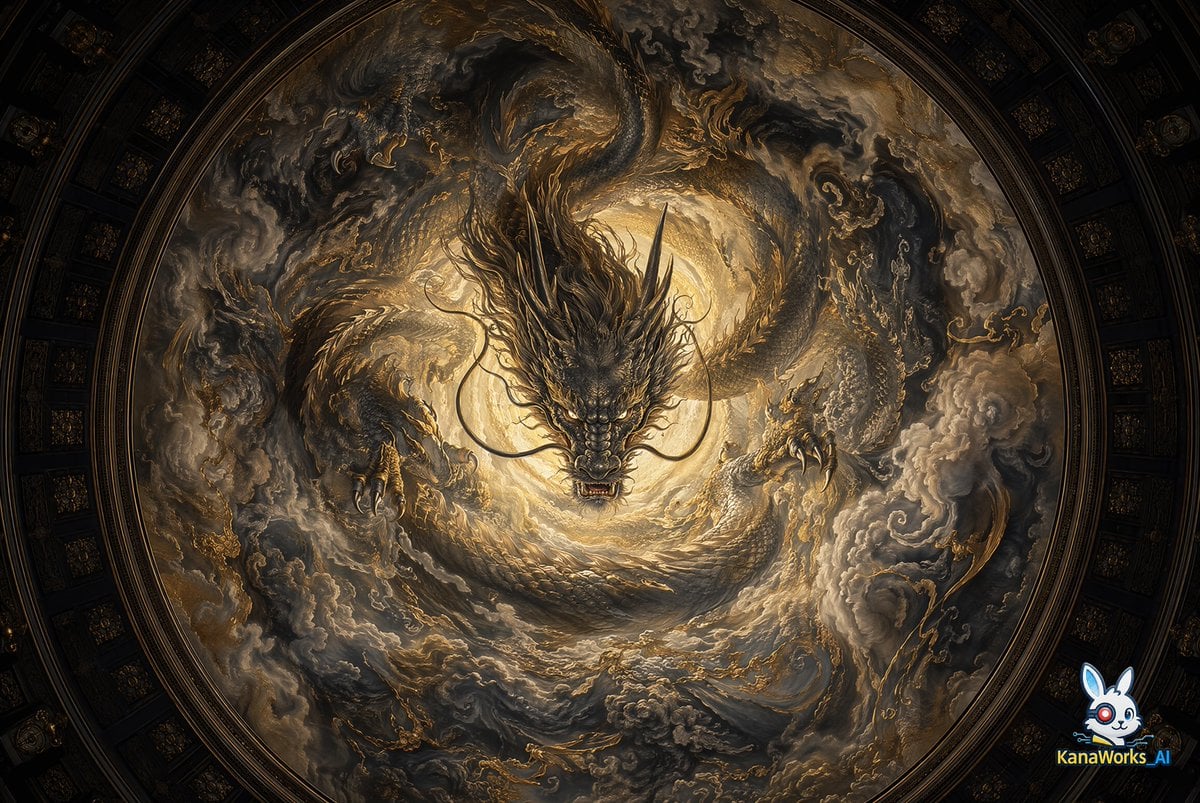
Museum-grade Crying Dragon Dome Mural
Browse template categories
Girl and Puppy Behind Lamppost questions
How do I use the Girl and Puppy Behind Lamppost template?
Add your photo if the template asks for one, edit the prompt if you like — the template's model and format are already selected — and press Generate. Your version opens in PicX Studio.
Can I customize the Girl and Puppy Behind Lamppost template?
Yes. You can change the subject, setting, lighting, mood, format, and available model controls before creating your image.
Is the Girl and Puppy Behind Lamppost template free?
Opening and editing this template is free. Generating uses credits, shown on the Generate button when you are signed in.
Which AI model should I use?
Start with GPT Image 2, which is the model associated with this template. You can compare another compatible model for a different finish.
Looking for something else? Browse all templates.

Your photo, any look
Thousands of ready templates for every top image and video model, from one credit balance.