
Puppy and Robot Dog Cyber Portal
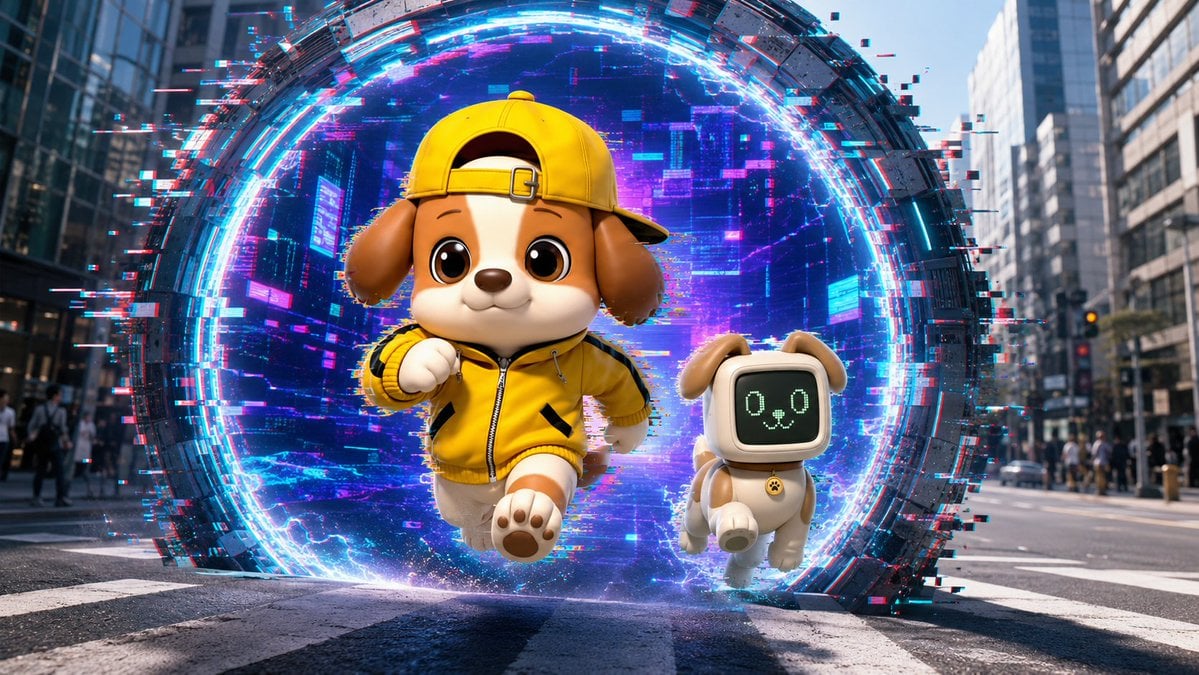
A cinematic 3D prompt for generating a cute puppy mascot and robot dog bursting from a neon glitch portal in a realistic city street.
- Prompt included
- Model and format preset
- Free template
The prompt behind this image
Copy the exact prompt behind Puppy and Robot Dog Cyber Portal, or open it in the studio and make it yours.
Create a cinematic 3D animated scene in a modern city street, wide 16:9 composition, low camera angle at crosswalk level. In the center background is one enormous circular cyber portal standing vertically in the road, made of dark segmented metal and surrounded by bright neon cyan, electric blue, magenta, and pink light rings. Add strong RGB split / chromatic aberration and digital glitch effects only around and inside the portal: pixel fragments, horizontal scanline streaks, blocky noise, broken red-cyan offsets, and scattered glowing data squares. Inside the portal, show a futuristic purple-blue city or digital tunnel texture with depth and luminous grid-like highlights. Emerging from the portal are exactly 2 characters: first, a cute anthropomorphic puppy mascot running toward the viewer, centered slightly left, with tan and cream fur, big glossy brown eyes, floppy brown ears, a small rounded muzzle, and a cheerful confident smile; it wears a bright {argument name="jacket color" default="yellow"} zip-up sporty jacket with black accents and a matching {argument name="cap color" default="yellow"} baseball cap worn backward, plus soft rounded cartoon paws. Second, to the right of the puppy mascot, a small robot dog companion running beside it, cream-colored body with tan ears and tail, compact toy-like limbs, and a rounded square black digital face screen showing a simple pale green pixel dog expression with exactly 2 circular eyes and 1 small mouth/nose icon; add a small collar tag. Use a polished Pixar-like / high-end toy-render 3D style for the characters, realistic urban background with tall office buildings on both sides, blurred pedestrians, traffic lights, lane markings, and daylight reflections. Make the portal glow illuminate the characters and pavement, with sparks and blue energy near their feet. Keep the characters sharp, adorable, and clean while the portal has heavier glitch distortion. No text, no watermark, no extra characters.
How to use Puppy and Robot Dog Cyber Portal in 3 steps
- 1Upload ImagePNG, JPG or paste
Add your photo
Upload the photo the template builds on. The prompt, model and format are already set.
- 2…a portrait of your subject in softgolden-hour light, 85mm…
Personalize
Edit the subject and creative details for your destination.
- 3Generate
Generate
Press Generate — your image is created in PicX Studio, so you can compare it with the original and refine one variable at a time.
More like this
Templates with the same subject, style or setup. Open one to see its prompt.
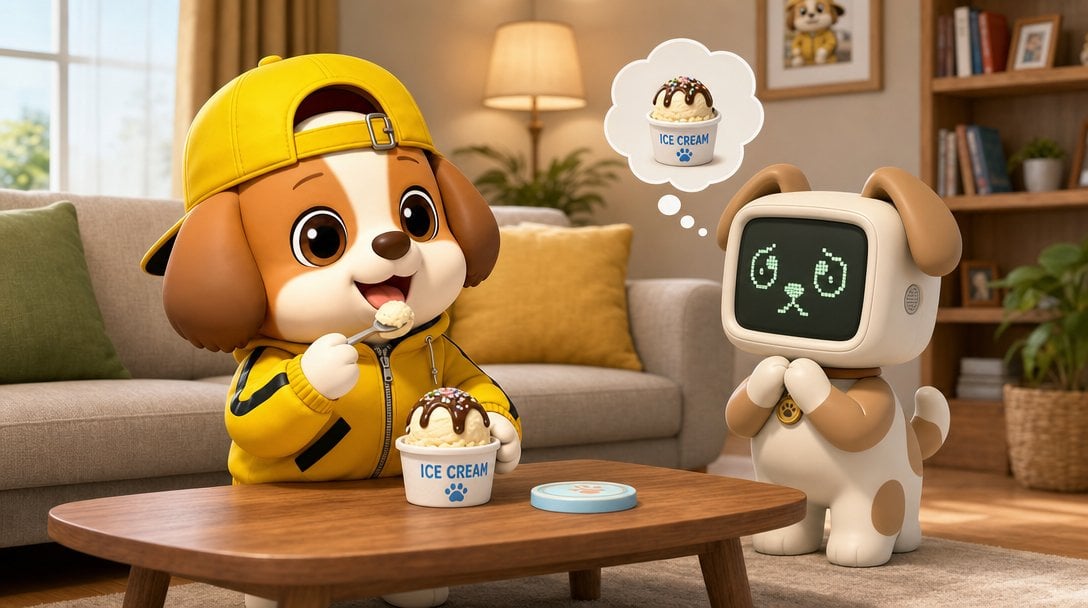
Puppy and Robot Dog Ice Cream Scene
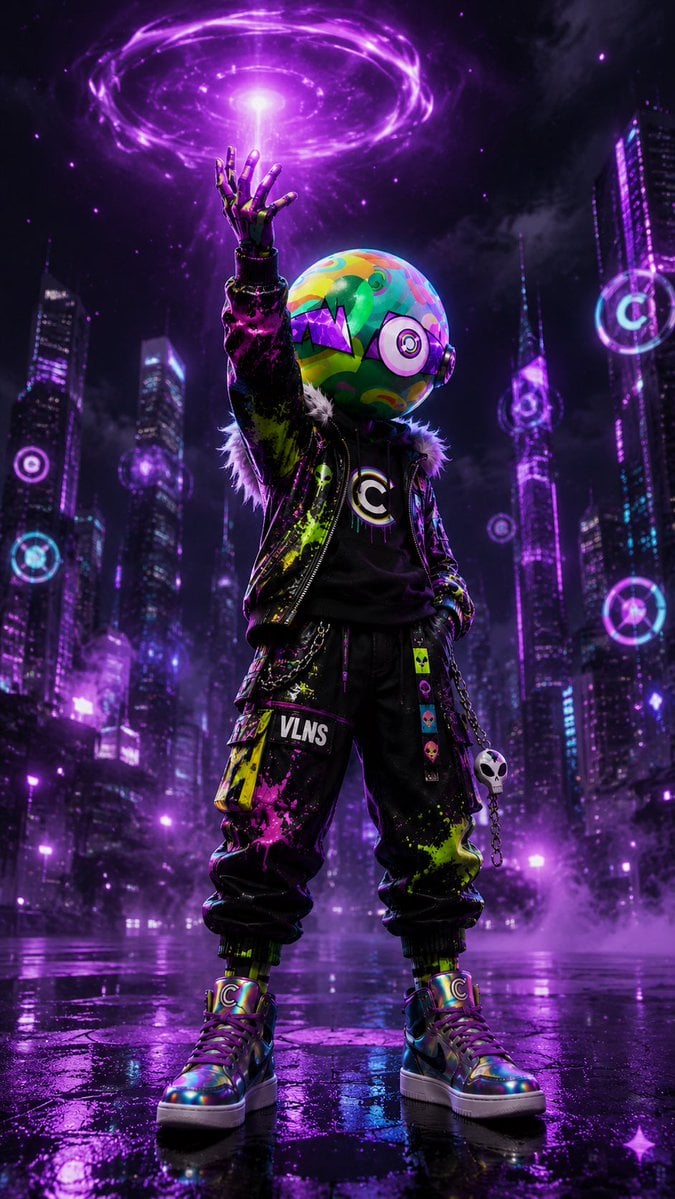
Cyberpunk Vinyl Character Summoning Portal
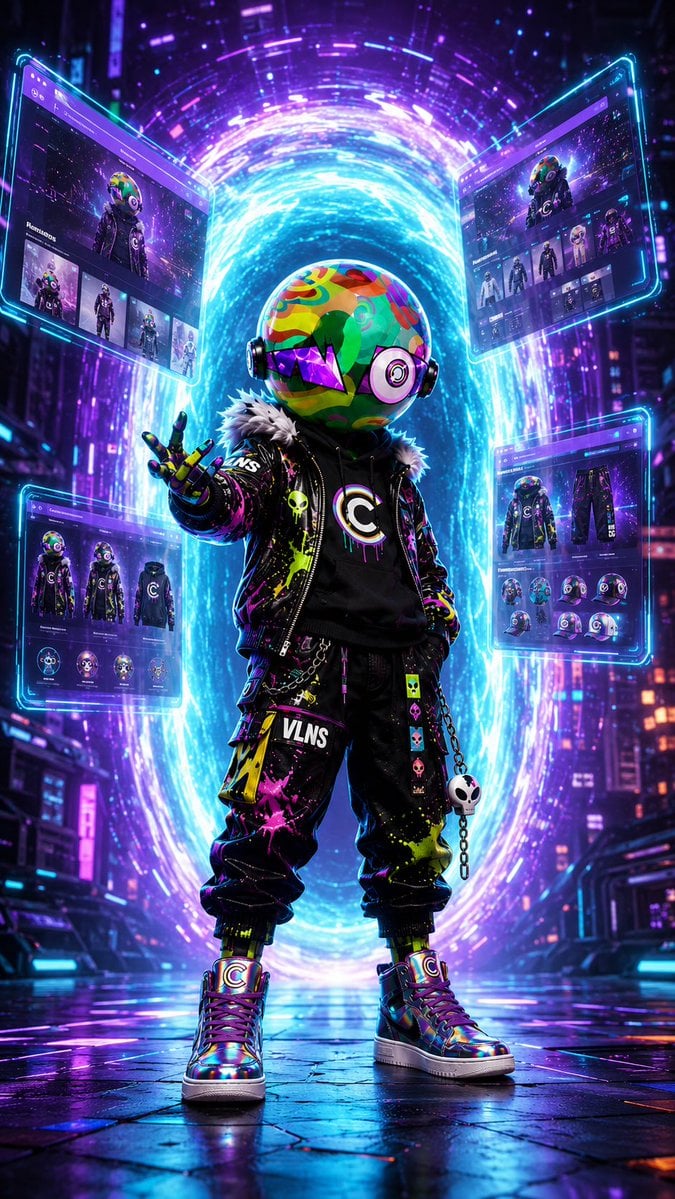
Cyberpunk Portal Mascot Poster
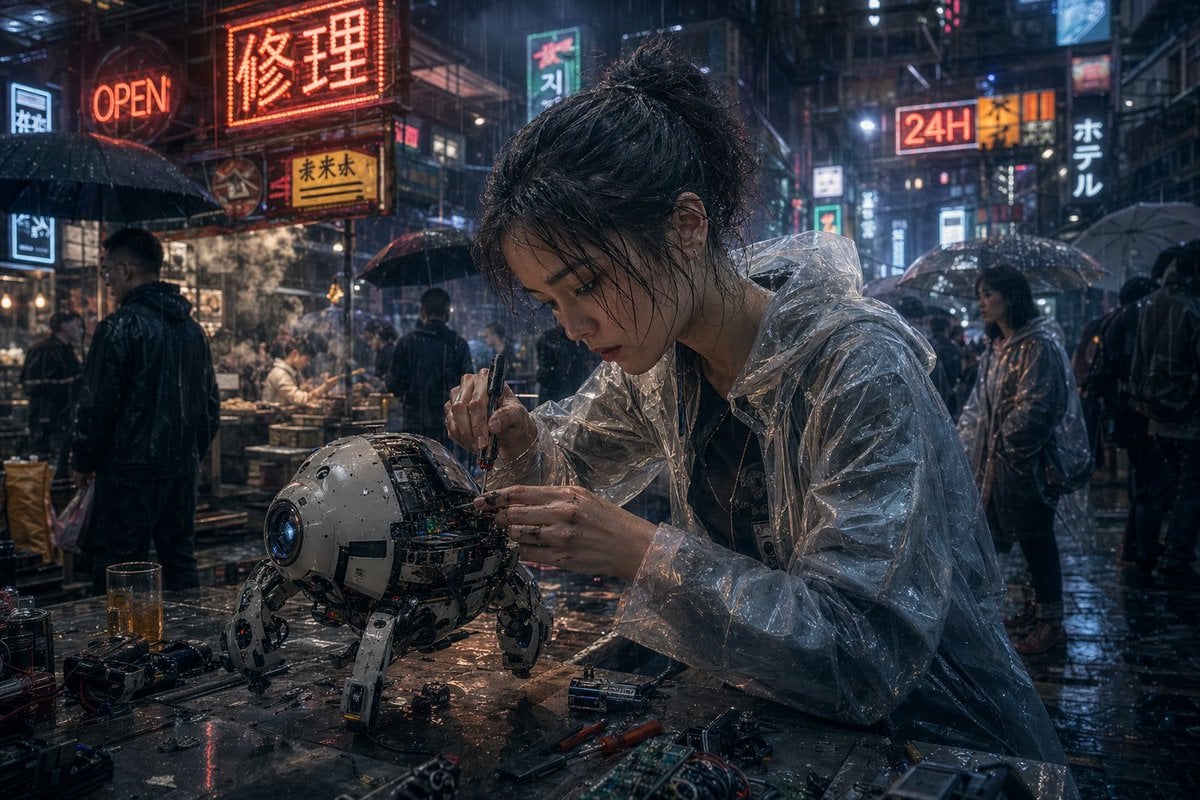
Cyberpunk Rainy Street Robot Repair
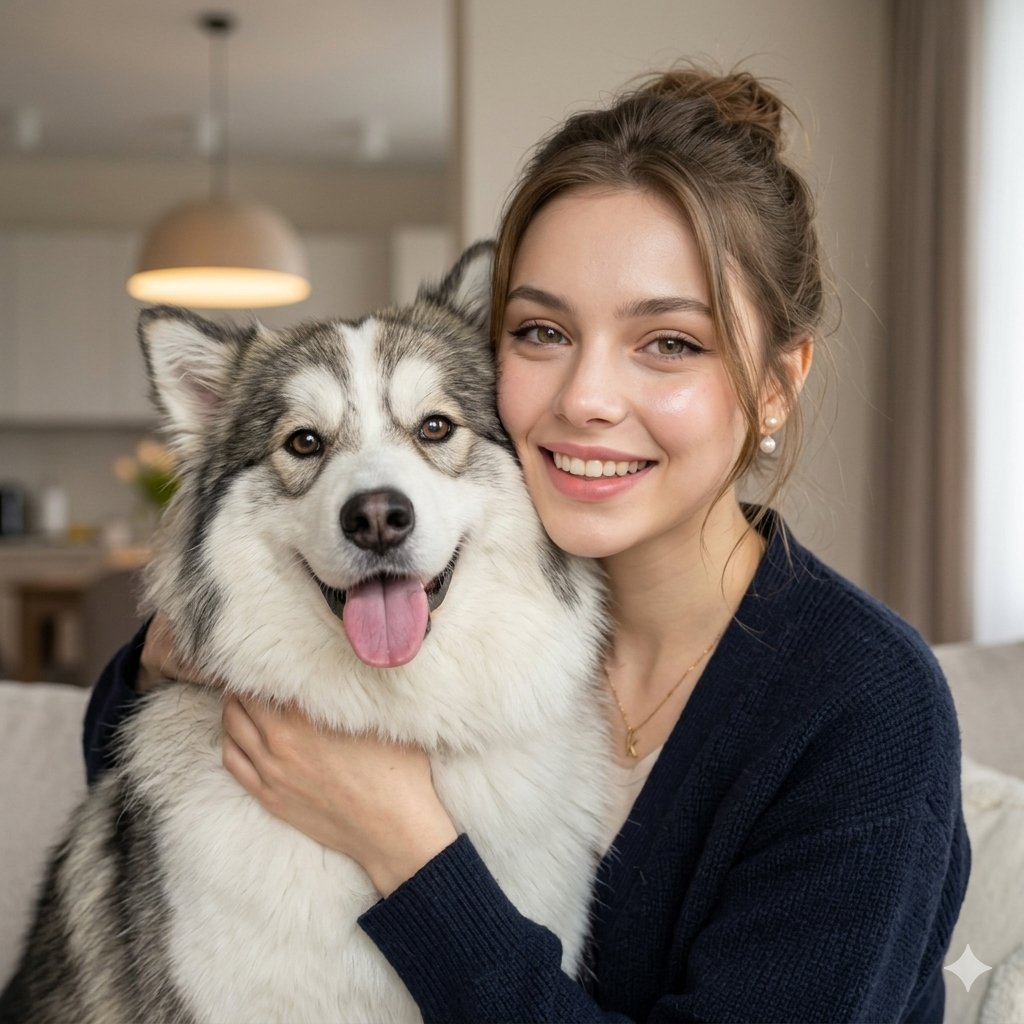
Nano Banana Pet Portrait Dog
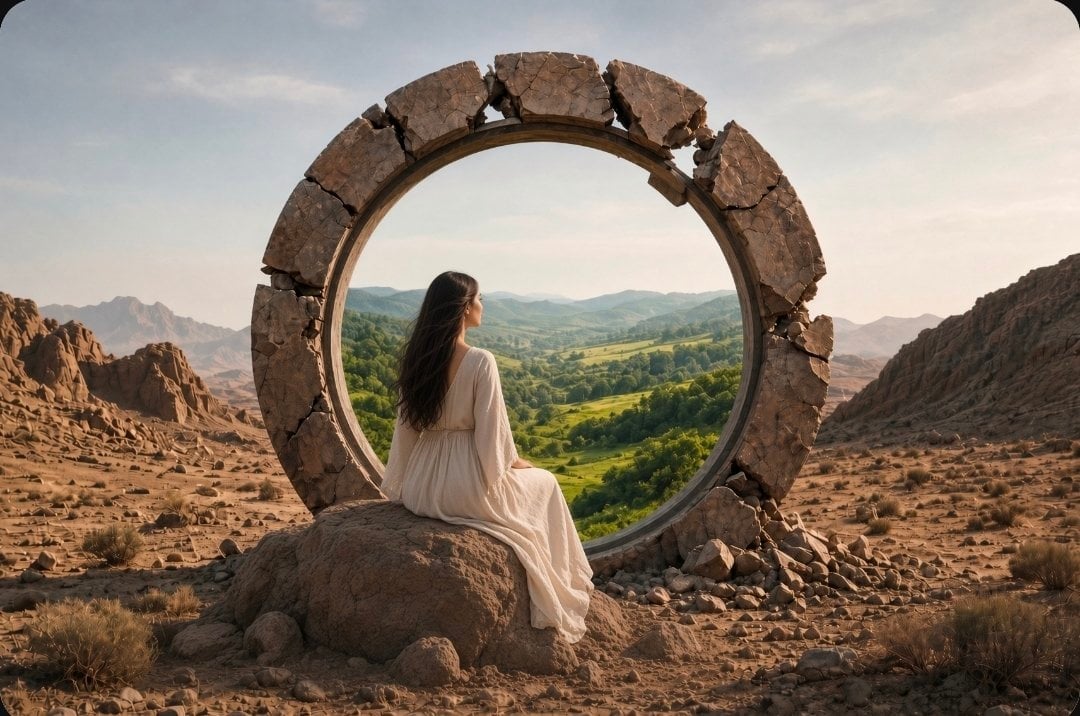
Fantasy Desert Portal Scene
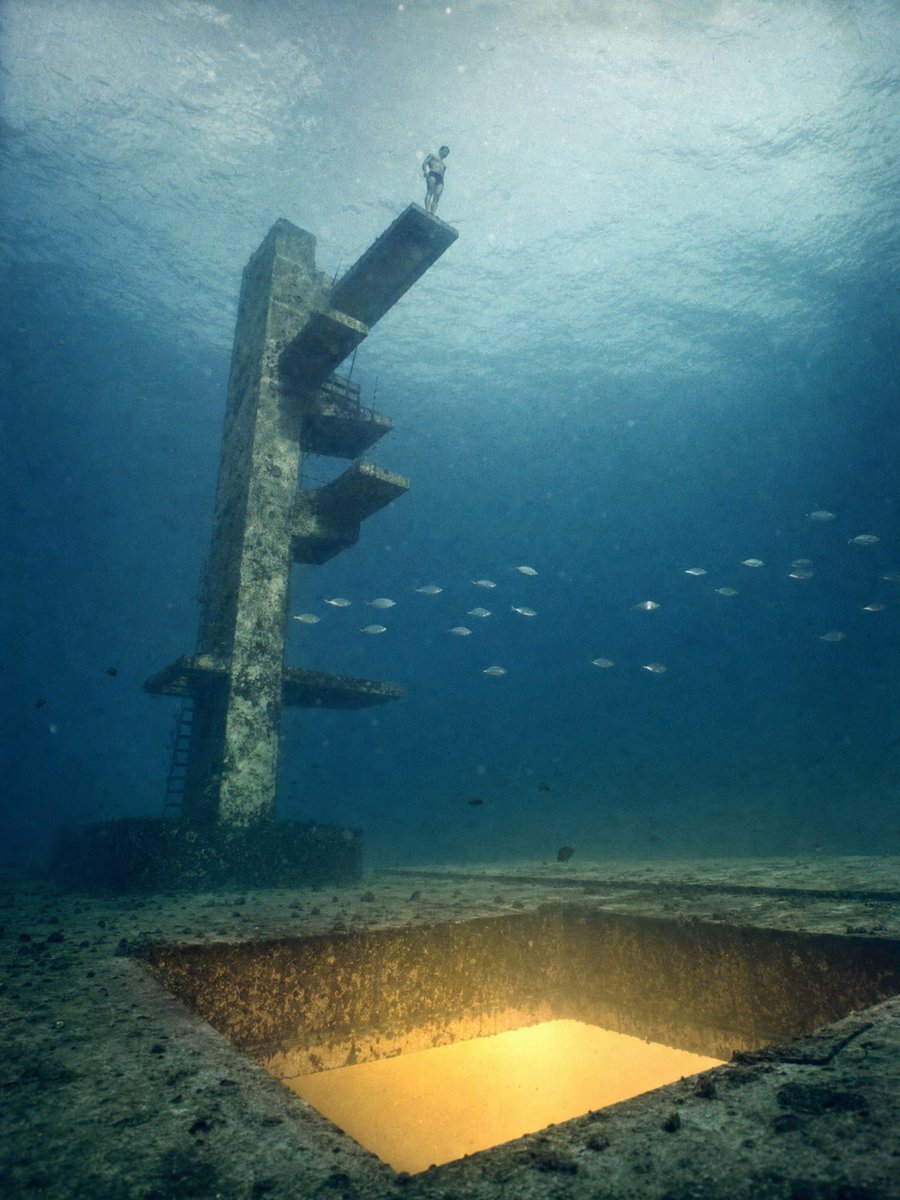
Underwater Diving Tower Portal
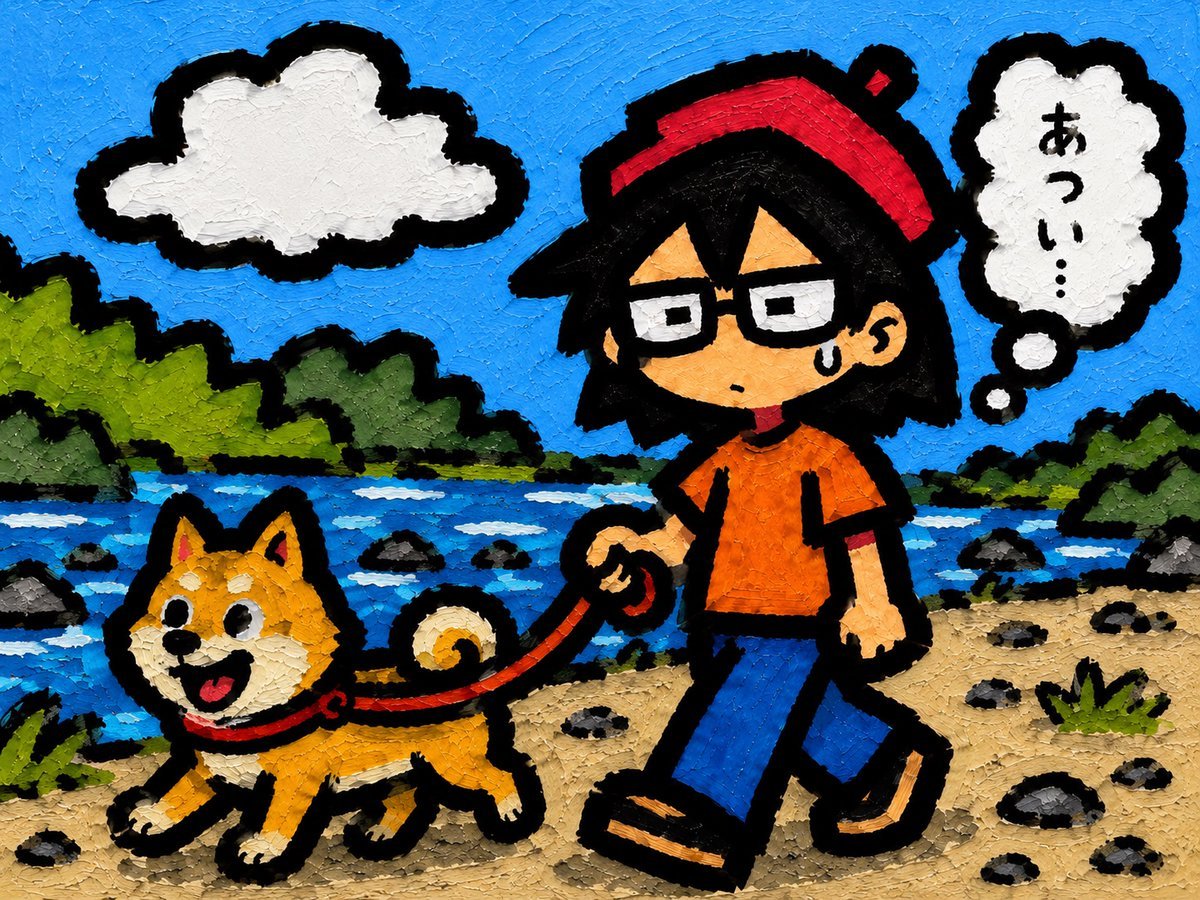
Riverside Dog Walk Character Expansion
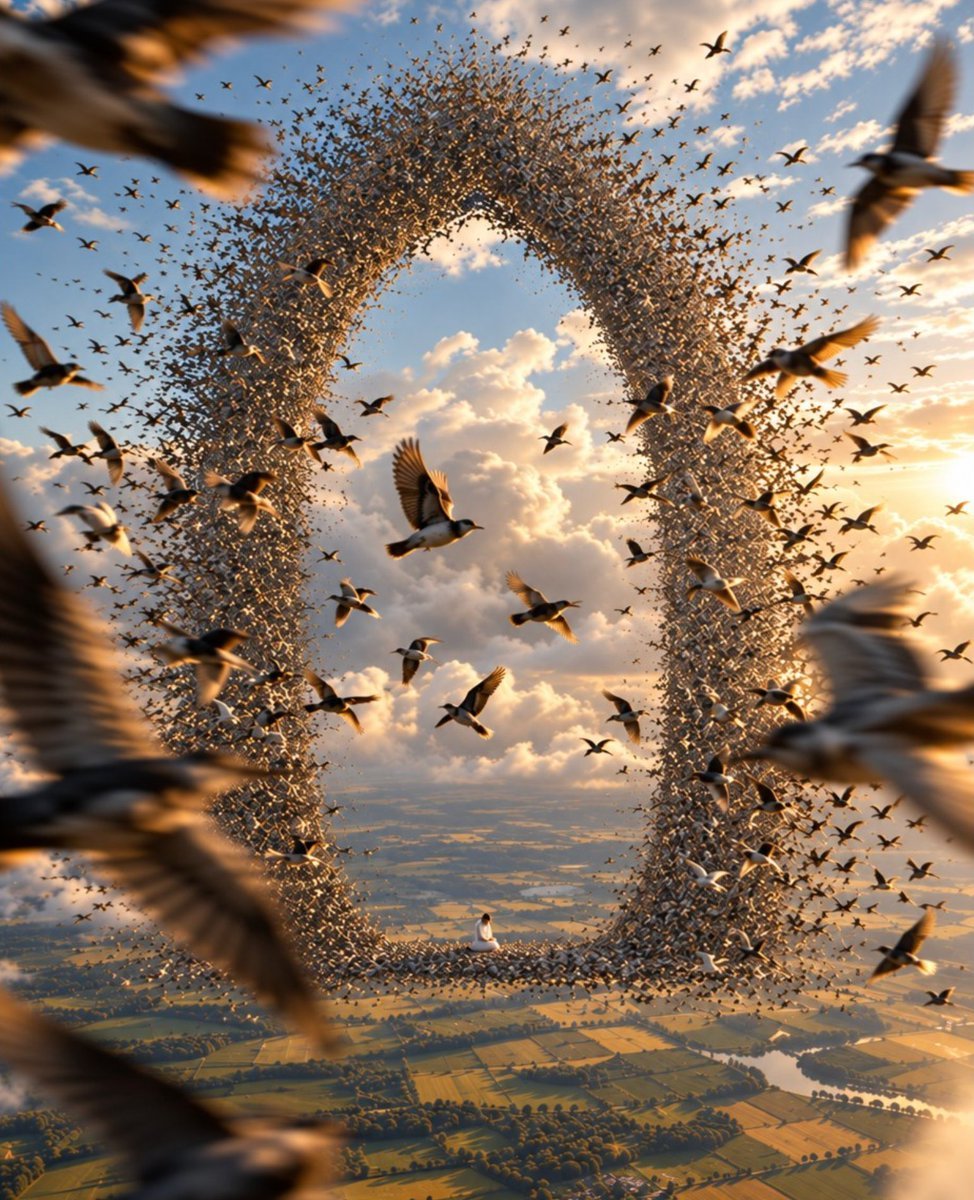
Giant Bird Portal in the Sky
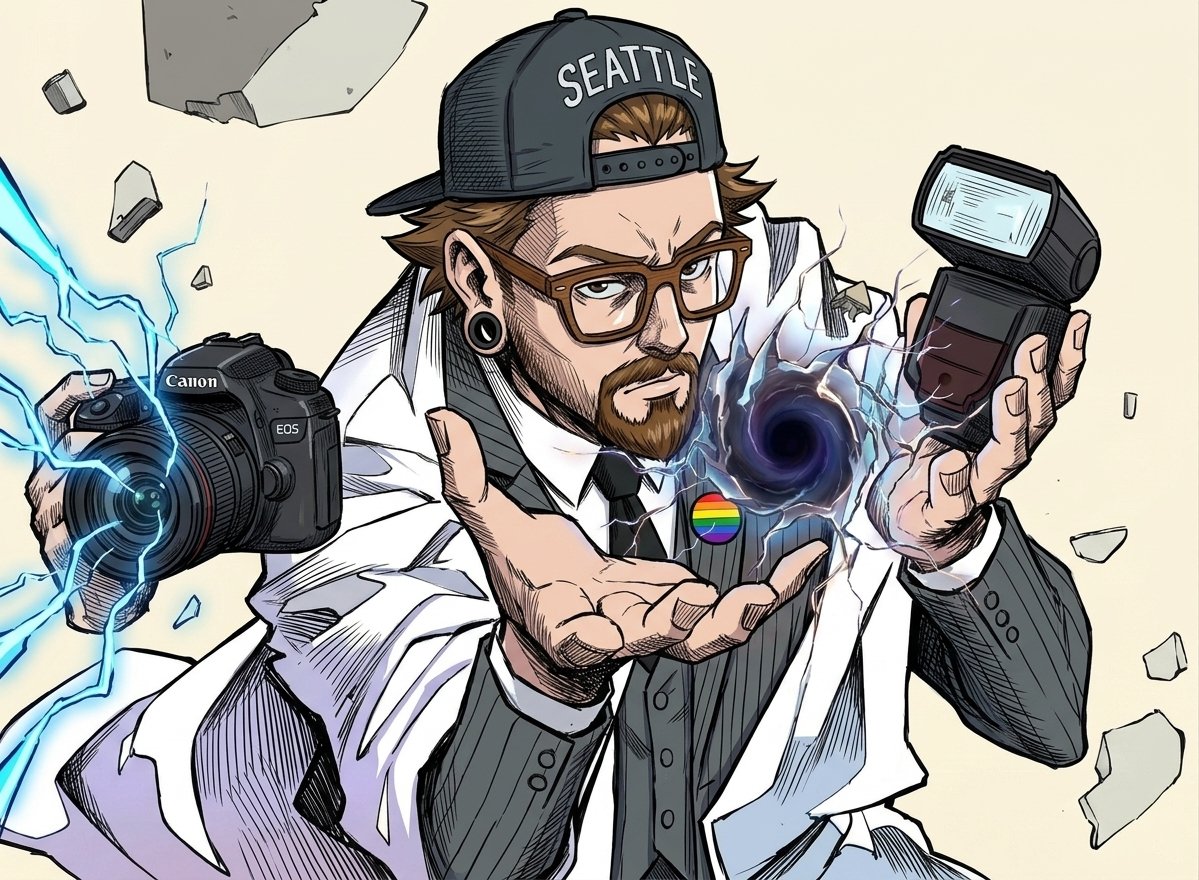
Comic Photographer Portal Action Scene

Luxury Travel Glass Portal Poster
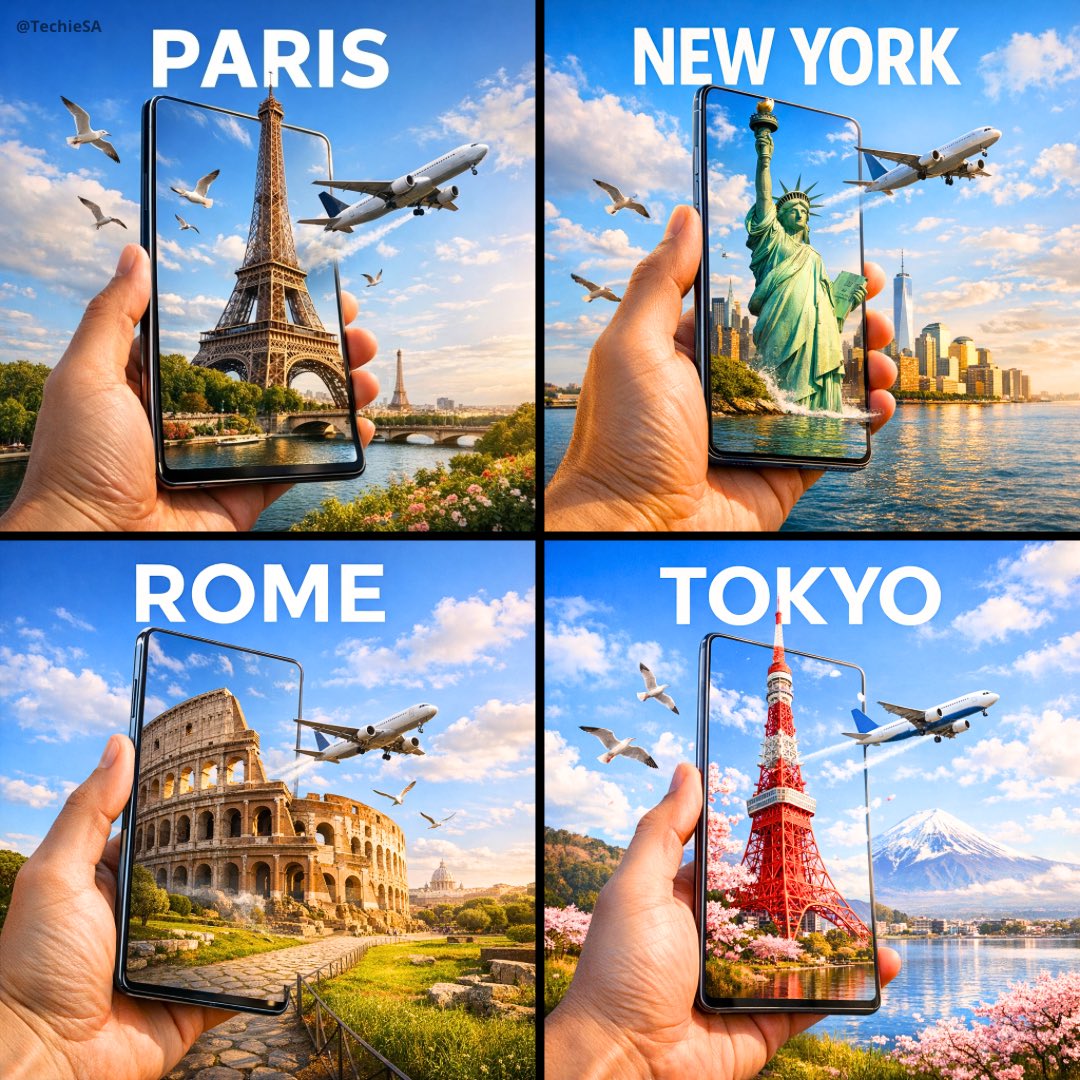
Travel Ad Phone Portal 3D Effect
Make it yours
Puppy and Robot Dog Cyber Portal works as-is. These are the safest ways to change it without losing the look.
Change one field
Copy a single group, rewrite it, and generate again so you can see what that field is doing.
Keep the frame, change the subject
Hold the composition and light of Puppy and Robot Dog Cyber Portal, then swap wardrobe, props or the person for a new take.
| If the result… | Why | Fix |
|---|---|---|
| The result drifts from the preview | Too many fields changed at once. | Reuse Puppy and Robot Dog Cyber Portal as-is first, then change one group — subject, light, or setting. |
| The model over-stylizes the scene | The prose prompt leaves finish and camera underspecified. | Add one camera or lighting sentence and stay on GPT Image 2. |
More GPT Image 2 templates
Other prompts made for GPT Image 2.

Six VTuber Japanese Logo Sheet

Realistic Portrait of Woman and Deer

The Vista Modular Condo Poster

AI Model Routing Comparison Infographic

2.5D Anime Art Board

Isometric Productivity Desk Scene

New York Double Exposure Poster

Four-Panel AI Landscape Comparison

Japanese Tatami Lifestyle Magazine Cover

NESCAFÉ Coffee Map Poster
More image prompts
Fresh picks from across the catalog.
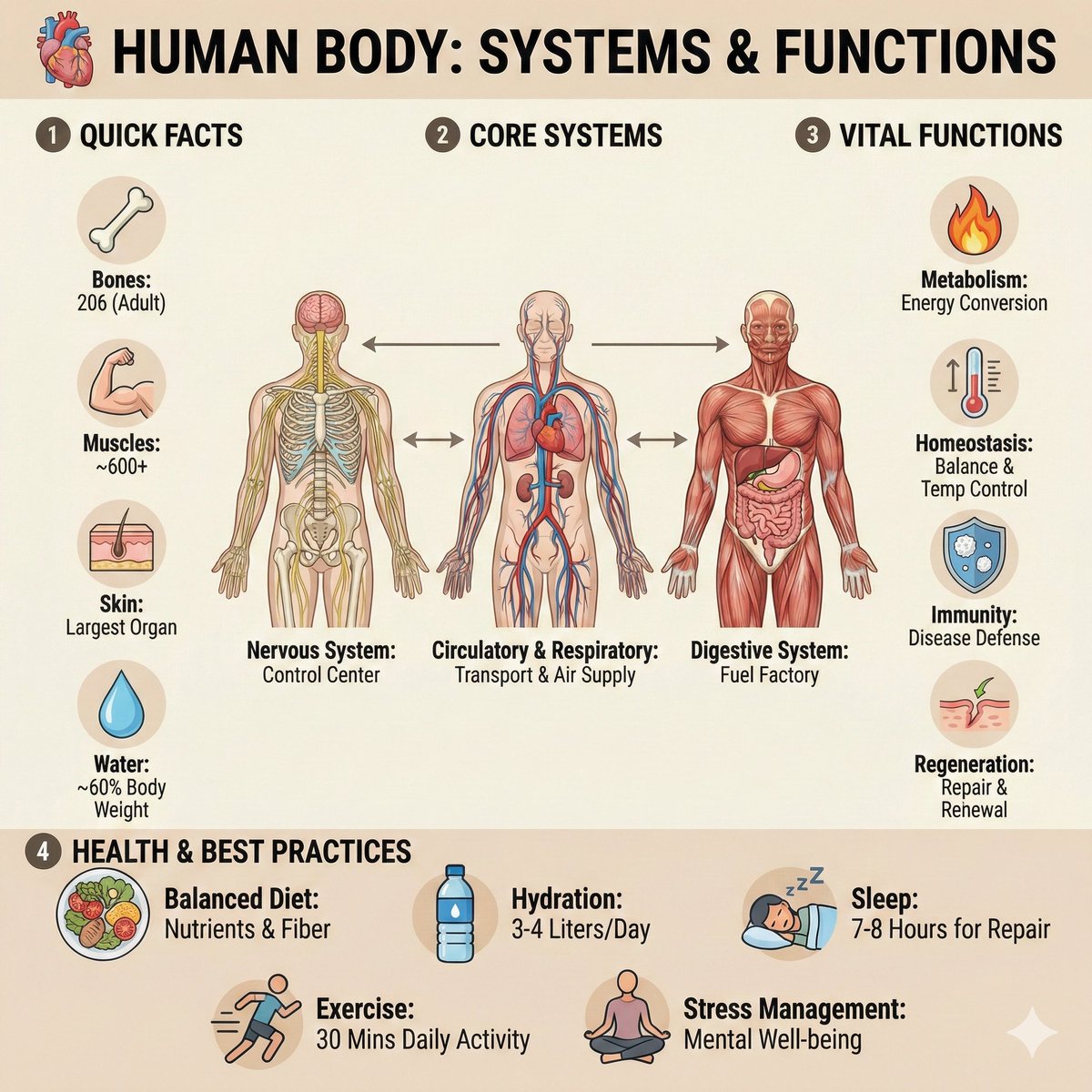
Ultra-Clean Anatomy Infographic Prompt
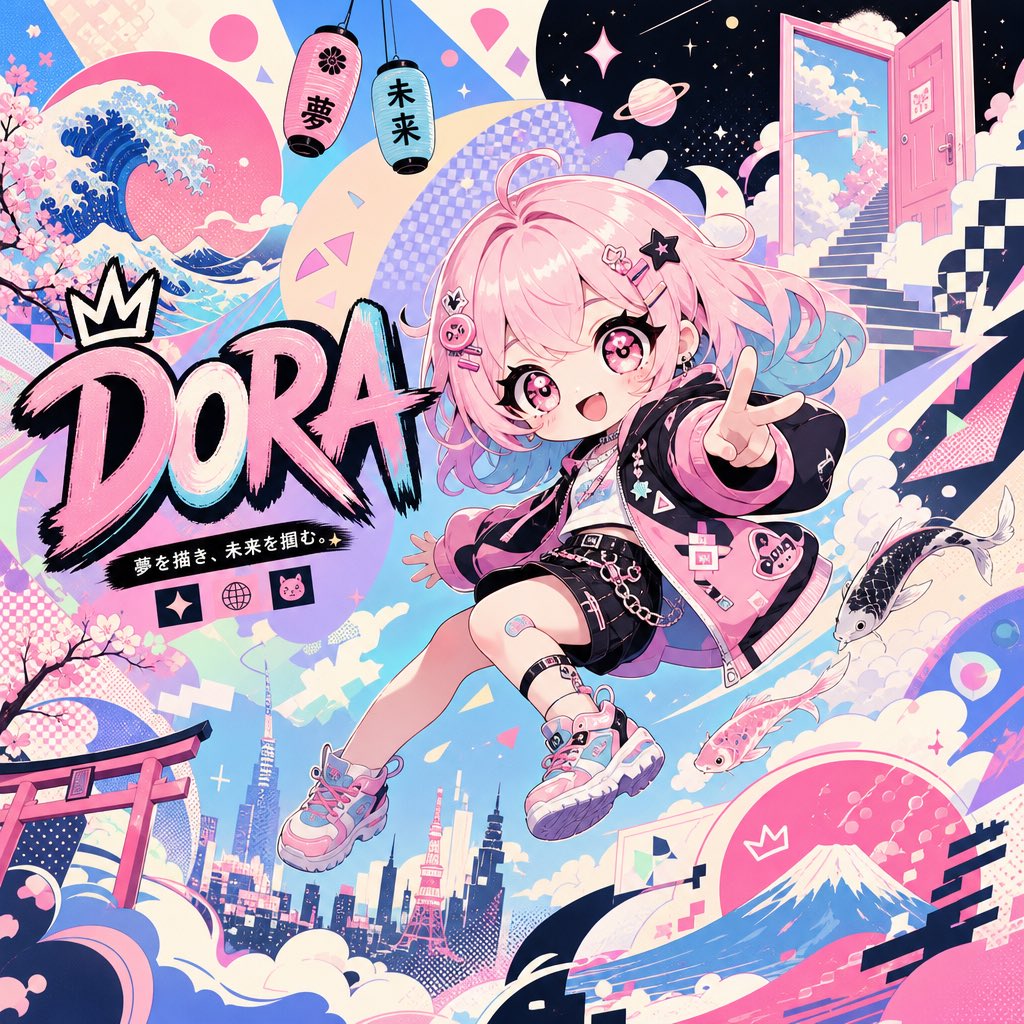
Surreal Japanese Pop Art Twitter Banner
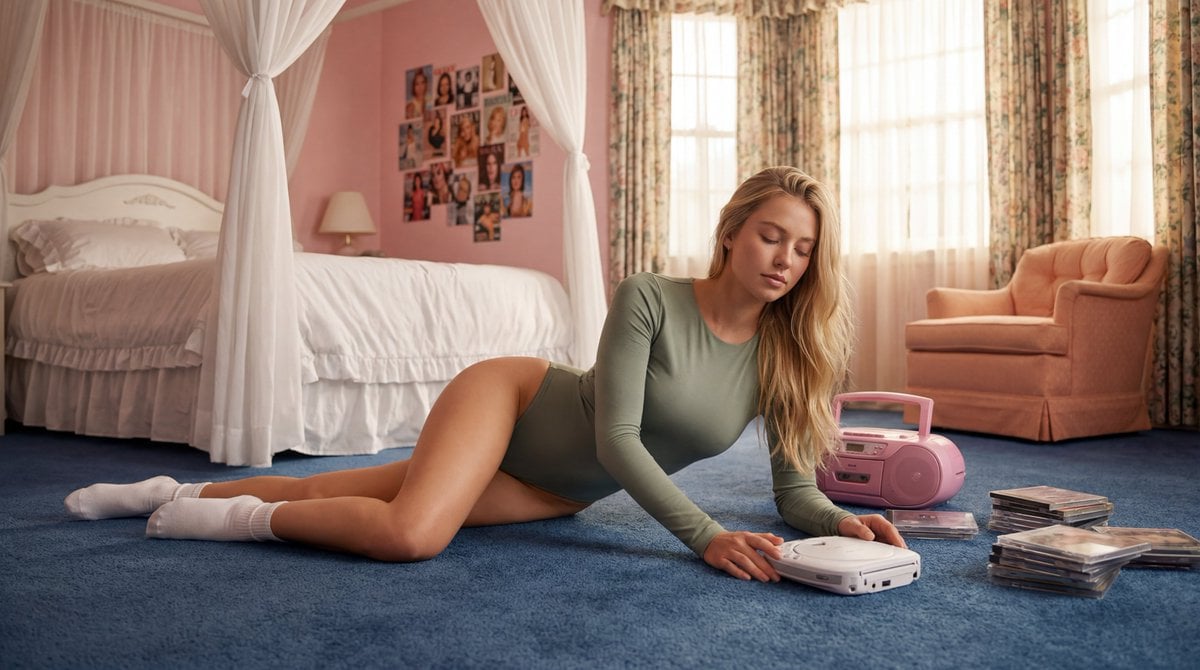
Strictly Controlled Editorial Pose and Anatomy Prompt
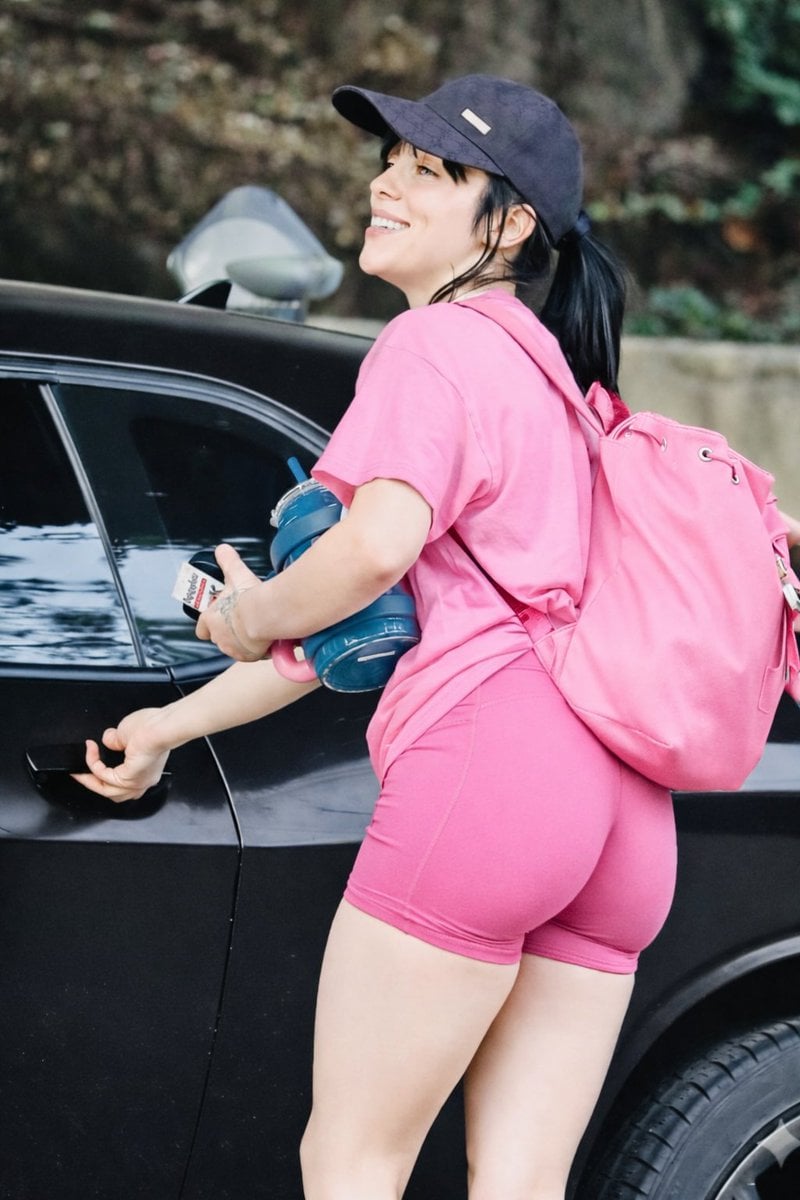
Pink Power Gym Glow Lifestyle Image
Thor Holding Sprite Bottle Prompt
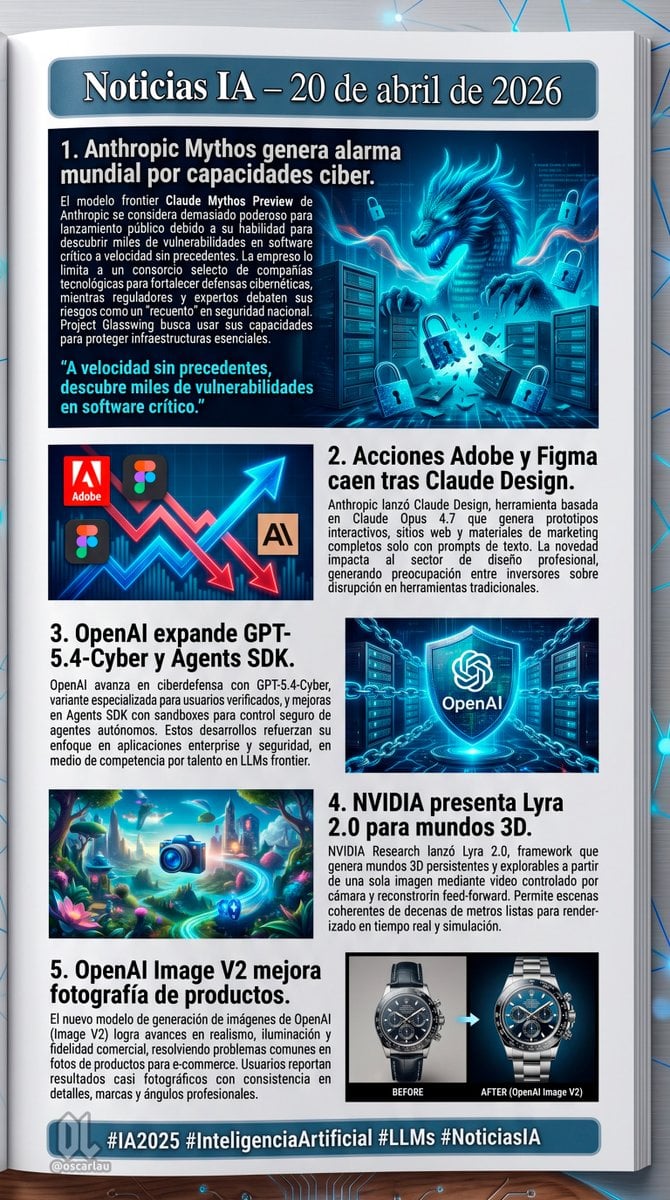
AI News Newsletter Page Layout

Candid Motorcycle Portrait with Face Swap Prompt

Christmas Breakfast Food Art Idea Prompt
Gothic Rose Princess

Lone Traveler in Saharan Dunes Prompt
Browse template categories
Puppy and Robot Dog Cyber Portal questions
How do I use the Puppy and Robot Dog Cyber Portal template?
Add your photo if the template asks for one, edit the prompt if you like — the template's model and format are already selected — and press Generate. Your version opens in PicX Studio.
Can I customize the Puppy and Robot Dog Cyber Portal template?
Yes. You can change the subject, setting, lighting, mood, format, and available model controls before creating your image.
Is the Puppy and Robot Dog Cyber Portal template free?
Opening and editing this template is free. Generating uses credits, shown on the Generate button when you are signed in.
Which AI model should I use?
Start with GPT Image 2, which is the model associated with this template. You can compare another compatible model for a different finish.
Looking for something else? Browse all templates.

Your photo, any look
Thousands of ready templates for every top image and video model, from one credit balance.