
Giant Bird Portal in the Sky
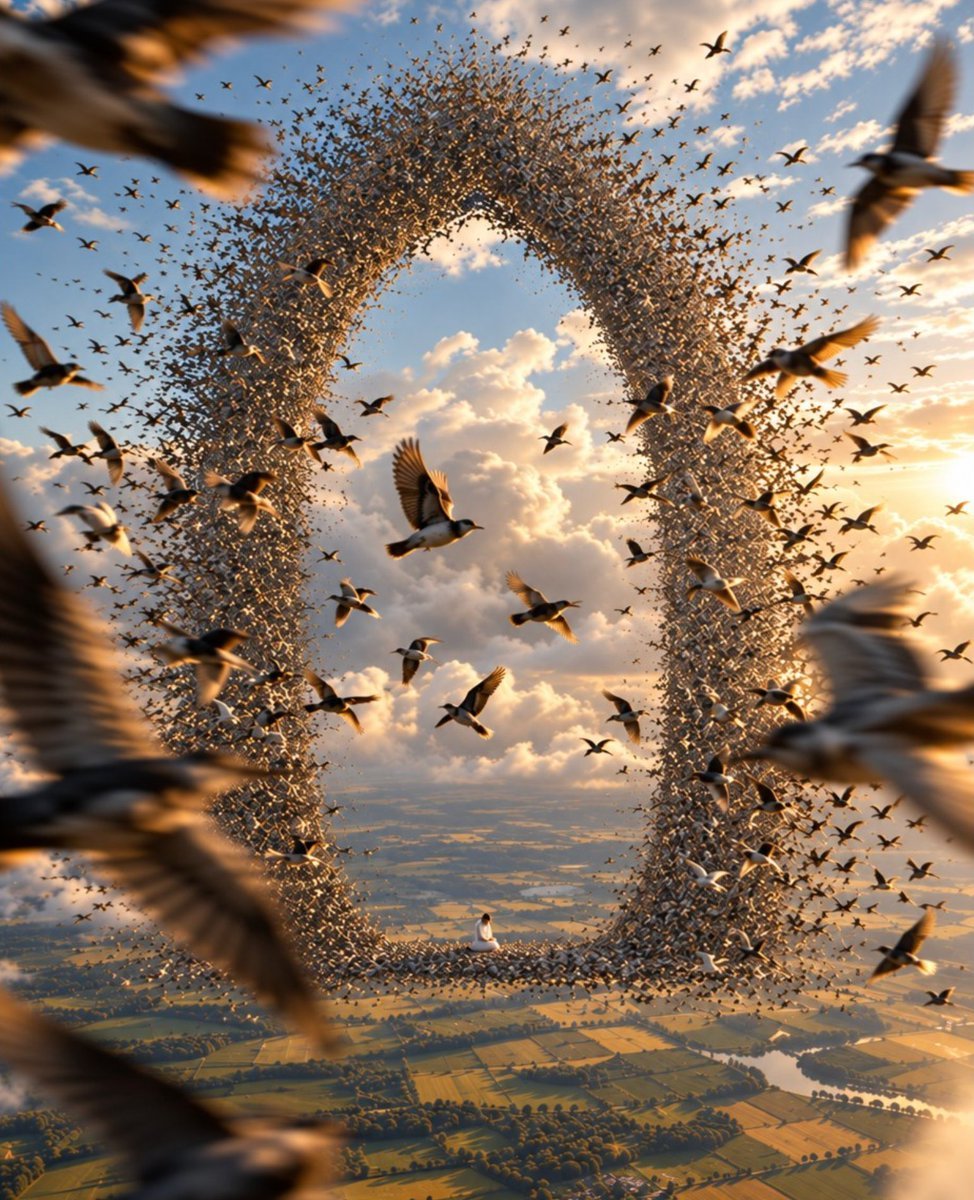
A photorealistic surreal fantasy scene of a massive bird-formed sky portal above countryside, ideal for cinematic concept art.
- Prompt included
- Model and format preset
- Free template
The prompt behind this image
Copy the exact prompt behind Giant Bird Portal in the Sky, or open it in the studio and make it yours.
Create a surreal cinematic aerial scene at golden hour: countless small birds form a gigantic vertical oval doorway or portal in the sky, with the flock densely packed around the rim and leaving a clear open center that reveals glowing clouds and distant landscape beyond. Use {argument name="bird species" default="starlings and swallows"} as the birds, with hundreds of tiny silhouettes plus about 25 larger, readable birds flying at different depths in the foreground and midground. Add several very large out-of-focus birds and blurred wings crossing the extreme edges of the frame to create depth and motion, especially along the left, right, and bottom borders. At the bottom inner edge of the bird-portal, place one tiny seated human figure in {argument name="figure clothing" default="a simple white robe"}, emphasizing scale and wonder. Below the portal, show a vast patchwork countryside of fields, tree lines, rivers, and small roads seen from high altitude. The sky is filled with warm peach clouds, blue openings, and low sun rays from the right, with realistic camera-like lighting, volumetric haze, rim light on wings, shallow depth of field, motion blur on nearby birds, and an epic dreamlike atmosphere. Use a square composition, ultra-detailed photorealistic fantasy, wide-angle lens perspective, high dynamic range, no text, no watermark.
How to use Giant Bird Portal in the Sky in 3 steps
- 1Upload ImagePNG, JPG or paste
Add your photo
Upload the photo the template builds on. The prompt, model and format are already set.
- 2…a portrait of your subject in softgolden-hour light, 85mm…
Personalize
Edit the subject and creative details for your destination.
- 3Generate
Generate
Press Generate — your image is created in PicX Studio, so you can compare it with the original and refine one variable at a time.
More like this
Templates with the same subject, style or setup. Open one to see its prompt.
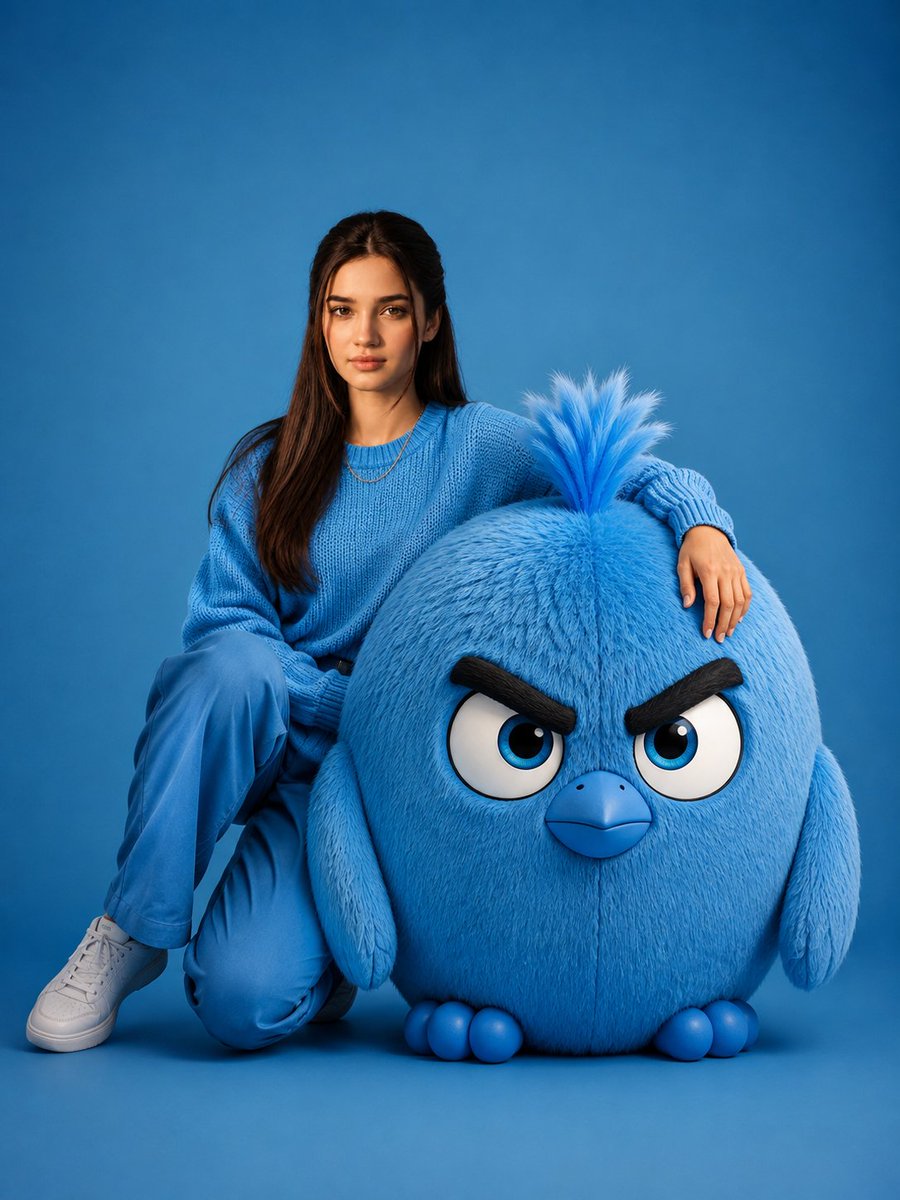
Woman With Giant Blue Angry Bird
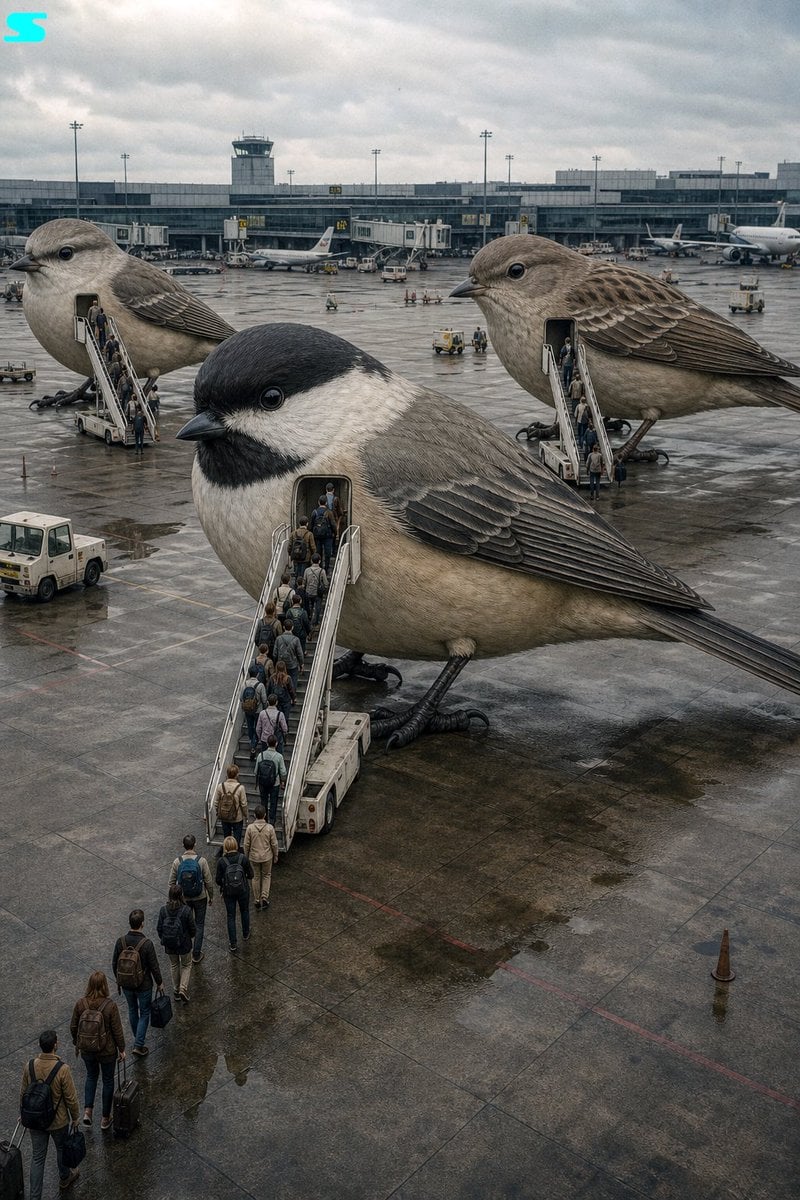
Surreal Giant Bird Aircraft
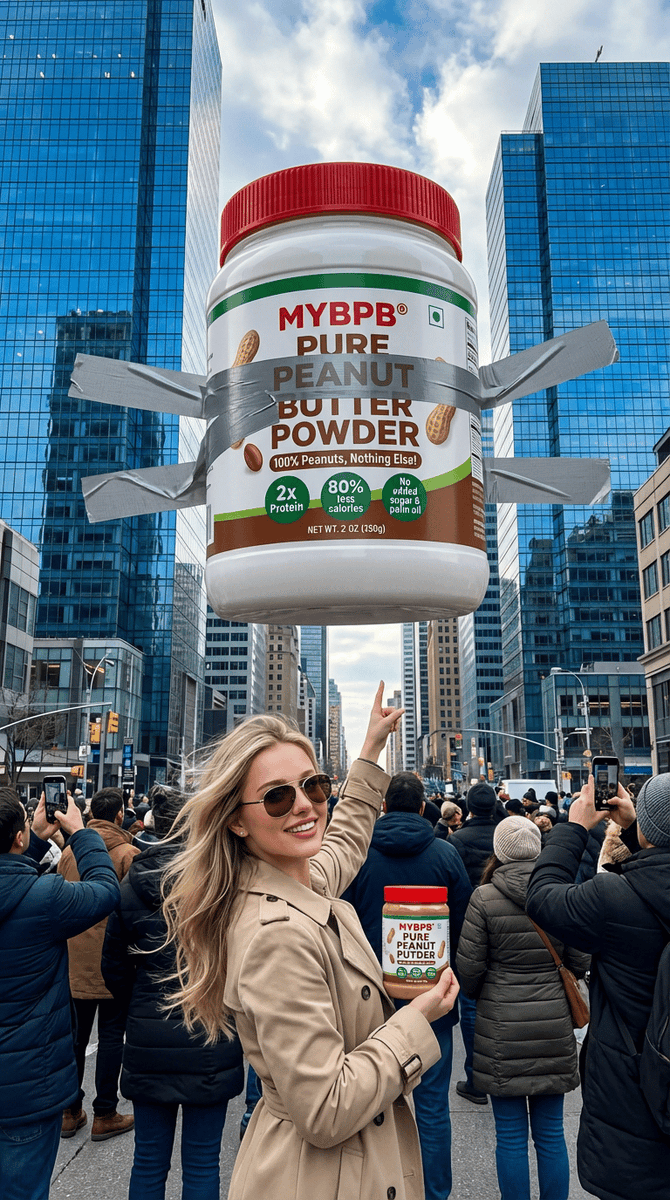
Surreal Giant Product Installation on Skyscraper
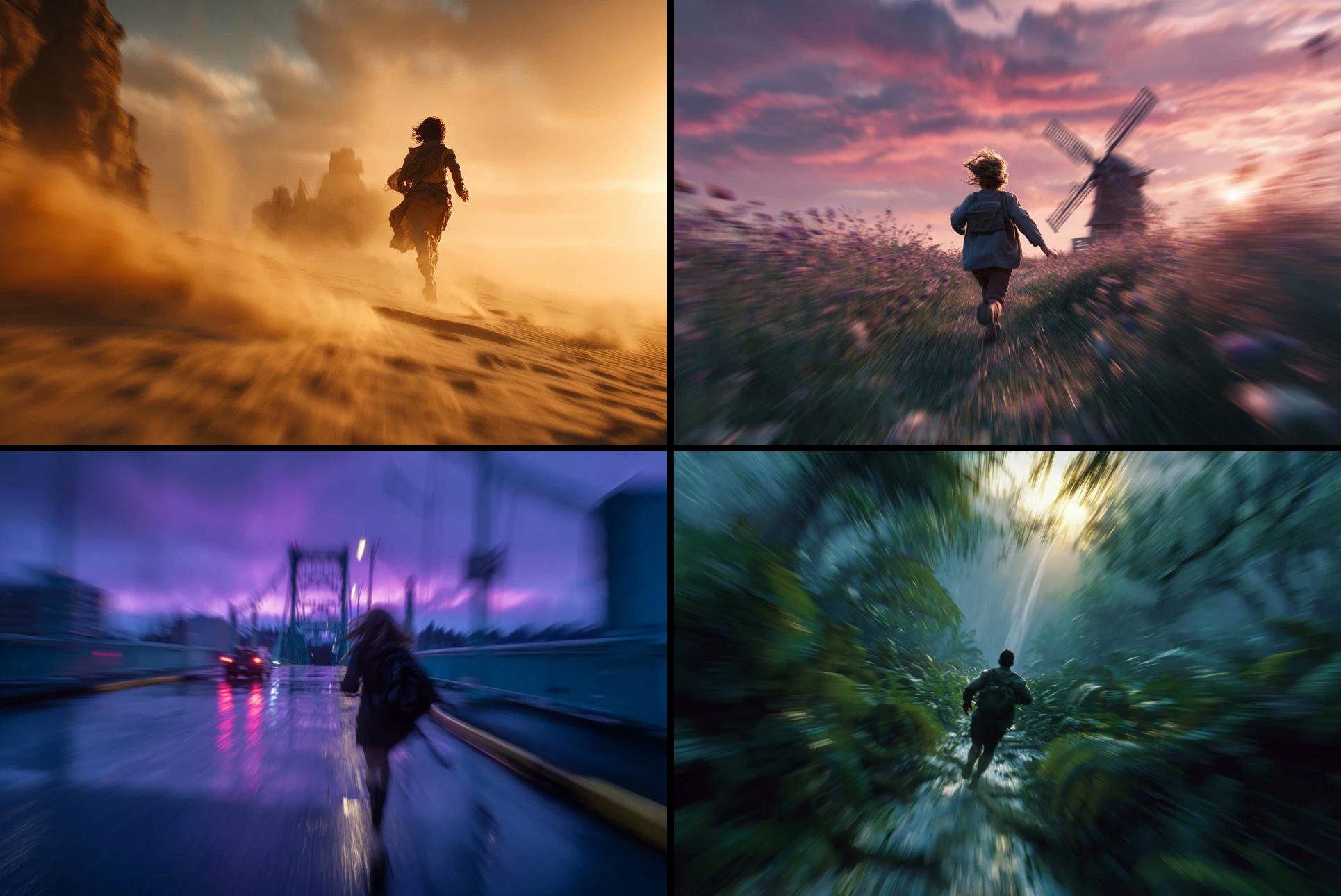
Freedom in Motion — Cinematic Sprint
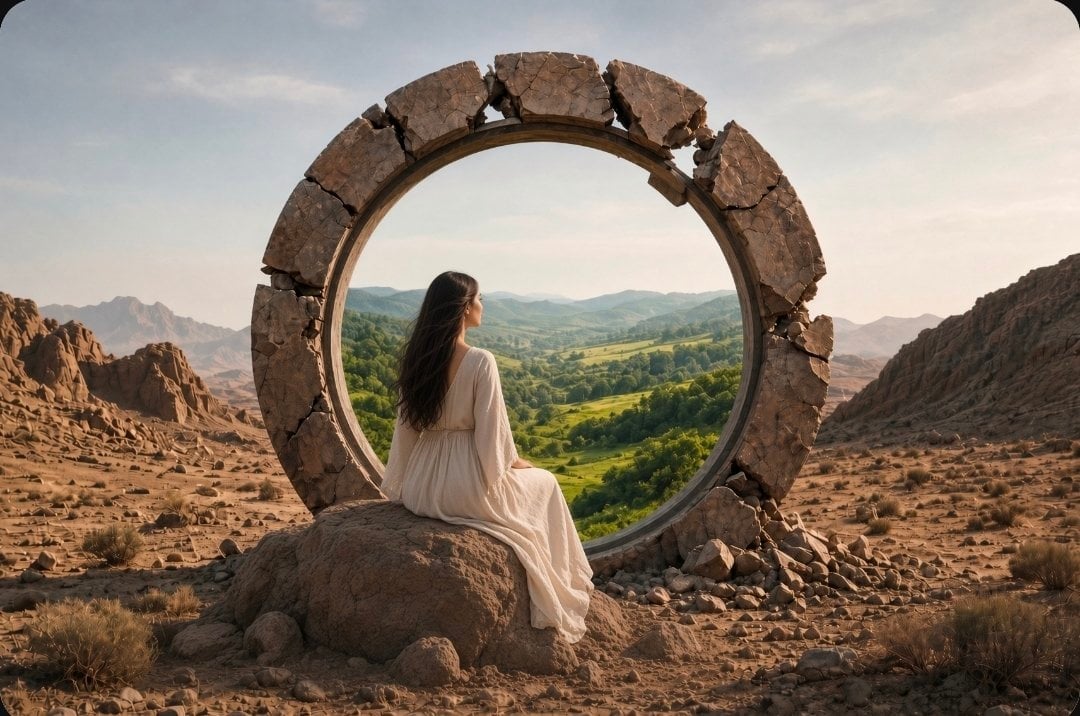
Fantasy Desert Portal Scene
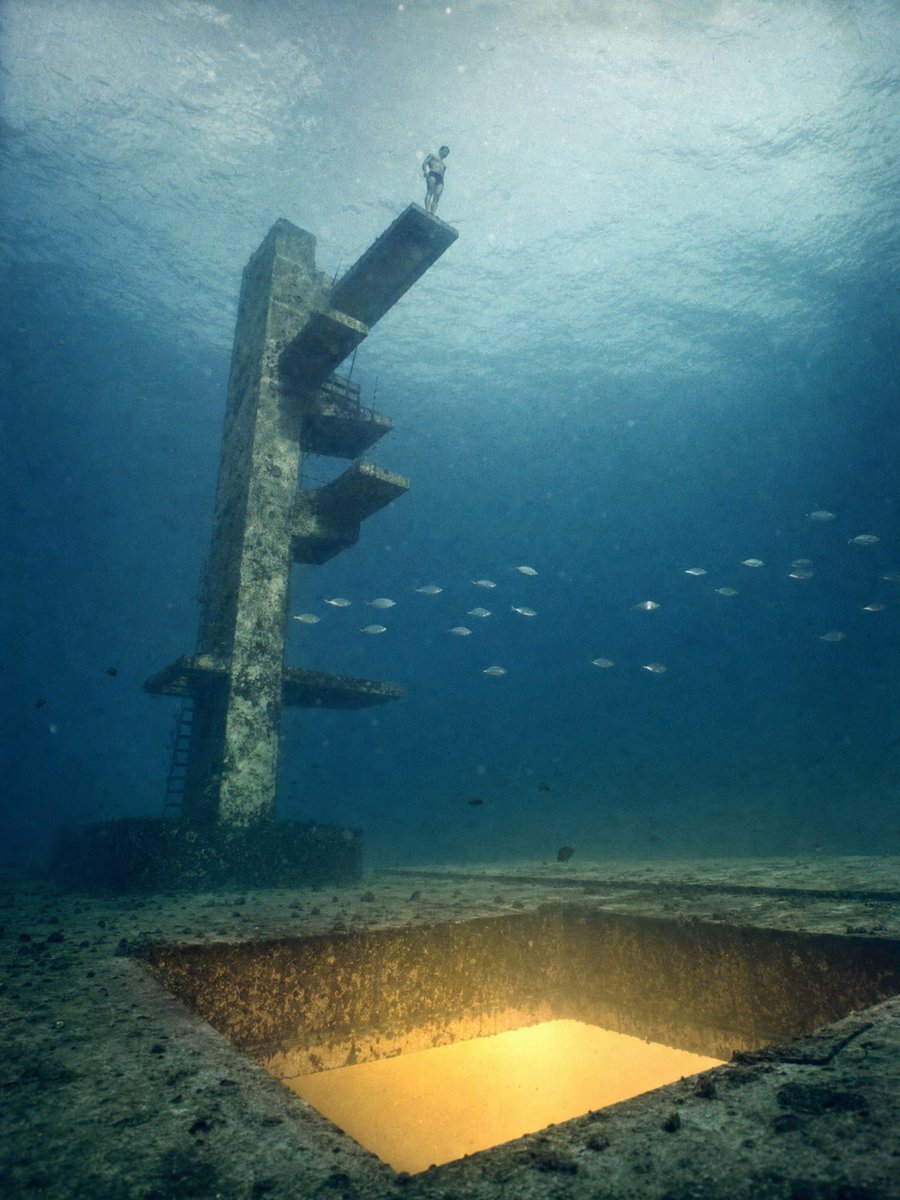
Underwater Diving Tower Portal
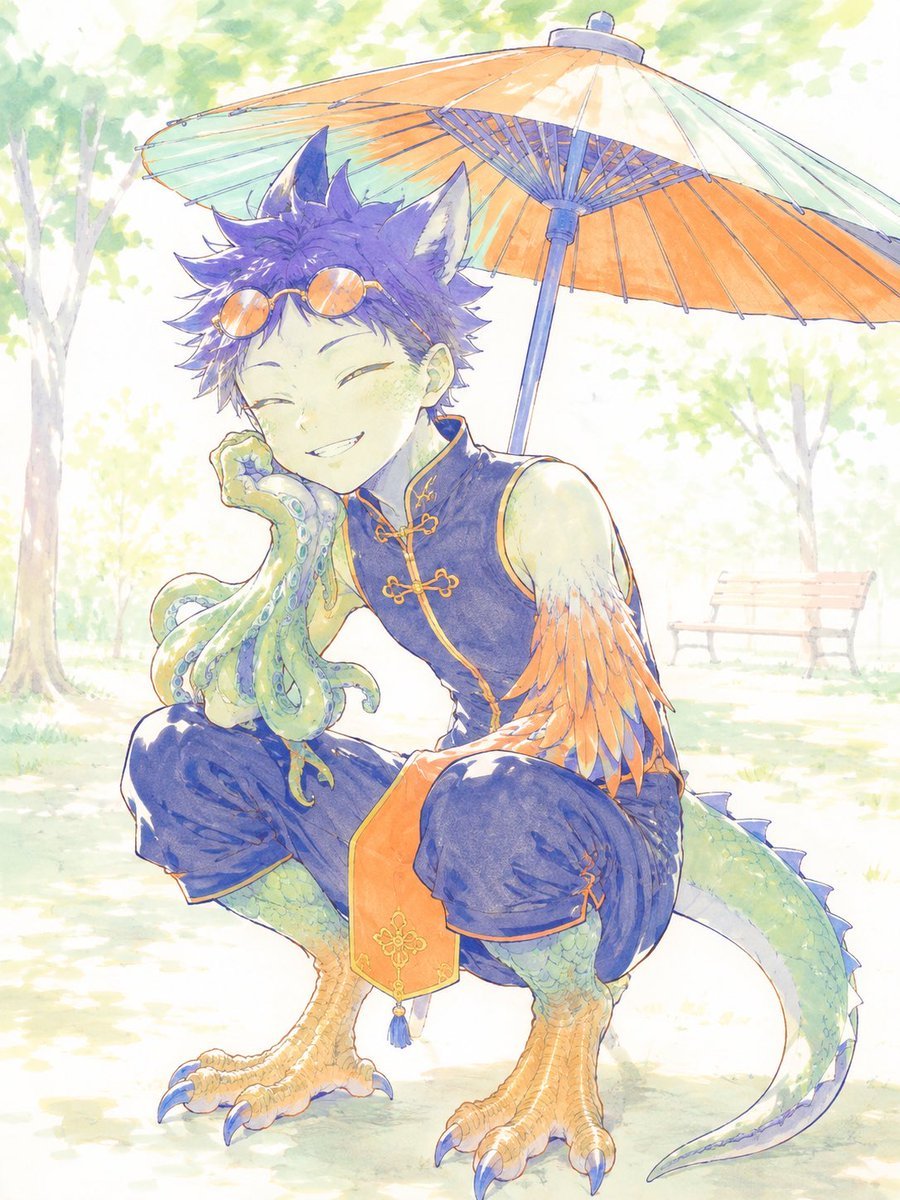
Watercolor Fantasy Dragon-Bird Boy

Puppy and Robot Dog Cyber Portal
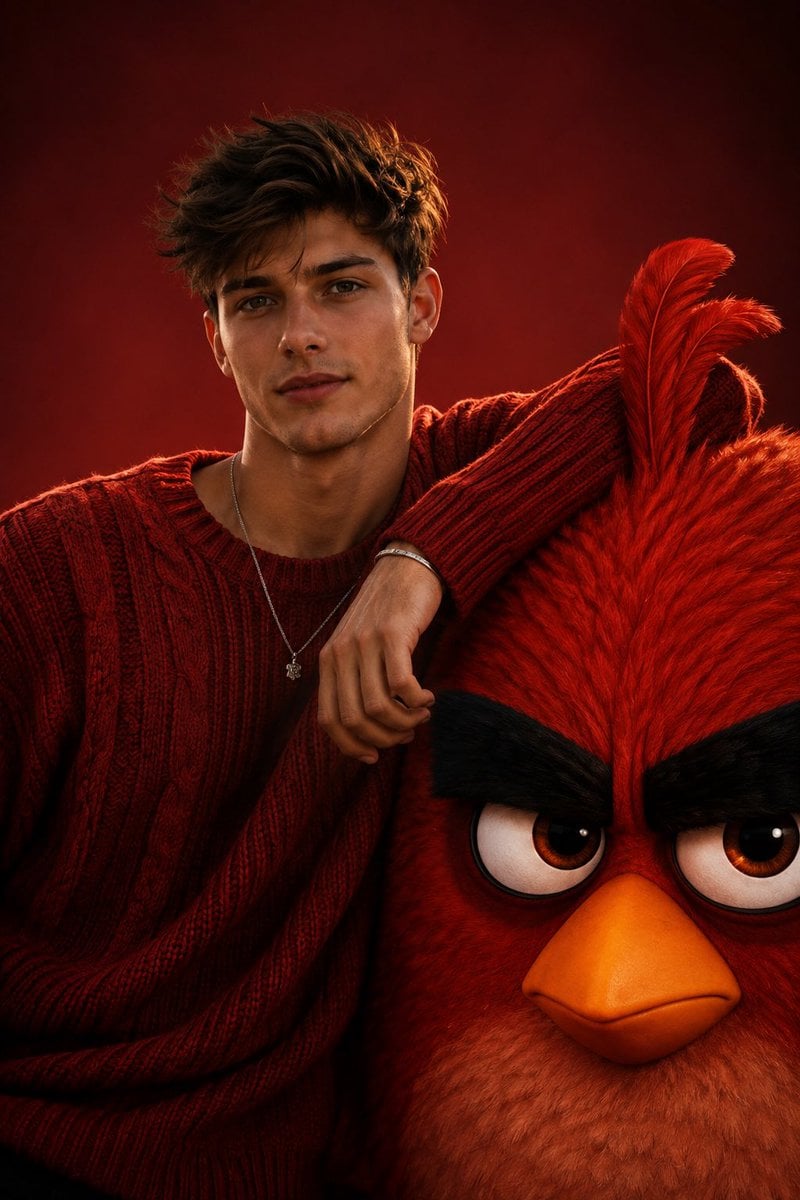
Cinematic Fashion with Red Angry Bird

Bird's-Eye Street Fashion Portrait

Giant Lotus Pond Portrait
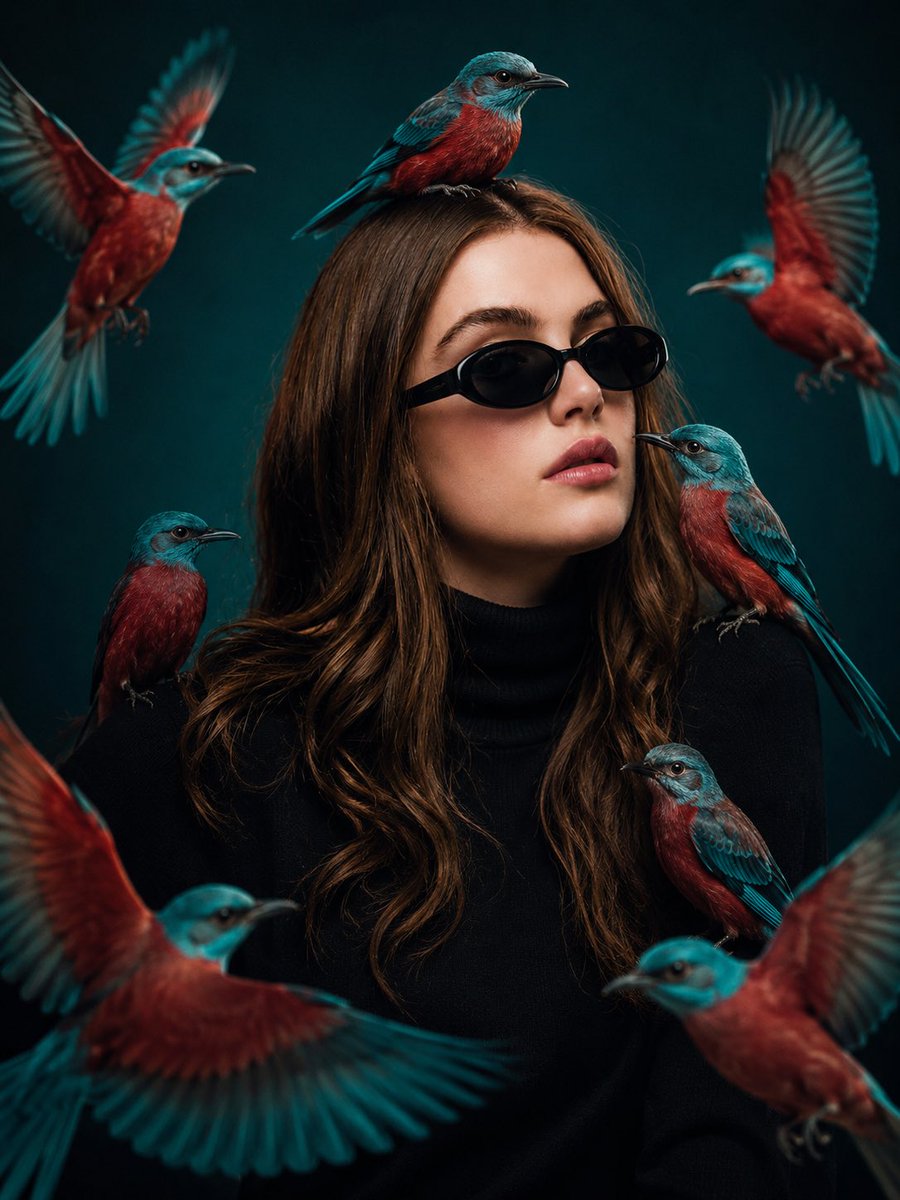
Cinematic Bird Fashion Portrait
Make it yours
Giant Bird Portal in the Sky works as-is. These are the safest ways to change it without losing the look.
Change one field
Copy a single group, rewrite it, and generate again so you can see what that field is doing.
Keep the frame, change the subject
Hold the composition and light of Giant Bird Portal in the Sky, then swap wardrobe, props or the person for a new take.
| If the result… | Why | Fix |
|---|---|---|
| The result drifts from the preview | Too many fields changed at once. | Reuse Giant Bird Portal in the Sky as-is first, then change one group — subject, light, or setting. |
| The model over-stylizes the scene | The prose prompt leaves finish and camera underspecified. | Add one camera or lighting sentence and stay on GPT Image 2. |
More GPT Image 2 templates
Other prompts made for GPT Image 2.

Six VTuber Japanese Logo Sheet

Realistic Portrait of Woman and Deer

The Vista Modular Condo Poster

AI Model Routing Comparison Infographic

2.5D Anime Art Board

Isometric Productivity Desk Scene

New York Double Exposure Poster

Four-Panel AI Landscape Comparison

Japanese Tatami Lifestyle Magazine Cover

NESCAFÉ Coffee Map Poster
More image prompts
Fresh picks from across the catalog.
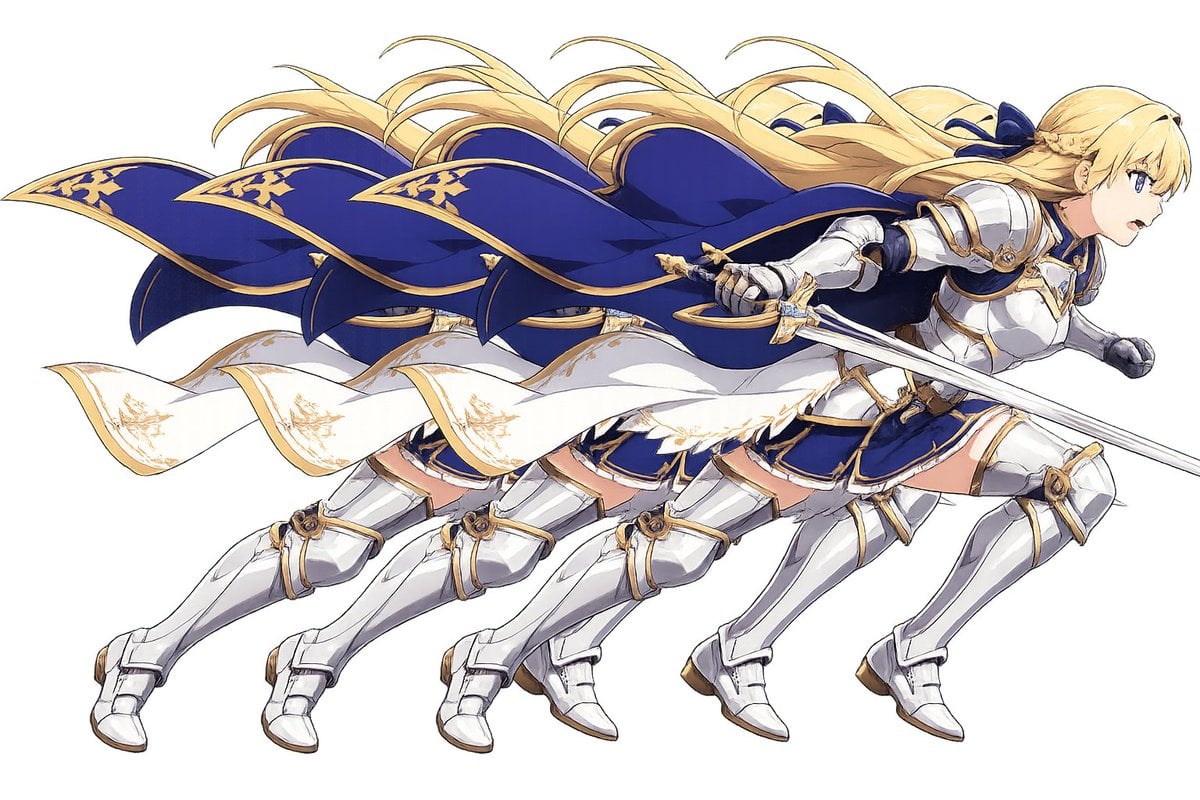
Overlapping Anime Knight Motion Trail

Pixar-Style Banana Character Animation Prompt
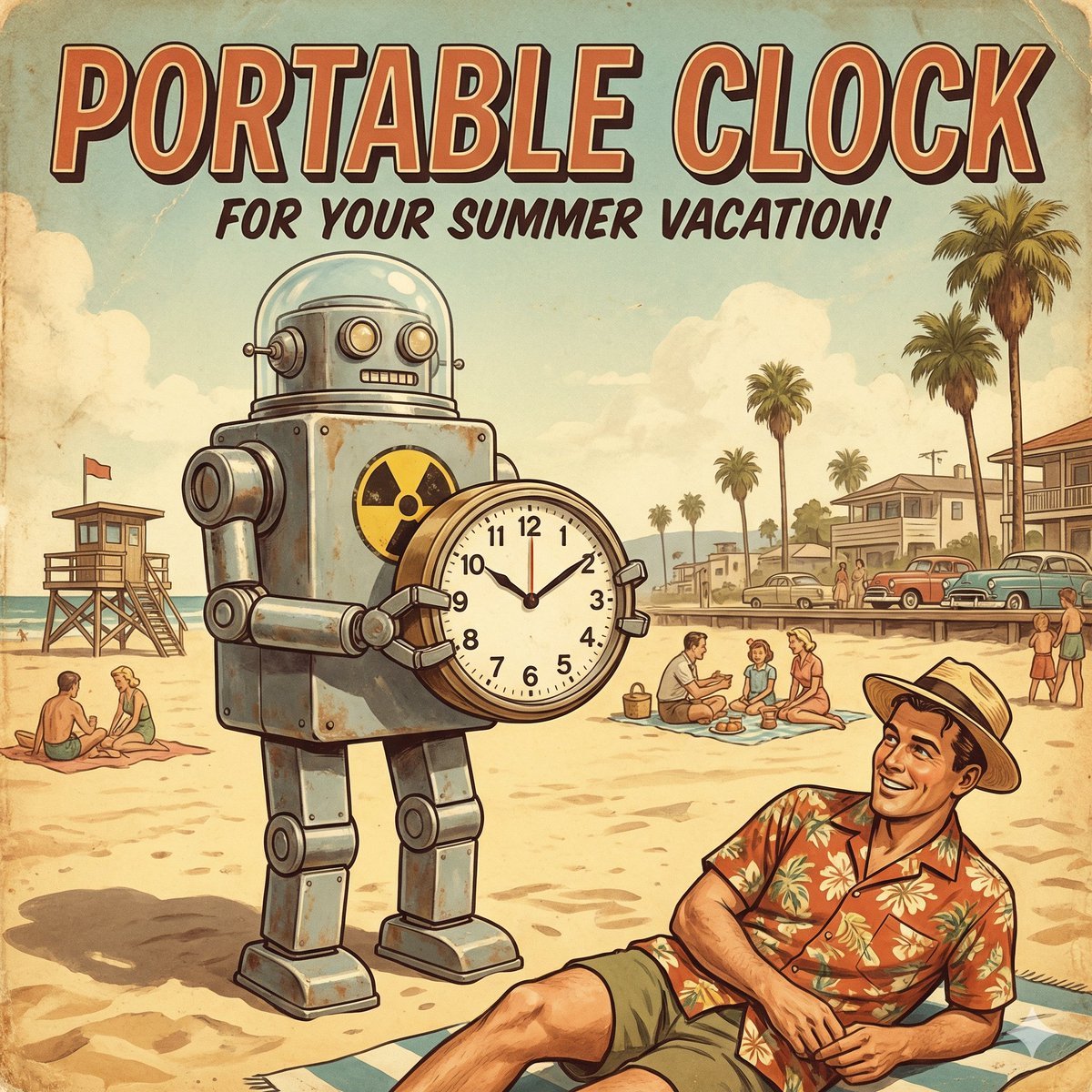
Retro Futurism smart watch prompt

Vertical Pixel Art Asteroid Field
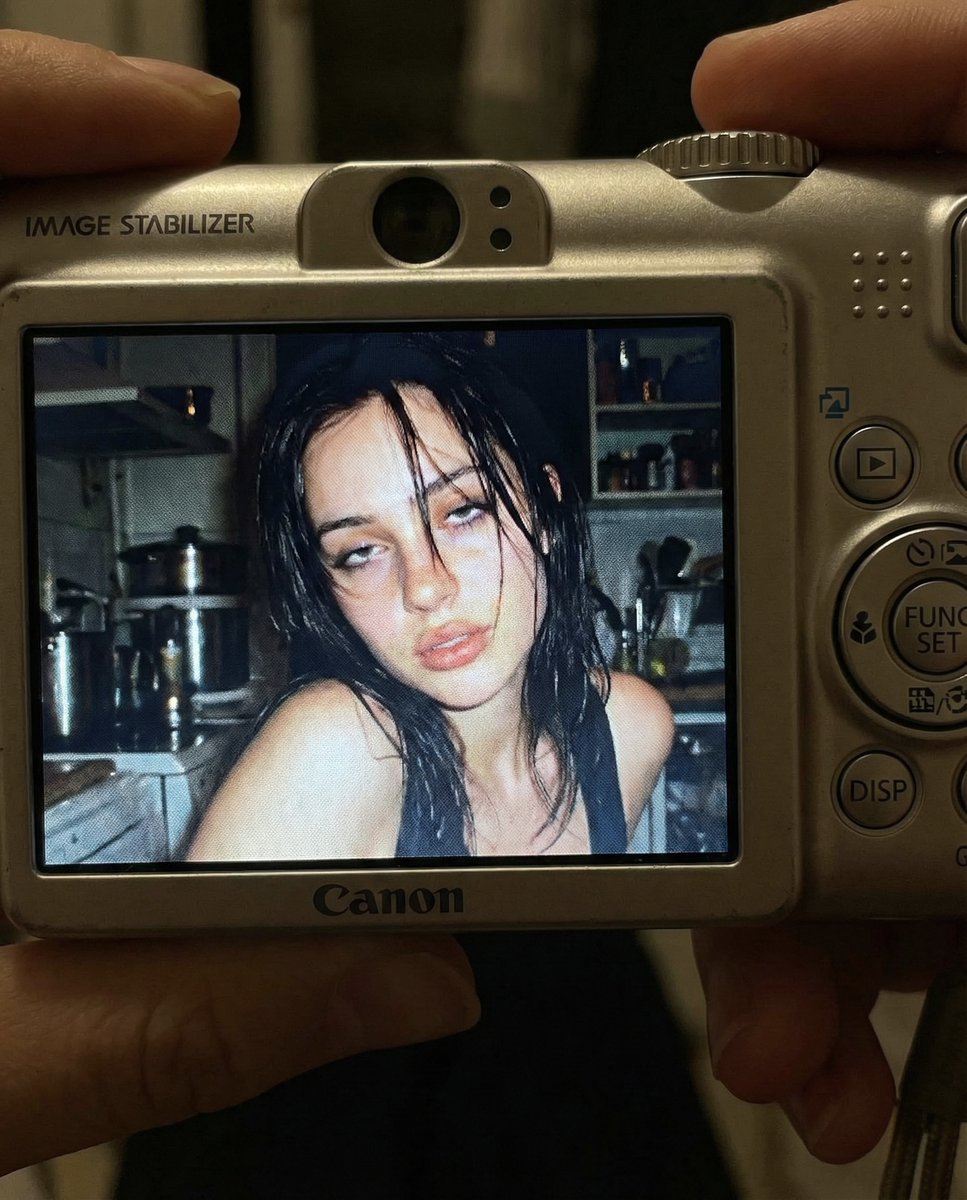
Early 2000s Digital Camera Snapshot Prompt
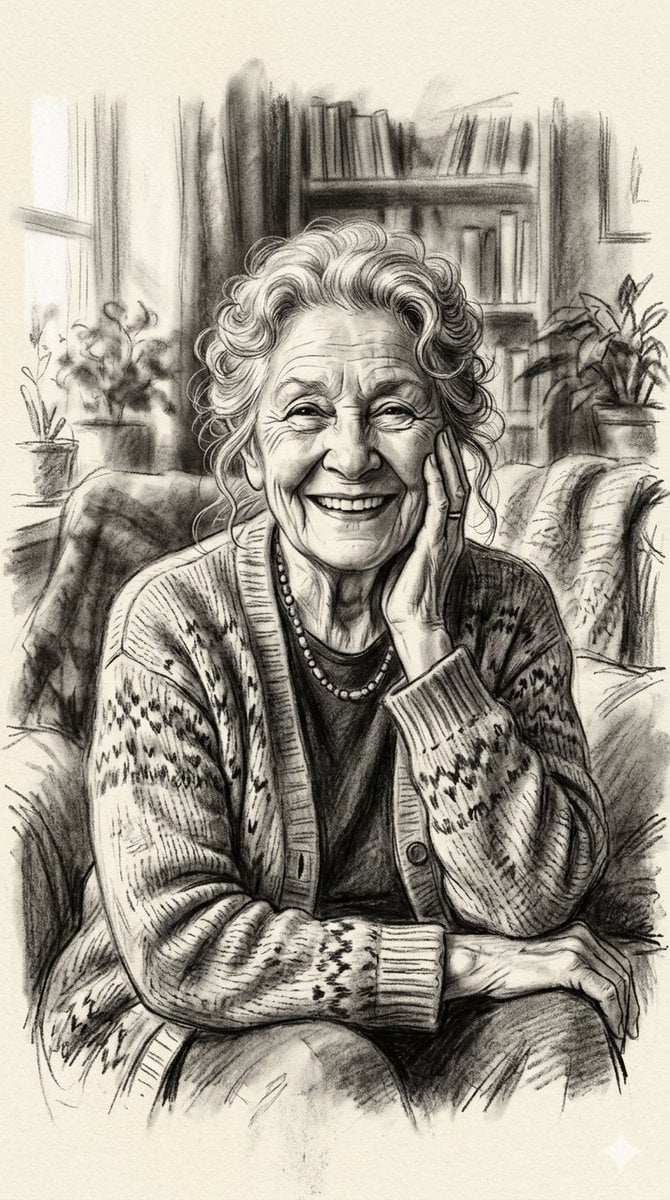
X Minahil42298354 Subject a Heartwarming Portrait
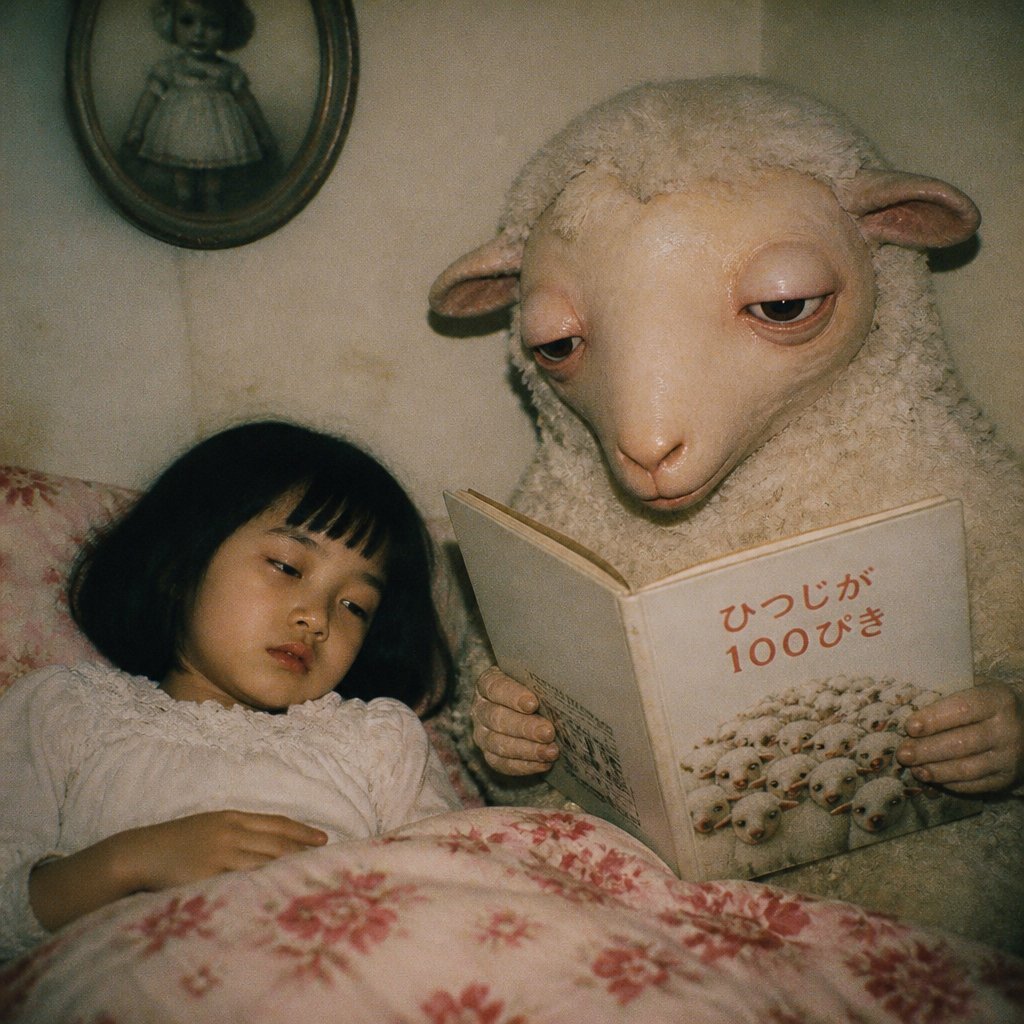
Surreal Sheep Bedtime Story
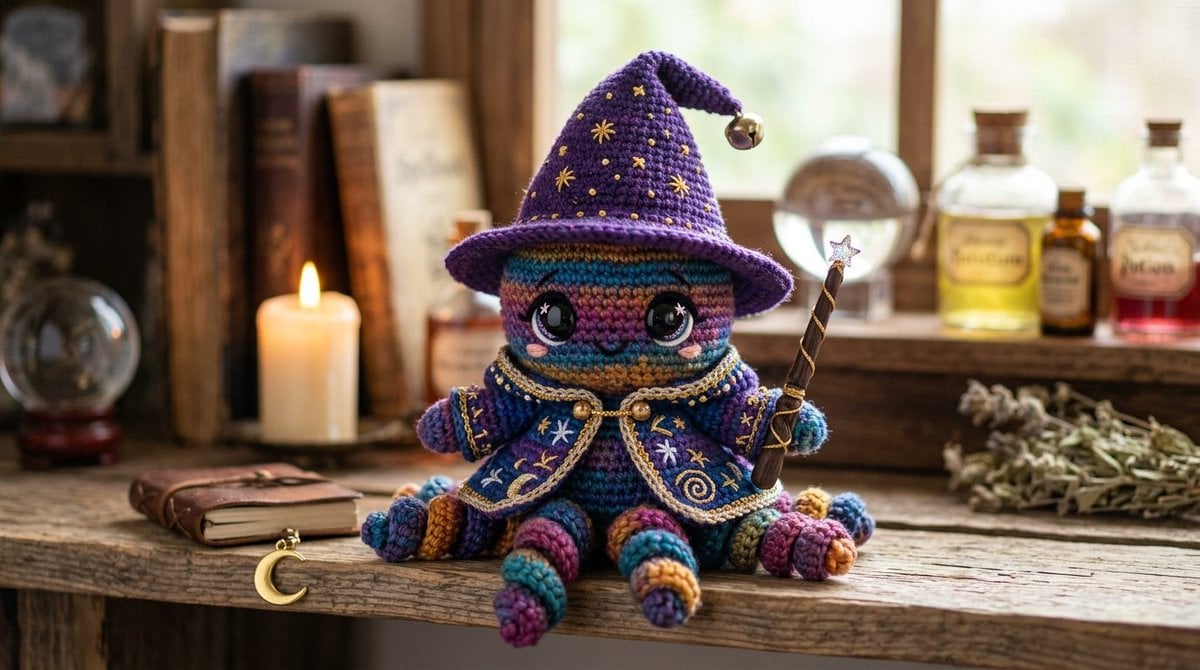
Cute Amigurumi Wizard Plush

Cinematic Wasteland Survivor Portrait (Mad Max Style)
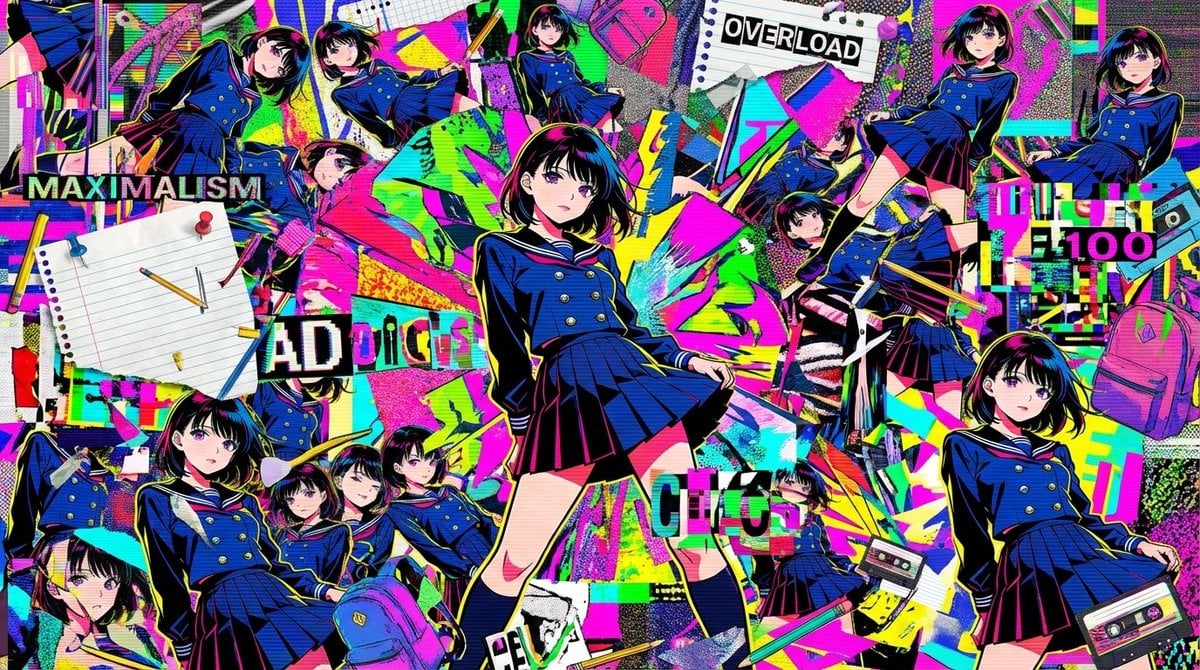
Chaotic Maximalist Anime Poster Prompt (100 Girls)
Browse template categories
Giant Bird Portal in the Sky questions
How do I use the Giant Bird Portal in the Sky template?
Add your photo if the template asks for one, edit the prompt if you like — the template's model and format are already selected — and press Generate. Your version opens in PicX Studio.
Can I customize the Giant Bird Portal in the Sky template?
Yes. You can change the subject, setting, lighting, mood, format, and available model controls before creating your image.
Is the Giant Bird Portal in the Sky template free?
Opening and editing this template is free. Generating uses credits, shown on the Generate button when you are signed in.
Which AI model should I use?
Start with GPT Image 2, which is the model associated with this template. You can compare another compatible model for a different finish.
Looking for something else? Browse all templates.

Your photo, any look
Thousands of ready templates for every top image and video model, from one credit balance.