
Surreal Giant Product Installation on Skyscraper
A detailed, commercial-style prompt for generating a surreal, photorealistic image of a massive jar of peanut butter powder strapped to a modern glass skyscraper in a busy downtown area.
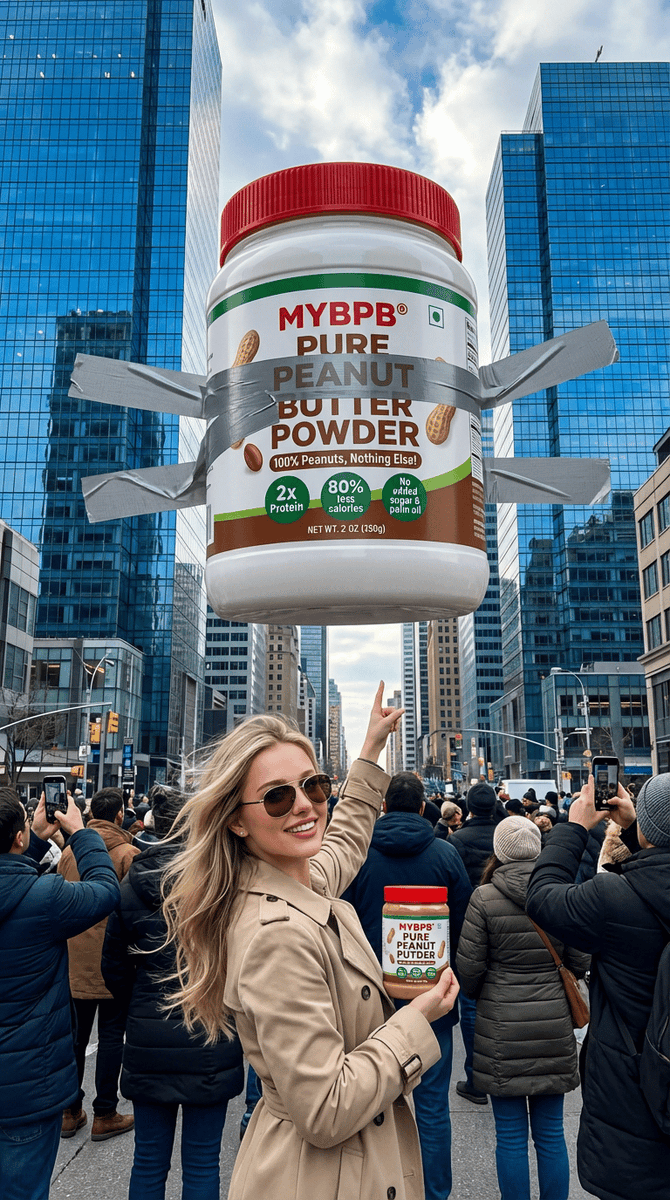
- Prompt included
- Model and format preset
- Free template
The prompt behind this image
Copy the exact prompt behind Surreal Giant Product Installation on Skyscraper, or open it in the studio and make it yours.
use the same face rom the reference image without changing facial features. A massive oversized jar of MYBPB Pure Peanut Butter Powder dramatically strapped and taped with huge gray duct tape across a modern glass skyscraper in a big city downtown, the giant jar floating and attached high up on the building facade between tall reflective blue-glass towers, crowded busy street below filled with hundreds of excited people looking up in awe, many taking photos with smartphones raised, some pointing, urban crowd in winter jackets and coats, dramatic daylight with partly cloudy blue sky, realistic advertising stunt style, surreal giant product installation, highly detailed jar label with text “MYBPB® PURE PEANUT BUTTER POWDER”, “100% Peanuts, Nothing Else!”, “2x Protein”, “80% less calories”, “No added sugar & palm oil”, red lid, white jar with green and brown accents, peanut illustrations, photorealistic, cinematic composition, wide angle shot from street level looking up, epic scale, sharp focus, ultra detailed, 8k, confident western woman in the foreground dressed in a stylish beige trench coat and sunglasses, holding a MYBPB jar in one hand and pointing up at the giant installation with a bold smile, wind blowing her hair slightly, strong advertising pose, brand ambassador energy, positioned slightly off-center for dynamic composition, premium commercial campaign vibe
How to use Surreal Giant Product Installation on Skyscraper in 3 steps
- 1Upload ImagePNG, JPG or paste
Add your photo
Upload the photo the template builds on. The prompt, model and format are already set.
- 2…a portrait of your subject in softgolden-hour light, 85mm…
Personalize
Edit the subject and creative details for your destination.
- 3Generate
Generate
Press Generate — your image is created in PicX Studio, so you can compare it with the original and refine one variable at a time.
More like this
Templates with the same subject, style or setup. Open one to see its prompt.

Giant Forced Perspective Street Product Selfie
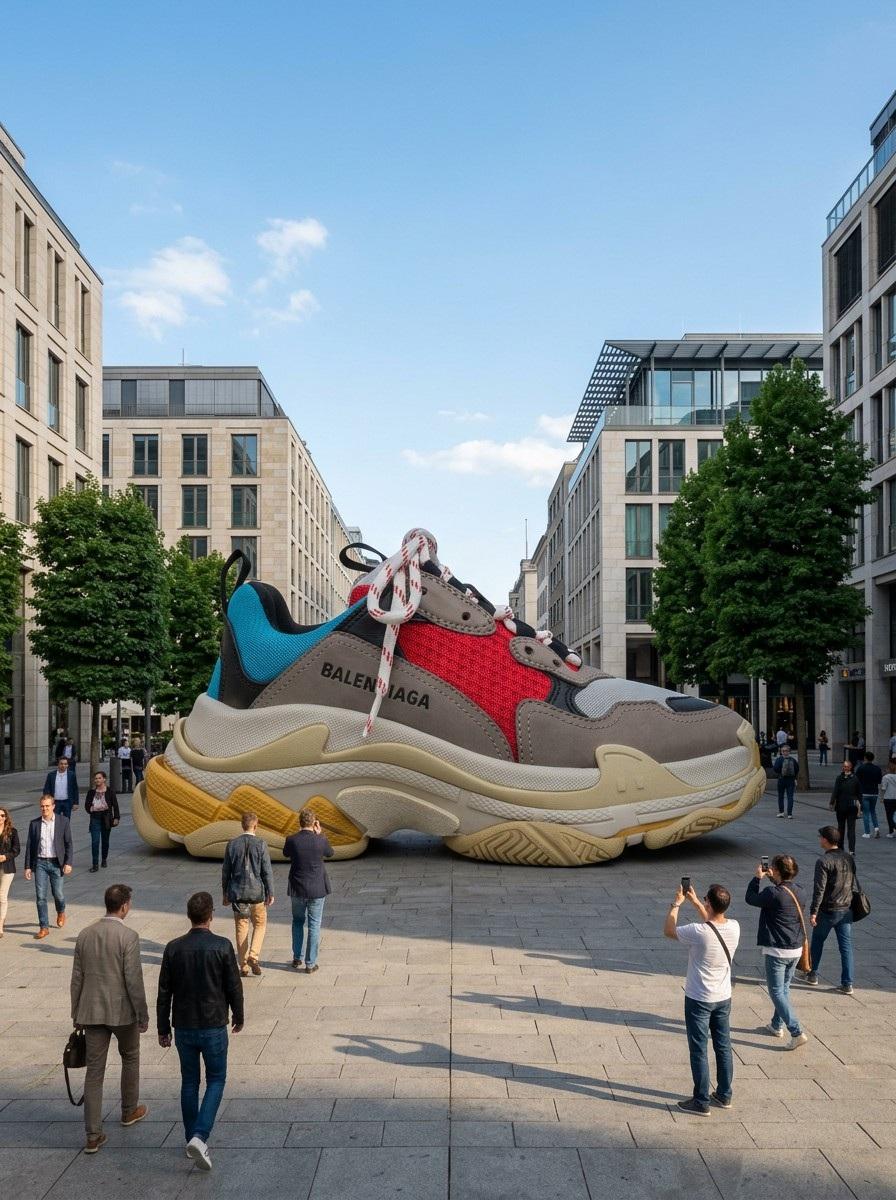
Giant Product Art Installation Prompt for Nano Banana Pro
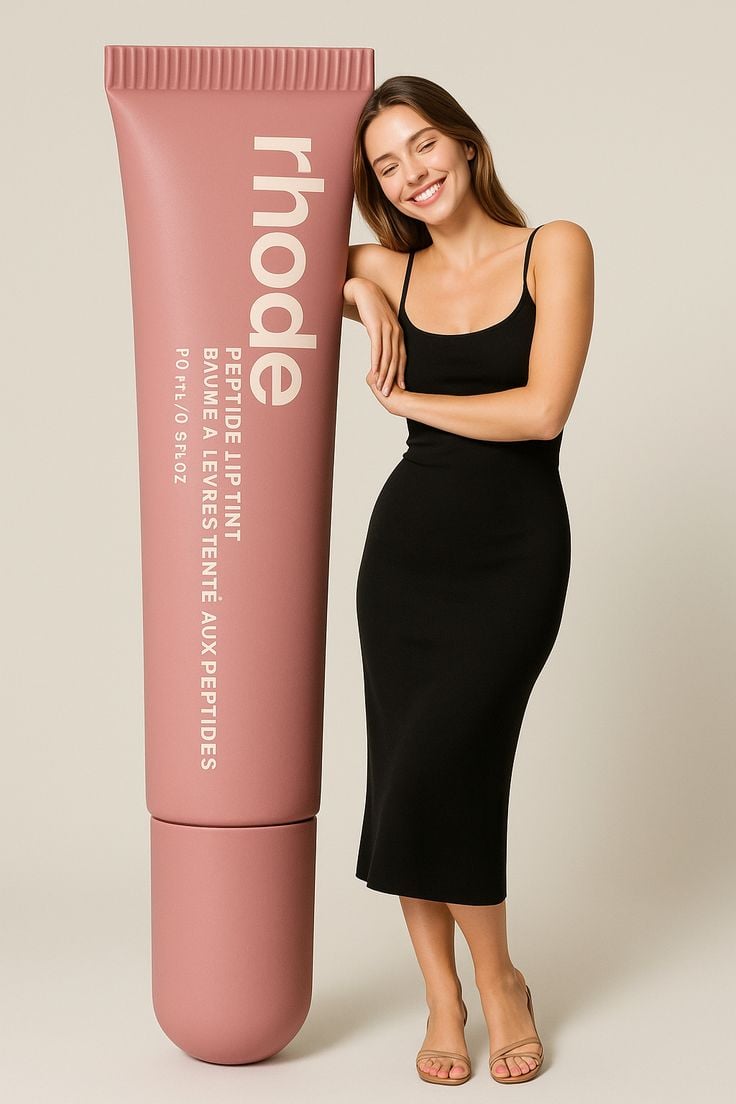
Giant Product Lifestyle Mockup

Surreal Cat Astronaut — Humanoid Face Freefall

A k.pop idol on the stage with mic

Surreal beach giant boot sculpture

Trendy Cafe Drink Promo Poster

Stylized Fashion Portrait Bold Color Contrast Editorial

Minimalist Skincare Product Water Stone Still

Playful Futuristic Brand Kit Board

Headphones Lifestyle Nine Panel Grid

Cappuccino Bottle Splash Product Ad
Make it yours
Surreal Giant Product Installation on Skyscraper works as-is. These are the safest ways to change it without losing the look.
Change one field
Copy a single group, rewrite it, and generate again so you can see what that field is doing.
Keep the frame, change the subject
Hold the composition and light of Surreal Giant Product Installation on Skyscraper, then swap wardrobe, props or the person for a new take.
| If the result… | Why | Fix |
|---|---|---|
| The result drifts from the preview | Too many fields changed at once. | Reuse Surreal Giant Product Installation on Skyscraper as-is first, then change one group — subject, light, or setting. |
| The model over-stylizes the scene | The prose prompt leaves finish and camera underspecified. | Add one camera or lighting sentence and stay on Nano Banana 2. |
More Nano Banana 2 templates
Other prompts made for Nano Banana 2.

Photorealistic Leaf Shaped Like a Dragon

K-Pop Idol Portrait Grid for Rapid Selection

Poetic Rain Forest Portrait During Golden Hour

Urban Street Portrait with Cartoon Inner Self Duo

Candid Nighttime Photo with Cat Prompt

High-Concept 3D Diorama Generation Prompt

Cinematic Futuristic Studio Portrait Template

Skincare Editorial Photography Collage Prompt

Hyper-Realistic Commercial Product Photography (Splash Effect)

Hyper-Realistic Nightclub Portrait Prompt
More image prompts
Fresh picks from across the catalog.
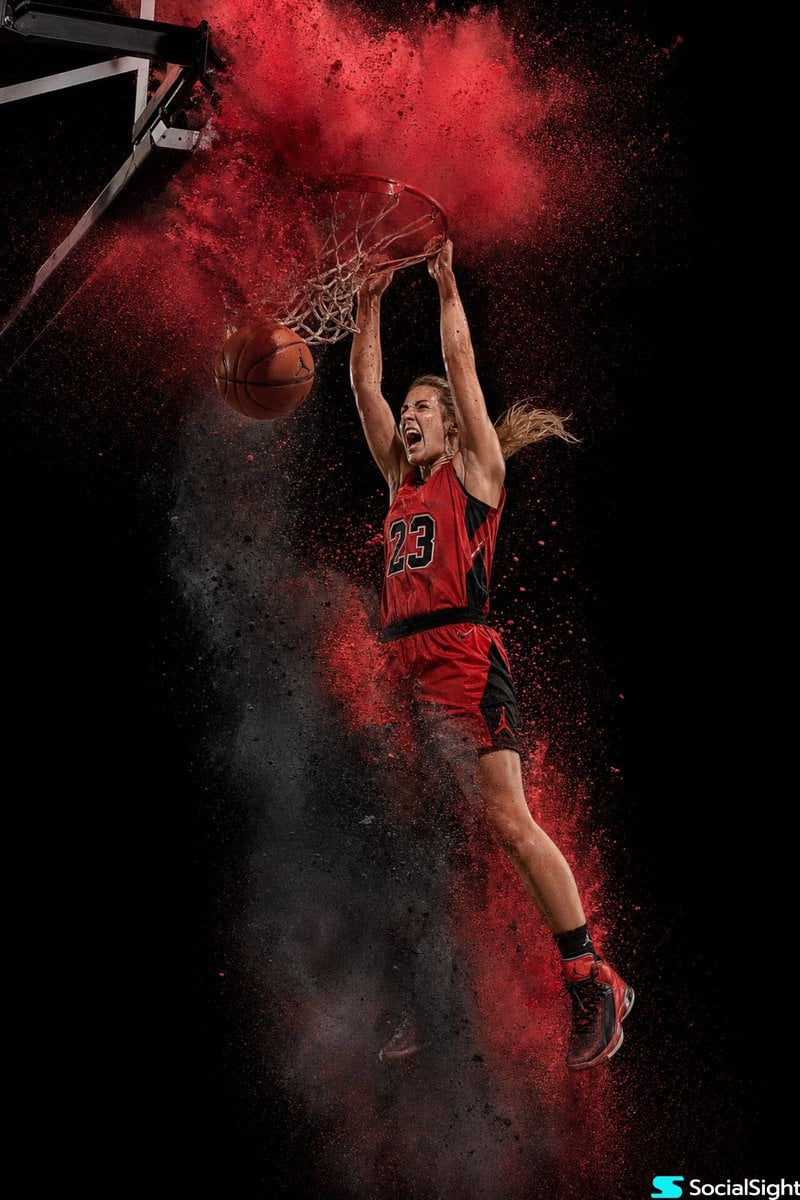
Action Basketball Dunk with Powder Explosion

Romantic Istanbul Kitchen Couple Scene
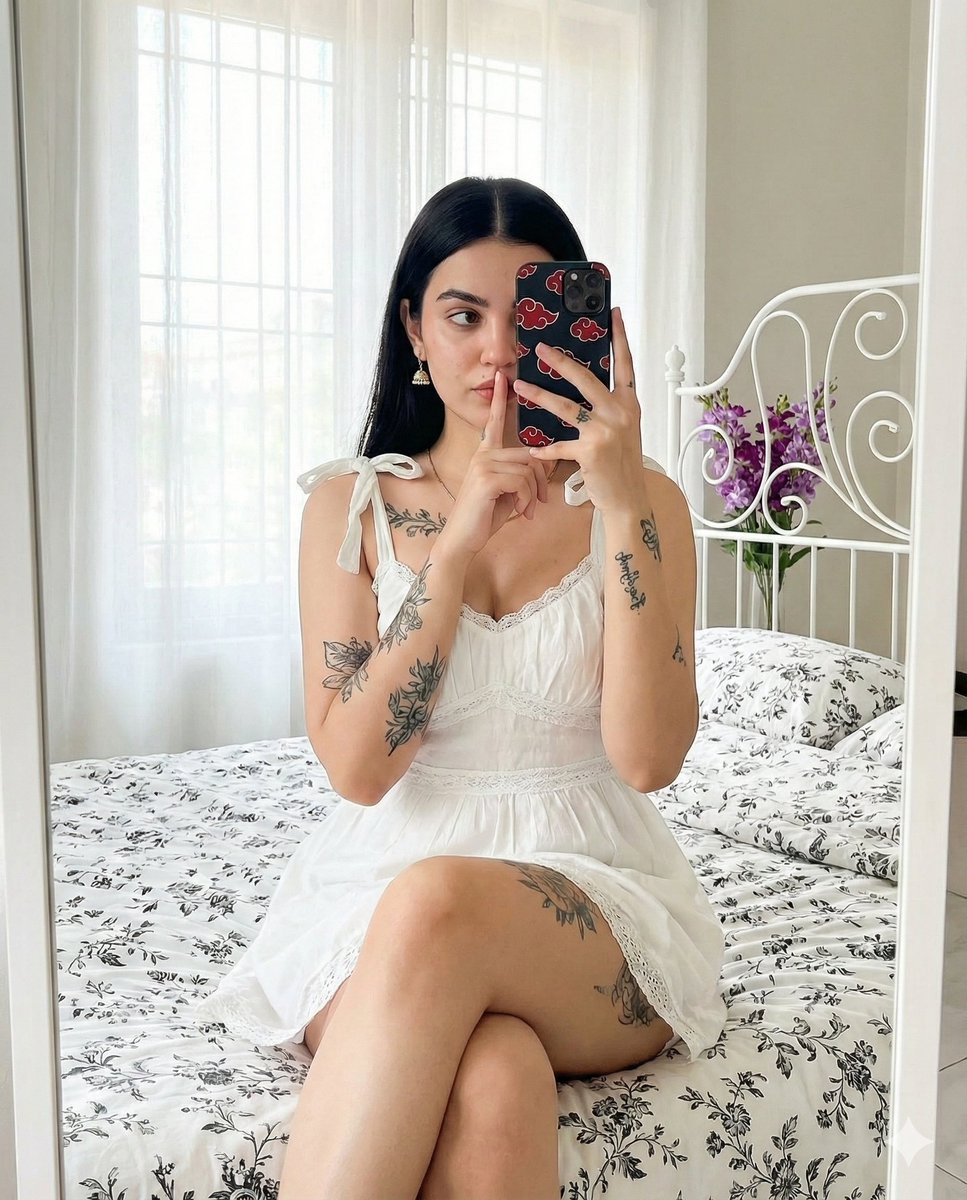
Ultra-Realistic Mirror Selfie with Akatsuki Phone Case
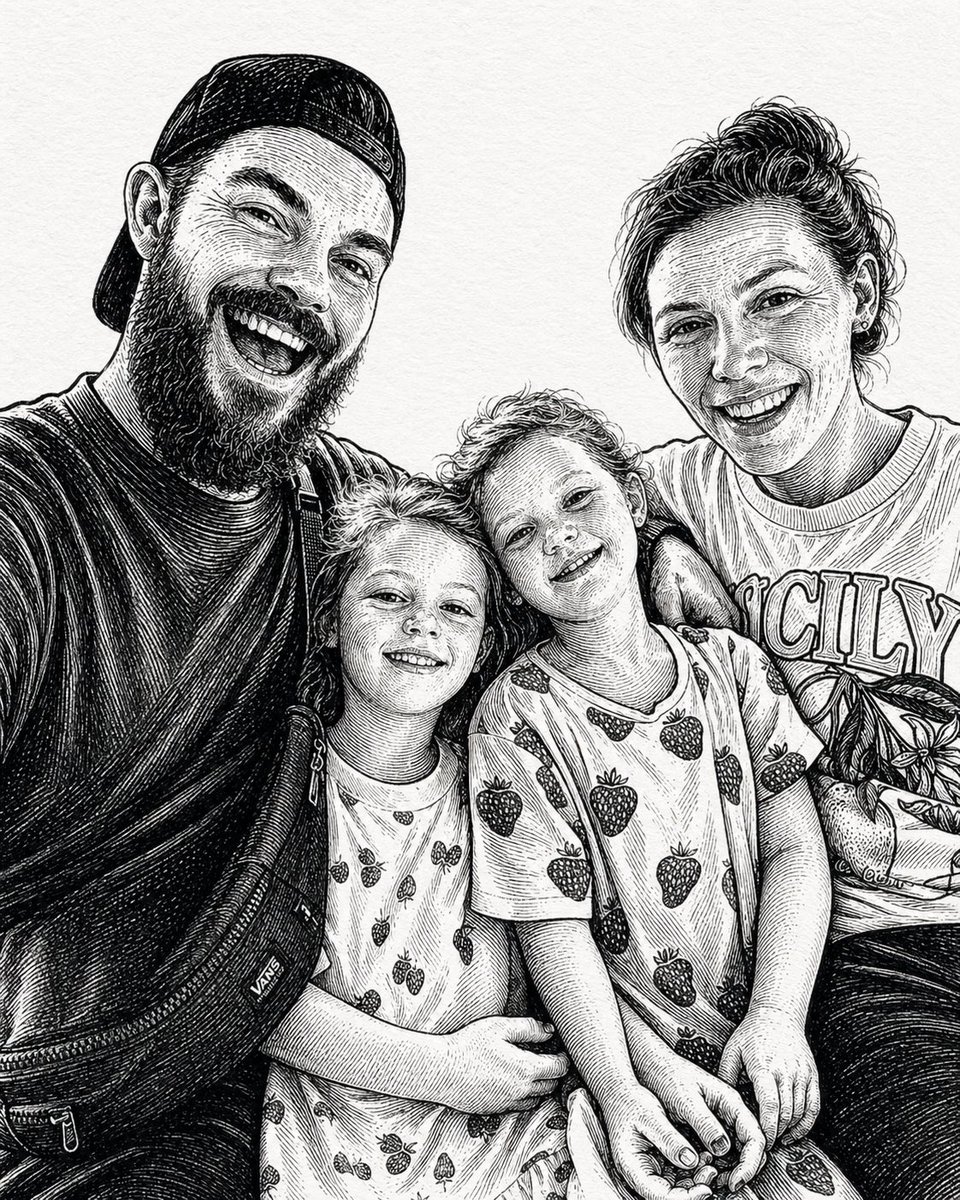
Gpt2 Momotaro Explainer Slide in Hybrid Style
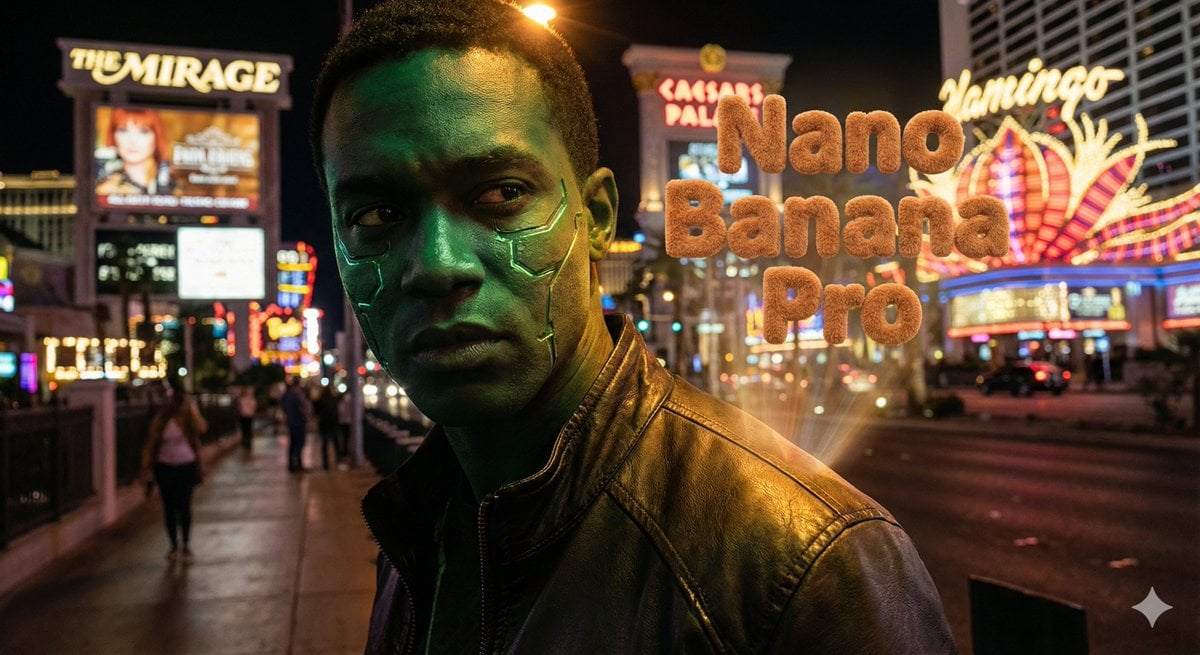
Hyper-realistic portrait with vibrant green skin on the Las Vegas Strip
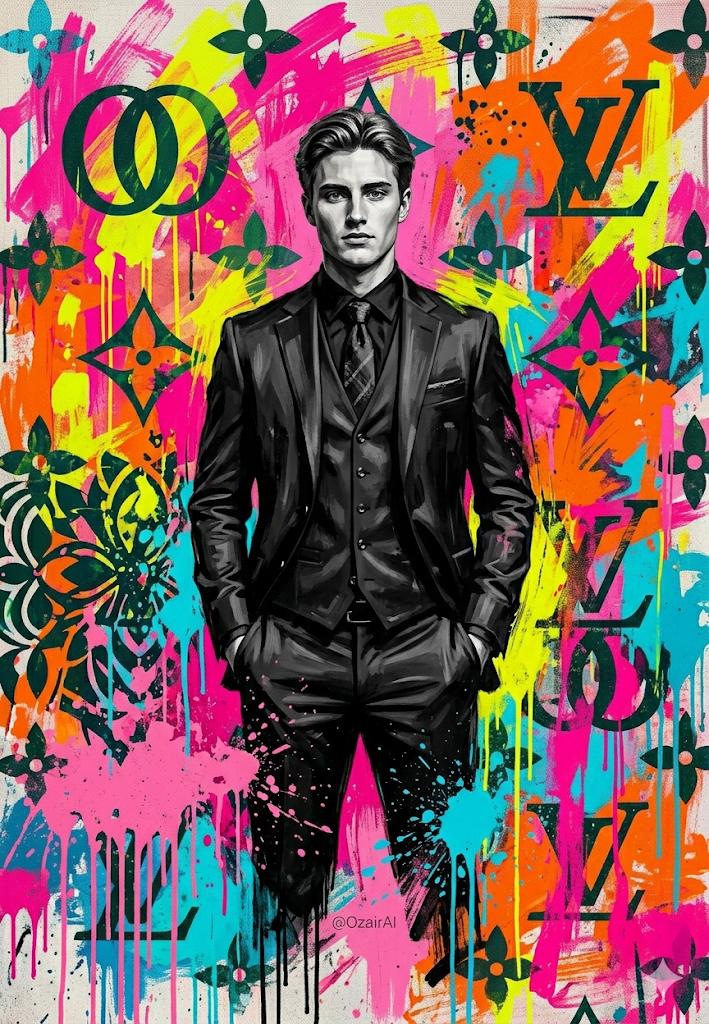
Pop-Art Graffiti Portrait
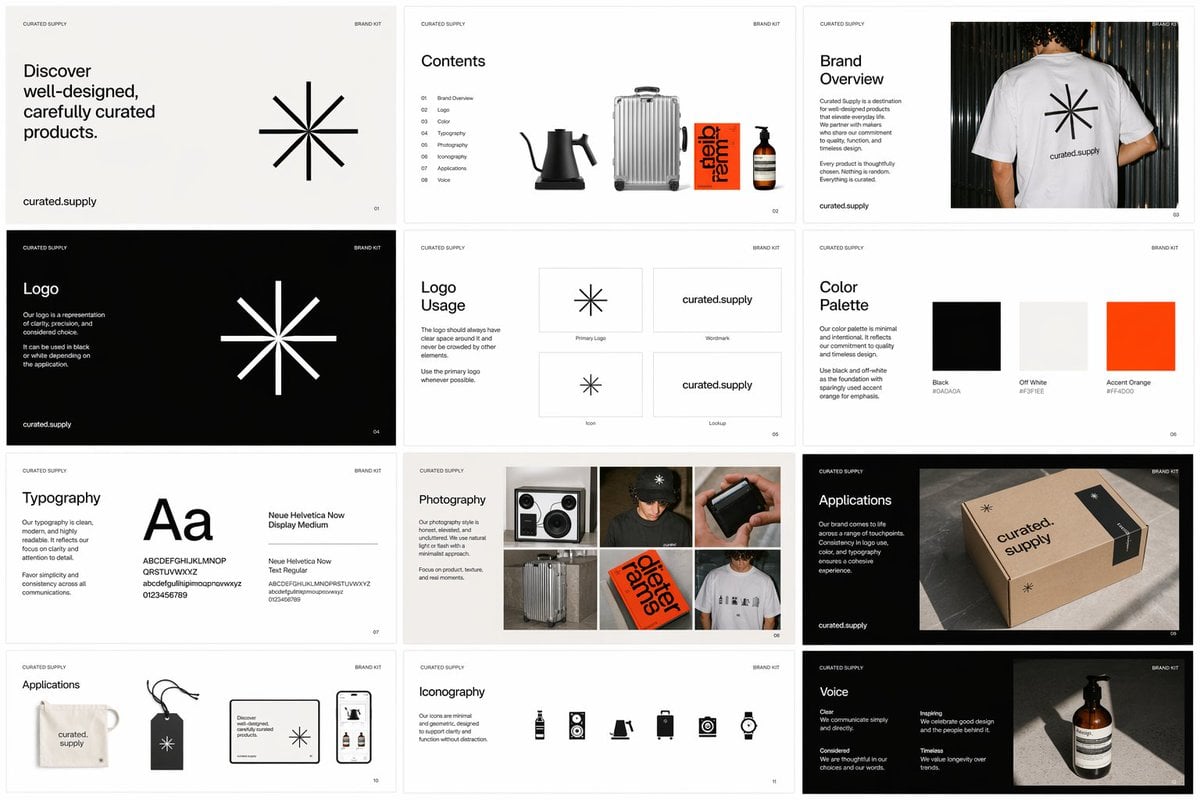
Brand Kit Design Prompt
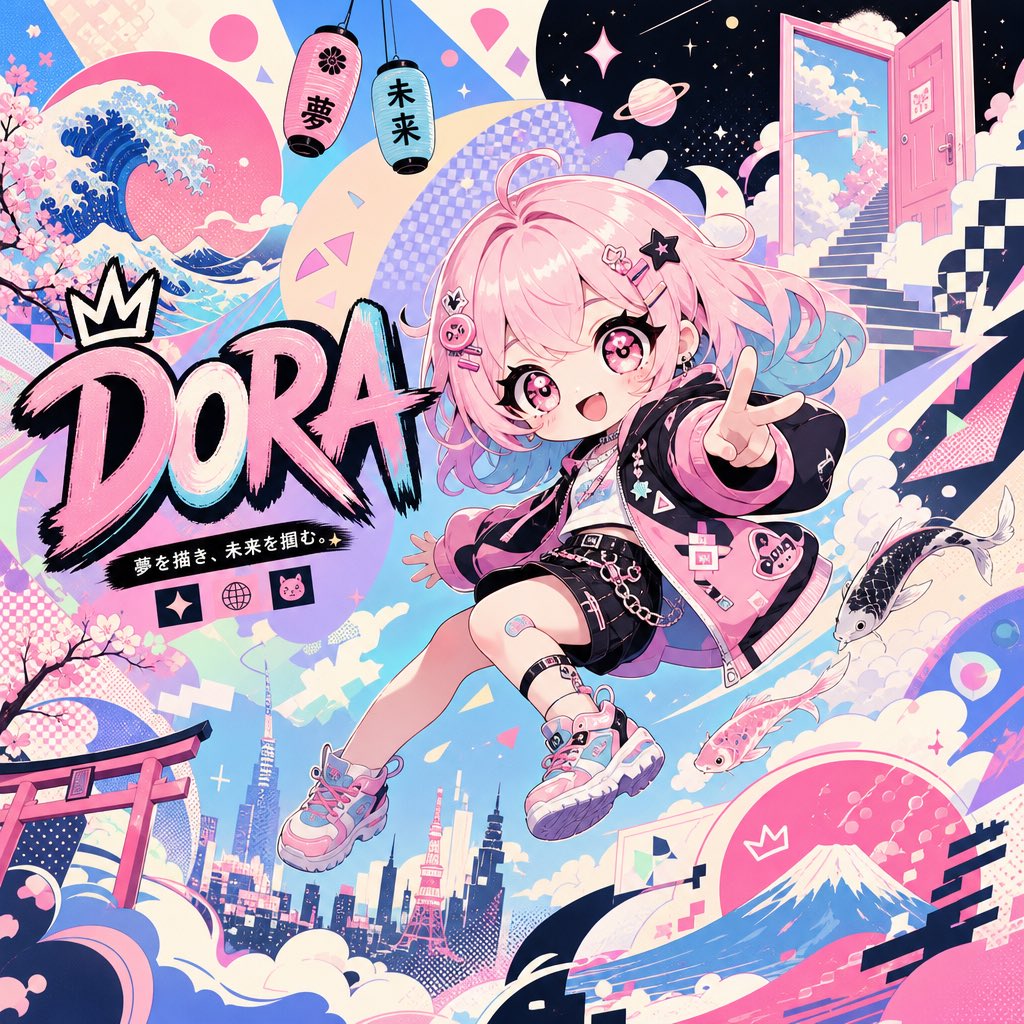
Surreal Japanese Pop Art Twitter Banner
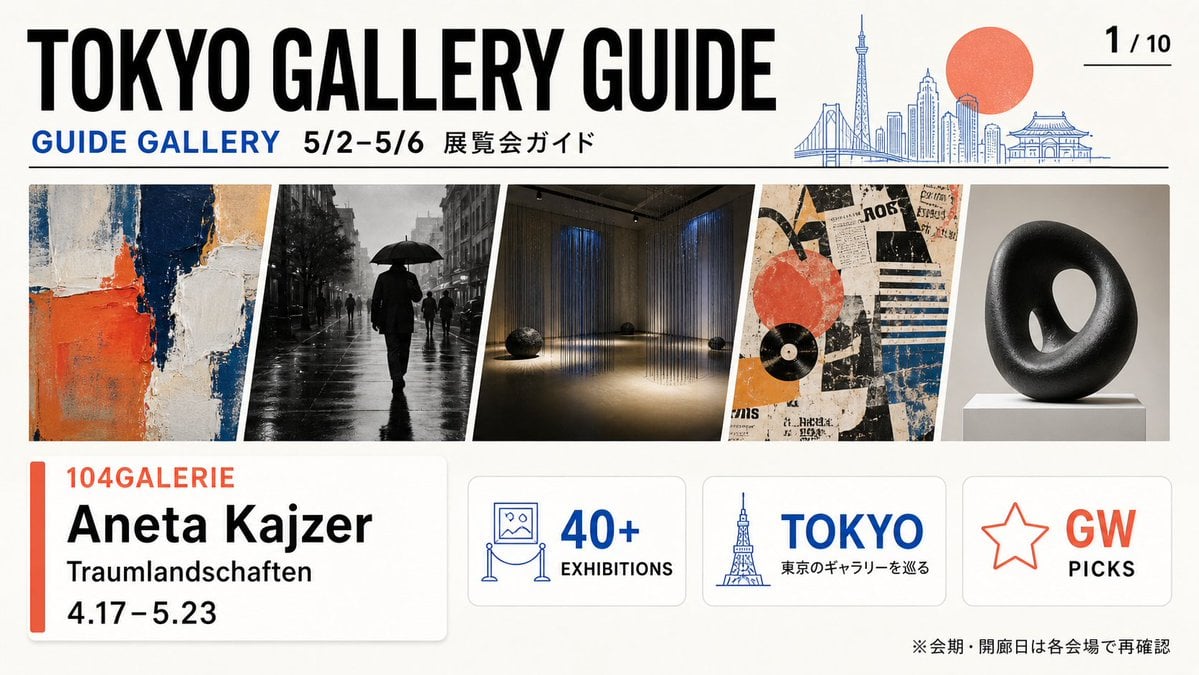
Tokyo Gallery Guide Brochure
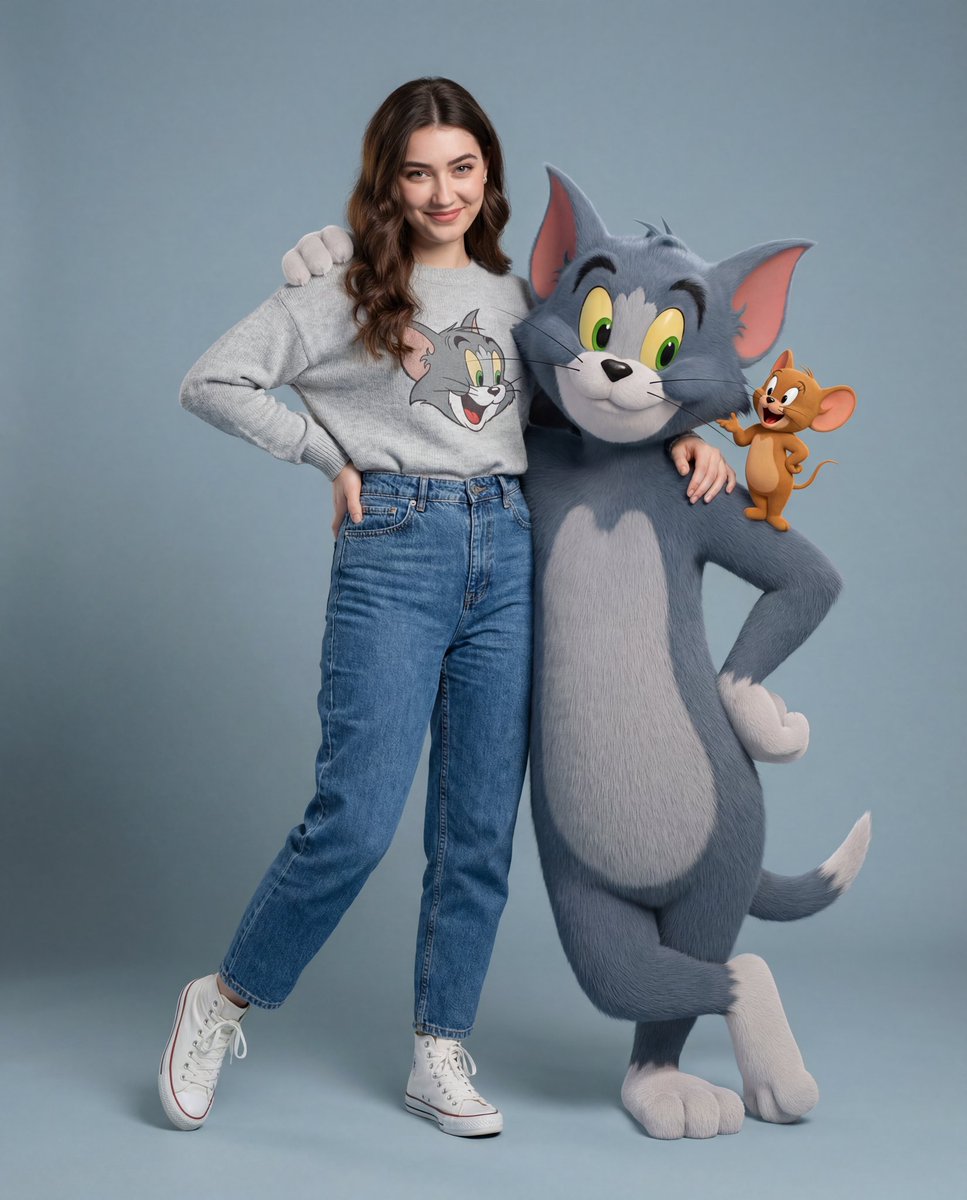
Hyper-realistic Tom & Jerry Fashion Shoot
Browse template categories
Surreal Giant Product Installation on Skyscraper questions
How do I use the Surreal Giant Product Installation on Skyscraper template?
Add your photo if the template asks for one, edit the prompt if you like — the template's model and format are already selected — and press Generate. Your version opens in PicX Studio.
Can I customize the Surreal Giant Product Installation on Skyscraper template?
Yes. You can change the subject, setting, lighting, mood, format, and available model controls before creating your image.
Is the Surreal Giant Product Installation on Skyscraper template free?
Opening and editing this template is free. Generating uses credits, shown on the Generate button when you are signed in.
Which AI model should I use?
Start with Nano Banana 2, which is the model associated with this template. You can compare another compatible model for a different finish.
Looking for something else? Browse all templates.

Your photo, any look
Thousands of ready templates for every top image and video model, from one credit balance.