
Giant Product Art Installation Prompt for Nano Banana Pro
A highly specific prompt for Nano Banana Pro focused on preserving the exact details of a product reference image while placing it as a massive, 10-meter tall art installation in a modern European city square, shot in a…
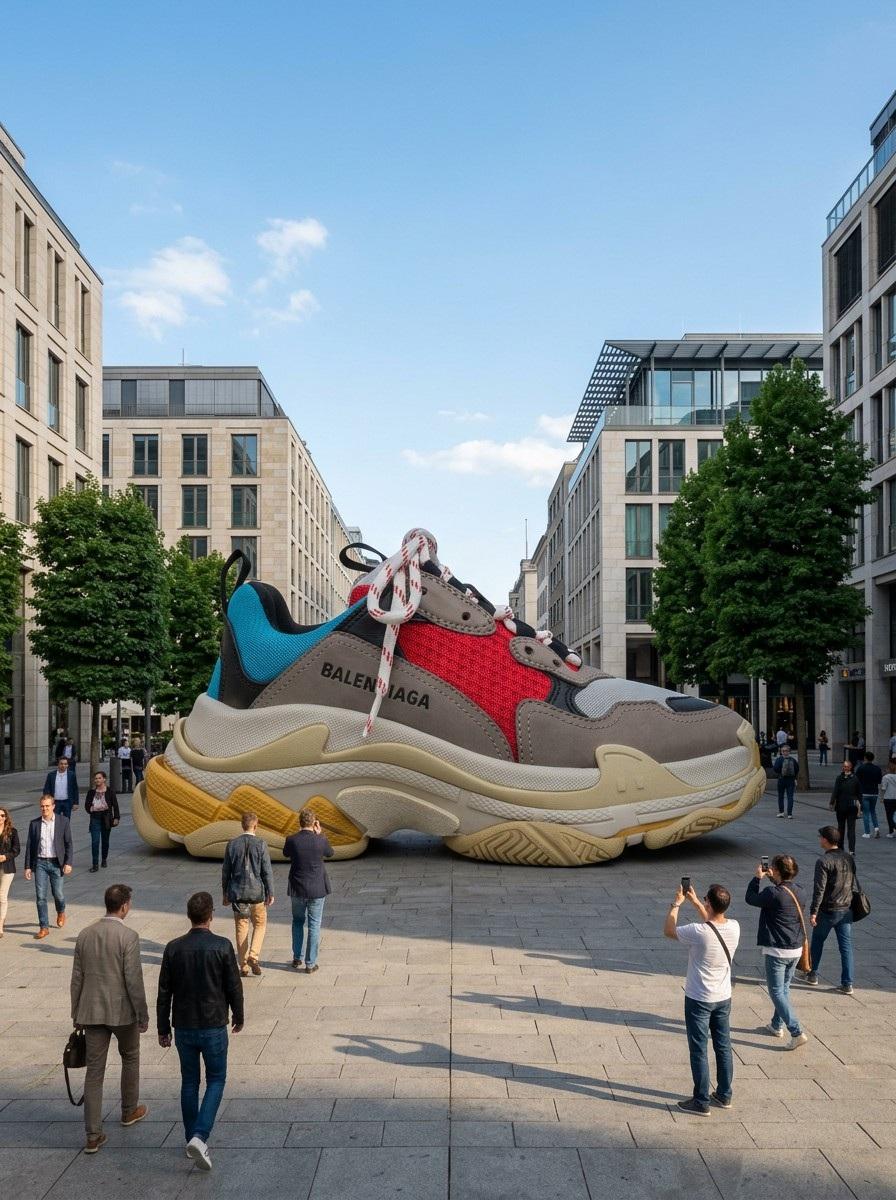
- Prompt included
- Model and format preset
- Free template
The prompt behind this image
Copy the exact prompt behind Giant Product Art Installation Prompt for Nano Banana Pro, or open it in the studio and make it yours.
CRITICAL: Preserve the product exactly as it is. Do not alter its shape, color, proportions, label, text, logo, texture, or any detail. Only change the scale and surrounding environment. Place this product as a GIANT art installation in the middle of a city square. The product is enormous — approximately {argument name="size" default="10 meters"} tall, towering over the people walking around it. It sits directly on the pavement as if it was placed there by a crane for a brand activation event. Small people around the base of the giant product for scale — some walking past, some stopping to look up, some taking photos with their phones. The people reach only to the bottom edge of the product, showing how massive it is. City environment: a modern European city square with clean architecture, stone pavement, trees, and buildings in the background. Blue sky with a few white clouds. The scene looks like a real public art installation or a guerrilla marketing stunt. The giant product casts a realistic large shadow on the pavement matching the sun direction. The lighting on the product matches the outdoor sunlight — warm natural daylight from above, same color temperature as the surrounding buildings and street. Shot from street level, slightly looking up at the giant product. Wide angle 24mm lens, f/8. The scene must look believably real — as if someone took a photo of an actual giant product placed in a city. Photorealistic street photography, documentary style.
How to use Giant Product Art Installation Prompt for Nano Banana Pro in 3 steps
- 1
Open
The prompt is already in the box next to the preview, with the template's model and format selected.
- 2…a portrait of your subject in softgolden-hour light, 85mm…
Personalize
Edit the subject and creative details for your destination.
- 3Generate
Generate
Press Generate — your image is created in PicX Studio, so you can compare it with the original and refine one variable at a time.
More like this
Templates with the same subject, style or setup. Open one to see its prompt.

Cosmetic Tube Product — Nano Banana 2
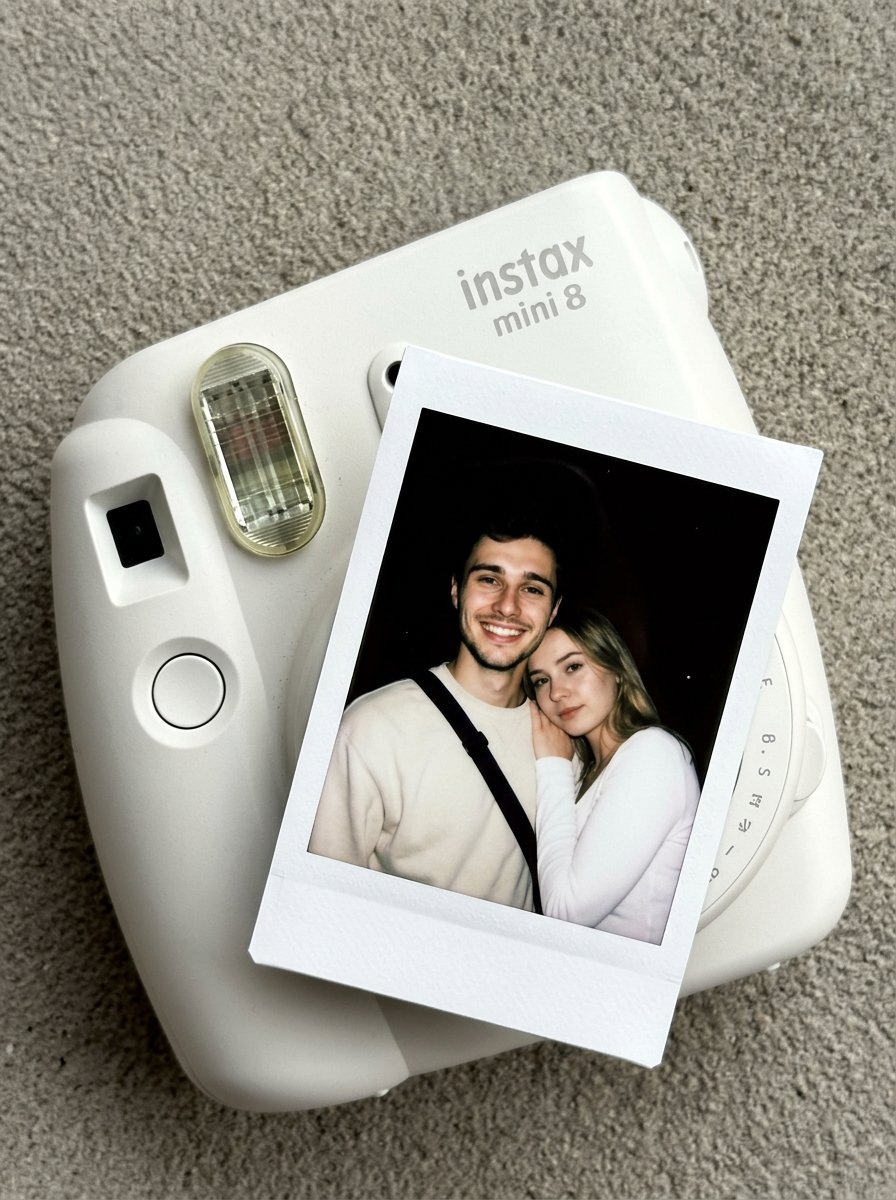
Nano Banana Pro Instax Mini 8
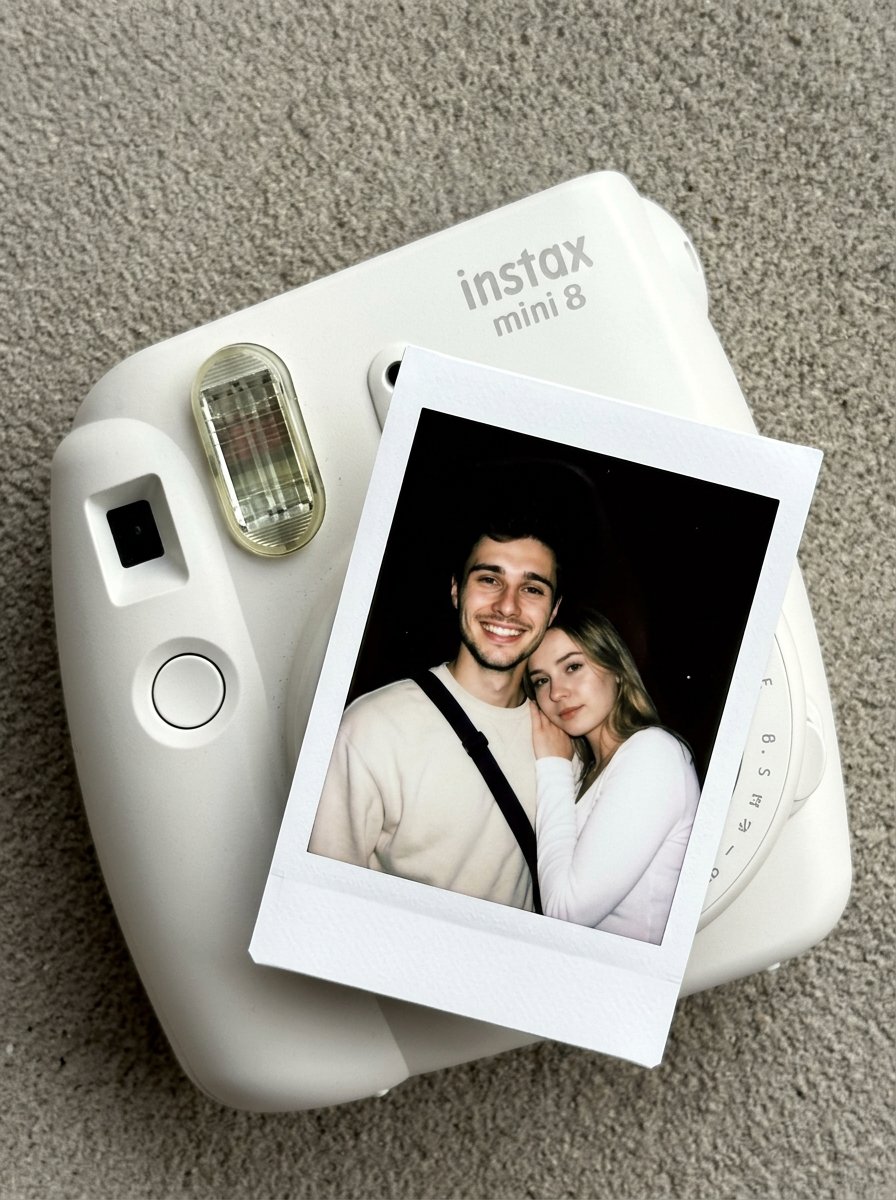
02 Instax Camera Product — Nano Banana 2

Giant Forced Perspective Street Product Selfie
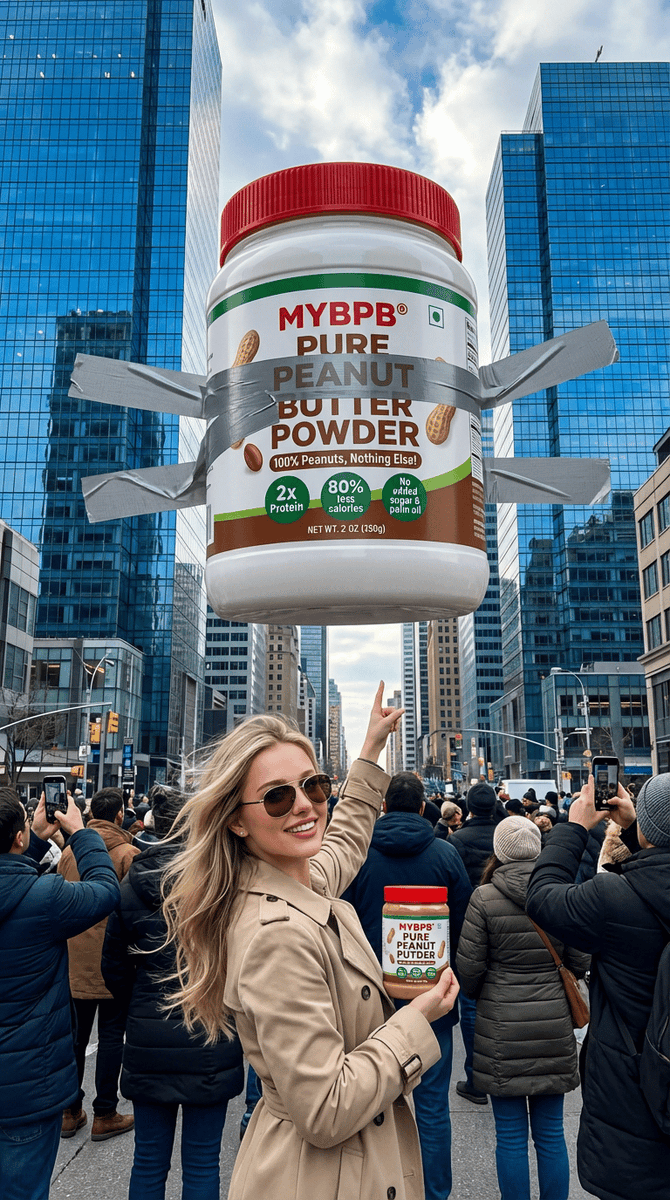
Surreal Giant Product Installation on Skyscraper

Low-Key Product Photography Prompt for Gemini Nano Banana Pro
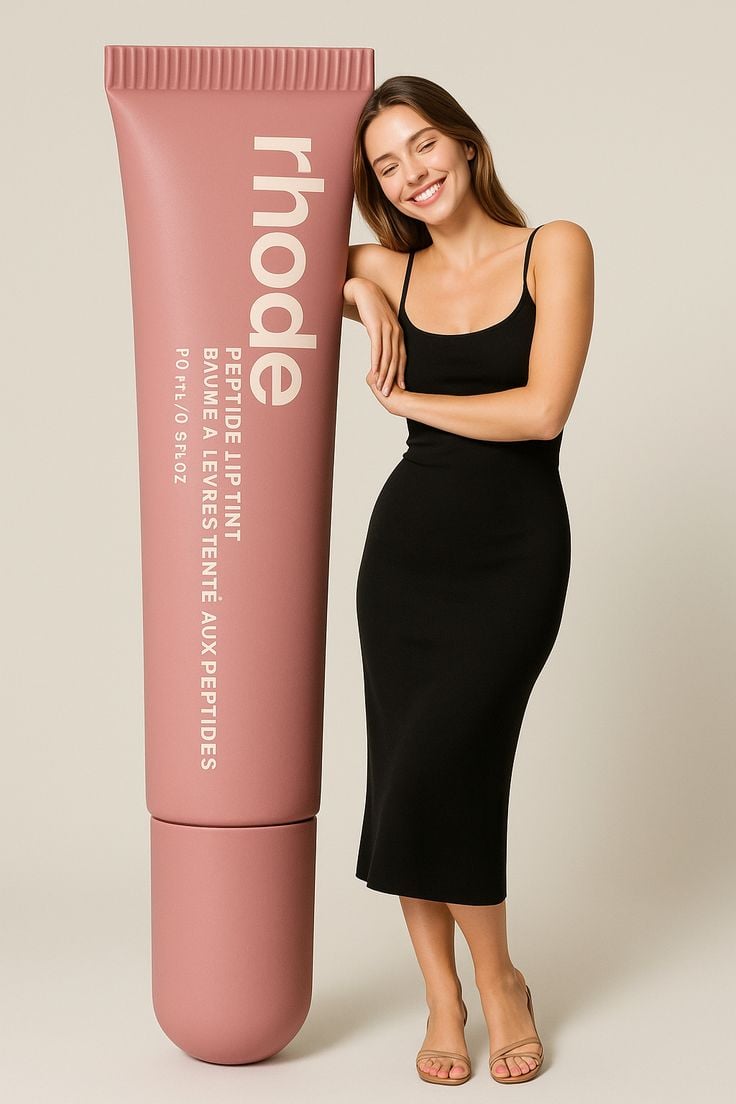
Giant Product Lifestyle Mockup

A k.pop idol on the stage with mic

Trendy Cafe Drink Promo Poster

Minimalist Skincare Product Water Stone Still

Playful Futuristic Brand Kit Board

Headphones Lifestyle Nine Panel Grid
Make it yours
Giant Product Art Installation Prompt for Nano Banana Pro works as-is. These are the safest ways to change it without losing the look.
Change one field
Copy a single group, rewrite it, and generate again so you can see what that field is doing.
Keep the frame, change the subject
Hold the composition and light of Giant Product Art Installation Prompt for Nano Banana Pro, then swap wardrobe, props or the person for a new take.
| If the result… | Why | Fix |
|---|---|---|
| The result drifts from the preview | Too many fields changed at once. | Reuse Giant Product Art Installation Prompt for Nano Banana Pro as-is first, then change one group — subject, light, or setting. |
| The model over-stylizes the scene | The prose prompt leaves finish and camera underspecified. | Add one camera or lighting sentence and stay on Nano Banana 2. |
More Nano Banana 2 templates
Other prompts made for Nano Banana 2.

Photorealistic Leaf Shaped Like a Dragon

K-Pop Idol Portrait Grid for Rapid Selection

Poetic Rain Forest Portrait During Golden Hour

Urban Street Portrait with Cartoon Inner Self Duo

Candid Nighttime Photo with Cat Prompt

High-Concept 3D Diorama Generation Prompt

Cinematic Futuristic Studio Portrait Template

Skincare Editorial Photography Collage Prompt

Hyper-Realistic Commercial Product Photography (Splash Effect)

Hyper-Realistic Nightclub Portrait Prompt
More image prompts
Fresh picks from across the catalog.
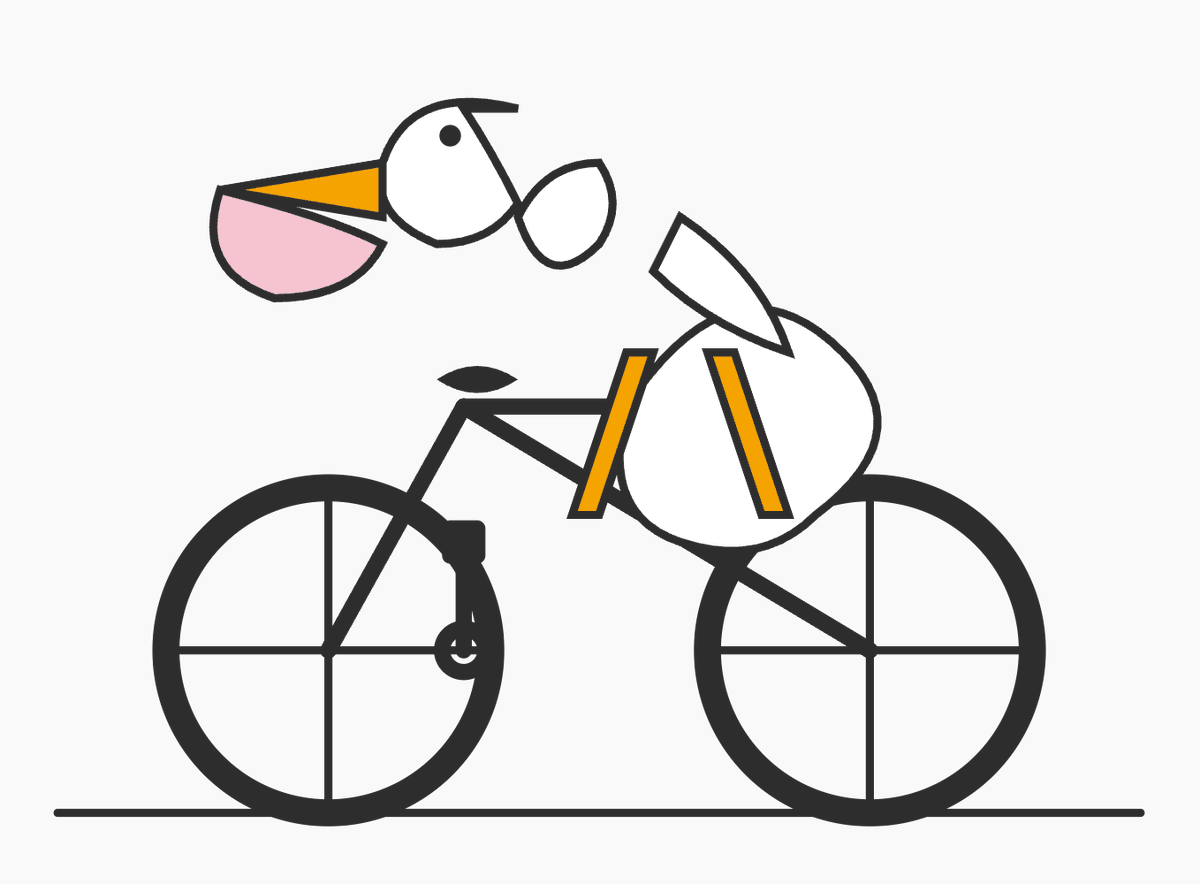
Minimal Pelican Riding Bicycle
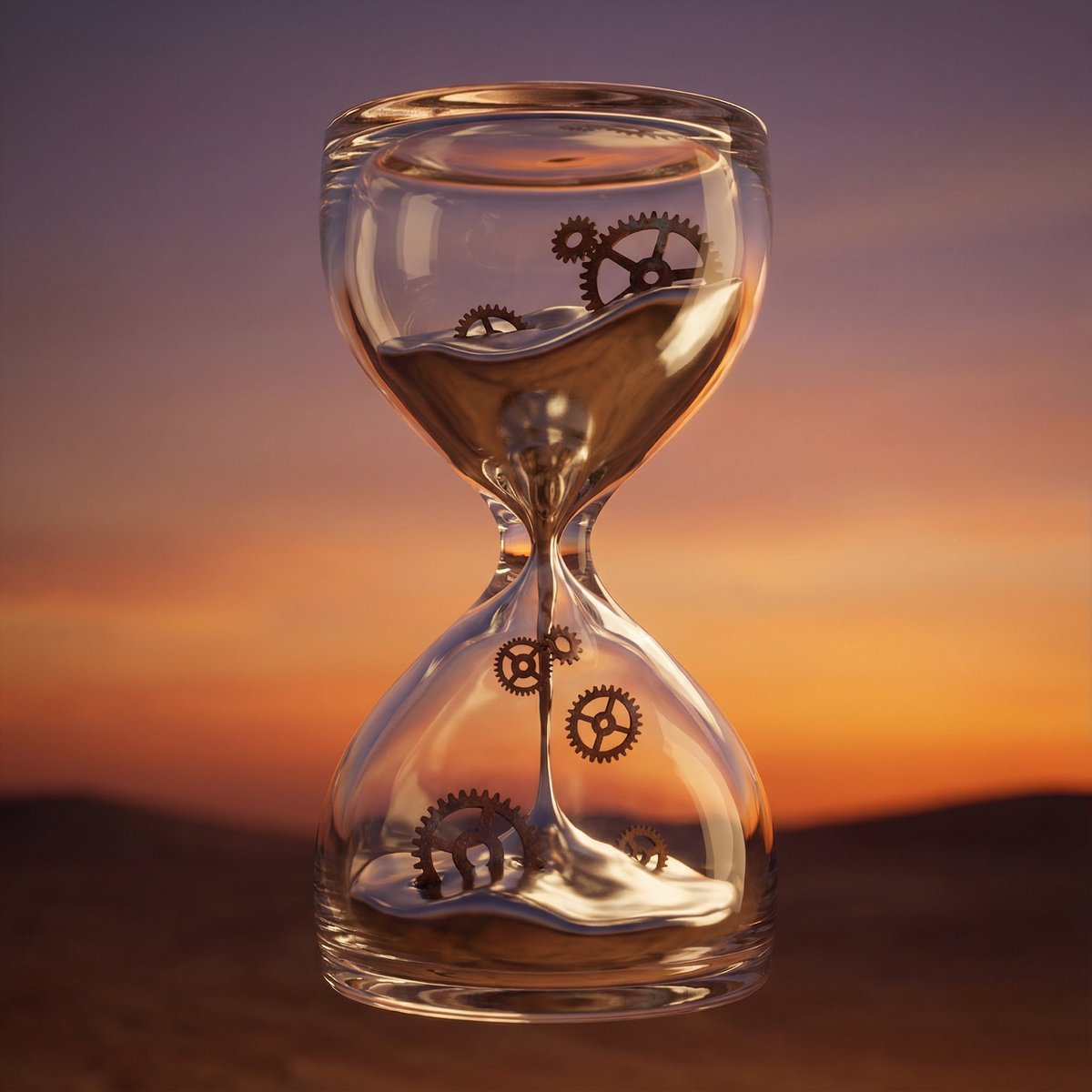
Hyper-Realistic 3D Simulation Prompt: Melting Hourglass
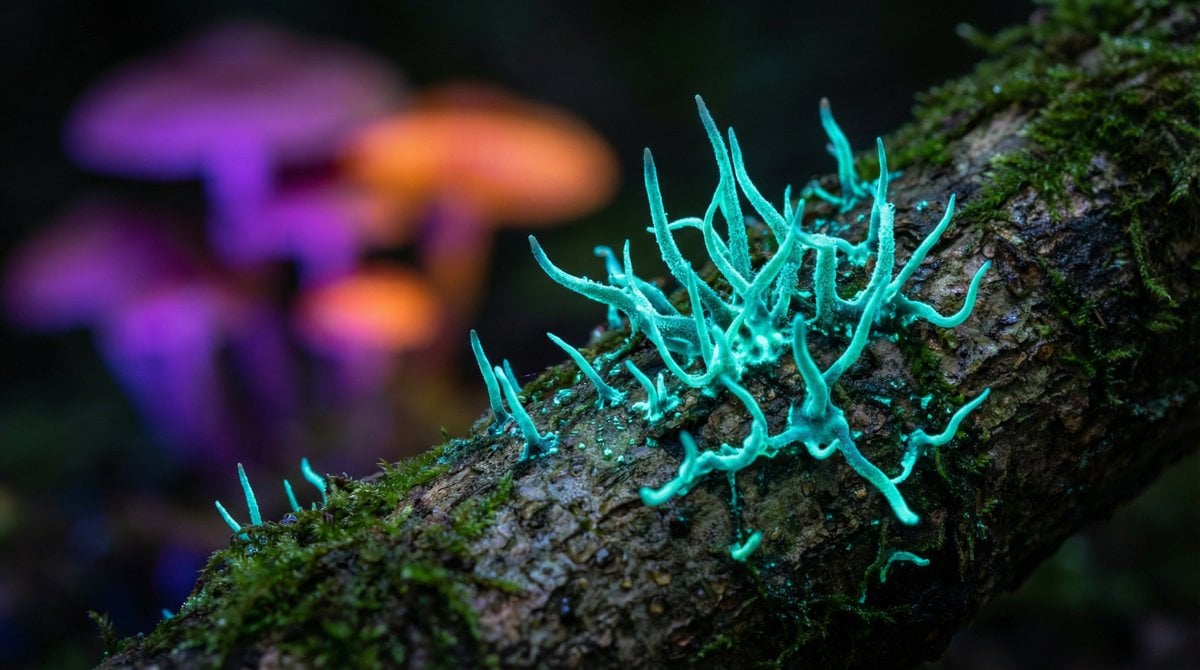
Nano Banana Pro Model Prompt for Visuals
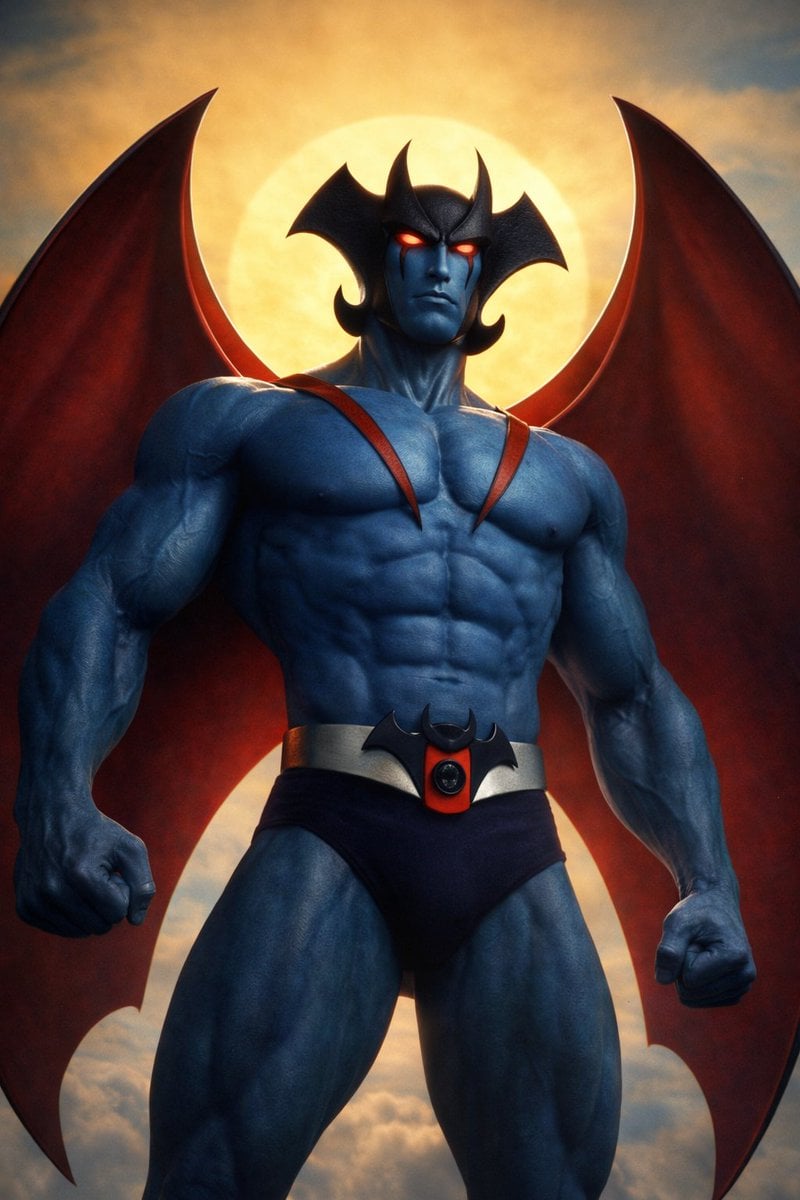
Devilman Anime Keyframe in 3DCG Style
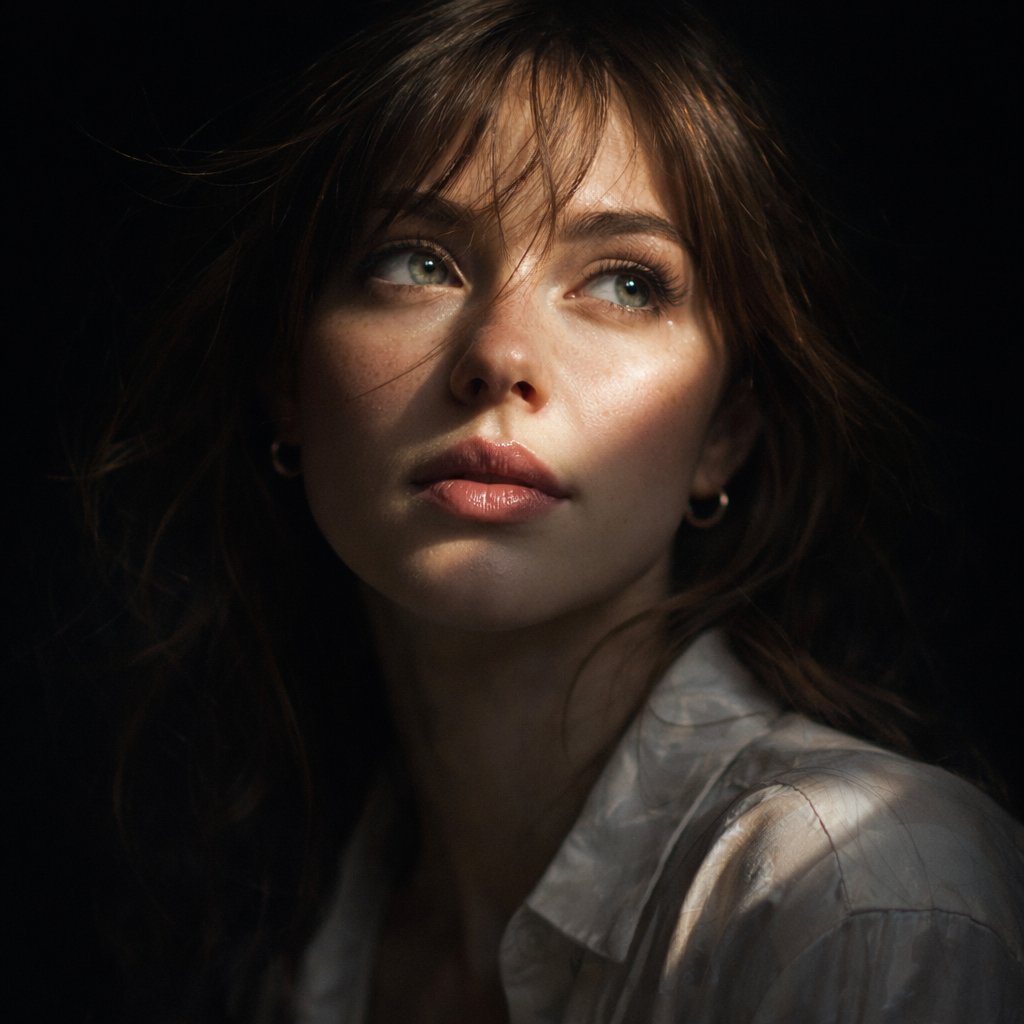
Cinematic Chiaroscuro Portrait
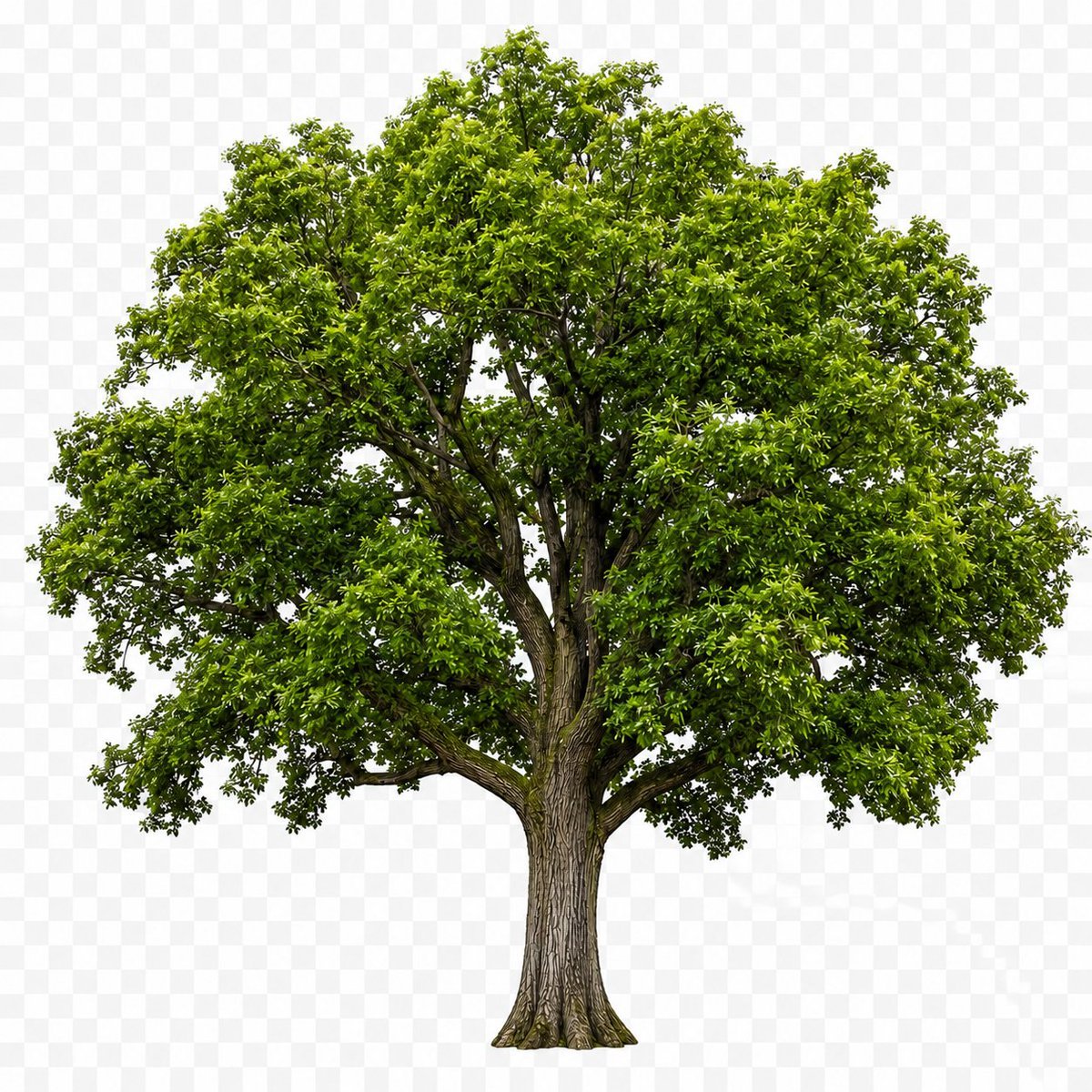
Isolated Tree on Checkerboard
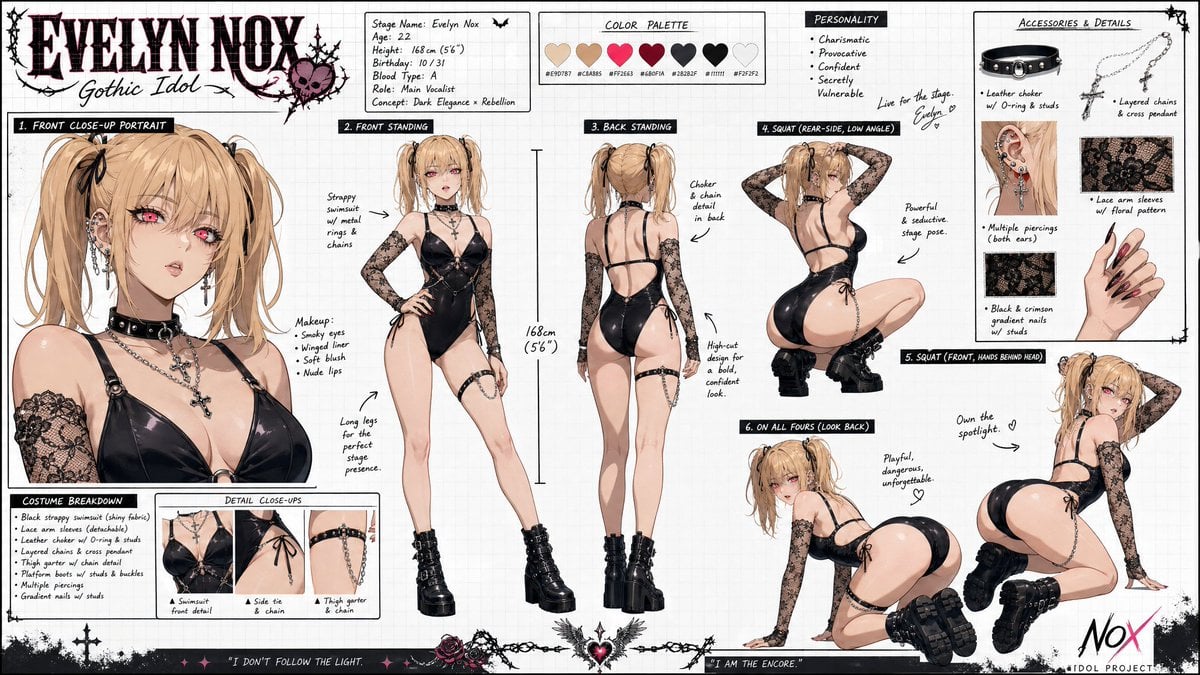
Misa Amane Anime Portrait
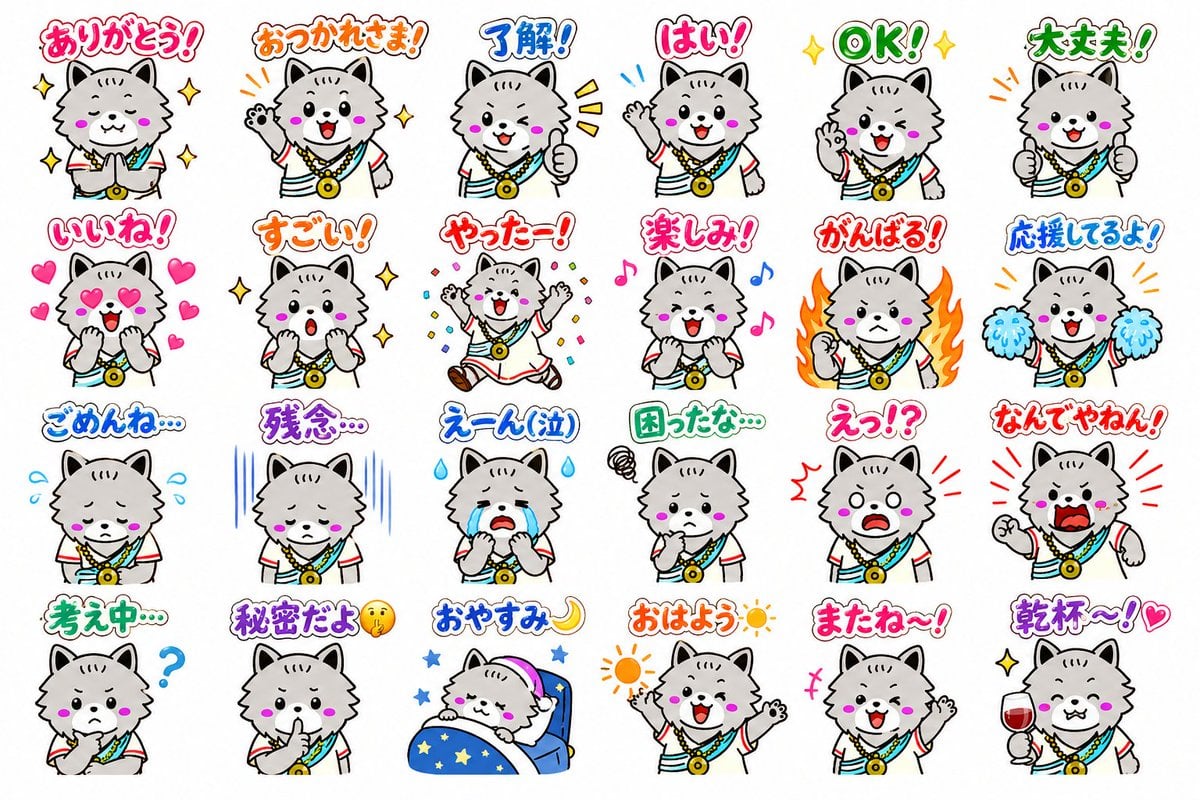
24 Cute Mascot LINE Stickers
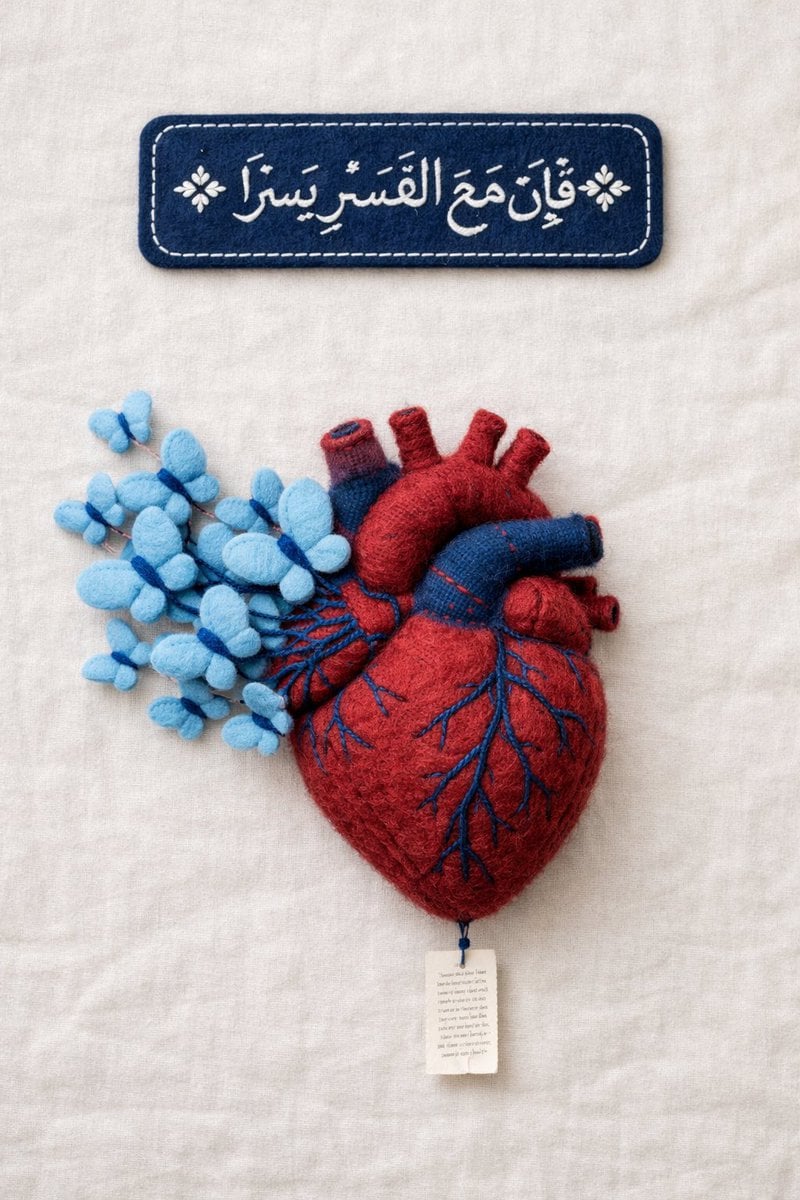
Fine Art Textile Photography Prompt (Arabic Calligraphy)
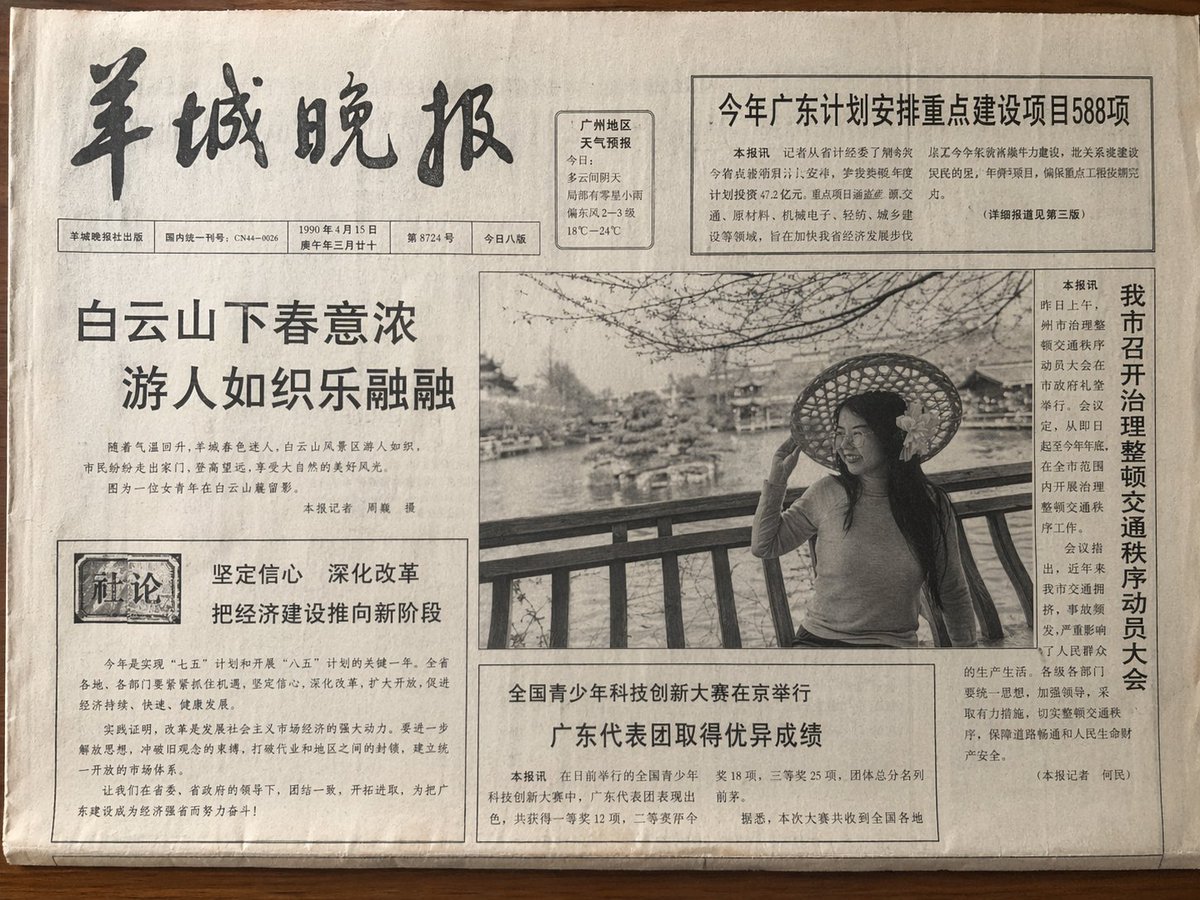
Vintage Newspaper Front Page
Browse template categories
Giant Product Art Installation Prompt for Nano Banana Pro questions
How do I use the Giant Product Art Installation Prompt for Nano Banana Pro template?
Add your photo if the template asks for one, edit the prompt if you like — the template's model and format are already selected — and press Generate. Your version opens in PicX Studio.
Can I customize the Giant Product Art Installation Prompt for Nano Banana Pro template?
Yes. You can change the subject, setting, lighting, mood, format, and available model controls before creating your image.
Is the Giant Product Art Installation Prompt for Nano Banana Pro template free?
Opening and editing this template is free. Generating uses credits, shown on the Generate button when you are signed in.
Which AI model should I use?
Start with Nano Banana 2, which is the model associated with this template. You can compare another compatible model for a different finish.
Looking for something else? Browse all templates.

Your photo, any look
Thousands of ready templates for every top image and video model, from one credit balance.