
02 Instax Camera Product — Nano Banana 2
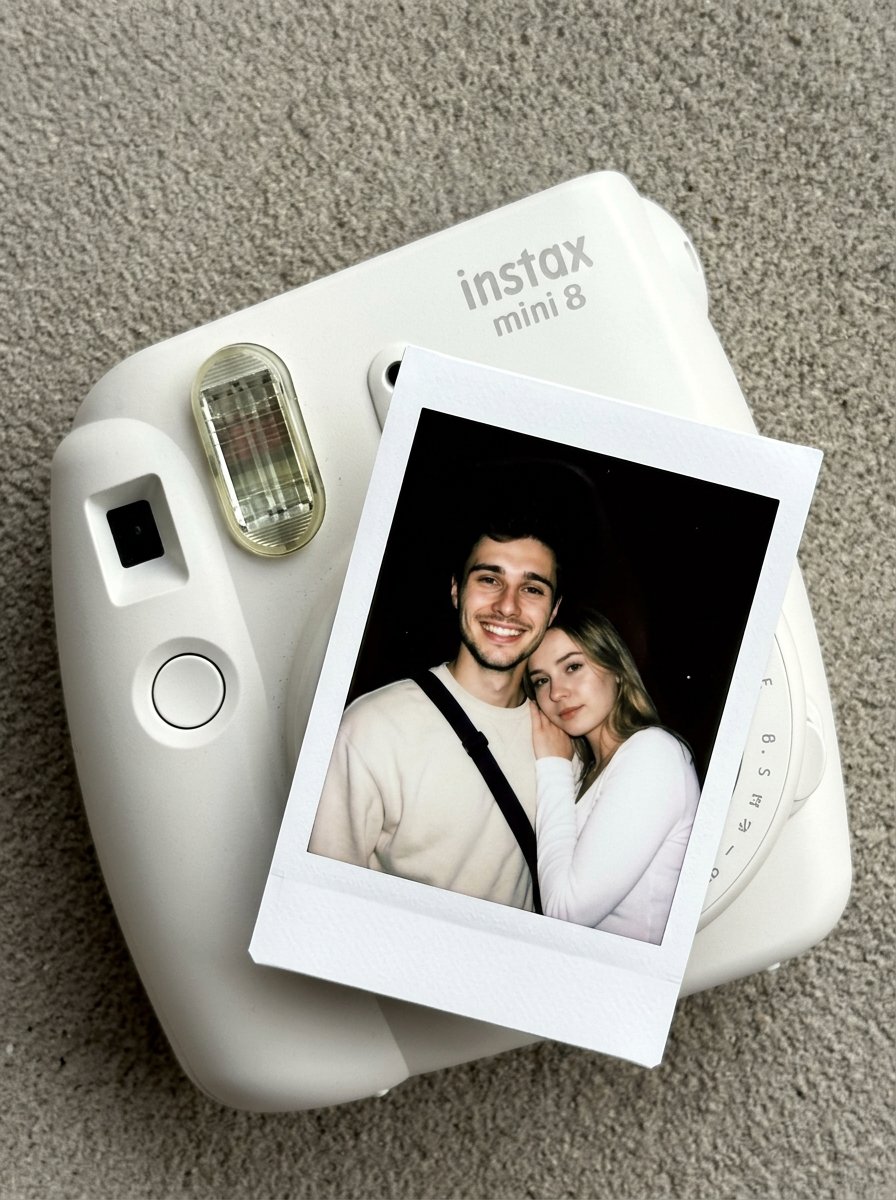
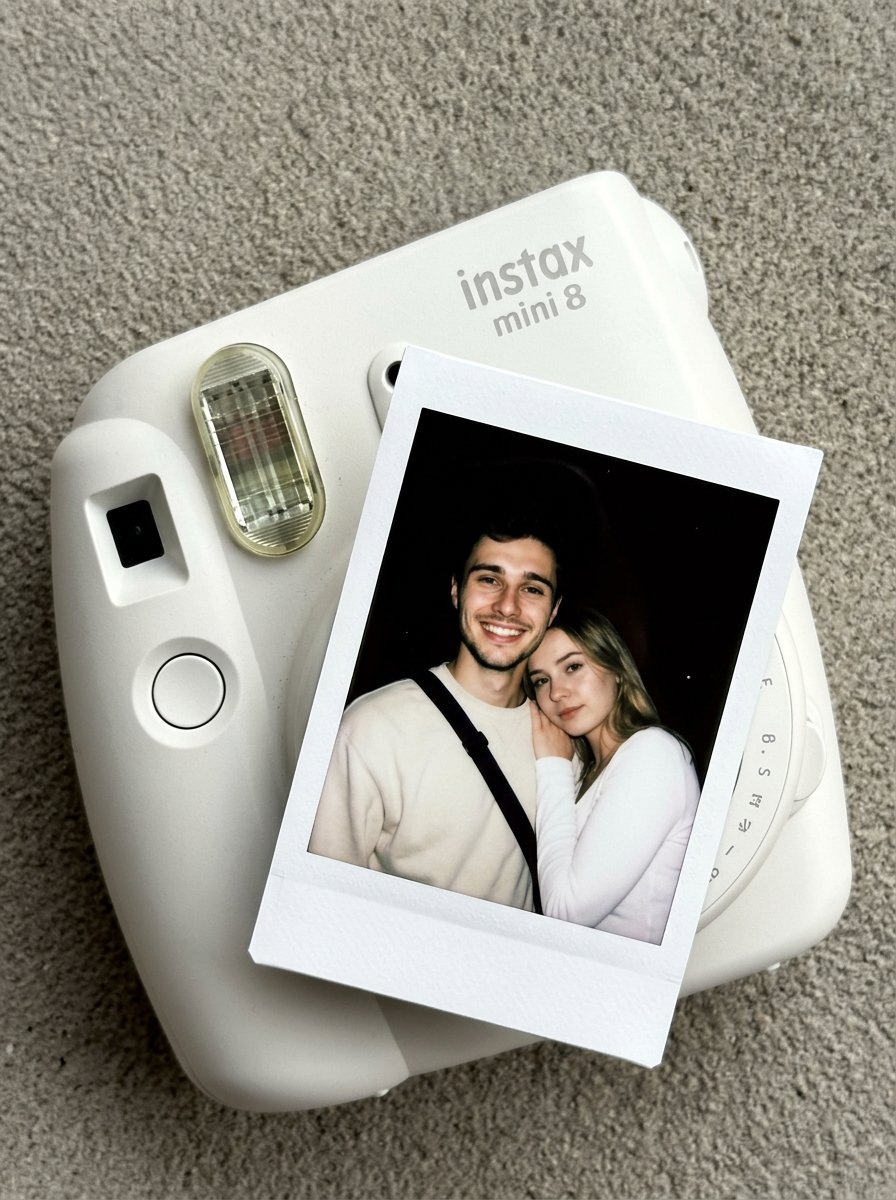
Nano Banana 2 Instax Mini 8 product shot — by @oggii_0 — ultra-detailed product photography
- Prompt included
- Model and format preset
- Free template
The prompt behind this image
Copy the exact prompt behind 02 Instax Camera Product — Nano Banana 2, or open it in the studio and make it yours.
Create an ultra-detailed, HD composition is a top-down, slightly angled close-up of a matte white Instax Mini 8 camera resting on a flat, neutral-toned gray surface with a fine, sandy texture. An instant polaroid photo is partially ejected from the camera's film slot, positioned diagonally across the frame. The scene is captured with the authentic, natural aesthetic of a photo taken by iPhone camera, showcasing realistic light bounce and subtle imperfections. The camera's plastic body has a soft, non-reflective finish with the instax mini 8 logo embossed in a subtle light-gray font. The flash window on the camera shows a detailed internal grid and a slight glossy reflection. The polaroid film itself features the iconic thick white paper border with a faint grain. Ultra-detailed clarity. Do not change Subject's facial features. Subjects must look 1000% identical to uploaded images.
How to use 02 Instax Camera Product — Nano Banana 2 in 3 steps
- 1Upload ImagePNG, JPG or paste
Add your photo
Upload the photo the template builds on. The prompt, model and format are already set.
- 2…a portrait of your subject in softgolden-hour light, 85mm…
Personalize
Edit the subject and creative details for your destination.
- 3Generate
Generate
Press Generate — your image is created in PicX Studio, so you can compare it with the original and refine one variable at a time.
More like this
Templates with the same subject, style or setup. Open one to see its prompt.

Moss Logo Minimalist Brand Flat Lay

Nano Banana 2 Tulip Field

A k.pop idol on the stage with mic
Nano Banana Pro Instax Mini 8

Instagram Feed Grid
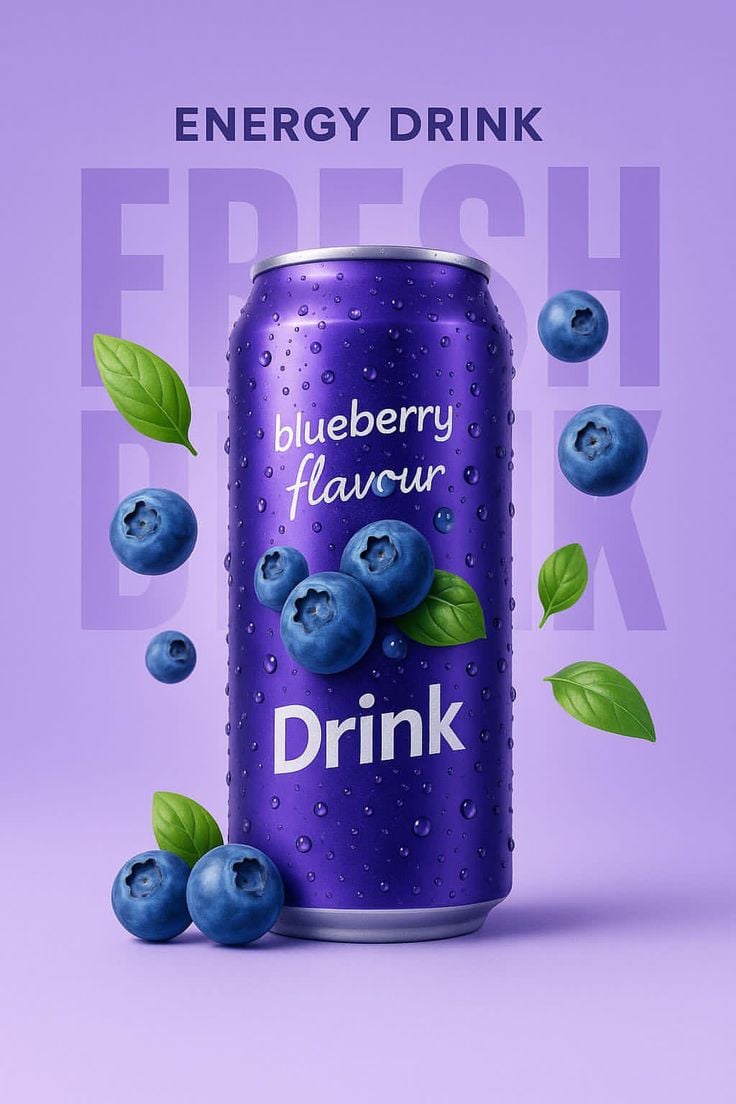
Blueberry Energy Drink Mockup

A hyper-realistic beauty product photograph of a pink jar placed
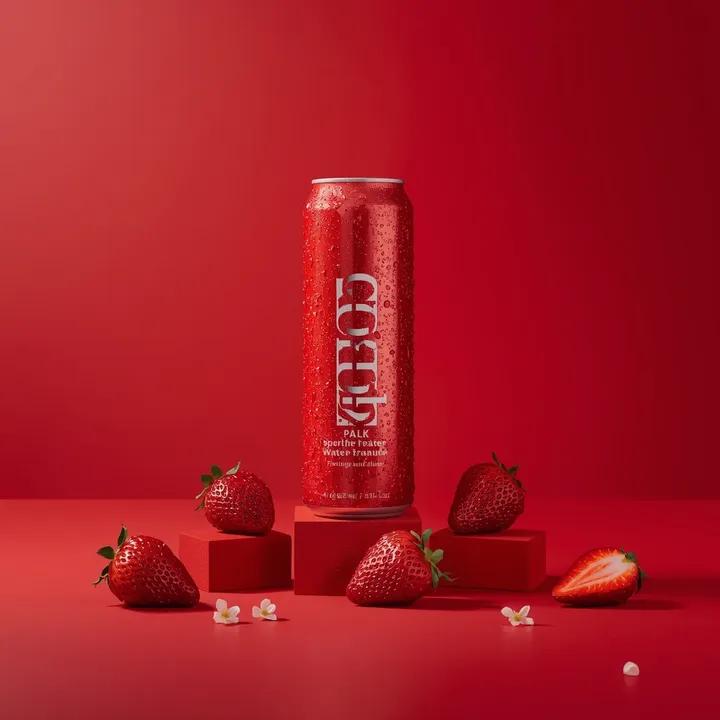
A premium studio product photograph of a tall, slim red aluminum
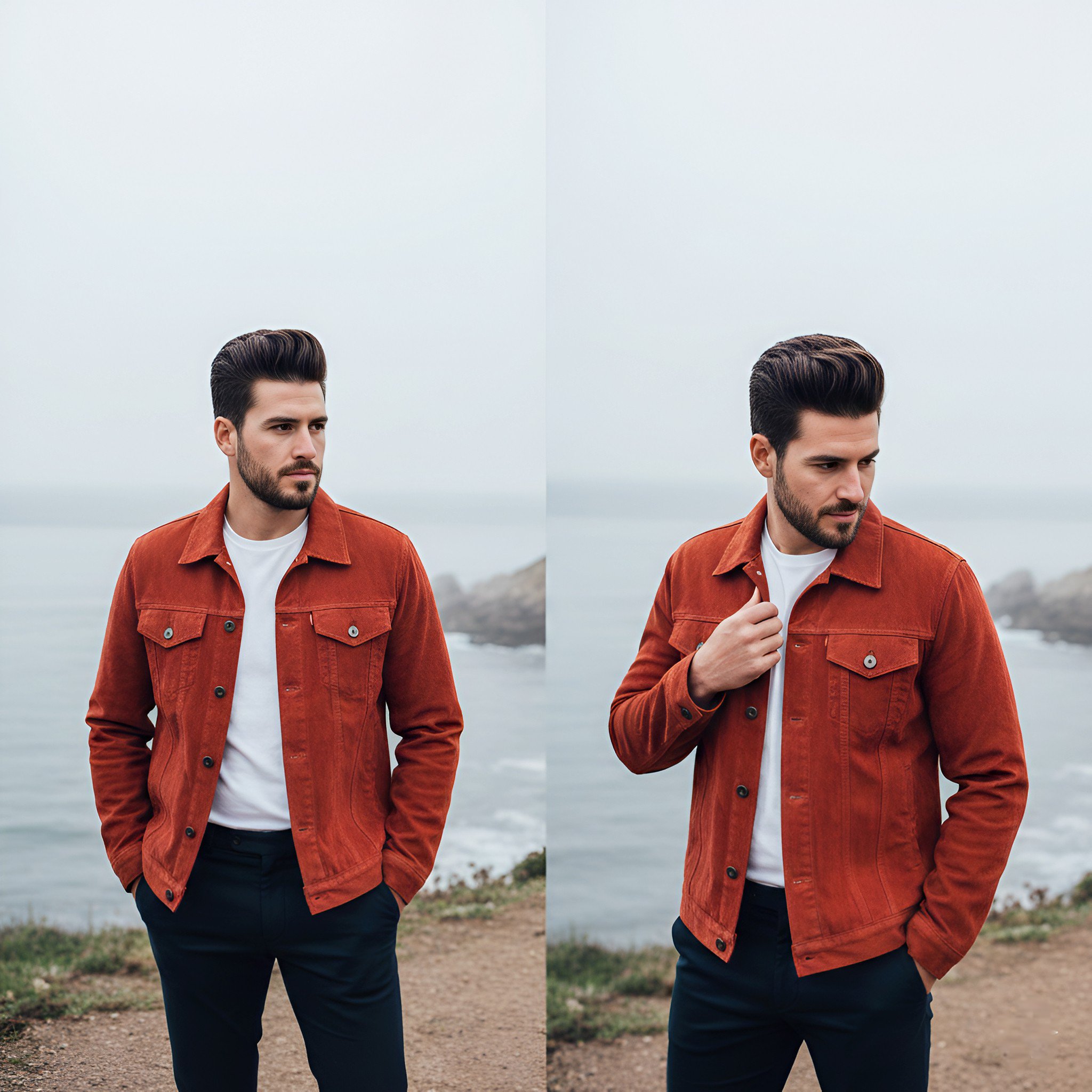
Lifestyle photography, cinematic color grading, shallow depth of field

Act as a 3D Product Visualization Artist

Cozy Food Flat Lay Doodle Labels
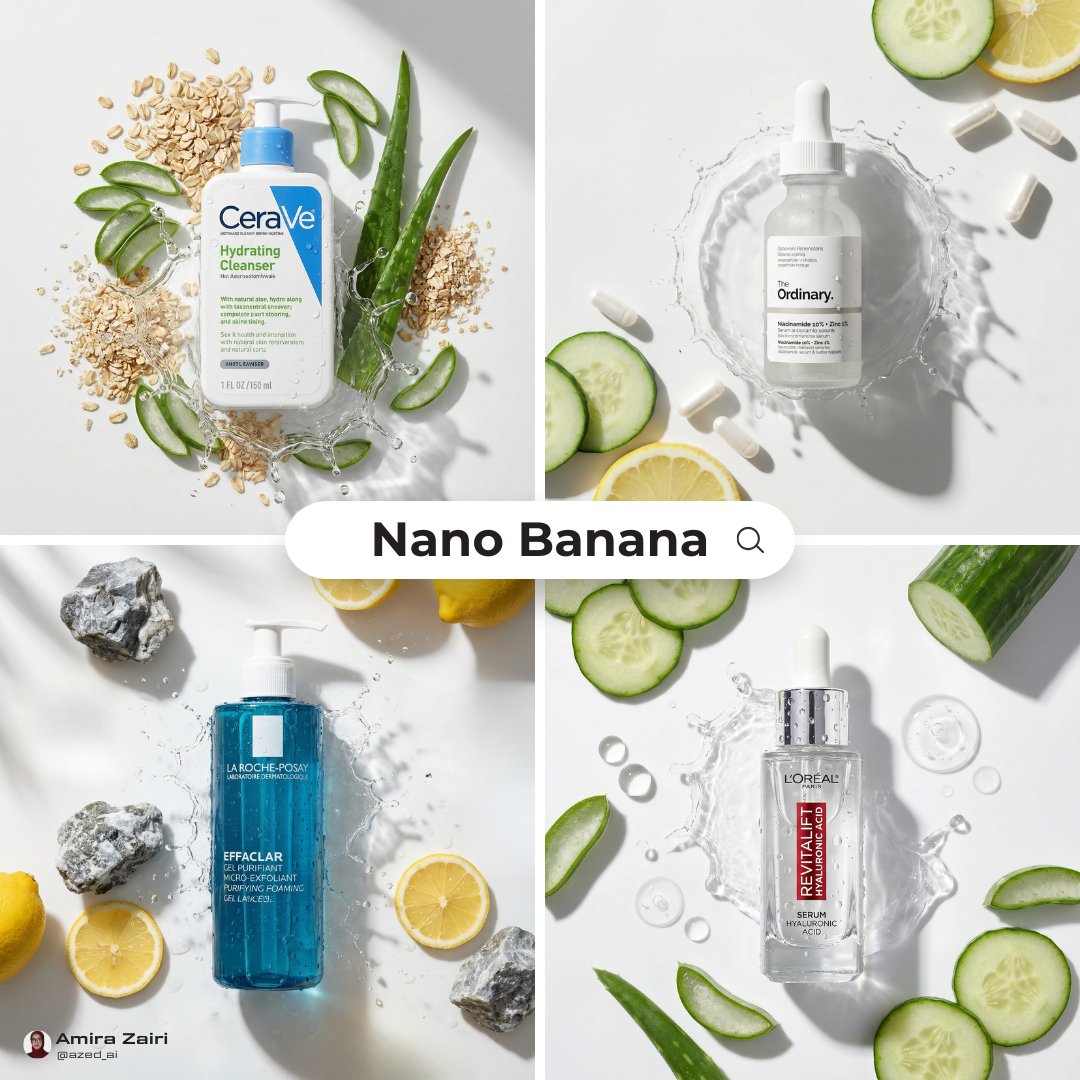
Skincare Product Flat Lay Photography
Make it yours
02 Instax Camera Product — Nano Banana 2 works as-is. These are the safest ways to change it without losing the look.
Change one field
Copy a single group, rewrite it, and generate again so you can see what that field is doing.
Keep the frame, change the subject
Hold the composition and light of 02 Instax Camera Product — Nano Banana 2, then swap wardrobe, props or the person for a new take.
| If the result… | Why | Fix |
|---|---|---|
| The result drifts from the preview | Too many fields changed at once. | Reuse 02 Instax Camera Product — Nano Banana 2 as-is first, then change one group — subject, light, or setting. |
| The model over-stylizes the scene | The prose prompt leaves finish and camera underspecified. | Add one camera or lighting sentence and stay on Nano Banana. |
More Nano Banana templates
Other prompts made for Nano Banana.










More image prompts
Fresh picks from across the catalog.
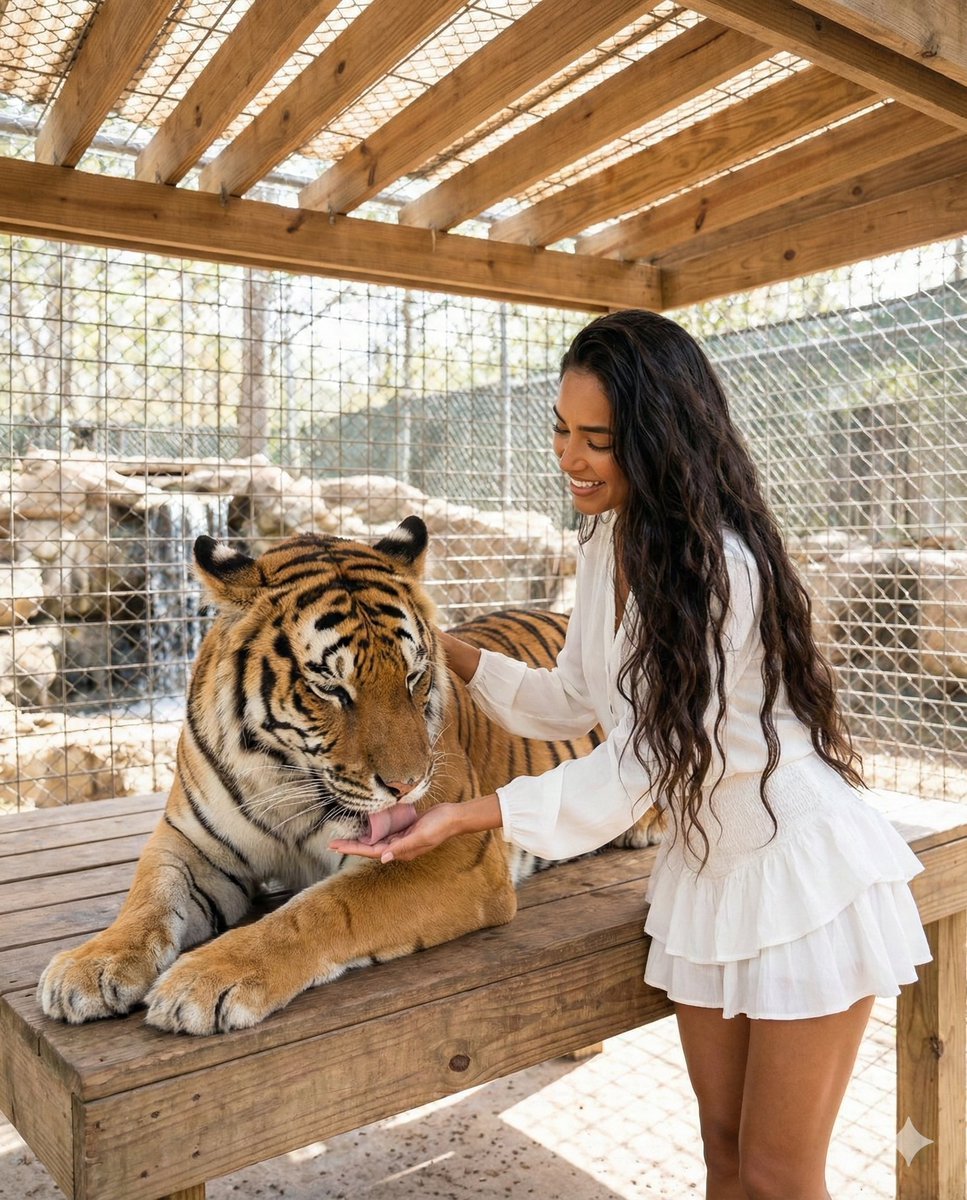
Woman Interacting with Bengal Tiger in Sanctuary

Epic Anime Pirate Poster Design
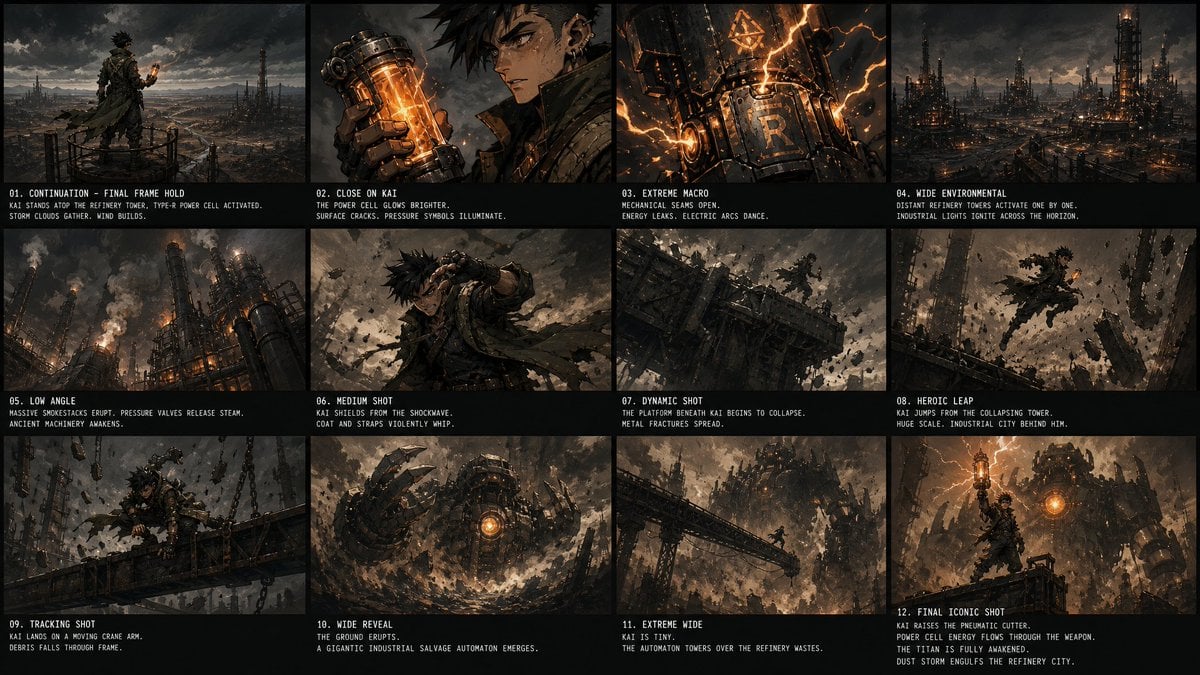
Kai Industrial Titan Storyboard
Blue Hydrangea Kimono Fantasy
Origami Living Room Architecture Concept
Futuristic Shenzhen City Poster
Cosmic Flowering Bonsai with Sleeping Cat

Surreal Portrait with Floating Elements

Attempting to Recreate a BeautyPlus Prompt
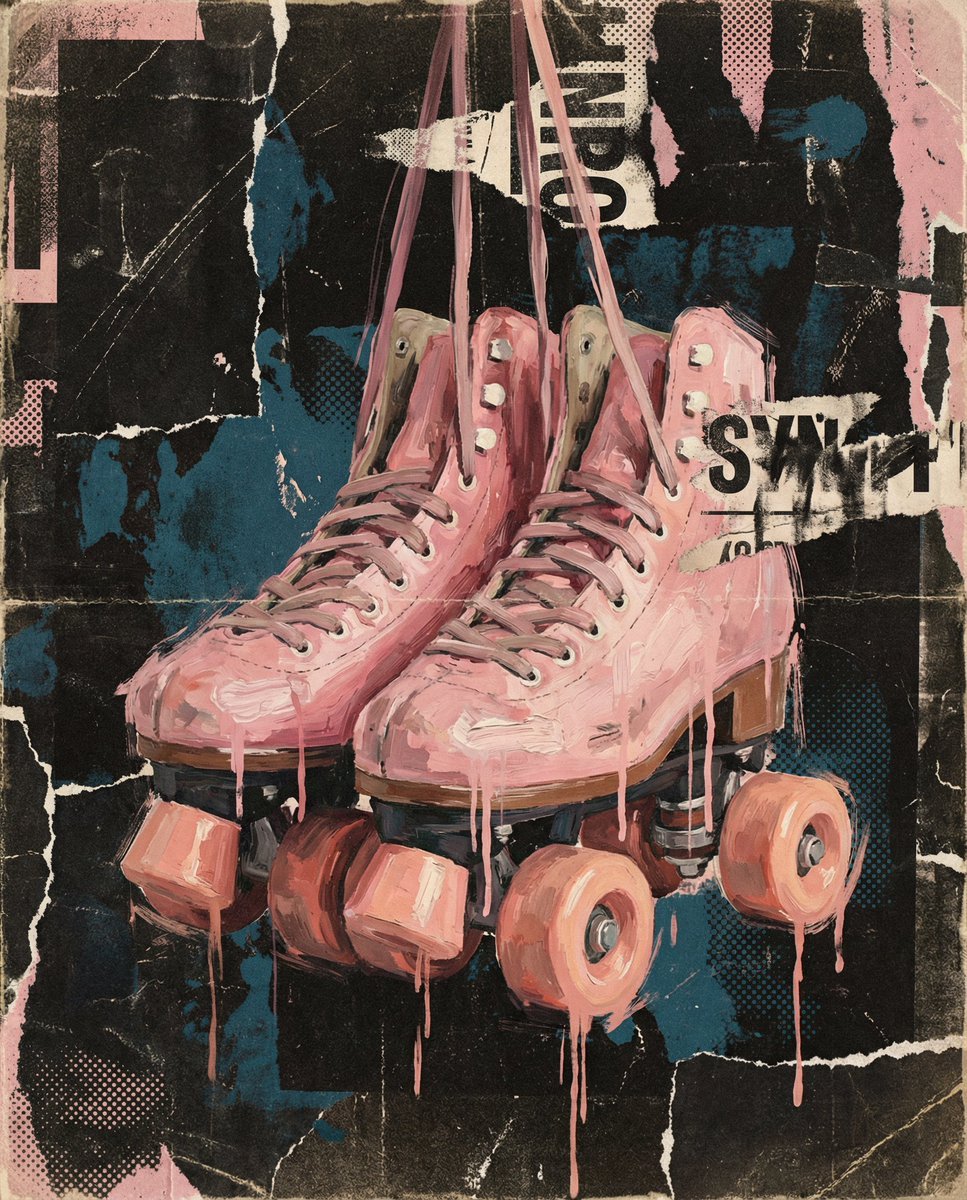
Layered Layout Style Prompt
Featured in prompt roundups
Hand-picked collections that include this template.
Browse template categories
02 Instax Camera Product — Nano Banana 2 questions
How do I use the 02 Instax Camera Product — Nano Banana 2 template?
Add your photo if the template asks for one, edit the prompt if you like — the template's model and format are already selected — and press Generate. Your version opens in PicX Studio.
Can I customize the 02 Instax Camera Product — Nano Banana 2 template?
Yes. You can change the subject, setting, lighting, mood, format, and available model controls before creating your image.
Is the 02 Instax Camera Product — Nano Banana 2 template free?
Opening and editing this template is free. Generating uses credits, shown on the Generate button when you are signed in.
Which AI model should I use?
Start with Nano Banana, which is the model associated with this template. You can compare another compatible model for a different finish.
Looking for something else? Browse all templates.

Your photo, any look
Thousands of ready templates for every top image and video model, from one credit balance.