
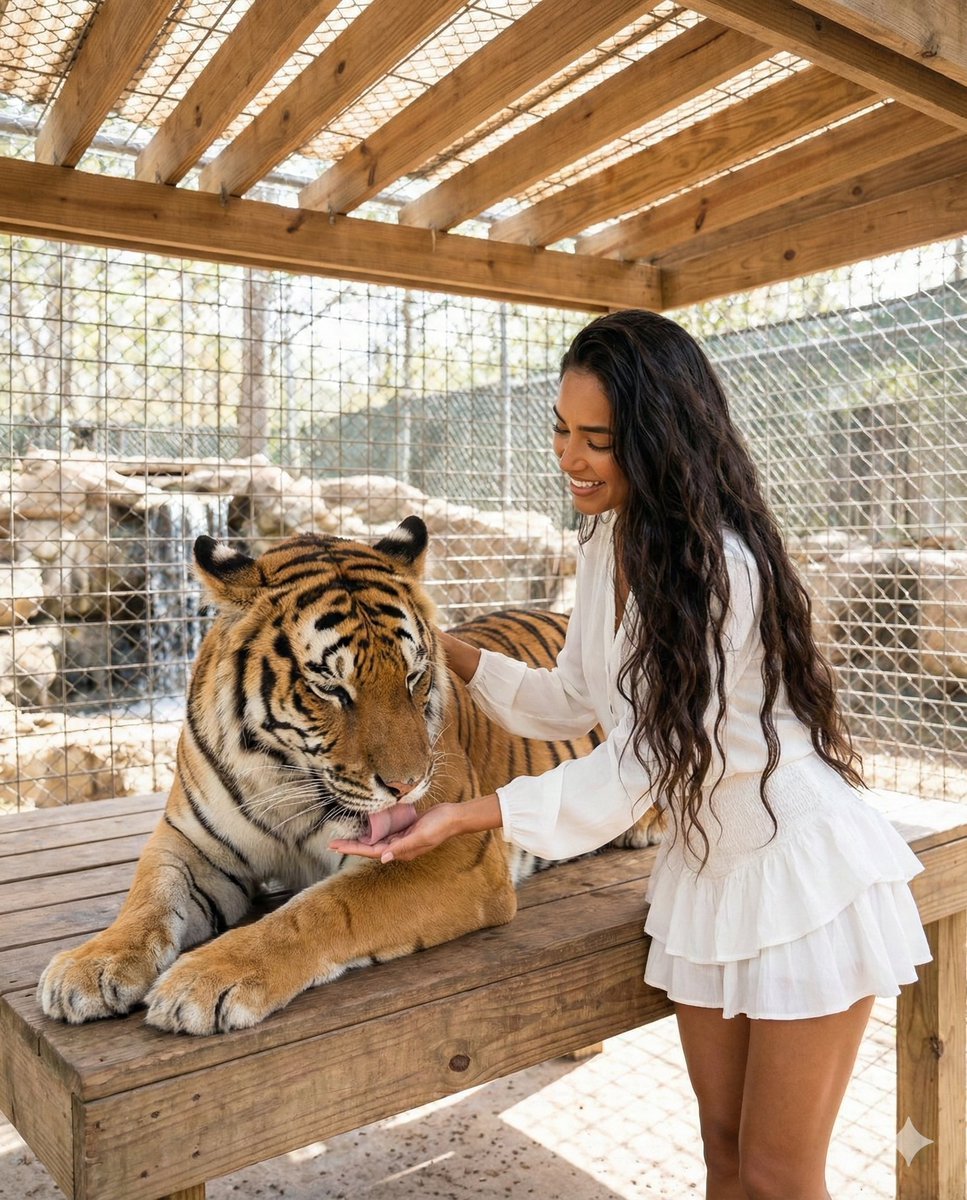
Woman Interacting with Bengal Tiger in Sanctuary
A detailed prompt for a medium shot photograph capturing a peaceful interaction between a woman and an adult Bengal tiger in an outdoor wildlife sanctuary.
- Prompt included
- Model and format preset
- Free template
The prompt behind this image
Copy the exact prompt behind Woman Interacting with Bengal Tiger in Sanctuary, or open it in the studio and make it yours.
"Young woman, tanned skin tone, very long dark wavy hair.", "apparel": "White long-sleeve blouse tucked into a matching white ruffled mini skirt.", "expression": "Smiling warmly, looking down at the tiger with affection.", "pose": "Standing next to a wooden platform, leaning slightly over it." }, "animal": { "species": "Adult Bengal Tiger.", "appearance": "Orange fur with distinct black stripes, massive paws.", "pose": "Lying comfortably on a wooden platform (table). Head lowered, eyes partially closed.", "action": "Gently licking the palm of the woman's hand." }, "interaction": { "contact": "The woman is extending her right hand palm-up under the tiger's chin. The tiger's tongue is extended, making contact with her hand/fingers. Her left hand is resting gently on the tiger's neck/shoulder.", "mood": "Trusting, peaceful, gentle." }, "environment": { "setting": "Outdoor wildlife sanctuary enclosure / shelter.", "structures": "Wooden roof overhead with visible slat beams, wire mesh fencing in the background.", "lighting_conditions": "Bright daylight filtering through the roof slats and wire mesh, creating dappled light and shadows.", "background_elements": "Rocks and a small waterfall feature visible through the mesh fence on the left." }, "camera_technical_values": { "perspective": "Eye-level with the standing subject.", "focal_length": "35mm (Standard wide angle, capturing the context of the enclosure).", "aperture": "f/4.0 or f/5.6 (Keeps both the woman and the tiger's head in focus, background slightly softened).", "shutter_speed": "1/250s (Freezing the motion of the tiger's tongue).", "iso": "ISO 200 (Daylight).", "framing": "Medium shot, capturing from the waist up of the woman and the full body of the lying tiger." }, "lighting_quality": { "type": "Natural Ambient Daylight.", "direction": "Overhead/Backlit from the open sides of the shelter.", "shadows": "Soft shadows on the subjects' faces, brighter highlights on the wooden platform." }
How to use Woman Interacting with Bengal Tiger in Sanctuary in 3 steps
- 1
Open
The prompt is already in the box next to the preview, with the template's model and format selected.
- 2…a portrait of your subject in softgolden-hour light, 85mm…
Personalize
Edit the subject and creative details for your destination.
- 3Generate
Generate
Press Generate — your image is created in PicX Studio, so you can compare it with the original and refine one variable at a time.
More like this
Templates with the same subject, style or setup. Open one to see its prompt.
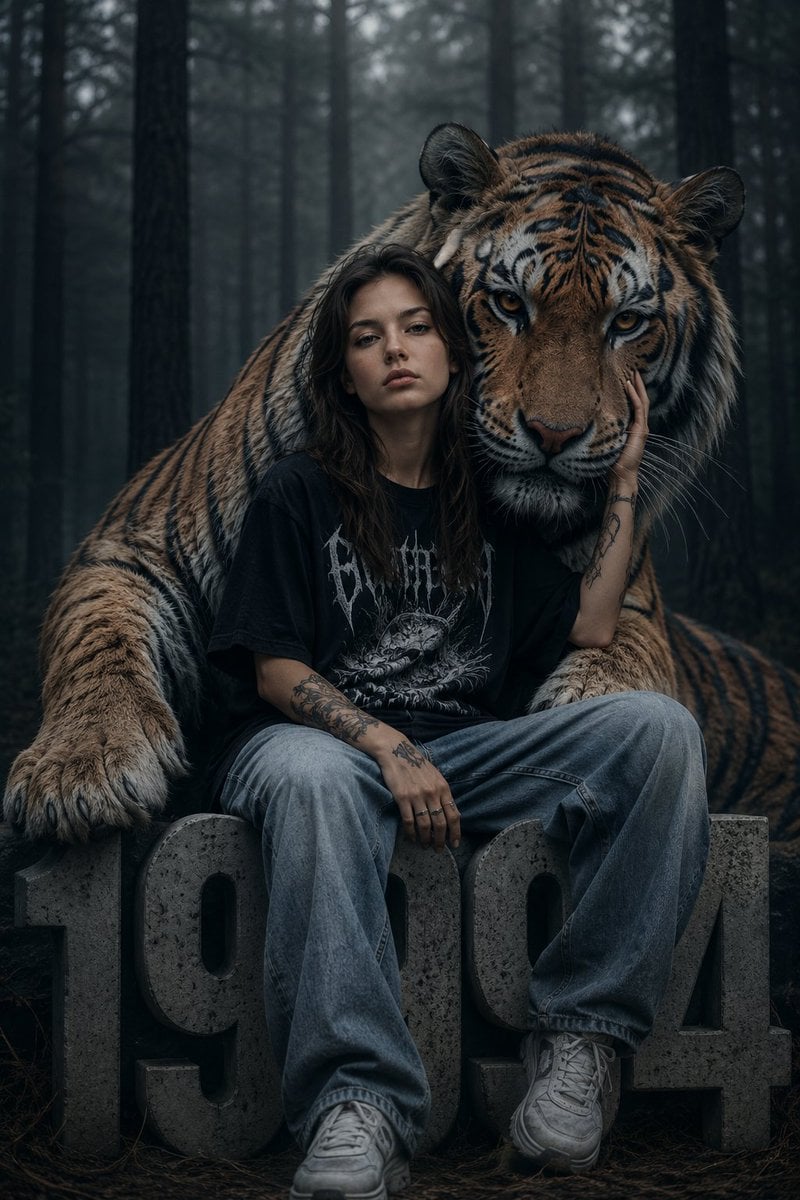
Dark Fantasy Girl with Bengal Tiger

Woman in Mall with Chanel Bag - Heart Gesture

Floating Woman Above Cityscape with Notifications
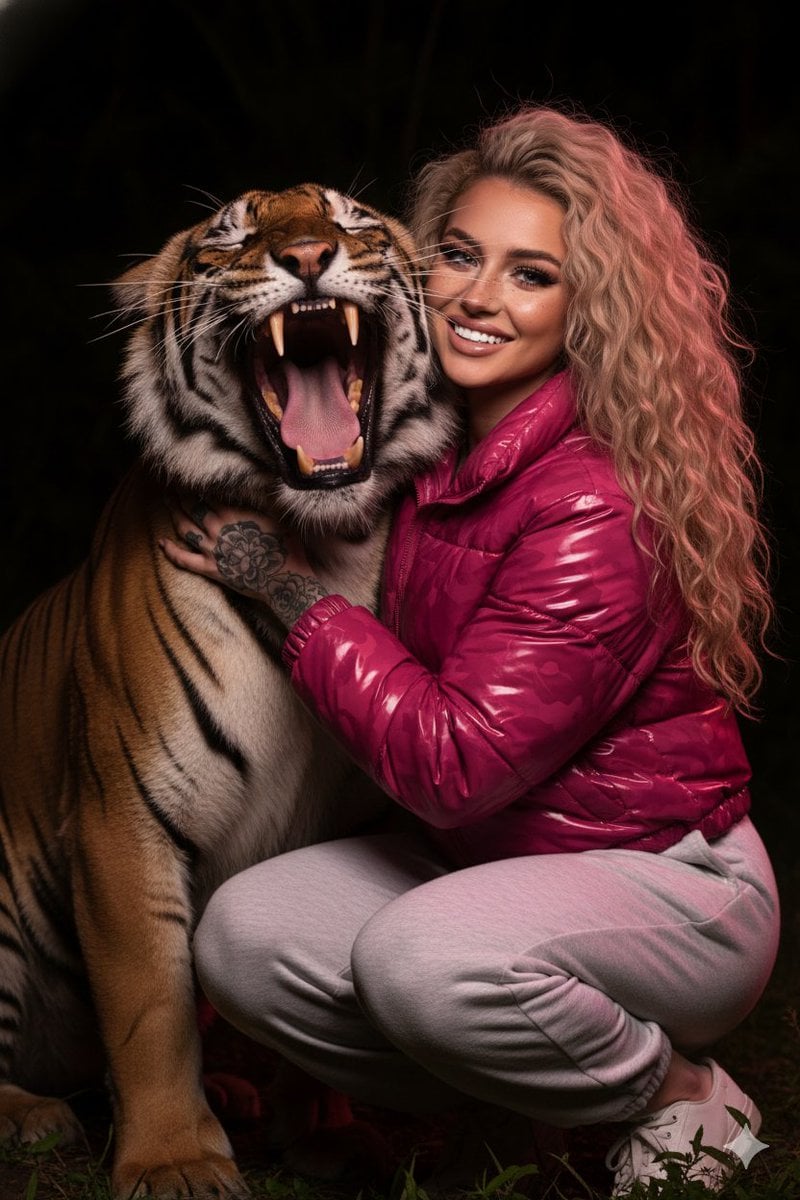
Hyper-Realistic Nighttime Portrait with Bengal Tiger
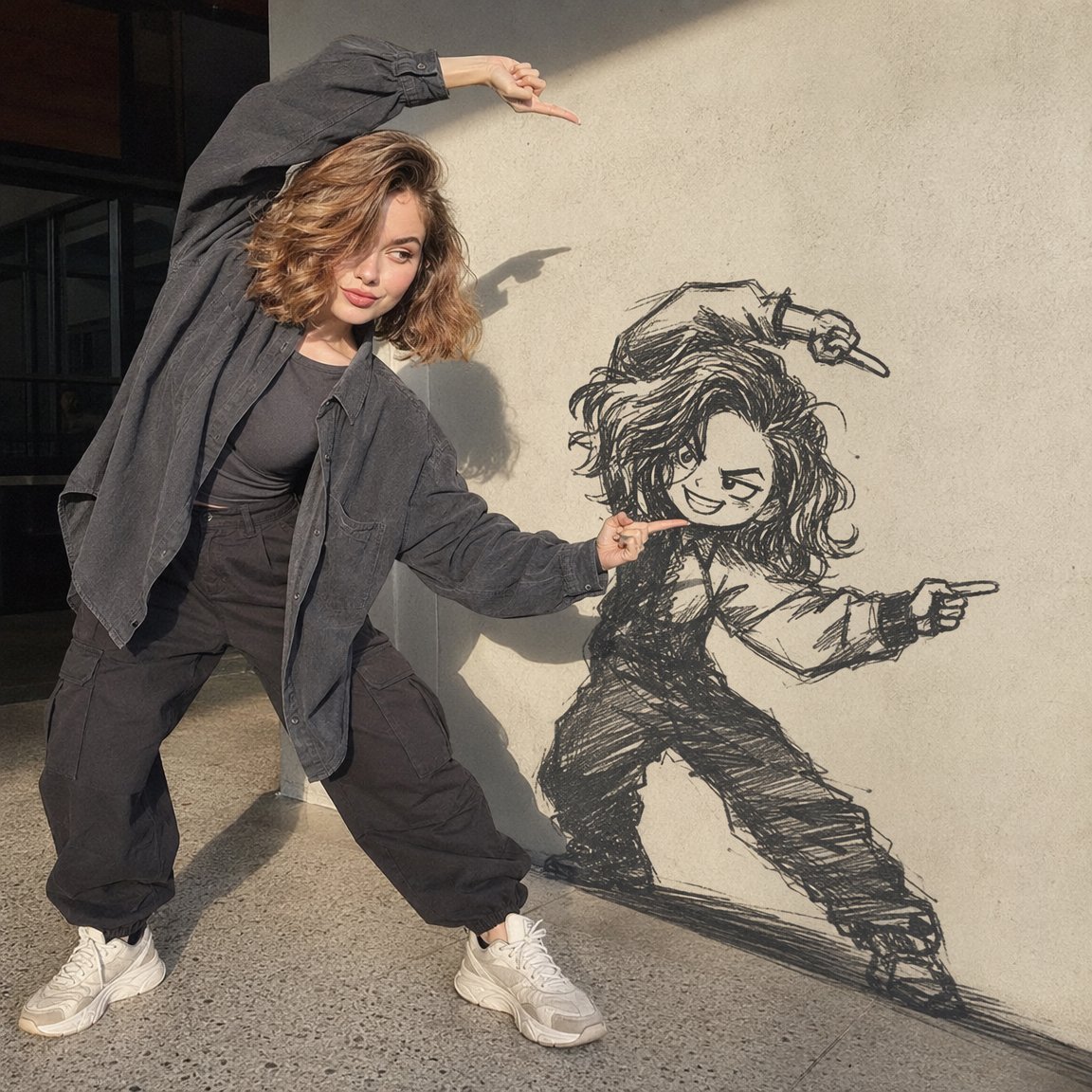
Woman Interacting with Wall Doodle
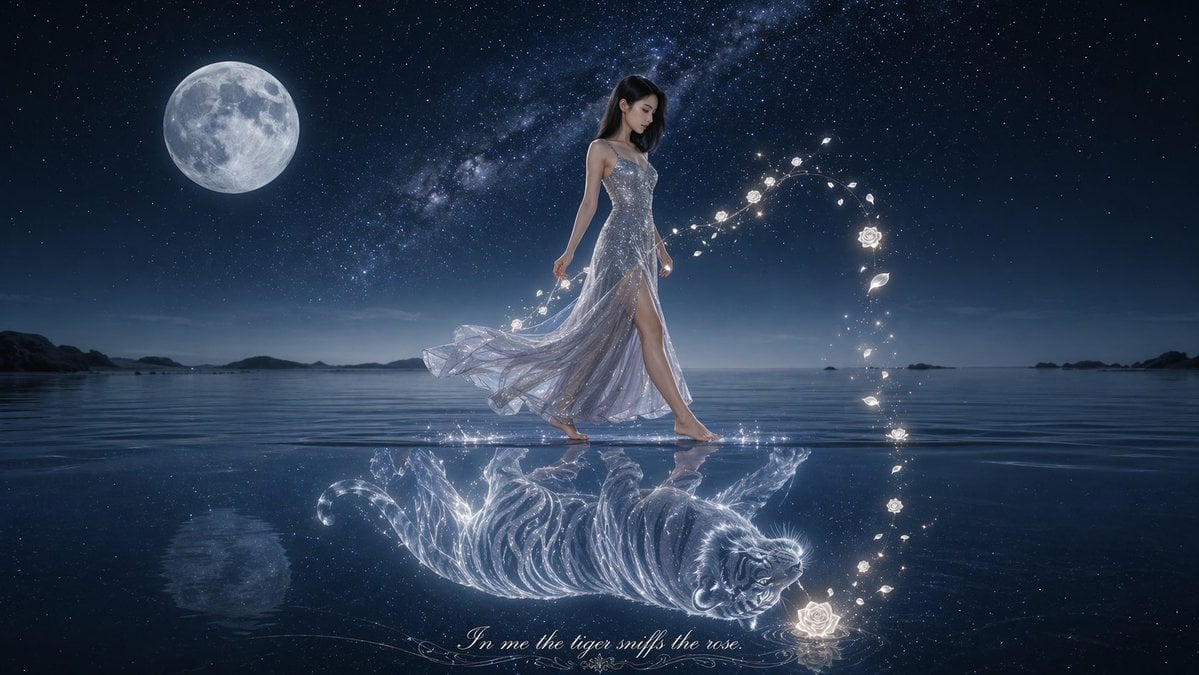
Moonlit Woman and Tiger Reflection

Vintage Roaring Tiger Japanese Poster
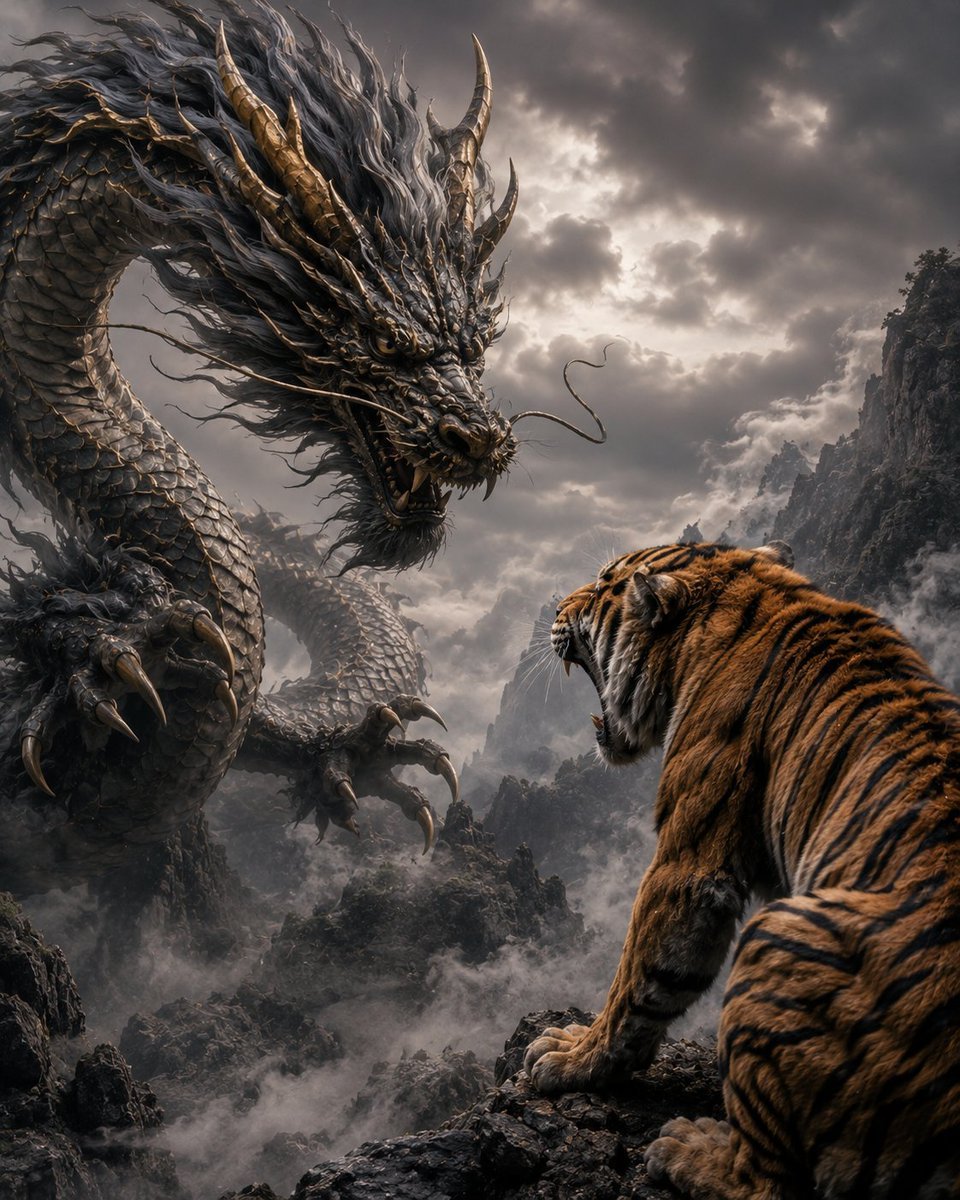
Dragon and Tiger Standoff
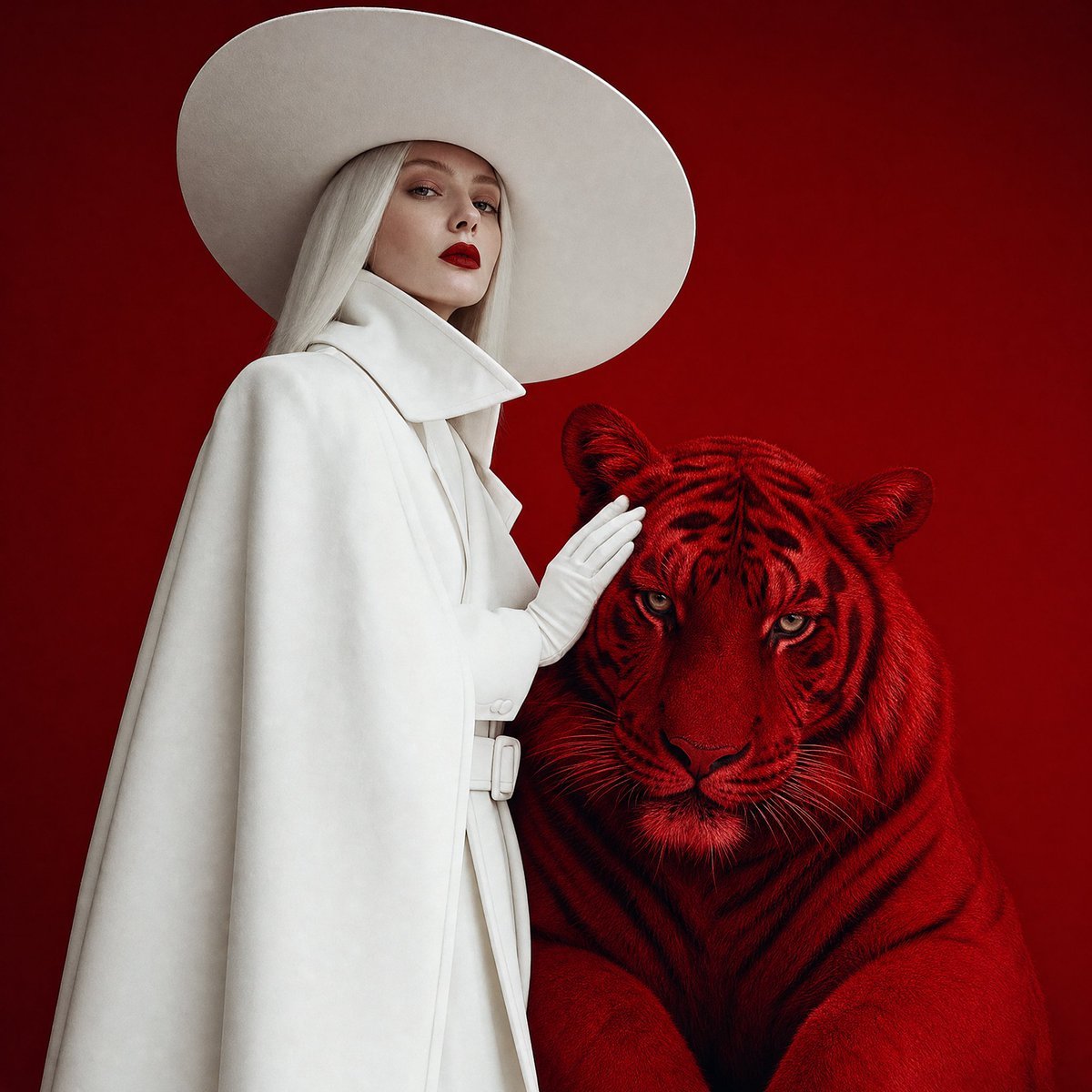
Crimson Tiger Fashion Editorial
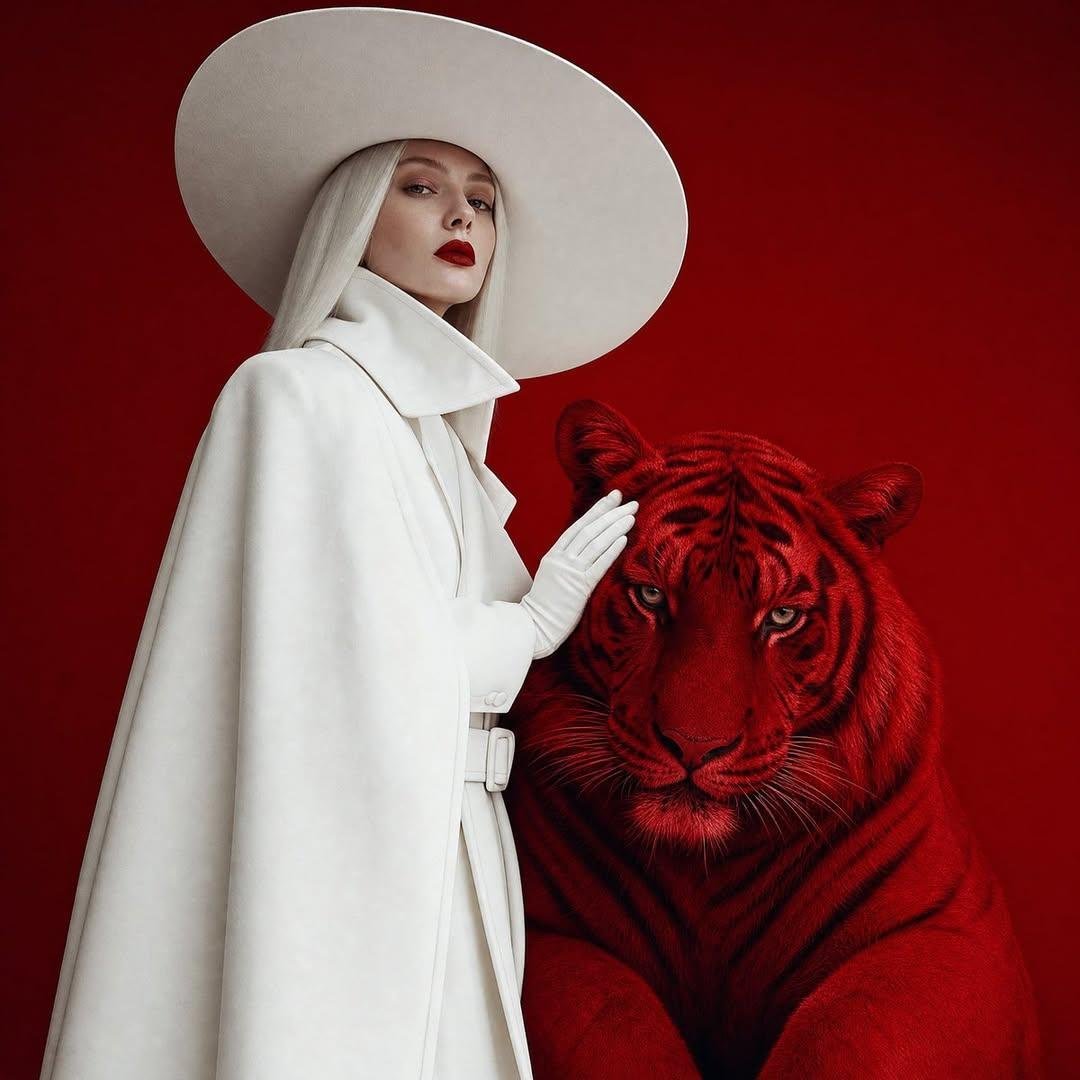
Surreal Crimson Tiger Portrait
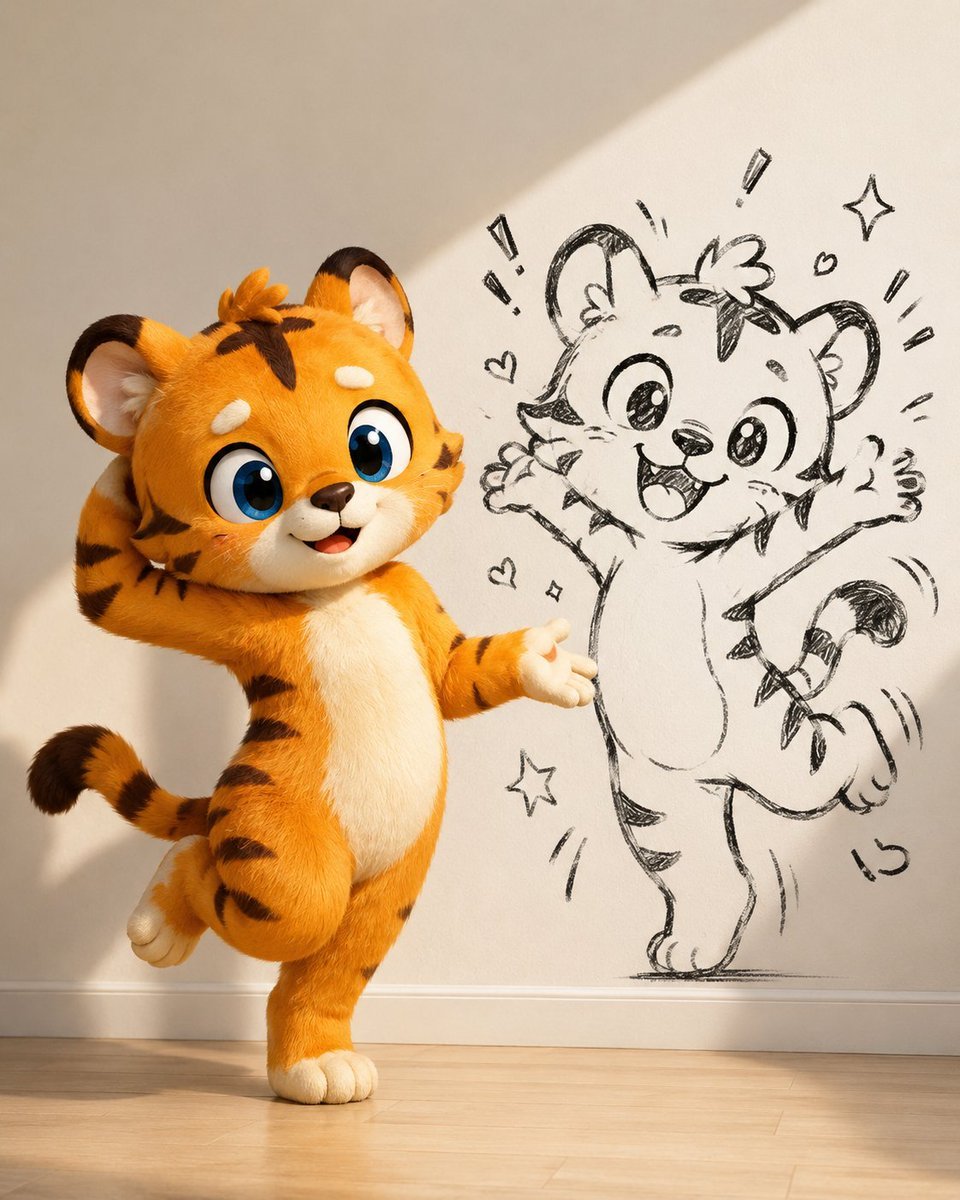
Cute Tiger Cub Wall Doodle
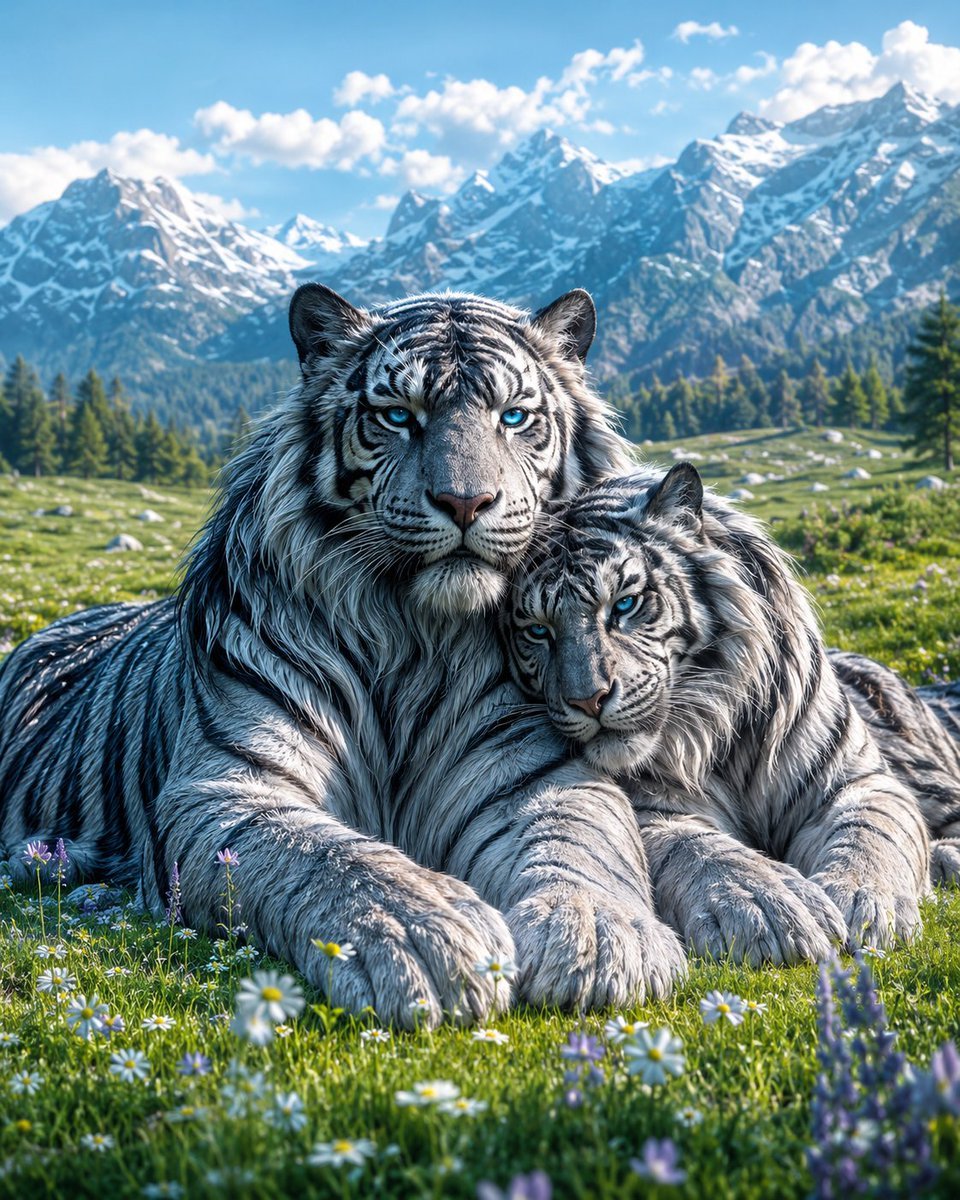
Mated Snow Tigers in Alpine Meadow
Make it yours
Woman Interacting with Bengal Tiger in Sanctuary works as-is. These are the safest ways to change it without losing the look.
Change one field
Copy a single group, rewrite it, and generate again so you can see what that field is doing.
Keep the frame, change the subject
Hold the composition and light of Woman Interacting with Bengal Tiger in Sanctuary, then swap wardrobe, props or the person for a new take.
| If the result… | Why | Fix |
|---|---|---|
| The result drifts from the preview | Too many fields changed at once. | Reuse Woman Interacting with Bengal Tiger in Sanctuary as-is first, then change one group — subject, light, or setting. |
| The model over-stylizes the scene | The prose prompt leaves finish and camera underspecified. | Add one camera or lighting sentence and stay on Nano Banana 2. |
More Nano Banana 2 templates
Other prompts made for Nano Banana 2.

Photorealistic Leaf Shaped Like a Dragon

K-Pop Idol Portrait Grid for Rapid Selection

Poetic Rain Forest Portrait During Golden Hour

Urban Street Portrait with Cartoon Inner Self Duo

Candid Nighttime Photo with Cat Prompt

High-Concept 3D Diorama Generation Prompt

Cinematic Futuristic Studio Portrait Template

Skincare Editorial Photography Collage Prompt

Hyper-Realistic Commercial Product Photography (Splash Effect)

Hyper-Realistic Nightclub Portrait Prompt
More image prompts
Fresh picks from across the catalog.

Amigurumi Style Conversion Prompt

Text-to-Video Prompt: Deadlift with Animated HUD Overlays
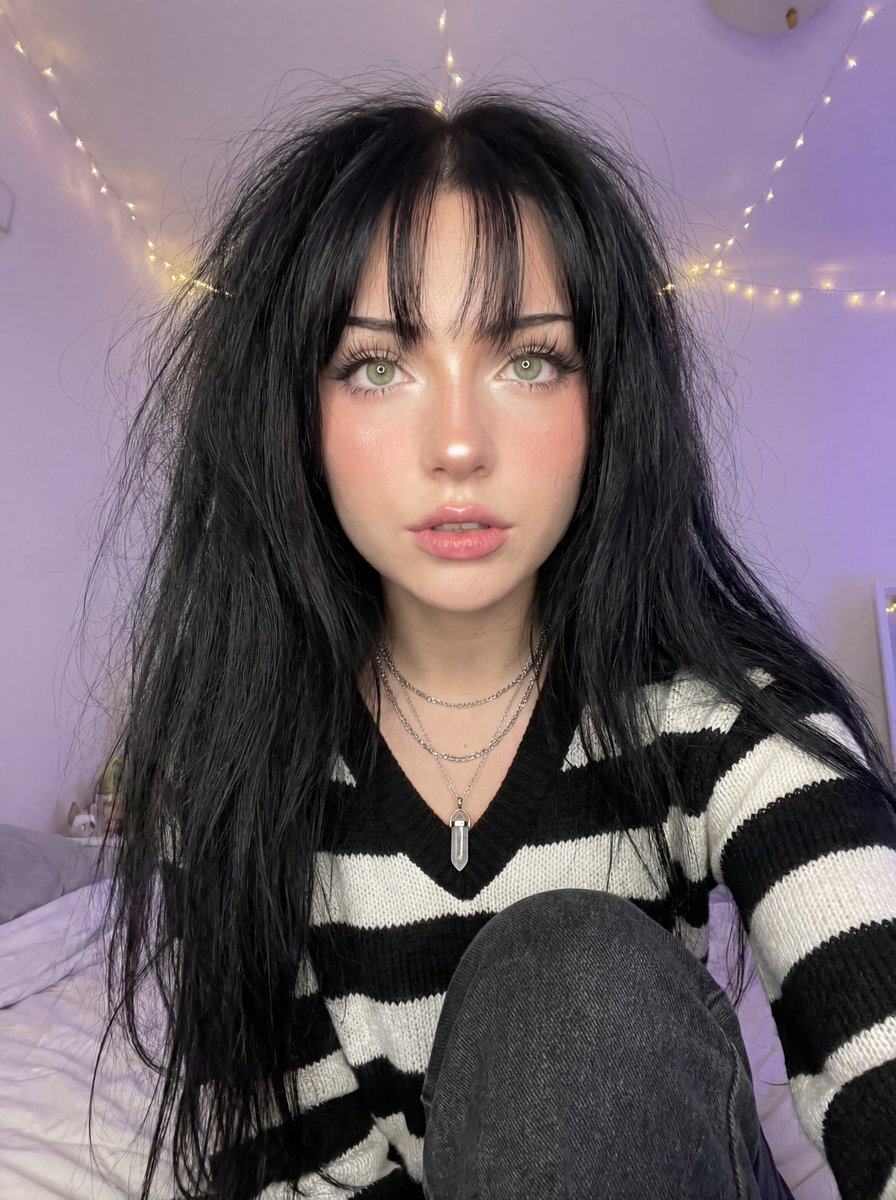
Soft Focus High-Angle Selfie Prompt
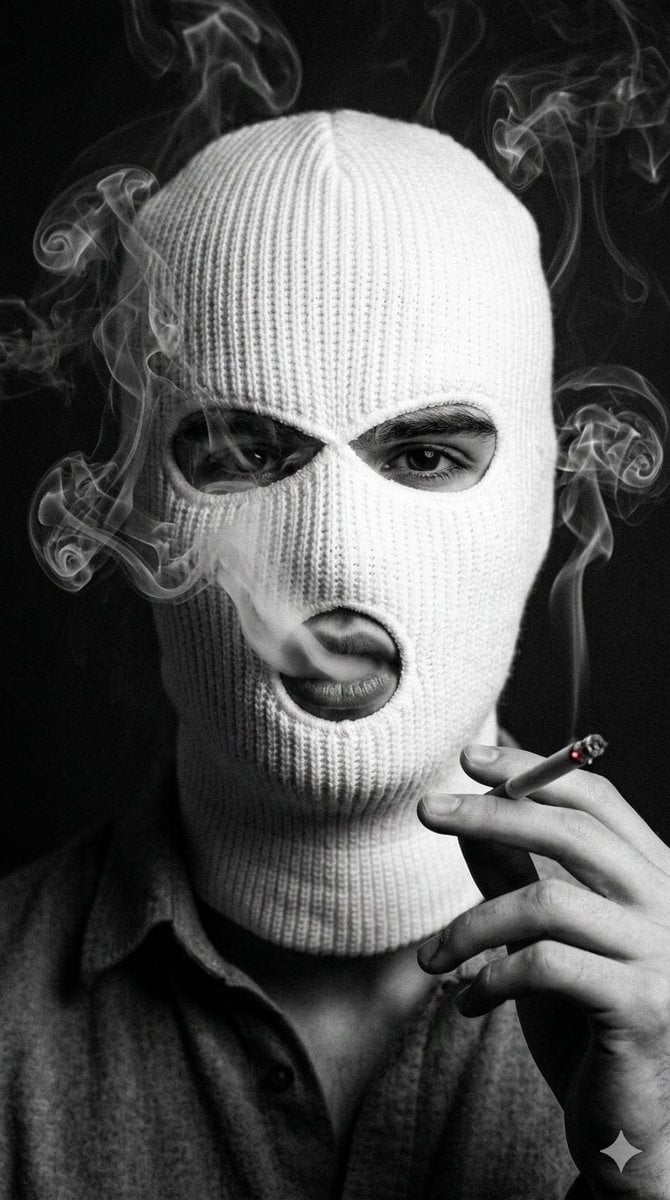
Noir Portrait with Balaclava and Cigarette Smoke
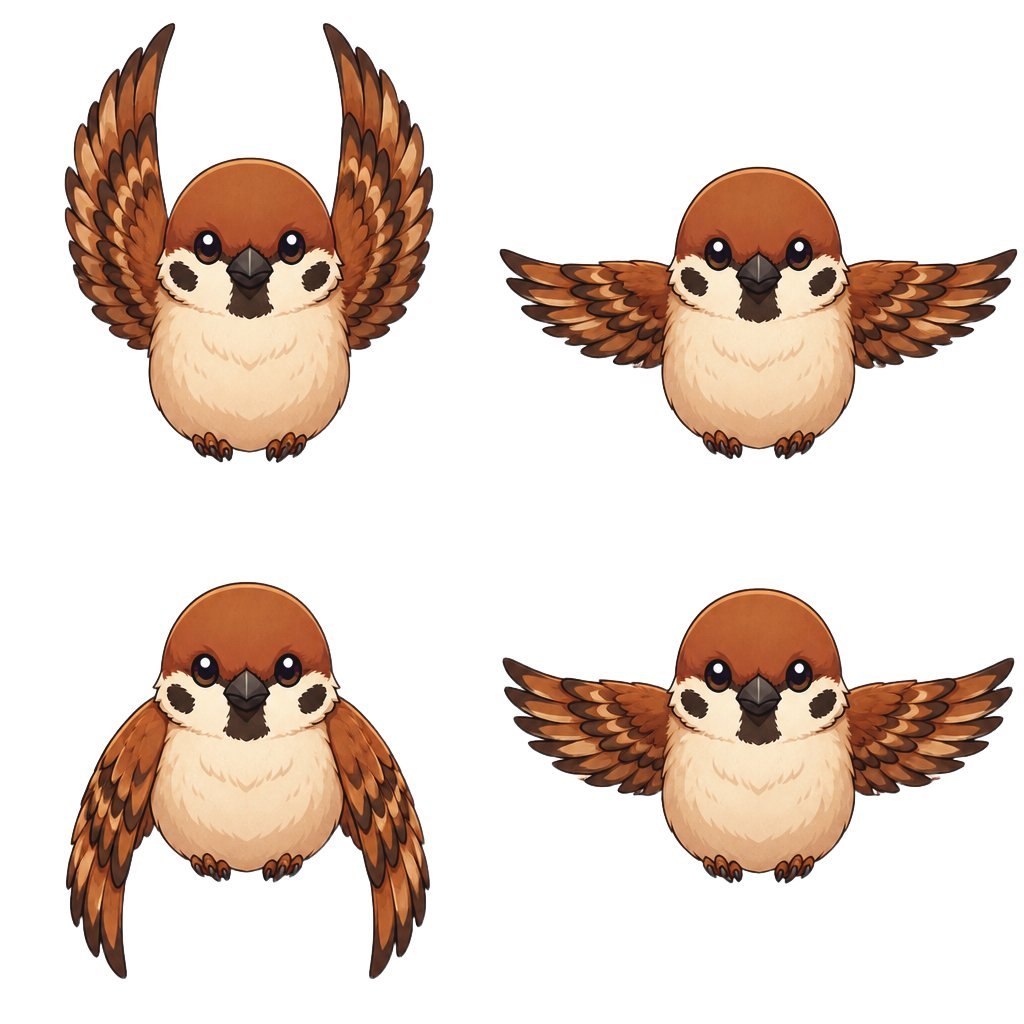
Chibi Sparrow Four-Pose Sheet
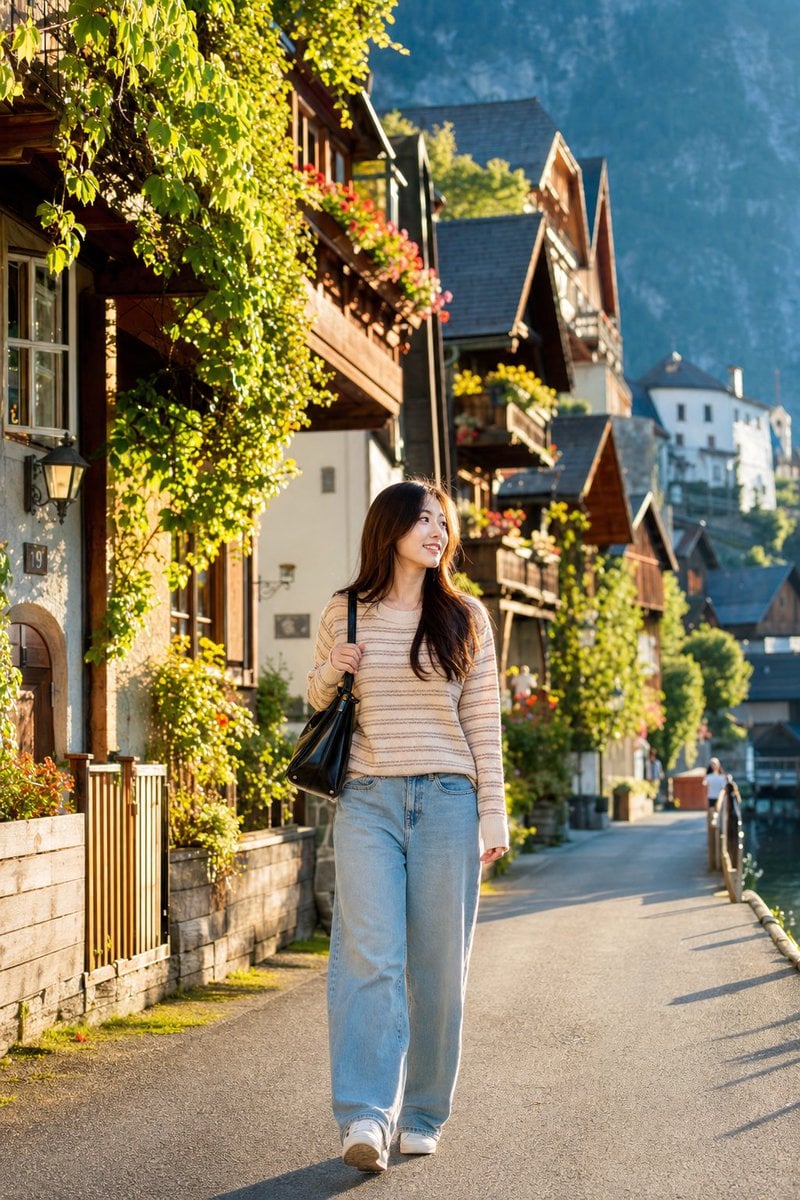
Japanese Woman in Hallstatt Travel Portrait

Recharge Naturally Juice Ad
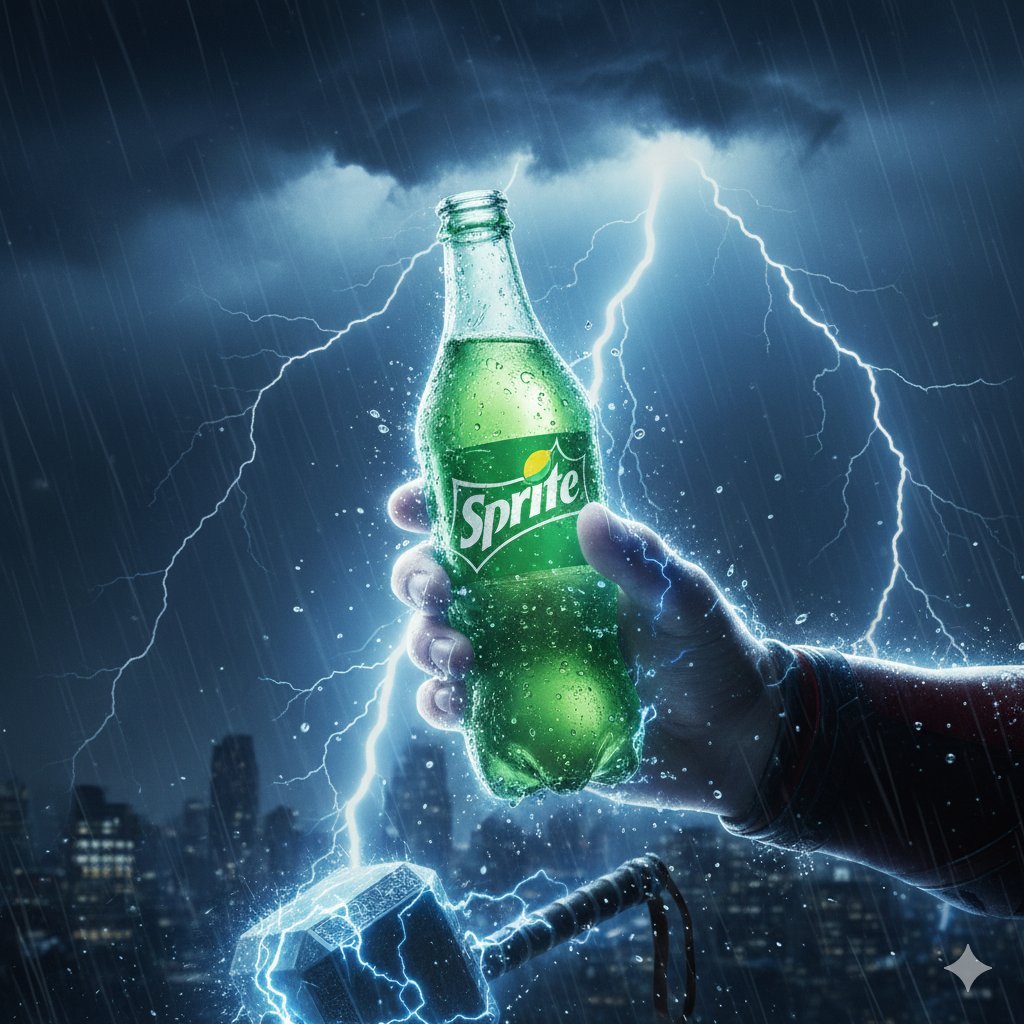
Thor Holding Sprite Bottle Prompt
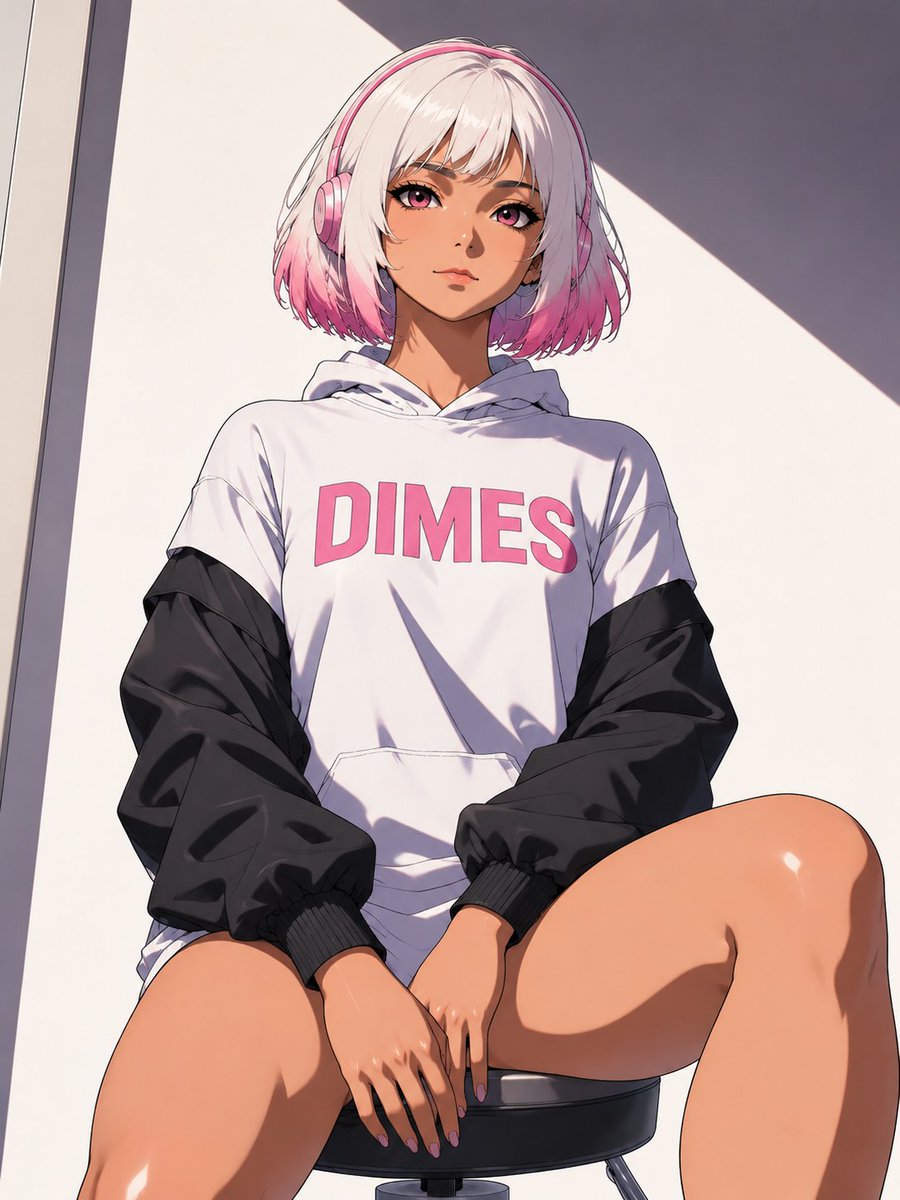
Low-Angle Anime Hoodie Girl

Announcement design image about Nano Banana Pro launch
Browse template categories
Woman Interacting with Bengal Tiger in Sanctuary questions
How do I use the Woman Interacting with Bengal Tiger in Sanctuary template?
Add your photo if the template asks for one, edit the prompt if you like — the template's model and format are already selected — and press Generate. Your version opens in PicX Studio.
Can I customize the Woman Interacting with Bengal Tiger in Sanctuary template?
Yes. You can change the subject, setting, lighting, mood, format, and available model controls before creating your image.
Is the Woman Interacting with Bengal Tiger in Sanctuary template free?
Opening and editing this template is free. Generating uses credits, shown on the Generate button when you are signed in.
Which AI model should I use?
Start with Nano Banana 2, which is the model associated with this template. You can compare another compatible model for a different finish.
Looking for something else? Browse all templates.

Your photo, any look
Thousands of ready templates for every top image and video model, from one credit balance.