
Vintage Roaring Tiger Japanese Poster
A stylized roaring tiger poster with Japanese typography and infographic-like side details, ideal for bold branding, album art, or graphic print concepts.
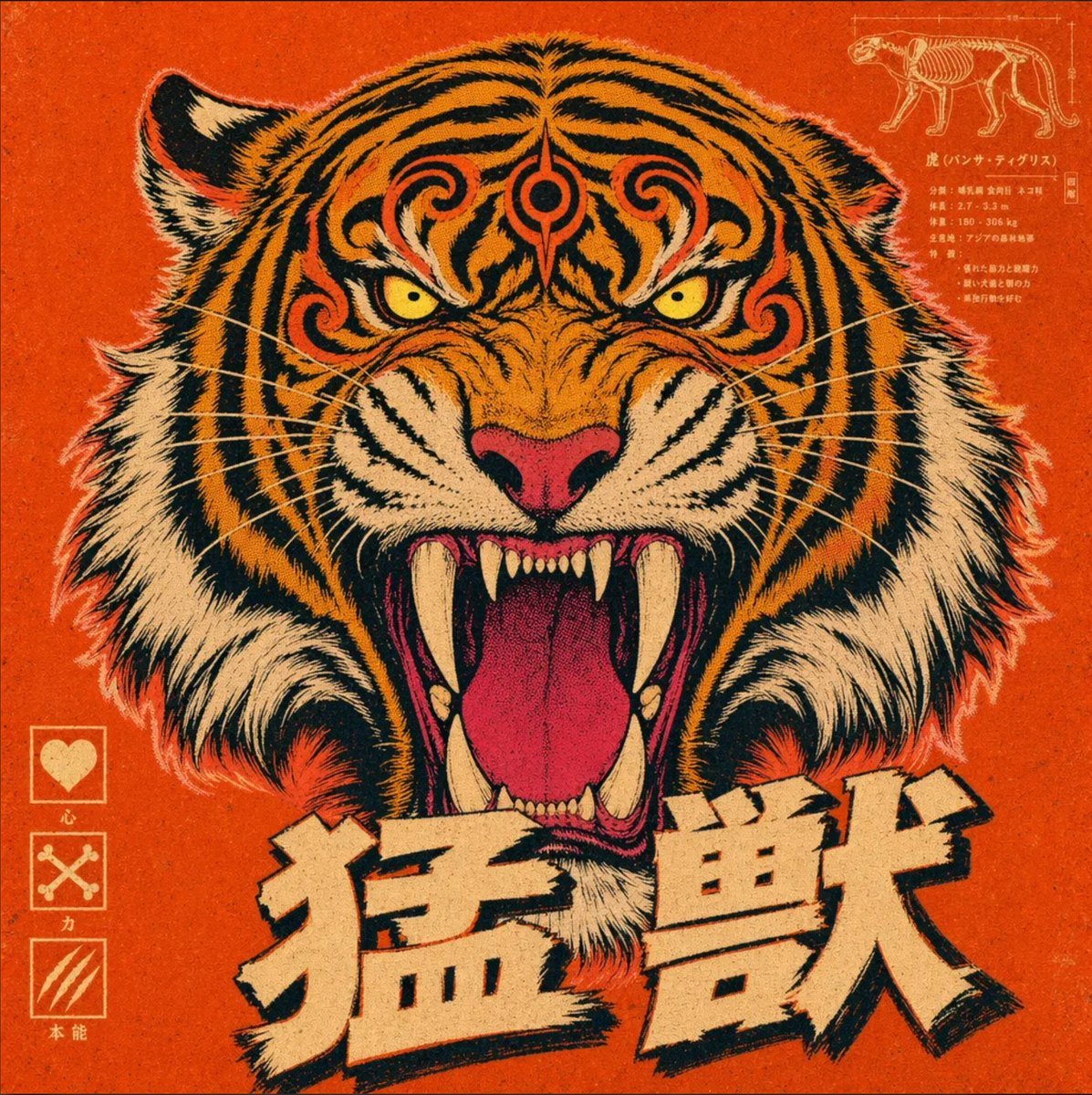
- Prompt included
- Model and format preset
- Free template
The prompt behind this image
Copy the exact prompt behind Vintage Roaring Tiger Japanese Poster, or open it in the studio and make it yours.
Create a bold vintage Japanese-inspired poster on a square canvas with a fierce front-facing tiger head as the single central subject, perfectly symmetrical and filling most of the frame. The tiger is roaring with its mouth wide open, showing long curved ivory fangs, smaller lower teeth, a vivid pink tongue, a dark throat, a pink nose, intense yellow eyes, and dramatic black stripes over saturated orange fur with white cheek and neck fur. Add ornamental swirling stripe patterns on the forehead to give the face a stylized mythic look. Use a gritty retro screenprint or risograph texture with visible grain, worn ink, slightly distressed edges, and a limited palette of burnt orange, black, cream, white, muted pink, and small accents of yellow. The background should be a flat textured orange-red field. In the top right, include 1 small technical diagram panel showing a side-view tiger skeleton in thin cream line art with compact vertical Japanese annotation text beneath and beside it, like a pseudo-scientific label block. In the bottom left, include 3 vertically stacked icon boxes with thin cream borders: the first contains a heart icon with the label 心, the second contains crossed bones with the label 力, and the third contains three claw marks with the label 本能. Across the bottom center, place 2 very large cream-colored Japanese kanji characters with heavy black drop shadows and a rough hand-cut block print feel: 猛獣. Keep the overall composition aggressive, iconic, poster-like, centered, and highly graphic, blending traditional Japanese poster aesthetics, tattoo flash energy, and vintage animal anatomy chart styling.
How to use Vintage Roaring Tiger Japanese Poster in 3 steps
- 1Upload ImagePNG, JPG or paste
Add your photo
Upload the photo the template builds on. The prompt, model and format are already set.
- 2…a portrait of your subject in softgolden-hour light, 85mm…
Personalize
Edit the subject and creative details for your destination.
- 3Generate
Generate
Press Generate — your image is created in PicX Studio, so you can compare it with the original and refine one variable at a time.
More like this
Templates with the same subject, style or setup. Open one to see its prompt.












Make it yours
Vintage Roaring Tiger Japanese Poster works as-is. These are the safest ways to change it without losing the look.
Change one field
Copy a single group, rewrite it, and generate again so you can see what that field is doing.
Keep the frame, change the subject
Hold the composition and light of Vintage Roaring Tiger Japanese Poster, then swap wardrobe, props or the person for a new take.
| If the result… | Why | Fix |
|---|---|---|
| The result drifts from the preview | Too many fields changed at once. | Reuse Vintage Roaring Tiger Japanese Poster as-is first, then change one group — subject, light, or setting. |
| The model over-stylizes the scene | The prose prompt leaves finish and camera underspecified. | Add one camera or lighting sentence and stay on GPT Image 2. |
More GPT Image 2 templates
Other prompts made for GPT Image 2.

Six VTuber Japanese Logo Sheet

Realistic Portrait of Woman and Deer

The Vista Modular Condo Poster

AI Model Routing Comparison Infographic

2.5D Anime Art Board

Isometric Productivity Desk Scene

New York Double Exposure Poster

Four-Panel AI Landscape Comparison

Japanese Tatami Lifestyle Magazine Cover

NESCAFÉ Coffee Map Poster
More image prompts
Fresh picks from across the catalog.
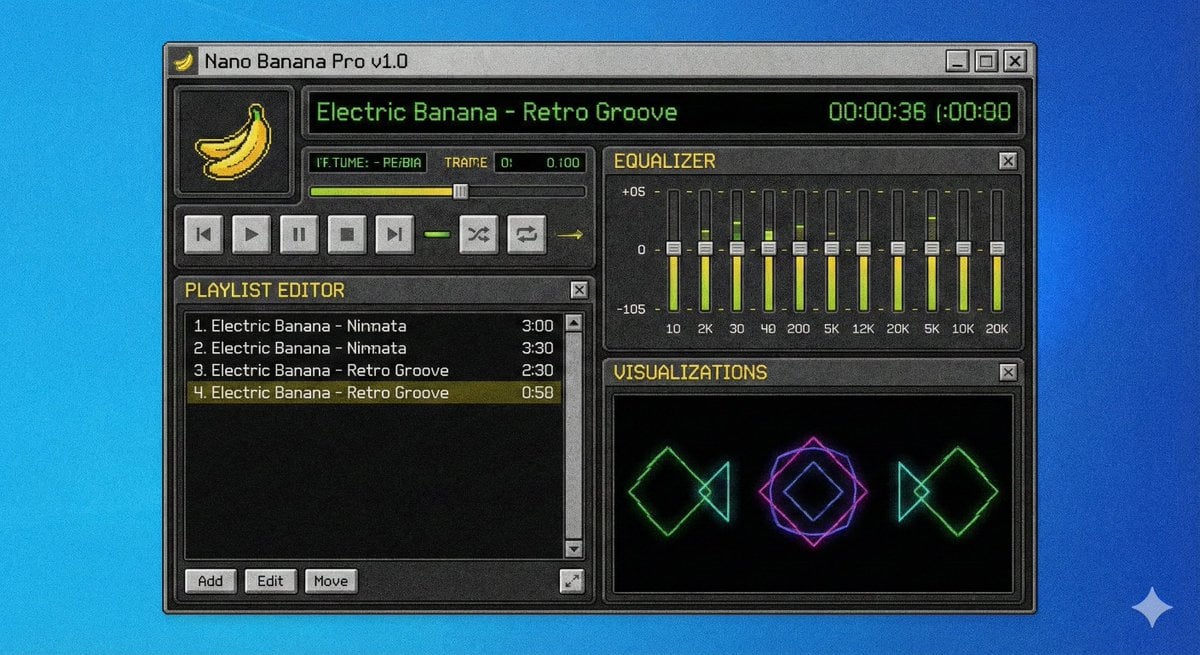
Winamp-style software screenshot prompt

Dreamy Venezia Travel Poster
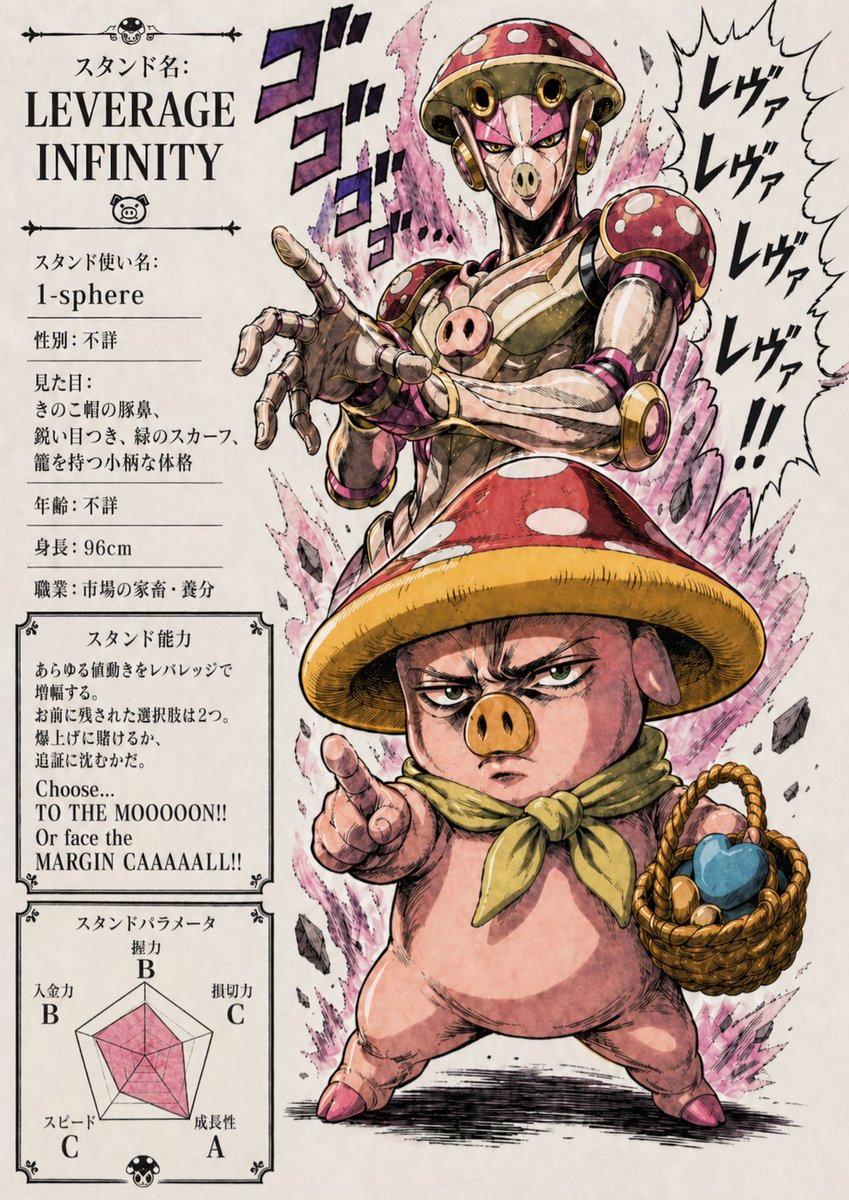
Leverage Infinity Stand Poster

High-Concept Desert Mirror Fashion Photography

Neon Blue AI Video Editing Thumbnail

Predictive K-Line Chart Extension for Stock Trends

Forced Perspective Miniature Self on Smartphone Screen

Cinematic Lakeside Portrait

Cosmic Catastrophe Blackout Scene

High-Aesthetic 2026 Vision Board Collage
Browse template categories
Vintage Roaring Tiger Japanese Poster questions
How do I use the Vintage Roaring Tiger Japanese Poster template?
Add your photo if the template asks for one, edit the prompt if you like — the template's model and format are already selected — and press Generate. Your version opens in PicX Studio.
Can I customize the Vintage Roaring Tiger Japanese Poster template?
Yes. You can change the subject, setting, lighting, mood, format, and available model controls before creating your image.
Is the Vintage Roaring Tiger Japanese Poster template free?
Opening and editing this template is free. Generating uses credits, shown on the Generate button when you are signed in.
Which AI model should I use?
Start with GPT Image 2, which is the model associated with this template. You can compare another compatible model for a different finish.
Looking for something else? Browse all templates.

Your photo, any look
Thousands of ready templates for every top image and video model, from one credit balance.