
Leverage Infinity Stand Poster
A JoJo-inspired manga profile poster showing a bizarre mushroom-themed Stand and pig-like user, ideal for parody character sheets and dramatic anime-style meme art.
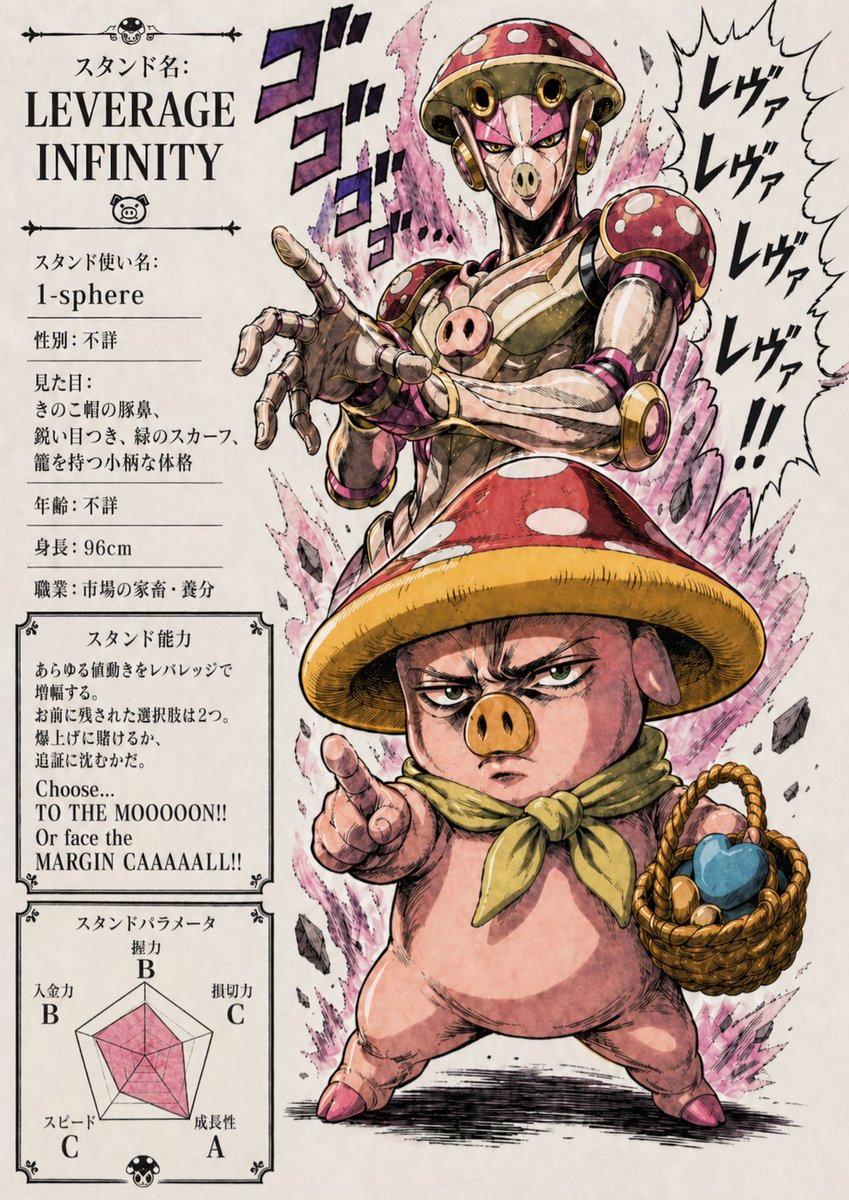
- Prompt included
- Model and format preset
- Premium template
The prompt behind this image
Copy the exact prompt behind Leverage Infinity Stand Poster, or open it in the studio and make it yours.
Create a dramatic manga-style character poster on an aged off-white paper background, designed like a JoJo-inspired Stand profile page with heavy ink lines, screentone texture, painterly shading, and exaggerated comic energy. The layout is vertical, with a dense information panel on the left and the main figures dominating the center and right. At the top left, large serif English title text reads "LEVERAGE INFINITY" under smaller Japanese text "スタンド名:". Below it, a left-column profile card contains 6 visible info lines with Japanese labels and values: "スタンド使い名:" with the value "1-sphere", "性別: 不詳", "見た目:" followed by a short Japanese description, "年齢: 不詳", "身長: 96cm", and "職業: 市場の条省・養分". Beneath that, add a framed ability box titled "スタンド能力" containing several lines of Japanese body text and a bold English catchphrase at the bottom reading exactly: "Choose... TO THE MOOOOON!! Or face the MARGIN CAAAAALL!!". At the lower left, add a framed radar chart section titled "スタンドパラメータ" with 5 labeled stats around the graph: "破壊力 B", "持続力 C", "成長性 A", "スピード C", and "人念力 B"; fill the radar graph with a translucent pink polygon. The main illustration shows 2 stacked figures: a humanoid Stand above and a pig-like user below. The Stand is tall, metallic, and menacing, with a mushroom-cap helmet head in glossy red with white spots, circular gold-and-pink ear-like side discs, a segmented chrome-and-brass body, muscular but sleek mechanical arms, and a pink pig-snout emblem on the chest. Its face area is obscured by a rectangular censor blur. It reaches one articulated hand toward the viewer in an aggressive foreshortened pose. Around the Stand’s upper body, place 3 large stylized sound-effect glyphs reading "ゴゴゴ" in purple and black. On the far right, add a jagged speech or impact shape with 4 stacked lines of bold Japanese text reading "レヴァ", "レヴァ", "レヴァ", "レヴァ!!". Behind both figures, erupting pink-purple aura flames and floating rock fragments create intense supernatural energy. The lower figure is a short, squat, pig-bodied character standing wide-legged, with pink skin, small hoof-like feet, a yellow-green neckerchief, and a huge mushroom cap hat in red with white spots and a thick yellow underside rim; the torso area is obscured by a large rectangular censor blur. The pig points outward with one hand and holds a woven basket in the other hand containing 3 visible items: 1 blue heart-shaped object and 2 small round produce-like objects. Keep the composition theatrical and bizarre, combining grotesque humor, market-speculation parody, and high-impact manga poster aesthetics.
How to use Leverage Infinity Stand Poster in 3 steps
- 1Upload ImagePNG, JPG or paste
Add your photo
Upload the photo the template builds on. The prompt, model and format are already set.
- 2…a portrait of your subject in softgolden-hour light, 85mm…
Personalize
Edit the subject and creative details for your destination.
- 3Generate
Generate
Press Generate — your image is created in PicX Studio, so you can compare it with the original and refine one variable at a time.
More like this
Templates with the same subject, style or setup. Open one to see its prompt.

Japan Travel Brochure Poster

Cartoon TV Show Poster Pack

Trendy Cafe Drink Promo Poster

Urban Fashion Editorial Collage Streetwear Poster

Premium Fashion Editorial Cover Layout System

Polo Ralph Lauren Luxury American Heritage Fashion Campaign

Monochrome Halftone Editorial Fashion Poster

Retro Mirror Luxury Fashion Campaign Poster

Luxury Fashion Campaign Typography Poster System

Premium Fashion Editorial Campaign Poster System

Ultra-Stylized High-Fashion Streetwear Poster

Urban Fashion Editorial Collage Poster
Make it yours
Leverage Infinity Stand Poster works as-is. These are the safest ways to change it without losing the look.
Change one field
Copy a single group, rewrite it, and generate again so you can see what that field is doing.
Keep the frame, change the subject
Hold the composition and light of Leverage Infinity Stand Poster, then swap wardrobe, props or the person for a new take.
| If the result… | Why | Fix |
|---|---|---|
| The result drifts from the preview | Too many fields changed at once. | Reuse Leverage Infinity Stand Poster as-is first, then change one group — subject, light, or setting. |
| The model over-stylizes the scene | The prose prompt leaves finish and camera underspecified. | Add one camera or lighting sentence and stay on GPT Image 2. |
More GPT Image 2 templates
Other prompts made for GPT Image 2.

Six VTuber Japanese Logo Sheet

Realistic Portrait of Woman and Deer

The Vista Modular Condo Poster

AI Model Routing Comparison Infographic

2.5D Anime Art Board

Isometric Productivity Desk Scene

New York Double Exposure Poster

Four-Panel AI Landscape Comparison

Japanese Tatami Lifestyle Magazine Cover

NESCAFÉ Coffee Map Poster
More image prompts
Fresh picks from across the catalog.
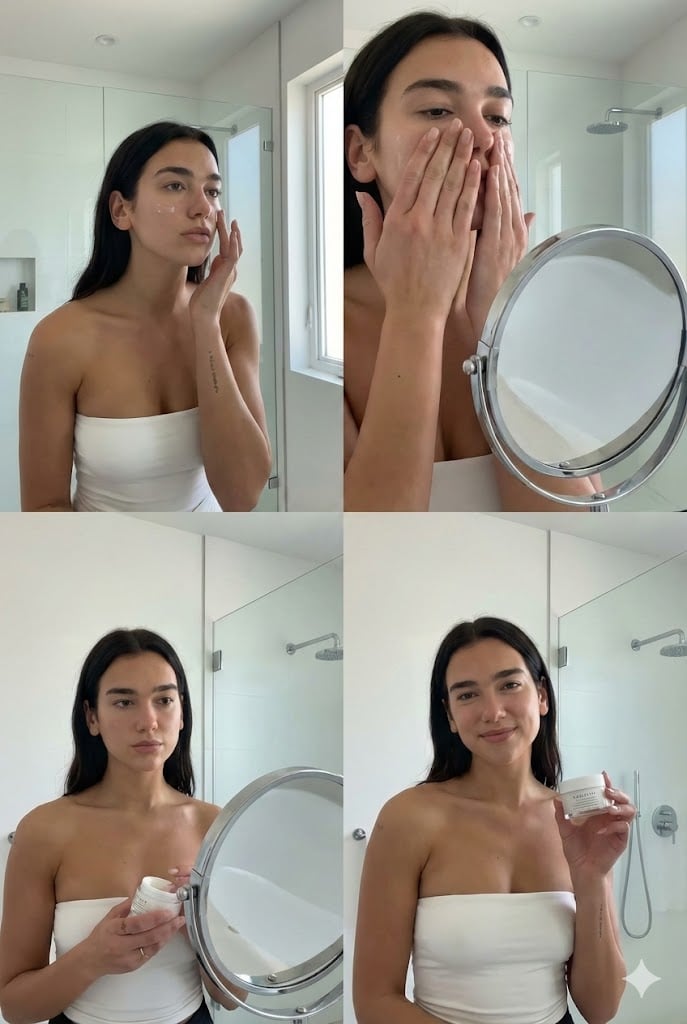
Dua Lipa Skincare Editorial Collage

Intimate Mirror Selfie in Soft Bedroom Light

Miniature Sci-Fi Companion Robot

Luxury Business Leader Ink Portrait

Product-Inspired Aristocratic Fashion
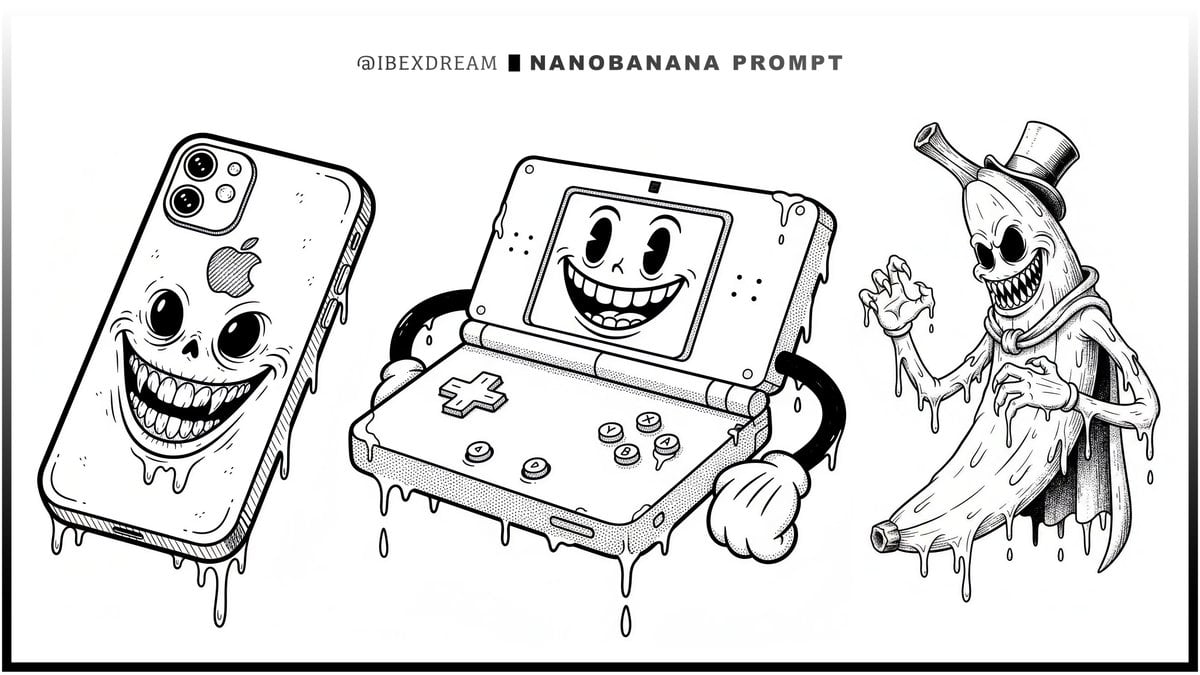
Surreal Rubber-Hose Ink Style Illustration
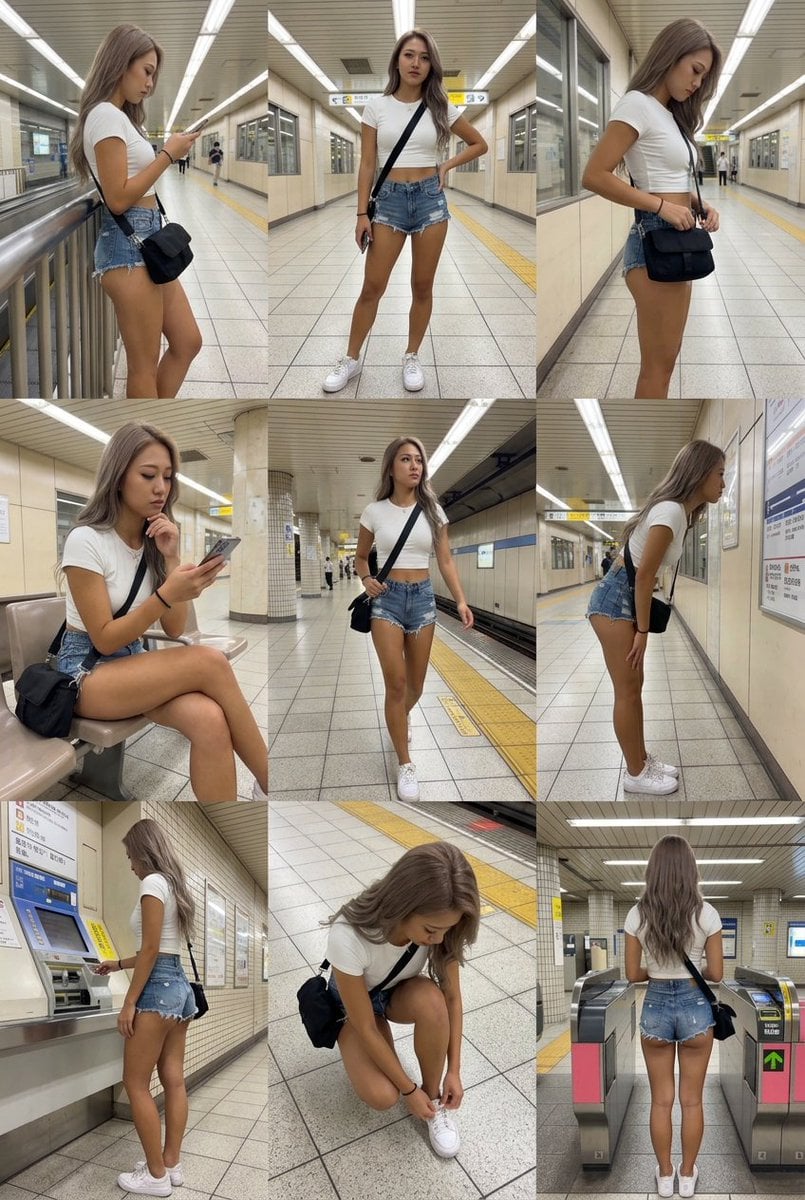
3x3 Grid Character Consistency Prompt
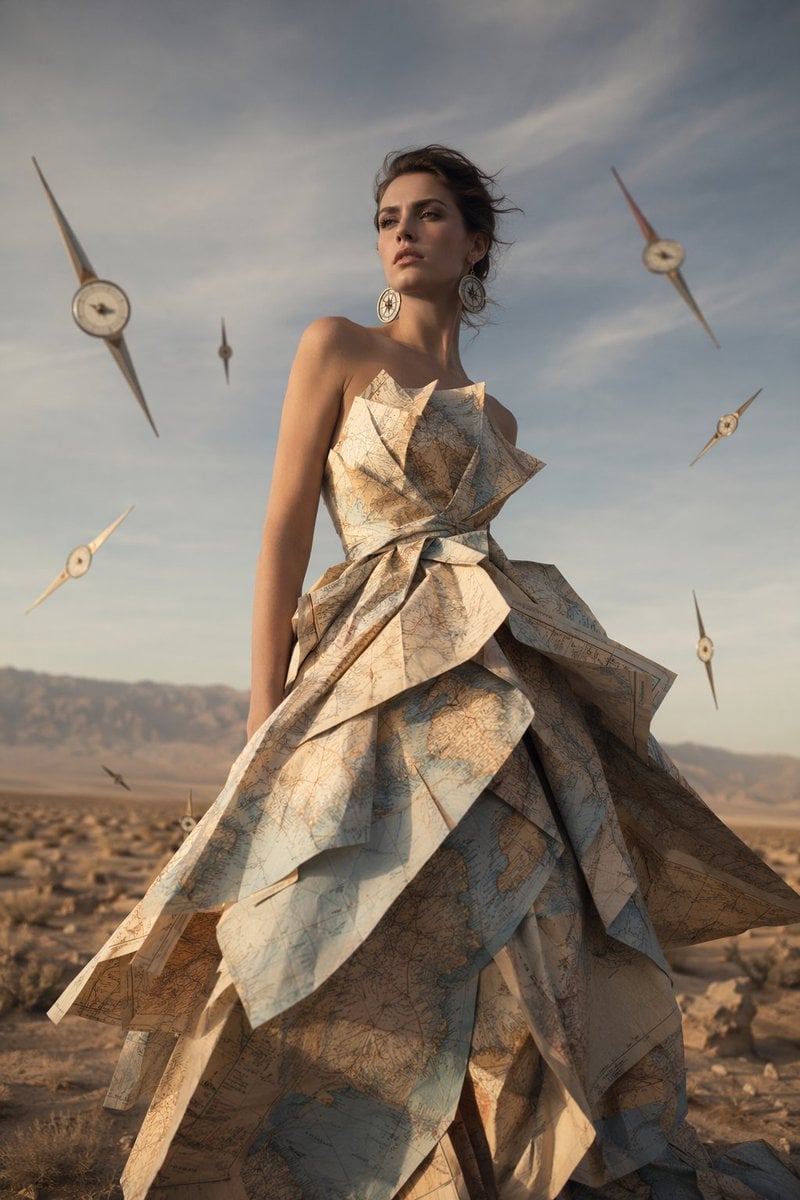
Surreal Map Dress Fashion Editorial

Self-Portrait Generation Prompt (Placeholder)

Cinematic Noir Prompt for a Man and a Sports Car
Browse template categories
Leverage Infinity Stand Poster questions
How do I use the Leverage Infinity Stand Poster template?
Add your photo if the template asks for one, edit the prompt if you like — the template's model and format are already selected — and press Generate. Your version opens in PicX Studio.
Can I customize the Leverage Infinity Stand Poster template?
Yes. You can change the subject, setting, lighting, mood, format, and available model controls before creating your image.
Is the Leverage Infinity Stand Poster template free?
Opening and editing this template is free. Generating uses credits, shown on the Generate button when you are signed in.
Which AI model should I use?
Start with GPT Image 2, which is the model associated with this template. You can compare another compatible model for a different finish.
Looking for something else? Browse all templates.

Your photo, any look
Thousands of ready templates for every top image and video model, from one credit balance.