
Cosmic Catastrophe Blackout Scene
A hyper-realistic, ultra-cinematic prompt for generating a surreal doomsday visual: Earth in broad daylight experiencing a sudden, one-second pitch black blackout, freezing all motion and leaving an eerie red glow on…

- Prompt included
- Model and format preset
- Premium template
The prompt behind this image
Copy the exact prompt behind Cosmic Catastrophe Blackout Scene, or open it in the studio and make it yours.
Earth in broad daylight—but suddenly everything goes completely pitch black for exactly one second, as if the sun itself blinked. People on streets freeze mid-step, their outlines barely visible in the instantaneous darkness. Birds hang motionless in the sky, wings suspended as though reality paused. Rivers and lakes turn perfectly smooth and reflective like black glass mirrors, capturing faint silhouettes. Around the distant horizon, a thin red glow lingers—soft, eerie, unnatural—hinting at something cosmic and catastrophic. Render in hyper-real 16K detail, doomsday visual style, natural camera physics, atmospheric scattering, zero CGI appearance. Photoreal shadows, micro-texture on skin and surfaces, subtle grain, slight lens distortion, chilling documentary realism. Ultra-cinematic, ultra-detailed, surreal but grounded in reality.
How to use Cosmic Catastrophe Blackout Scene in 3 steps
- 1
Open
The prompt is already in the box next to the preview, with the template's model and format selected.
- 2…a portrait of your subject in softgolden-hour light, 85mm…
Personalize
Edit the subject and creative details for your destination.
- 3Generate
Generate
Press Generate — your image is created in PicX Studio, so you can compare it with the original and refine one variable at a time.
More like this
Templates with the same subject, style or setup. Open one to see its prompt.
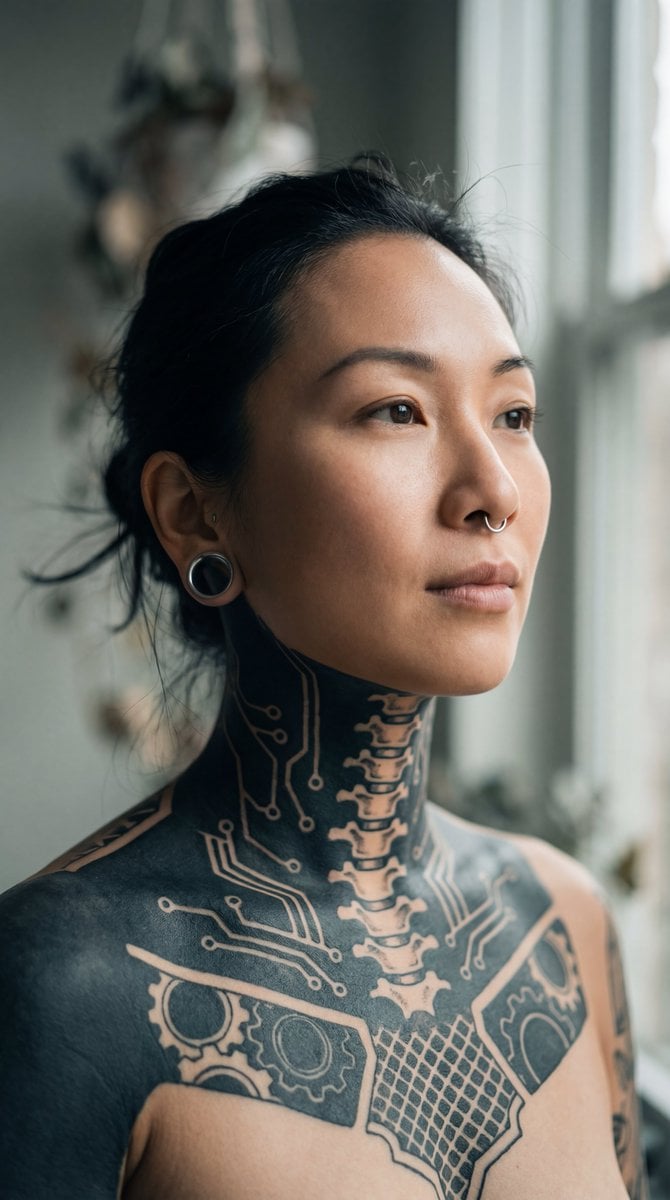
Intimate Portrait of East Asian Woman with Extensive Blackout Tattoos
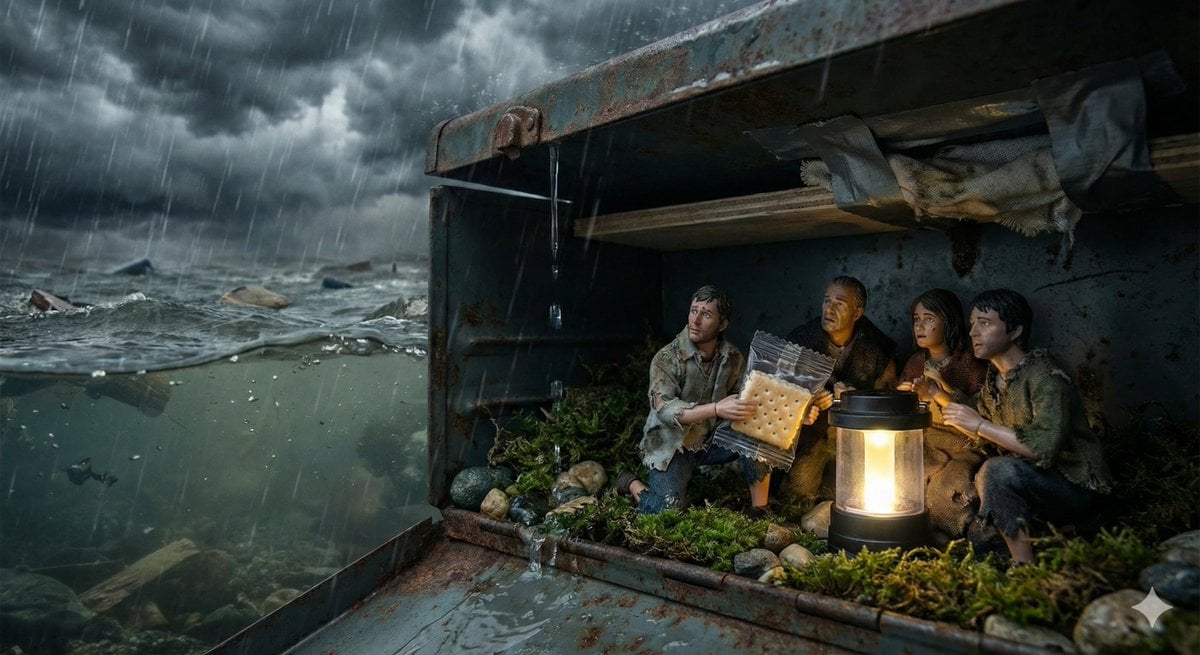
Ordinary Object as Desperate Refuge During Catastrophe
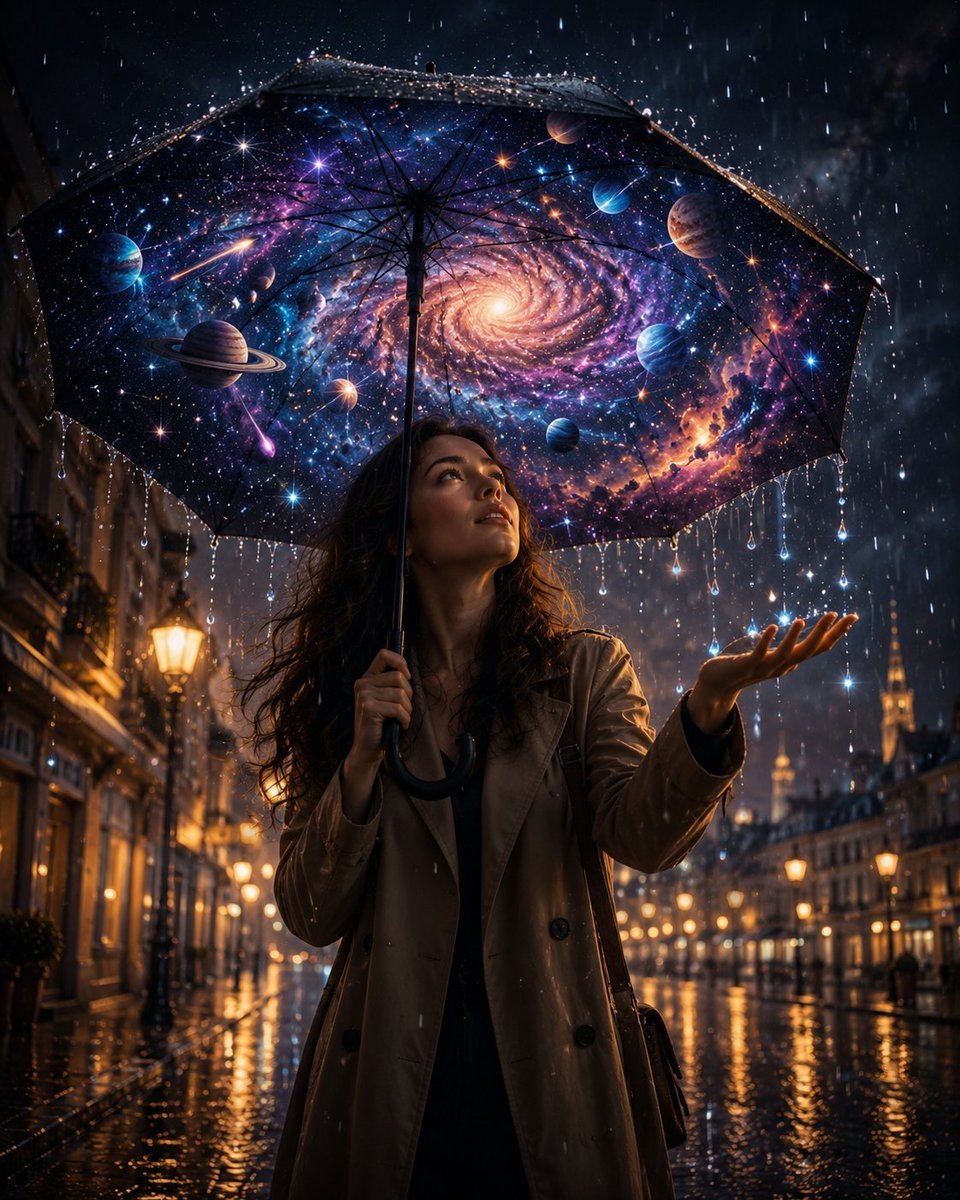
Cosmic Universe Umbrella Fantasy Scene
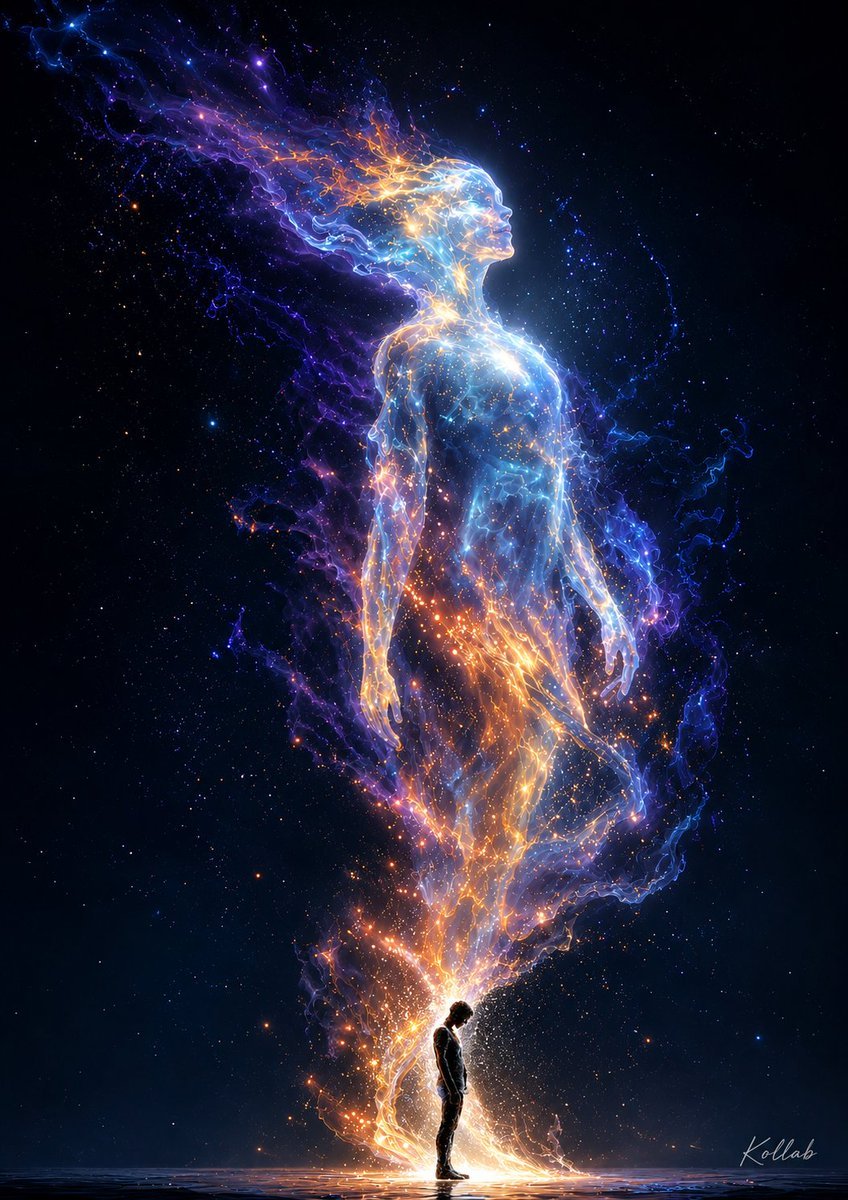
Cosmic Spirit Rising
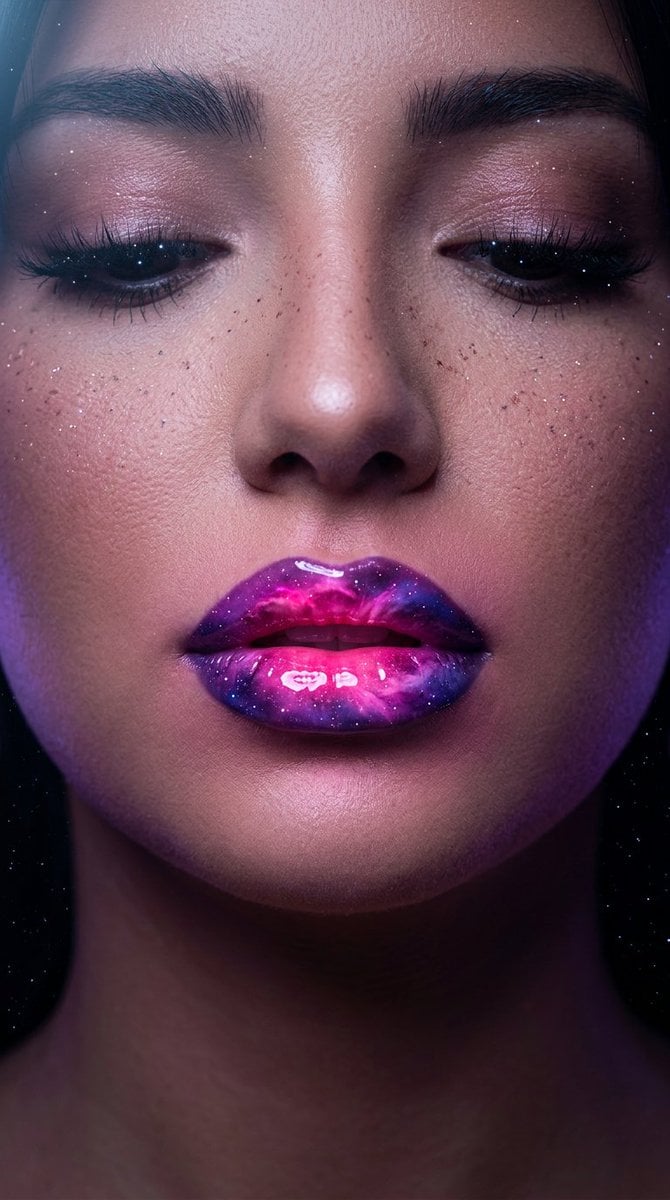
Cosmic Nebula Lipstick Beauty Campaign
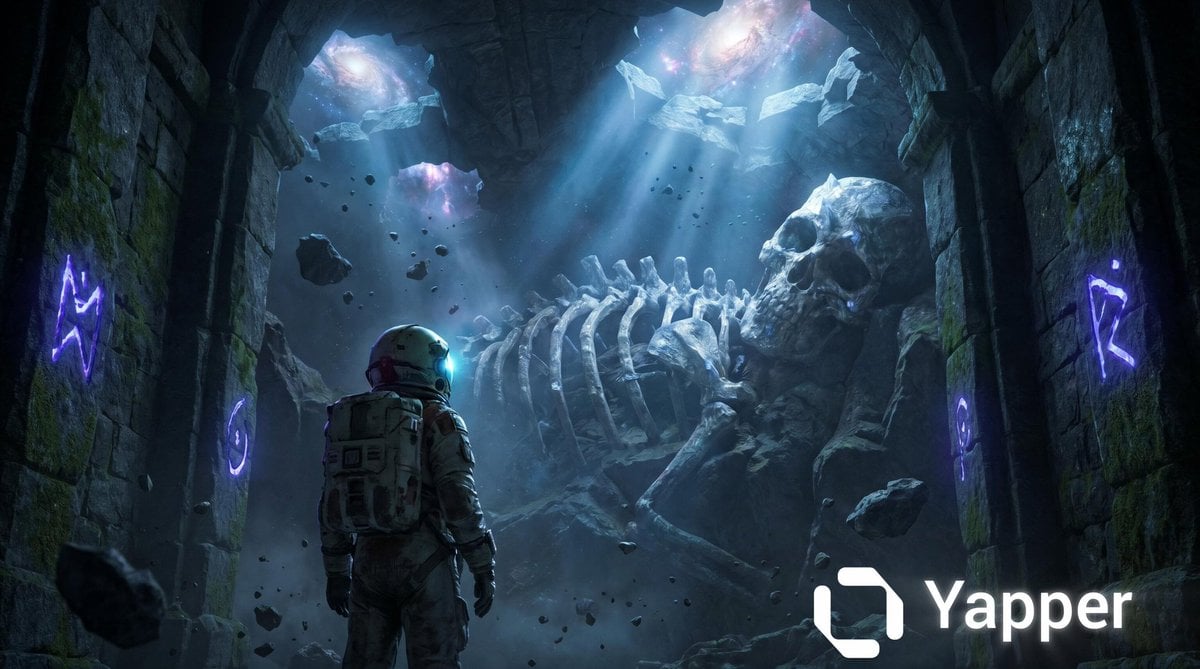
Astronaut and Petrified Cosmic God
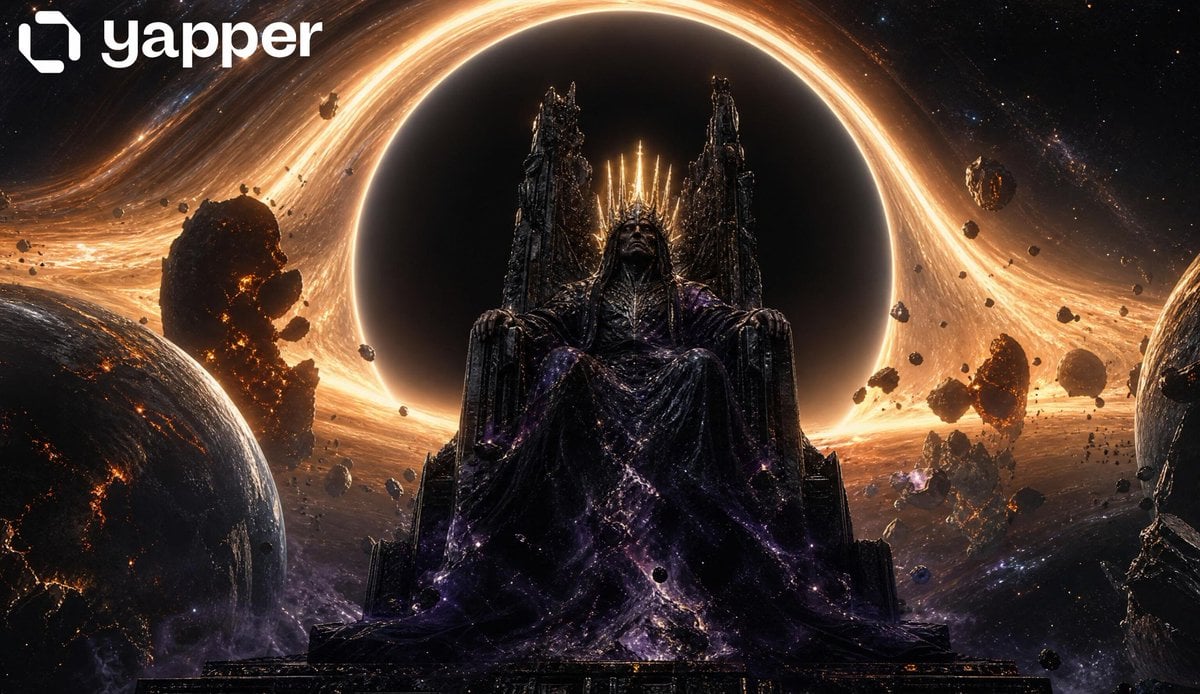
Cosmic Space Opera Dark Emperor
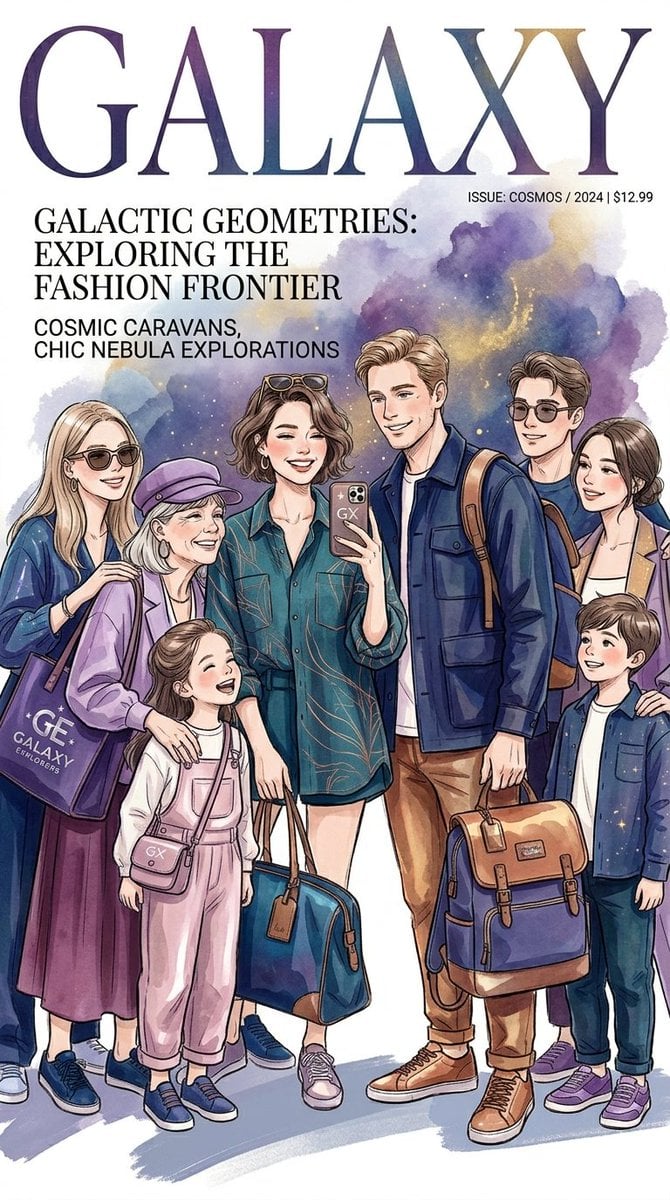
Cosmic Fashion Magazine and Library
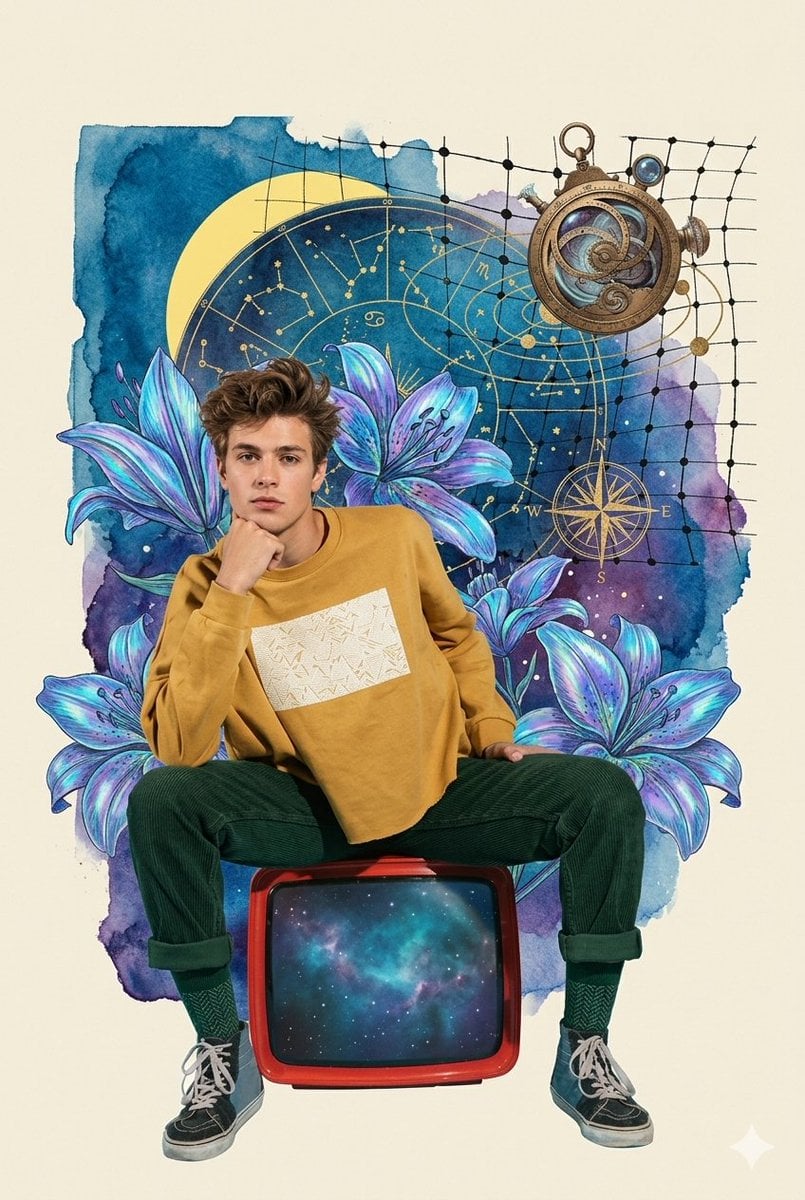
Retro Cosmic Watercolor Collage
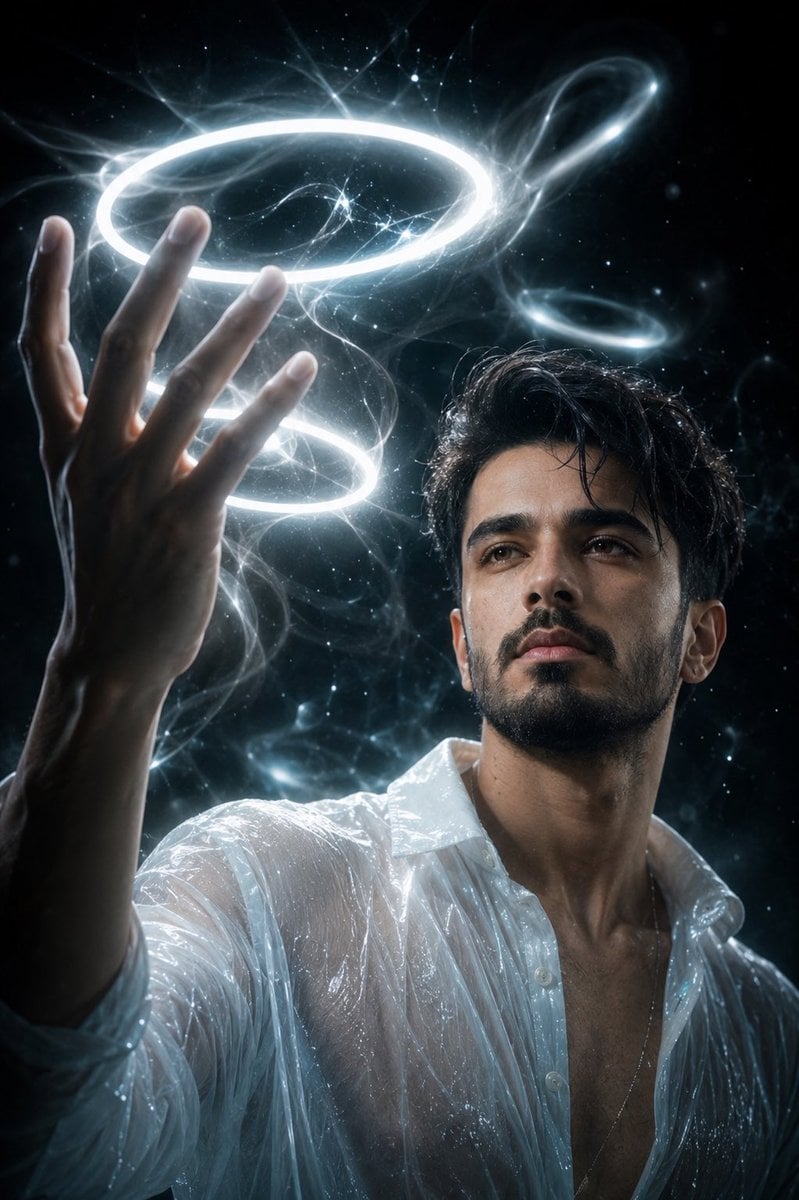
Cinematic Cosmic Energy Portrait
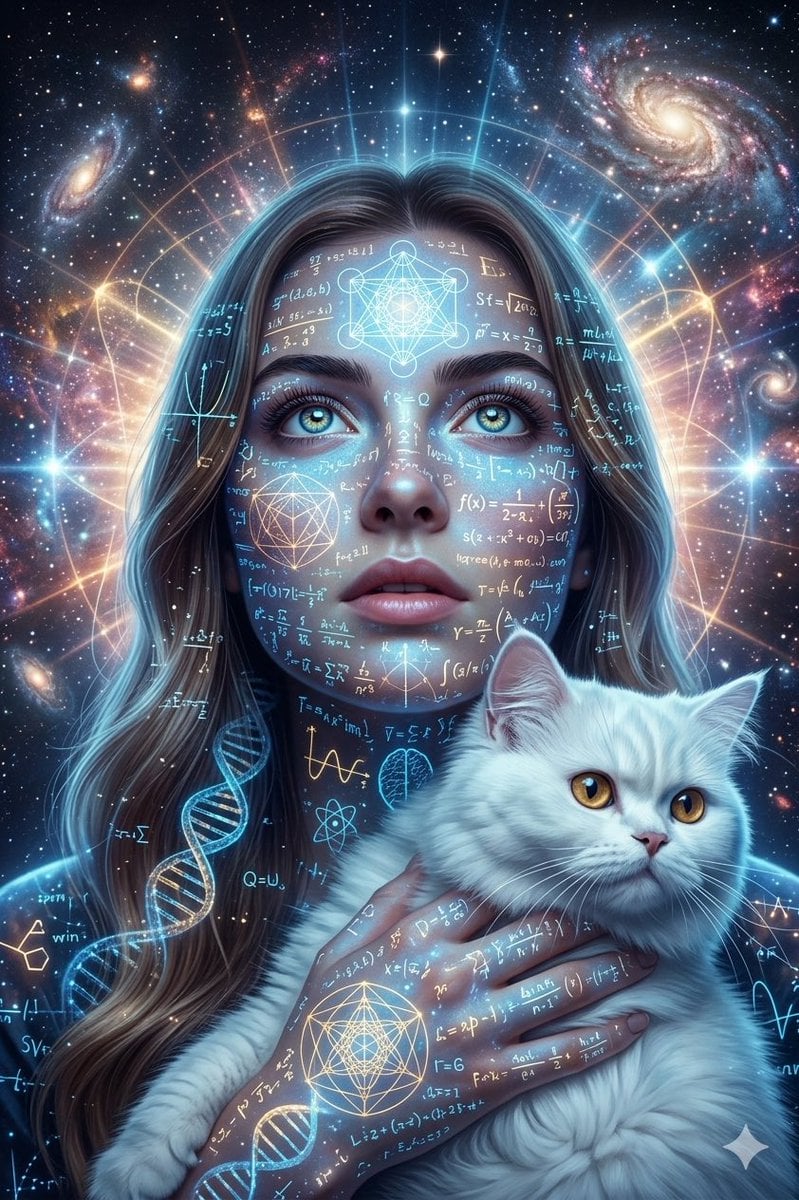
Cosmic Science Visualization Portrait
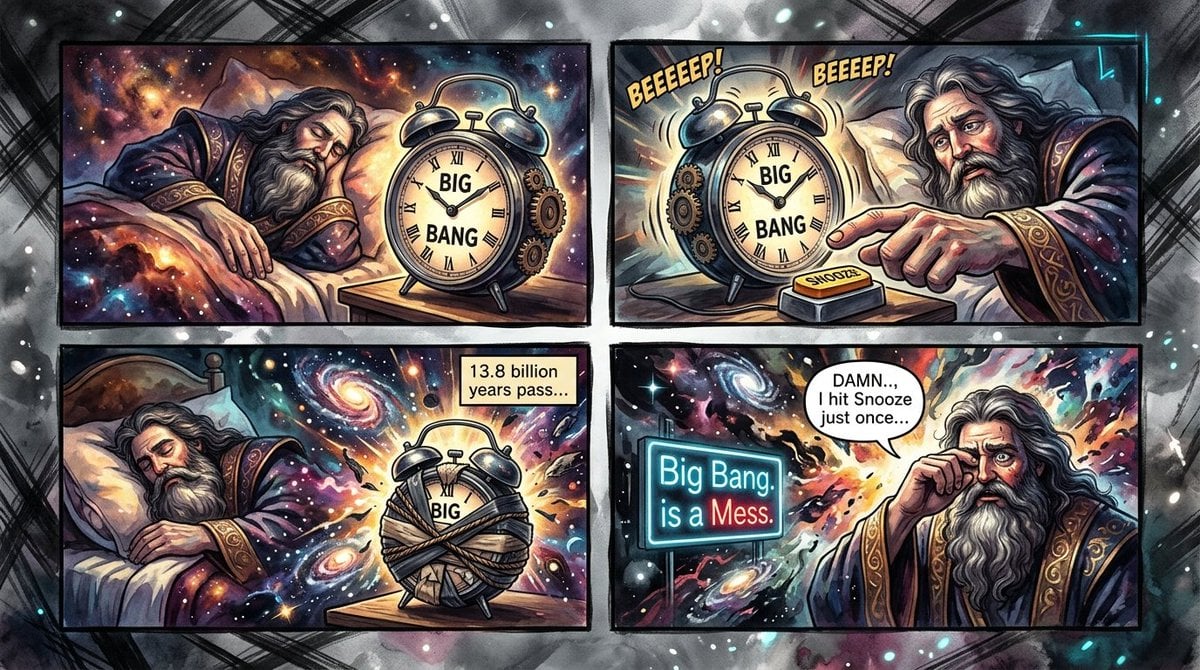
Cosmic Big Bang Snooze Comic
Make it yours
Cosmic Catastrophe Blackout Scene works as-is. These are the safest ways to change it without losing the look.
Change one field
Copy a single group, rewrite it, and generate again so you can see what that field is doing.
Keep the frame, change the subject
Hold the composition and light of Cosmic Catastrophe Blackout Scene, then swap wardrobe, props or the person for a new take.
| If the result… | Why | Fix |
|---|---|---|
| The result drifts from the preview | Too many fields changed at once. | Reuse Cosmic Catastrophe Blackout Scene as-is first, then change one group — subject, light, or setting. |
| The model over-stylizes the scene | The prose prompt leaves finish and camera underspecified. | Add one camera or lighting sentence and stay on Nano Banana 2. |
More Nano Banana 2 templates
Other prompts made for Nano Banana 2.

Photorealistic Leaf Shaped Like a Dragon

K-Pop Idol Portrait Grid for Rapid Selection

Poetic Rain Forest Portrait During Golden Hour

Urban Street Portrait with Cartoon Inner Self Duo

Candid Nighttime Photo with Cat Prompt

High-Concept 3D Diorama Generation Prompt

Cinematic Futuristic Studio Portrait Template

Skincare Editorial Photography Collage Prompt

Hyper-Realistic Commercial Product Photography (Splash Effect)

Hyper-Realistic Nightclub Portrait Prompt
More image prompts
Fresh picks from across the catalog.
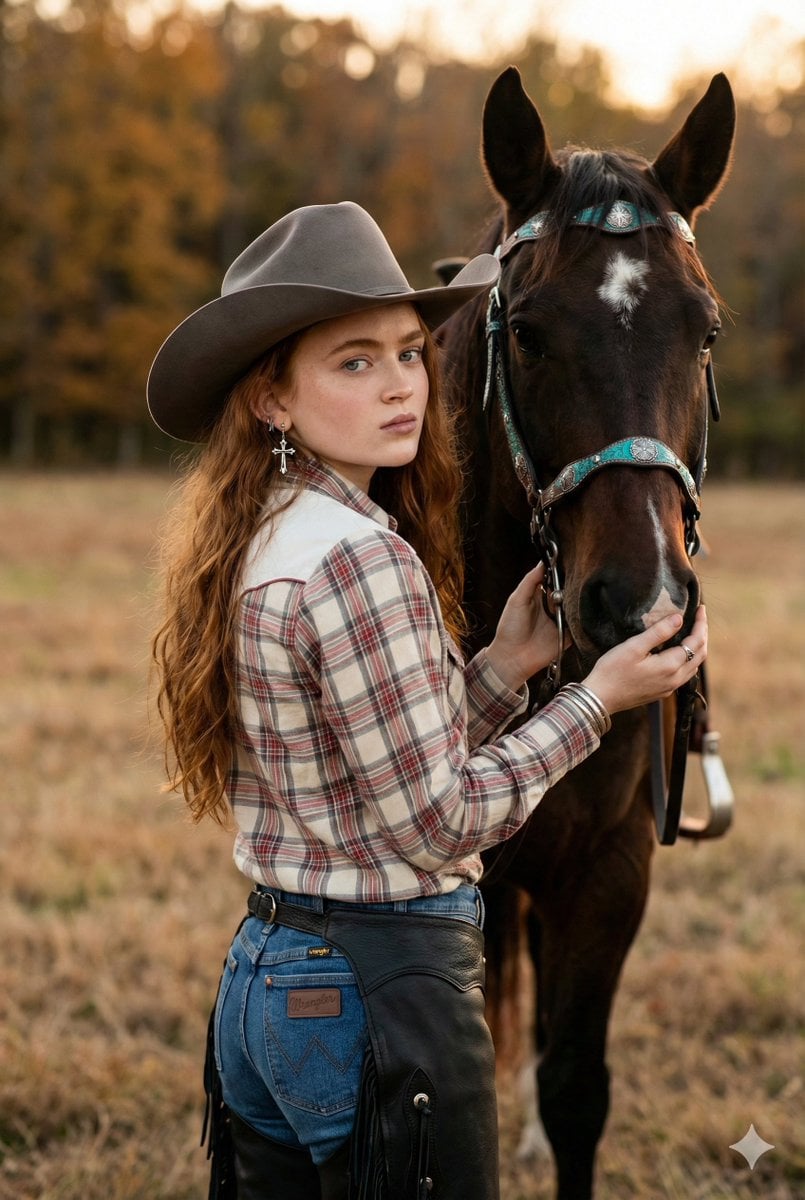
Rustic Cowgirl Portrait with Horse
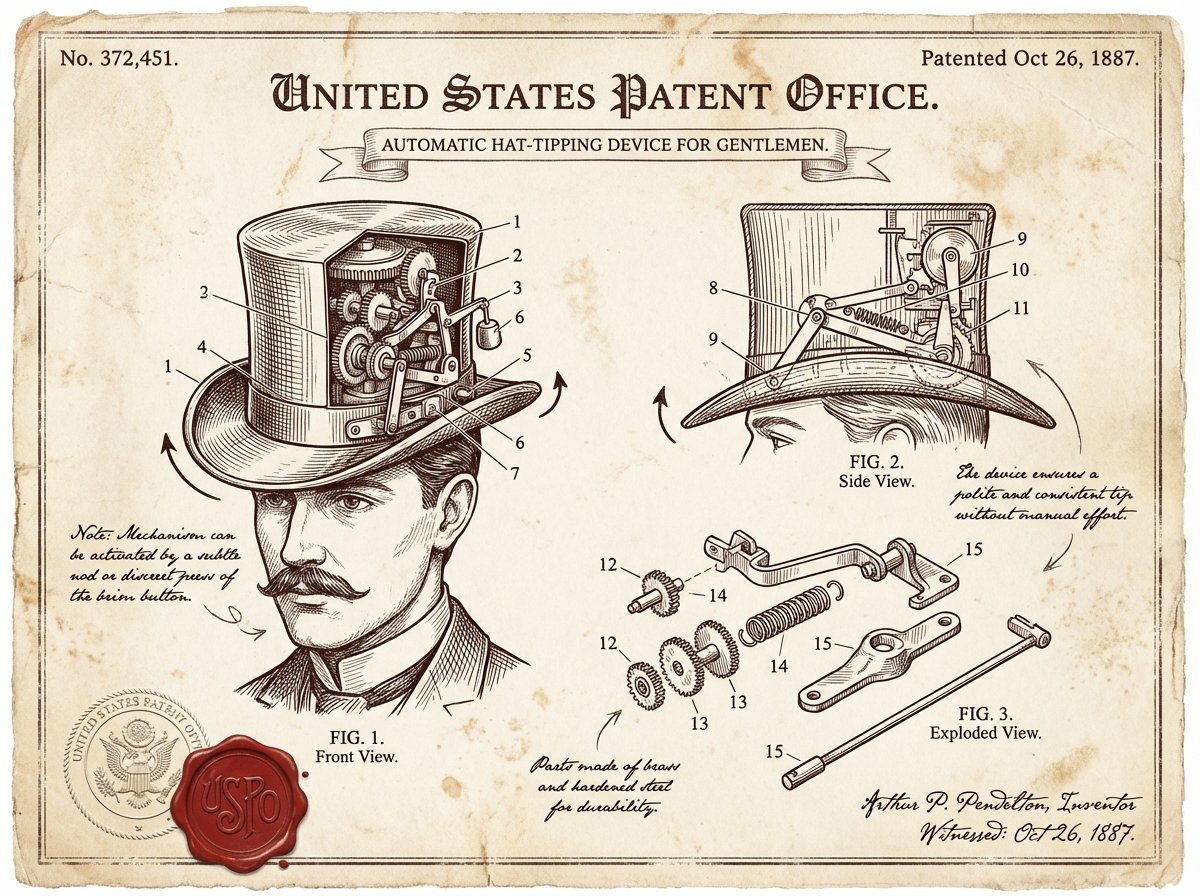
Vintage Patent Document for an Invention
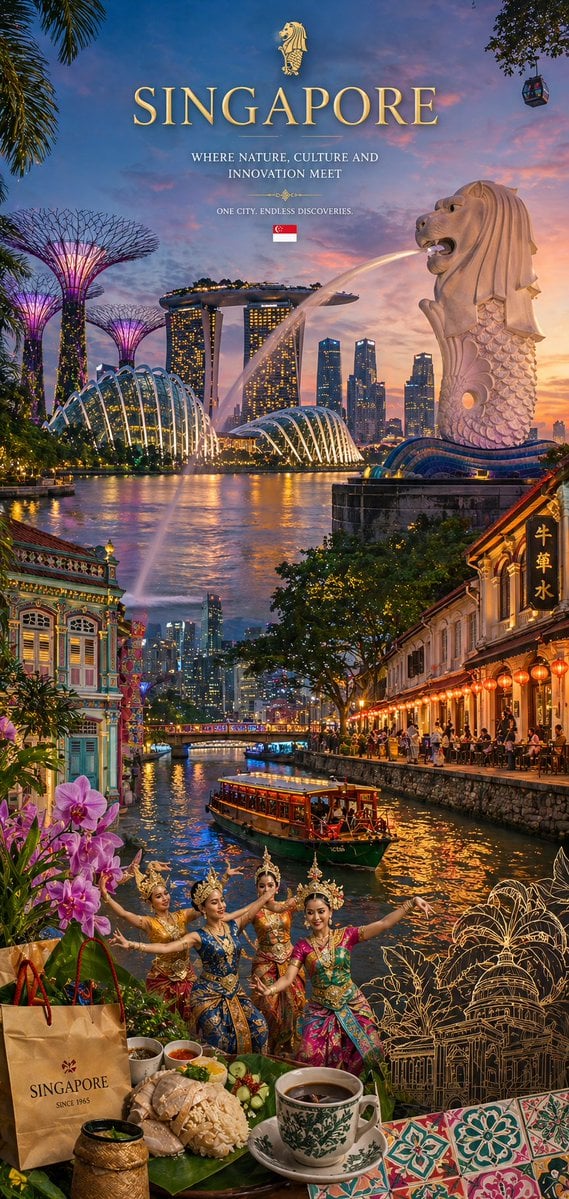
Country Heritage Wallpaper Prompt
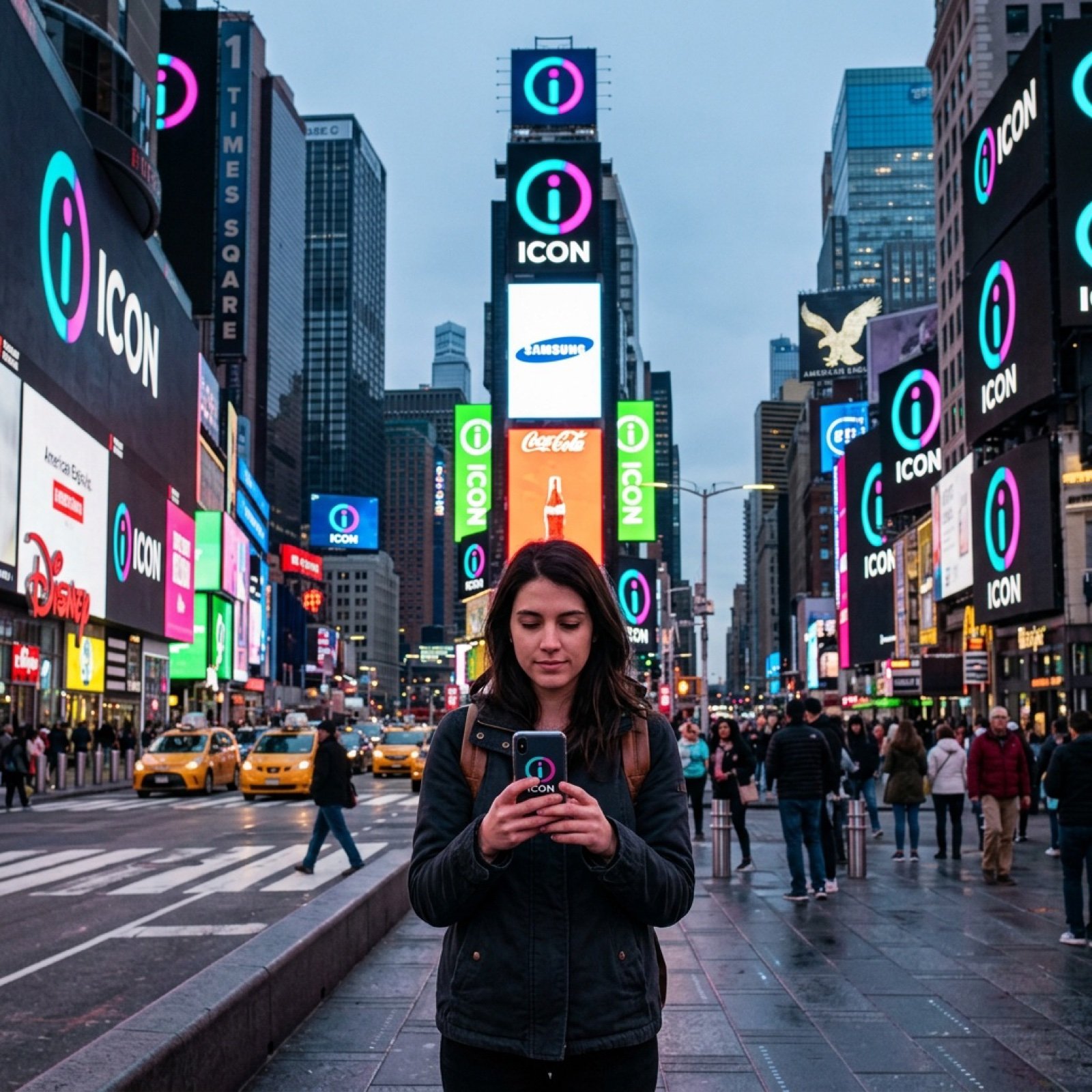
Times Square icon on many screens
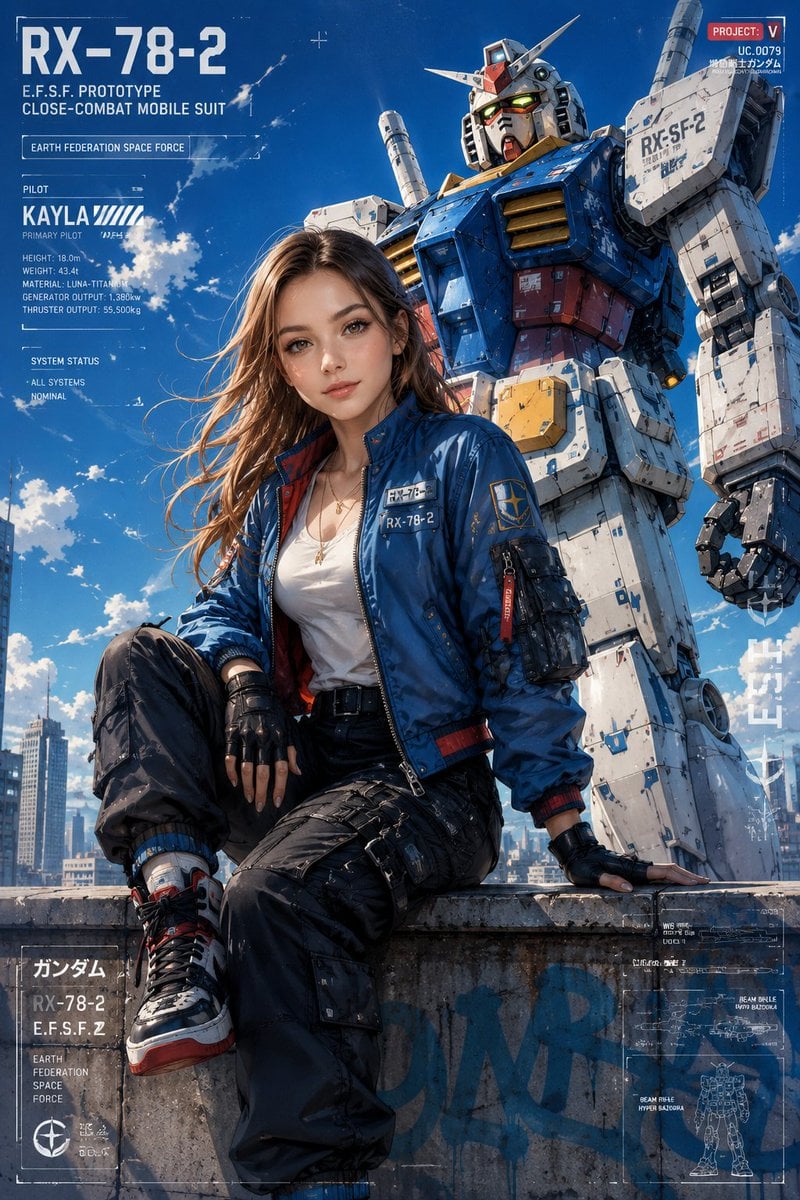
Anime Style Mecha Fashion Editorial
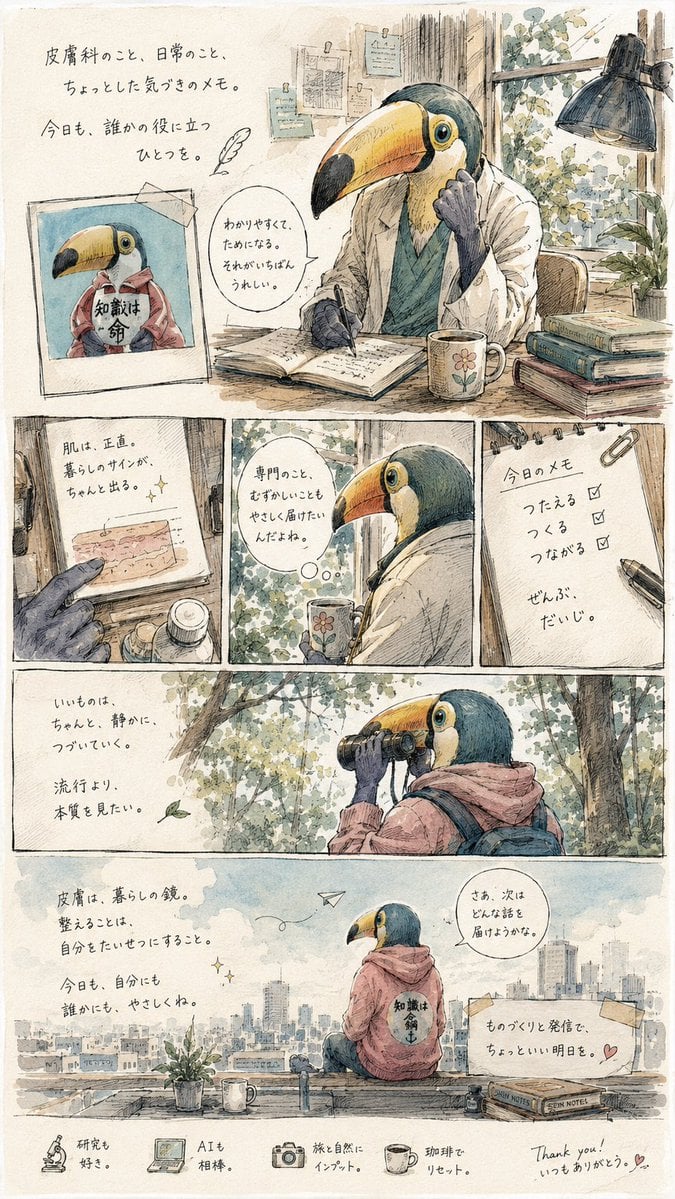
Toucan Dermatologist Diary Manga
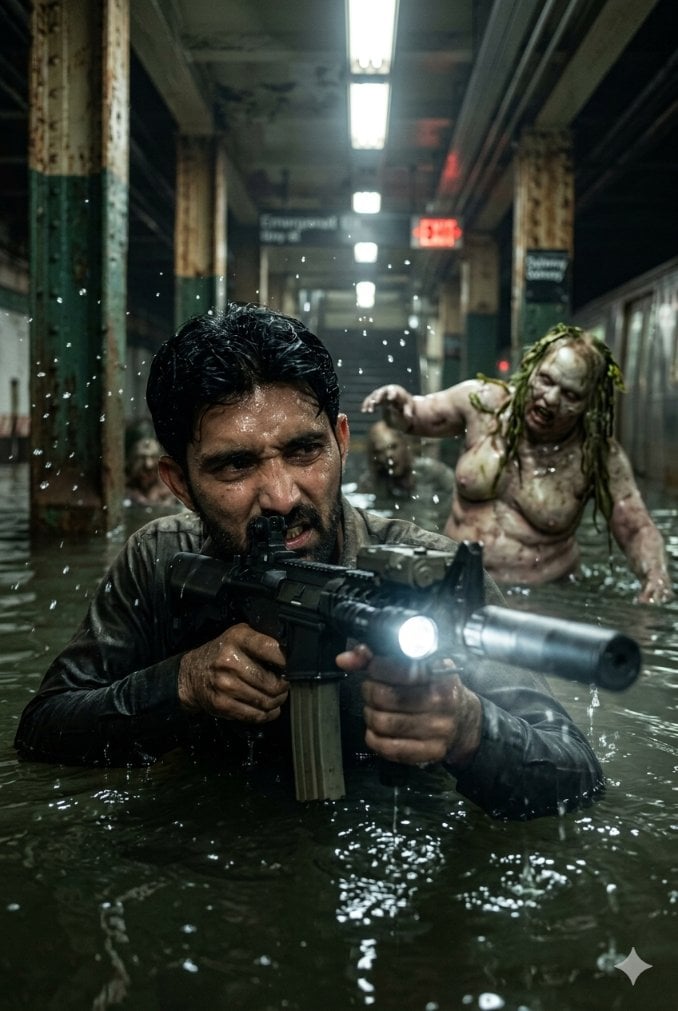
Flooded Subway Horror Chase
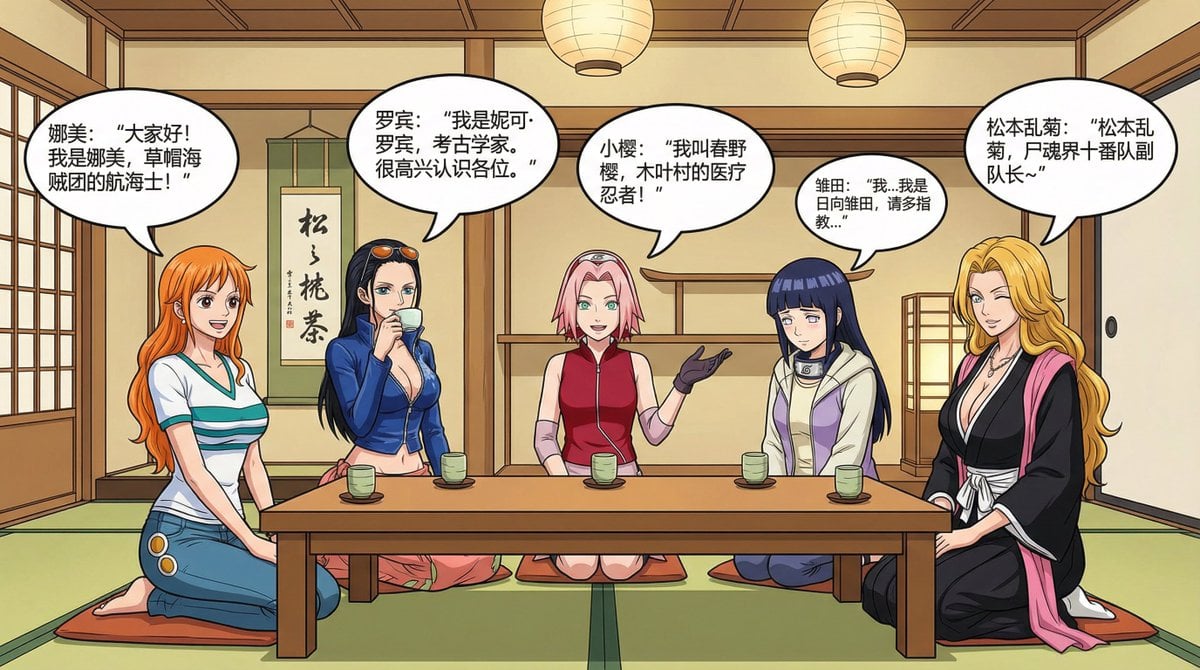
Anime female character compilation story in Chinese comic style
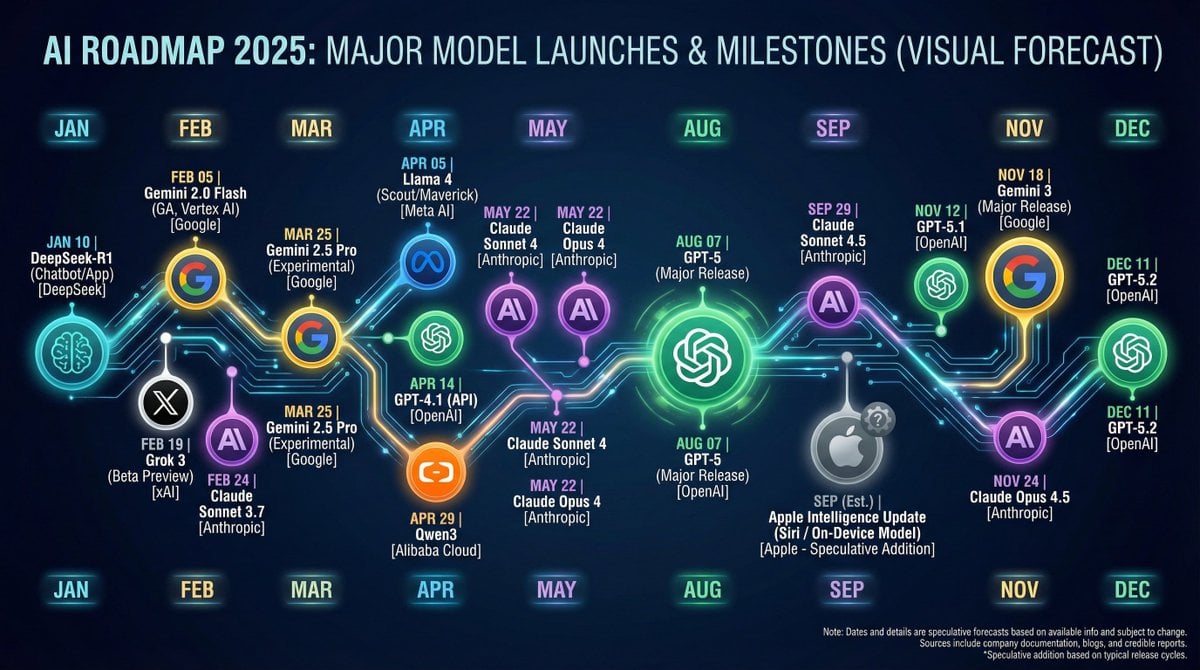
Nano Banana Chronology Request (Non-Executable)
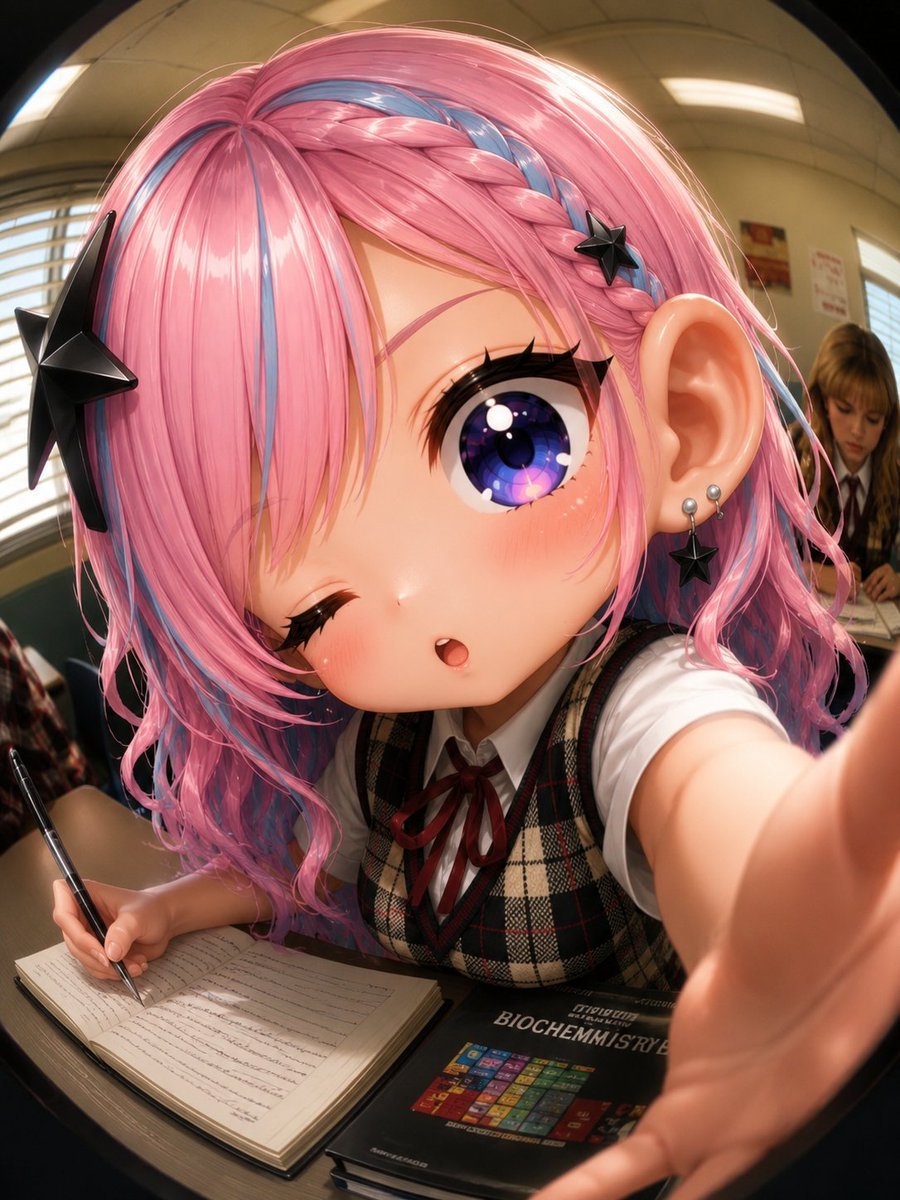
Fisheye Anime Schoolgirl Selfie
Browse template categories
Cosmic Catastrophe Blackout Scene questions
How do I use the Cosmic Catastrophe Blackout Scene template?
Add your photo if the template asks for one, edit the prompt if you like — the template's model and format are already selected — and press Generate. Your version opens in PicX Studio.
Can I customize the Cosmic Catastrophe Blackout Scene template?
Yes. You can change the subject, setting, lighting, mood, format, and available model controls before creating your image.
Is the Cosmic Catastrophe Blackout Scene template free?
Opening and editing this template is free. Generating uses credits, shown on the Generate button when you are signed in.
Which AI model should I use?
Start with Nano Banana 2, which is the model associated with this template. You can compare another compatible model for a different finish.
Looking for something else? Browse all templates.

Your photo, any look
Thousands of ready templates for every top image and video model, from one credit balance.