
Flooded Subway Horror Chase
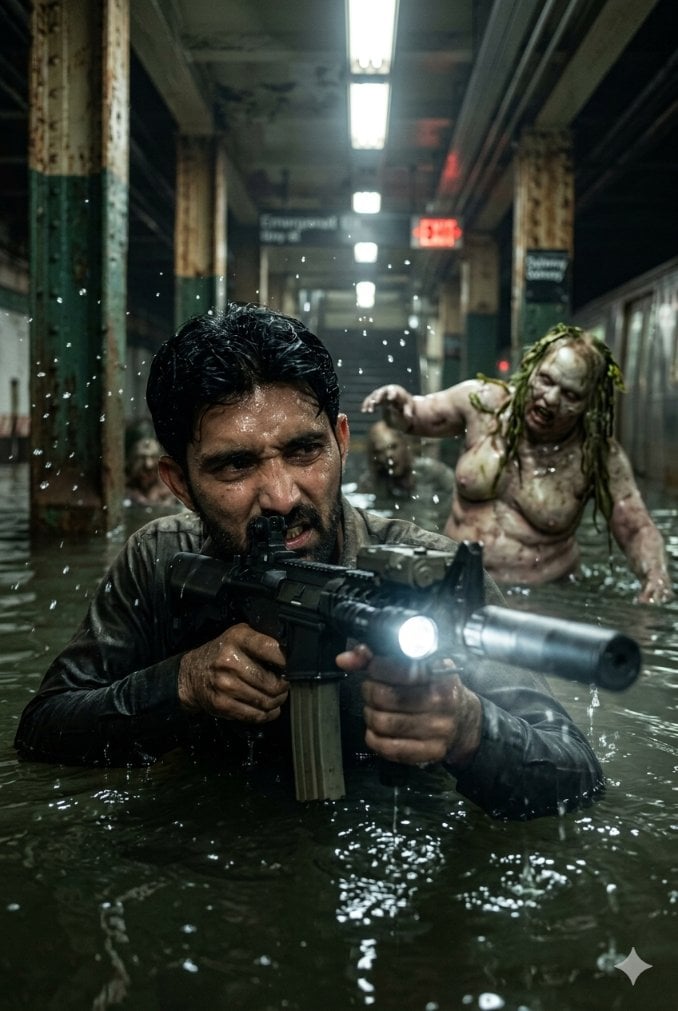
A cinematic photoreal horror-action scene of an armed hero wading through a flooded NYC subway while a grotesque pursuer emerges behind him.
- Prompt included
- Model and format preset
- Free template
The prompt behind this image
Copy the exact prompt behind Flooded Subway Horror Chase, or open it in the studio and make it yours.
Create a cinematic high-end photomanipulation scene in a flooded, derelict New York City subway station. Vertical 2:3 frame, mid-shot, low eye-level camera half submerged at waterline. In the foreground, show {argument name="hero description" default="a soaked male action hero with short wet black hair, dark tactical clothing, and tense body language"} wading chest-deep through murky green-black water, gripping a black assault rifle with both hands; the rifle has a long suppressor, a vertical magazine, tactical rails, and a bright white flashlight beam aimed toward the viewer. Place exactly three opaque face-obscuring rectangles: one large dark brown square covering the hero’s face, one large blurred brown square covering the creature’s face, and one smaller blurred brown square over the creature’s raised hand area. Behind the hero, slightly right of center and out of focus, show {argument name="pursuer creature" default="a bloated pale zombie-like humanoid woman with mottled diseased skin, exposed chest, stringy wet yellow-green hair, and one arm reaching forward"} emerging waist-deep from the floodwater, creating splashes and droplets. The setting should include exactly two subway trains, one partially visible along the left background edge and one silver train along the right side; exactly three major rust-stained support columns visible in depth; overhead fluorescent strip lights receding down the ceiling; one dark station sign reading “Eastbound” in the distant center-left; one smaller dark sign reading “Delancey Street” on a right column; and one glowing red exit sign in the background. Use {argument name="color grade" default="cold teal-green shadows with sickly fluorescent highlights and small red accents"}, heavy humidity, water droplets suspended in the air, reflections and ripples on the water surface, gritty rust, grime, peeling paint, cinematic suspense lighting, shallow depth of field, photorealistic horror-action style, ultra-detailed, dramatic contrast, no extra text, no watermark except a small subtle four-point sparkle icon at the bottom right.
How to use Flooded Subway Horror Chase in 3 steps
- 1Upload ImagePNG, JPG or paste
Add your photo
Upload the photo the template builds on. The prompt, model and format are already set.
- 2…a portrait of your subject in softgolden-hour light, 85mm…
Personalize
Edit the subject and creative details for your destination.
- 3Generate
Generate
Press Generate — your image is created in PicX Studio, so you can compare it with the original and refine one variable at a time.
More like this
Templates with the same subject, style or setup. Open one to see its prompt.

Subway Platform Quiet Introspective Portrait
Subway Platform Quiet Introspective Portrait
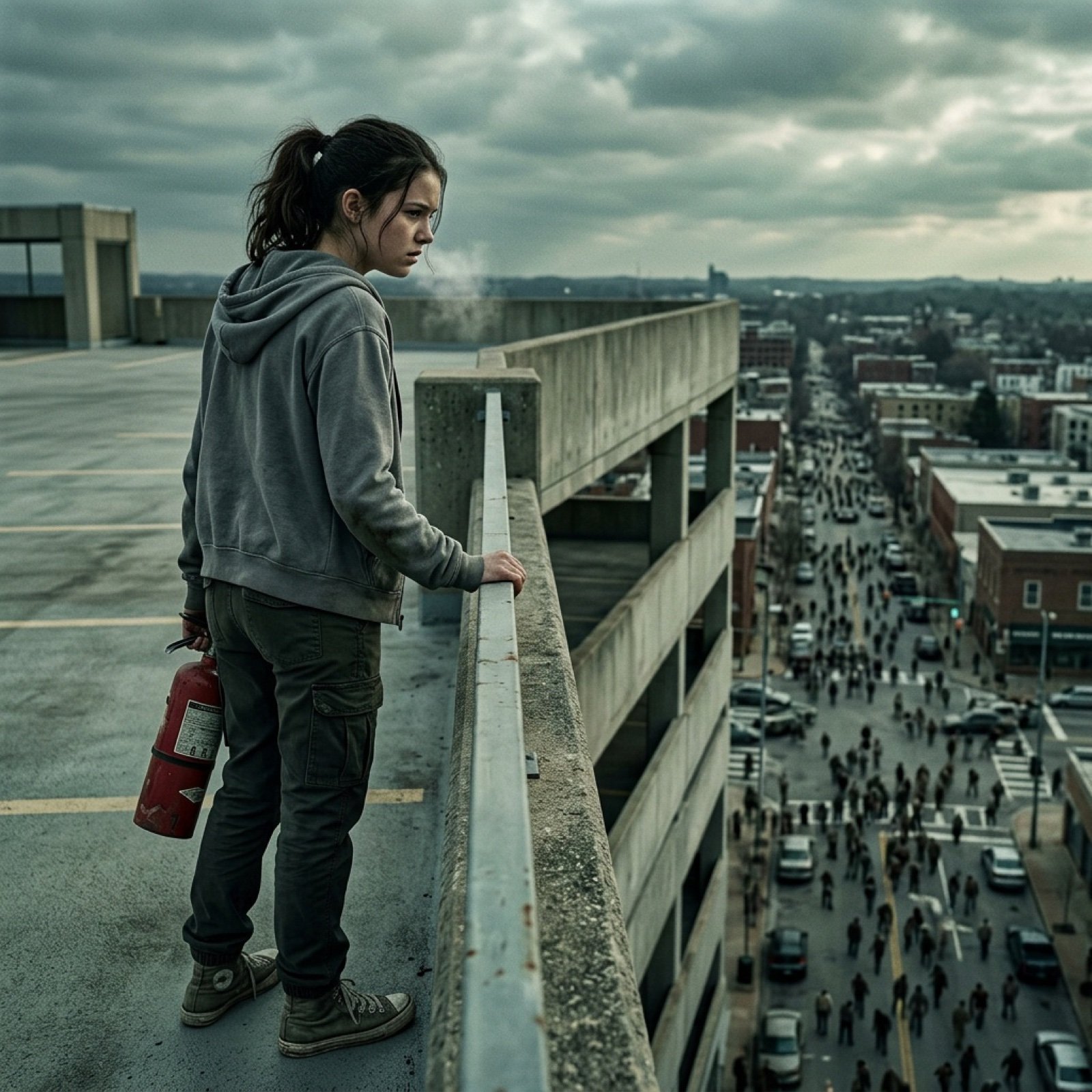
Seedance 2.0 - Zombie Girl Escapes
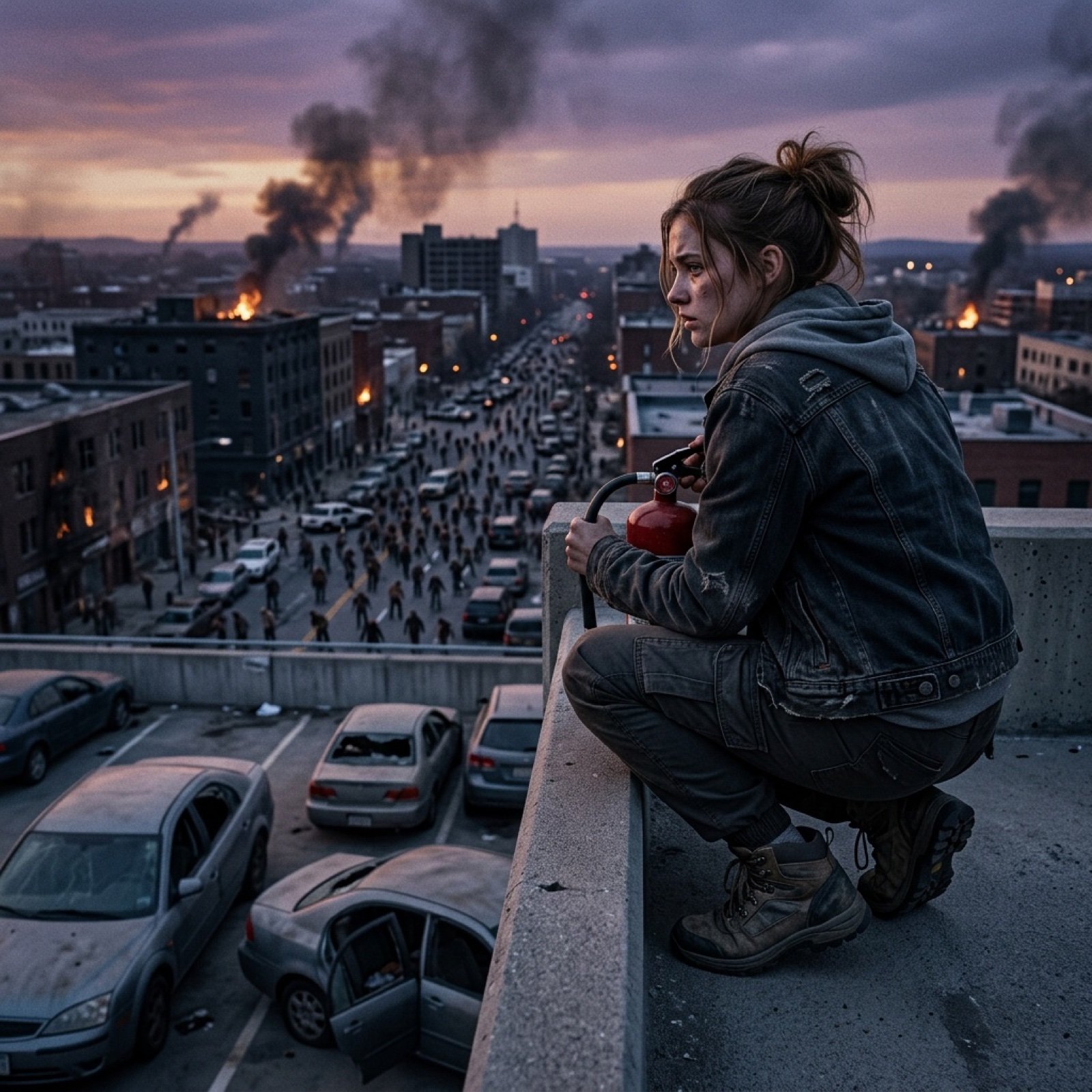
Seedance 2.0 - Zombie Girl Escapes
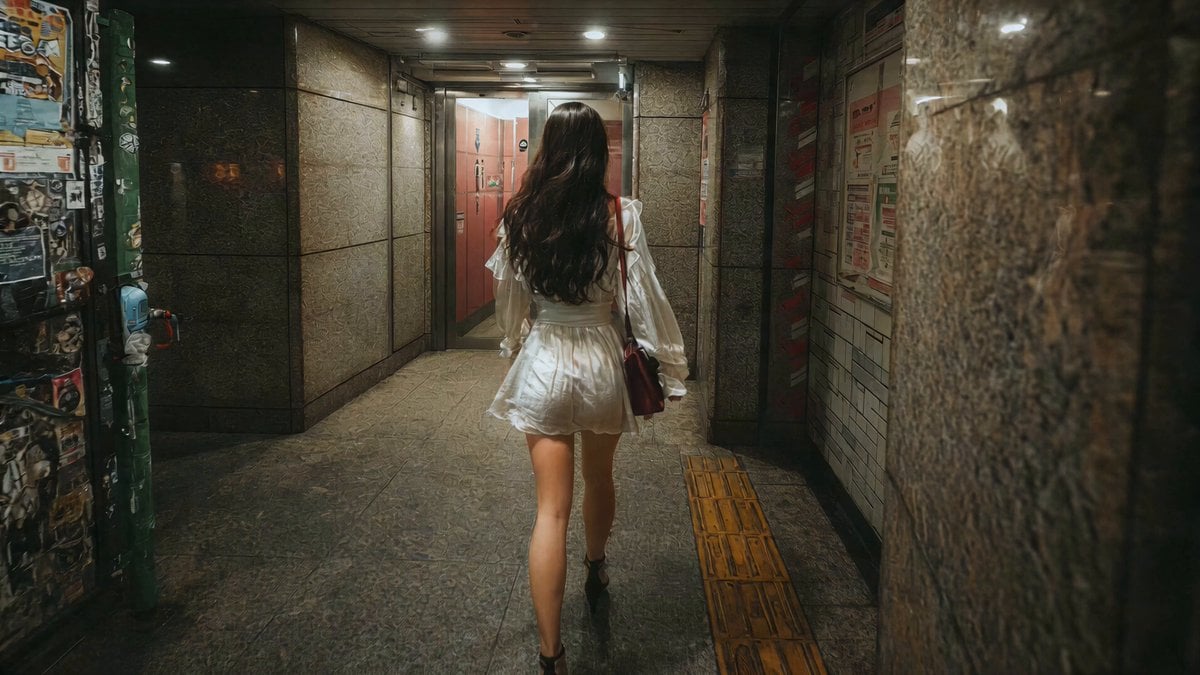
J-Horror Shibuya Station - Seedance 2.0

Horror Cinematic Portrait
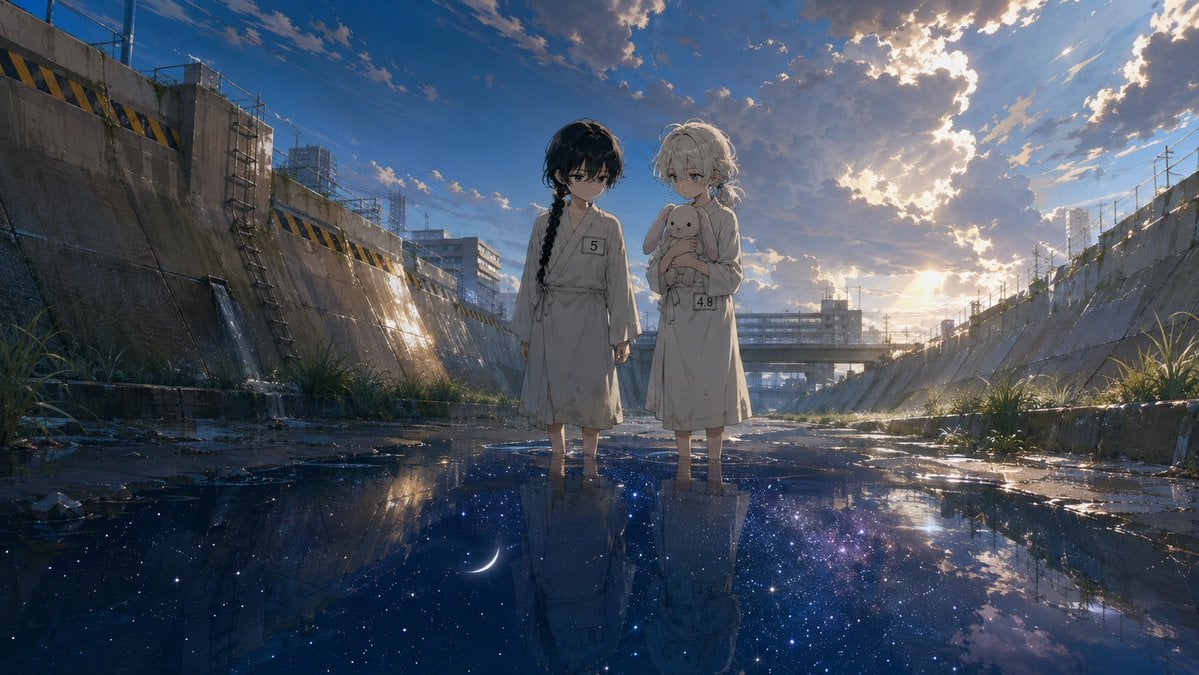
Anime Girls in Starry Flooded Canal
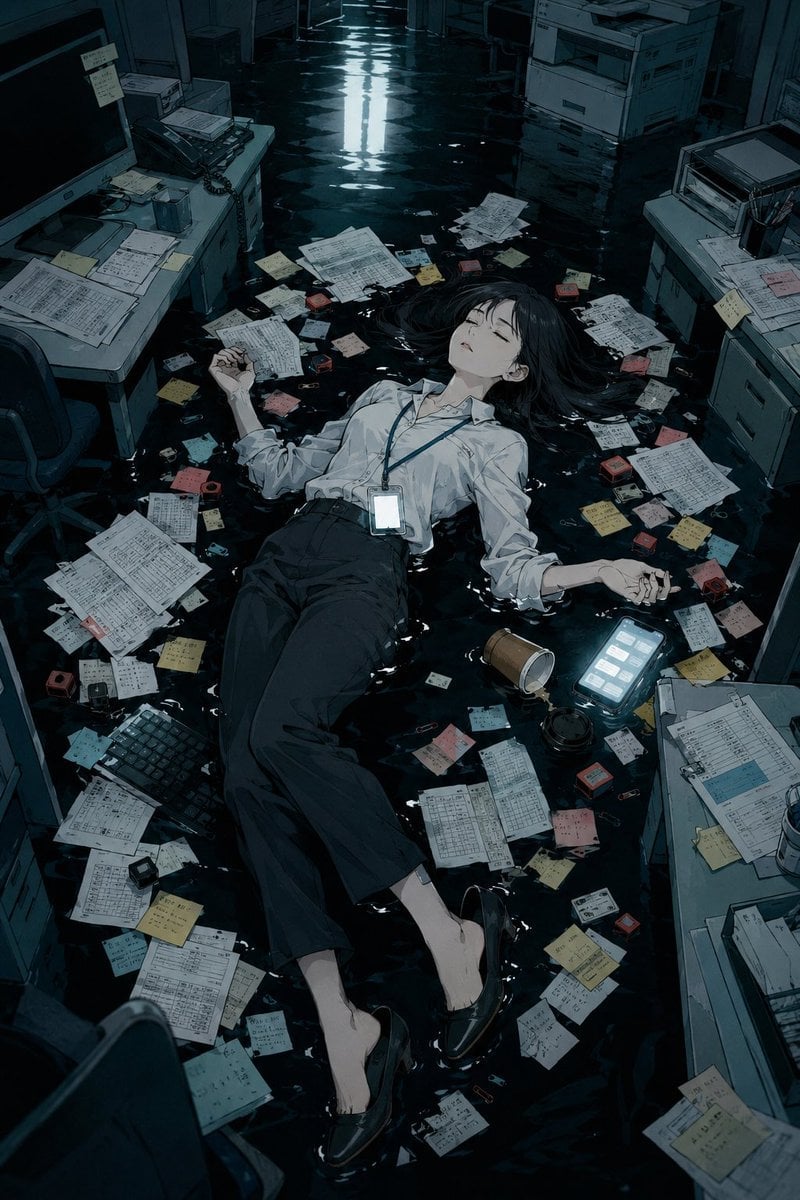
Flooded Office Burnout Anime Scene
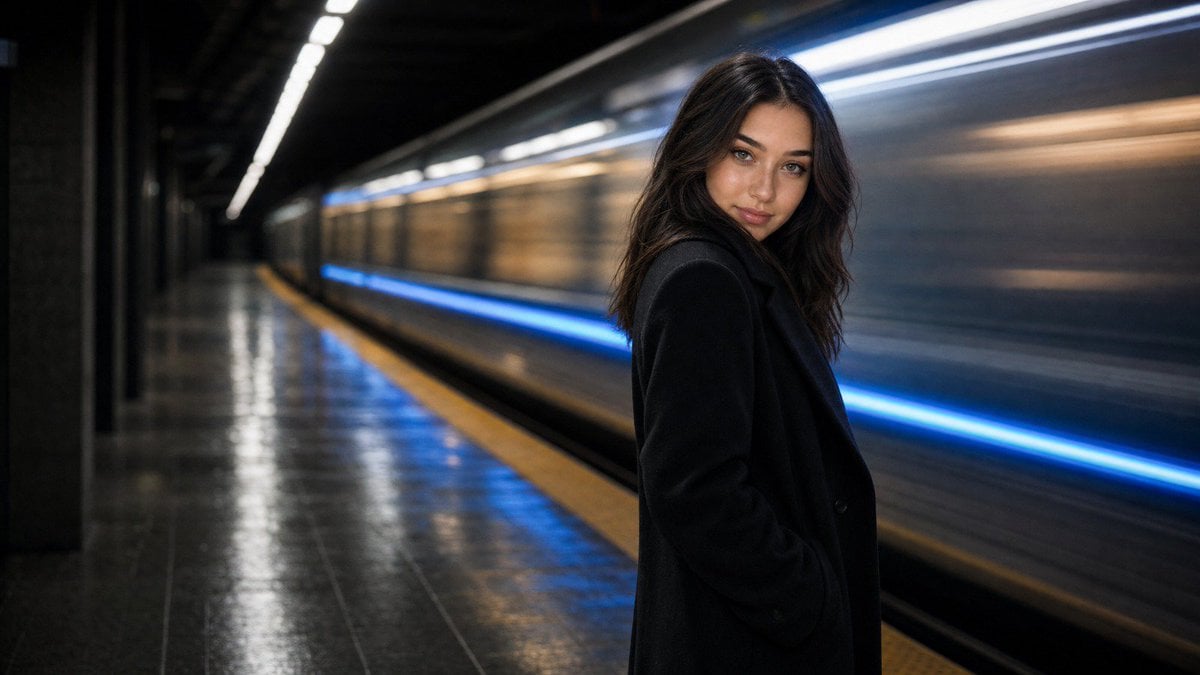
Cinematic Subway Editorial Portrait
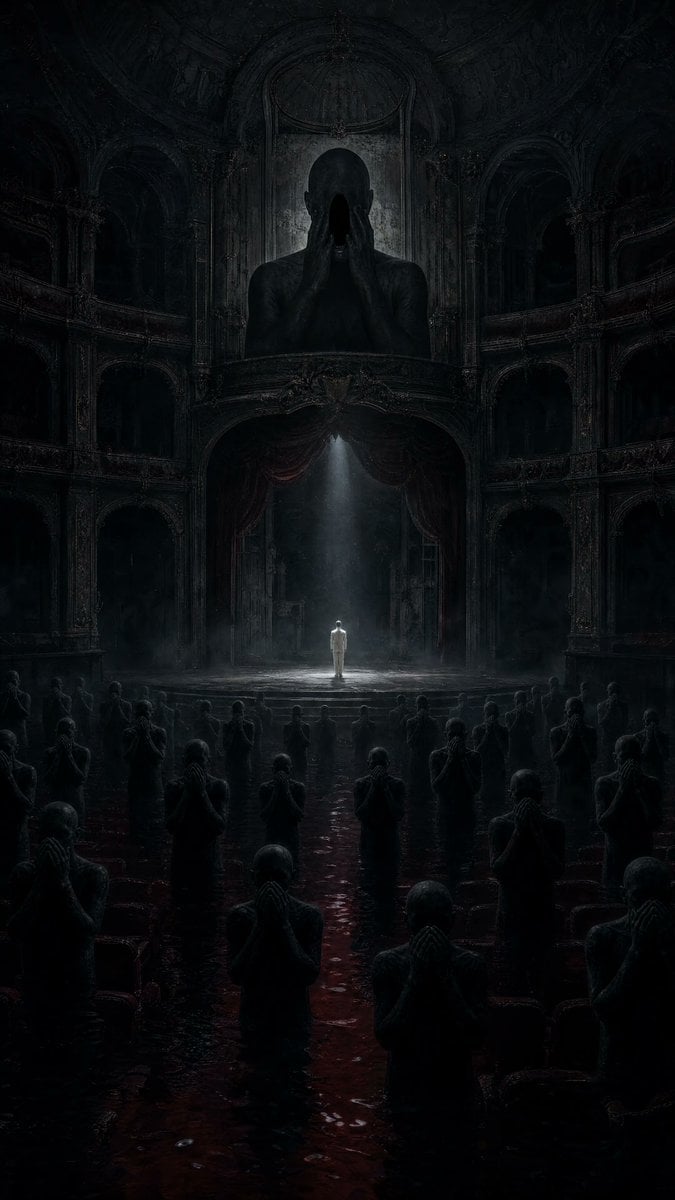
Dark Surrealist Flooded Opera House
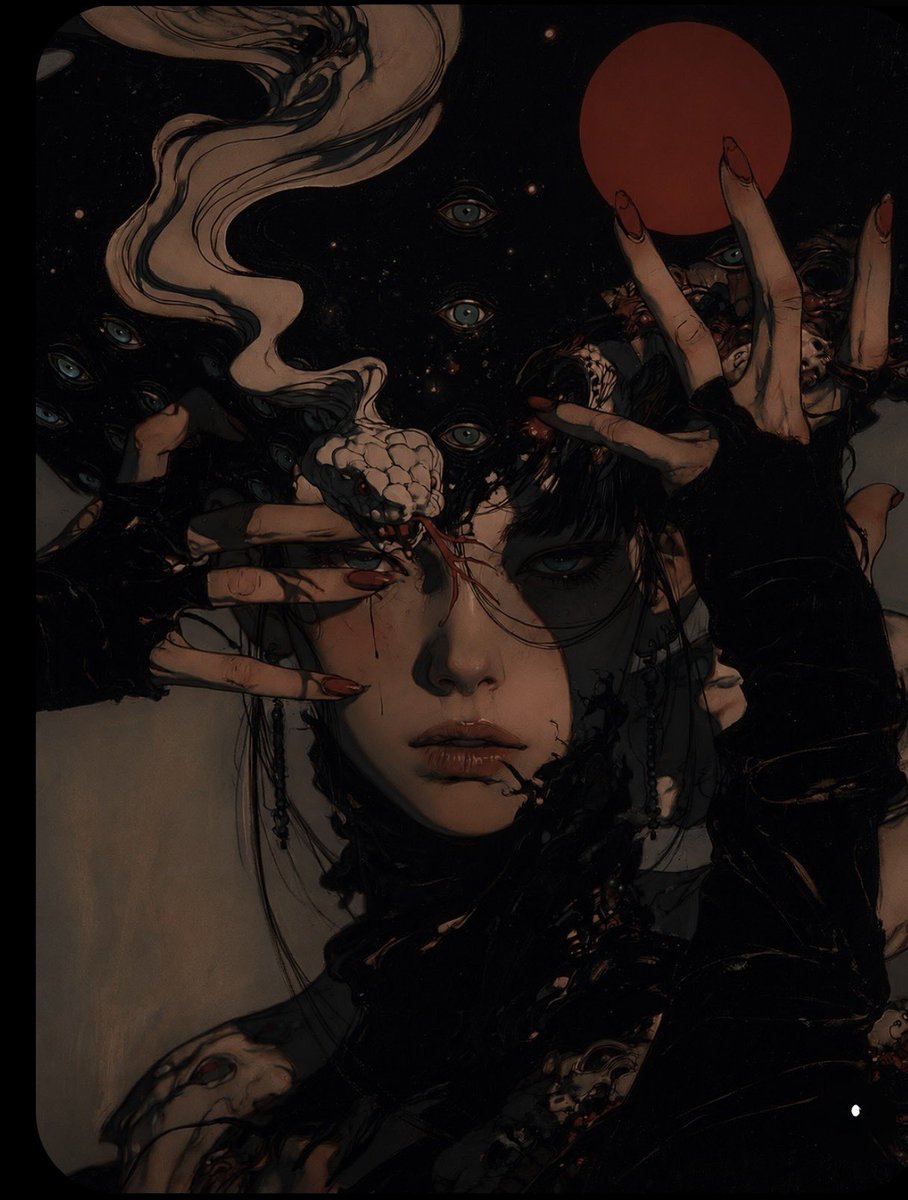
Surreal Gothic Horror Portrait
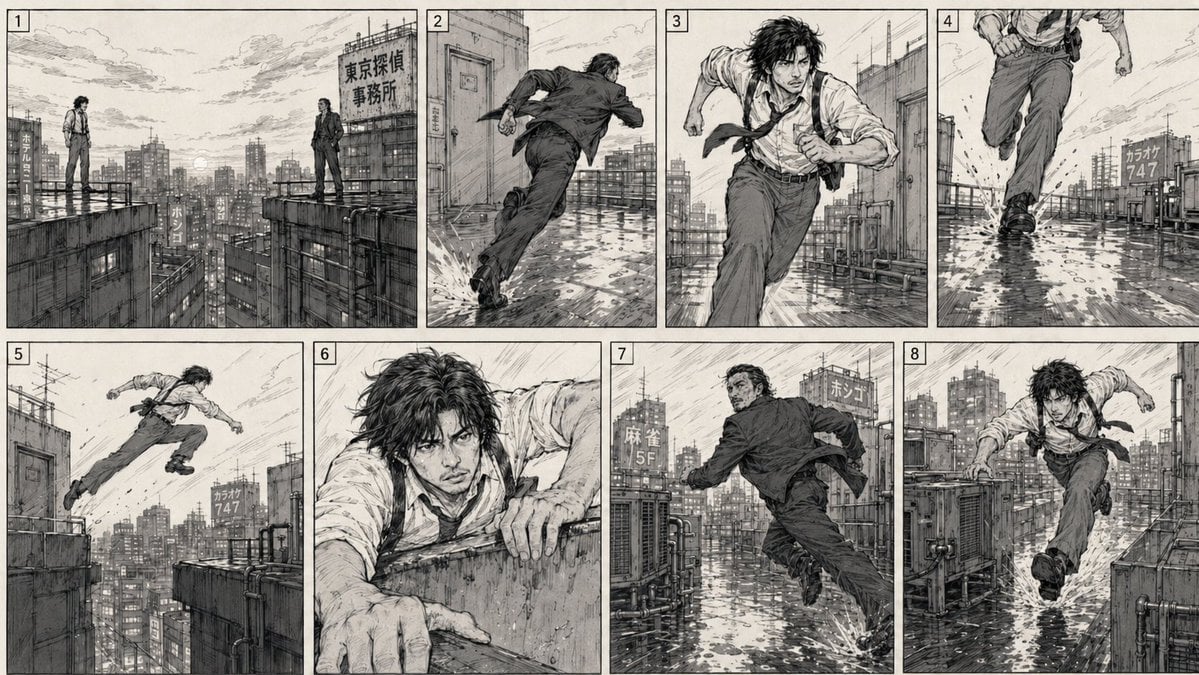
Action Chase 2D Storyboard
Make it yours
Flooded Subway Horror Chase works as-is. These are the safest ways to change it without losing the look.
Change one field
Copy a single group, rewrite it, and generate again so you can see what that field is doing.
Keep the frame, change the subject
Hold the composition and light of Flooded Subway Horror Chase, then swap wardrobe, props or the person for a new take.
| If the result… | Why | Fix |
|---|---|---|
| The result drifts from the preview | Too many fields changed at once. | Reuse Flooded Subway Horror Chase as-is first, then change one group — subject, light, or setting. |
| The model over-stylizes the scene | The prose prompt leaves finish and camera underspecified. | Add one camera or lighting sentence and stay on GPT Image 2. |
More GPT Image 2 templates
Other prompts made for GPT Image 2.

Six VTuber Japanese Logo Sheet

Realistic Portrait of Woman and Deer

The Vista Modular Condo Poster

AI Model Routing Comparison Infographic

2.5D Anime Art Board

Isometric Productivity Desk Scene

New York Double Exposure Poster

Four-Panel AI Landscape Comparison

Japanese Tatami Lifestyle Magazine Cover

NESCAFÉ Coffee Map Poster
More image prompts
Fresh picks from across the catalog.

Glossy magazine article layout from long text
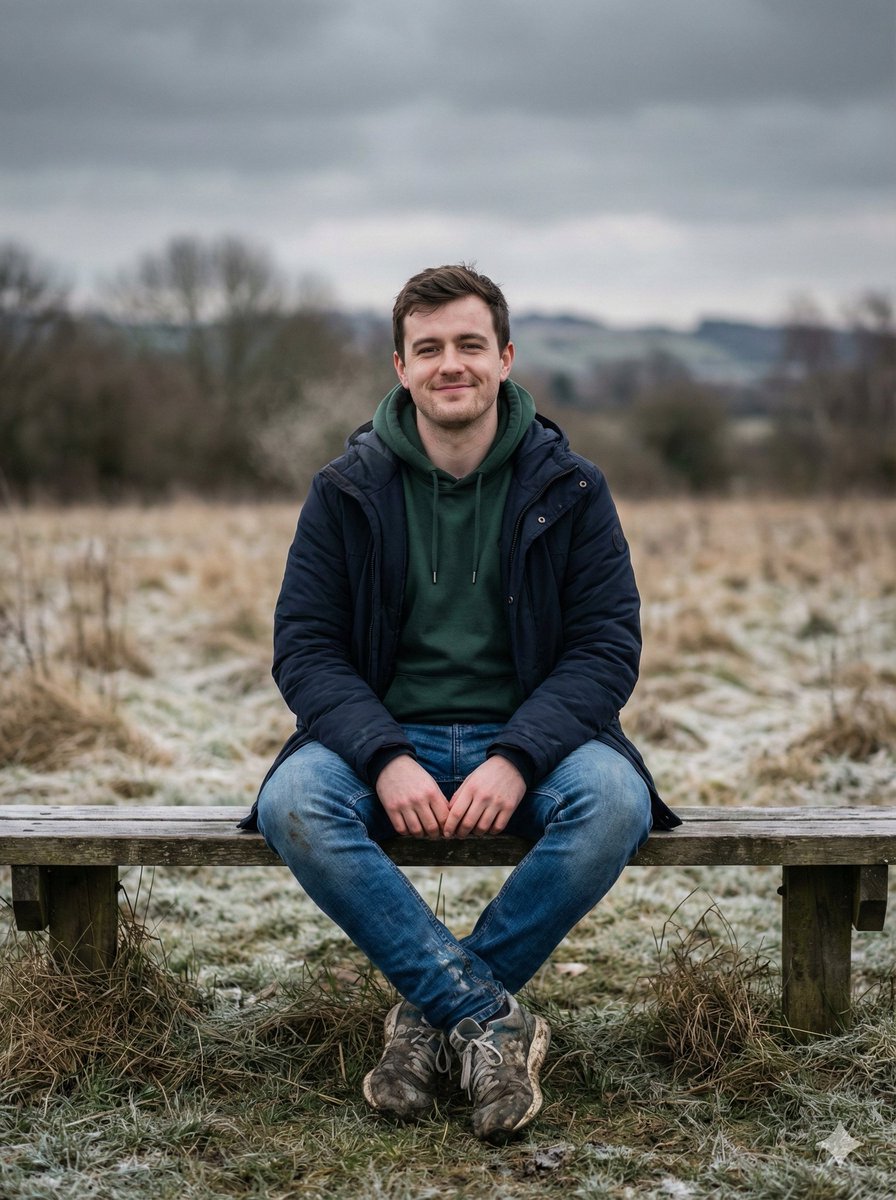
Cinematic Winter Portrait Prompt
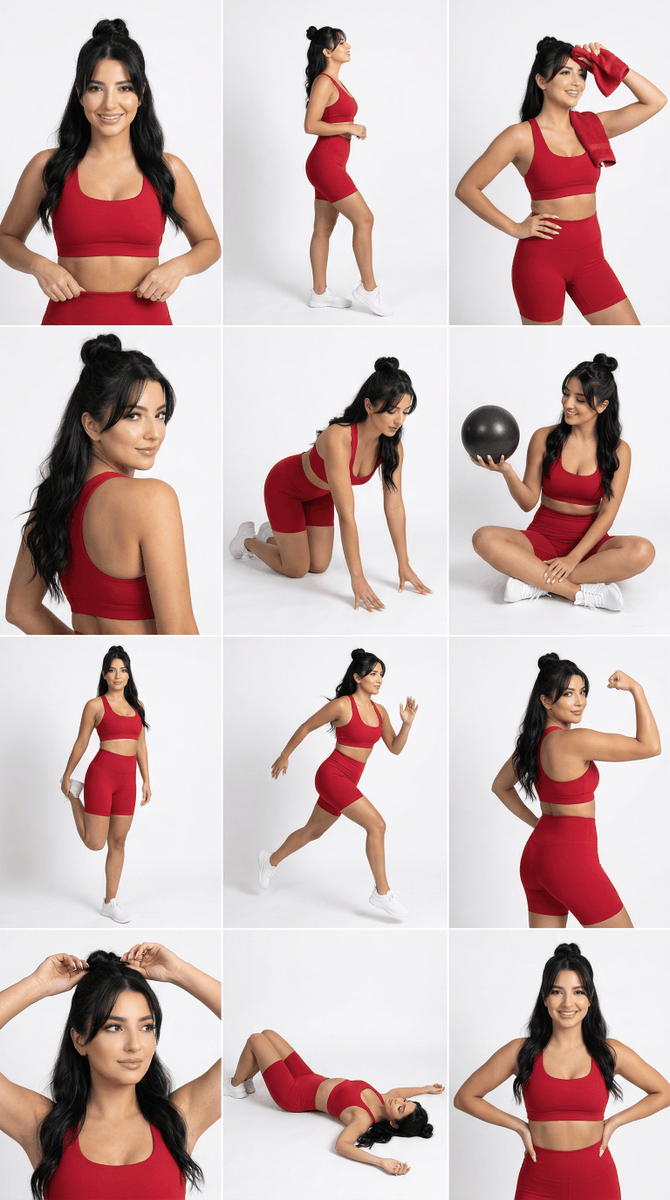
Strict Identity Activewear Grid Generation
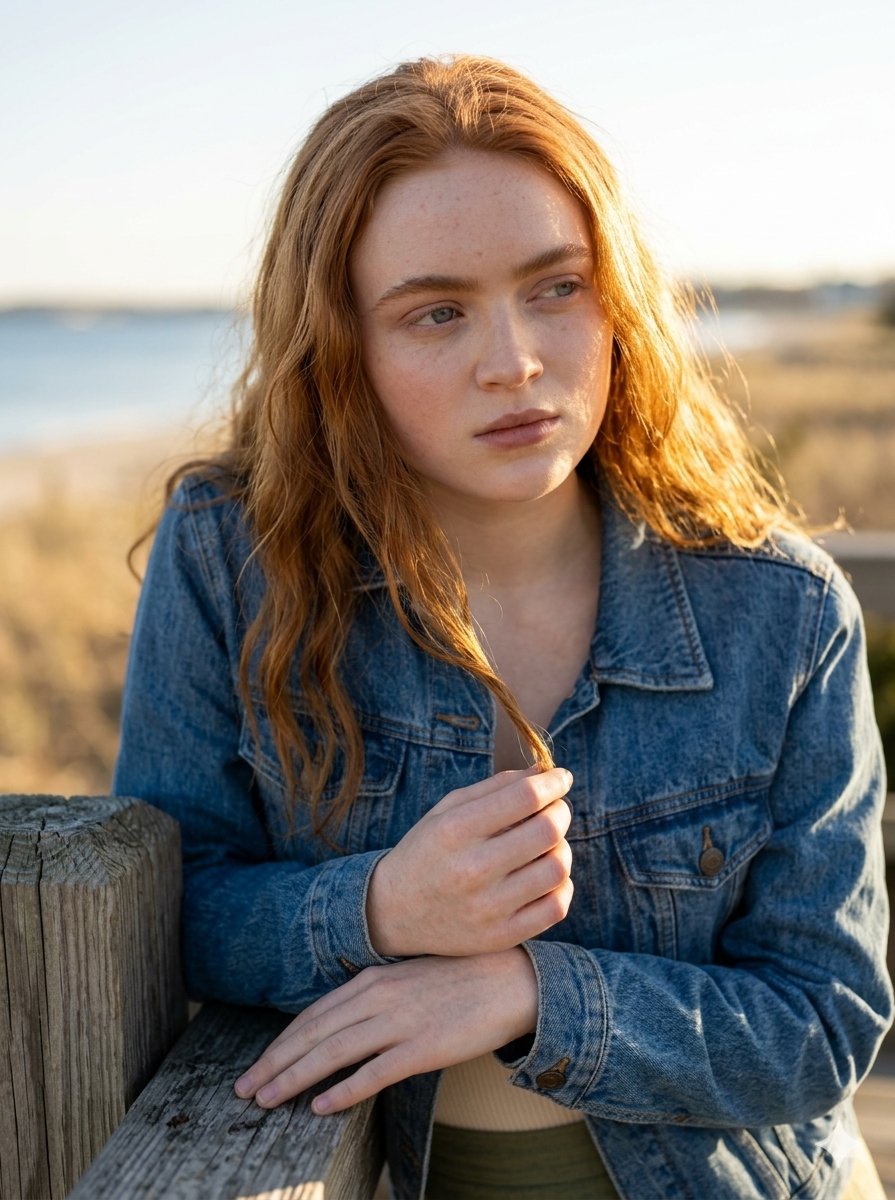
Golden Hour Portrait on a Boardwalk
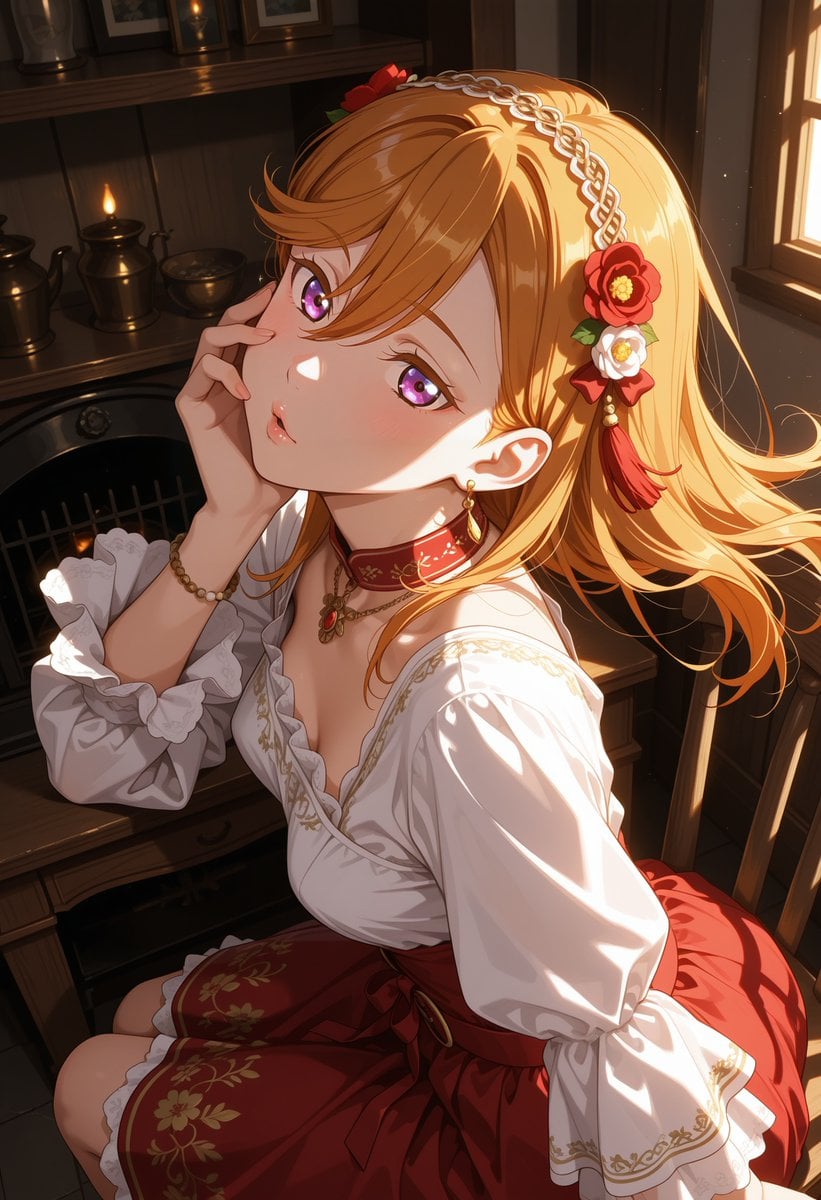
Victorian Maid Anime Portrait
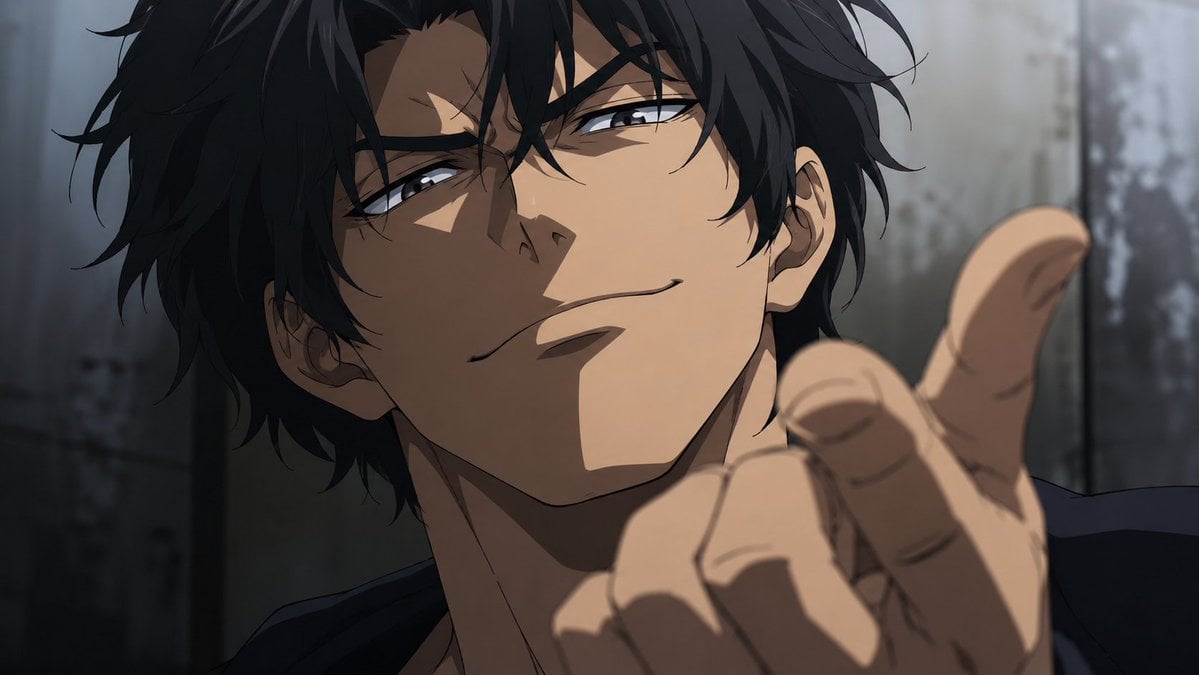
Smirking Anime Man Close-Up

Ancient Painting to Fine-Art Photograph
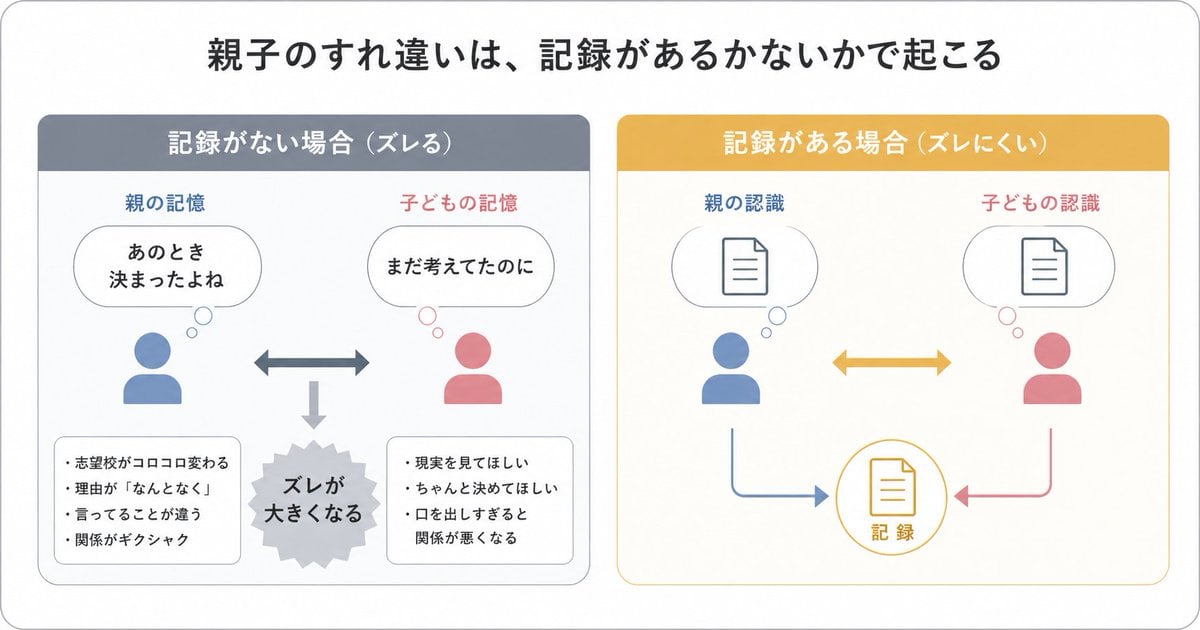
Gpt2 Infographic Edu Visual Parent Child Miscommunication Infographic
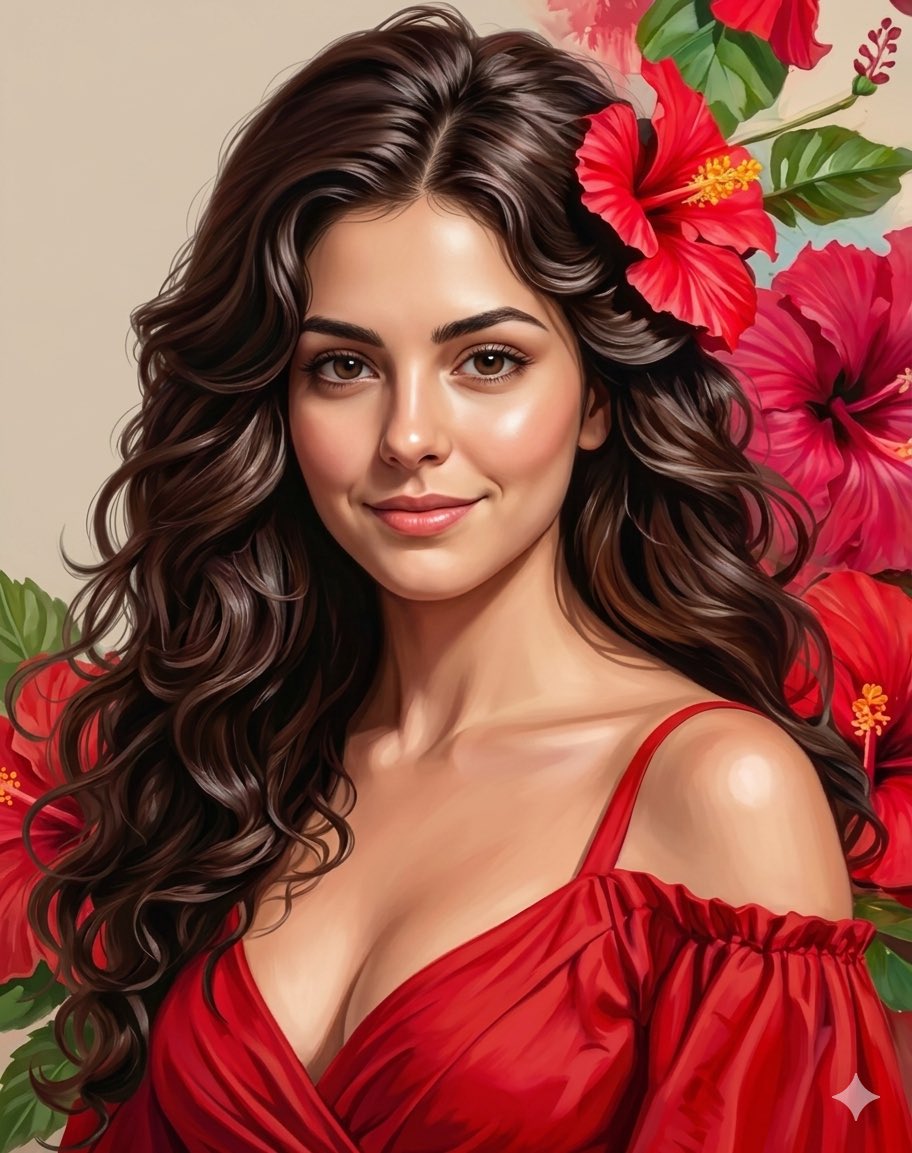
Romantic Digital Portrait with Hibiscus

Luxury Paparazzi Street Photography Prompt
Browse template categories
Flooded Subway Horror Chase questions
How do I use the Flooded Subway Horror Chase template?
Add your photo if the template asks for one, edit the prompt if you like — the template's model and format are already selected — and press Generate. Your version opens in PicX Studio.
Can I customize the Flooded Subway Horror Chase template?
Yes. You can change the subject, setting, lighting, mood, format, and available model controls before creating your image.
Is the Flooded Subway Horror Chase template free?
Opening and editing this template is free. Generating uses credits, shown on the Generate button when you are signed in.
Which AI model should I use?
Start with GPT Image 2, which is the model associated with this template. You can compare another compatible model for a different finish.
Looking for something else? Browse all templates.

Your photo, any look
Thousands of ready templates for every top image and video model, from one credit balance.