
Strict Identity Activewear Grid Generation
A highly detailed, structured JSON prompt for Nano Banana Pro to generate a 4x3 grid of activewear images, strictly preserving the identity and pose from a reference image while changing the outfit color to bold red in…
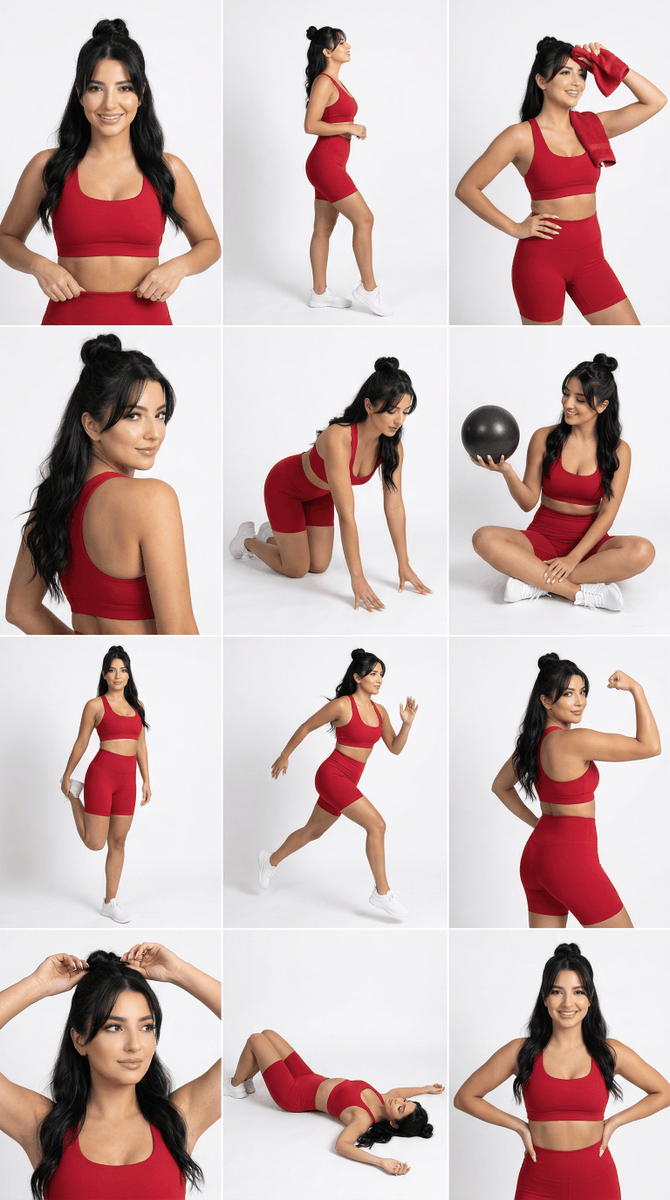
- Prompt included
- Model and format preset
- Free template
The prompt behind this image
Copy the exact prompt behind Strict Identity Activewear Grid Generation, or open it in the studio and make it yours.
- Generation Request › Meta Data › Tool
- NanoBanana Pro
- Generation Request › Meta Data › Task Type
- studio_activewear_4x3_grid_strict_identity
- Generation Request › Meta Data › Language
- en
- Generation Request › Meta Data › Priority
- highest
- Generation Request › Meta Data › Version
- v3.1_RED_ACTIVEWEAR_GRID_FACELOCK
- Generation Request › Input › Mode
- image_to_image
- Generation Request › Input › Reference Image Usage
- maximum
- Generation Request › Input › Preserve Identity
- true
- Generation Request › Input › Preserve Facial Features
- true
- Generation Request › Input › Preserve Pose
- true
- Generation Request › Input › Preserve Framing
- true
- Generation Request › Input › Notes
- Match the uploaded grid’s composition, camera angles, and pose variety. Keep the SAME woman identity from the uploaded face reference (exact facial structure). Only change the outfit color to a bold rich RED. No logos, no text.
- Generation Request › Identity Lock › Face Priority
- absolute
- Generation Request › Identity Lock › Face Geometry Lock
- true
- Generation Request › Identity Lock › Bone Structure Lock
- true
- Generation Request › Identity Lock › Eye Spacing Lock
- true
- Generation Request › Identity Lock › Lip Shape Lock
- true
- Generation Request › Identity Lock › Jawline Lock
- true
- Generation Request › Identity Lock › Eyebrow Shape Lock
- true
- Generation Request › Identity Lock › No Beautification
- true
- Generation Request › Identity Lock › No Symmetry Adjustment
- true
- Generation Request › Identity Lock › Face Embedding Weight
- 2.2
- Generation Request › Identity Lock › Structure Strength
- 0.98
- Generation Request › Output Settings › Aspect Ratio
- 1:1
Raw JSON
{
 "generation_request": {
 "meta_data": {
 "tool": "NanoBanana Pro",
 "task_type": "studio_activewear_4x3_grid_strict_identity",
 "language": "en",
 "priority": "highest",
 "version": "v3.1_RED_ACTIVEWEAR_GRID_FACELOCK"
 },

 "input": {
 "mode": "image_to_image",
 "reference_image_usage": "maximum",
 "preserve_identity": true,
 "preserve_facial_features": true,
 "preserve_pose": true,
 "preserve_framing": true,
 "notes": "Match the uploaded grid’s composition, camera angles, and pose variety. Keep the SAME woman identity from the uploaded face reference (exact facial structure). Only change the outfit color to a bold rich RED. No logos, no text."
 },

 "identity_lock": {
 "face_priority": "absolute",
 "face_geometry_lock": true,
 "bone_structure_lock": true,
 "eye_spacing_lock": true,
 "lip_shape_lock": true,
 "jawline_lock": true,
 "eyebrow_shape_lock": true,
 "no_beautification": true,
 "no_symmetry_adjustment": true,
 "face_embedding_weight": 2.2,
 "structure_strength": 0.98
 },

 "output_settings": {
 "aspect_ratio": "1:1",
 "resolution_target": "ultra_high_res",
 "num_images": 1,
 "layout": {
 "type": "grid",
 "rows": 4,
 "cols": 3,
 "gutter": "thin",
 "outer_border": "none",
 "panel_consistency": "high"
 },
 "sharpness": "editorial_crisp",
 "grain": "subtle_studio"
 },

 "scene": {
 "environment": "clean white seamless studio background",
 "lighting": {
 "style": "soft studio fashion lighting",
 "key_light": "large softbox front-left",
 "fill": "soft fill front-right",
 "shadow": "light soft shadow on floor and backdrop"
 },
 "camera": {
 "lens": "50-85mm",
 "look": "ecommerce fitness campaign, clean and crisp",
 "focus": "eyes and fabric texture sharp"
 }
 },

 "wardrobe": {
 "set": "sports bra + high-waist biker shorts activewear set",
 "color": "solid bold rich red",
 "material": "matte performance fabric with slight compression sheen",
 "rules": "no logos, no brand marks, no text"
 },

 "styling": {
 "hair": "same as reference (do not change hairstyle structure)",
 "makeup": "natural clean sporty glam, not heavy",
 "accessories": "optional small simple earrings only"
 },

 "props": {
 "allow": ["small black workout ball in 1 panel"],
 "avoid": ["readable labels", "phones with text", "water bottles with logos"]
 },

 "anatomy_and_hands": {
 "hands_priority": "maximum",
 "avoid": ["extra fingers", "missing fingers", "warped wrists", "broken elbows", "uneven shoulders"]
 },

 "quality_control": {
 "avoid": [
 "identity drift",
 "different face",
 "face morphing",
 "cartoon/anime",
 "plastic skin",
 "blur",
 "text",
 "watermark",
 "logo",
 "extra people"
 ]
 },

 "negative_prompt": [
 "brand logo",
 "text",
 "watermark",
 "extra people",
 "wrong face",
 "face changes",
 "distorted hands",
 "extra fingers",
 "missing fingers",
 "lowres",
 "blurry"
 ]
 }
}How to use Strict Identity Activewear Grid Generation in 3 steps
- 1Upload ImagePNG, JPG or paste
Add your photo
Upload the photo the template builds on. The prompt, model and format are already set.
- 2…a portrait of your subject in softgolden-hour light, 85mm…
Personalize
Edit the subject and creative details for your destination.
- 3Generate
Generate
Press Generate — your image is created in PicX Studio, so you can compare it with the original and refine one variable at a time.
More like this
Templates with the same subject, style or setup. Open one to see its prompt.
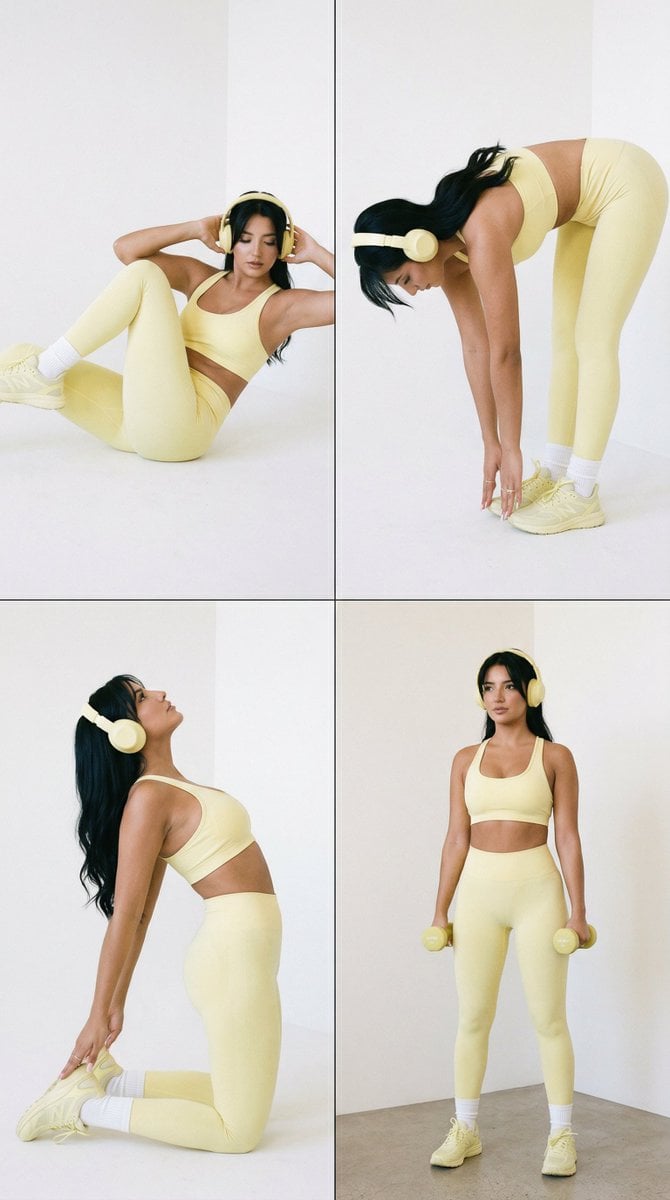
Nano Banana Pro Fitness Editorial Grid Prompt (Yellow Activewear, Identity Locked)

Anime Girl Generation Grid

Korean Luxury Fashion Editorial 2x2 Grid Series

Minimalist Fashion Editorial Split Layout

Ultra-Realistic Vogue-Style Editorial Fashion Grid

Headphones Lifestyle Nine Panel Grid
Identity Preserving Portrait Generation

4x4 Grid - Candid Nostalgic Vacation Selfies

Movement Sheet - Dance Reference (Seedance 2.0)
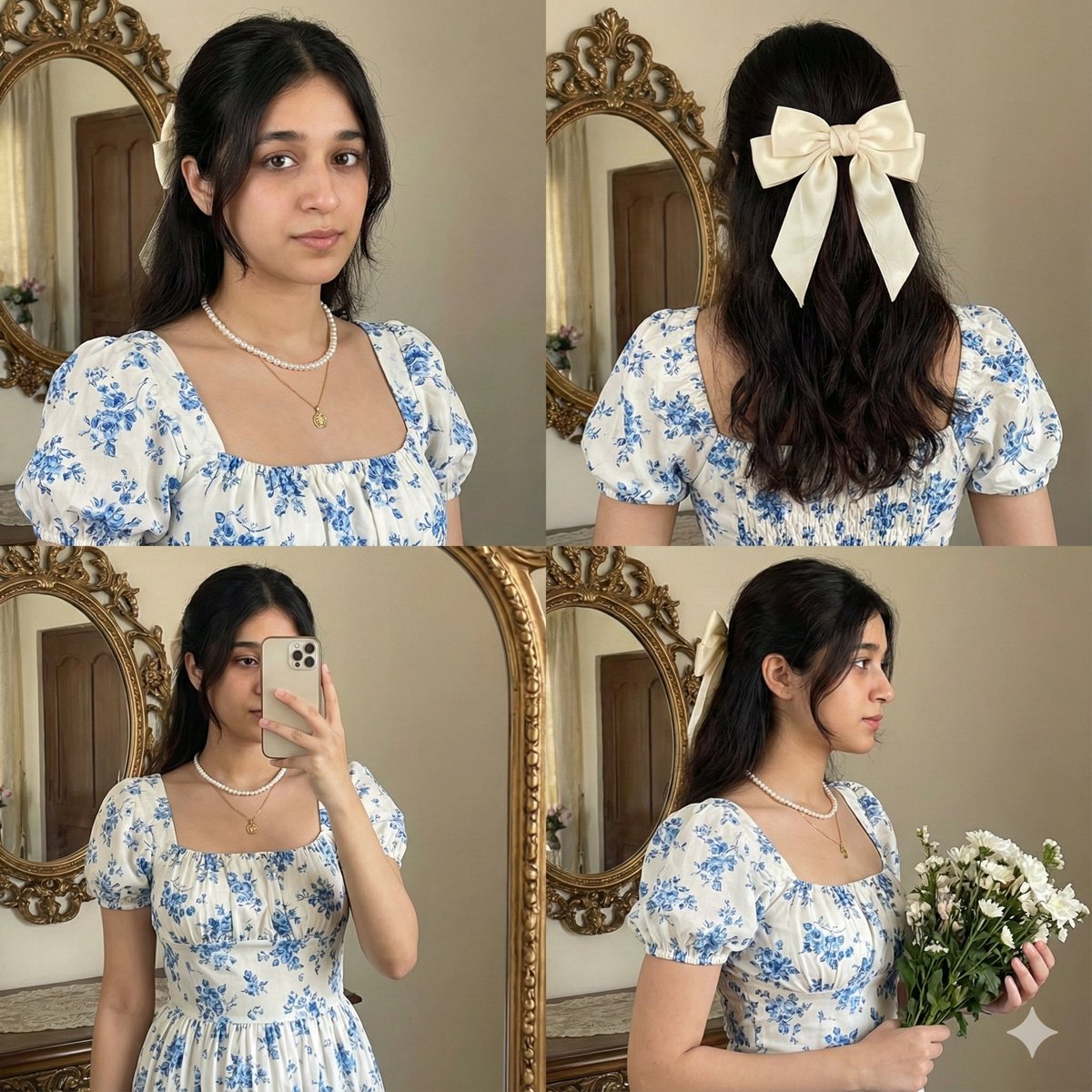
2x2 Collage with Strict Identity and Pose Matching

16K Cinematic Night Portrait with Strict Identity Lock
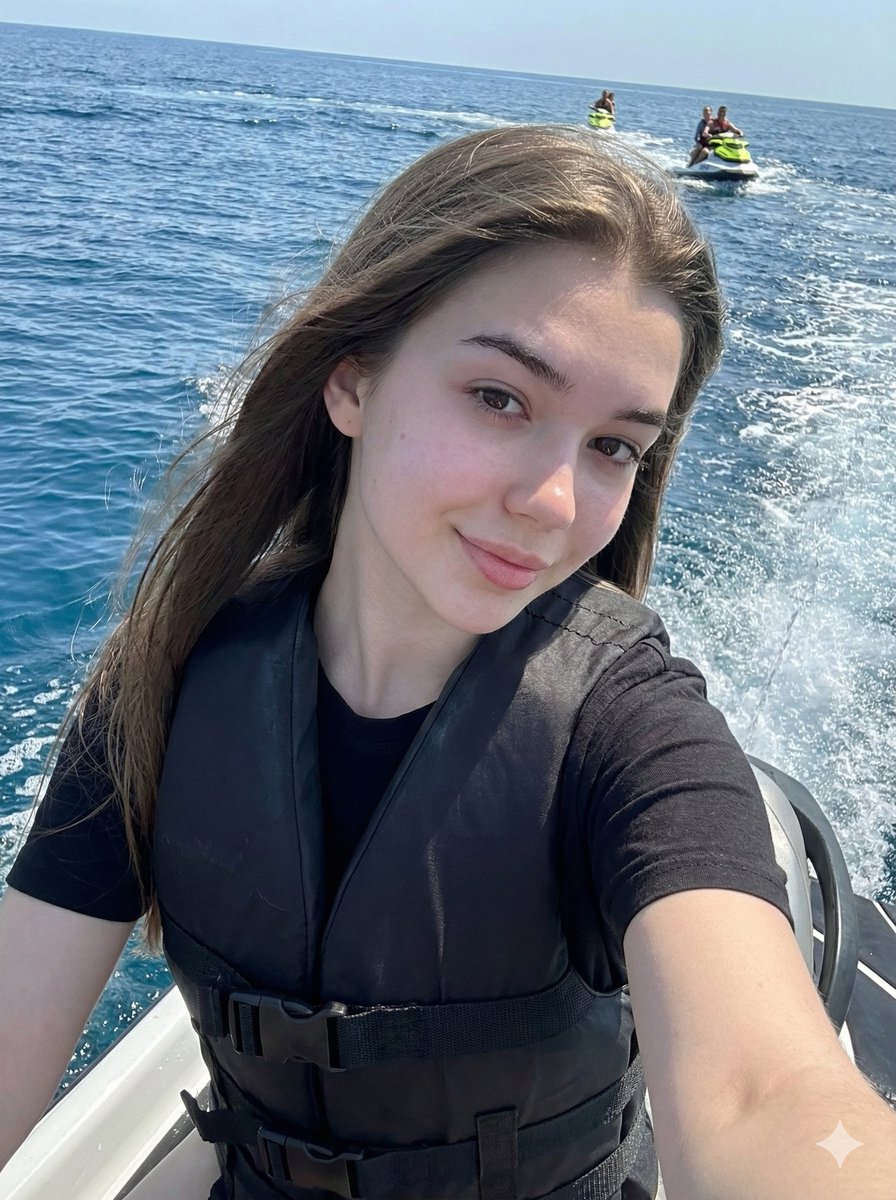
Vibrant Jet Ski Selfie with Strict Identity Lock
Make it yours
Strict Identity Activewear Grid Generation works as-is. These are the safest ways to change it without losing the look.
Swap the setting
Keep the rest of the prompt and replace the location block. The current setting is “1:1”.
Swap the light
One lighting change is enough to compare takes. Current light: “soft studio fashion lighting”.
Change one field
Copy a single group, rewrite it, and generate again so you can see what that field is doing.
| If the result… | Why | Fix |
|---|---|---|
| The result drifts from the preview | Too many fields changed at once. | Reuse Strict Identity Activewear Grid Generation as-is first, then change one group — subject, light, or setting. |
| Nano Banana 2 ignores part of the JSON | Some models flatten or skip nested keys. | Keep the same values and paste them as a short paragraph instead. |
More Nano Banana 2 templates
Other prompts made for Nano Banana 2.

Photorealistic Leaf Shaped Like a Dragon

K-Pop Idol Portrait Grid for Rapid Selection

Poetic Rain Forest Portrait During Golden Hour

Urban Street Portrait with Cartoon Inner Self Duo

Candid Nighttime Photo with Cat Prompt

High-Concept 3D Diorama Generation Prompt

Cinematic Futuristic Studio Portrait Template

Skincare Editorial Photography Collage Prompt

Hyper-Realistic Commercial Product Photography (Splash Effect)

Hyper-Realistic Nightclub Portrait Prompt
More image prompts
Fresh picks from across the catalog.
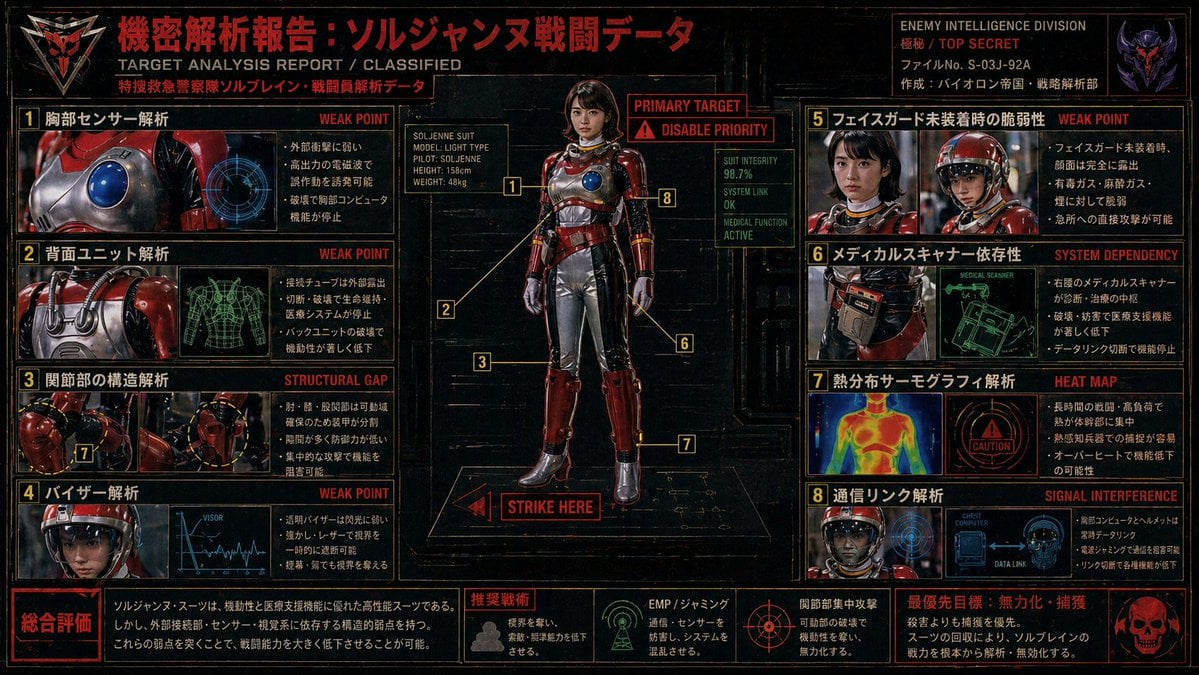
Classified Tokusatsu Target Analysis Poster
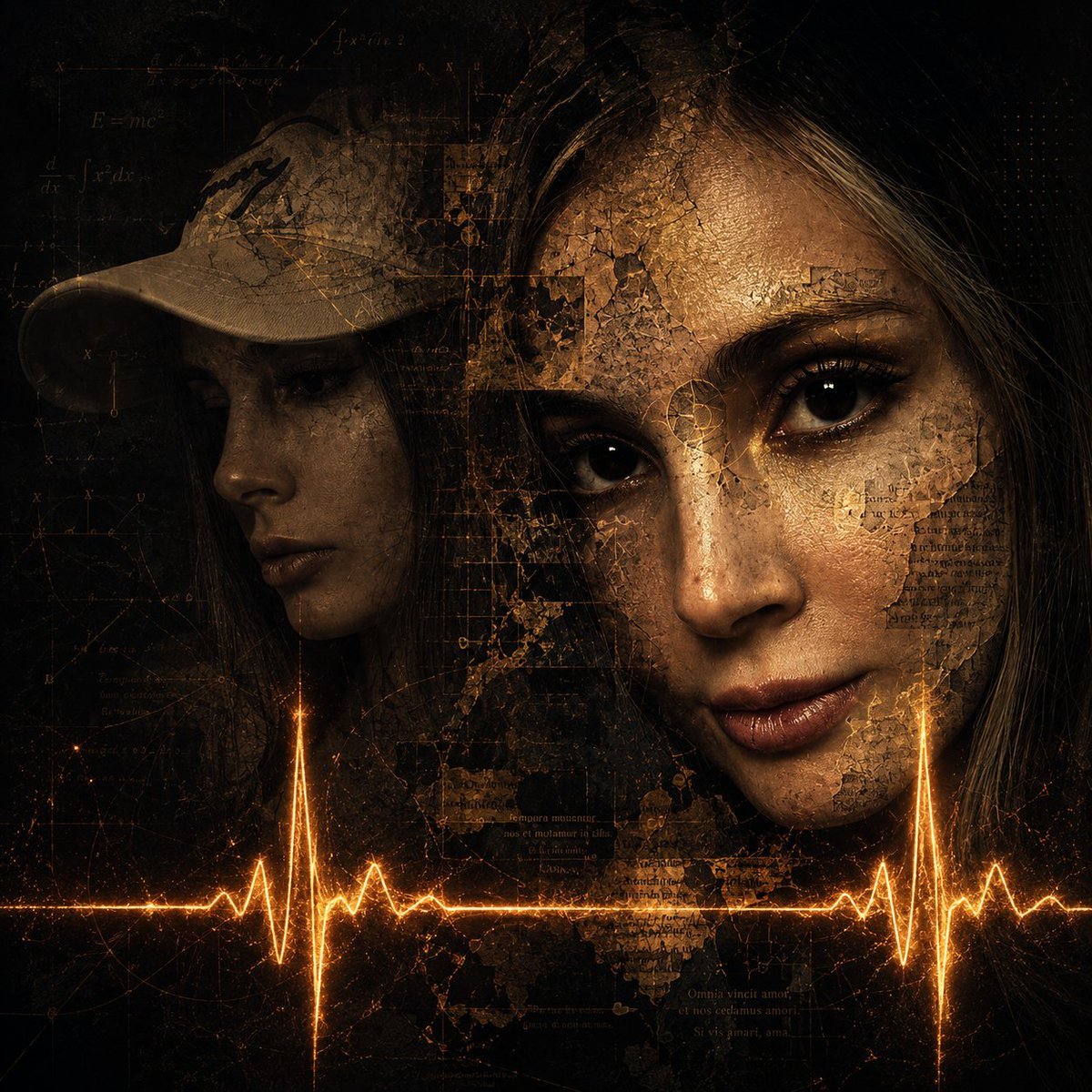
Surreal Dark Digital Collage
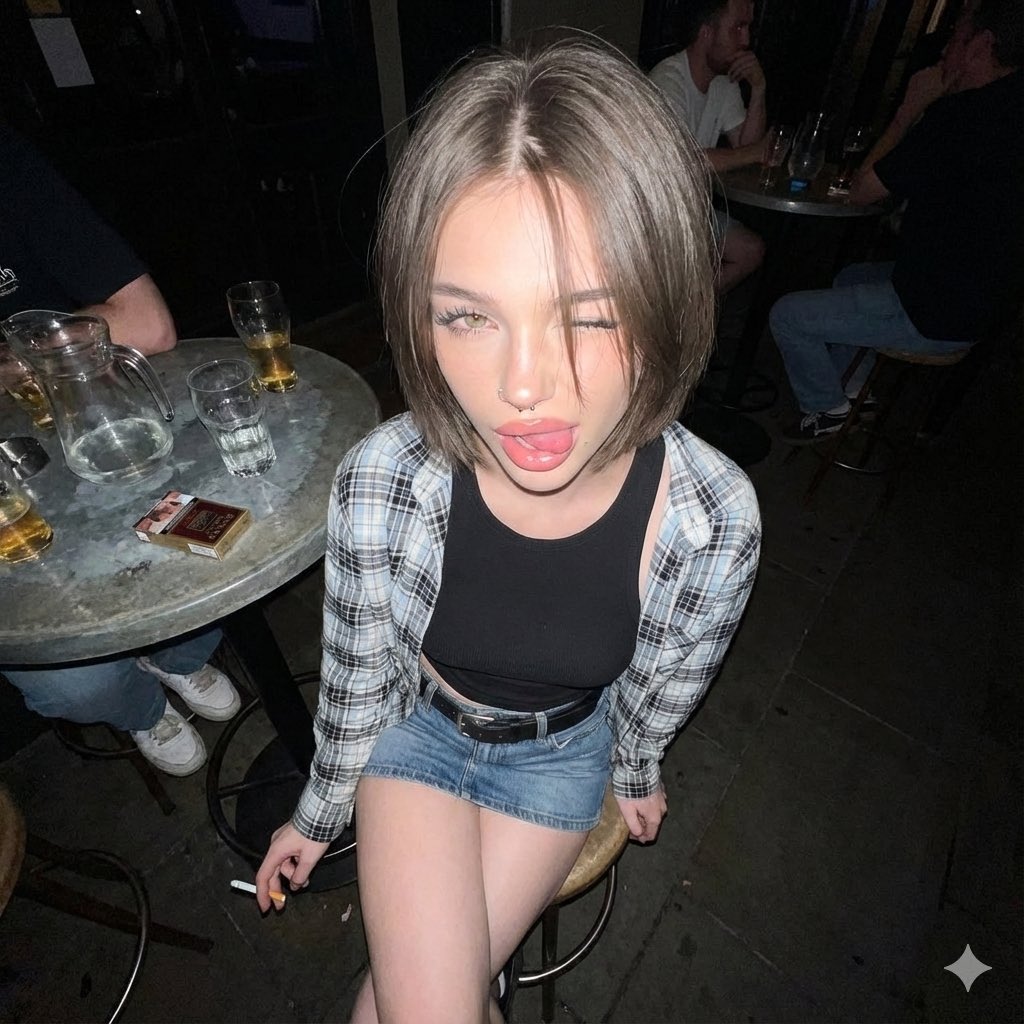
Y2K Grunge Flash Photography Snapshot
Premium Beverage Commercial Poster
Rough Oil Painting Style Illustration
Ultra-Realistic Studio Portrait of Man in Mustard Hoodie
Luxury Travel Poster Transformation
3D Render of Edible Letters Candy
Dreamlike Fantasy Forest Boy
Blond Apron Man Serving Heart Omurice
Browse template categories
Strict Identity Activewear Grid Generation questions
How do I use the Strict Identity Activewear Grid Generation template?
Add your photo if the template asks for one, edit the prompt if you like — the template's model and format are already selected — and press Generate. Your version opens in PicX Studio.
Can I customize the Strict Identity Activewear Grid Generation template?
Yes. You can change the subject, setting, lighting, mood, format, and available model controls before creating your image.
Is the Strict Identity Activewear Grid Generation template free?
Opening and editing this template is free. Generating uses credits, shown on the Generate button when you are signed in.
Which AI model should I use?
Start with Nano Banana 2, which is the model associated with this template. You can compare another compatible model for a different finish.
Looking for something else? Browse all templates.

Your photo, any look
Thousands of ready templates for every top image and video model, from one credit balance.